Viking City Builder-ray-tracing-6

Viking City Builder will support Ray Tracing & DLSS 2.0, comparison screenshots released

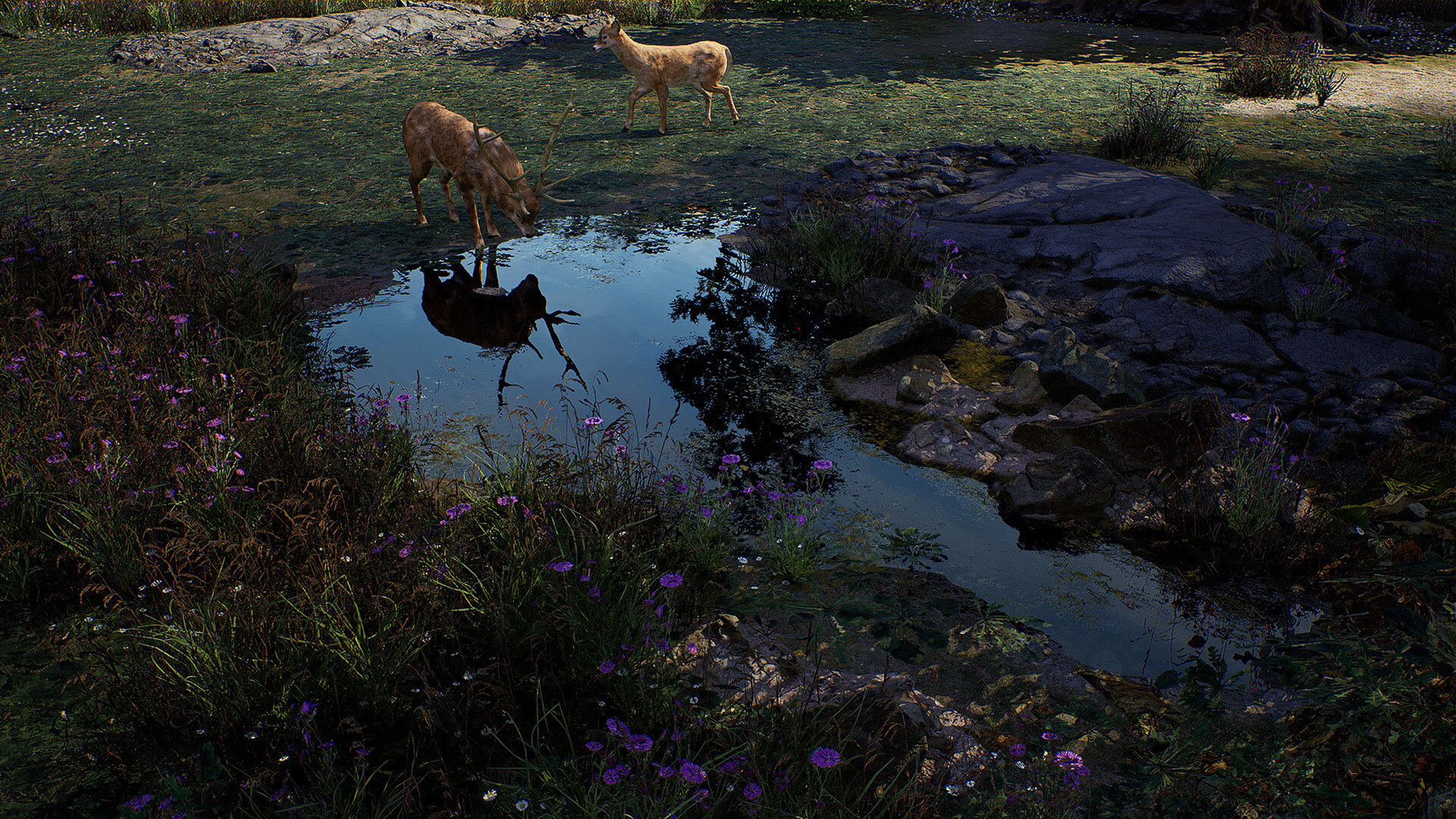
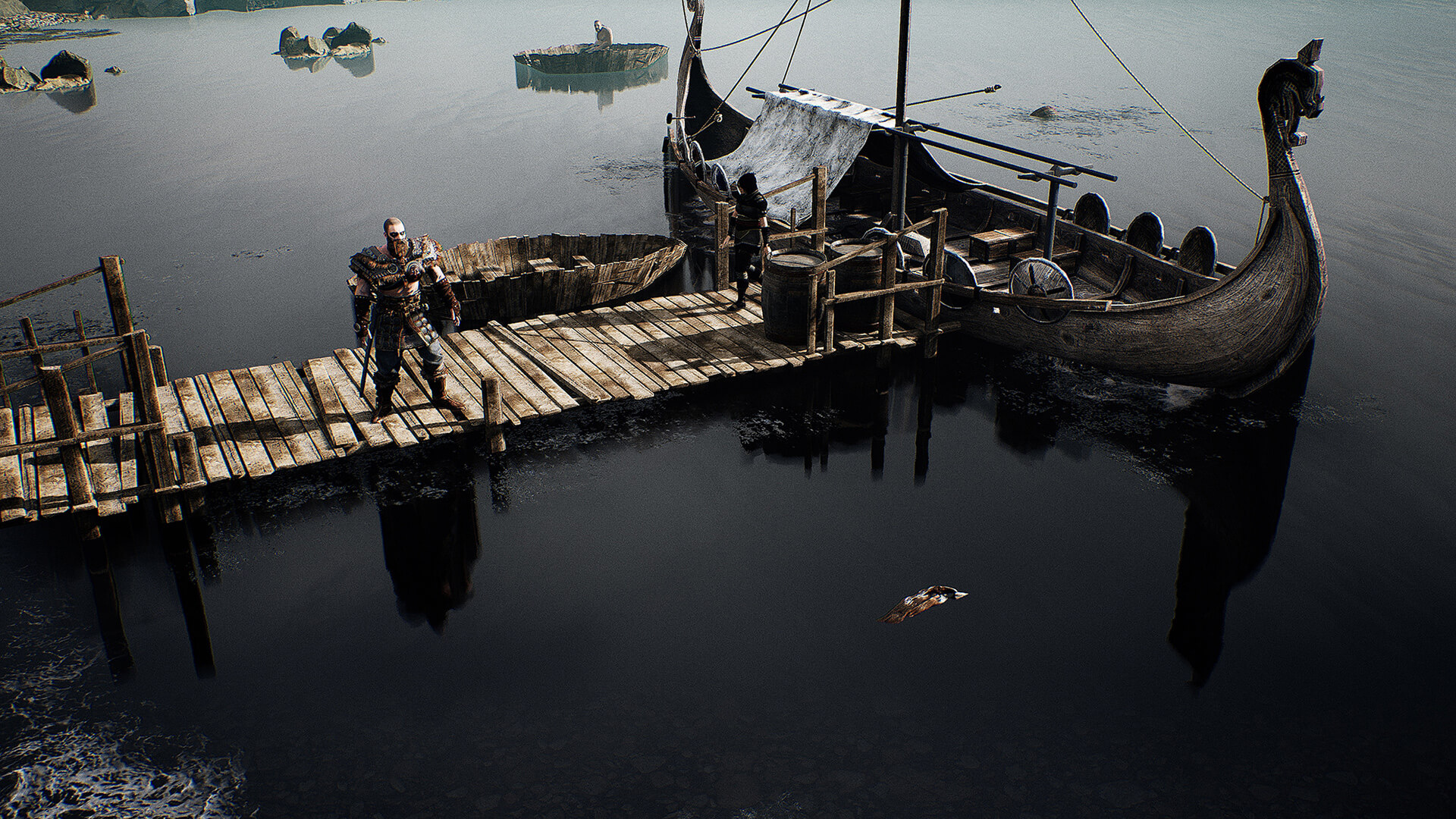
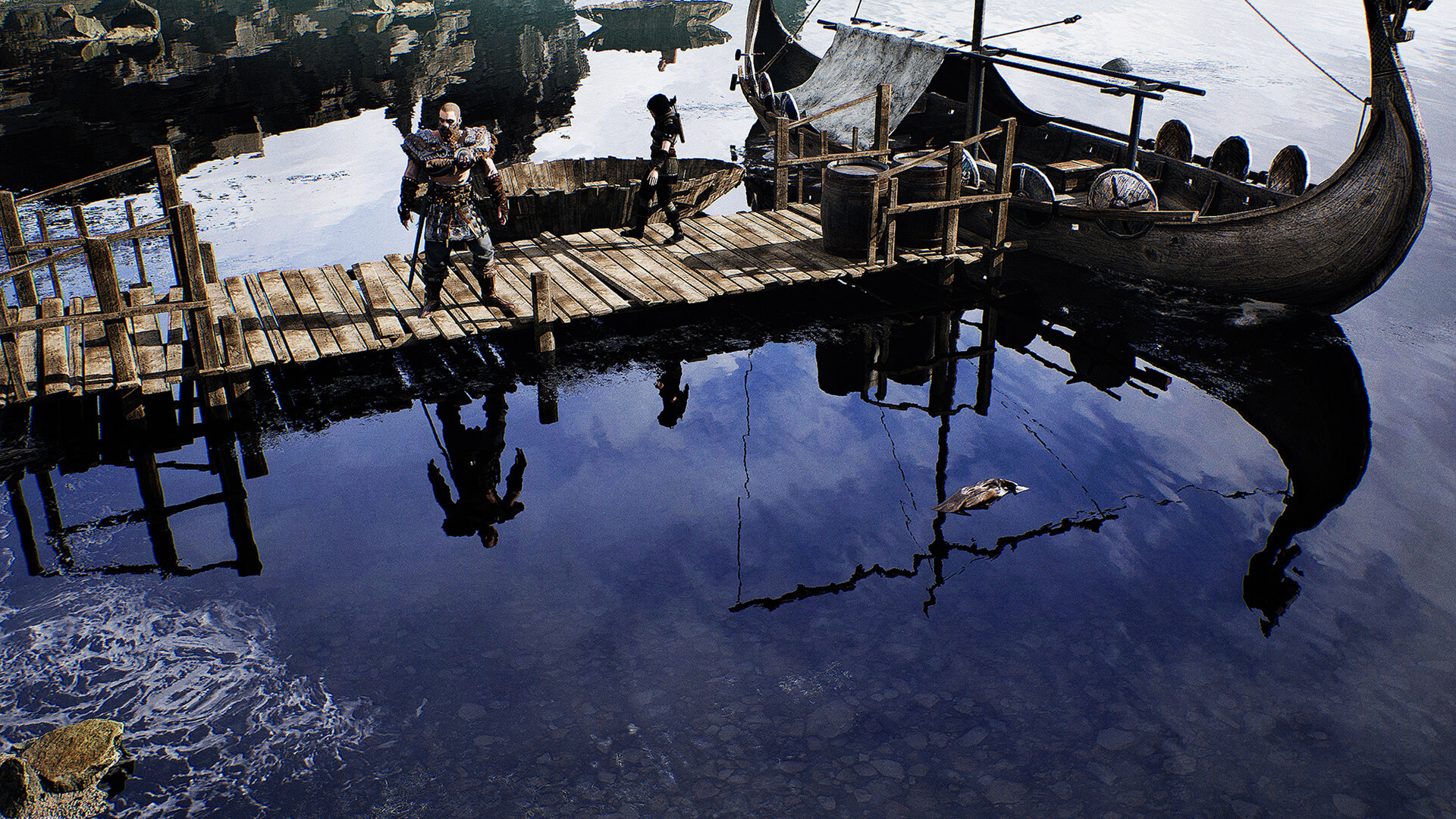
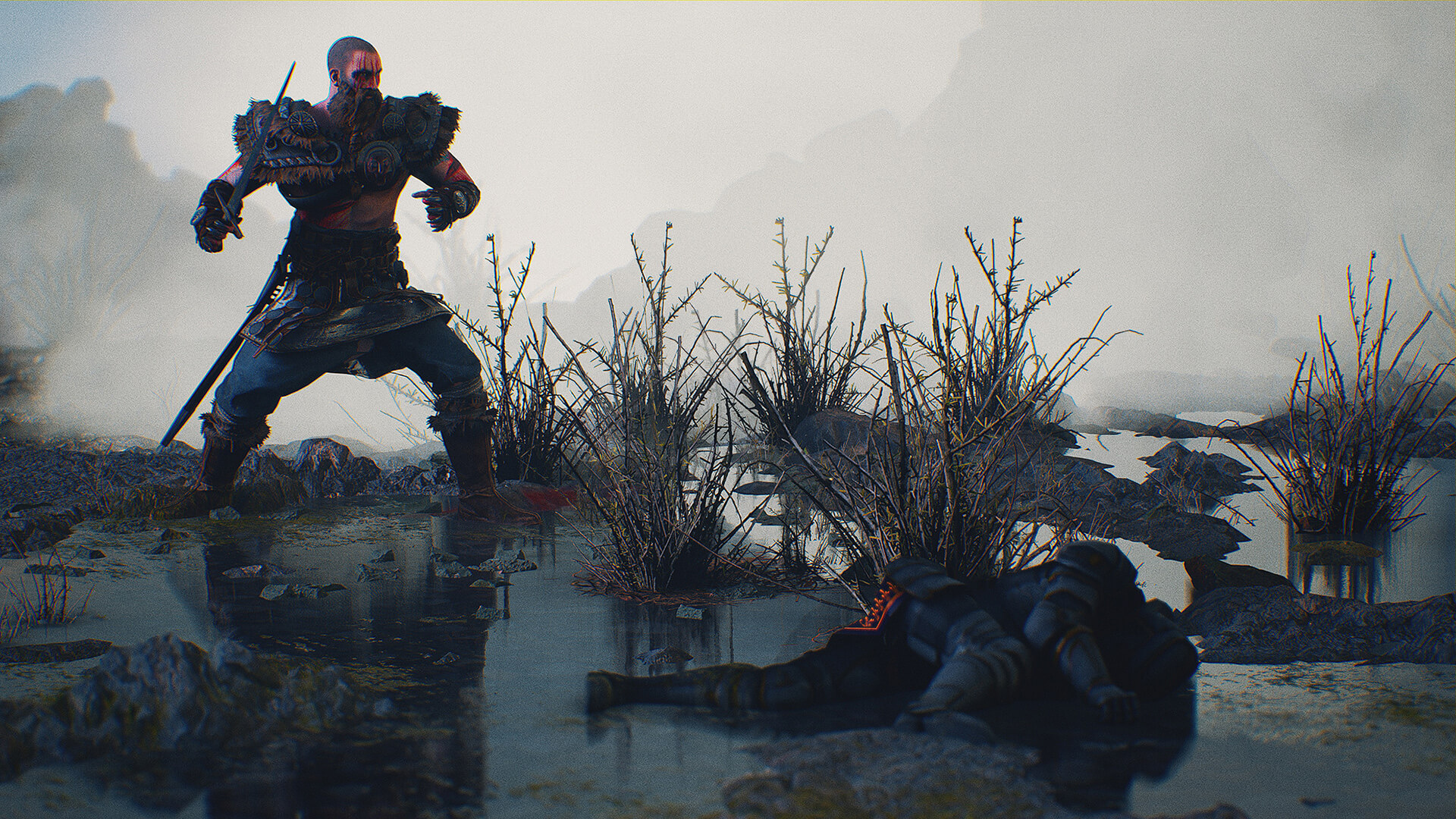
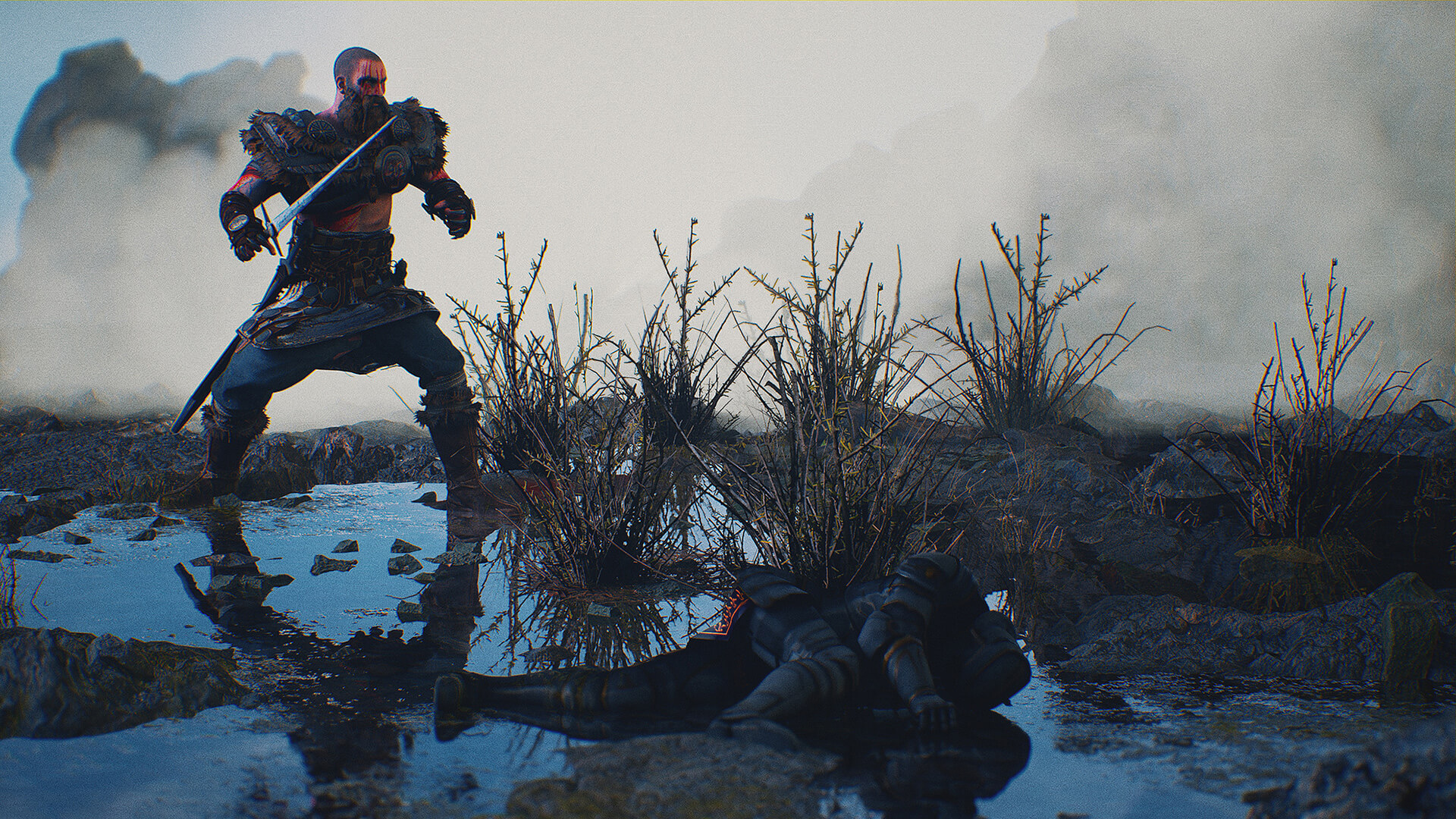
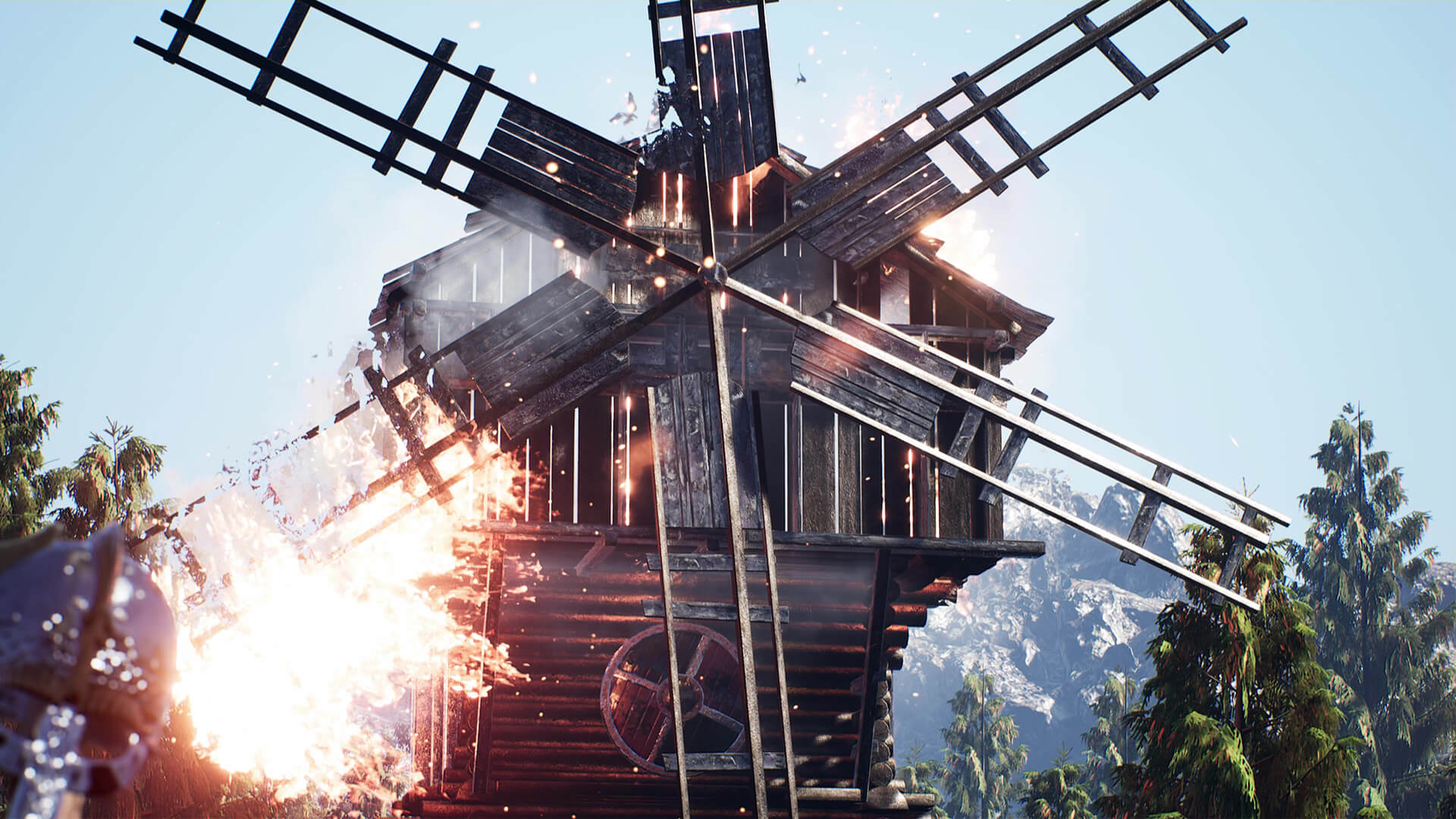
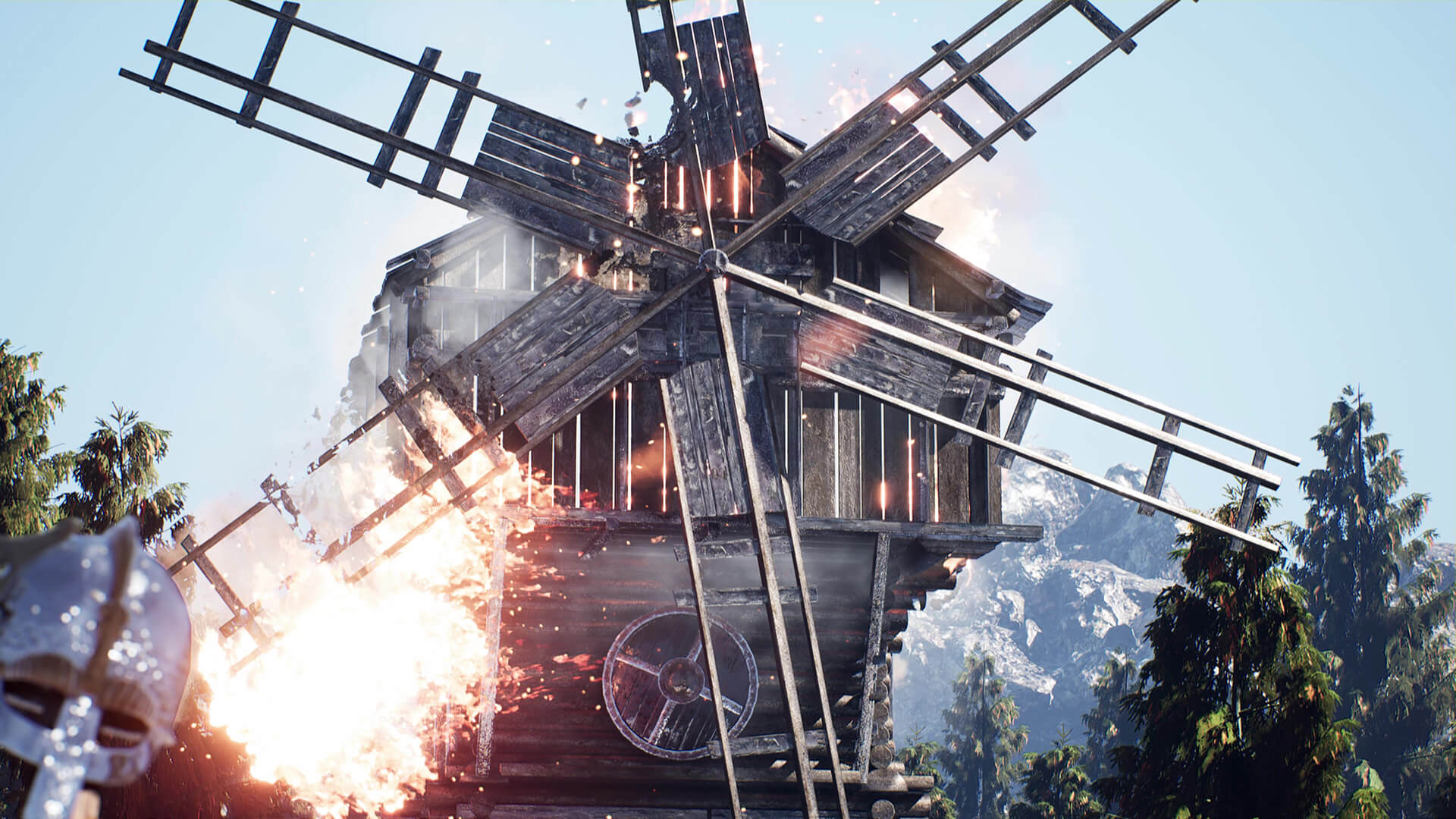
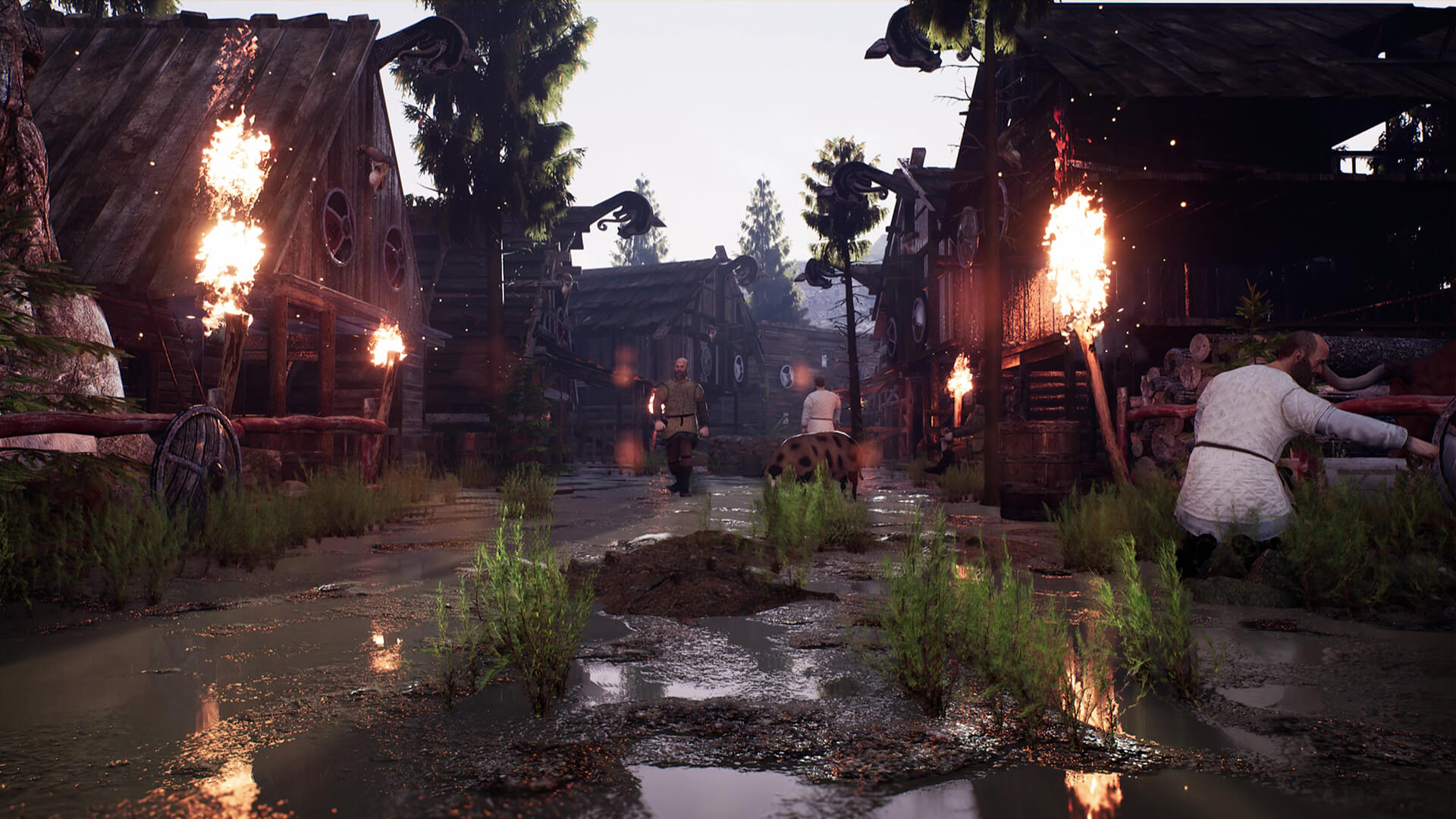
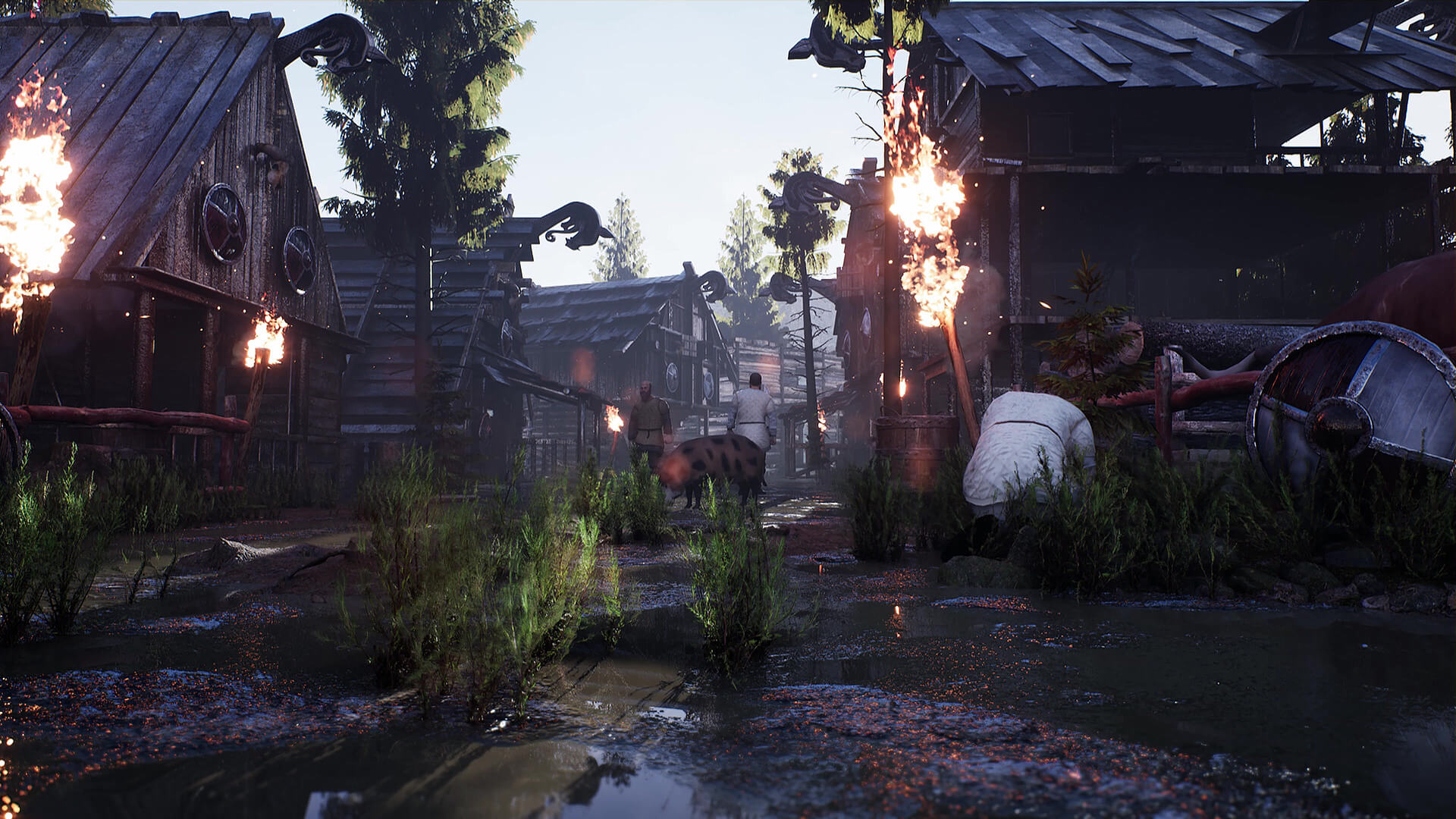
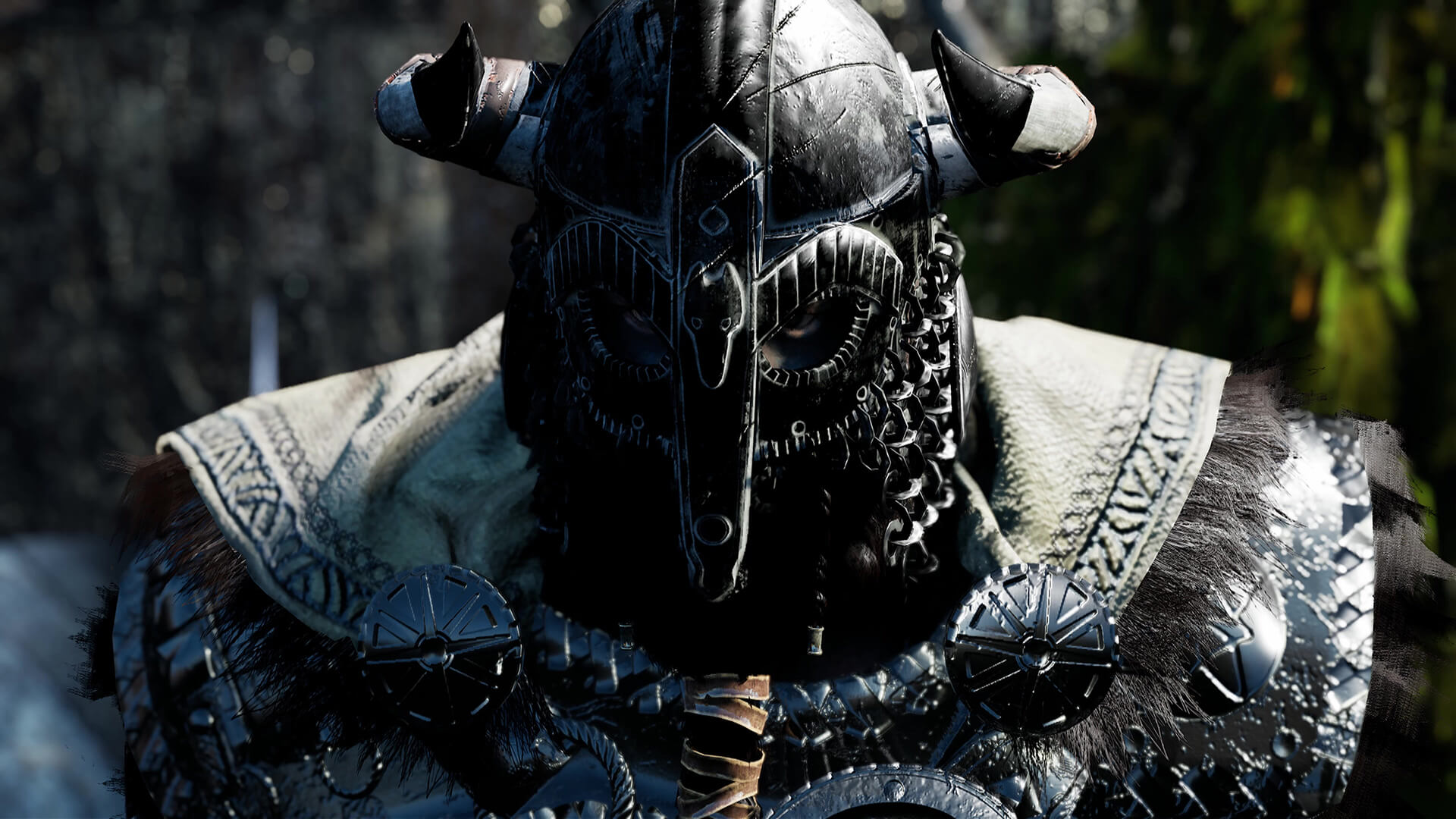
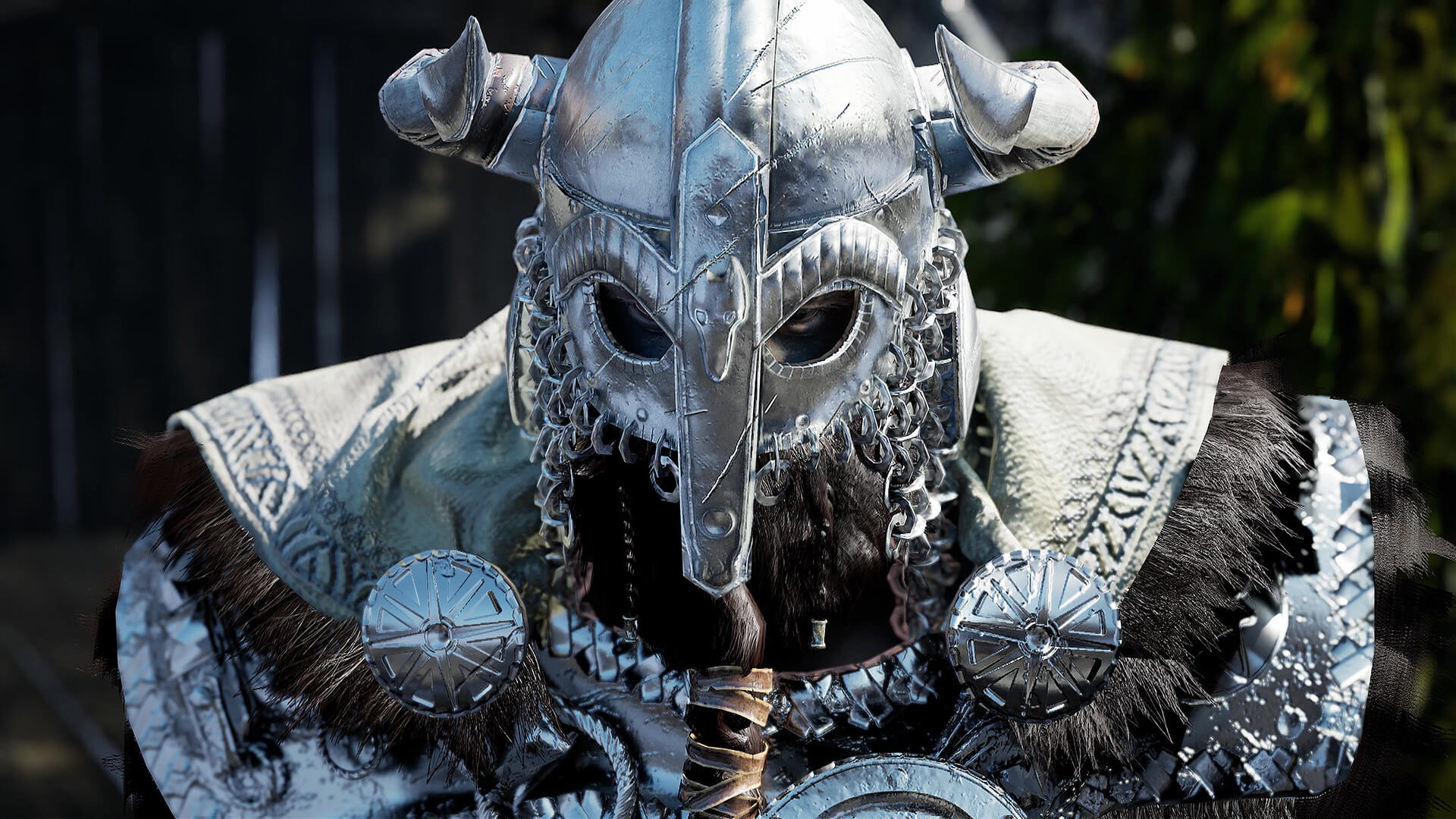
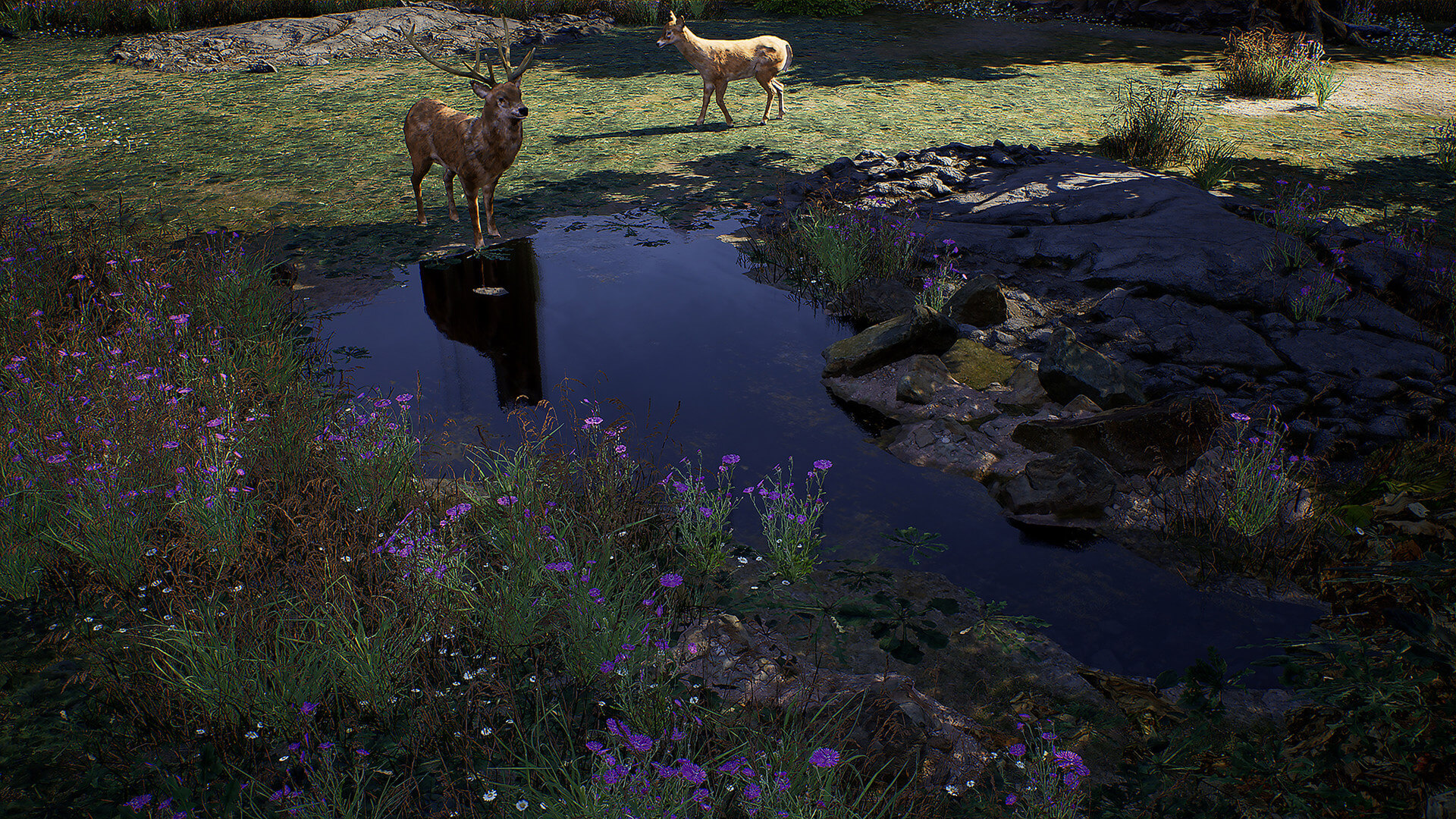
Roslagen, the creator of Viking City Builder, has announced that this upcoming strategy game will support Ray Tracing and DLSS 2.0. In order to showcase these Ray Tracing effects, Roslagen shared the following comparison screenshots.

Viking City Builder will be using Unreal Engine 4, and will support ray-traced reflections, shadows and ambient occlusion.

As Roslagen said:

“Ray Tracing generates a much more accurate and realistic effect than traditional methods of lighting a scene in games production. It even takes the physical aspects of the world into consideration and can also simulate variety of optical effects like reflections and really helps to bring the virtual world to life and makes it more believable I think. The use of Ray Tracing unfortunately has a negative impact on performance but I have good news. The game will offer support for DLSS2. Thanks to this technique we get a huge performance jump of up to 40% with additional image quality improvement!”

There is currently no ETA on when this new RTS will come out, however, we’ll be sure to keep you posted.

Enjoy!
Viking City Builder-no-ray-tracing-1Viking City Builder-ray-tracing-1Viking City Builder-no-ray-tracing-2Viking City Builder-ray-tracing-2Viking City Builder-no-ray-tracing-3Viking City Builder-ray-tracing-3Viking City Builder-no-ray-tracing-4Viking City Builder-ray-tracing-4Viking City Builder-no-ray-tracing-5Viking City Builder-ray-tracing-5Viking City Builder-no-ray-tracing-6Viking City Builder-ray-tracing-6

Viking City Builder- first RTS with Ray Tracing

31 thoughts on “Viking City Builder will support Ray Tracing & DLSS 2.0, comparison screenshots released”

  1. Massive improvement, really nice to see. I’ve been itching to see ray tracing utilized in games that aren’t 1st or 3rd person.

      1. so? Rts are suppose to have bloom, blur, saturation, hdr, chromatic abomination and reflect every surface?

        NO, they just shoved “kewl effects” on everything. It only misses lens flares and the cancer vision will be complete.

  2. DLSS now getting widespread support. Should be good for when I finally get my hands on an Ampere card (expected delivery: somewhere in 2022)

    1. I remember when everyone was hating on checkerboard upscaling. Now everyone is calling DLSS upscaling a game changer. What changed? Brands?
      That’s about it.
      Sure, DLSS is a bit better than checkerboarding, but they’re doing the same thing.

      1. the original DLSS got a lot of flak as well. and when nvidia start high lighting their image sharpening tech inside GFE Freesytle and then give sharpening control directly inside NVCP (for those that did not want to instal GFE) to counter AMD RIS outlets like hardware unboxed even dare to declare that nvidia finally decided to kill DLSS for good by focusing their own version of image sharpening tech. then come DLSS 2.0. nvidia openly admit what people are complaining with the original DLSS and start improving it. now it can give similar or even better image quality than native with boosted performance.

        1. Indeed, the original DLSS was pretty bad. I didn’t like it at all.
          I still prefer native over DLSS (not a fan of the sharpening they do), but it certainly can look good in some games.
          Nvidia has the benefit of being able to update their stuff on the fly. The consoles were stuck with generation improvements.

          1. i haven’t seen how DLSS work myself so i can’t judge it. but personally i don’t hate performance boosting feature if it did not make the image quality get worse in very noticeable way. i still remember when majority people on the internet show their hate towards post processing AA (due to blurring) over more popular AA method back then like MSAA or SSAA. personally that blurring are not really that distracting to me and i can’t really notice it if i’m not really looking for it. that’s why i was quite a big deal to me when you can “inject” FXAA directly from NVCP instead of doing it manually on each game. to me having AA still better than having no AA at all and seeing all the jaggies. and it did not tank performance either like MSAA.

      2. 1440p CB up to 4K looked better than just 1440p also. No one really gave it credit (aside from Digital Foundry really).
        Both DLSS and CB have minor performance impacts, it is just the gains from rendering from a much lower resolution way more than offset them. I’m glad this stuff exists. Just don’t want people forgetting about the earlier stuff.
        No mention of any of this on the PS5 / XB1X really.

      3. Because DLSS is a better method over what the consoles were using?.

        Consoles were also touting power over PC at the start of the gen, then had to rely on checkerboarding to get to where they are. PC still has to power through a myriad of tech, but DLSS is giving us better results.

    2. Im a nVIdia user (last two GPUs from them) and DLSS is still not the “biggest selling point”. 95% games doesnt support it…. same can be said for SLI, RTX and similar “tech”. The adaptation is still bad (SLI for example) or its happening slow…… in future, sure, great improvements.

      BTW honestly RTX 2000 SERIES was just alpha/beta products for ray tracing….. RTX 3000 series are the true 1st RTX GPUs.

      1. Nvidia killed SLI for gaming a while ago. They won’t be releasing SLI drivers for games after the end of January of next year, SLI is just for workstation use now.

        1. workstation apps does not really need SLI. i think it has been that way for years now. some of them does not need the SLI bridge either.

      2. SLI actually is quite well supported until game start being exclusively build for 8th gen console. used to have SLI setup myself and back then i expect issues (mainly do it because i want to see how it really work and for fun). and i was really impressed with the wide support in games and rarely see issues. some games even have SLI support months before release.

  3. I have to say, that is some amazing graphics, especially for an RTS.
    Hope to see more of it and games similar to it in near future.

  4. The SSR quality looks to be worse then usual. Cool rays and stuff but can’t they turn down all that post processing…

  5. Are they using Reshade or something? On top of the ugly chromatic aberration and contrast is way too overdone.

Leave a Reply

Your email address will not be published. Required fields are marked *