
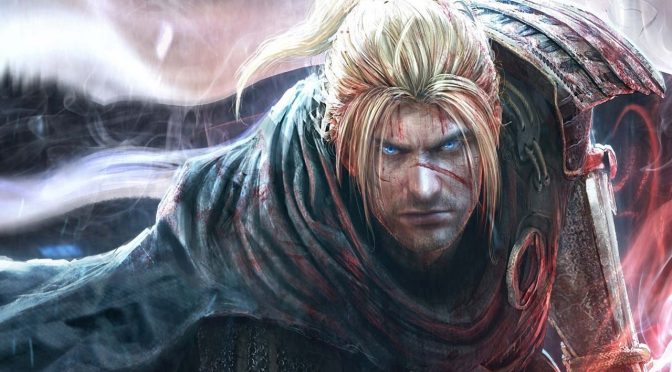
Reddit’s member ‘LennardF1989‘ has created a new mod for Nioh: Complete Edition that enables custom resolutions. This is a must-have mod for all those gaming on ultra wide monitors as the game does not support them.
All you have to do in order to enable custom resolutions is download the mod and place the NiohResolution.exe to the root of the Nioh: Complete Edition game-directory. By default this would be C:\Program Files\Steam\steamapps\common\Nioh. You should then launch NiohResolution and follow the on-screen instructions.
Those interested can download the NiohResolution mod from here.
Since we don’t know whether Team Ninja will ever add support for custom resolutions, we strongly suggest downloading this mod. Alongside GPDSCK, a tool that enables mouse support by emulating the right stick, Nioh feels more like a PC game. It’s not perfect, but these mods definitely improve the overall experience.
Have fun!

John is the founder and Editor in Chief at DSOGaming. He is a PC gaming fan and highly supports the modding and indie communities. Before creating DSOGaming, John worked on numerous gaming websites. While he is a die-hard PC gamer, his gaming roots can be found on consoles. John loved – and still does – the 16-bit consoles, and considers SNES to be one of the best consoles. Still, the PC platform won him over consoles. That was mainly due to 3DFX and its iconic dedicated 3D accelerator graphics card, Voodoo 2. John has also written a higher degree thesis on the “The Evolution of PC graphics cards.”
Contact: Email