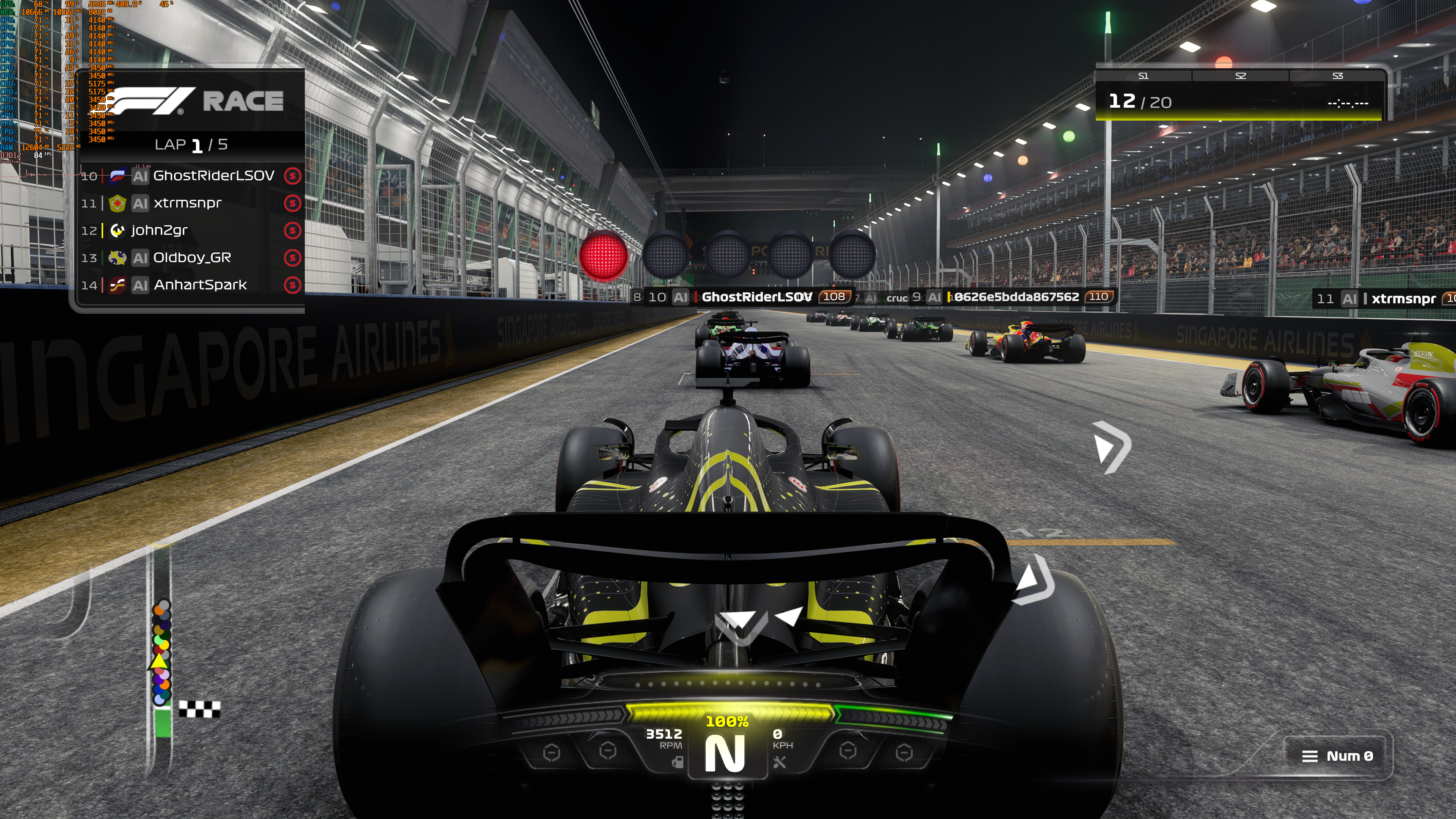
F1 23 came out last month and from the looks of it, it’s the first game using NVIDIA DLSS 2 Ultra Quality Mode. Or at least that’s what its in-game settings suggest.
As you can see below, DLSS 2 Ultra Quality Mode is the DLSS 2 mode that offers the highest image quality. Thus, we’ve decided to benchmark it at 4K and compare it with Native 4K + TAA.
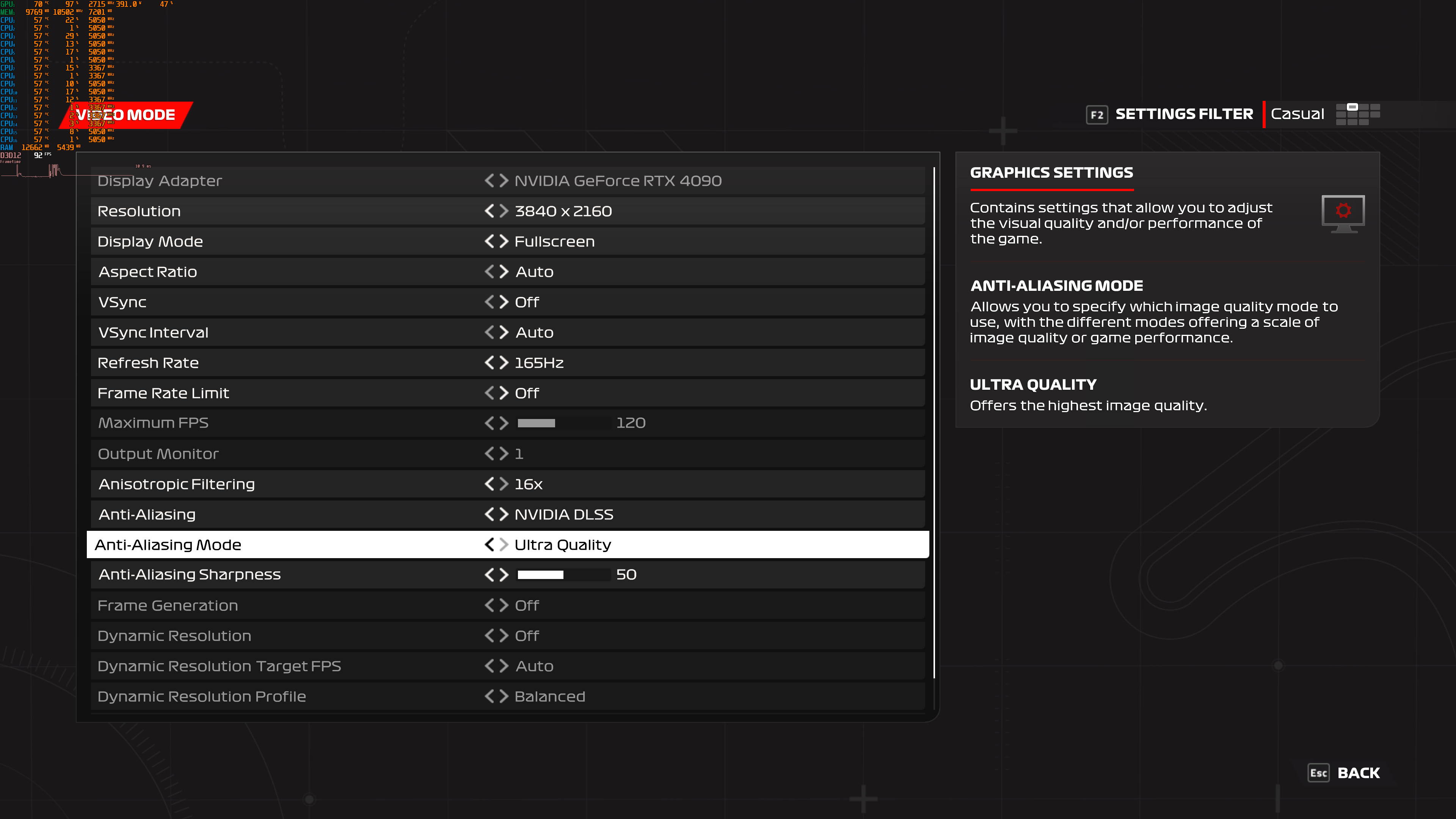
Performance-wise, this Ultra Quality Mode performs identically to the native 4K. This makes me believe that this “Ultra Quality” Mode is basically DLAA and not a brand new DLSS preset. Because, if the game was running at a lower internal resolution, performance would be definitely better.
I’ve also captured a comparison between “Native 4K + TAA” (left) and DLSS 2 Ultra Quality (right). Now, I’ll be honest here. At first glance, these two screenshots look similar. However, when using ICAT and zooming in at 400%, I was able to spot some differences. The right image appears to have less aliasing and its distant objects are less blurry.
We got in touch with NVIDIA in order to find out what this Ultra Quality Mode actually is. My guess is that Codemasters used this DLSS Ultra Quality Mode to describe DLAA. I don’t know why the Codies did this, but the performance figures speak for themselves.
I’ll be sure to update this story as soon as we hear back from NVIDIA!
UPDATE:
NVIDIA got back to us and confirmed what we initially assumed. This is indeed DLAA and not a new DLSS preset.
As NVIDIA told us.
“This was an error in naming, this is DLAA and will be updated in a future patch.”

John is the founder and Editor in Chief at DSOGaming. He is a PC gaming fan and highly supports the modding and indie communities. Before creating DSOGaming, John worked on numerous gaming websites. While he is a die-hard PC gamer, his gaming roots can be found on consoles. John loved – and still does – the 16-bit consoles, and considers SNES to be one of the best consoles. Still, the PC platform won him over consoles. That was mainly due to 3DFX and its iconic dedicated 3D accelerator graphics card, Voodoo 2. John has also written a higher degree thesis on the “The Evolution of PC graphics cards.”
Contact: Email


It would’ve been nice if ultra quality was an actual preset in between quality and native resolution, (e.g. 0.8x resolution reduction on each axis). I suppose for the time being we’ll have to stick to using DLSSTweaks to set our own custom DLSS resolution settings.
I could have sworn that I heard that NVIDIA updated DLSS 2 with an “Ultra Quality” preset after AMD released FSR 1 (which included an Ultra Quality preset).
I can see the differences even without zooming in. The edges of the car are clearly less aliased and smoother overall. It’s a nice option for cards that can already do native 4K to add even more quality. But I suppose you could already achieve this with a higher than native custom resolution in the nvidia control panel.
I use DLAA whenever I can, games not supporting any form of deep learning anti-aliasing or upscaling should be banned from all gaming stores.
AMD ………. where is HYPER-X !!!!!!!!!!!!!!!!!! Dammit !!!!!!!!!! https://media4.giphy.com/media/l0MYw1PU2VmN6kIrC/giphy-downsized-small.mp4
According to DF’s video from a couple of days ago, in this game, Ultra Quality DLSS renders at 1662p natively before the AI upscale. Looks like their performance on a 4080 with UQ DLSS, was slightly better than native.
Nope, they are wrong. With a custom 1662p res we get WAY better results than with the Ultra Quality Mode. That shouldn’t be the case. For instance, 4K DLSS Quality (which renders the game at 1440p) and native 1440p perform “almost” similarly. Same applies to 4K DLSS Performance and native 1080p (performance is again similar. Not exactly the same, but close enough). In this case, DF simply assumes that it’s a 1.3X scaling ratio (like the Ultra Quality of FSR that uses 1662p).
If DLSS2 Ultra Quality is identical in performance to native, then it’s not DLAA.
DLAA is heavier than native rez.
Ultra Quality is probably 77% rez scale
EDIT: Even if it’s strange still, I’ve been corrected on this.
Told you it was most likely DLAA. NVIDIA confirmed this.
I’ll be damned.
But it still doesn’t make sense if DLAA is same performance as native.
TAA also has a hit to performance which is why Witcher 3 Next Gen had to use a cheat to mask the poor performance and uses TAAU which is very similar to upscalers like FSR. That’s why DLSS Quality looks better but doesn’t seem to gain much in performance like it does when compared to normal TAA. DLSS is basically Temporal Anti Aliasing with AI based upscaling
The Witcher 3 performance is absymal in DX12 regardless. Even using DLSS2/FSR2/XeSS, performance is still worse than native rez in DX11.
All for pixel counting and barely there difference in image quality. Just turn up all settings + DLSS Performance, done. Enjoy silky smooth gameplay.