
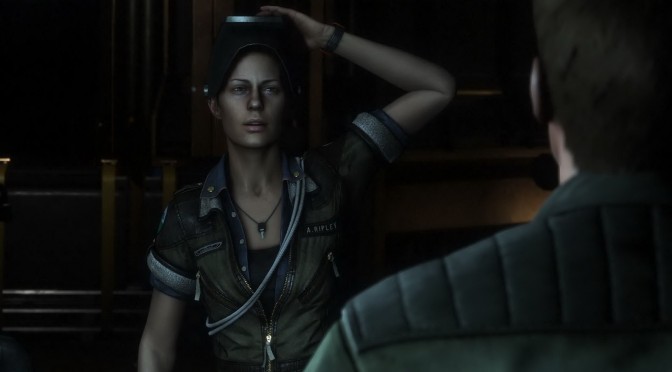
Well, you gotta love modders. A couple of months ago, SEGA showcased Alien: Isolation via Oculus Rift VR. Disappointingly enough, Creative Assembly dropped – all of a sudden – support for this VR device, meaning that the final version could not be enjoyed with it. Well, thanks to modders, now you can.
All you have to do is edit an XML file and do the appropriate changes:
1) in ENGINE_SETTINGS.XML (found in the DATA folder) change the stereo options to:
2) Set the Oculus to extended mode.
3) In the oculus configuration utility pause the service.
4) Start the game.
5) To play the game normally, reactivate the service by opening the display mode and set it to “direct to rift” and viola.
And there you have it; Alien: Isolation should be working fine now with Oculus Rift.
Kudos to NeoGAF’s member ‘Krejlooc’ for spotting it!


John is the founder and Editor in Chief at DSOGaming. He is a PC gaming fan and highly supports the modding and indie communities. Before creating DSOGaming, John worked on numerous gaming websites. While he is a die-hard PC gamer, his gaming roots can be found on consoles. John loved – and still does – the 16-bit consoles, and considers SNES to be one of the best consoles. Still, the PC platform won him over consoles. That was mainly due to 3DFX and its iconic dedicated 3D accelerator graphics card, Voodoo 2. John has also written a higher degree thesis on the “The Evolution of PC graphics cards.”
Contact: Email