Tekken 8 PC modded version-3

Tekken 8 looks glorious on PC without its awful post-process effects

During the Closed Network Testing of Tekken 8, FrancisLouis released an incredible mod that disabled most of its post-process effects. As a result of that, Tekken 8 became really crisp and sharp on PC. And, to be honest, that’s how most PC gamers should be able to play it.

Unfortunately, NexusMods messed things up and just approved this mod. And, as you all know, the CNT of Tekken 8 is already over. Now I know that there is a cracked version out there, however, there is really no point downloading it. We don’t condone piracy so yeah, we are against downloading leaked alpha/beta builds, unless they differ significantly from the end product. For instance, the E3 beta demo of Duke Nukem Forever is something that a lot of us wanted to at least try.

Anyway, this Tekken 8 Mod disables Bloom, Chromatic Aberration, Film grain, Lens-flares, Motion Blur and Vignette. Moreover, it adds sharpening and Anisotropic Filtering, and it provides options to upscale the game.

Surprisingly enough, the in-game settings do not allow PC gamers to disable these effects. That’s a bummer because as you’ll see below, the game can look amazing when you actually disable them.

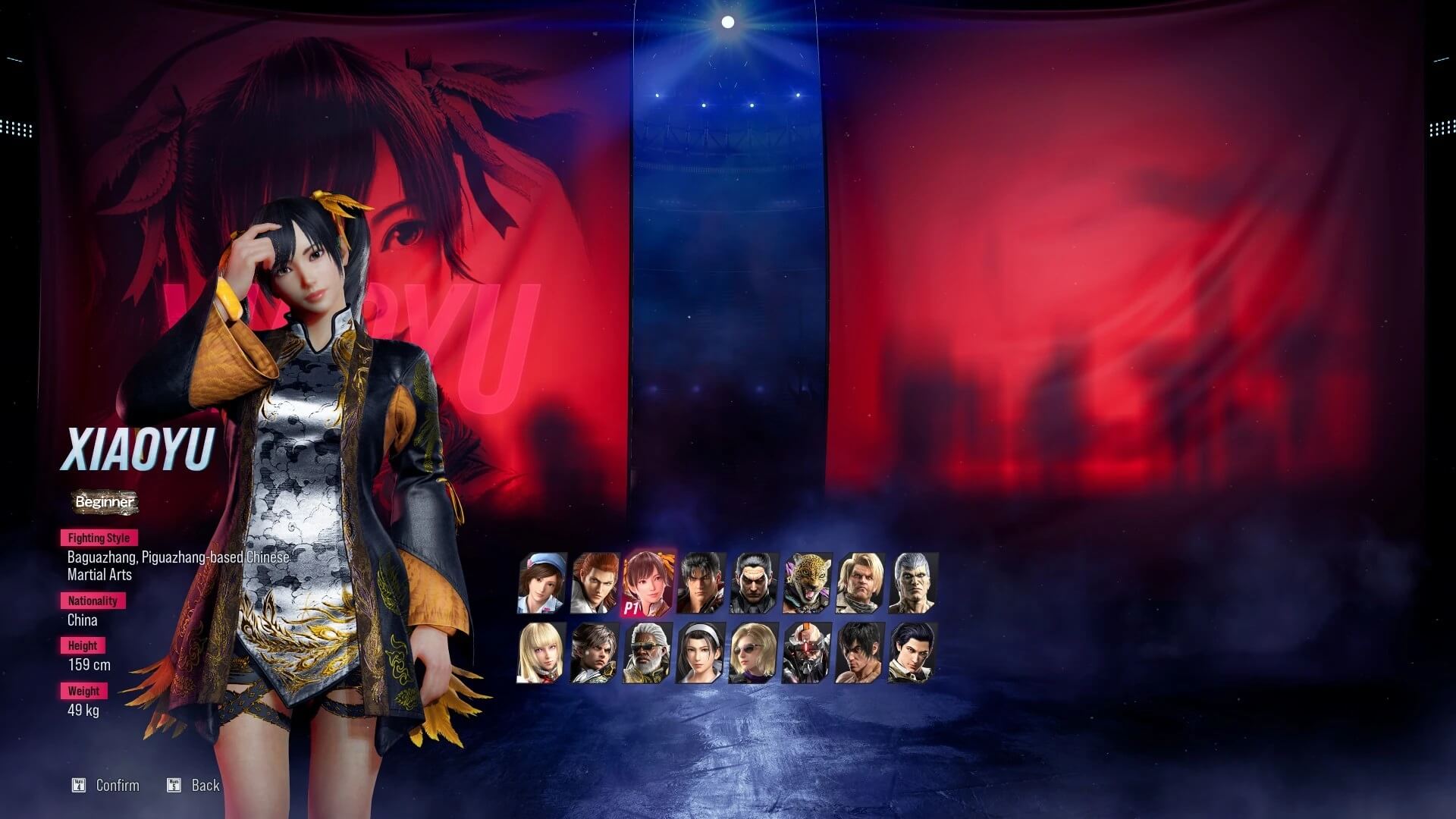
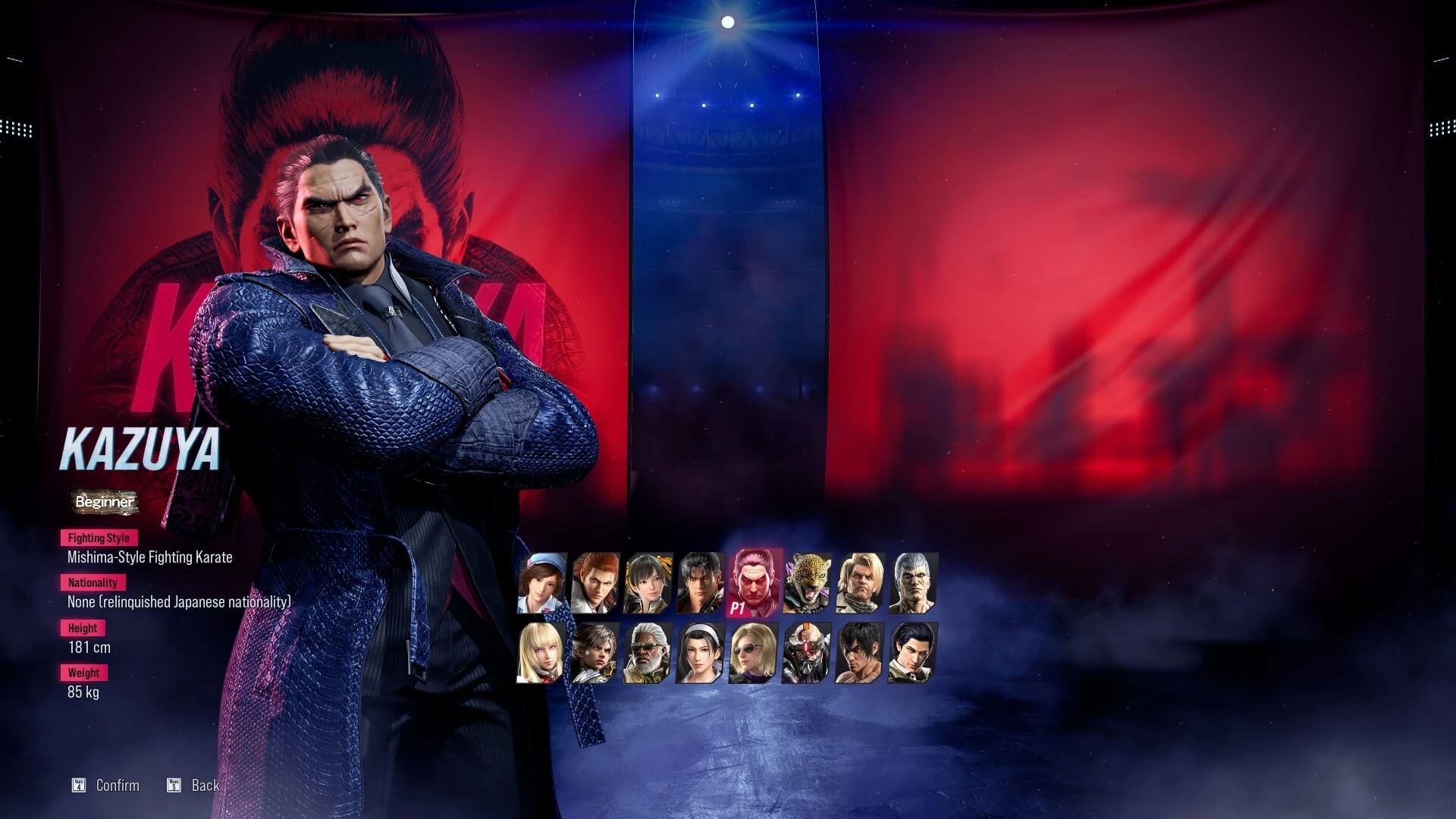
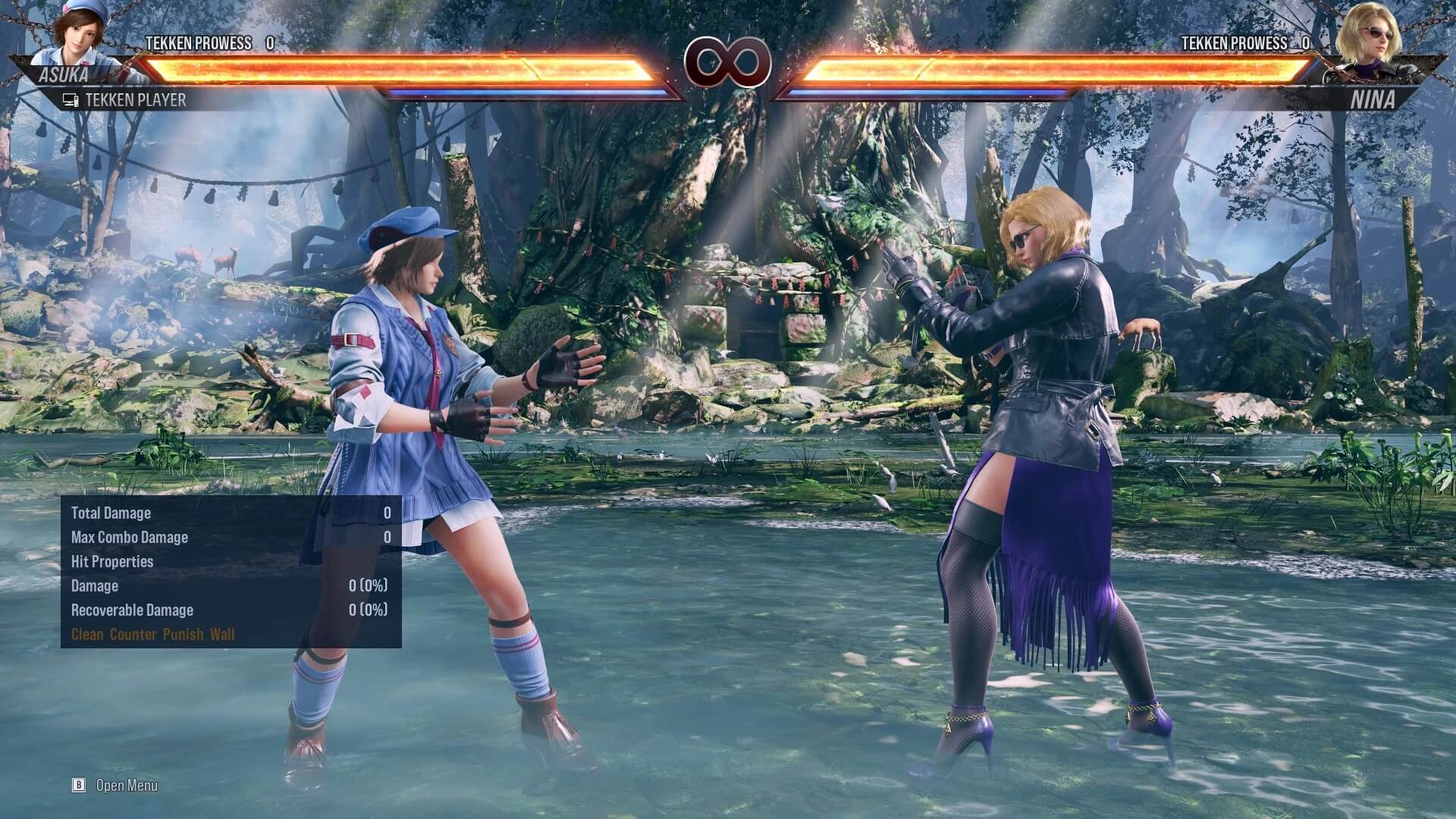
So, here are some comparison screenshots between the vanilla (left) and the modded (right) versions of Tekken 8. As you can clearly see, the modded PC version of Tekken 8 looks sharper/crisper. Seriously, in the vanilla version, it is like someone smeared vaseline on everything. It looks bad, and I seriously hope that the Tekken 8 dev team will add these settings to the final PC version.
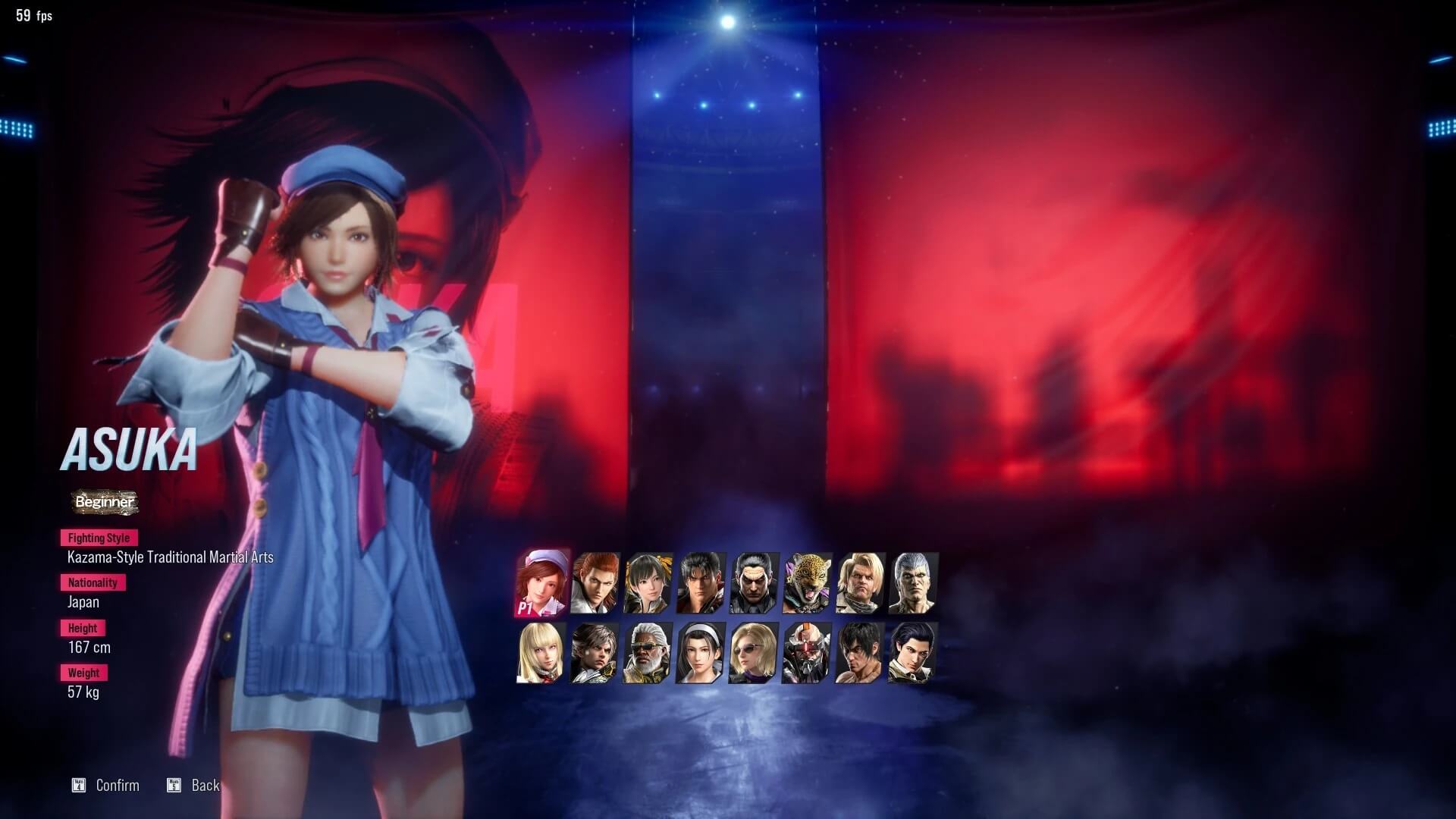
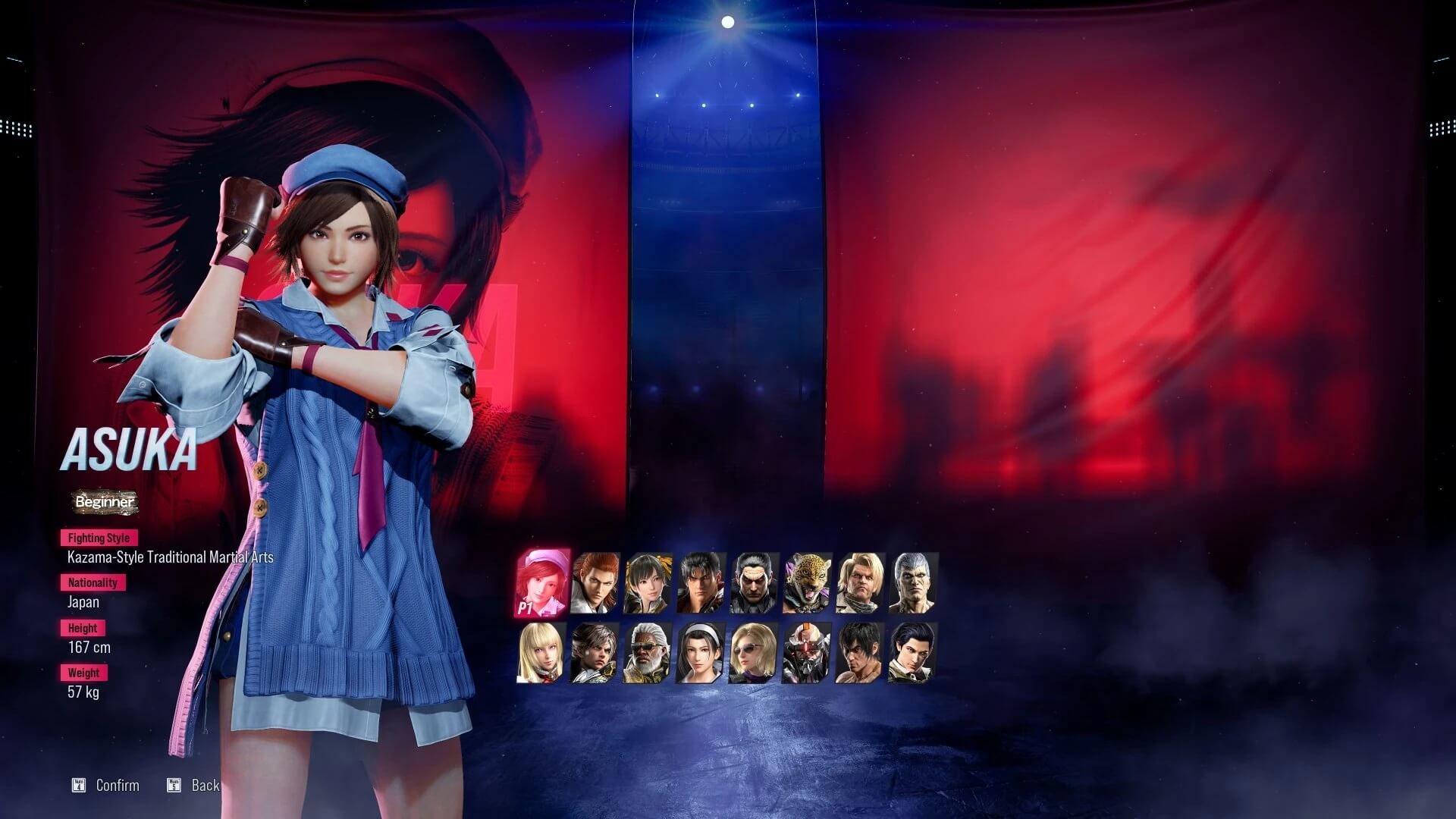
Tekken 8 PC vanilla version-1Tekken 8 PC modded version-1 Tekken 8 PC vanilla version-2Tekken 8 PC modded version-2 Tekken 8 PC vanilla version-3Tekken 8 PC modded version-3 Tekken 8 PC vanilla version-4Tekken 8 PC modded version-4

You can download this mod from here. In theory, future beta builds, as well as the game’s final version, may be compatible with it.

There is currently no ETA yet on when Tekken 8 will come out. The good news for PC gamers is that the game will NOT be using the Denuvo anti-tamper tech.

Lastly, here is an 8K video from Tekken 8 PC, running on an NVIDIA GeForce RTX 4090!

30 thoughts on “Tekken 8 looks glorious on PC without its awful post-process effects”

  1. I have played the game and it looked super crisp, nothing like on those screenshots. The problem was not the sharpness of the image but excessive sparks and other effects.

    1. This article misses some important points. It’s not only post processing effects that were disabled. Some were enabled and the internal resolution was upped:
      “enabled:
      1-Sharpen
      2-Anisotropic filtering
      Also, you can… increase the default resolution of the game. The options are 100 (default), 125, 150, 175, and 200. 150 or 125 is recommended. if your PC is strong enough go with 200.”

      Edit: oops missed that line!

      1. Ahem… from the article…

        “Moreover, it adds sharpening and Anisotropic Filtering, and it provides options to upscale the game.”

        1. but people read titles only, you can see in comments everyone just talks about what was disabled and not about what was enabled and you get such high clarity due to what you enabled not due to what you disabled with exception of film grain that alone is responsible for having clear picture when you disable it.

  2. Heh, first hour and half of playing game for me is googling how to disable AA, motion blur, dof , vignette, intros etc etc Welcome to gaming

      1. What is so called big business? And since when PC games did not have options? And what “big business” has to do with graphic engines and poor implementations of effects by incompetent porting team.

        1. listen son, you’re clearly too young to understand stuff without someone explaining it to you in a 21 minute long YT video

    1. Unless you play in 4k disabling AA is stupid.
      Also PC games always had settings, there always were options that were implemented incorrectly, nothing new. Don’t like it? Buy console and stop crying.

      1. Man, please dont talk stupid things
        1. Consoles are dog crap, you cant change or mod literally anything

        2. AA is cancer in any resolution, unless you have some fetish on games looking like blurry mess
        3. Lot of pc games dont have options to disable all bad effects from menus

      2. Man, please dont talk stupid things
        1. Consoles are dog crap, you cant change or mod literally anything

        2. AA is cancer in any resolution, unless you have some fetish on games looking like blurry mess
        3. Lot of pc games dont have options to disable all bad effects from menus

    2. Disabling AA has to be one of the dumbest things I’ve ever heard. You would rather have shimmering and jaggies everywhere than a bit of blur that can be easily fixed with some post process sharpness. PC gamers really are clueless and don’t even know what’s good for them lol.

  3. What did they do, layer FXAA with a heavy subpixel AA on top of TAA with a heavier than usual jittering (pixel blending) effect? Then maybe slap some gaussian blur on top of that just to make sure that players couldn’t actually see anything?

  4. fray. I can’t respond to you because you hilariously blocked me, but I wanted to let you know that you’re a f4ggot, and you type like a dumb zoomer roastie

  5. This is true in alot of games. For some reason devs make it blurry and washed out crap.

    Thank God for reshade

    1. That’s why the first things I turn off in any game (if available) are Motion Blur, Depth of Field, Chromatic Aberration and Vignetting all of which make the graphics more blurry or interfere with the fidelity and cost you FPS just to make the game look like it’s using 100+ year old camera lens technology …. Water droplets on the camera lens are another thing I hate …. How the hell is that realistic or immersive? Immersion is making the game look like you are viewing it through your eyes not the lens of your camcorder

      1. Motion Blur, Depth of Field, Chromatic Aberration and Vignetting non of them have anything to do with blurry image. I can understand turning them off if you just dont like them but it has nothing to do with blurry image. In case of Tekken 8 what make it look blurry is film grain nothing more, rest things disabled are personal preference while film grain in all modern games make them look washed out just like here in Tekken. Another thing that makes game blurry is dynamic resolution, dlss etc set to performance, and some AA methods used for low end systems.

        Another thing making games blurry is low resolution people play in, according to steam idiots buy 4k screens then play in 720p/1080p because they can’t afford hardware to work in 4k so ofc everything is going to be blurry.

        “Water droplets on the camera lens are another thing I hate …. How the hell is that realistic or immersive?”

        Since when games are realistic? Also its very immersive as most characters in modern FPS games have helmet with visor so droplets are thing. It also serves gameplay purpose to inform player they are in a water and that may or may not have gameplay implications.

    1. The article clearly says at the end, “The good news for PC gamers is that the game will NOT be using the Denuvo anti-tamper tech.”

  6. It’s almost like the developers where going for a 90’s CRT Old School Arcade type of effect …. Sometimes nostalgia just doesn’t work …..

  7. It’s fake, the capture looks like the guy is on 720
    On the beta, the graphic is way sharper then the mod capture, just saying lol

Leave a Reply

Your email address will not be published. Required fields are marked *