Outriders New Header

Outriders DLSS Quality vs Native Resolution Benchmarks

Square Enix has just released Outriders which supports NVIDIA’s DLSS tech. As such, we’ve decided to benchmark its DLSS Quality setting and see how it compares against its native resolution.

For these benchmarks, we used an Intel i9 9900K with 16GB of DDR4 at 3600Mhz, an NVIDIA RTX 3080, Windows 10 64-bit, and the GeForce 465.89 driver.

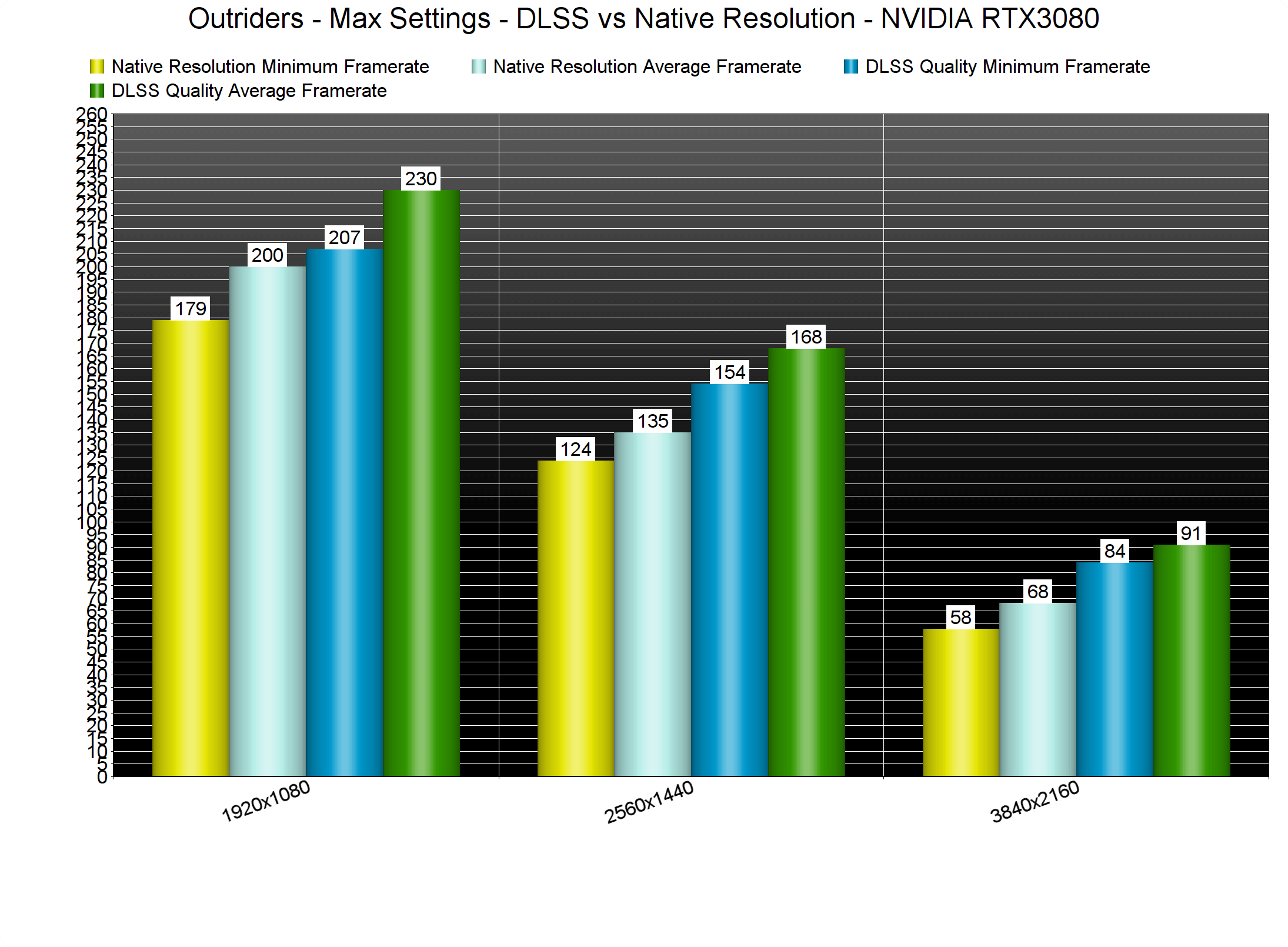
At 1080p/Max Settings, we saw a 30fps improvement with DLSS. At 1440p/Max Settings, we also experienced a 30fps improvement. And at 4K/Max Settings, we witnessed a 23fps improvement. These numbers are excellent, but what about the image quality? Can DLSS compete with native resolution?
Outriders DLSS Benchmarks

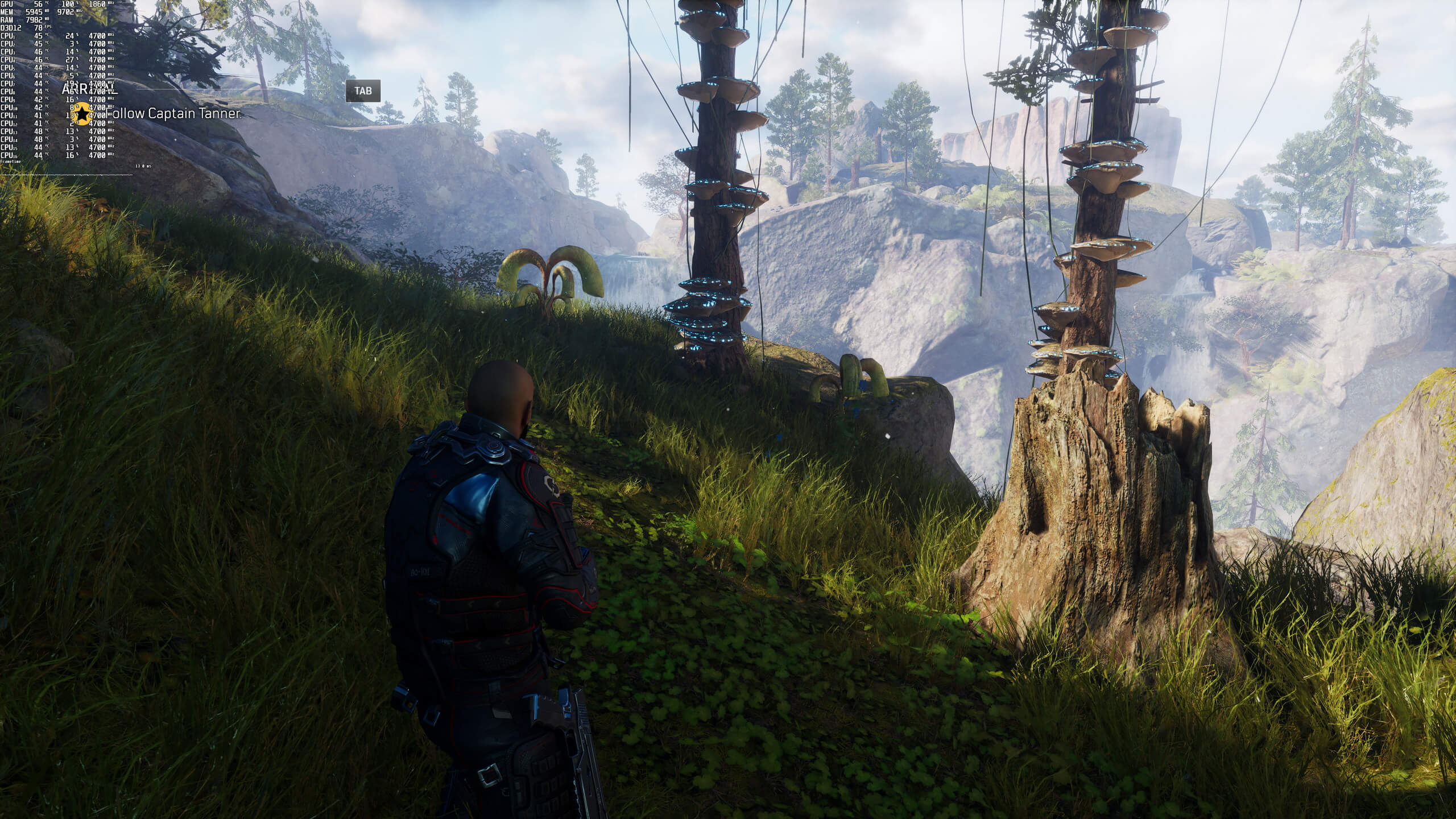
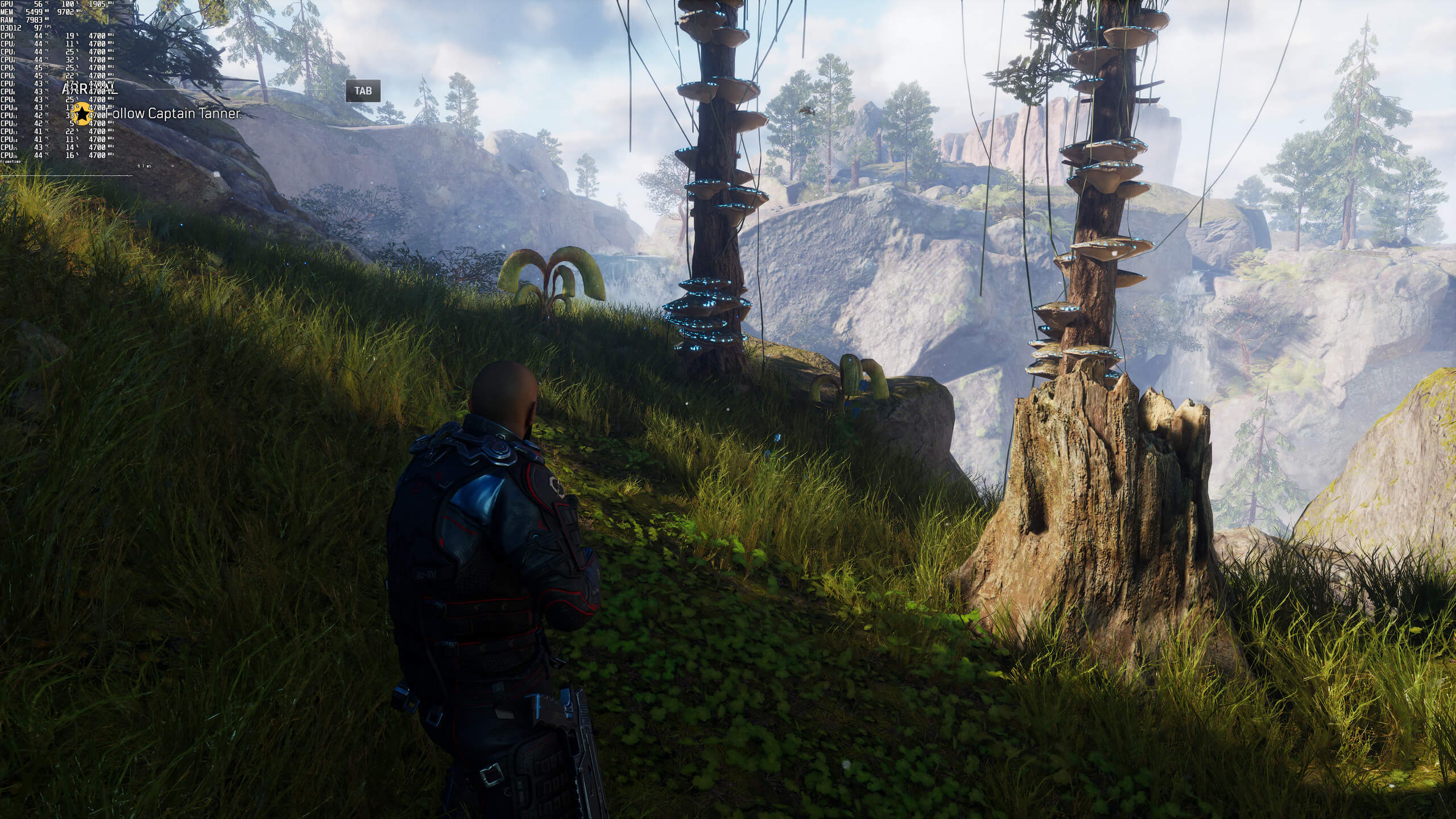
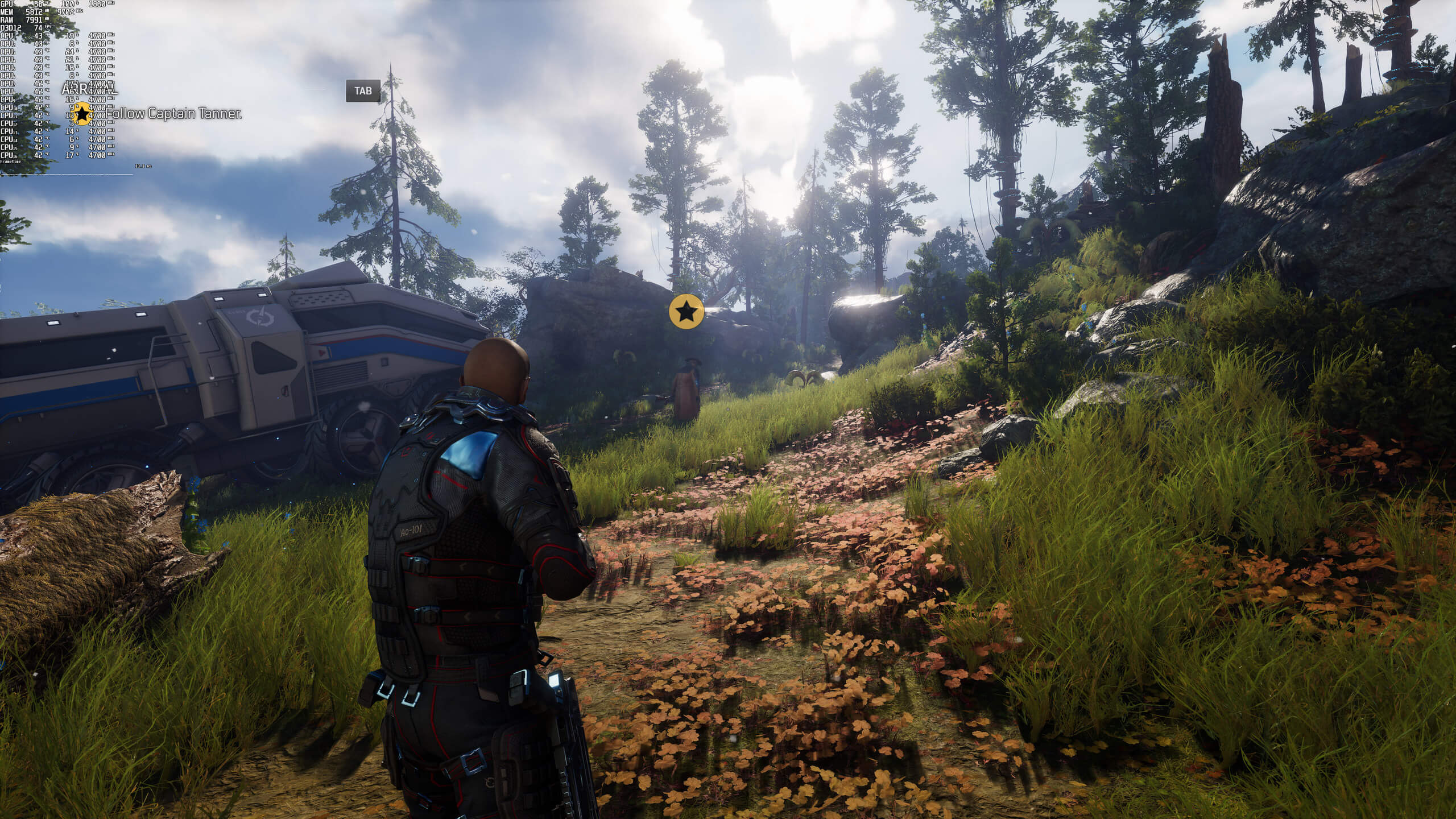
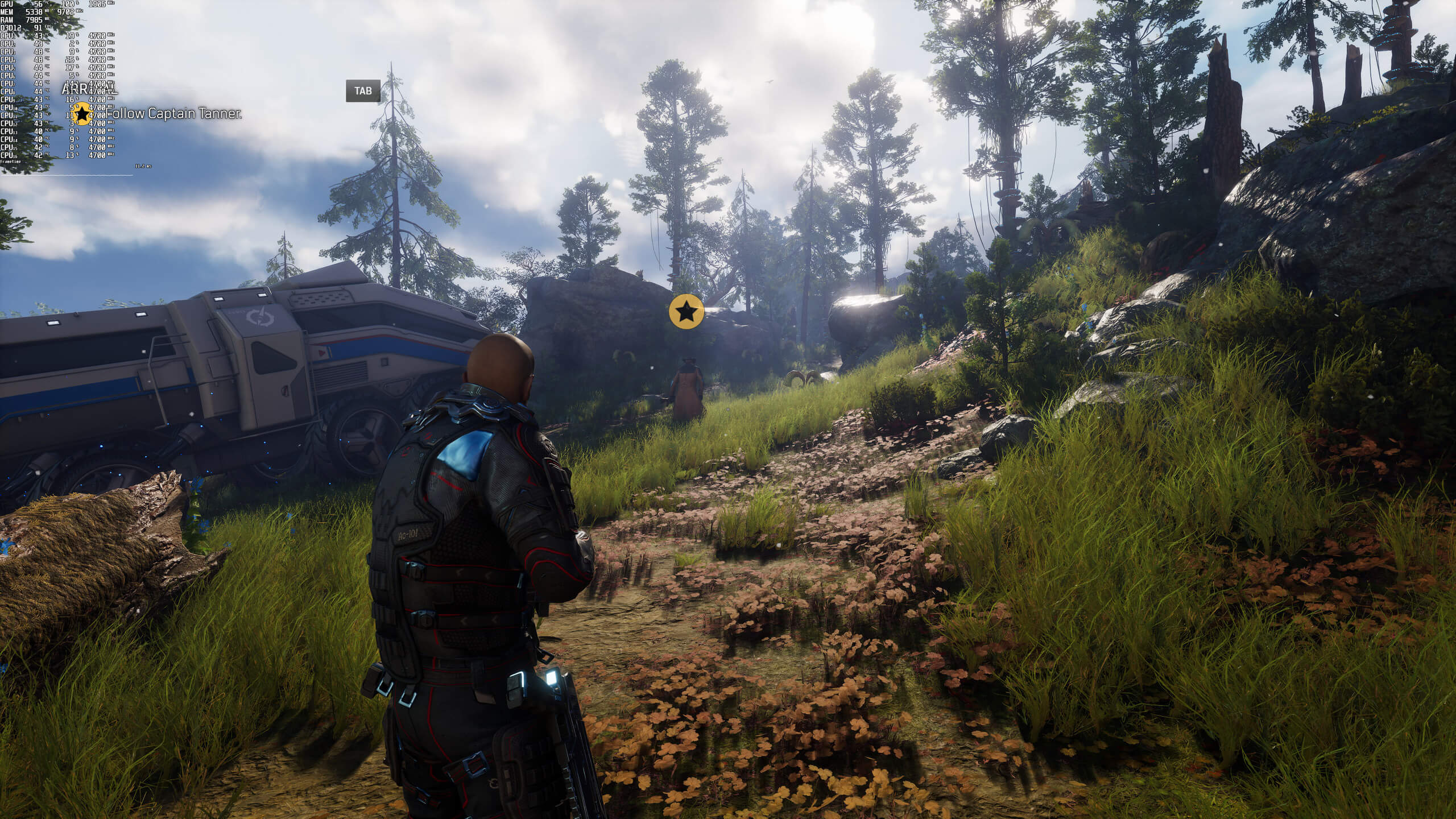
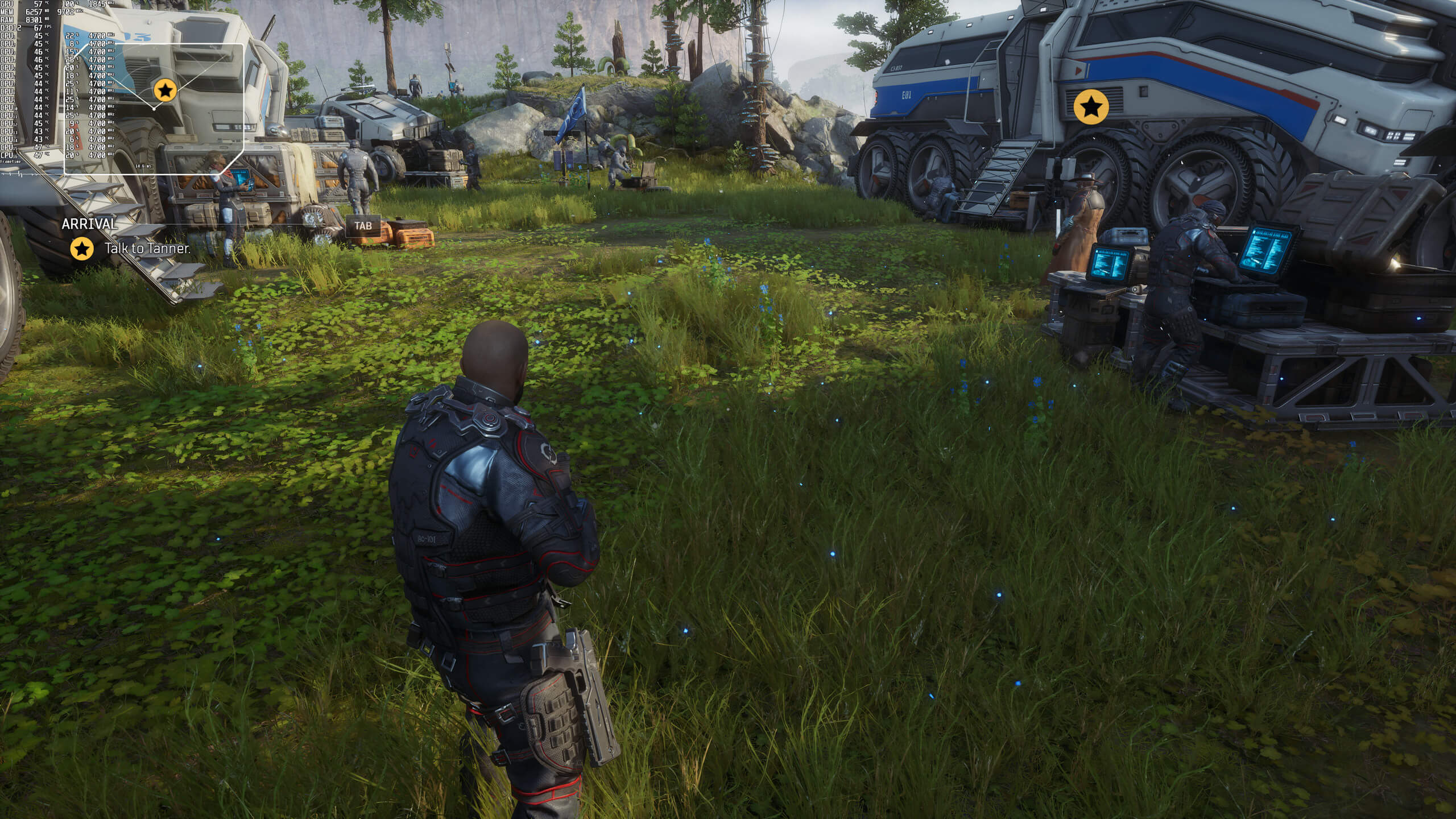
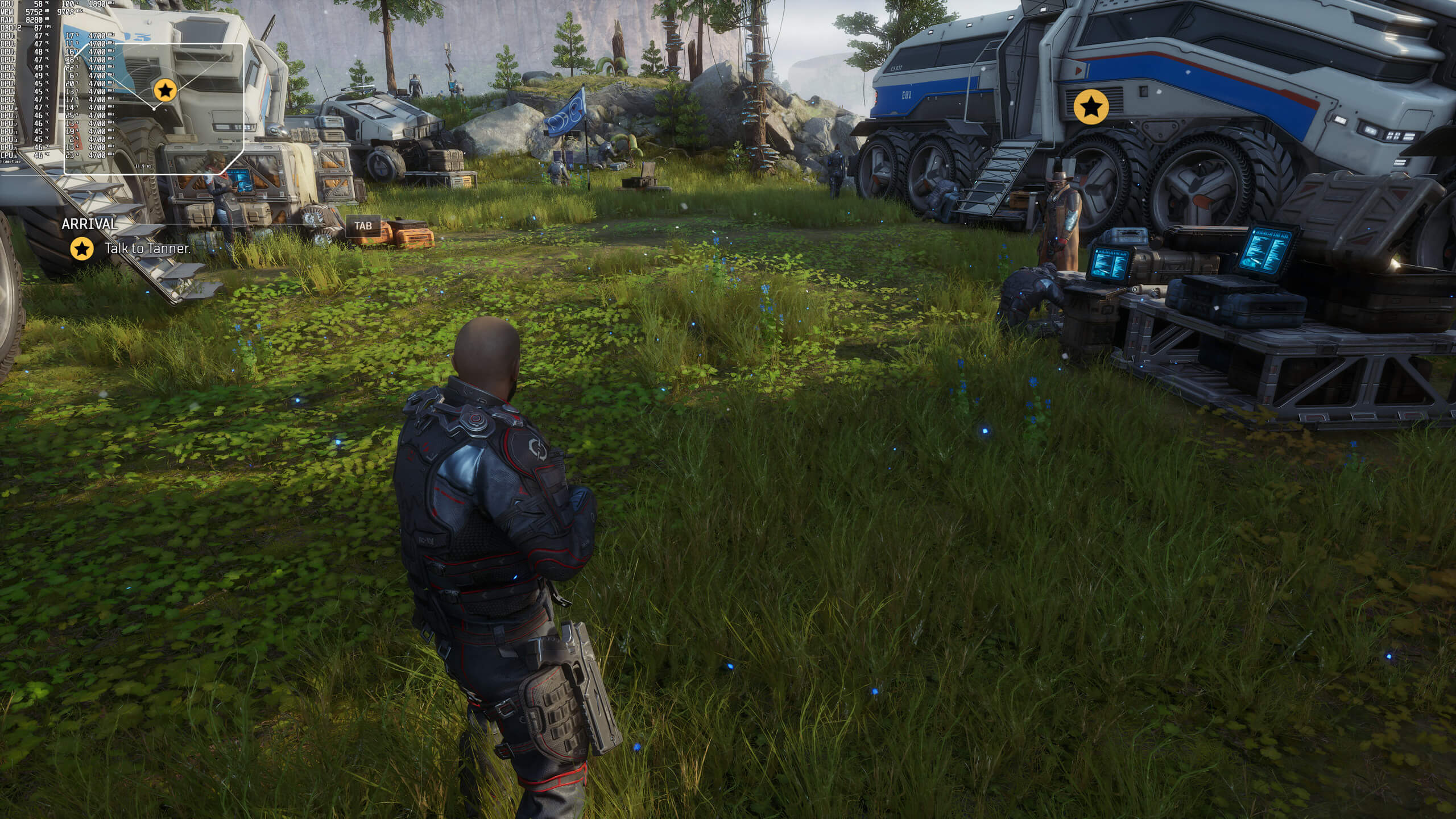
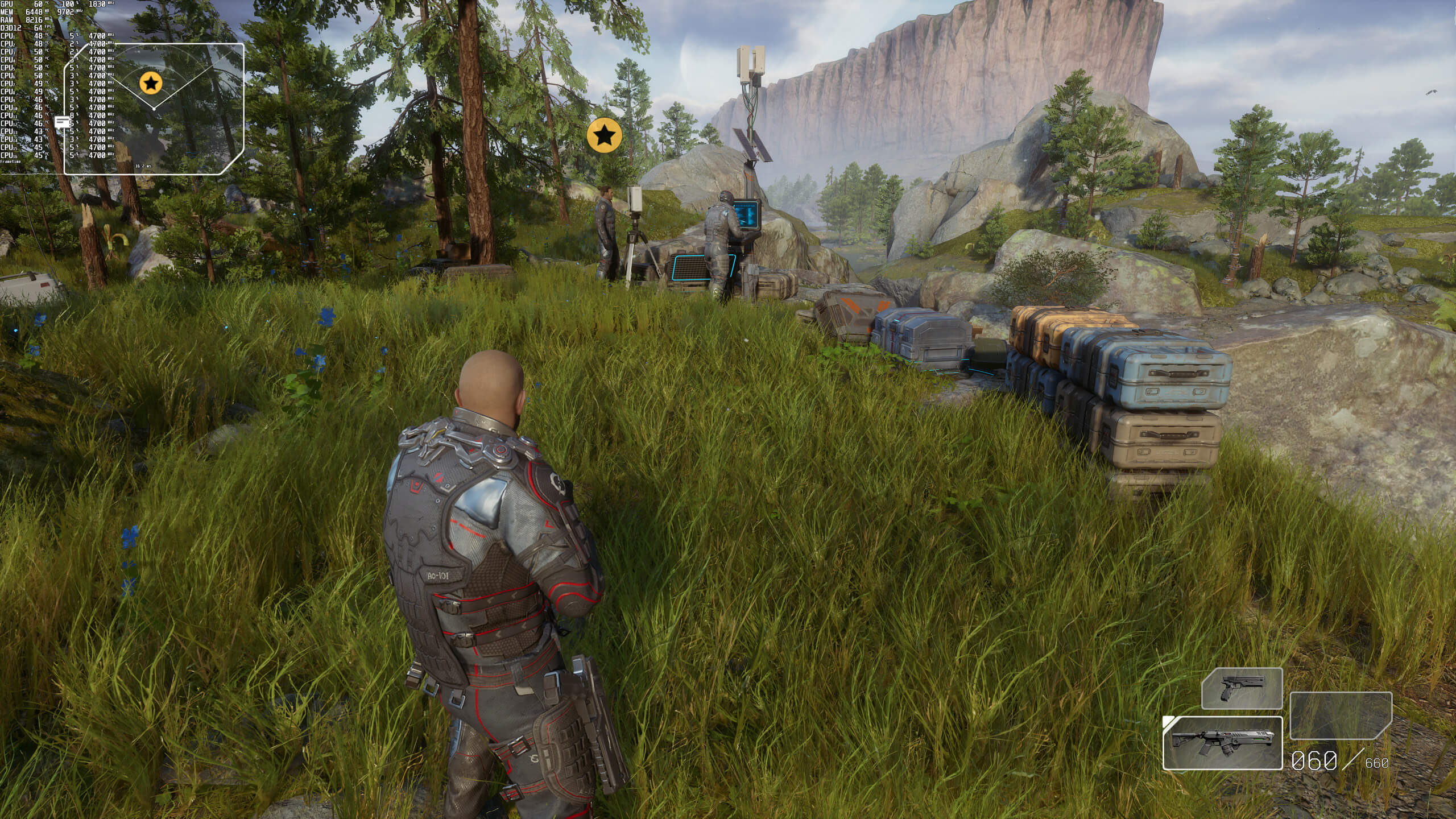
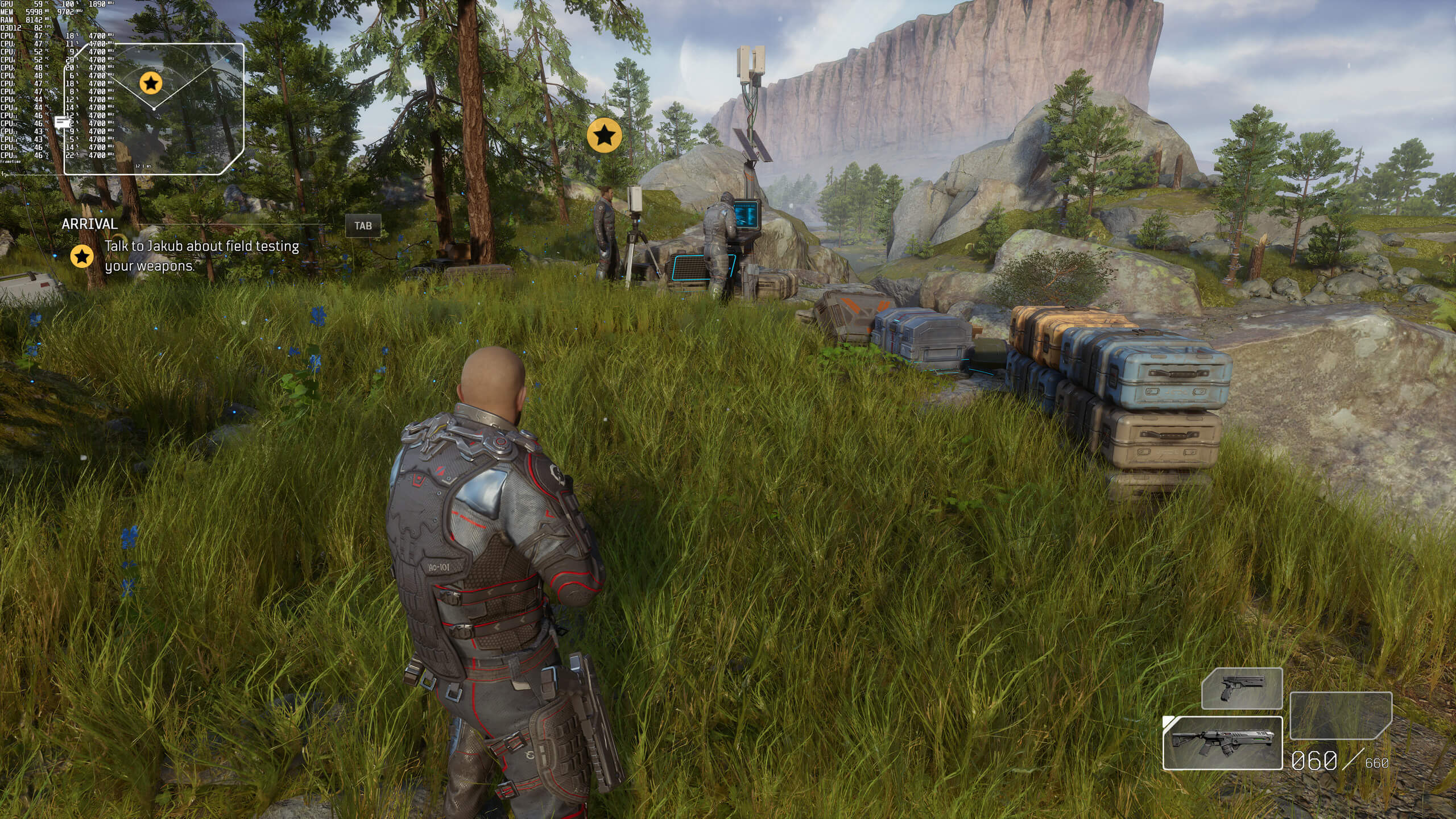
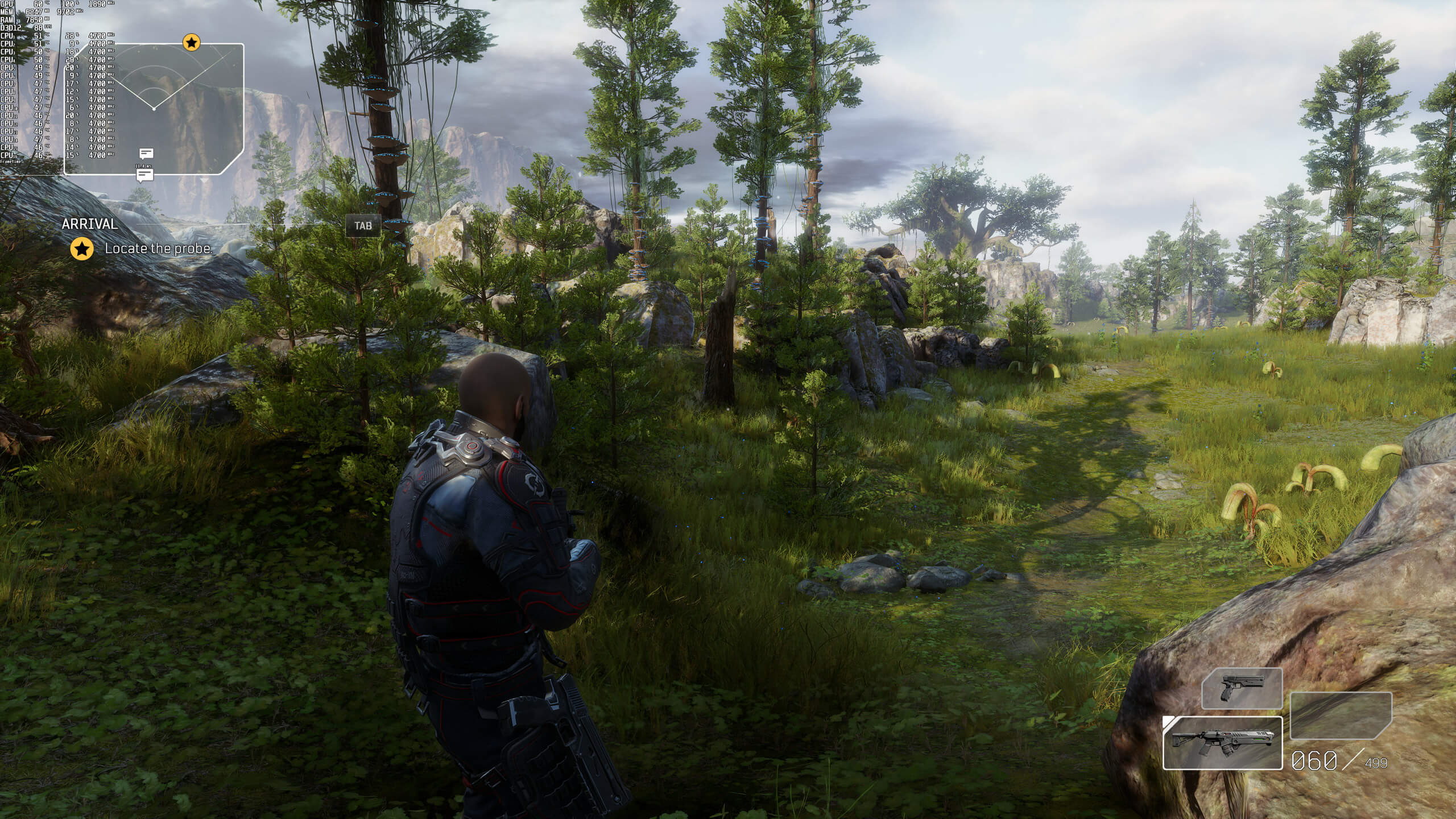
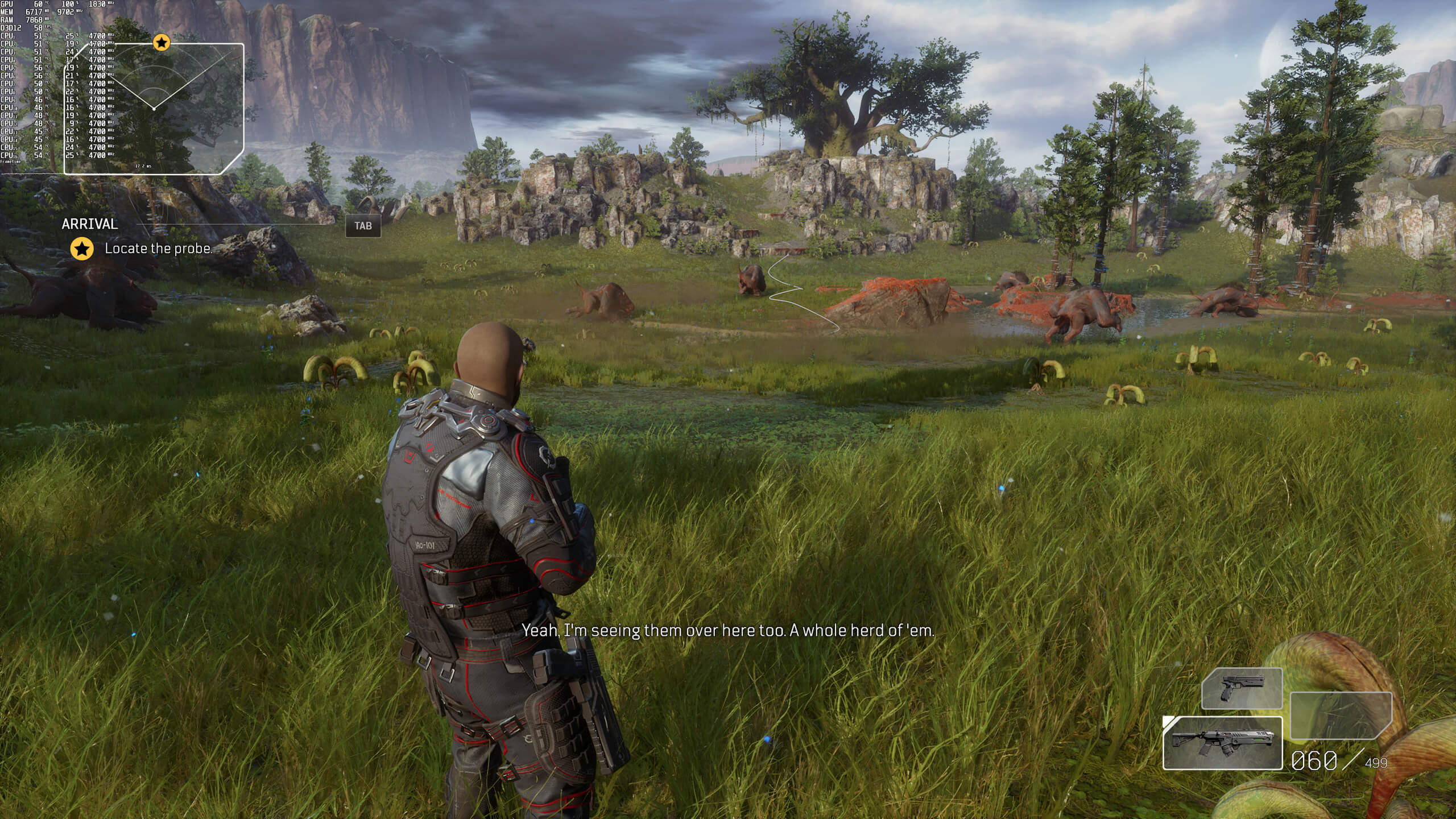
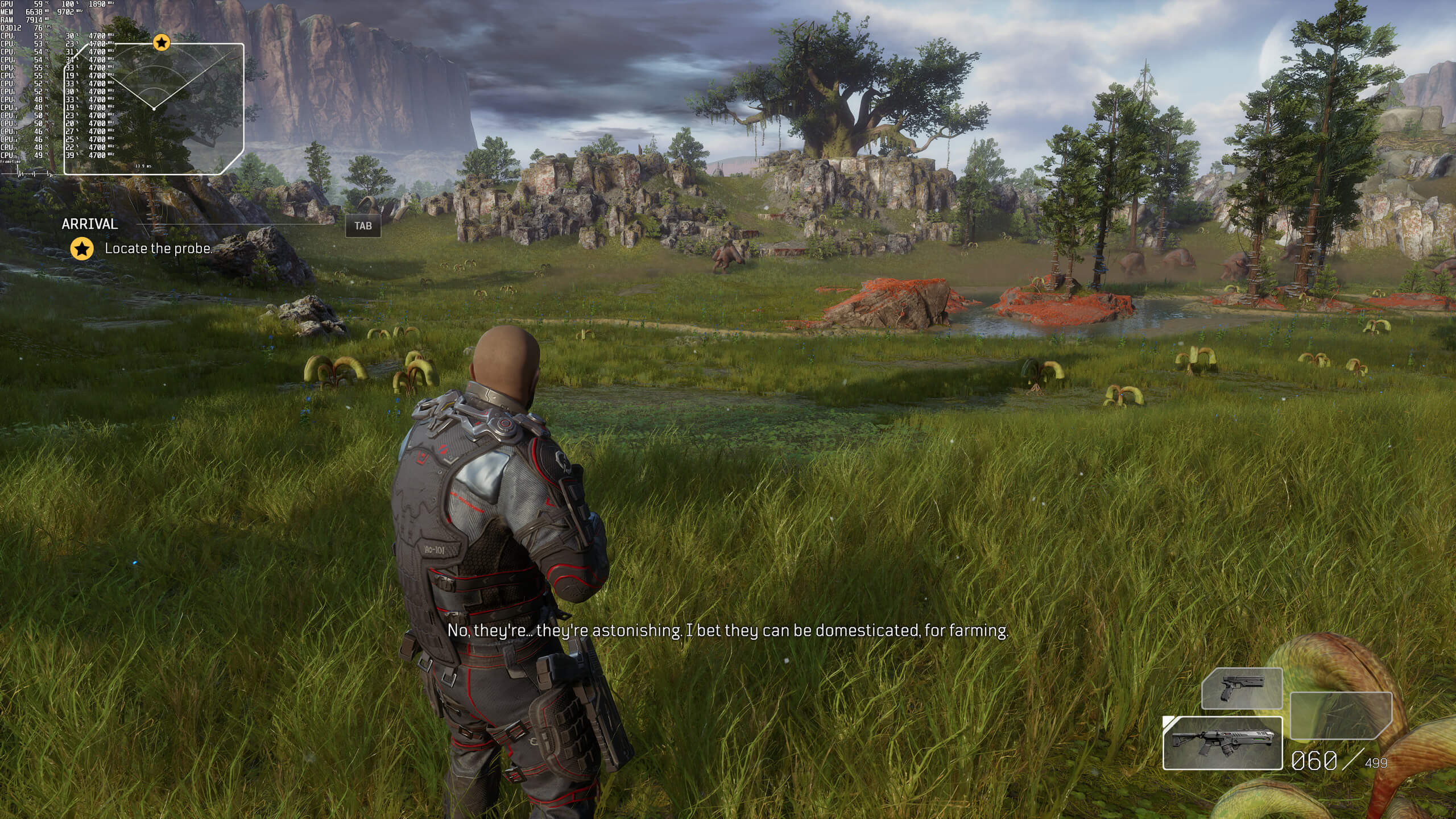
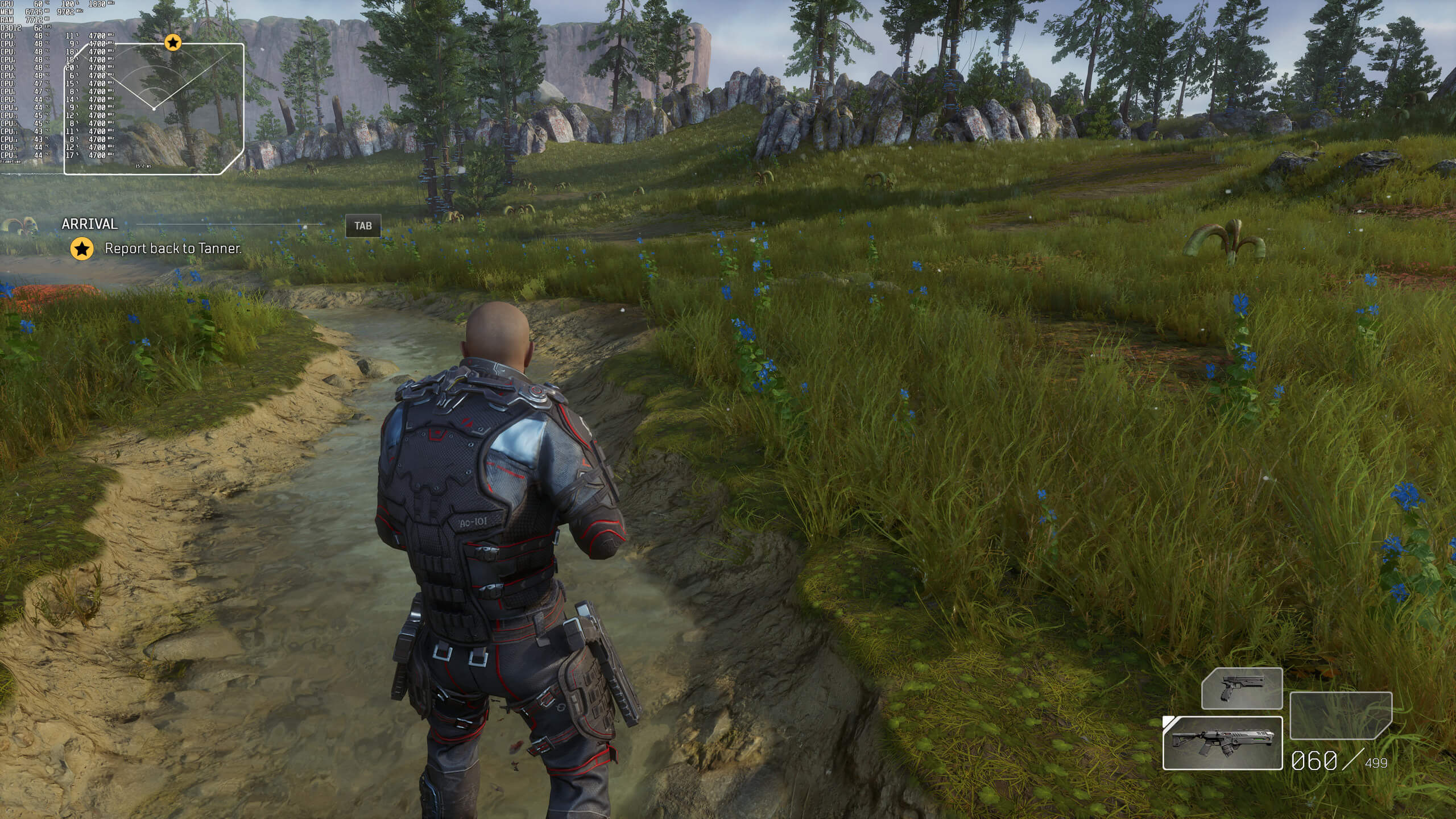
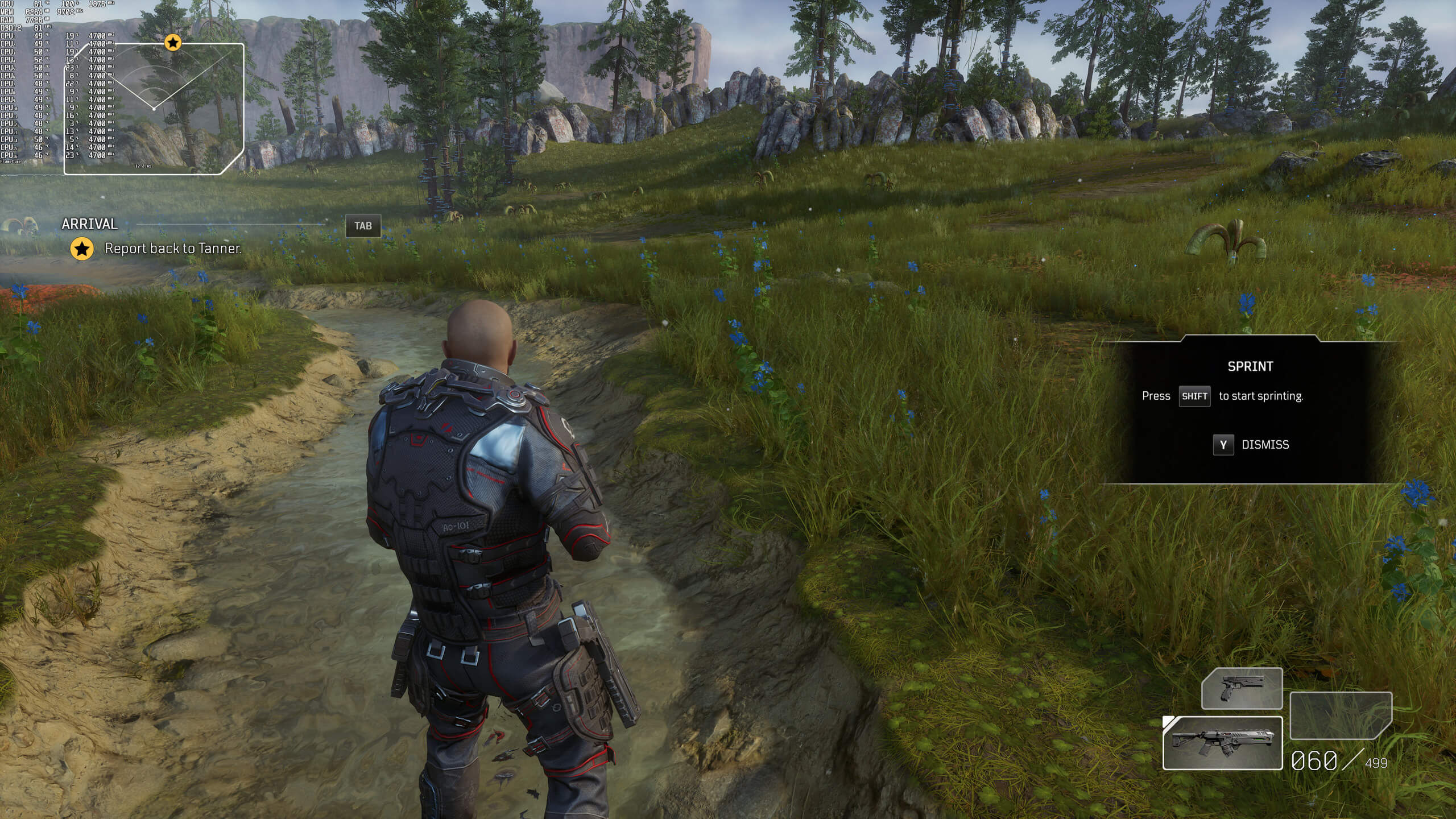
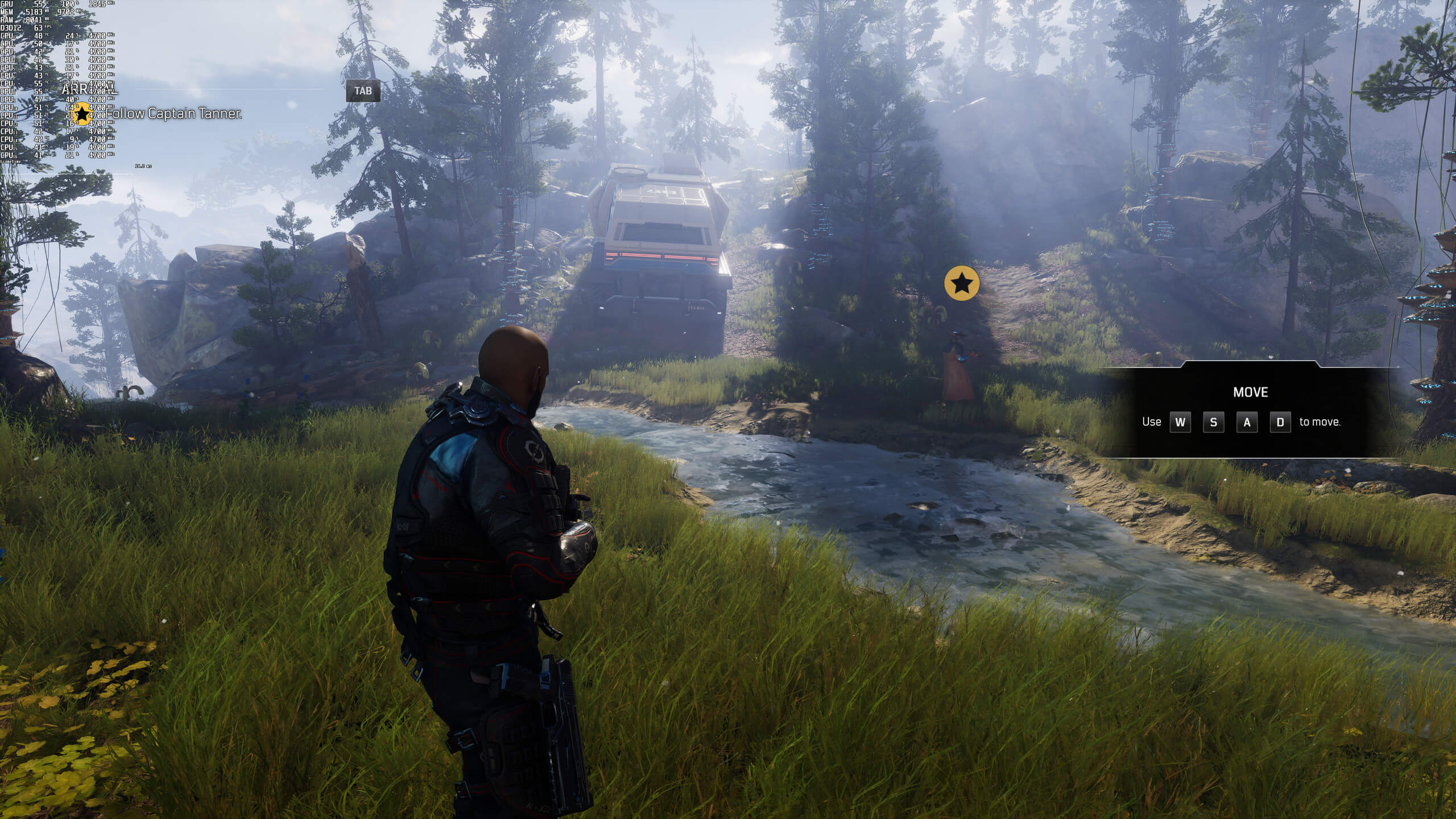
Below you can find some comparison screenshots between native resolution (left) and DLSS Quality (right). And, to be honest, there aren’t any major differences between them. Without zooming in, DLSS Quality looks just as good as the native resolution. In fact, some distant trees can look better with DLSS Quality (less aliased). I didn’t witness any DLSS glitches (like those in Death Stranding), though there might be in some later stages.
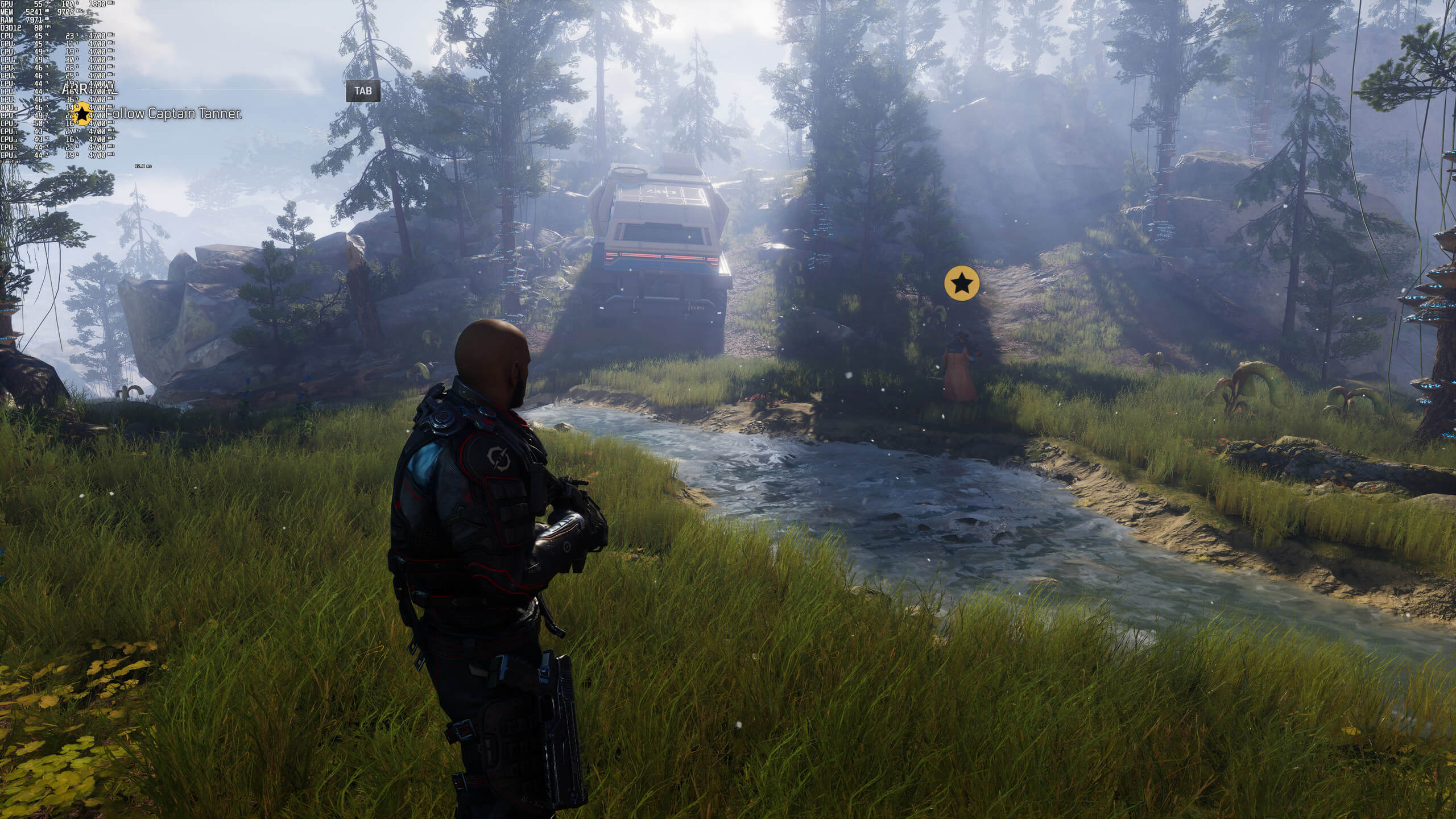
Outriders native resolution-1Outriders DLSS Quality-1 Outriders native resolution-2Outriders DLSS Quality-2 Outriders native resolution-3Outriders DLSS Quality-3 Outriders native resolution-4Outriders DLSS Quality-4 Outriders native resolution-5Outriders DLSS Quality-5 Outriders native resolution-6Outriders DLSS Quality-6 Outriders native resolution-7Outriders DLSS Quality-7 Outriders native resolution-8Outriders DLSS Quality-8

For what it’s worth, DLSS appears to be working wonderfully in Outriders, and we highly recommend using it. Thanks to DLSS Quality, the RTX3080 can run the game with more than 80fps at all times in 4K/Max Settings.

Our PC Performance Analysis will go live later this weekend, so stay tuned for more!

32 thoughts on “Outriders DLSS Quality vs Native Resolution Benchmarks”

      1. Well on a per game basis dlss can actually beat native at times – Why? Because their taa blurs them way to much while dlss don’t produce as blurry images resulting in a better image quality than stock even when the baseline frames are from a lower resolution.

        If you played around enough with the tech i’m sure you would have a different opinion. Its still kind of young but have come a long way since launch and the devs are getting better at utilizing it too

        1. I use an RTX 2080S, I am aware of how DLSS works. In no instance has it ever beaten native, and I’ve played with it and looked at it hard.

      2. I’ve seen a couple of really good DLSS implementations easily match native quality equally, though I’ve never seen it exceed native fidelity.

        The one thing I will say to this point though, is that DLSS does NOT use the aggressive, blur-fest TAA techniques that most titles are using these days – It is capable of removing temporal and geometrical aliasing as well, and the kicker is, it does so without causing the blur of TAA, so THAT could theoretically make it better than native, especially if you’re looking at a moving scene where TAA really kicks in instead of just still images like screenshots.

  1. always nice to see DLSS in more games, I hope amd also adds a similar feature which is actually close to it in terms of performance

    1. My 3090 is looking at you. At least you have some money for your crack pipe, always think the best.

      1. Same – Just wish i didn’t got the first round of strix 3090 oc’s as they seem to be plagued by rattling fans at certain rpm’s. About to get a replacement

  2. To be honest, I thought DLSS was kinda gimmicky until I learned that NVIDIA trains their deep learning supercomputers on games before their release. This way, it’s optimized for every title individually. That’s cool because we’re getting something that’s probably impossible to pull off with any “homemade” mods, etc.

  3. kernel anticheat, still shaky cam no one asked for, people playing single player getting boosted out of the game due to connection problems, servers down day one, no difference here on the pictures.
    thanks i´ll wait till it´s cracked

  4. Would have been really nice if Nvidia GPUs could make use of AMD’s Freesync Premium (the tech on my Monitor). Because all im getting is GSync Compatible feature only. I could get an AMD card but that would mean sacrificing DLSS 2.0 and RT performance.

      1. Wow, Your really shilling hard for AMD against Nvidia and yet you call other people fanboys and “NVidiot”. Sorry your stuck with an AMD card with no DLSS, You can try say you have a 2080S all you want but clearly from your comments you dont. DLSS 2.0 can also make Textures in some games look much clearer and higher res then Native res (Control Ultimate) since its using AI such as what Gigapixal and ESrgen does only in real time. And like others have also said it pretty much eliminates jaggies at native res without the need for TAA making the image blurry. And with DLSS 3.0 its only going to get better. Its not better then every game in native yes. But for some its pretty damn close and even in some others like control exceeding it.

  5. Hard to see any difference in a screenshot, but every game I tried with DLSS 2.0 always transforms in a blurry mess when moving, similar to TAA but worse. Is that the case here?

      1. What exactly do you want to compare it to? TAA is the standard for AA in modern games, for the past 5 years.

        1. because some people did not like how TAA looks. so they want DLSS that did not look similar to when TAA in action. problem is there won’t be one.

          1. DLSS lessens a lot of the problems that TAA has.

            You get similar/better picture quality but with much higher performance, easy choice…

Leave a Reply

Your email address will not be published. Required fields are marked *