Dragon Age Inquisition feature3

Dragon Age: Inquisition – PC Performance Analysis

Dragon Age: Inquisition was perhaps the most highly anticipated RPG of 2014. Originally meant to go toe to toe with The Witcher 3: Wild Hunt, Bioware’s RPG was lucky enough to earn everyone’s attention after CD Projekt RED delaying its own RPG to 2015. So, time now to see whether Bioware dropped the ball on this one, or whether we have in our hands a proper PC version of a highly addictive RPG.

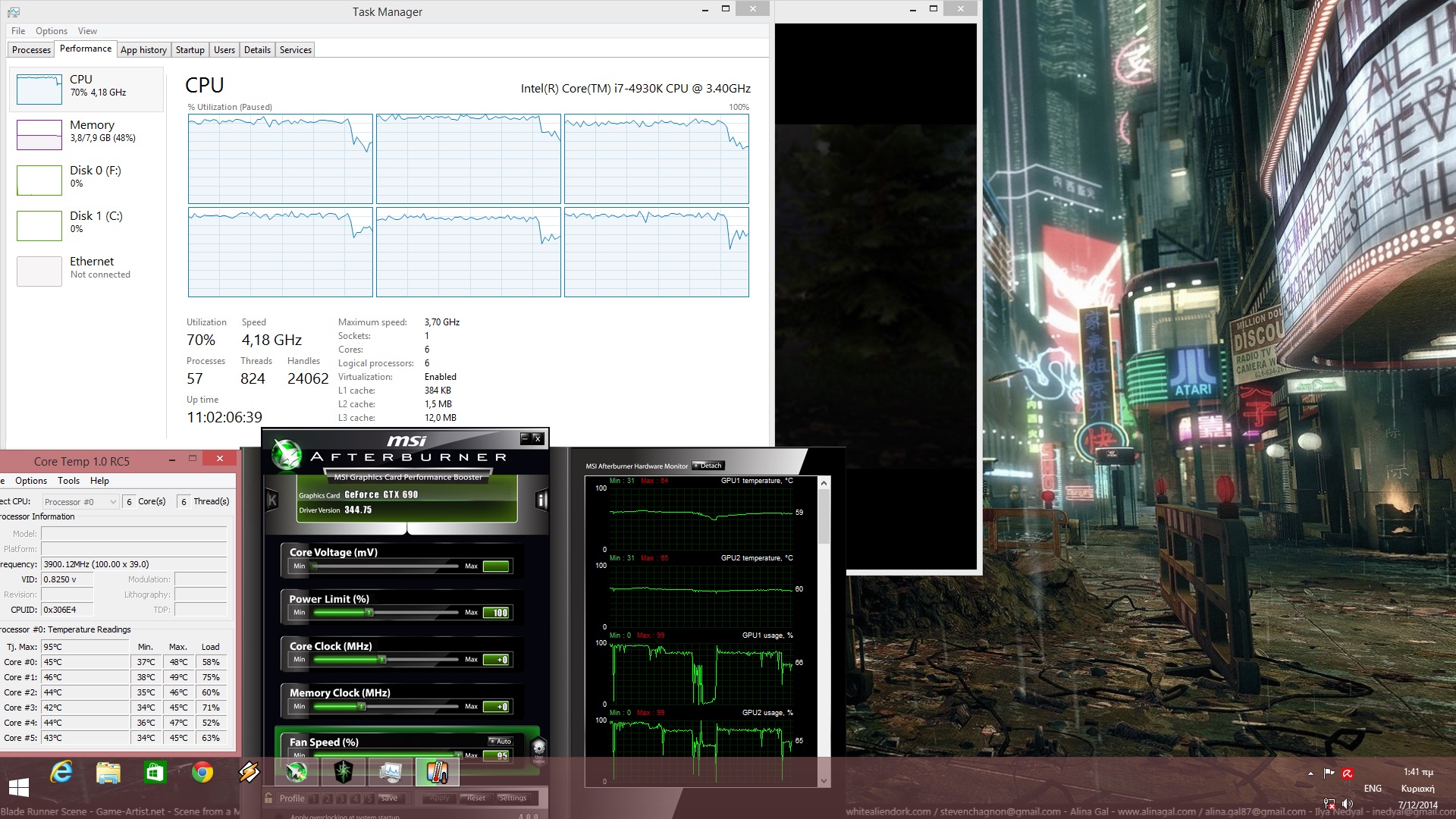
Dragon Age: Inquisition is powered by DICE’s Frostbite 3 engine and as always, we used an Intel i7 4930K with 8GB RAM, NVIDIA’s GTX690, Windows 8.1 64-bit and the latest version of the GeForce drivers. NVIDIA has already included an SLI profile that offers amazing SLI scaling. This obviously means that PC gamers won’t have to mess around with third-party tools in order to find the best SLI compatibility bits for this title.

As we’ve already said, Dragon Age: Inquisition is powered by DICE’s Frostbite 3 engine; an engine that amazed us with its CPU scaling in Battlefield 4 and Battlefield: Hardline. Thankfully, Dragon Age: Inquisition follows this trend and scales incredibly well on multiple CPU cores.
Dragon Age Inquisition CPU Graph

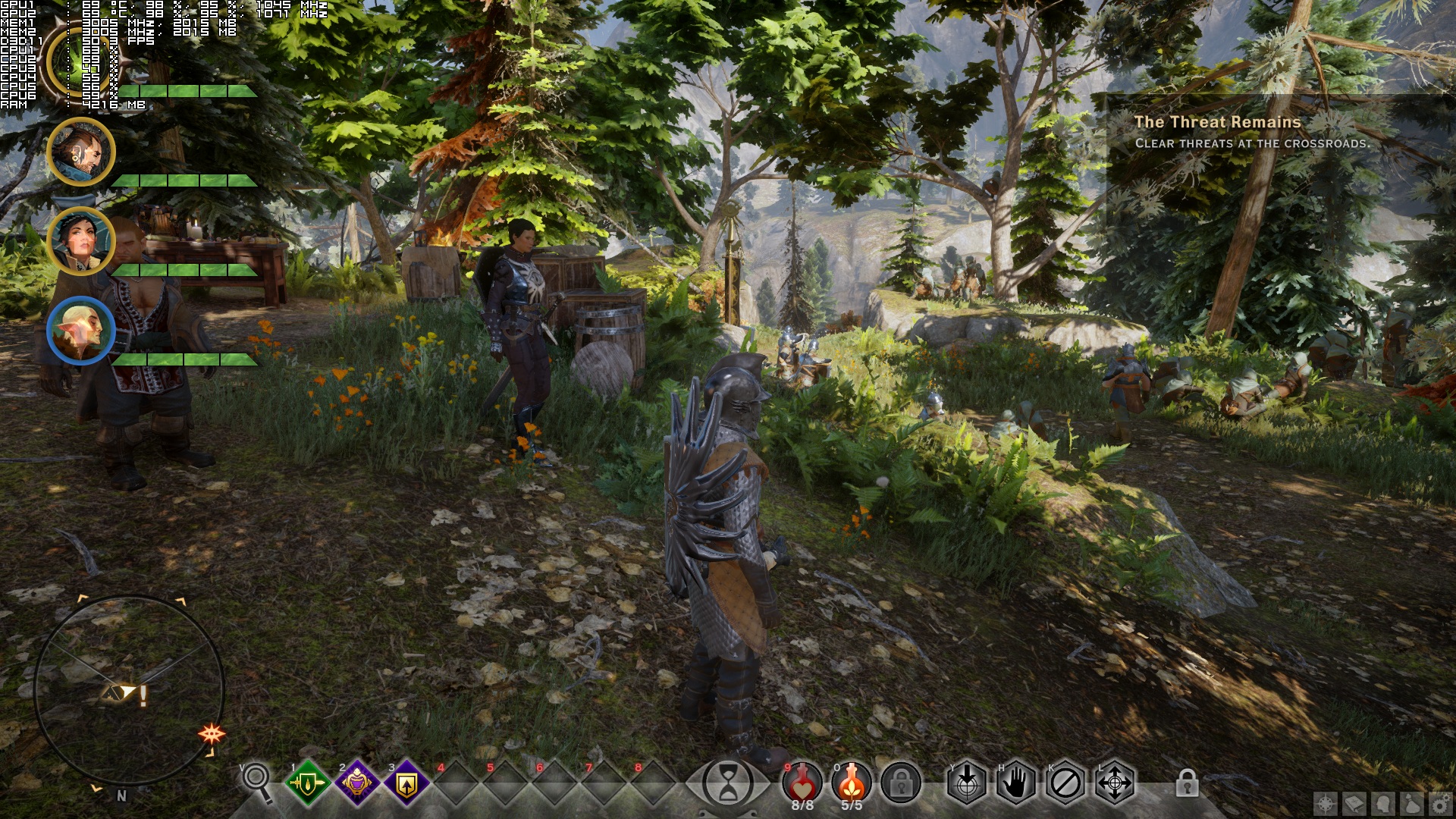
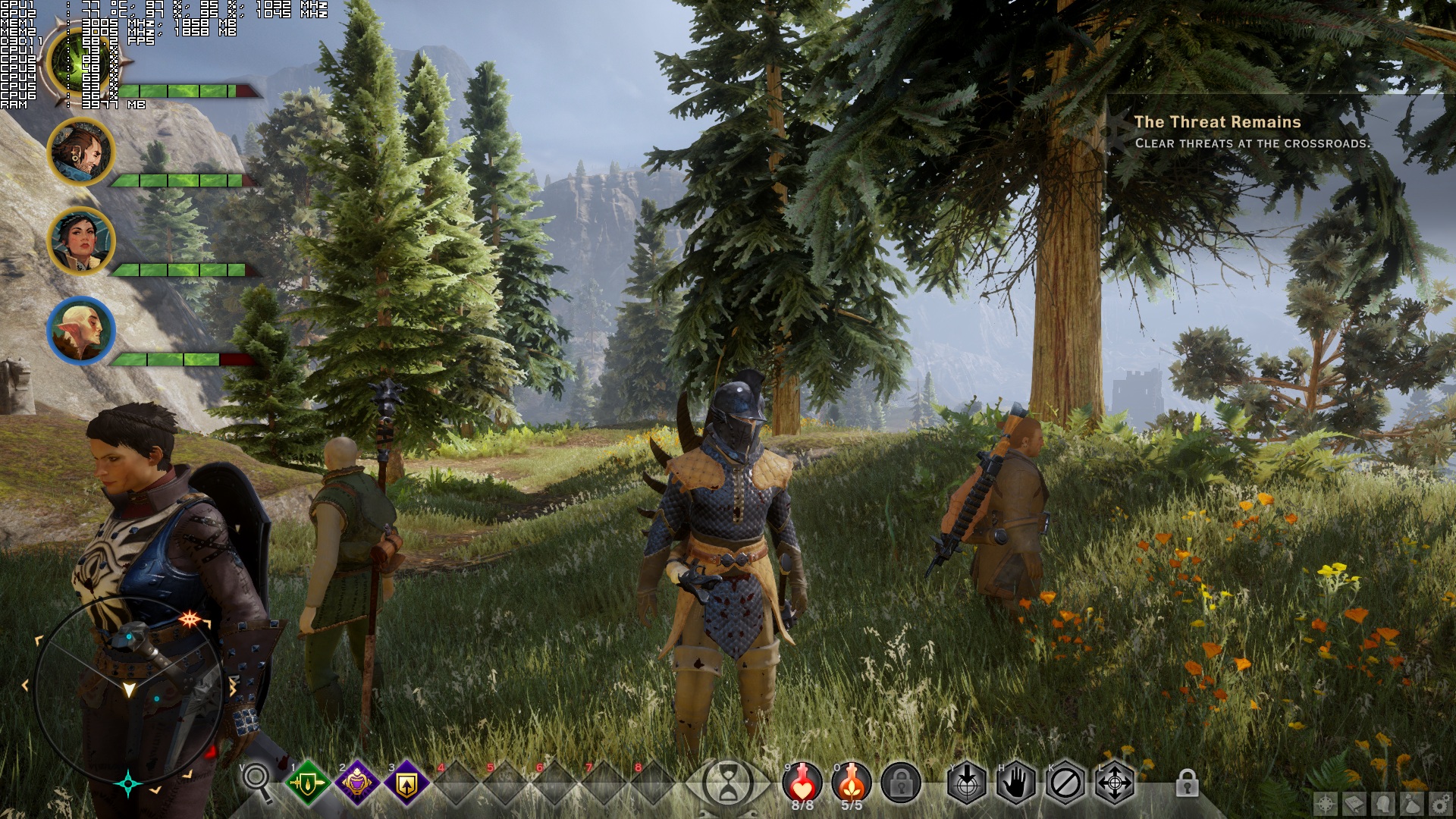
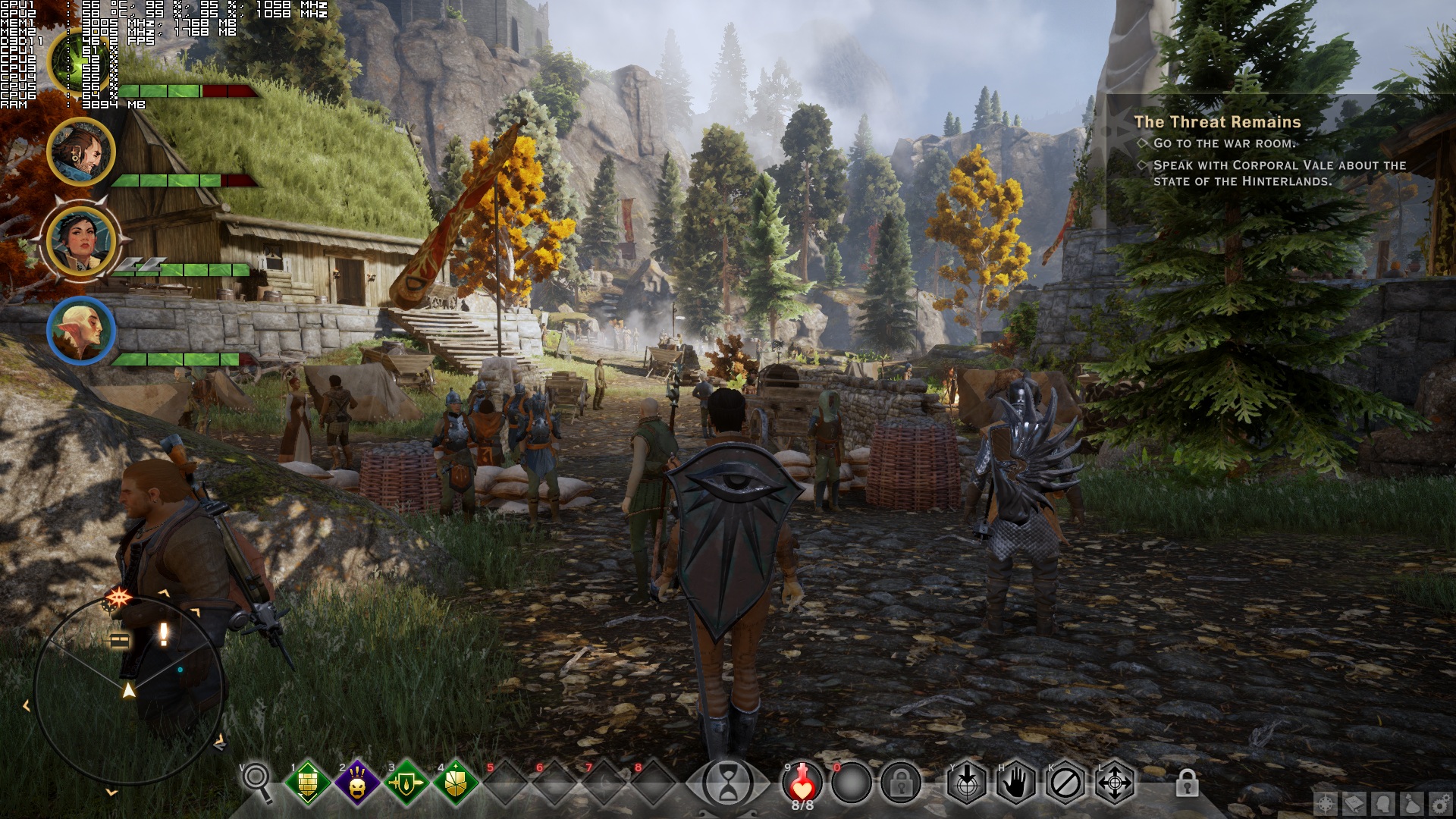
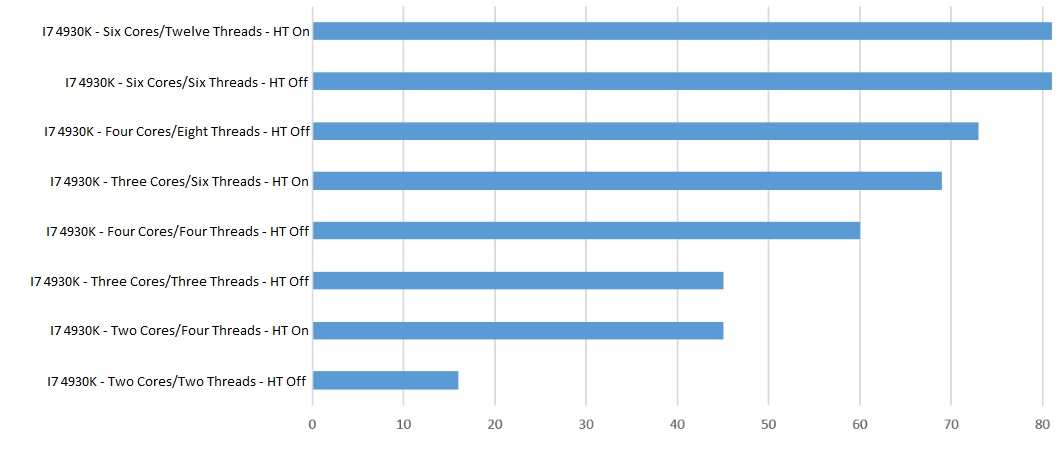
In order to find out whether the game scales well on a variety of CPUs, we simulated a dual-core, a tri-core and a quad-core system. Moreover, we’ve tested these systems at the following scene; a scene that stressed both our CPU and our GPU. For our CPU test, and in order to avoid any possible GPU limitation, we lowered our resolution to 1024×768 and lowered resolution scaling to its minimum (but kept the game’s Ultra settings).
DragonAgeInquisition_2014_12_07_01_36_58_840

Dragon Age: Inquisition ran with 16fps on our simulated dual-core system (with major stuttering issues), while our simulated tri-core system was able to push 45fps. On the other hand, our simulated quad-core system ran that scene with 60fps, while our hexacore was able to break through the 60fps barrier and offer a 81fps experience. This right there shows the benefits of multiple CPU cores, and why we consider Frostbite 3 one of the best engines available.

What’s also interesting is that Dragon Age: Inquisition sees huge improvements when Hyper Threading is enabled (on older and mid-range systems). With HT enabled, our dual-core system was able to run the game with 45fps (similarly to our tri-core system without HT) though there were minor stutters here and there). Still, the game was more than playable on that system. With HT enabled, our simulated tri-core system ran the game with 69fps, while our simulated quad-core system pushed 73fps with HT enabled. The only CPU that didn’t show any performance increase when HT was enabled, was our hexacore. Our i7 4930K ran the game with 81fps on both scenarios, meaning that there is still room for improvements regarding Frostbite 3’s multicore CPU scaling.
DAI CPU Test

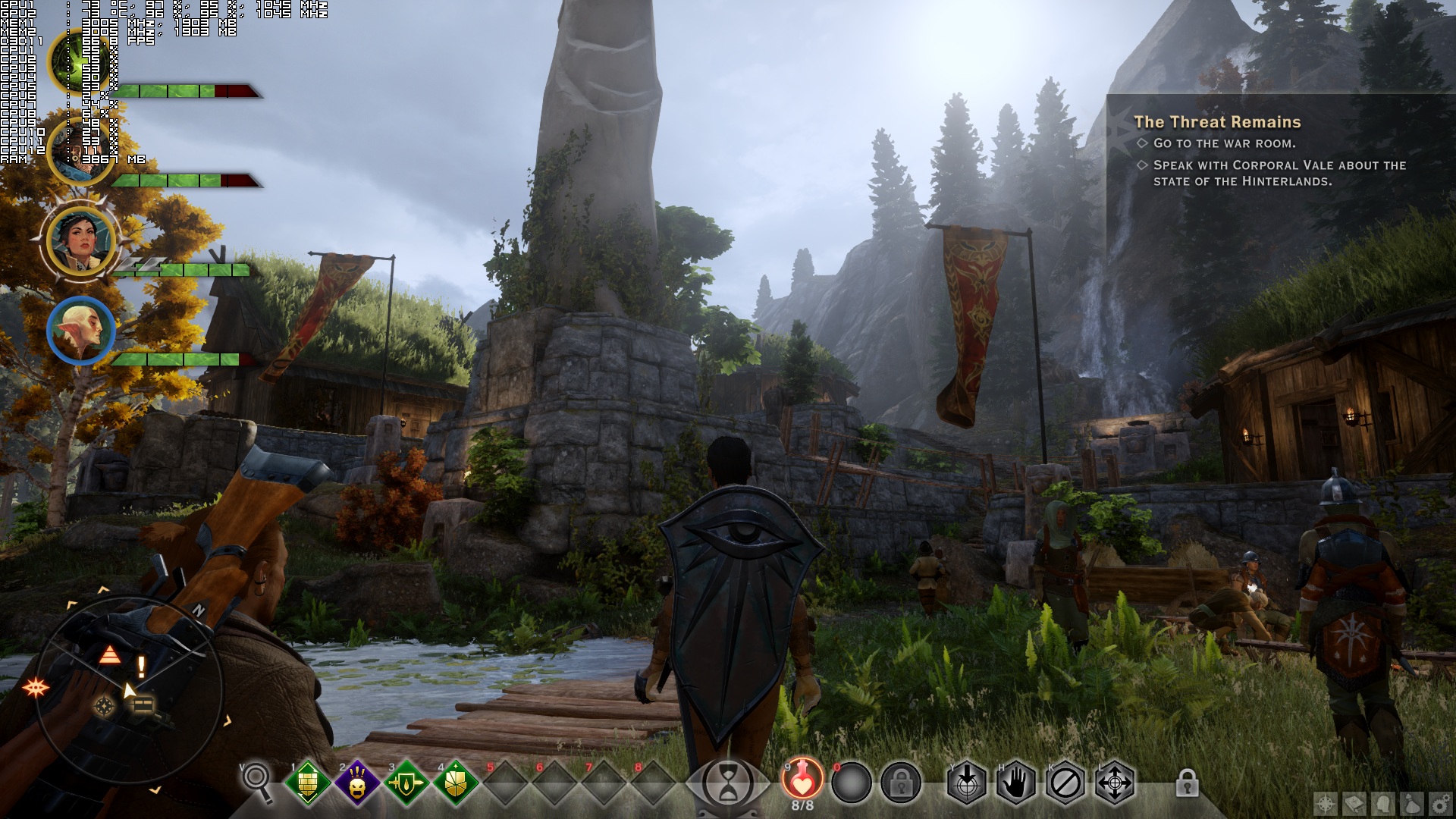
Dragon Age: Inquisition also requires a high-end GPU to shine. In that particular scene, our GTX690 was unable to push 60fps at 1080p with Ultra settings, and was dropping to mid-40s. In order to reach 60fps, we had to either lower our resolution to 720p, or lower some of our settings to High. Thankfully, Bioware has provided a wide range of options to adjust. And since we’ve already shown that the game looks good (not great, but at least good) on Low settings, we are pretty sure that PC gamers will be able to find the sweet spot between performance and visuals.

Before examining the game’s visuals, we feel the need to mention some annoying crashes we experienced with Bioware’s RPG. For unknown reasons, we were getting random crashes to desktop. The game was basically closing itself randomly, and as such there wasn’t any error message to display when those crashes occurred. The only way we could ‘fix’ this issue was by running the game in offline mode. Moreover, we noticed less stuttering during cut-scenes and faster loadings while running the game in offline mode. We are not certain whether the game’s servers are to be blamed for this behaviour or not, however we strongly suggest running it in offline mode (especially if you encounter any CTDs).

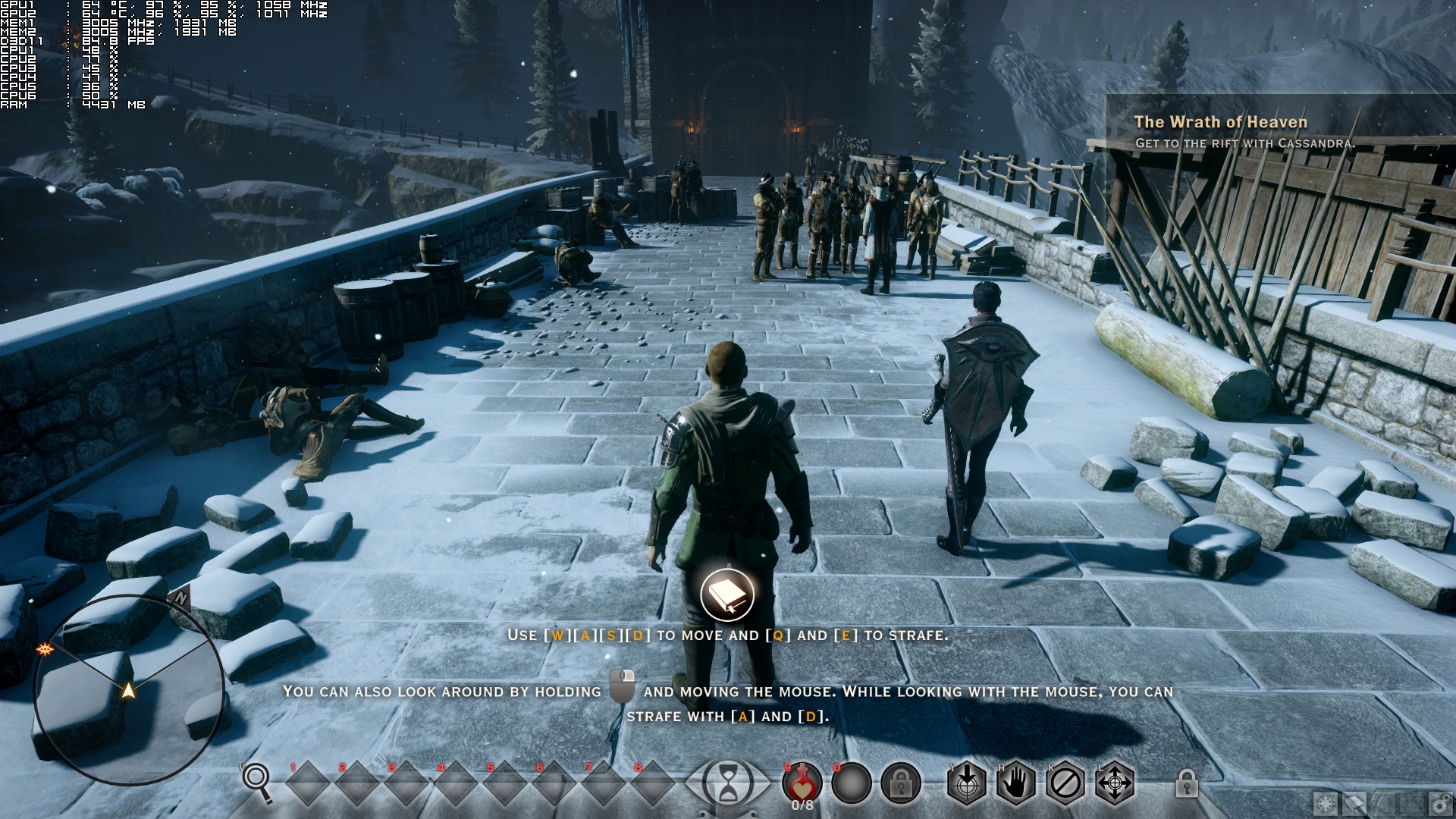
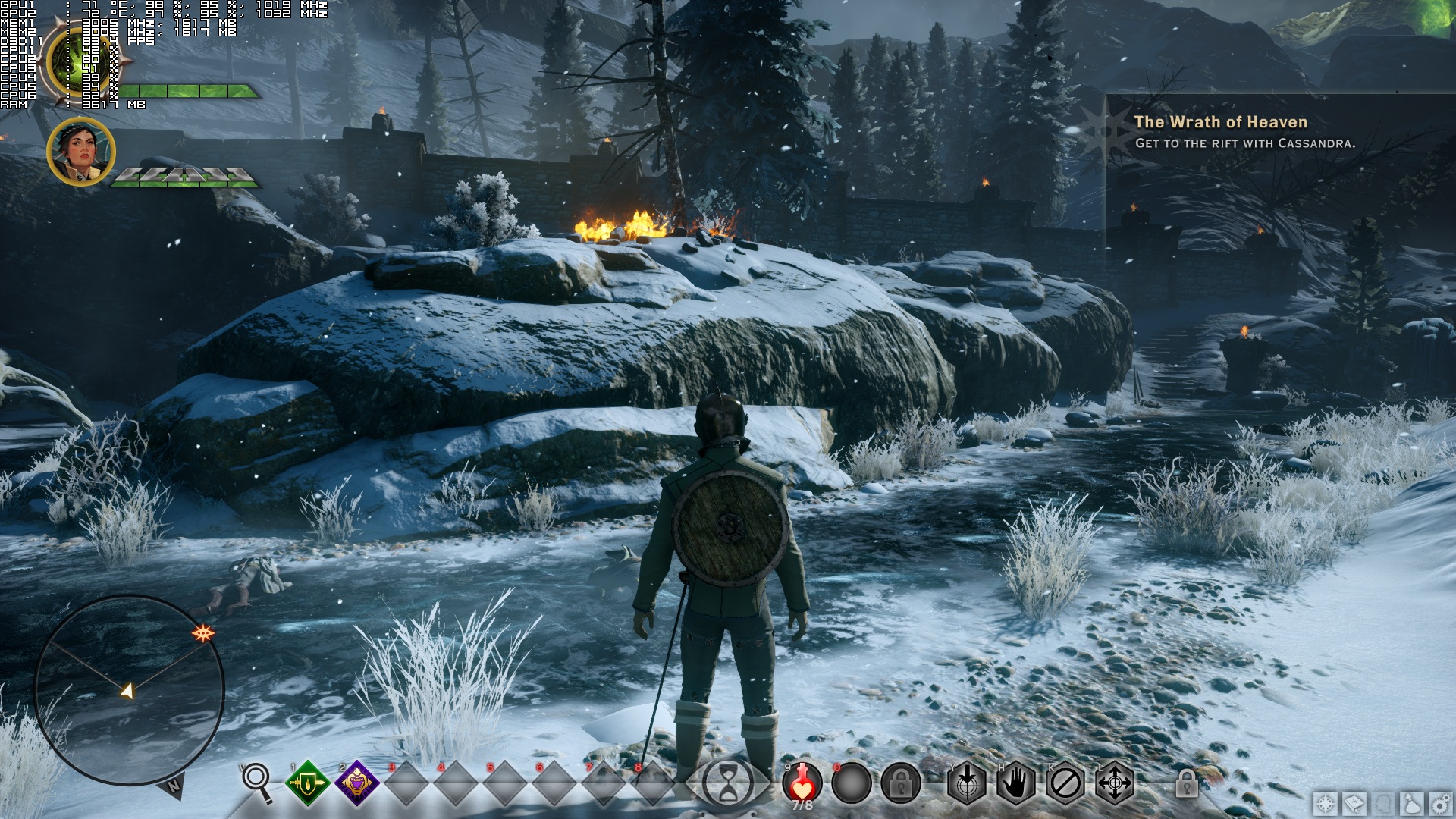
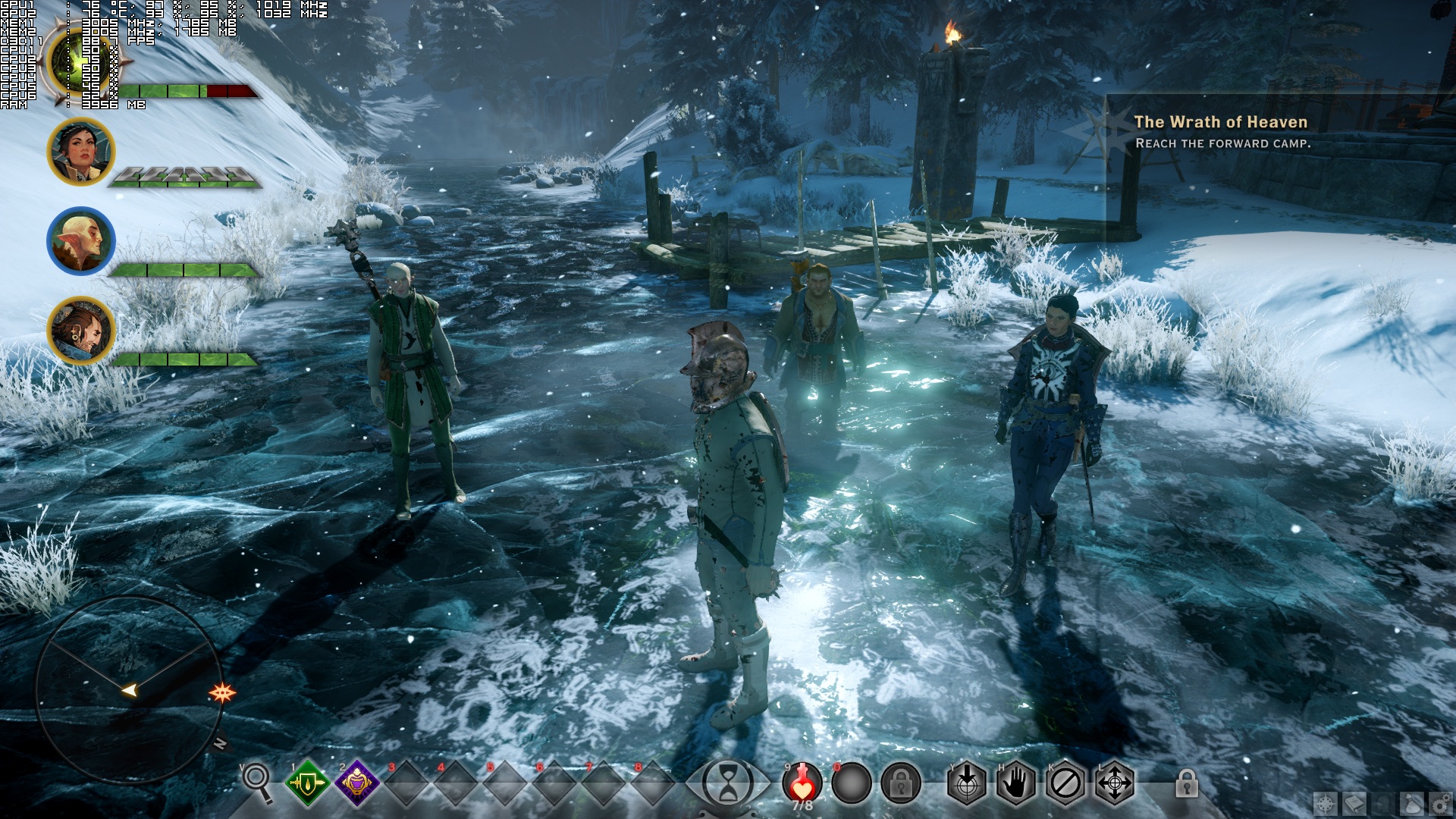
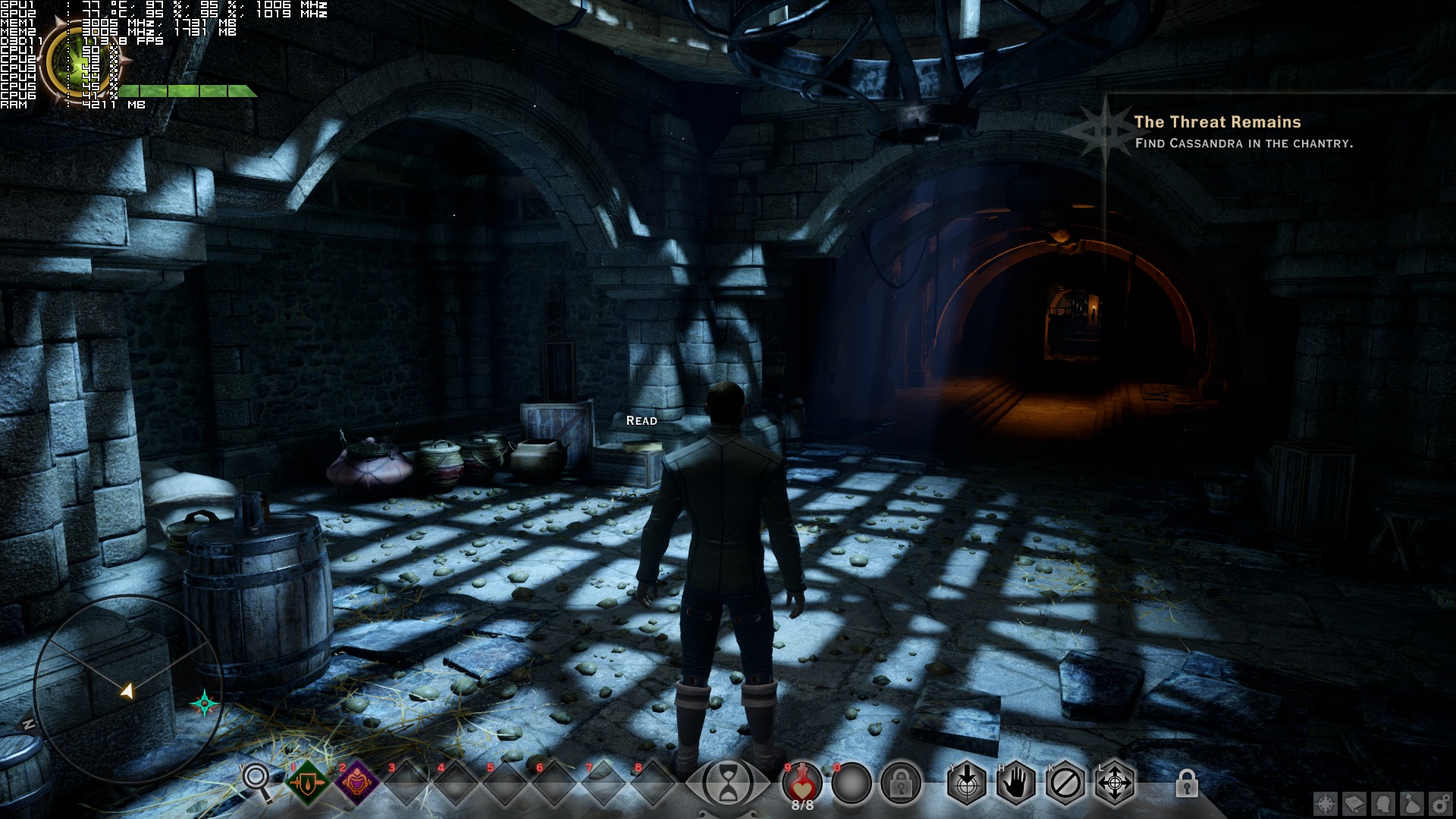
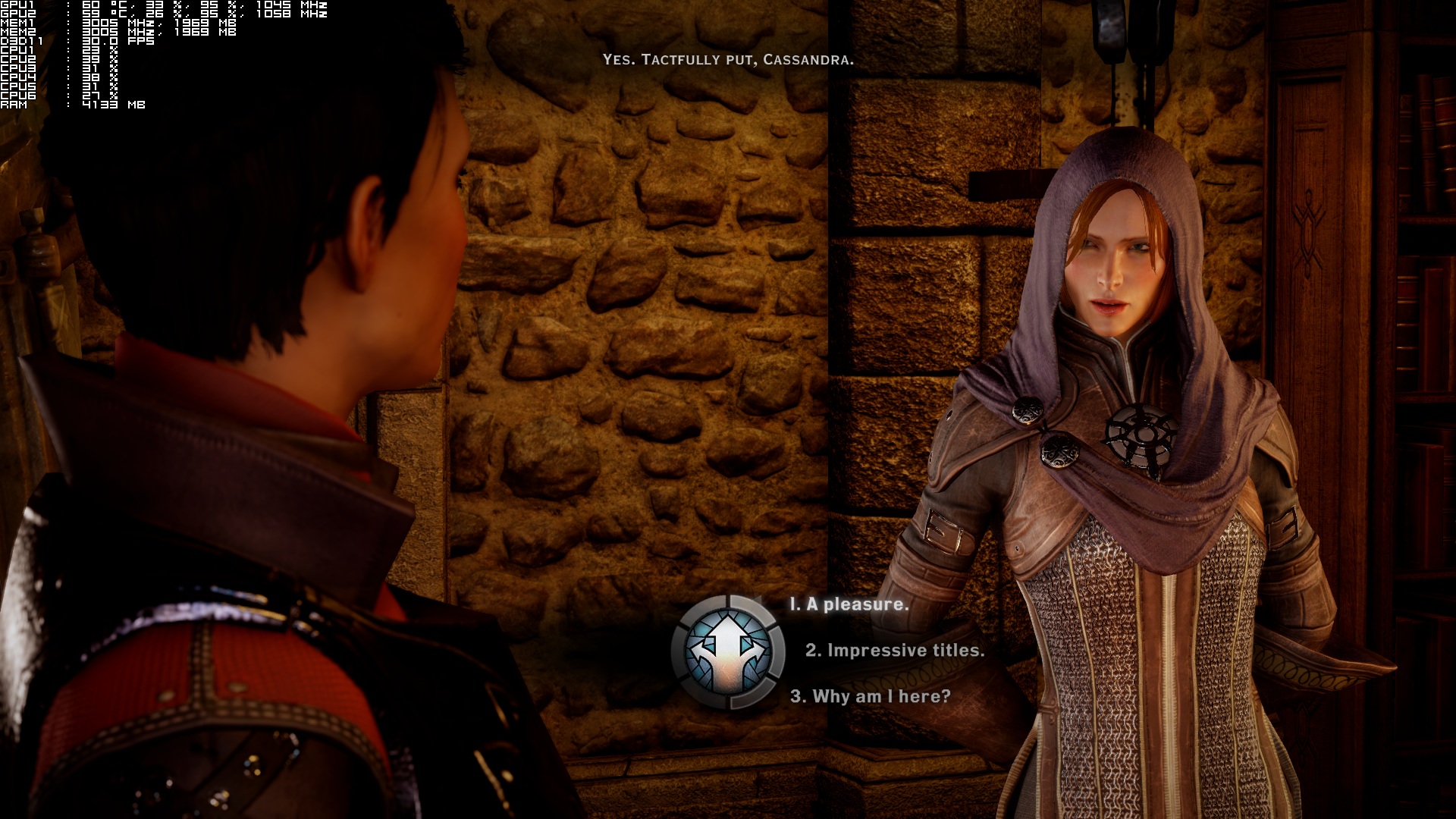
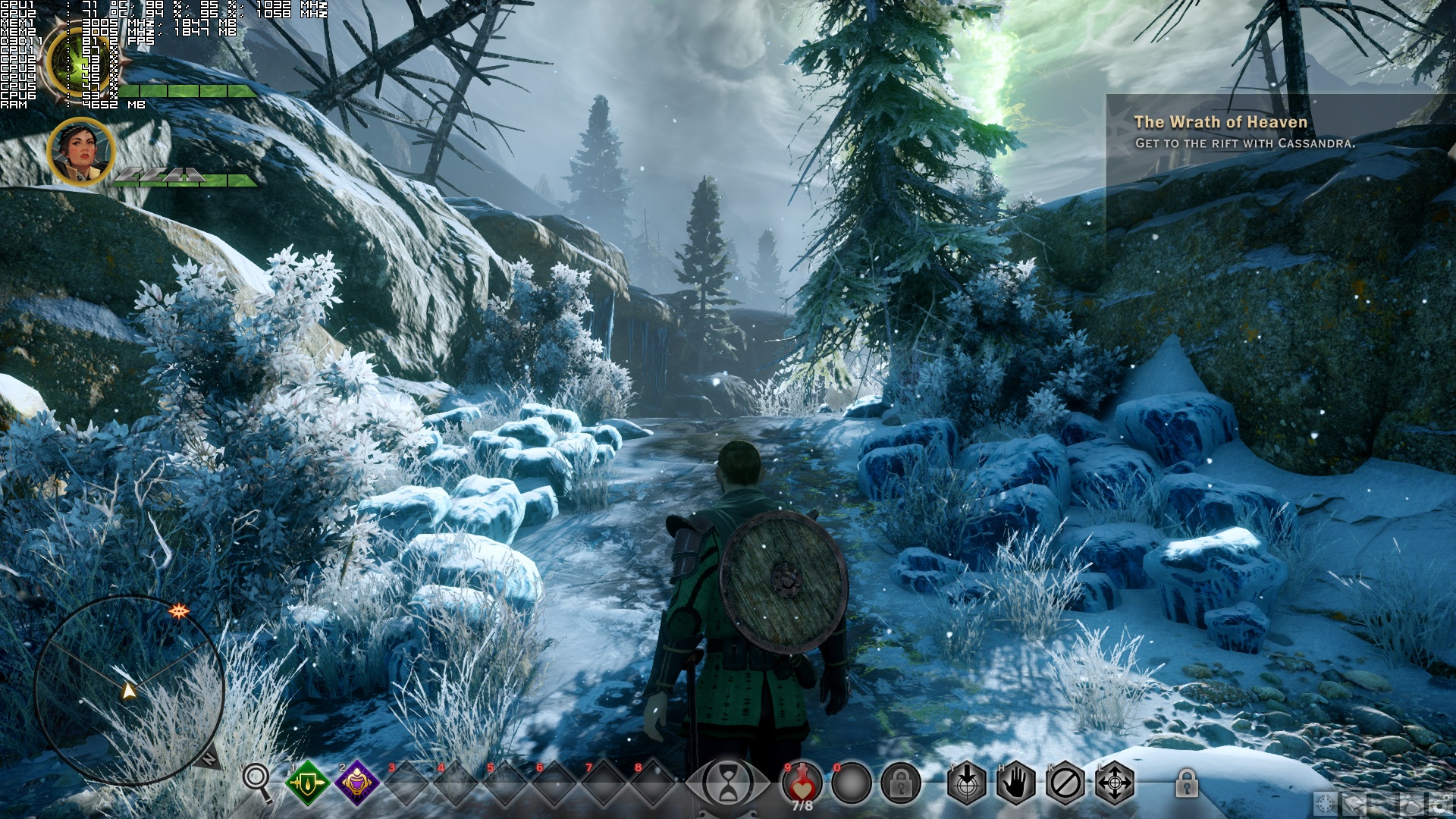
Dragon Age: Inquisition sports lovely visuals. The game supports self-shadowing (though even on Ultra settings you will notice up close square-ish shadows), there are great ambient occlusion effects, light shafts are present, vegetation is bendable, and there are some objects that can be destroyed. All in-game characters are highly detailed and while there are some low-res textures here and there, most of them are of really high quality.
DragonAgeInquisition_2014_12_05_01_19_41_103

Unfortunately, there are also a lot of graphical compromises. There is noticeable pop-in of objects, water effects are as simple as they can get (there aren’t even any water ripples), there is no fur on animals, weather effects are not that amazing, and there are some laughable rotating sprites used for smoke effects. Not only that, but the overall interaction with the game world is quite limited.

A lot has been said about Dragon Age: Inquisition’s control scheme. While we agree that the tactical view would benefit from further tweaking, we did not find the default keyboard+mouse implementation THAT awful. The control scheme feels similar to the one found in most MMORPGs, so those familiar with them will feel right at home. All others will have to get used to it, but again – we don’t believe it’s a game breaker issue.

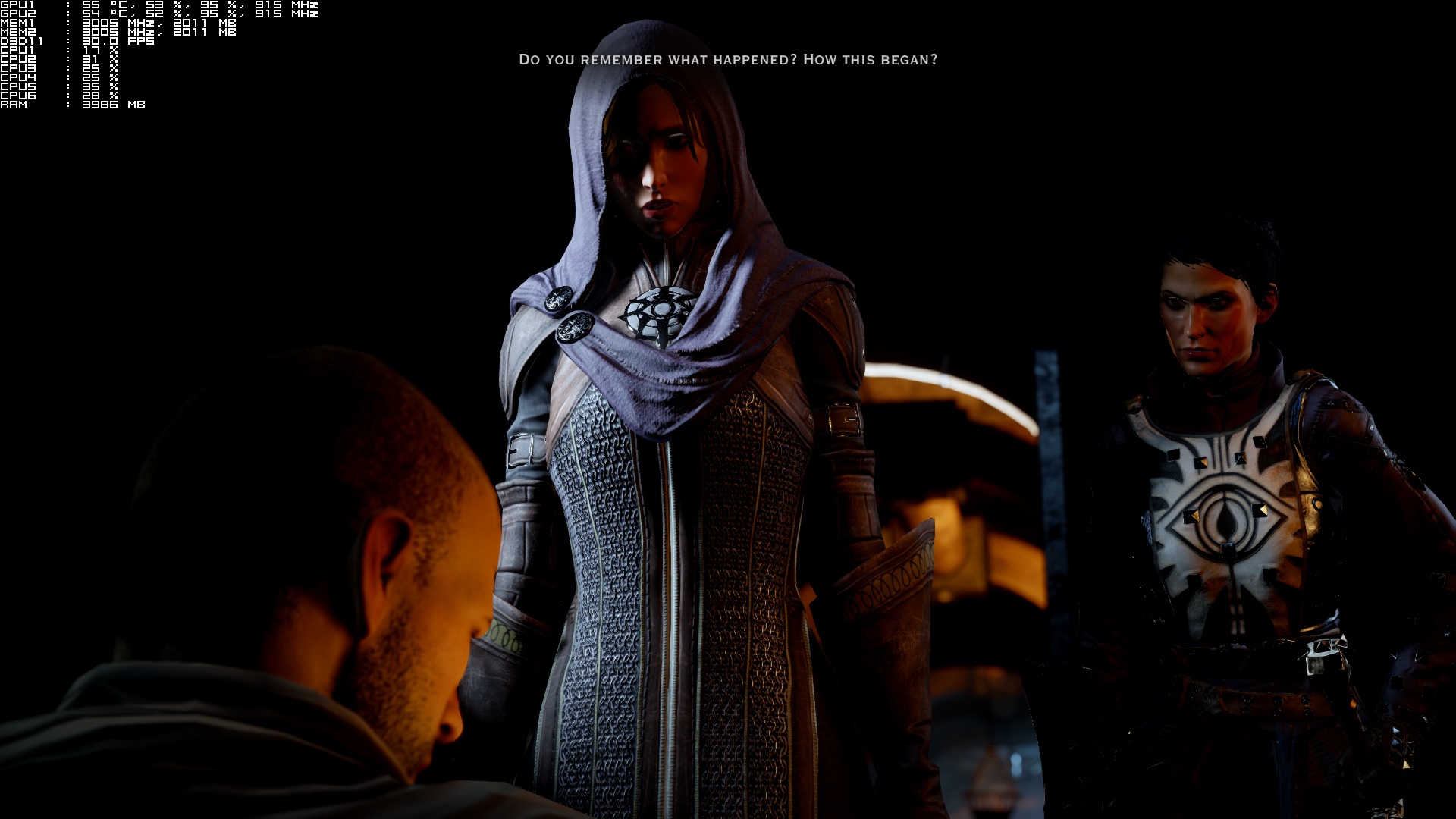
Before closing, we believe that Bioware needs to further tweak the tactical view and address the annoying crashes. Do also note that the cutscenes ran at 30fps (there is a workaround but the animations feel really jerky even at 60fps), so here is hoping that Bioware will also take a look at this issue too.

All in all, Dragon Age: Inquisition has its issues on the PC but for the most part, it performs great. Thanks to the Frostbite 3 engine, the game scales incredibly well on both multicore CPUs and multi GPUs. Bioware has provided a wide range of options to adjust, and the game looks great even on High settings. There are no mouse acceleration side-effects, the default control scheme is not as bad as it’s been rumored, and the game does look lovely for most of the time. Dragon Age: Inquisition is not perfect, but it’s certainly miles better than both Far Cry 4 and Assassin’s Creed: Unity.

Enjoy!
We’re calling it. From what we’ve seen, Inquisition does not stand a chance against The Witcher 3
DragonAgeInquisition_2014_12_05_01_11_19_662DragonAgeInquisition_2014_12_05_01_15_15_734DragonAgeInquisition_2014_12_05_01_26_49_077DragonAgeInquisition_2014_12_05_01_57_58_407DragonAgeInquisition_2014_12_05_19_38_19_867DragonAgeInquisition_2014_12_06_00_50_48_968DragonAgeInquisition_2014_12_06_00_58_57_026DragonAgeInquisition_2014_12_06_01_14_06_609DragonAgeInquisition_2014_12_07_03_07_08_601

78 thoughts on “Dragon Age: Inquisition – PC Performance Analysis”

  1. There you go people, an engine that properly multi-threads instead of cheap dual-cores getting a theoretical 60fps on single-thread games with the right GPU. That’s how proper CPU scaling is done, unlike the junk we see in other games. This is beautiful CPU optimisation done right and AMD CPUs should scale the same way, the Mantle renderer should work even better on certain systems.

    1. The only problem I have with the game is at times it stutters right before characters talk in game or cut scenes at times. Makes the game Dip down to 19fps for a second. Just annoying but I hope it gets fixed soon. Other then that the game runs amazing. Even Maxed out with the highest AA I get a Avg of 50fps with a low of 42 I seen so far but a high of 62fp at 1080p. Almost uses all 4gigs of Vram

      1. Do you have a GTX970 and a FX8350 too?
        How much ram and at what speed is the proccessor clock going?
        I have the same pc and in 1080 I’m getting about the same performance. I want to know if it0s right for my rig. I’m still not sure its going fine.
        Please answer 🙂

        1. I have a I7 4770K and yes I have a 970. The game runs smooth since the last patch. I can even put everything at the highest settings at 1080p and get 60fps with 2xMsaa. Untill I am in a huge battle and it might drop no lower then 52fps but a lot and I mean a lot has to be going on for that to happen.

          1. I have it all set up to the highst. I think it’s 2xmsaa and even the fade touched textures. It goes between 70 and 32 in high demanding places. It still has to dip beneath 30 :). Im worried it takes like a whole minute to load the game when I first start the save and when the game fades in from the black load screen textures pop like crazy.

            Same there?

            thanks for answering!

          2. yeah the game loads a whole lot better with a SSD over HD. But other then that the game runs flawless. Bioware did a amazing job. I am at forbidden oasis now and the game just looks better and better the more area’s on the map I explore.

          3. Did you see texture popping? I don’t weant to have to switch to the ssd, I only use it for the OS. Oh, and how did you get that neat performance stats column onto the game?

          4. 2xmsaa vs 4xmsaa is no difference at all that I seen at 1080p in the game….. I mean even my Wife can’t tell and she has better eyes then me.

          5. Oh, do you have Metro Last Light REDUX? I want to know how that runs on an 8 core and 970 because with all MAXED save for phsyx i get like 30fps bit more little less sometimes. Runs quite bad

          6. No I just have the original versions. They run well even without my dedicated 750ti physx card.

  2. “Before examining the game’s visuals, we feel the need to mention some
    annoying crashes we experienced with Bioware’s RPG. For unknown reasons”

    oh you mean like lords of the fallen?

    Nah its totaly not denuvo.

    1. The analysis mentions that the crashing problems go away in offline mode. I don’t think that would have happened if it were for Denuvo.

    1. Not only TWIMTBP titles runs like s**t on everything its like Nvidia pay extra for them to run even sh**tier on AMD cards!
      Not saying AMD is flawless not at all but I hate these unfair tactics that Nvidia and Intel are using against AMD and in other hand AMD keep releasing open source technologies and Evolved titles are some of the best optimized PC games every year.

      1. AMD worked their a*s off on that engine (they helped impalement MANTLE) and help with optimizations in general.

      2. Rumour is that AMD helped them multi-thread the engine and that’s why it performs well on any multi-core CPU and really well on AMD CPUs. AMD went all in on multi-threading with their FX CPUs. Intel are still selling dual-cores to stupid people thinking they’re value for money.

        1. Funny considering stupid people are buying 8-core AMD’s that are actually 4-cores. An integer unit doesn’t make a core AMD, it doesn’t.

          This is why a 4-core 4690K beats a top-end AMD FX-9590 8-core in every game while the 4690K is slightly cheaper.

          It’s especially funny when those “stupid” people as you say, buy dual-core i3’s that can match an AMD FX-8350 8-core in gaming yet that i3 4360 costs almost half that of the 8350.

          1. FX8350 beats any Intel at 4K so you can stop gloating now. FX-8350 4fps behind an i7 in DA Inquisition, 8350 can match an Intel in ACU on frame-rates with an GTX970 at 1080p.

          2. >FX8350 beats any Intel at 4K so you can stop gloating now.
            Rubbish. At 4K it’s up to the GPU not the CPU.

            >FX-8350 4fps behind an i7 in DA Inquisition.

            Most CPU’s are within 10fps of each other due to GPU bottlenecking….

            >8350 can match an Intel in ACU on frame-rates with an GTX970 at 1080p.
            You mean another game that is GPU bottlenecked?

            http://www.anandtech.com/bench/product/697?vs=1198

          3. Wow ok mister Intel fanboy,seriously the FX8350 is a gamn fine CPU when it comes to MT the single core performance everyone knows Intel beats AMD.

    2. Lately, It is hard not to notice that in an AMD game it does not matter if you have AMD, Intel or Nvidia. (Dues Ex, Civilizations, Dirt 3…) I feel like AMD tries to make sure the game will not be a total flop before they get the logo on it. Is it just good picking of games or do they have a hand in it… Assassins Creed Unity is a “Nvidia Way its meant to be played game”.

  3. So nice to see proper CPU optimization in a game,and fact that HT even boosts few fps I must say,good job.

    1. 4 Threads seems to be the sweet spot for gaming these days, but what is impressive is that Intel dual cores with HT can still hold their ground.

  4. I am glad this is running great for a lot of people, but for a lot of people it just really isn’t. I have a FX-8350 and a 290x and I drop down to 20’s and 30’s fps wise in spots in the Hinterlands with settings on Low or Ultra. Doesn’t matter. I didn’t get real far in the game before I decided to hold off until Patches/Driver Updates. I think it’s a great game that deserves to be played when it is functioning correctly. I don’t want to play through it and then have it run smooth once I am already done.

  5. Wow…& they said that hexa-core CPUs wouldn’t make a difference…I am FAR more likely to buy this game now 🙂

  6. Going on 3 weeks without a patch… and a SH*T TON of quest bugs, crashes, and a terrible console-ported pc control scheme and tac cam that makes combat like trying to thread a needle while wearing boxing gloves…

    1. I hear ya, my sister plays this and she loses her s**t when the game crashed in a middle of some important fight. Lol!

  7. BF4 runs buttery smooth on my Nvidia SLI rig so I would expect this game to run the same. Will definitely pick this game up next year sometime on those crazy cheap EA sales.

  8. yeah, it crashed for me three times with unknown DX error. two quest breaking bugs. but for stress testing, john you should’ve tested “Storm Coast” location. this location is the real fps killer in the whole game. and it’s one of the most beautiful locations in games.

  9. here some screen from “Storm Coast” – game runs 40 to 60 most of the time but in this specific location i get 30 to 45fps, with ultra setting and some settings on high. tessellation on high, SSAO on HBAO instead on HBAO full, and effects on high. effects on ultra it dips below 30fps in this location (oh an No MSAA, just high quality fxaa).

    and those textures on character skins are real high quality even in close ups like this:

    1. I enjoy it when the game runs steady. Just has a few hicup bugs that seem to down my fps down to 19/24fps.

      1. yeah, good thing is one map is for example 45fps and it’s 45fps all the time on that map, it’s not shifting between 45 to 60fps all the time, some maps (western approach) are 60fps and they stay at 60fps almost all the time, some dips to mid 50s but thats it.

        i had some hicups when i start the game, i disabled origin in game and it fixed, don’t know if that was it or lowering those two options from ultra to high.

    1. AMD CPUs don’t look so bad in a proper multi-threaded optimised game, just like I’ve been saying for a long time. Yes single-threaded rules still in 2014 and that’s really sad.

          1. +1 Sean. FX-8350, indeed.

            (It’s been an interesting read between you and SIlviu.)

            I myself still stick with AMD CPU’s and NVIDIA products.

            I’m in it for the longhaul as over a decade now with AMD for CPU’s, but i still have a hard-time trusting their GPU market ever since ATI was purchased so-long ago after DOOM 3’s launch. Lol…

            I just, dont trust their GPU’s man =(, maybe one day… but not yet, as i love my 780ti SLI’s with my FX 8350.

      1. This game its multi-threaded good !
        I wait more and more of this my i7 its ready for them and in special for Star Citizen !

        1. But you said AMD is crap yet you see that £130 8350 4 fps off an £800 8 core Intel CPU.

          But, but it’s not CPU bound game.
          But, but the GTX 980 is holding the £800 Intel CPU back.
          But but nobody uses Extreme Intel series for games.
          But but it’s just a theoretical benchmark.
          Bottleneck
          NVIDIA driver bug
          It’s AMD fault
          Intel’s fault
          AMD paid DICE to GIMP Intel CPUs

          I’ll wait for the excuses.

          1. at CPU’s in general beside DA I “AMD game” yes an i7 not the one with 8 core you don’t need that for games an simple i5 sandy bridge smash the floor with AMD CPU’s in games including FX 9590 lol!
            Check some more multi core benchmarks.

          2. Yes because those engines don’t multi-thread properly, FX series was always about multi-threading, it’s not 2007 now dude. You say you don’t need 8 cores for games well AMD made the price attractive while Intel is still selling Dual-cores like 2007 and nobody buys an Intel Extreme series for games because it’s too damn expensive, even i7’s are £240 with 4 fake cores.

          3. Lol in that game FX 9590 gets over my CPU just 1 FPS in DA I with Mantle scam lmao !
            are u stupid or just pretending?
            all games intense threaded and well muti-core done are in favor of i7 and it will always be that way !
            As for AMD GPU atm maximum respect!

          4. You’re just a f**cking fanboy moron, Mantle helps Intel CPUs as well, go look at even the Extreme Intel CPUs in crossfire, Mantle gets way more FPS so it don’t just benefit AMD you idiot.

            You don’t see NVIDIA shader cache then? that’s a driver hack, but people who are CPU bound get benefits, you know like those people who have SLI seups where no CPU will help them. Your lack of understand is amazing, it’s pure fanboy talk.

            Again you can’t technically explain the benchmark results of a 8350 only 4fps behind any top end Intel CPU using a GTX 980. all because you’re a fanboy who constantly digs at AMD

            I’ll let you into a secret, people do buy GTX Titans for games, people do buy Intel Extreme series for games because they have more money than sense and want the BIG numbers and bragging rights.

          5. Mantle its a great ideea don’t get me wrong but who on earth will go with a s**t CPU as i3 or FX 6300 combined with a R9 290x or even higher just to truly benefit from Mantle i mean com on you are smarter than that( or not…)
            Anyway for that said in mind DX 12 will be the same and its coming soon so Mantle will have nothing more to offer than just a great ideea of a much better API that will remain history!

    2. @giugleasilviu:disqus, sigh… Just had to google that intel proc.

      Man, i7 4960x 3.6ghz is 1k… just better spent on my GPU’s, honestly… Clearly to each their own.

    1. I was of the impression that HT was always of some benefit? On my old i3 2130 HT did wonders, I kind of miss it in my i5 3570, but its turbo boost and 4 cores are more than enough to power the most demanding titles.

  10. Game run’s amazing on my I7 4770K paired with my 970 at 1080p Ultra settings with highest AA. Always 60fps unless It dips from stutter but normally does it when characters are talking or what not? Not sure if it’s some kinda sound bug or what? Hope it gets fixed soon.

  11. How would an i5 2500k @ 4.7GHZ / Gigabyte GTX 970 G1 1560/2050 fare on this game? Hopefully it will run fine but I’m waiting for a lower price

  12. With my 2 780ti’s and 4930k I am experiencing a ton of annoying stuttering at the start of every cutscene… I ended up getting a refund through Origin, I am waiting for a patch before I considder rebuying.

  13. I’ve got dual 670s and an i7-3770k @ 4.3GHz. I’m getting similar performance to the set up they have here (drops into 40s, goes as high as 100 FPS sometimes.) Wondering why it performs so much worse compared to BF4 which uses the same engine.

Leave a Reply

Your email address will not be published. Required fields are marked *