Sid Meier’s Civilization: Beyond Earth – PC Performance Analysis

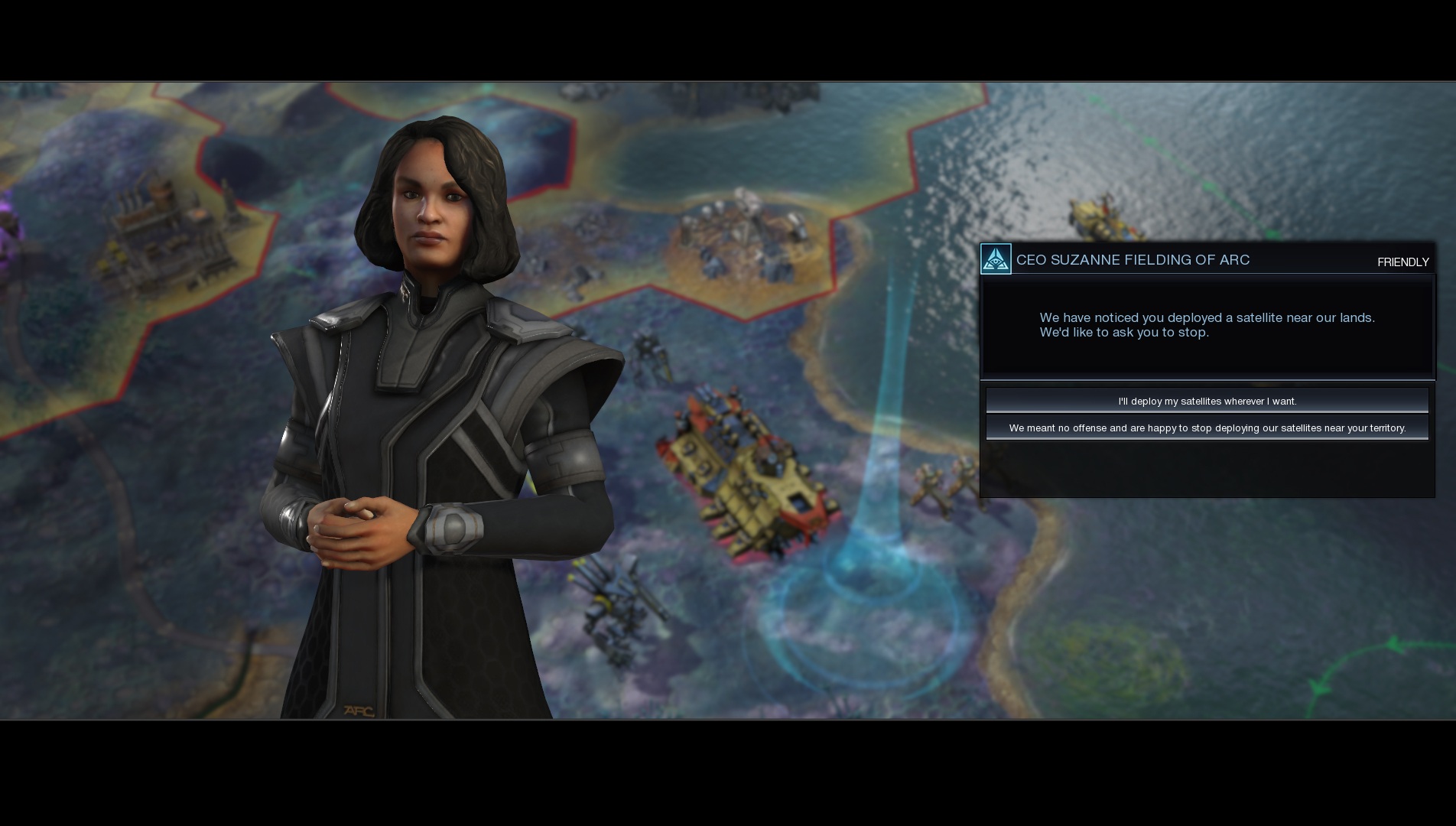
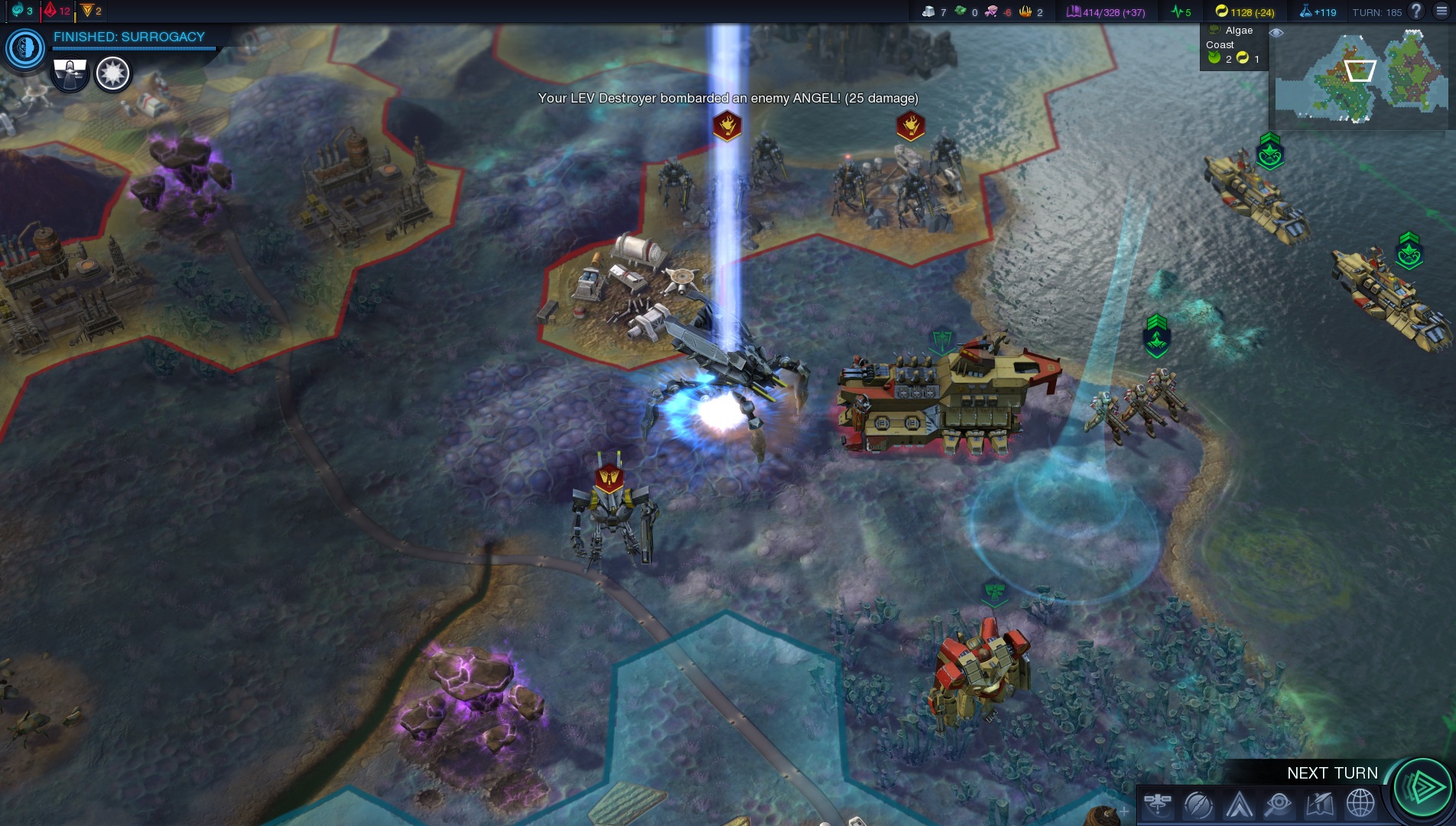
Sid Meier’s Civilization: Beyond Earth has just been released and it’s time to see how this new turn-based strategy performs on the PC. Given its PC-only nature, most would expect Civilization: Beyond Earth to be properly optimized for our platform. Well, we are happy to report that Civilization: Beyond Earth performs incredibly well, scales wonderfully on multiple CPU cores, takes full advantage of SLI technology (despite the fact that it’s an AMD-powered game), comes with Mantle support for those owning AMD’s graphics cards, and can run with constant 60fps even on dual-core systems.

As always, we used an Intel i7 4930K with 8GB RAM, NVIDIA’s GTX690, Windows 8.1 64-bit and the latest version of the GeForce drivers. NVIDIA has already included an SLI profile for this title that works amazingly well. Yesterday, we informed you about the game’s SFR support via its Mantle path. In DX11 mode, the game falls back to AFR mode, and thanks to NVIDIA’s optimizations, we noticed an incredible 98% usage on both of our GPU cores.

As we’ve already said, Civilization: Beyond Earth scales amazingly well on multiple CPU cores. In order to find out whether Borderlands: The Pre-Sequel takes advantage of more than two CPU cores, we simulated a dual-core, a tri-core and a quad-core system. Moreover, Firaxis has included a built-in benchmark tool via which we could easily test the game. Do note that this benchmark is basically a stress test, meaning that the actual game runs way better.
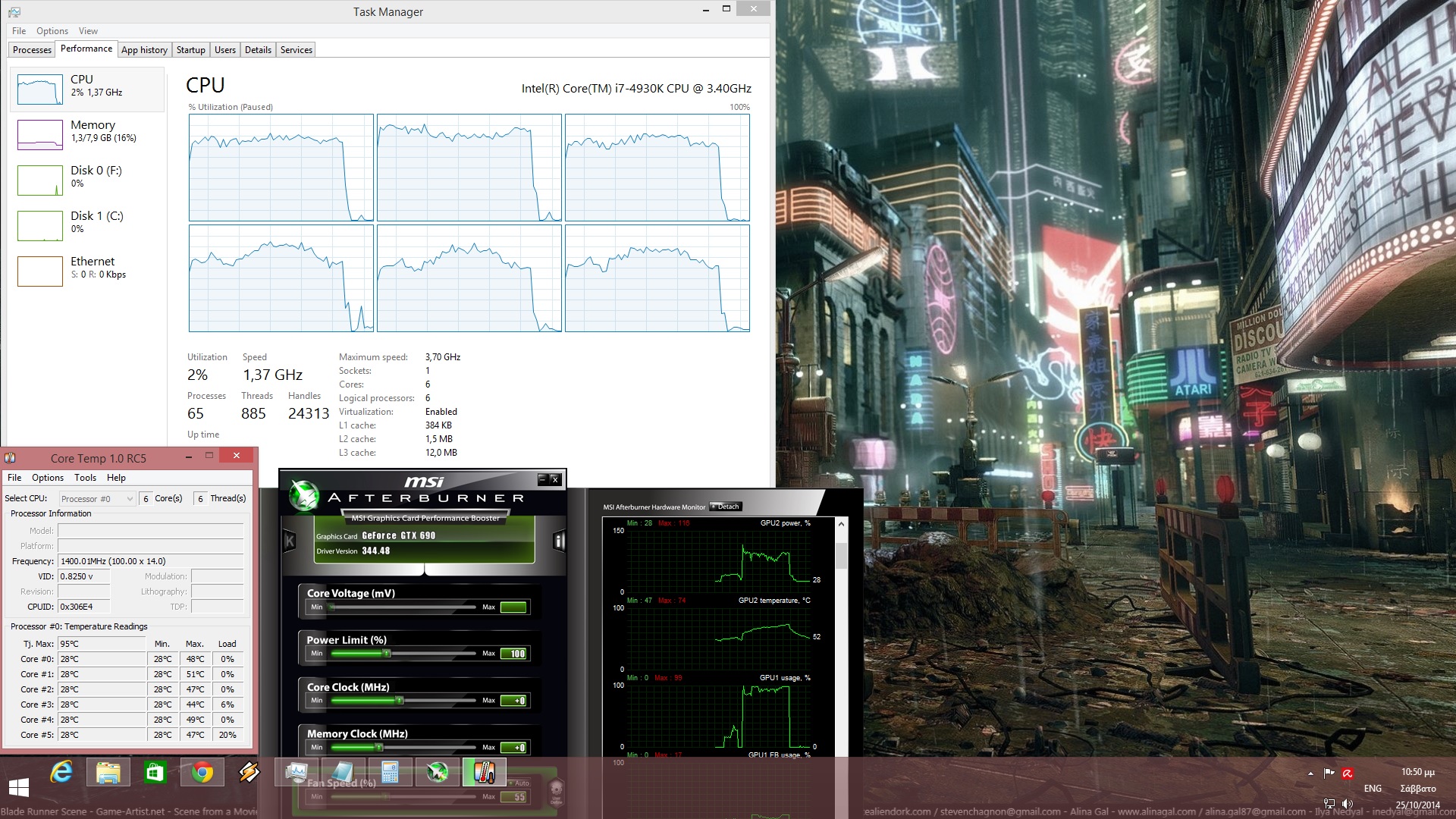
Civilization Beyond Earth CPU graph

In order to avoid any possible GPU limitation, we lowered our resolution to 1024×768 (while keeping all graphical settings at Ultra). The benchmark tool of Civilization: Beyond Earth ran with an average of 138fps on our hexacore CPU. Our simulated quadcore system pushed 127fps, while our simulated tricore system pushed 113fps. Surprisingly enough, our simulated dual-core system was able to run the benchmark with an average of 91fps, meaning that those with weaker systems will be able to enjoy this new strategy title. Oh, and in case you’re wondering then no; Hyper Threading does not provide any additional gains at all in this title.

Regarding its GPU requirements, a GTX680 was unable to run the benchmark tool with constant 60fps at Ultra settings and with 8xMSAA in 1080p (average framerate was 50fps). By lowering our AA value to 2xMSAA, we managed to gain 5 more frames. Now as we’ve already said, the benchmark tool is basically a ‘worst case’ scenario, thus a GTX680 is enough for enjoying the game. On the other hand, our GTX690 (running in SLI mode) was able to push 83fps with Ultra settings and 8xMSAA in 1080p, and 97fps without any amount of AA).

Civilization: Beyond Earth offers a number of graphical options and as such, PC gamers can adjust the quality of Leader Scene, Overlay, Shadow, Fog of War, Terrain Shadow, Water and Effects, as well as the quality level of Terrain Detail and Terrain Tessellation.
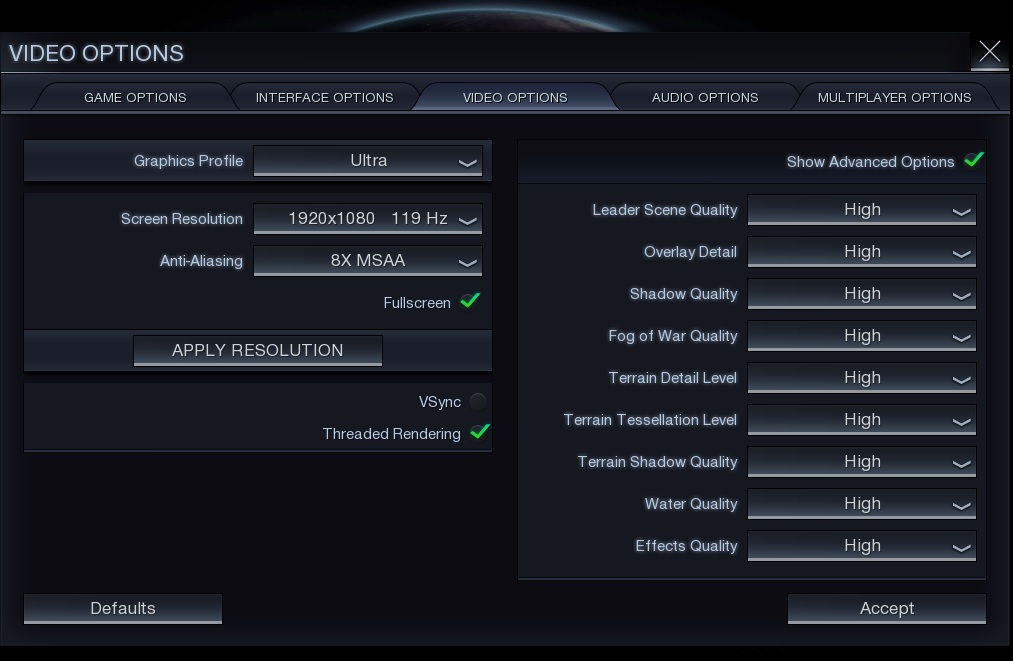
Civilization Beyond Earth Graphics Options

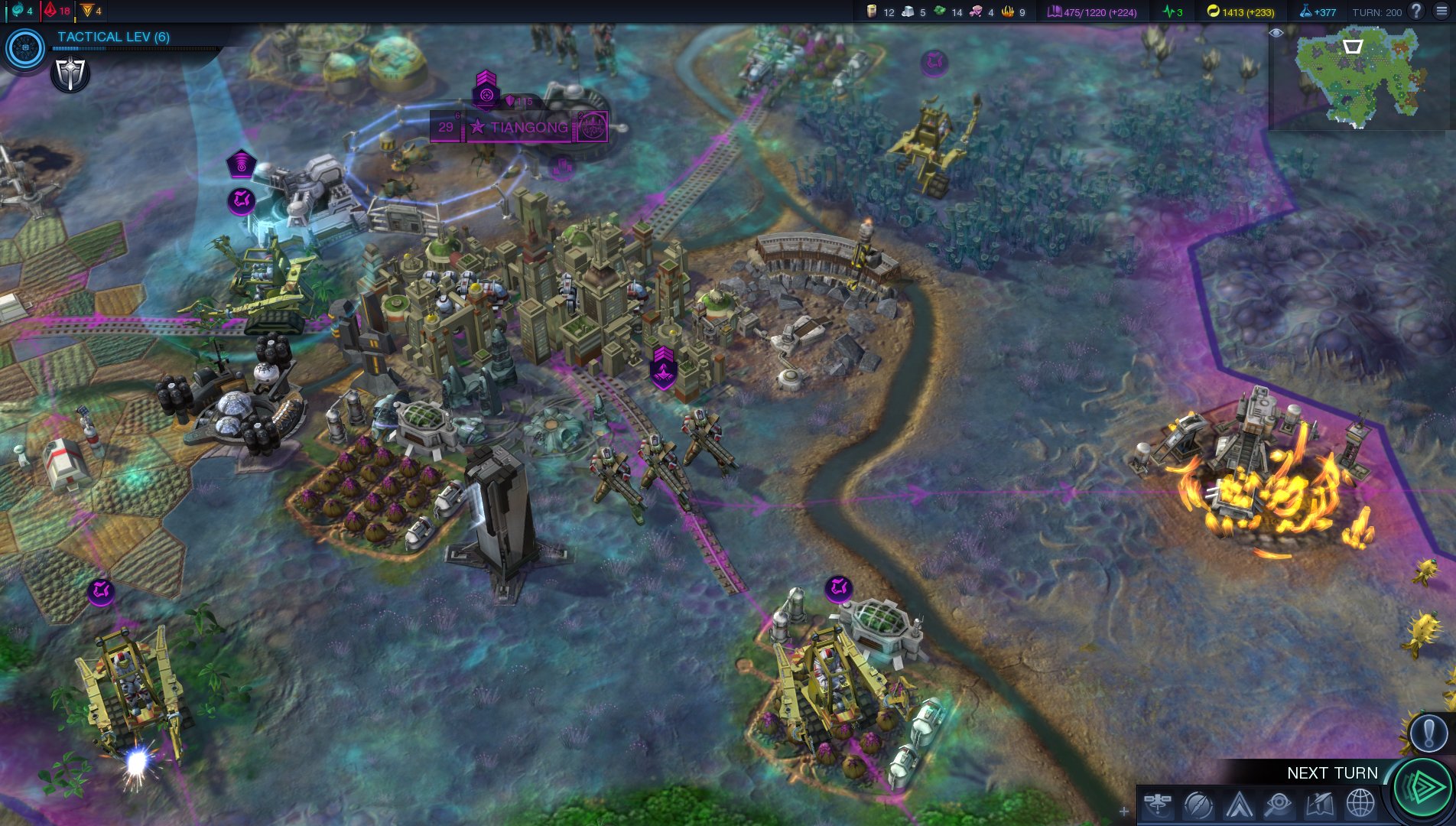
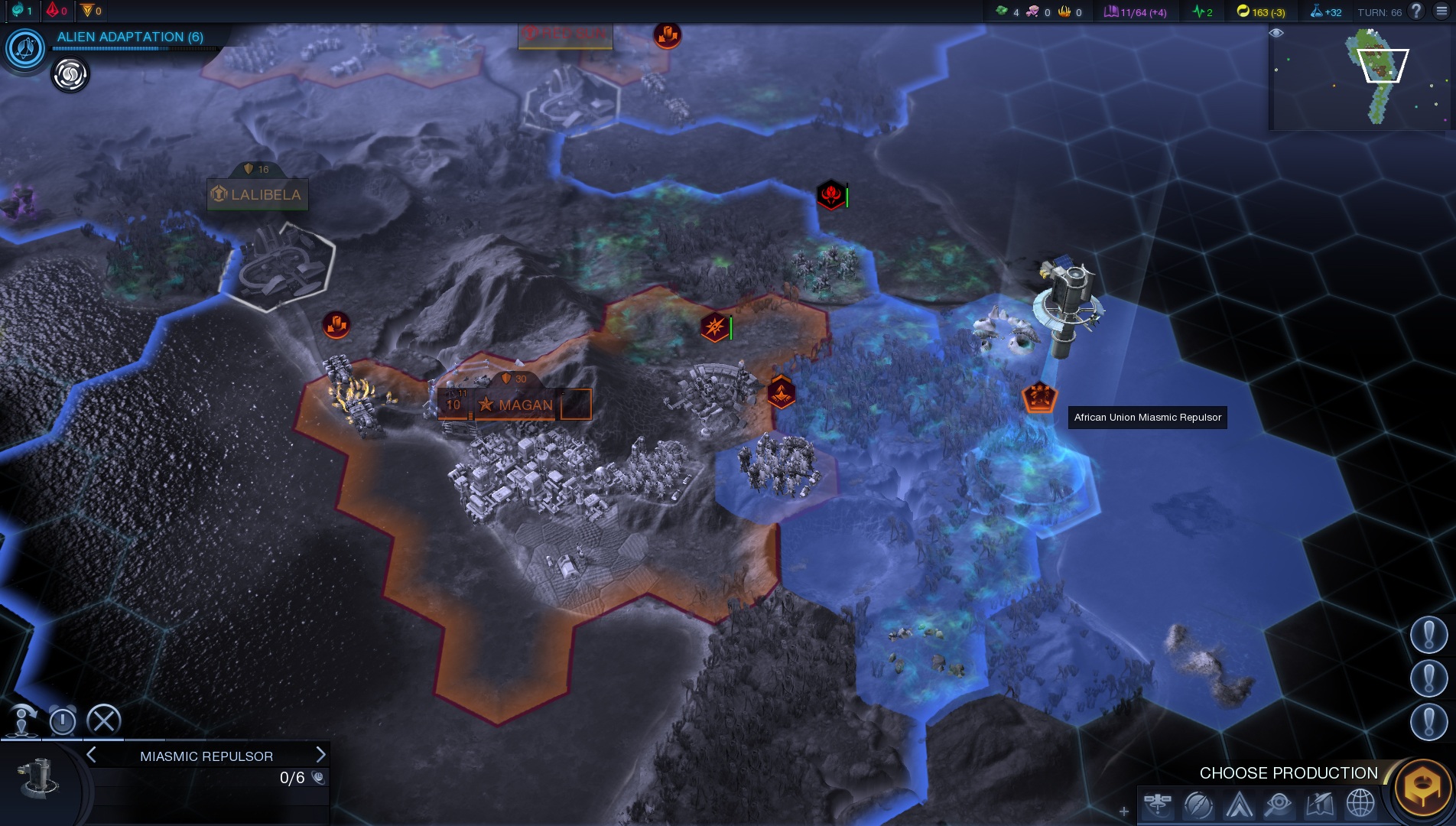
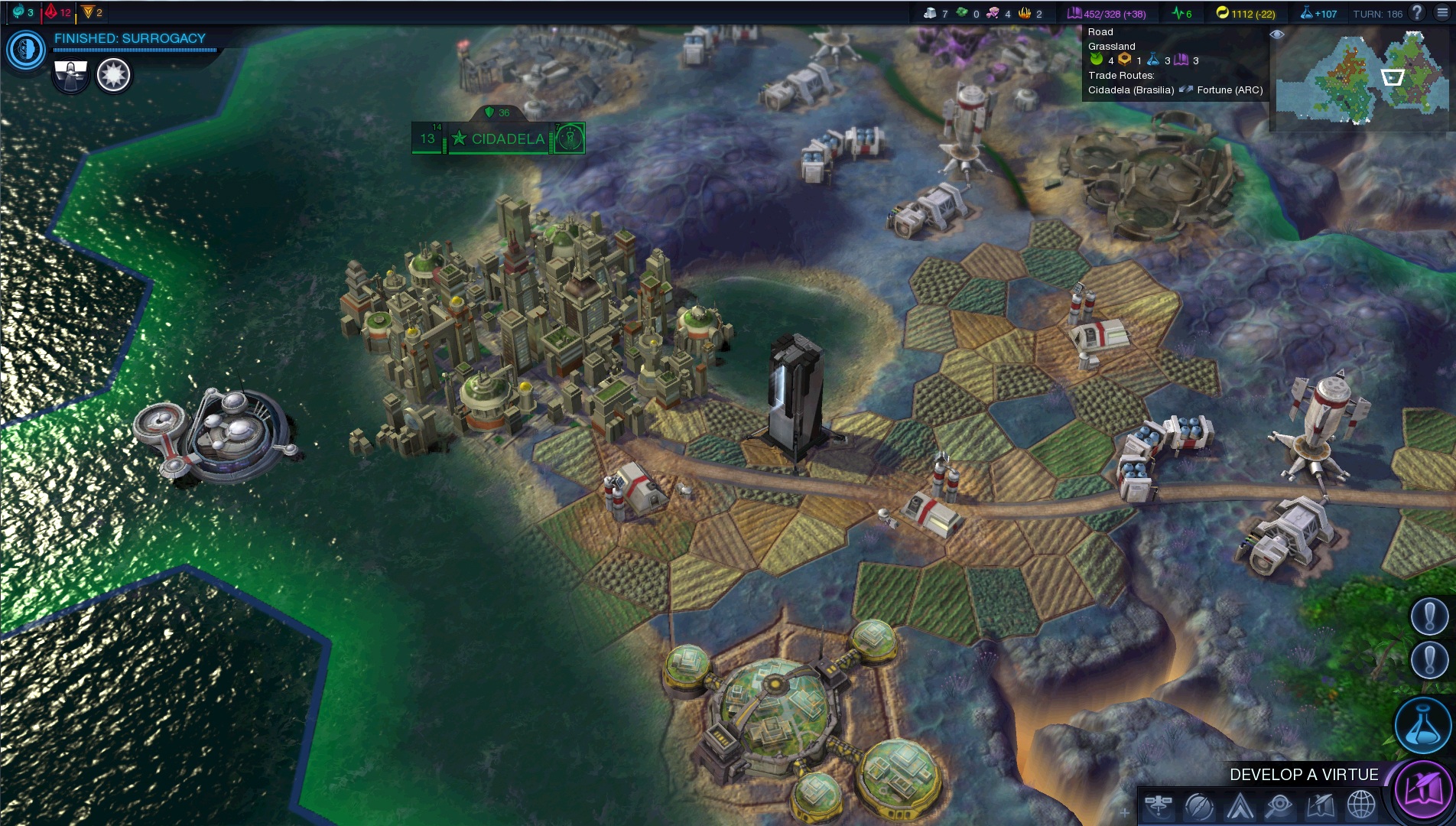
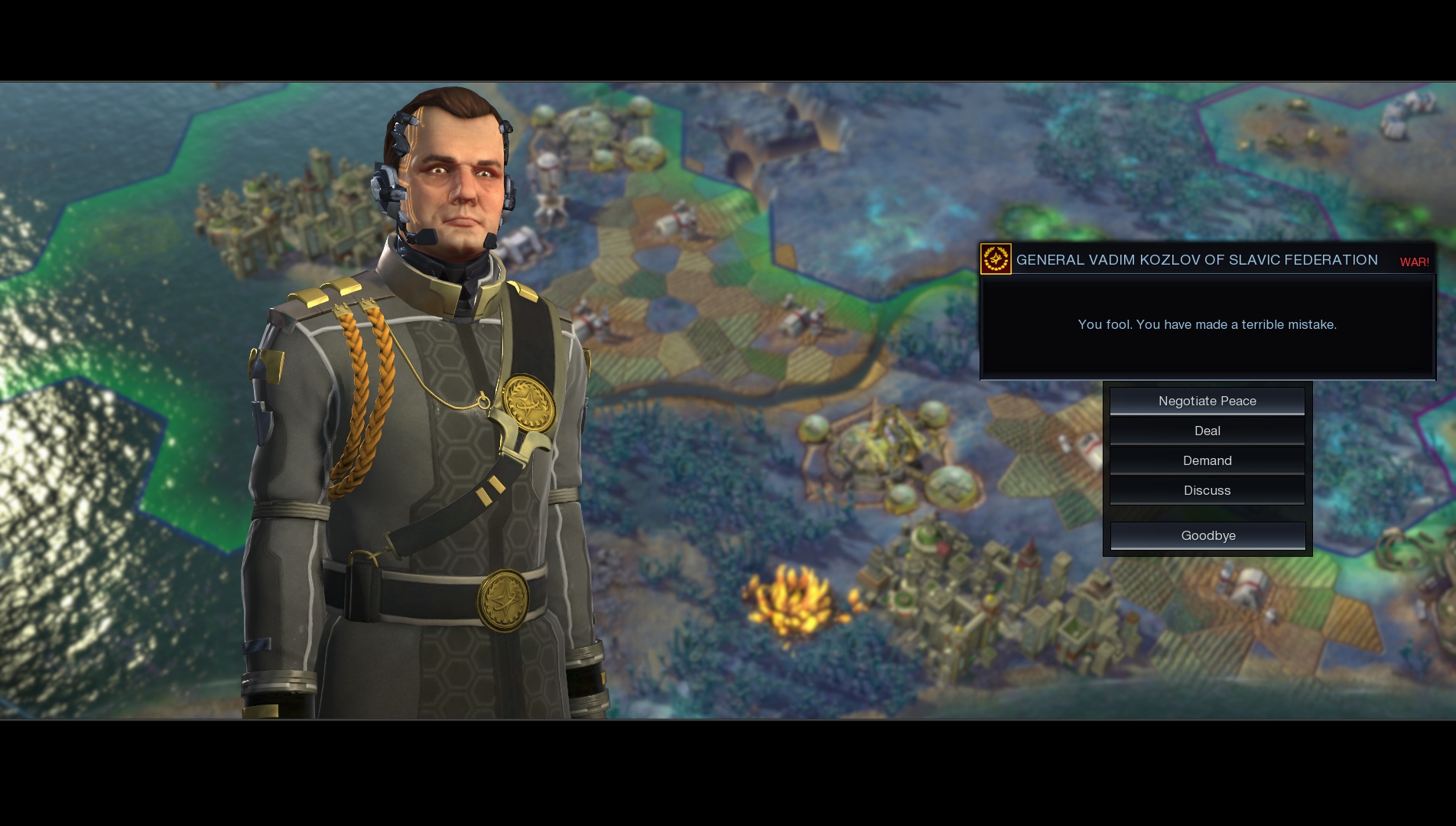
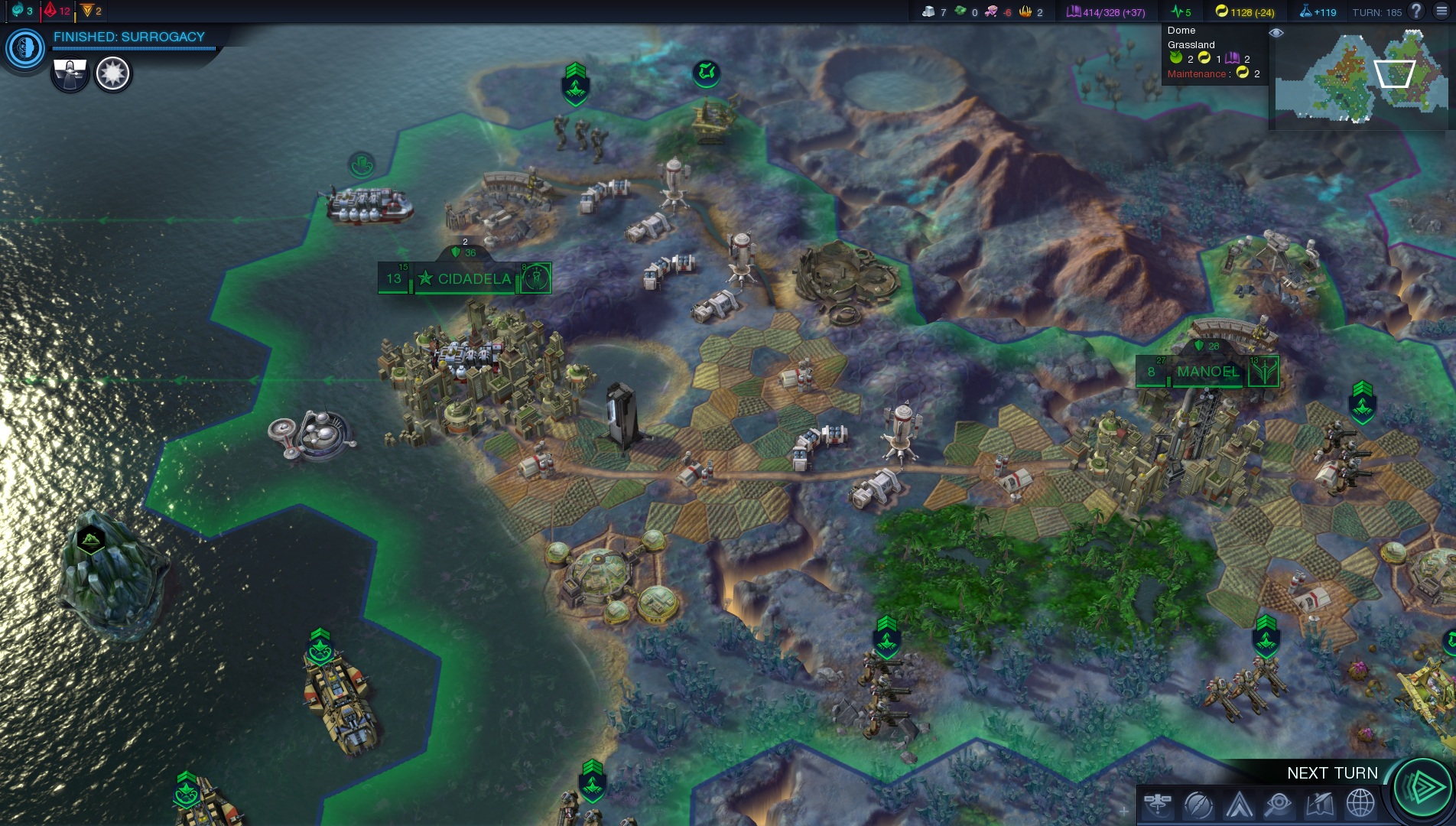
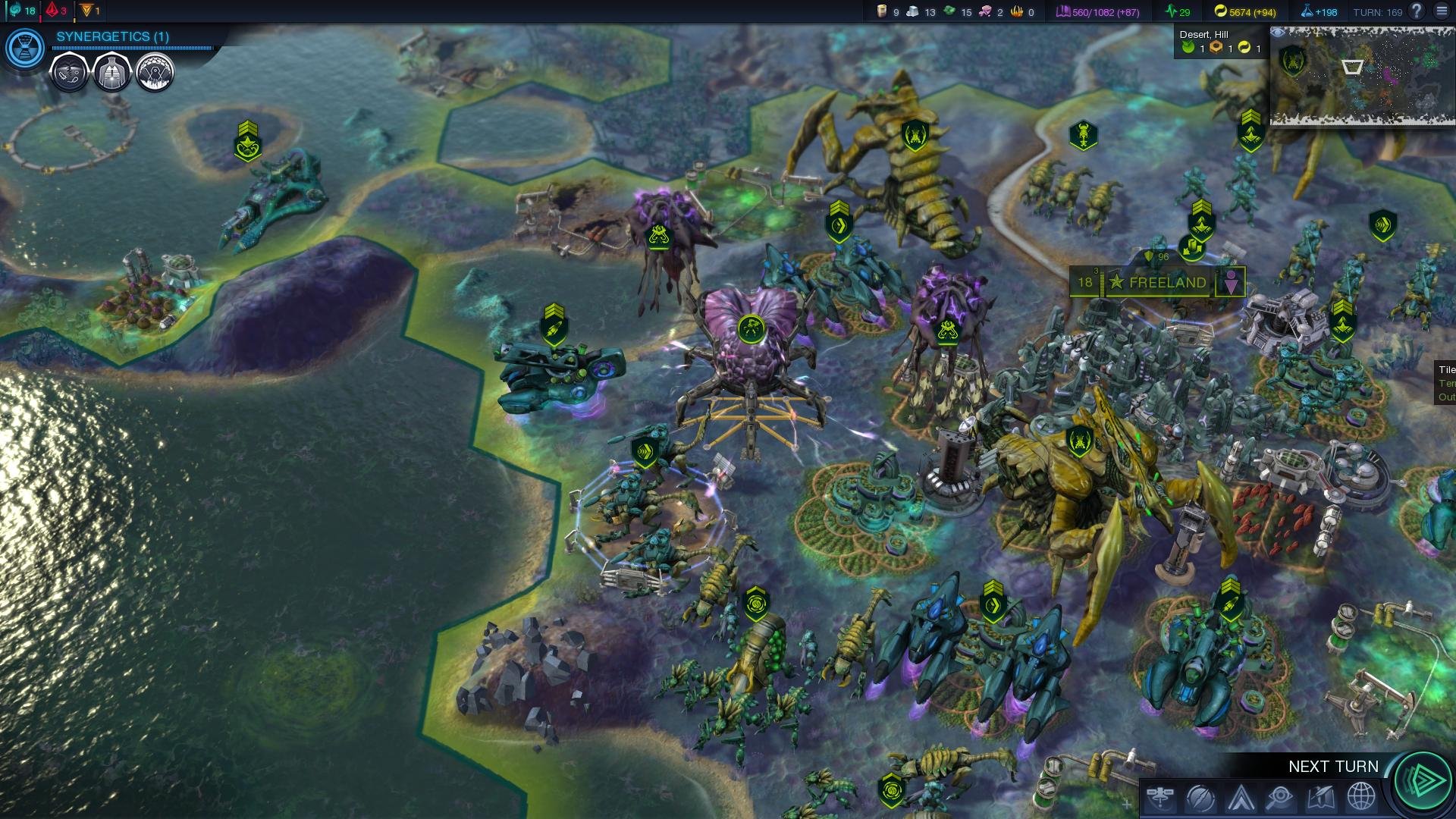
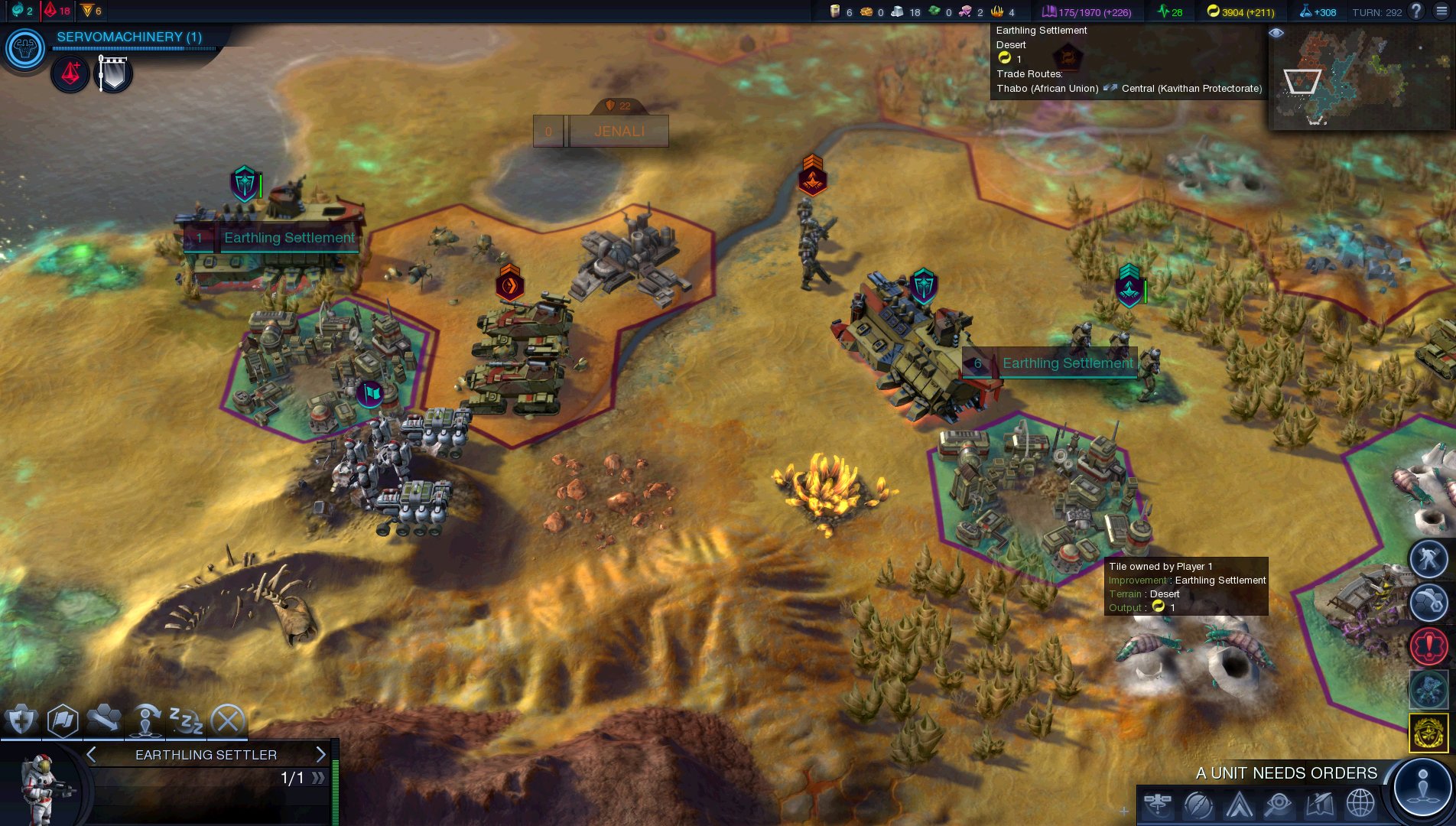
Graphics wise, we have to admit that we were not really impressed with Civilization: Beyond Earth. For requiring a GTX680, someone would expect better visuals than those displayed on screen. Now do not misunderstand us; Civilization: Beyond Earth is not a bad looking game. It’s just that we expected something more ‘wow-ish’ than what is being currently offered.

All in all, Sid Meier’s Civilization: Beyond Earth performs incredibly well on the PC platform, despite the fact that it will not dazzle you with its visuals. The game scales on multiple CPU cores and perhaps for the first time, we see a noticeable difference between a hexacore and a quadcore system. Not only that, but the game is fully enjoyable even on dual-core systems. And even though a GTX680 is unable to run the benchmark tool with constant 60fps, Civilization: Beyond Earth comes with various graphical options for those with weaker GPUs to tweak.

Enjoy! If you noticed Borderlands in the text above, you’re indeed paying attention to the article’s details. If not… well… you failed this little fun test
sid-meiers-civilization-beyond-earth_027sid-meiers-civilization-beyond-earth_024sid-meiers-civilization-beyond-earth_023civilization-beyond-earth-7civilization-beyond-earth-6civilization-beyond-earth-5civilization-beyond-earth-4civilization-beyond-earth-3civilization-beyond-earth-1

26 thoughts on “Sid Meier’s Civilization: Beyond Earth – PC Performance Analysis”

  1. As I remember Civ 5 was one of the first games to properly support MTR(multi-threaded rendering) and that’s why it scales well with this game, along with DX11 support that was much better than DX9

  2. As we’ve already said, Civilization: Beyond Earth scales amazingly well on multiple CPU cores. In order to find out whether Borderlands: The Pre-Sequel takes advantage of more than two CPU cores, we simulated a dual-core, a tri-core and a quad-core system.

    Copy and Paste Alert.

    1. Hidden message explains everything (if you do find it, do not spoil it to the others). Also hint: every Performance Analysis article includes a hidden message or image 😉

  3. for really stressing the civ5 or this we need to select biggest map in the game with all A.I players and playing for days to reveal the whole map and all of the unites and building in it. it shows itself on dual core CPUs that way. of course BeyondEarth is more optimized and it support mantel and amd people could benefit more from it.

    in the mean time:
    up: AC4 , all the settings at max, PCSS max, AA i guess FXAA high no physx, running on my 660ti 61fps.

    down: AC Unity, according to system req i can’t even run this game, lol.

    see the difference, specially on distance and trees

      1. it’s not constant 60fps (conceptual 60fps), it’s 48 to 60. i could set PCSS to low (still better shadows than normal shadows on high) but gets a 60fps all the time. but that was not the point of my comment.

        here the exact same place as above with fraps on the top left:

        1. Nevermind didnt see you were playing at 1680×1050 on my 760 at 1080p i averaged 30-60 FPS depending on area even droped little bit below 30 in some foliage heavy areas also i got the best FPS in havana for whatewer reasons

          1. I have very much same exp. ANVIL is very messed up engine with “non-existent” beyond dual-core scaling.

          2. Ubisoft needs help in the form of Mantle but a shame it’s an NVIDIA title, NVIDIA can’t help them on the CPU side and have to use driver hacks.

          3. My overclocked R9 280 can keep above 30fps on very high, 1920×1080, HBAO+, 4xMSAA. only time it dips into the 20s is when it rains but that’s only because of the 4xMSAA but not all the time. I was talking to this Sony shill on Youtube who says the PS4 is 2x faster than my R9 280 which is basically a 7950 LMAO.

          4. I would say your GPU is 2x faster than PS4 seeing as the PS4 has to share memory bandwidth with the CPU so GPU can have as low as 140gb’s when CPU is being used. You would also do well to over clock your GPU but I suppose you already do that right?.

            What CPU do you have?. You will benefit massively from overclocking the CPU.

          5. funny thing is, this time they are not hard on cpu, they go full on gpu (according to sys req) which make no sense. this game just like any other ubi titles will be cpu heavy, an open world title with tons of npcs and so on but they recommended high end gpus, for what exactly ? maybe pc version has some extra stuff, maybe.

            i saw that 13min single player campain again, and i focused on roof tops, they were all flat, then i remembered a pic that some user has shared it here sometime ago:

          6. It’s probably because like I said in the ACU requirements thread, Ubisoft offloaded the heavy CPU workload to the GPU on the PS4/XB1, where with the PC version they don’t need to do it. I mean that would be a guess but we’ll have to see how the performance really is on both platforms.

            Also, there is no way the PC version would look like that with that bad LOD distance, Black Flag looks better and it has NPCs walking about at long distances

          7. But remeber when john interviewed that guy from ubisoft john asked him about mantle and he said they did complete overhaul of the engine on all platforms and its taking far less draw calls well it seems that obviouly dosnt count for pc version LMAO

          8. yeah, after that they said they used some mantel like tech to overcome that. but the problem with AC Unity’s system req is not the CPU, it’s the GPU. console version of the game doesn’t look much better. low fps and massive stuttering in every few second in all the videos they shown and lack of some graphical features didn’t helped them either

          9. i play most of the time in my tv which is 1080p but sometimes i prefer my monitor (1050) but sometimes it’s busy doing something else 😀 difference is 3 to 5fps when i play it on my tv. never droped below 40fps in 1080p for me. with 2x TXAA and physx on high it’s always 30fps in 1050 for me but when i stand next to chimney on roofs (smoke physx) it drops to 26 27fps. however the game is a mess, it use only three cores and GPU usage is below 80% sometimes even 50%. all i’m saying is there are not much difference between 4 and unity, some foliage is worst on unity same as trees and draw distance but it needs twice more powerful machine to run on Minimum. btw my core clock is 1306mhz, it’s a littlebit oced

          10. NVIDIA cards really hurt in the rain, AMD cards hold the frame-rate much better because of their Compute power and the rain is rather Compute heavy

    1. Yes it’s just silly isn’t it. Basically PC version of AC4 is more stressful than console so called ultra settings ACU but yet need stupid requirements so it doesn’t make sense. The materials and lighting to look better in ACU but as the pics show, the draw distance is much better on very high with AC4 than the console version of ACU.

      Just image ACU or AC4 with Mantle, it would be embarrassing even more for the console version.

  4. Great optimized game with 2x MSAA using Ultra settings 60 FPS perfect without a single drop while i’m playing 🙂
    PS: I hope that Ubisoft will do the same with thier games!

    1. Unfortunately, John doesn’t use an AMD setup so doesn’t know what the performance is like with Mantle and AMD CPUs.

      I can and have posted Mantle and D3d screens since I have an all AMD rig now. I’ll post some Mantle FPS shots soon.

  5. I’m getting about 9FPS/10fps more with Mantle using internal benchmark (-benchmark on shortcut)

    1920×1080/maxed settings/8xMSAA

    DX11 min FPS= 27fps
    Mantle min FPS=36FPS

    DX11 Max FPS=70FPS
    Mantle Max FPS=78FPS

    Mantle=57FPS
    DX=48.5FPS

    AMD FX 6300@4.5Ghz
    AMD R9 280@ 1100/1500
    8GB RAM
    AMD Catalyst 14.9.2 Beta driver

  6. “As we’ve already said, Civilization: Beyond Earth scales amazingly well on multiple CPU cores. In order to find out whether Borderlands: The Pre-Sequel takes advantage of more than two CPU cores”

    Edit the basic template you have

Leave a Reply

Your email address will not be published. Required fields are marked *