
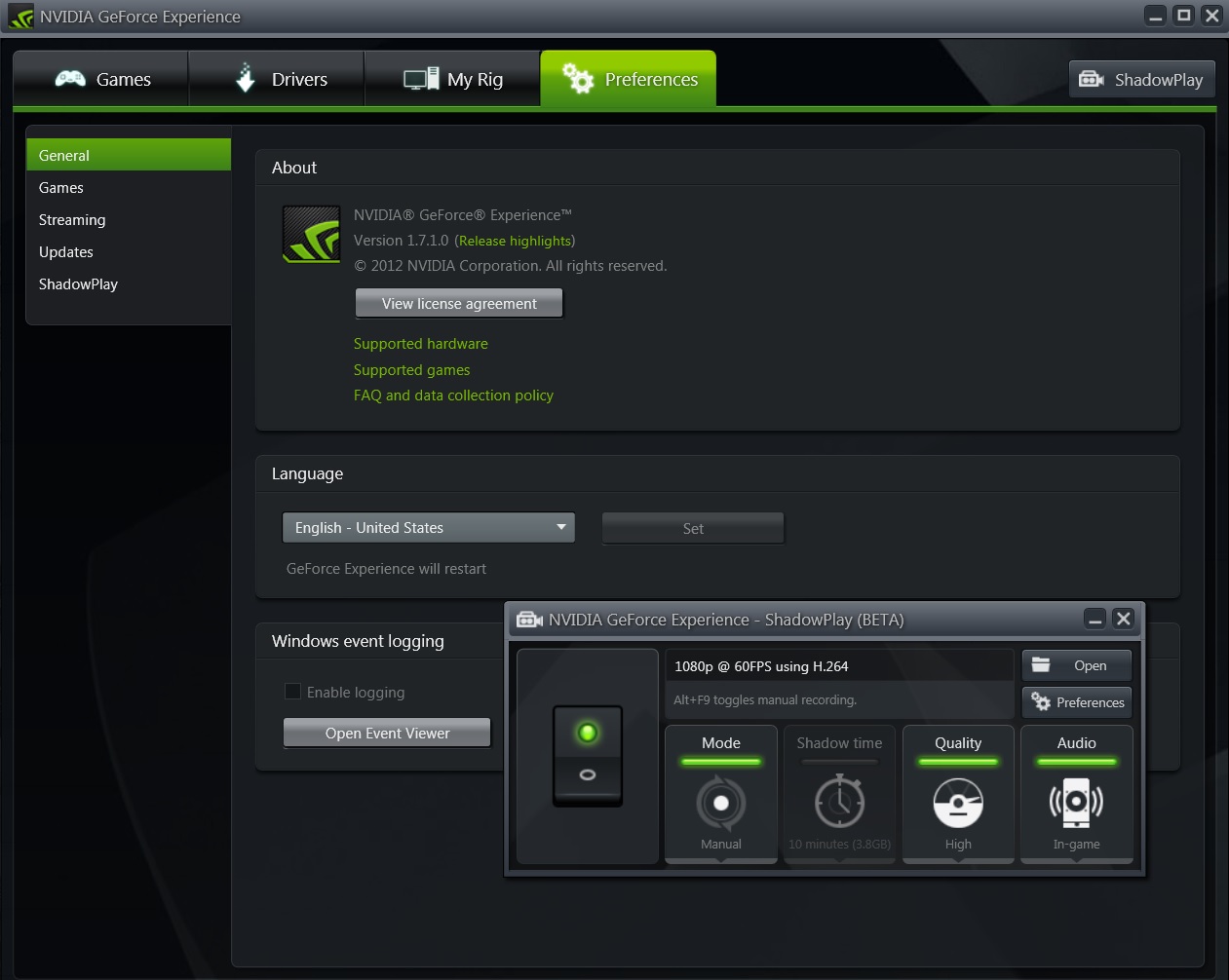
Nvidia’s Shadowplay is an amazing tool that takes advantage of the company’s latest GPUs in order to capture footage at 1080p with a minimum performance hit. This tool is currently in a beta phase and although it works pretty well on a variety of systems, Nvidia has locked it to specific CPUs. This obviously means that if you own an older quad-core system, you won’t be able to use it. Thankfully, there is a workaround for this requirement so keep reading.
All you have to do is replace the target parameter of the GeForce Experience shortcut (make sure to create it one) with the following one.
“C:\Program Files (x86)\NVIDIA Corporation\NVIDIA GeForce Experience\GFExperience.exe” -shadowplay
And there you have it. We can confirm that this workaround works as we were able to capture footages from various games. To Nvidia’s credit, Shadowplay works amazingly well on our Q9650, so here is hoping that the latest builds of this program will let us use it without having to use such a workaround.
Enjoy!

John is the founder and Editor in Chief at DSOGaming. He is a PC gaming fan and highly supports the modding and indie communities. Before creating DSOGaming, John worked on numerous gaming websites. While he is a die-hard PC gamer, his gaming roots can be found on consoles. John loved – and still does – the 16-bit consoles, and considers SNES to be one of the best consoles. Still, the PC platform won him over consoles. That was mainly due to 3DFX and its iconic dedicated 3D accelerator graphics card, Voodoo 2. John has also written a higher degree thesis on the “The Evolution of PC graphics cards.”
Contact: Email