
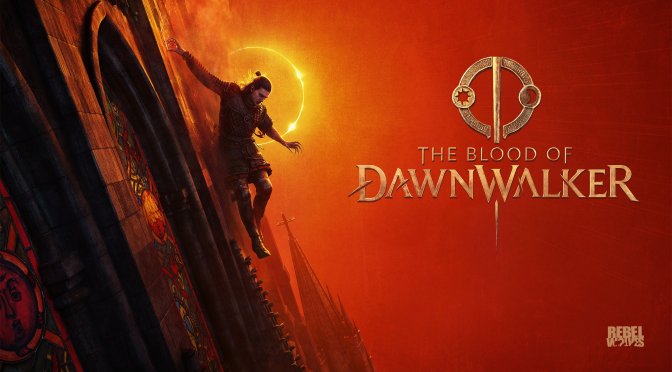
One of my biggest issues with The Blood of Dawnwalker was its underwhelming visuals. Even though the game uses Unreal Engine 5, it cannot come close to the graphics we’ve seen in other UE5 titles. So, can DLSS 5 improve things? Let’s find out.
The Blood of Dawnwalker does not have official DLSS 5 support. To test it, I used the latest version of DLSS Unlocked. This mod is based on OptiScaler. It has an option that lets you apply DLSS 5 Neural Rendering before Super Resolution. This can greatly improve DLSS 5 performance. However, this setting also has a noticeable impact on image quality.
To test DLSS 5, I used an I used an AMD Ryzen 9 7950X3D, 32GB of DDR5 at 6000Mhz, and an NVIDIA GeForce RTX 5080. I also used Windows 10 64-bit and the GeForce 616.92 driver.
The reason I chose the RTX 5080 over the RTX 5090 was because I wanted to see whether a less powerful GPU could provide a good experience with DLSS 5. Moreover, the price of the RTX 5090 has skyrocketed, so I believe it would be best to use the RTX 5080 (or both the RTX 5080 and the RTX 5090) for these articles.
Let’s start with some comparisons. On the left, we have the DLSS 5 shots, and on the right we have the vanilla shots. These images showcase some of the improvements that you can achieve with DLSS 5 on an NVIDIA RTX 5080.
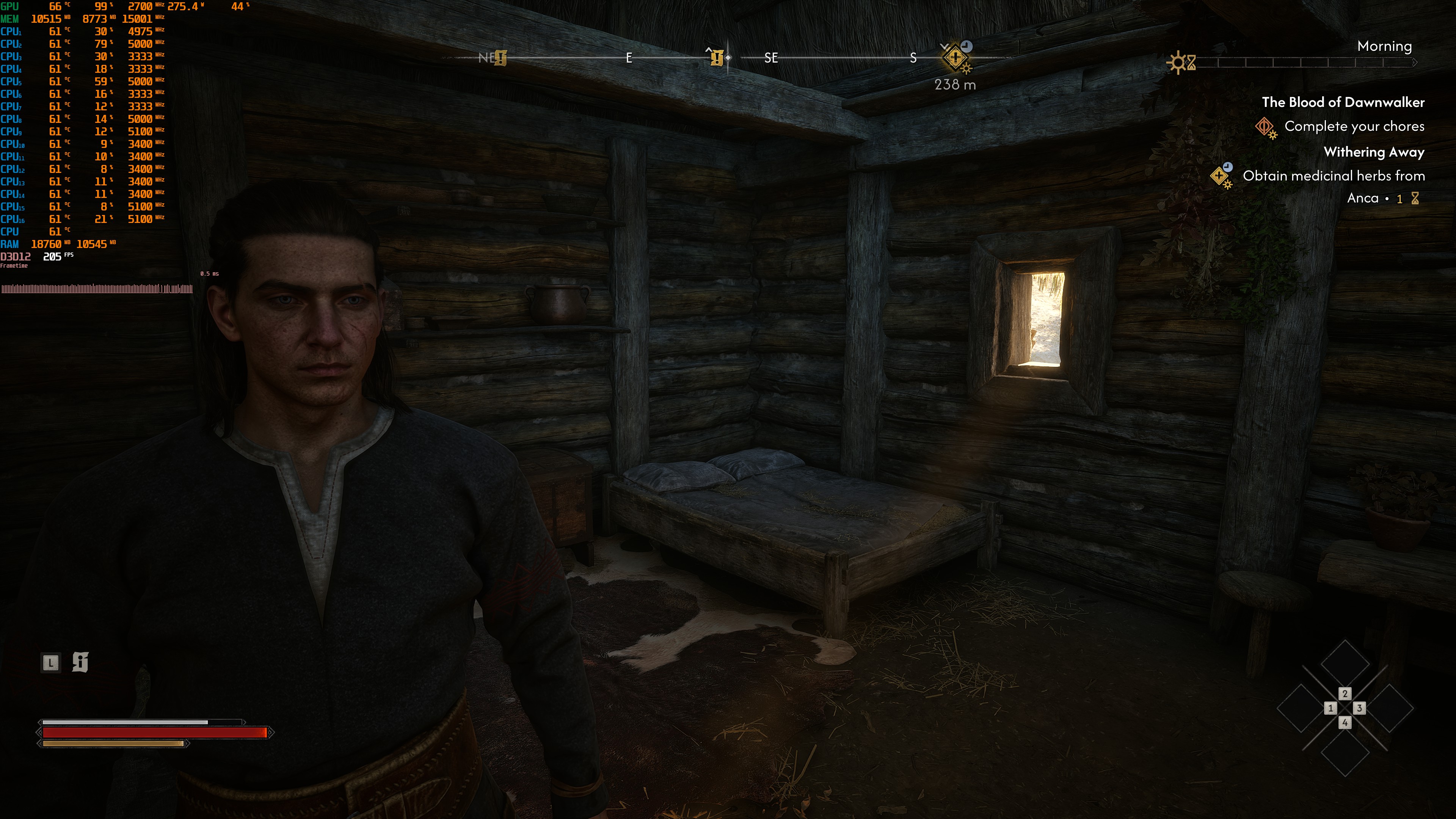
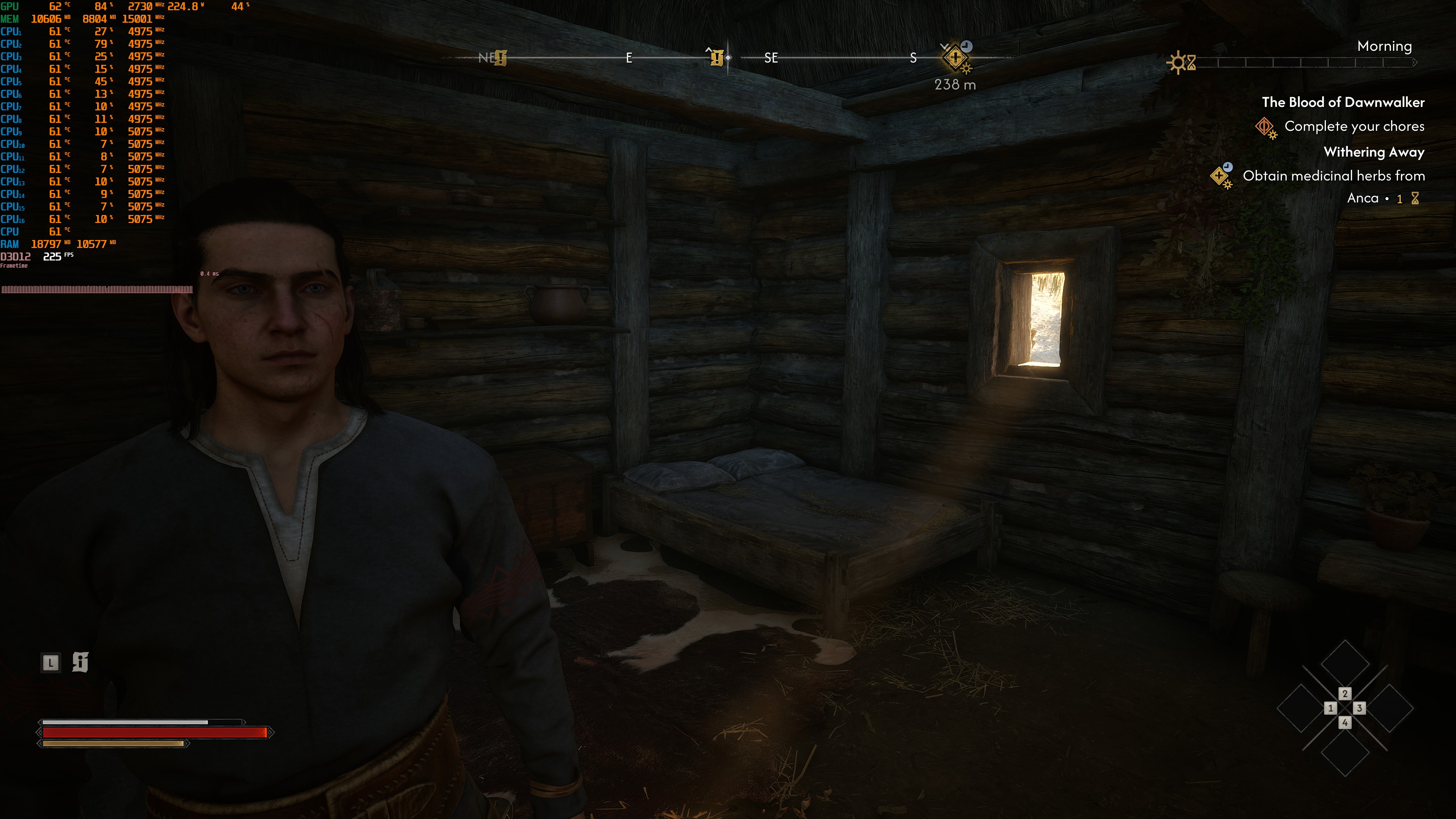
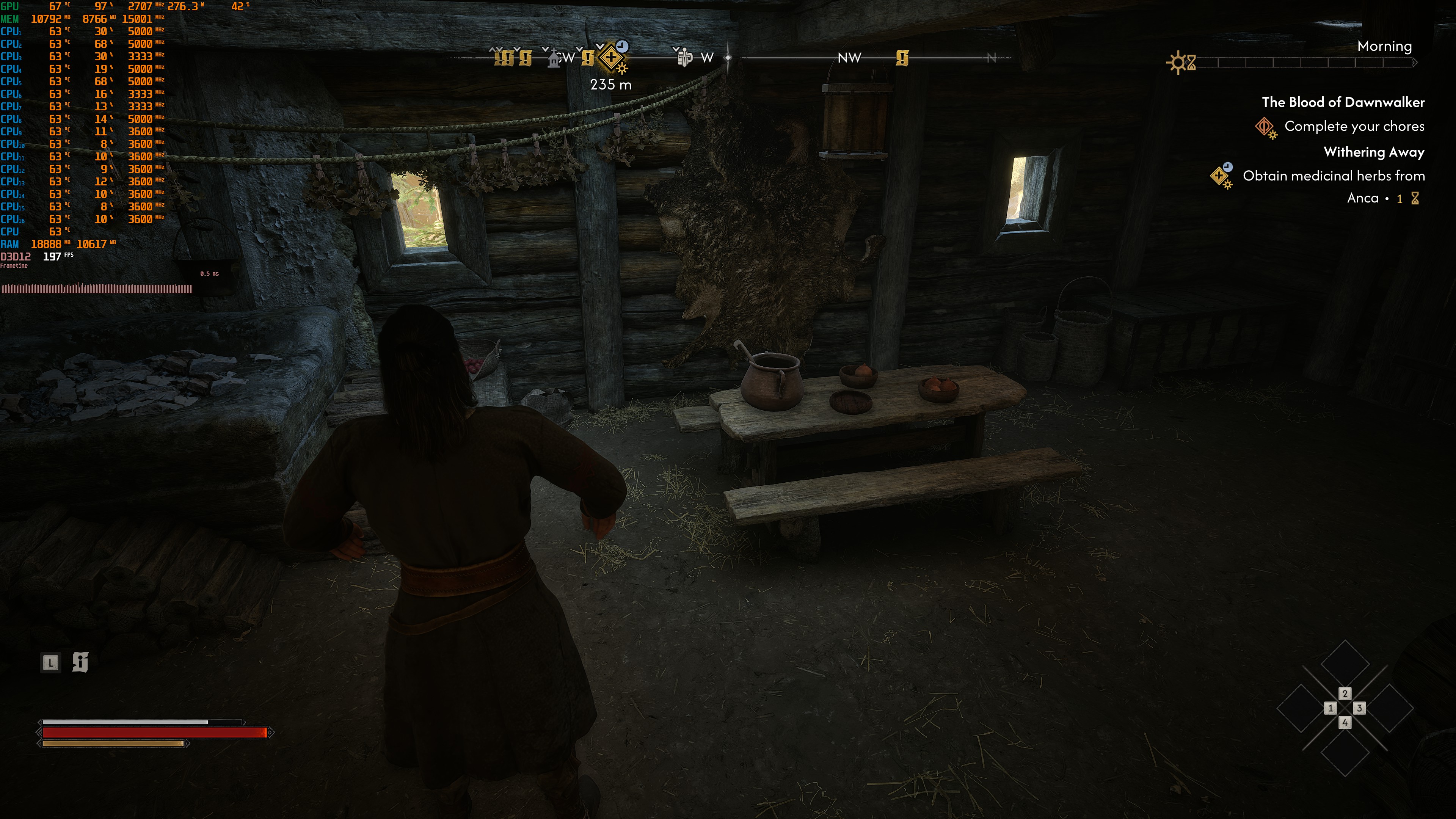
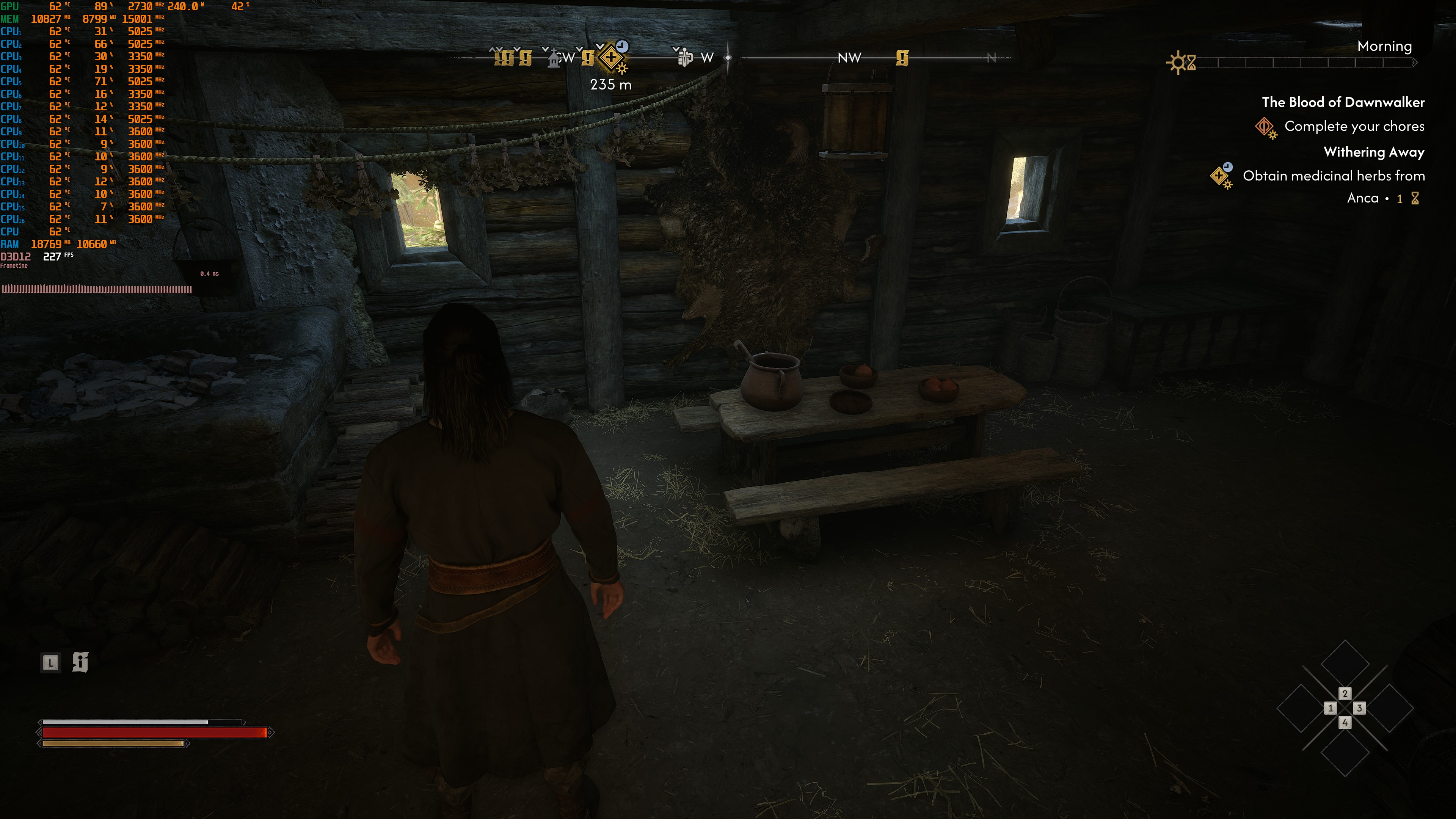
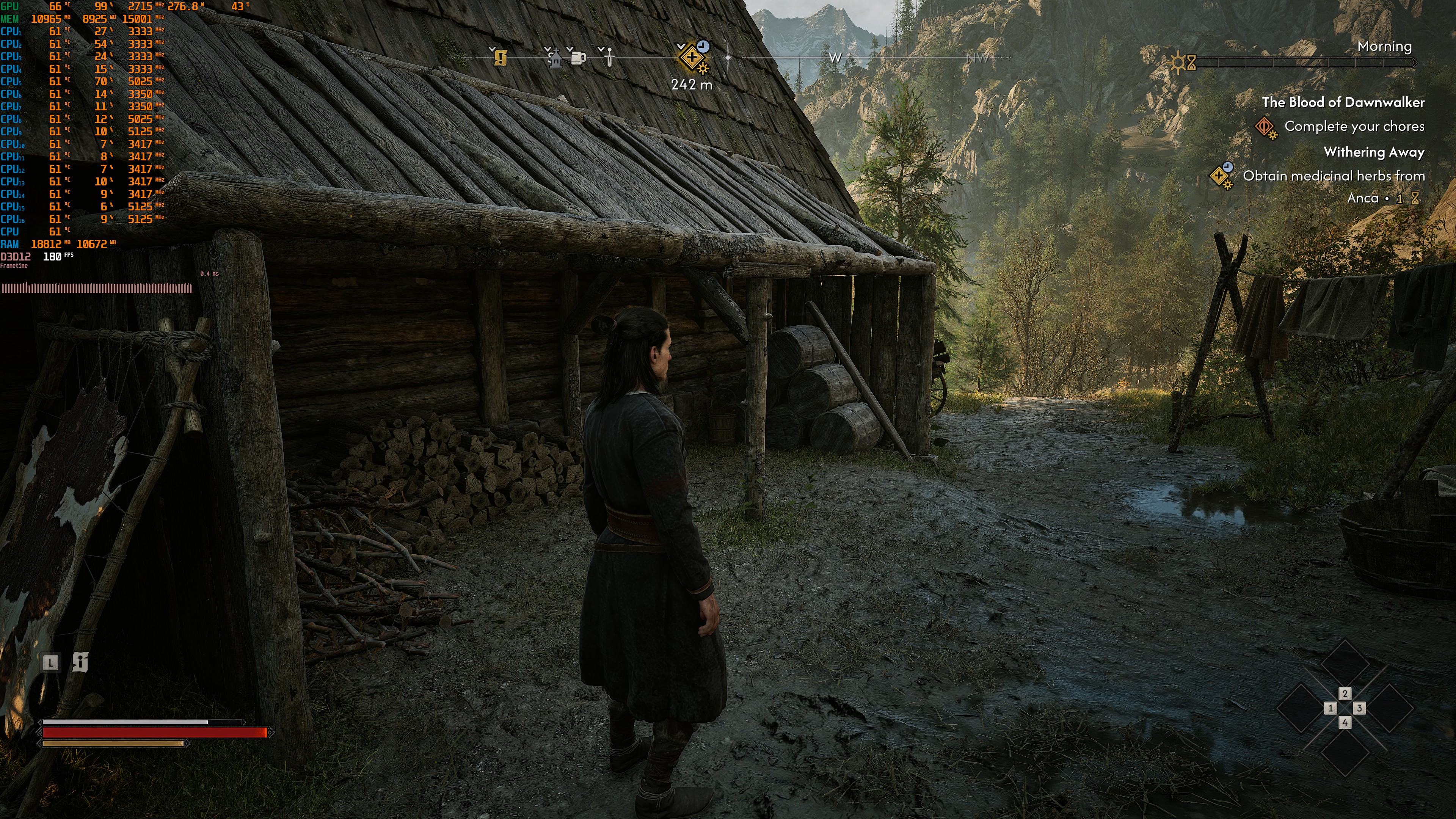
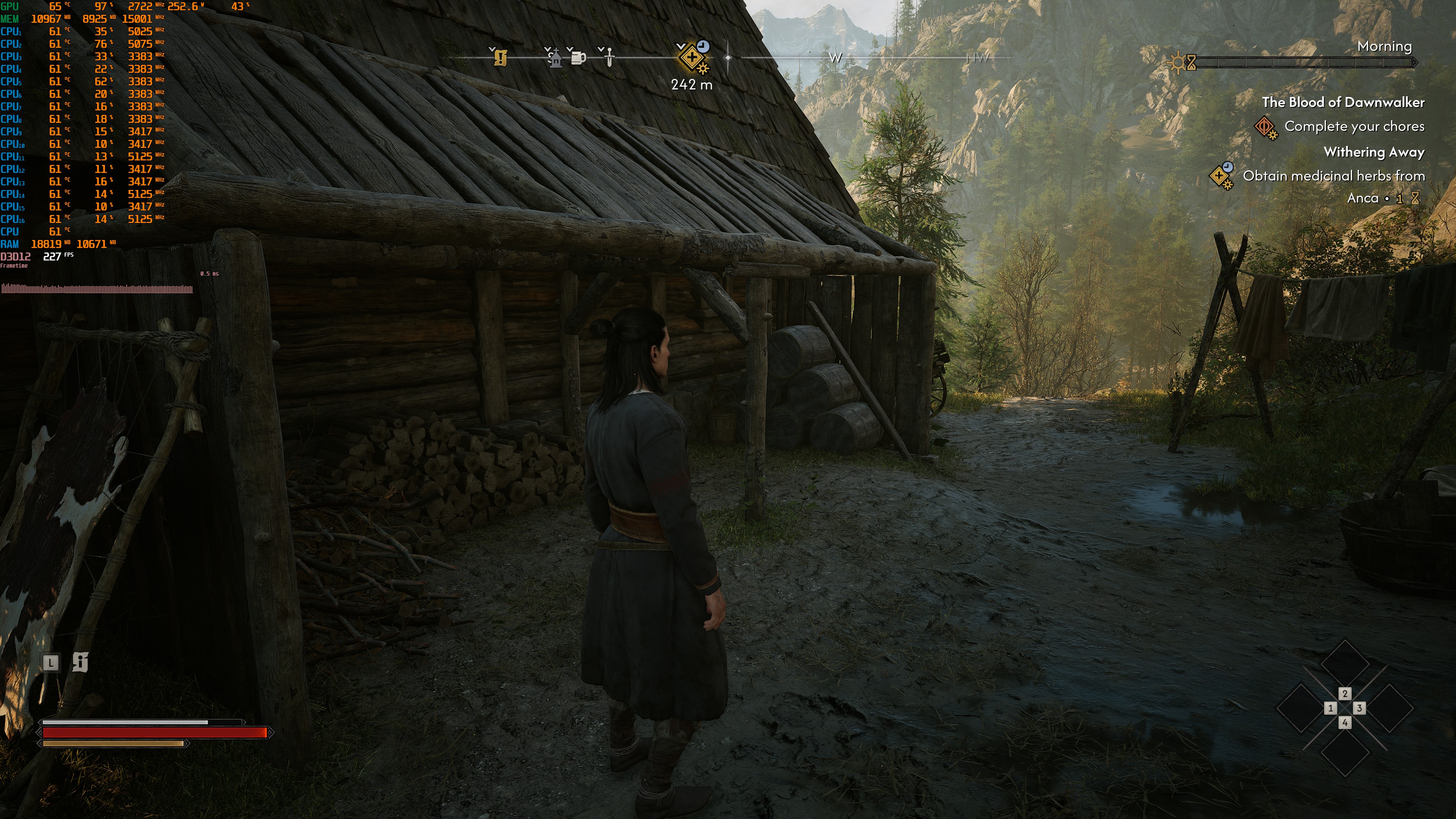
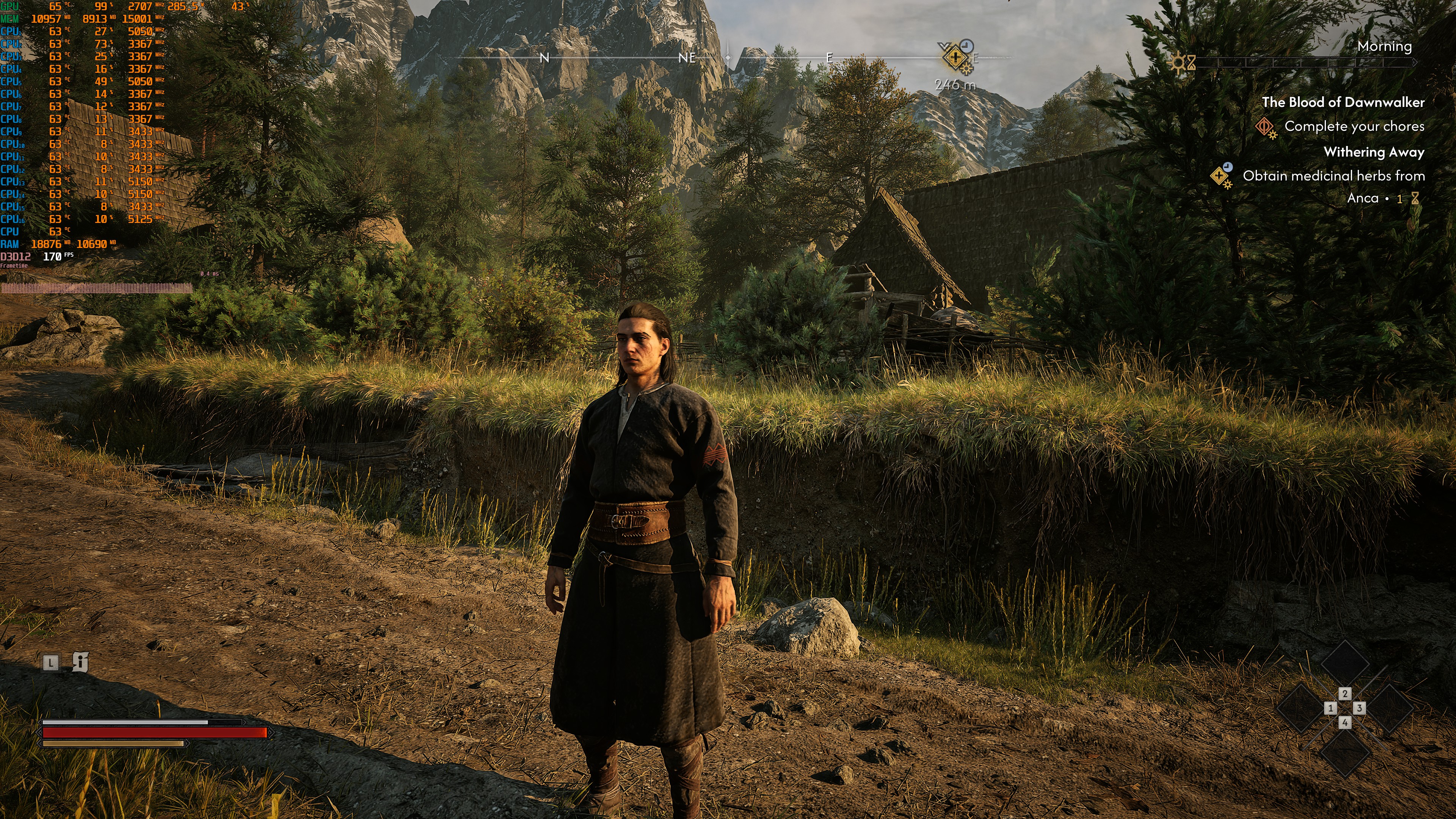
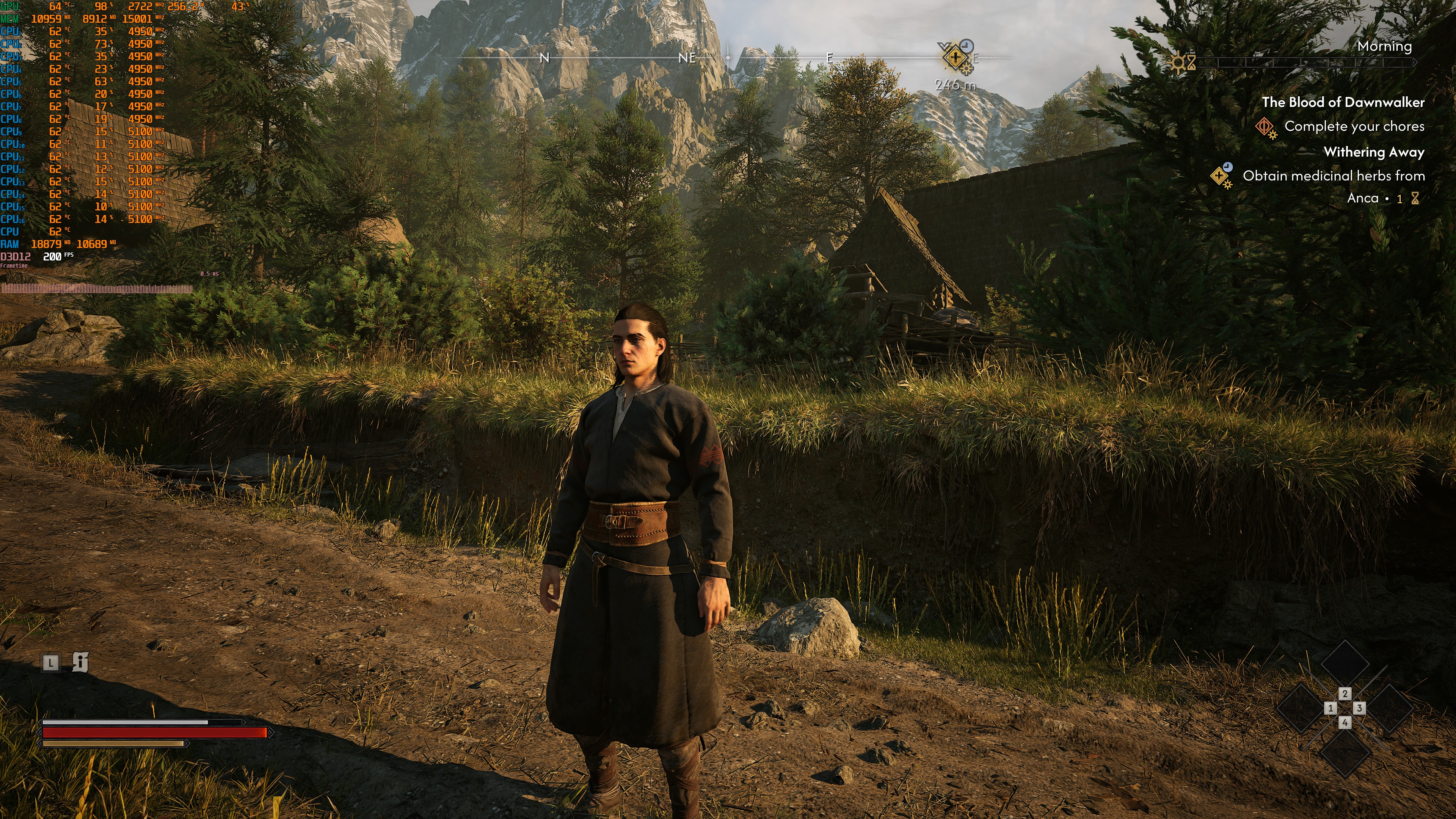
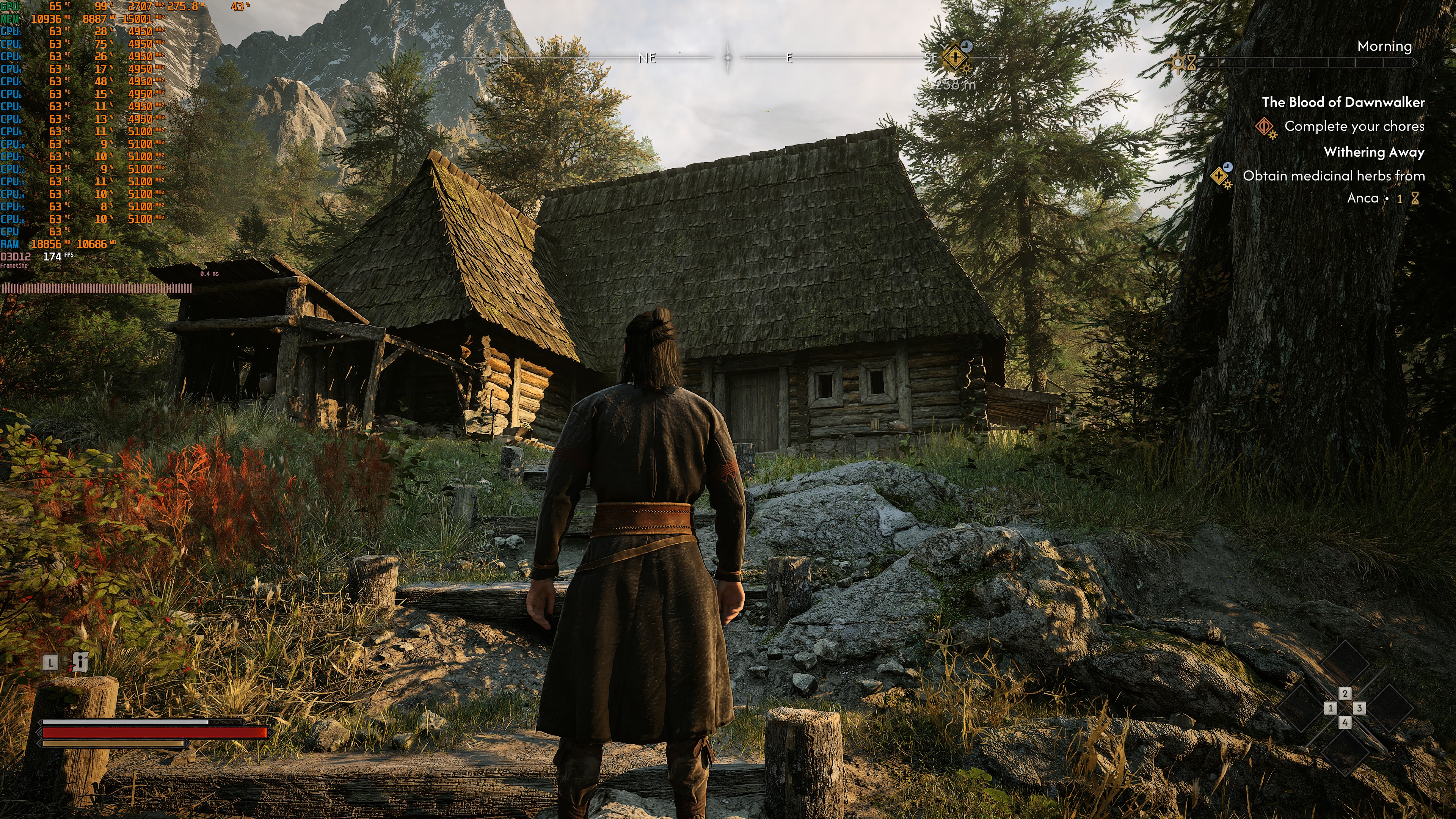
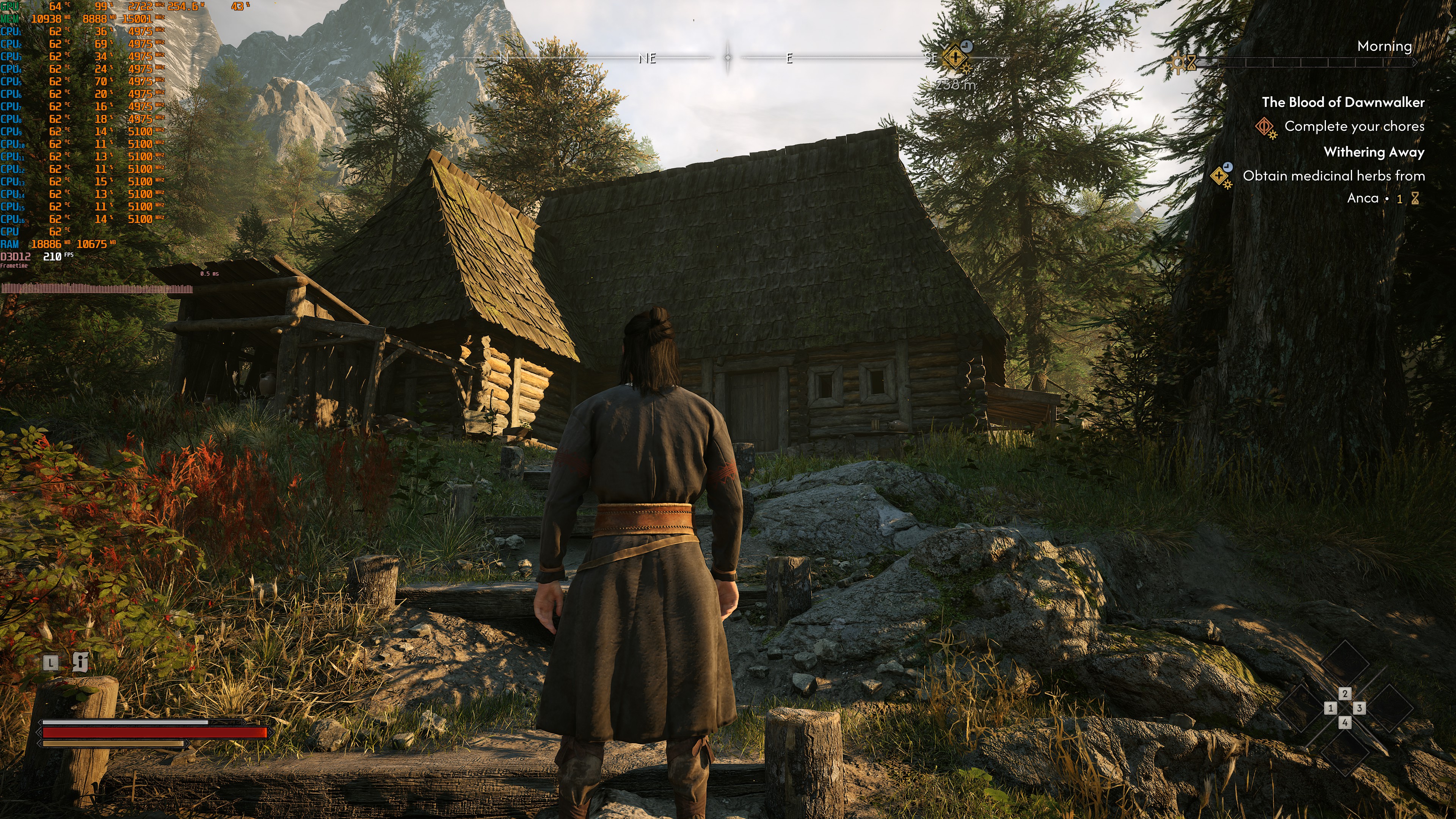
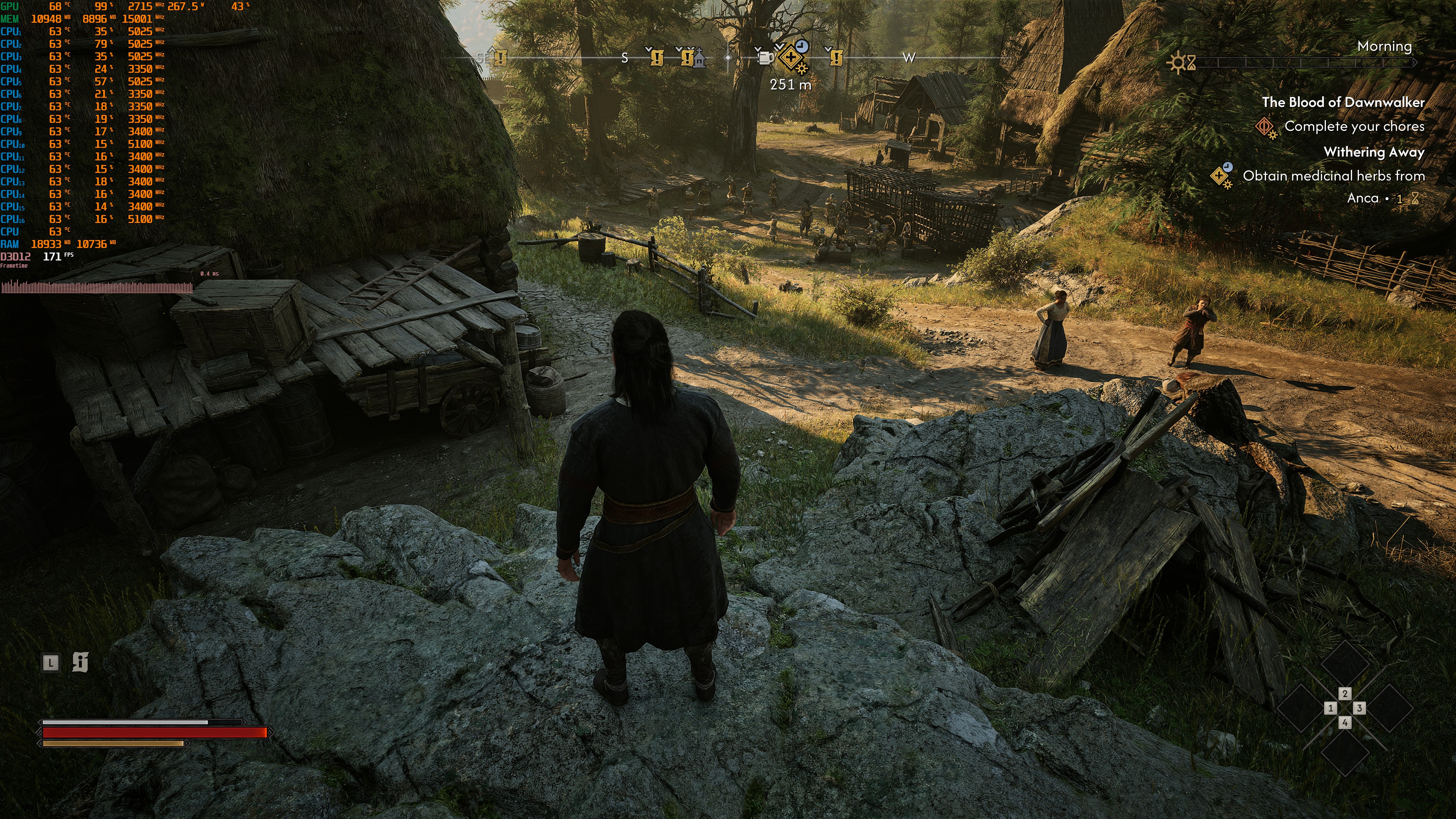
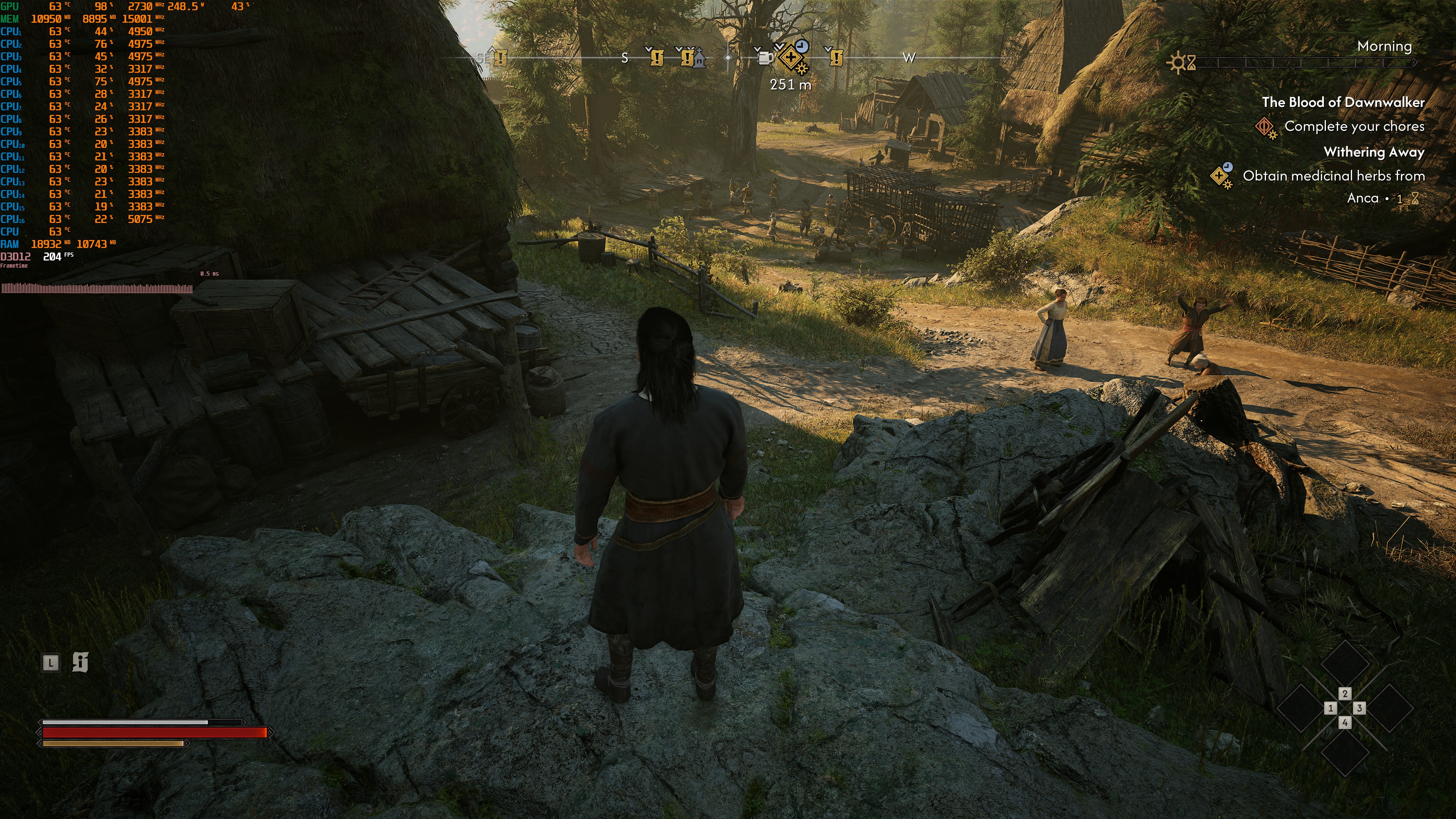
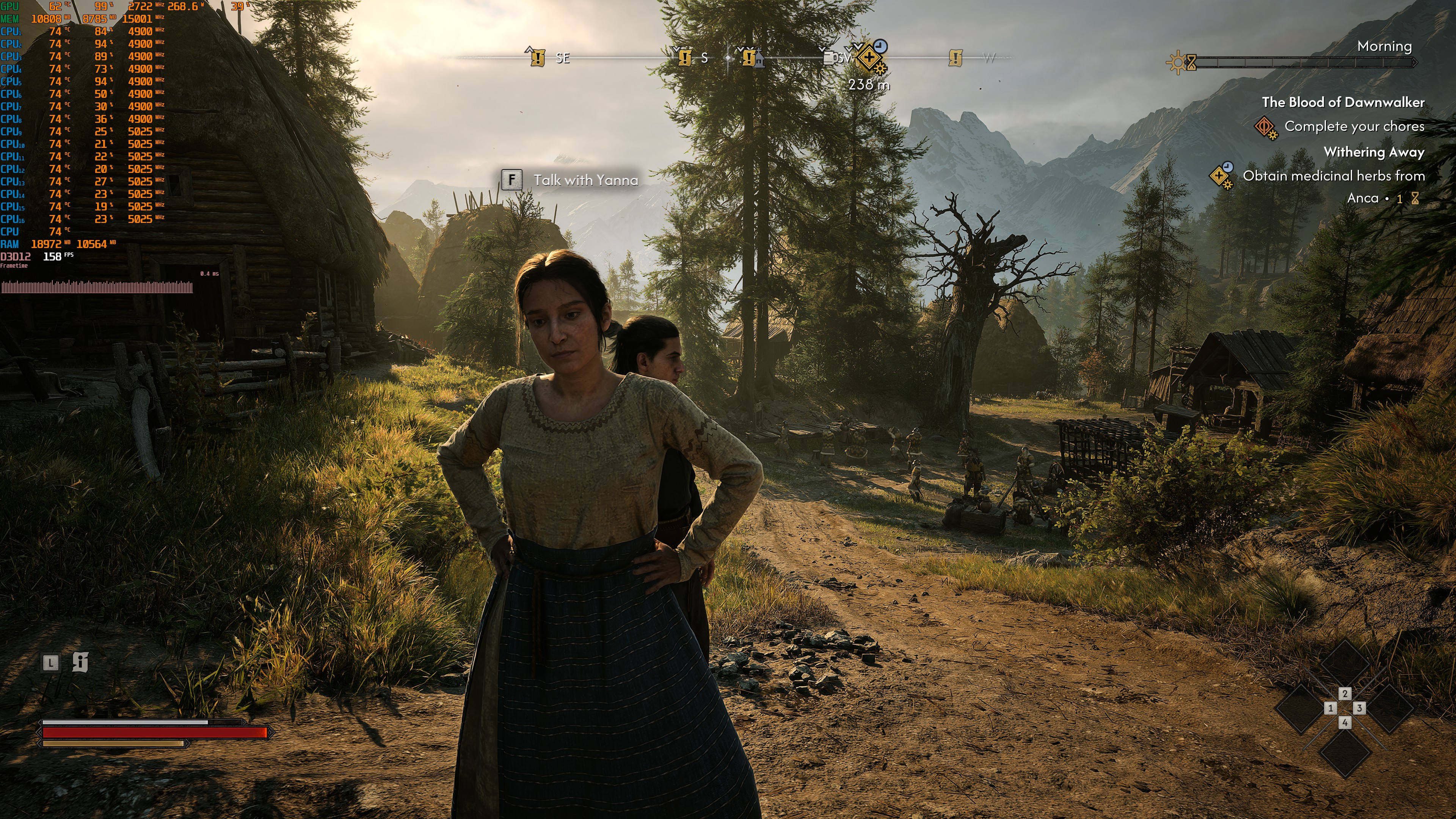
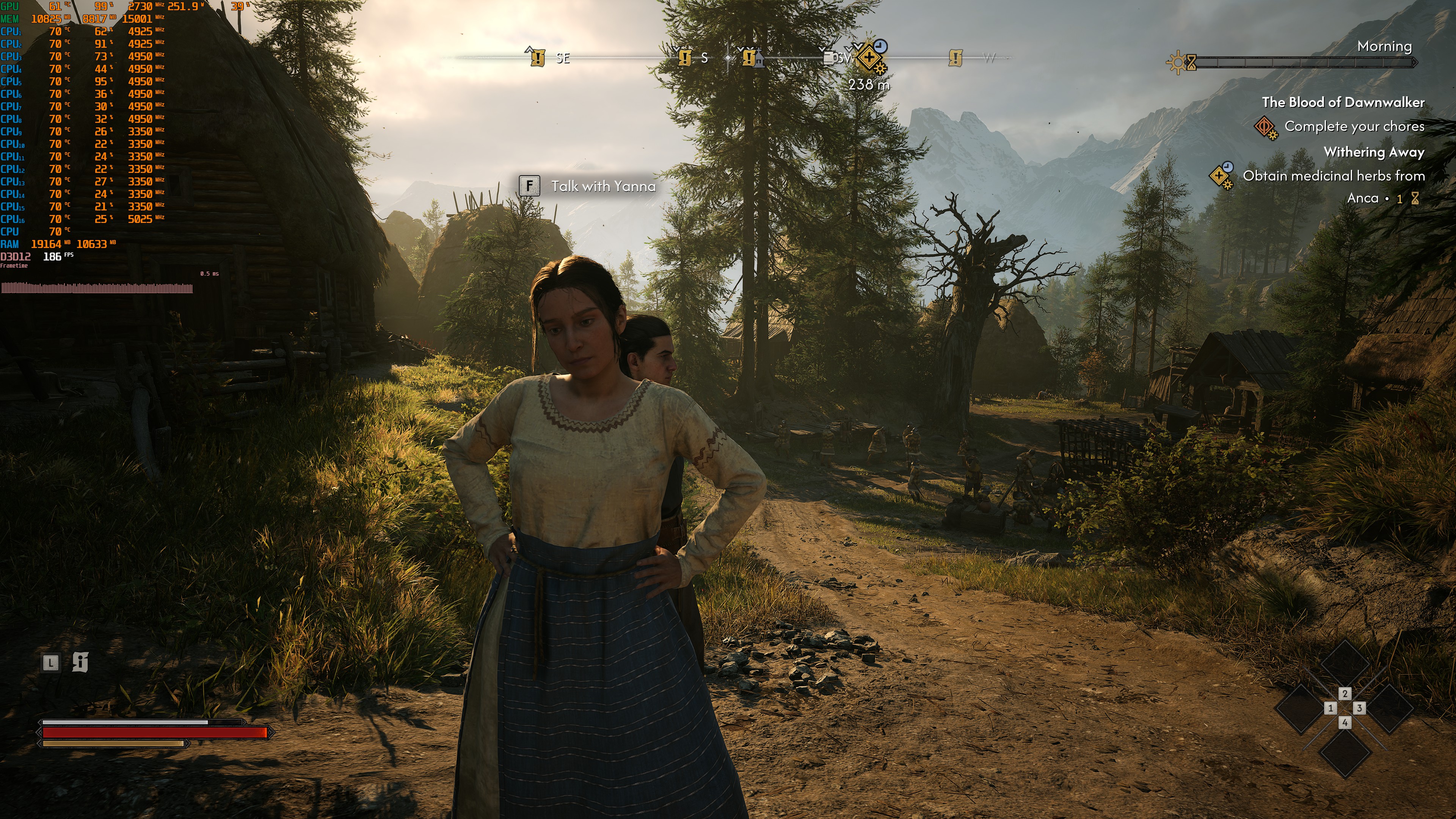
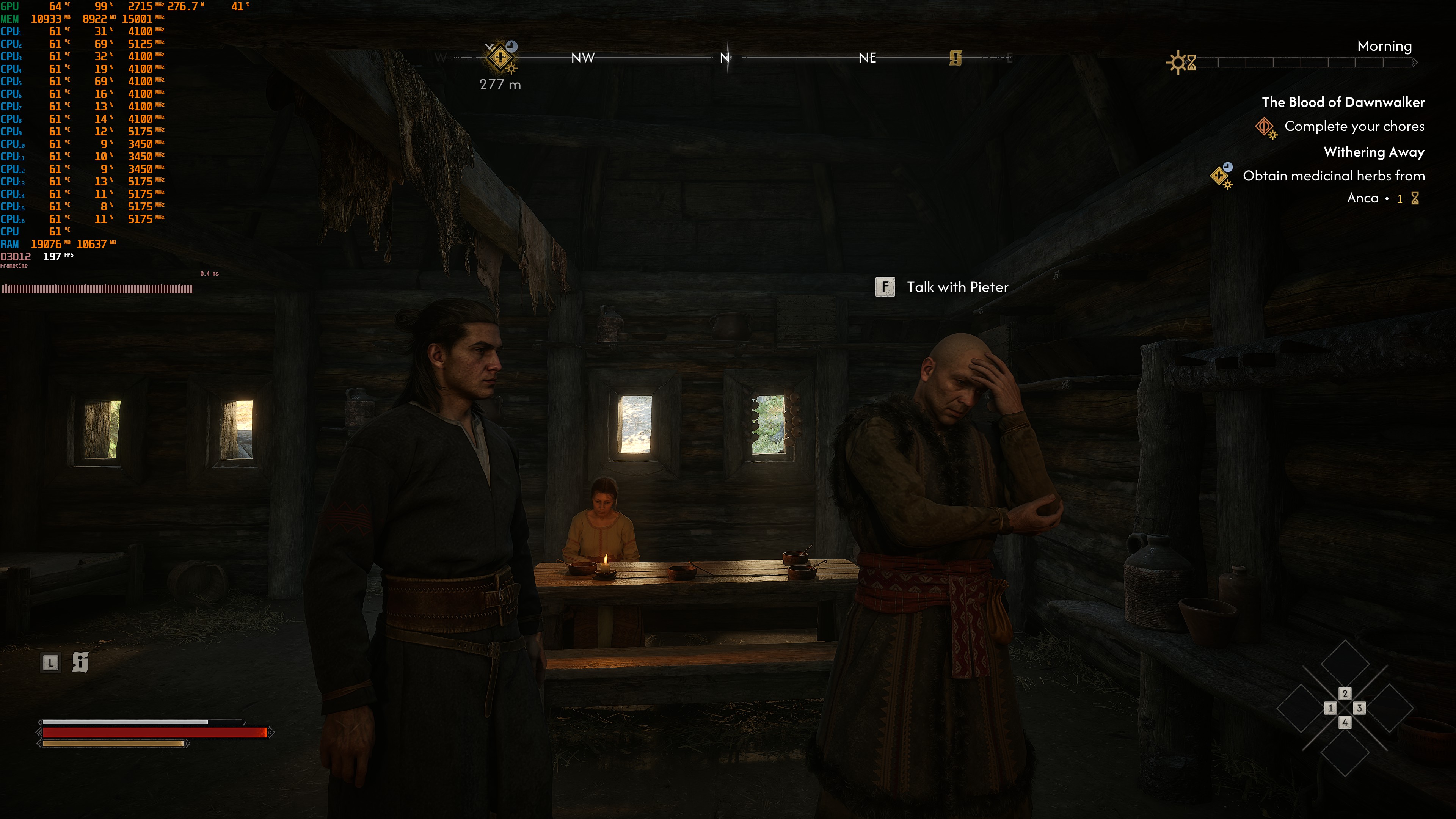
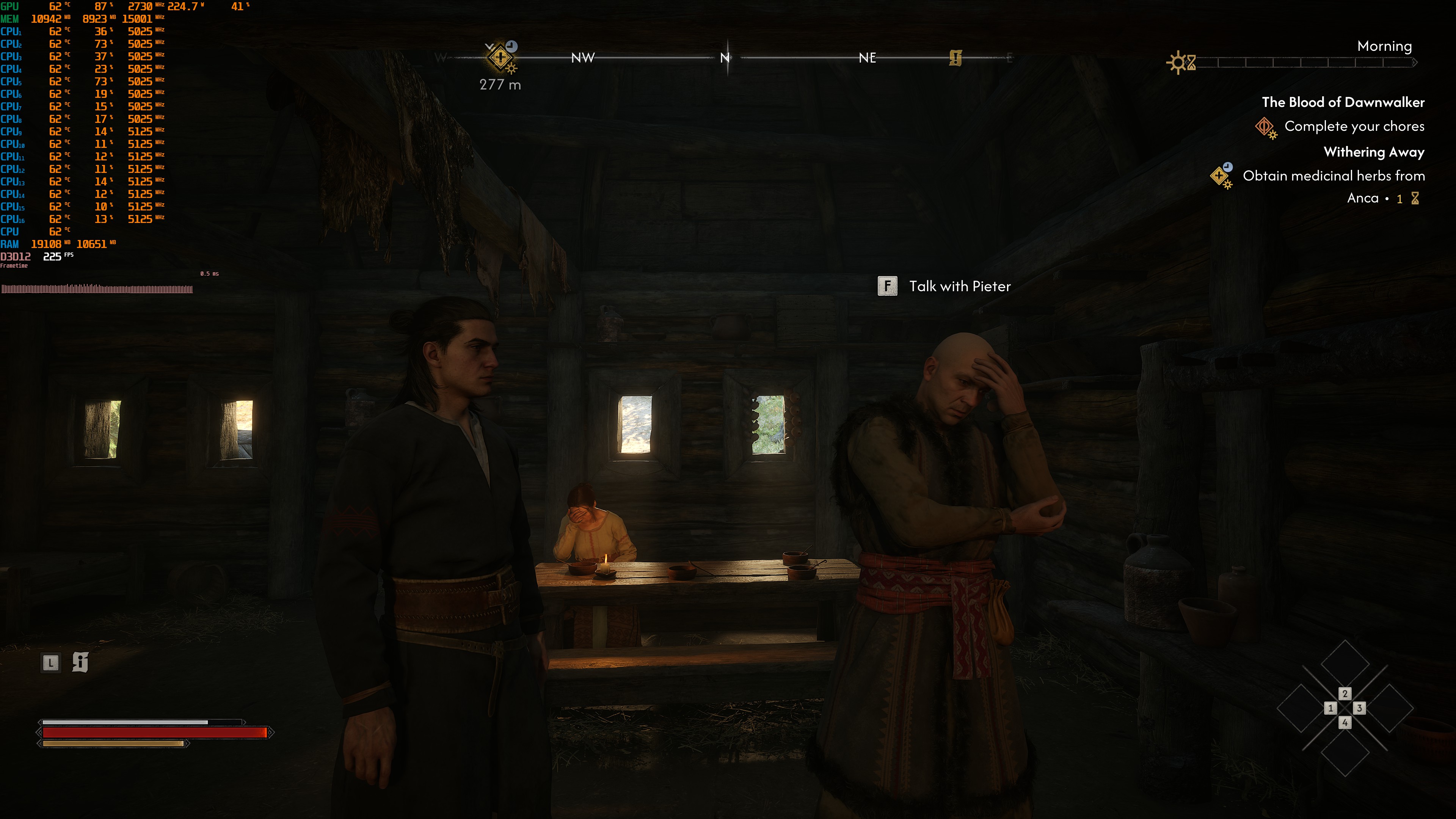
And these are the settings I used. I tried to stay as close to the original as possible. At the same time, I managed to enhance the faces of all characters, as well as the environments. You can clearly see the better AO we get with DLSS 5.
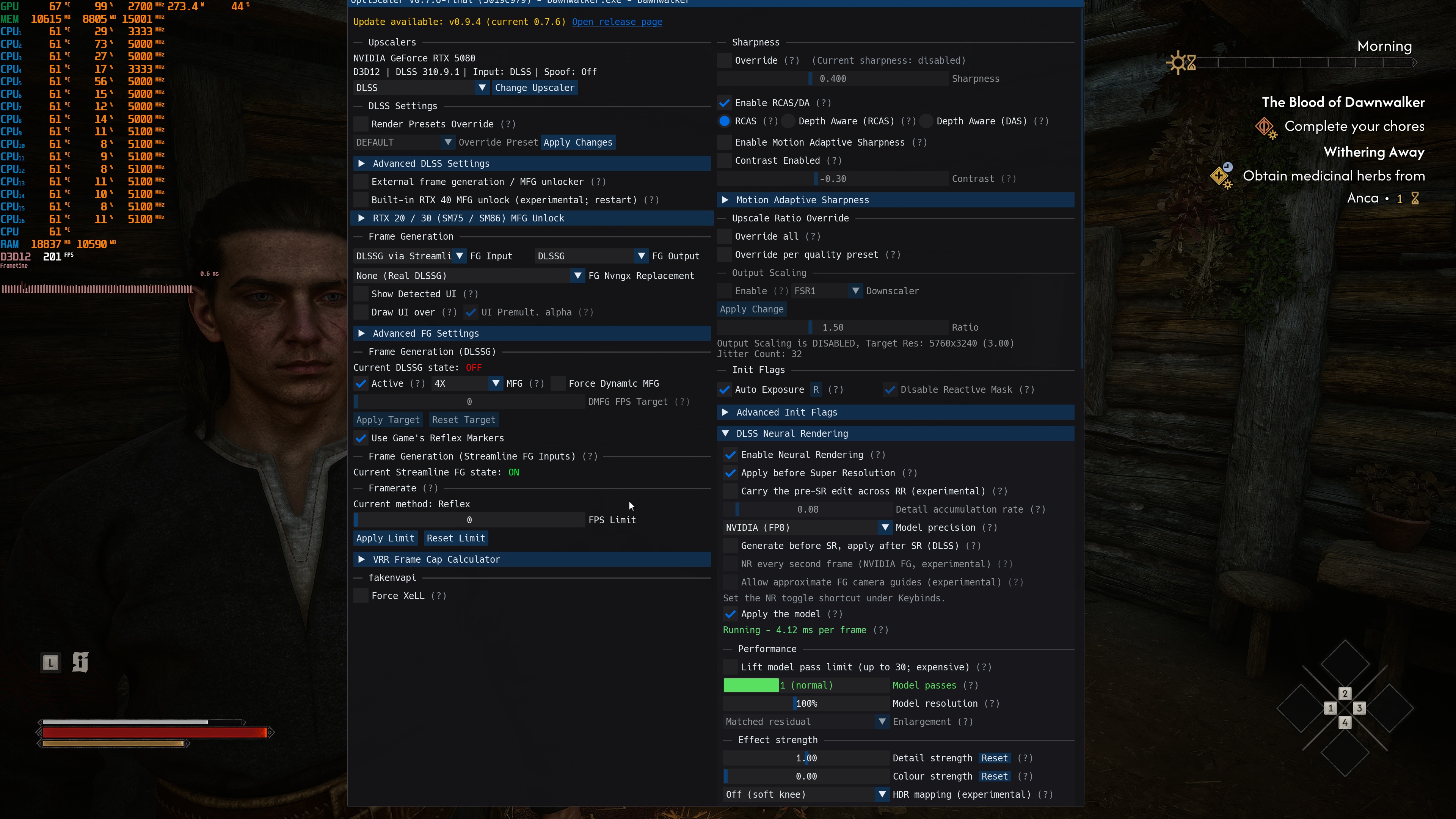
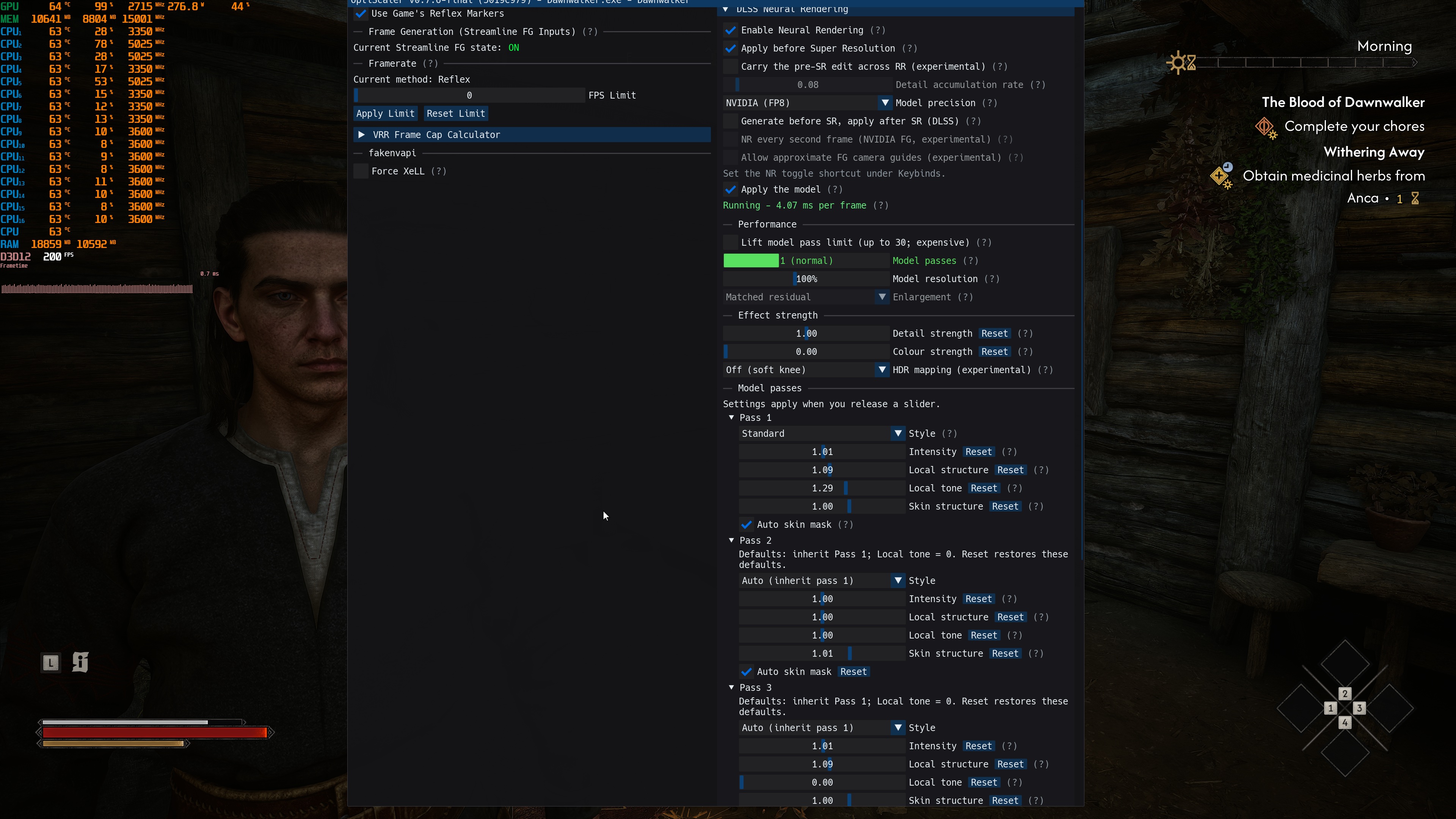
With an NVIDIA RTX 5080, you have to use the “Apply before Super Resolution” setting if you game at 4K. With this setting, I was able to get 47 FPS at 4K/Ultra with DLSS Performance Mode. The downside is that the default DLSS 5 settings cause an “oily” look on the faces of all characters. Because of this, you have to lower the DLSS 5 settings to the ones I showed above. With those settings, the oily look is gone.
So, is DLSS 5 enough to fix the game’s visual shortcomings? Not entirely. The game looks noticeably better with DLSS 5. However, it will not transform it into a next-gen title. In a way, these visual improvements remind me of those of NBA 2K27.
If you own an NVIDIA RTX 5080 or an RTX 5090, you should definitely use DLSS 5. Without it, the game can look ugly. Thanks to the latest version of OptiScaler, you can also use DLSS 5 without its initial huge performance cost. And yes, it took me a couple of hours until I could find the ideal settings. Still, the end result is great, and the game runs with a healthy base frame rate of 47 FPS (before applying Frame Gen).
Enjoy!

John is the founder and Editor in Chief at DSOGaming. He is a PC gaming fan and highly supports the modding and indie communities. Before creating DSOGaming, John worked on numerous gaming websites. While he is a die-hard PC gamer, his gaming roots can be found on consoles. John loved – and still does – the 16-bit consoles, and considers SNES to be one of the best consoles. Still, the PC platform won him over consoles. That was mainly due to 3DFX and its iconic dedicated 3D accelerator graphics card, Voodoo 2. John has also written a higher degree thesis on the “The Evolution of PC graphics cards.”
Contact: Email