
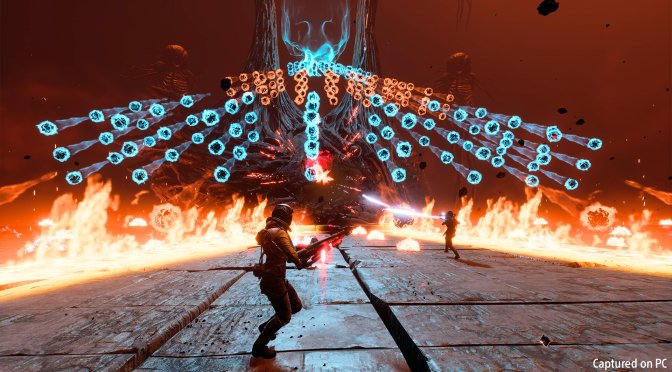
Sony has just released its third-person roguelike shooter, Returnal, on PC. Powered by Unreal Engine 4, it’s time now to benchmark it and see how it performs on the PC platform.
For this PC Performance Analysis, we used an Intel i9 9900K, 16GB of DDR4 at 3800Mhz, AMD’s Radeon RX580, RX Vega 64, RX 6900XT, RX 7900XTX, NVIDIA’s GTX980Ti, RTX 2080Ti, RTX 3080 and RTX 4090. We also used Windows 10 64-bit, the GeForce 528.49 and the Radeon Software Adrenalin 2020 Edition 22.11.2 drivers (for the RX7900XTX we used the special 23.1.2 driver).
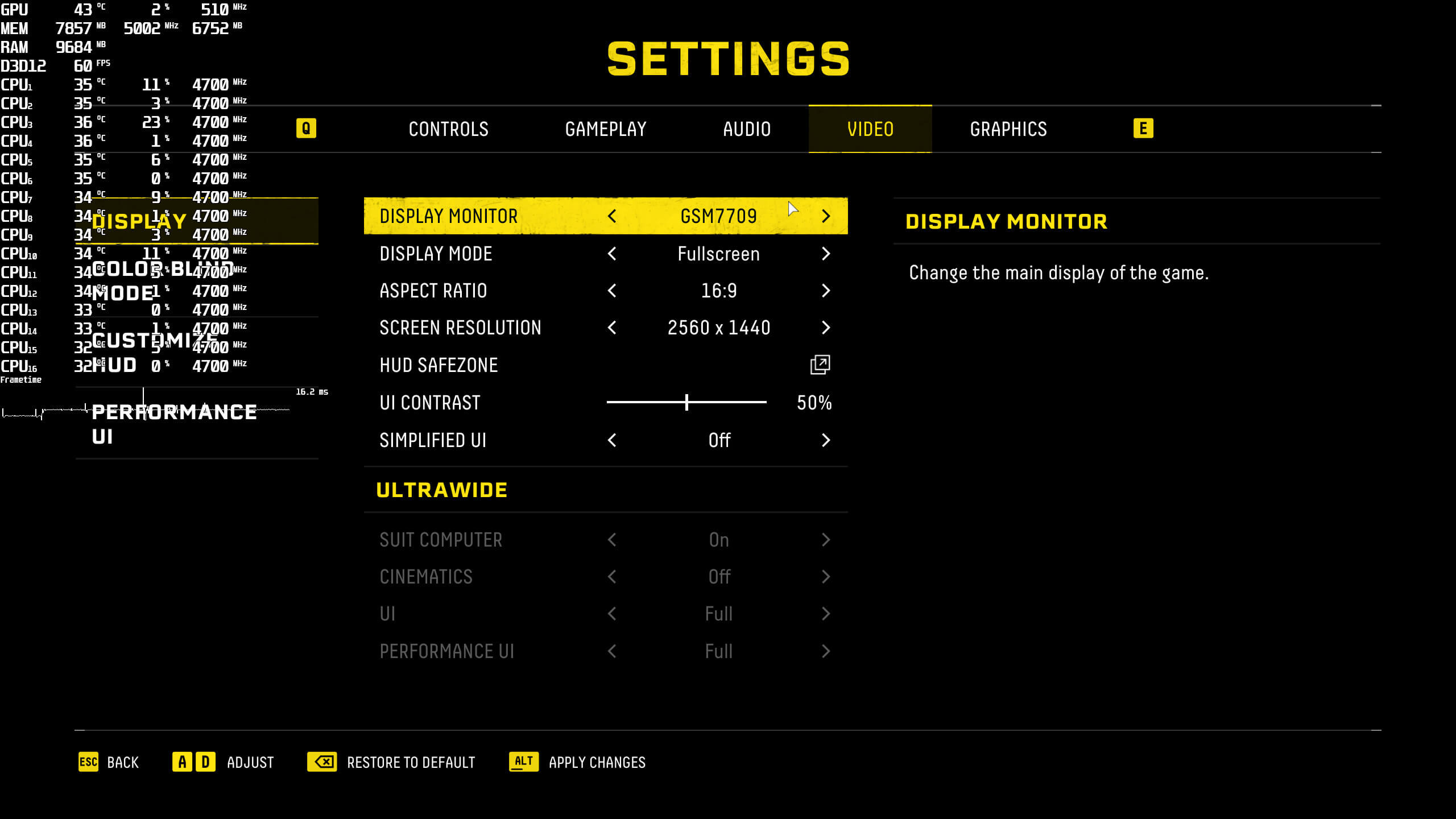
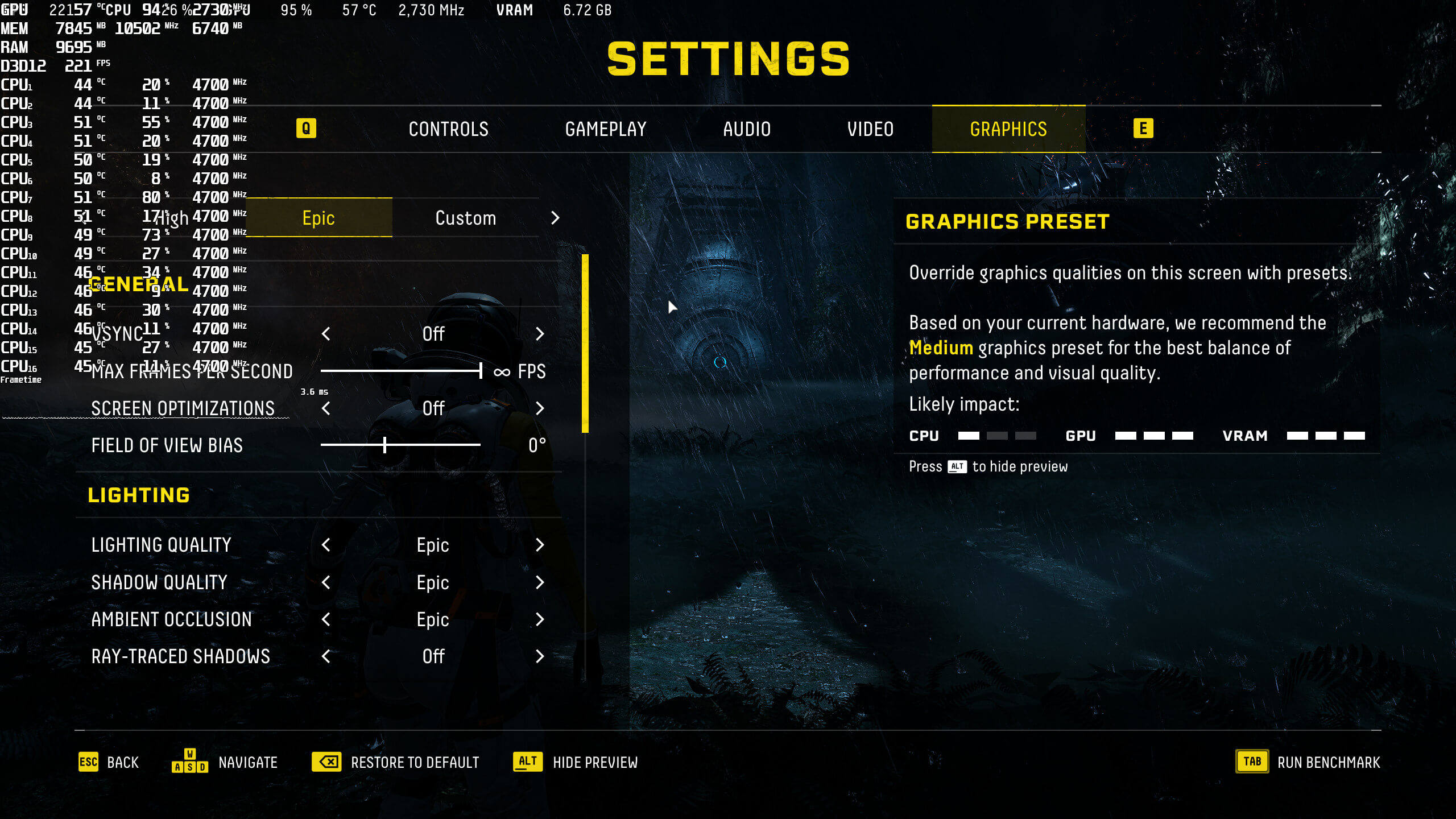
Climax Studios has added a lot of graphics settings to tweak. PC gamers can adjust the quality of Lighting, Shadows, Ambient Occlusion, Textures and more. The game also supports Ray Tracing for Shadows and Reflections. Furthermore, there is support for NVIDIA DLSS 2, AMD FSR 1.0, and Intel XeSS (this option is only available for Intel GPUs).
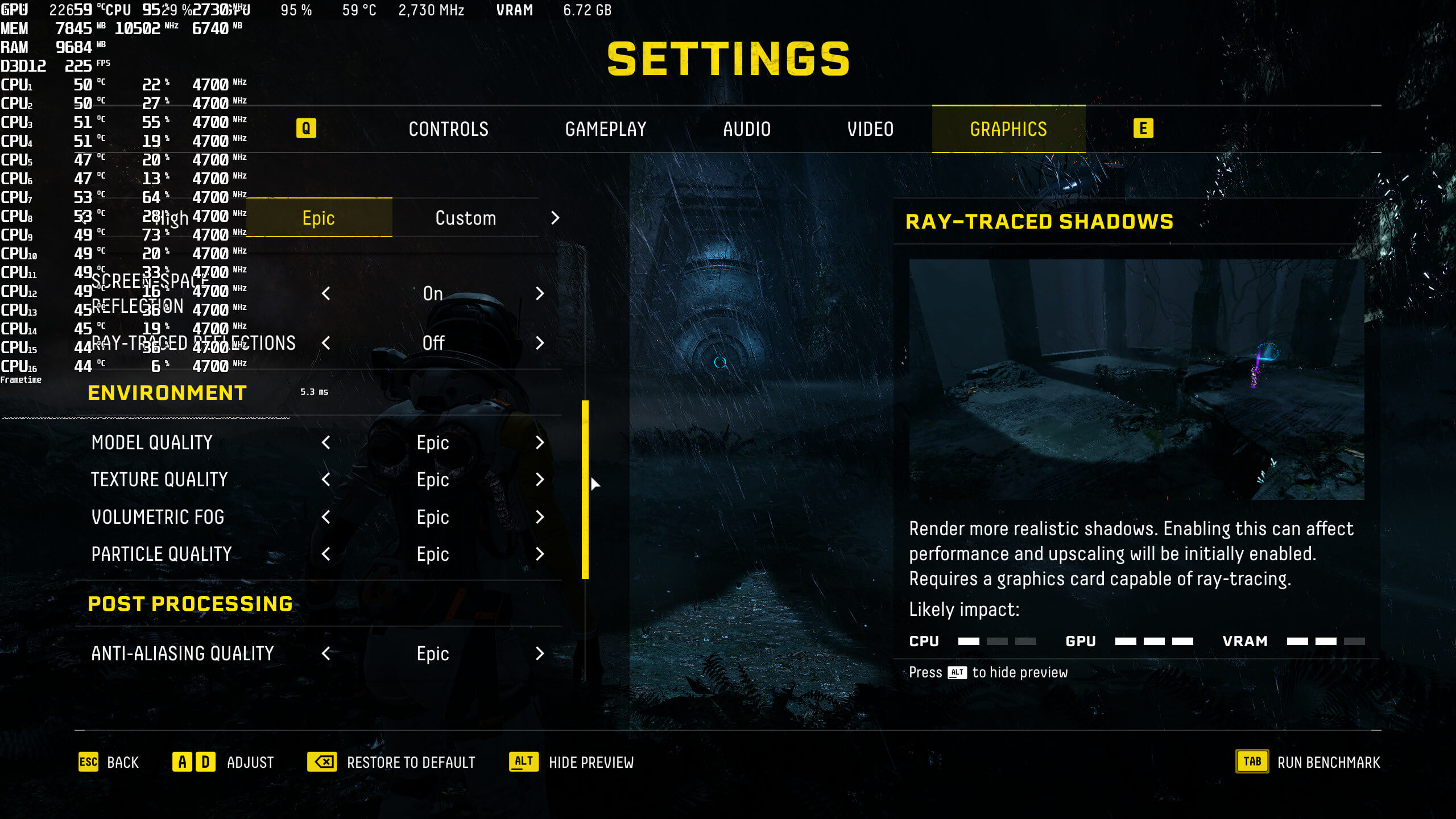
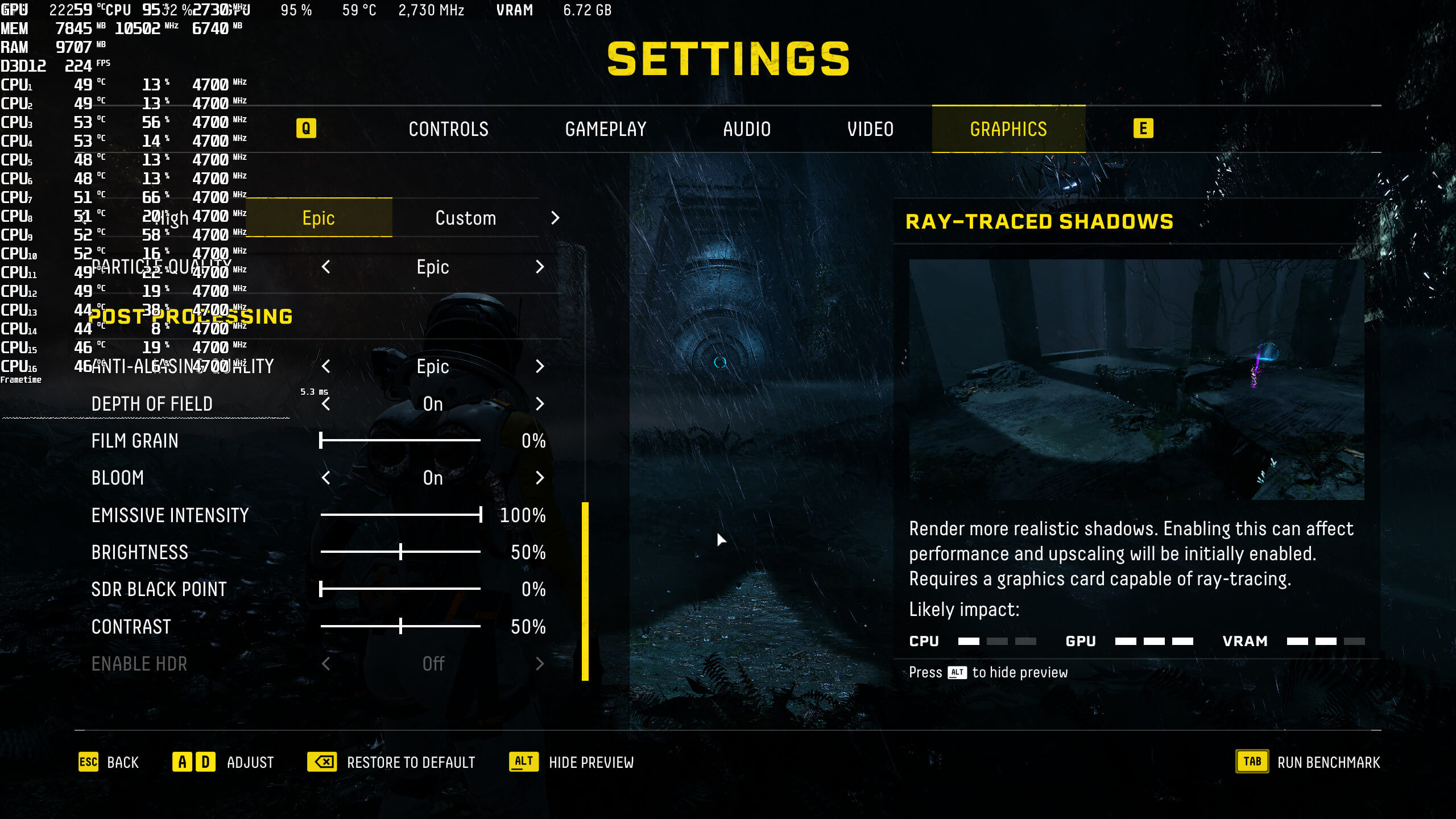
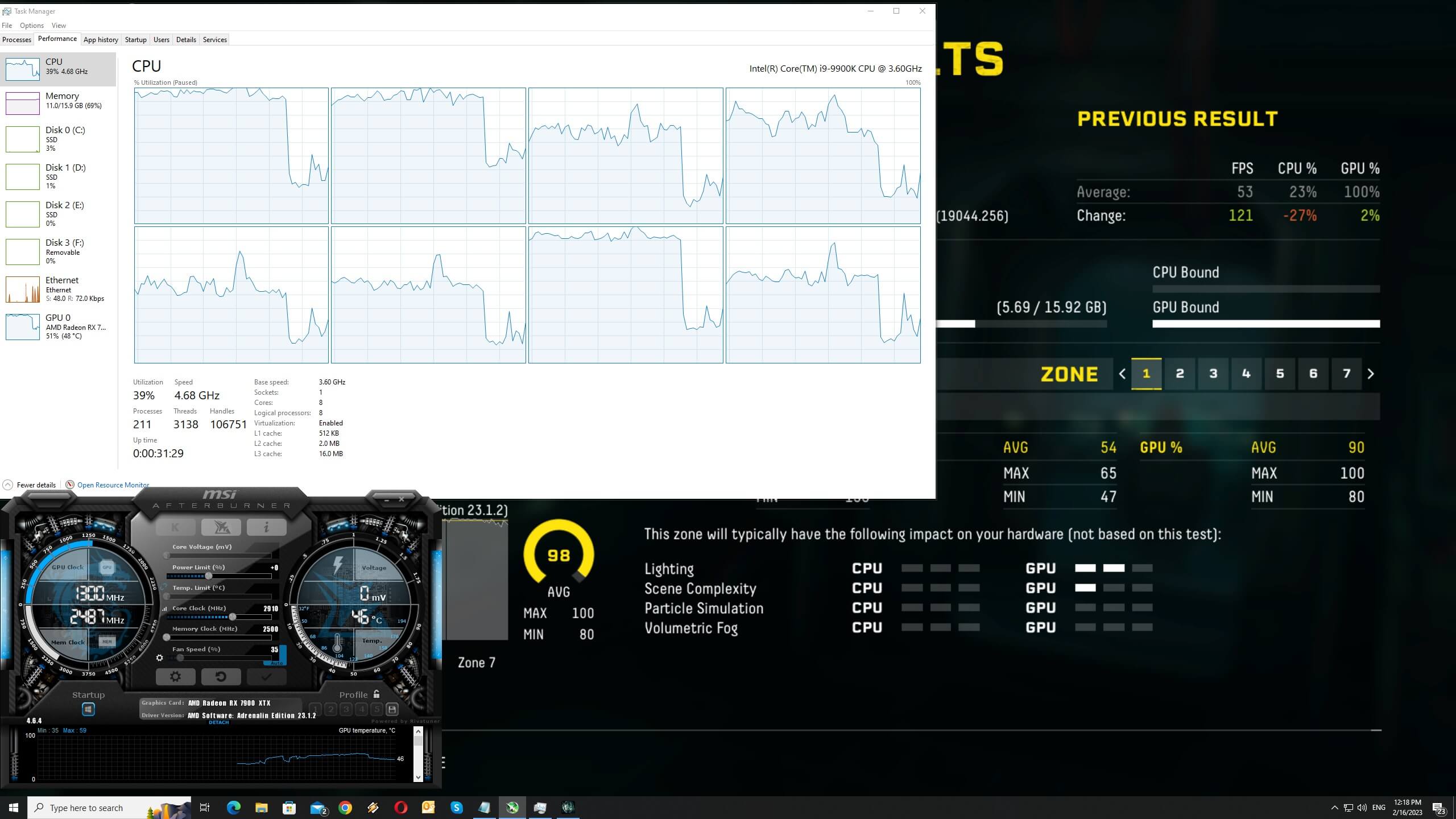
Returnal features a built-in benchmark tool that is representative of its in-game performance. In fact, this is one of the best benchmark tools we’ve ever seen (as it provides additional details about VRAM and RAM usage).

In order to find out how the game scales on multiple CPU threads, we simulated a dual-core, a quad-core and a hexa-core CPU. Without Hyper-Threading, our simulated dual-core system suffered from major stuttering issues. With HT, our framerates never dropped below 60fps at 1080p/Epic Settings/No Ray Tracing. As we can also see, the game can use effectively up to six CPU cores.
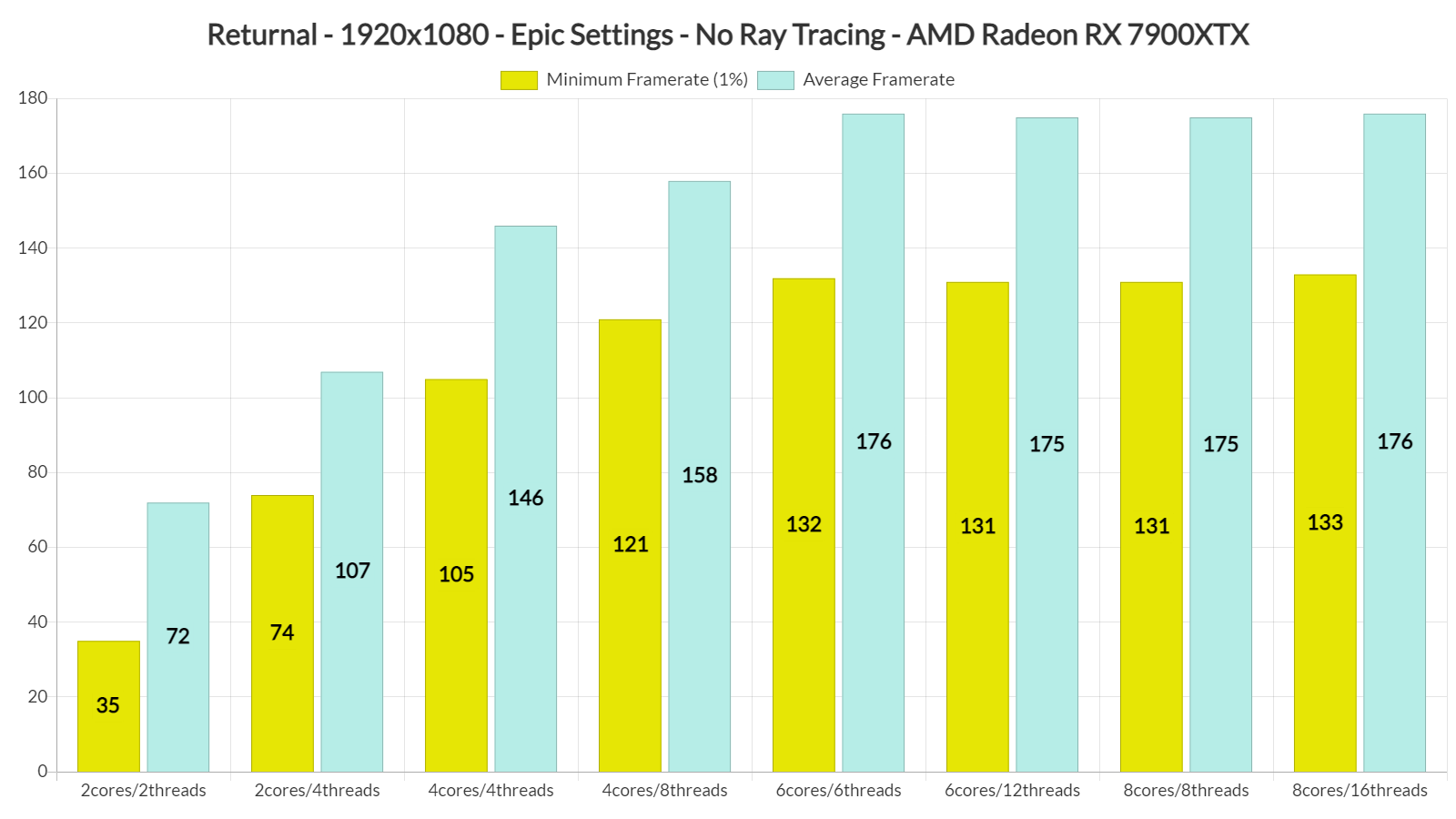
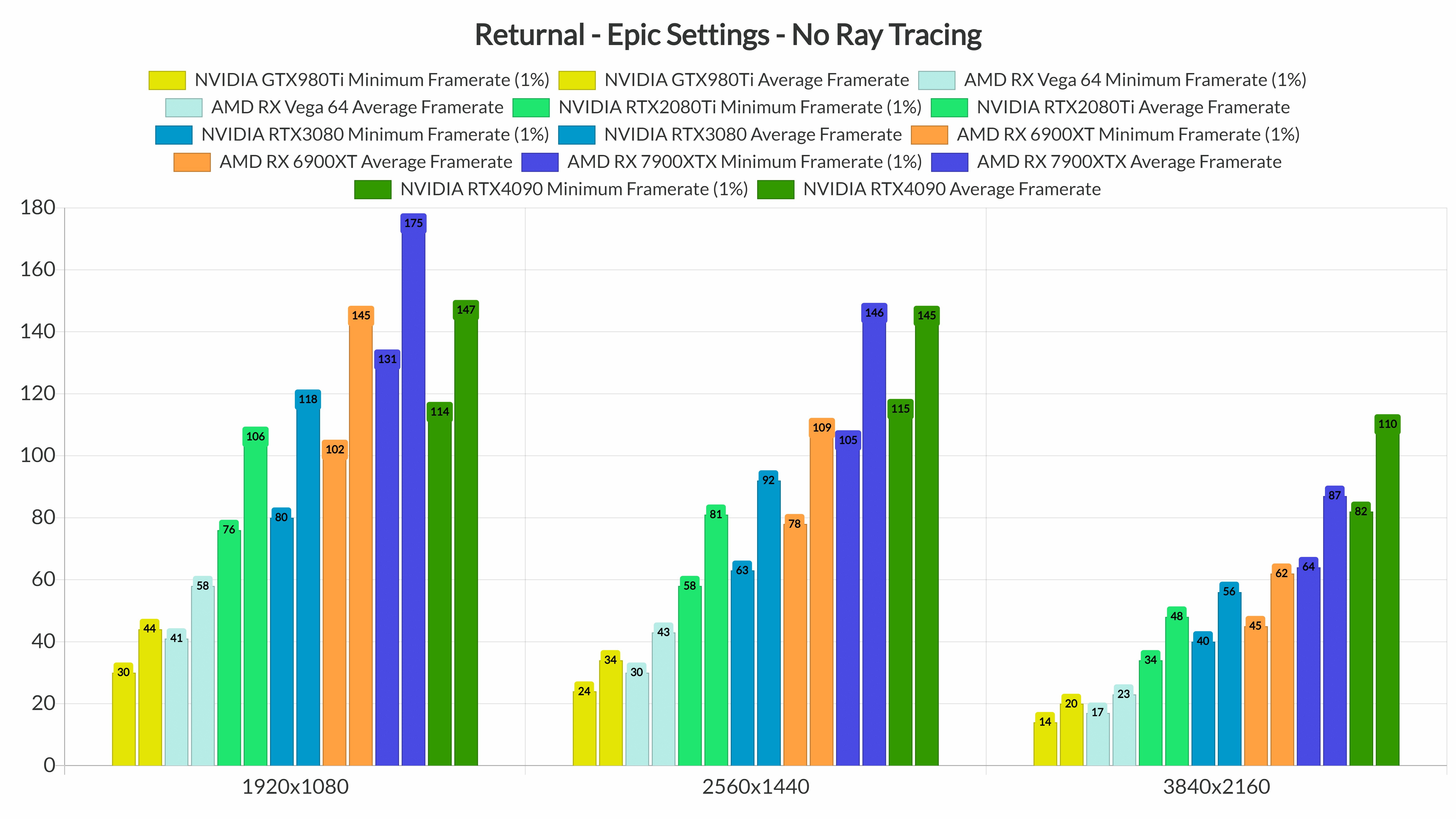
For our CPU benchmarks, we used our AMD Radeon RX 7900XTX. Returnal is yet another game in which NVIDIA’s RTX4090 suffers from major DX12 driver overhead issues at lower resolutions. As we can see, at 1080p/Epic Settings/No Ray Tracing, the RX7900XTX was 19% faster than the RTX4090.
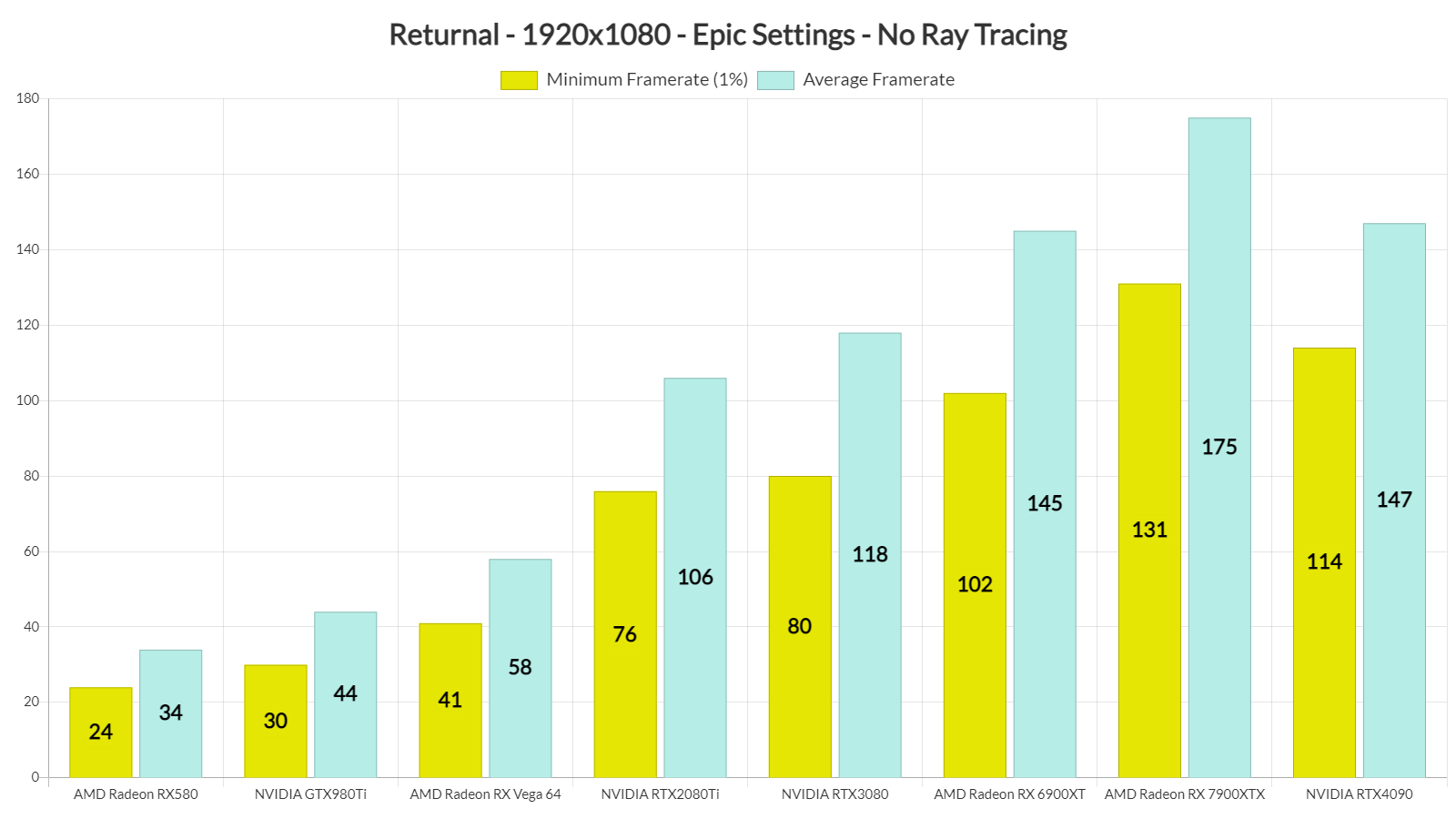
At 1080p, PC gamers will need GPUs that are equivalent to the RTX2080Ti for smooth gaming performance. At 1440p/Epic Settings/No RT, our RTX2080Ti was able to provide a smooth experience. However, we were a bit disappointed by the performance of the RTX3080. At 1440p, it was only 13% faster than the RTX2080Ti. And as for native 4K, the only GPUs that could provide a constant 60fps experience were the RX7900XTX and RTX4090. At 4K, NVIDIA’s GPU was significantly faster than AMD’s high-end RDNA3 model.
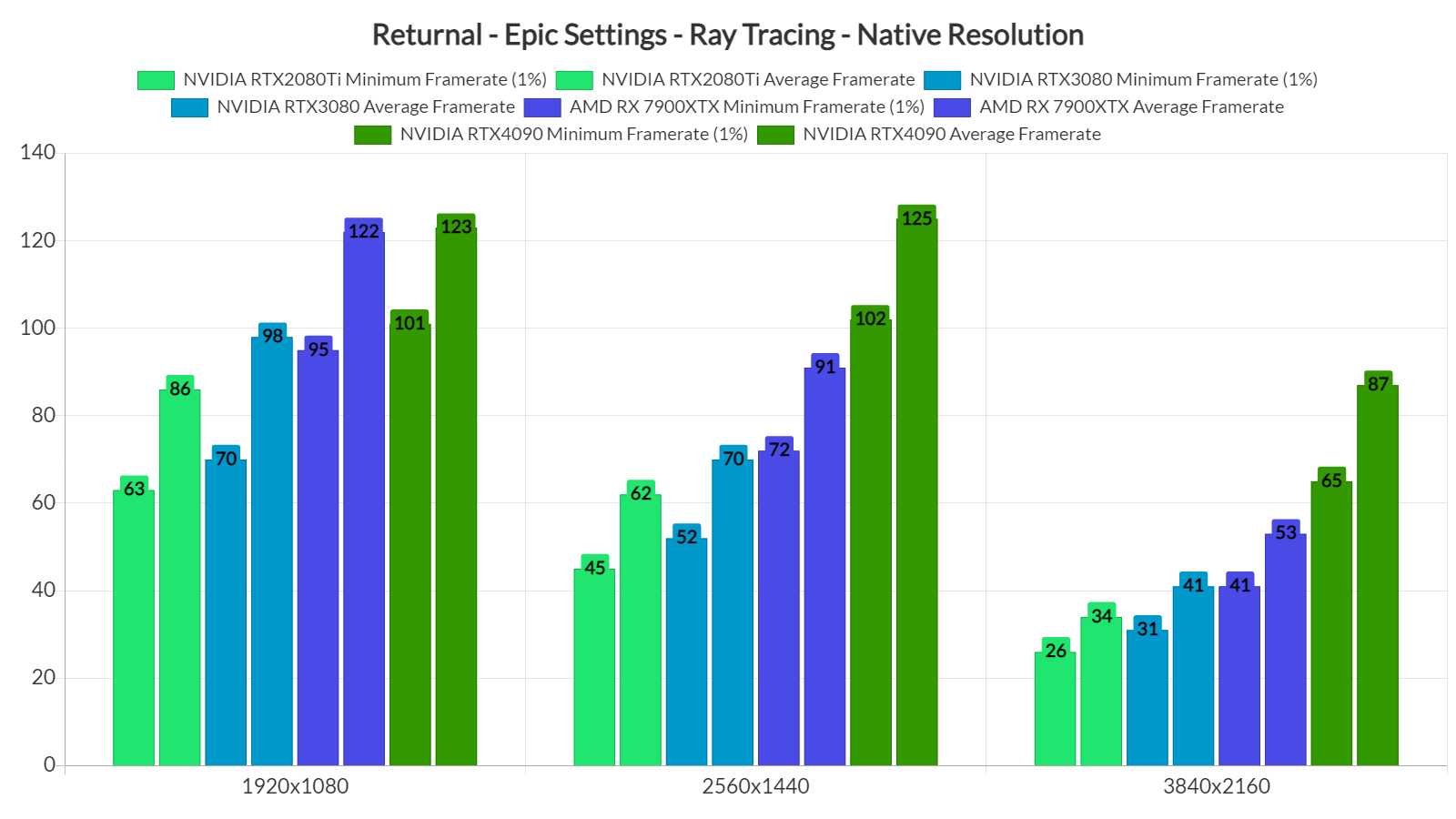
As said, Returnal also features ray-traced reflections and shadows. Pretty much all of the GPUs we tested had no trouble at all at 1080p/Epic Settings/Ray Tracing. At 1440p, the only GPUs that could provide a smooth gaming experience were the RX7900XTX and the RTX4090. And as for native 4K with Ray Tracing, the only GPU that could push constant 60fps was the NVIDIA RTX4090.
Now the bad news here is that these ray-traced reflections and shadows introduce some additional stutters. As such, and until Climax Studios resolves them, we suggest disabling the game’s RT effects. Furthermore, Returnal has some traversal stutters (that happen even when you disable its RT effects). Thankfully, these traversal stutters are not that frequent and never occur during your battles. So, again, make sure to disable the RT effects otherwise you’ll get frequent and annoying stutters.
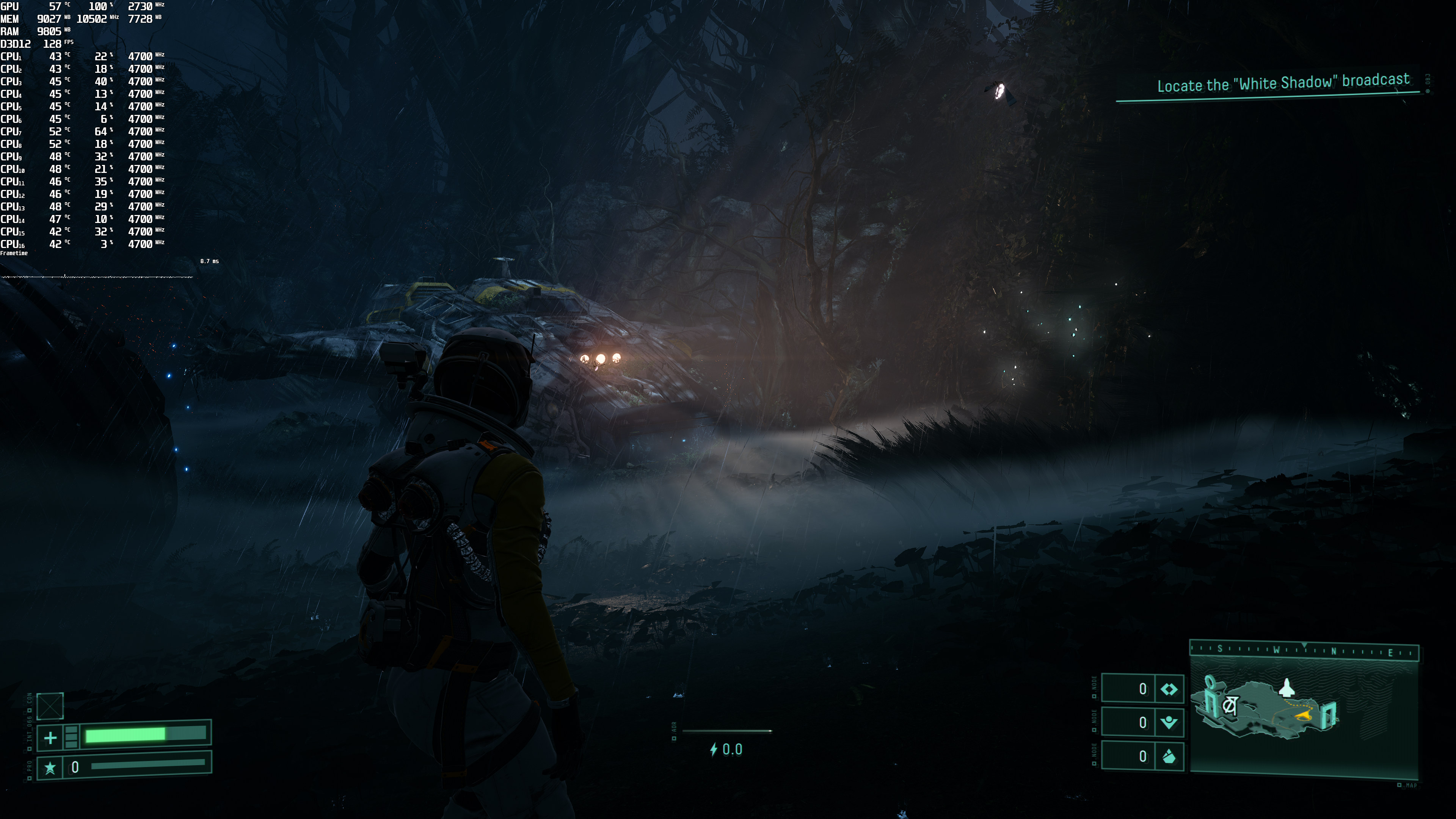
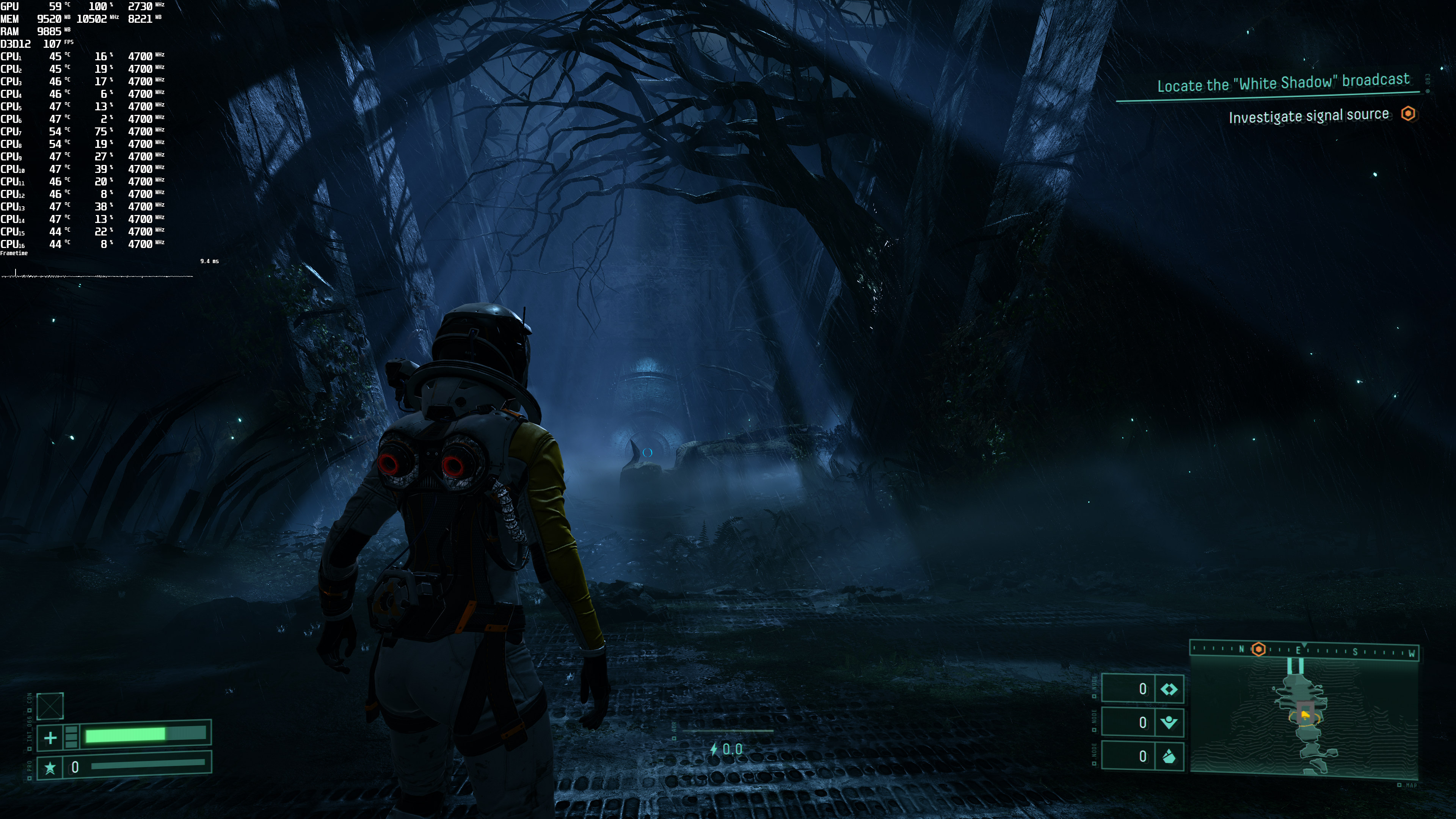
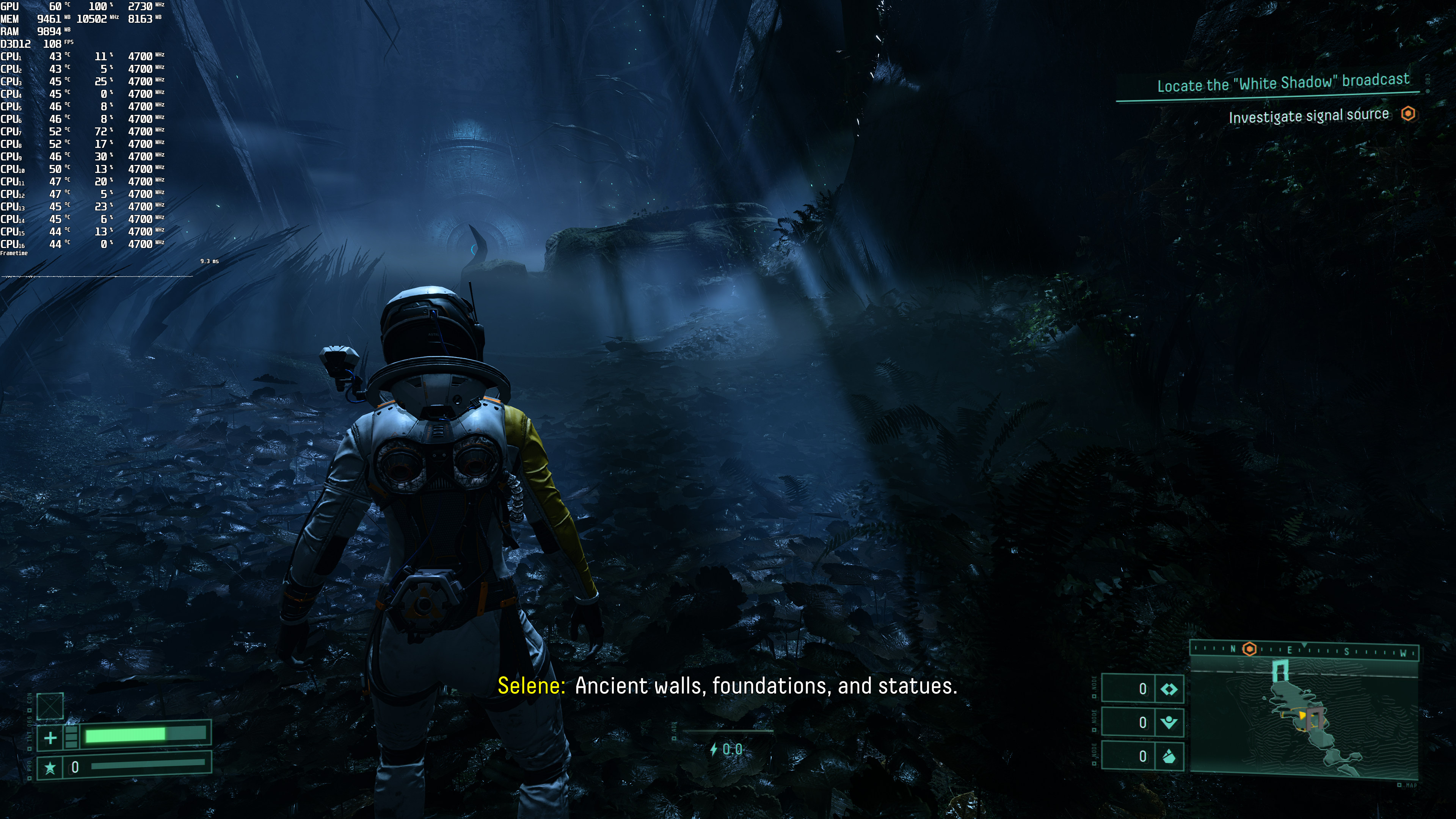
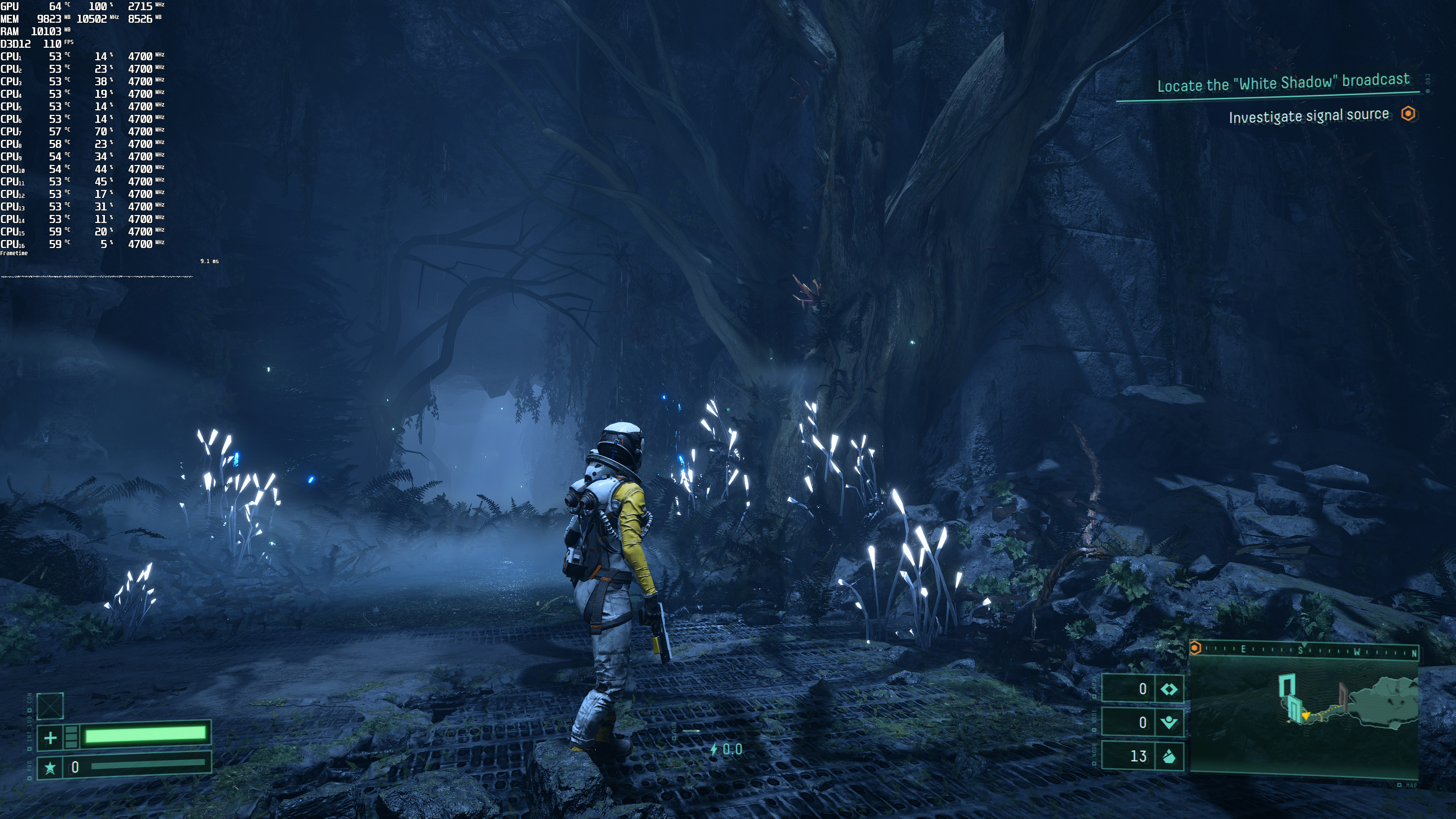
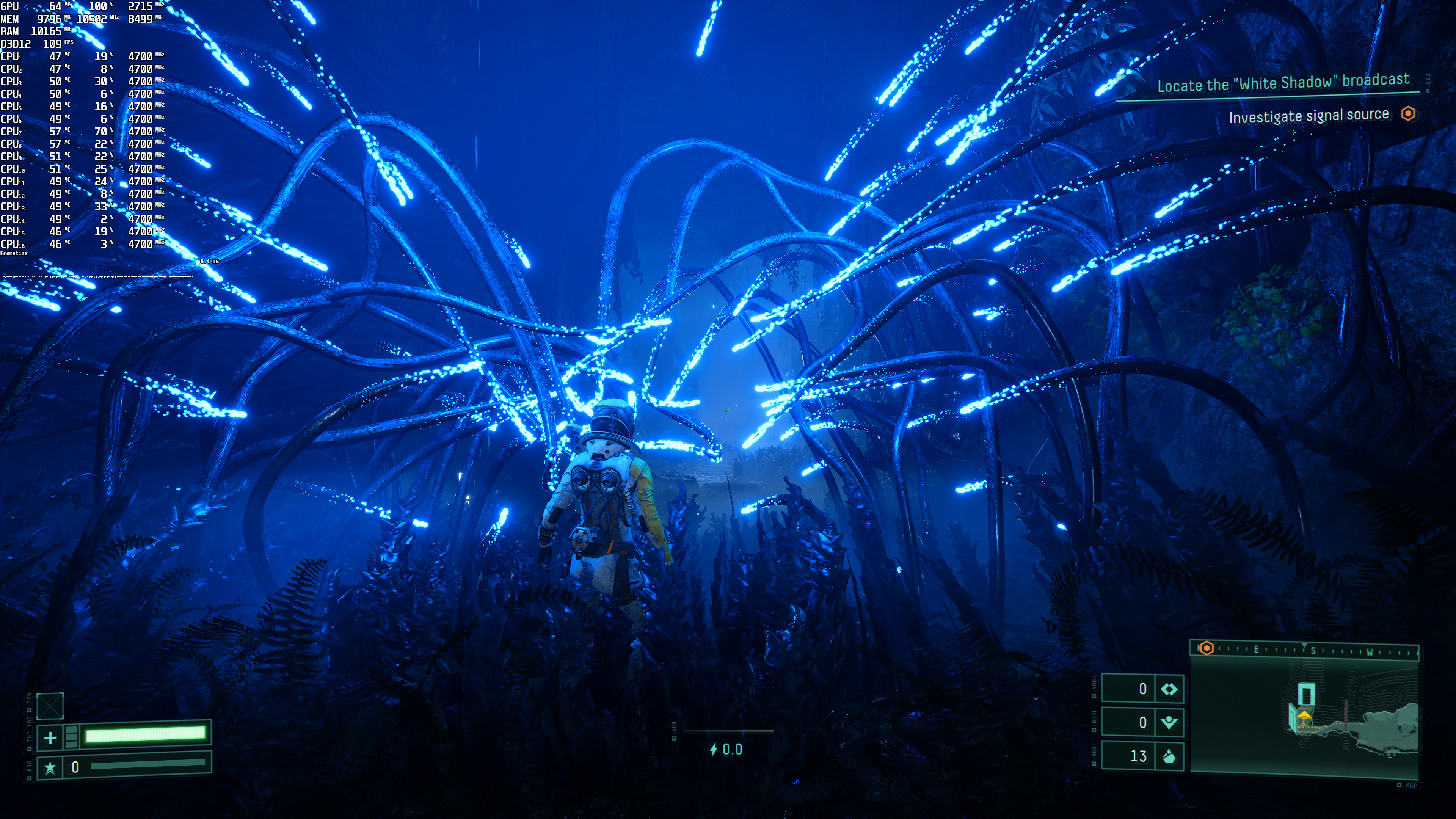
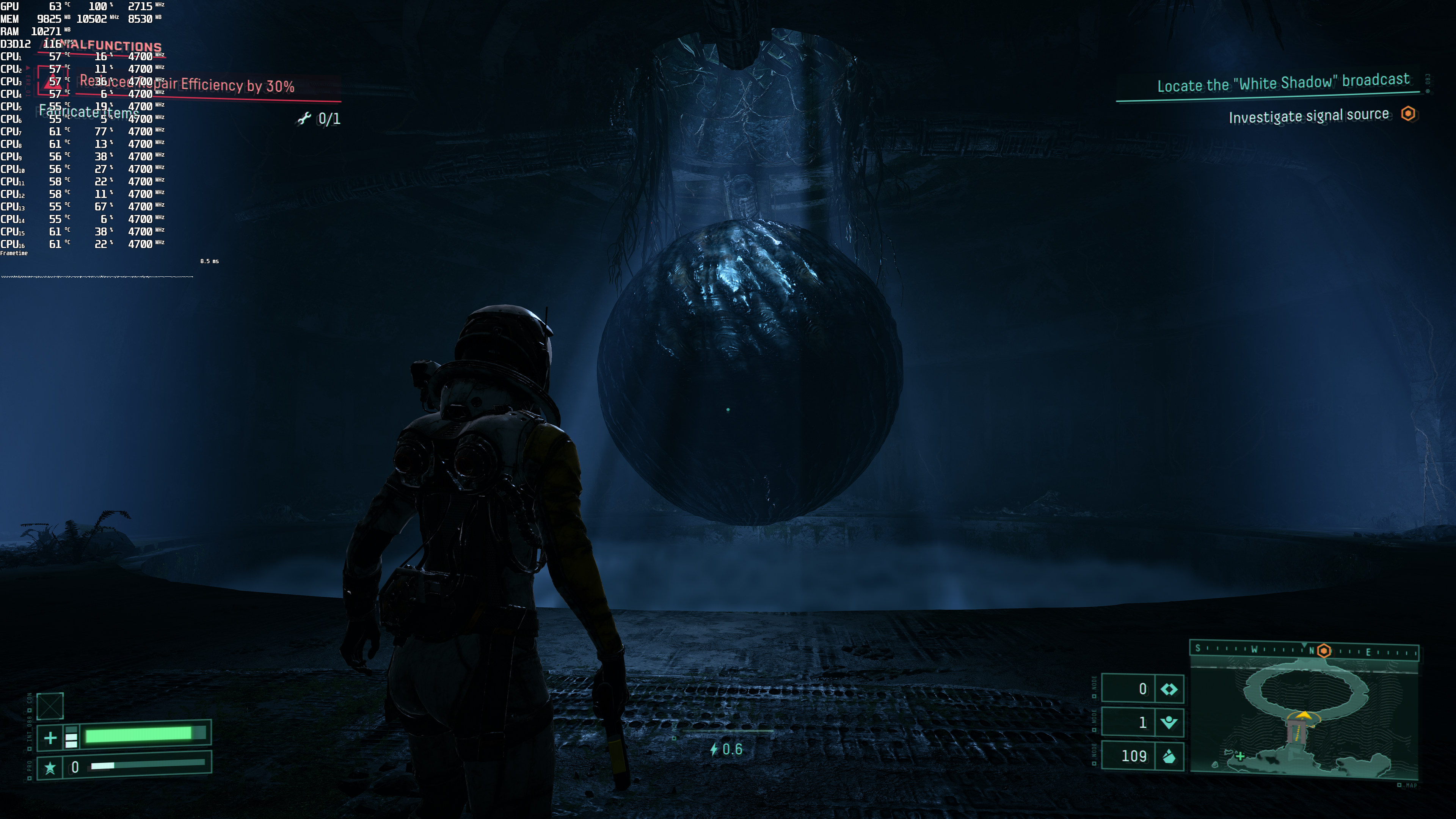
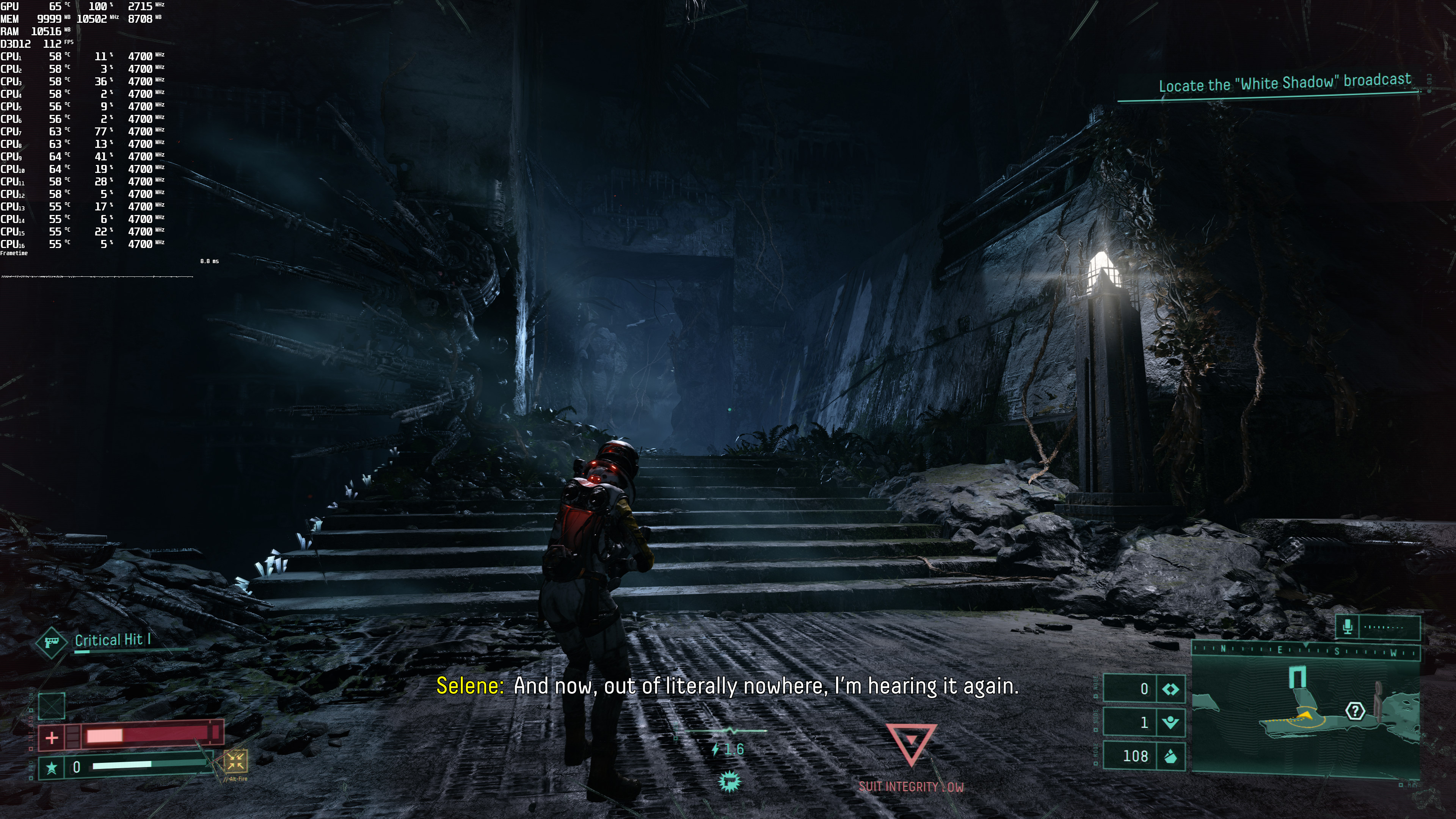
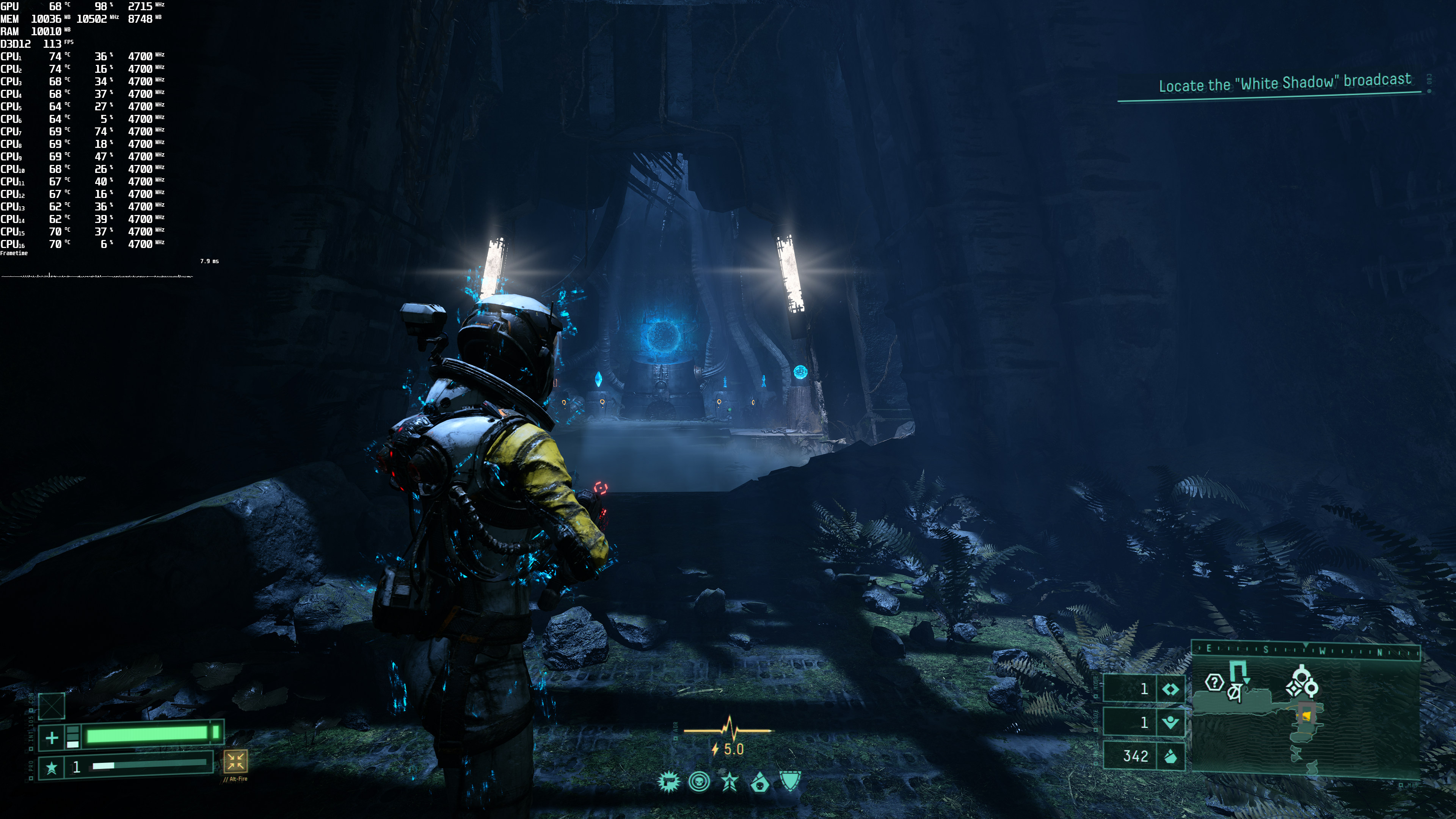
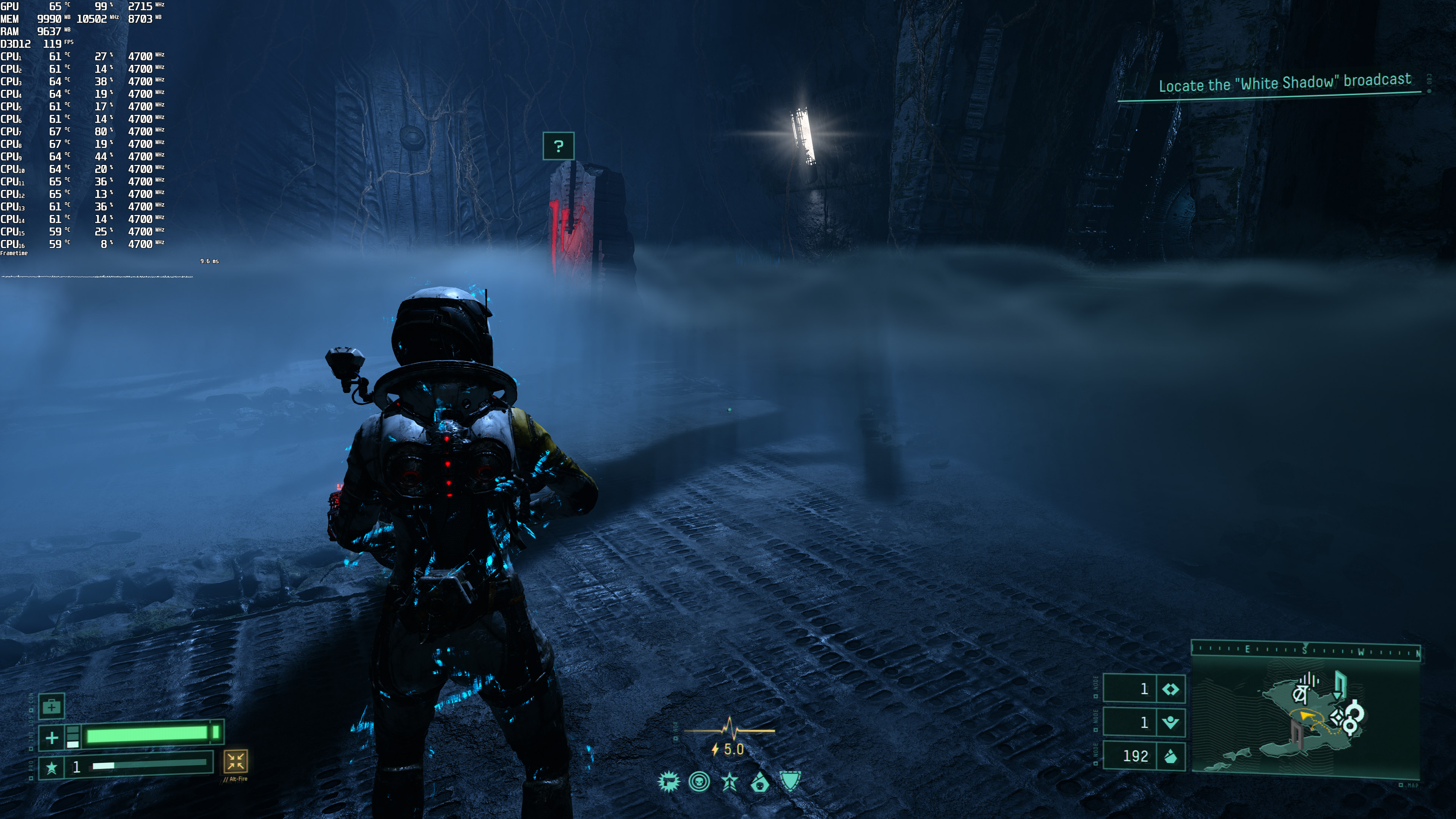
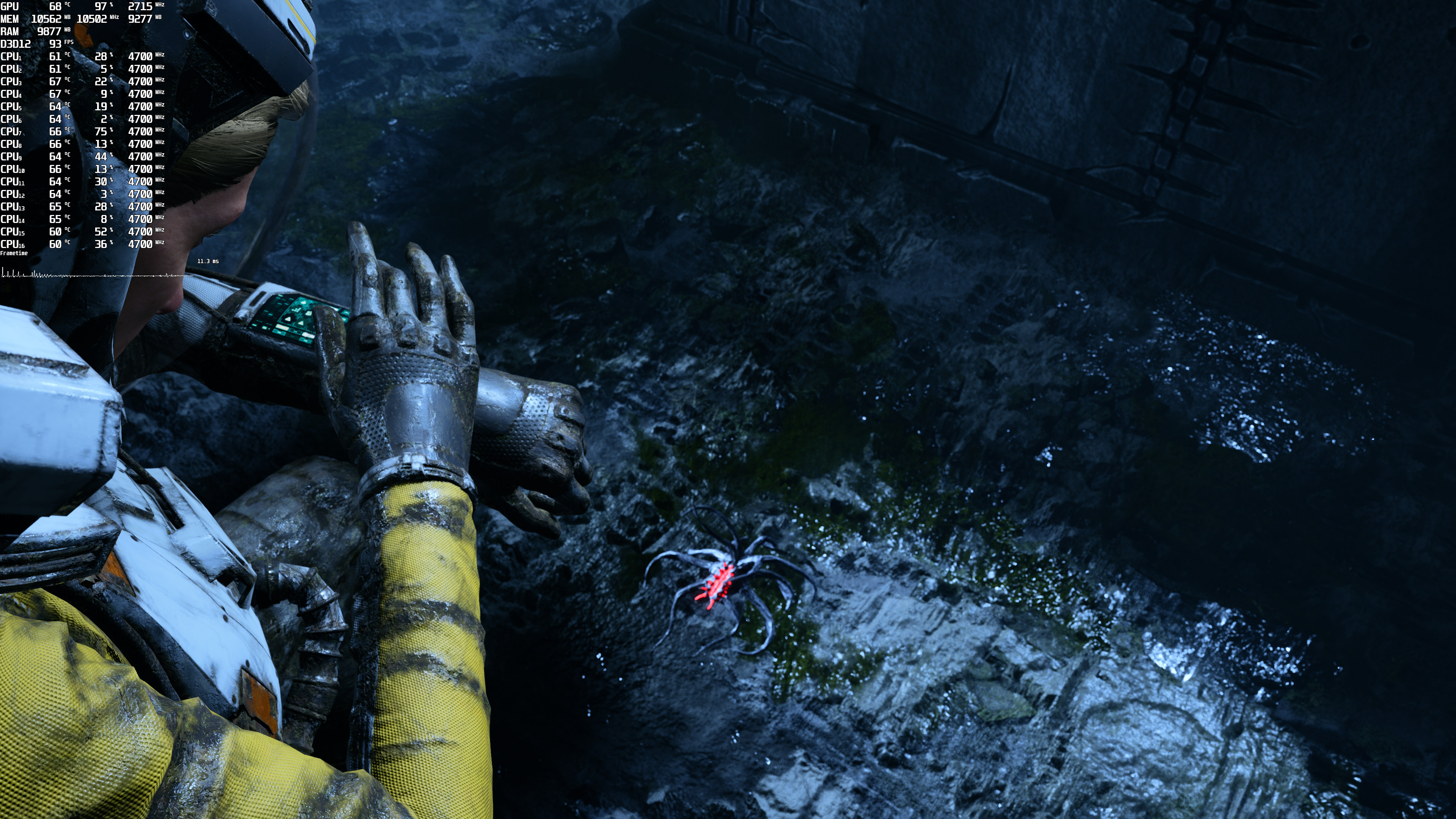
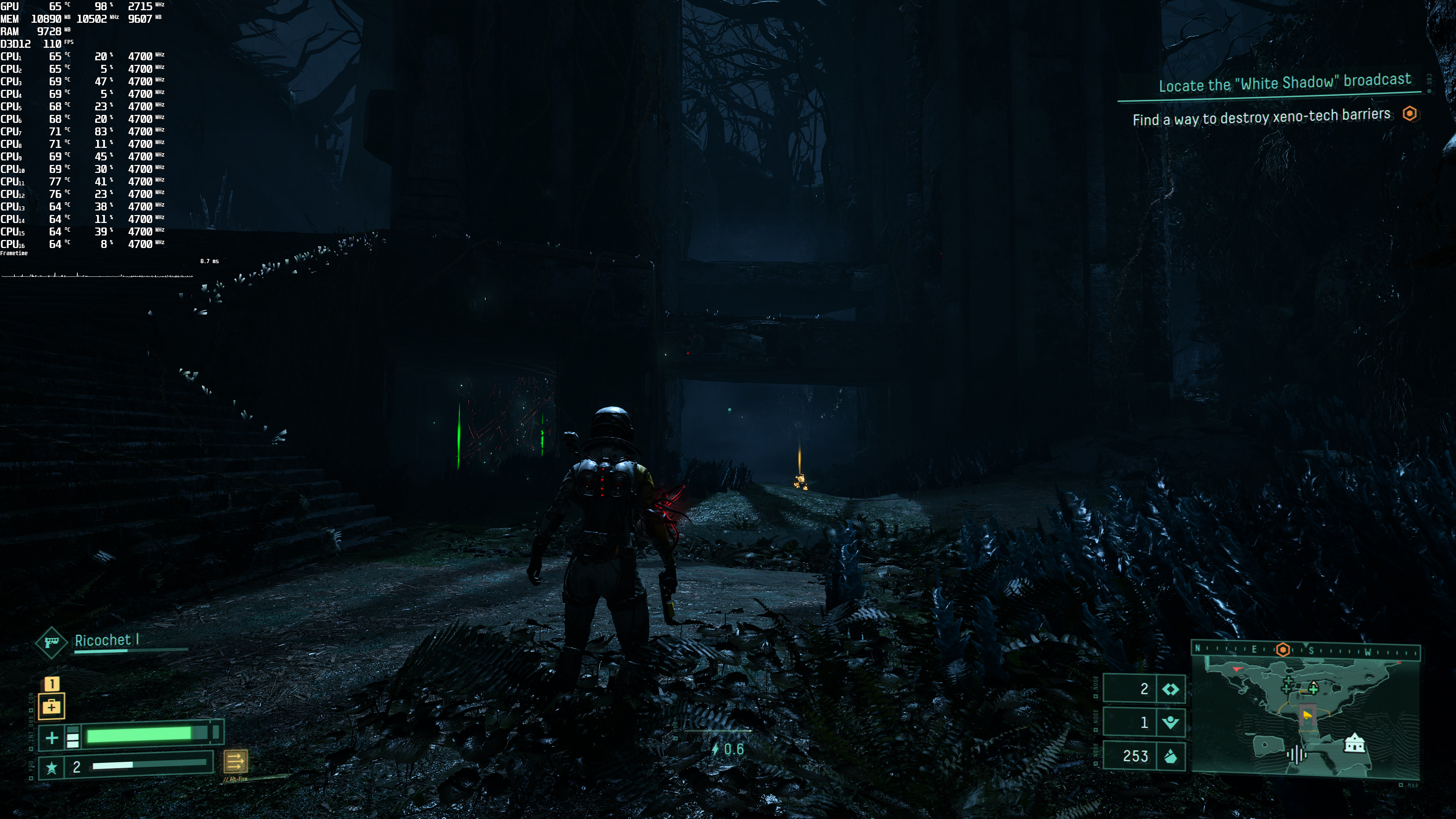
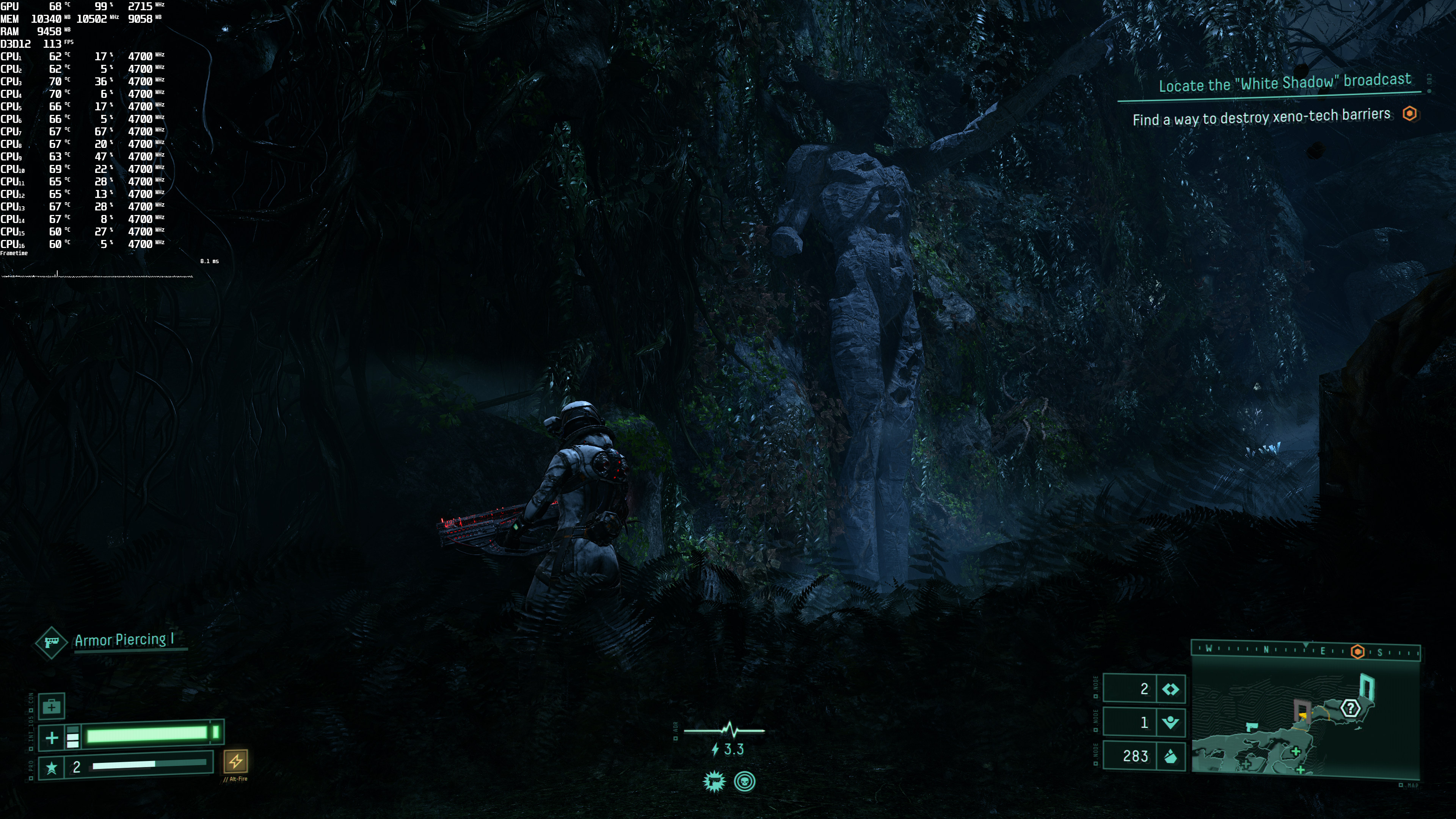
Graphics-wise, Returnal looks great. The game has a lot of particle effects, and its enemy designs are wonderful. There are also numerous high-resolution textures, and some amazing volumetric fog effects. Bullets can also bend vegetation and there are some cool destructible objects. Generally speaking, Returnal looks top-notch and has reasonable requirements for what it displays on the screen.
I should also note that the game plays wonderfully with a Keyboard and Mouse. Since this is a fast-paced third-person shooter, you’ll definitely need the extra accuracy that K&M provides.
All in all, Returnal suffers from some minor issues but it definitely feels great on PC. The game looks great and has reasonable PC requirements. It also has numerous graphics settings to tweak, and we recommend DLSS 2 for every RTX owner that wants super-fast framerates. Realistically speaking, I don’t expect Climax Studios to address the game’s traversal stutters as those were also present on the PS5. However, I do hope that the team will minimize or eliminate the Ray Tracing stutters.
Enjoy!

John is the founder and Editor in Chief at DSOGaming. He is a PC gaming fan and highly supports the modding and indie communities. Before creating DSOGaming, John worked on numerous gaming websites. While he is a die-hard PC gamer, his gaming roots can be found on consoles. John loved – and still does – the 16-bit consoles, and considers SNES to be one of the best consoles. Still, the PC platform won him over consoles. That was mainly due to 3DFX and its iconic dedicated 3D accelerator graphics card, Voodoo 2. John has also written a higher degree thesis on the “The Evolution of PC graphics cards.”
Contact: Email