The Witcher 3 Next-Gen Update

New The Witcher 3 Next-Gen Mod improves Ray Tracing, fixes shadows

Modder ‘Debugger’ has released a new mod for The Witcher 3 Next-Gen that completely overhauls the game’s Ray Tracing graphics. According to the modder, this mod will bring the best RT visuals and fixes possible, and fixes the annoying RT shadows pop-in issue.

Going into more details, this mod fixes the self-shadows for all characters, and improves their quality. Moreover, it fixes the torch and lantern light shadows, as well as the local shadows.

Furthermore, this mod enable better ray tracing ambient occlusion, improves the draw distance for the RT reflections, and improves the RT lighting (both indoors and outdoors).

In short, this is a must-have mod for everyone that plays The Witcher 3 Next-Gen with Ray Tracing.

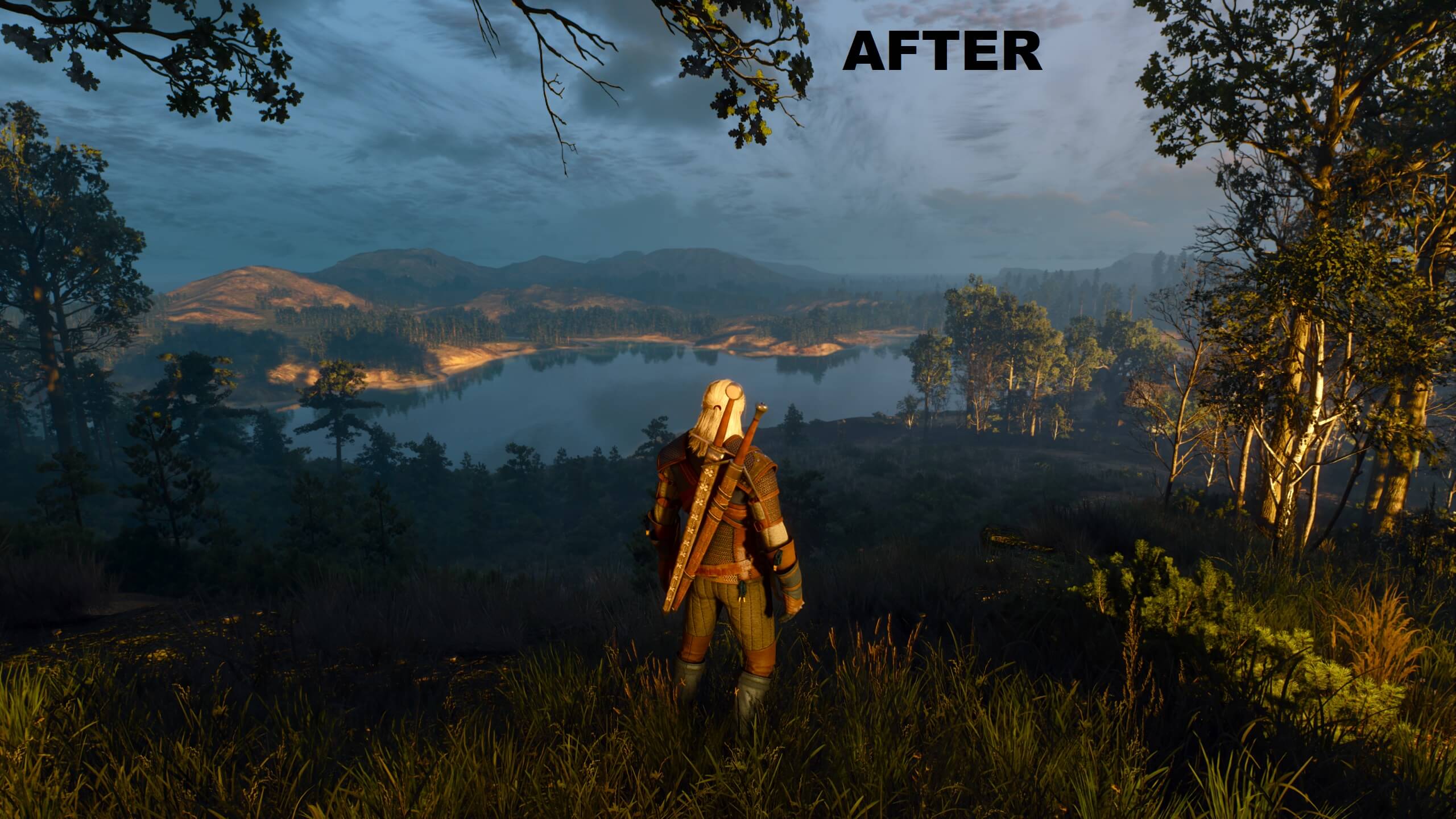
You can download the mod from here. Below you can also find a comparison screenshot. The vanilla version is on the left, whereas the modded version is on the right.

Speaking of The Witcher 3 Next-Gen, I also suggest downloading this first-person mod for it.
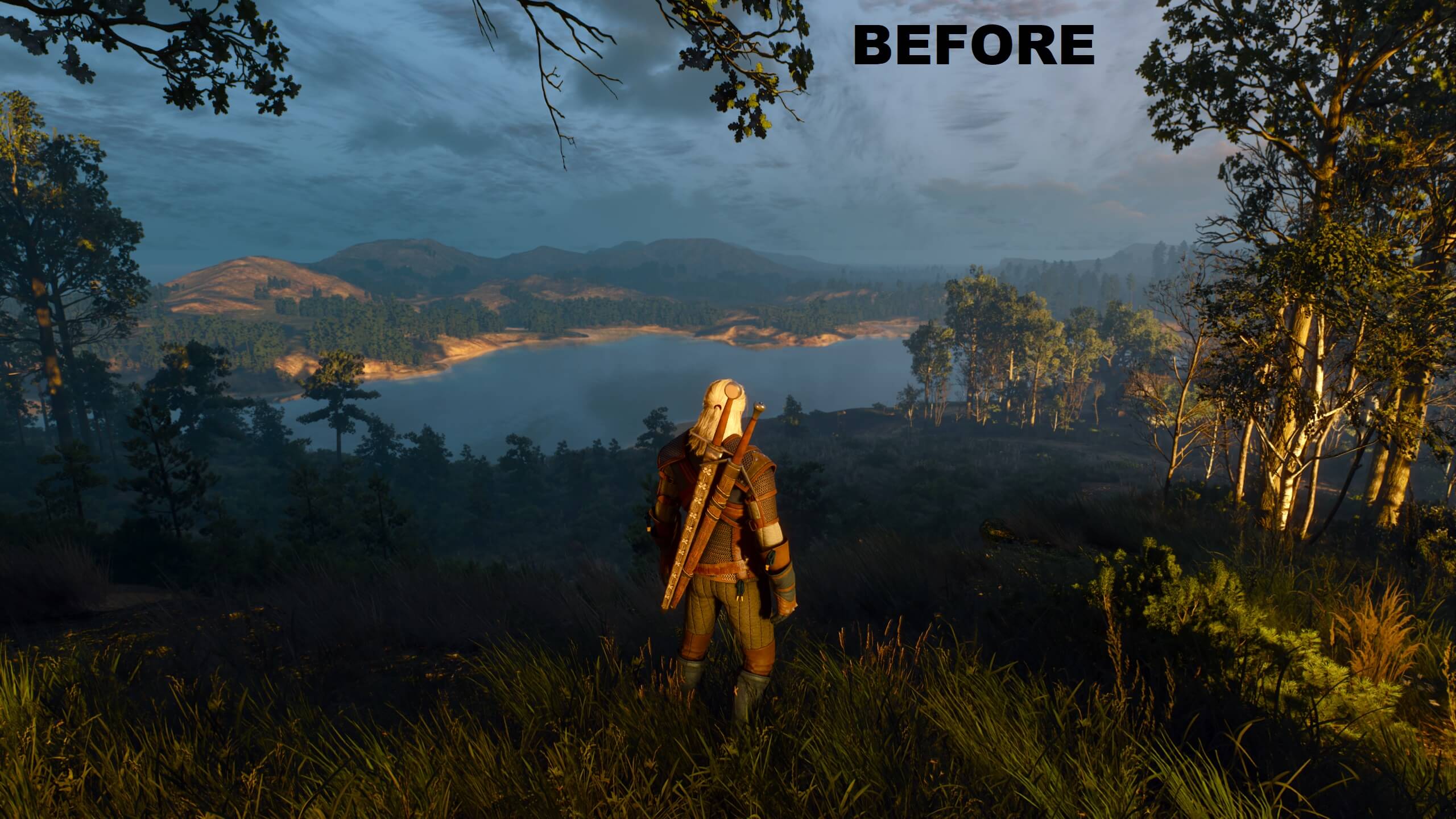
The Witcher 3 Next-Gen vanillaThe Witcher 3 Next-Gen modded

20 thoughts on “New The Witcher 3 Next-Gen Mod improves Ray Tracing, fixes shadows”

    1. In the posts section of that mod on nexusmods, some people are saying they lost performance, so yes, it will drop your performance levels. One guy said he lost 10fps on his 3060, another said it went from 40 to 22fps on his 3060, and another said he lost 10-15 on his 3080ti.

  1. It always amaze me when moders do a better job than developers themselves.

    For now I’m stick with DX11 renderer because graphics still looks a lot better compared to the original and unmodded 2015 version and still runs great on my old PC, but when I will finally buy RTX GPU then I will play this game with RT for sure, because RT makes a big difference here, especially indoors (too bad on my current GPU I get like 7fps with RT at 1440p :P).

    1. 7900xtx here and it looks good with rt but there are crashes. Latest drivers improved the situation but it still crashes.

      1. It’s going to take devs and AMD a few months to iron out all the compatibility issues|.

        Once they do you will be plenty happy.

    2. Do you have eyes? The lower res textures look better? It sounds like your PC isn’t exactly god enough to run this even without RT. RT eats about 40fps at 4k max settings.

      It’s not that modders did something better because they didn’t. All they did was extend the draw distance of the shadow maps which fade at the same distance as the original release and can be fixed with an ini tweak.

      Then he just lowered the number of rays used, how many bounces they have and how far they can travel. It actually makes it look worse overall despite the performance gains.

      CDPR will continue to optimize the game as the driver teams at nVidia & amd.

      I’d say enable resizable bar but I know you can’t which means you’re leaving 10 fps on the table.

      It’s long last time to upgrade

      1. That’s called optimisation and developers should do it, not moders for them.

        I saw 60-70fps at 1440p uber+ without hair works in the fist opening area, but after playing this game for over 10 hours I have found some way more demaning locations, so I had do adjust my settings in order to play with 60fps. With mixed settings (uber+ and high settings mix) I get 60fps even in demanding areas and game still looks pretty much the same, however I opted for 45fps lock because now I’m using MXAO that makes a HUGE difference in this game, but it tanks fps a lot. 45fps is absolutely playable on my VRR monitor with LFC, so it’s not a big deal and I can fully enjoy this game.

        I have already updated my CPU, but I want to wait before I will upgrade my GTX1080, because I’m still happy with performance of this card in rasterized games. I want my next GPU to deliver decent results in RT games, but it looks like such GPU is not chrap. I wanted to buy RTX3070 not so long time ago but I’m glad I didnt, because games like the witcher 3 shows this GPU cant deliver even 30fps with RT at 1440p (and I have no plans playing with DLSS) and on top of that 8GB is clearly not good enough anymore. In some games with RT, 4070ti has 3x more fps than 3070ti even without DLSS frame generation because of this VRAM bottleneck, so I’m happy that I didnt upgraded my GPU earlier.

  2. Although this mod helps a little bit (And I do mean a little bit) it simply does not address them main problem with the game and that is the CPU threading is completely broken and the game runs mainly on 2 threads and especially with RT turned on they are constantly banging off 100% which results in low GPU utilization, low FPS and in the worse cases struttering

    This mod although well done is really nothing more than putting a band aid on an amputated limb

  3. It doesn’t matter what they do. GPU utilization is awful due to the CPU bottleneck and performance degraded over time for reasons unknown. I played for some 40 minutes just now and just standing still i had 25 fps in novigrad with an rtx 3080 ti DLSS balanced and the rt optimized mod. When I booted up the game it was 50 to 60. Weird thing is, it’s using 11 gb of VRAM and 10 gb of ram so it doesn’t seem like a mem leak or VRAM filling up. No idea

    1. I thought something like 3080ti should be enough to enjoy RT in this game, but you say it’s not really the case. That sucks, so lets hope developers will fix performance issues.

      For now I’m happy with DX11 renderer, because this game still looks great (especially with reshade MXAO enabled), and it runs much better.

      1. I don’t think you can with any gpu other than those that generate fake frames, no matter how powerful it is, cause it’s just broken…

        1. 4090, DLSS quality, max settings, 4k60 np.

          Enable resizable bar in nvinspector too.

          Of course they will further optimize it. If any dev should have your trust it’s CDPR. Look at Witcher 2, 3, and cyberpunk.

          All perform, play, and have way more content than they did at launch. Chances are it would have been patched by now but it’s the worst time of year to buy games due to holidays and how most dev teams go on a much needed break after shipping a game.

          As for how the game could possibly run worse… The textures, the RT and even DLSS2 use resources. They made it for top end hardware so it would have some future proofing.

          Combine that with a massive bug in nVidia drivers that causes a VRAM leak that can chug down 6 gigs easy along with using 90% of GPU time while idle at desktop. It’s been in there for a year and everyone complains about certain games but the issue isn’t the games it’s the bug.

          Yes they need to fix some things and do another optimization pass but it will end up running just fine before long.

          1. So even with 4090 you have to play with blurry DLSS reconstruction and you will still not get 60fps with RT because of CPU bottlenecks in this game without frame generation.

    2. Yes it’s a bug in the driver. Disable gpu scheduling OR a better fix is to disable all the Windows visual improvement settings. The ones on the tabbed page with your swap file. Also disable transparency on taskbar.

      Problem solved, now complain on the nVidia forums because it’s been in there for for a year now.

      Dwm.exe uses VRAM, like 4 gigs worth and it has a VRAM memory leak. On top of that it can use 90% GPU resources while idle on desktop.

      You’re very welcome ?

      1. Can you be more specific as to how to disable those visual effects? And also I really feel like GPU scheduling wouldn’t worsen performance

    1. Not at all wow lol…

      Hell if you don’t like the combat there are mods they completely change it. Even the new version of w3 has a modified combat system to make casting more fluid.

      The writing is fantastic. Every quest isn’t the same even though there are thousands of them, all hand made unlike say Skyrim which used procedural generation for most dungeons.

Leave a Reply

Your email address will not be published. Required fields are marked *