Marvel's Spider-Man Remastered

Marvel’s Spider-Man Remastered – Ray Tracing, DLSS & FSR 2.0 Benchmarks & Comparison Screenshots

Sony has just released Marvel’s Spider-Man Remastered on PC and as we’ve already reported, Nixxes has handled this PC version. Thus, and prior to our PC Performance Analysis, we’ve decided to benchmark the game’s Ray Tracing effects. We’ve also compared native resolution against NVIDIA’s DLSS and AMD’s FSR 2.0 techs.

For these benchmarks and comparison screenshots, we used an Intel i9 9900K with 16GB of DDR4 at 3800Mhz and NVIDIA’s RTX 3080. We also used Windows 10 64-bit, and the GeForce 516.94 driver.

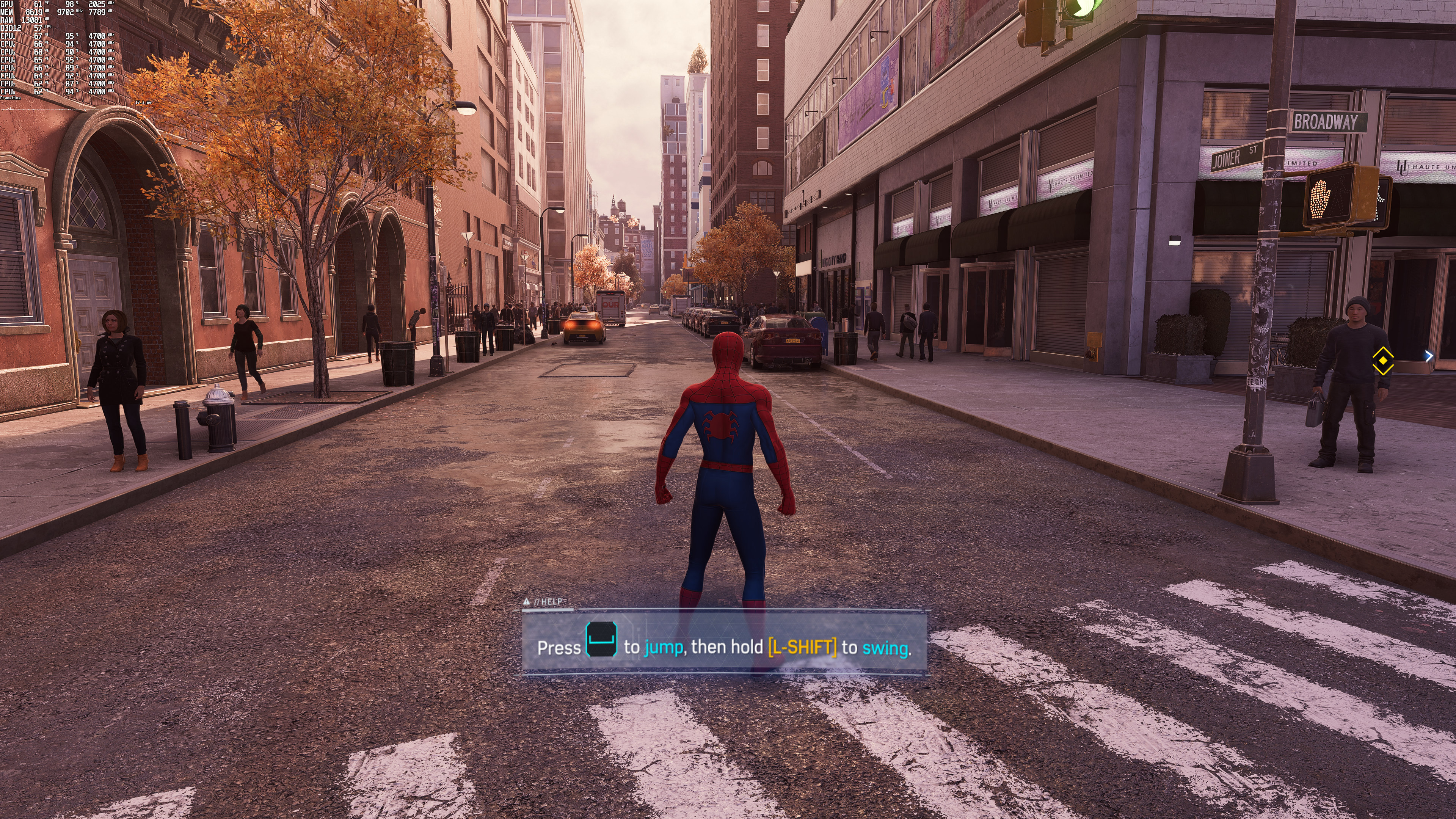
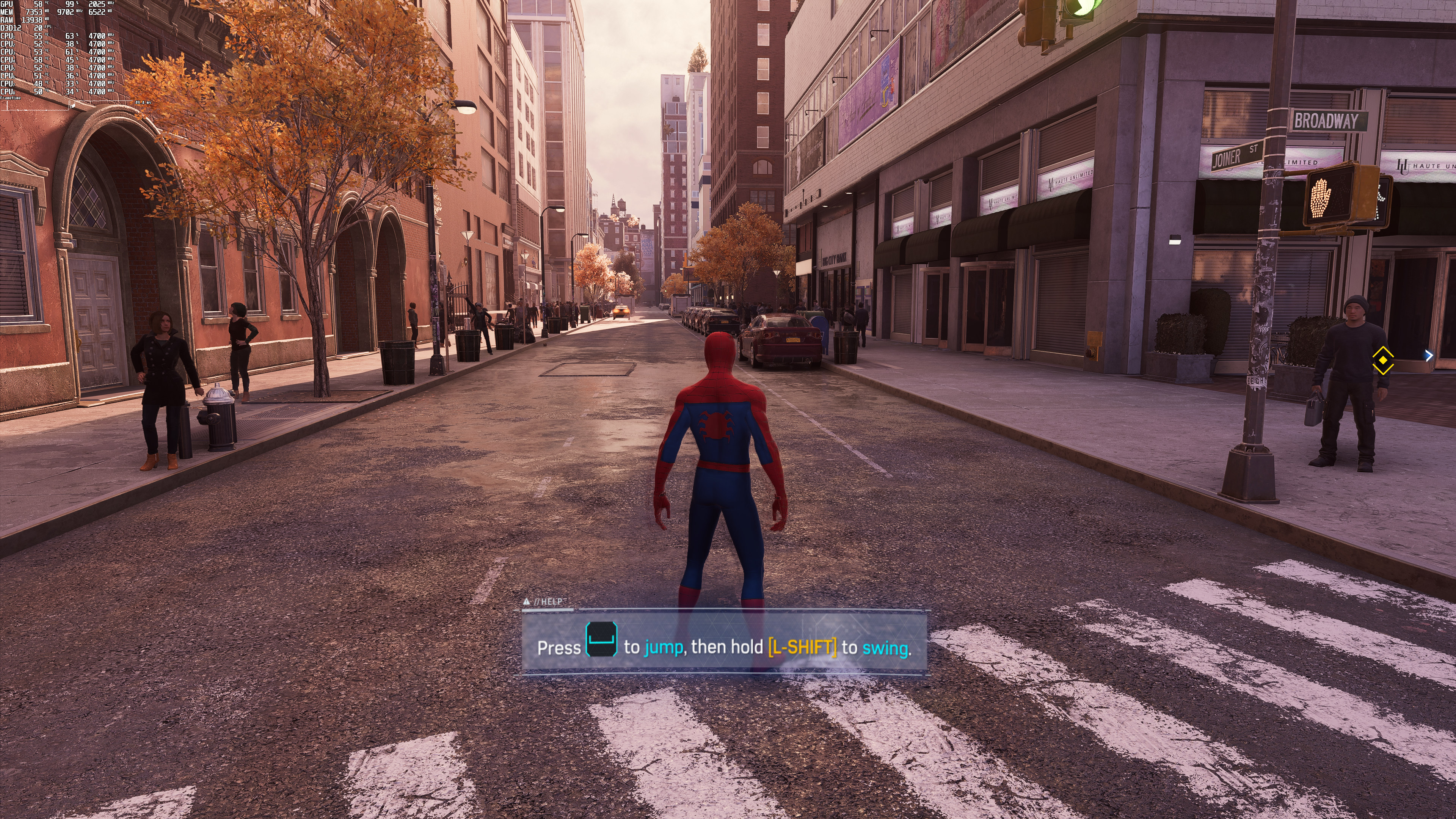
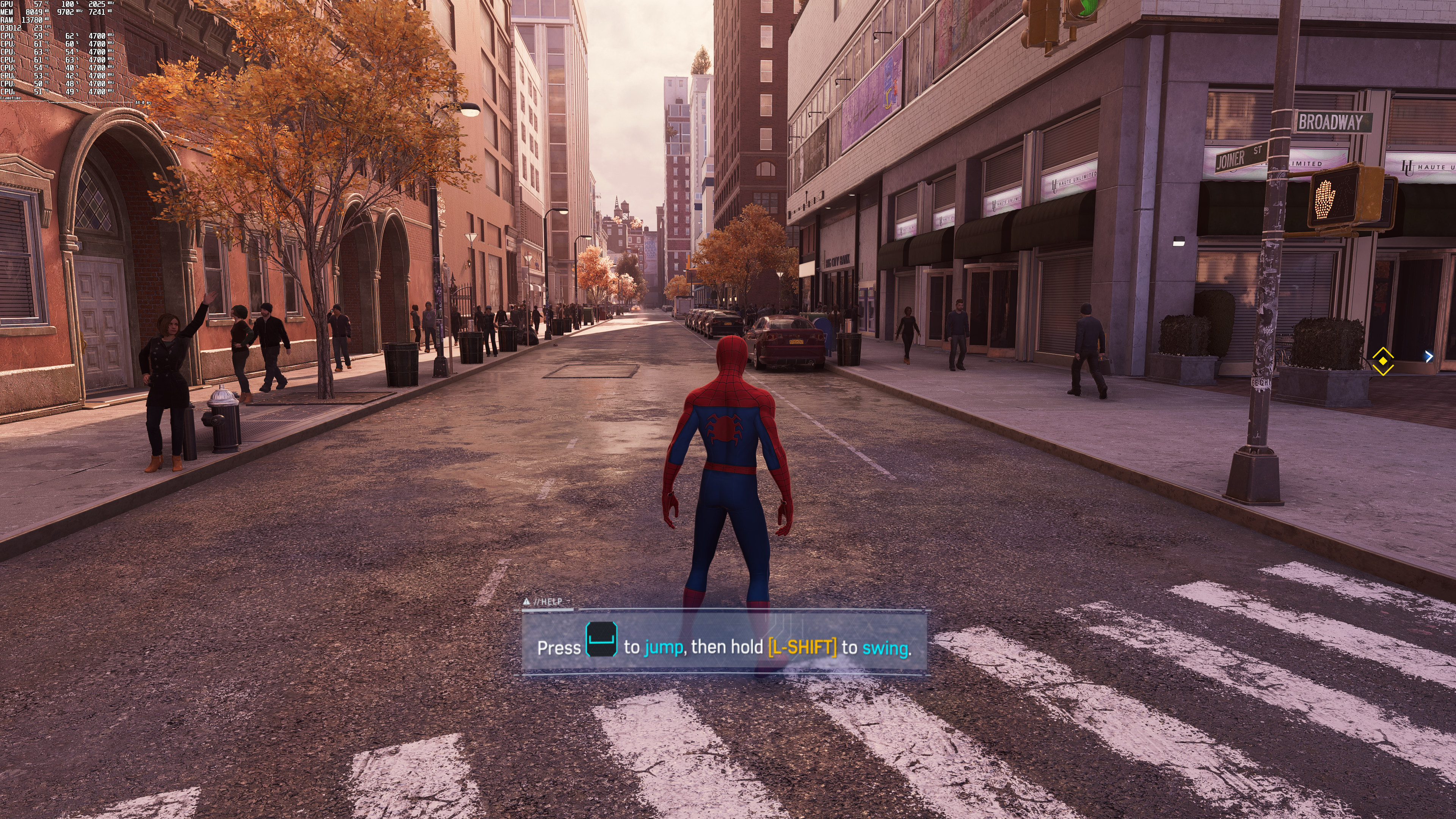
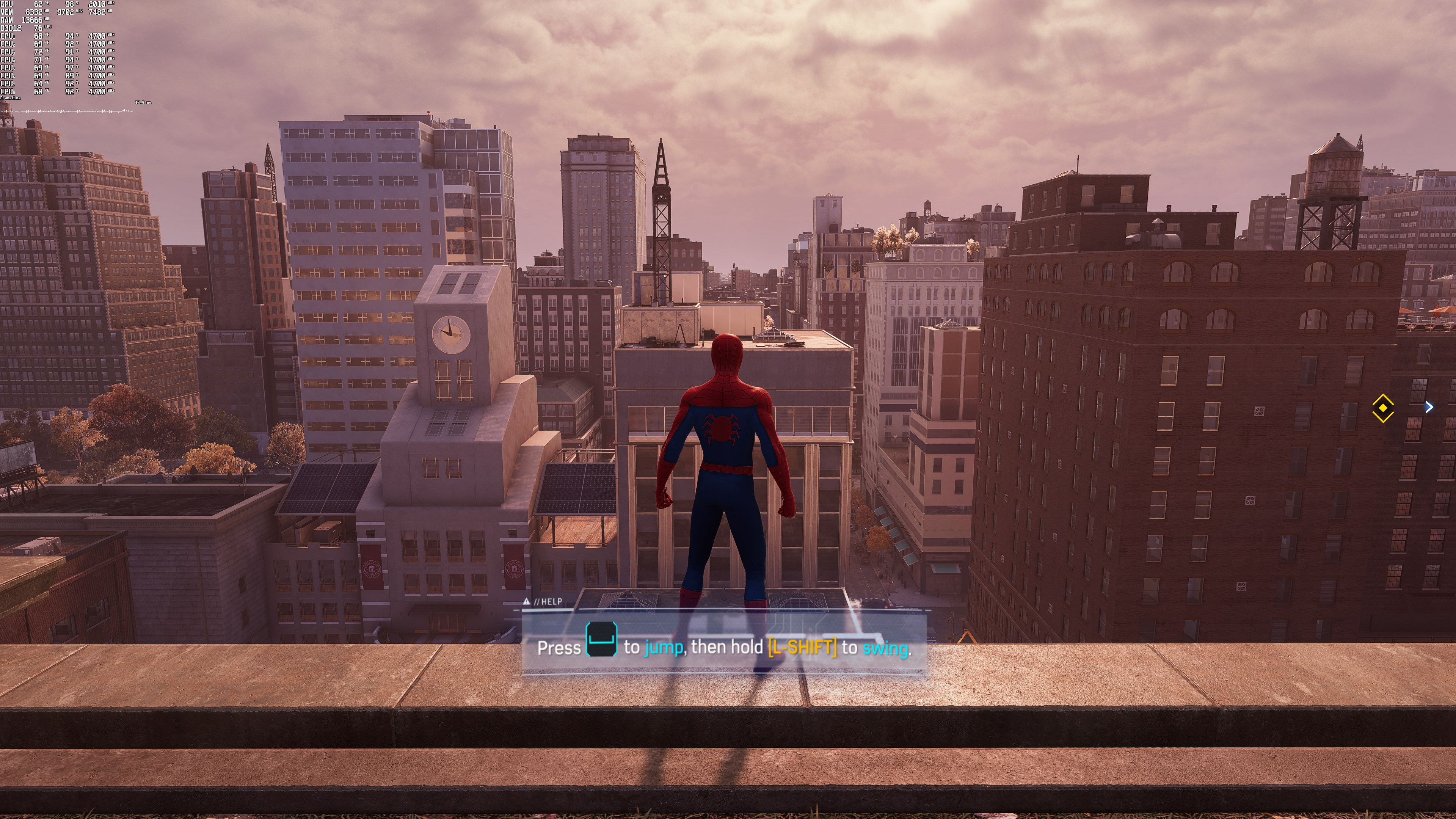
Marvel’s Spider-Man Remastered does not feature any built-in benchmark tool. As such, we’ve decided to test the game in street areas with a large crowd of people. Therefore, consider this a stress benchmark test as other areas can run smoother.

Before continuing, we should mention a bug/issue that made our work difficult. For unknown reasons, performance can go downhill when changing resolutions or upscaling techniques. This issue can appear randomly, and here is a video showcasing it. At the start of the video, the game runs with DLSS Quality in 4K with 55-60fps on our RTX3080. However, at the end of it and after numerous resolution changes, DLSS Quality runs with 30fps. So keep that in mind in case you encounter bizarre performance issues.

Marvel's Spider-Man Remastered - PC performance bug when changing resolutions or upscaling technique

Marvel’s Spider-Man Remastered uses Ray Tracing in order to enhance its reflections. And… well… that’s it. The good news here is that Nixxes is offering a lot of settings to tweak. However, and at their maximum values, these RT effects are really heavy on the CPU.

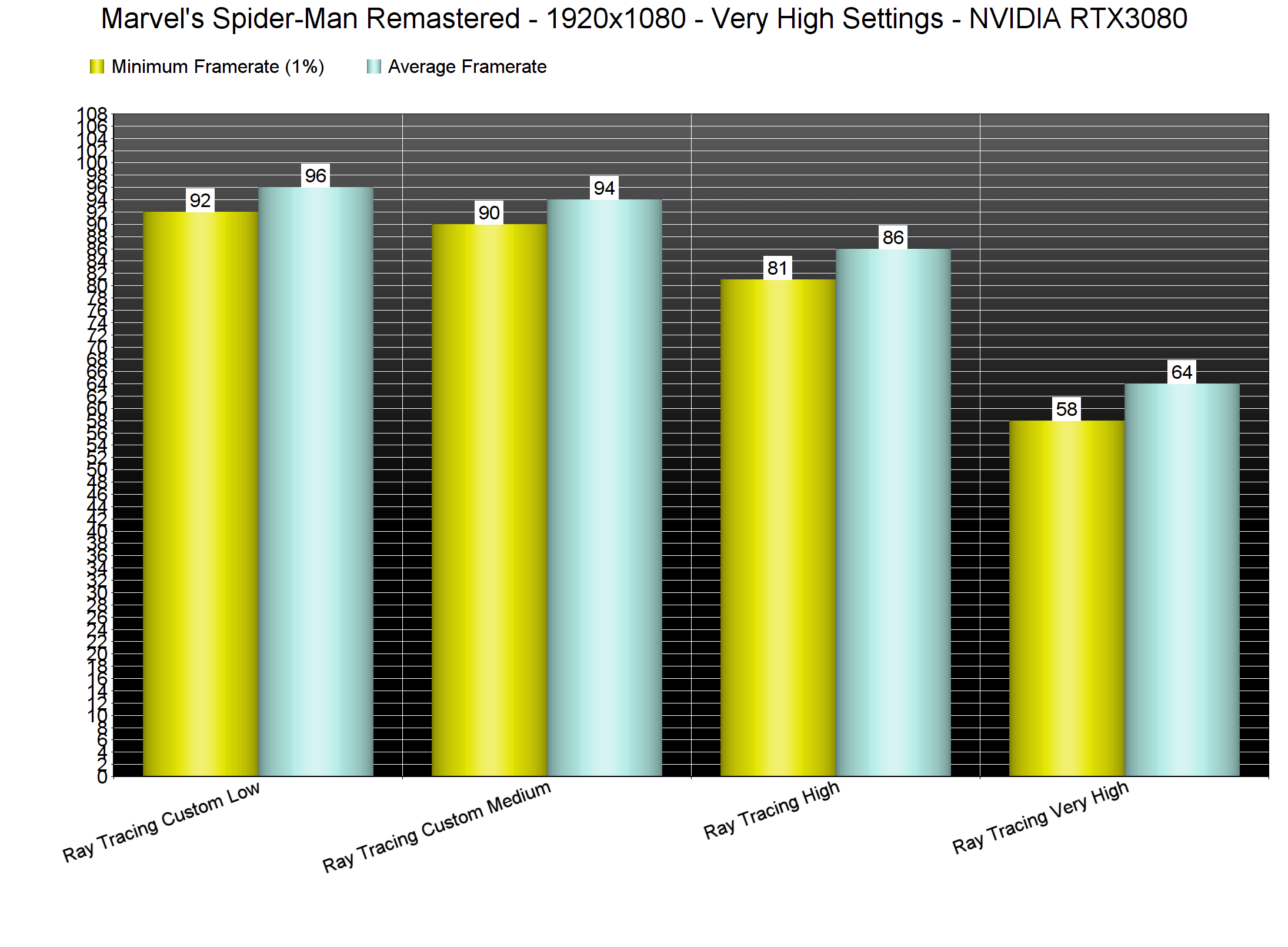
This is the first time we’ve experienced major performance issues with our Intel i9 9900K, even at 1080p (with RT Max). While our CPU was able to push an average of 64fps, it could also drop to 57fps. By disabling RT, we were able to get framerates higher than 100fps at all times.
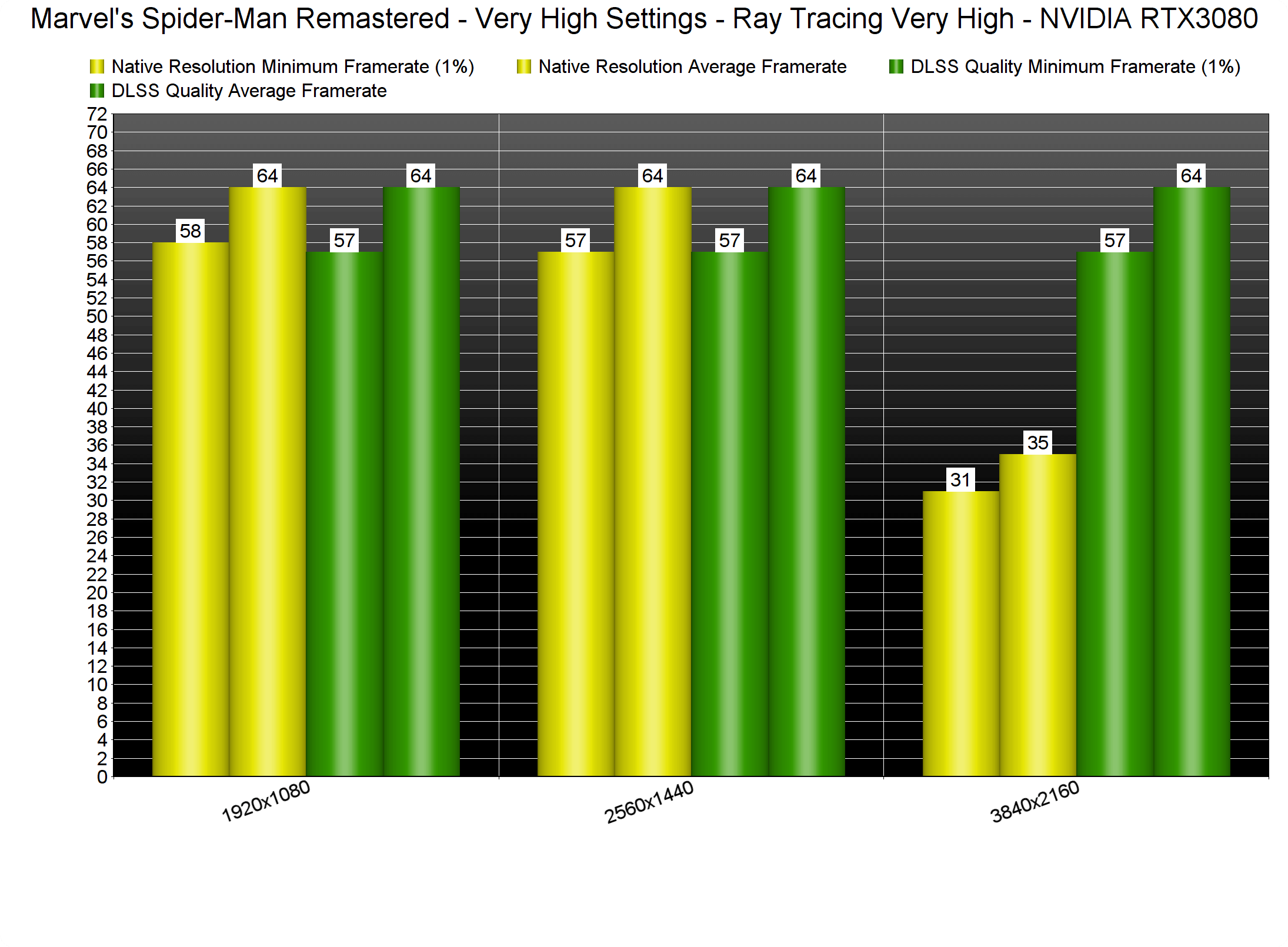
Marvel's Spider-Man Remastered Ray Tracing benchmarks-1

Thankfully, PC gamers can adjust the RT reflections and improve overall quality. The game features two RT settings, Reflection Resolution and Geometry Detail, and you can set them to either High or Very High. There is also a slider for Object Range. By dropping these settings to High (and Object Range to 8), we were able to get a constant 80fps experience. For Medium settings, we dropped Object Range to 5 and got 90-94fps. And then, for Low settings, we dropped Object Range to 1 which only improved performance by 2fps.
Marvel's Spider-Man Remastered Ray Tracing benchmarks-2

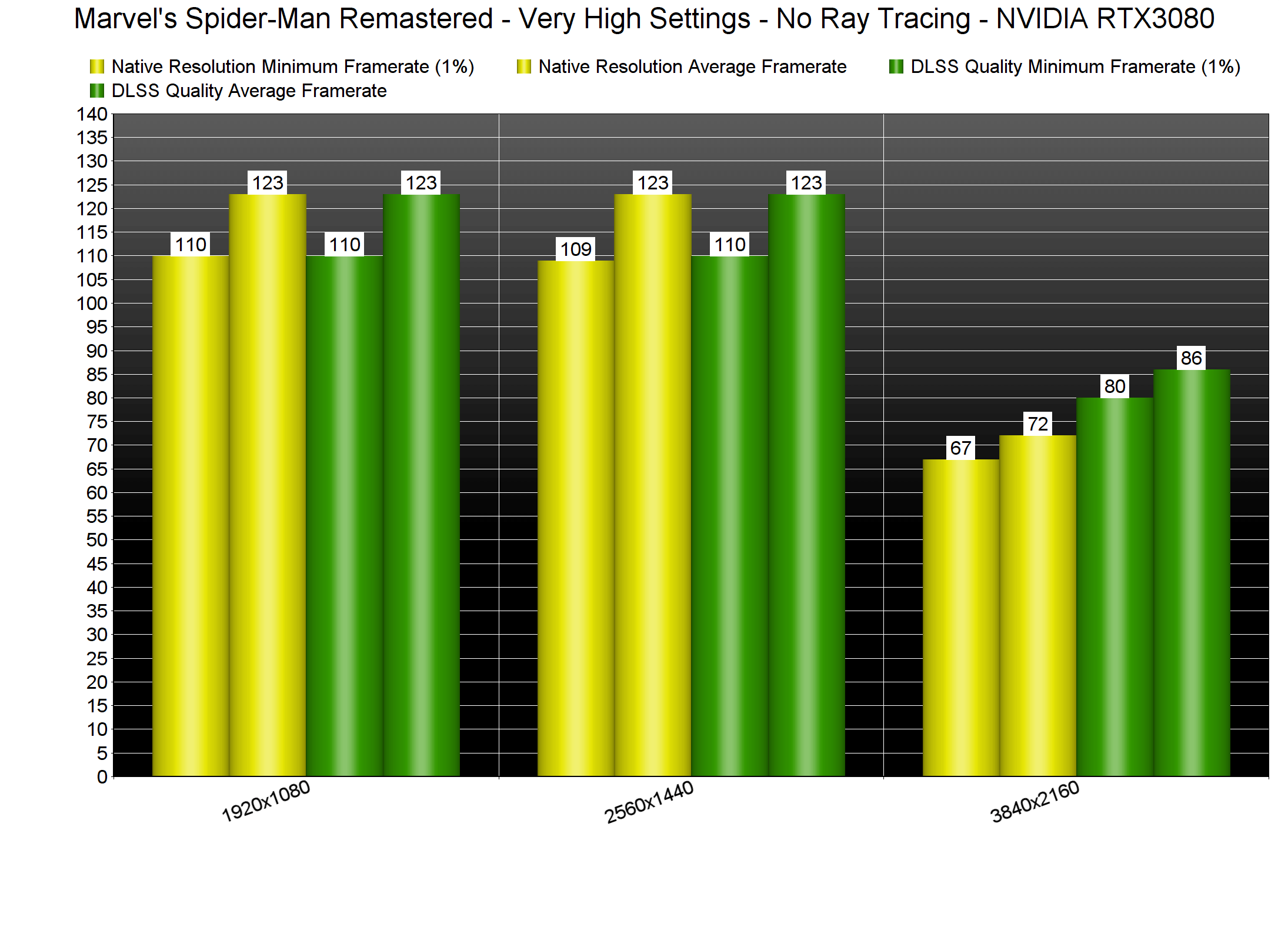
Without Ray Tracing, our PC test system can run the game comfortably. However, and although we were getting above 100fps, we were still CPU-limited at both 1080p and 1440p. At native 4K, we were able to get more than 60fps. Then, by enabling DLSS Quality, we got a constant 80fps experience.
Marvel's Spider-Man Remastered No Ray Tracing benchmarks

Marvel’s Spider-Man Remastered supports NVIDIA’s DLSS, AMD’s FSR 2.0 and Insomniac’s own Temporal Injection tech. The best upscaling tech is DLSS, followed by FSR 2.0 and then IGTI.

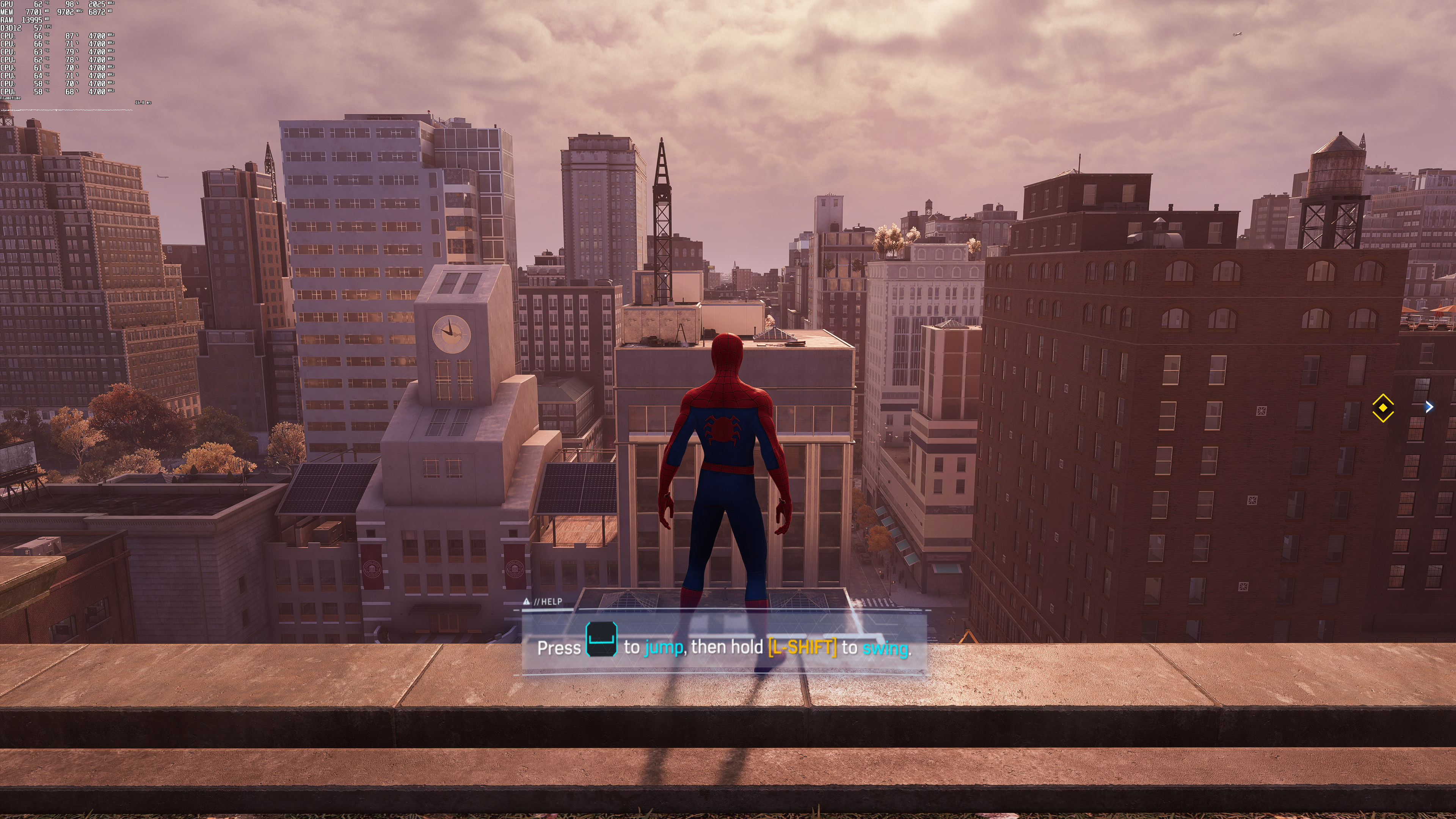
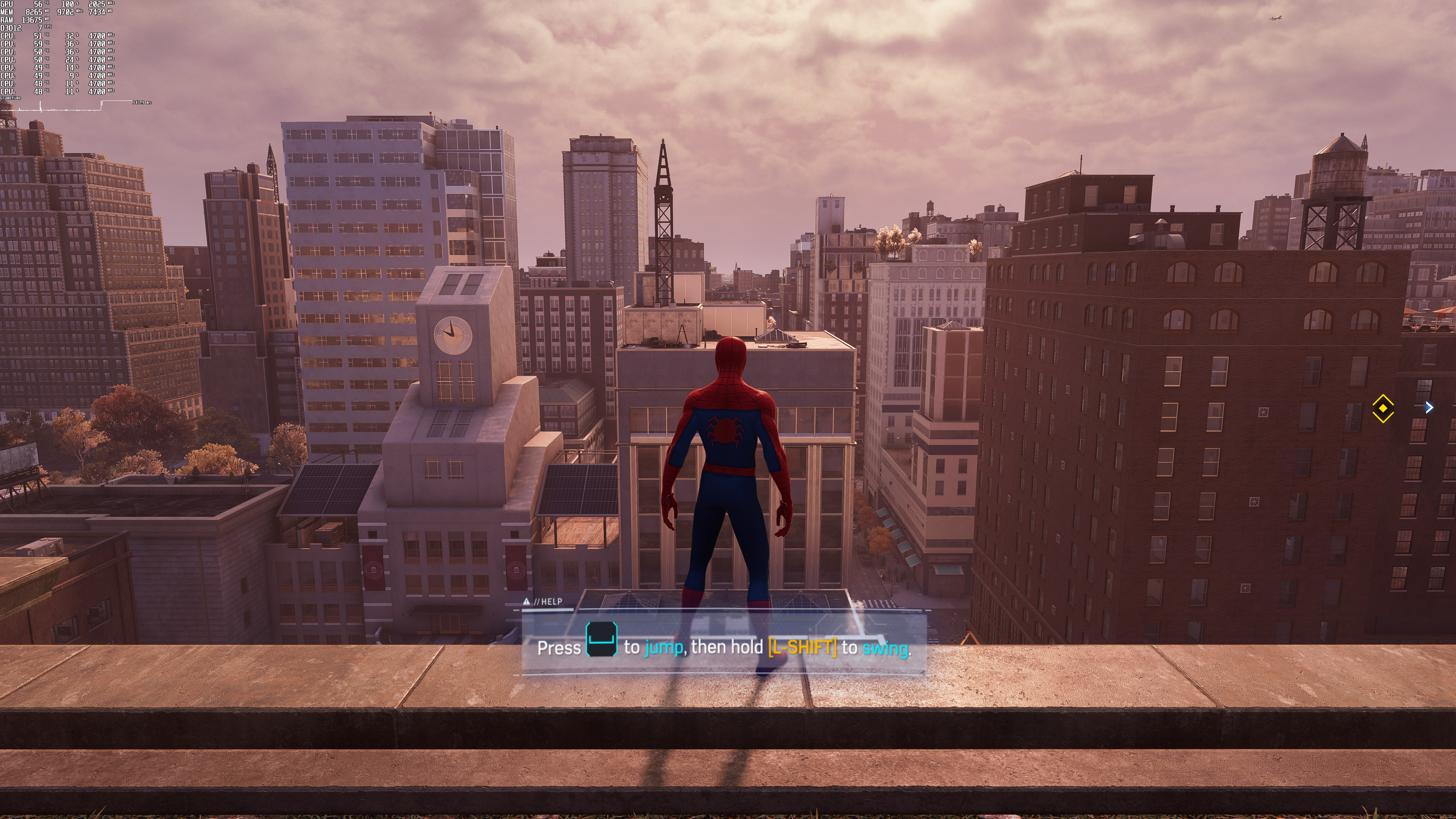
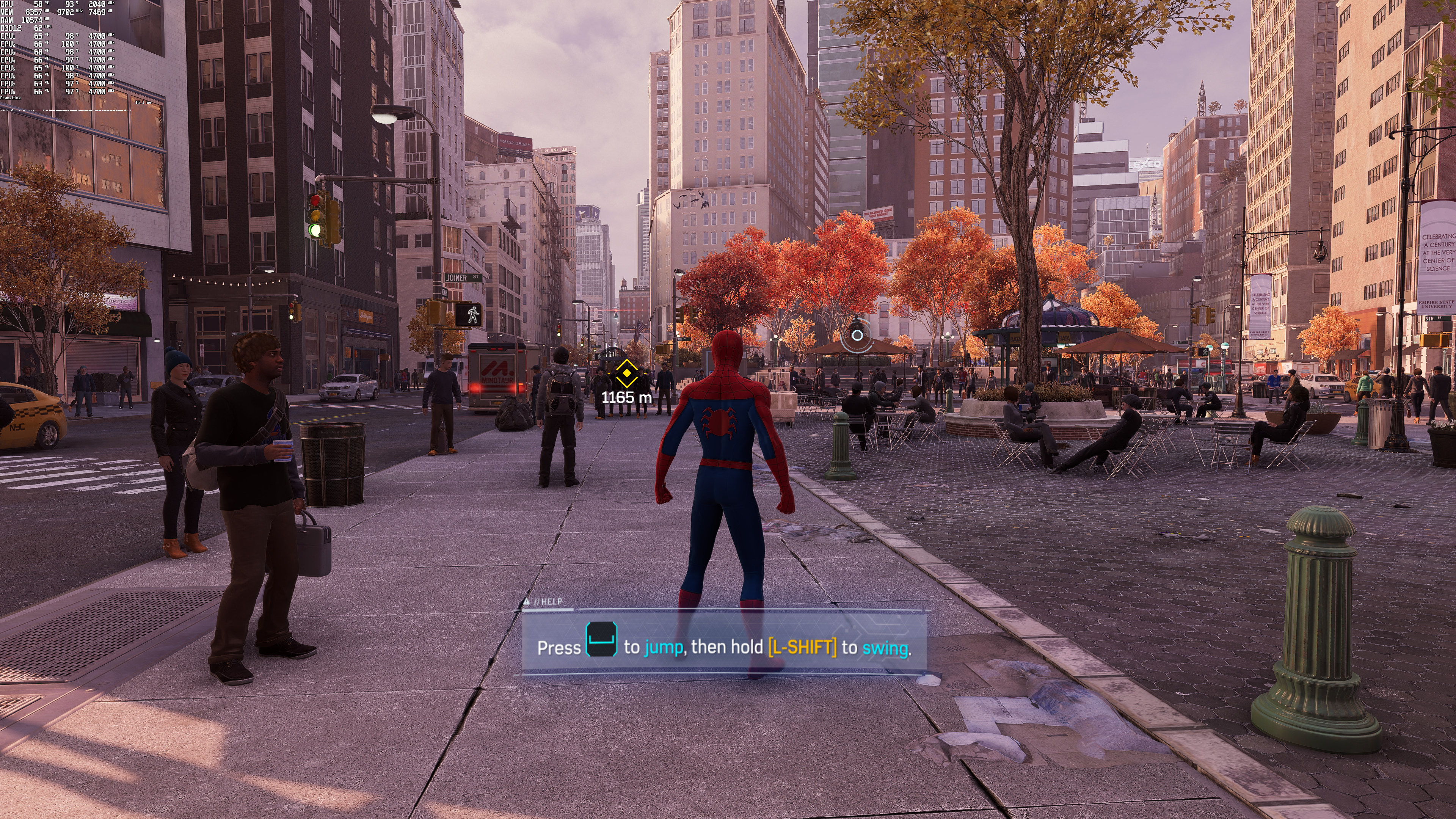
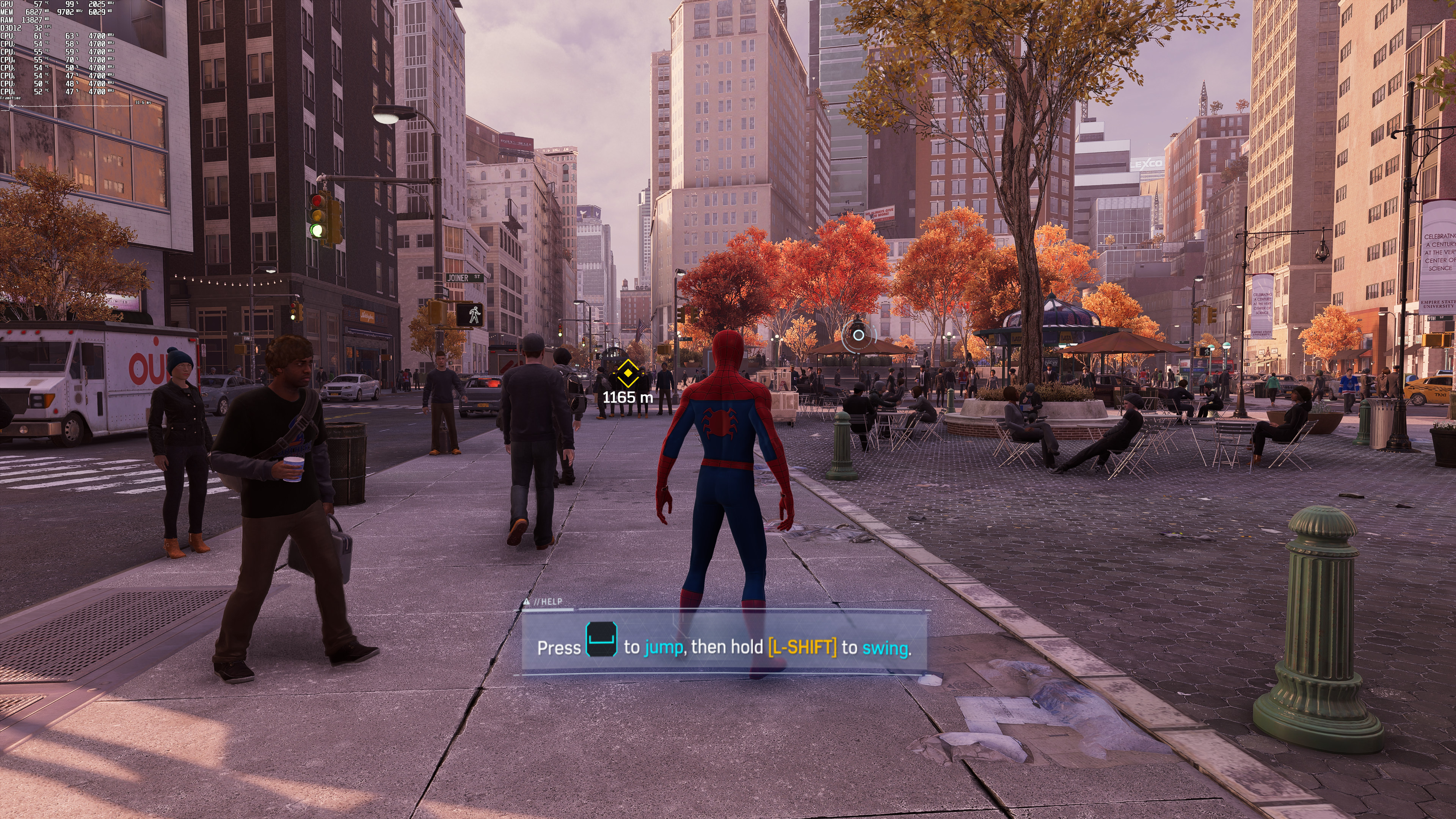
Below you can find some comparisons between DLSS Quality (left), FSR 2.0 Quality (middle) and Native 4K (right). Compared to native 4K, DLSS Quality does a better job at reconstructing some distant objects. However, DLSS Quality also suffers from additional aliasing, resulting in a jaggier image compared to native 4K.
Spider-Man DLSS Quality-1Spider-Man FSR 2.0 Quality-1Spider-Man Native 4K Quality-1 Spider-Man DLSS Quality-2Spider-Man FSR 2.0 Quality-2Spider-Man Native 4K Quality-2 Spider-Man DLSS Quality-3Spider-Man FSR 2.0 Quality-3Spider-Man Native 4K Quality-3

Stay tuned for our PC Performance Analysis which will most likely go live this weekend!

29 thoughts on “Marvel’s Spider-Man Remastered – Ray Tracing, DLSS & FSR 2.0 Benchmarks & Comparison Screenshots”

  1. Unfortunately I still don’t have a flatscreen game that has FSR 2.0 support, however I can see ghosting in the first FSR 2.0 screenshot above. It’s not very strong (I think DLSS 2.x is worse) but it’s still visible and would be perceived as motion blur.

    I do have a VR game with FSR 2.0, however I can’t really tell if there’s ghosting or not since my Vive Pro 2 has LCD panels and running at 90 Hz they cause enough ghosting on their own that I wouldn’t be able to tell if a game is doing it.

  2. its a great port and use all my 5950x cores finally a game when cpu use more than 150 watt ! on my 3090 liquid cooled it run at 4k and 100fps with all ultra settings and dlss quality

    1. ABYSMAL port. No performance gains from lowering the resolution means the game is entirely CPU bottlenecked. At 100 fps on high end CPUs this means they didn’t even TRY to optimize the CPU side. ABYSMAL.

    2. If it were a great port the streaming decompression workload that is usually handled by the GPU on PS5 wouldnt had been unceremoniously dumped on the CPU on PC, especially since there exists implementable console comparable functions like RTX IO and/or Direct Storage that they haven’t even bothered to do.

  3. This is the first time we’ve experienced major performance issues with our Intel i9 9900K, even at 1080p (with RT Max).

    So much for the myth that DX12 is a magic API that’s going to reduce CPU overhead to an absolute minimum, I guess…

    1. The CPU load in this case is entirely due to how the game utilizes RT. Handling RT flawlessly has never been part of DX12 magic 😉

      1. well. not entirely RT. According to Nixxes, they use CPU cores for data decompression on the fly (also during cutscene where you will find the maximum possible frame drops). That uses more CPU resources.

        1. Sure, I didn’t phrase that correctly. However what you are describing is just smart use of resources. CPUs are far too often underutilized considering that most engines had to run well on the AMD Jaguar consoles until recently.
          But that in itself cannot get you CPU-bound in Spider-Man, unless maybe if you’re running a 5+ year old quad core or worse CPU. The CPU load due to RT is way higher – anything in the higher ranges of object visibility in these reflections can easily max out 8 cores on a Zen 3 machine.
          Either way this has nothing to do with minimizing the CPU overhead as intended in DX12’s utility as an API.

          1. now you have covered it all. But there is one objection however. The Quad Core statement is kind of hit and miss. I have tested this game on an i5 4590 & GTX 1050Ti with 16GB DDR3 1866 MHz “museum system” & the results are suprising. The RAM usage was skyrocketed to 11 GB (while using DDR4 modules, you will most likely be hitting at best 7GB) and CPU usage during combat and free roaming barely hit 100% (sometimes it placed below 80% as well) except cutscene where it hit the hardest. Surprisingly enough, the system maintained an average of 45 fps at 1080p on PS5 fidelity settings (indeed i tested it multiple times on time square). This is one weird game where the performance scaling at times feels stunning and utter garbage at the same time.

    2. Well, it is a magic API that reduces CPU overhead.

      But then people add RT on top which is extremely CPU demanding as well.

      So you end up at either at a standstill or still CPU bound.

    3. It’s cause Nvidia has the most Driver overhead… AMD does not with their arcs that go back to the HD 7000 series

    4. Problem here is probably the massive streaming decompression workload that is usually handled by the GPU on PS5 wherehas on PC it’s been unceremoniously dumped on the CPU instead of implementing console comparable functions like RTX IO and/or Direct Storage.

      1. I just looked up the current state of DirectStorage and it mentions that GPU decompression is not even implemented yet by Microsoft:

        This release of DirectStorage provides developers everything they need to move to a new model of IO for their games, and we’re working on even more ways to offload work from the CPU. GPU decompression is next on
        our roadmap, a feature that will give developers more control over
        resources and how hardware is leveraged.

        However, if Nixxes weren’t so incompetent and had used Vulkan instead of DX12, then they could have done what Yuzu already did in 2021 to achieve many times faster ASTC texture decoding / decompression, namely write a Vulkan compute shader to handle the task:

        The ASTC texture format is a compressed format aimed at
        mobile graphics that the Switch has Native capabilities for, but it is
        non-trivial to decode. It is used sparingly in many titles, but there
        are a few select games which tend to utilize it very often. Many GPUs,
        particularly aimed for the desktop, lack native support to decoding ASTC
        textures efficiently, which led to the implementation of the faster CPU
        decoder for the format currently found in the codebase.

        While this decoder is faster than most GPU decoding
        capabilities, it is still inefficient and consumes CPU resources,
        causing massive slowdowns and stalls in titles that use the format
        extensively, notably Astral Chain and Luigi’s Mansion 3.

        This PR aims to accelerate ASTC texture decoding by utilizing compute shaders. This leads to quite a few benefits:

        CPU resources are no longer consumed by the decoding process,
        allowing for emulation to continue in parallel to the texture decoding.

        Texture data remains in GPU memory, avoiding the need to download
        the texture to the CPU, decoding it, then uploading the decoded texture
        back to the GPU.

        ASTC textures are now decoded in parallel by dozens of GPU threads.
        The combination of these benefits results in a very noticeable performance uplift in all titles using ASTC.

          1. Enjoy paying for the malware from Microsoft on your PC, consoomer!

            You obviously deserve it…

          2. lol i can just laugh on idiots like you who keep on making these fake conspiracy theories. By the way from now on you should stop using internet, facebook, google, youtube etc.

    1. Same for me, but I found the trick, and it’s not so annoying :
      Just log out of Disqus and log in again, and you’ll be able to post a picture.

      If you refresh the page, you can’t post pictures anymore.
      At least that’s how it’s been for me since months now.

  4. The detail on the building in the background on the first series of pics. DLSS looks better than native.

  5. You’re done with this game after an hour or so, it’s very boring. Prototype games are still the best superhero games. You constantly get new cool powers.

    1. Not really needed here.
      CPU scaling: No CPU can run the game properly as they didn’t optimize it.
      GPU scaling: No GPU helps as the game will be CPU bottlenecked at any resolution, even 4K. The only interesting question is how low you can go with the GPU before it starts to matter. Will a 2060 struggle with the raytracing effects to the extent that resolution starts affecting the framerate (due to GPU, not CPU!)? That’s the kind of question worth asking. Outside of that the answer is always, wait for CPUs to exist that can actually run this trash.

  6. A cool tidbit:

    Spider-Man supports DLAA.
    Spider-Man ALSO supports dynamic resolution with DLSS, FSR 2.0, IGTI …. AND DLAA.

    So basically depending on hardware and set target framerate, game can dynamically go from DLSS to DLAA based on load!

    BOOST that yet again if you have a 1080p monitor let’s say, you use DLDSR for 1440p/4K and use dynamic DLAA.

    Upscalingception.

    1. The game doesn’t even support DLSS really. Look at the performance. At 4K it performs hardly better than just running natively. That means whatever they’re doing under the hood scales with output resolution, not render resolution. Beats me what effect they scaled wrong, but they really messed up to the point where it’s best to just render natively. Who knows what will break if you activate DLAA. Even if it works you’ll still be chugging along at barely playable framerates due to CPU bottleneck any way. What is all the image quality in the world worth if the game runs badly?

Leave a Reply

Your email address will not be published. Required fields are marked *