

Modder ‘Hein84’ has released two new texture packs and an update to his Vivid Fallout 4 Landscapes texture pack. The new texture packs update the game’s trees and rocks, and we strongly suggest using all three of them. Not only these updated textures improve the overall image quality, but they are also less demanding than the original textures of the game.
As you will notice, there are currently four versions available. According to the modder, ‘Best Choice’ and ‘1k’ offer improved performance than the game’s original textures. ‘2k’ is very close to original file size, and ‘4k’ is meant for High End GPU’s.
You can download Hein84’s Vivid Fallout 4 Landscapes pack from here, his Vivid Fallout 4 Rocks pack from here, and his Vivid Fallout 4 Trees pack from here.
Enjoy the following screenshots!
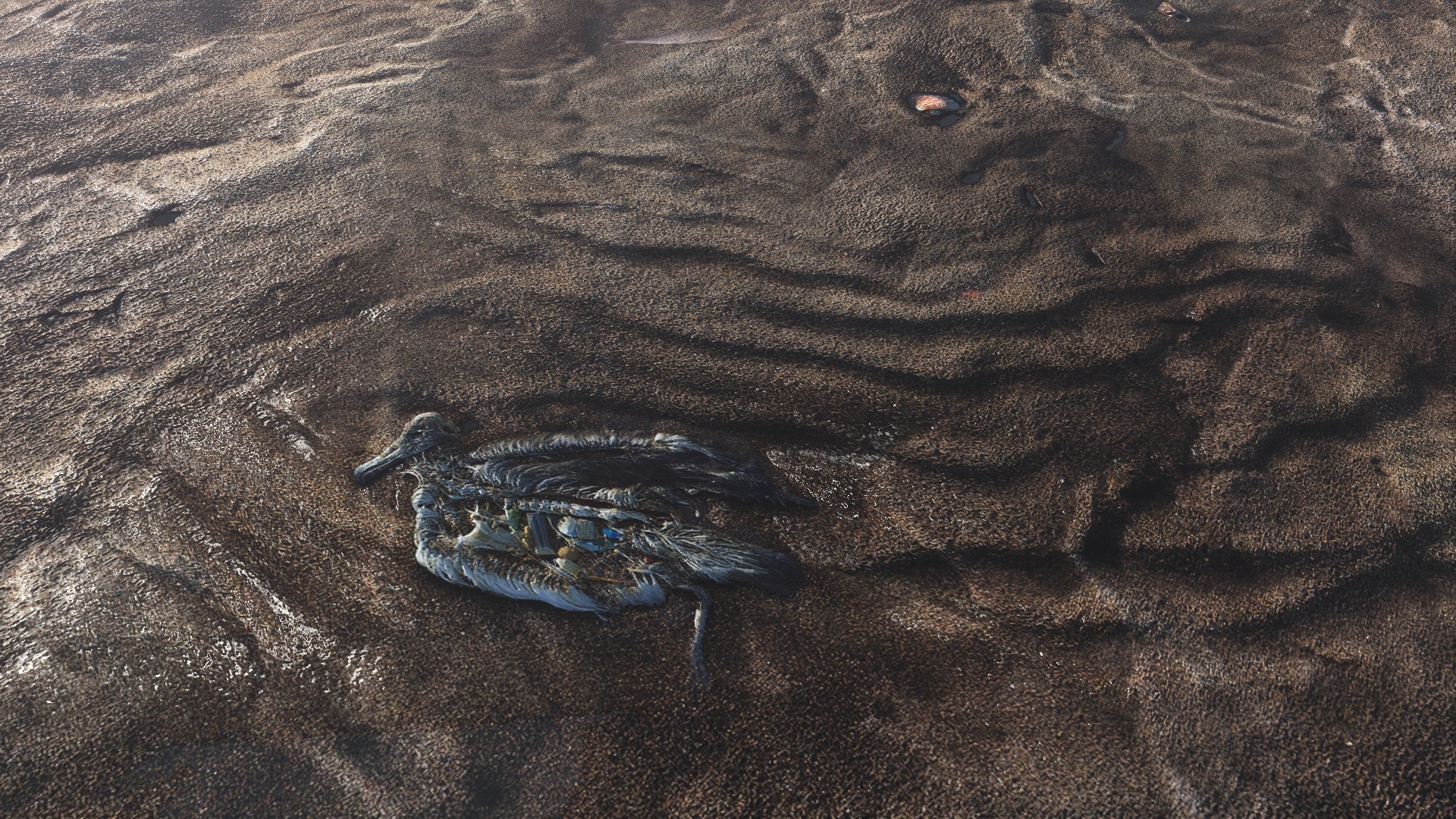
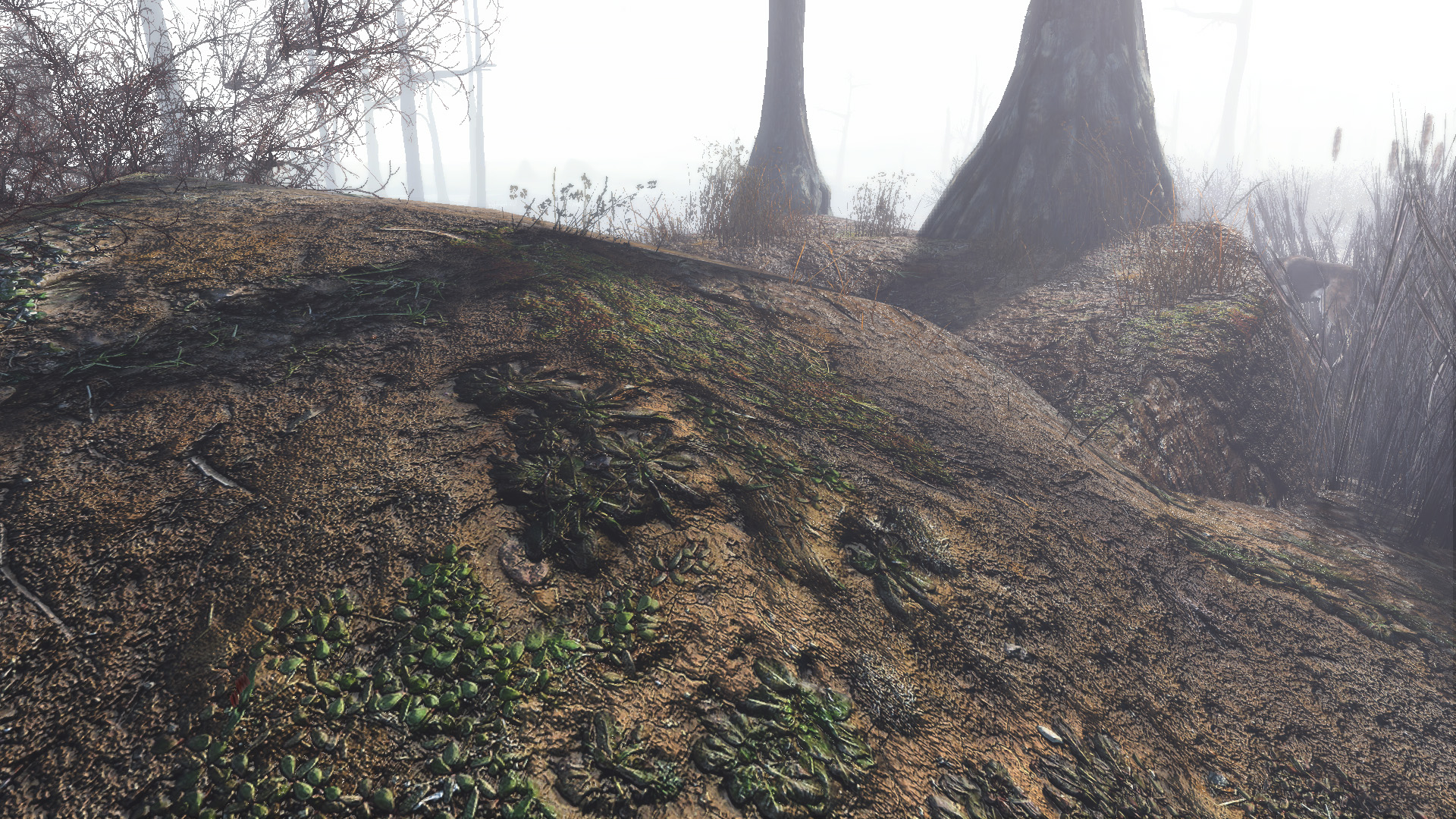


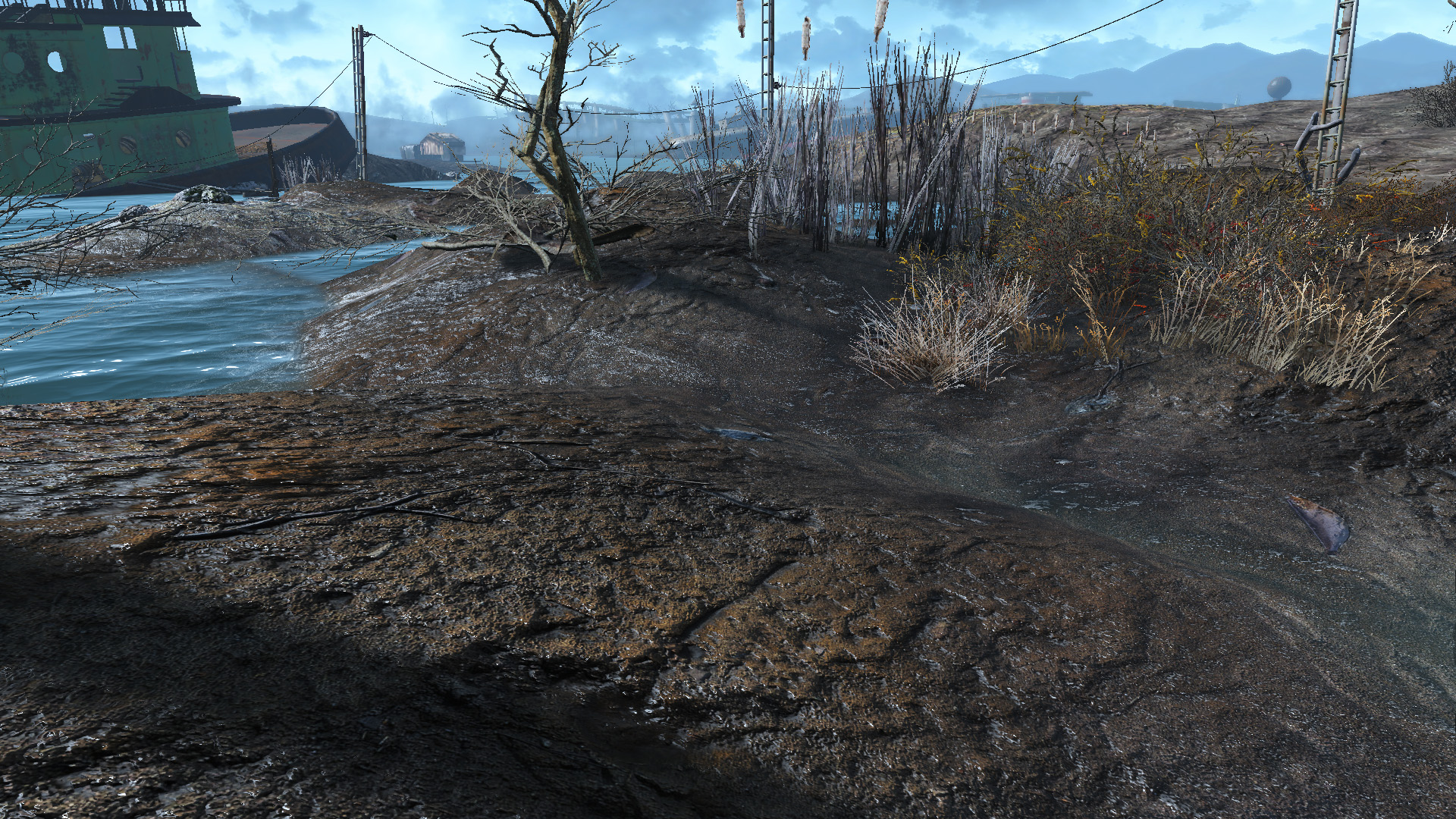

Vivid Fallout 4 Landscapes
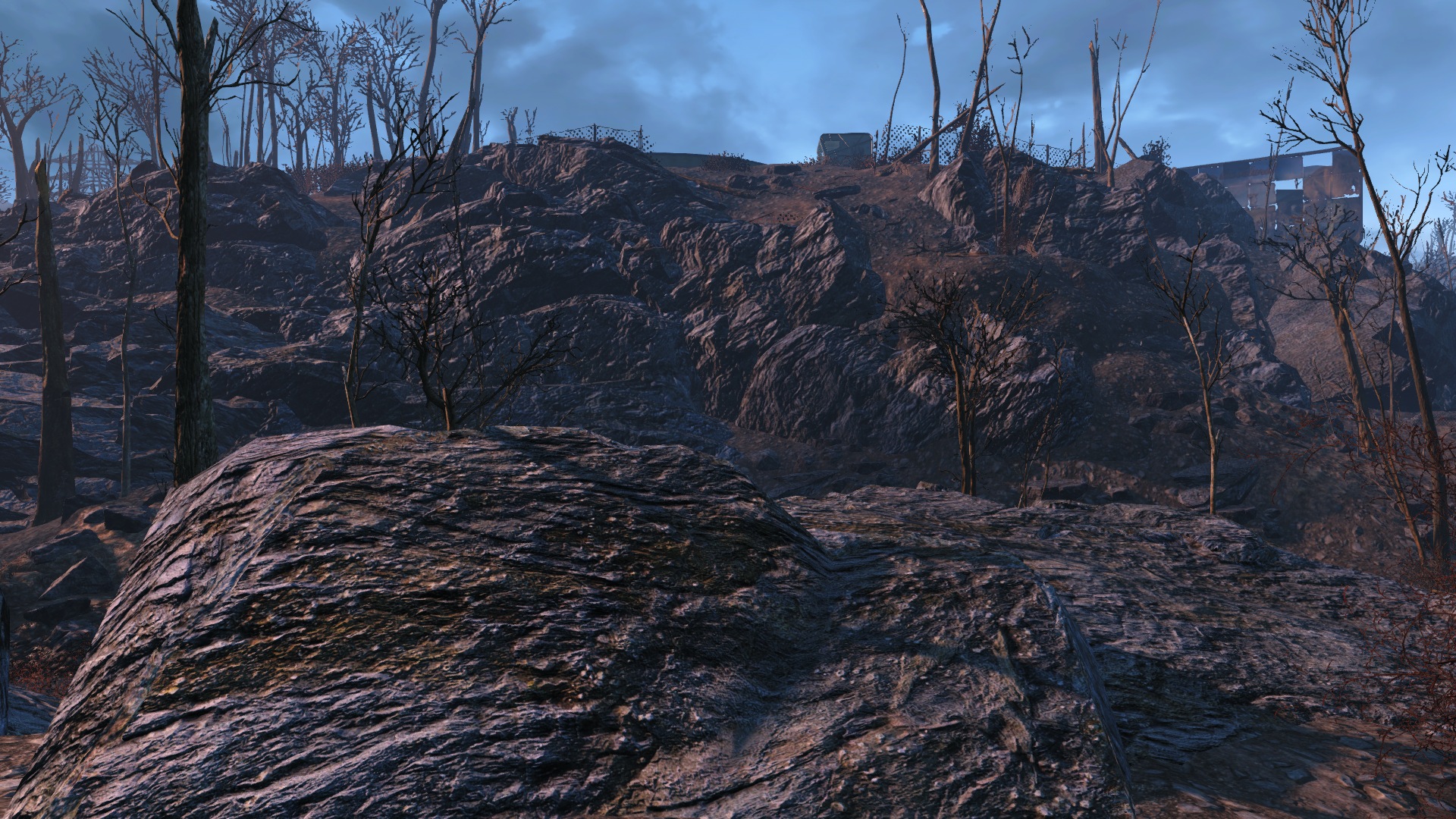
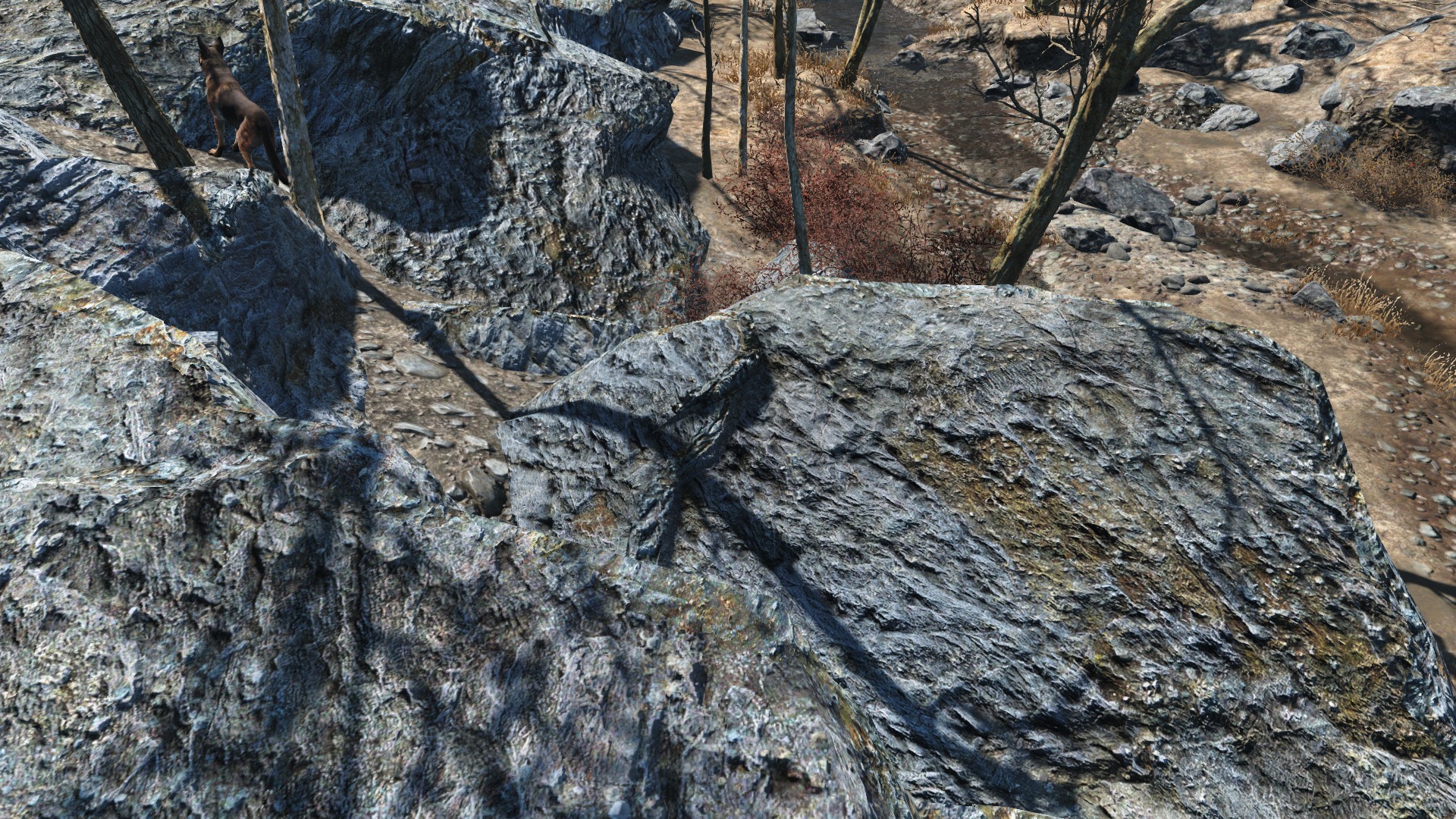
Vivid Fallout 4 Rocks
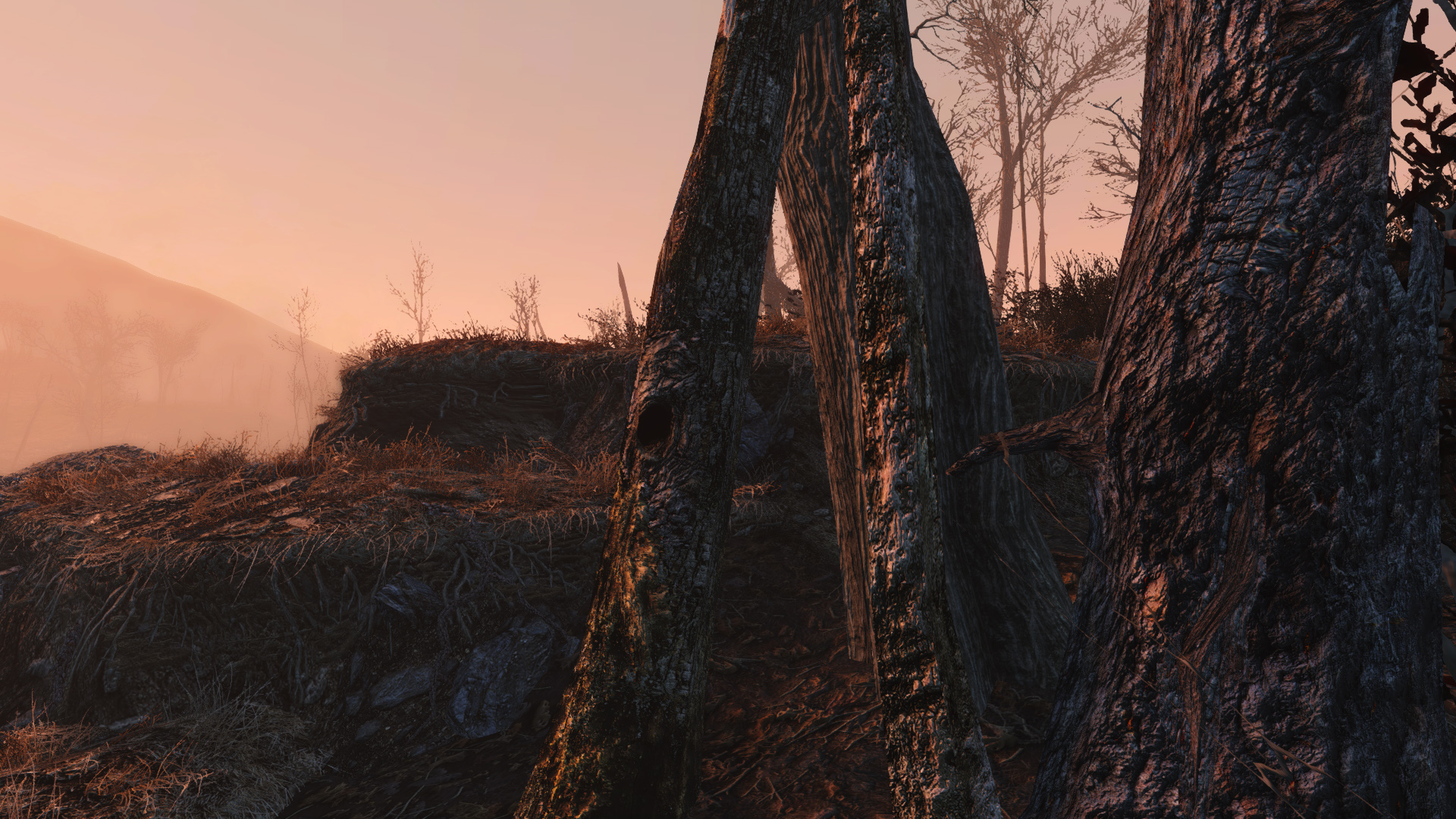
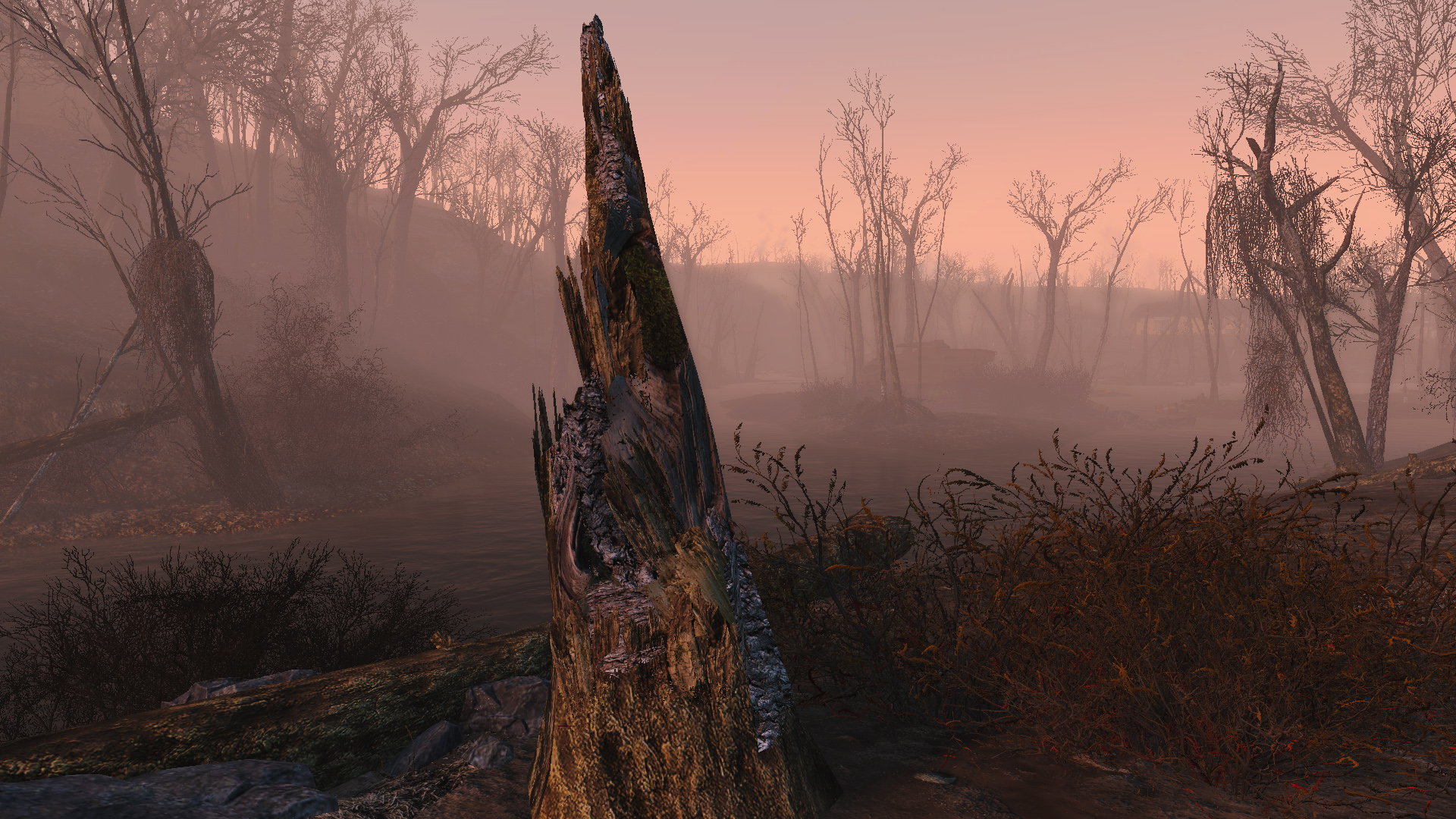
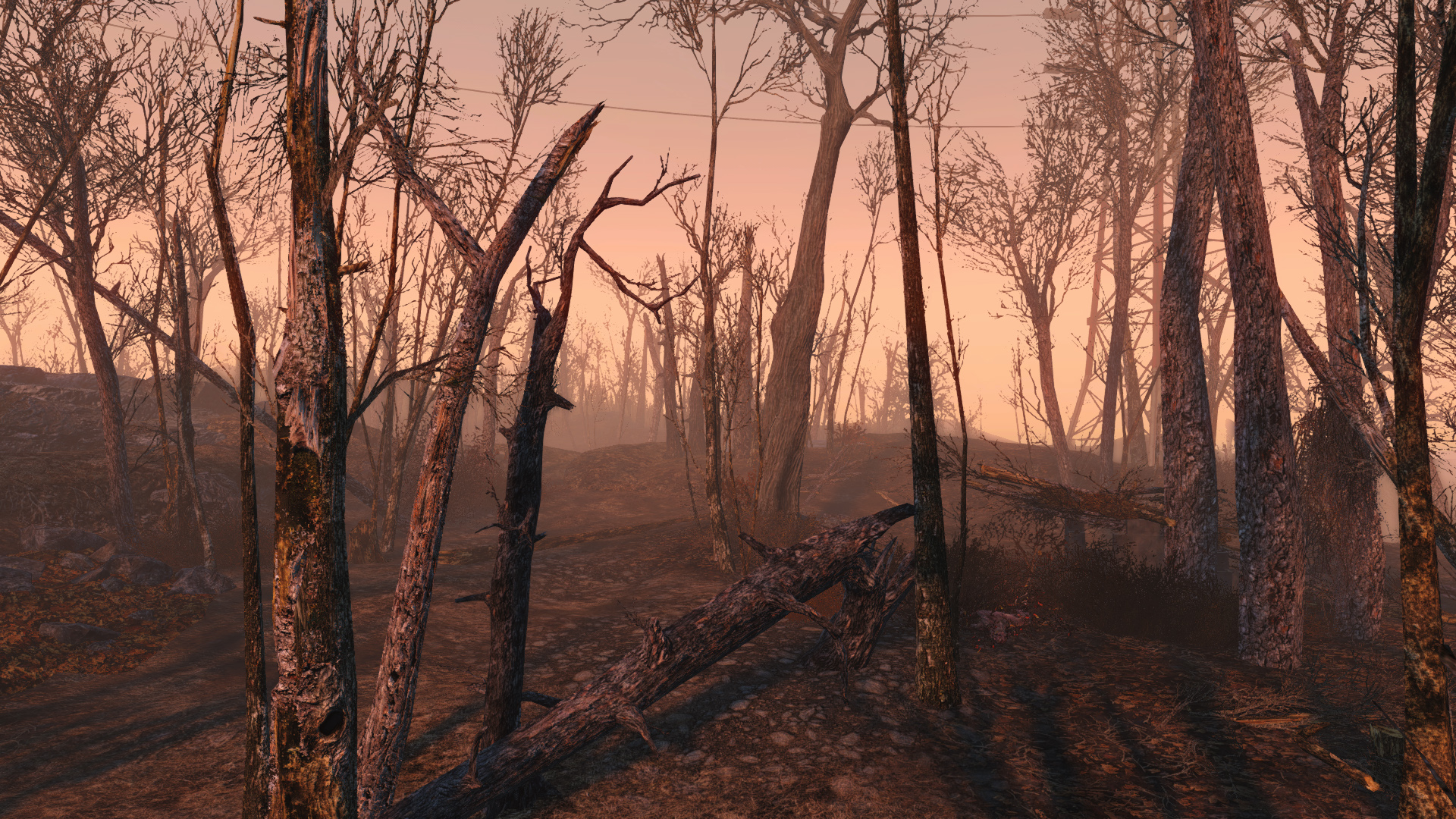
Vivid Fallout 4 Trees

John is the founder and Editor in Chief at DSOGaming. He is a PC gaming fan and highly supports the modding and indie communities. Before creating DSOGaming, John worked on numerous gaming websites. While he is a die-hard PC gamer, his gaming roots can be found on consoles. John loved – and still does – the 16-bit consoles, and considers SNES to be one of the best consoles. Still, the PC platform won him over consoles. That was mainly due to 3DFX and its iconic dedicated 3D accelerator graphics card, Voodoo 2. John has also written a higher degree thesis on the “The Evolution of PC graphics cards.”
Contact: Email
Just another case of Modder’s showing Bethesda how to make a game on PC. Bethesda has not made a proper PC game since ES3… Now everything since ES3 has just been one console port after another.
First 6 pictures are just awful, someone should give this guy a memo how to create proper normal & specular maps. 1 click converting to other texture maps through Base/Diffuse map is wrong, and the results are awful.
Bethesda has laid solid and at times spectacular groundwork for an awesome game. I look forward to another developer building on it. (c)
Been following Hein84 on Nexus for a while now, He does a lot of great vivid HD texture packs for Skyrim.
John, I’m looking at your main page on my phone (Android) and am being bombarded by adverts, which is making it hard to navigate your site for articles. A few weeks or so they’ve been doing so.
What browser are you using?
Chrome.
May I suggest an alternative? I use Lightning Browser.
Fast, great data usage (comparable or even better than Opera Mini) and most important 0 ads. DSOG navigation turned out to be a breeze on mobile after I made the switch.
Thank you old friend, I shall investigate now. Peace.
0 ads? That’s impossible unless you’re using a external ad blocker or the app has a ad blocker which it doesn’t.
Except it does.
Yeah?
Yeah, don’t know what’s wrong with your configs :v
Jonny, why don’t you let them use that game engine you created.
hey! this is DSO, we shall have none of this defending of any gamedevs, only flaming bashing hatred allowed
testing it right now 4k maxed out with this crazy texture
i will be back with a video shortly
stay tuned
Cool Gonna watch it!