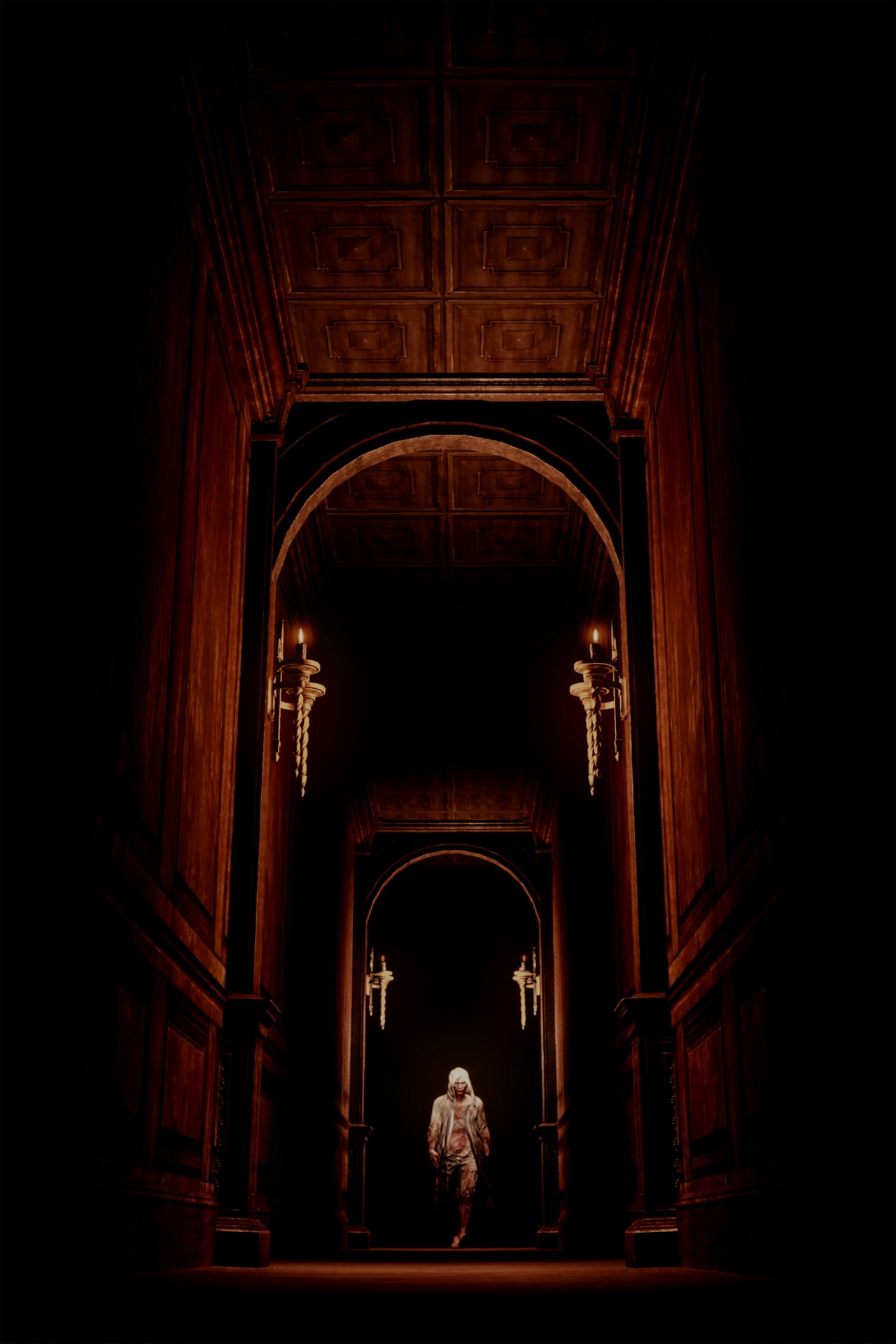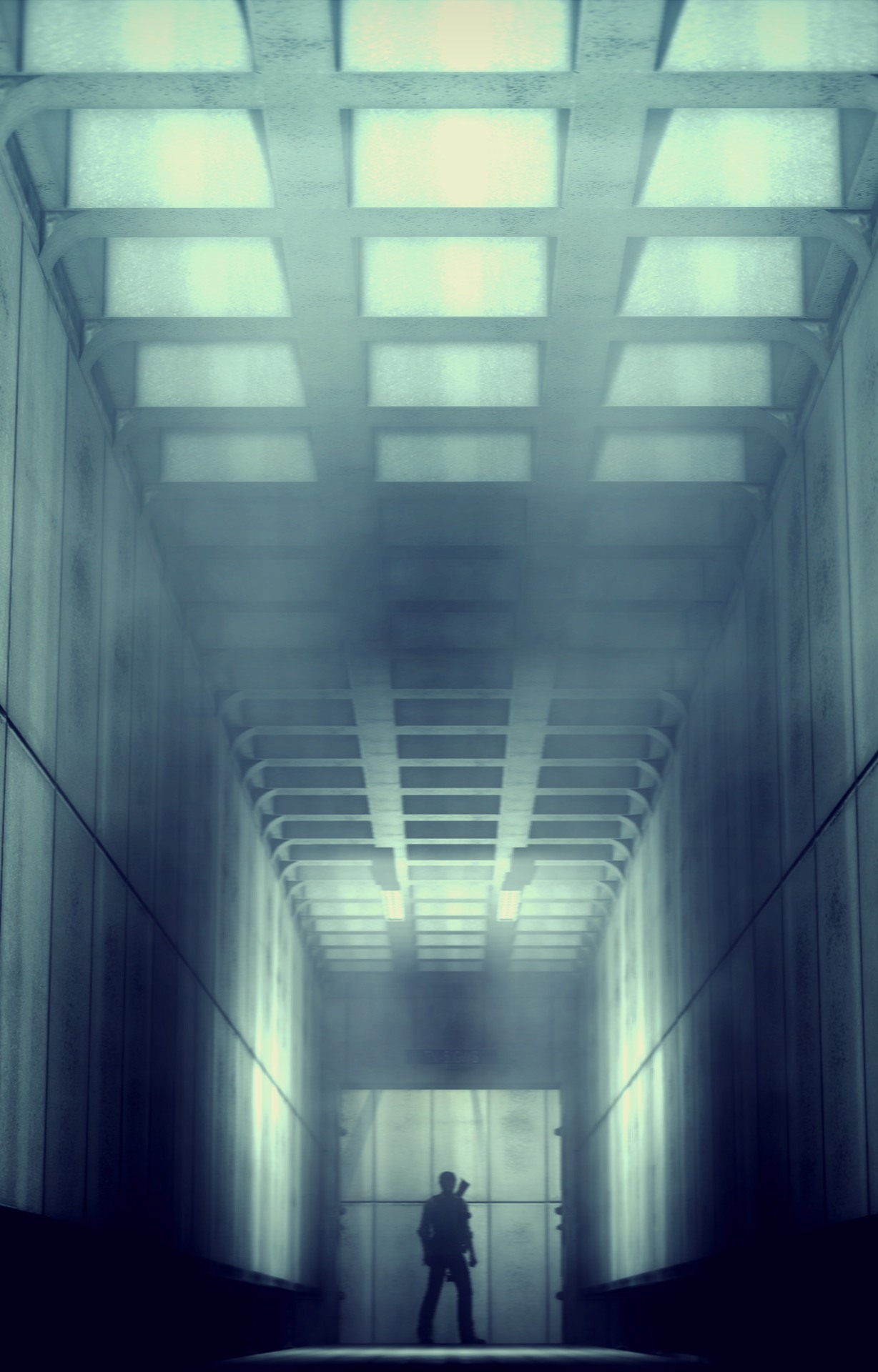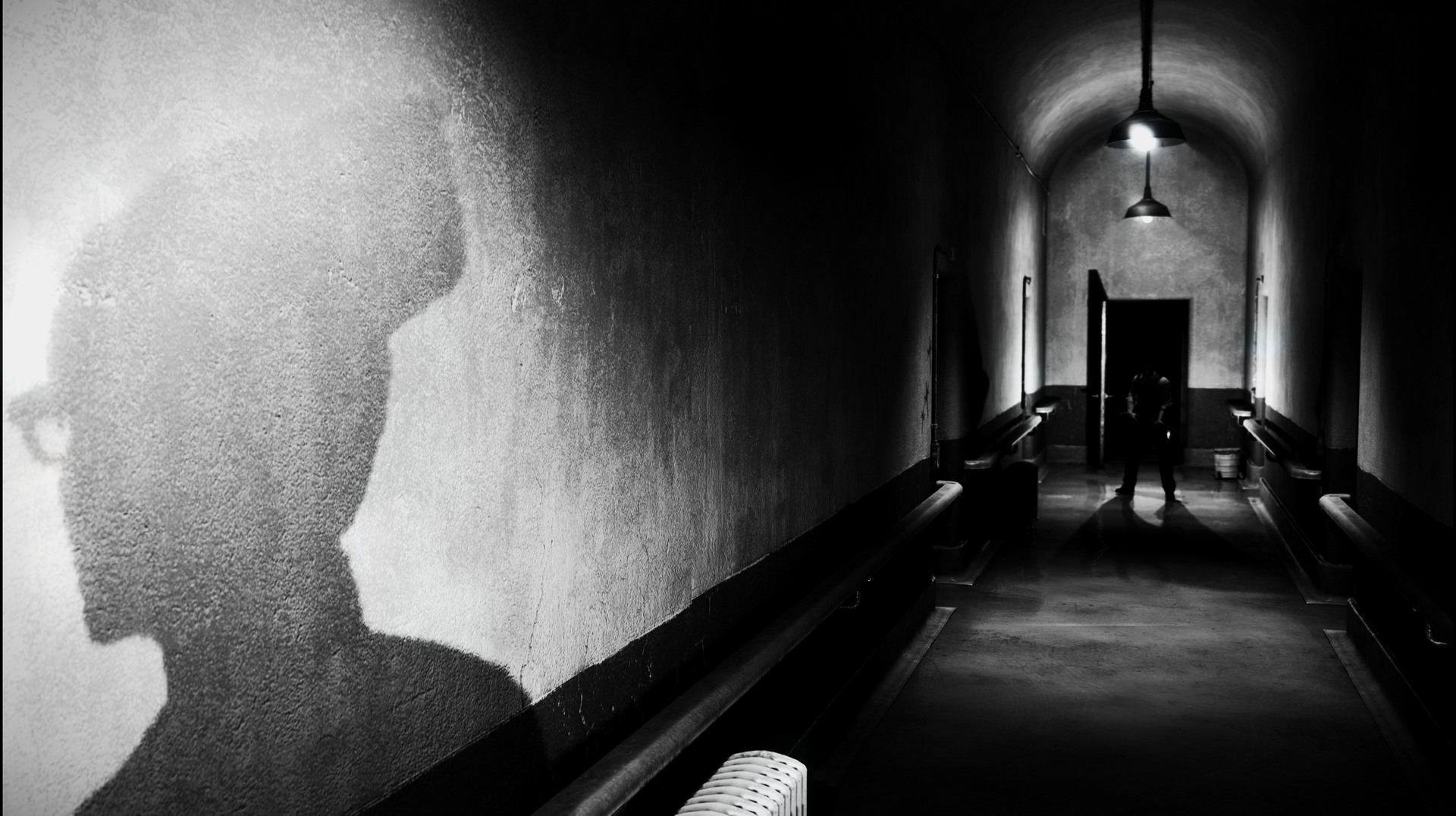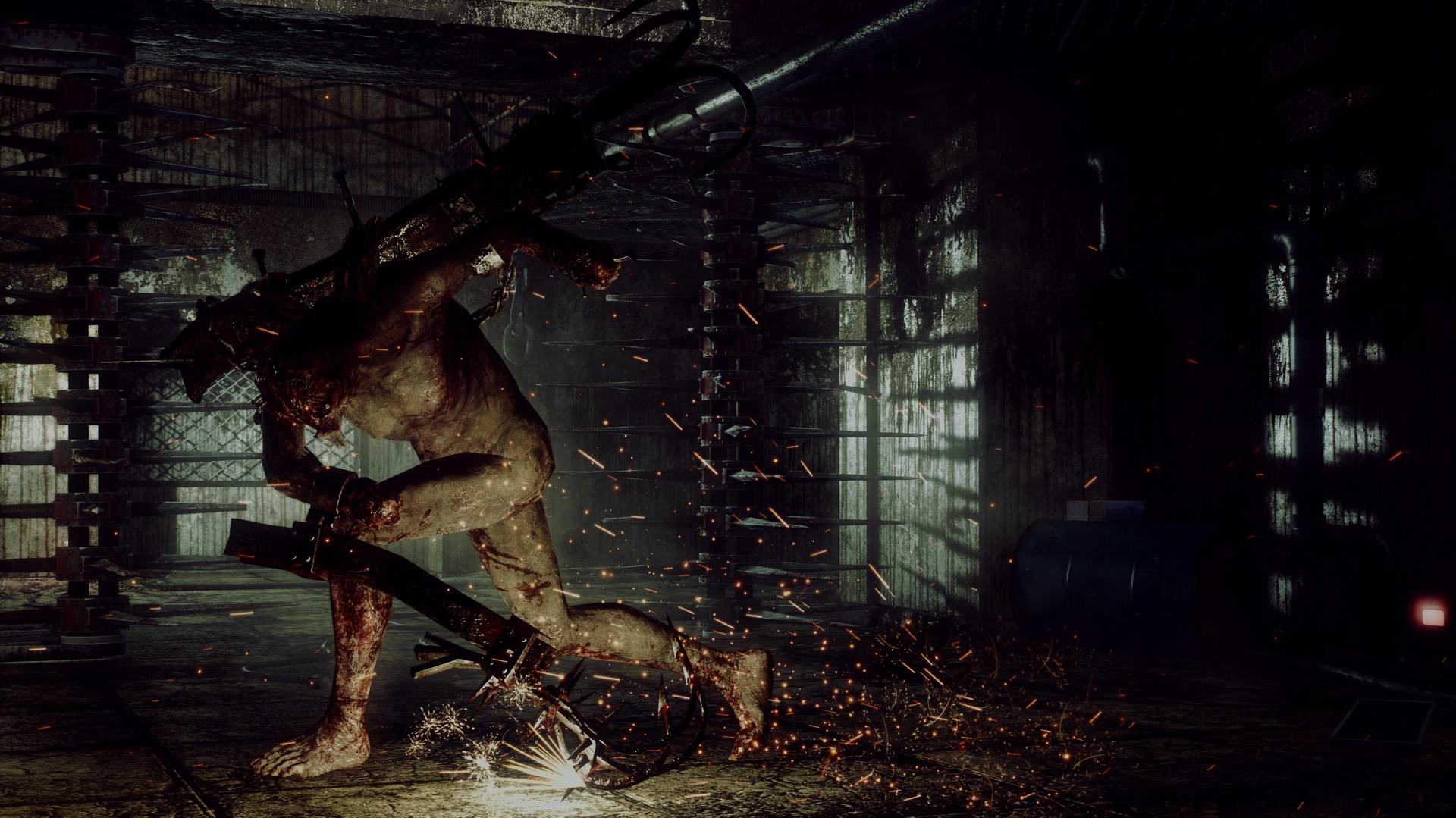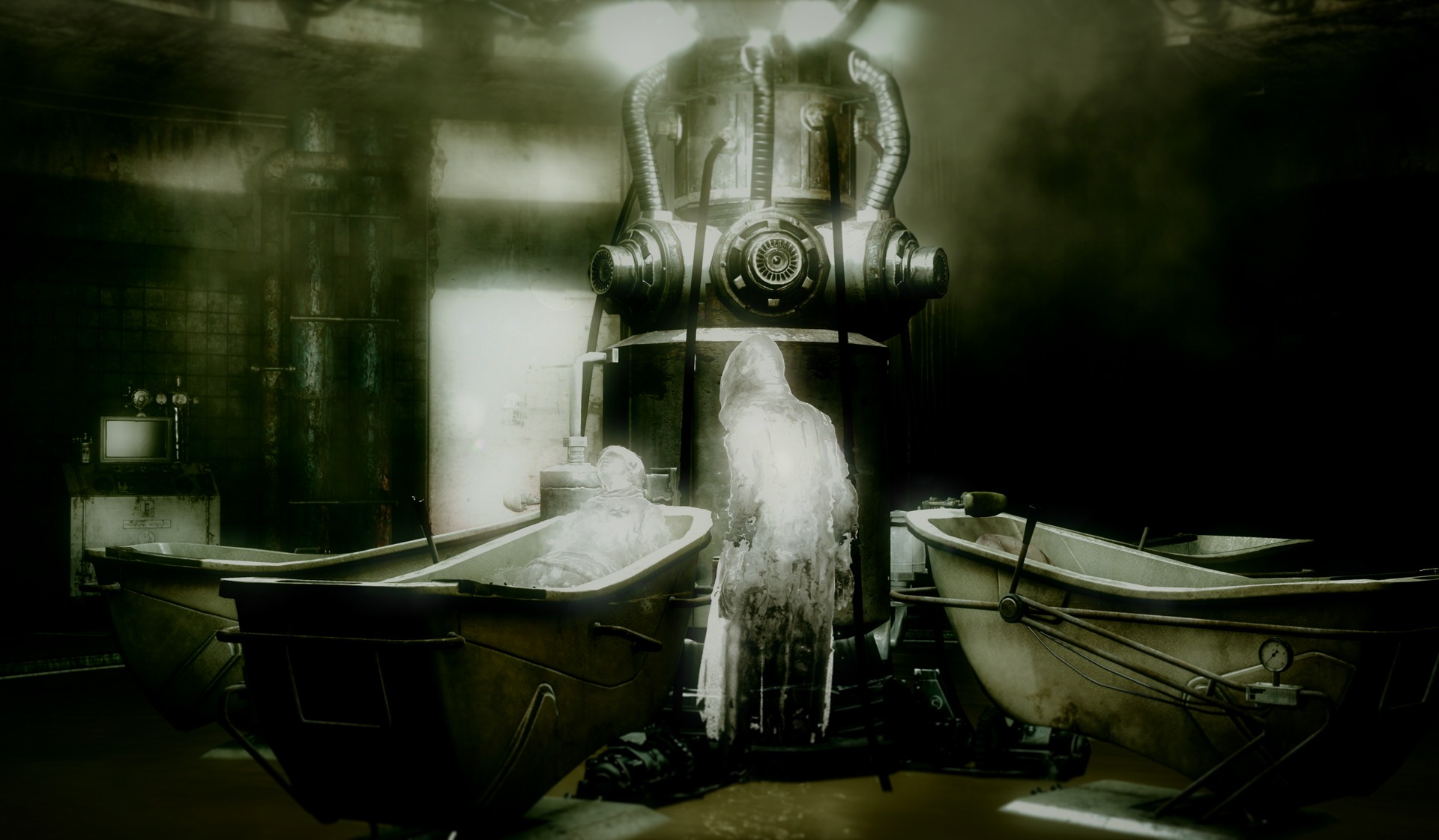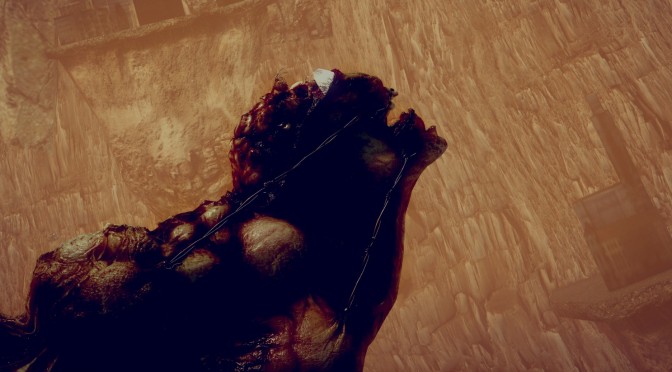
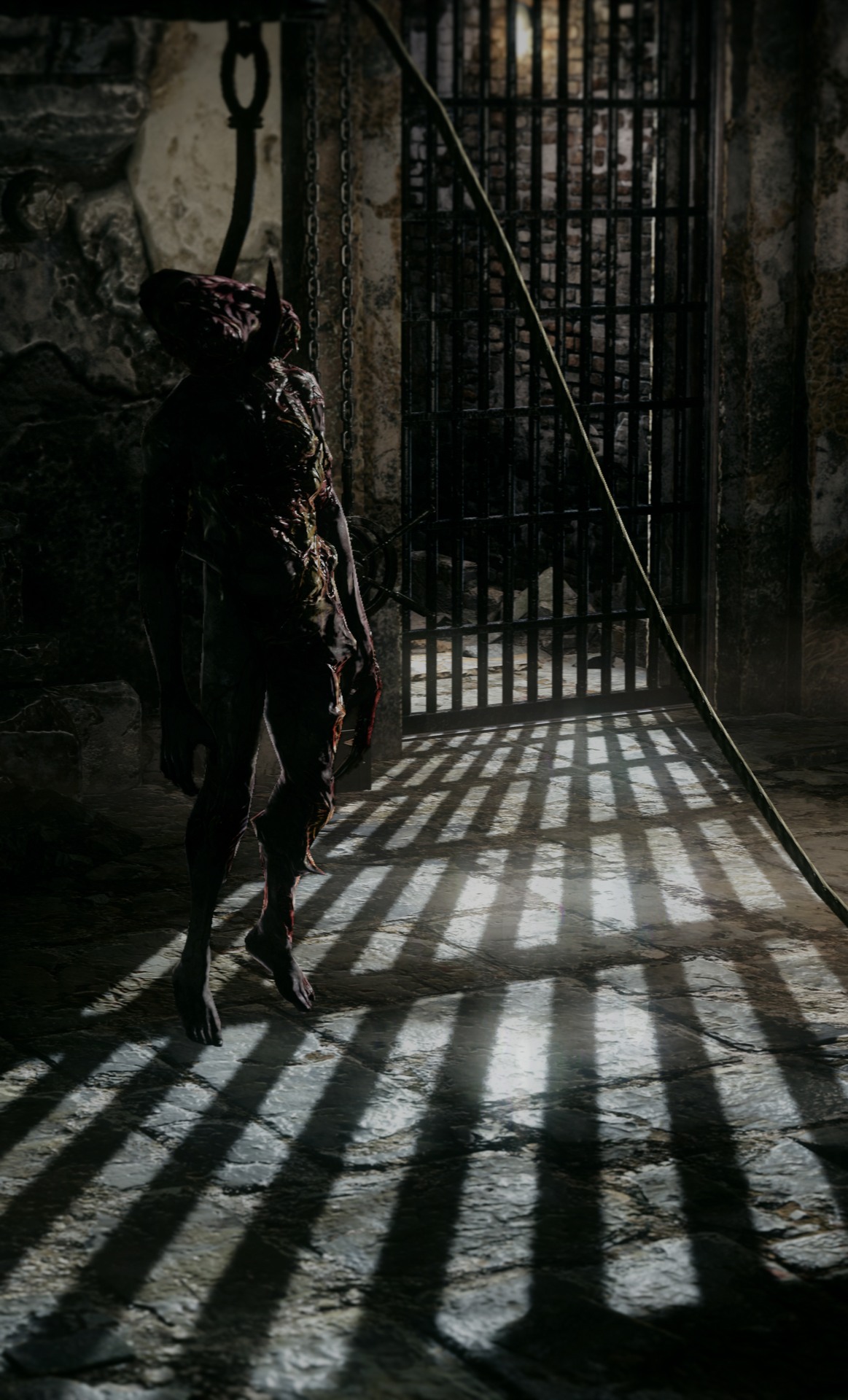
Our reader ‘k- man’ has shared with us some screenshots from The Evil Within. k- man used various effects of Reshade in order to give the game a better look, thus proving that such tools can really make a visual difference. In case you weren’t aware of, Crosire’s ReShade is an advanced, fully generic post-processing injector, a graphics modification for games or alike. Enjoy and be sure to visit k- man’s FlickR page for more images.

John is the founder and Editor in Chief at DSOGaming. He is a PC gaming fan and highly supports the modding and indie communities. Before creating DSOGaming, John worked on numerous gaming websites. While he is a die-hard PC gamer, his gaming roots can be found on consoles. John loved – and still does – the 16-bit consoles, and considers SNES to be one of the best consoles. Still, the PC platform won him over consoles. That was mainly due to 3DFX and its iconic dedicated 3D accelerator graphics card, Voodoo 2. John has also written a higher degree thesis on the “The Evolution of PC graphics cards.”
Contact: Email


Wow that does look quite nice! I gotta download this to try for myself. Just thinking of how I can use it as a developer!
How can we install this “Reshade” on The Evil Within?
If I’m not mistaken, Reshade is the injector, so you need to download the Reshade+Sweetfx pack to add effects to it.
In the pack you will find a dll, rename it to Opengl32.dll and copy it in the same directory where the game executable is located. There is plenty of detailed instructions online.
Thanks for the reply now in game I see “Compiling effects… Succeeded” but looks like I’m missing something else, because it looks the same for me. 🙁
It’s possible that you don’t have any effect enabled. Depending on the package you downloaded, there must be a .txt file with settings on it. Look for a Reshade.txt file or a Sweetfx.txt kind of file (it could be in the same folder as the dll file, or in a folder named sweetfx). In the file there should be instructions on how to enable the effects (it’s usually a matter of changing a 0 to a 1).
I recommend that you enable an extreme effect (like Chromatic aberration or Lumma sharpen), just to be sure that the effects are being enabled. As long as I remember, you don’t even to restart the game, you can alt+tab to the notepad, fiddle with the settings, and then return to the game.
Oh, I see now 😀
Thank you very much @selimnazar:disqus 😉
Where are the dlcs damn it?
This game runs like crap already.
wat
An ugly turd is still a ugly turd no matter how you dress it up!
And this B*TCH looks like hell even with all those F*UCKN lipstick all over!
So nope this B*TCH is still one ugly MOTHER F*CKER!
Just like Arnie said in the Predator movie 😉