
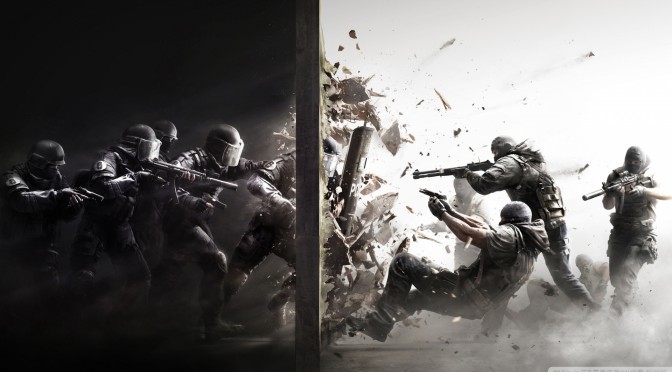
Tom Clancy’s games have a reputation of being extremely optimized on the PC these past few years. We were utterly amazed by Tom Clancy’s Splinter Cell: Blacklist, and the closed beta build of Rainbow Six: Siege performed amazingly well on the PC platform. This latest Tom Clancy game is now available, so it’s time to see how the final build performs on the PC.
As always, we used an Intel i7 4930K (turbo boosted at 4.0Ghz) with 8GB RAM, NVIDIA’s GTX690, Windows 8.1 64-bit and the latest WHQL version of the GeForce drivers. NVIDIA has already included an SLI profile for this title, meaning that you will not have to mess around with third-party tools – such as NVIDIA Inspector Tool – in order to enable it. And contrary to Assassin’s Creed: Syndicate, the SLI profile for Rainbow Six: Siege offers incredible scaling across two GPUs.
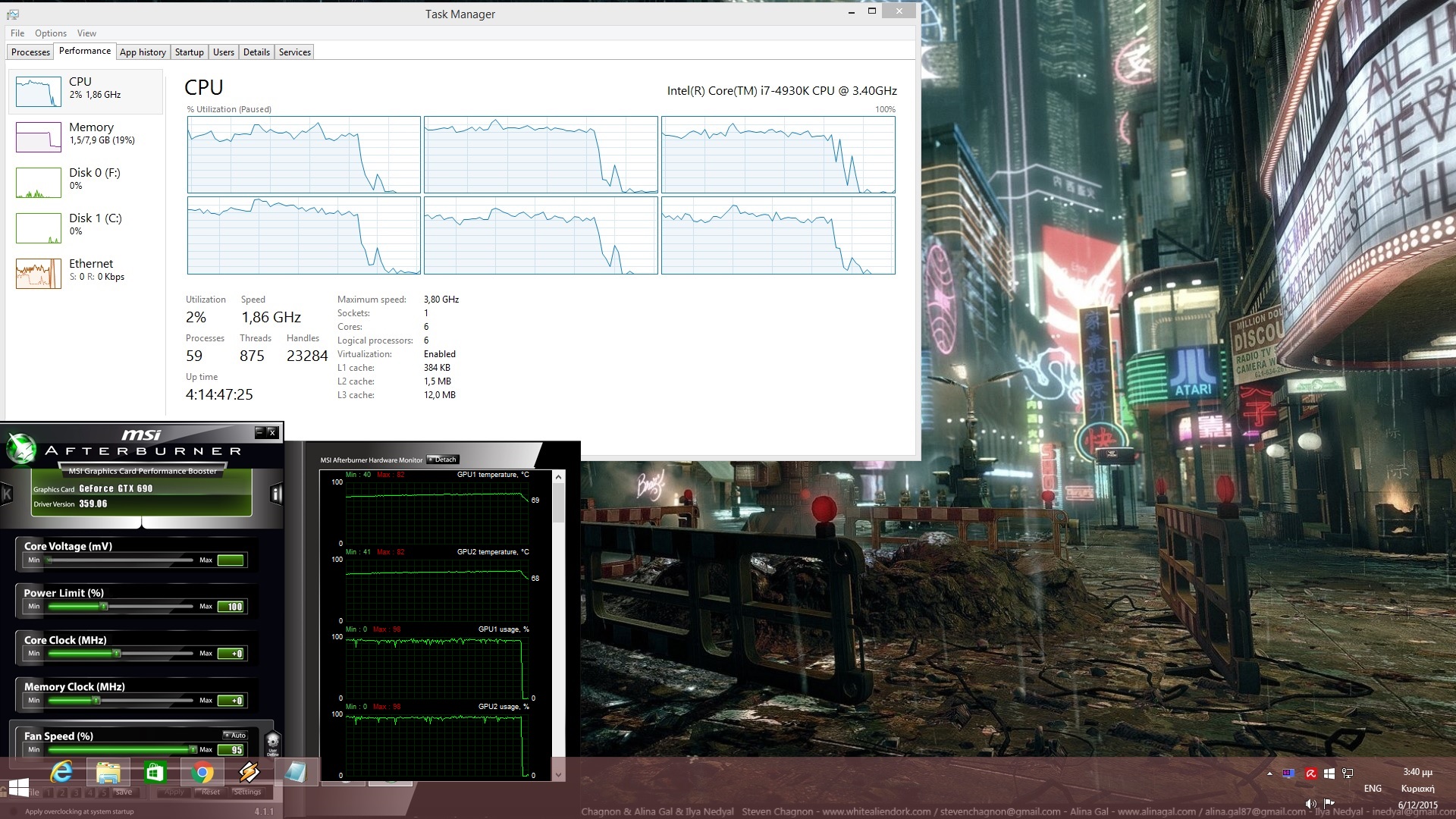
Rainbow Six: Siege is mainly a GPU-bound title. In order to find out how this game performed on older CPUs, we simulated a dual-core CPU. And to our surprise, that system was able to handle it without any performance issues at all. Our simulated dual-core system was running Rainbow Six: Siege with constant 60fps, meaning that those with relatively old CPUs will be able to enjoy this title (provided of course they are not limited by their GPU).
When it comes to its GPU requirements, an NVIDIA GTX680 is able to handle Rainbow Six: Siege with constant 60fps at 1080p with High Details. On the other hand, cards that equivalent to the NVIDIA GTX690 will be able to run it at 1080p with Ultra settings (with some minor drops in some maps to 50fps though). Do note that the in-game benchmark tool is not that good as there are some maps that are more demanding than the one featured in the benchmark. Surprisingly enough, we did not witness major stutters when we enabled the game’s Ultra Textures on our GPU that is equipped with only 2GB of VRAM (per GPU core).
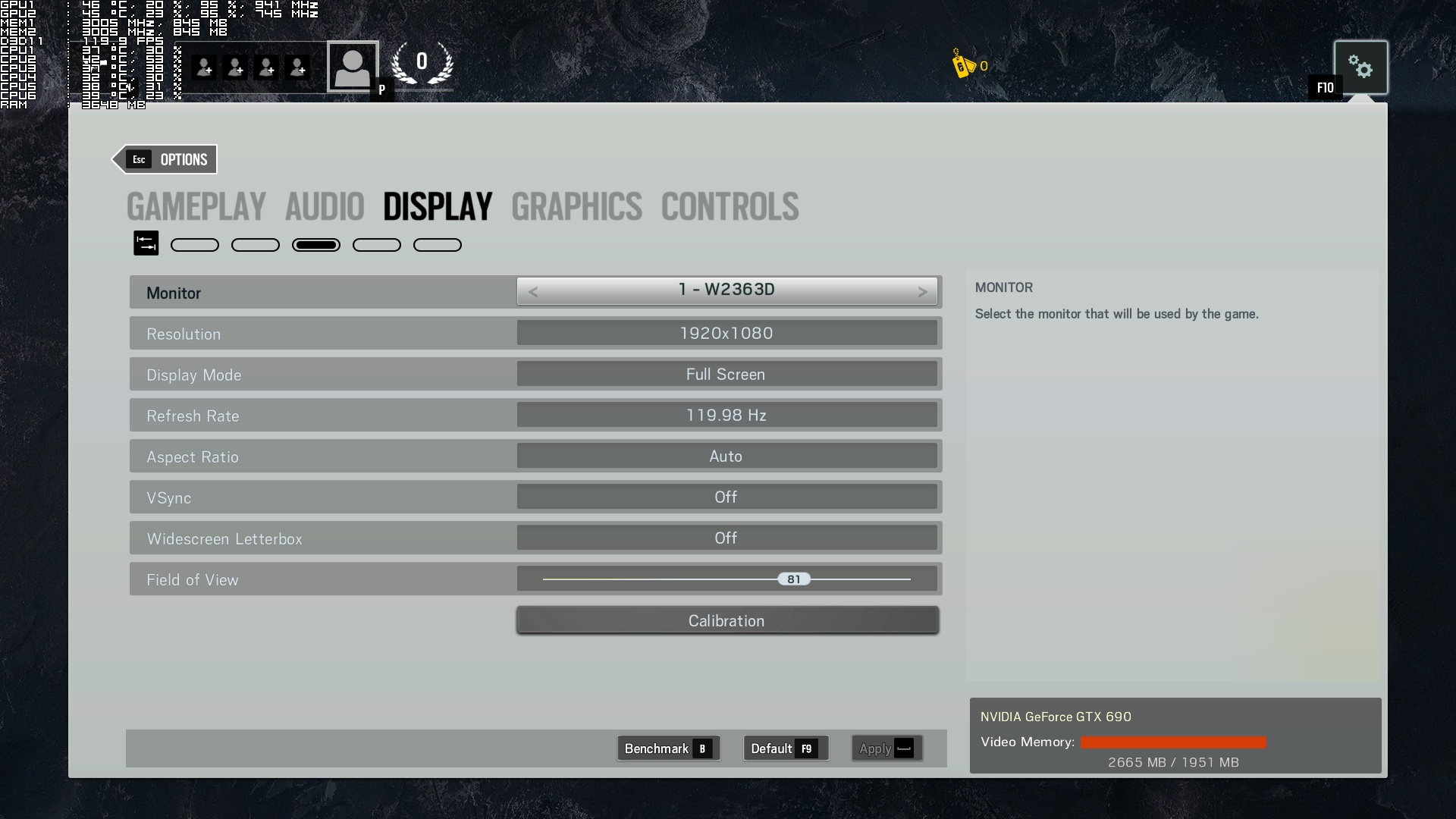
Ubisoft has provided a wide range of graphics options that PC gamers can tweak/adjust. Alongside the ability to choose their native resolution (that supports up to 4K resolutions), Refresh Ratio, Aspect Ratio and Field of View, PC gamers can tweak the game’s Texture Quality, Texture Filtering, LOD Quality, Shading Quality, Shadow Quality, Reflection Quality, Ambient Occlusion, Lens Effects, Depth of Field, Post Process Anti-Aliasing and Multisample Anti-Aliasing.
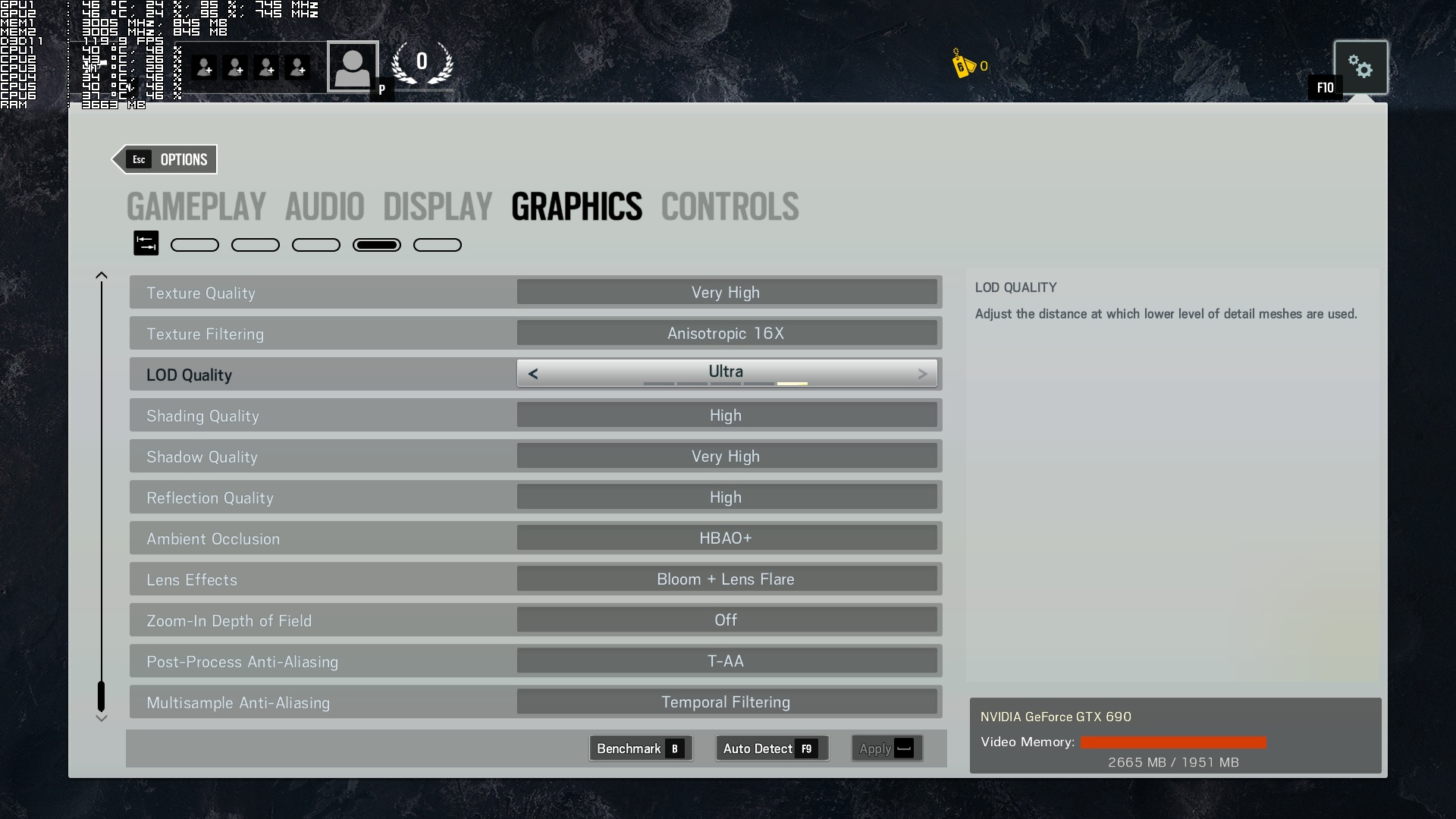
Now while Ubisoft has included TAA – a technique that is also used in Fallout 4 and does an incredible job at smoothing jaggies – we strongly suggest disabling it. You see, this particular post-processing AA technique brings a lot of blurriness. And when we say a lot, we mean… A LOT. If you can’t stand jaggies and are willing to enjoy blurrier visuals, then by all means enable it (or use Reshade in order to add some extra sharpness to the image). If you, however, can’t stand blurry textures and environments, we suggest staying away from it.
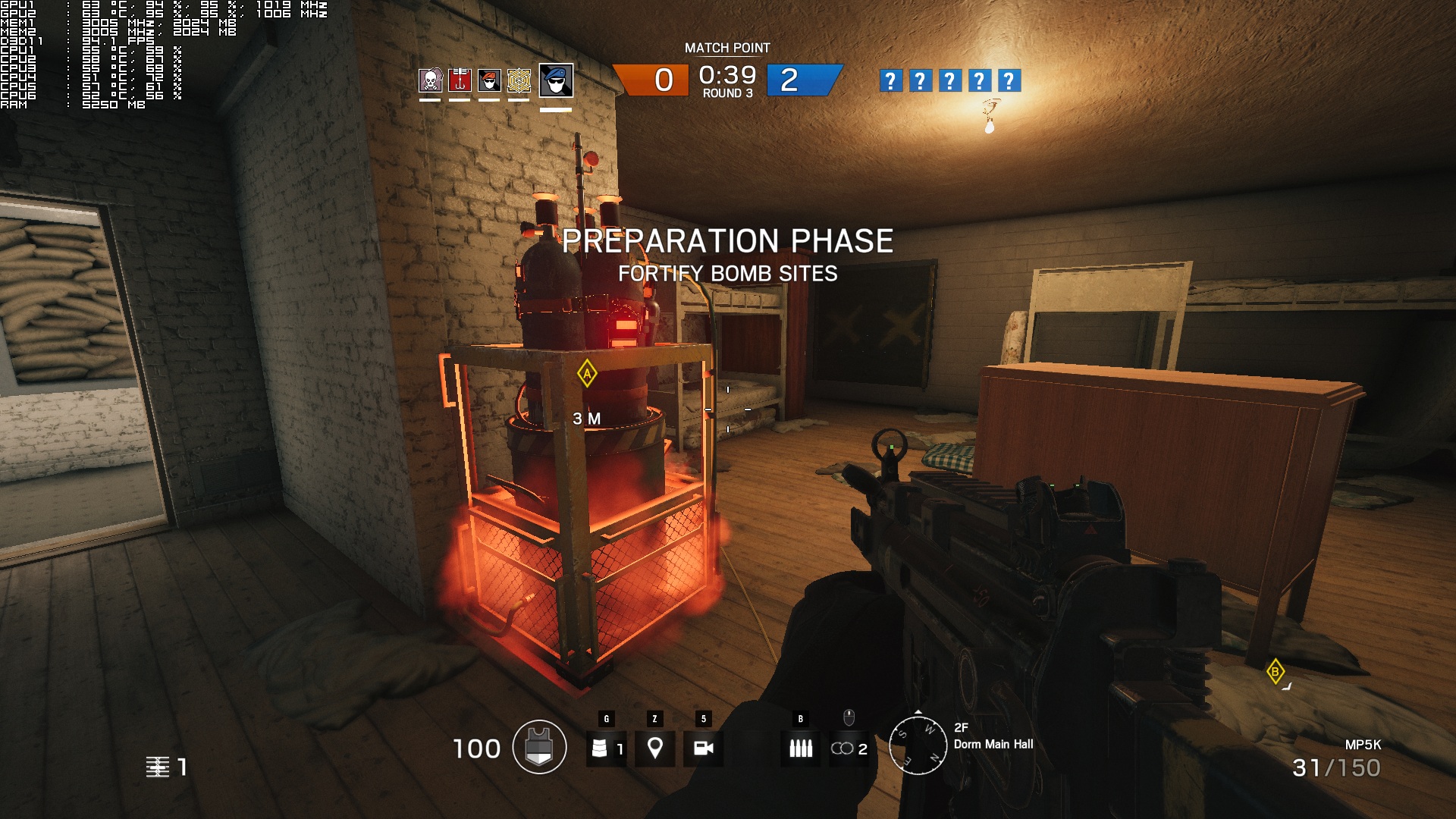
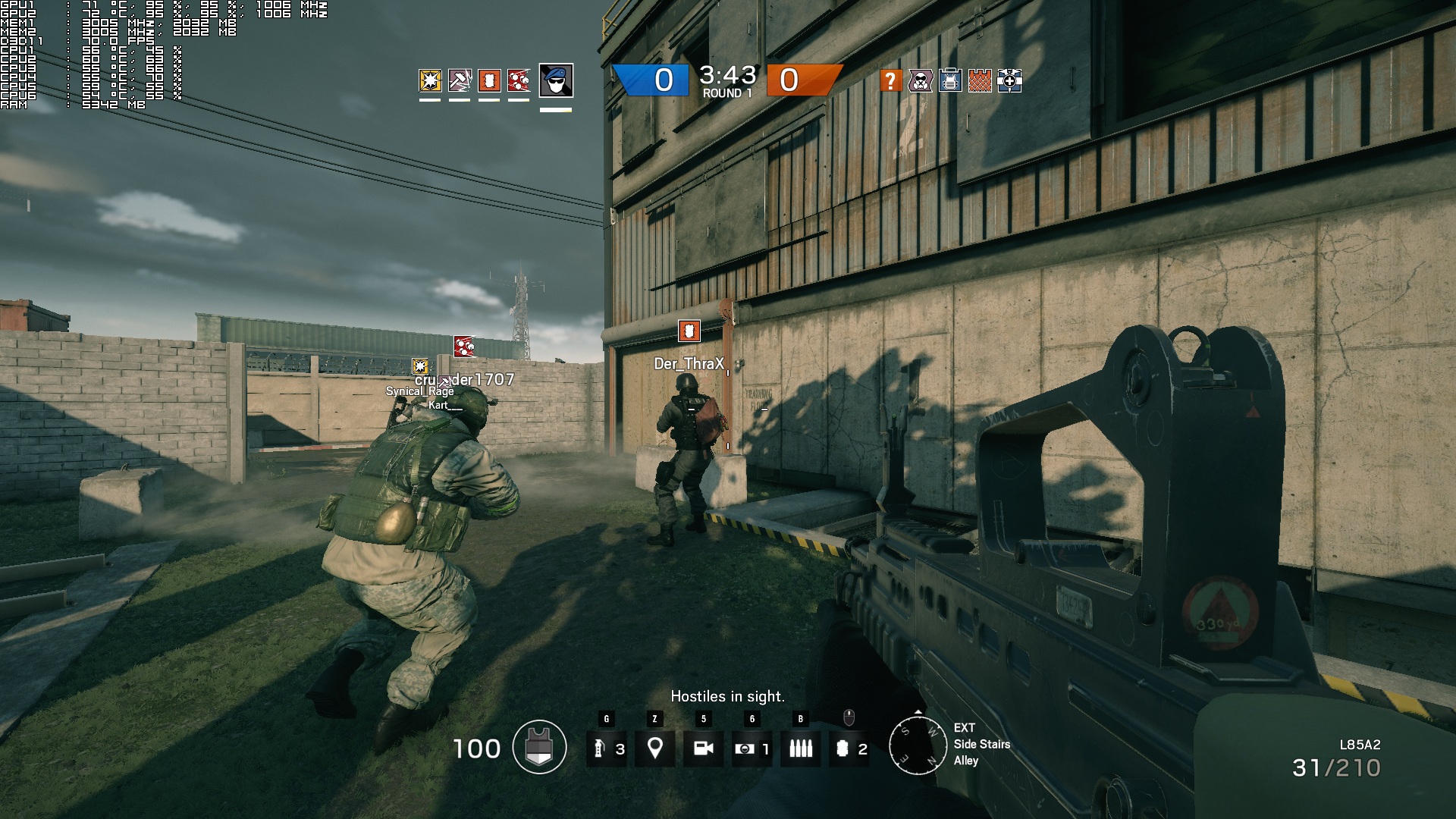
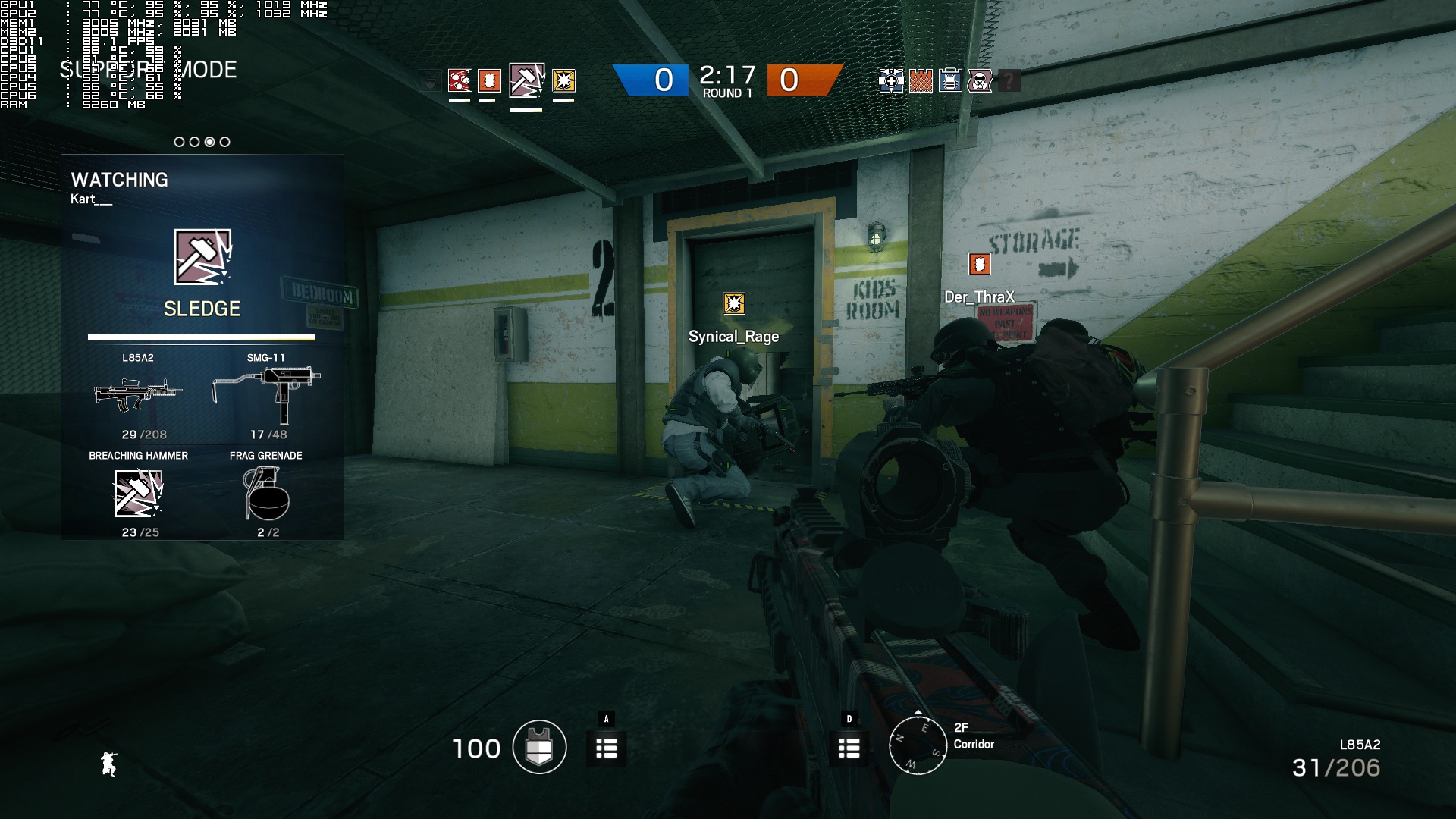
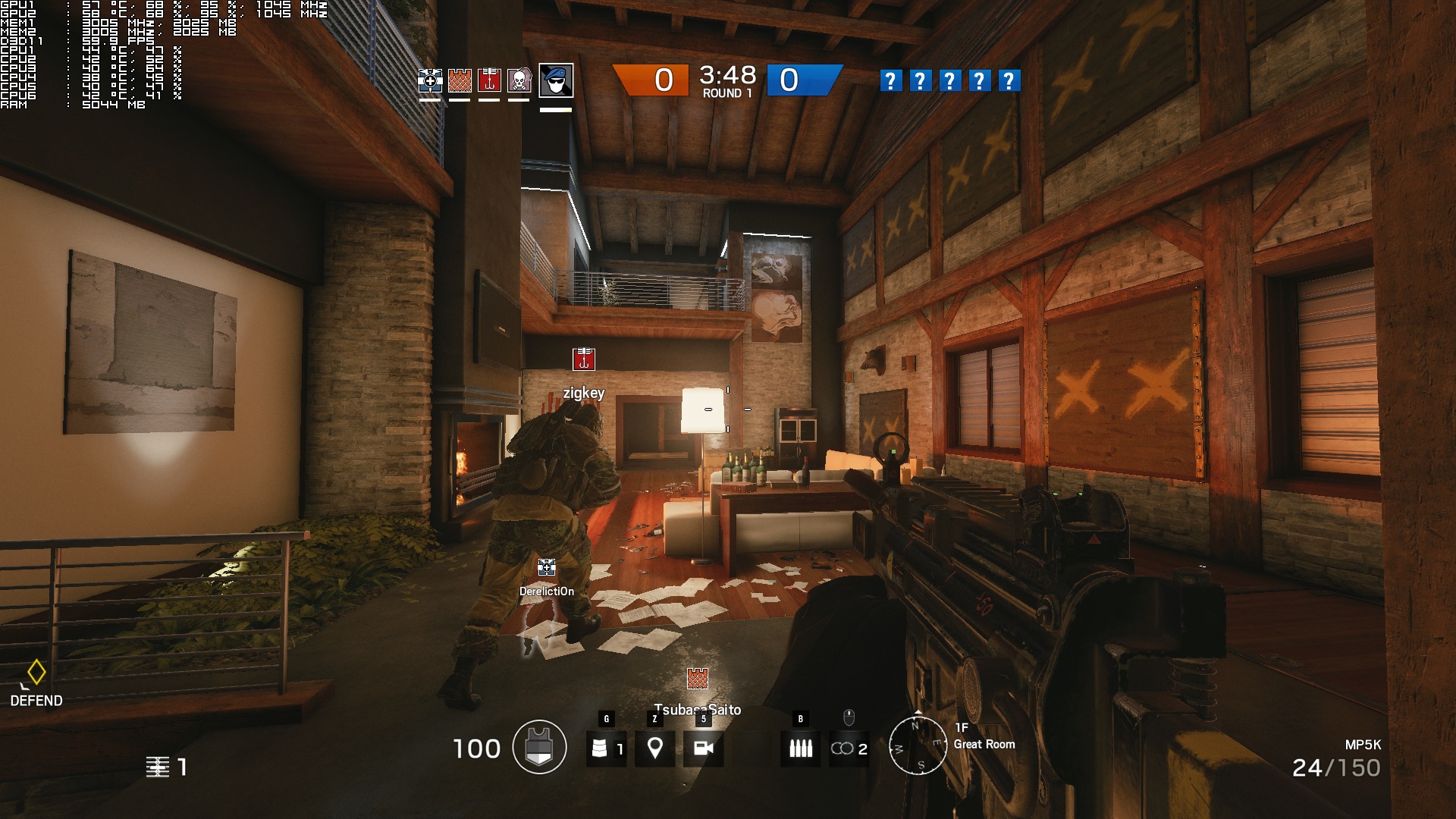
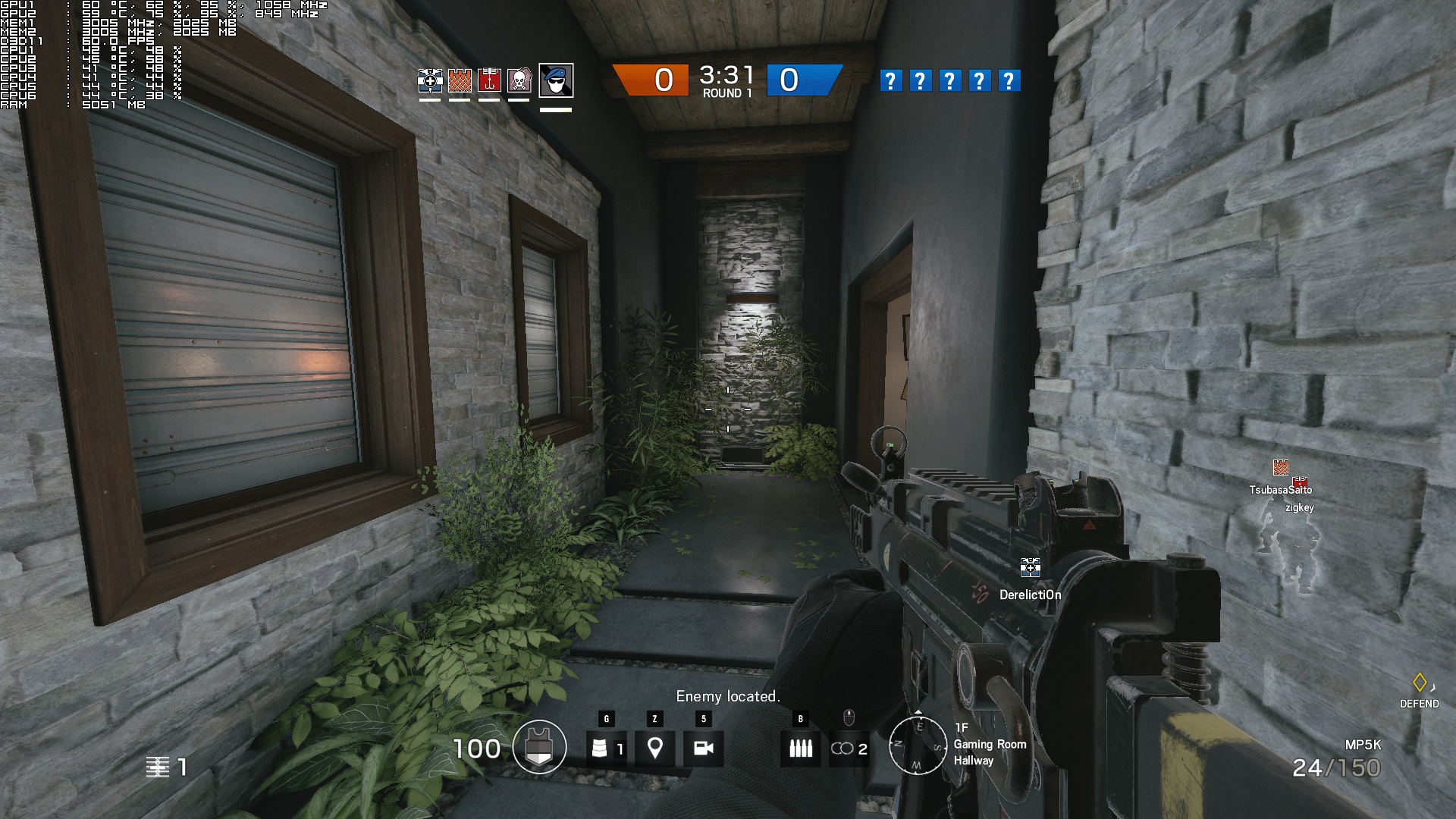
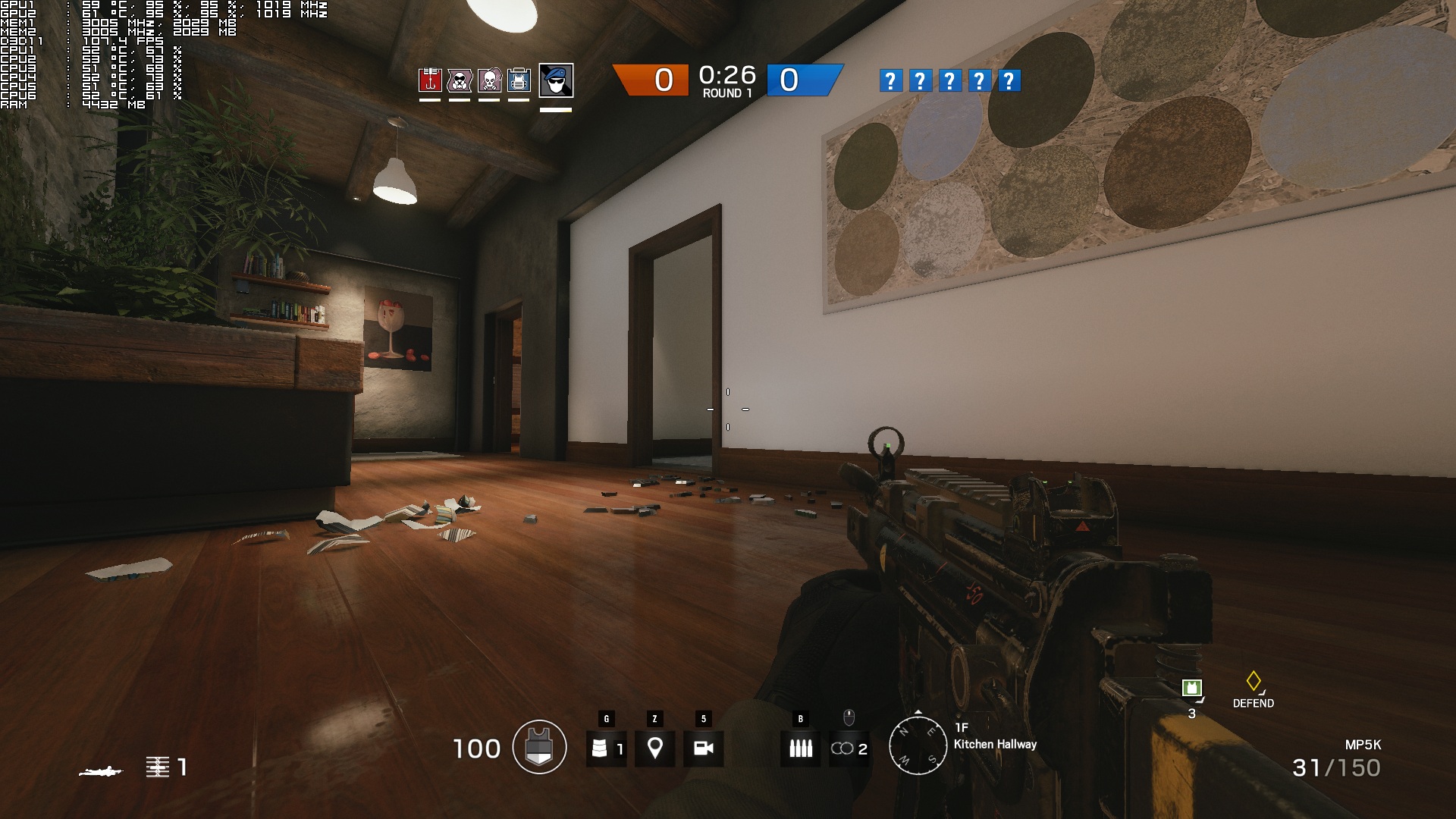
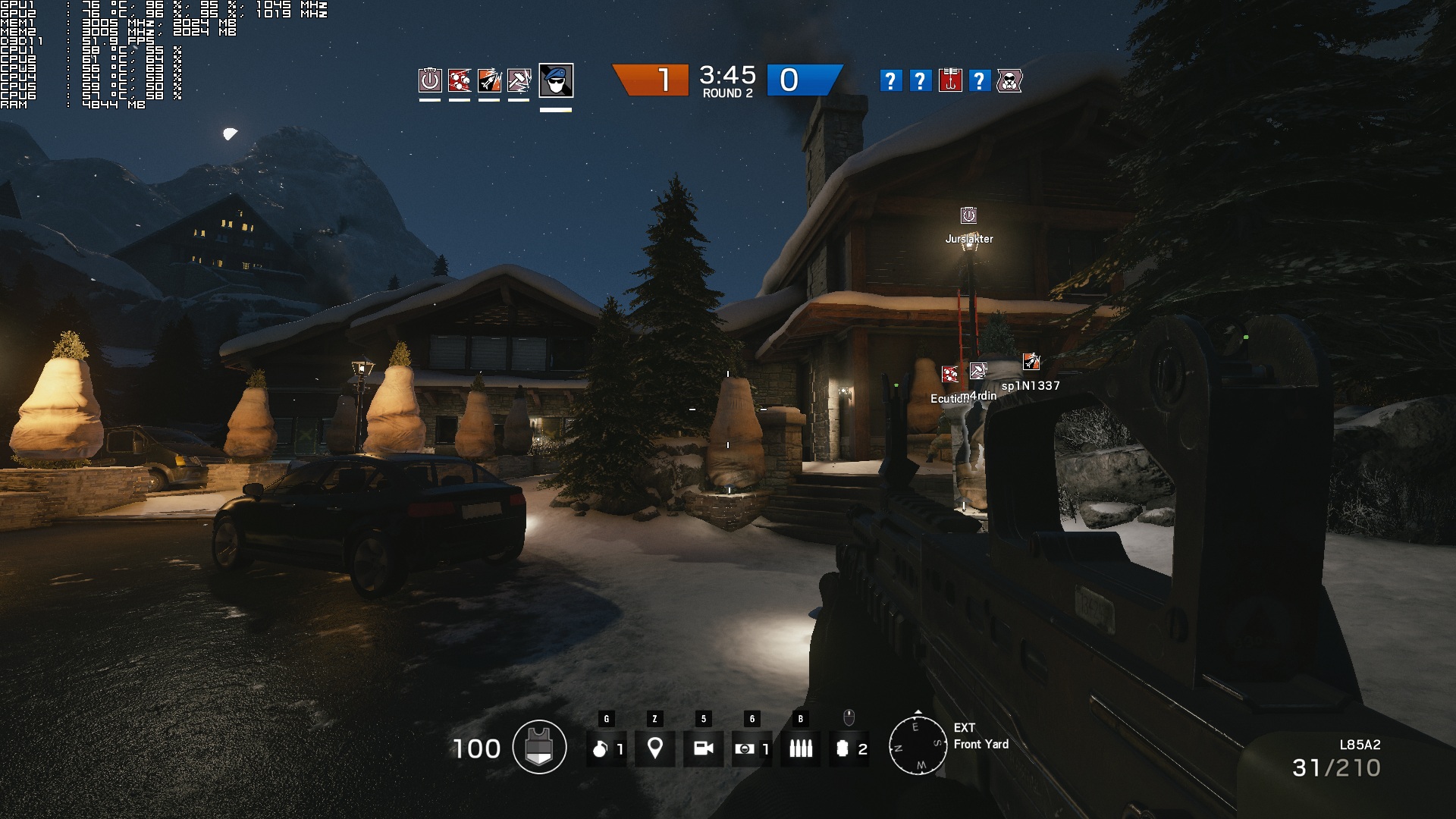
And let’s address the elephant in the room; the game’s visuals are not as good as Ubisoft’s pre-release screenshots. The biggest issue here is the lighting system as it seems to have taken a big hit. Moreover, the lighting system of the final build is not as good or advanced as the one featured in its E3 2014 build. As a result of that, some maps feel a bit underwhelming. In short, yes; the game’s lighting system has been downgraded from its E3 2014 build.
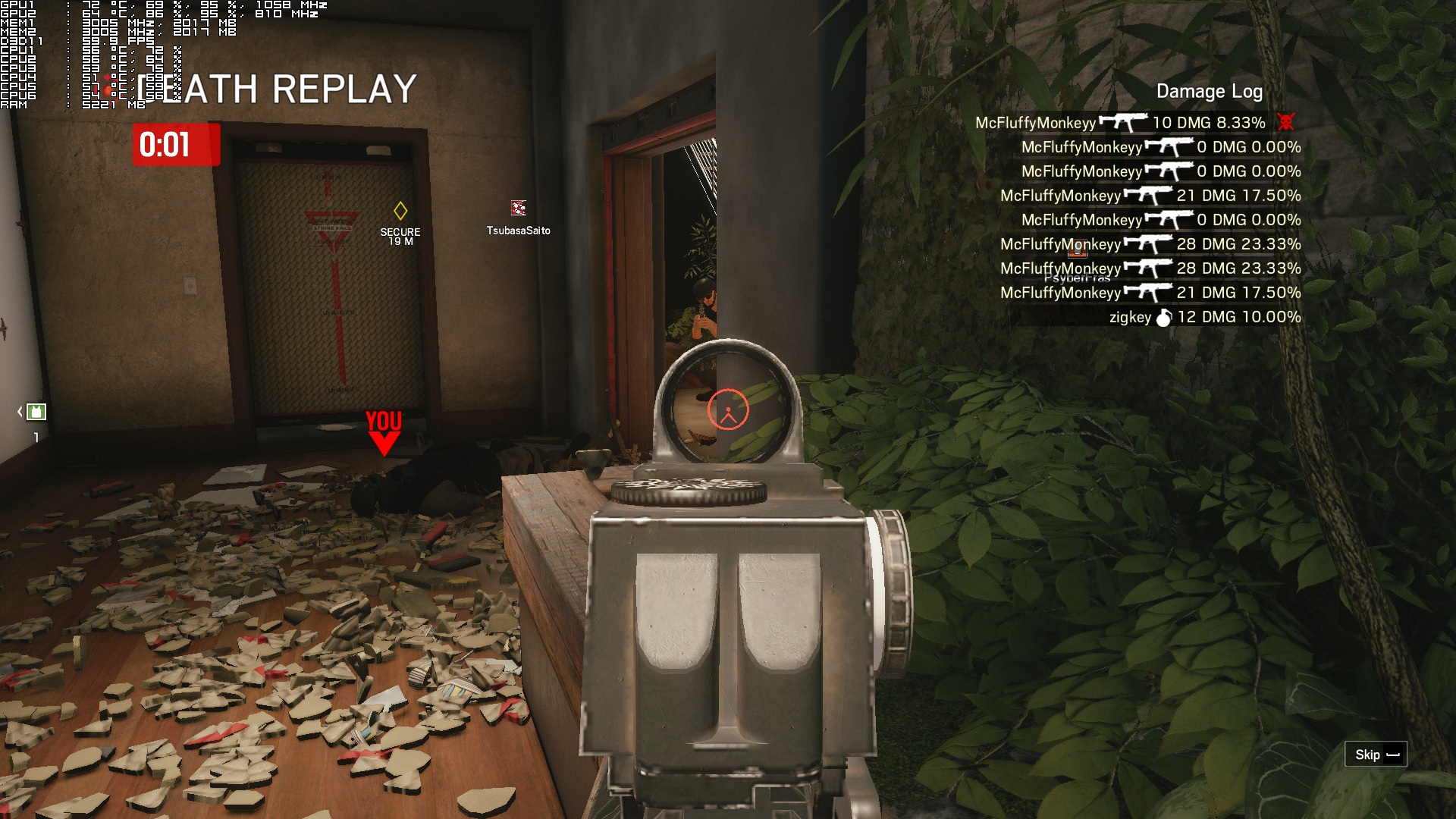
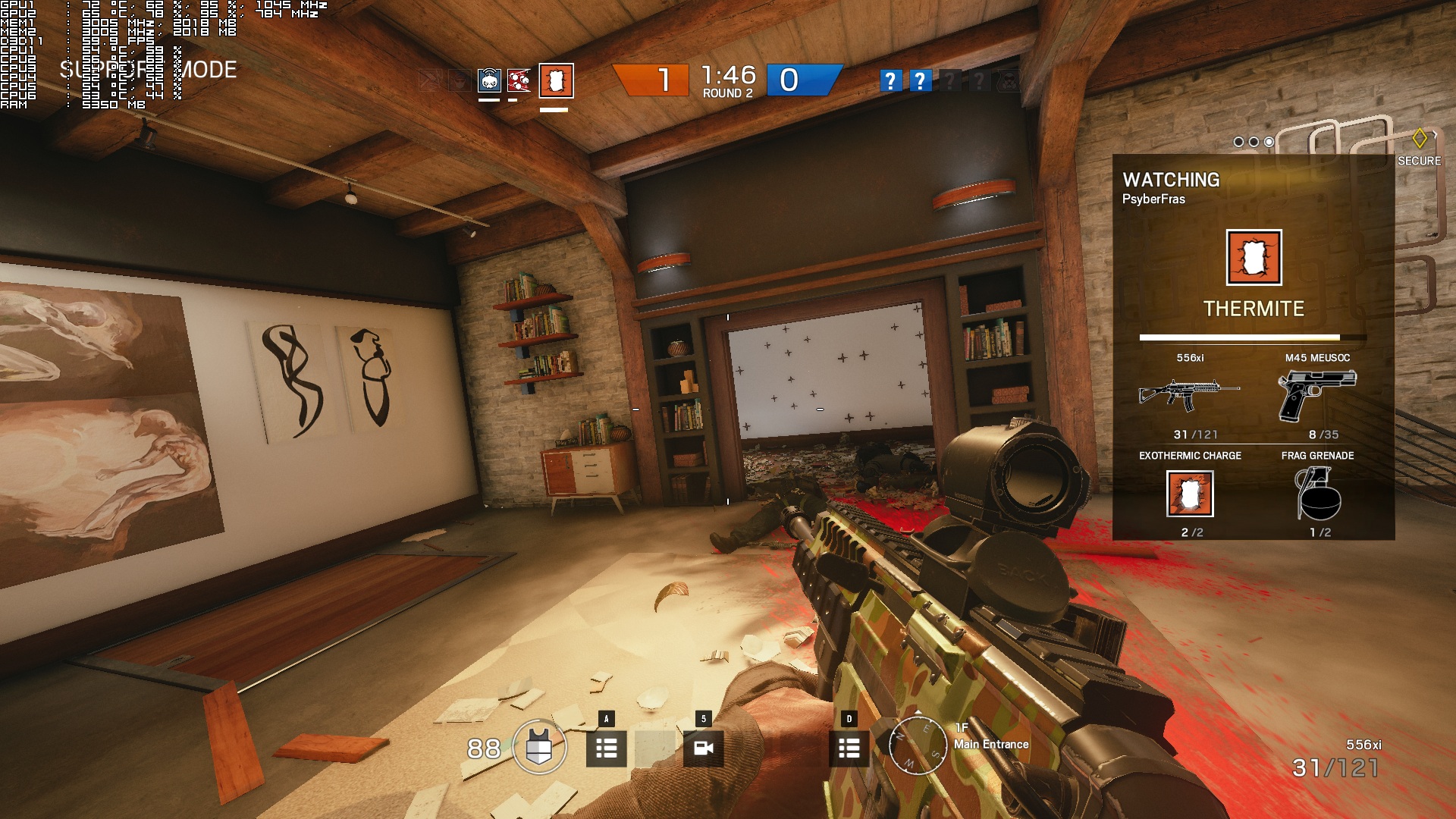
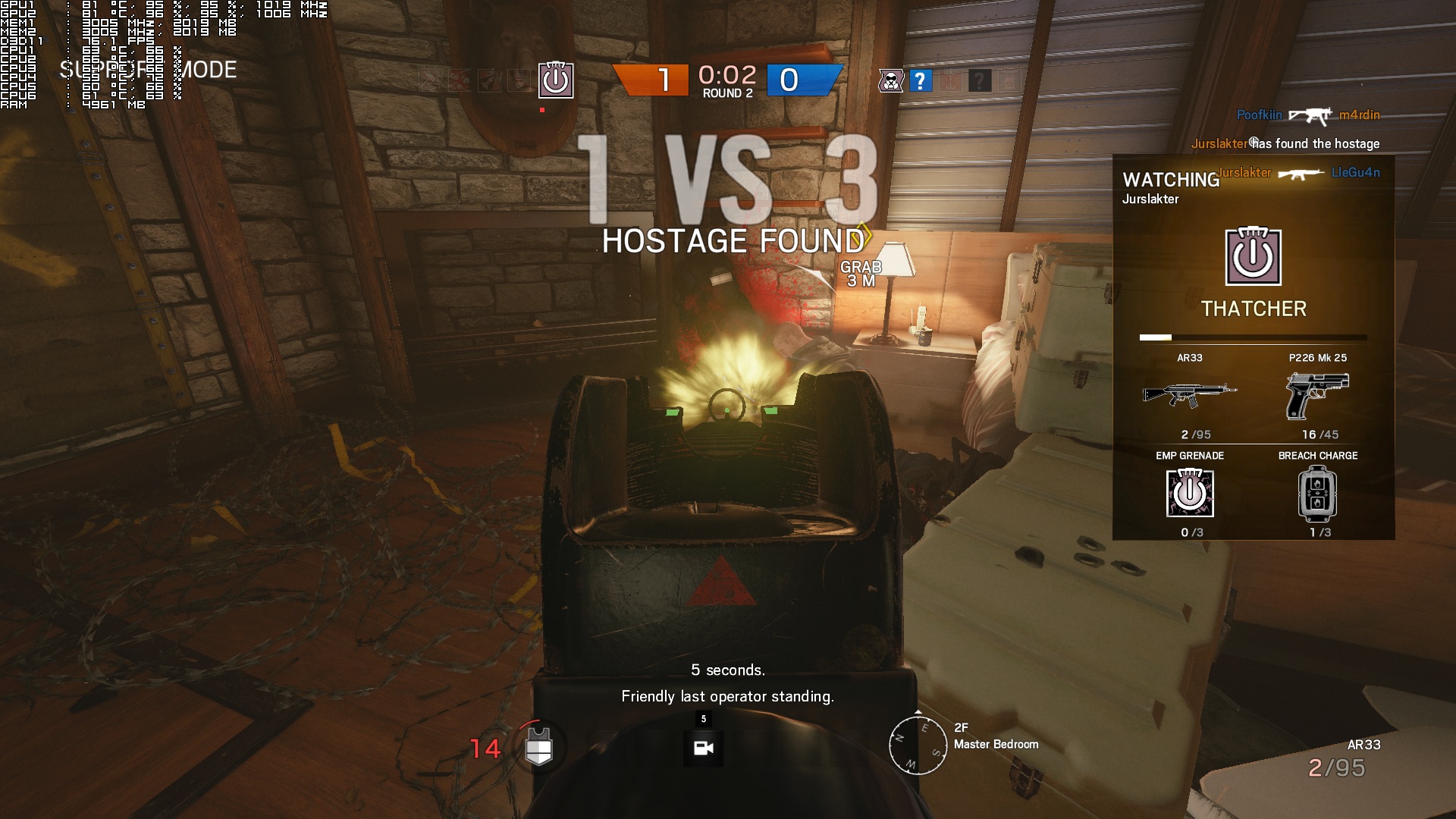
However, this does not mean that Rainbow Six: Siege is an ugly game. Far from it. Rainbow Six: Siege looks great for the most part, and packs the best environmental destruction system we’ve ever seen. As showcased in its E3 2014 demonstration, players can create holes in the walls and cause havoc. Ubisoft has nailed it as players can come up with some really interesting strategies in order to complete their goals (or kill their opponents). And that’s one of the big features of Rainbow Six: Siege. There are also some lovely reflective surfaces, most of the environmental textures are of high quality and the debris stays and does not ‘magically’ vanish.
All in all, Rainbow Six: Siege is a really well optimized game for the PC platform. The game does not require a high-end CPU to run, features a spectacular destruction system, provides PC gamers with a lot of graphics options to tweak, and its Ultra textures work fine on GPUs with 2GB of VRAM. Furthermore, the game offers a FOV slider and does not suffer from any mouse acceleration/smoothing side effects. The game’s netcode needs a little bit more work, so hopefully Ubisoft will further optimize it. It would also be great to have a browser list as the matchmaking system is not that great, but nowadays most games do not offer such a thing (which is a damn shame). For what is worth, we did not encounter any issues finding/joining games, though we do not know how things will be in three or four months from now.
Enjoy!

John is the founder and Editor in Chief at DSOGaming. He is a PC gaming fan and highly supports the modding and indie communities. Before creating DSOGaming, John worked on numerous gaming websites. While he is a die-hard PC gamer, his gaming roots can be found on consoles. John loved – and still does – the 16-bit consoles, and considers SNES to be one of the best consoles. Still, the PC platform won him over consoles. That was mainly due to 3DFX and its iconic dedicated 3D accelerator graphics card, Voodoo 2. John has also written a higher degree thesis on the “The Evolution of PC graphics cards.”
Contact: Email