
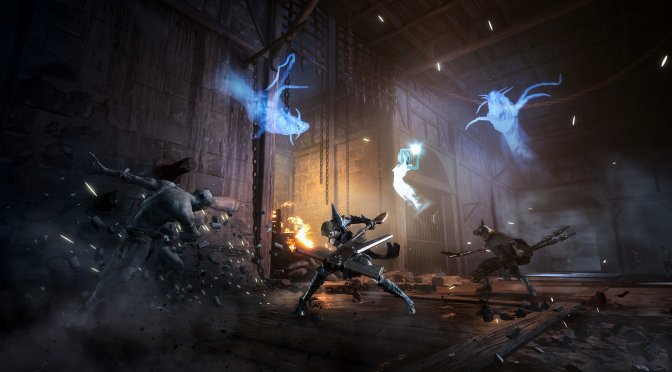
Modus Games has released a brand new fast-paced action game on the PC, called Soulstice. Powered by Unreal Engine 4, it’s time to benchmark it and see how it performs on the PC platform.
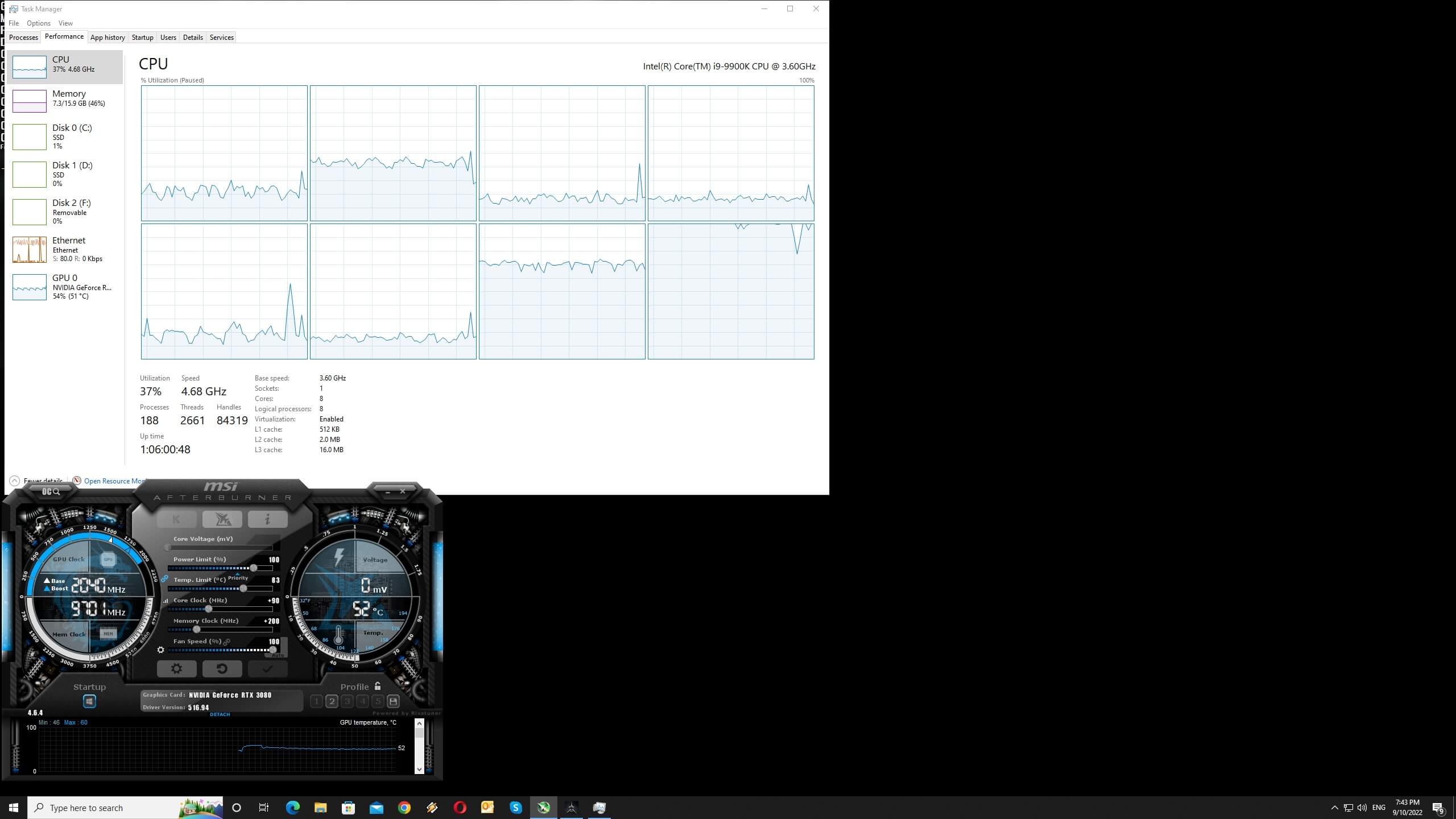
For this PC Performance Analysis, we used an Intel i9 9900K with 16GB of DDR4 at 3800Mhz, AMD’s Radeon RX580, RX Vega 64, RX 6900XT, NVIDIA’s GTX980Ti, RTX 2080Ti and RTX 3080. We also used Windows 10 64-bit, the GeForce 516.94 and the Radeon Software Adrenalin 2020 Edition 22.8.2 drivers.
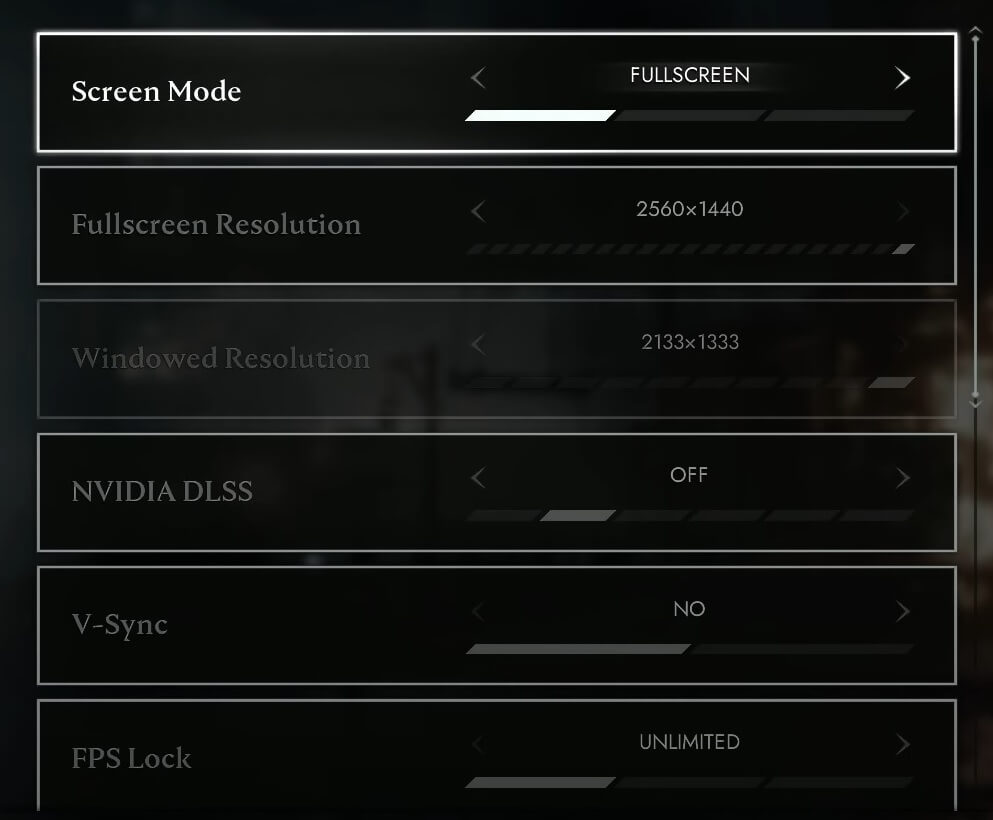
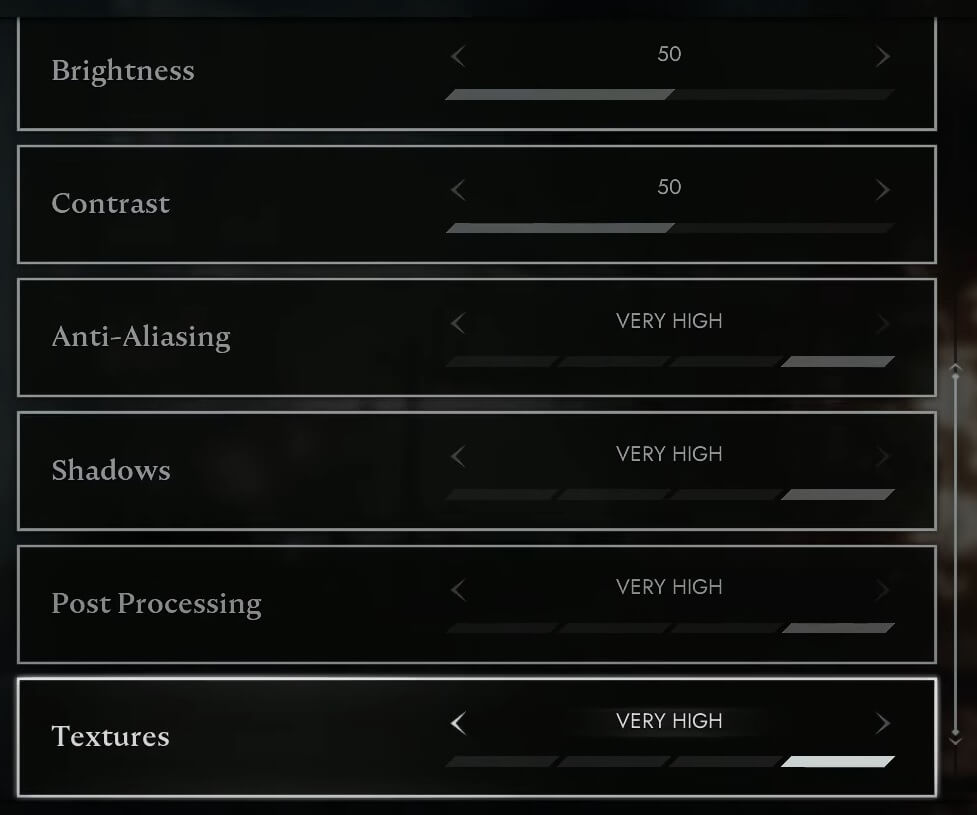
Reply Game Studios has added a few graphics settings to tweak. PC gamers can adjust the quality of Textures, Visual Effects, Shadows and Anti-Aliasing. The game also supports NVIDIA’s DLSS tech which works great, and we highly recommend using it.
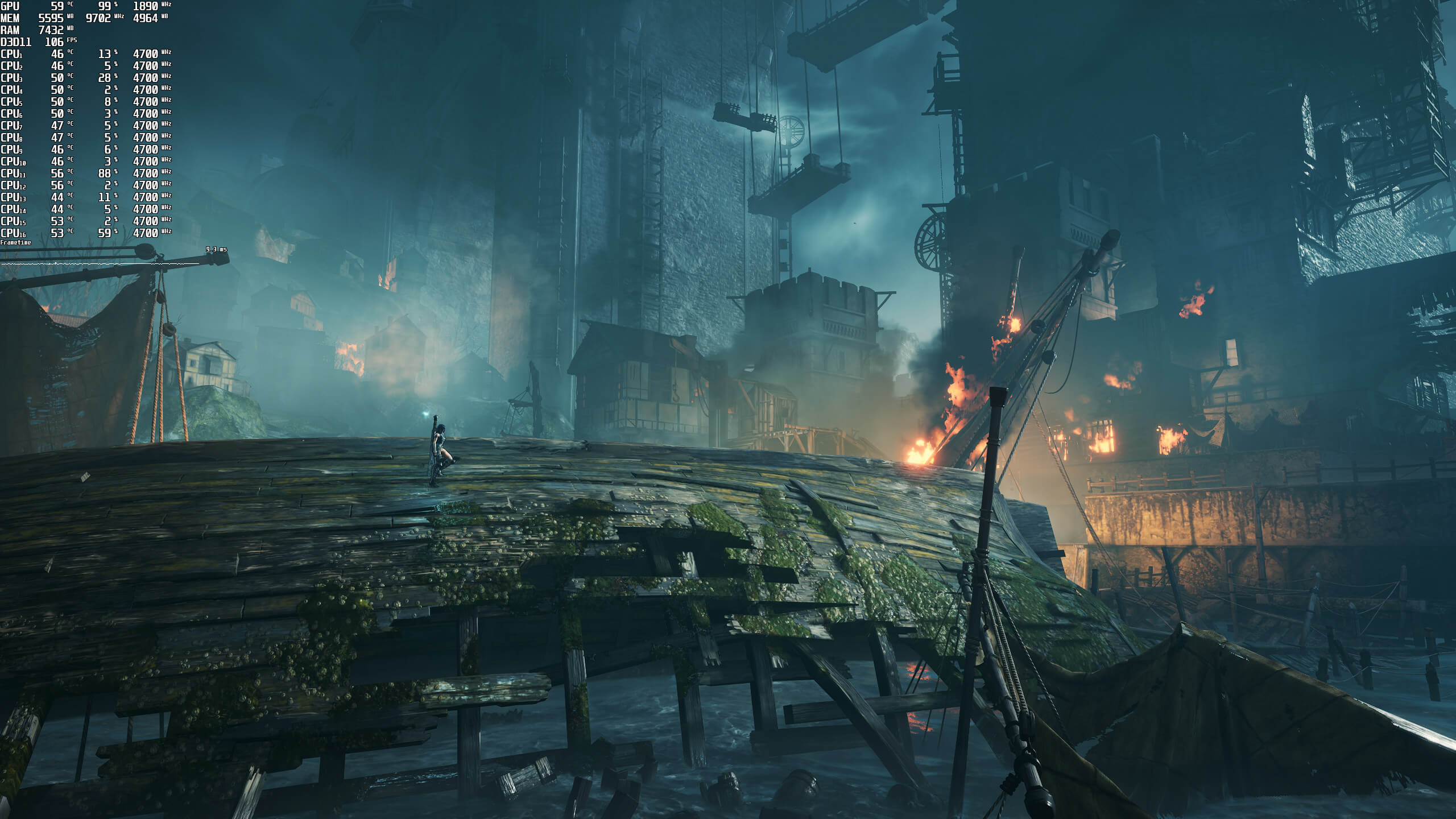
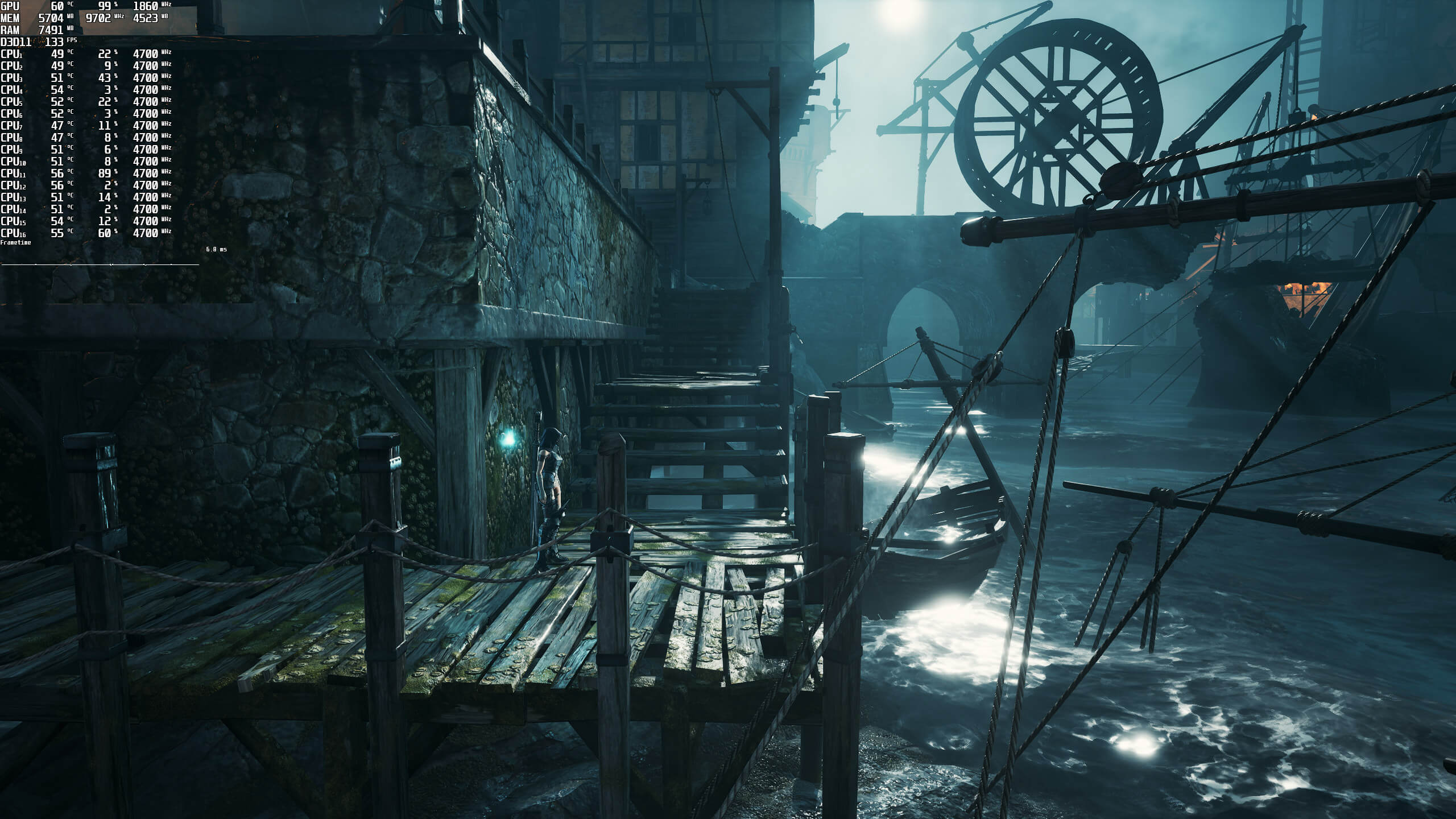
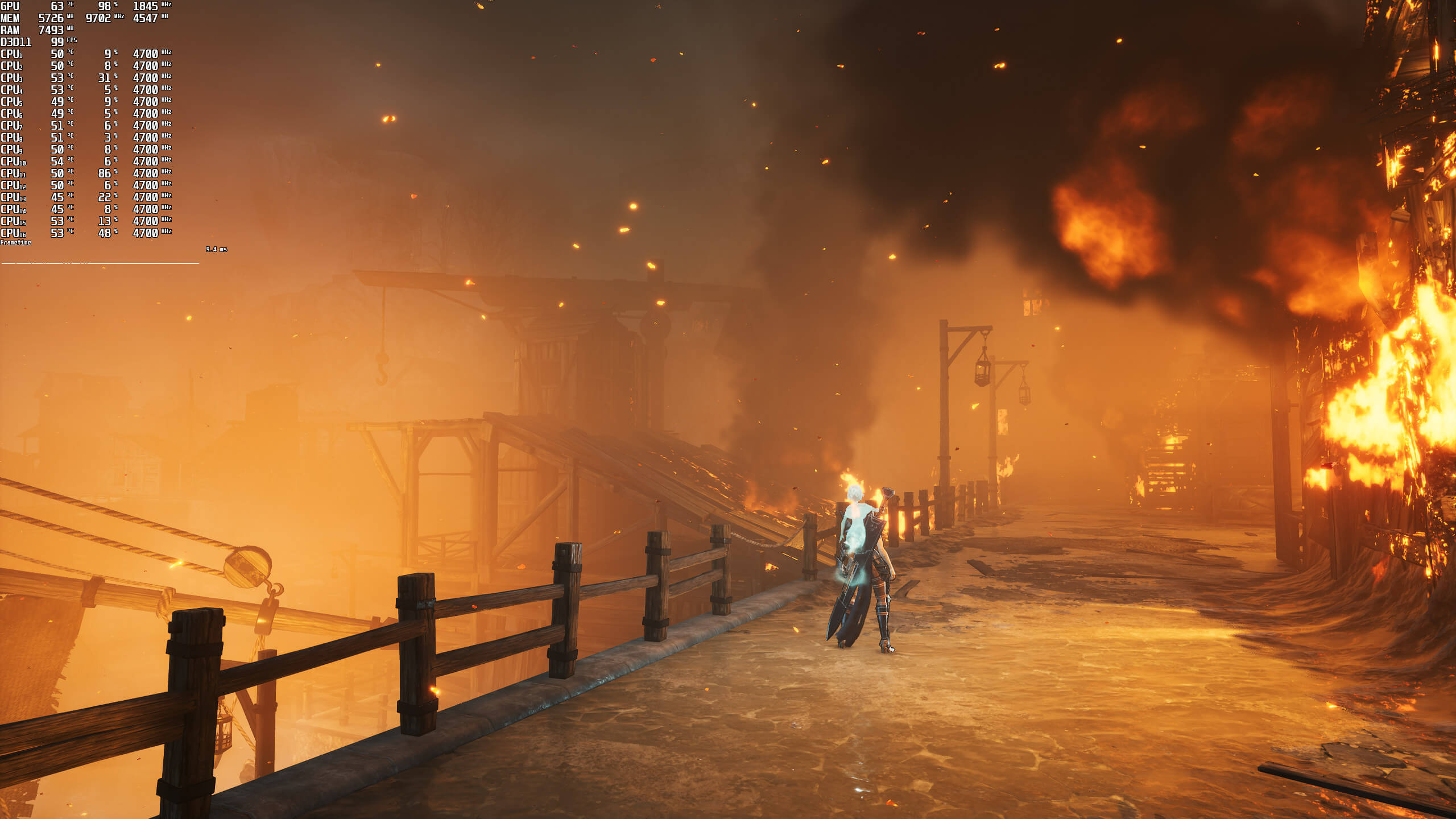
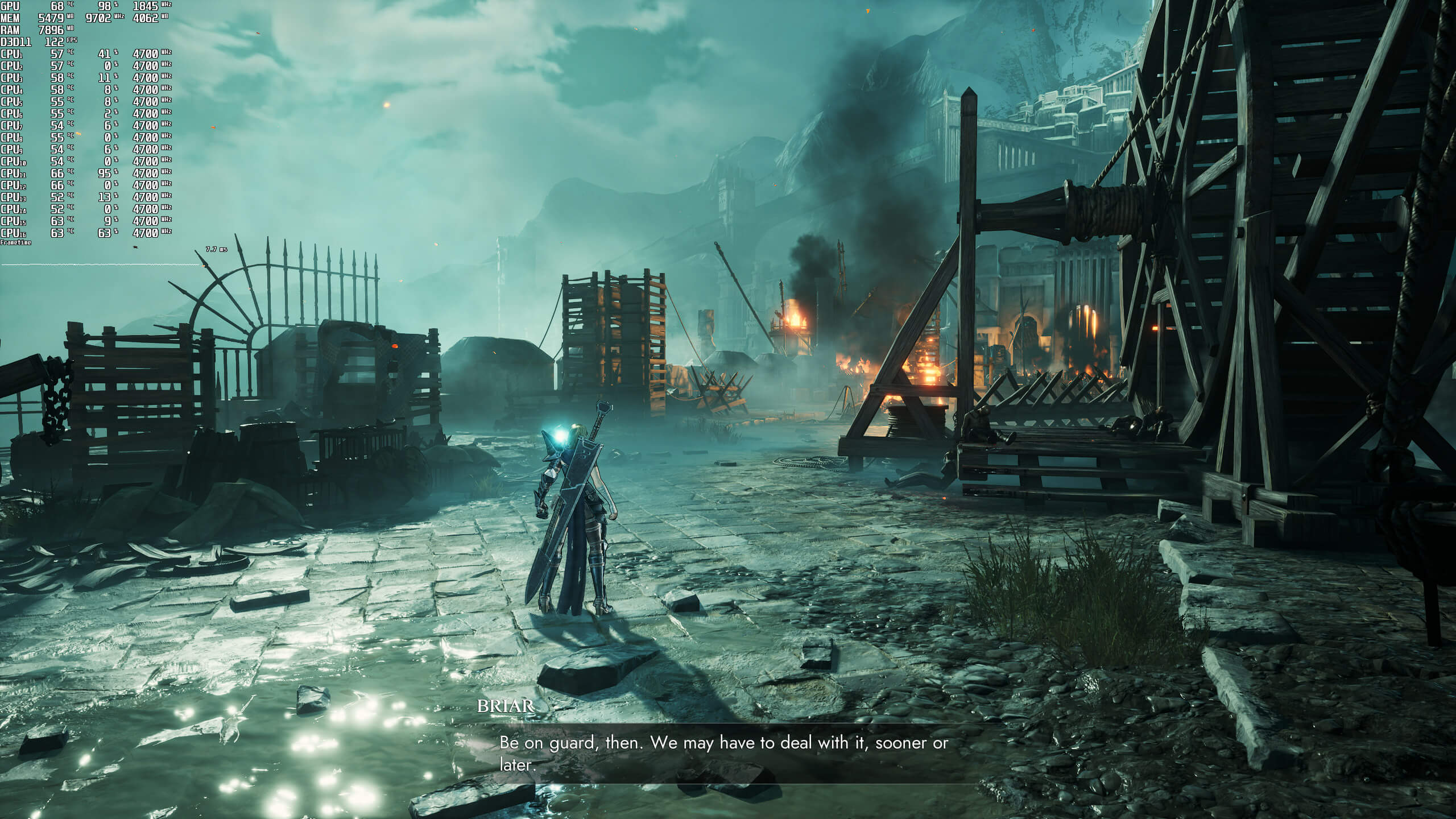
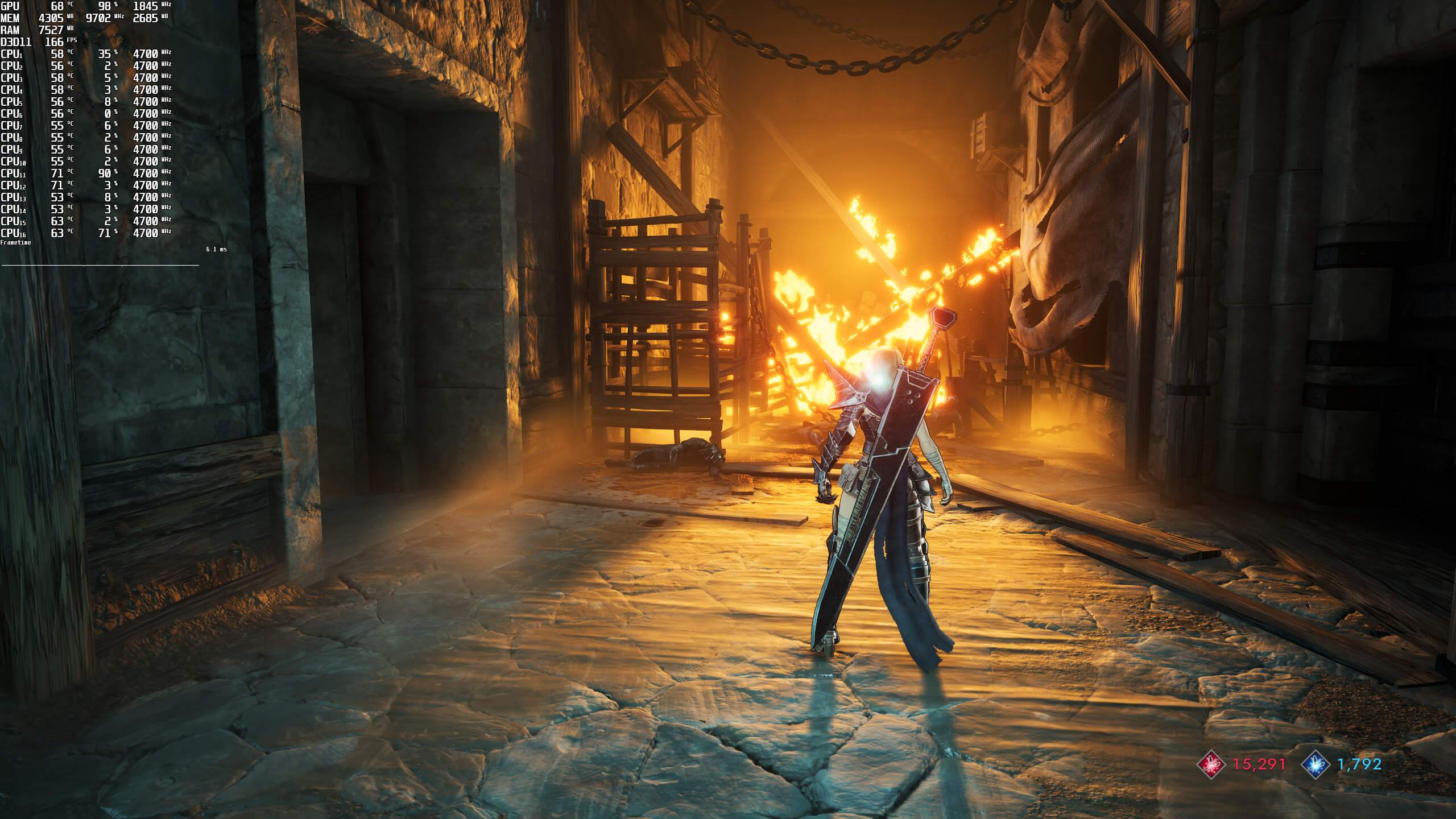
Soulstice does not feature any built-in benchmark tool. Thus, and for both our CPU and GPU benchmarks, we used the following scene. This scene appeared to be stressing both the CPU and the GPU, so it can give us a good idea of how the rest of the game performs.

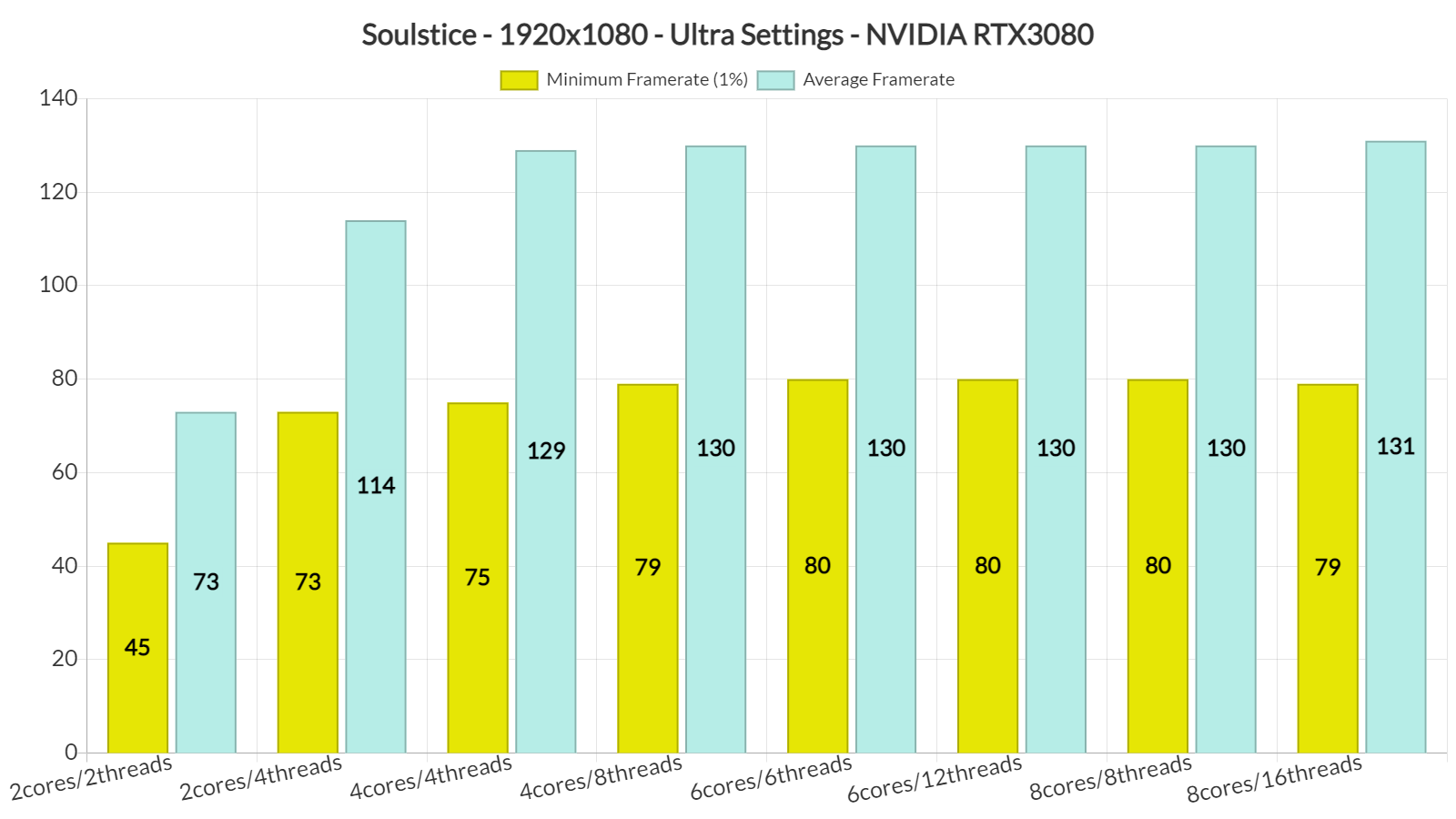
In order to find out how the game scales on multiple CPU threads, we simulated a dual-core, a quad-core and a hexa-core CPU. Without Hyper-Threading, and although our average framerate was higher than 60fps at 1080p/Ultra, the game was unplayable due to extreme stuttering issues. By enabling Hyper-Threading, we were able to significantly improve performance and minimize those stutters. The game still has some minor stutters that occur when exploring the environments. However, they are not that frequent, and most of you may not even notice them.
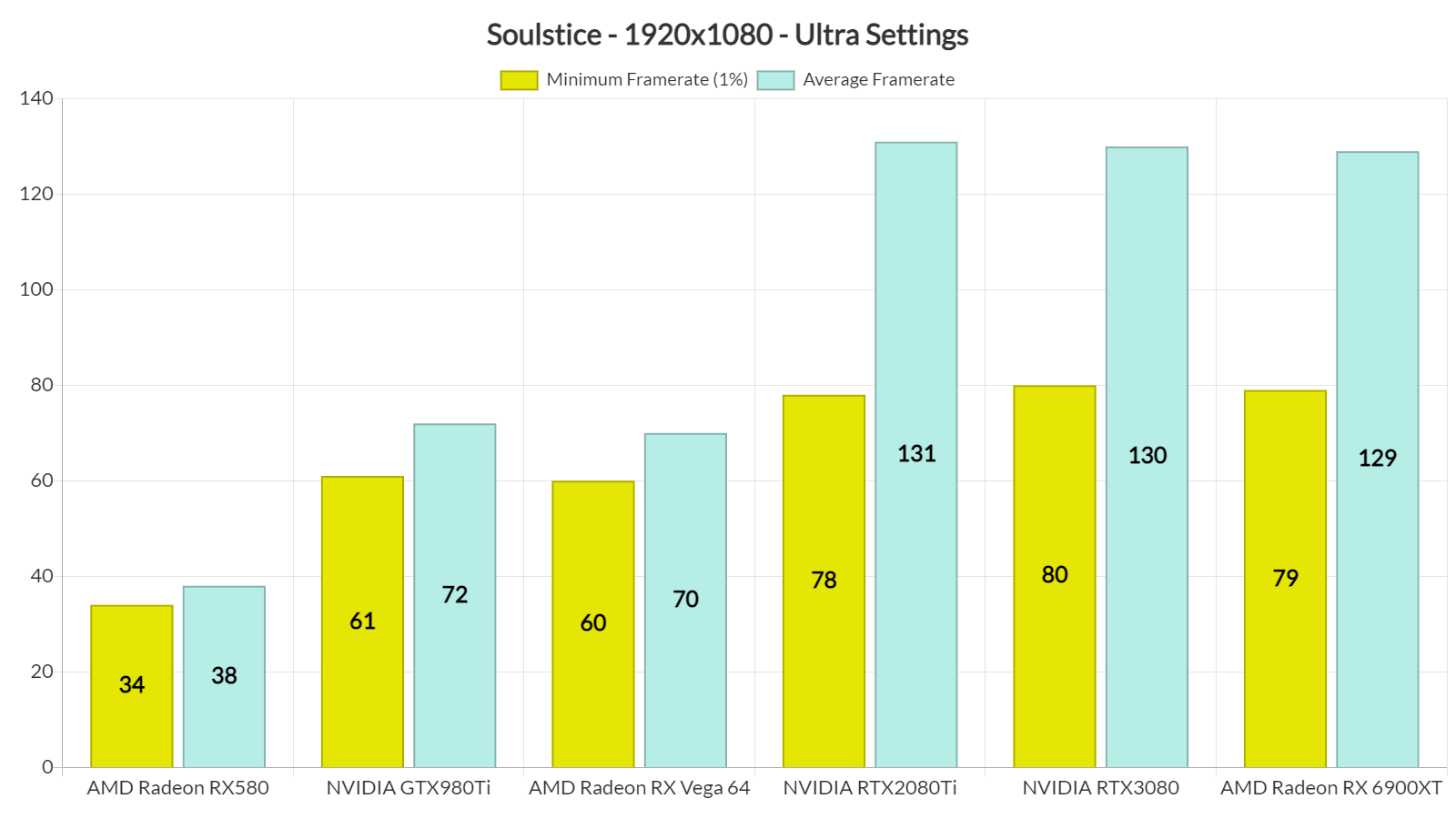
For gaming at 1080p, the game also does not require a high-end GPU. As we can see, even our NVIDIA GTX 980Ti was able to provide a smooth gaming experience. Soulstice uses the DX11 API and currently underperforms on AMD’s hardware. In this particular game, the NVIDIA GTX980Ti was able to match the performance of the AMD Vega 64, and the NVIDIA RTX2080Ti was able to compete with the AMD RX 6900XT.
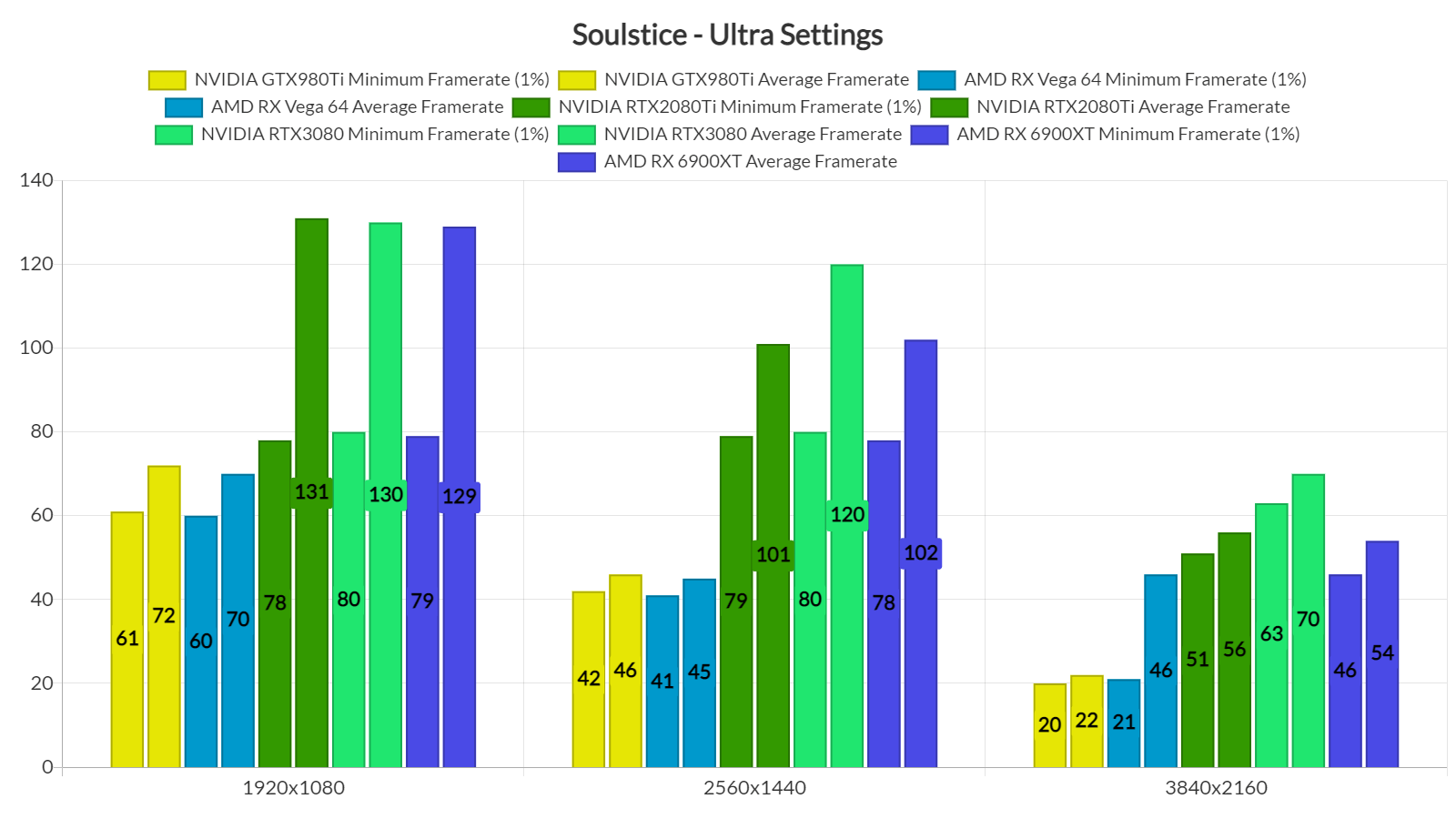
At 1440p/Ultra, our top three GPUs were able to provide a smooth gaming experience. As for native 4K/Ultra, there wasn’t any GPU that could provide a constant 60fps experience. As said, the game supports NVIDIA’s DLSS tech, so we recommend enabling it in case you want to game at 4K.
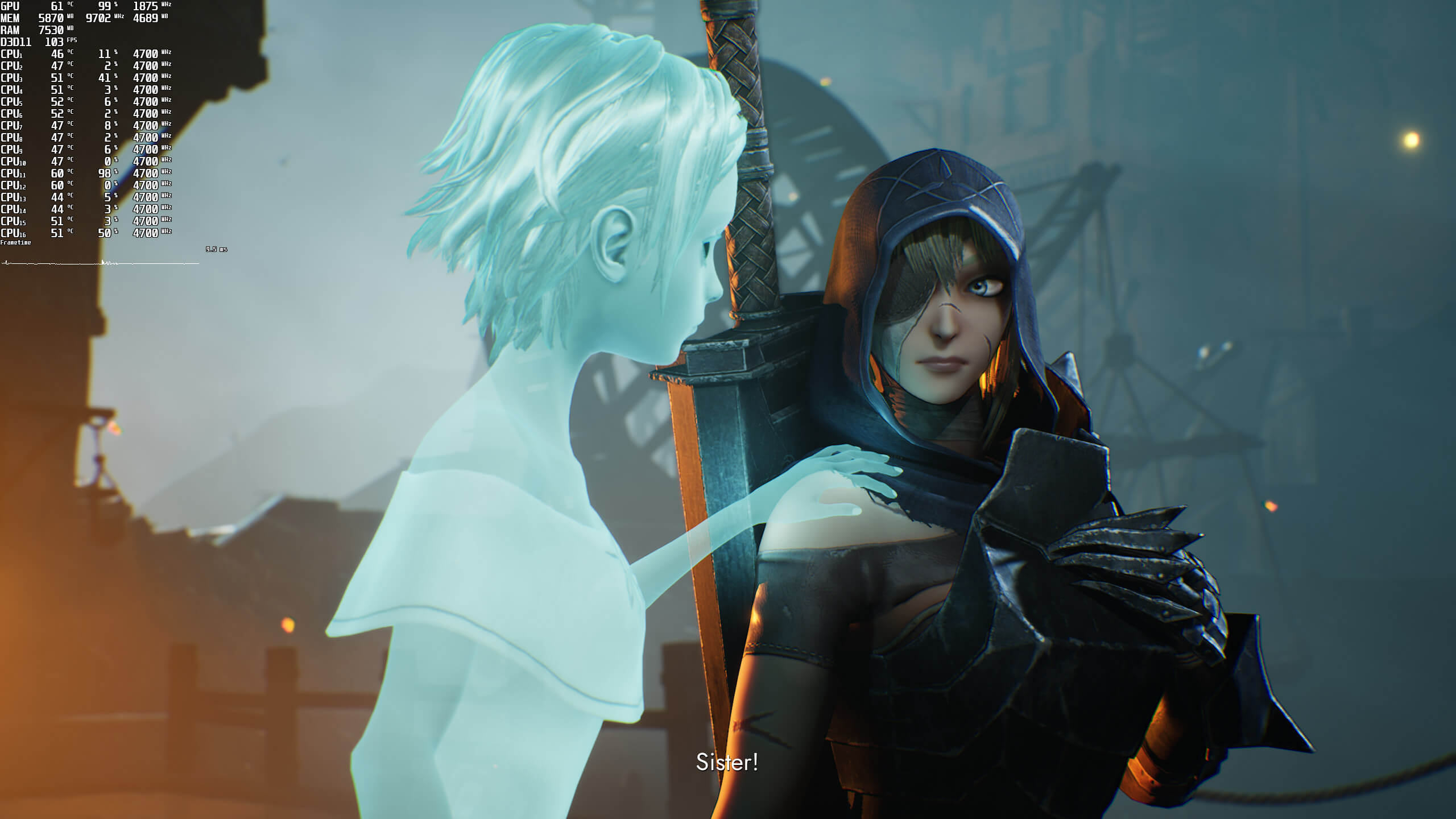
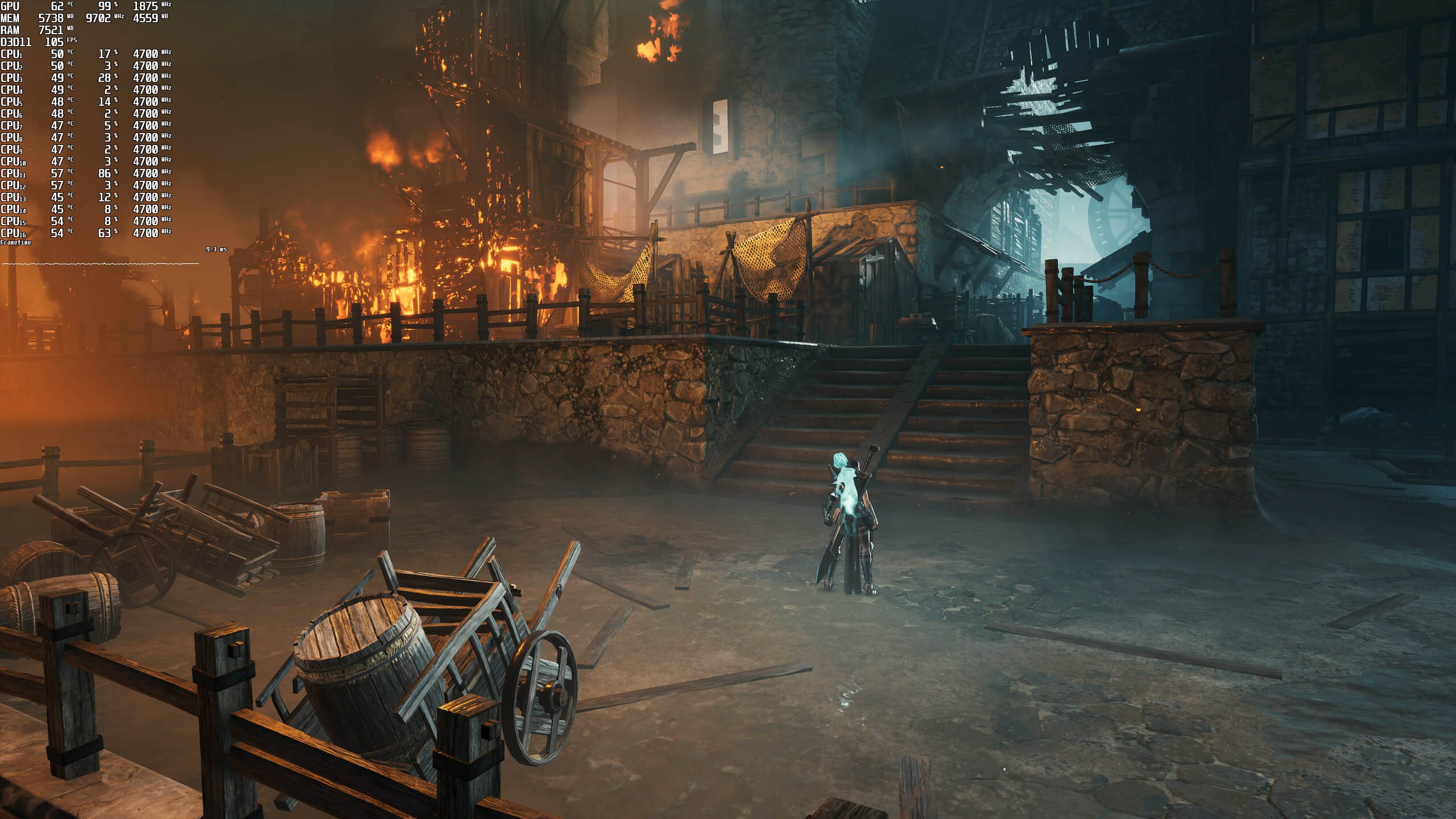
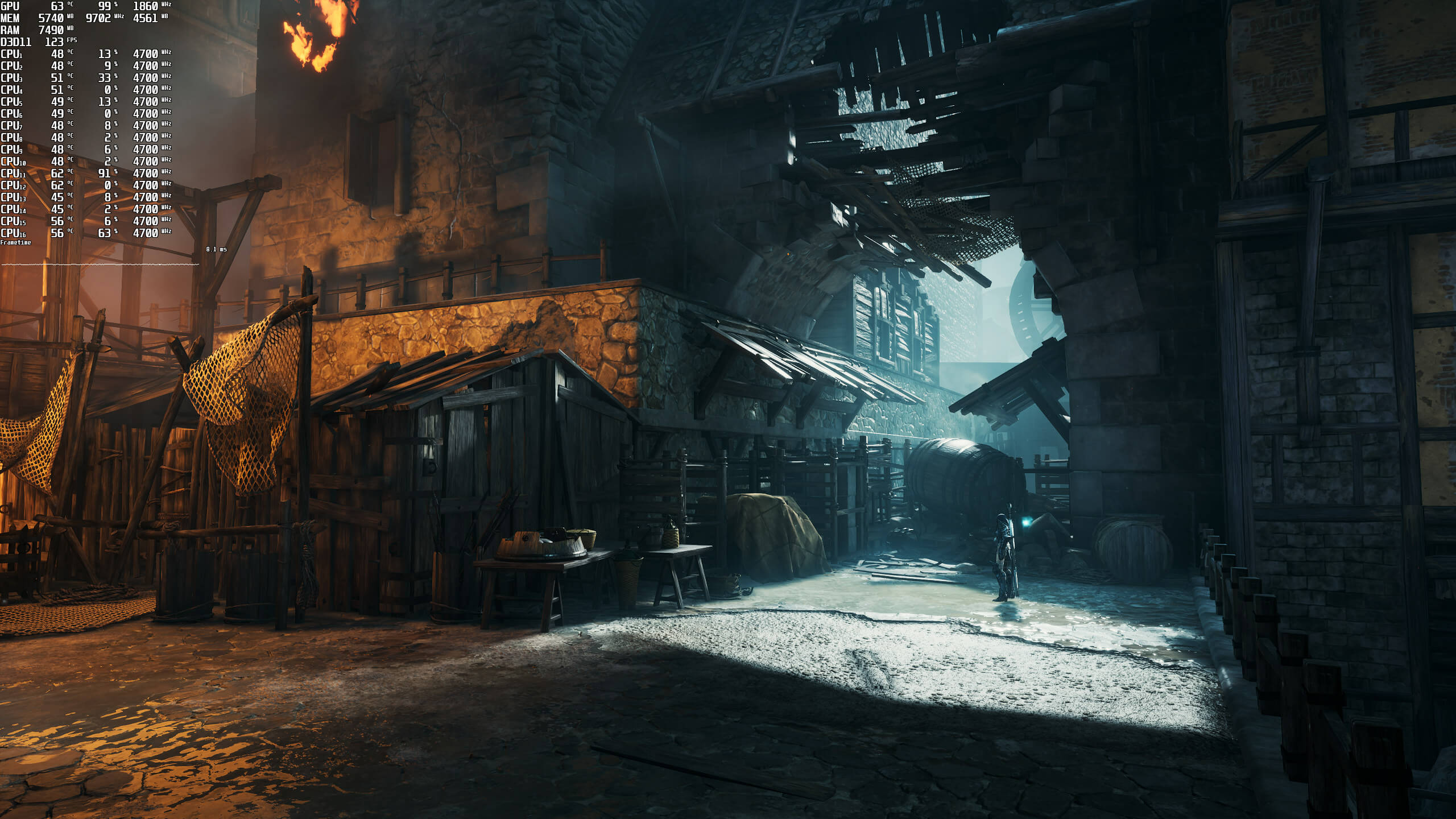
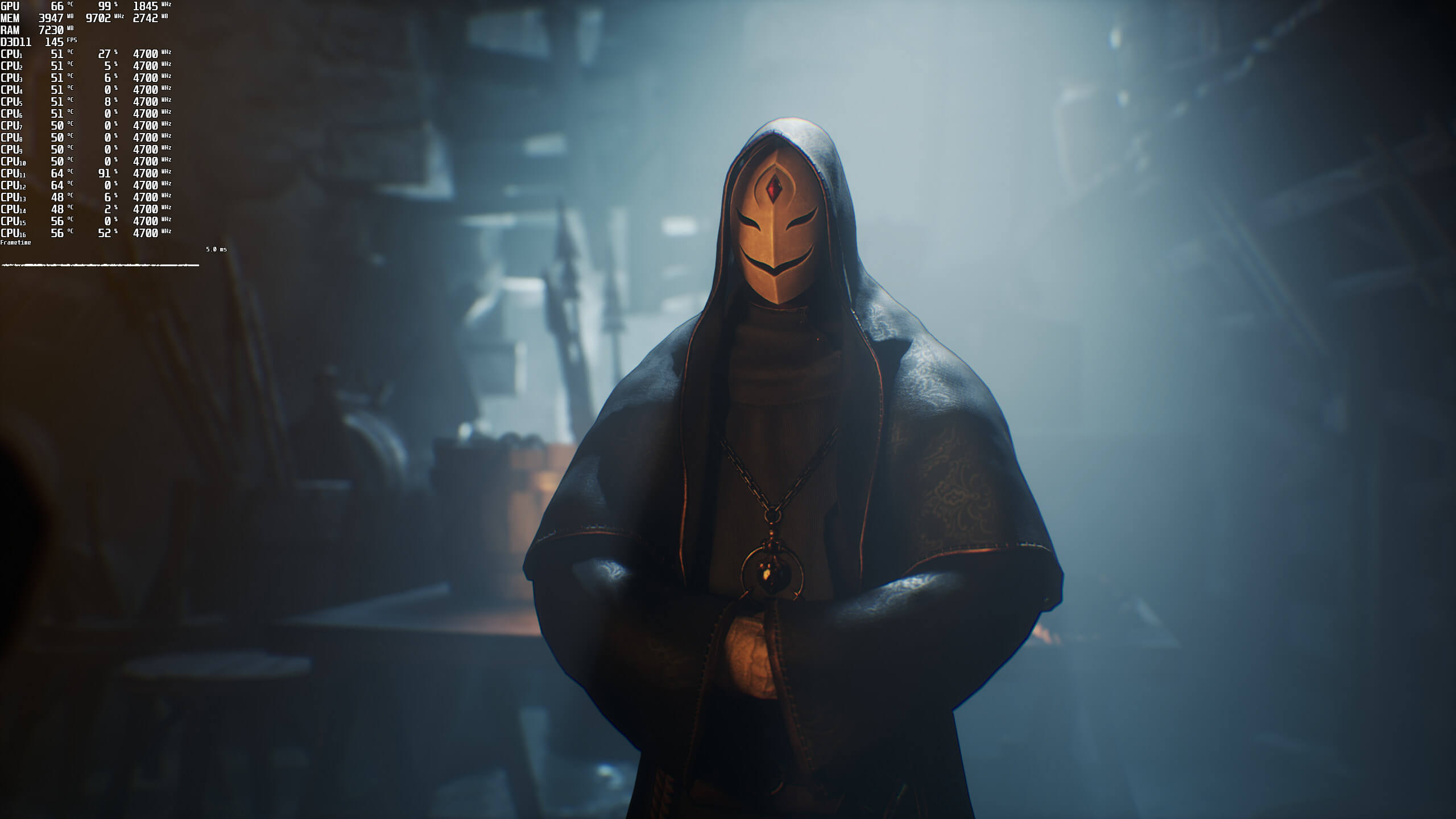
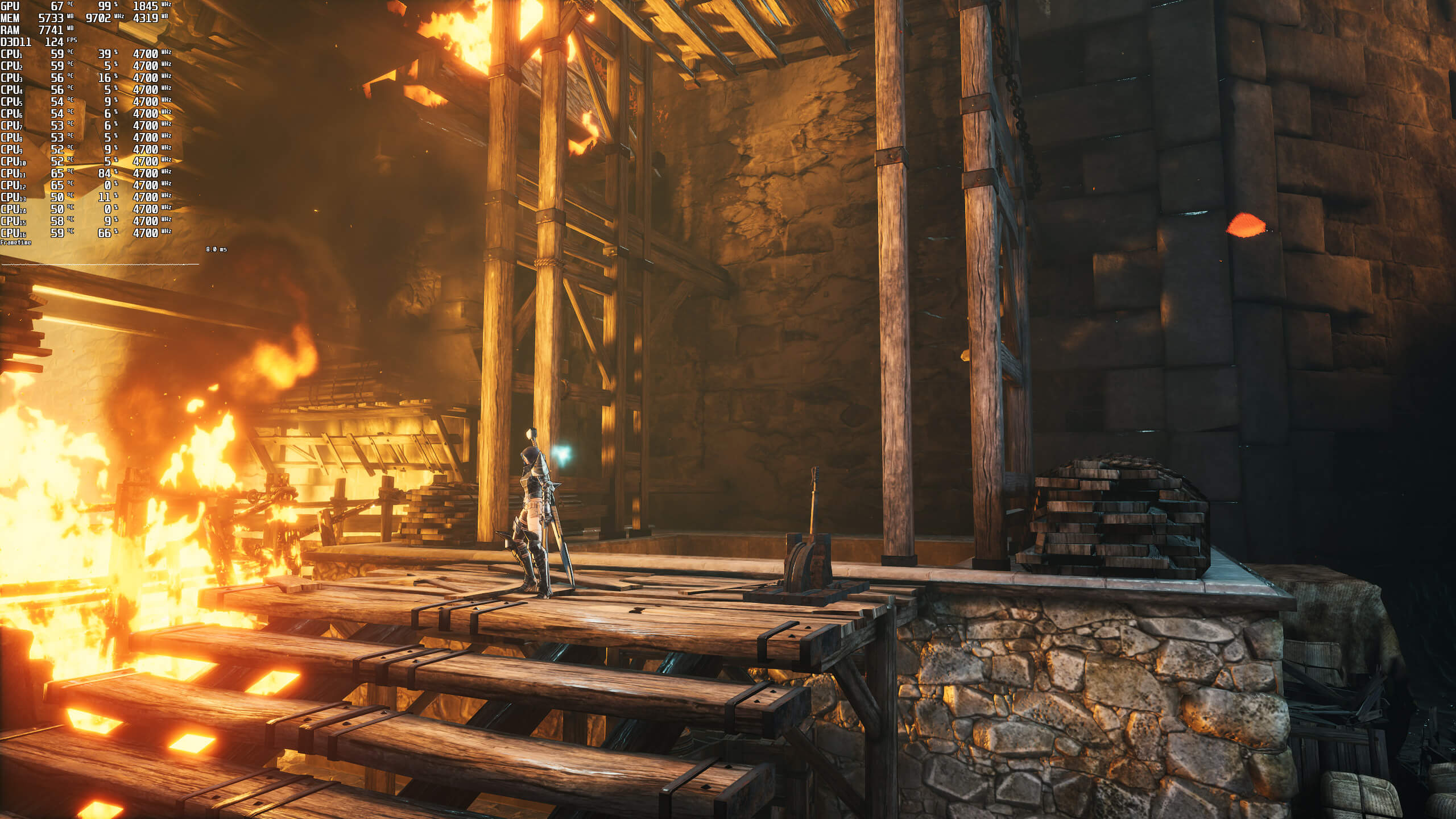
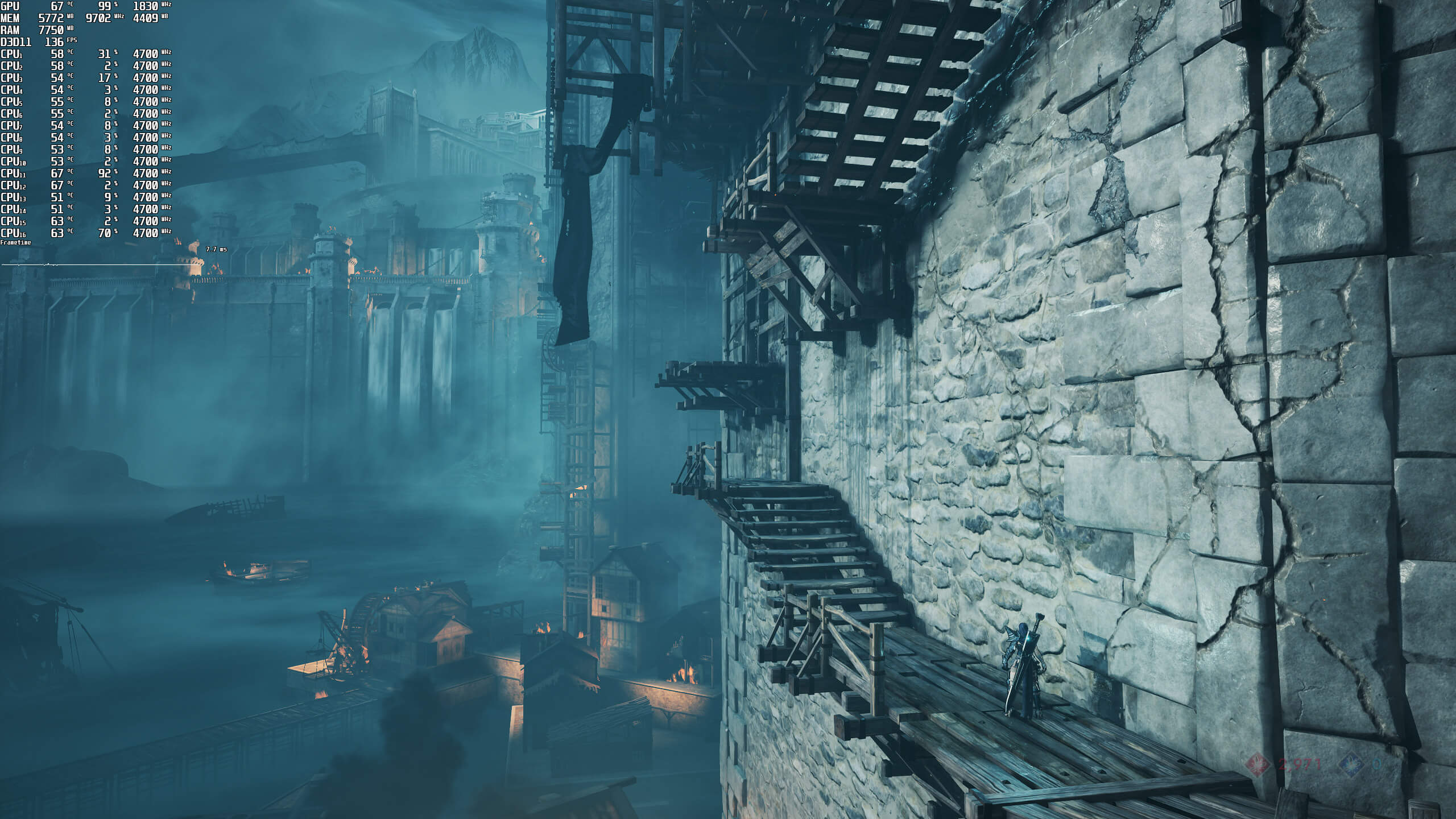
Graphics-wise, Soulstice looks cool. This is a small-budget game, so don’t expect to be blown away by its graphics. Regardless of that, though, the game has a great art style. Most characters look fine, and there are some cool lighting/particle effects. So, while the game does not push the graphical boundaries of PC games, it’s at least pleasing to the eye.
Overall, Soulstice does not require a high-end PC system for gaming at 1080p. However, for higher resolutions, you’ll need a mid-tier or high-end GPU. And as for native 4K/Ultra, you will most likely need an RTX3080Ti to achieve constant 60fps. So, the game could definitely benefit from some additional optimizations for when gaming at high resolutions. Thankfully, the game supports NVIDIA DLSS, so make sure to enable it.
Enjoy!

John is the founder and Editor in Chief at DSOGaming. He is a PC gaming fan and highly supports the modding and indie communities. Before creating DSOGaming, John worked on numerous gaming websites. While he is a die-hard PC gamer, his gaming roots can be found on consoles. John loved – and still does – the 16-bit consoles, and considers SNES to be one of the best consoles. Still, the PC platform won him over consoles. That was mainly due to 3DFX and its iconic dedicated 3D accelerator graphics card, Voodoo 2. John has also written a higher degree thesis on the “The Evolution of PC graphics cards.”
Contact: Email