Metal Gear Solid V The Phantom Pain feature 3

Metal Gear Solid V: The Phantom Pain – PC Performance Analysis

On September 1st, two highly anticipated games got released on the PC. The first was Mad Max from Avalanche and the second is no other than Metal Gear Solid V: The Phantom Pain. And as you may have guessed, this is another stellar PC port. And to be honest, this was to be expected. After all, Metal Gear Solid V: Ground Zeroes was one of our most optimized PC games of 2014.

As always, we used an Intel i7 4930K (turbo boosted at 4.2Ghz) with 8GB RAM, NVIDIA’s GTX690, Windows 8.1 64-bit and the latest WHQL version of the GeForce drivers. NVIDIA has included an SLI profile for the game (that comes with amazing scaling) so you won’t have to mess with third-party programs in order to enable it.

Similarly to Mad Max – and Ground Zeroes – Metal Gear Solid V: The Phantom Pain is easy on the CPU. A simulated dual-core CPU (with Hyper Threading enabled) was more than enough to provide a 60fps experience. That’s a nice surprise as a dual-core was unable to achieve something like that in Ground Zeroes. We did notice a few stutters – especially when the game was saving – but apart from that, PC gamers with relatively old CPUs will be able to enjoy this brand new game without major performance issues.
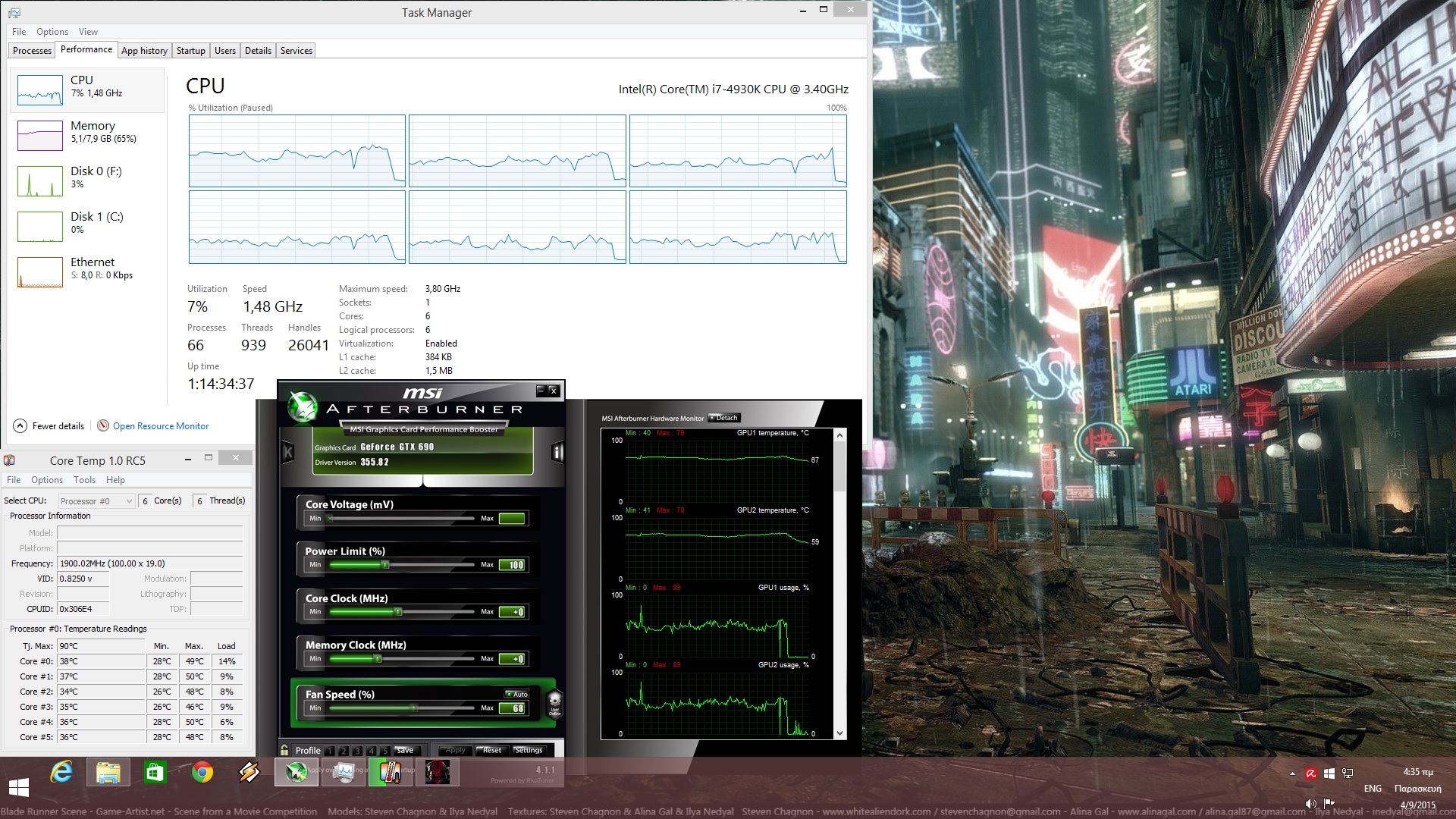
Metal Gear Solid V CPU Performance

Metal Gear Solid V: The Phantom Pain is also easy on the GPU. With all graphical settings enabled at 1080p, our GTX690 was able to offer a constant 60fps experience. Even when we enabled HBAO+ from NVIDIA’s Control Panel, we were still locked at 60fps. Our GPU usage was around 55% (without HBAO+), suggesting that a single GTX680 should be able to provide a locked 60fps experience. Also, the game can be maxed out with 2GB of VRAM, proving that a) Kojima Productions did an amazing job at optimizing the game and b) there was room to push the Texture quality even further.

From the above, it becomes pretty obvious that Metal Gear Solid V: The Phantom Pain will run on a variety of PC configurations. And if that wasn’t enough, there is a nice amount of graphics options to tweak in order to increase your framerate if you ever encounter any performance hiccups. Players can enable/disable Depth of Field and Volumetric Clouds. Furthermore, PC gamers can adjust the quality of Motion Blur, Models, Textures, Texture Filtering, Shadows, Lighting, Post Processing, Effects and Ambient Occlusion.

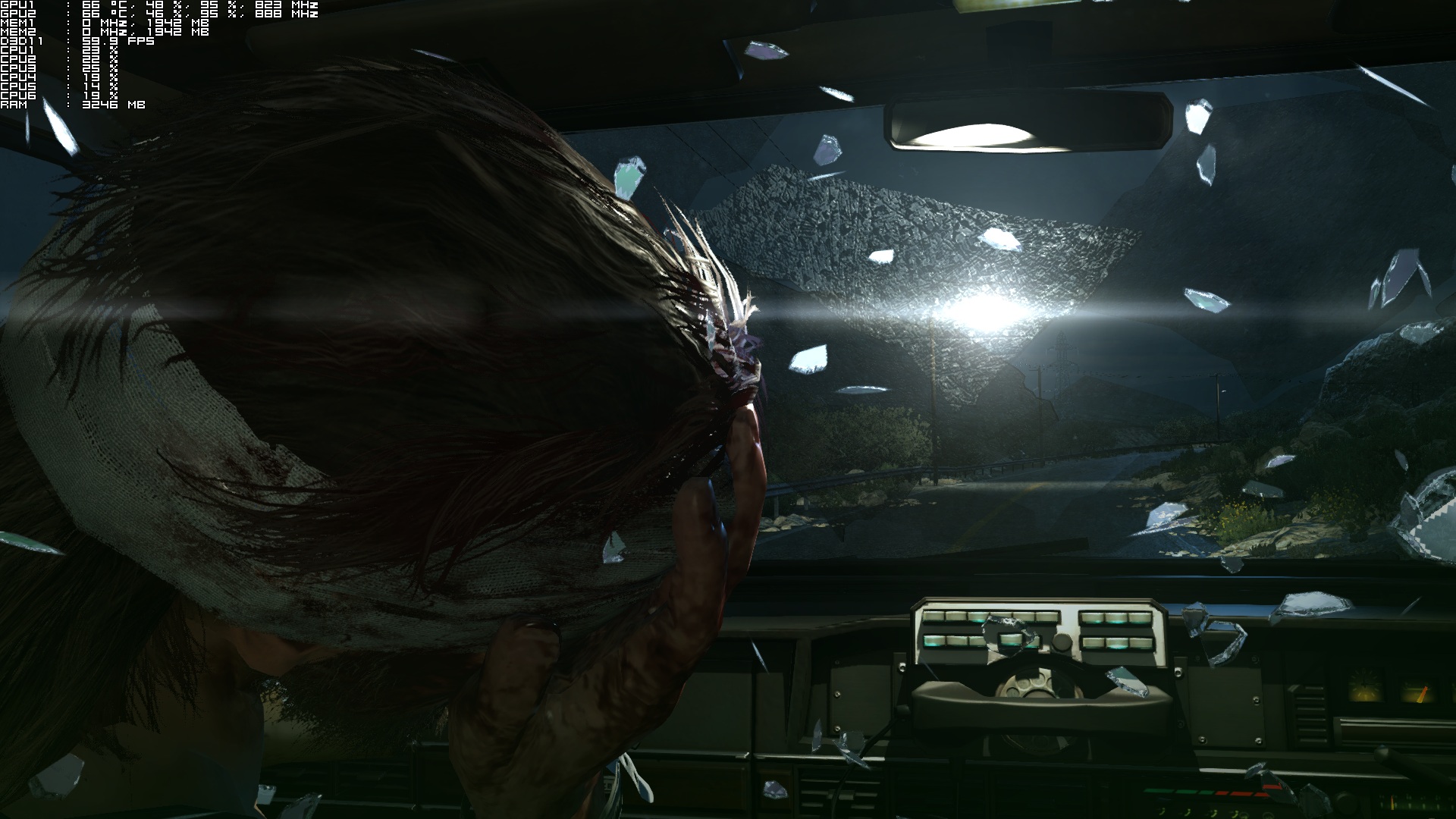
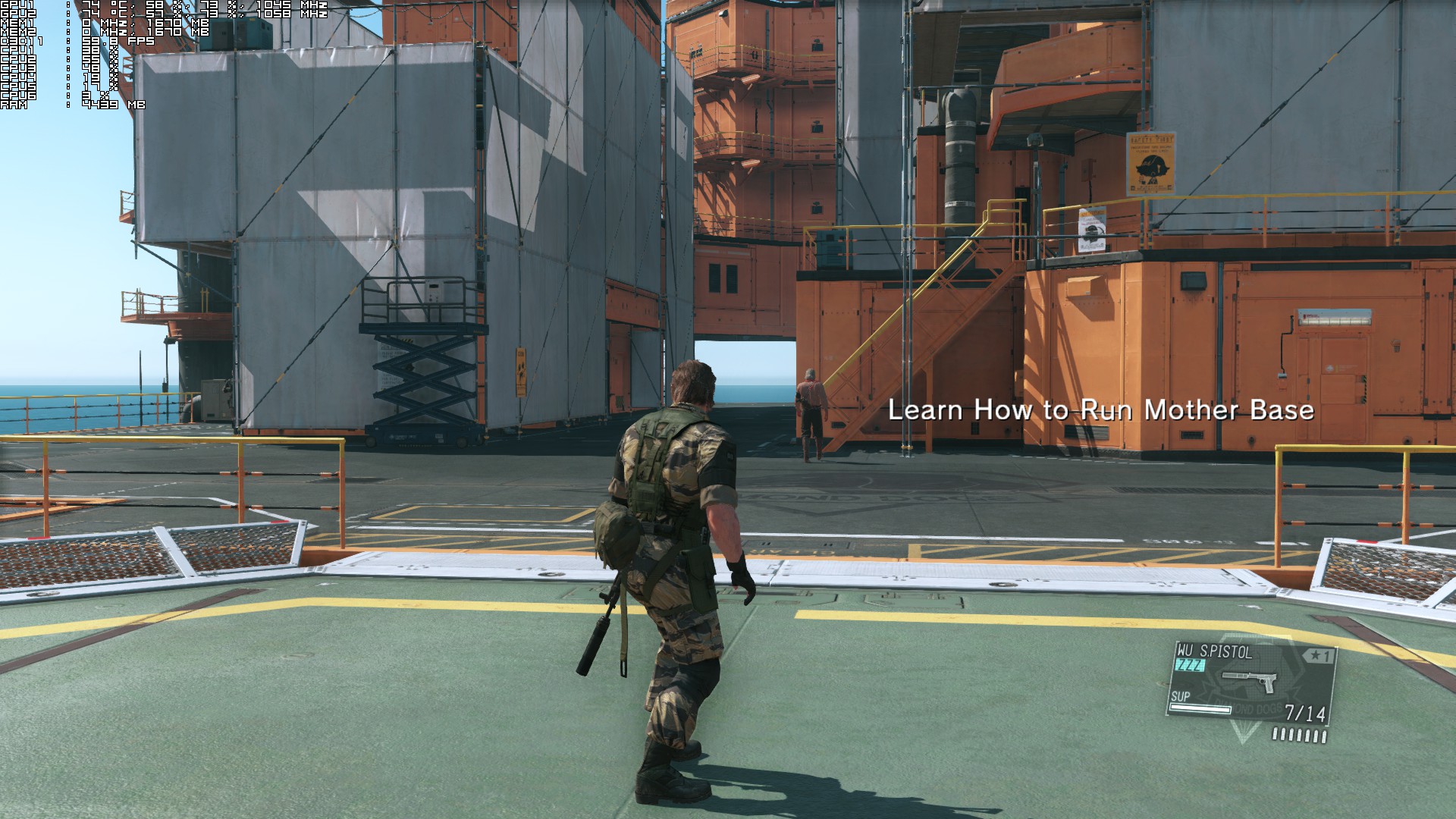
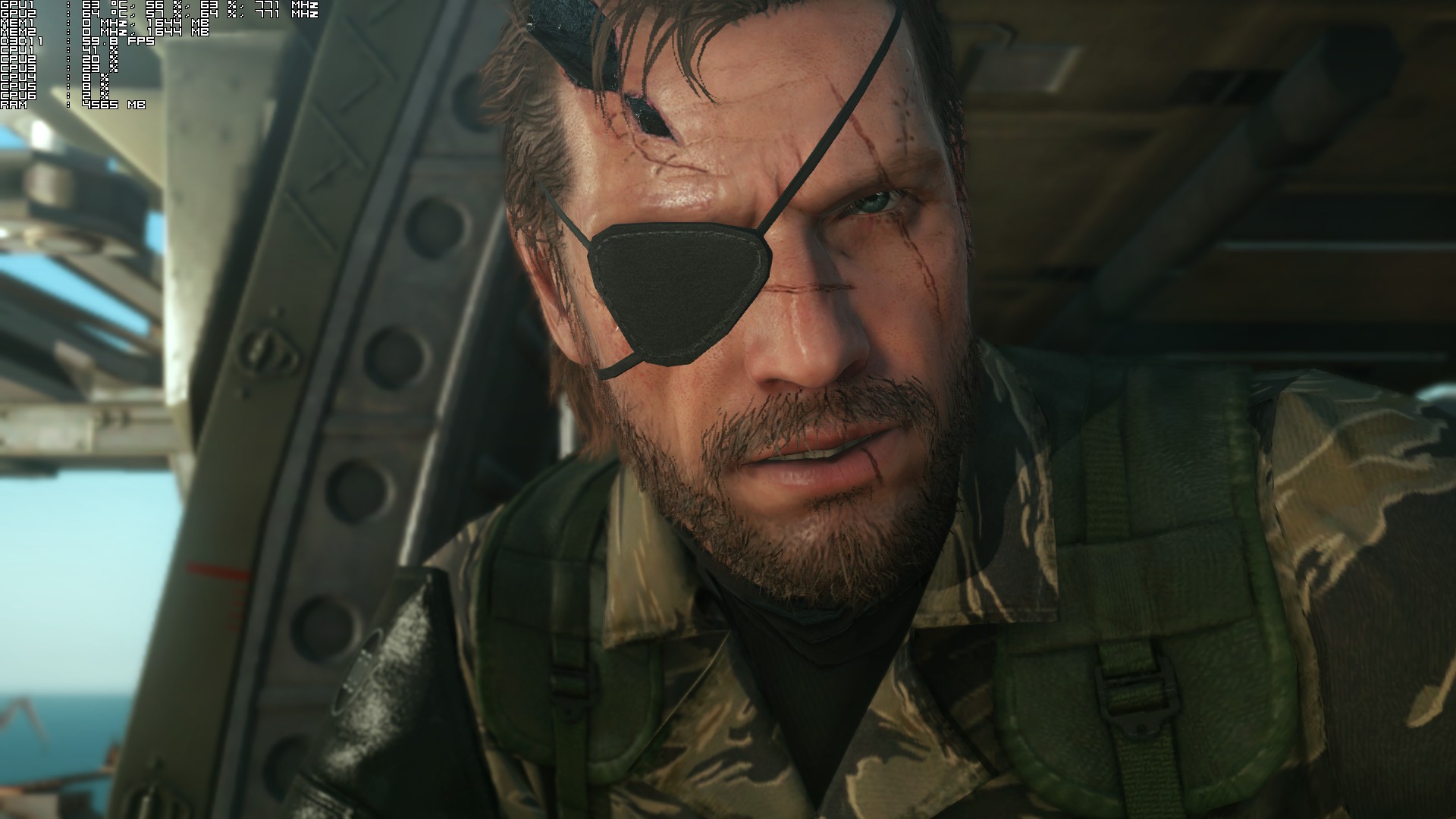
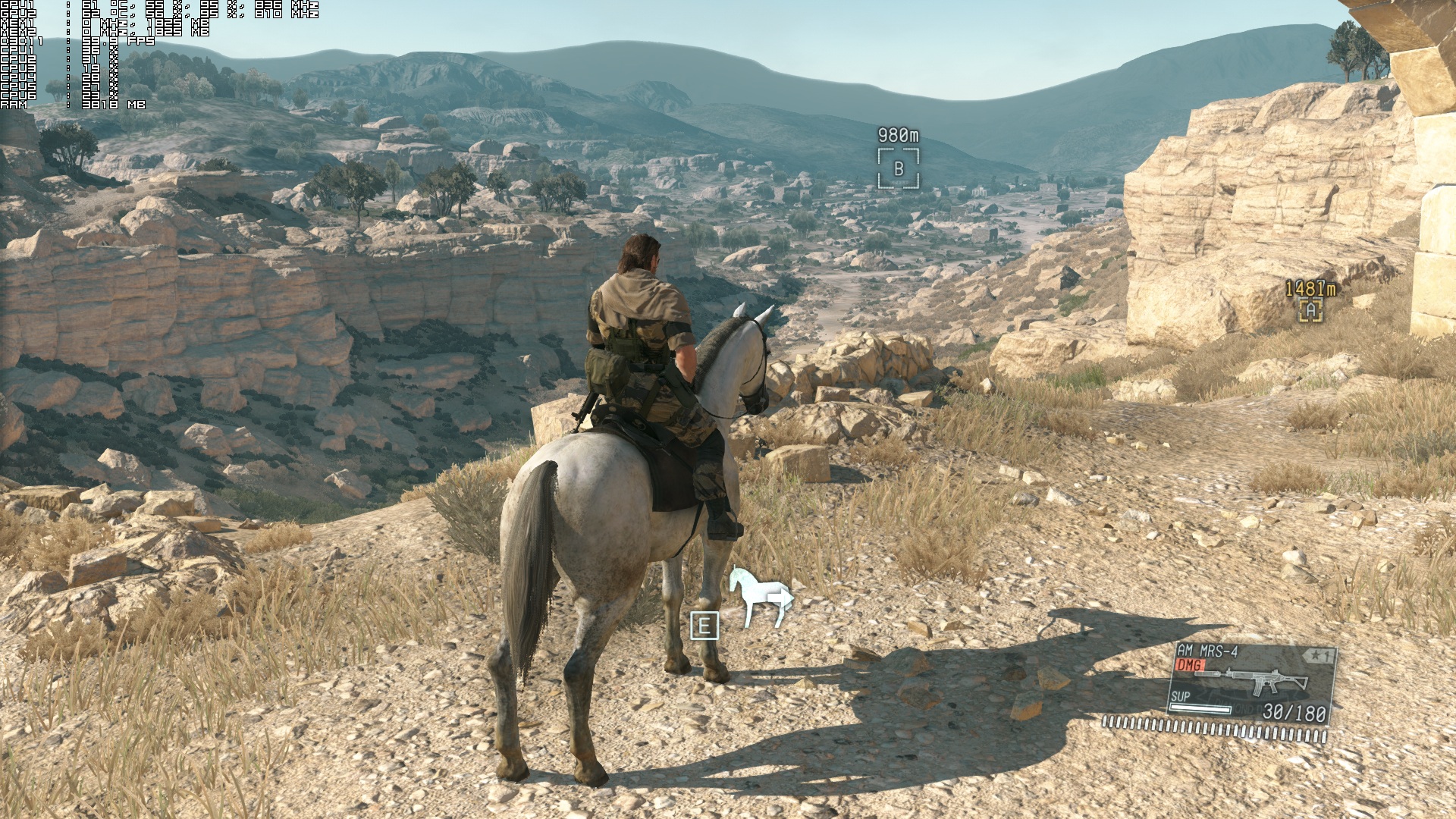
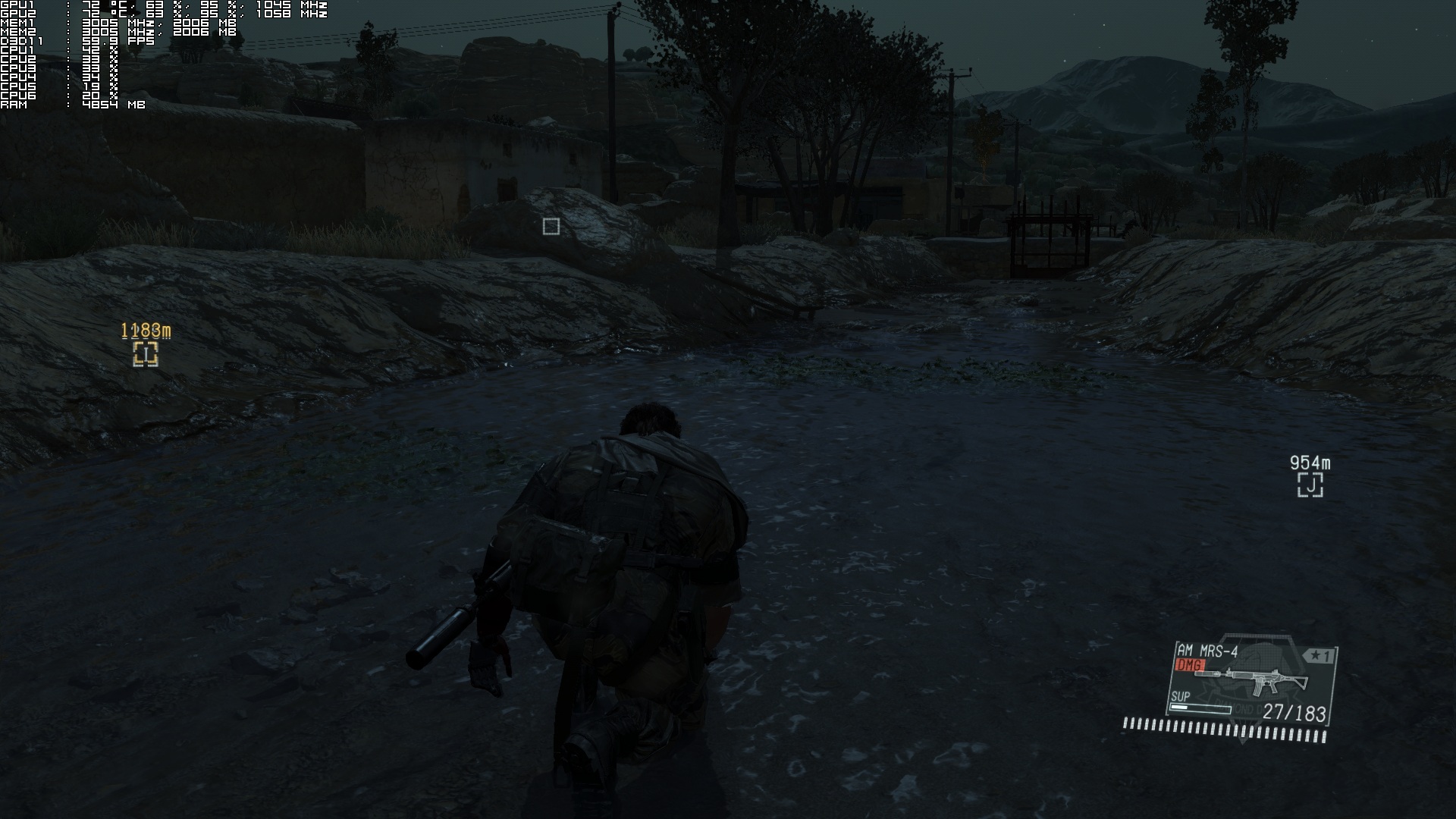
Graphics wise, Metal Gear Solid V: The Phantom Pain looks great for an open-world game. Thanks to the FOX Engine, the game sports dynamic weather conditions and a day/night cycle. Given its open world nature, there is a huge world to explore that is filled with lots of small details. There are also a lot of anamorphic lens-flares (J.J. Abrams would be jealous, that’s for sure) and most of the characters are highly detailed. Lip-syncing is also great and miles above what can be found in other open-world titles.
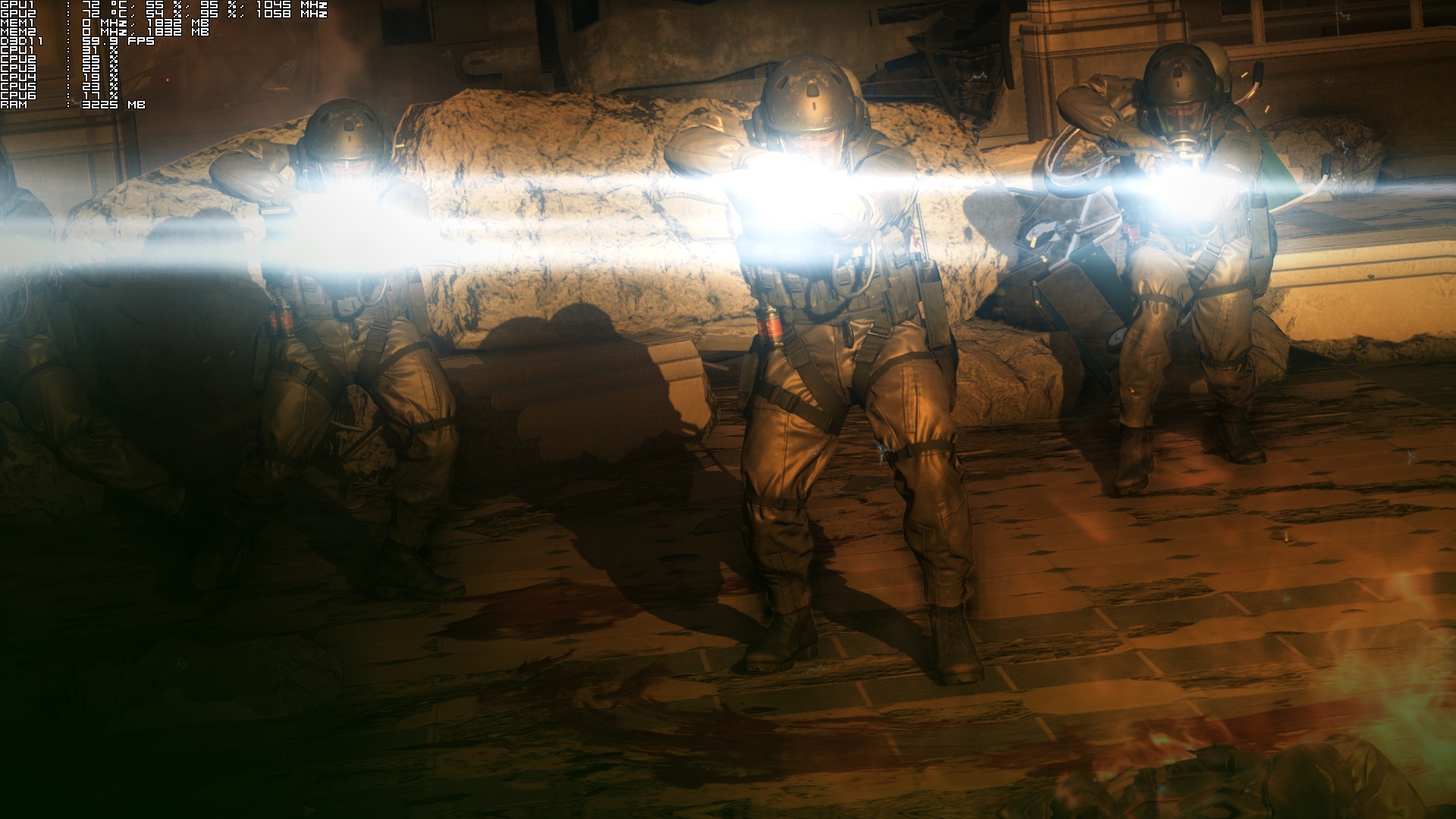
mgsvtpp_2015_09_03_23_14_46_549

So, is the PC version of Metal Gear Solid V: The Phantom Pain perfect? Well, not exactly. For starters, PC gamers cannot use the mouse in certain menus. In the iDroid Mode for example, you can only navigate via the keyboard. Not only that, but there are some ‘weird’ stutters while using the mouse during the game’s interactive cut-scenes. Zooming with your binoculars is also a bit messed up (especially if you don’t have a mouse with infinite scroll). And while the game offers proper keyboard on-screen indicators while playing, its Tips category is a bit messed up (there are occasions in which a hint suggests you press the “R” analogue).

All in all, Metal Gear Solid V: The Phantom has a few minor issues on the PC, but overall it’s one of the best PC ports we’ve seen in 2015. While it’s not as awesome as the one for Mad Max, it’s as good – and even slightly better – as its “prologue”, Ground Zeroes. The game looks great and, thanks to Kojima Productions’ optimizations, will run on a variety of PC configurations.

Those interested can purchase Metal Gear Solid V: The Phantom Pain via the following button (US only).

GMG button

Enjoy!

mgsvtpp_2015_09_03_23_14_19_789mgsvtpp_2015_09_03_23_21_13_6022015-09-04_000042015-09-04_000032015-09-04_000022015-09-04_00001dv21mRLM3cCysZ5rmdSDY

61 thoughts on “Metal Gear Solid V: The Phantom Pain – PC Performance Analysis”

  1. why do you call it a pc port? It wasn’t developed simultaneously from the ground up along with the current-gen potatoes?

      1. Oh come on , Konami may have simply overlooked the fact that using a mouse to navigate menus is far quicker and easier than a controller. It’s really hard to be negative of this game seeing as it runs flawlessly across a wide range of hardware including weaker hardware. It also has lots of PC specific enhancements which puts it beyond the console versions.

        It also didn’t drop a single frame below 60fps once I had got everything set up the way I wanted. Think about that, not a single frame dropped even when going back and forth between real time cut scenes and gameplay or massive battles.

        I wouldn’t call it a simple port as simple ports frequently have mouse input for options despite there being very little options.

          1. Yes but I don’t believe it’s a simple porting of console assets. I believe the PC version was produced alongside the console versions after Konami seen how well Twin Towers sold on PC. I believe this because the game runs really, really well across a number of different PC hardware. I think the options thing was an oversight because even bare bones ports have mouse driven options.

          2. Bare bones ports can and do have PC prompts because the developer does that conversion. Konami didn’t in this case and that alone is proof that this is a direct console port. A very good one though, well optimized and with specific PC options. They kinda dropped the ball with the UI, though.

            I’ll be getting this game when it goes on sale, even though I was always put off by the whole Metal Gear ‘mythology’

        1. I’m not sure how one overlooks computers primarily using a mouse & keyboard.

          Keyboard binds didn’t save until the first patch. We still have very common kb+m binds being unsupported, no mouse support in menus, counter-intuitive console UI in-game, constantly being given controller prompts & the walking mechanics lacking a controllers’ ability to control speed (we have a scroll wheel), requiring the key to be tapped for optimal speed while the characters animations have a seizure.

          There’s also the unadjustable narrow field of view, frame-rate cap & lack of 21:9 and/or multi-monitor support. Can’t forget the console only pre-load, physical release (the one without a blank disc), day 1 DLC & MGS:O3 head start — all likely due to the relatively late start on PC development, in of itself the biggest indication of a port.

          Great performance doesn’t discount anything, especially considering its performance is equally as impressive on current generation consoles. All along they aimed for decent performance on *last* generation consoles, though whether or not they achieved this is arguable. The engine is without a doubt a marvel & it’s a crying shame it’ll likely be squandered by Konami going forward.

          I still think it’s the best port we’ve had in years; for a first time job, they’ve put the industry to shame. Thankfully the majority of issues are fixable with macros & mods.

  2. “PC gamers with relatively old CPUs will be able to enjoy ”
    NOPE as TB pointed out the game wont even run on old phenom ii cpus.

    1. Didn’t you hear as of 2016 there are no more ports and all games will only be made for PC as it should be 😉 . Then i woke up 🙁

  3. I’m getting a stable 1080/60 in gameplay with all settings on Extra High (8350/970), with the exception of Shadows and Effects. As per Nvdia’s optimisation guide I turned these two down to High as the Extra High presets for these two settings are quite demanding for almost no discernible visual gains.

    I found that in Ground Zeroes doing this turned up sections that would dip down to 40fps back up to 60. So I carried the settings over to The Phantom Pain.

    I’m playing on a big TV (so other people can watch as I play) so sadly I’m having to put up without using VRR. The only performance issues I’ve hit are really infrequent occurrences (around 3 times so far) where the double-buffered V-Sync would kick in and for a split second a cutscene would drop to 30fps.

    Funnily enough this seems to be triggered by close-ups of reflections, such as those seen in a reflective helmet or a pair of sunglasses.

    I also wish there was a toggle function for binoculars/scopes as this can prove to be fiddly even on a controller.

  4. After 10 hours I still struggle in the menus. Who seriously though it would be good not to give even the option to use a mouse in the menus? I got a pad too and it’s mostly better here expect aiming…

    1. If it’s like Ground Zeroes there are other areas where the keyboard and mouse set-up excels.

      For instance shooting whilst driving is awkward on the controller because suddenly your fire button changes from the right trigger to the right bumper – this inconsistency doesn’t emerge on keyboard and mouse: the shoot button is always the shoot button.

      Likewise, rolling whilst prone is easier on keyboard and mouse as there’s no need to pull off the slightly fiddly click stick + hold direction manoeuvre.

      I kind of wish the keyboard and mouse controls had a few more refinements because WHEN they work well, they work exceptionally well. There’s just some really bizarre design oversights with them.

      1. Yeah, not so speak of the early control tutorials which are shown with console controls even if you play with kb+m…

    2. Yeah i might wait for a patch , found the menus are just bloody annoying with a controller. i want to set up hotkeys for each tab and option.

      1. It’s fine now when I have gotten used to it. No problems what so ever. Not the best solution but you’ll get used to it, a patch probably will never happen.

      1. And he’d wet his pants if he saw 144fps.

        Lol @ people fine with 60fps. Probably the same shills support 30fps.

      2. my visual limit is around 80-90fps, I dont notice anything more over that. 60 is fine…. though 30 FPS is pathetic and should never EVER be acceptable.

        1. I get 35-45 in heavy scenes in 1440p in Arkham Knight at times and it’s still very smooth. It’s mostly 60 though.

  5. I’m running the game on a GT 750m with medium to high settings, 1366×768 and 95% of the time at 60 fps, now that some impressive work.

    1. FREELANCE AT  HOME SPECIAL REPORT………After earning an average of 19952 Dollars monthly,I’m finally getting 98 Dollars an hour,just working 4-5 hours daily online….It’s time to take some action and you can join it too.It is simple,dedicated and easy way to get rich.Three weeks from now you will wishyou have started today – I promise!….HERE I STARTED-TAKE A LOOK AT…….utrt……

      ================= Jobs367.com ????????????????????????????????????????

      1. I gamed on a 540m for almost 3 years until i decided to switch to desktop gaming. I bought the acer laptop with 540m and i5 for around 500 dollars including tax cause the source had them on sale for 150 dollars off. All the source has to offer these day’s are ripoffs that can’t even play games but i was very satisfied with my purchase. Bought that laptop in 2011 and lasted me a long time and it is good to hear that it is still capable. 540m kicks a*s

    2. i also own a GT 750m (OC +135Mhz) , and using Very High on textures, and High on everything else after the illumination setting, 1600×900 getting 60fps solid. 🙂 Temps <=80C

  6. Getting 60fps at 4k with a single 980ti. All settings up all the way, except AA, motion blur, depth of field (ew) turned off. Occasional dips when using the Fulton recovery system, but I can live with that. It’s really amazing that Kojima started the series on PS1 hardware running at, what, 480p? The game looks incredibly good at 4k.

    1. You should really, really use depth of field in this game man.. I DON’T EVER use DOF butt it just works in this game. Kojima only uses it to set up cinematics. For instance it doesn’t blur your whole damn screen in the distance during normal gameplay. Only in cutscenes is it DOF heavy. But it makes a HUGE difference in those cutscenes to not have DOF on. Nvidia’s performance guide shows this pretty well. You’re not getting the full experience Kojima crafted without DOF. Just try it out. I don’t know how you turned off AA unless you turned down Post processing to low… MGS1 was way lower than 480p. I think it was 240p actually, ha. You can count pixels on original PS MGS1.

  7. So it looks great and runs great ? Awesome. Now only if I enjoyed Metal Gear games more it would be perfect. Are they still stealth heavy ? I’ve heard they have gone more action oriented in the last few iterations but haven’t played any since MGS V.

    1. It’s definitely stealth heavy. But it doesn’t seem to favor stealth over combat. It doesn’t punish you or make it seem like it doesn’t want you to use weapons. Sure, you can’t get a perfect S ranking for a mission if you go guns blazing but it still allows it. Liike MGS4 it has a shitt ton of weapons and upgrades. It’s a stealth game begging you to use weapons basically.. .ha. Honestly this game is a HUGE diversion from traditional MGS gameplay.. You’d probably enjoy it.

  8. 980m & i7 4790s running great on max settings. Constant 60 frames. Shame its locked at 60 but that is the only complaint i have.

    1. $98_per_hour special report!!!!……….After earning an average of 19952 Dollars monthly,I’m finally getting 98 Dollars an hour,just working 4-5 hours daily online….It’s time to take some action and you can join it too.It is simple,dedicated and easy way to get rich.Three weeks from now you will wishyou have started today – I promise!….HERE I STARTED-TAKE A LOOK AT….mer…….
      ================= www.Jobs367.com ????????????????????????????????????????

    2. same here. I couldn’t believe how well optimized this game is. I wish all titles that came out could hold a steady 60 fps. On witcher 3 max settings without hairworks i get 30-45 fps on my 280x. Farcry 4 around 45 fps after the patch. Before the patch it sucked big time. MGS is the first game in a long time that was released finished and didn’t take patch after patch to fix.

      1. It doesn’t really need to render alot of detail most of the time though at least not in the desert area. Compared to Witcher 3 that has masses amounts of trees and storm effects etc plus intricate beautiful brickwork just on a bloody in game bridge that is in ruins lol. Phantom Pain is good but Witcher 3 has a much better rendered world if you can run it on max settings.
        Close up texture work is far superior in Witcher 3 on the surroundings where as Phantom Pain gets rather blured closeup on rock textures and such.

        1. well some of the further away textures do look pretty bad in mgs 5 but witcher 3 has a lot of pop in too. On max settings I have seen dips as low as 28 on the 280x and that is without hairworks enabled but when i lower the view distance from very high to high i get about 40- 50 but the pop in becomes really really bad. Both games are supposed to be optimized for nvidia but witcher 3 runs really bad for amd cards while mga 5 seems to run good on amd despite still being a nvidia optimized game. Witcher 3 has a lot of things going on but it could of been better and i need to lower a hell of a lot of settings to get stable 60 fps while in mgs5 i can even set the super resolution to 1440p and still get 40-50 fps with every thing on max. It could of been a lot better optimized then what it is but i still enjoy playing witcher 3 despite being badly optimized but mgs 5 is just simply a nice smooth experience with rock solid 60 fps on max settings.

          1. It’s good you can enjoy it anyhow 🙂 , i’ve been playing Arkham Knight at the moment but i’ll get to MGSV soon i guess. Hoping someone makes a high res texture pack still. My 980 runs all 3 games well so i can’t really complain other than textures. I don’t get pop in at all on witcher 3 running at 1440p . It could be as i am using SSD not sure.

          2. come to think of it the pop in ain’t that bad on the witcher 3 depending on the foilage distance. I’m really starting to enjoy the witcher even tho i’m not that far into it cause i’m really trying to get thru mgs5 first. Sometime after I posted my last comment I struck a spot in the game where my fps dropped to 22 without hairworks enabled and if i had it enabled it would of been a lot lower and i’m using a sapphire r9 280x tri x oc’d to 1140mhz. So to fix it i had no other choice but to lower shadows from ultra to high, foilage distance from ultra to high and instead of playing at 1080p i decided to go with 1000p and now i’m getting around 40 to 50 fps. I might soon upgrade to either a 970 or r9 390 but i think ill be better off waiting for pascal or greenland to arrive and ill probably go with amd also cause i heard that dx 12 performs a lot better on amd cards but if it turns out that it ain’t that big of a difference I might go back to nvidia again cause amd is way to power hungry but i must say their latest drivers that they released when windows 10 came out are really really good and i don’t think i had a single game crash on me since i updated the drivers.

  9. John, grammar. 🙂

    “We did not notice a few stutters – especially when the game was saving – ”

    We did notice a few stutters, especially when the game was saving.

  10. this game + windows 7 and icafe driver 355.73 = the perfect experience on max 60 FPS stable with not a single fps drops!

  11. Not sure how that compares to a 560m but i used that laptop for 3 years no trouble during the 360/ps3 console era.
    I noticed a slight jump switching to a GTX980 desktop though using the same external 1440p monitor :).

    1. jeez i imagine. 560m to a desktop 980 is a big leap in performance. I prefer nvidia cards for laptops and amd cards for desktops. I bought mom a laptop for christmas with a 8770m and i can’t get the games to work cause whenever i install amd drivers on it the laptop crashes with a bsod as soon as it installs so i got to play the games using the crappier intel hd 4000 graphics which sucks. I prefer gaming desktops but i like to have a gaming laptop for whenever i’m on the move.

      1. I used to but i never go anywhere where i need a laptop anymore lol
        Yeah the 980 is pretty cool for almost any game upto 1440p
        I have it singing along at 1492 mhz with 7800 memory speed and it pretty much smashes anything.

  12. it is undoubtedly one of the best ports in recent times , but did anyone get fps drops in the “battle gear” cutscene ??? I am mostly getting 25 – 60 fps ( 40 avg) but in that particular cutscene it drops to 6.3 fps , all other cutscenes run fine . and what about the arkham knight re release and call of duty black ops 3 pc performance analysis ? are they coming??

Leave a Reply

Your email address will not be published. Required fields are marked *