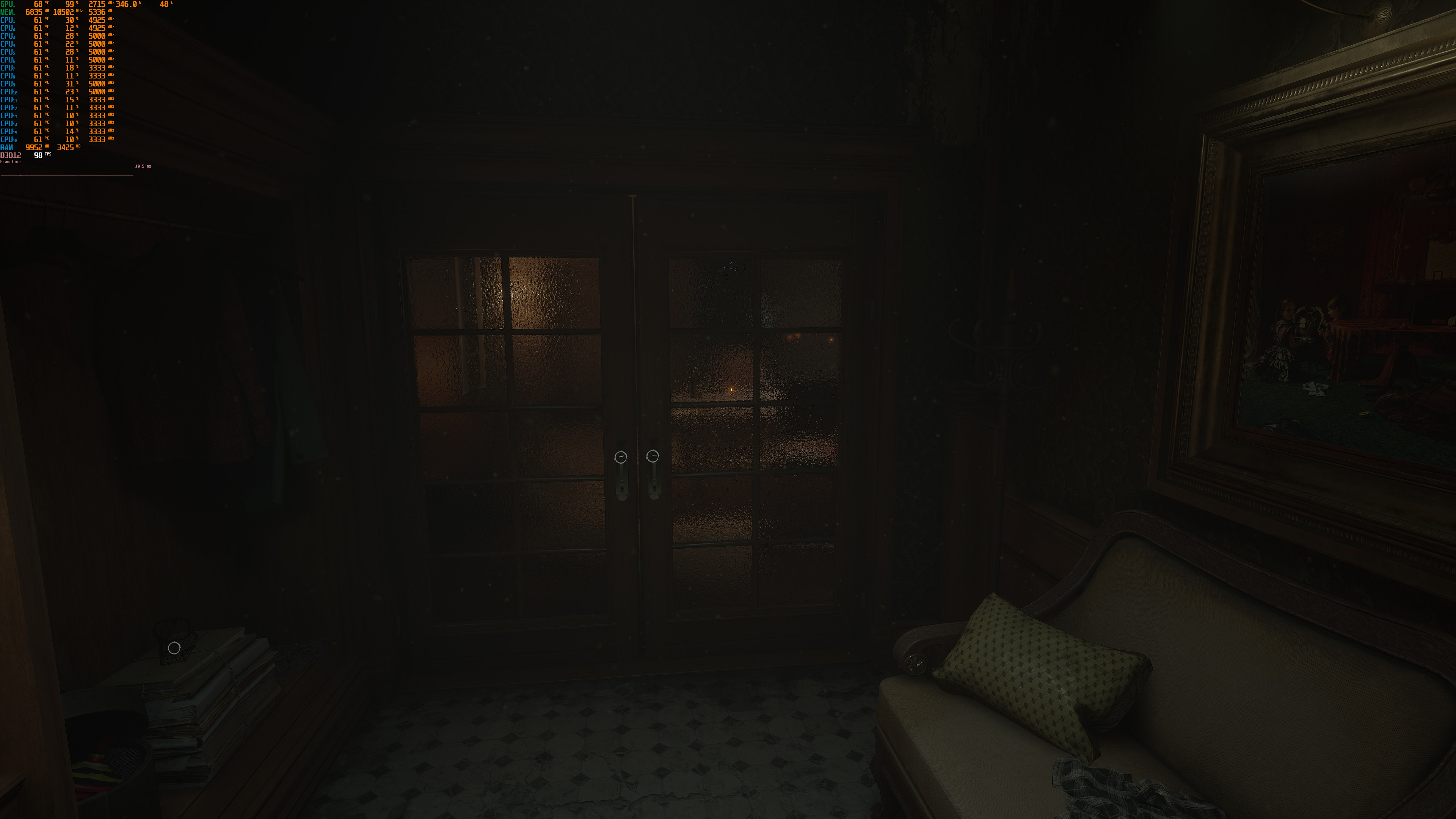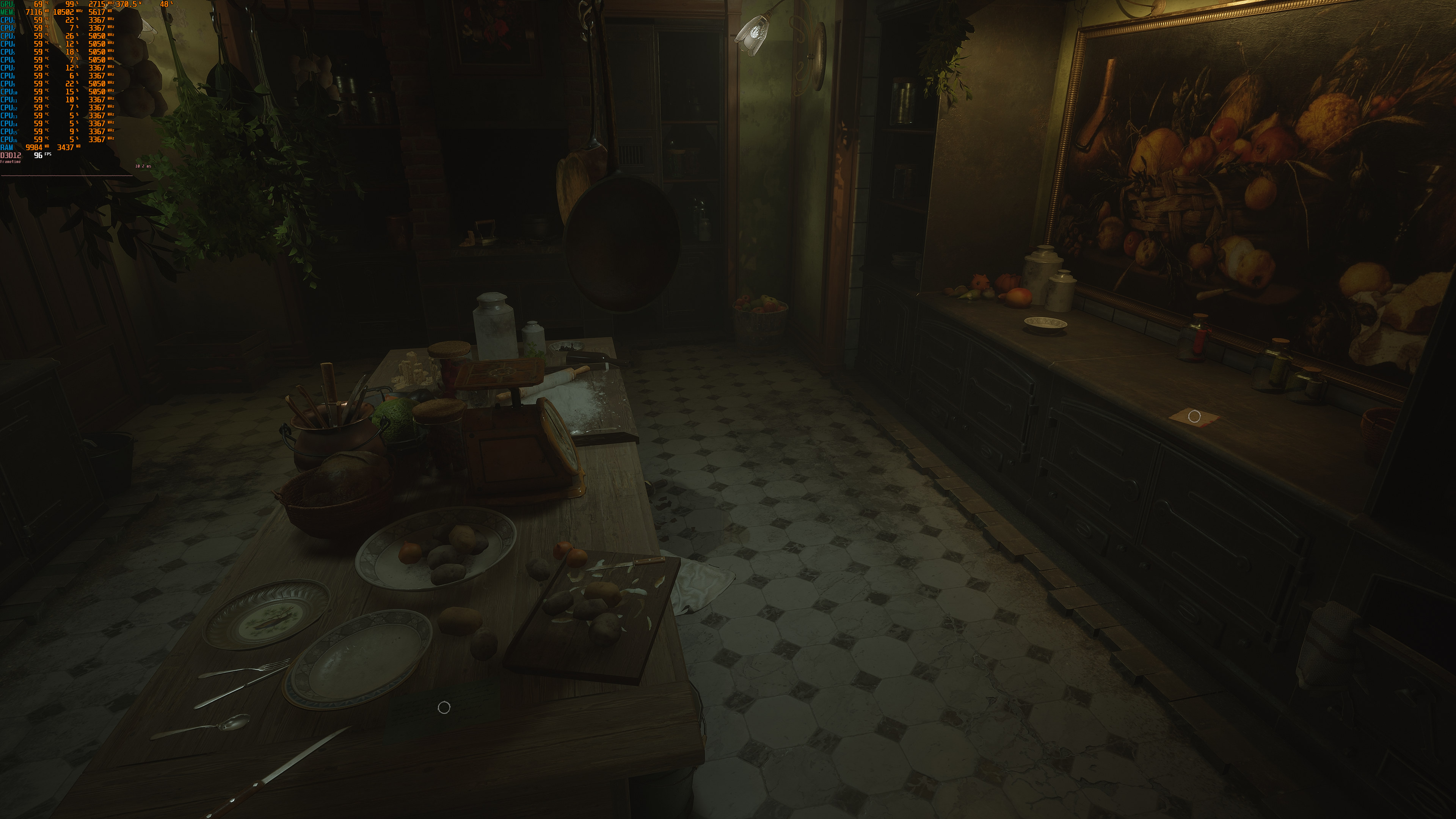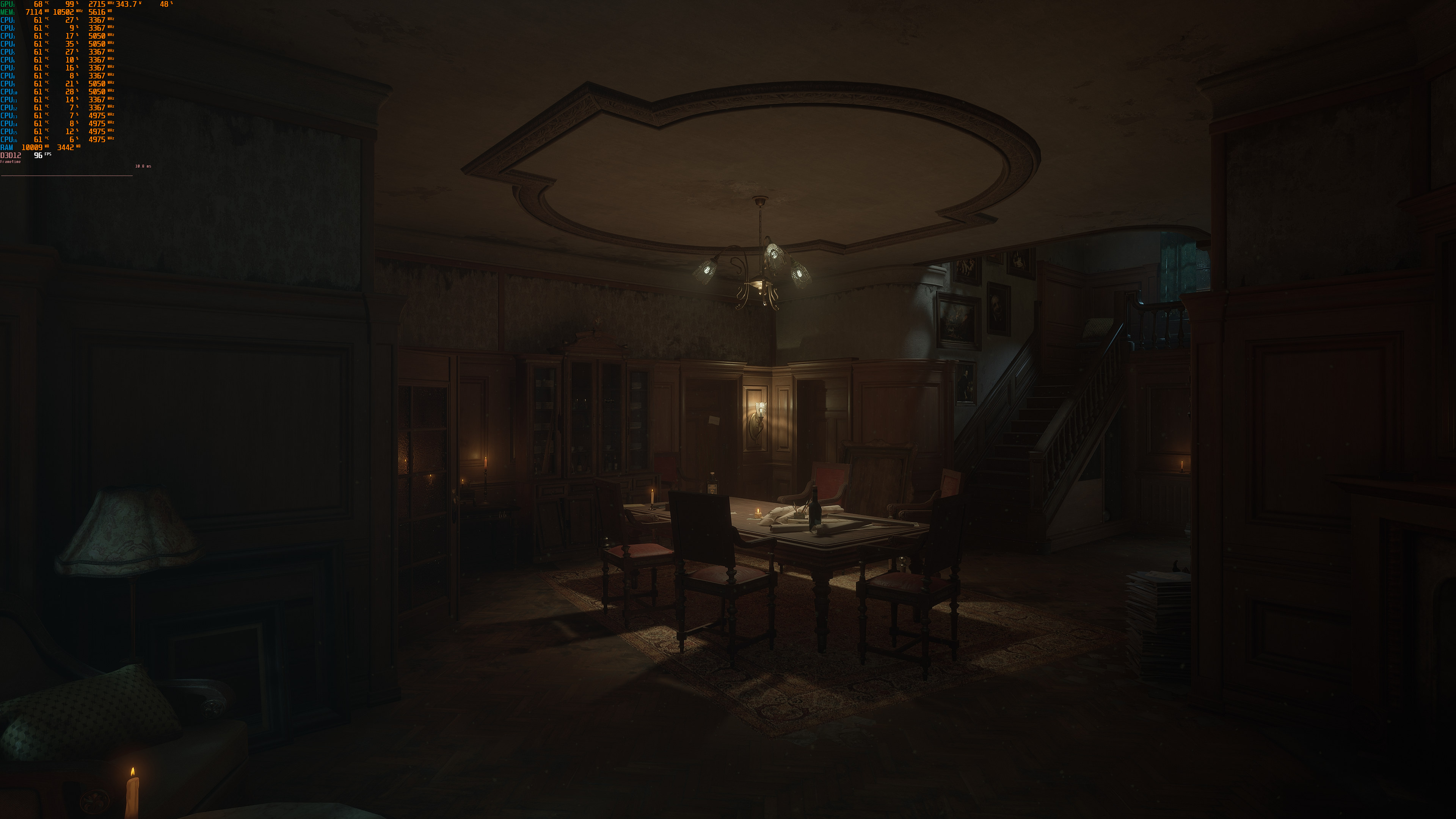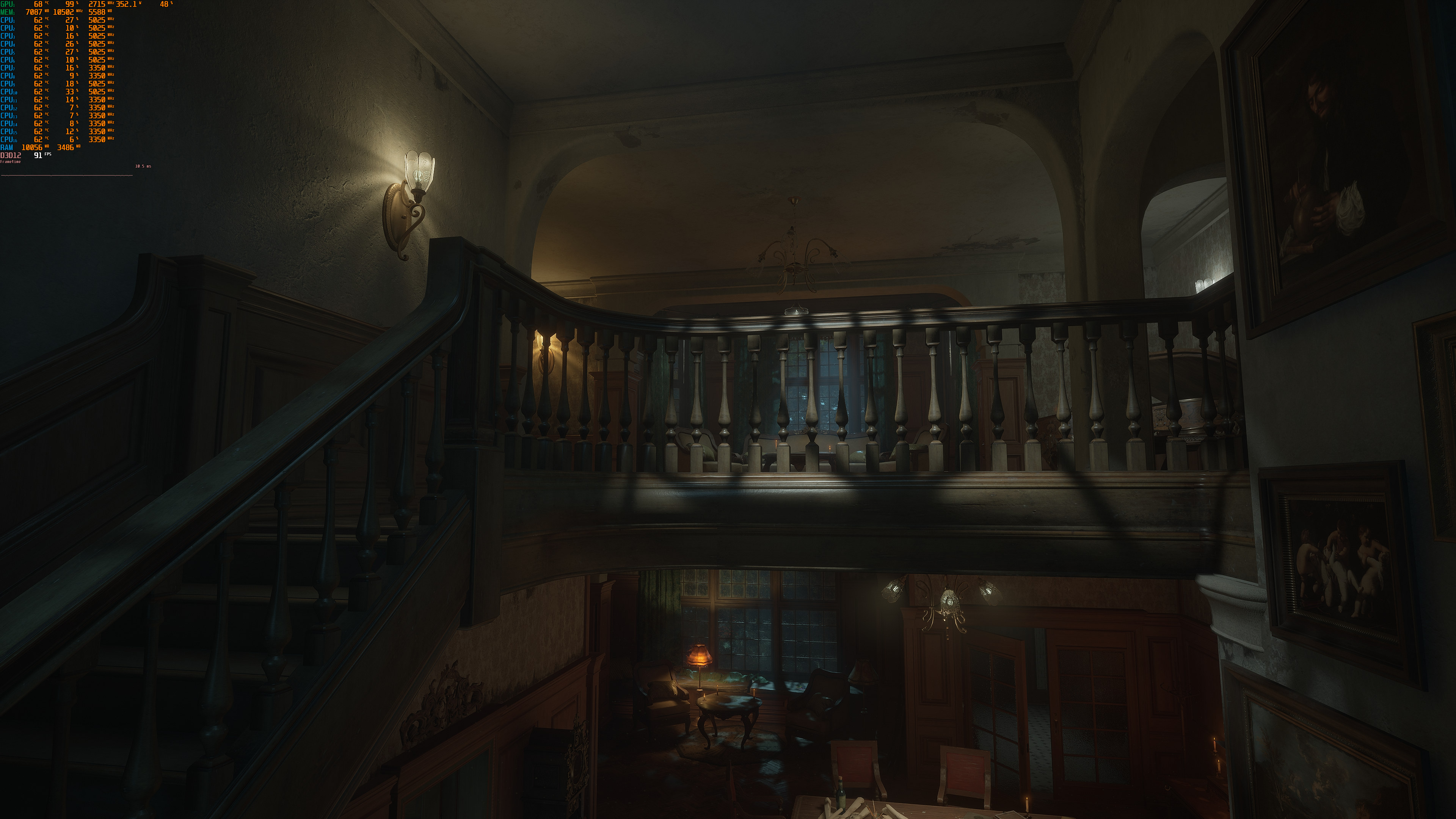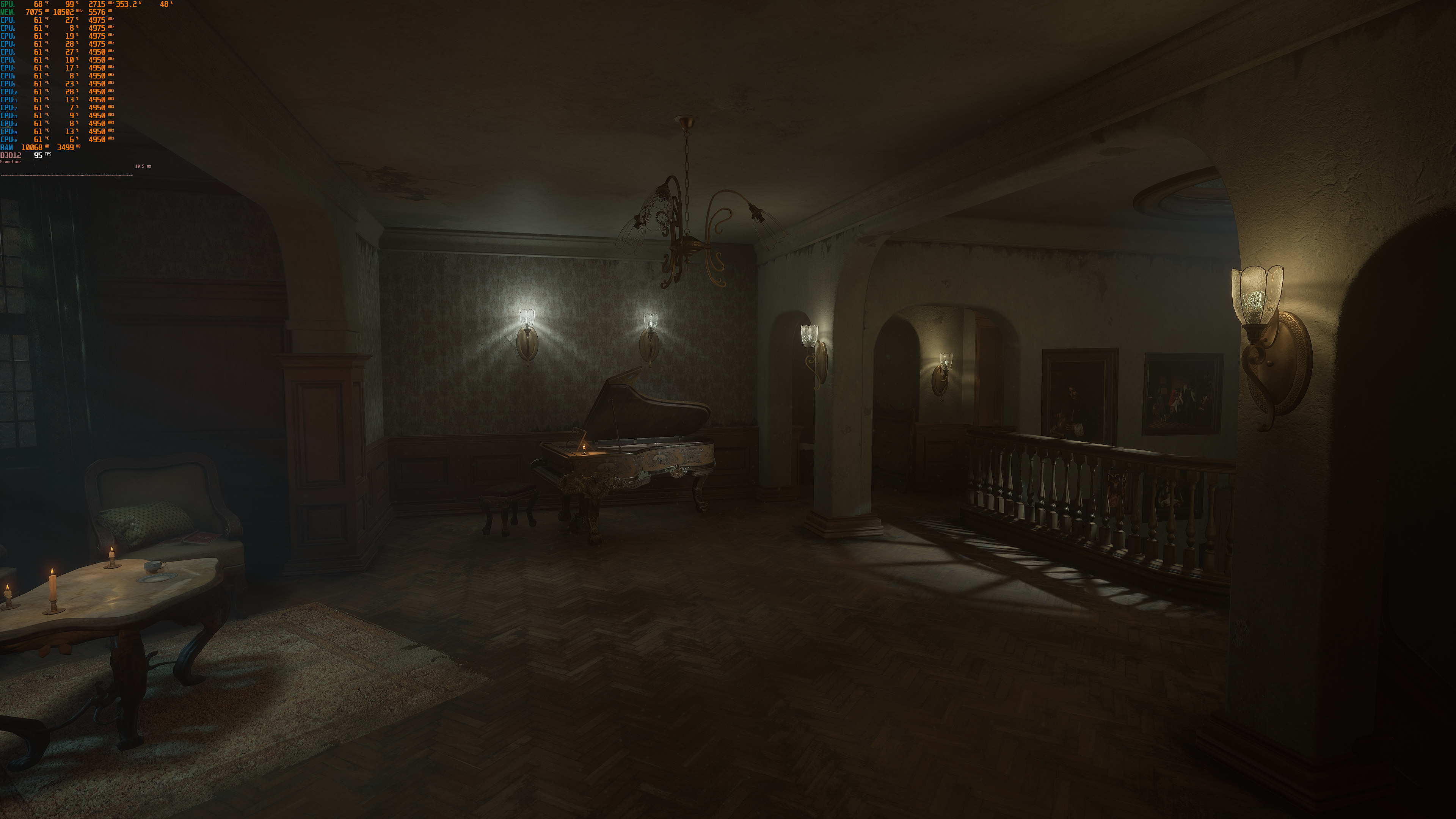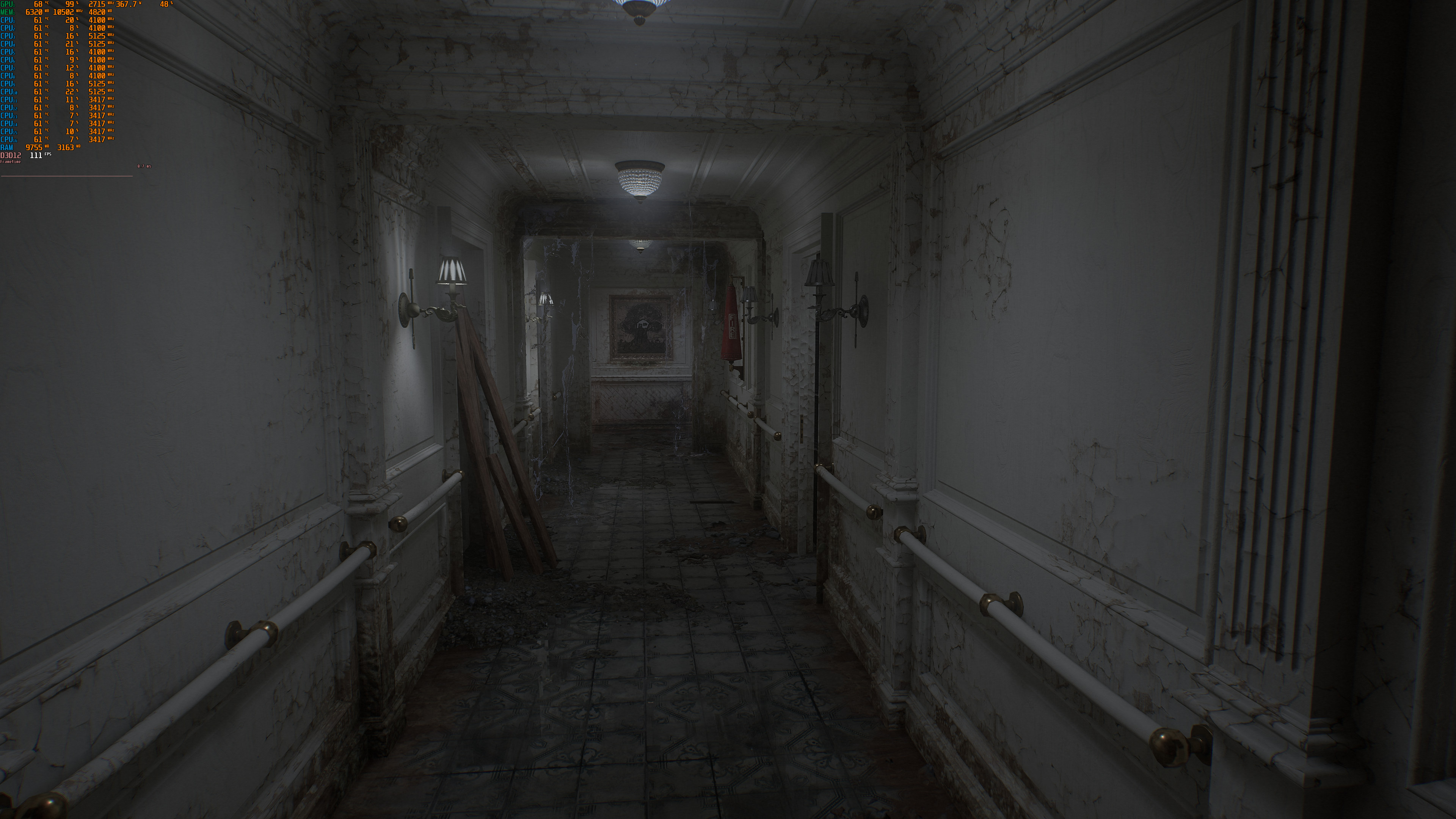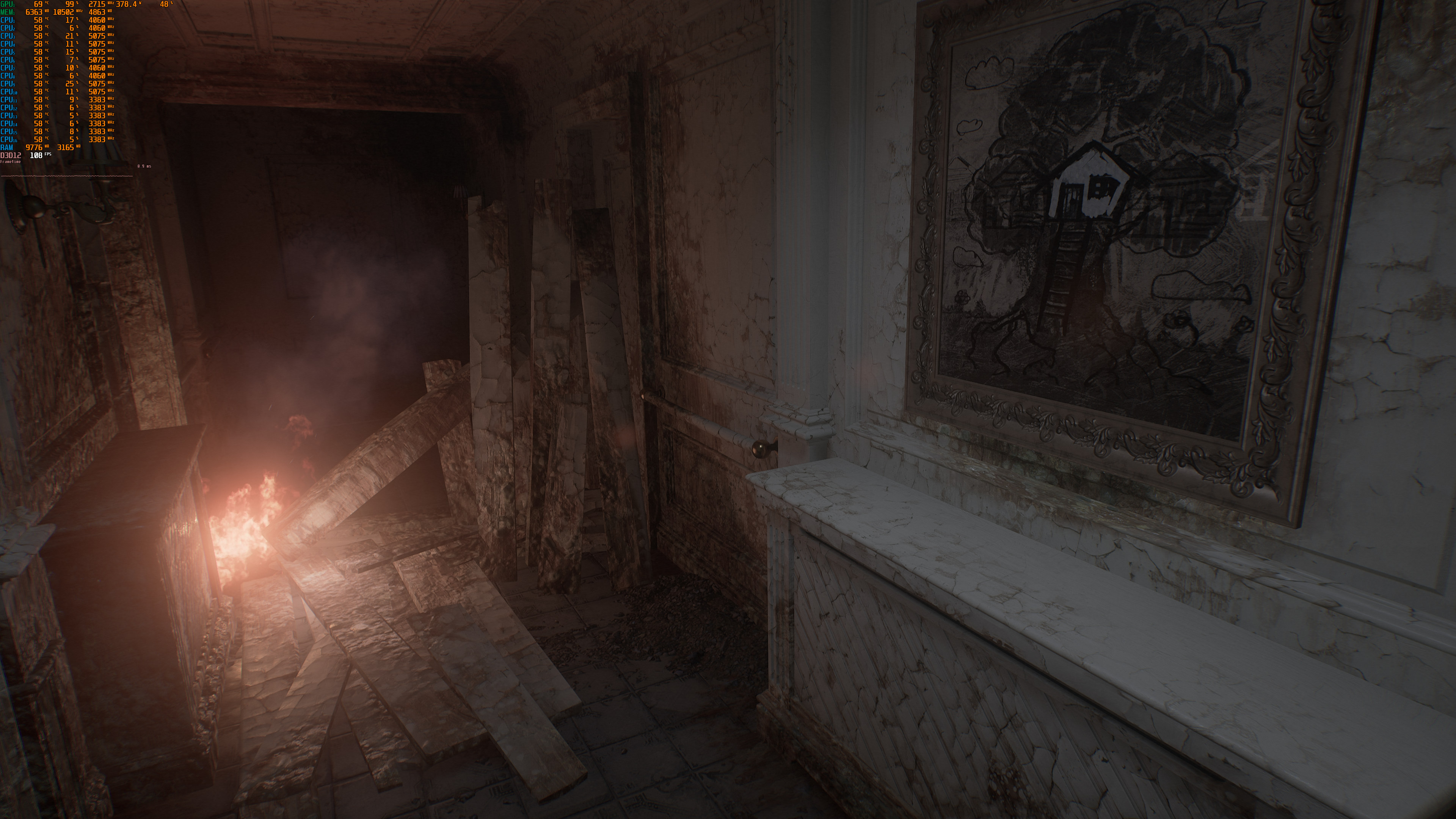
Bloober Team has just released Layers of Fear, one of the first games using Unreal Engine 5, on PC. And, since Bloober Team has provided us with a review code, we’ve decided to benchmark it and see how it performs on the PC platform.
For this PC Performance Analysis, we used an AMD Ryzen 9 7950X3D, 32GB of DDR5 at 6000Mhz, AMD’s Radeon RX580, RX Vega 64, RX 6900XT, RX 7900XTX, NVIDIA’s GTX980Ti, RTX 2080Ti, RTX 3080 and RTX 4090. We also used Windows 10 64-bit, the GeForce 536.23 and the Radeon Software Adrenalin 2020 Edition 23.5.2 drivers. Moreover, we’ve disabled the second CCD on our 7950X3D.
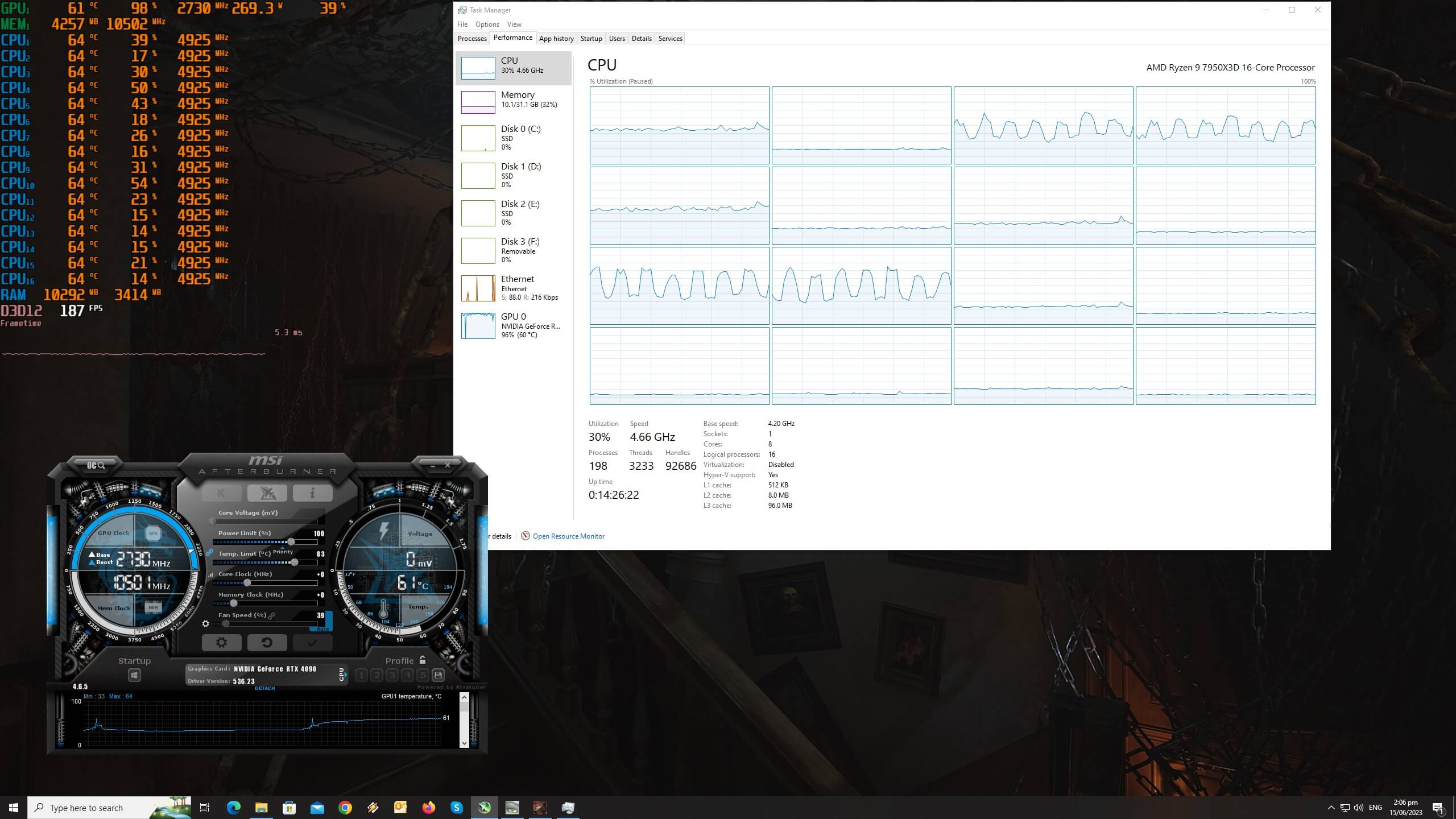
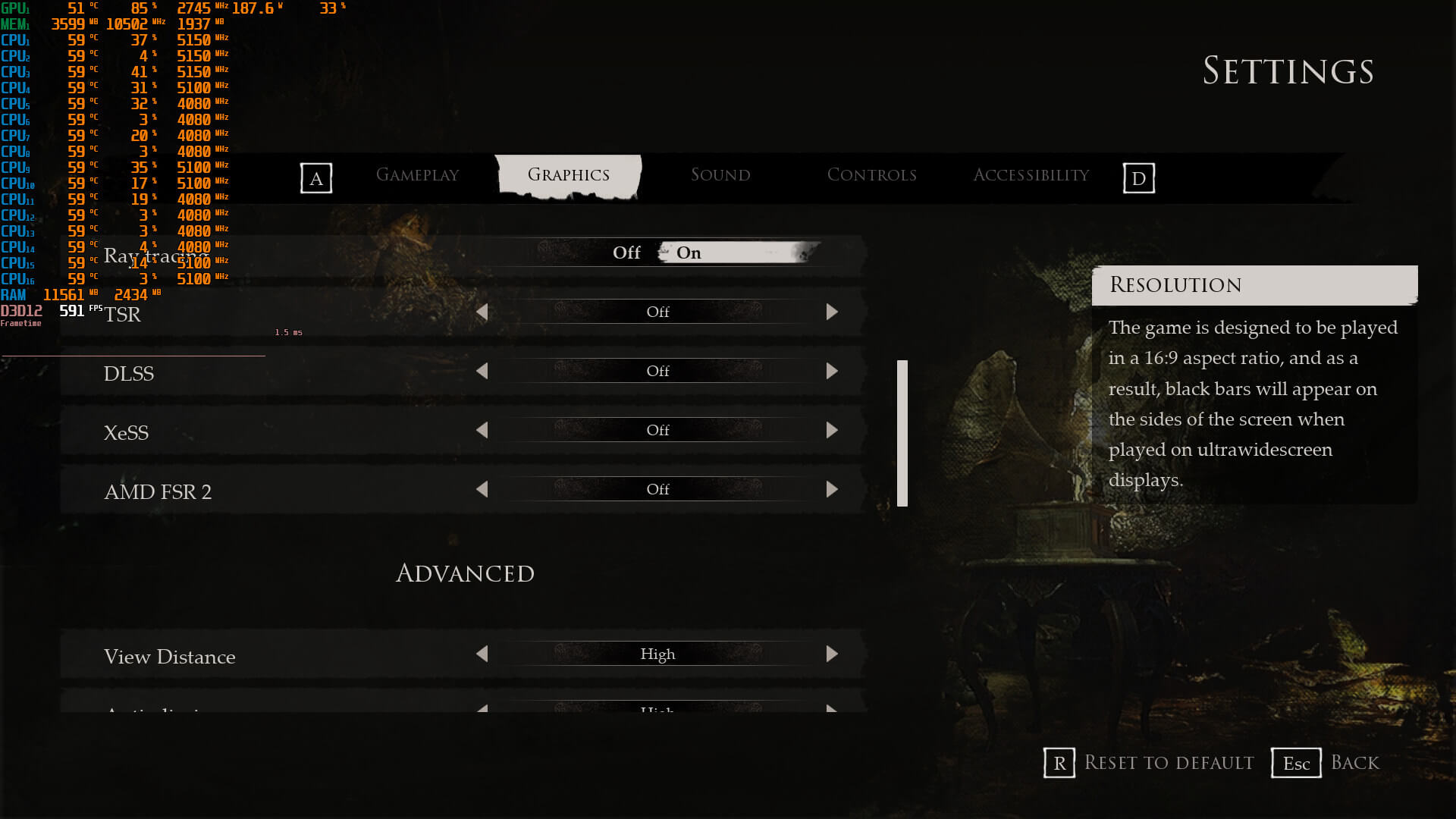
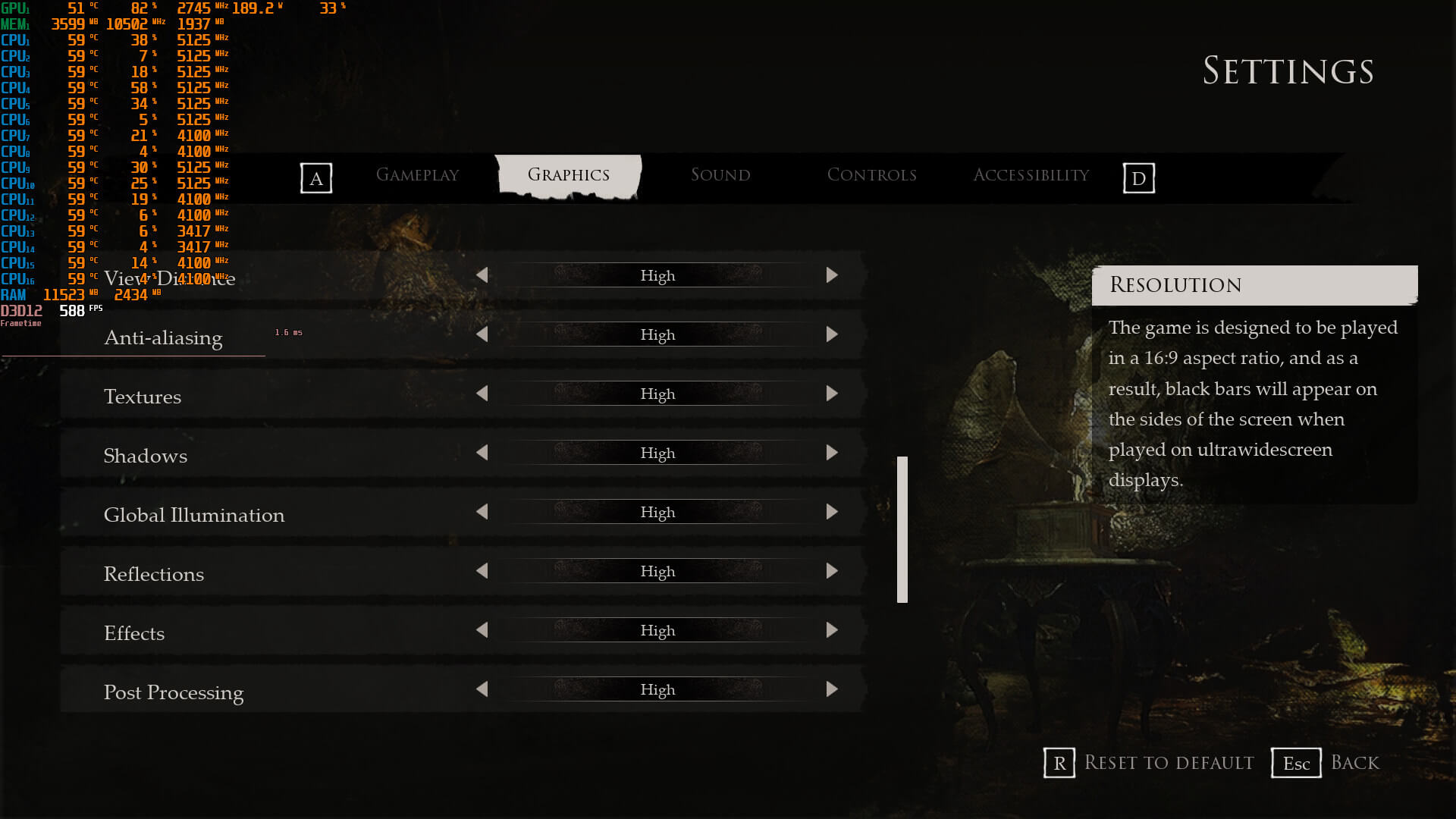
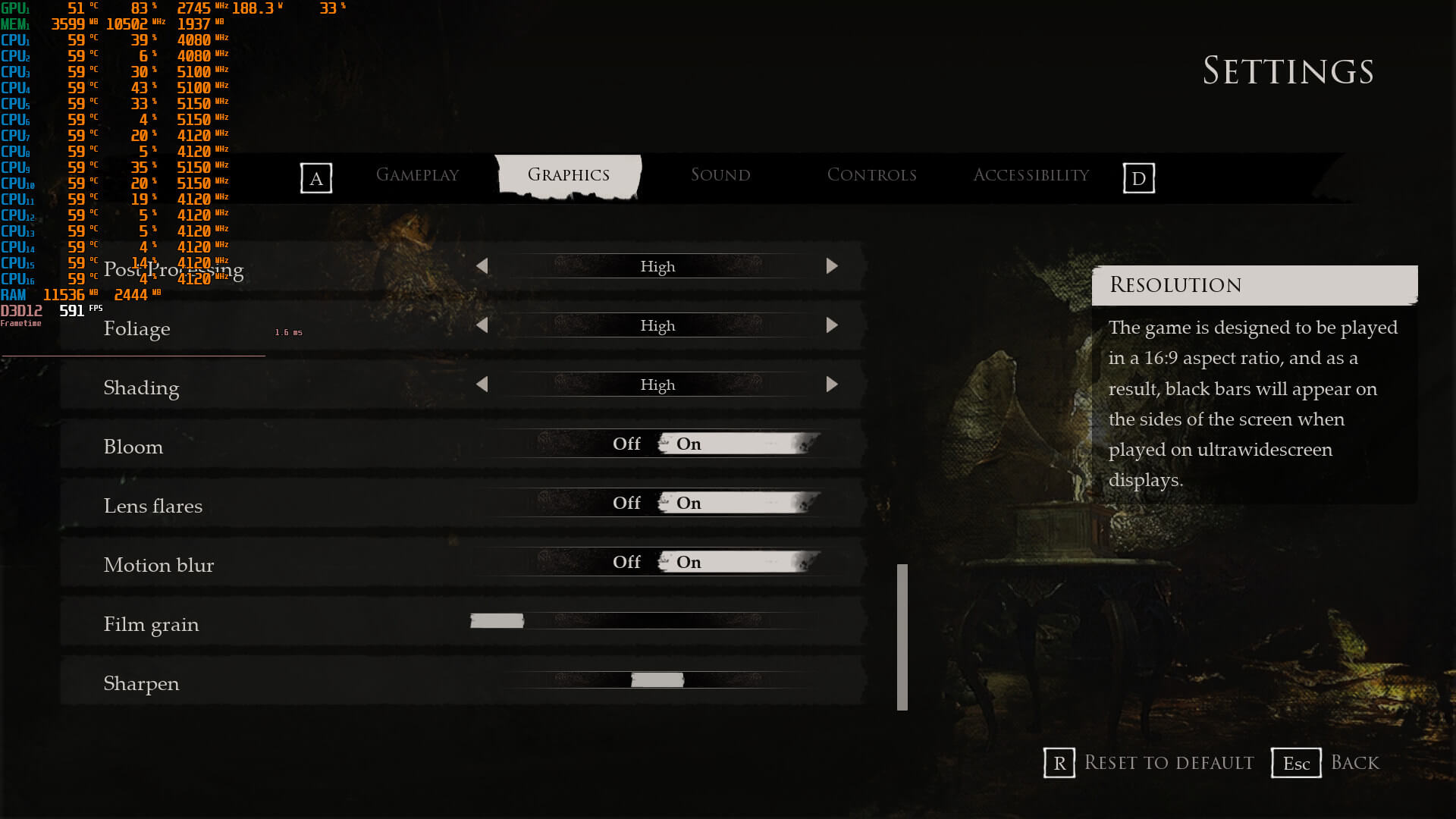
Layers of Fear features the exact same graphics settings that its PC demo currently has. PC gamers can adjust the quality View Distance, Anti-Aliasing, Textures, Shadows, Global Illumination, Reflections, Effects, Post-Process, Foliage and Shading. There are also options for Bloom, Lens Flares, and Motion Blur. Not only that, but the game supports NVIDIA DLSS 2, Intel XeSS and AMD FSR 2.0.
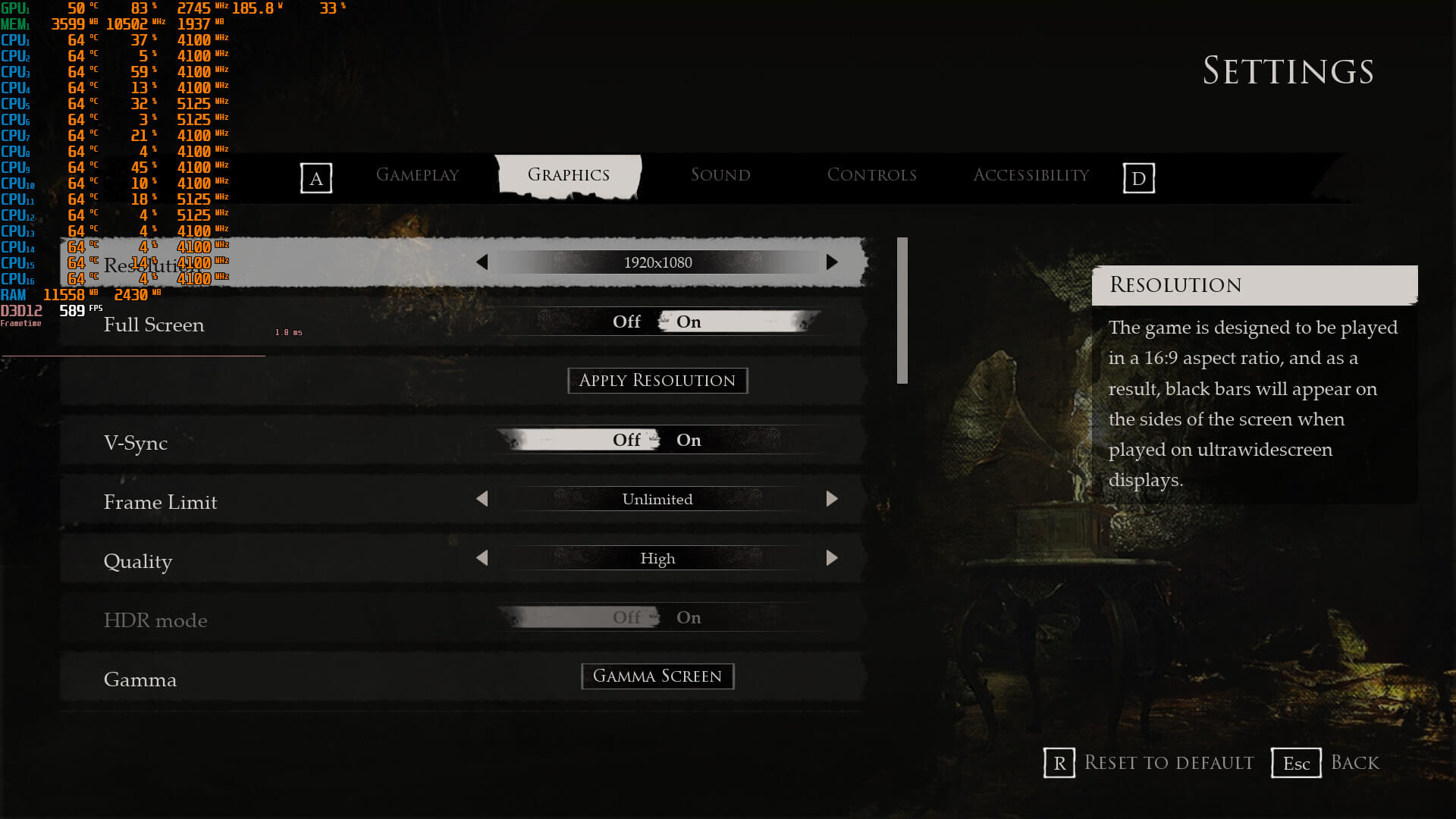
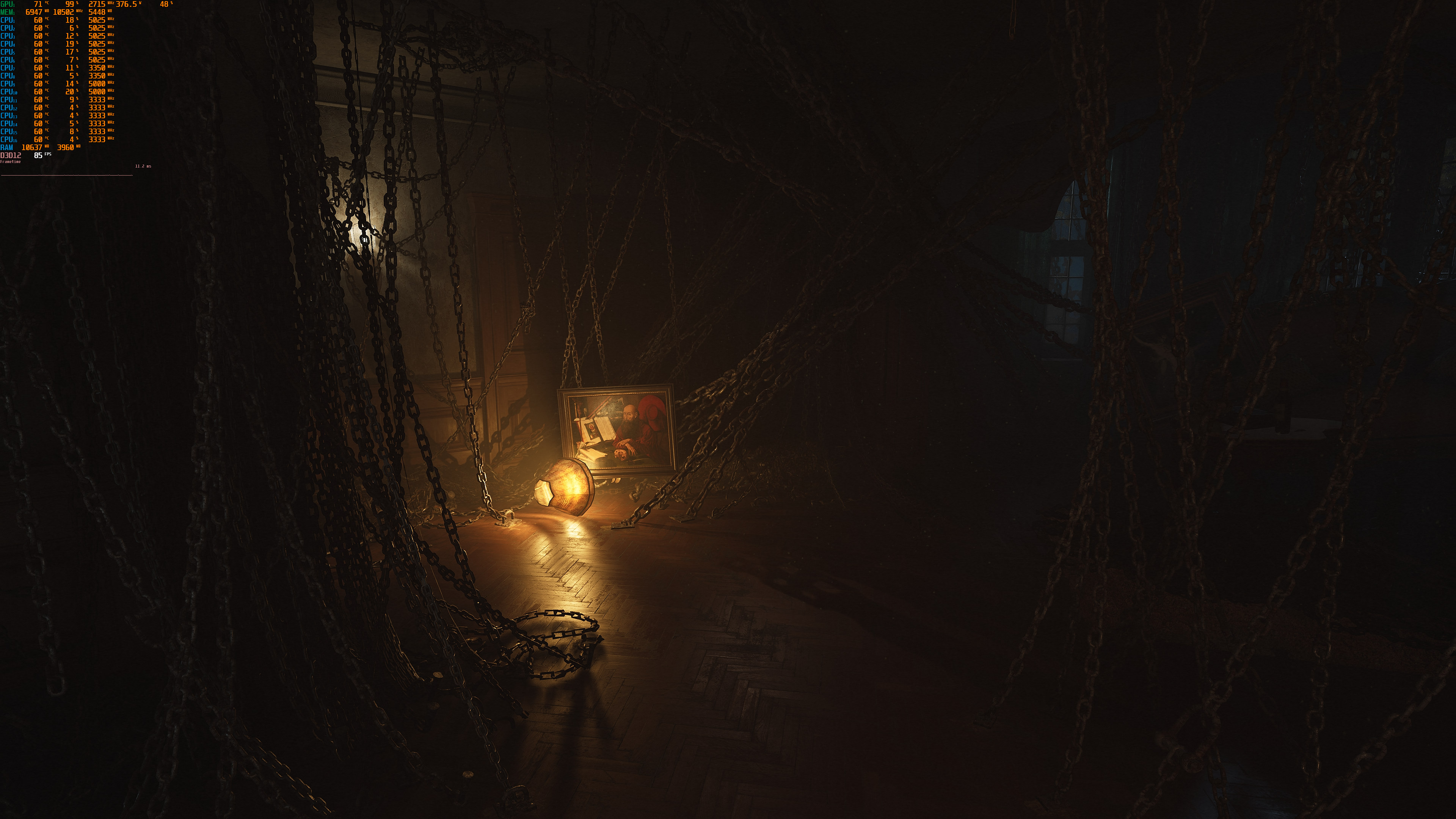
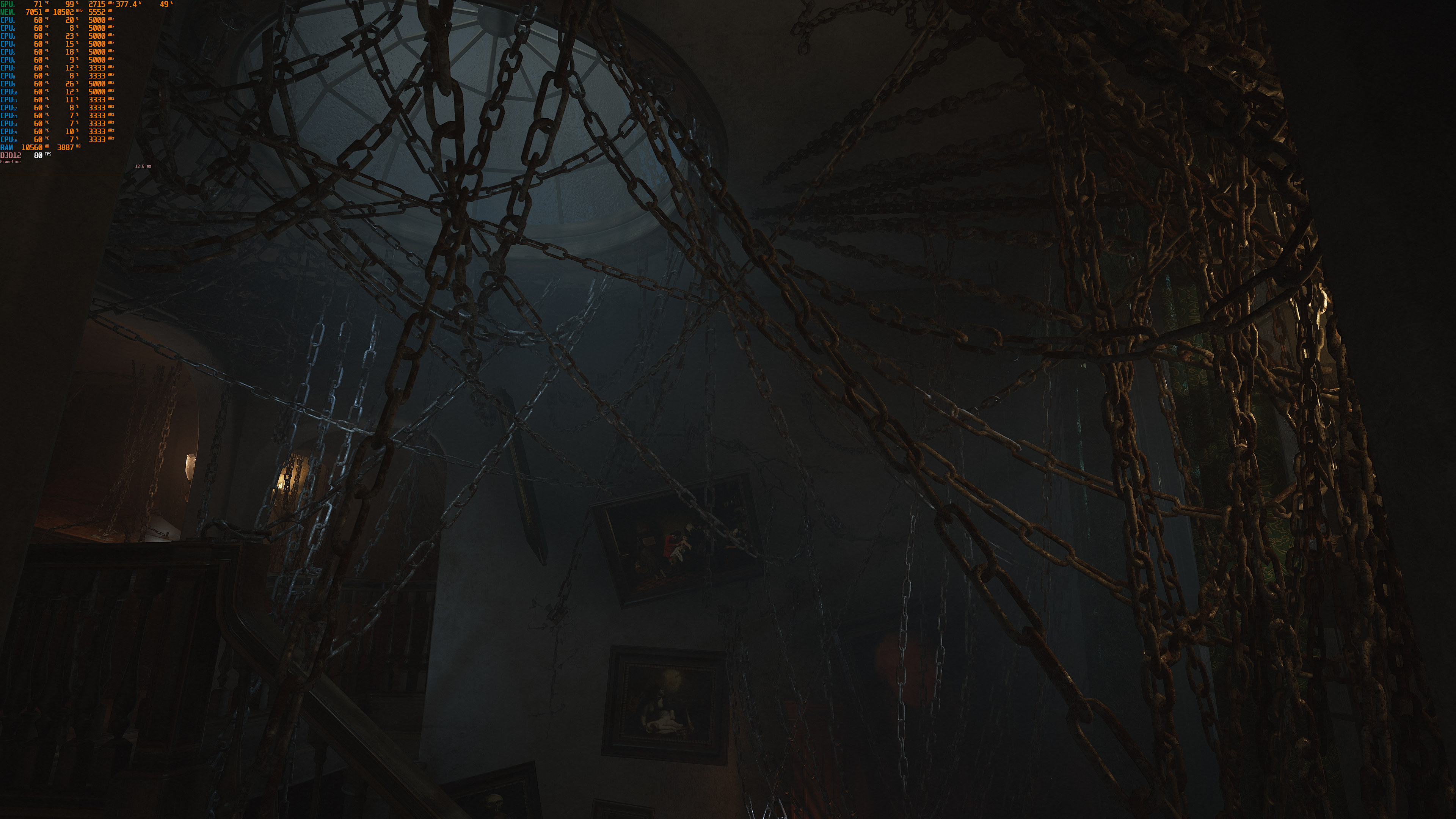
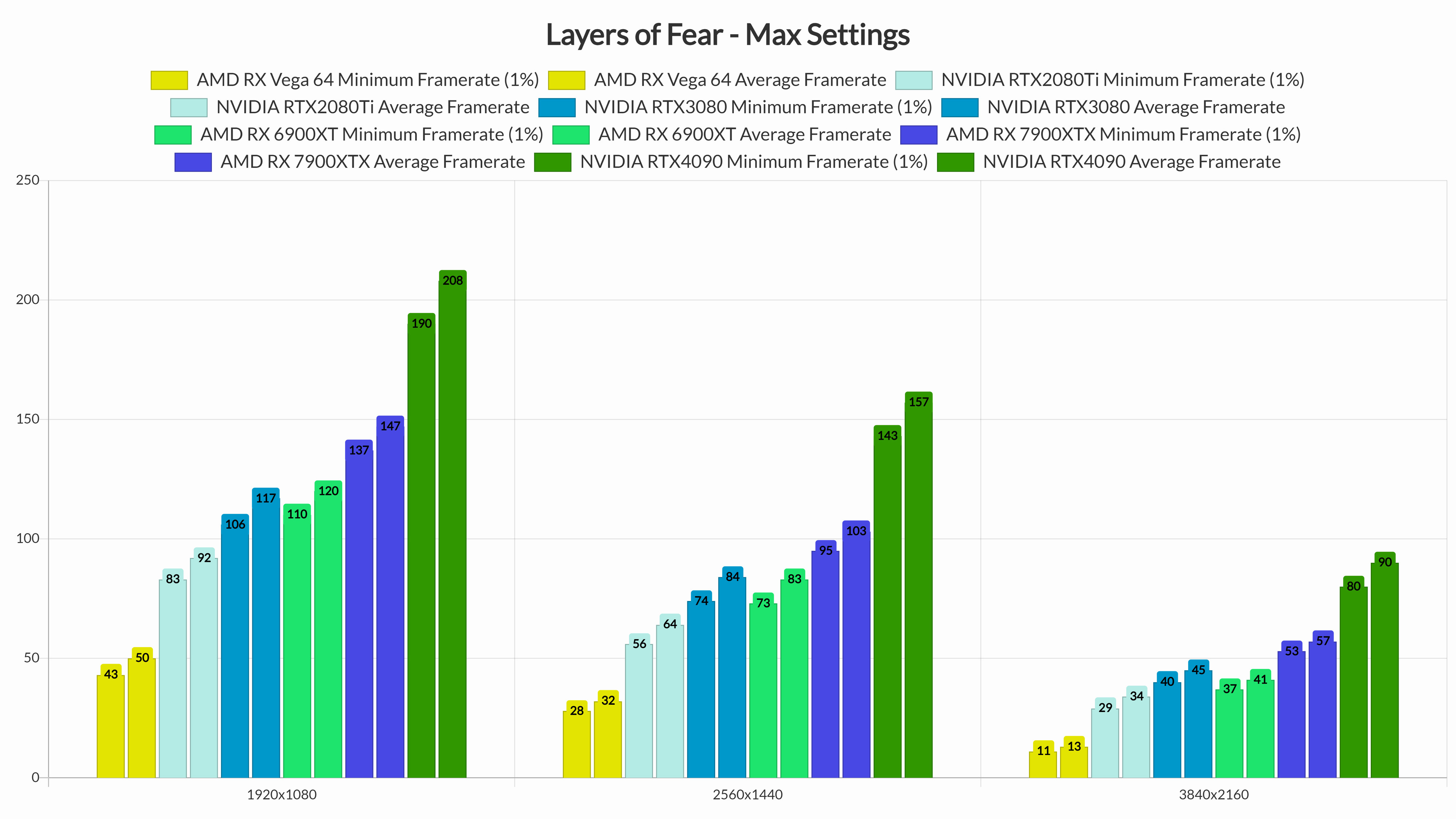
Layers of Fear does not feature any built-in benchmark tool. Thus, for our GPU benchmarks, we used the chains room area from the Musician’s Story Campaign Mode. That area appeared to be one of the most demanding ones. For our benchmarks, we also enabled Ray Tracing (for those GPUs that supported it). The game uses RT only for some of its reflections, and its performance penalty is only 1-3fps in most of the game’s scenes.
Layers of Fear does not require a high-end CPU. At 1080p/Max Settings/RT On, our AMD Ryzen 9 7950X3D was pushing over 190fps. With only two CPU cores, we were able to get over 160fps (though the game suffered from stuttering issues). When we enabled SMT (Hyper-Threading for Intel CPUs), on this simulated dual-core system, we managed to increase our minimum framerates to 175fps.
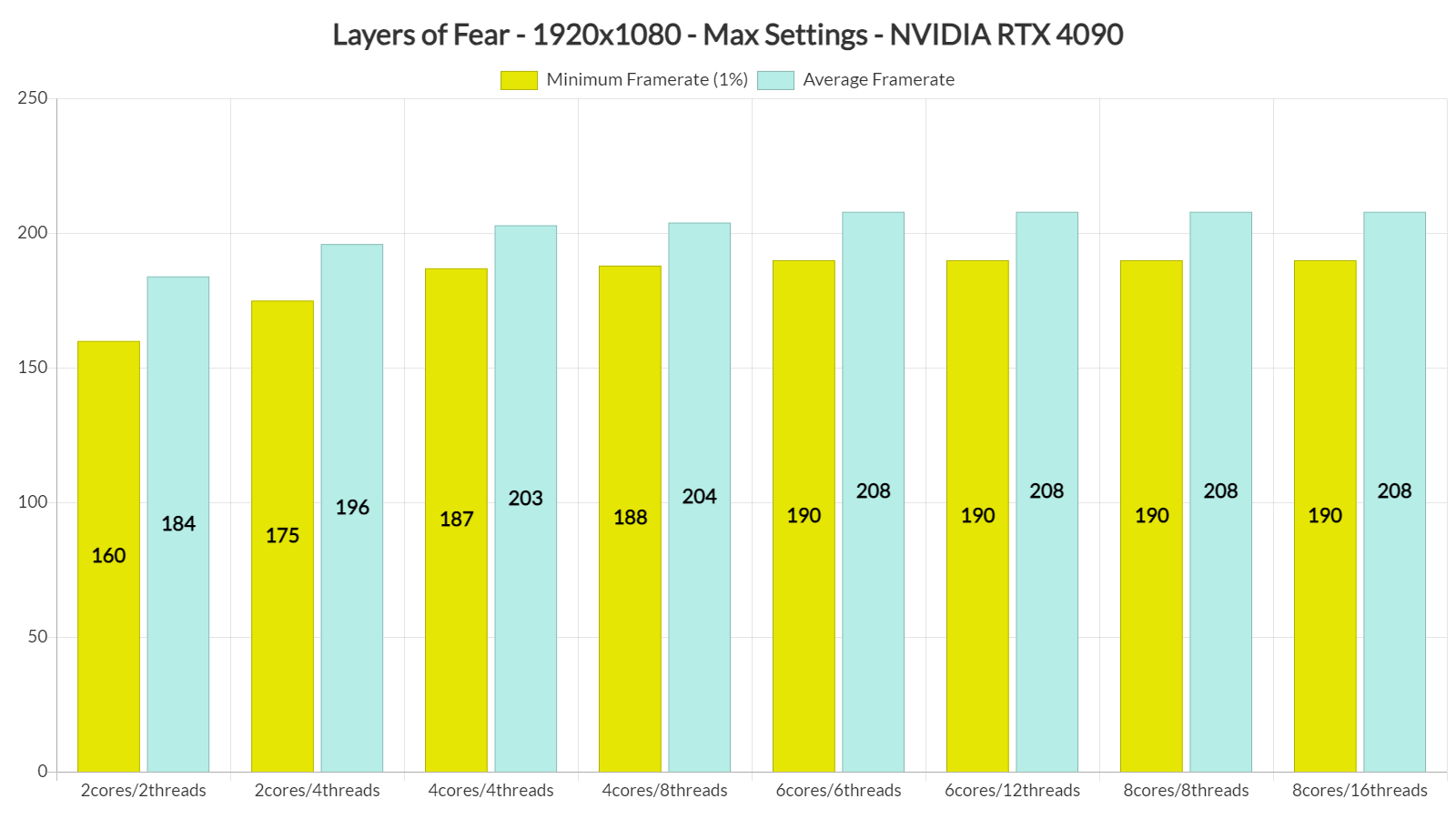
Speaking of stuttering issues, although the game does not have any shader compilation stutters, it does have some traversal stutters. These traversal stutters do not happen frequently, so most of you may not even notice them.
Most of our GPUs were able to provide a smooth gaming experience at 1080p/Max Settings. However, and for some unknown reason, the game was constantly crashing on the GTX980Ti.
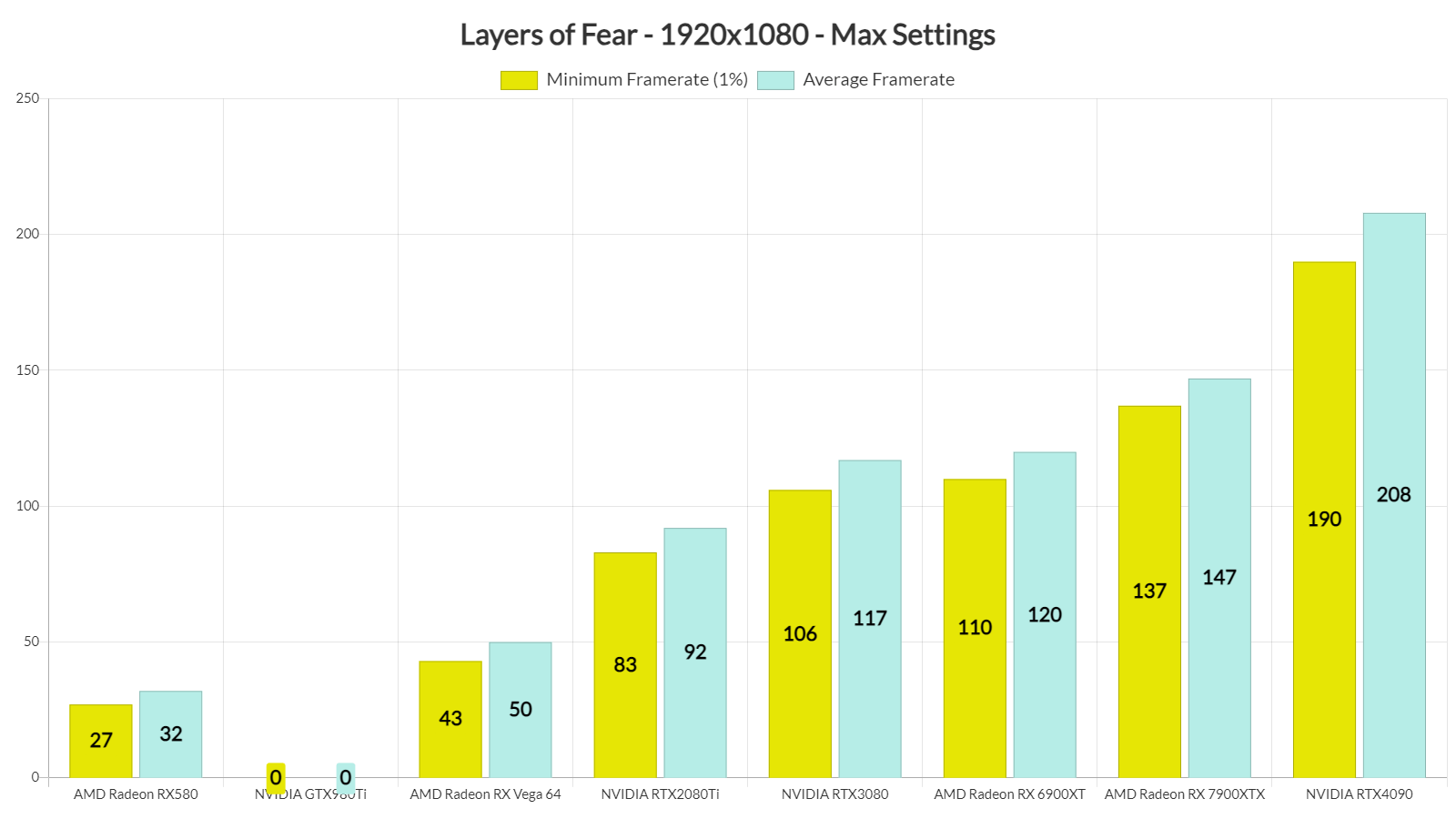
At 1440p/Max Settings/RT, you’ll need a GPU equivalent to the RTX3080 for gaming with over 60fps. Owners of an RTX2080Ti can also get a smooth experience with a G-Sync monitor. As for Native 4K/Max Settings/Ray Tracing, the only GPU that was able to get over 60fps was the RTX 4090.
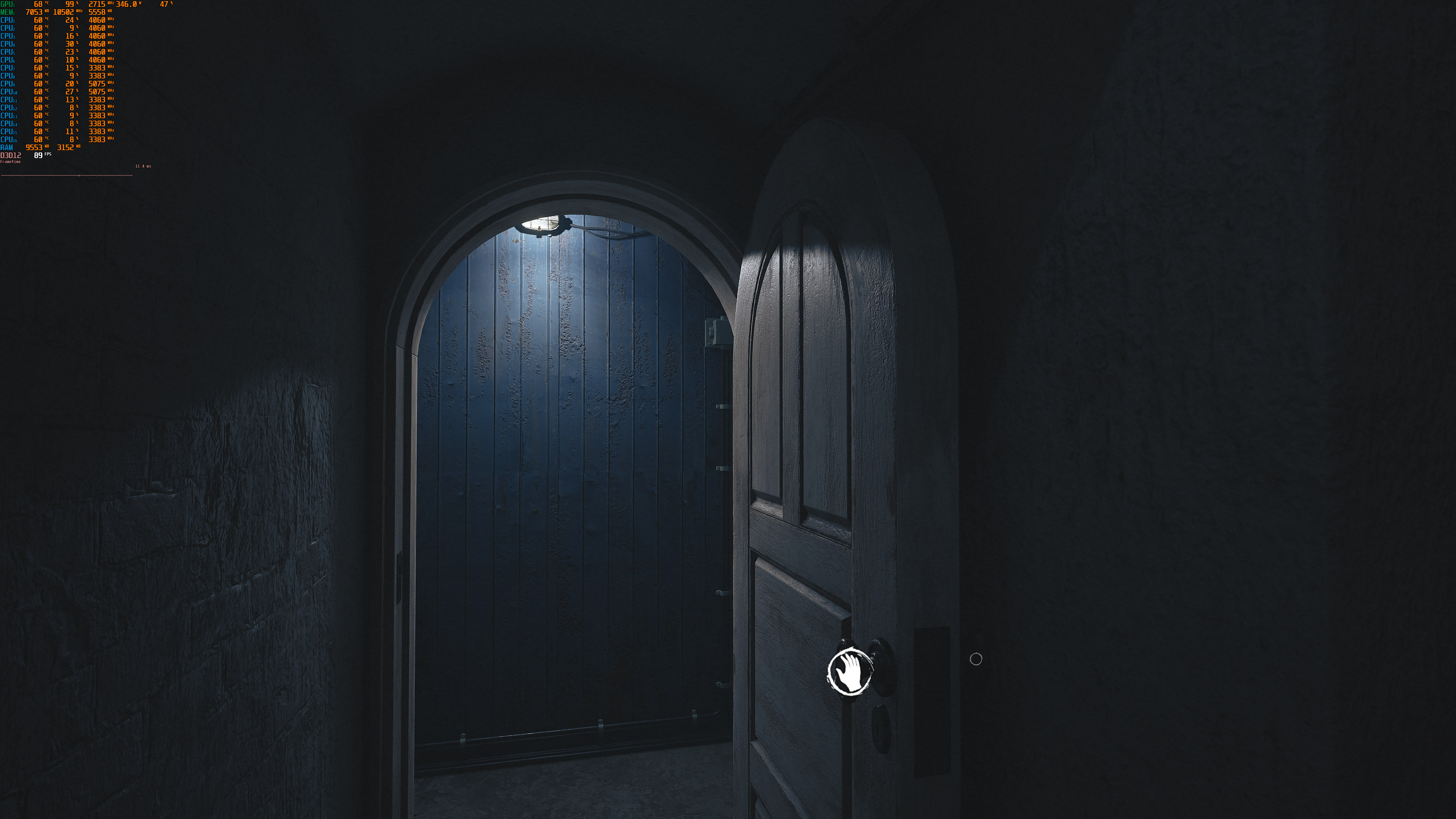
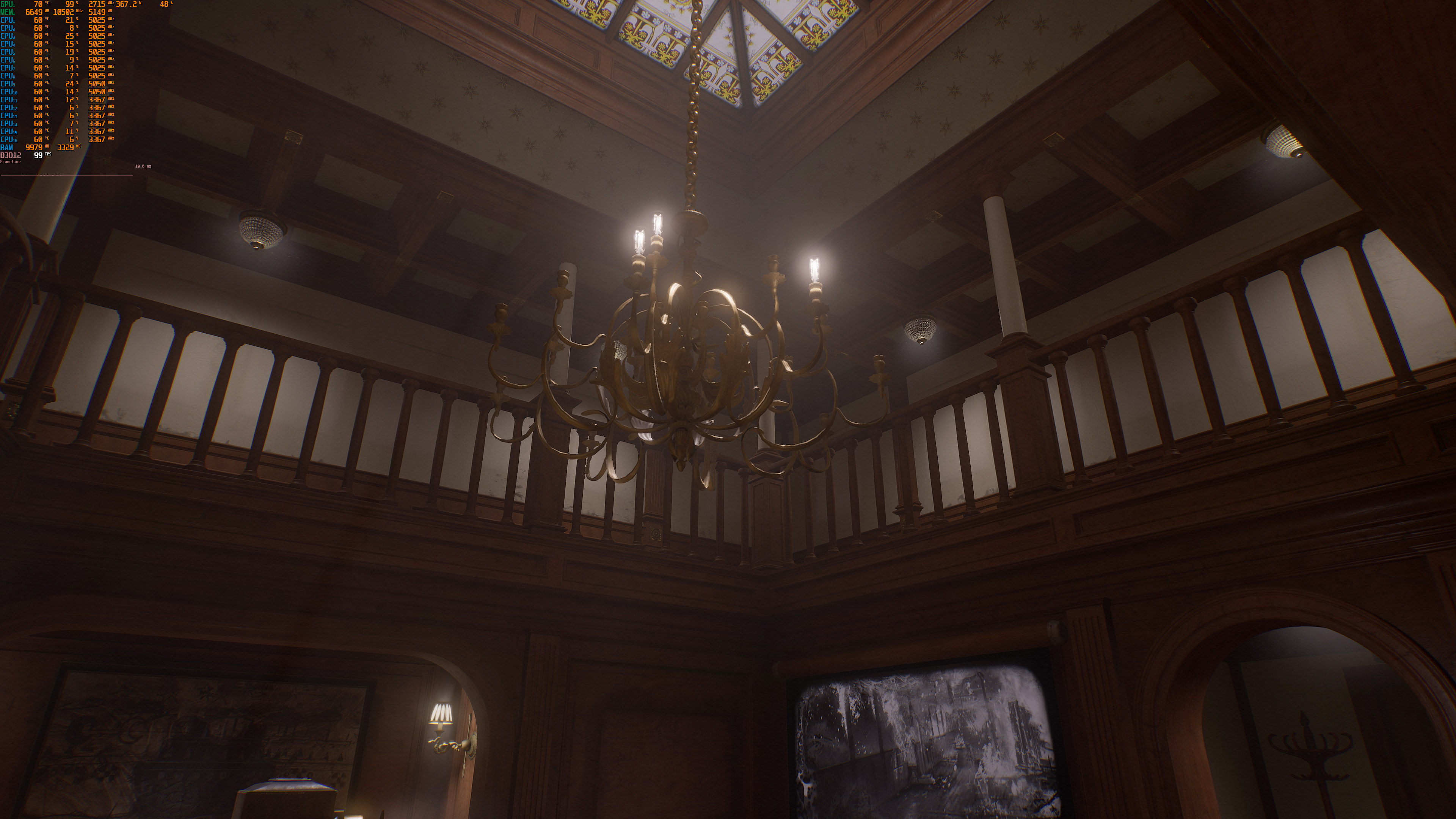
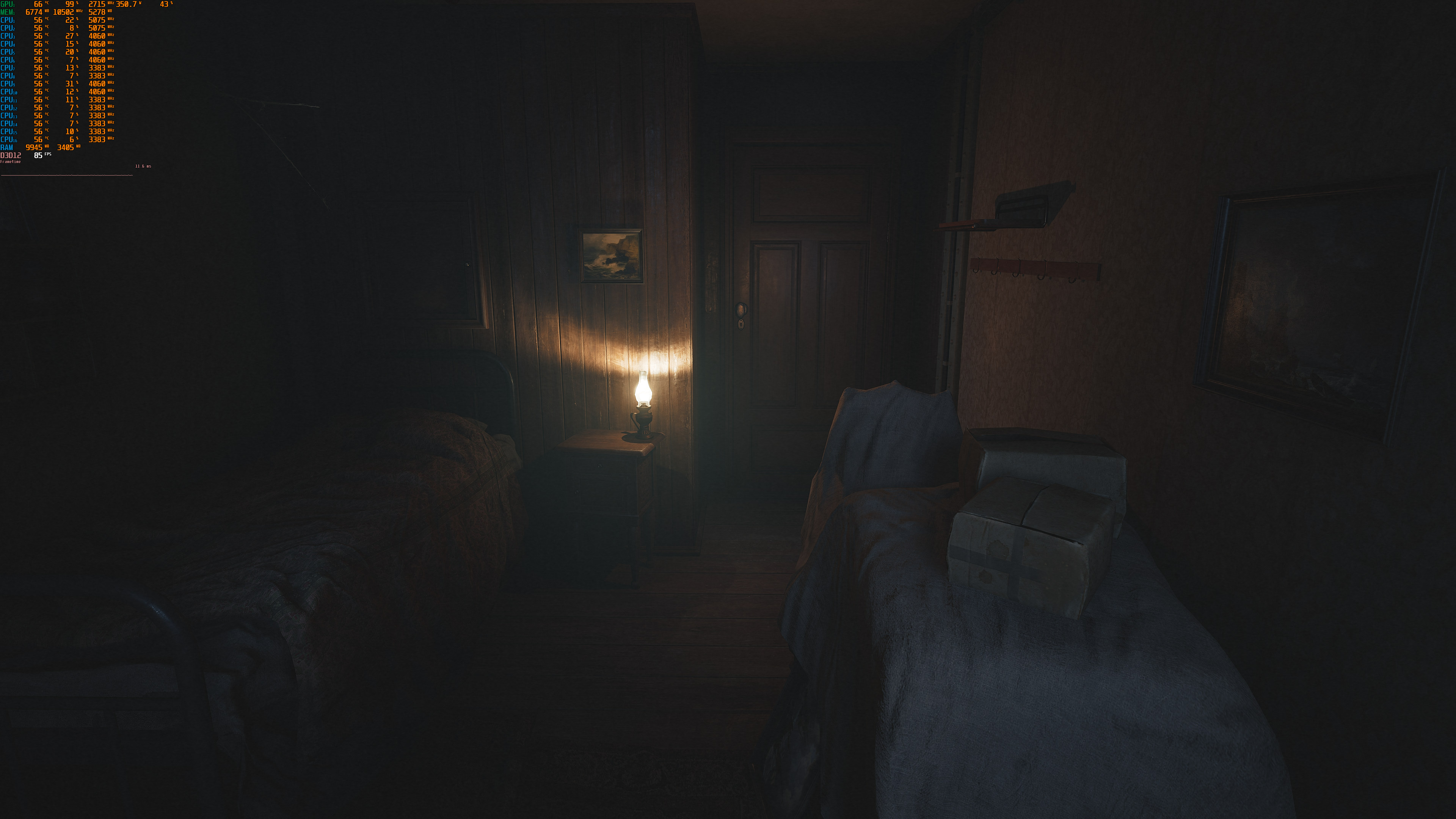
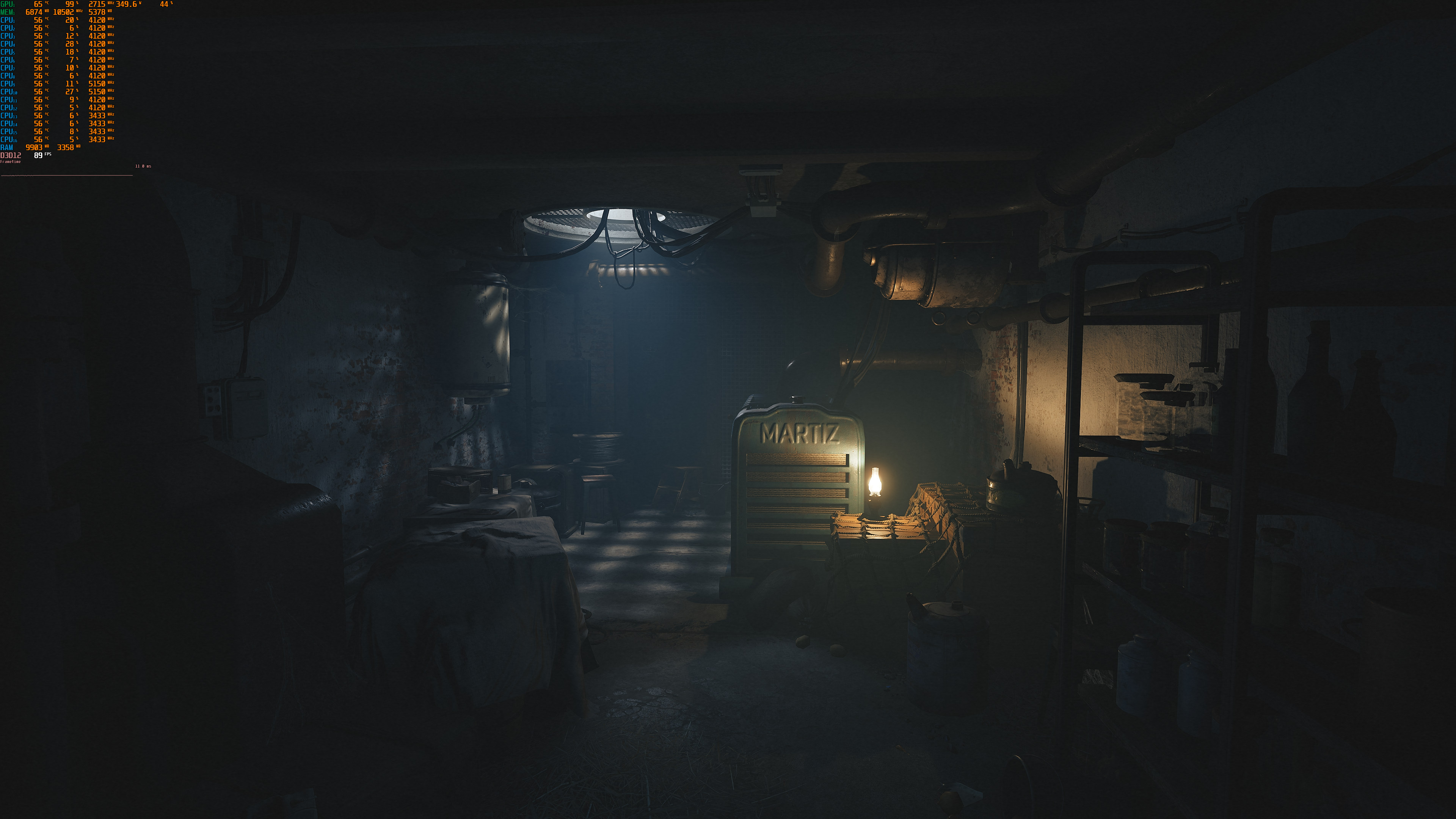
Graphics-wise, Layers of Fear looks great. The game takes advantage of Lumen for lighting, but it does not use Nanite. As such, you’ll notice minor pop-ins while approaching objects. Bloober Team has also used high-resolution textures, and everything seems polished. The only downside is the elevated black levels, an issue that was also present in the PC demo. Other than that, I really don’t have any issues with the game’s graphics. And while Layers of Fear does not showcase what Unreal Engine 5 is truly capable of, it’s at least a great-looking game.
All in all, Layers of Fear runs and looks similar to its PC demo. In other words, the PC demo is representative of the final version, and we highly recommend downloading it. The game does not require a high-end CPU, and can run on a wide range of GPUs, especially if you use DLSS 2 or FSR 2.0. Moreover, it’s a great looker so it justifies its GPU requirements. As said, the only downsides are the elevated black levels and its traversal stutters. So yeah, great news for those that were looking forward to this remake!
John is the founder and Editor in Chief at DSOGaming. He is a PC gaming fan and highly supports the modding and indie communities. Before creating DSOGaming, John worked on numerous gaming websites. While he is a die-hard PC gamer, his gaming roots can be found on consoles. John loved – and still does – the 16-bit consoles, and considers SNES to be one of the best consoles. Still, the PC platform won him over consoles. That was mainly due to 3DFX and its iconic dedicated 3D accelerator graphics card, Voodoo 2. John has also written a higher degree thesis on the “The Evolution of PC graphics cards.”
Contact: Email


Man, look at that performance difference between the RTX 4090 and 7900 XTX. AMD really needs to up their GPU design, especially when it comes to how they handle ray tracing.
Why would you compare it to a 4090? Its competition is the 4080.
Because the 4080’s missing from the graph lul
Your original argument doesn’t make sense tho
Why not? Is there not a giant performance gap between the 4090 and 7900 XTX? Would you not agree that AMD is lacking in ray tracing performance compared to nvidia?
And its almost double the price. You dont know what you are talking about. 7900xtx is perfect were it is.
Alright, that’s fair, I’ll concede. I really wouldn’t say it’s “perfect” for its price point just because I think pretty much all current and last gen GPUs are grossly overpriced.
I guess I should’ve written more in my original comment. I find it lamentable that AMD’s falling behind in terms of top tier performance. They managed to close the gap last generation but they’ve once again fallen behind. They can barely keep up with nvidia’s 2nd best. If they don’t fix things by RDNA 4, nvidia’s going to leave AMD in the dust and will charge even more ridiculous prices for the RTX 5000 series cards and beyond. Think about it, the kinds of people that can drop $1000 on a GPU are likely the kinds who can easily afford to drop another grand more to get the best of the best. AMD needs to bring competition at the top end too if they don’t want to remain in the minority.
7900xtx has double the memory for 4080 and its 200+ cheaper. And its also faster. The prices are bad yes. But AMD doesn’t need to follow nvidia.
Slight correction: 7900XTX has 1.5x more memory, not 2x. The RTX 4080 has 16 GB VRAM. There was going to be a 12GB version but that got rebranded as the 4070Ti.
Performance wise they do. They’ve been bringing up the rear for almost a decade now.
You say lul like you aren’t the idiot. Its like comparing a mustang to a corvette.
I probably should’ve added how I’m looking at it from the perspective of what the best each GPU vendor has to offer in my original comment. Given how these are top end cards and how highly overpriced they both are, it’s really more like a rich guy trying to figure out if his next car should be a Bugatti or a P1. If someone can comfortably afford a $1000 GPU, they’re likely to spend another $600 more to just get the best one around even if it means going with a different brand. I just wish AMD didn’t lose the performance crown so hard this gen. They did a pretty decent job catching up last generation, but they really dropped the ball with RDNA3.
Sorry, but you’re generalising this too much. I myself, while I can afford a 4090, I wouldn’t spned that much money on a GPU and £1000 is as much as I am willing to go.
I guess I went with 7900XTX primarily because I really don’t care for ray tracing and that is the only area where the card lacks performance. In traditional rendering it beats the 4080 and the 4090 isn’t THAT far ahead.
Raytracing may seem appealing to some, but to me it’s more of a gimmick currently (my personal opinion here, as I’ve seen how well raytracing can enhance graphics, it’s just not there yet in current released games, with a few exceptions)
58% gap. That’s a 4070 level of performance.
i tried the demo back when it was out on steam on my 2070s laptop, 1440p dlss Q max settings without rt was an easy 70 to 90 fps on average with pretty much zero stuttering.
they deserve all the good for this game, not only it looks awesome, but they even optimized very good, even because among high to low it changes not much at all for lower end system
https://uploads.disquscdn.com/images/b70c089bf123fab8b9e184fb9d52924df8e09e36ca32005a6a233a4f84f0819a.png
max no rt left, low right, pretty much similar with 50% more fps. For low end system is a plasure to run this game
The game, uses closed environment and maps are sets of super tight corridors, so it must run good, to be honest the performance should be a little bit better.
Still it’s another boring walking sim from Poop Team (aka Bloober Team).
They SH2 Remake it’s a huge orange flag.
Lol, elevated black levels in a horror game. How can they f*k it up that much
R**ard, this is top notch. Back to your COD fa**ot!
Only The Medium is incredibly demanding. The rest of their games actually run quite well.
You’re quite wrong or have a shïtty PC, mate. My gaming PC is old af and runs this smoothly.
He probably has a potato for a PC and he wrong about most things
Game looks good but not good enough to ask for so much gpu power. The gpu requirenent is not justified comparing the visuals and performance. just because it uses UE5 or lumen, it shoudn’t be called optimized. it is NOT. it doesn’t look great at all just good at best.
You like BLACK WOMAN as lead much, yeah ?!
I just started playing it on my PC. I’m getting over 60 FPS with my 6900XT/5800X3D/32GB 3.8GHz CL14 RAM build using Intel XeSS. FSR2 seems broken in this game…just like every other game. Intel XeSS is quite impressive in this game. I’m currently using XeSS ultra quality mode with max settings (ray tracing enabled and motion blur disabled) at 4K. The game looks and runs great for me (around 65 FPS to 75 FPS). I was able to alleviate the bad black levels by adjusting some settings on my LG C2 OLED. My 6900 XTX-H is flashed with the XTLC vbios and running at 2870 MHz core clock and 2350 MHz mem clock with Fast-Timings level 2 and a 525W power limit. My 5800X3D is overclocked with a 101.8 MHz BCLK, 1900 MHz FCLK, and -5 all-core CO. CPU/GPU is under water with liquid metal TIM.
You don’t have to go in the bios to disable one ccd, run the game, hit win-g, then in xbox game bar select this program is a game, and when you run the game it will park the clock speed ccd and only use the 3d Vache ccd when you play that game.