
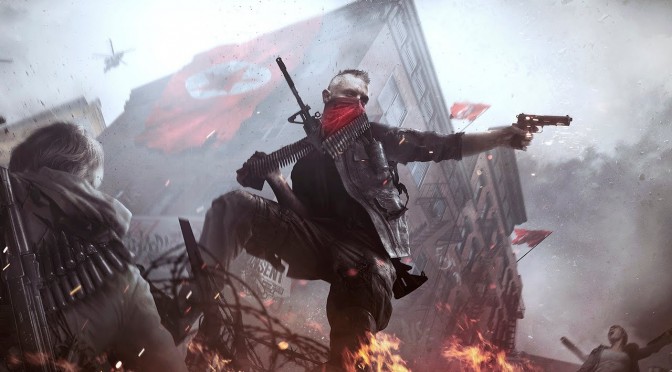
Homefront: The Revolution is a game that went through development hell. The first game was developed by Kaos Studios and after the closure of THQ, the game’s rights were sold to Crytek UK. Crytek UK started developing the game but was unable to finish it. The game’s rights were then sold to Koch Media and the development duties were assumed by Dambuster Studios. And after a number of delays, Homefront: The Revolution has just been released on the PC. So, time now to find out how this title performs on the PC platform.
For this PC performance analysis we used an Intel i7 4930K (turbo boosted at 4.0Ghz) with 8GB RAM, NVIDIA’s GTX980Ti and GTX690, Windows 10 64-bit and the latest WHQL version of the GeForce drivers.
NVIDIA has not included an official SLI profile for this game, however PC gamers can enable it by using the SLI compatibility bits for Ryse: Son Of Rome.
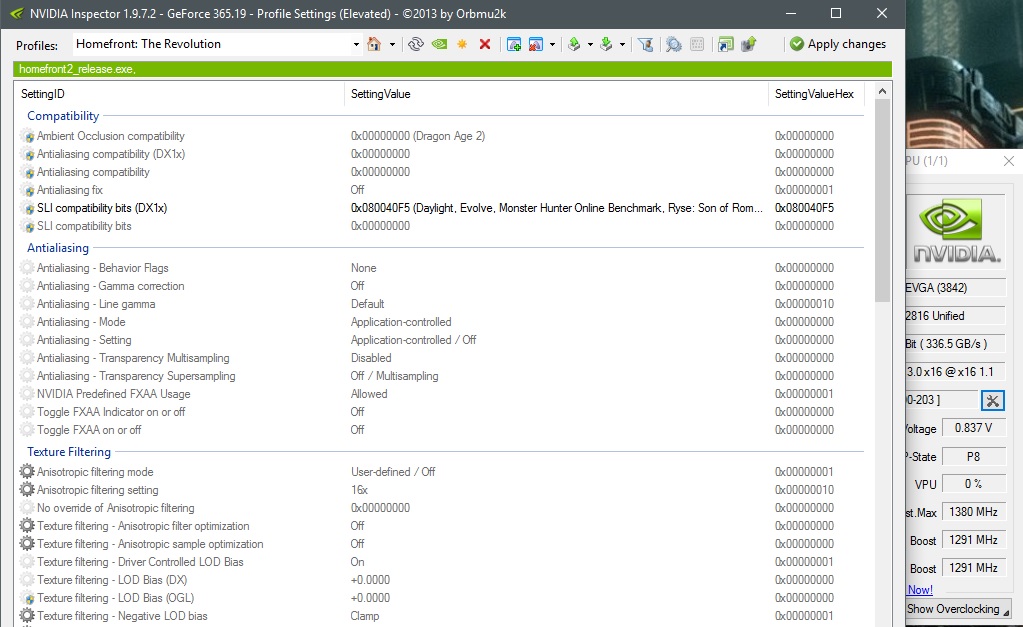
With the Ryse: Son of Rome profile, SLI scaling was not ideal. As a result of that, our GTX690 was unable to hit a constant 60fps in 1080p on High settings (as there were minor drops to 50fps). In order to hit that sweet constant 60fps experience, we had to lower some settings to Medium.
Moving on to our GTX980Ti, we were able to run Homefront: The Revolution with almost constant 60fps at Very High settings. During firefights, however, we did notice some minor drops to 55fps. On High settings and with SMAA Medium, we were able to hit an average of 90fps and a minimum of 70fps.
Now we know that some PC gamers experience various performance issues even on high-end systems. And we have a solution for you. It appears that the game launches with a really strange CPU scaling bug/issue.
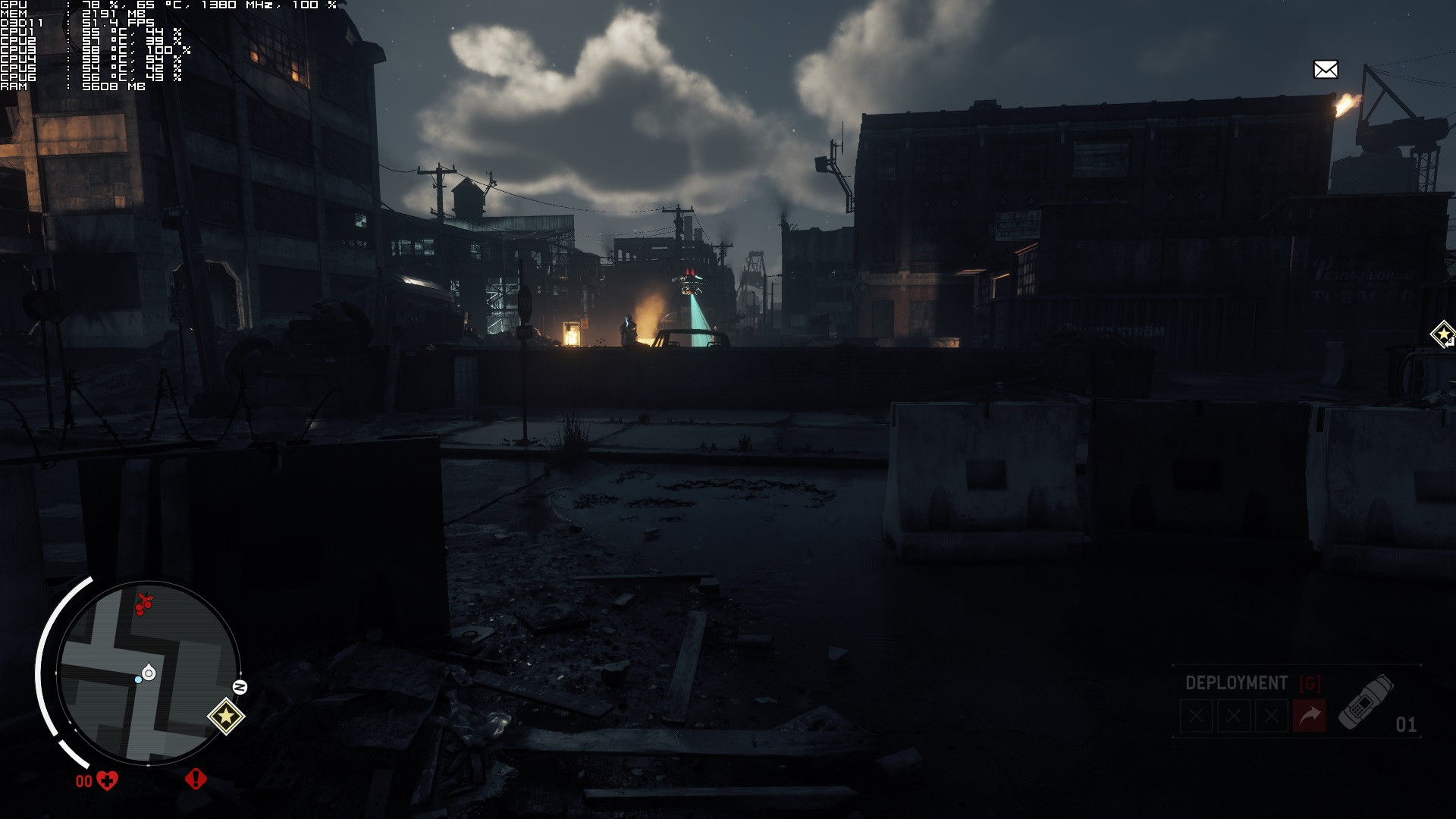
As you can see, Homefront: The Revolution initially stressed only one CPU core. As a result of that, the game’s performance was all over the place. However, by alt-tabbing, disabling all threads via the “set affinity” option and re-enabling all of them, the game scaled wonderfully on our hexa-core CPU. We were able to replicate this multiple times, so yes; this actually works.
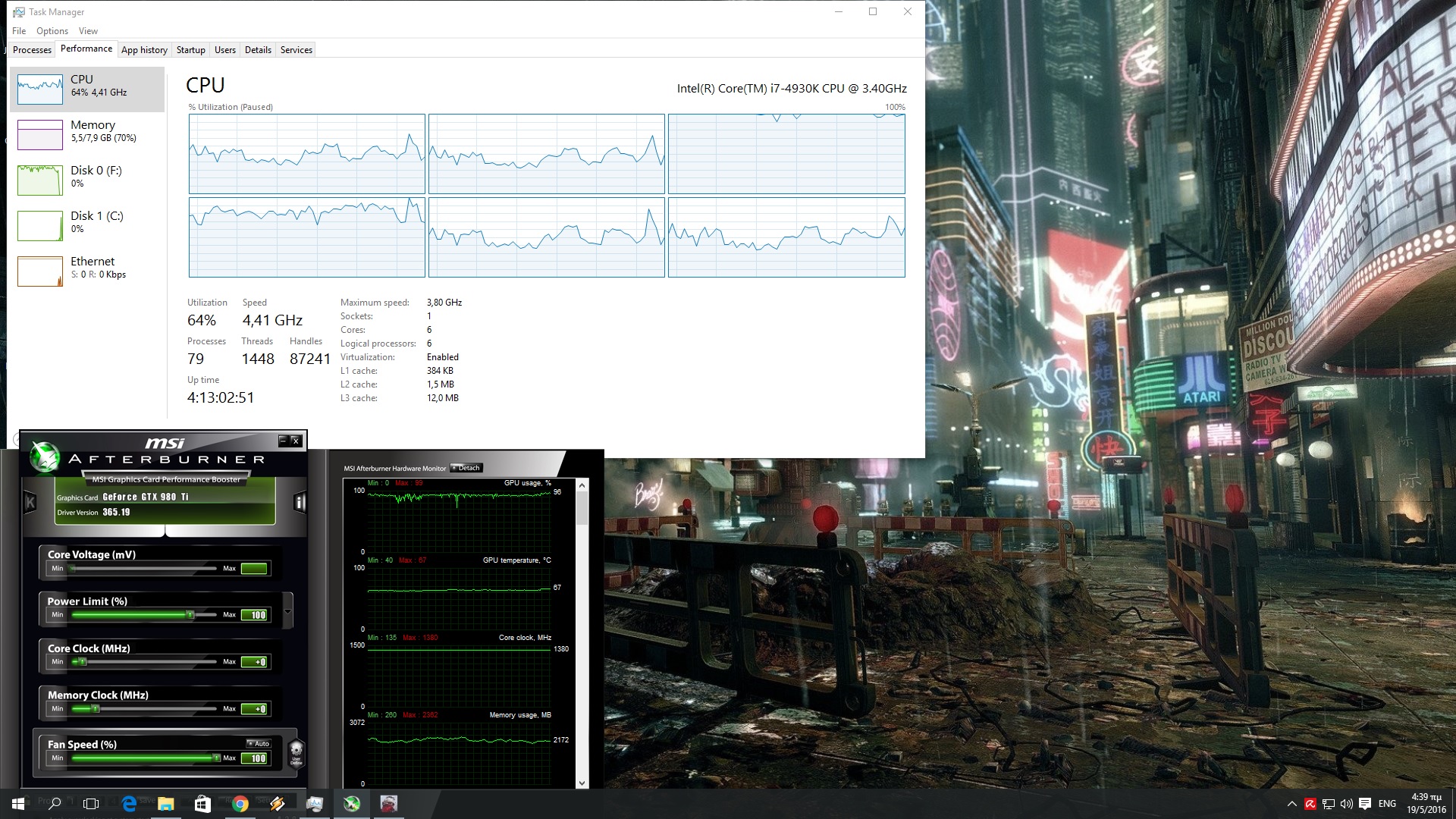

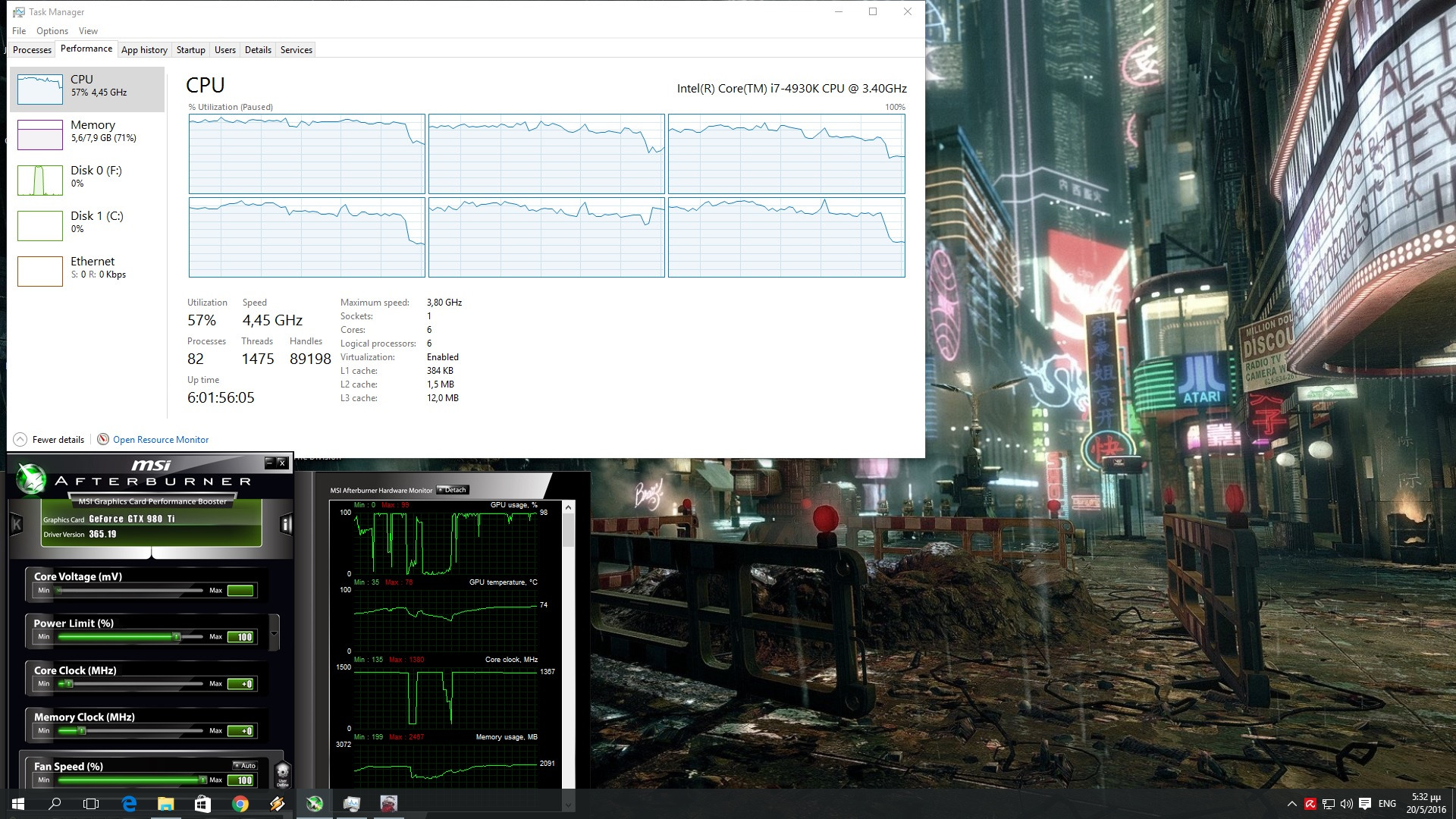
Thanks to this solution, our GPU was used to its fullest at all times, and we saw a massive performance boost in numerous scenes. In this particular scene, we saw a performance boost of 25fps.
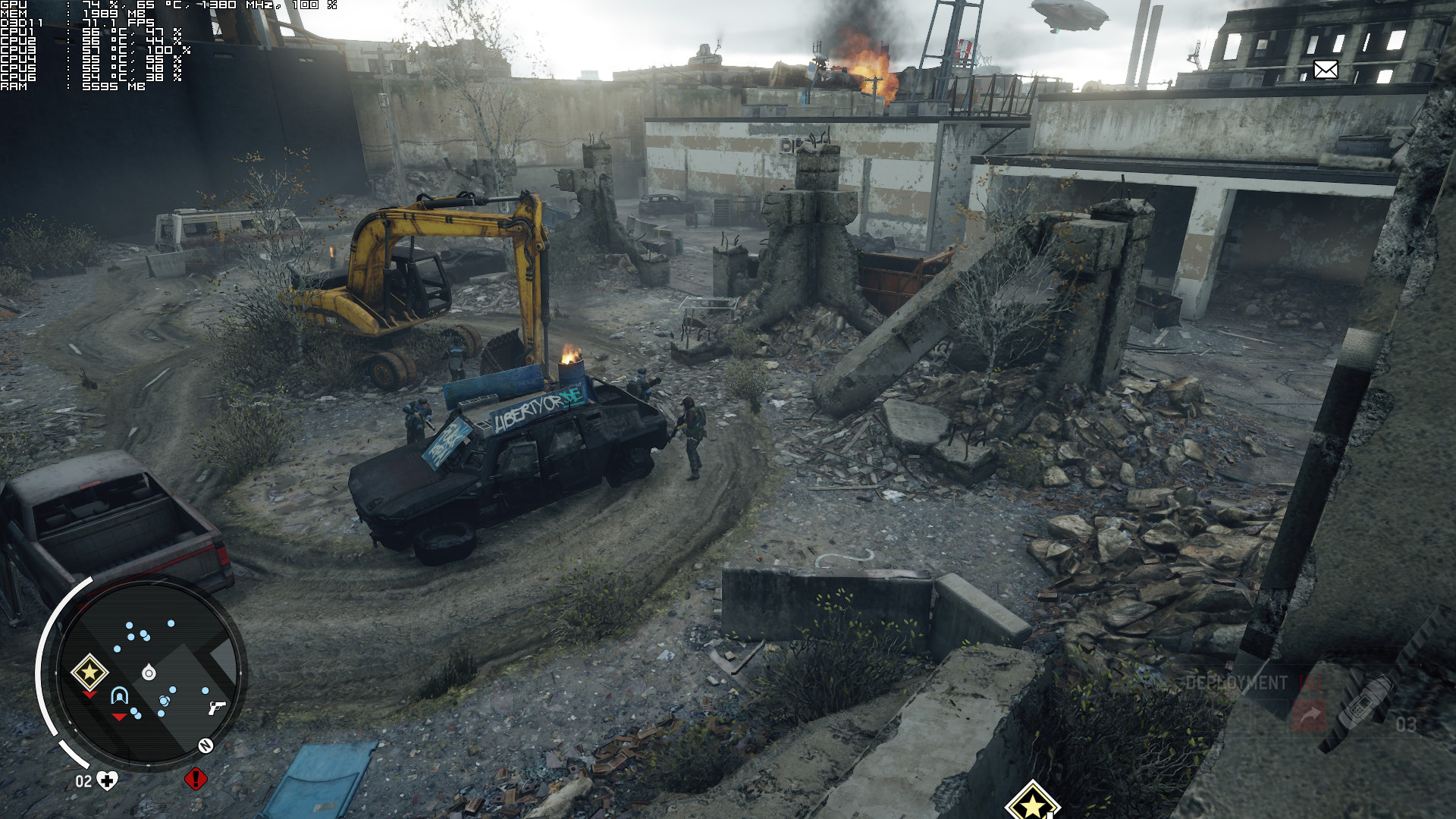
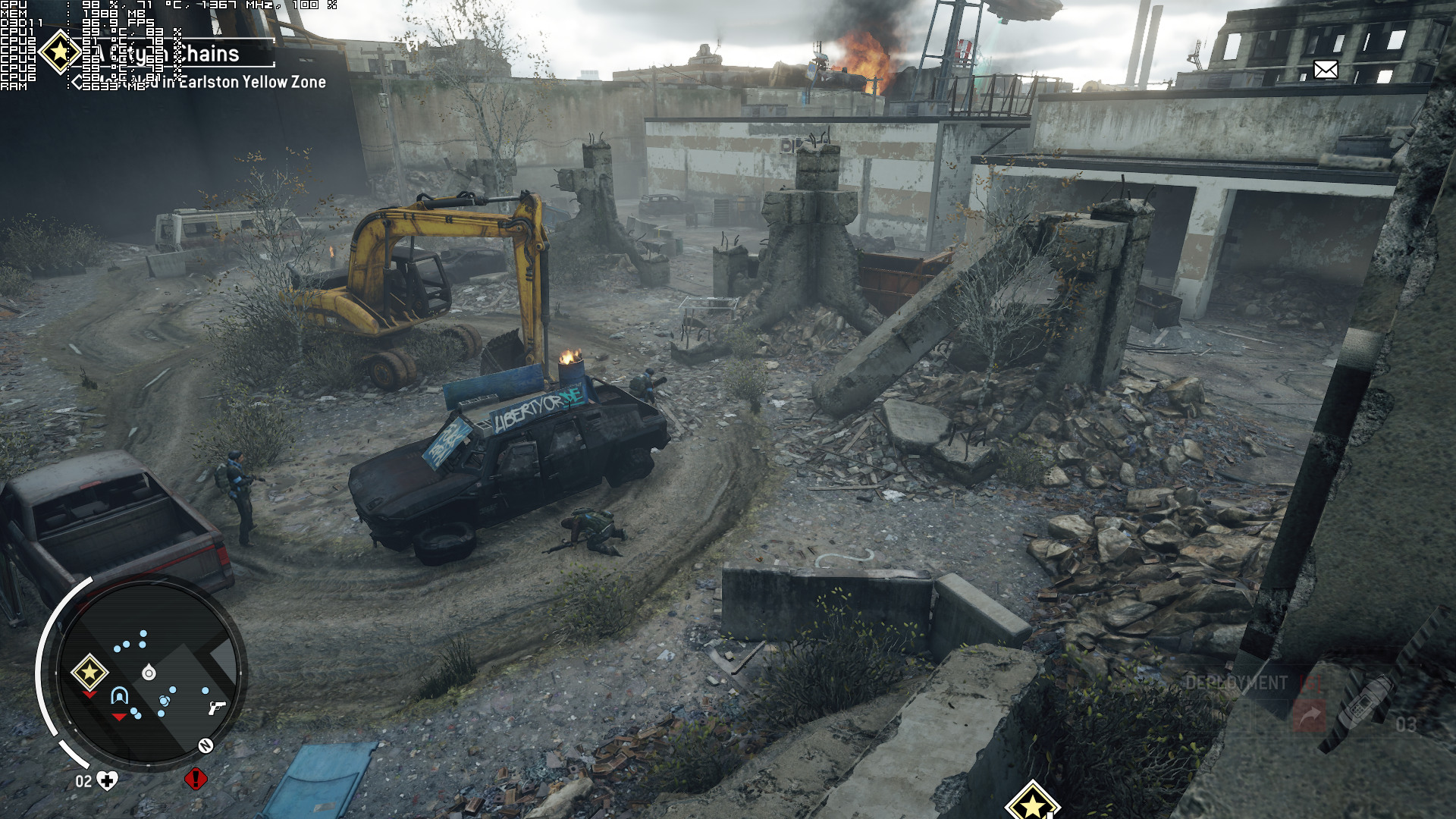
With this solution and the game scaling on all of our available CPU cores, we went ahead and simulated a dual-core, a tri-core, and a quad-core system. Our simulated dual-core system was able to run the game with an average of 42fps on High settings in 1080p. When we enabled one more CPU core, we noticed a performance boost of 20fps, and when we enabled another CPU core we noticed an additional performance boost of 17fps. In other words, our simulated tri-core system ran the game with 62fps and our simulated quad-core ran the game with 79fps. And as we’ve already said, our hexa-core ran the game with an average of 90fps.
This basically means that Homefront: The Revolution scales incredibly well on multiple CPU cores. After all, that is one of the strongest points of CRYENGINE. Therefore – and since a modern tri-core CPU is able to push 60fps when it’s not limited by the GPU – we can safely say that Homefront: The Revolution is a GPU-bound title.
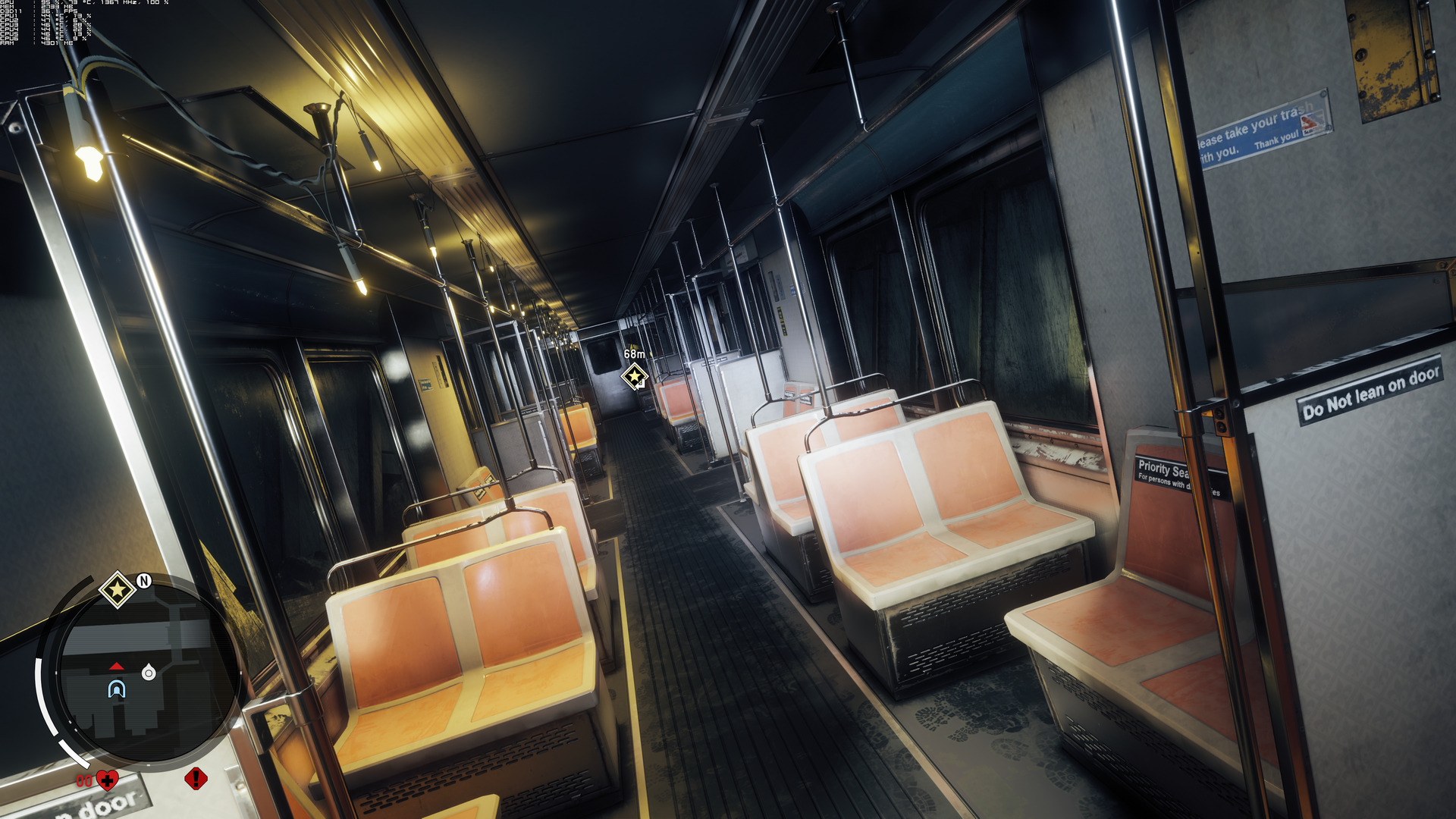
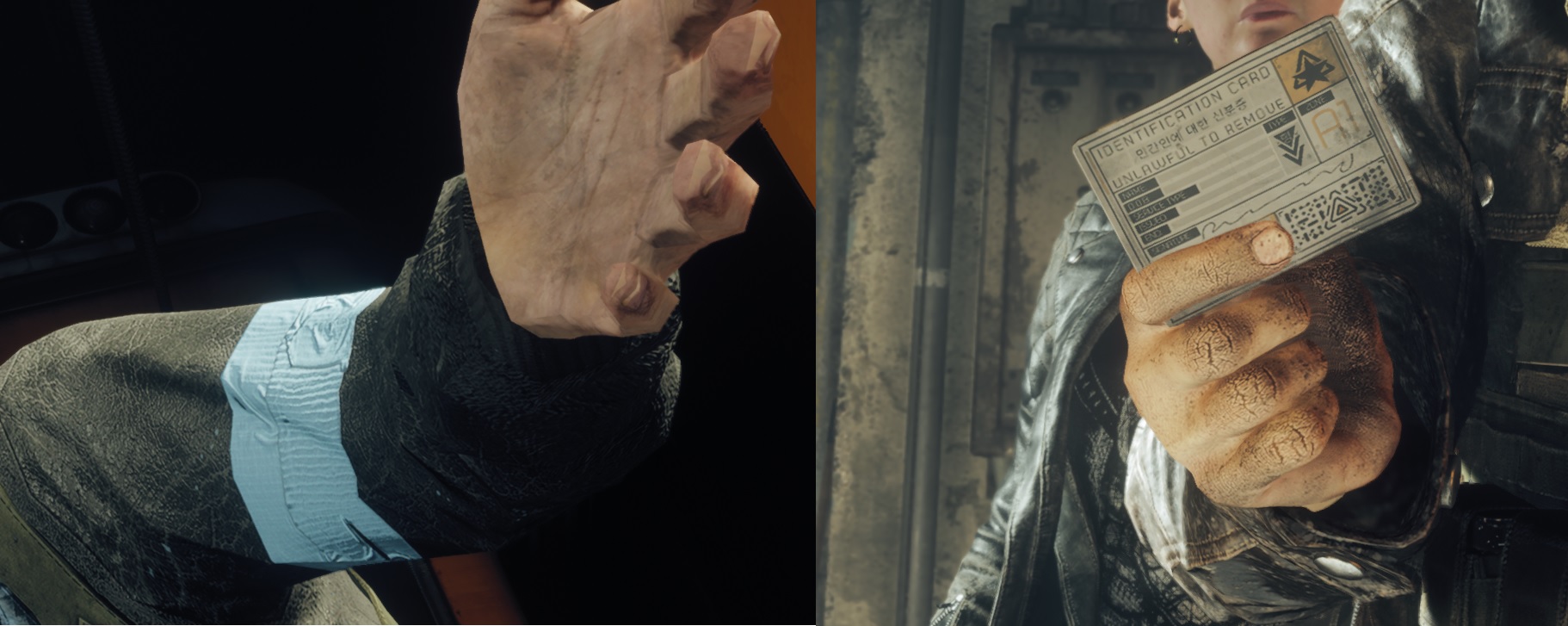
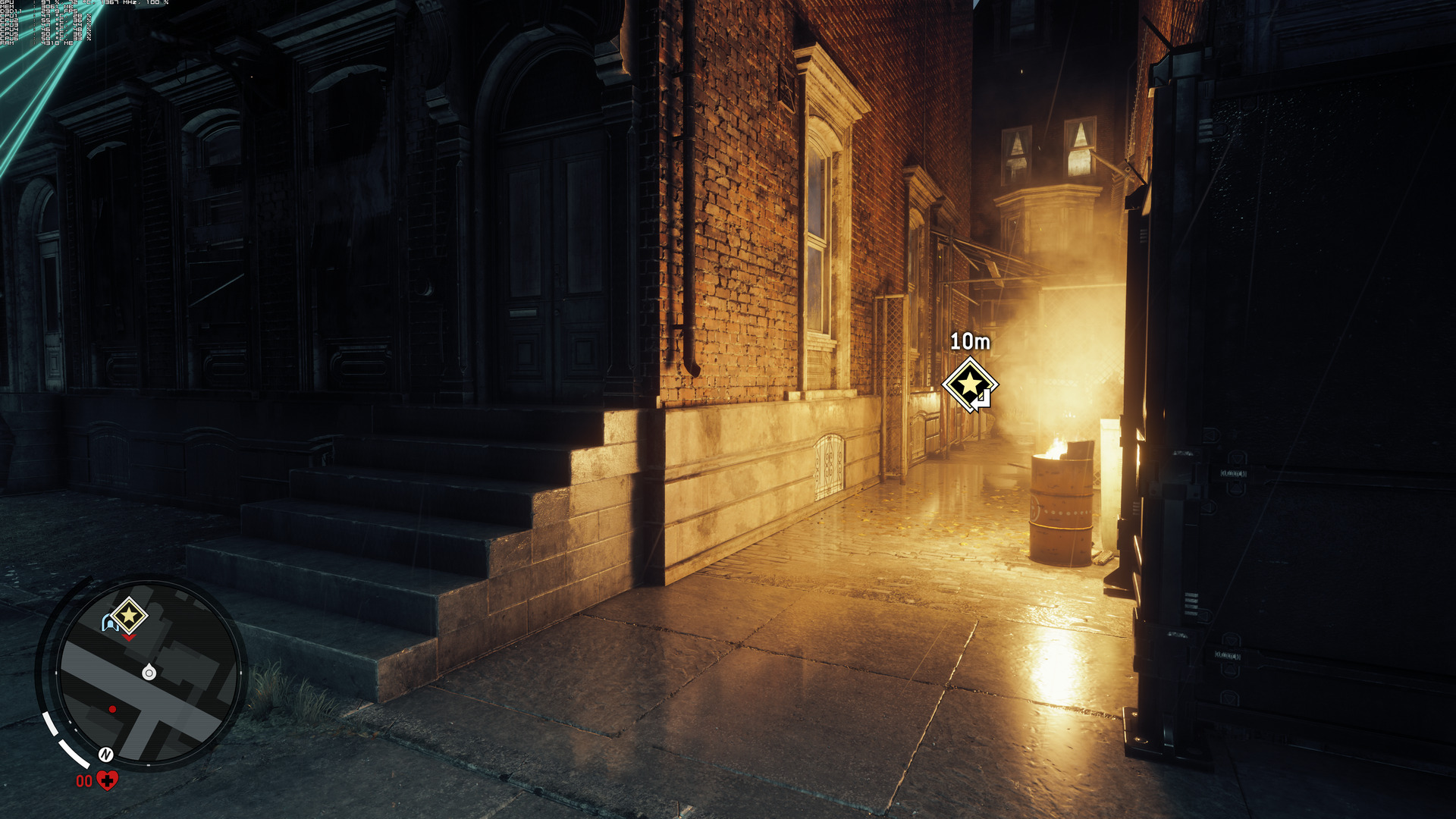
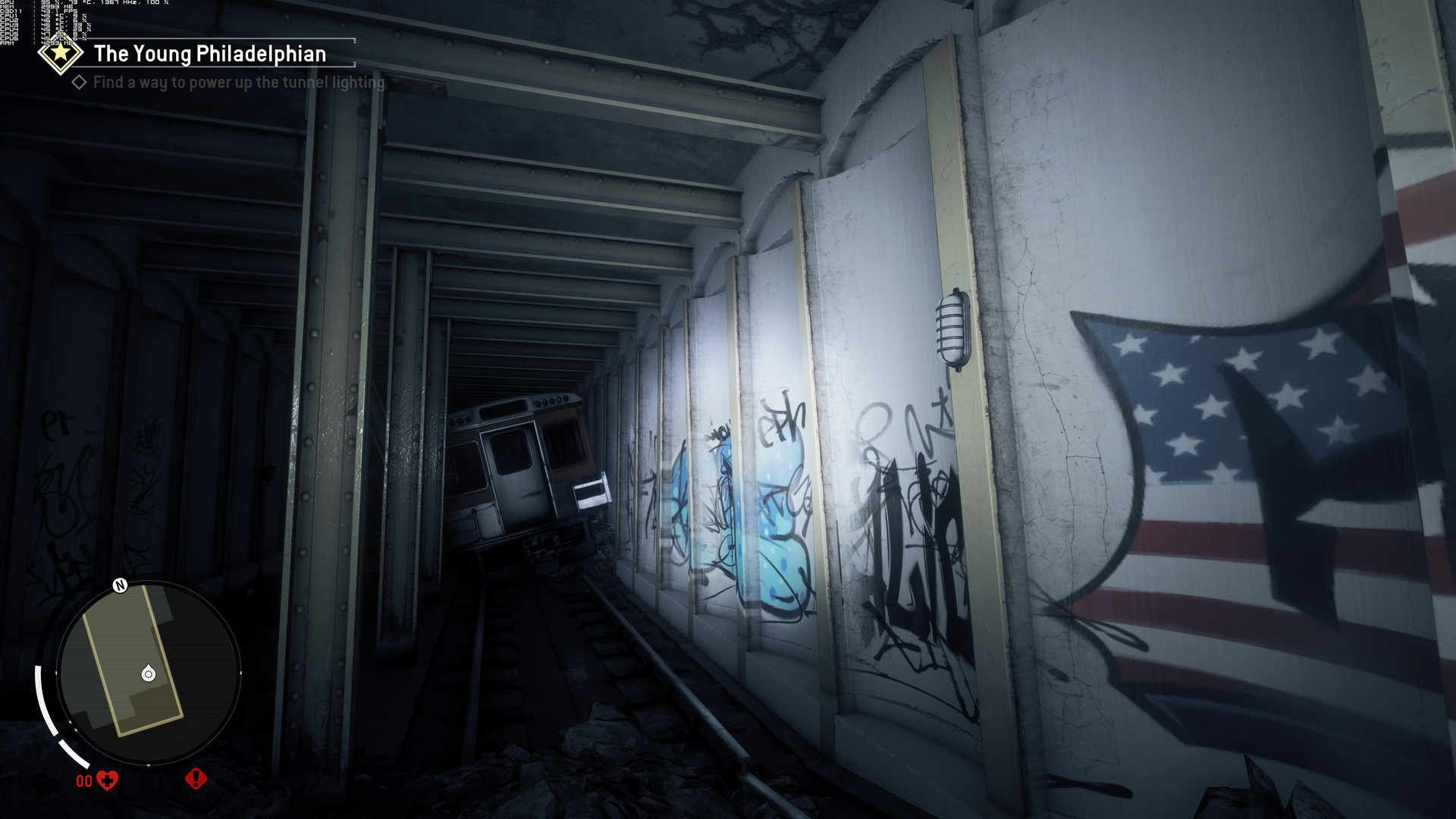
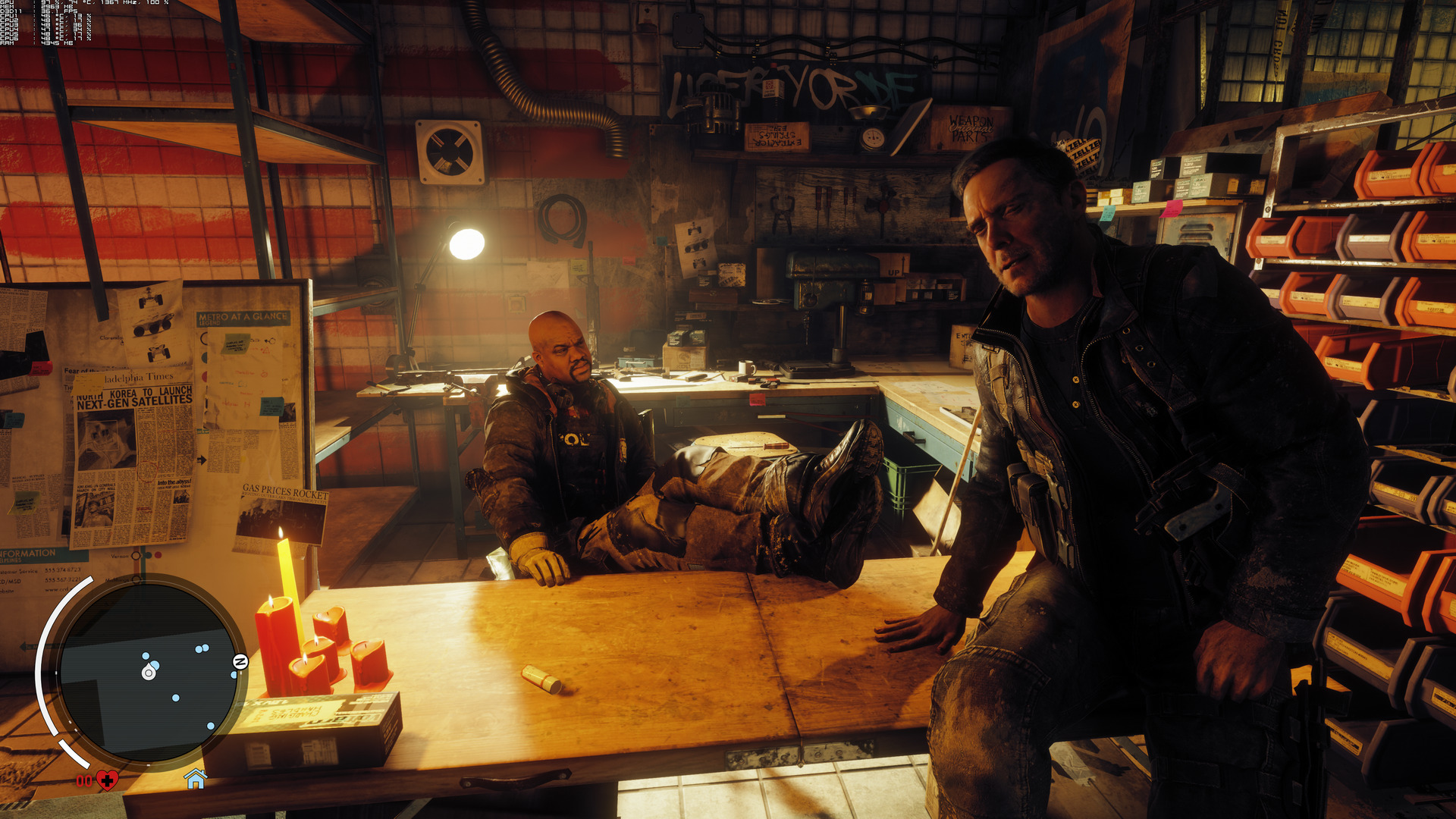
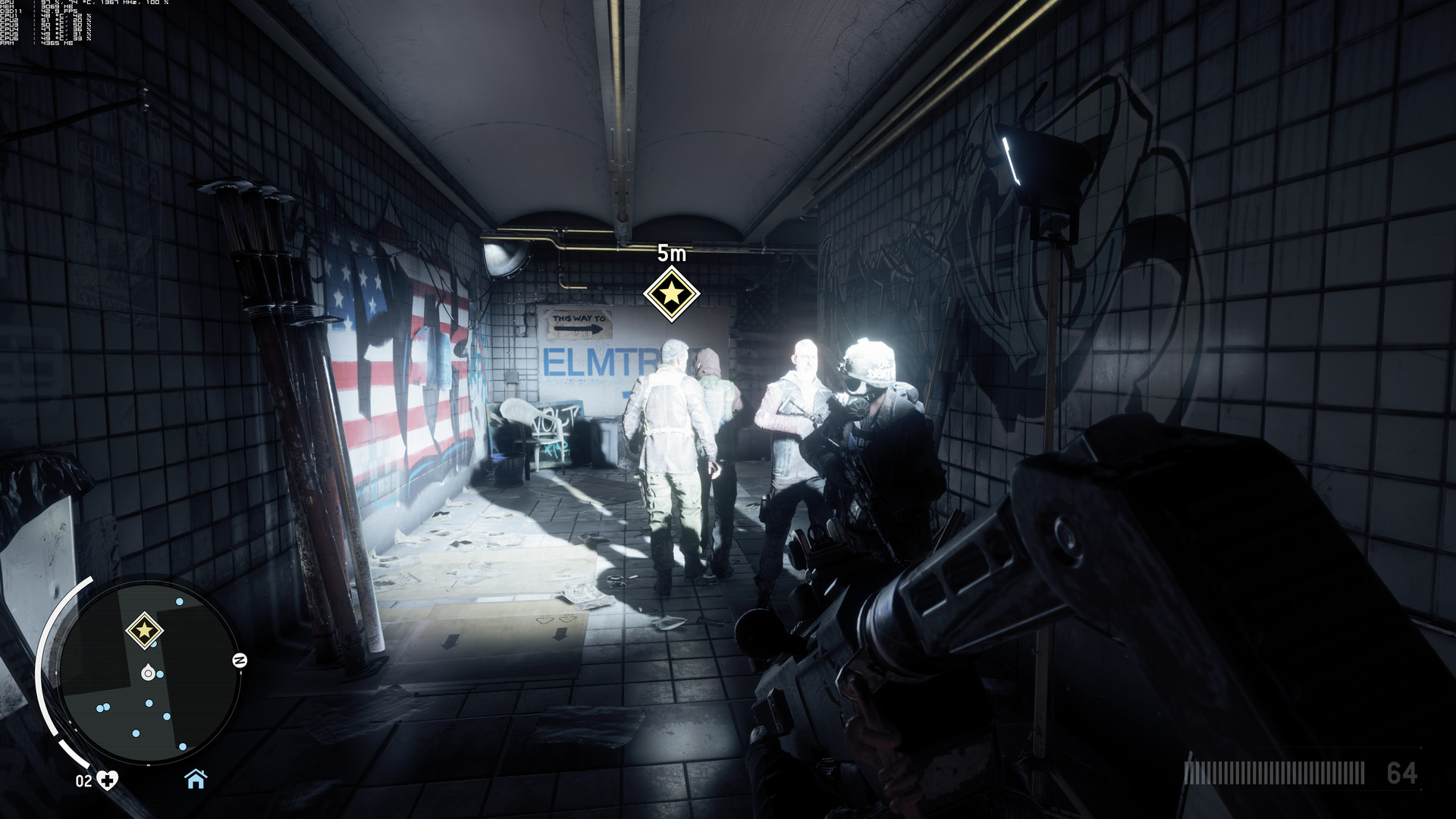
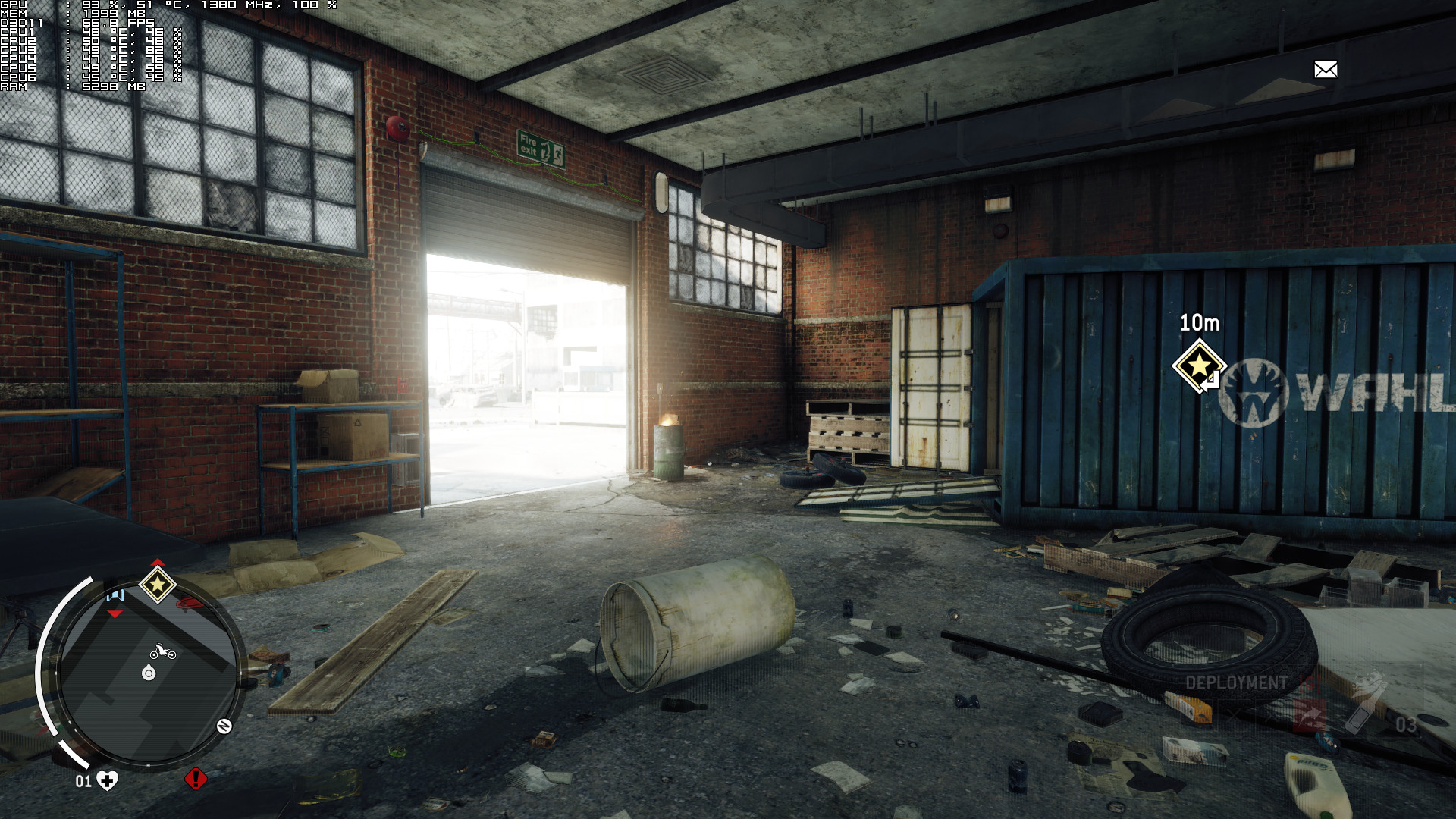
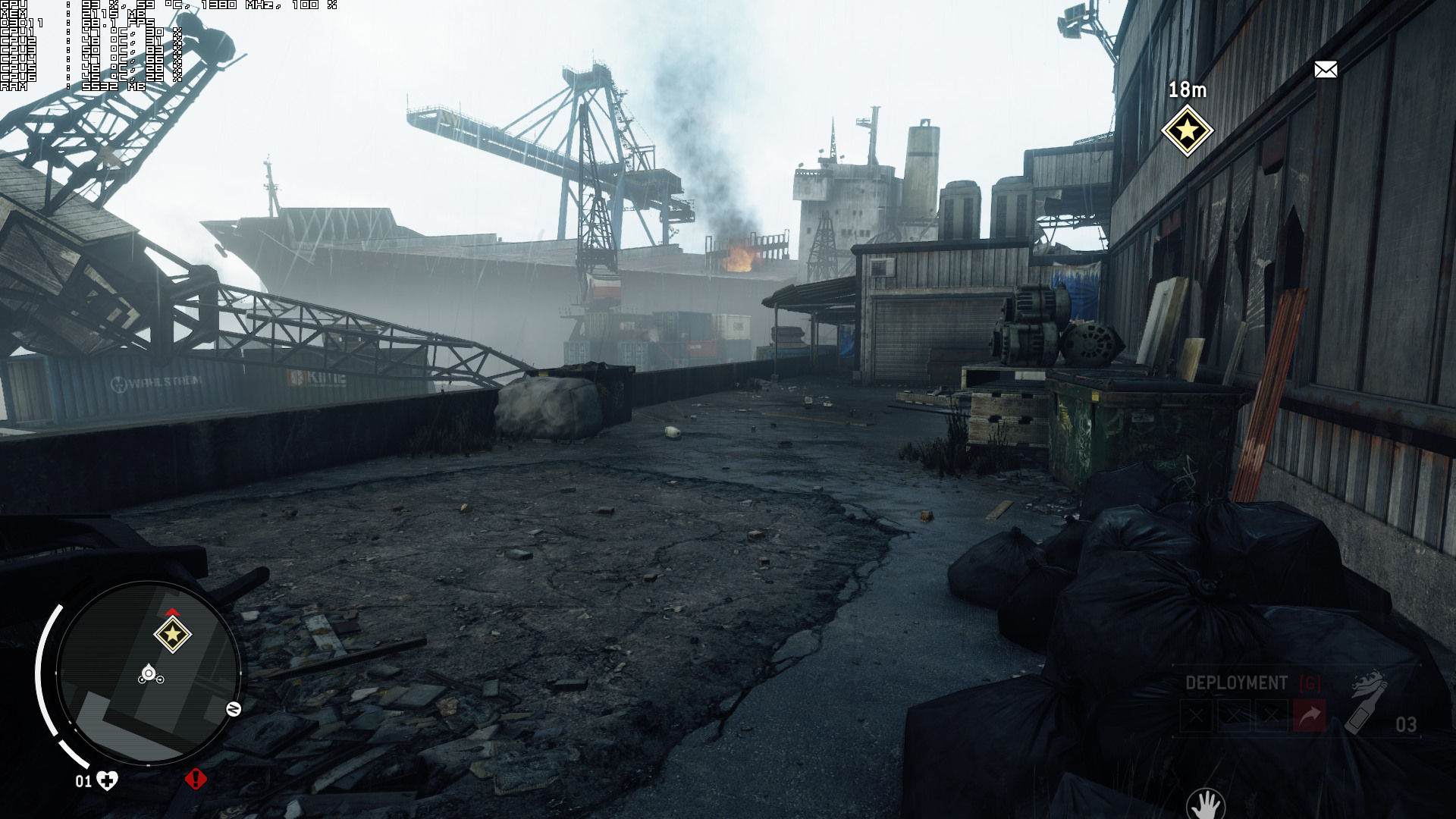
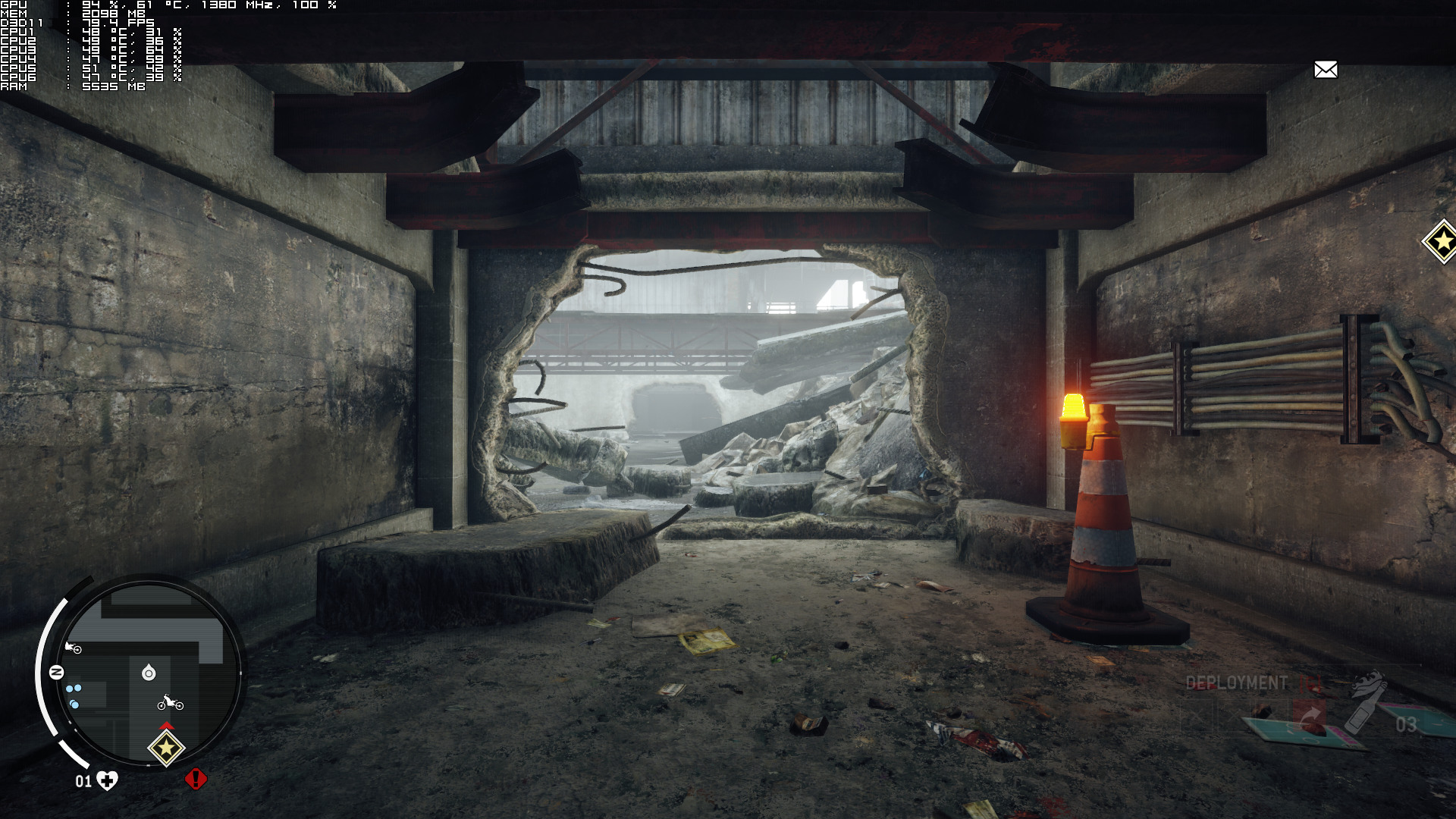
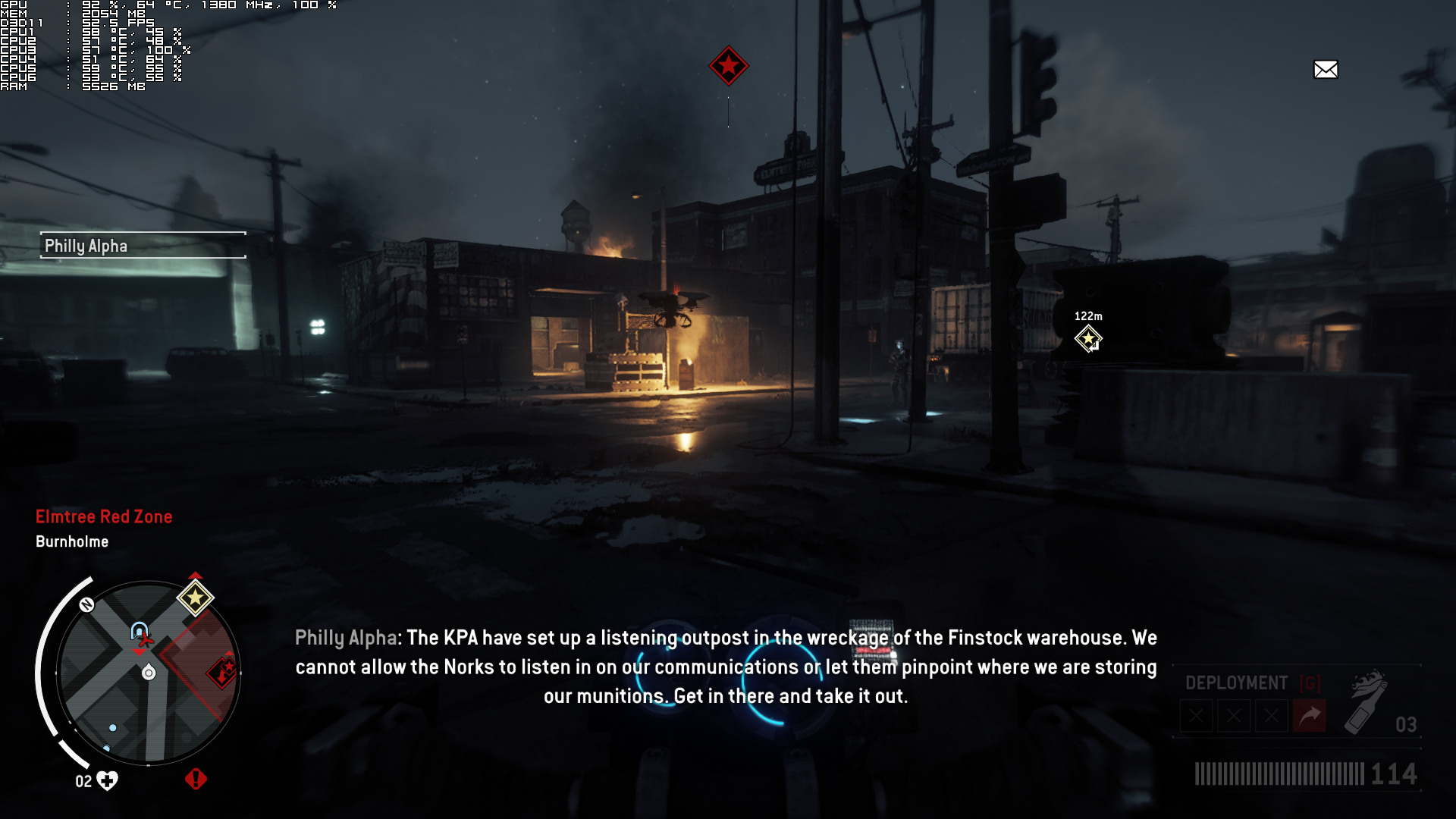
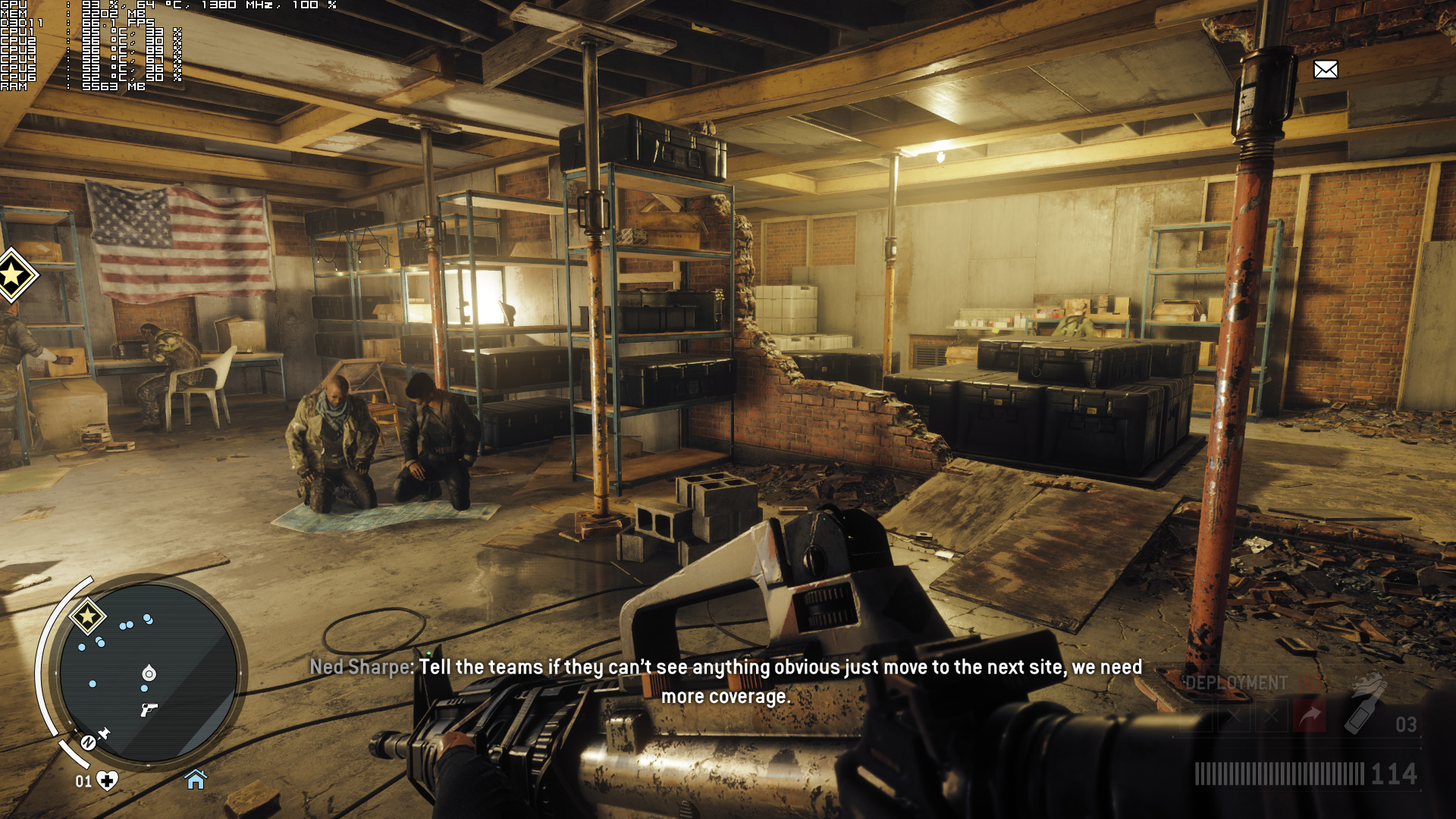
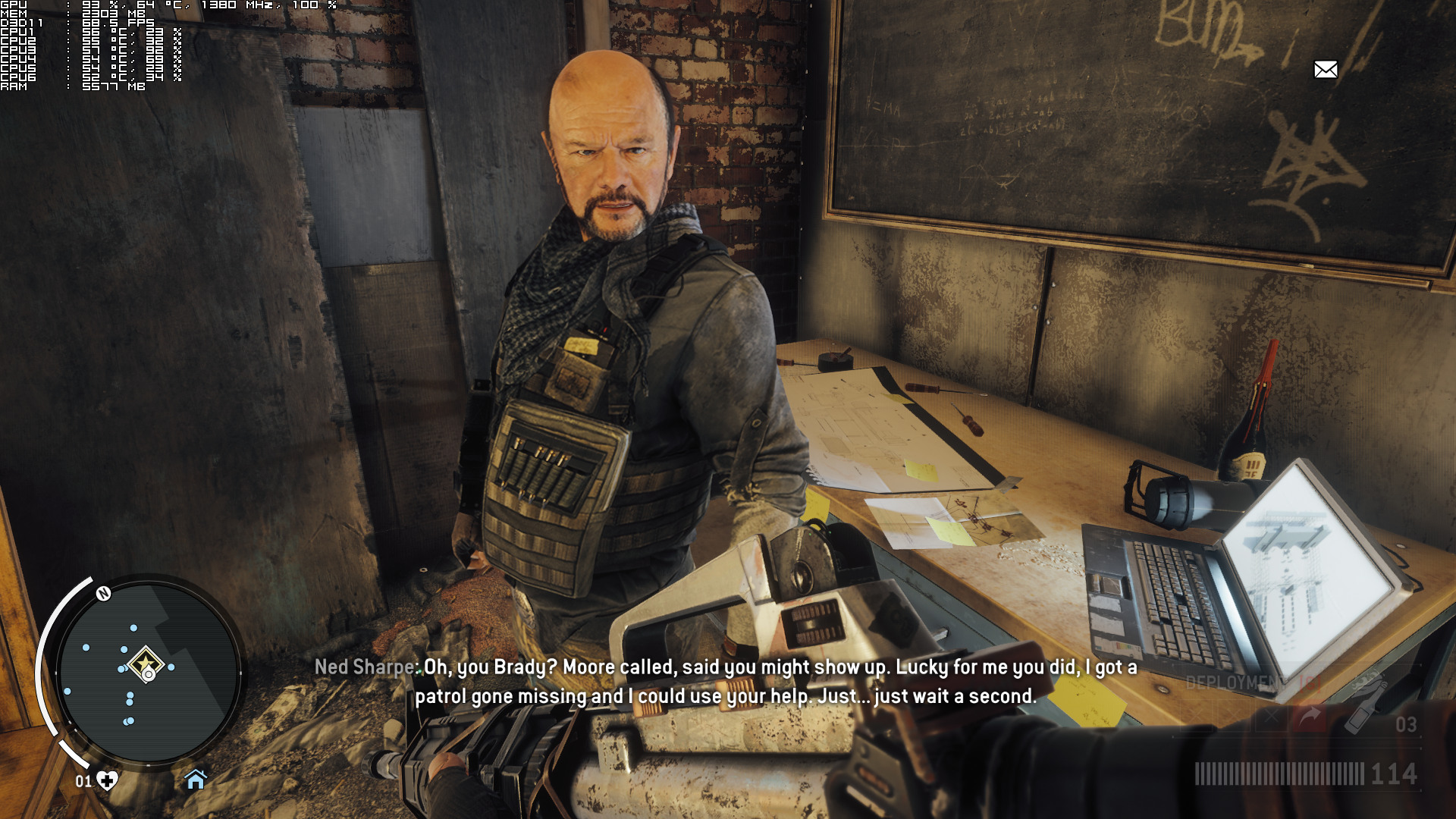
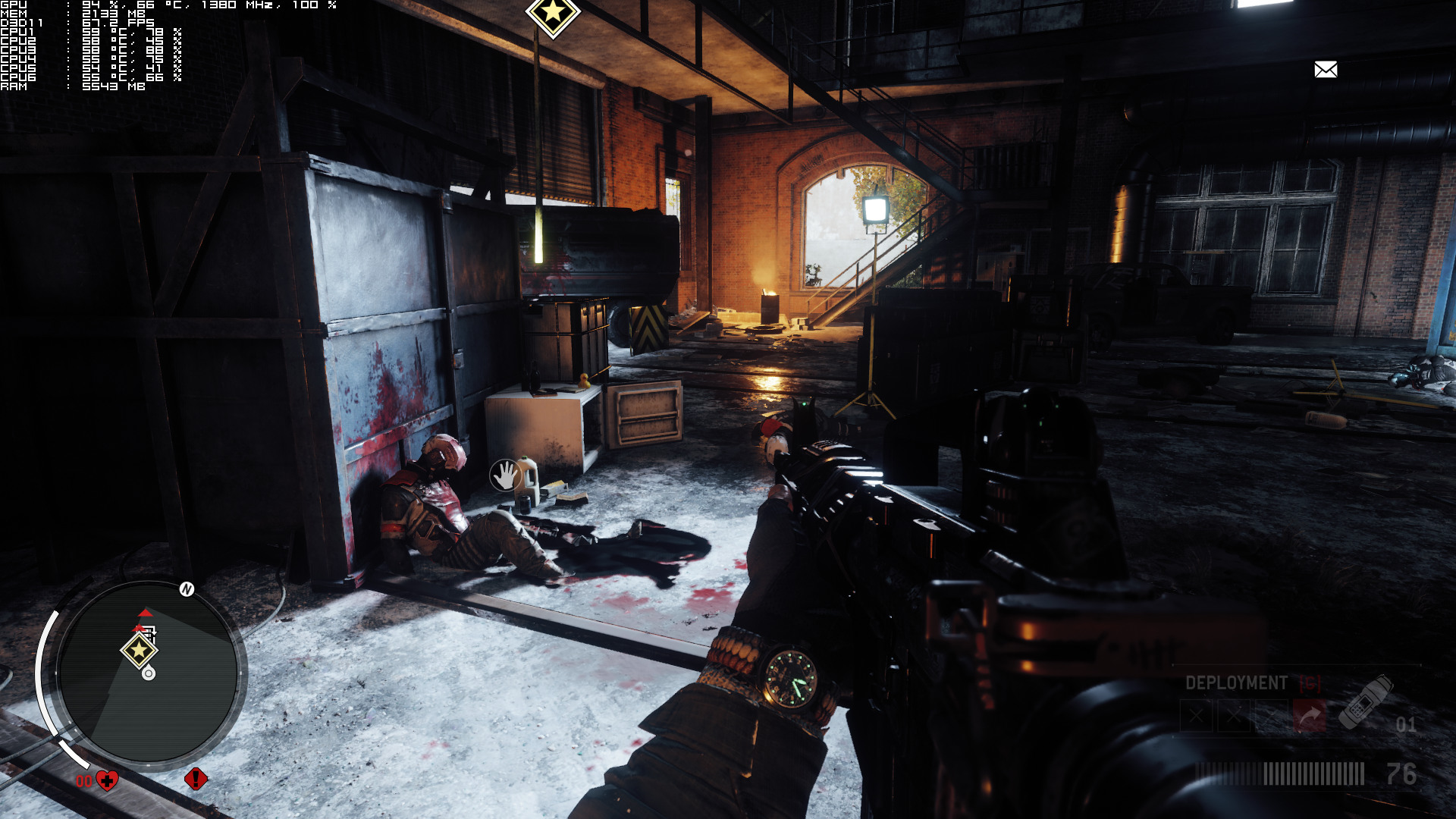
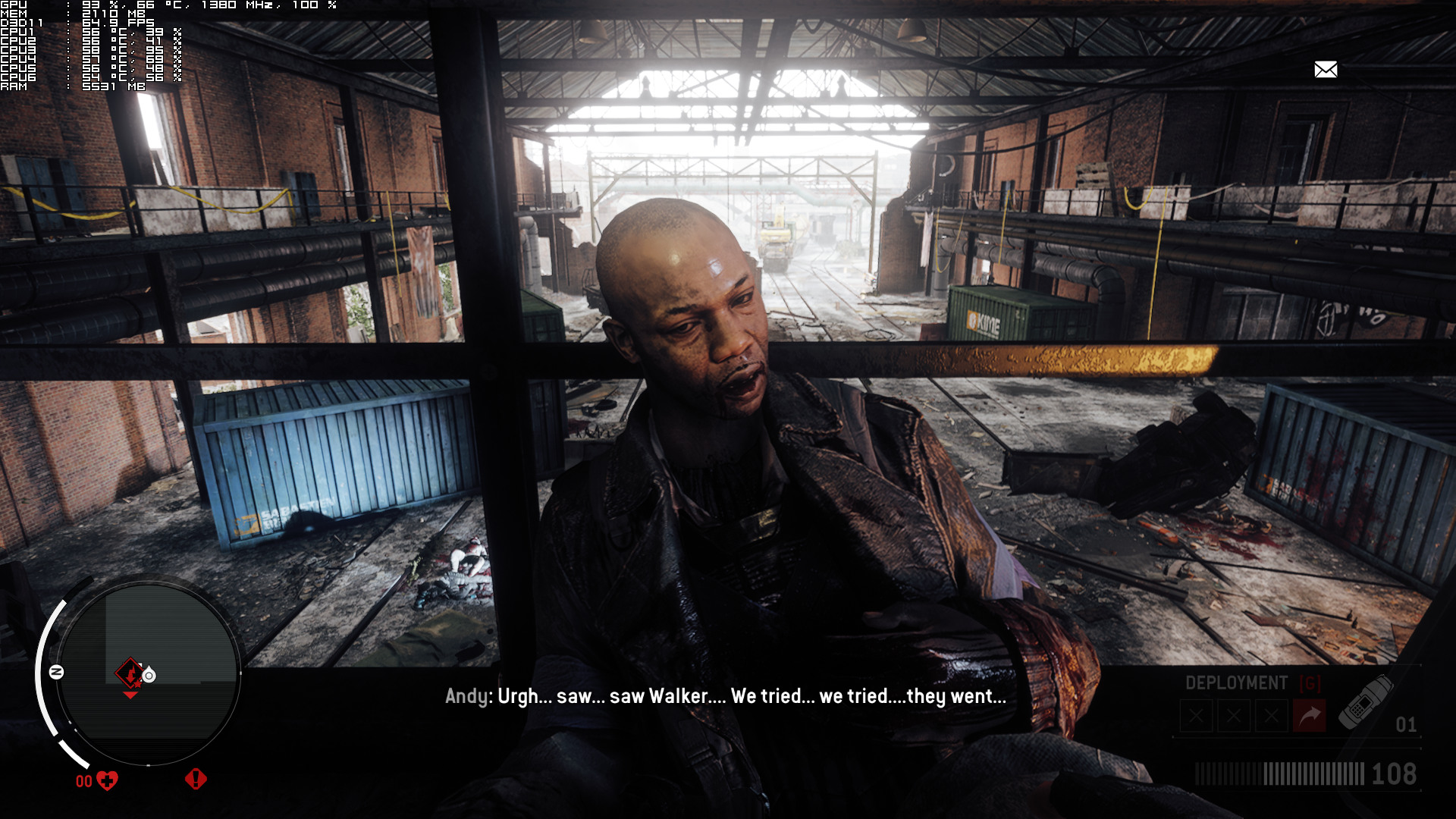
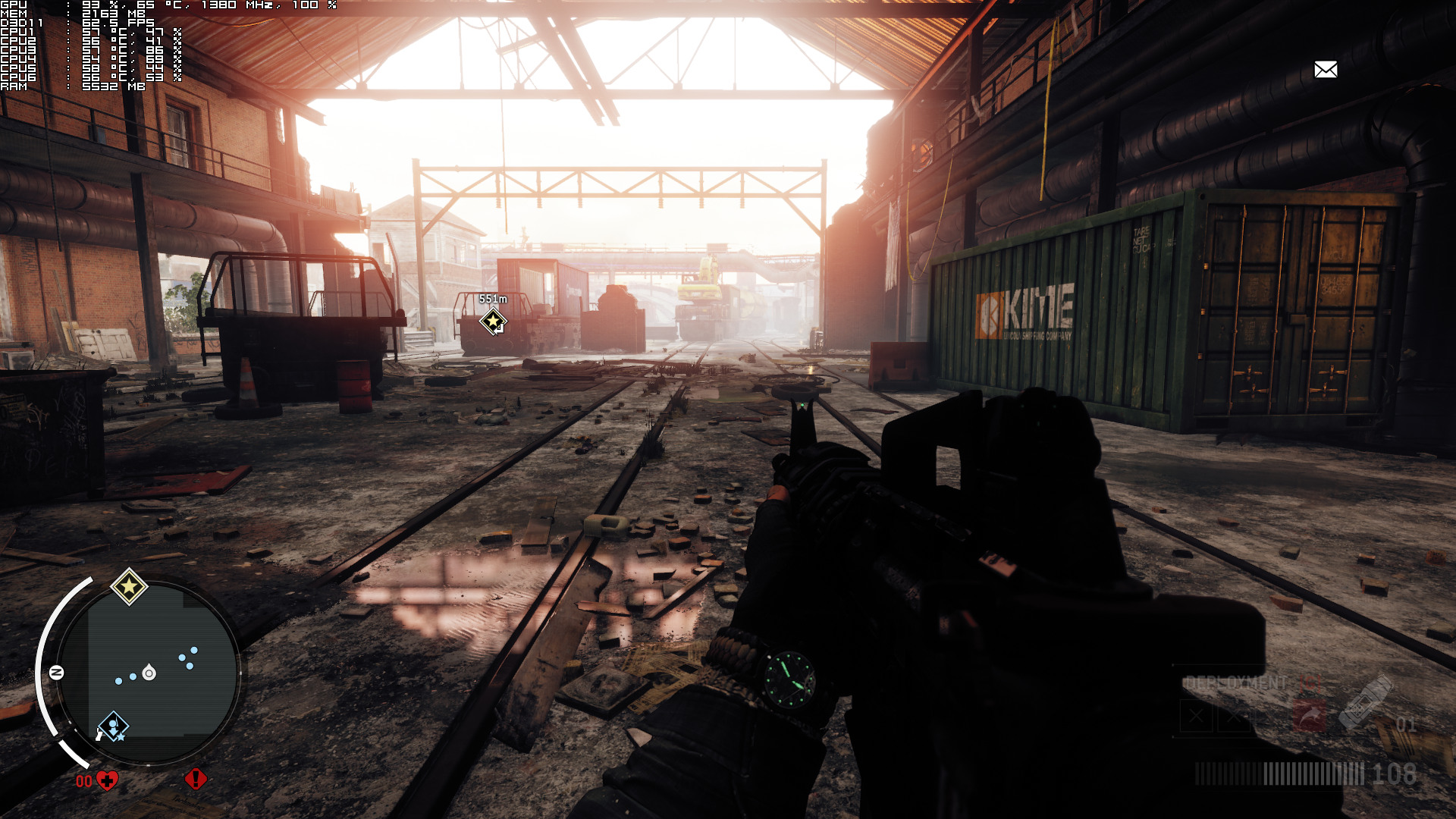
Graphics wise, Homefront: The Revolution is a mixed bag. The lighting system that Dambuster used is by far one of the best we’ve ever seen, showing the benefits of physically-based rendering and CRYENGINE’s Global Illumination solution. The environments look great, the wet surfaces are a beauty to behold, most light sources cast shadows, ambient occlusion has been cleverly used, the screen-space reflections are awesome, and the main characters look great. However, there are some really blurry textures here and there, the environmental destructibility is almost non-existent, you cannot bend all bushes (even though there are some wind effects that affect bushes), the rain drops look really bad and cheap, the HDR exposure is overdone, interactivity is limited and some NPCs look really blocky. I mean seriously, just look at this hand and compare it to the hand of one of the main characters.
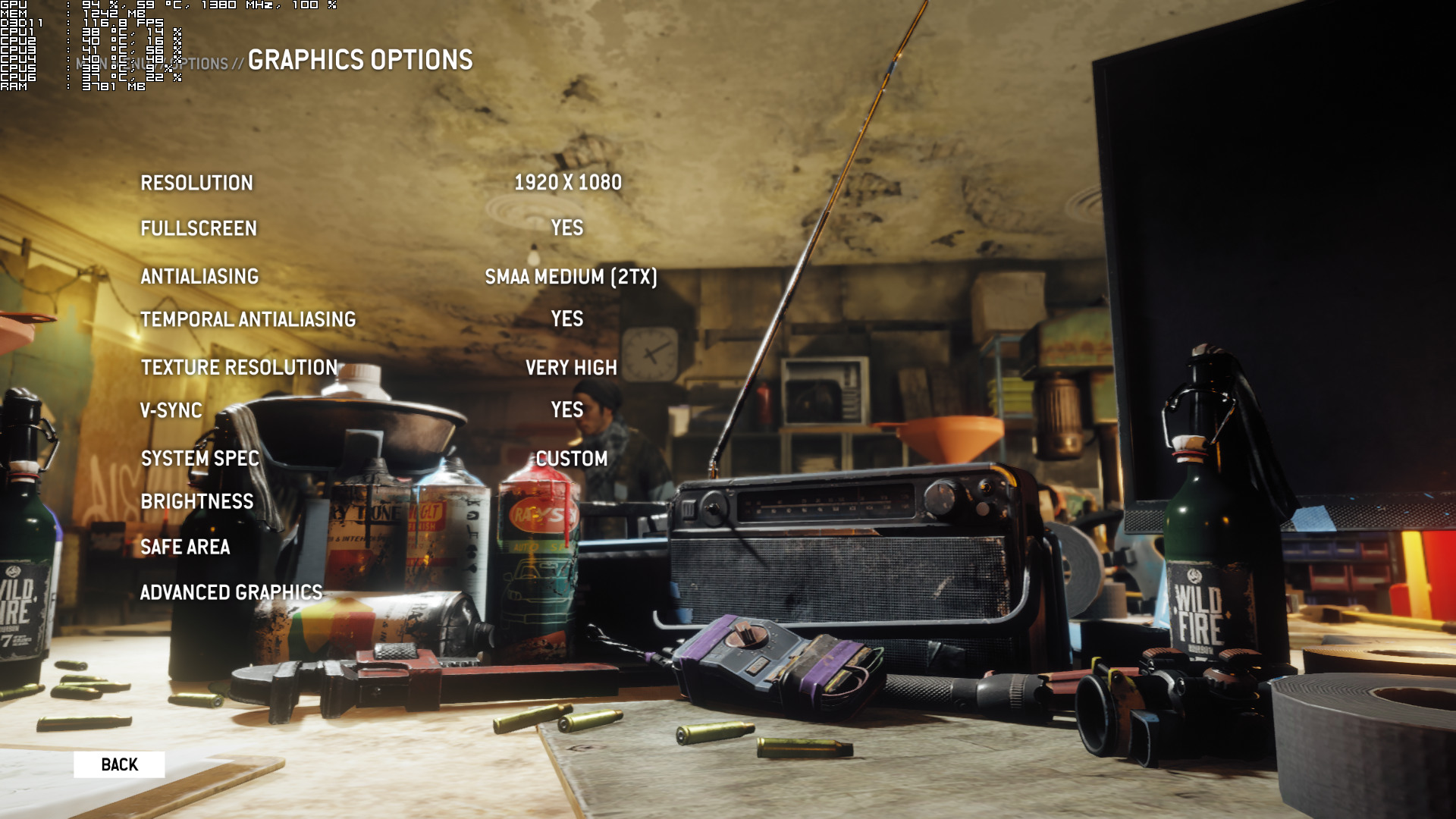
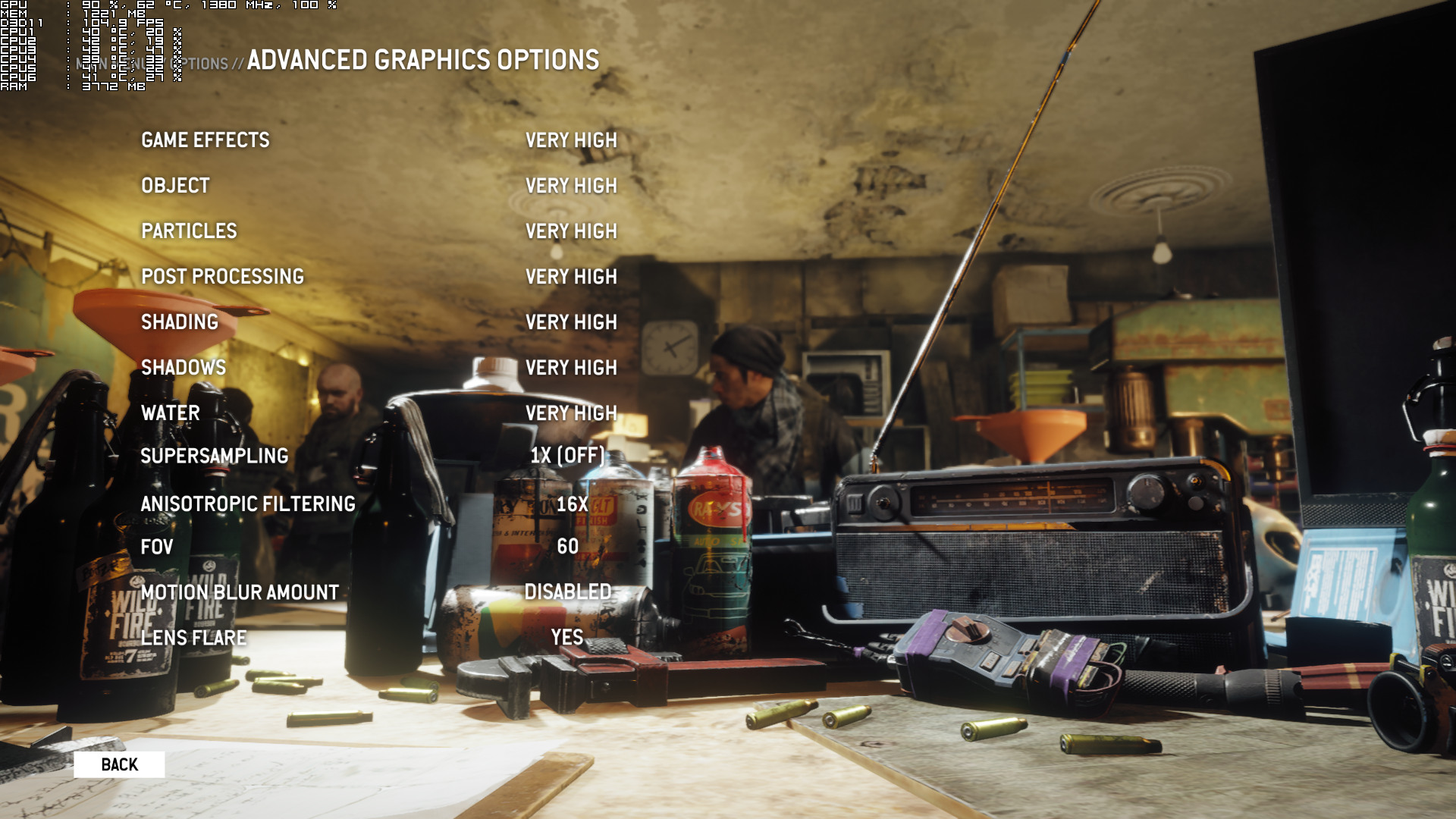
Dambuster Studios has provided a number of graphics options to tweak. PC gamers can adjust the quality of Textures, Anti-aliasing, Game Effects, Objects, Particles, Post Processing, Shading, Shadows, Water, Anisotropic Filtering and Supersampling. In addition, there is a FOV slider, there are options in order to enable/disable, Vsync, Temporal Anti-aliasing, Motion Blur and Lens Flares.
All in all, Homefront: The Revolution is a game that does not really justify its really high GPU requirements. While its lighting system is amazing, the game suffers from a number of graphical shortcomings. Not only that, but a GTX980Ti is simply unable to run this game at max settings with constant 60fps, and let us tell you that this does not feel like the next “Crysis” game or more advanced than DOOM; a game that looks great and runs amazingly well. Homefront: The Revolution looks great but we’re pretty sure that it can benefit from additional optimization fixes/tweaks.
Enjoy!


John is the founder and Editor in Chief at DSOGaming. He is a PC gaming fan and highly supports the modding and indie communities. Before creating DSOGaming, John worked on numerous gaming websites. While he is a die-hard PC gamer, his gaming roots can be found on consoles. John loved – and still does – the 16-bit consoles, and considers SNES to be one of the best consoles. Still, the PC platform won him over consoles. That was mainly due to 3DFX and its iconic dedicated 3D accelerator graphics card, Voodoo 2. John has also written a higher degree thesis on the “The Evolution of PC graphics cards.”
Contact: Email