

Firewatch is a title we’ve been looking forward to. Powered by the Unity Engine, Firewatch is a single-player first-person video game in which you take the role of a man named Henry who explores the Wyoming wilderness after taking a summer job as a fire lookout. The game has just been released on the PC, so it’s time to see how it performs on our platform.
As always, we used an Intel i7 4930K (turbo boosted at 4.0Ghz) with 8GB RAM, NVIDIA’s GTX690, Windows 8.1 64-bit and the latest WHQL version of the GeForce drivers. NVIDIA has not included any SLI profile for this game, however you can enable it via the NVIDIA Inspector Tool. Since there isn’t any profile at all for Firewatch, you’ll have to create a new one, add the game’s executable filename, and do the following changes (kudos to NeoGAF’s member ‘viveks86‘ for coming up with this workaround).
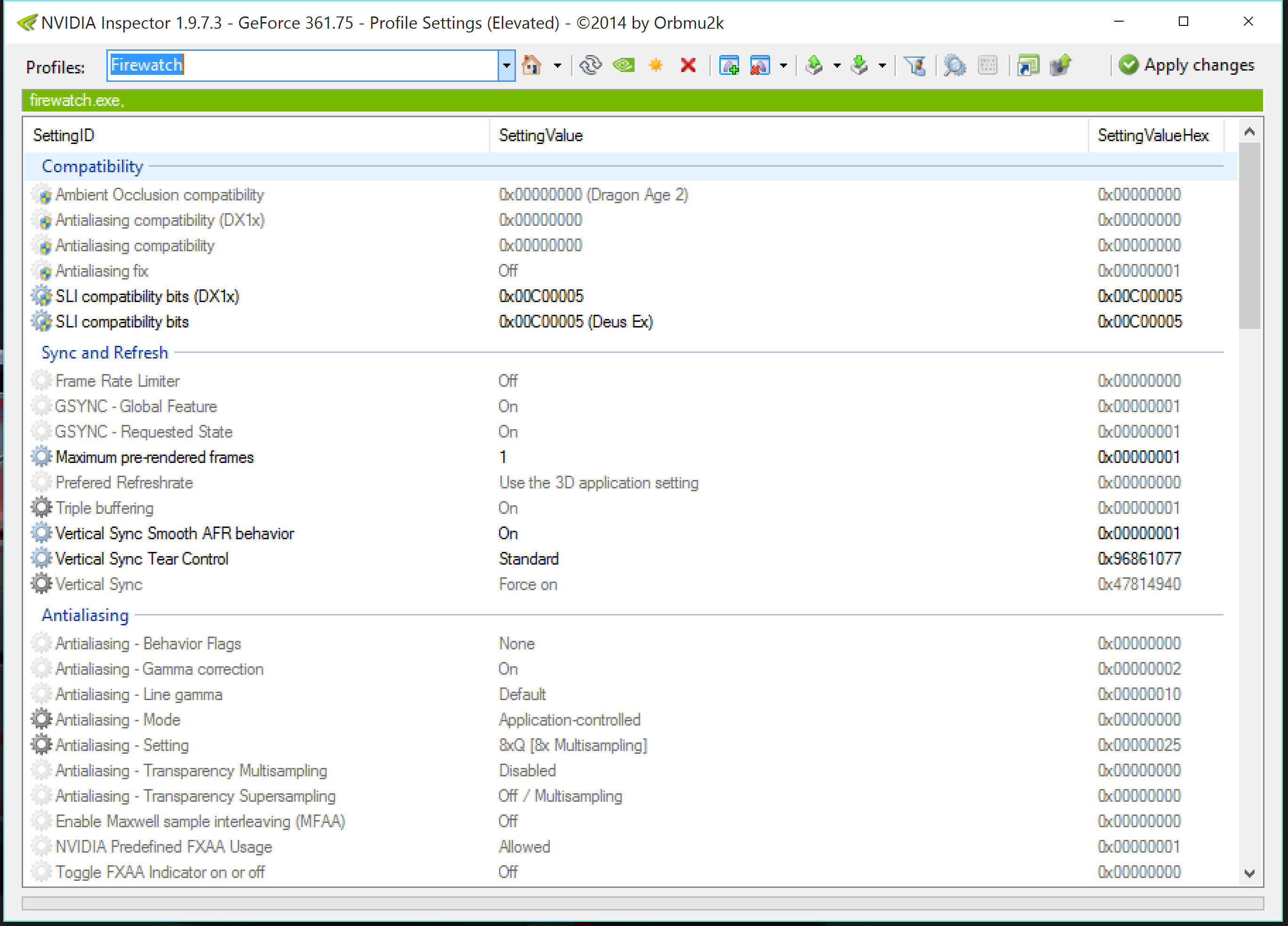
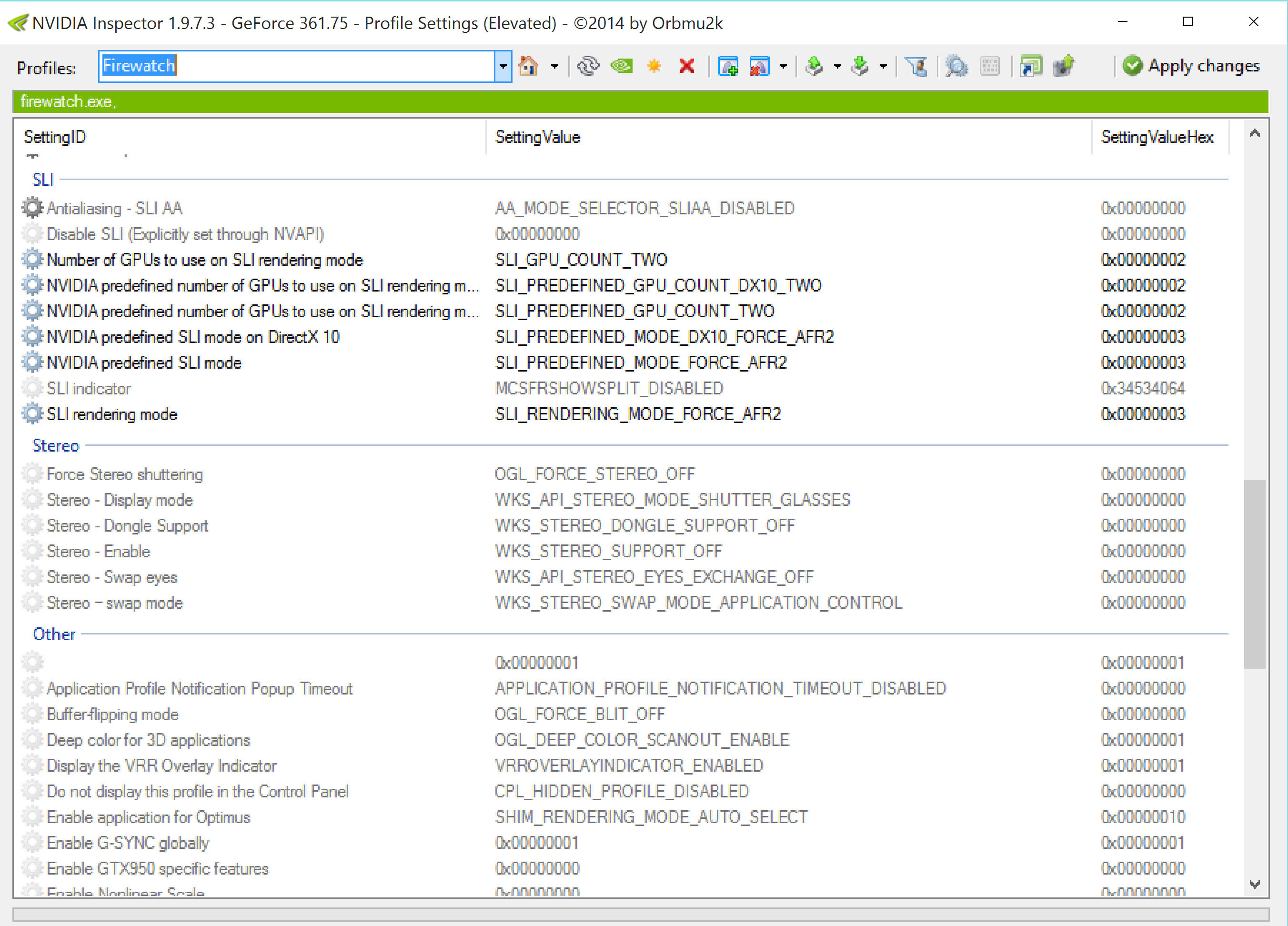
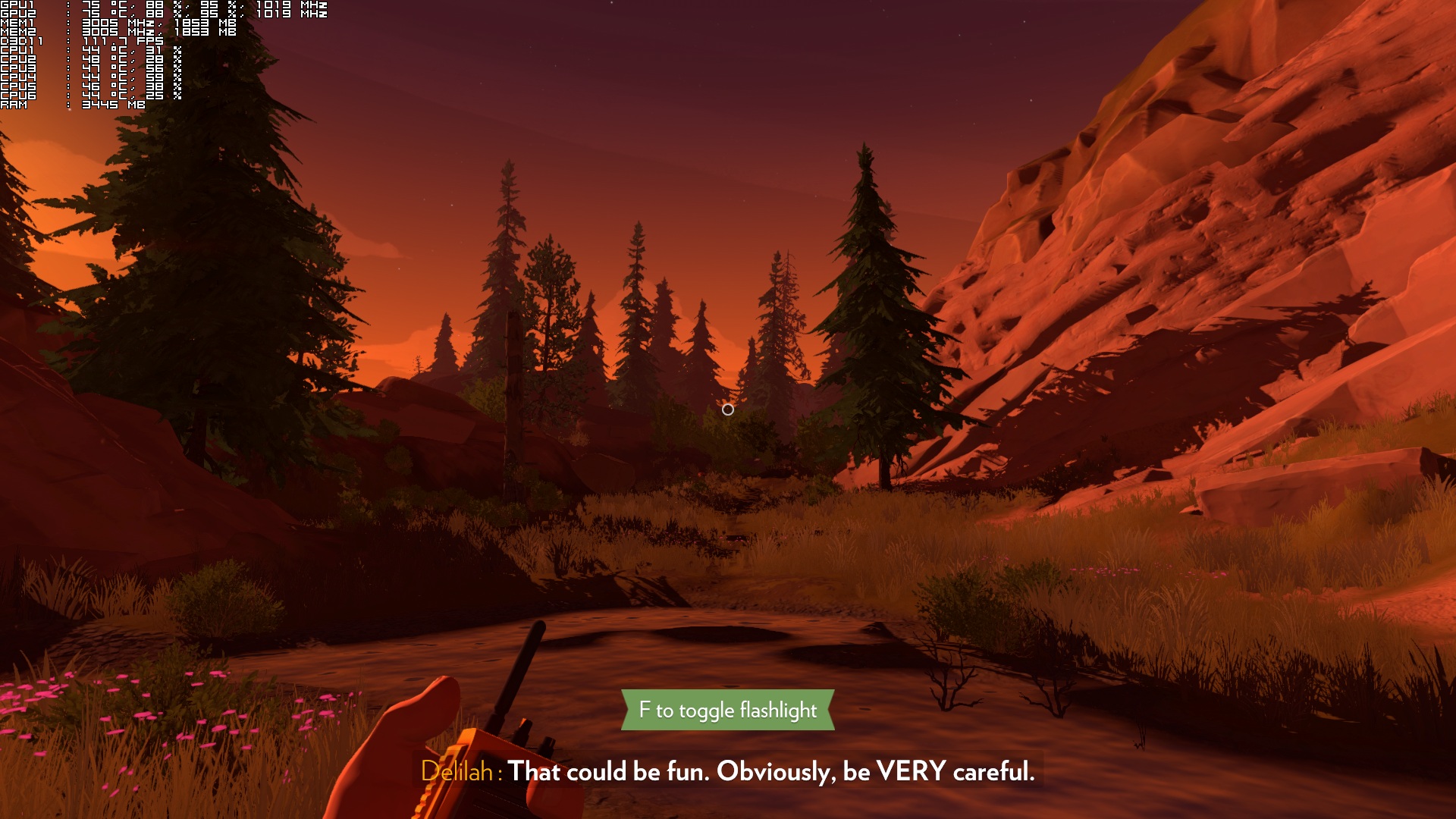
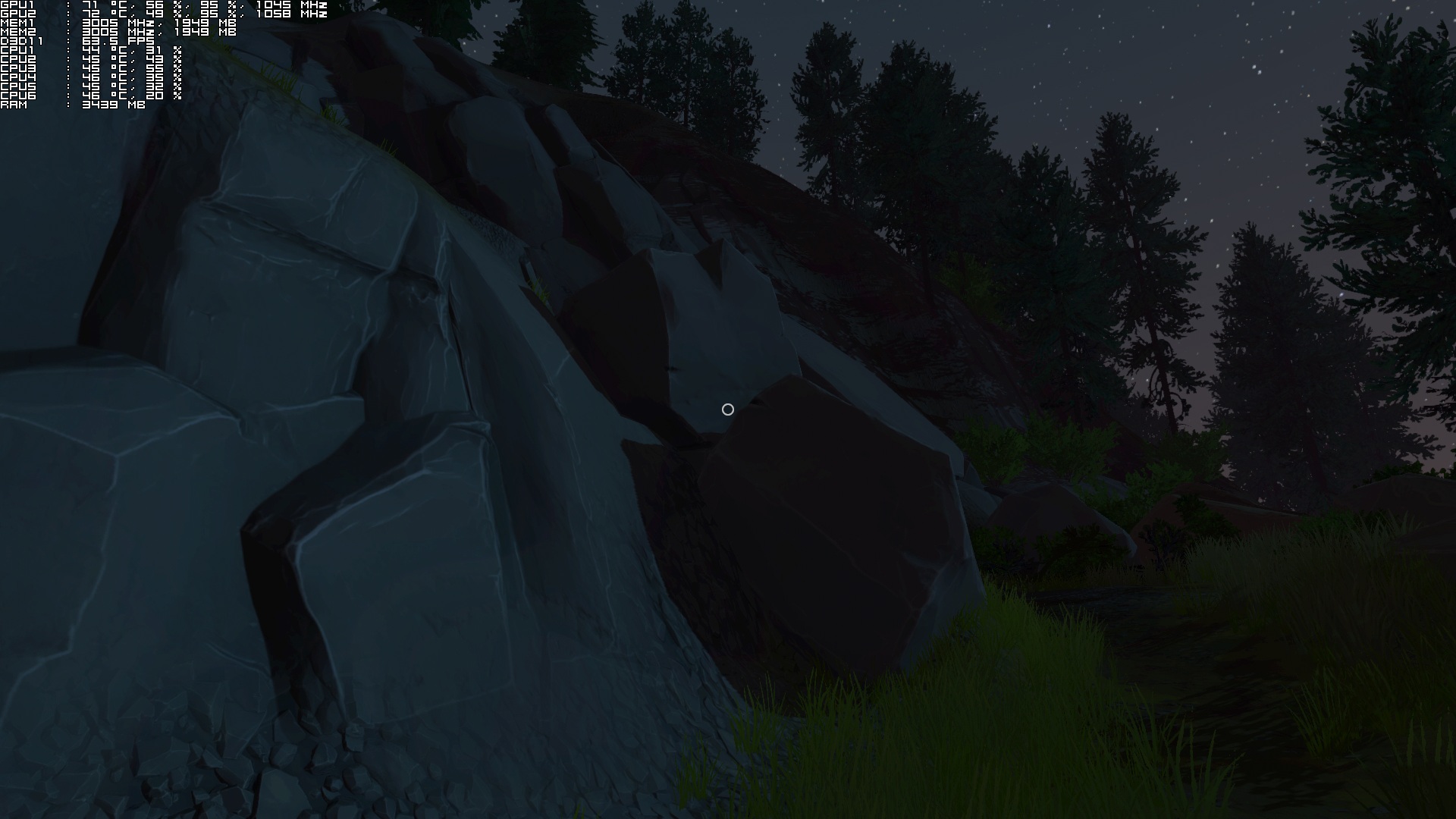
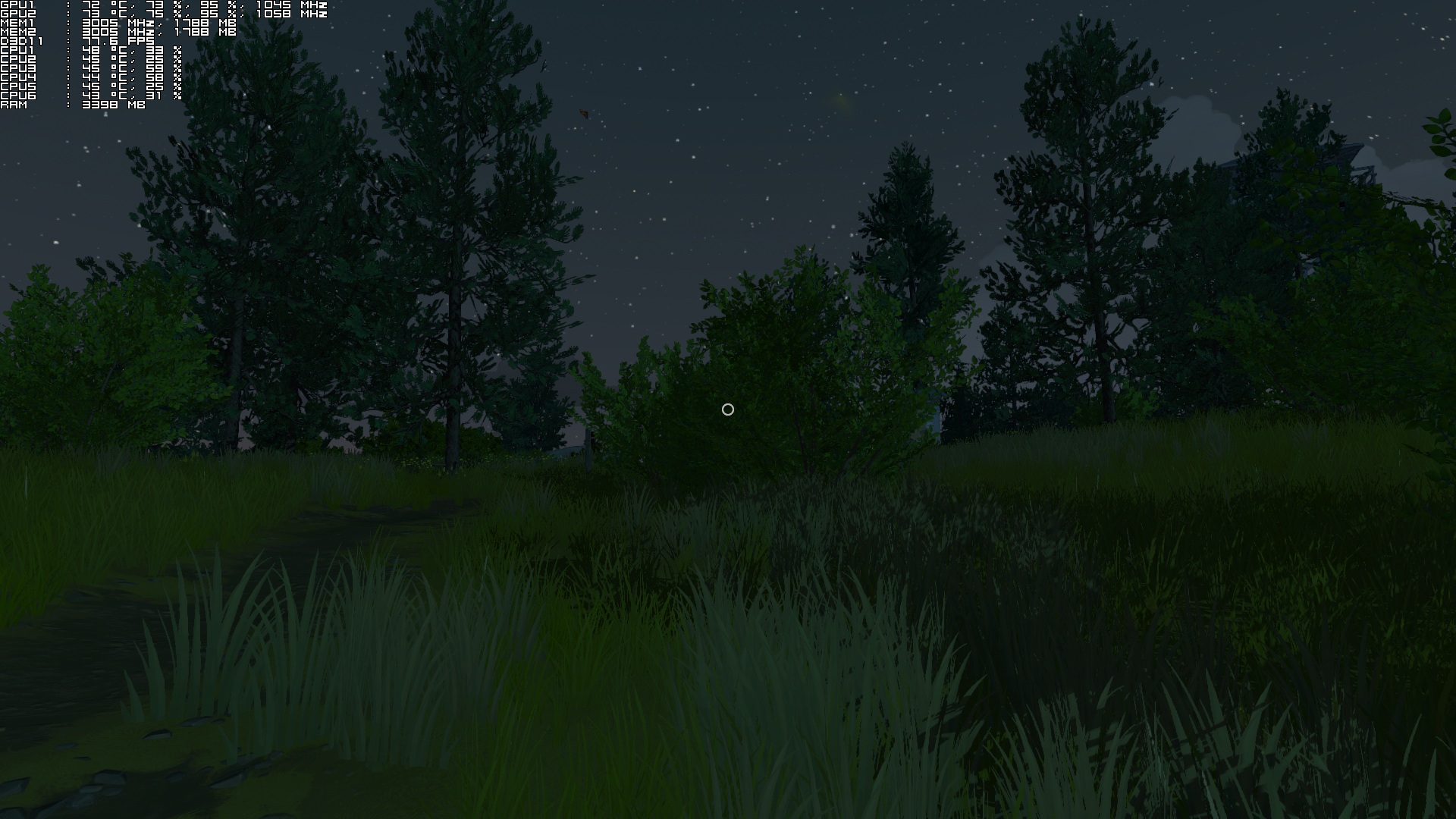
With this custom profile, SLI scaling is ideal most of the times. There were scenes in which our SLI usage dropped at 65%, however the game ran with a minimum of 65fps on our GTX 690. Firewatch also never used more than 1.8GB of VRAM, meaning that you will not face any problems if your graphics cards are equipped with only 2GB of VRAM.
We also ran our GTX690 in Single-GPU mode so that we can find out whether older GPUs were able to run the game (our GTX690 performed in this mode similarly to a GTX680). An NVIDIA GTX680 is able to run the game with 60fps on Low/Medium settings. On High and Ultra there were minor drops and we could not maintain a constant 60fps experience. Still, the overall experience is better than the one found on consoles, as that version is locked at 30fps.
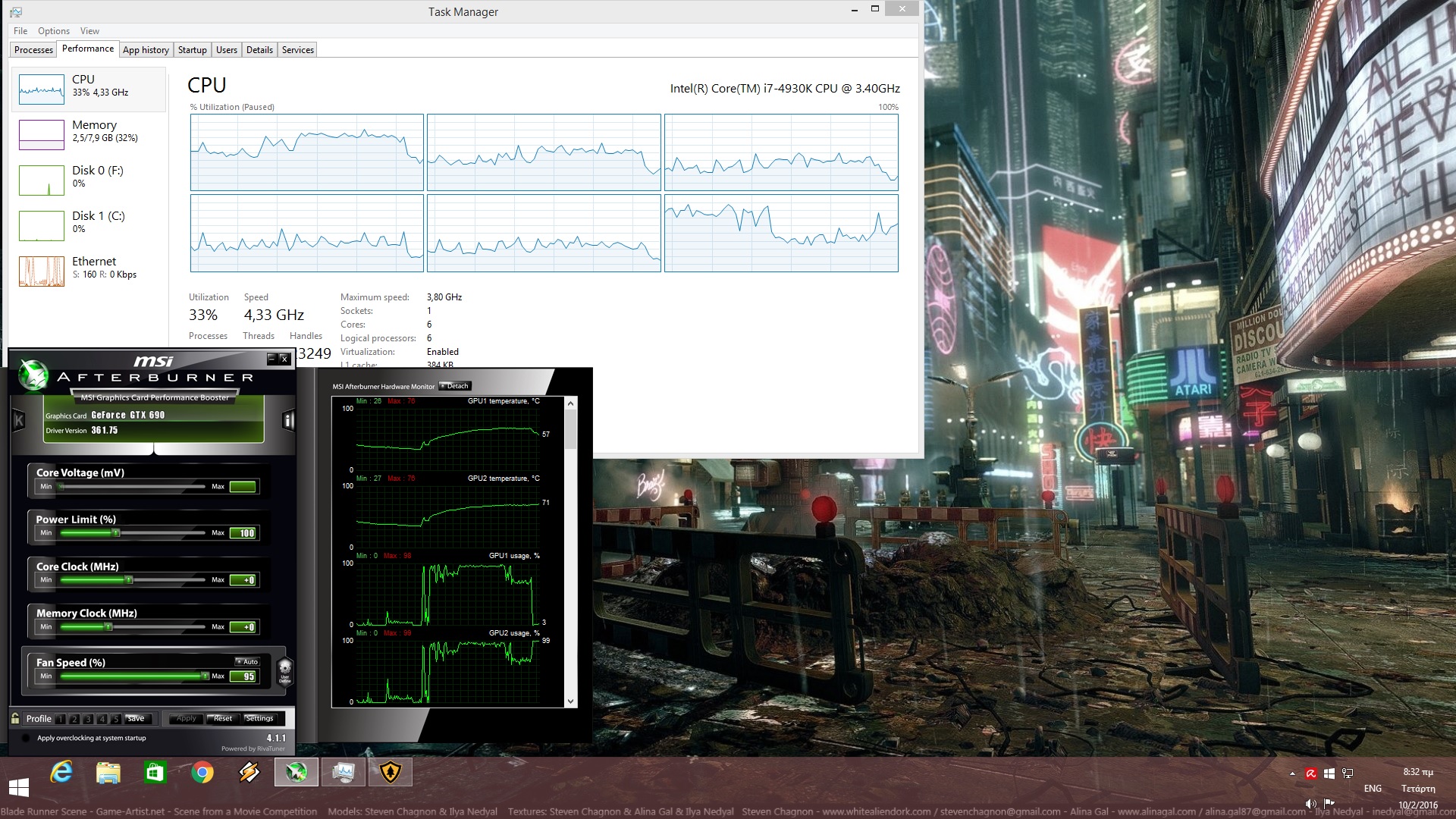
What we found really interesting and bizarre about Firewatch was its CPU performance. In order to find out whether an old CPU was able to offer an ideal gaming experience, we simulated a dual-core and a quad-core CPU with and without Hyper Threading. Without Hyper Threading, our simulated dual-core system was unable to offer an acceptable performance as there were lot of stutters while exploring the game’s world. The stuttering issues were improved when we ran the game on our simulated quad-core system, however they were still there.
By enabling Hyper Threading, we were able to resolve the game’s stuttering issues on our simulated quad-core system. Our simulated dual-core system, however, was still unable to offer an acceptable performance due to those annoying stutters in a number of scenes.
Therefore, we strongly suggest i7 owners to enable Hyper Threading in this title. i3 and i5 owners will definitely experience those stutters (i5 owners to a lesser degree) and there is nothing they can do about it, as these stutters are present even when running the game on Low settings. Campo Santo Productions will have to release a performance patch in order to address this issue on low-end CPUs.
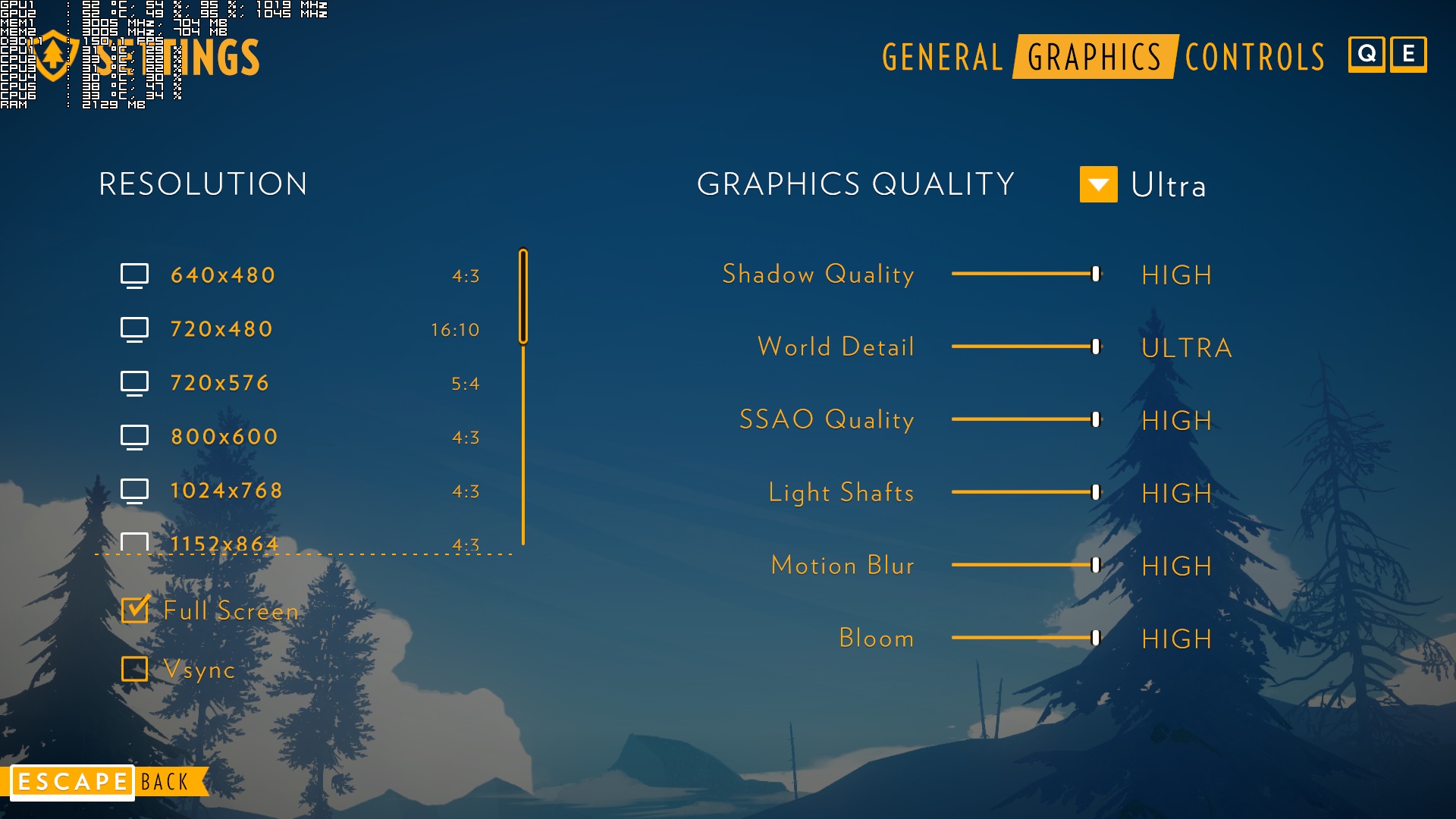
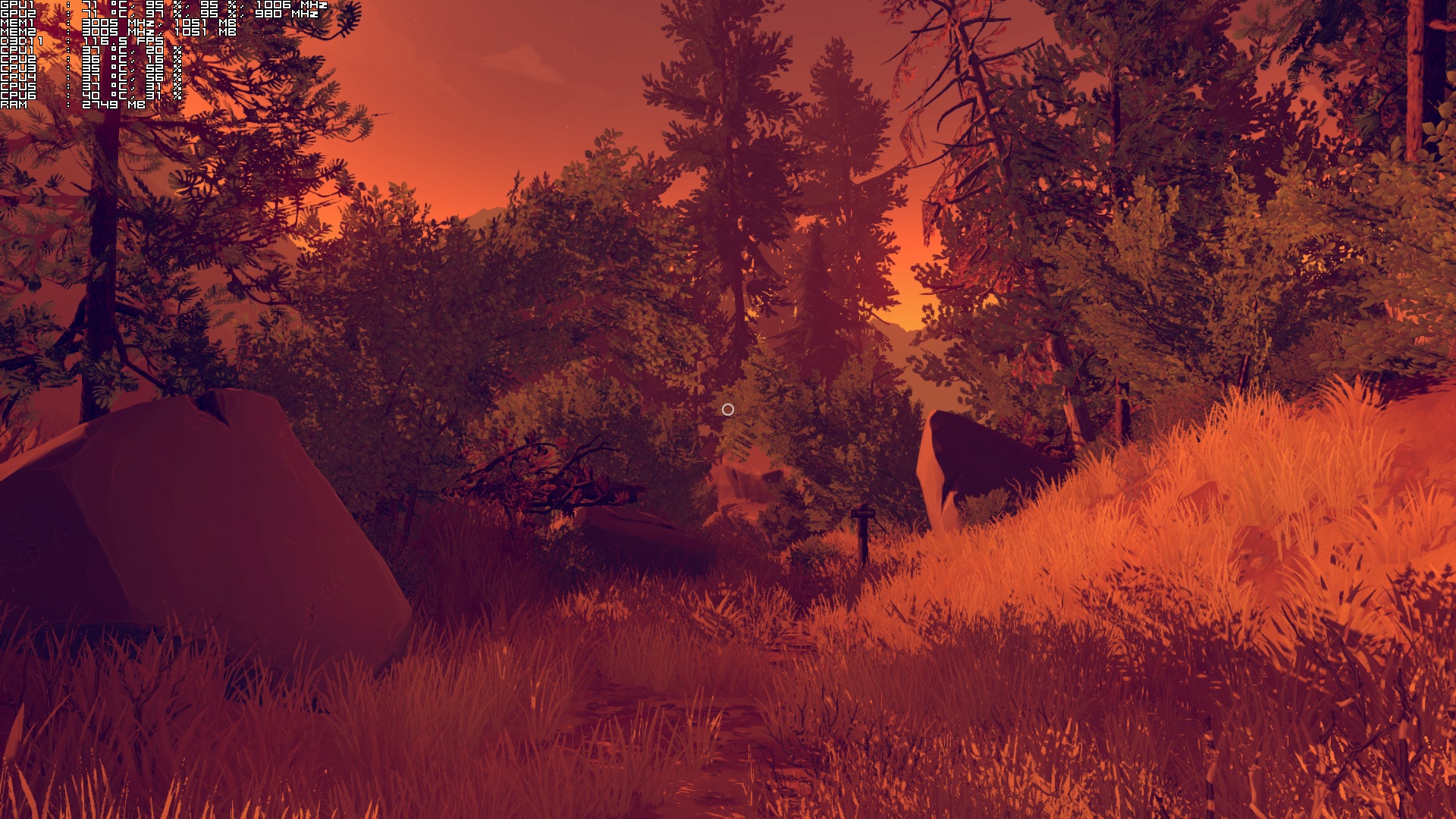
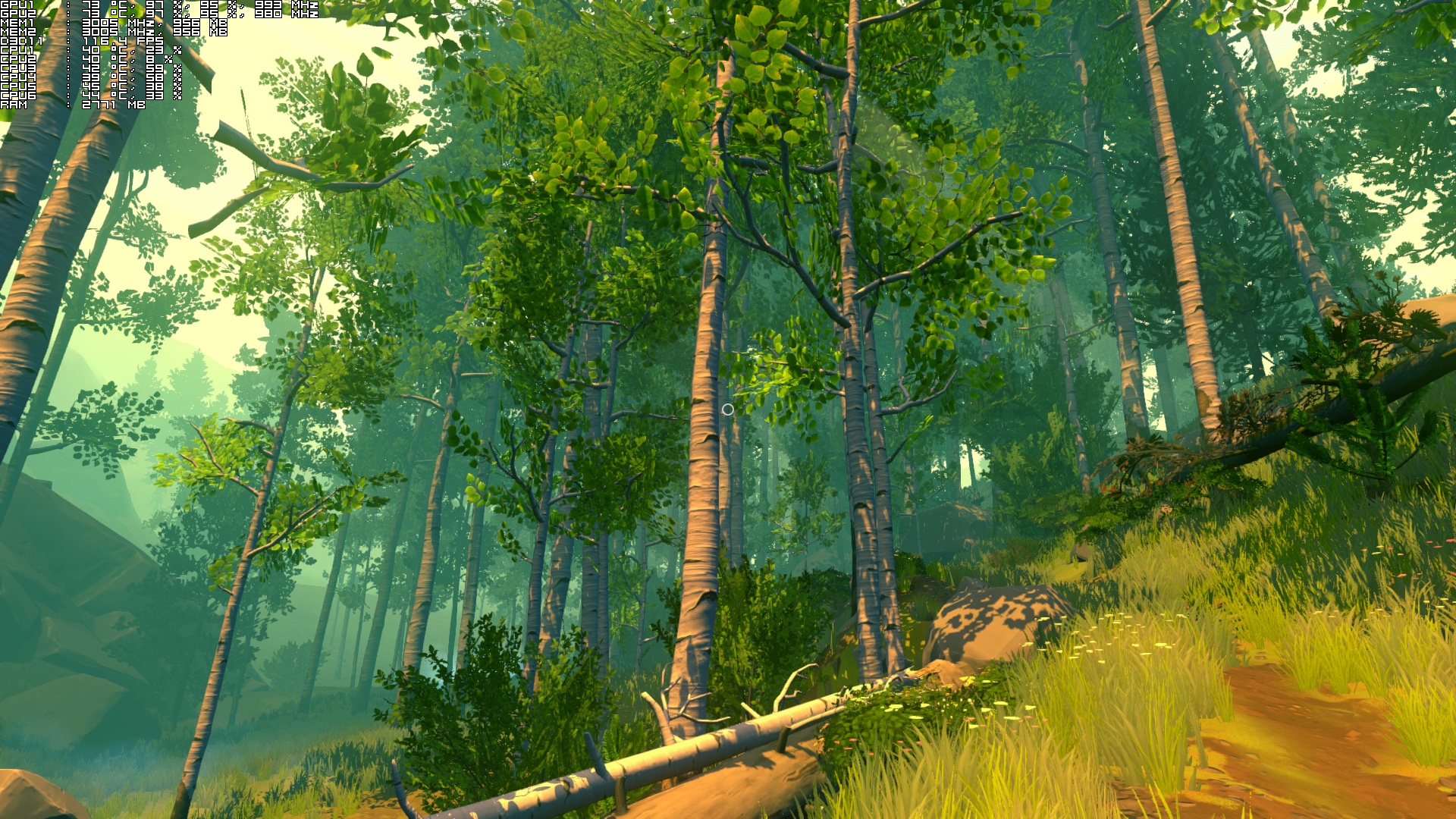
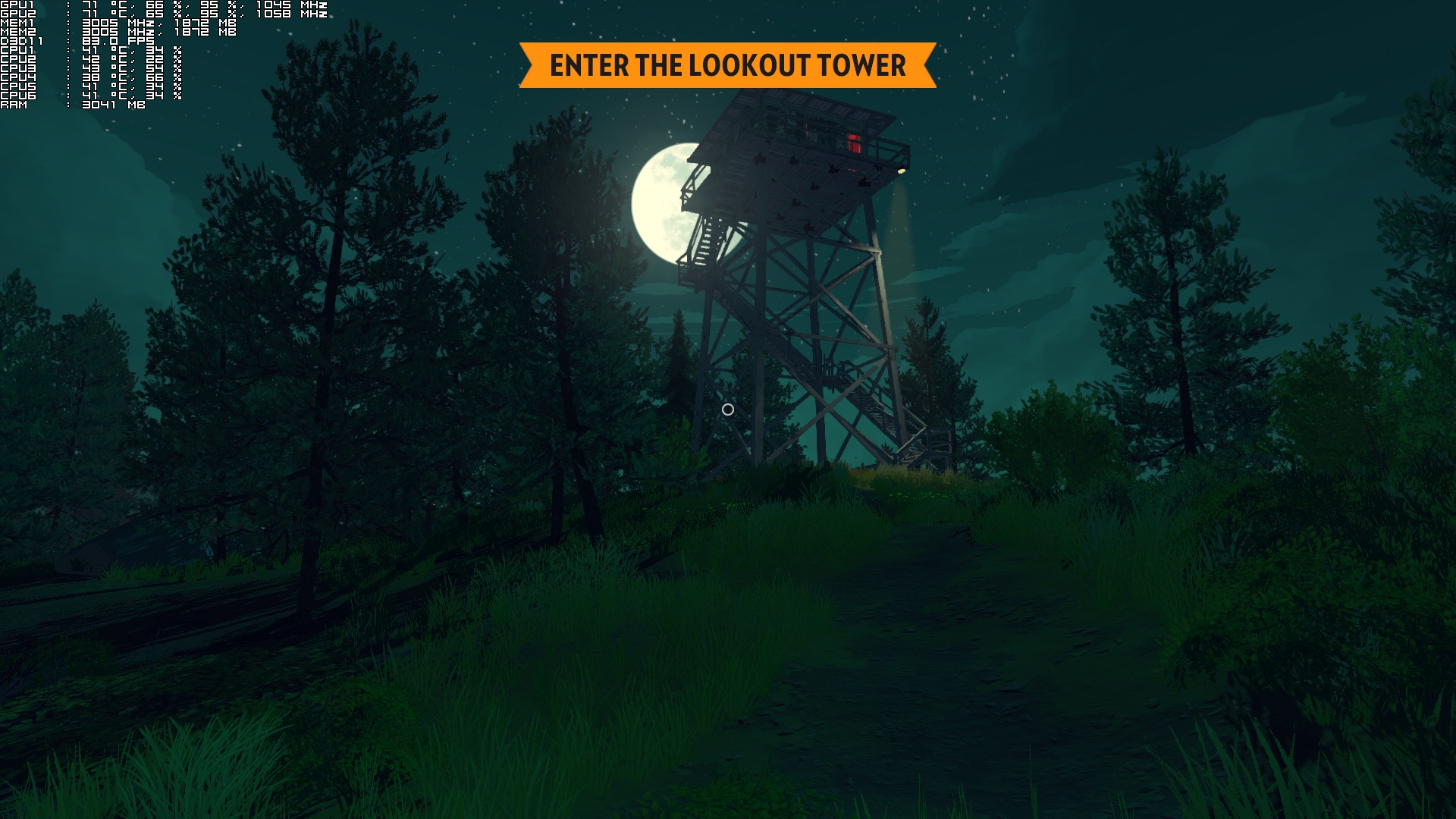
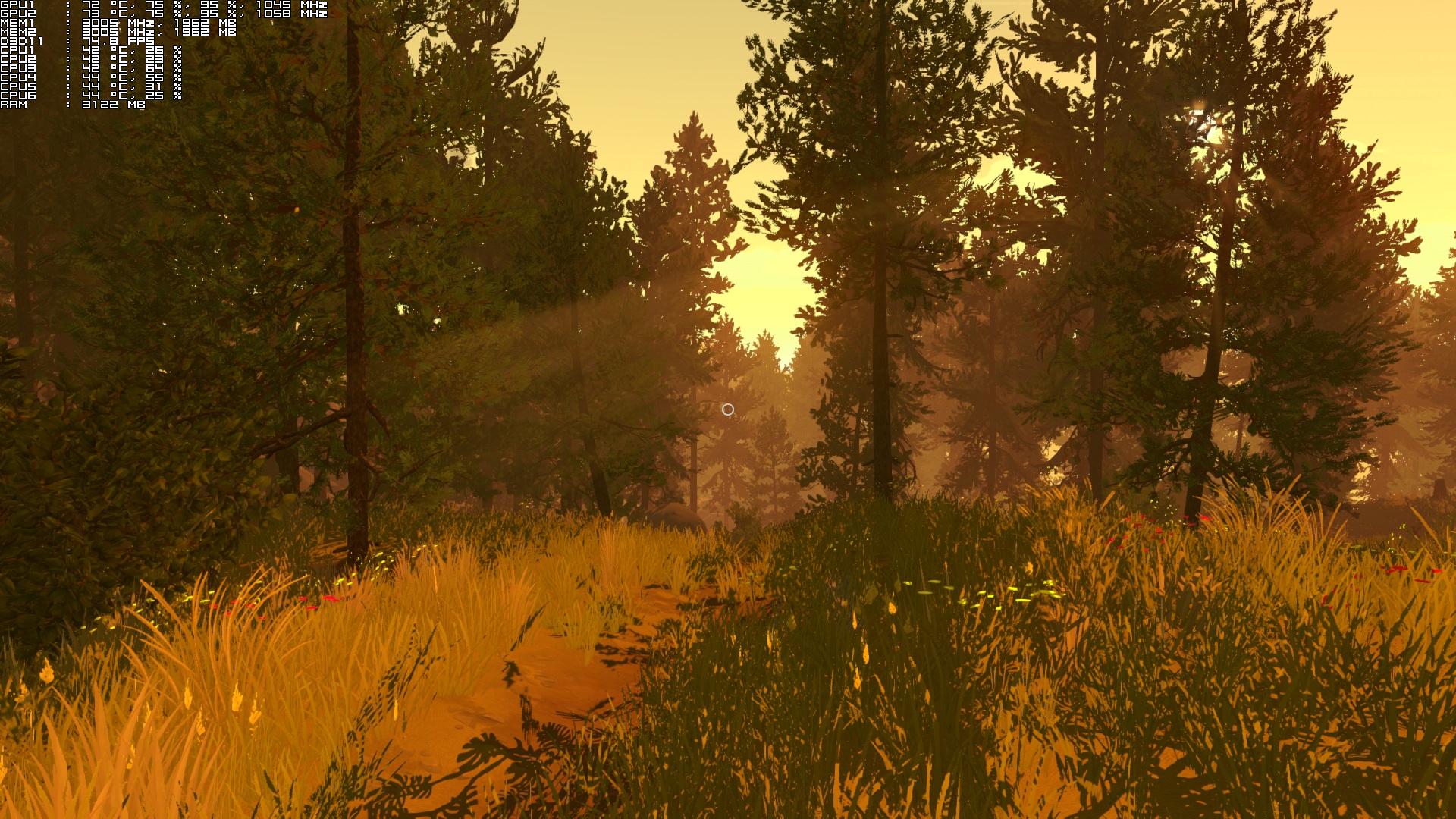
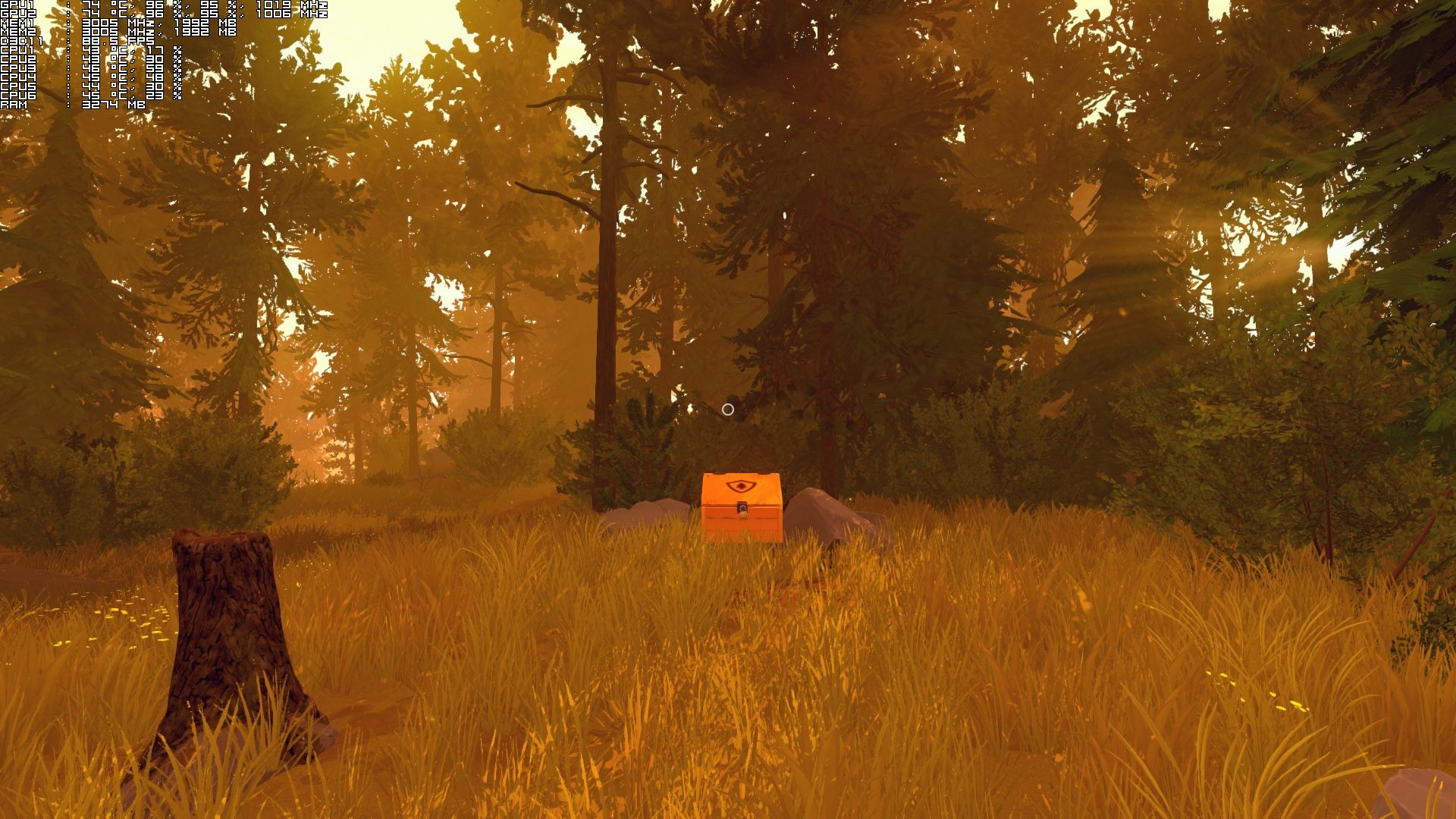
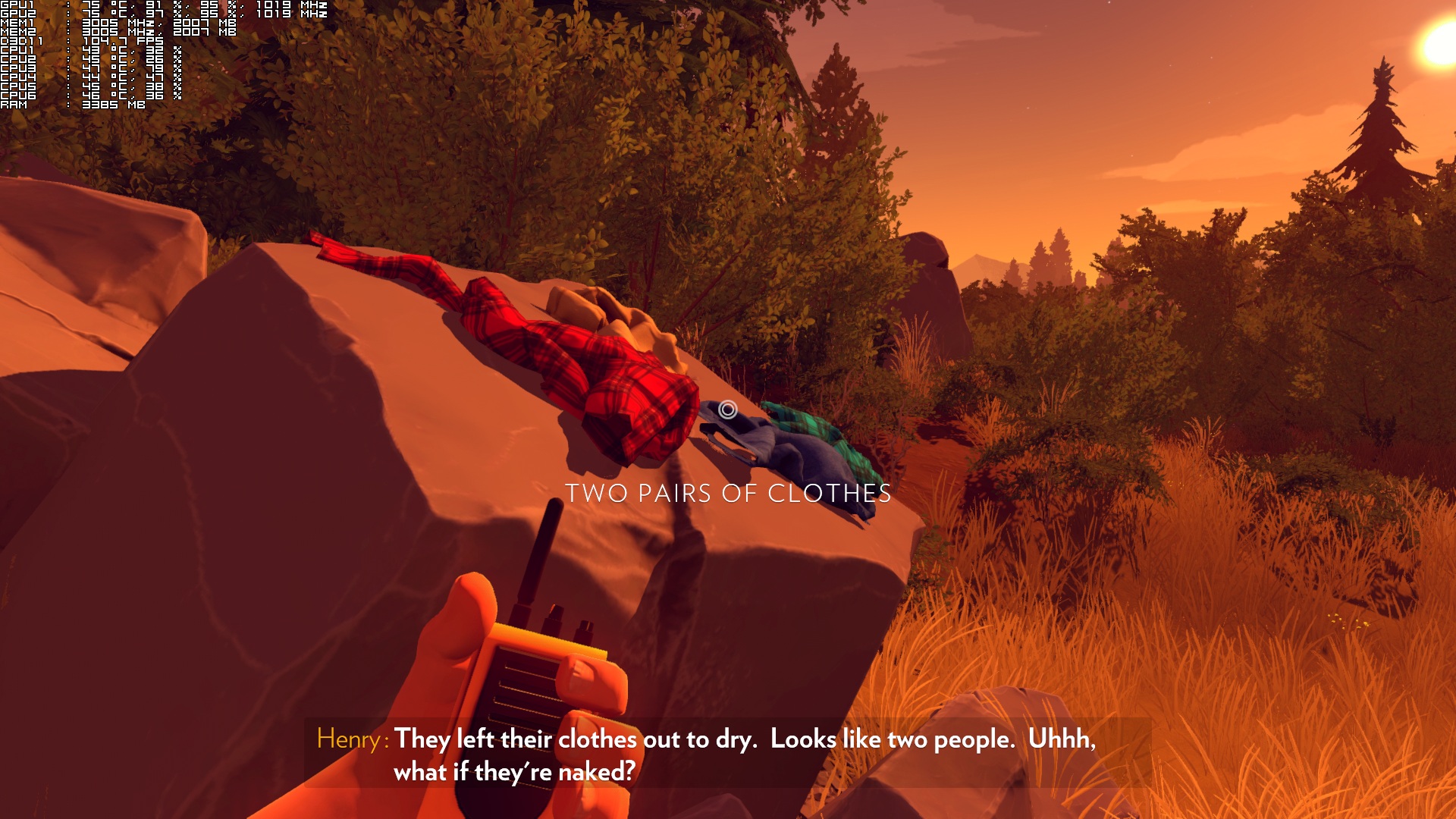
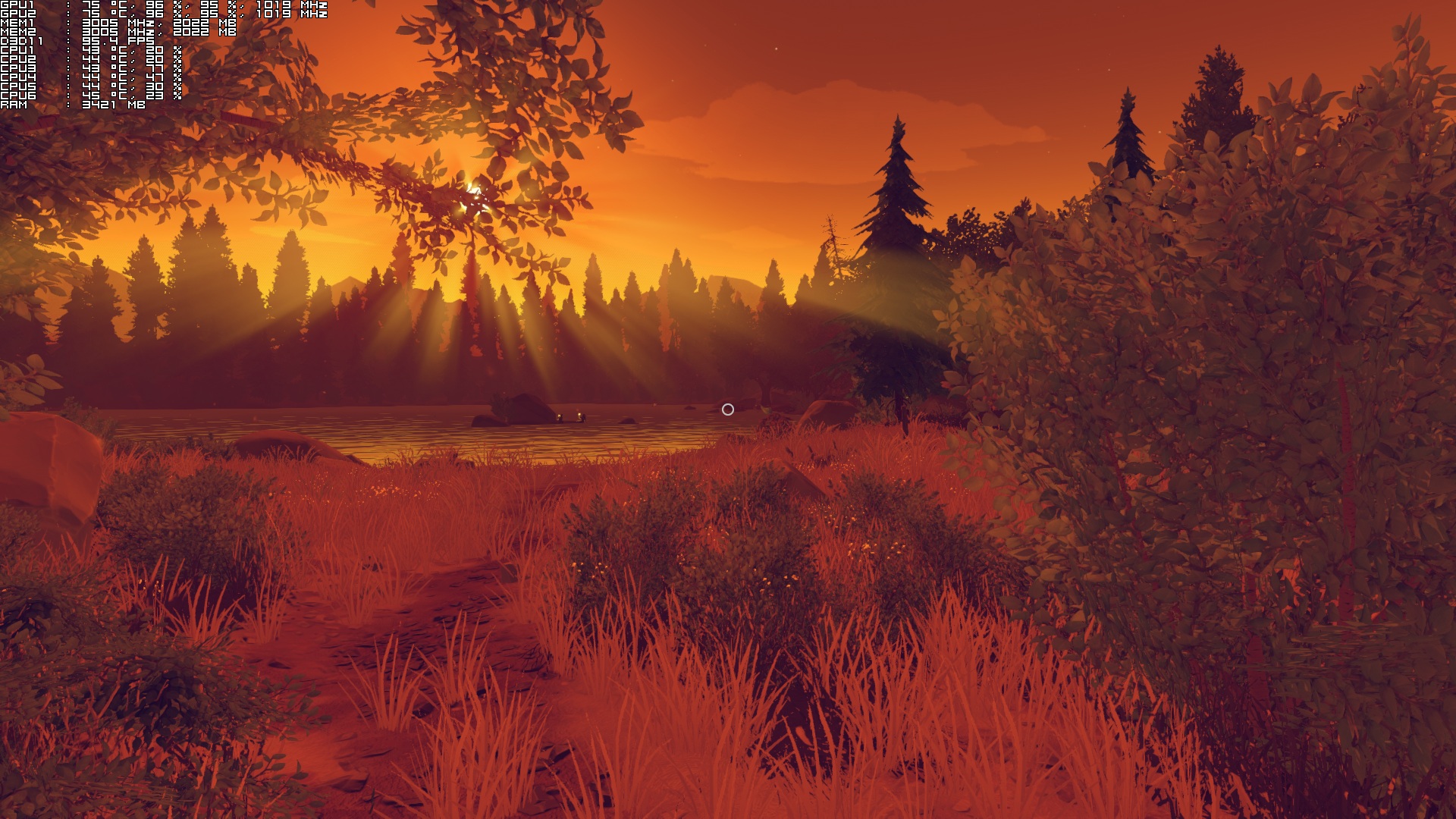
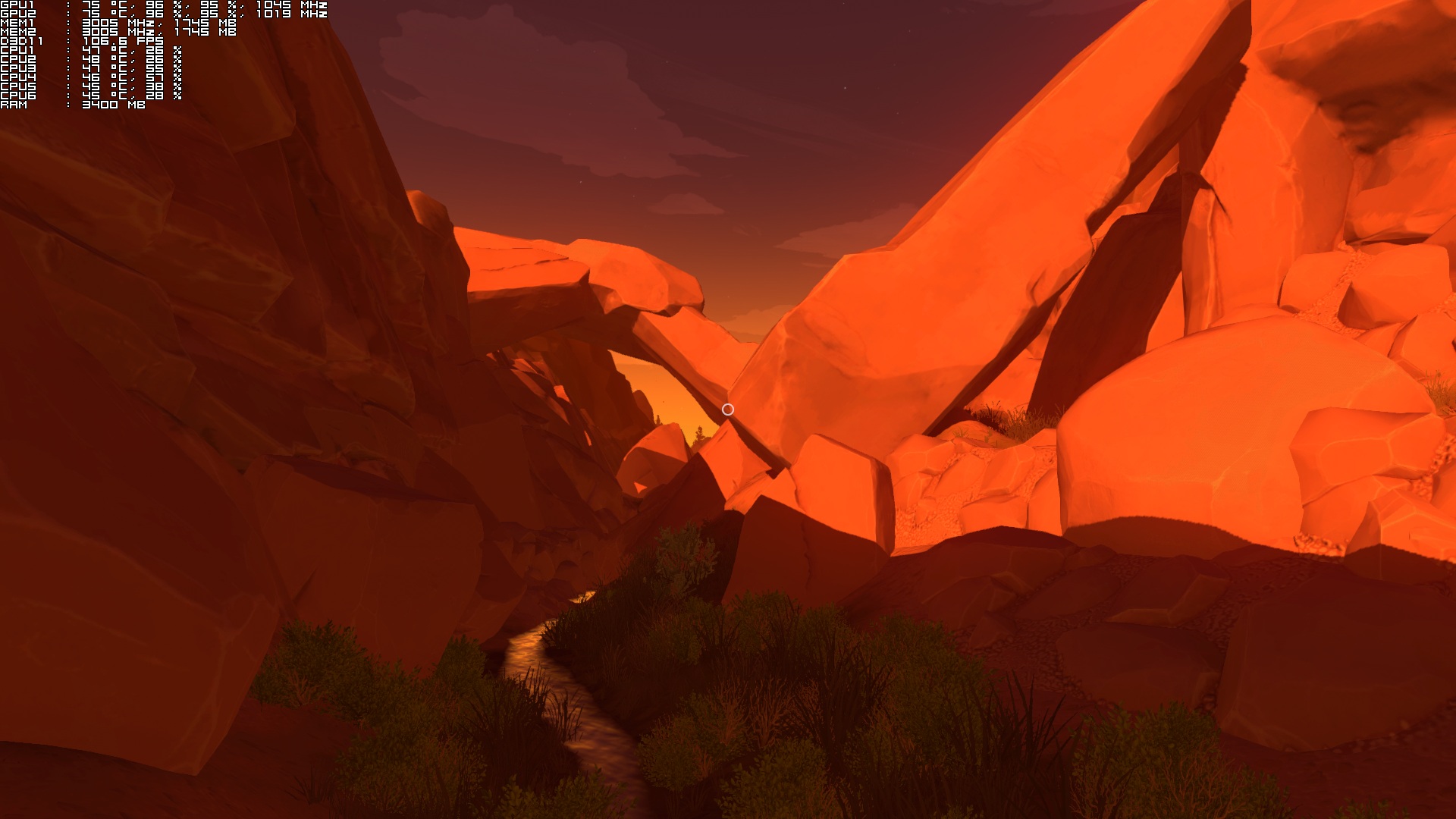
Graphics wise, Firewatch is beautiful, especially due to its art style. The game packs a mesmerizing world to explore, however there is one downside and that’s the really low shadow LOD. Players will notice the shadow changes as they happen right in front of their eyes, even on Ultra settings. We believe that the team should had included a higher LOD value for shadows, as it breaks the whole immersion. Moreover, there is no FOV slider, however there is a workaround for this issue too. Apart from these – and the limited interactivity with the environment – Firewatch looks gorgeous. Its cartoon-ish approach really paid off and we should also note that most of the game’s animations are smooth and polished.
All in all, while Firewatch runs great on high-end PC systems, it is plagued with performance issues on low-end systems (especially regarding older CPUs). There are scenes in Firewatch that suffer from a lot of stuttering on low-end systems, and Campo Santo Productions will have to release a patch in order to address it.
Enjoy!

John is the founder and Editor in Chief at DSOGaming. He is a PC gaming fan and highly supports the modding and indie communities. Before creating DSOGaming, John worked on numerous gaming websites. While he is a die-hard PC gamer, his gaming roots can be found on consoles. John loved – and still does – the 16-bit consoles, and considers SNES to be one of the best consoles. Still, the PC platform won him over consoles. That was mainly due to 3DFX and its iconic dedicated 3D accelerator graphics card, Voodoo 2. John has also written a higher degree thesis on the “The Evolution of PC graphics cards.”
Contact: Email