
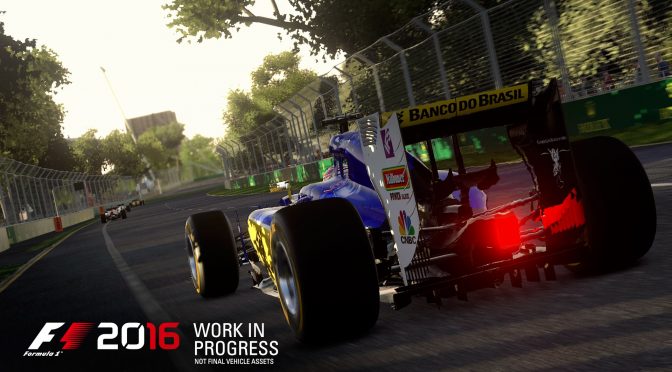
Codemasters has just released F1 2016 on the PC, so it’s time to see how this title performs on our platform. F1 2016 is powered by Codemasters’ EGO Engine, however it appears that the game does not support DX12.
During this year’s GDC, Codemasters held a session and detailed the new rendering engine that was used for F1 2015. What’s really interesting here is that Codemasters discussed the graphics effects added using the new DX12 features Raster Ordered Views (AVSM and Decal Blending) and Conservative Rasterization (Voxel based ray tracing). Moreover, Codemasters claimed that a DX12 patch was to be released for F1 2015, however that never happened.
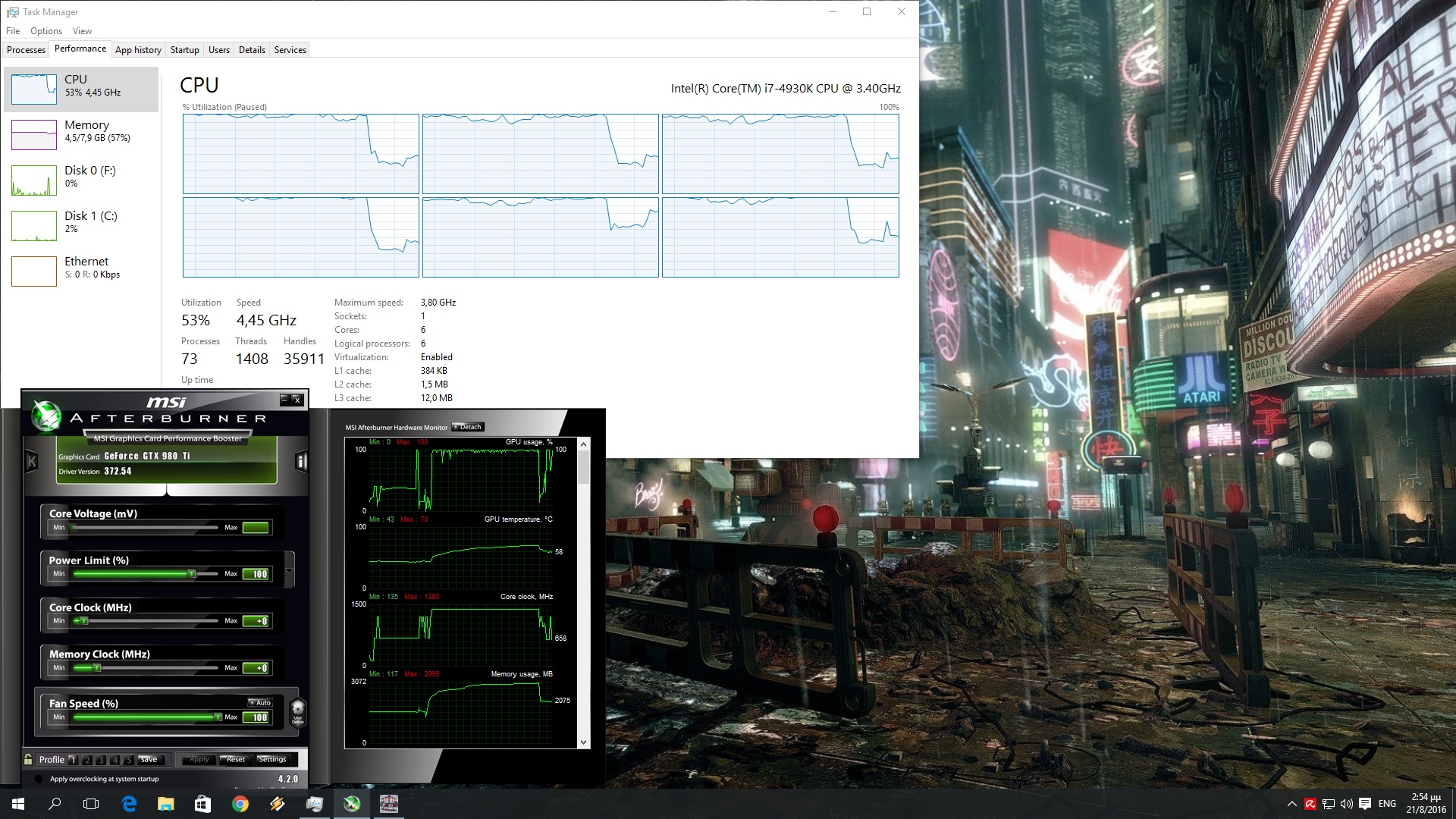
Fast forward a couple of months, and here we are with F1 2016; a new F1 game powered by the latest version of the EGO Engine that currently supports only DX11. And for what is worth, Codemasters has not announced whether it will add DX12 support to F1 2016 in the future.
As always, we used an Intel i7 4930K (turbo boosted at 4.2Ghz) with 8GB RAM, NVIDIA’s GTX690 and GTX980Ti, Windows 8.1 64-bit and the latest WHQL version of the GeForce drivers. NVIDIA has not included yet any official SLI profile for this game, therefore there is no way to run this game in SLI mode. For the record, AMD has already released a Crossfire profile for F1 2016, meaning that the game supports multi-GPUs and that the ball is in NVIDIA’s court.
Like its predecessor, F1 2016 is mostly a GPU-bound title. Our GTX980Ti was able to offer a constant 60fps experience at 1080p on Ultra High settings. On the other hand, our GTX690 (that behaved similarly to a GTX680 as there is no SLI profile) was able to offer an almost constant 30fps experience at 1080p on Ultra settings. By today’s standards, a GTX680 is a really old GPU and we are pretty sure that most gamers have better graphics cards than it.
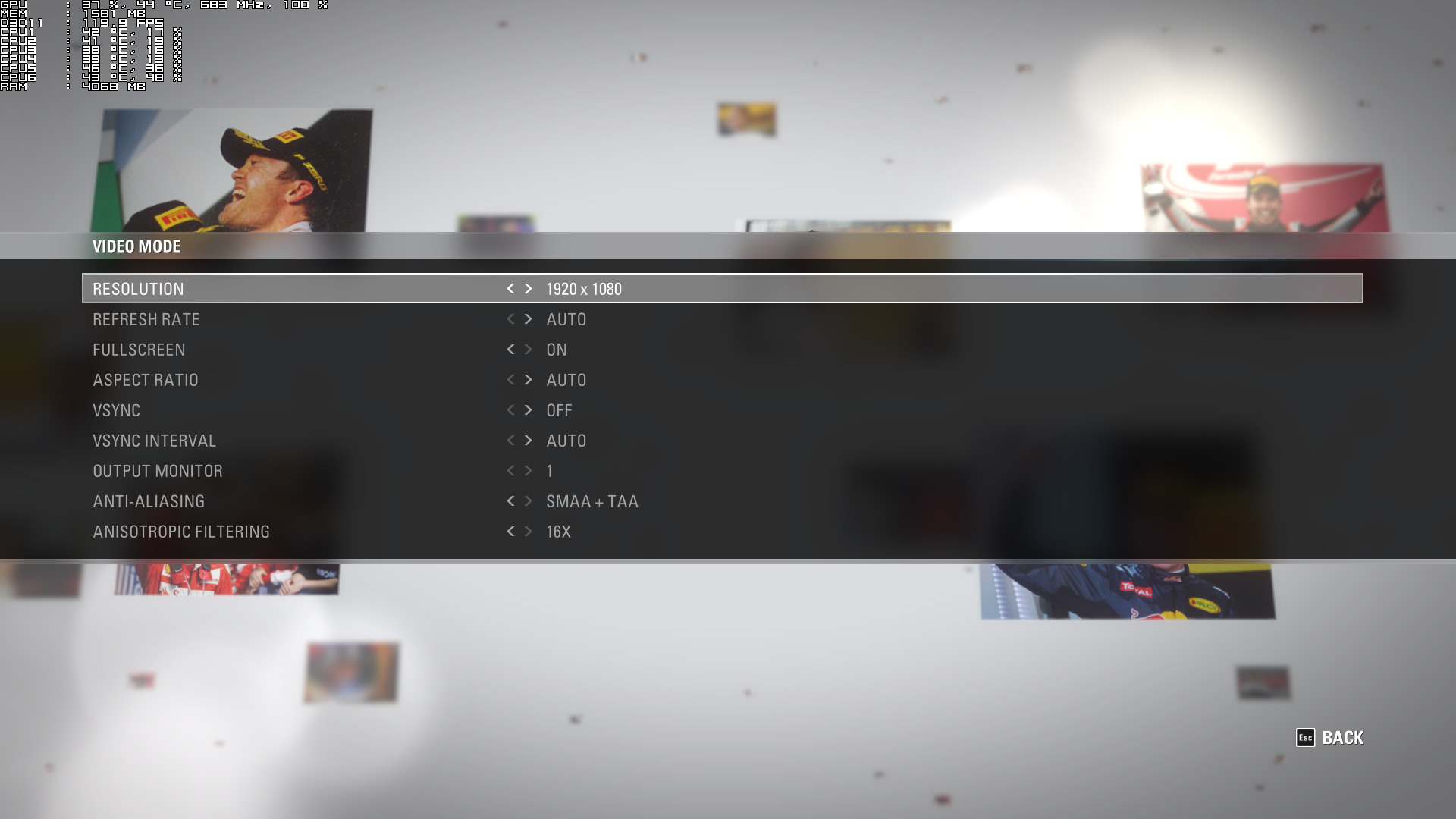
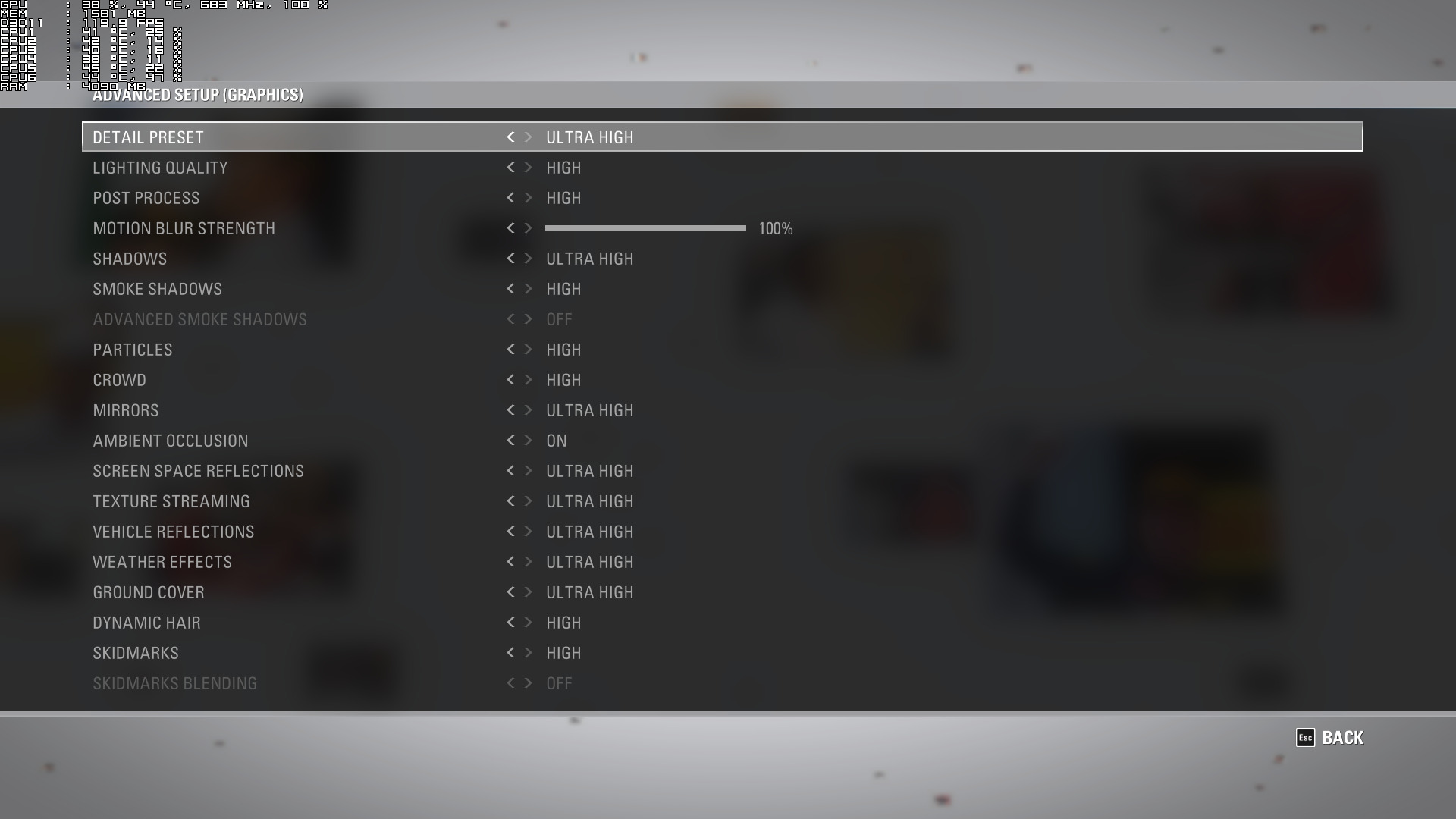
Thankfully, Codemasters has included a lot of graphics settings to tweak in order to improve performance. The game supports three AA options (SMAA, TAA and SMAA + TAA) and allows you to adjust the quality of Lighting, Post Process Effects, Shadows, Smoke Shadows, Particles, Crowd, Mirrors, Screen Space Reflections, Vehicle Reflections, Textures, Weather Effects, Ground Cover, Dynamic Hair and Skidmarks. Interestingly enough, there are two options that cannot be tweaked (Advanced Smoke Shadows and Skidmarks Blending). Our guess is that these are DX12 options that will be enabled via a future patch.
In order to find out how the game scales on various CPUs, we simulated a dual-core and a quad-core CPU. Codemasters has included a benchmark tool that made it easier to test this game in extreme scenarios (heavy rain with lots of F1 vehicles on screen).
F1 2016 is one of the few games that benefits from Hyper Threading, showing EGO Engine’s ability to properly utilize multiple CPU cores/threads. With Hyper Threading disabled, our simulated dual-core system was unable to offer an acceptable gaming experience as there were a lot of stuttering issues. Our simulated quad-core system was able to offer an almost constant 60fps experience (though we did notice in some occasions – during actual races – some drops to 55fps). Our hexa-core was able to run the game without any performance issues. Not only that, but the game scaled wonderfully on it.
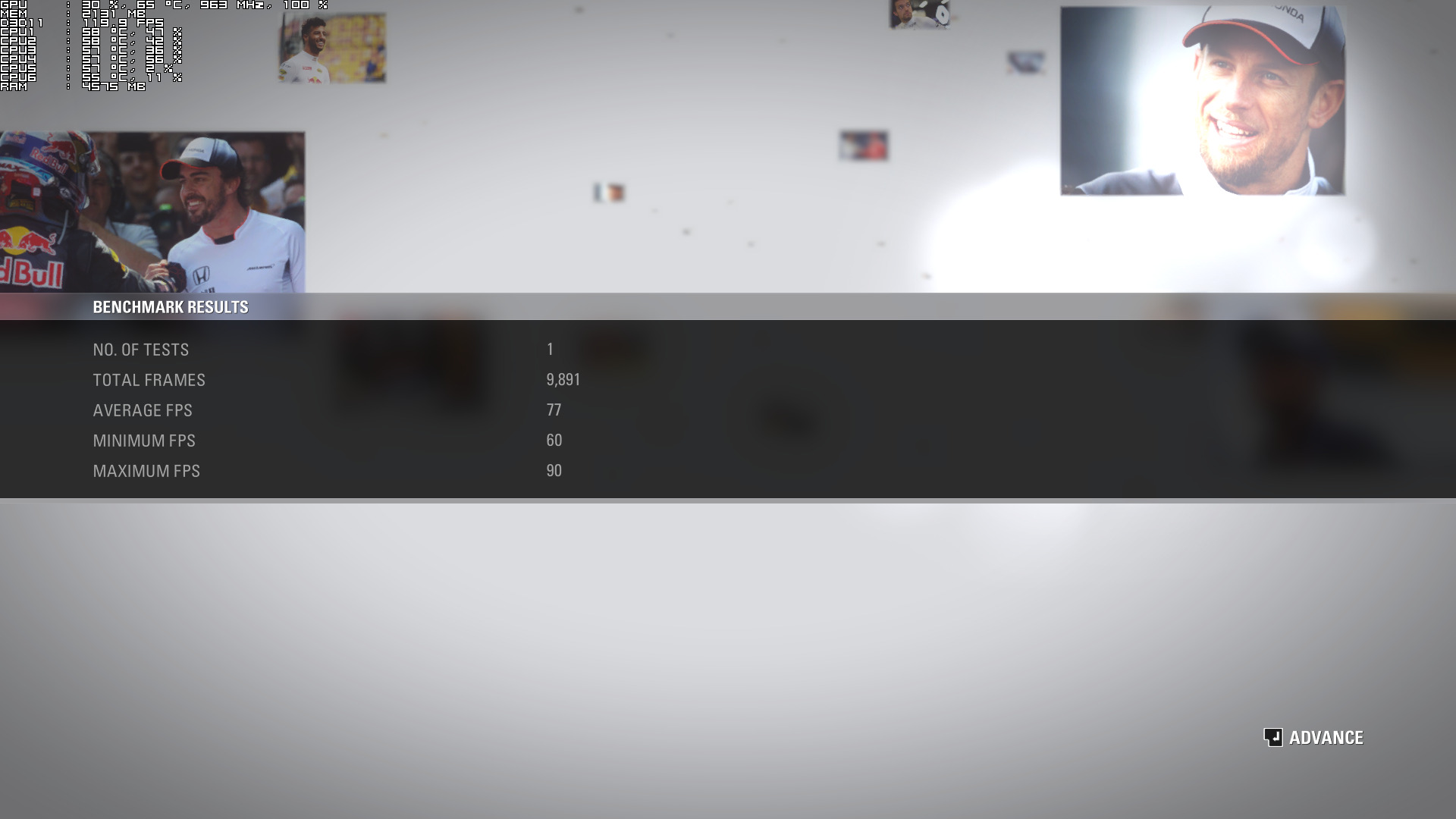
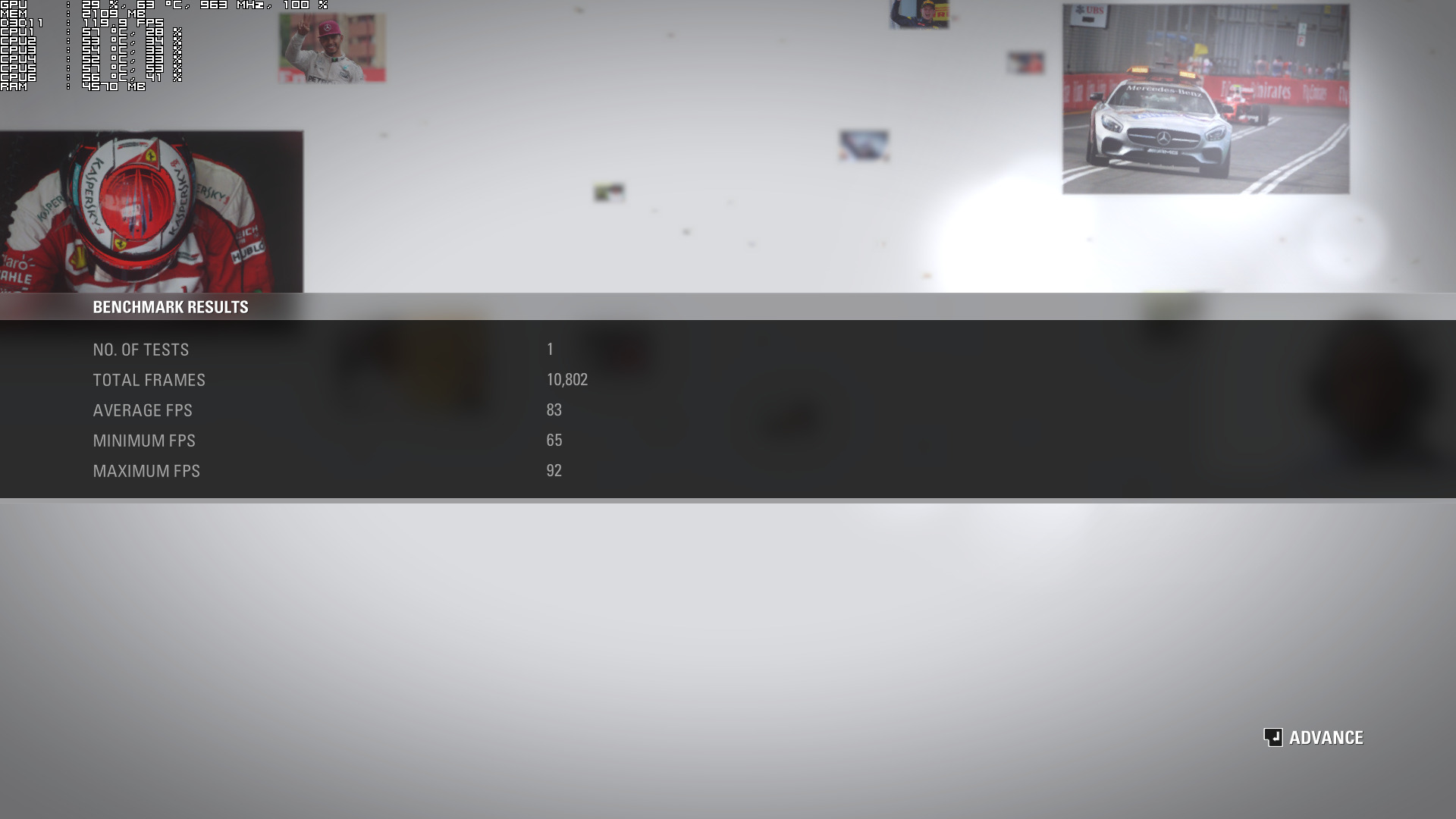
Now with Hyper Threading enabled, we were able to get an average of 63fps on our simulated dual-core system. Moreover, we did not experience any stuttering issues. Our simulated quad-core system also saw a nice performance boost (with Hyper Threading enabled) and was able to match the performance of our hexa-core system (without Hyper Threading enabled).
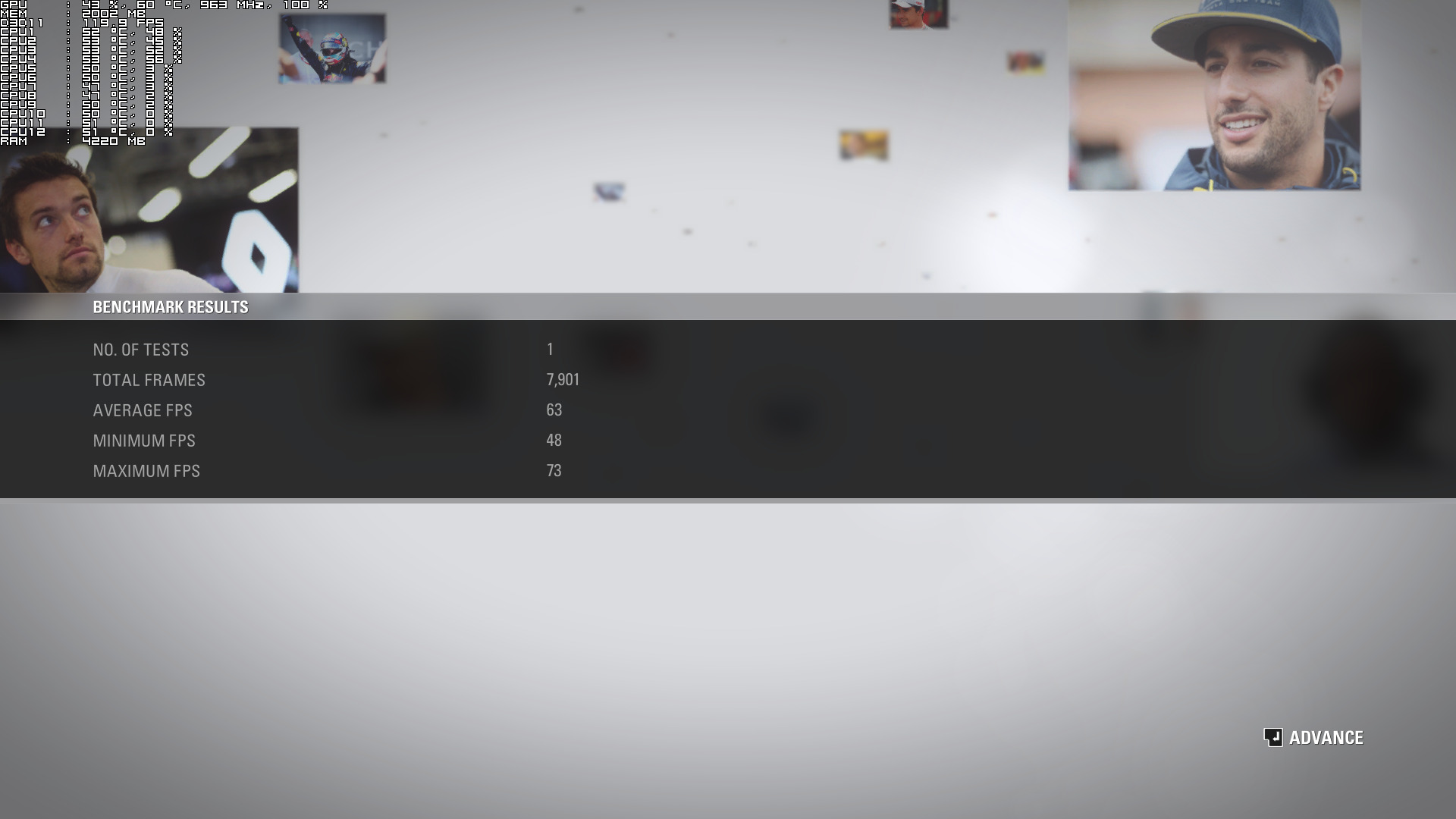
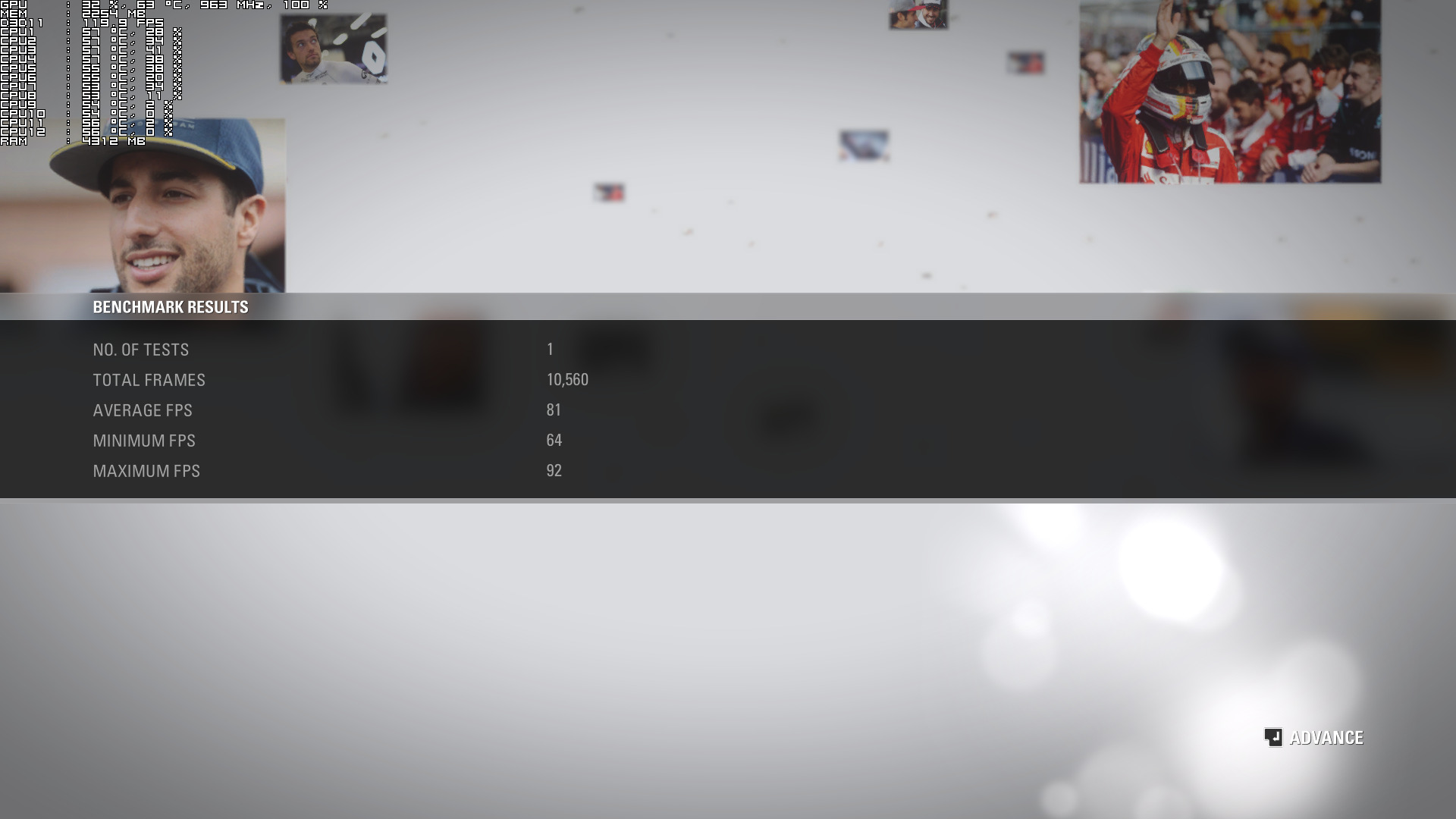
The bottom line is that F1 2016 does not need a really powerful CPU in order to be enjoyed. While a modern-day dual-core CPU (that can handle 4 threads) is able to offer an enjoyable experience, the game scales amazingly well on more than four CPU cores/threads.
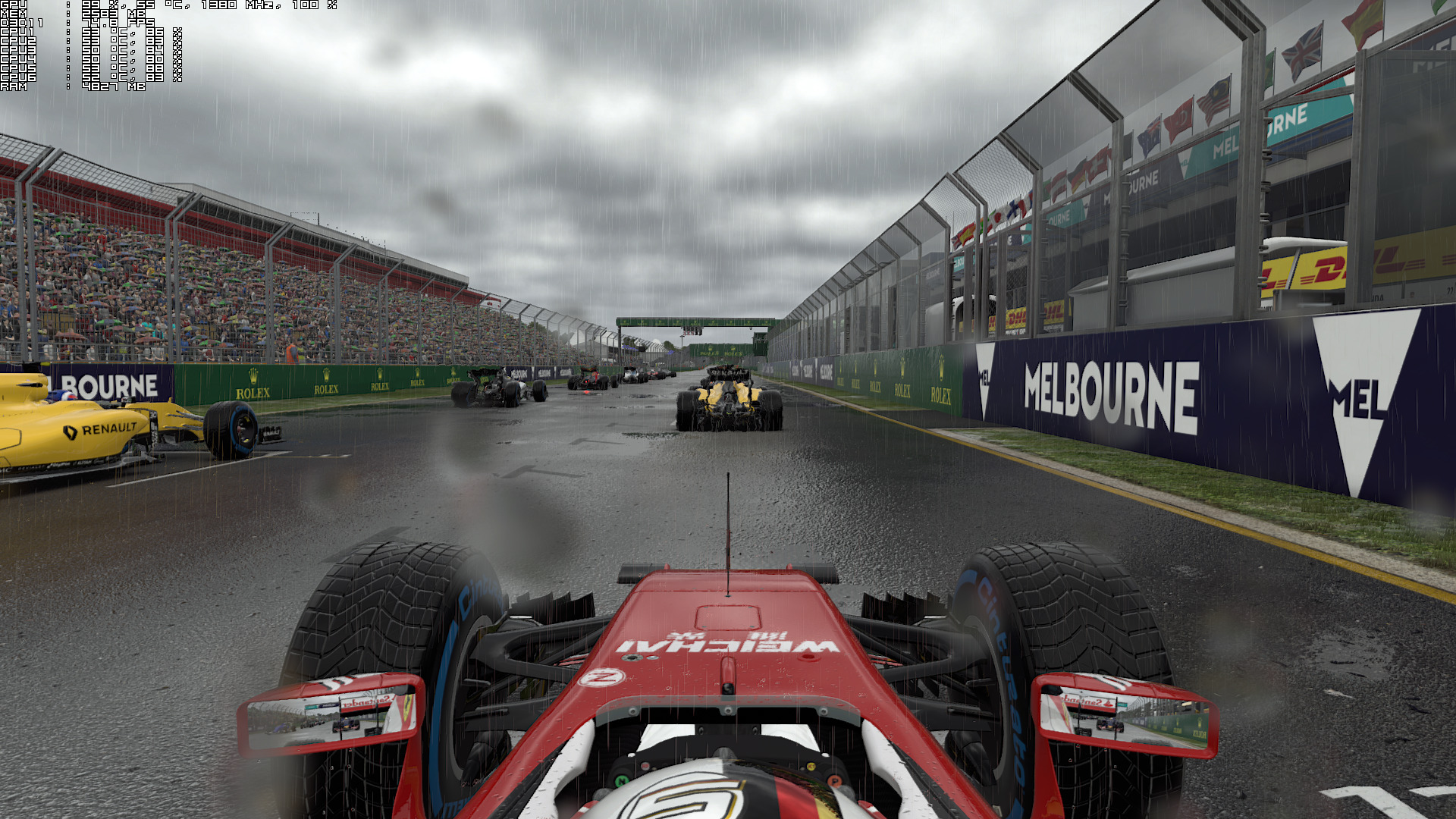
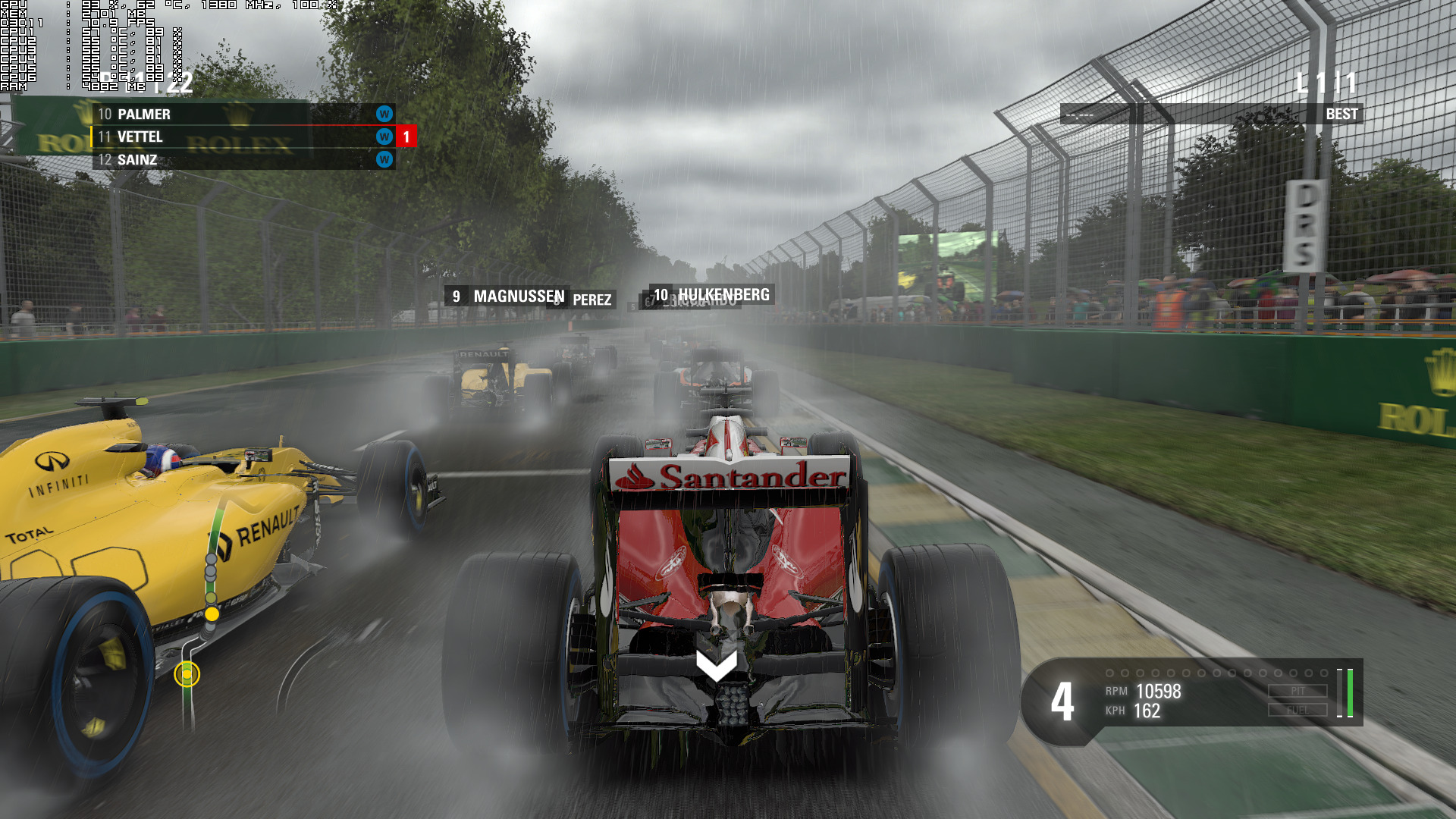
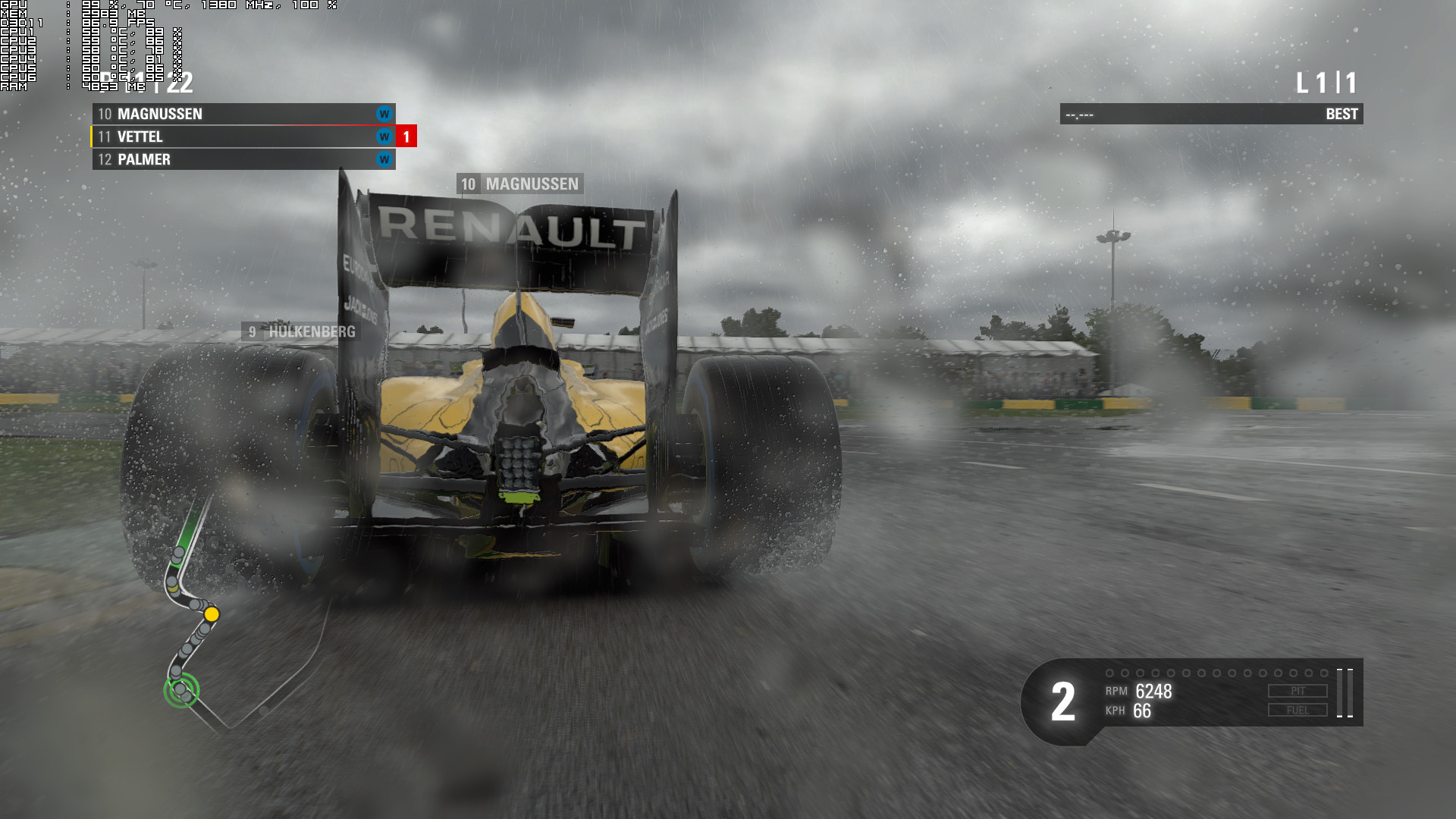
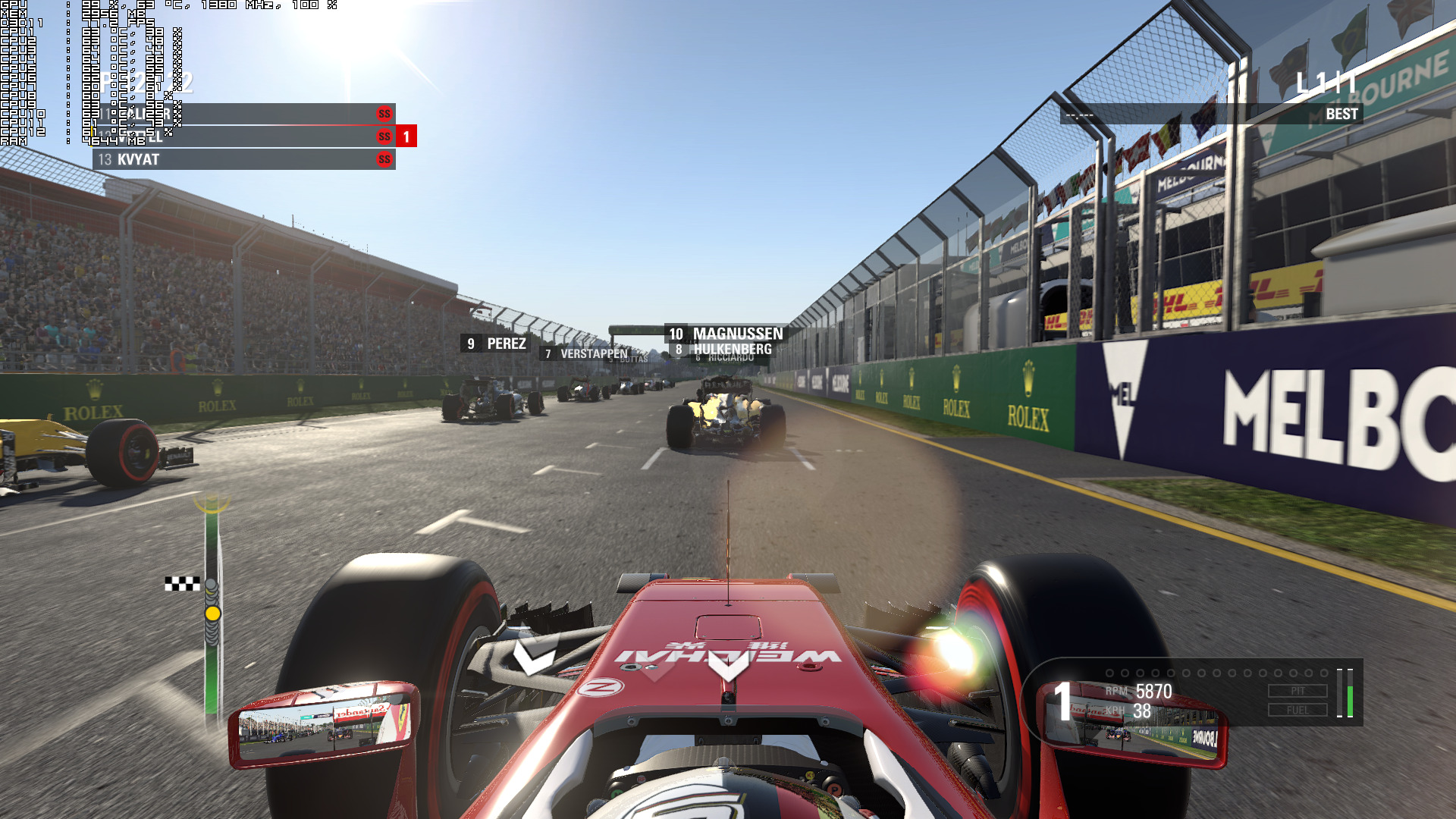
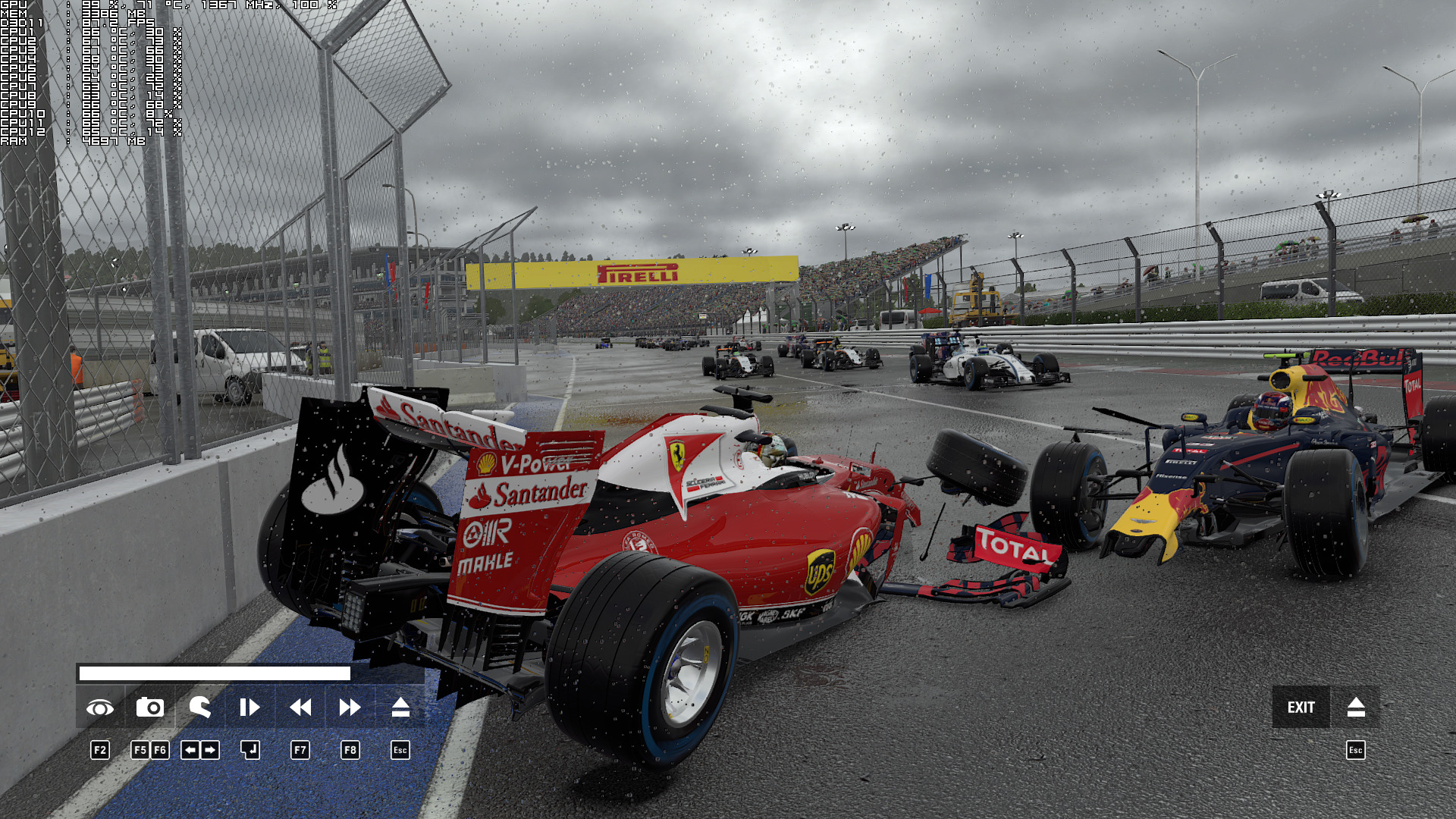
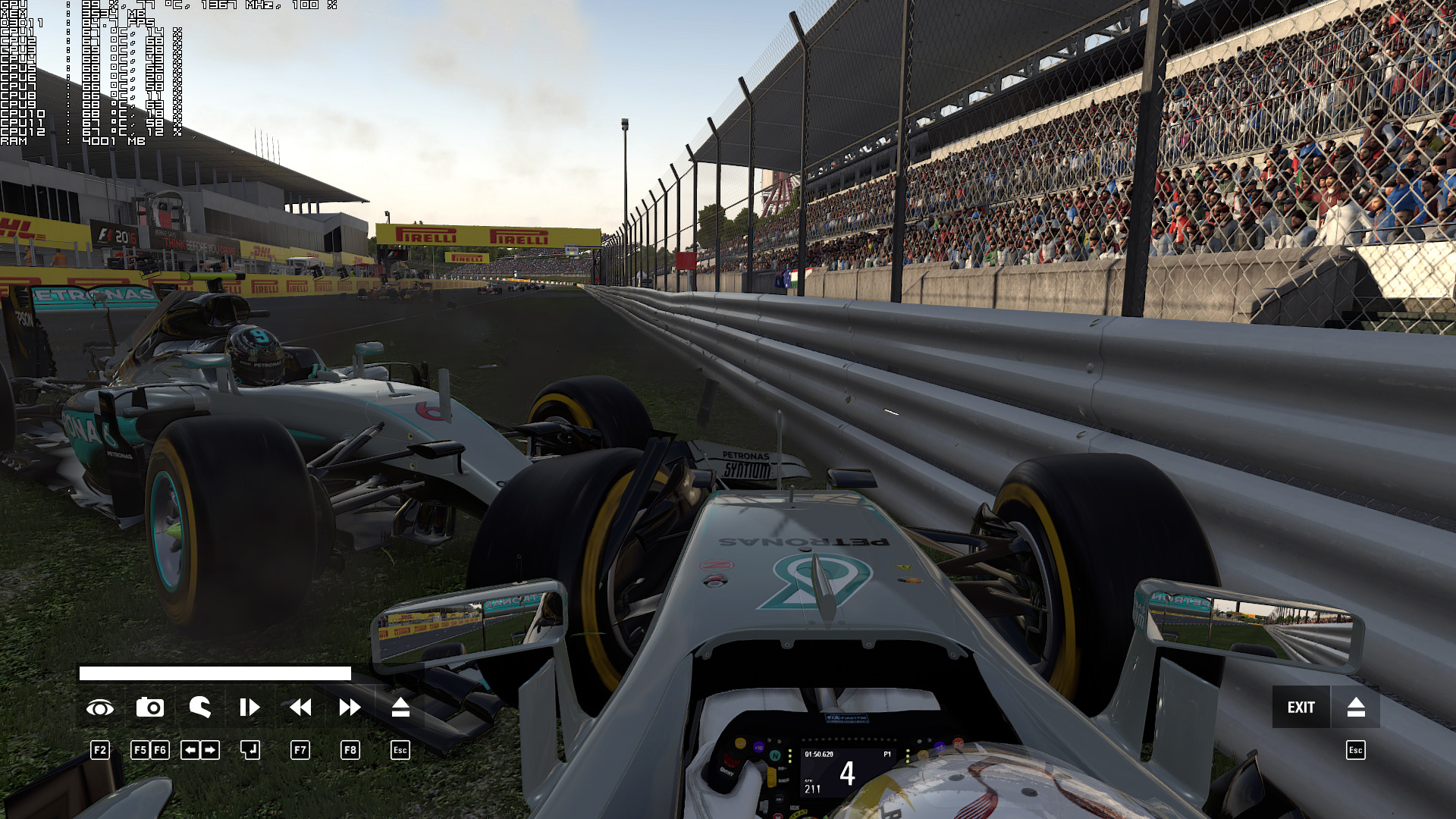
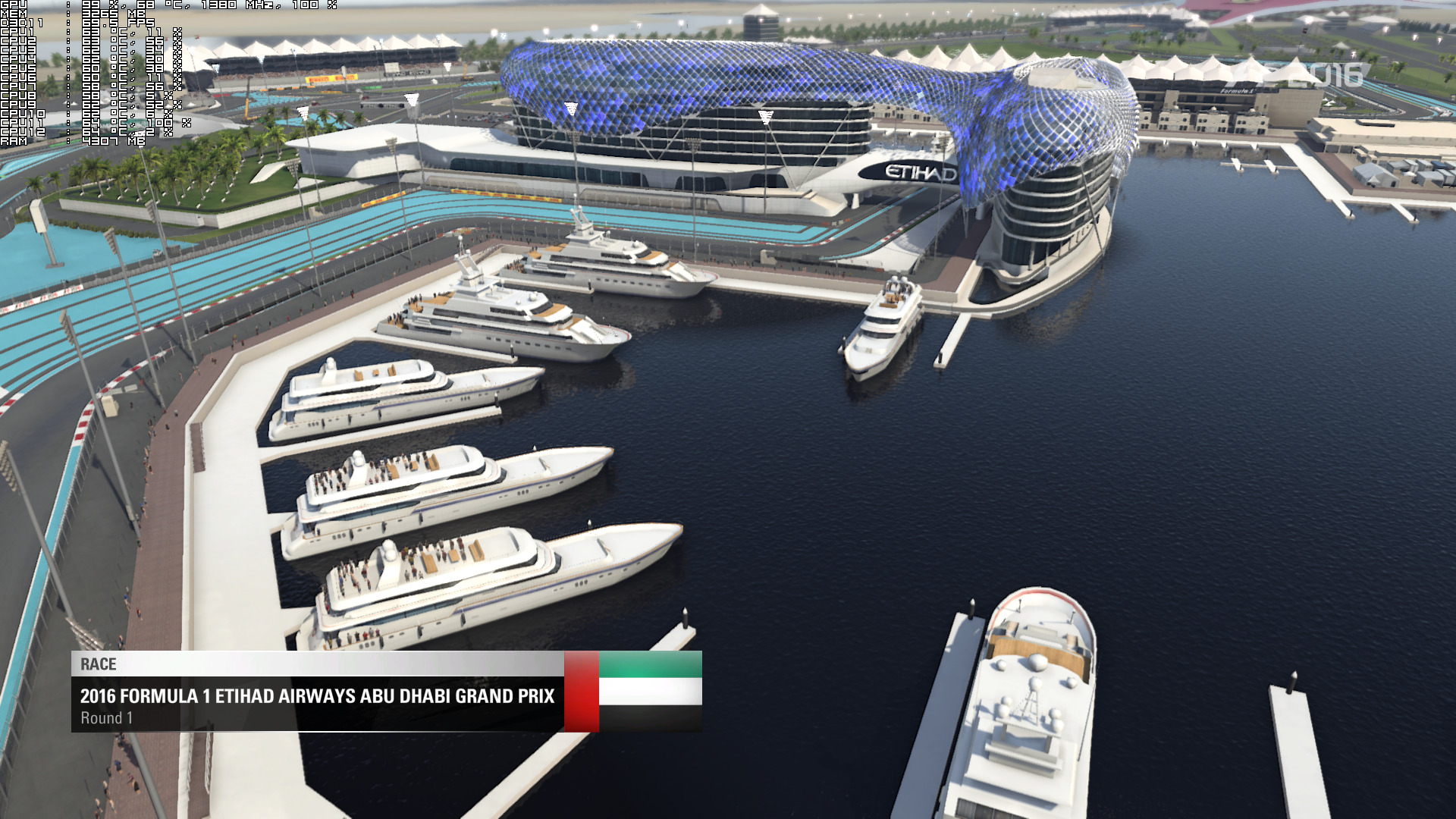
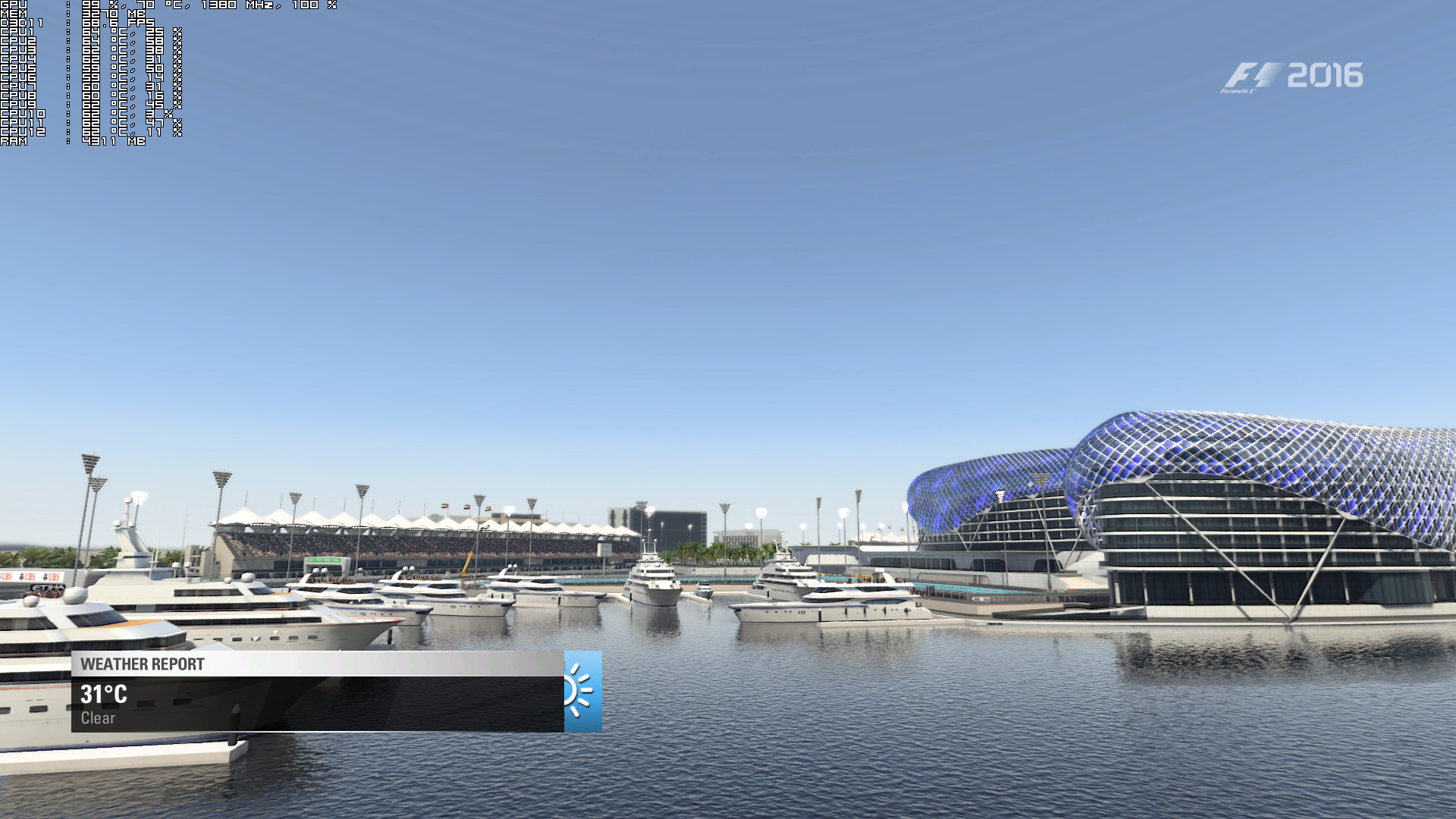
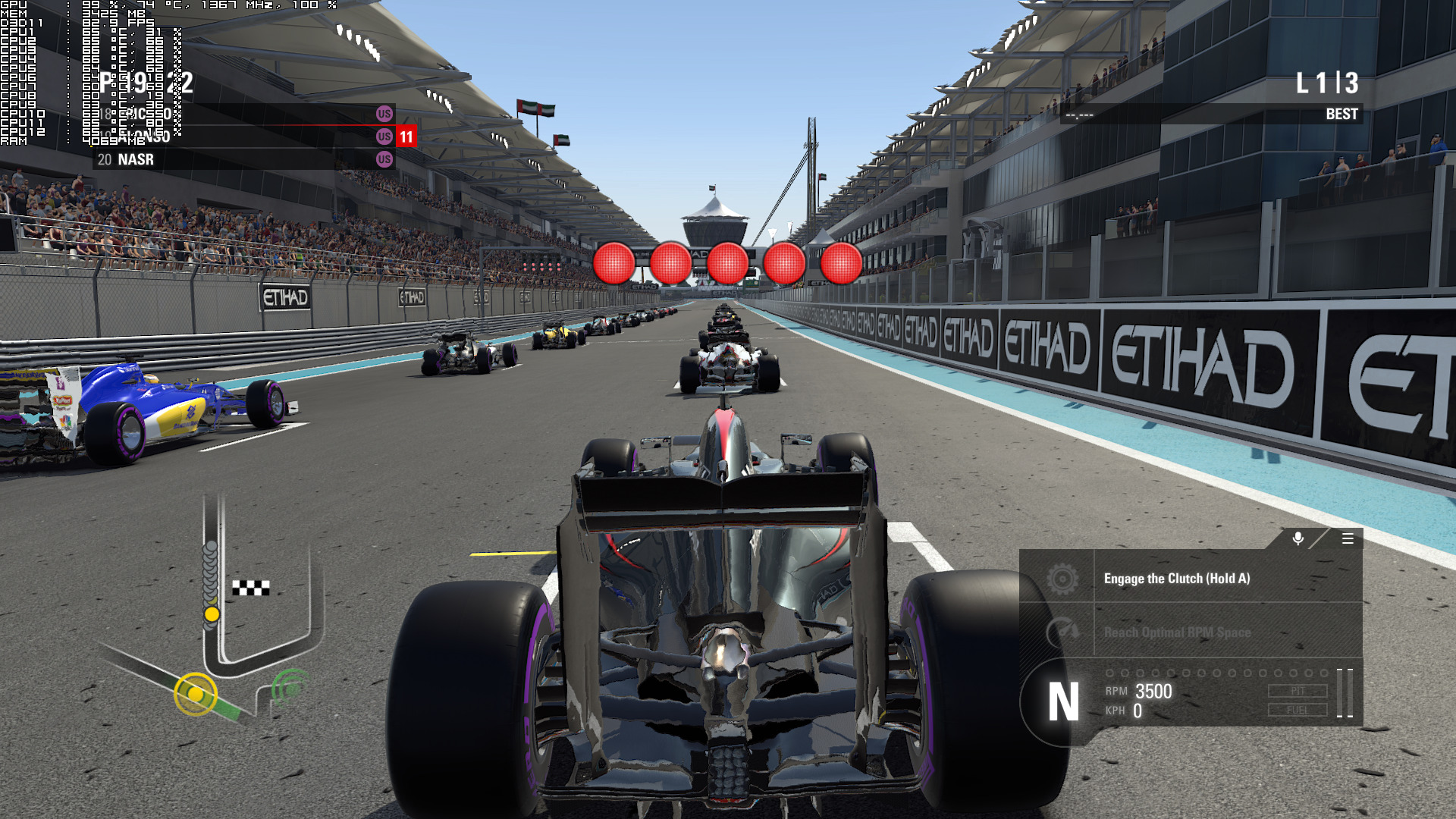
Graphics wise, F1 2016 is a really good looking game. Contrary to last year’s offer, this time we got an F1 game that looks beautiful. Codemasters has used a lot of high-quality textures, rain drops are carried sideways with the wind, there are some cute rain splashes, water sprays are wonderfully detailed (and when paused you can see individual water drops), reflections are incredible and the F1 vehicles are highly detailed.
All in all, F1 2016 is a really polished product. Codemasters has included a number of wheel settings, we did not experience any crashes, there are some interesting camera options/tweaks, the game looks beautiful, there are a lot of graphics settings to tweak/adjust and it scales wonderfully on multiple CPU cores.
Enjoy!

John is the founder and Editor in Chief at DSOGaming. He is a PC gaming fan and highly supports the modding and indie communities. Before creating DSOGaming, John worked on numerous gaming websites. While he is a die-hard PC gamer, his gaming roots can be found on consoles. John loved – and still does – the 16-bit consoles, and considers SNES to be one of the best consoles. Still, the PC platform won him over consoles. That was mainly due to 3DFX and its iconic dedicated 3D accelerator graphics card, Voodoo 2. John has also written a higher degree thesis on the “The Evolution of PC graphics cards.”
Contact: Email