
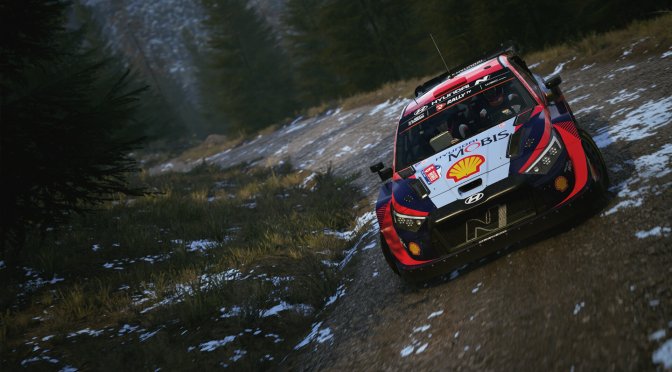
Earlier this month, Electronic Arts released its latest rally game, EA Sports WRC. Powered by Unreal Engine 4, it’s time now to benchmark it and examine its performance on the PC platform.
For our benchmarks, we used an AMD Ryzen 9 7950X3D, 32GB of DDR5 at 6000Mhz, AMD’s Radeon RX580, RX Vega 64, RX 6900XT, RX 7900XTX, NVIDIA’s GTX980Ti, RTX 2080Ti, RTX 3080 and RTX 4090. We also used Windows 10 64-bit, the GeForce 546.17, and the Radeon Adrenalin Edition 23.11.1 drivers. Moreover, we’ve disabled the second CCD on our 7950X3D.
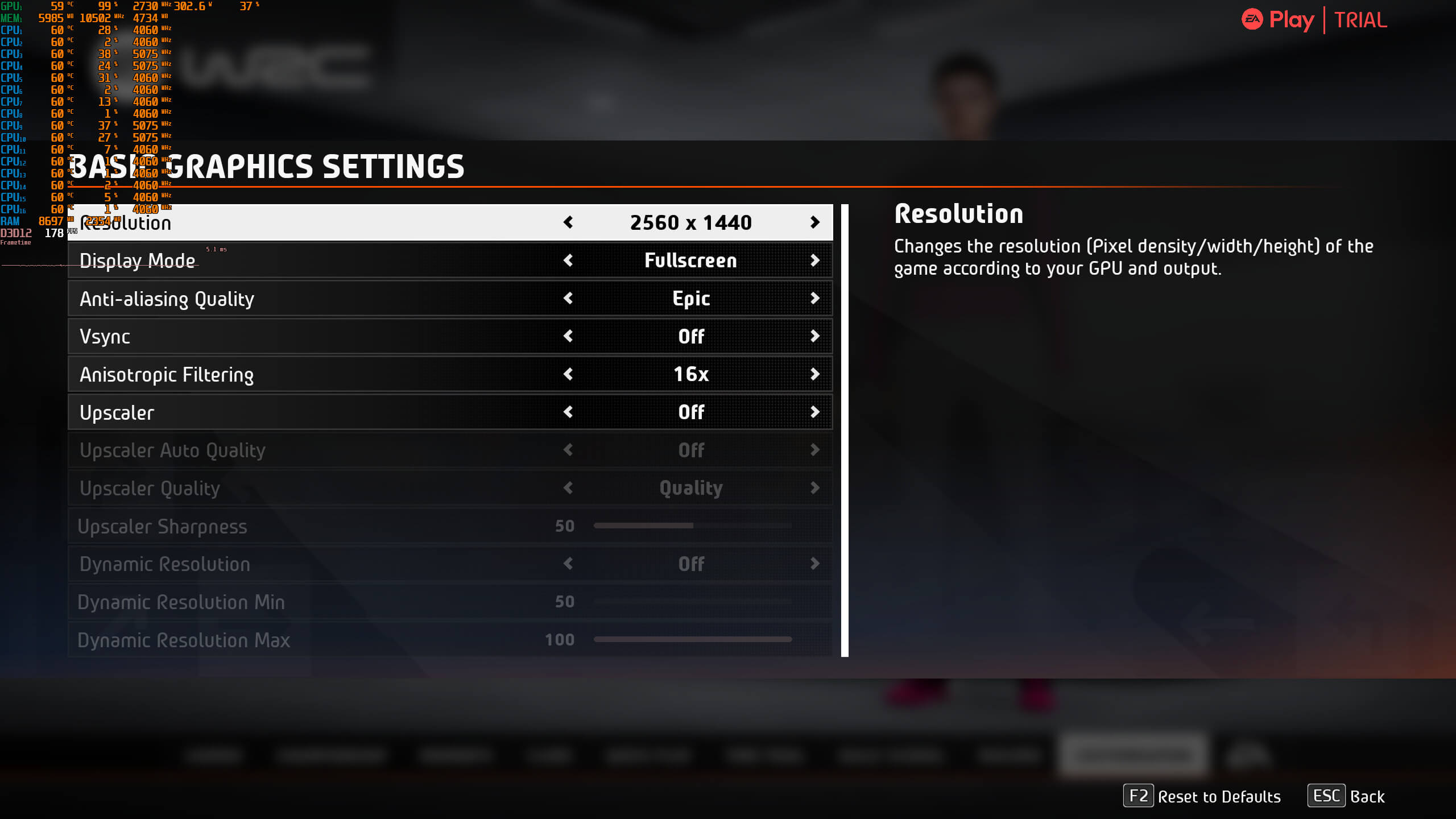
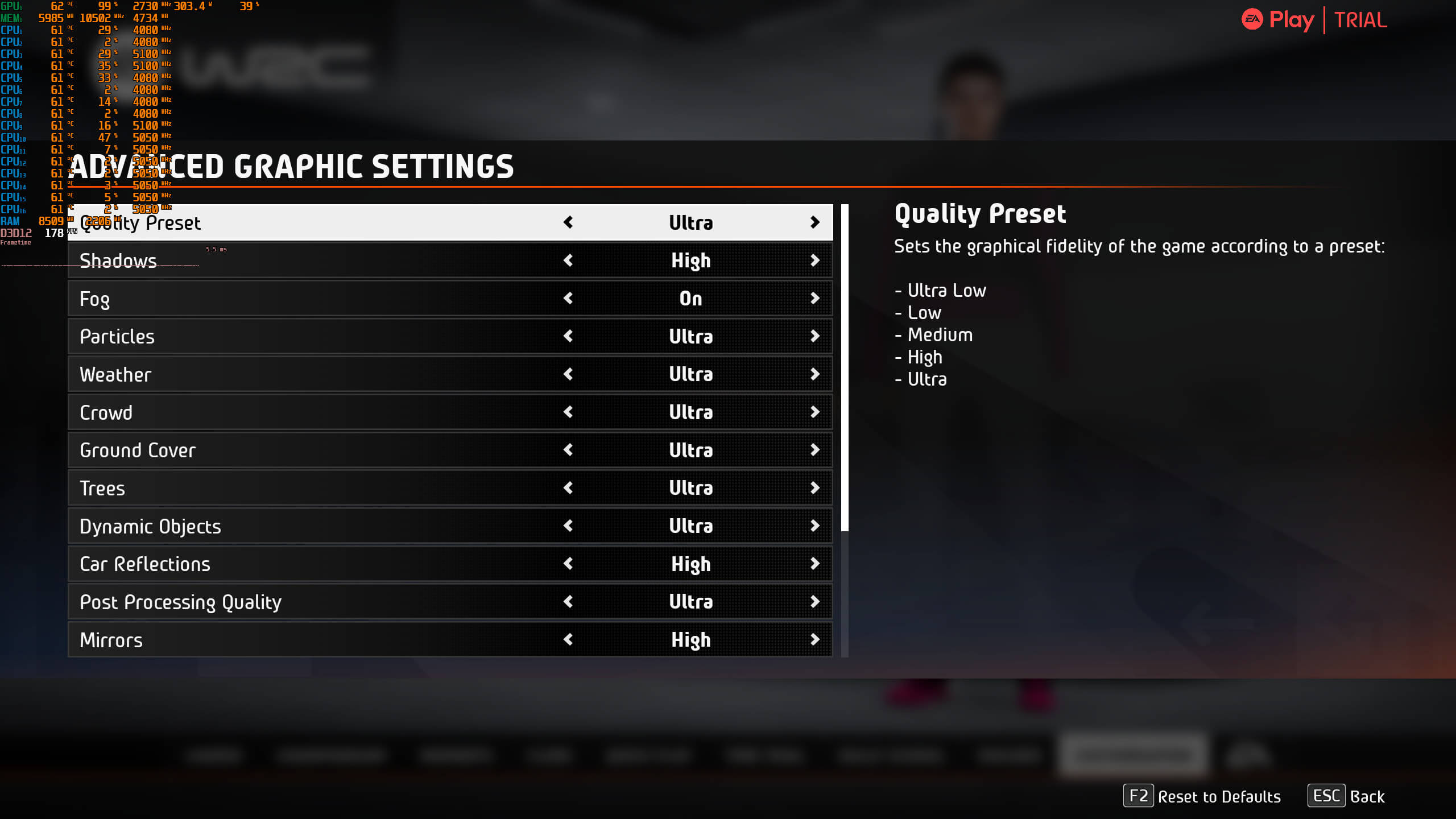
Codemasters have added a few graphics settings to tweak. PC gamers can adjust the quality of Shadows, Particles, Weather, Crowd, Reflections and more. The game also supports both AMD FSR and NVIDIA DLSS 2.
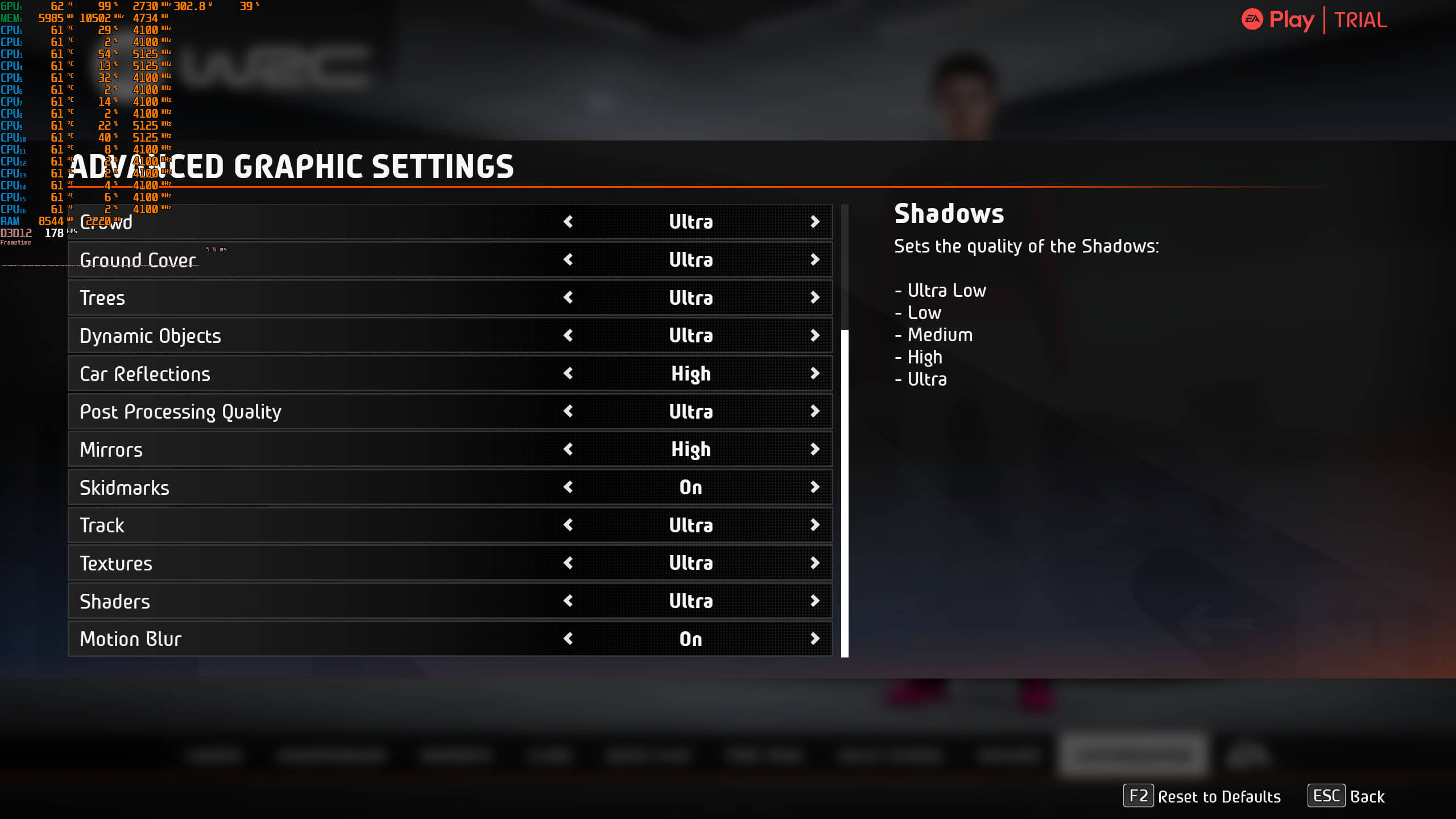
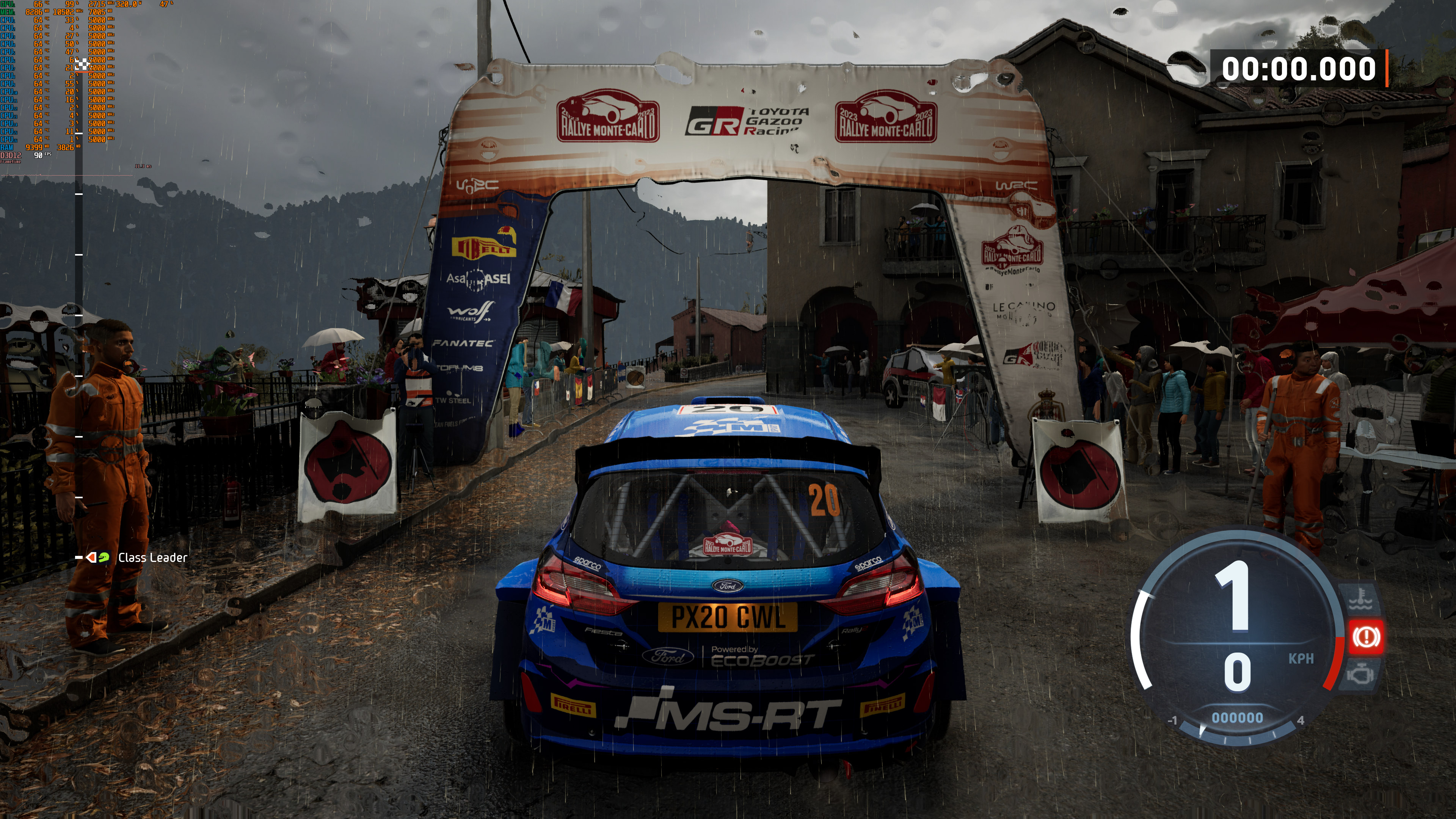
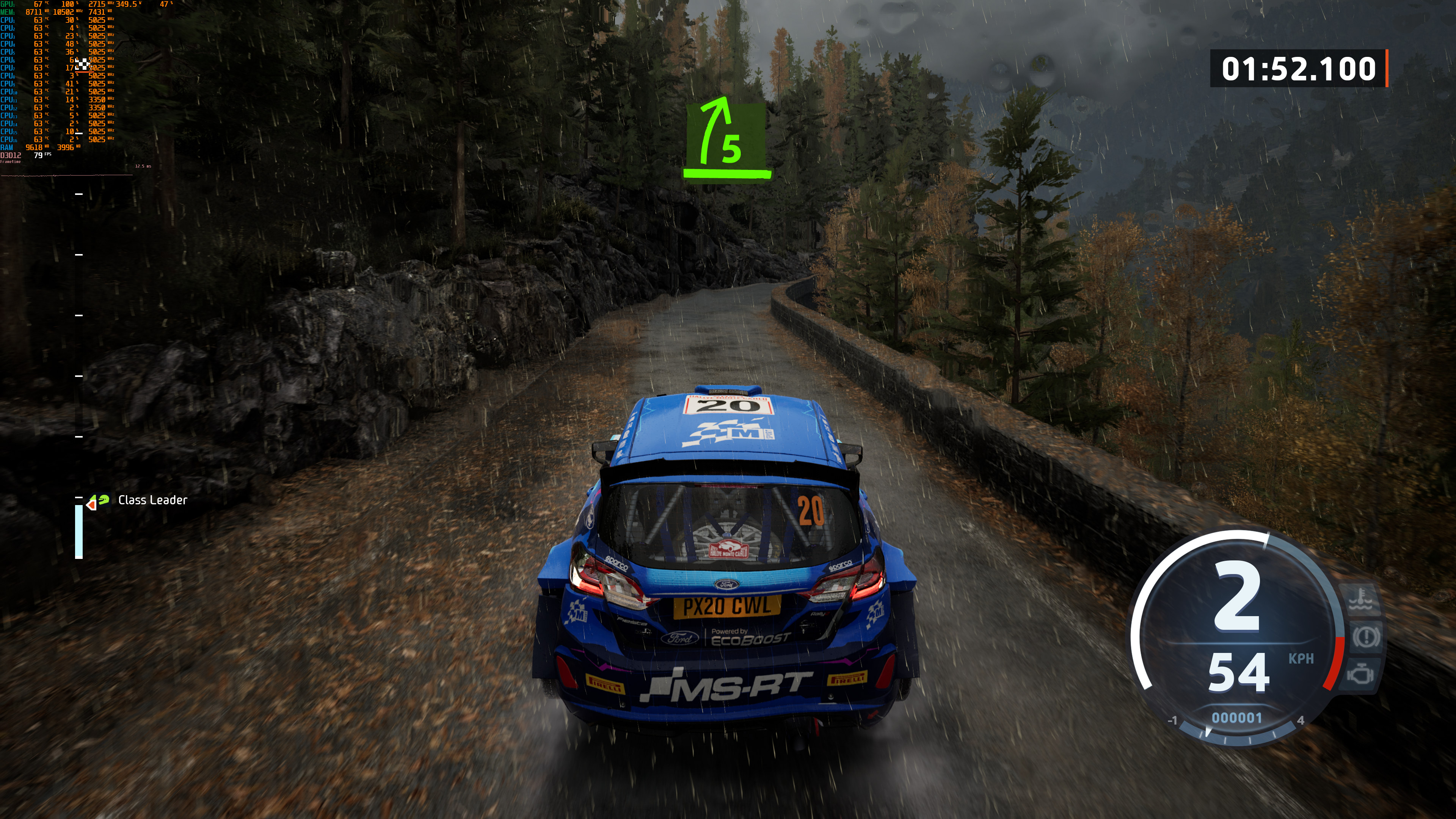
EA Sports WRC does not have any built-in benchmark tool. So, for our benchmarks, we used the Batukangkung rally stage in Pacifico in rainy conditions. From what we could see, this was one of the most demanding scenarios in this rally game. So, our custom benchmark scene should give us a pretty good idea of how the rest of the game runs.

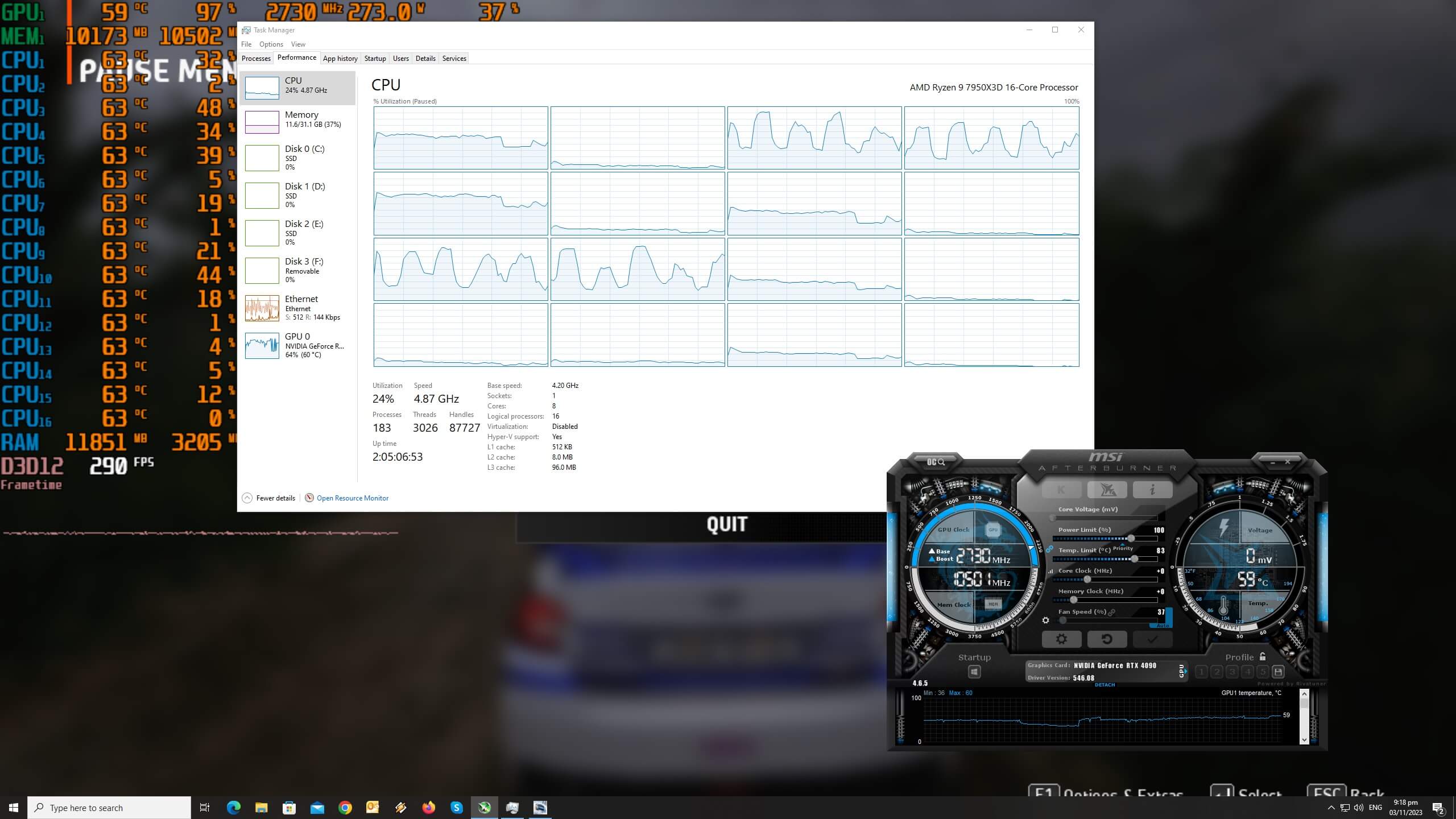
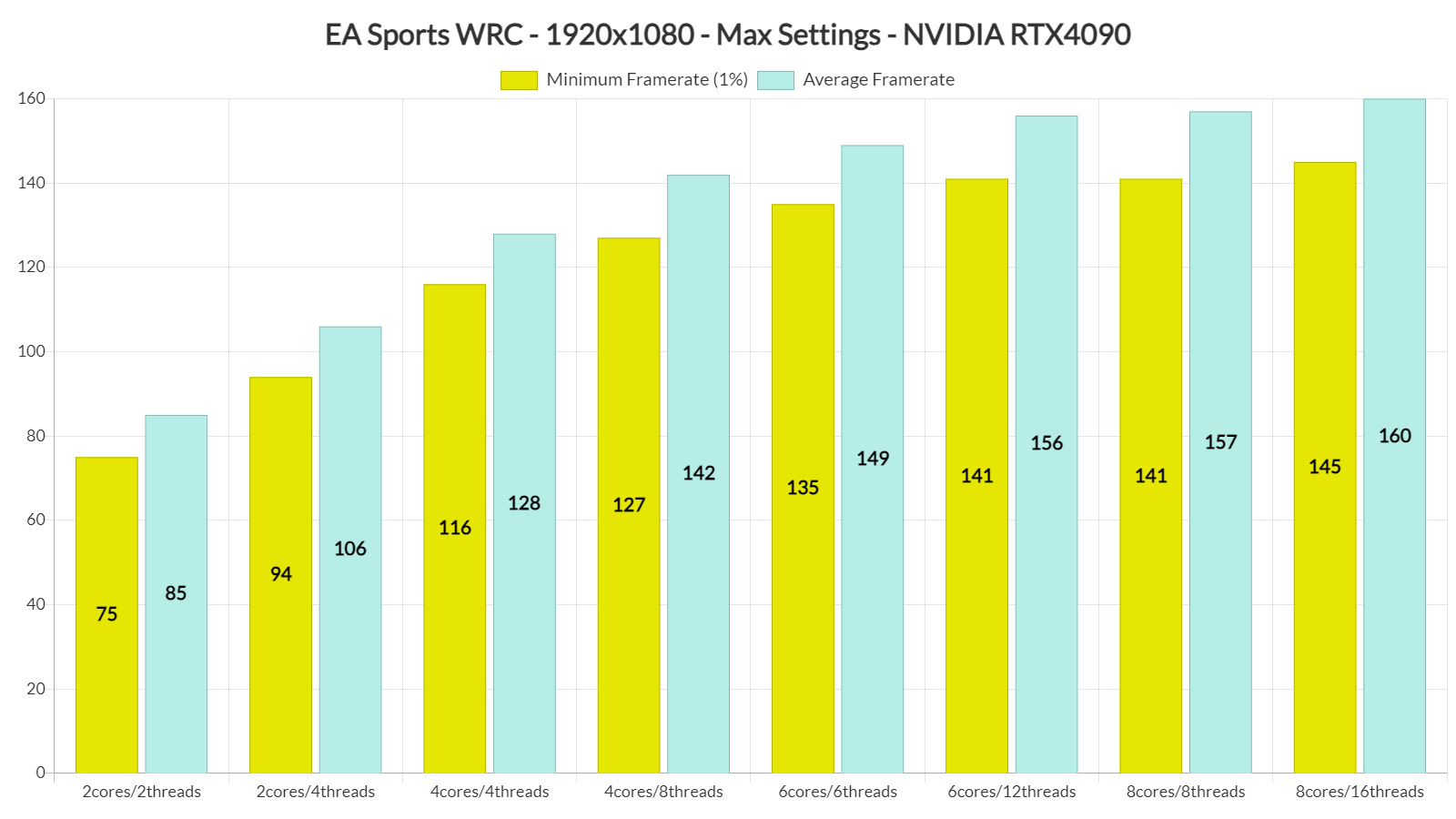
To see how the game runs with different types of CPUs, we simulated dual-core, quad-core, and hexa-core CPUs. And, we are happy to report that this rally game does not require a high-end CPU. Without SMT, our simulated dual-core system was able to provide a playable experience at 1080p/Max Settings. There were some stutters, but the game was really playable. By enabling SMT, we were able to get a constant 90fps on that system. The game also appears to be able to use up to eight CPU threads.
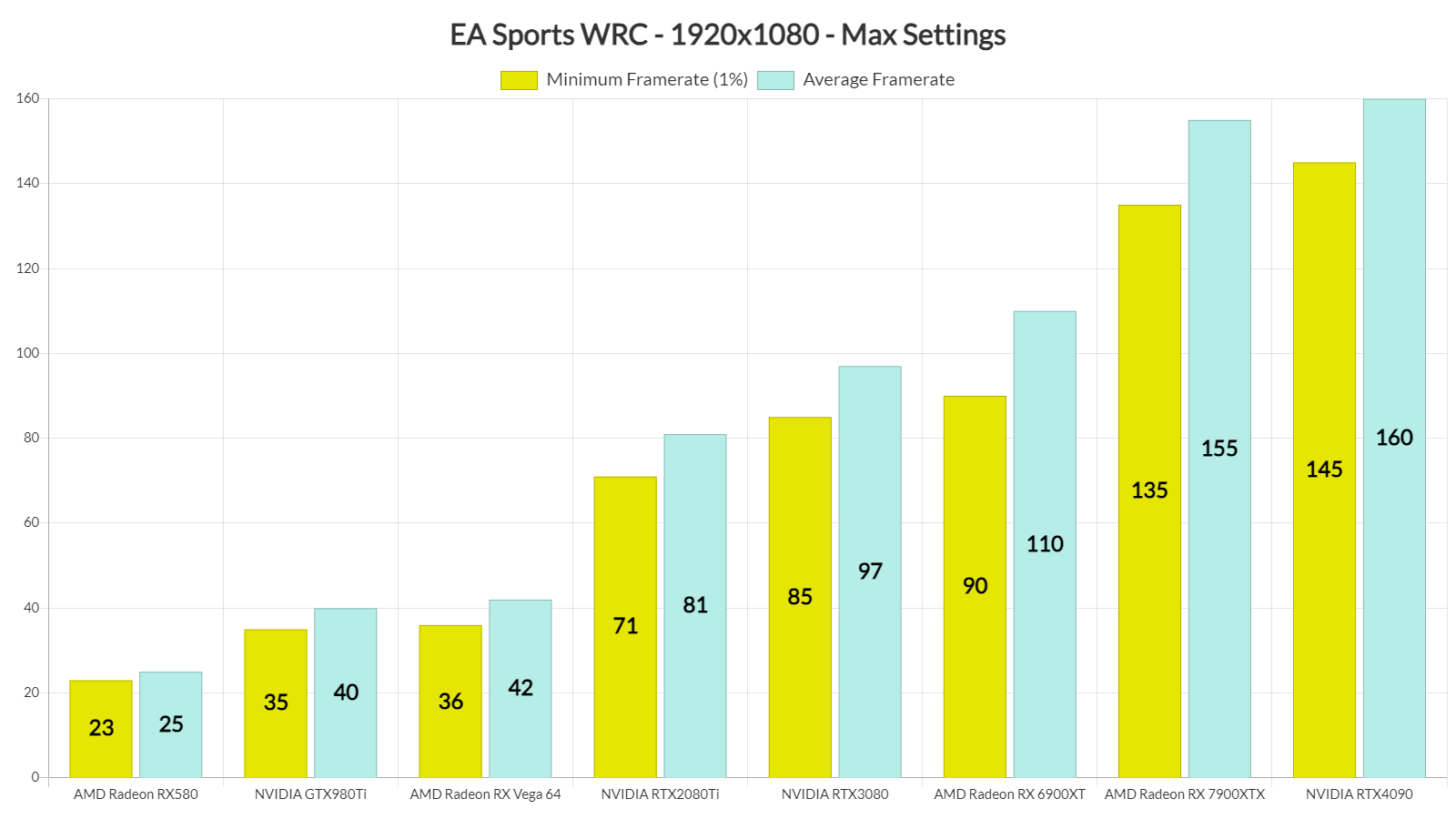
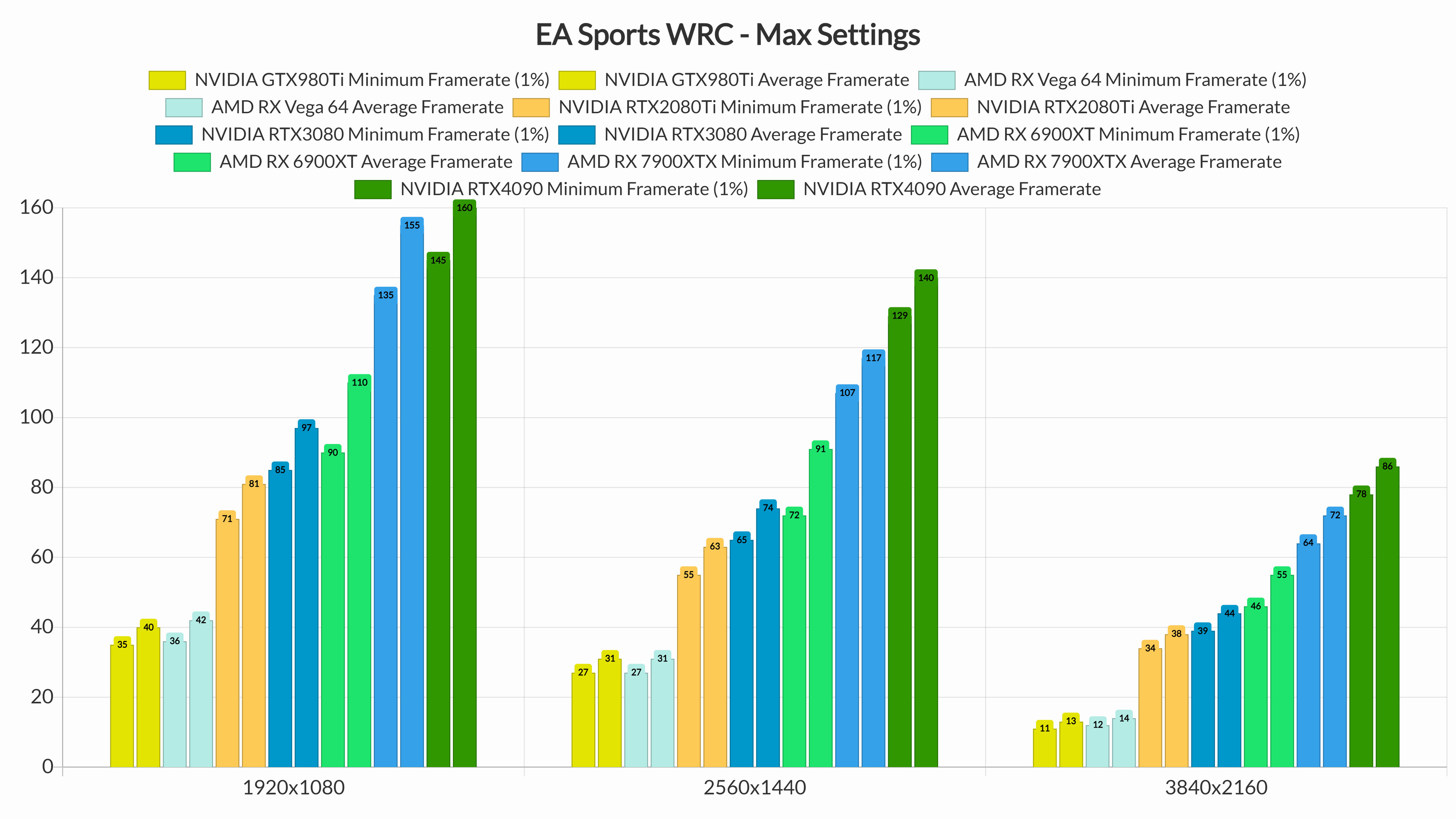
At 1080p/Max Settings, our top five GPUs were able to run the game with over 60fps at all times. At 1440p/Max Settings, the RTX2080Ti was unable to offer a constant 60fps experience. However, if you have a G-Sync monitor, you will be able to enjoy it at that res. As for Native 4K/Max Settings, the only GPUs that were able to provide a smooth gaming experience were the AMD Radeon RX 7900XTX and the NVIDIA GeForce RTX 4090.
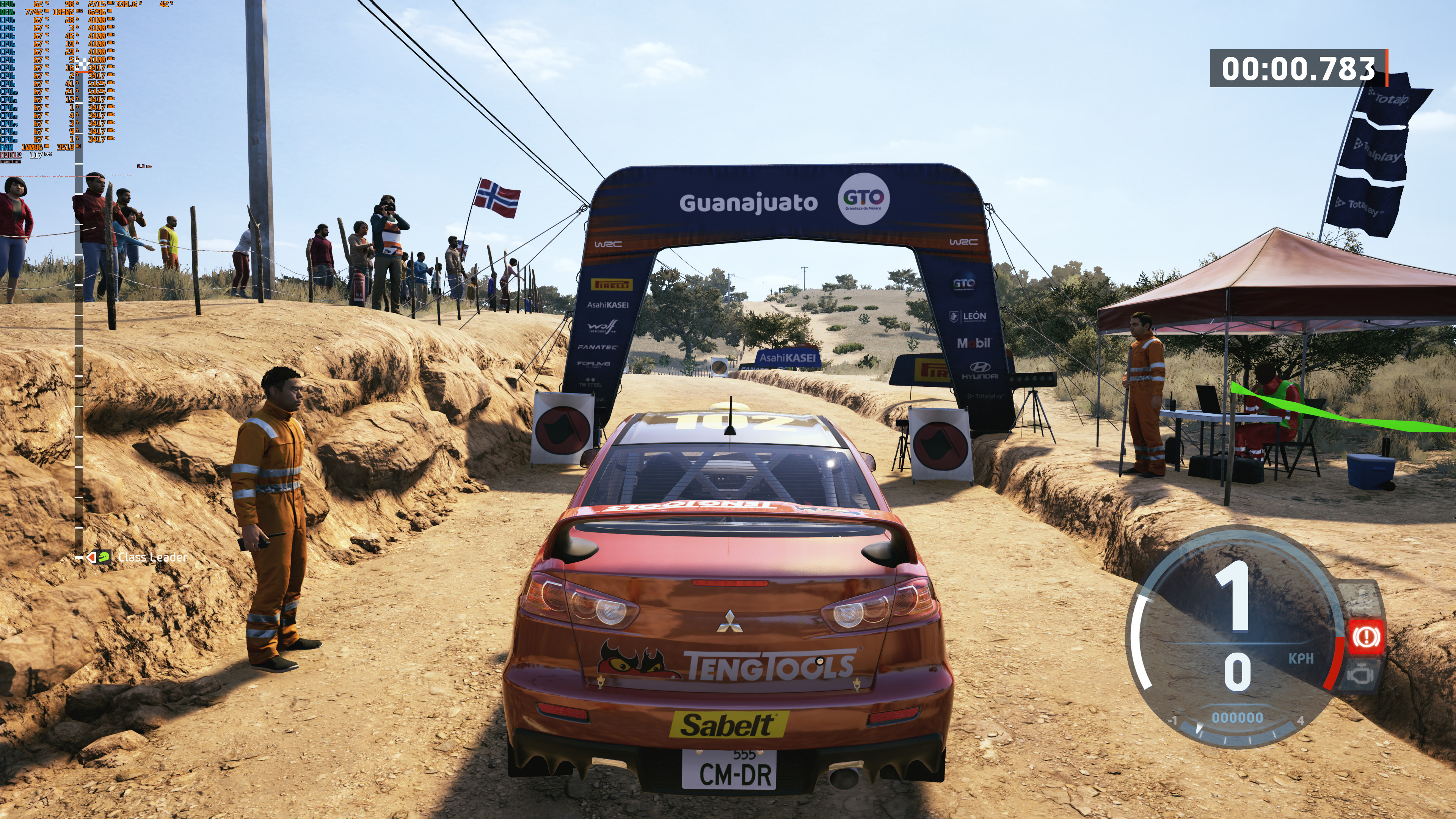
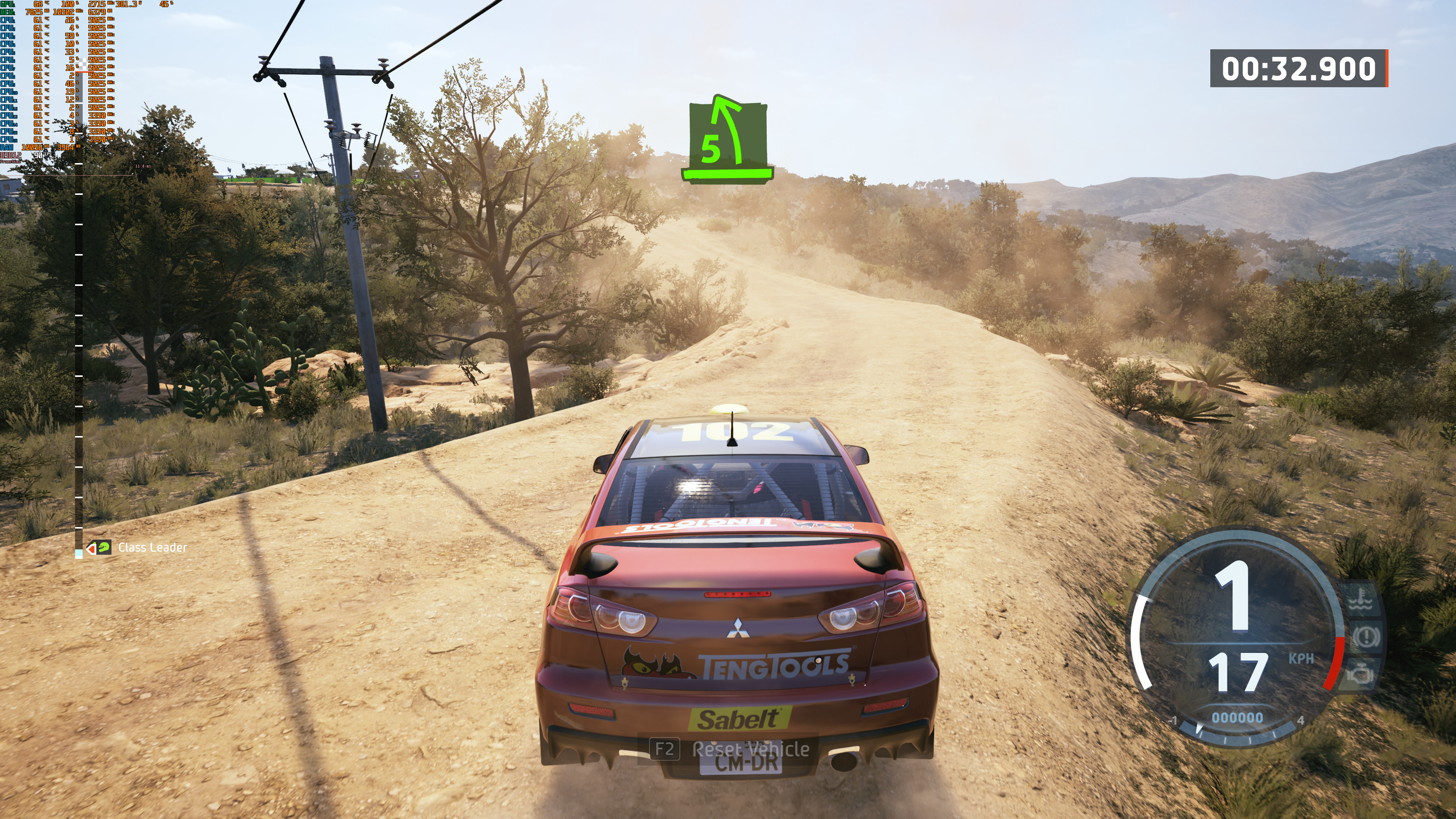
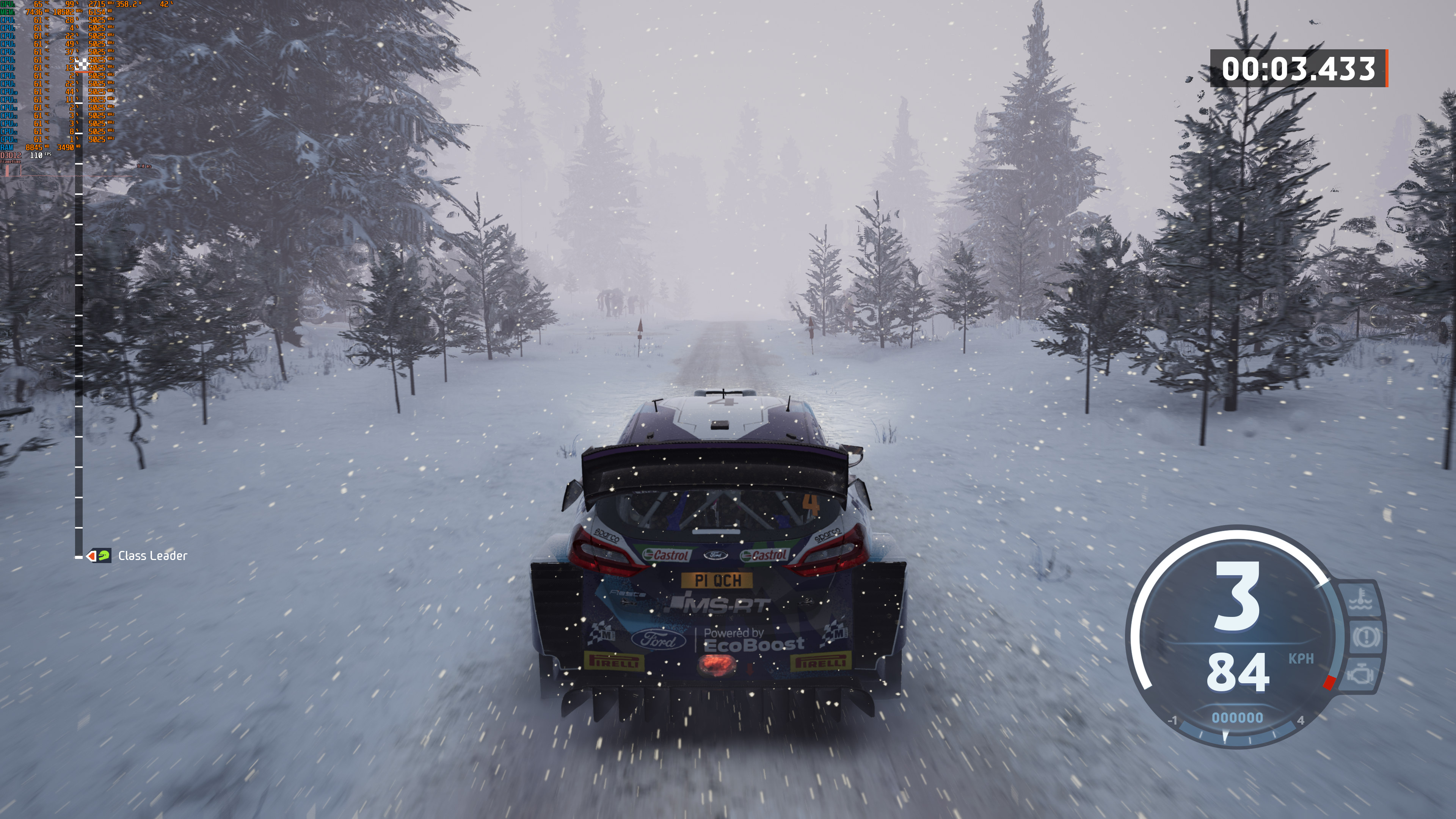
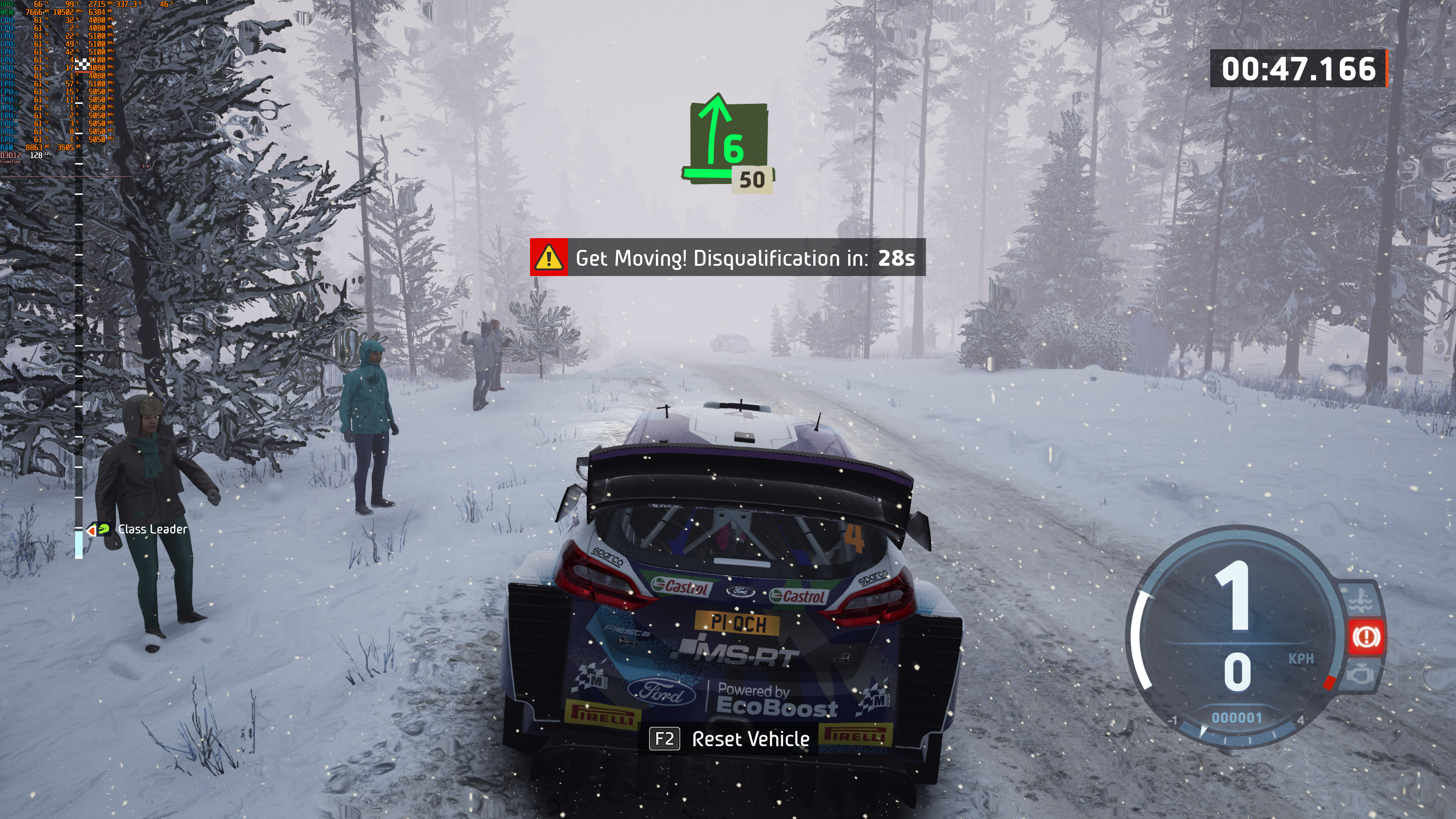
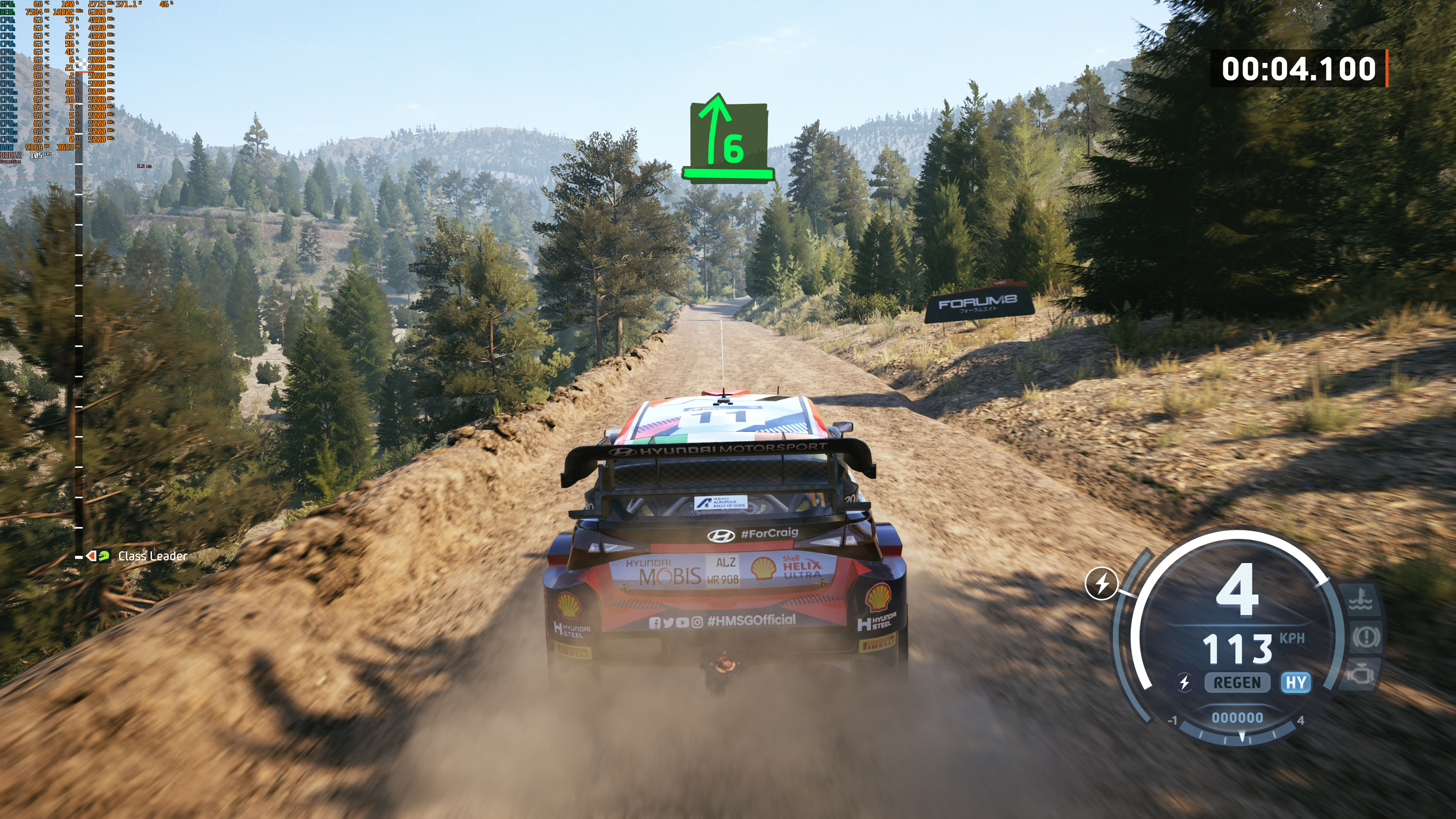
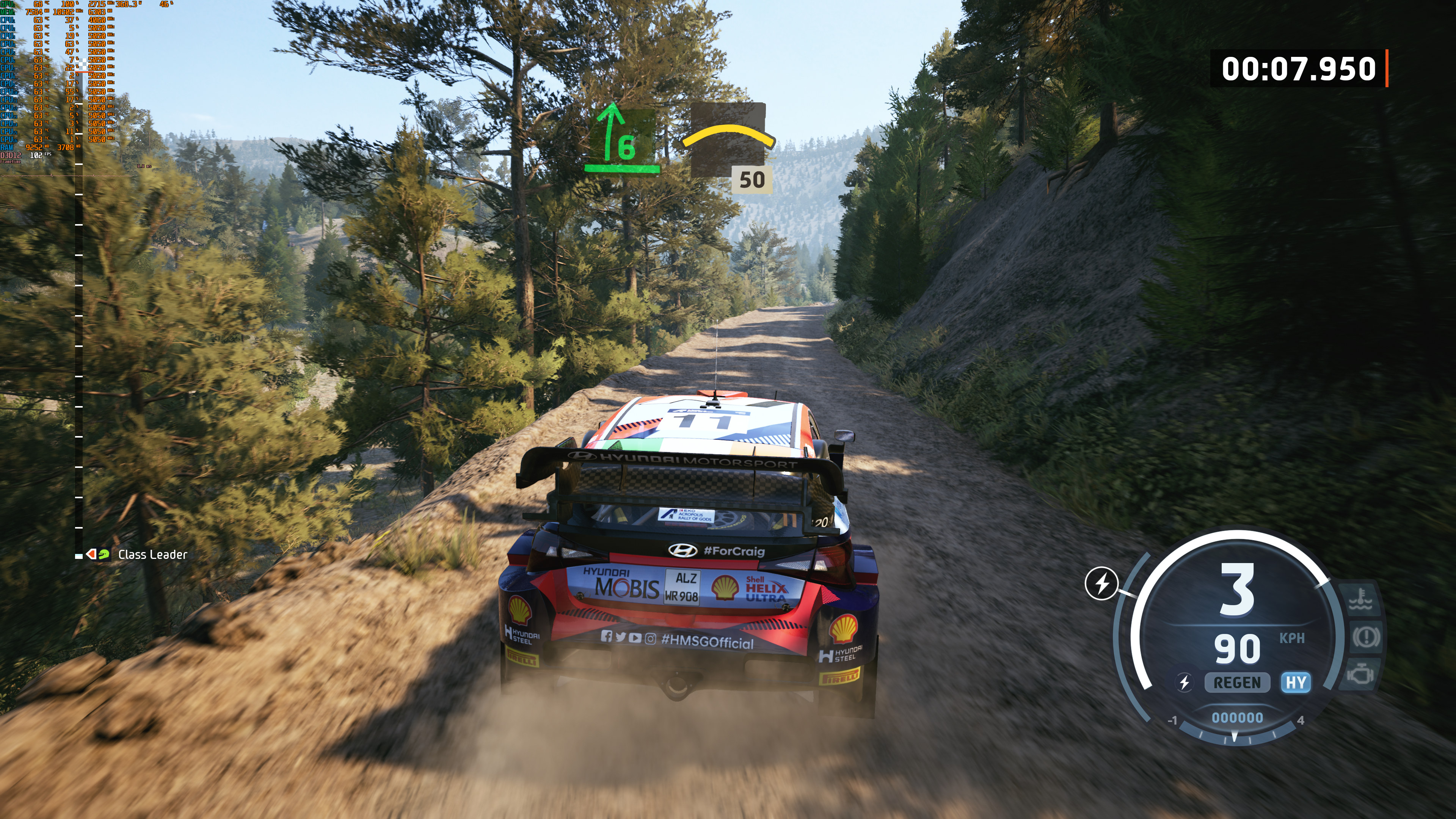
Graphics-wise, EA Sports WRC looks fine. Compared to its predecessor, WRC Generations, EA Sports WRC looks better in most areas. The only thing that really disappointed me was the game’s weather effects (rain/snow/wind effects). WRC Generations had some truly amazing wind effects. Some people claimed that it looks worse than Dirt Rally 2. To my eyes, it looks on par or slightly better. Either way, EA Sports WRC does not push particularly impressive graphics.
Before closing, I should note that we were still getting some shader compilation stutters, even in the game’s latest version. Earlier this month, Codemasters released a patch that added support for Unreal PSO Caching. However, this does not pre-compile all of the game’s shaders. So yeah, I don’t know what Codemasters was thinking with this. The point is that there are still shader compilation stutters.
Overall, EA Sports WRC can run with over 60fps on a wide range of PC configurations. Moreover, it does not require a high-end CPU. However, the game still has shader compilation stutters which can ruin your overall experience. So, basically, it’s a mixed bag. It isn’t awful, but it could have been better!

John is the founder and Editor in Chief at DSOGaming. He is a PC gaming fan and highly supports the modding and indie communities. Before creating DSOGaming, John worked on numerous gaming websites. While he is a die-hard PC gamer, his gaming roots can be found on consoles. John loved – and still does – the 16-bit consoles, and considers SNES to be one of the best consoles. Still, the PC platform won him over consoles. That was mainly due to 3DFX and its iconic dedicated 3D accelerator graphics card, Voodoo 2. John has also written a higher degree thesis on the “The Evolution of PC graphics cards.”
Contact: Email