
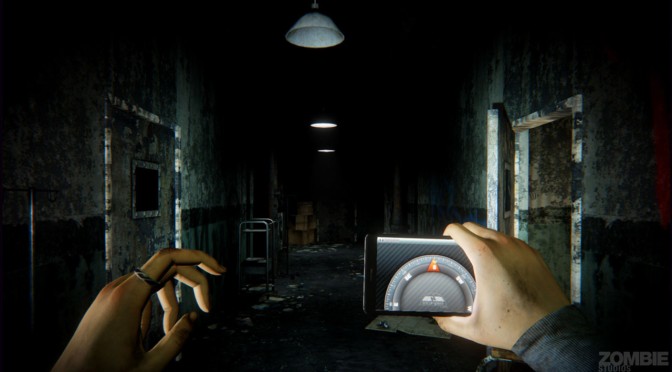
Now that’s what we call a huge disappointment. Daylight is the first game powered by Epic’s next-gen engine, Unreal Engine 4, and contrary to what Epic has shown via its various tech demos, Zombie Studios’ horror title looks as awful as it can possibly get. In fact, Daylight looks and performs worse than a lot of UE3 games, which obviously brings the question: why exactly did the development team bother with Unreal Engine 4?
As always, we used an overclocked Q9650 (4.2Ghz) with 4GB RAM, Nvidia’s GTX690, the latest version of the ForceWare GeForce drivers and Windows 7-64Bit. Nvidia has already included an SLI profile for this horror game. Not only that, but the SLI scaling is exceptional from the get-go, meaning that you won’t have to mess around with Nvidia Inspector Tool in order to get an SLI profile that provides ideal performance and scaling.
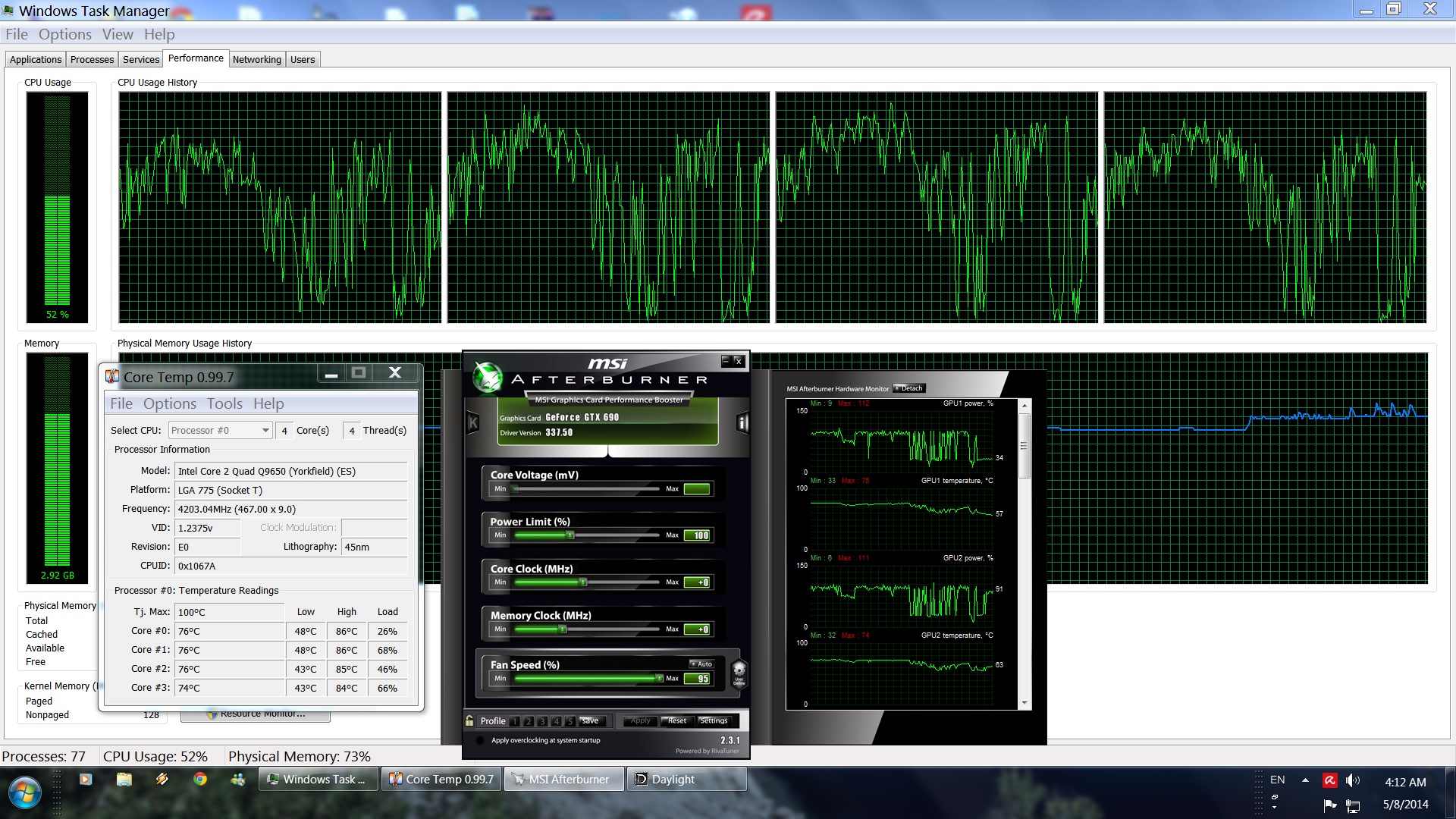
Daylight is a GPU bound title. While there was a 10fps difference between a simulated dual-core and our quad-core, the game was always running with 60fps and above. Unfortunately, there were no differences between our simulated tri-core and quad-core, suggesting that the game is unable to take advantage of more than three CPU cores. On the other hand, this doesn’t really matter as there is nothing on screen to justify higher CPU requirements. There aren’t any NPCs, interactivity is limited, levels are linear and quite small, and there aren’t major physics effects to stress even a mid-tier CPU.
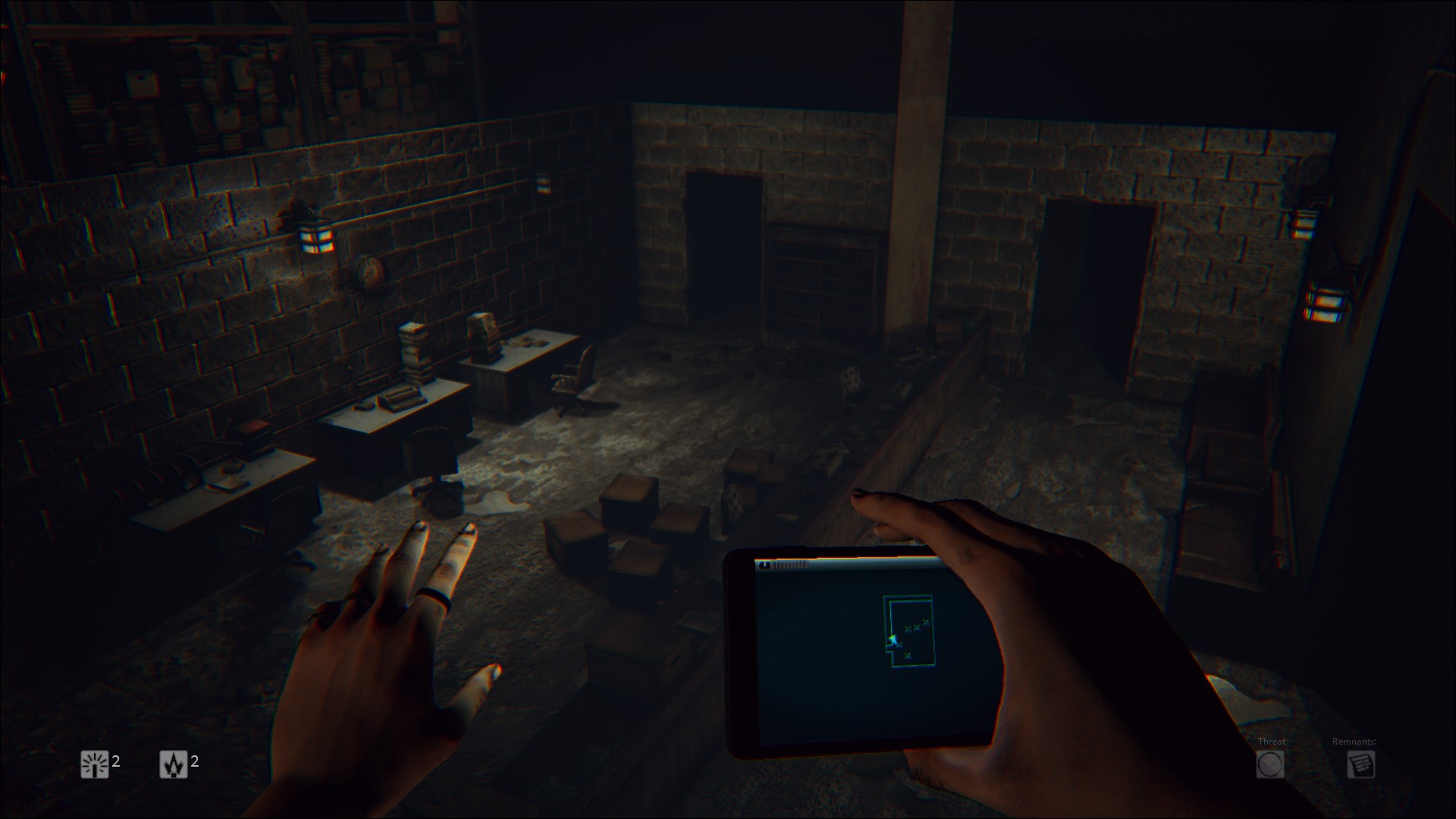
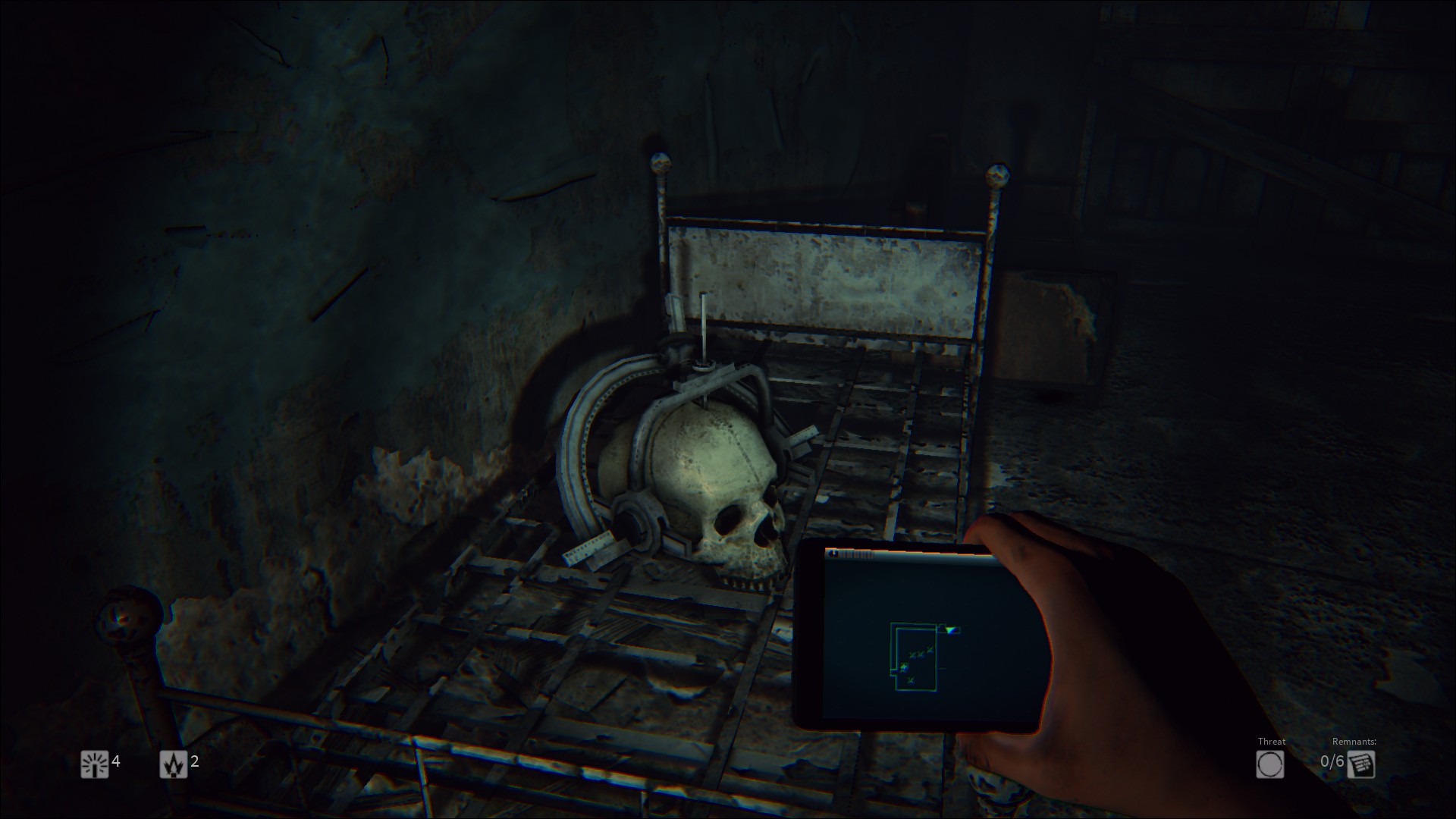
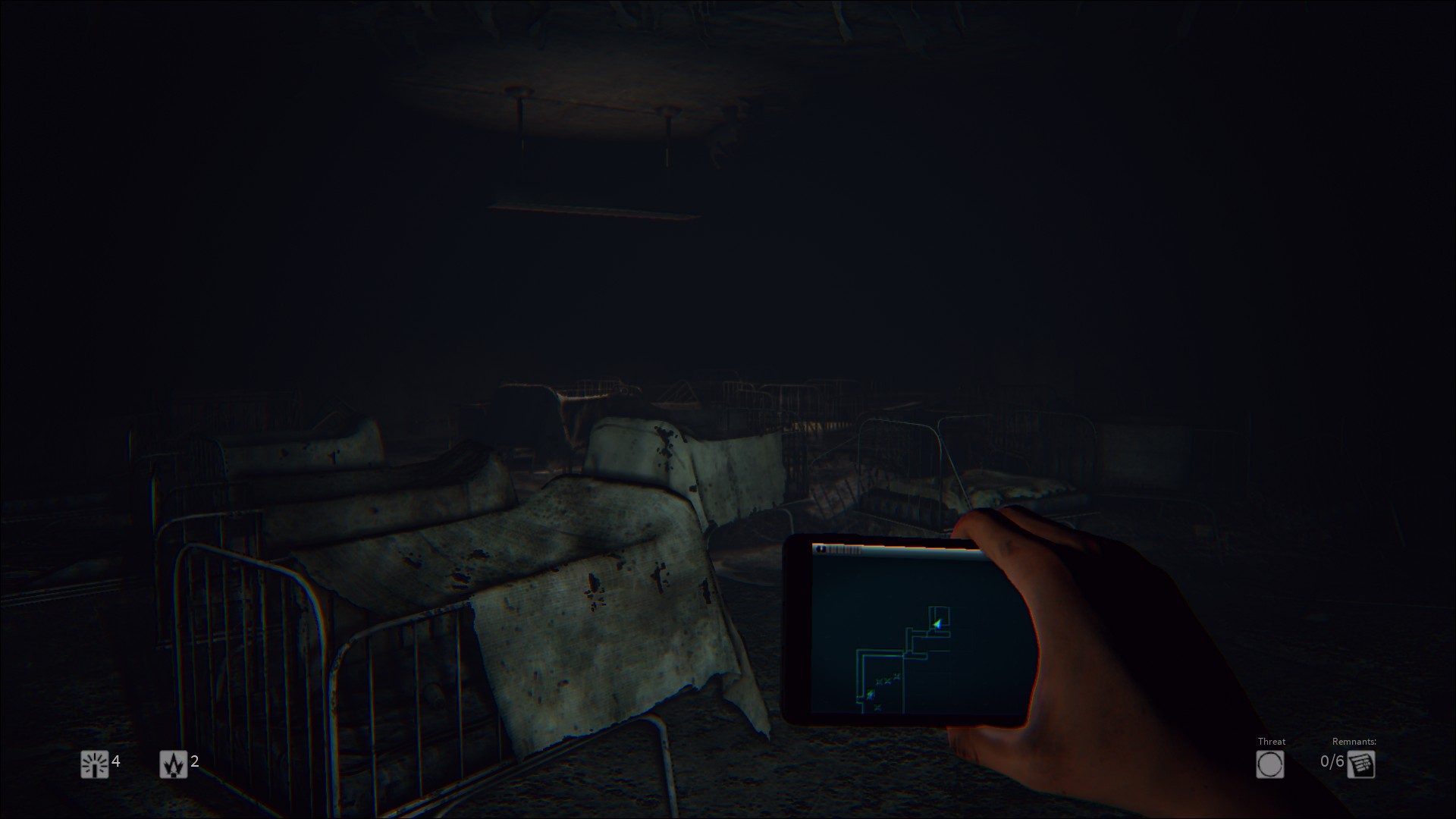
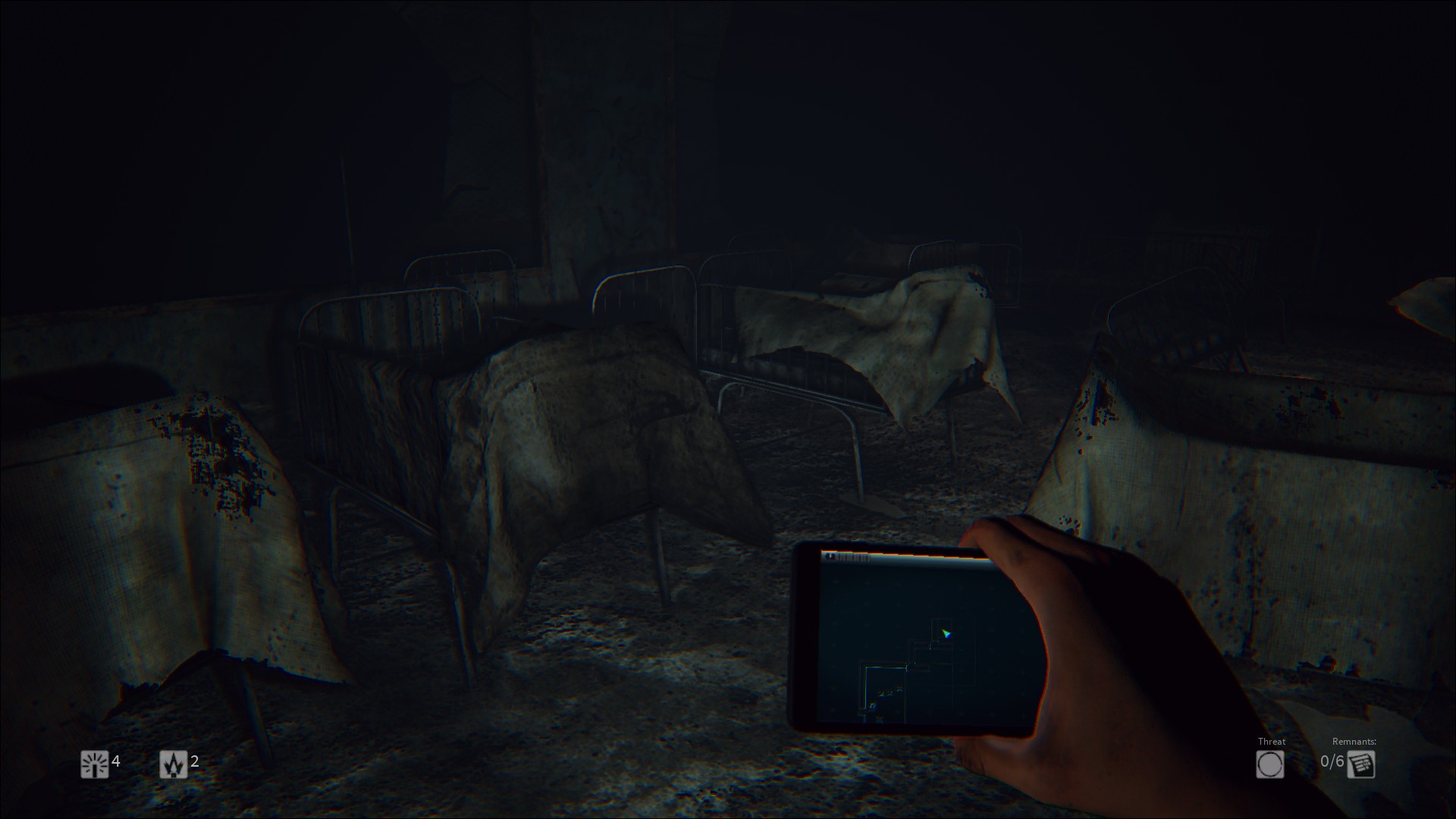
What really surprised us, however, was the game’s GPU requirements. Daylight will stress a lot of GPUs, despite the fact that it cannot come close to the visuals displayed by titles such as Crysis 3, Metro: Last Light, Battlefield 4 or even… Outlast. At 1080p with all its bells and whistles enabled, the game was using all 4GB of our GTX690 (do note that since this is a dual-card, each core has access to only 2GB). This caused noticeable micro-stuttering while playing the game. Ironically, the game looks mediocre with low-res and blurry textures all over the place. Seriously now, we can’t find any single texture that would justify this VRAM requirements. And yes, most Skyrim modded textures look miles better than what Zombie Studios is offering. Hell, this feels like a game released 5 years ago (Crysis 1 was released seven years ago and even its blurry ‘rock’ textures are better than most of Daylight’s textures).
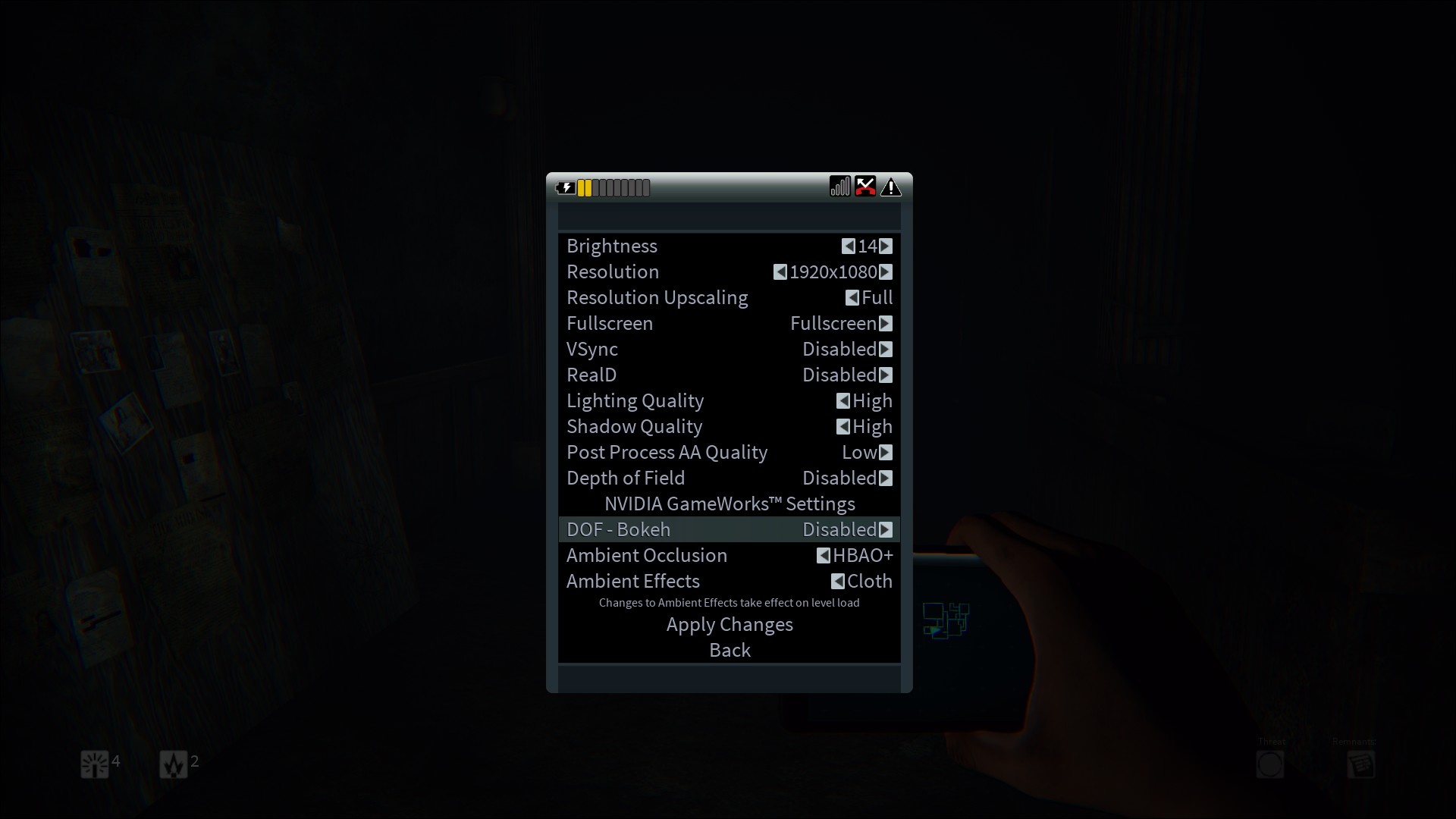
What’s also funny is that a single GTX680 is unable to maintain a 60fps experience at 1080p. In order to hit that sweet 60fps spot, we used the above settings. Ironically, a GTX680 was shown powering Epic’s Elemental tech demo; a demo that looks way, way, way better than Zombie Studios’ title. With SLI enabled, we were able to maintain 60fps with all the bells and whistles enabled (yes, even with the Nvidia specific features enabled). The good news is that SLI scaling was amazing and contrary to other PhysX titles, we did not notice any ‘low GPU-usage’ abnormalities. Still, demanding a GTX690 (or a Titan card) for something that looks as bad as Daylight is unacceptable.
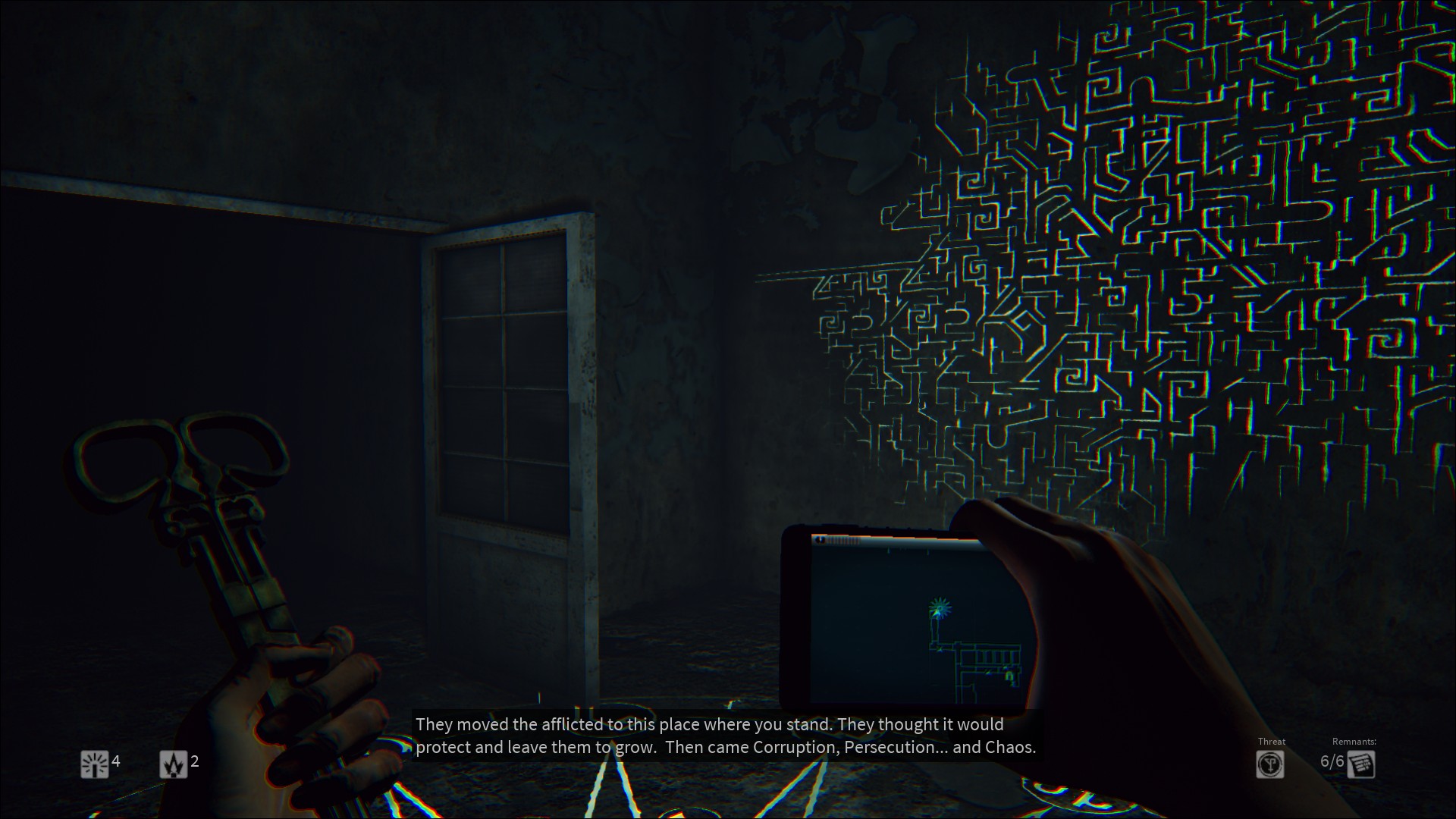
It’s pretty obvious, at this point, that Daylight is an un-optimized mess. Even on its highest settings, the game looks awful. Thankfully players can disable that frustrating Chromatic Aberation effect and while most light sources cast shadows, the game feels so dated. Levels feel empty, there aren’t many particles effects, textures look awful, interactivity is limited, there aren’t many ‘moveable’ or destructible objects, lighting effects are underwhelming and the ghosts that are featured in the game are not scary – or highly detailed – at all.
All in all, Daylight is a big disappointment and unfortunately it’s the first title powered by Epic’s Unreal Engine 4. Naturally, there is no point at all judging the capabilities of the engine by this single title as Daylight is as un-optimized as it can get. While it requires a high-end GPU to maintain a smooth gaming experience, it does not sport visuals that will ‘wow’ you. Hell, this feels more like an old-gen game. A single GTX680 is unable to maintain a 60fps experience at 1080p with all graphics settings enabled, something that will certainly disappoint a lot of gamers who want to at least play the game (and willing to overlook its underwhelming visuals).
Let’s at least hope that the upcoming Unreal Engine 4 titles will be better than Zombie Studios’ horror game!

John is the founder and Editor in Chief at DSOGaming. He is a PC gaming fan and highly supports the modding and indie communities. Before creating DSOGaming, John worked on numerous gaming websites. While he is a die-hard PC gamer, his gaming roots can be found on consoles. John loved – and still does – the 16-bit consoles, and considers SNES to be one of the best consoles. Still, the PC platform won him over consoles. That was mainly due to 3DFX and its iconic dedicated 3D accelerator graphics card, Voodoo 2. John has also written a higher degree thesis on the “The Evolution of PC graphics cards.”
Contact: Email