

Bloober Team will officially release its latest third-person action horror game, Cronos: The New Dawn, later today. Powered by Unreal Engine 5, it’s time now to benchmark it and examine its performance on PC.
For our benchmarks, I used an AMD Ryzen 9 7950X3D, 32GB of DDR5 at 6000Mhz, AMD’s Radeon RX 6900XT, RX 7900XTX, RX 9070XT, as well as NVIDIA’s RTX 2080Ti, RTX 3080, RTX 4090, RTX 5080, and RTX 5090. I also used Windows 10 64-bit, the GeForce 581.15, and the Radeon Adrenalin Edition 25.8.1 drivers.
Bloober Team has added a few graphics settings to tweak. PC gamers can adjust the quality of Textures, Shadows, Effects, and more. The game also supports NVIDIA DLSS 4 with MFG, AMD FSR 3.1, and Intel XeSS 2.0.
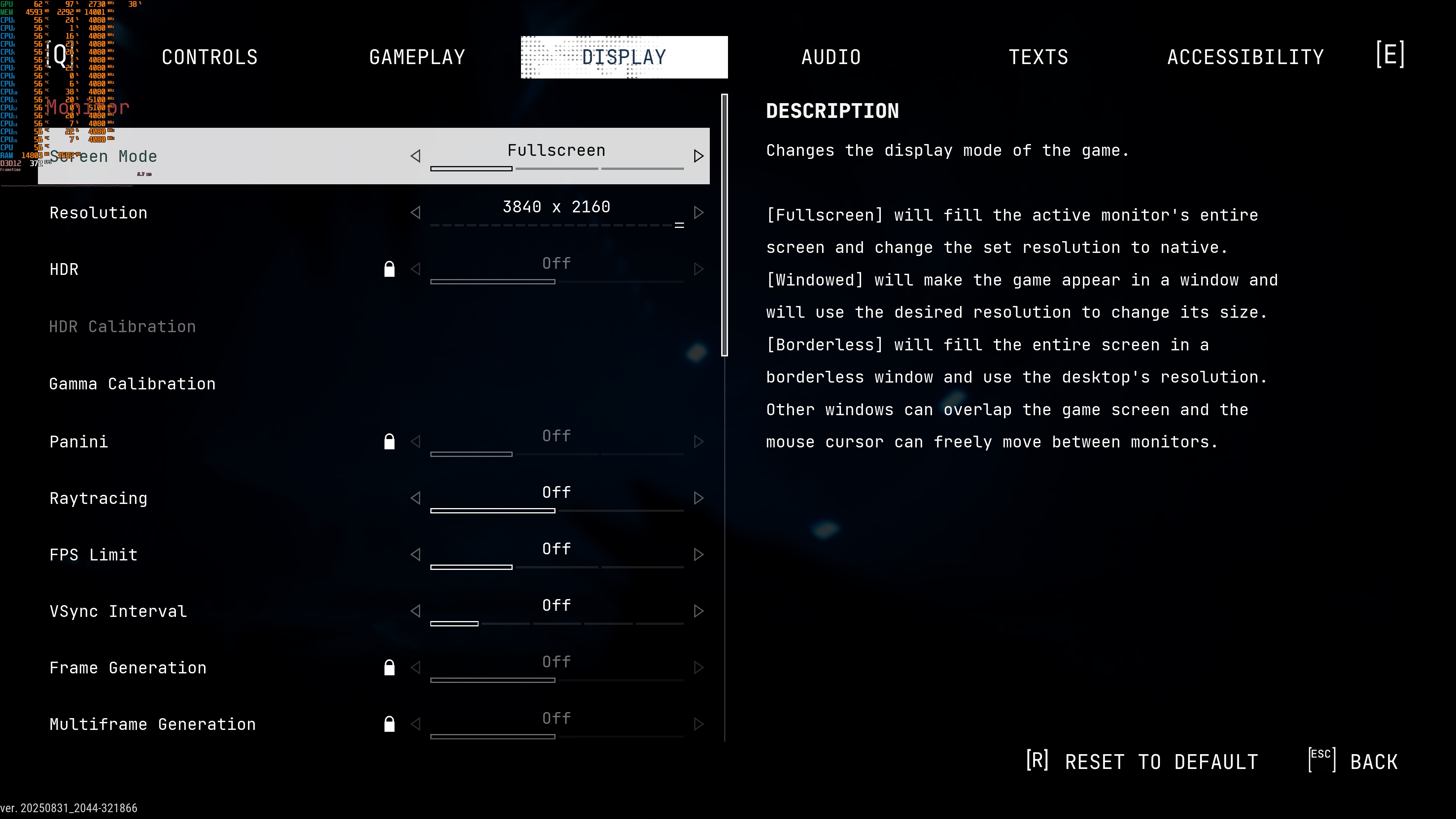
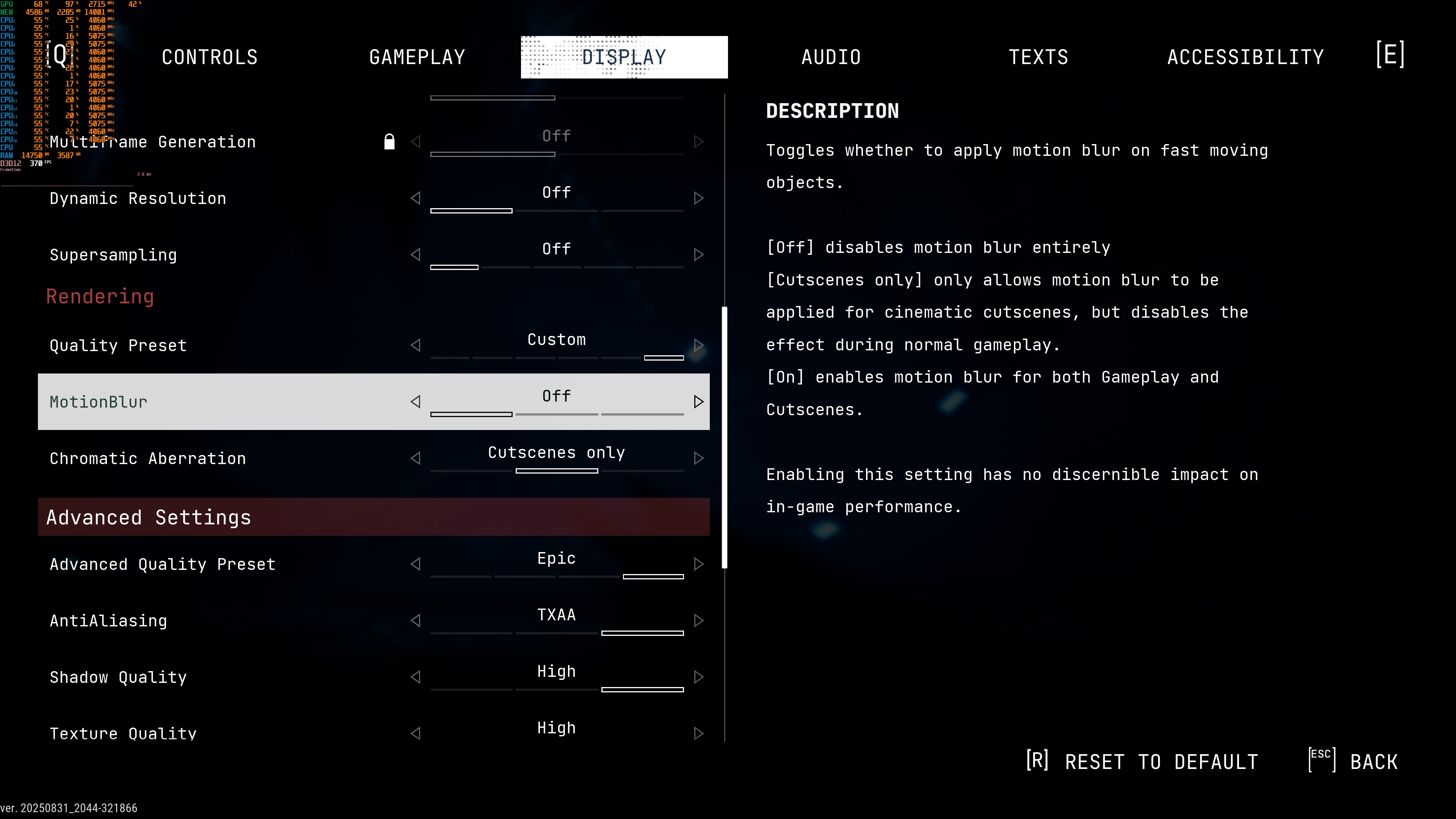
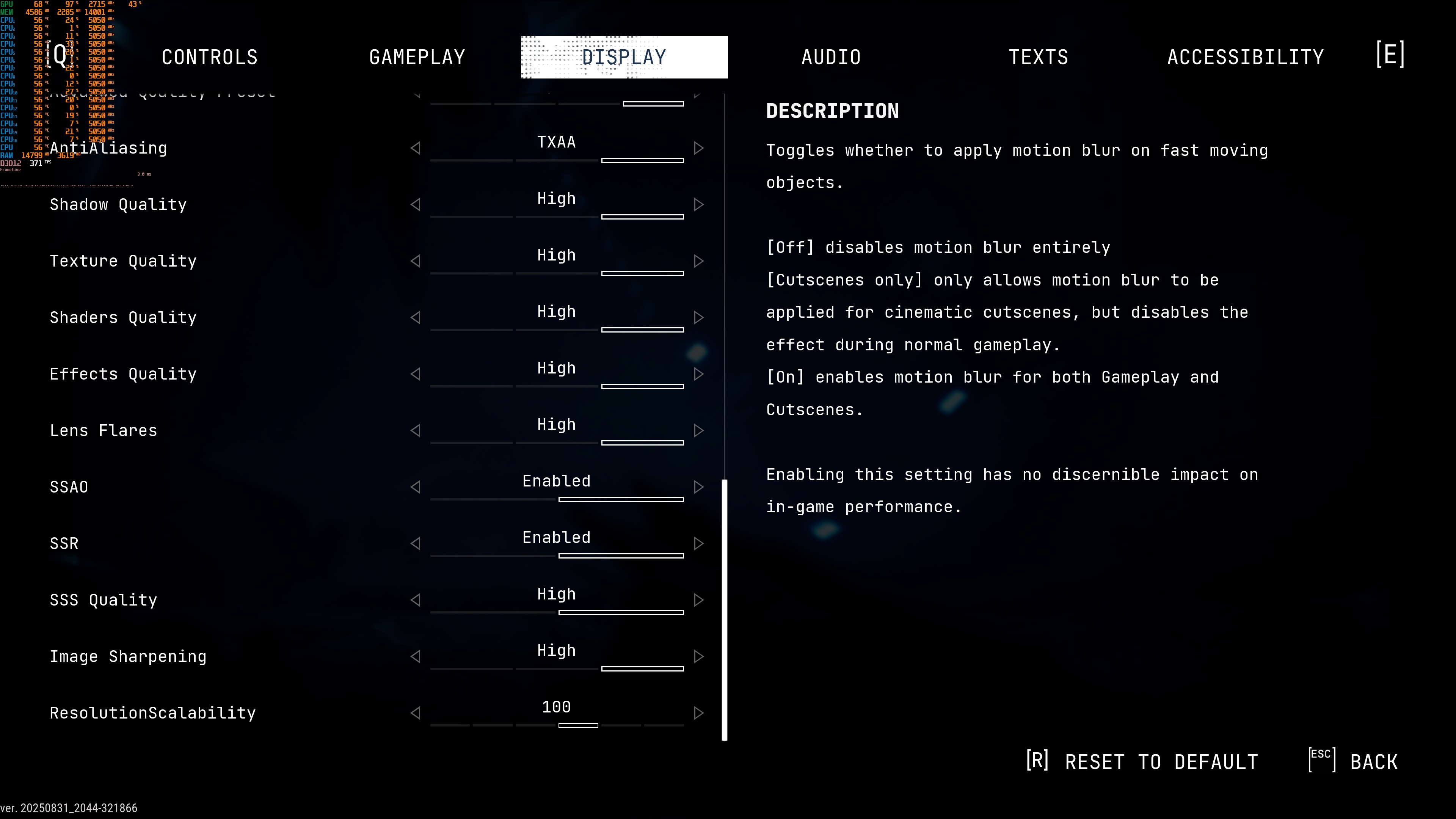
Cronos: The New Dawn does not have a built-in benchmark tool. So, for our benchmarks, we used this area. This appeared to be quite a demanding area that you visit early in the game. Thus, it should give us a pretty good idea of how the rest of it runs.
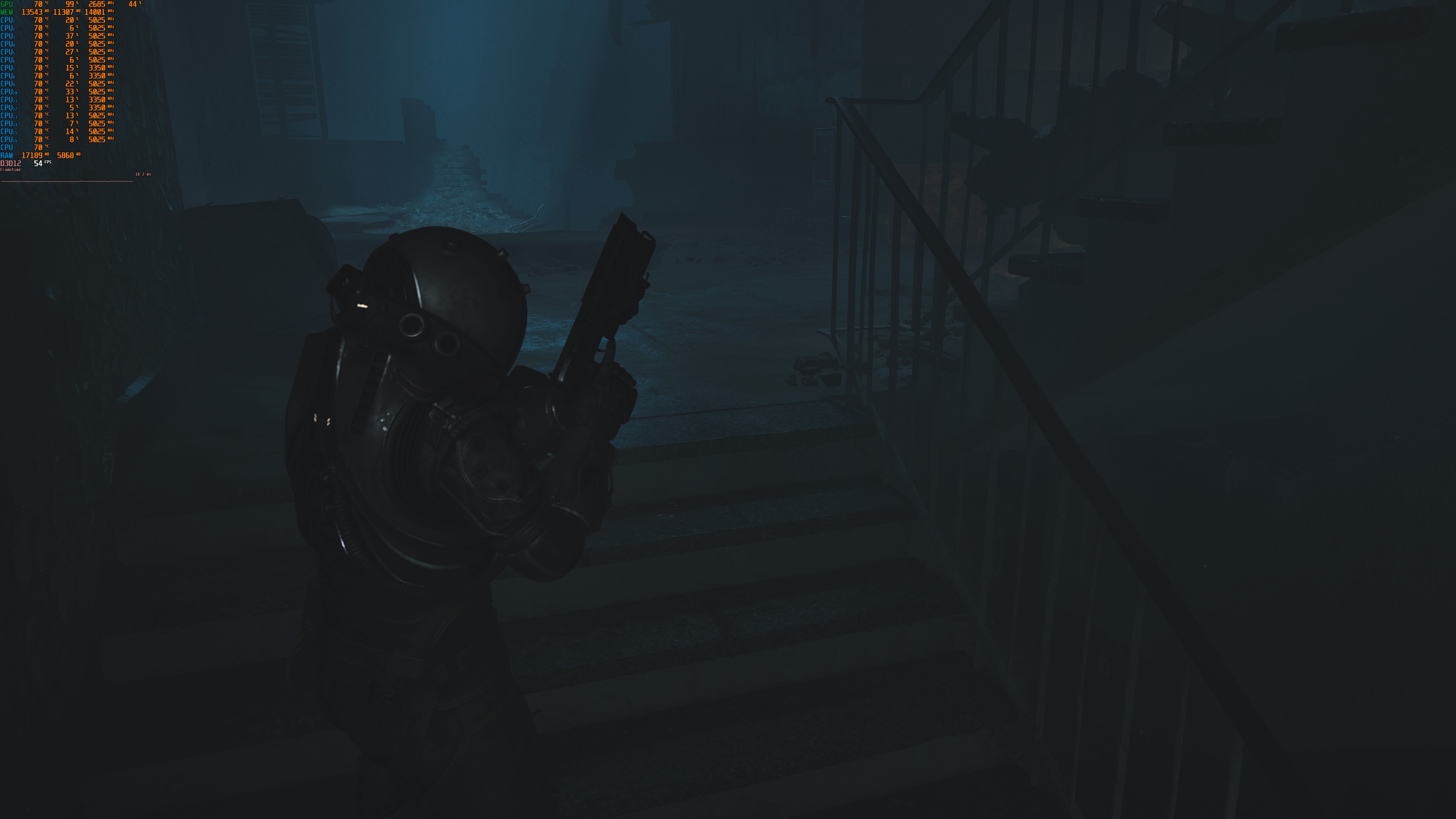
At 1080p with Epic Settings, the top five graphics cards always ran the game at over 60FPS. The AMD Radeon RX 6900XT and NVIDIA RTX 3080 also gave a smooth experience, but you’ll need a FreeSync or G-Sync monitor.

At Native 1440p with Epic Settings, only three GPUs can run the game really smoothly: the NVIDIA RTX 4090, RTX 5080, and RTX 5090. The AMD Radeon RX 6900XT is about as fast as the NVIDIA RTX 3080, so they give similar performance. Meanwhile, the AMD Radeon RX 7900XTX is even faster and can beat the AMD Radeon RX 9070XT.

As for Native 4K/Epic Settings, there is no GPU that can offer a constant 60FPS experience. This shouldn’t come as a surprise, as Cronos: The New Dawn uses Software Lumen by default.

It’s worth noting that the game can scale well via its in-game graphics settings. Switching from Epic to High Settings makes the game run 18–25% faster. With this, the NVIDIA RTX 5090 can play smoothly at Native 4K. Changing to Medium Settings gives another 15% boost. Finally, Low Settings make the game run about 21% faster than Medium.

Graphics-wise, Cronos: The New Dawn looks great. The game is full of atmosphere, and its environments look incredible. All character models are highly detailed. Those with a keen eye will spot some visual shortcomings here and there. For instance, some shadows can look a bit blocky. For the most part, though, Cronos: The New Dawn looks amazing.
Before closing, I should note that without Hardware Lumen, the game has fewer stutters. Without it, you will only get a few traversal stutters. From what I could see, there aren’t shader compilation stutters. So, this should be good news for pretty much everyone.
All in all, Cronos: The New Dawn runs better than Silent Hill 2 Remake. There is still room for improvement here, especially if you want to enable Hardware Lumen. For the time being, though, I suggest running it without it. Overall, the game runs like most UE5 games. It also looks amazing. Plus, there is support for all the PC upscaling techs.
Enjoy!


John is the founder and Editor in Chief at DSOGaming. He is a PC gaming fan and highly supports the modding and indie communities. Before creating DSOGaming, John worked on numerous gaming websites. While he is a die-hard PC gamer, his gaming roots can be found on consoles. John loved – and still does – the 16-bit consoles, and considers SNES to be one of the best consoles. Still, the PC platform won him over consoles. That was mainly due to 3DFX and its iconic dedicated 3D accelerator graphics card, Voodoo 2. John has also written a higher degree thesis on the “The Evolution of PC graphics cards.”
Contact: Email