
THIEF was not the only triple-A game that got released this week as Konami has also released the sequel to Castlevania: Lords of Shadow, Castlevania: Lords of Shadow 2. To be honest, there is no real reason writing a Performance Analysis for it as we all know – thanks to its demo that was made available prior to the game’s release – that Mercury Stream’s title is well optimized for the PC platform, but what the hell. So, let’s see how this new Castlevania title performs on the PC.
As always, we used an overclocked Q9650 (4.2Ghz) with 4GB RAM, an Nvidia GTX690, the latest version of the GeForce drivers and Windows 7-64bit. Although Nvidia has not included any SLI profile for this title, you can easily enable it by using the profile of the first Castlevania: Lords of Shadow. All you have to do is use the Nvidia Inspector tool, find the profile for Castlevania: Lords of Shadow, and add the game’s executable file (“CLOS2.exe”). SLI scaling is exceptional and players can expect really high framerates, though we should note that this workaround brings noticeable flickering on cut-scenes.
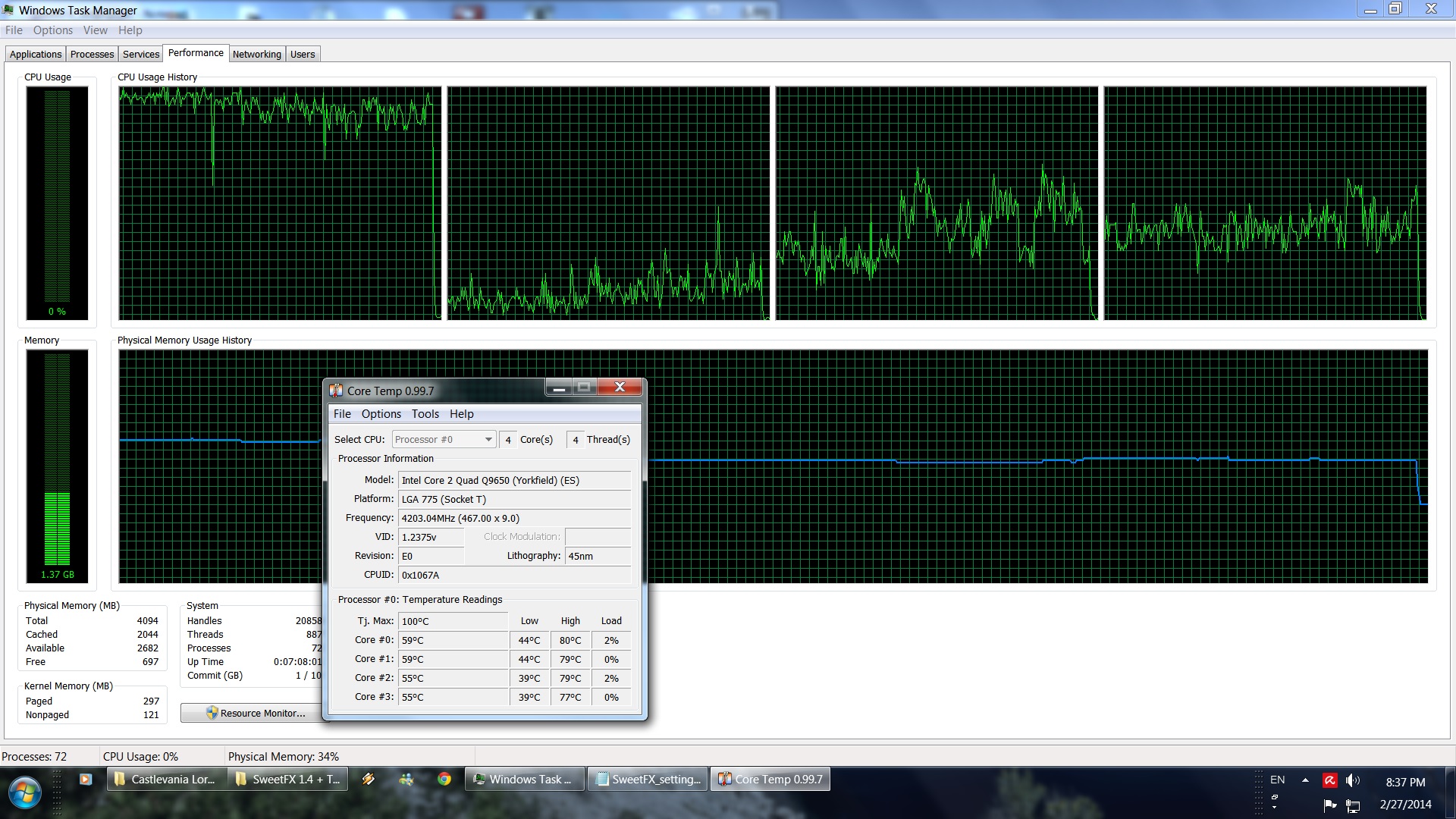
Castlevania: Lords of Shadow 2 is basically single threaded, meaning that PC gamers will need CPUs with good per core performance. Owners of overclocked dual-core CPUs will be able to enjoy this title without any compromises in both image fidelity and framerates. Our Q9650 was able to push up to 210fps at 1080p with all graphics settings enabled (our average framerate was around 130fps). When it comes to its GPU requirements, a single GTX680 is enough for a constant 90-100fps experience. Mercury Steam has provided a nice amount of graphics options to tweak, but most of you won’t encounter any problem maxing out the game.
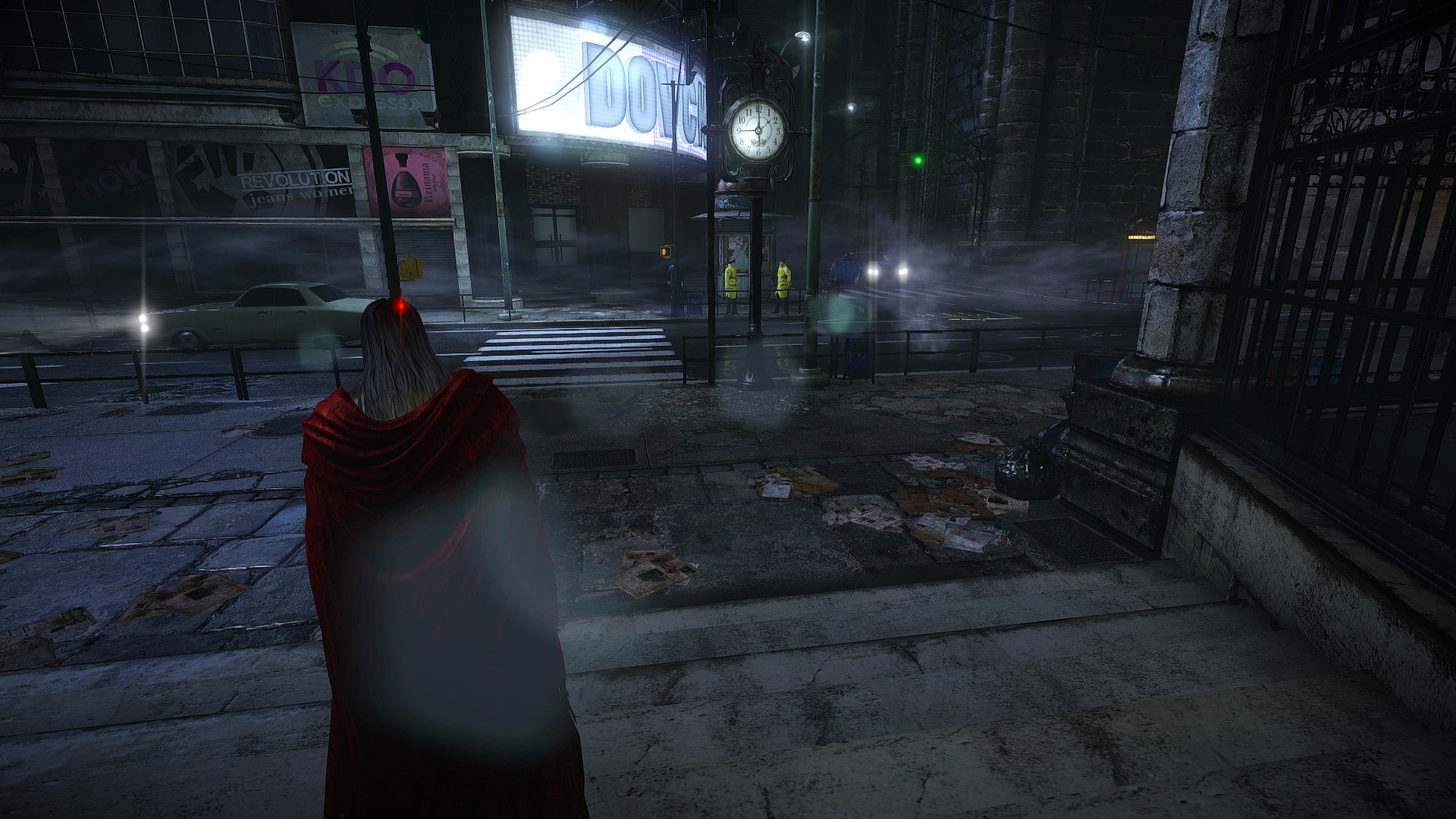
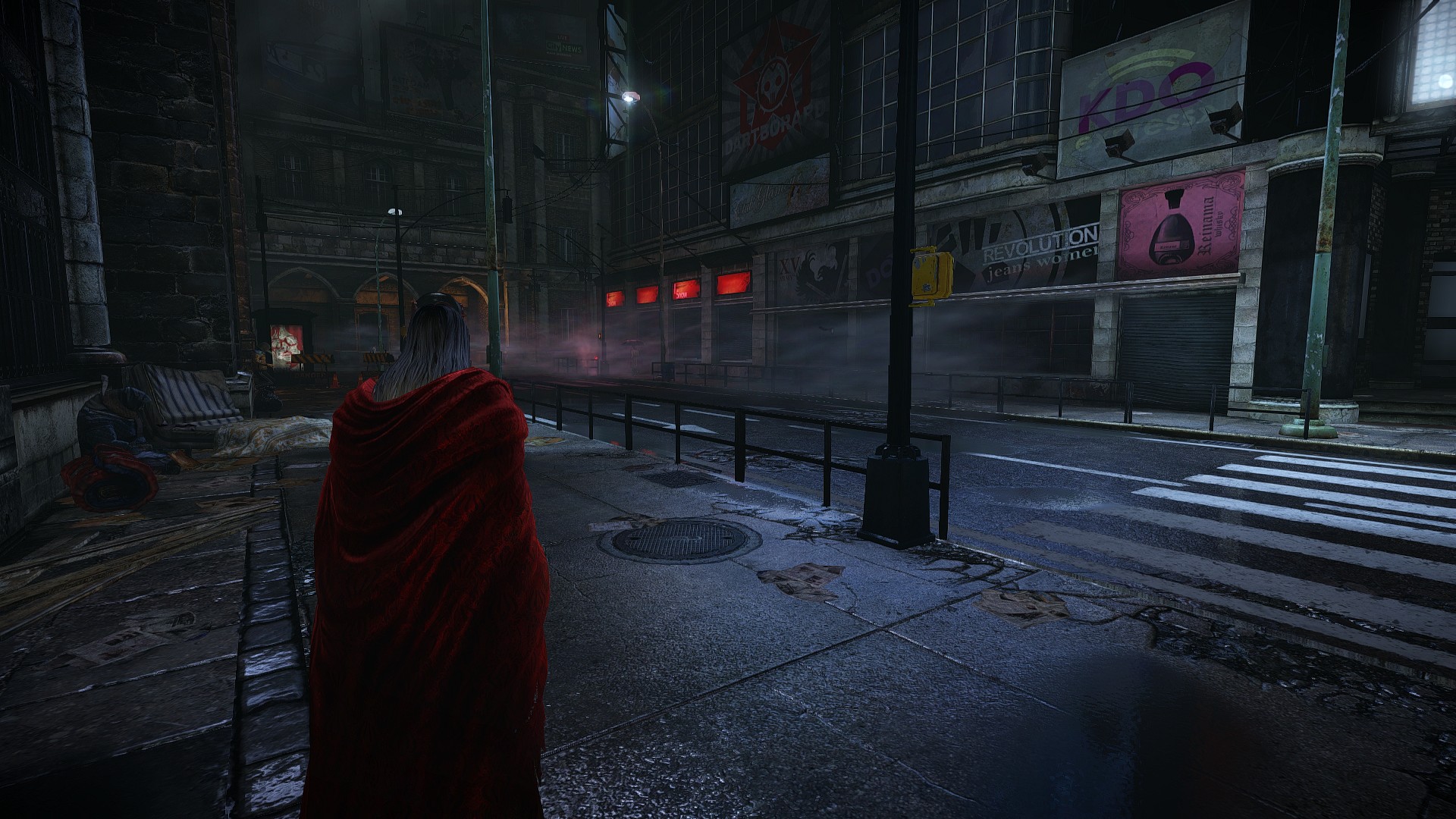
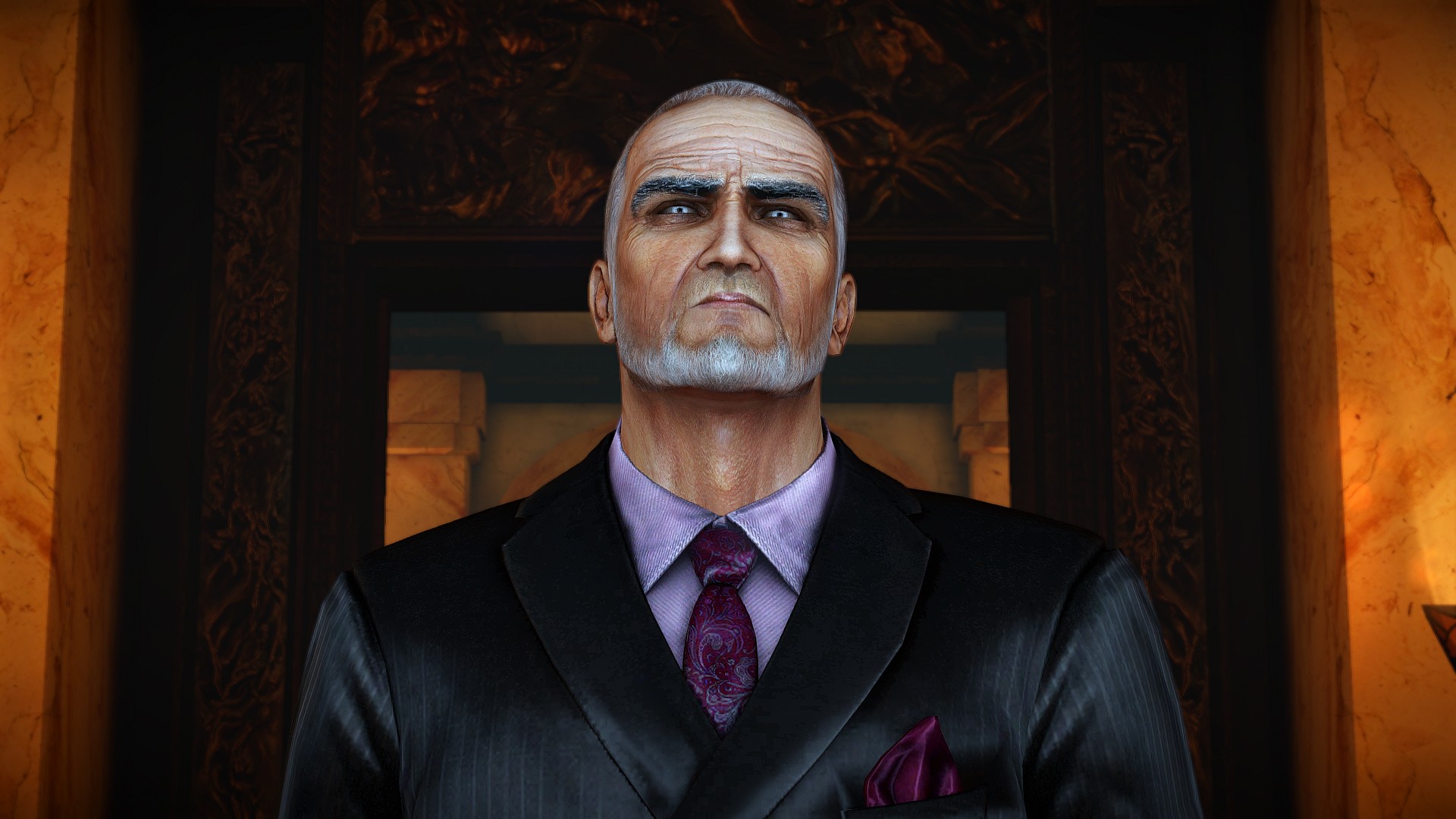
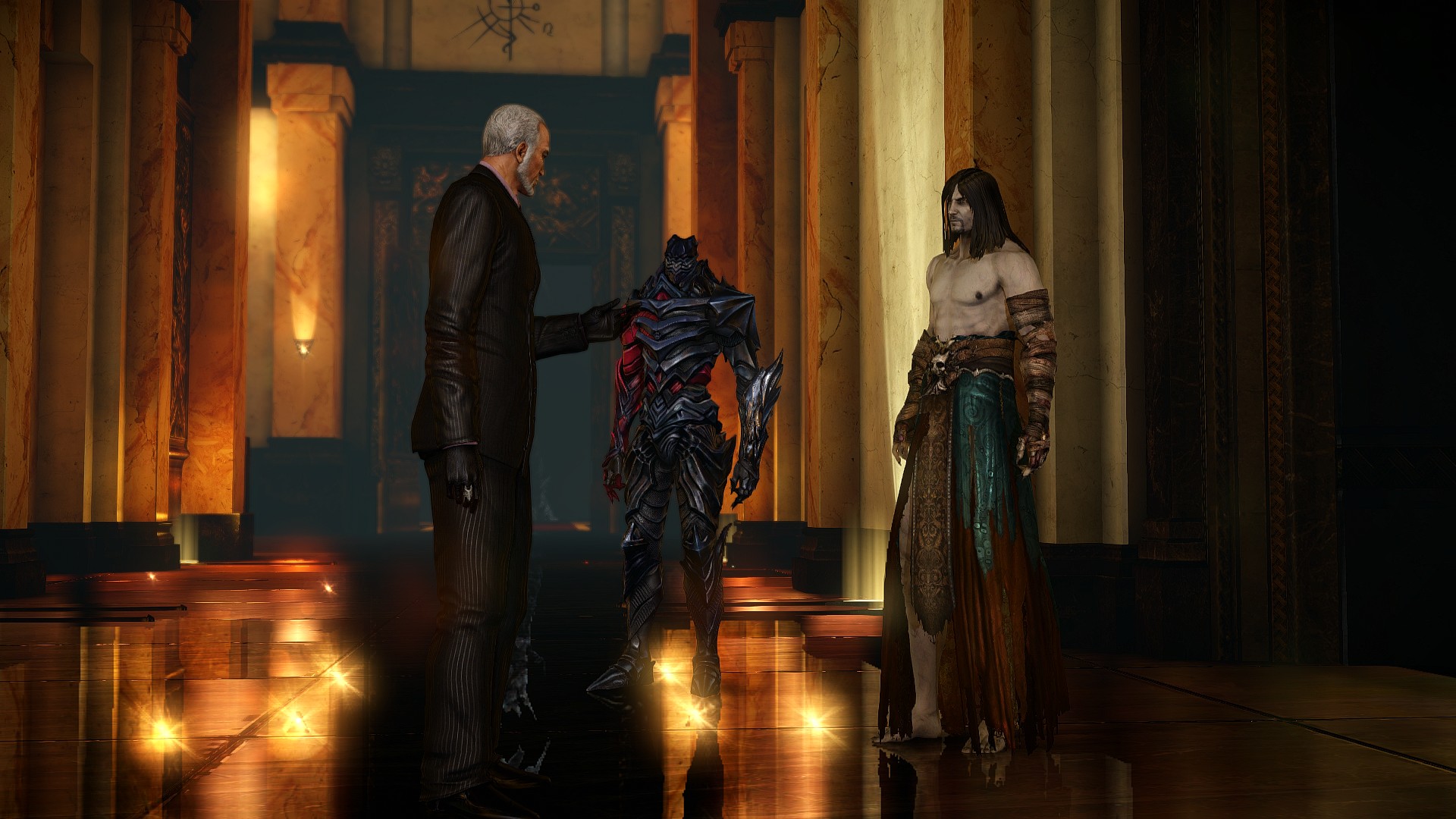
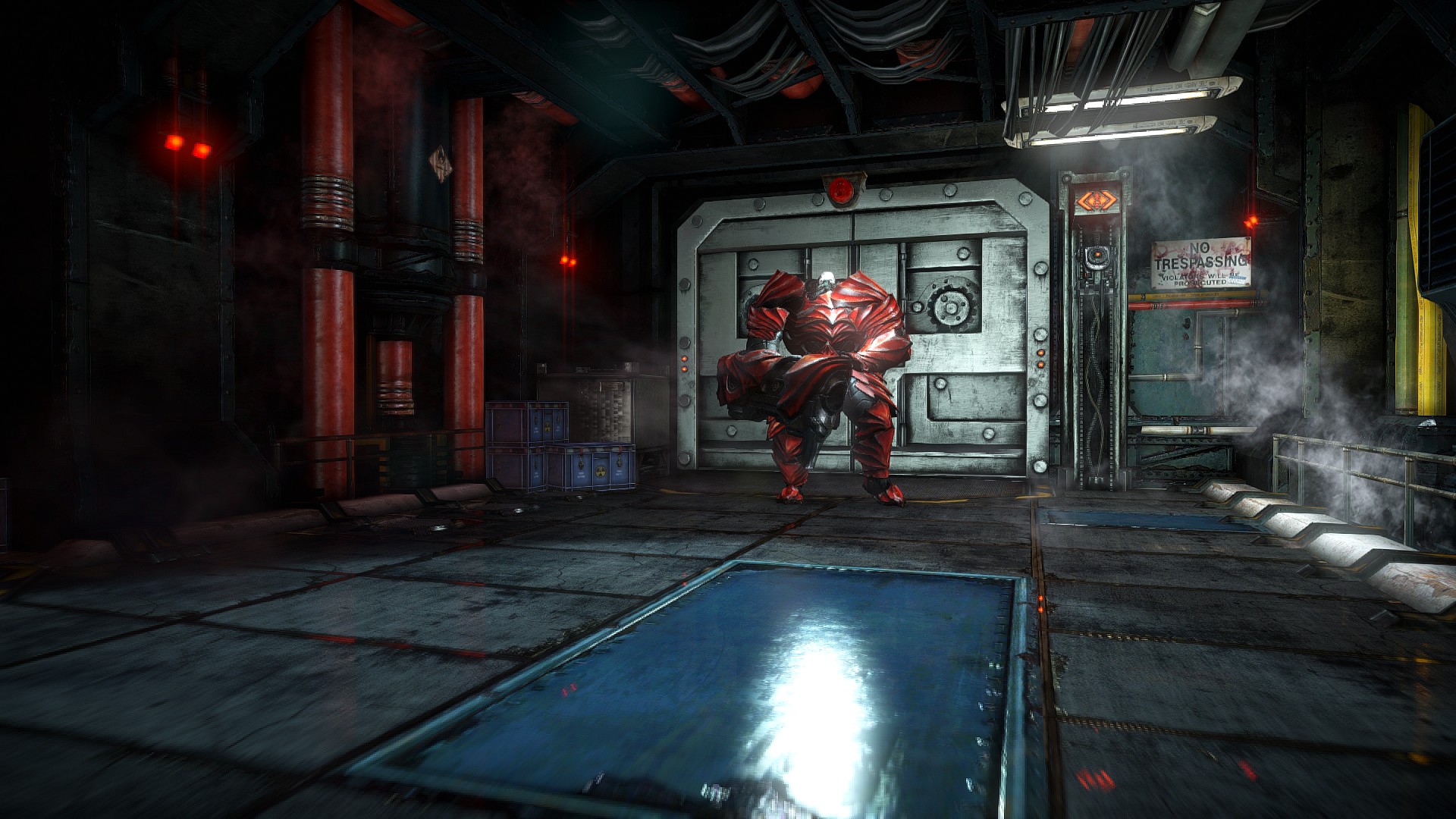
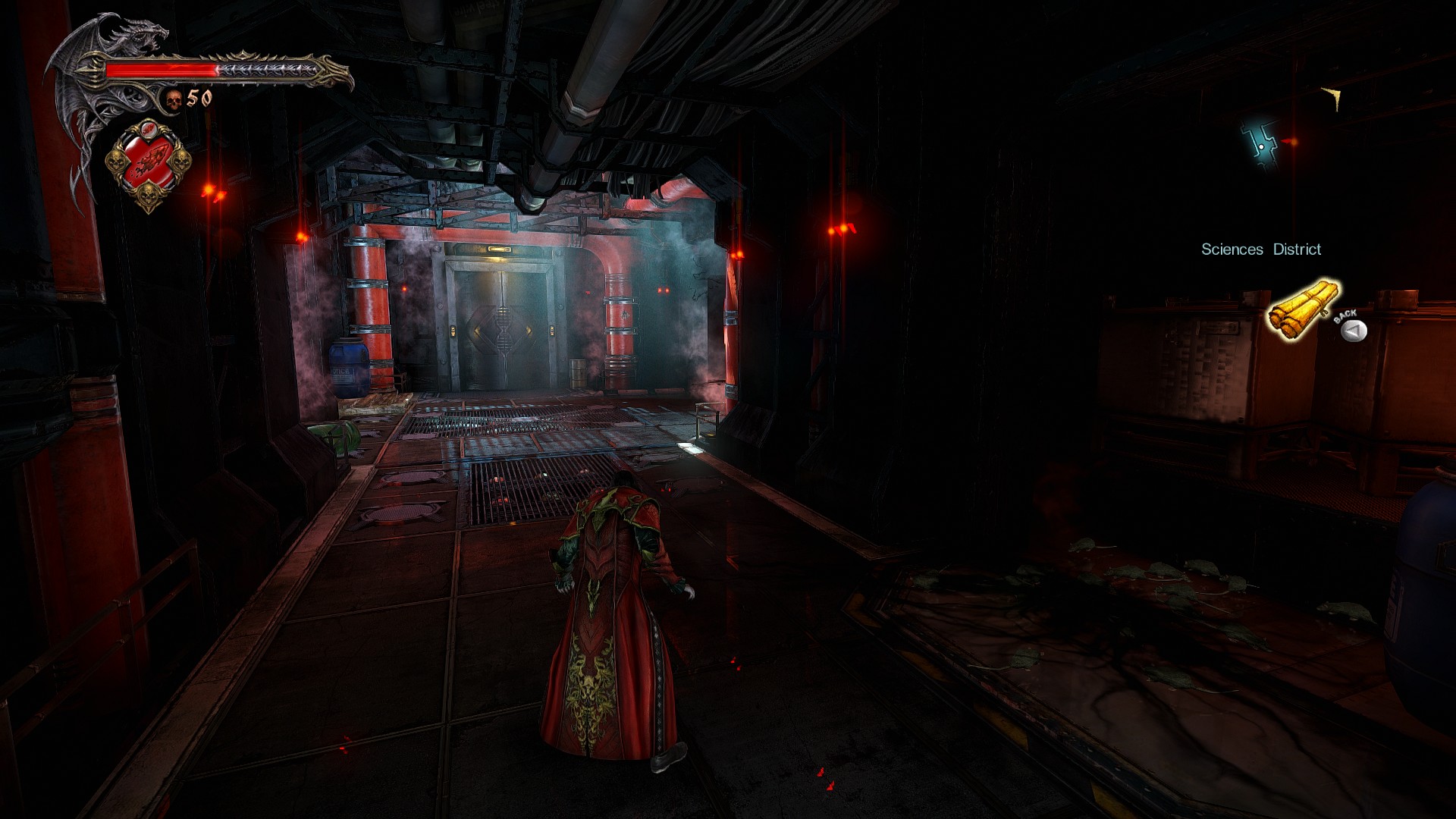
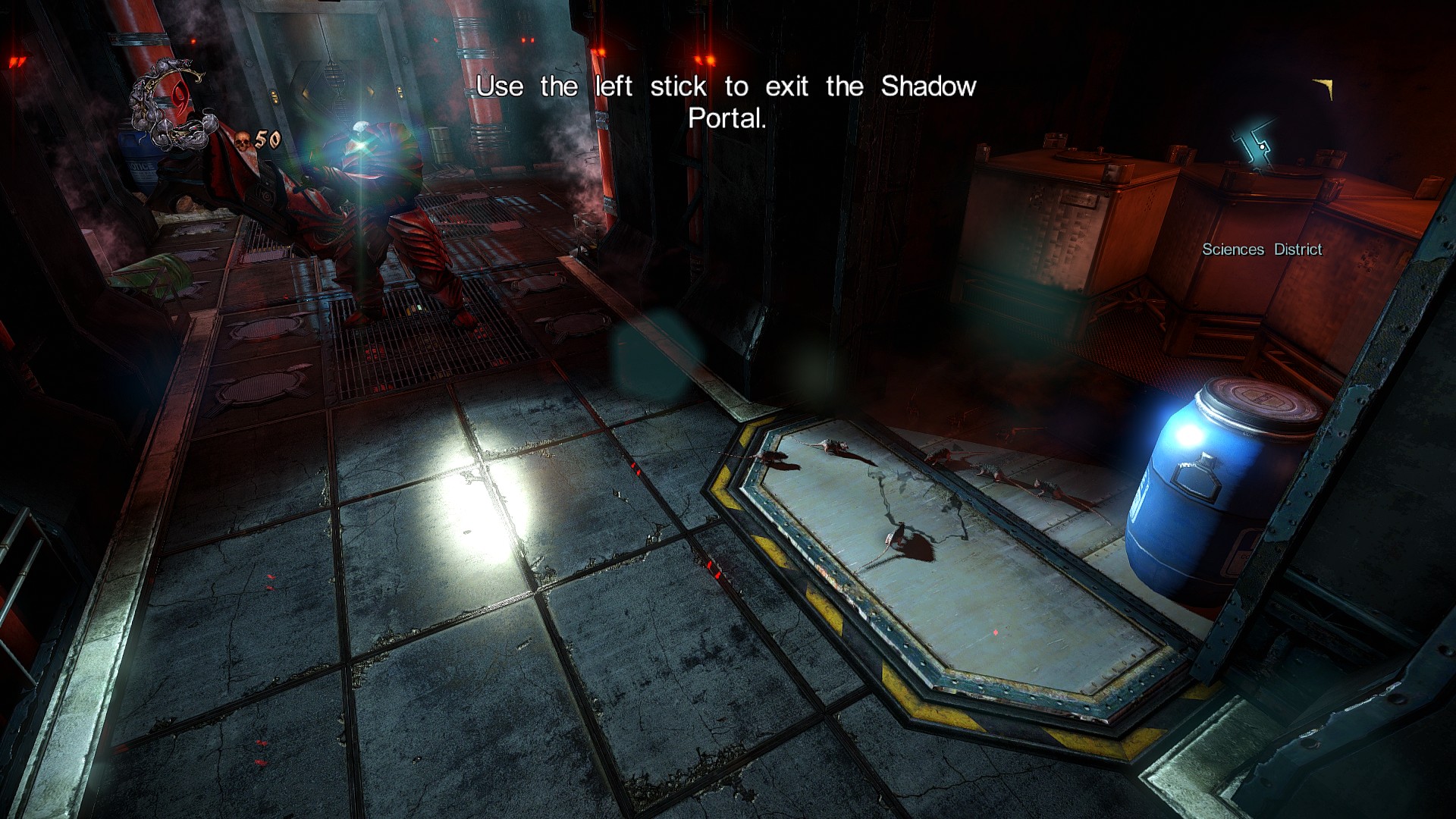
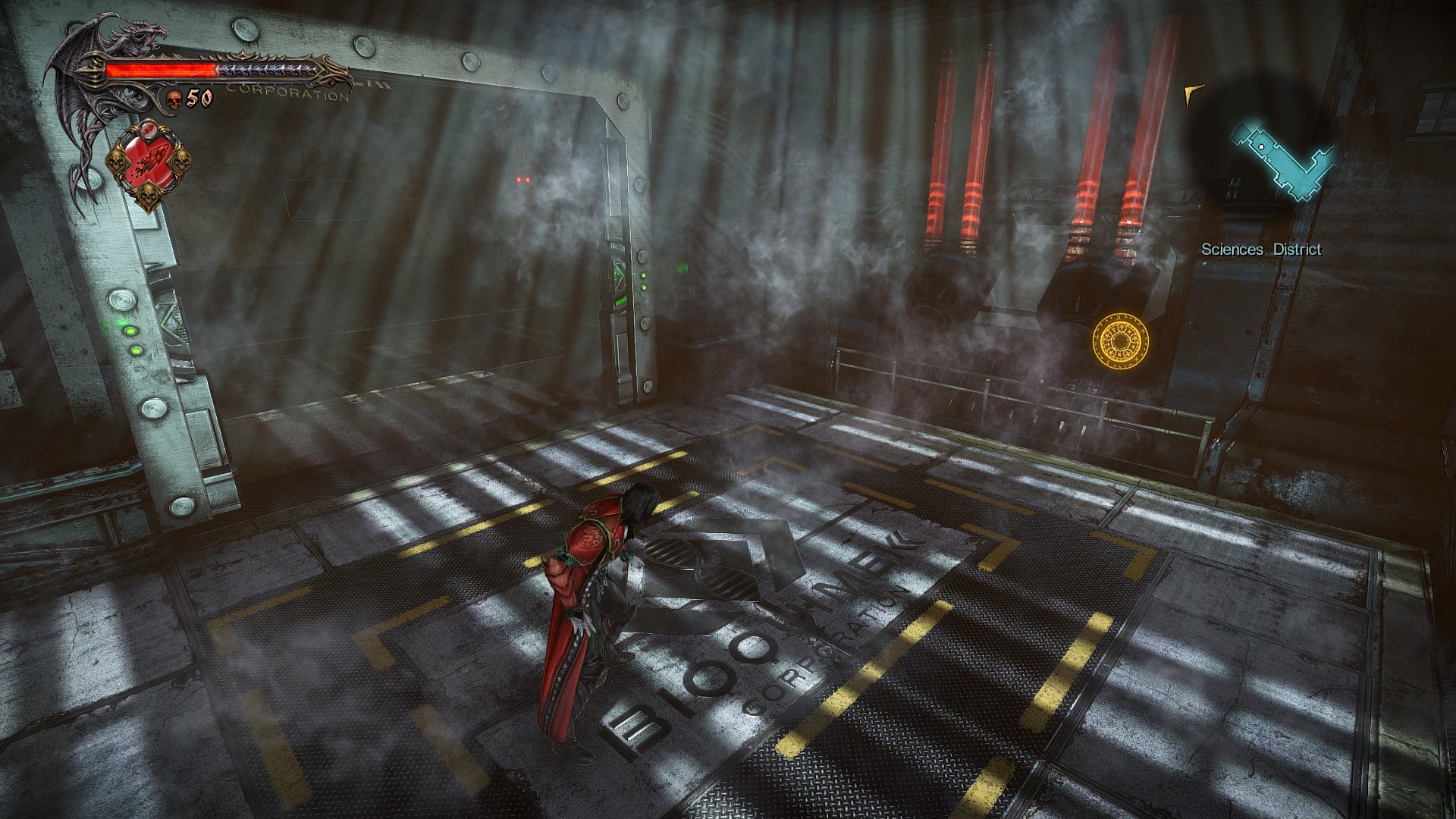
So, Castlevania: Lords of Shadow 2 runs great on a variety of PC systems but how does it look? Well, it is not the best looking game but it certainly is not a bad looking title either. Konami claimed a while back that the PC version of the game is “almost like a next-gen version”. Well, that’s not true. While the game looks great and better than its console counterpart, it cannot come close to next-gen titles. As with most games, there are lots of low-res textures, and there is no support for next-gen features such as Tessellation or POM (after all, this is a DX9 title).
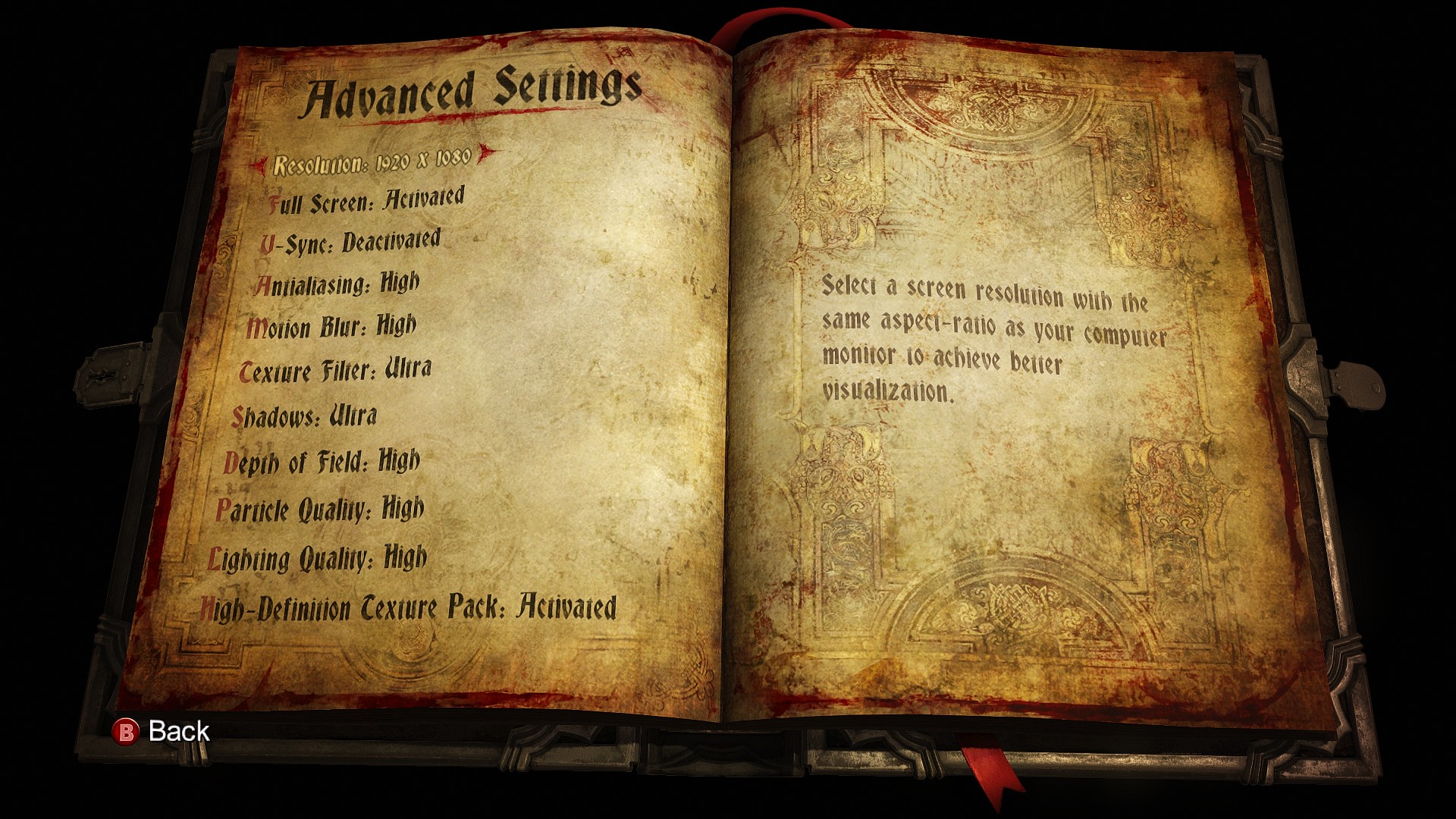
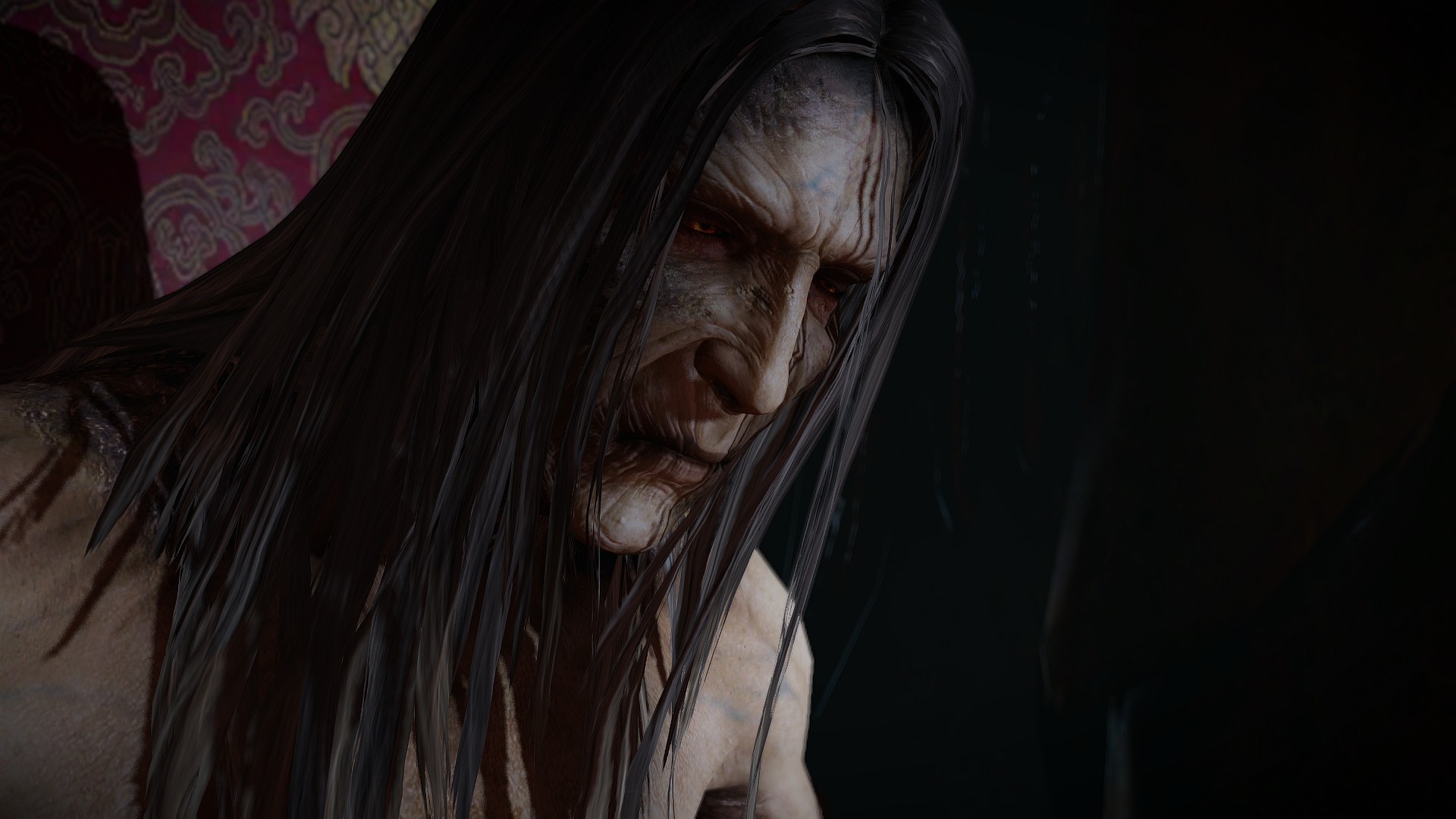
Thankfully, PC gamers can use SweetFX to improve the game’s visuals. By using SweetFX, we’ve managed to tweak the game’s lighting and shadows, slightly enrich its colors and sharpen its low-res textures. Thanks to SweetFX, the environments are not as bland as they were in the vanilla version. Those interested can download our SweetFX mod from here.
All in all, Castlevania: Lords of Shadow 2 performs spectacularly amazing on the PC. Mercury Steam has unlocked the game’s camera, something that most PC gamers will appreciate while fighting opponents. Moreover, those fights are quite enjoyable thanks to its really high framerate that most PC systems will be able to maintain. Although the game is single-threaded, it does not require a high-end CPU to shine. And while its visuals do not come close to next-gen titles, Castlevania: Lords of Shadow 2 is still a looker.
Enjoy!

John is the founder and Editor in Chief at DSOGaming. He is a PC gaming fan and highly supports the modding and indie communities. Before creating DSOGaming, John worked on numerous gaming websites. While he is a die-hard PC gamer, his gaming roots can be found on consoles. John loved – and still does – the 16-bit consoles, and considers SNES to be one of the best consoles. Still, the PC platform won him over consoles. That was mainly due to 3DFX and its iconic dedicated 3D accelerator graphics card, Voodoo 2. John has also written a higher degree thesis on the “The Evolution of PC graphics cards.”
Contact: Email