Call of Duty: WWII PC Performance Analysis

Call of Duty is a pretty interesting series when it comes to the PC. Call of Duty: Advanced Warfare performed great on our platform, whereas Call of Duty: Black Ops III was not as impressive as its predecessor. On the other hand, the next COD game, Call of Duty: Infinite Warfare, was one of the most optimized PC games of 2016. So, how does this new Call of Duty title perform on the PC?

For this PC Performance Analysis, we used an Intel i7 4930K (overclocked at 4.2Ghz) with 8GB RAM, AMD’s Radeon RX580, NVIDIA’s GTX980Ti and GTX690, Windows 10 64-bit and the latest version of the GeForce and Catalyst drivers. NVIDIA has not included any SLI profile for it yet. However, SLI owners can enable it by using the ‘0x080020F5’ compatibility bit. This SLI bit offers great scaling and does not introduce any artifacts or buggy shadows.
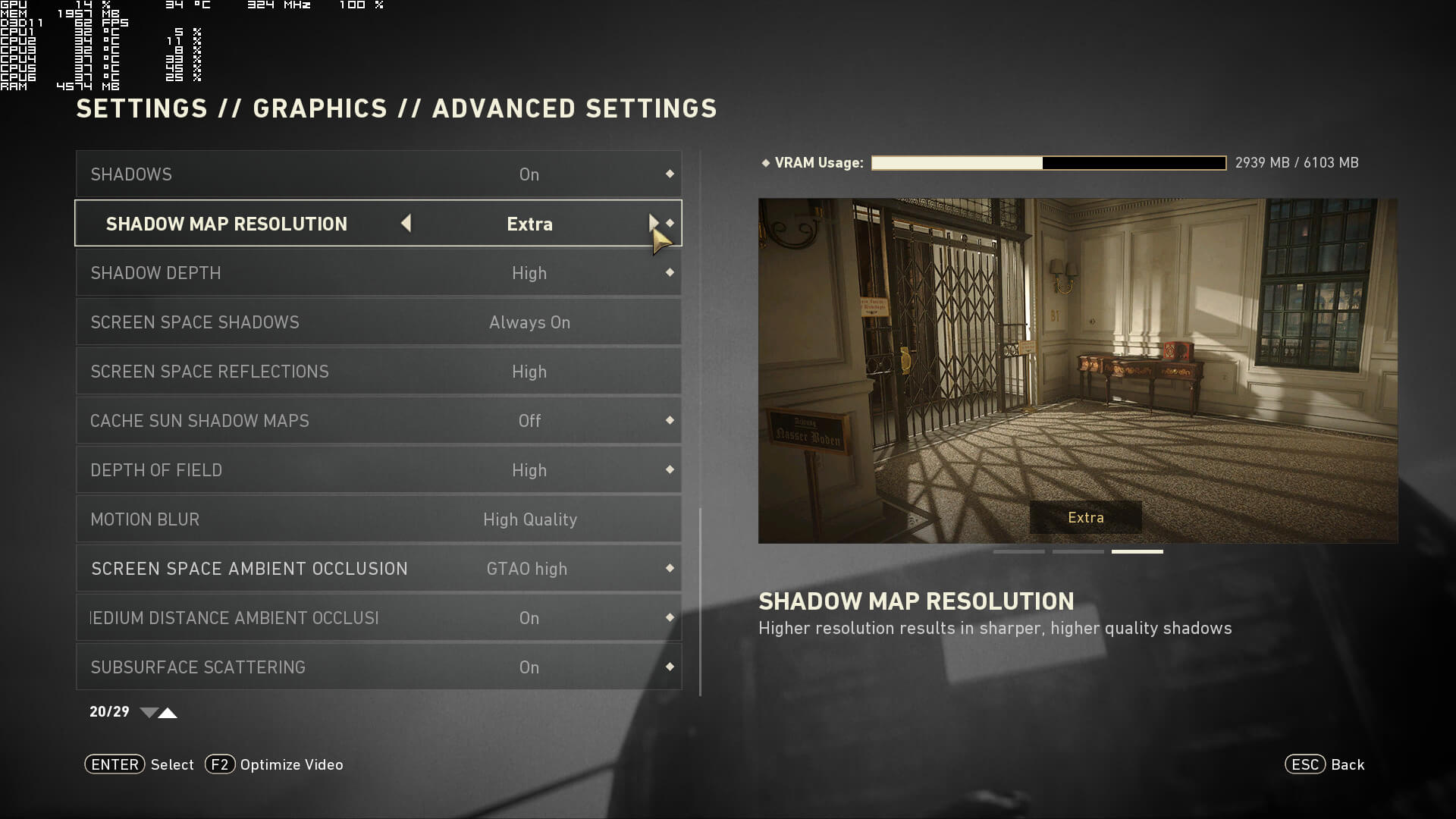
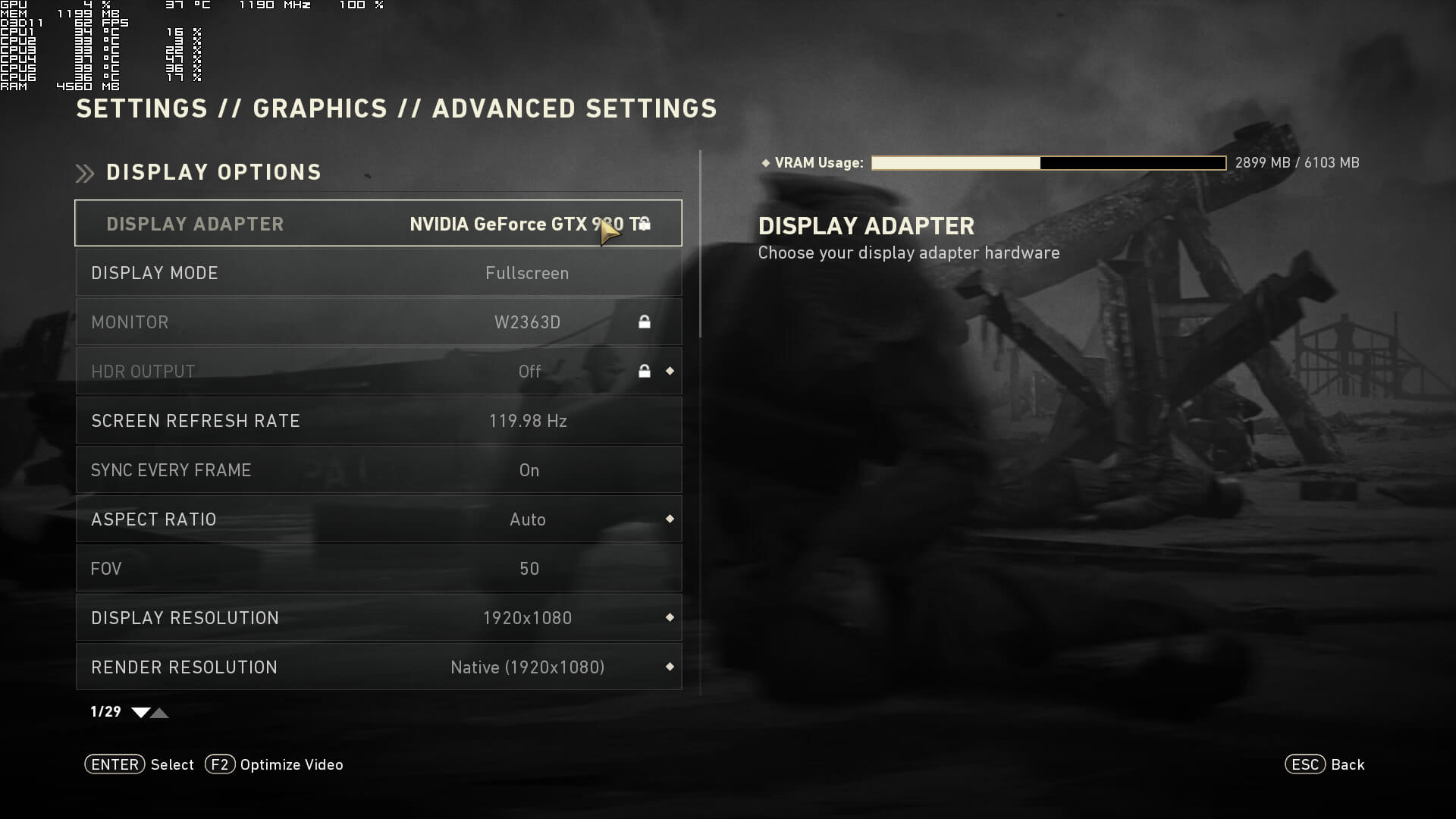
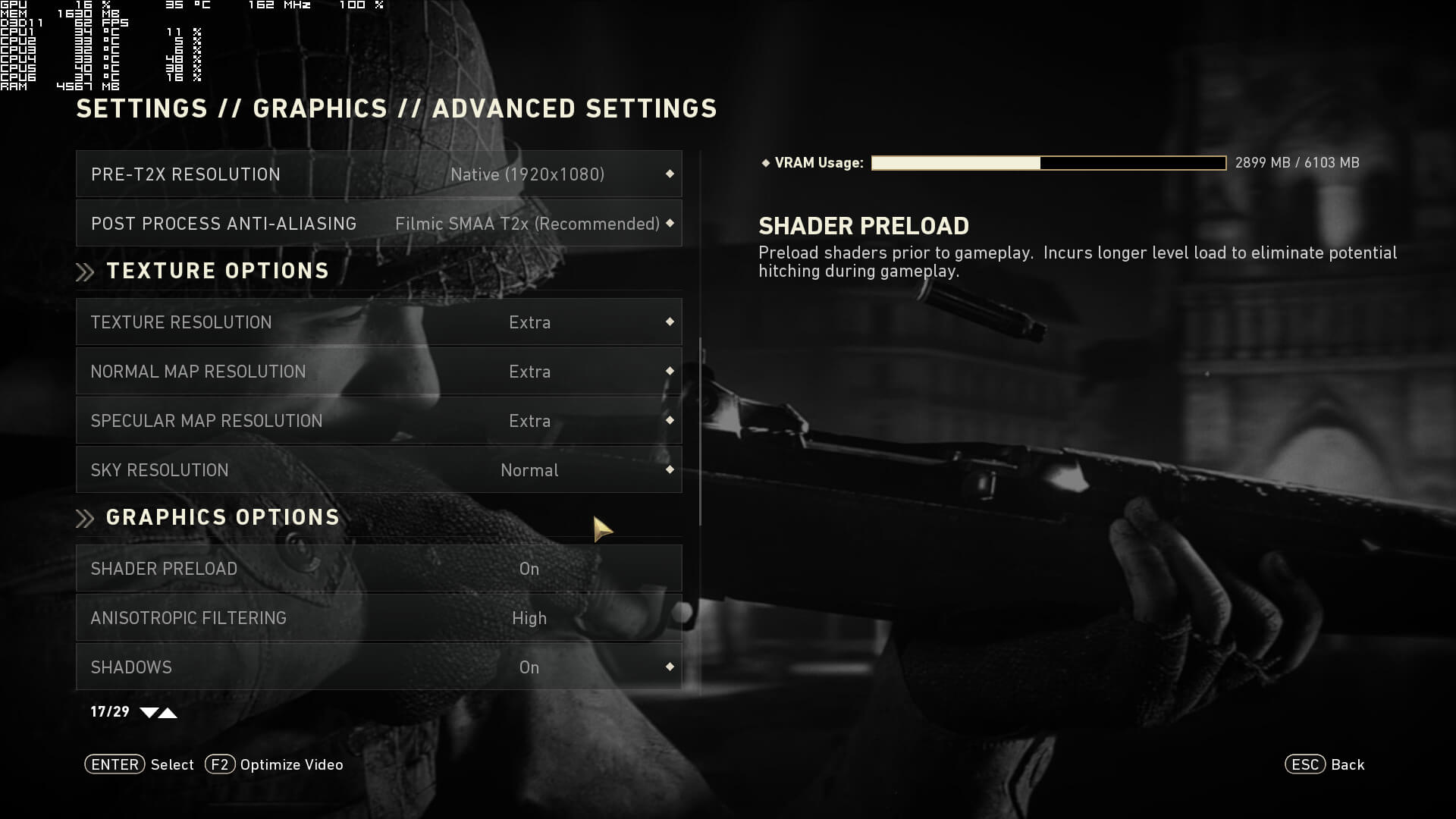
Sledgehammer Games has implemented a nice amount of PC graphics settings. PC gamers can adjust the quality of Anti-Aliasing, Textures, Normal Maps, Specular Maps, Sky, Anisotropic Filtering, Shadow Maps, Shadow Depth, Screen Space Reflections, Depth of Field, Motion Blur and Ambient Occlusion. There are also options to enable/disable Subsurface Scattering. Furthermore, there are FOV slider and Resolution Scaler.
[nextpage title=”GPU, CPU metrics, Graphics & Screenshots”]

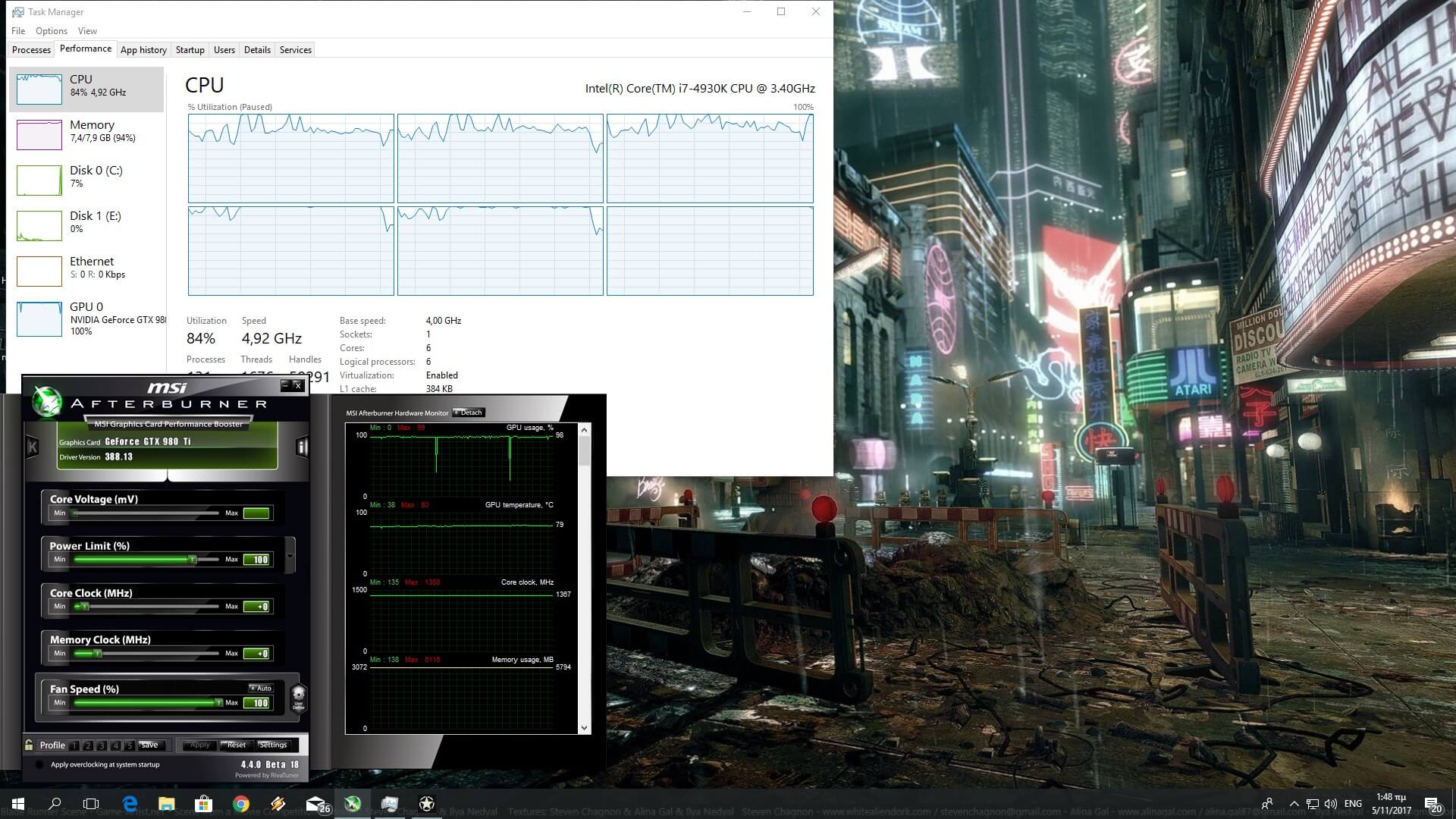
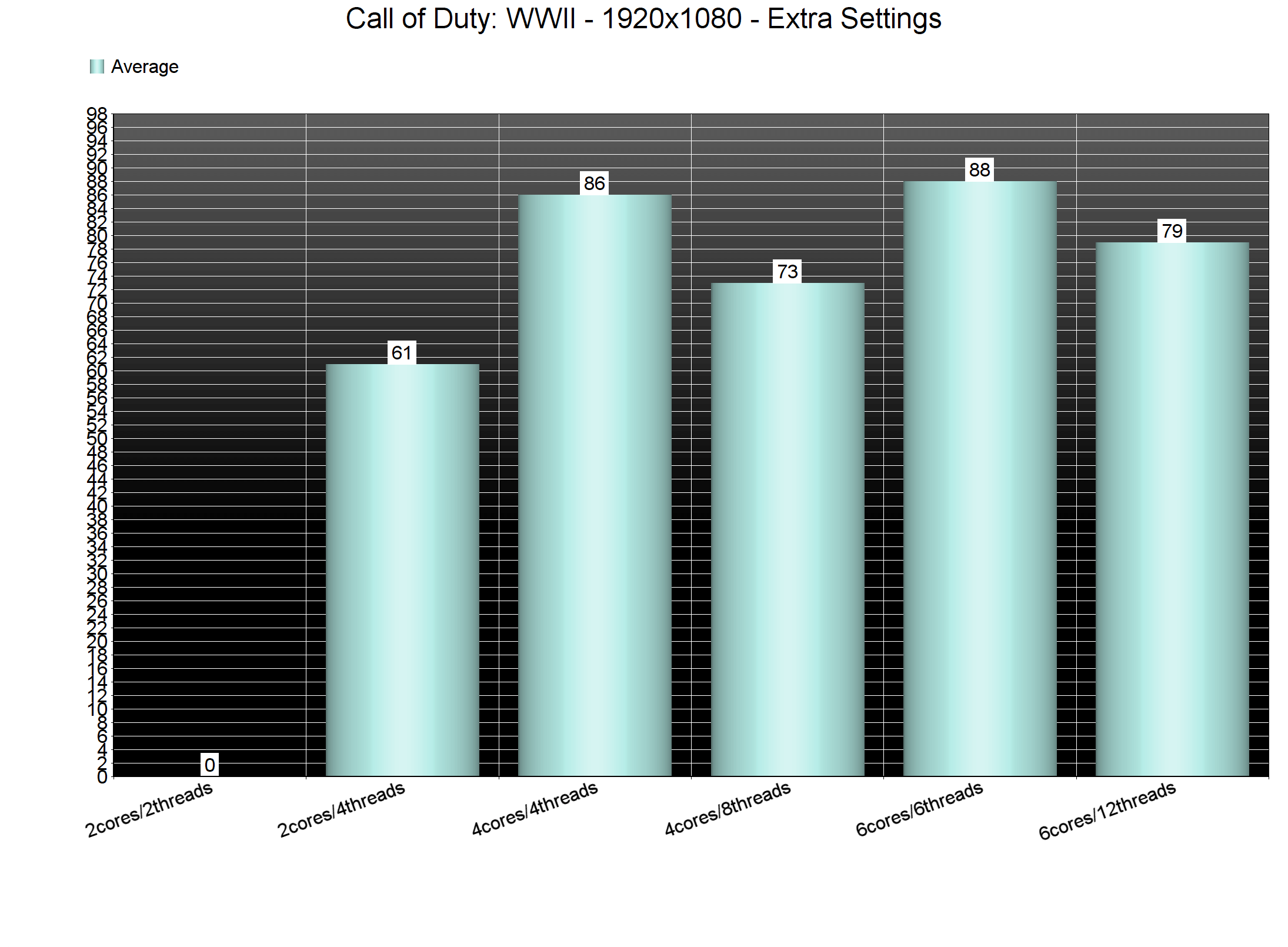
Call of Duty: WWII appears to be suffering from some CPU optimization issues. For our CPU tests, we used the beginning of the third SP campaign level. This particular scene is very CPU-bound, even at 1080p on Extra settings. And while the game is CPU-bound in various occasions, it does not take advantage of more than four CPU cores/threads. Truth be told, the game does scale on more than four CPU cores. However, and as we can see below, it runs exactly the same on a quad-core and a hexa-core CPU.
In order to find out how the game performs on a variety of CPUs, we simulated a dual-core and a quad-core CPU. Our simulated dual-core system was unable offer an acceptable performance without Hyper Threading due to severe stuttering. With Hyper Threading, our CPU scene ran with 61fps. Our hexa-core and our simulated quad-core systems ran the scene with 88fps and 86fps, respectively. However, when we enabled Hyper Threading, we noticed a performance hit on both of these systems. Our performance dropped to 79fps on our hexa-core, and to 73fps on our simulated quad-core. As such, we strongly suggest disabling Hyper Threading for this particular title.
Call of Duty: WWII also requires a high-end GPU for its Extra settings, though it scales incredibly well on older NVIDIA hardware. Our GTX980Ti was able to push an average of 95fps and a minimum of 69fps at 1080p on Extra settings during the first two SP missions. In 4K, the GTX980Ti was able to offer an acceptable performance of 52fps. During cut-scenes, our framerate dropped to 35fps, mainly due to the high quality Depth of Field effect. With various adjustments, we are almost certain that this GPU can offer a 60fps experience in 4K. Moreover, our GTX690 was able to push a minimum of 51fps and an average of 70fps (though we set our Textures to Normal so we could avoid any VRAM limitation).
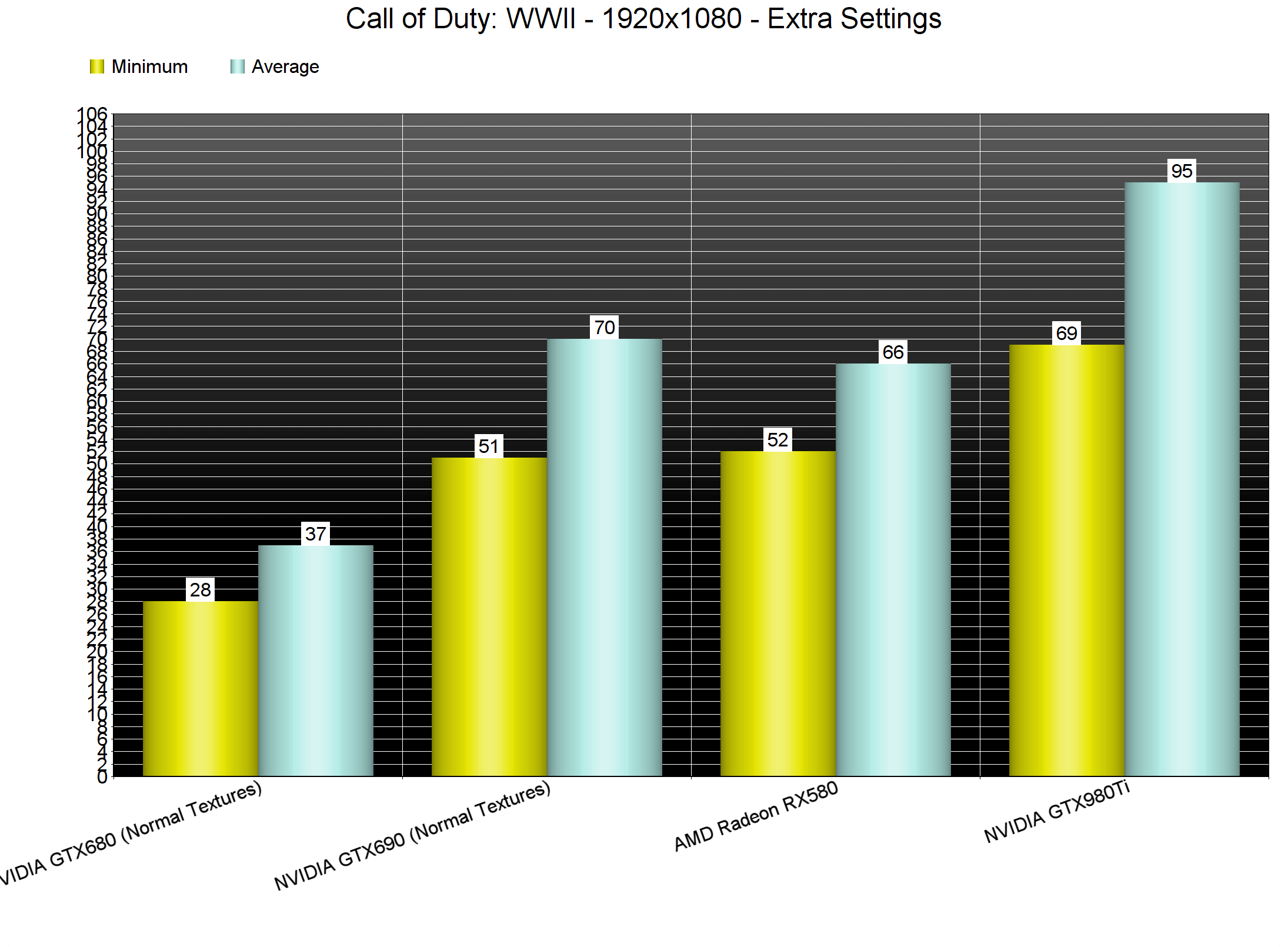
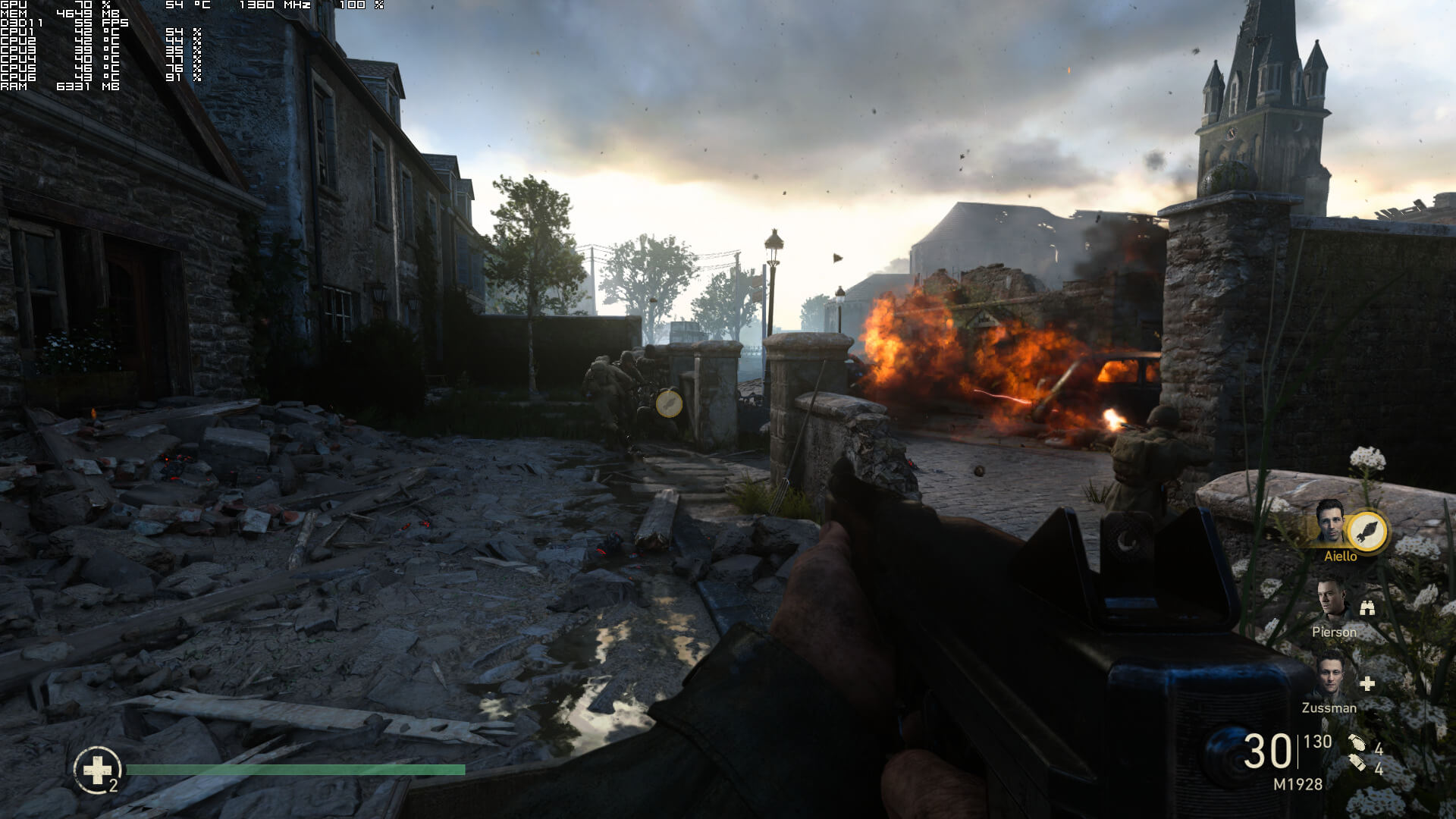
On the other hand, the game appears to have optimization issues on AMD’s hardware. Our AMD Radeon RX580 was able to run it with a minimum of 52fps and an average of 60fps. AMD’s GPU was significantly slower than the GTX690, though we could use higher quality textures. Not only that, but our CPU scene saw a 30fps hit on AMD’s hardware. Below you can find a comparison between the GTX980Ti and the RX580 on that particular scene. As we can see, both of our GPUs are used at only 70%. Normally, this should not be happening. Since our Intel Core i7 4930K can feed a GPU so that it can run this scene with an average of 88fps, the RX580 usage should be higher than the GTX980Ti usage. Instead, and perhaps due to AMD’s bad DX11 drivers, the RX580 was underused.
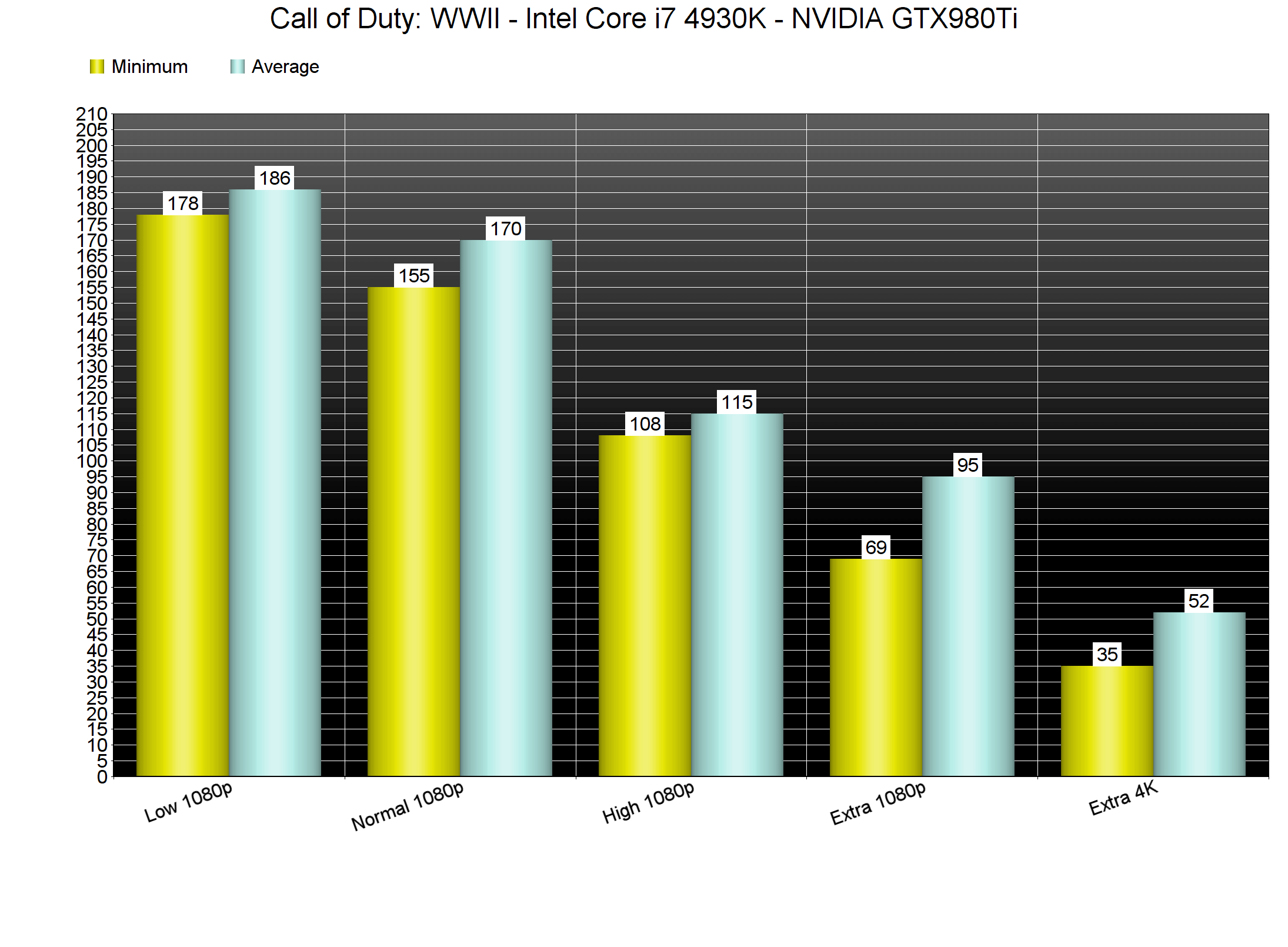
Call of Duty: WWII does not feature any presets. As such, we used some custom presets for Low, Normal, High and Extra settings. On Low settings, our GTX980Ti was able to push a minimum of 178fps and an average of 186fps in GPU-bound scenarios. Our GTX680 was also able to run the game with constant 60fps on Normal settings at 1080p. Generally speaking, those with older hardware will be able to run the game.
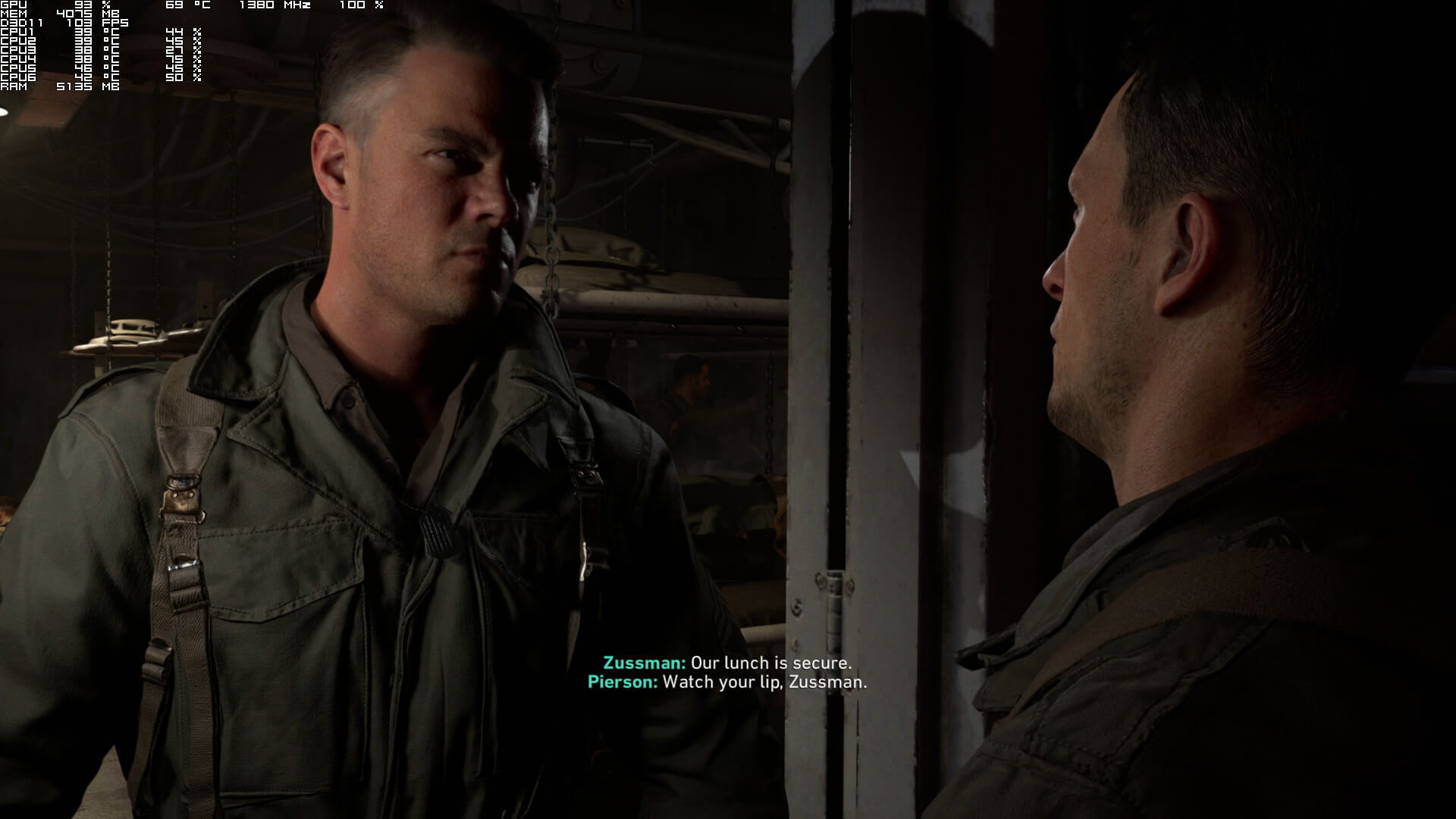
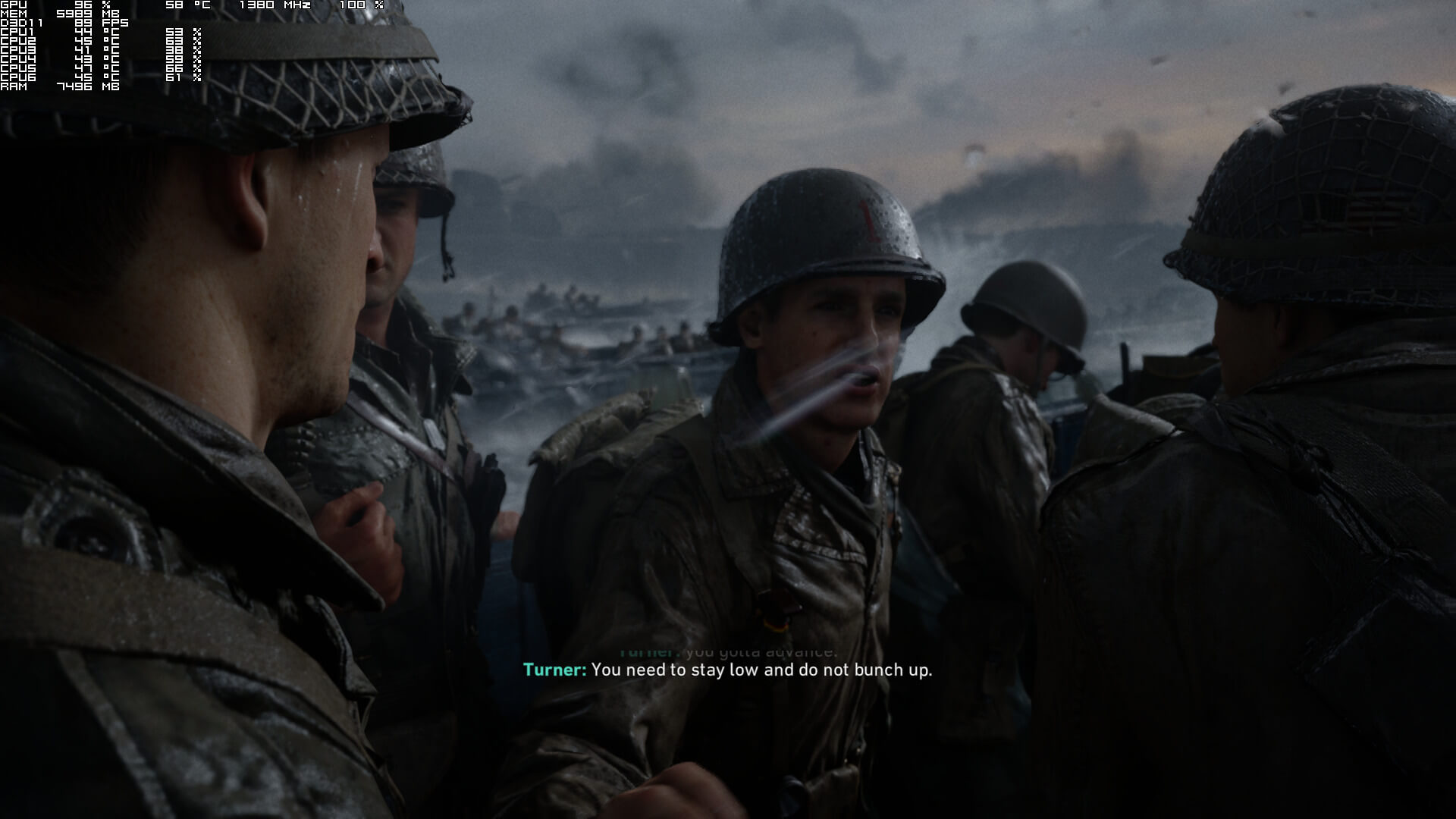
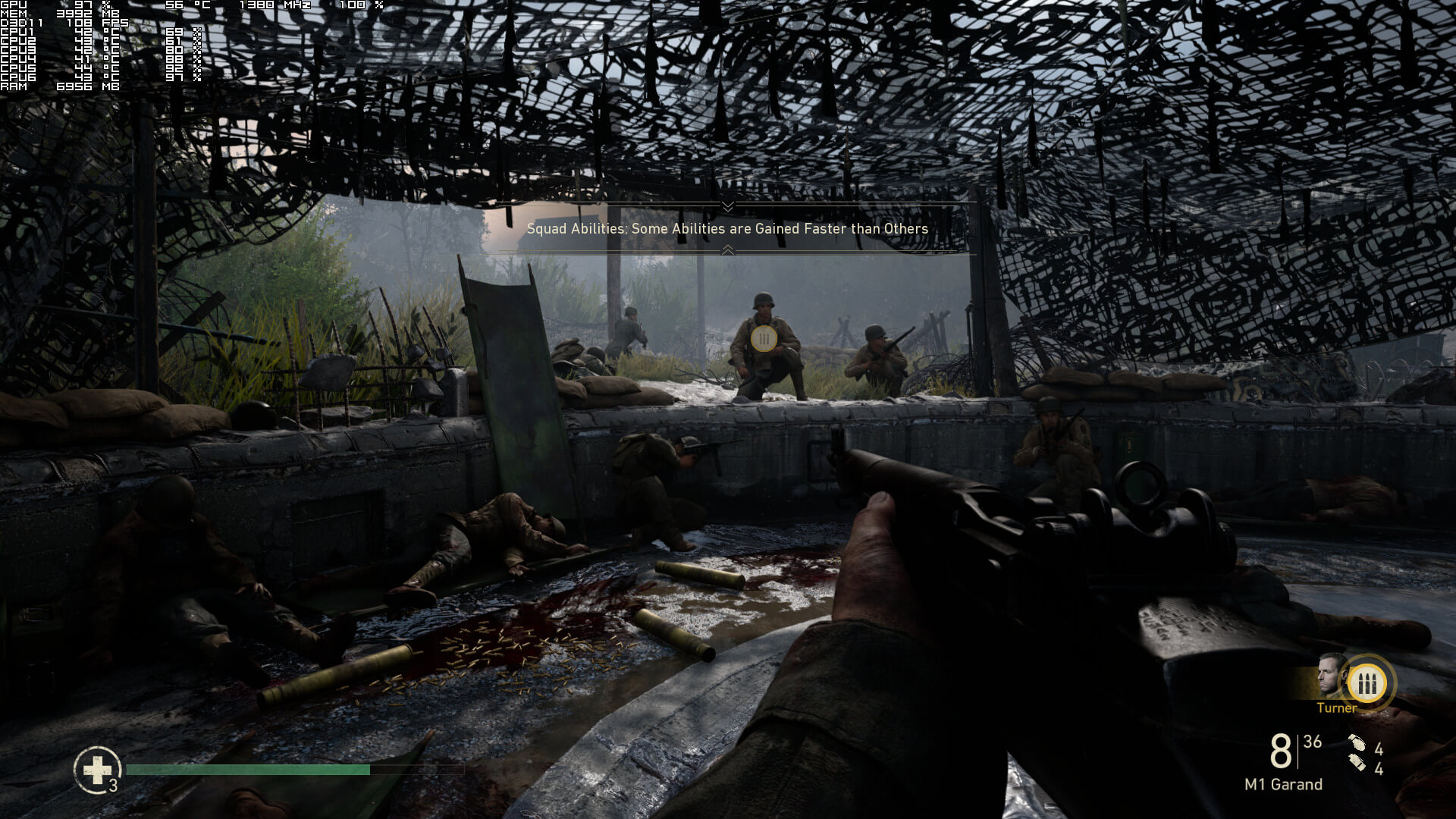
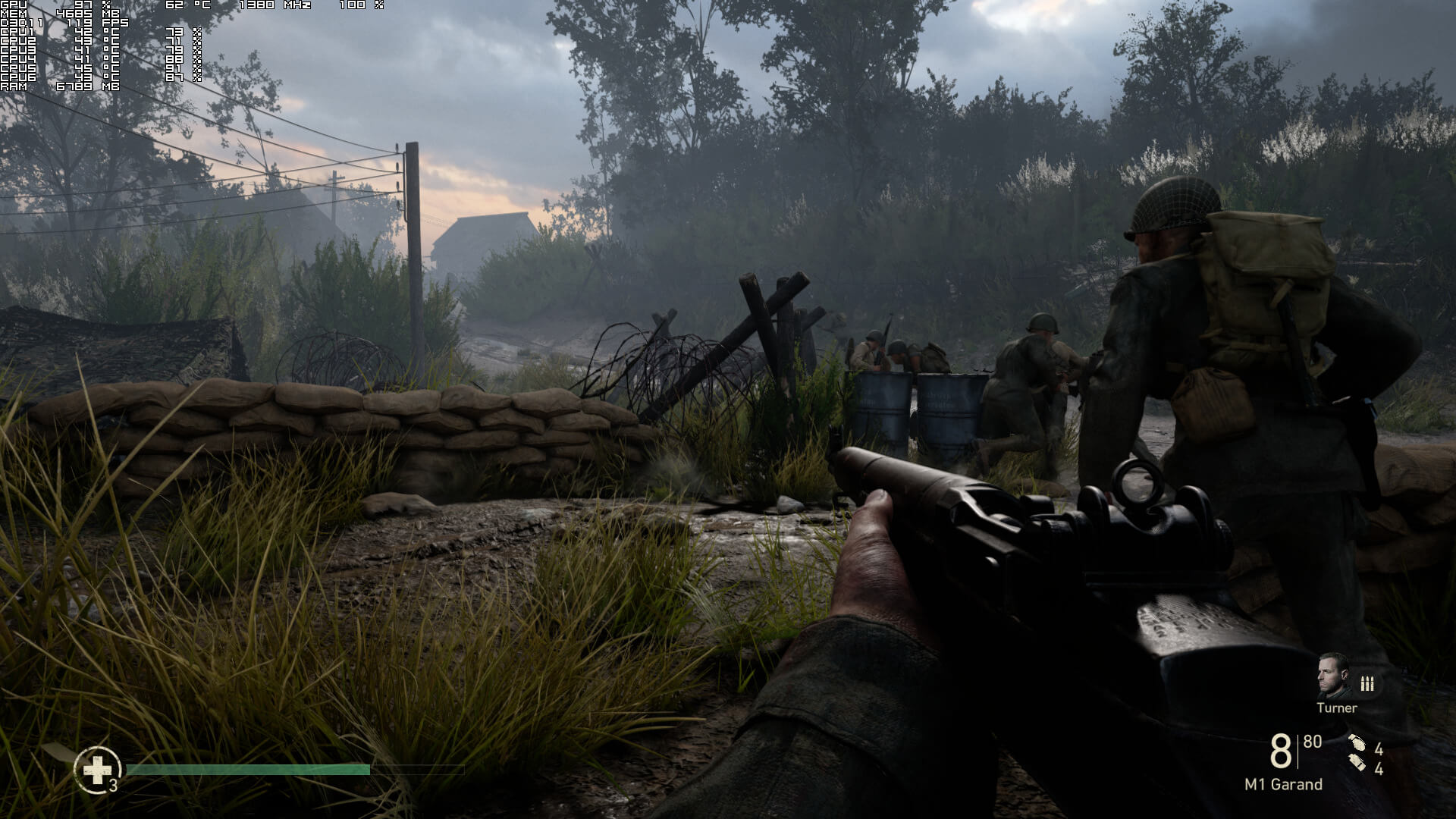
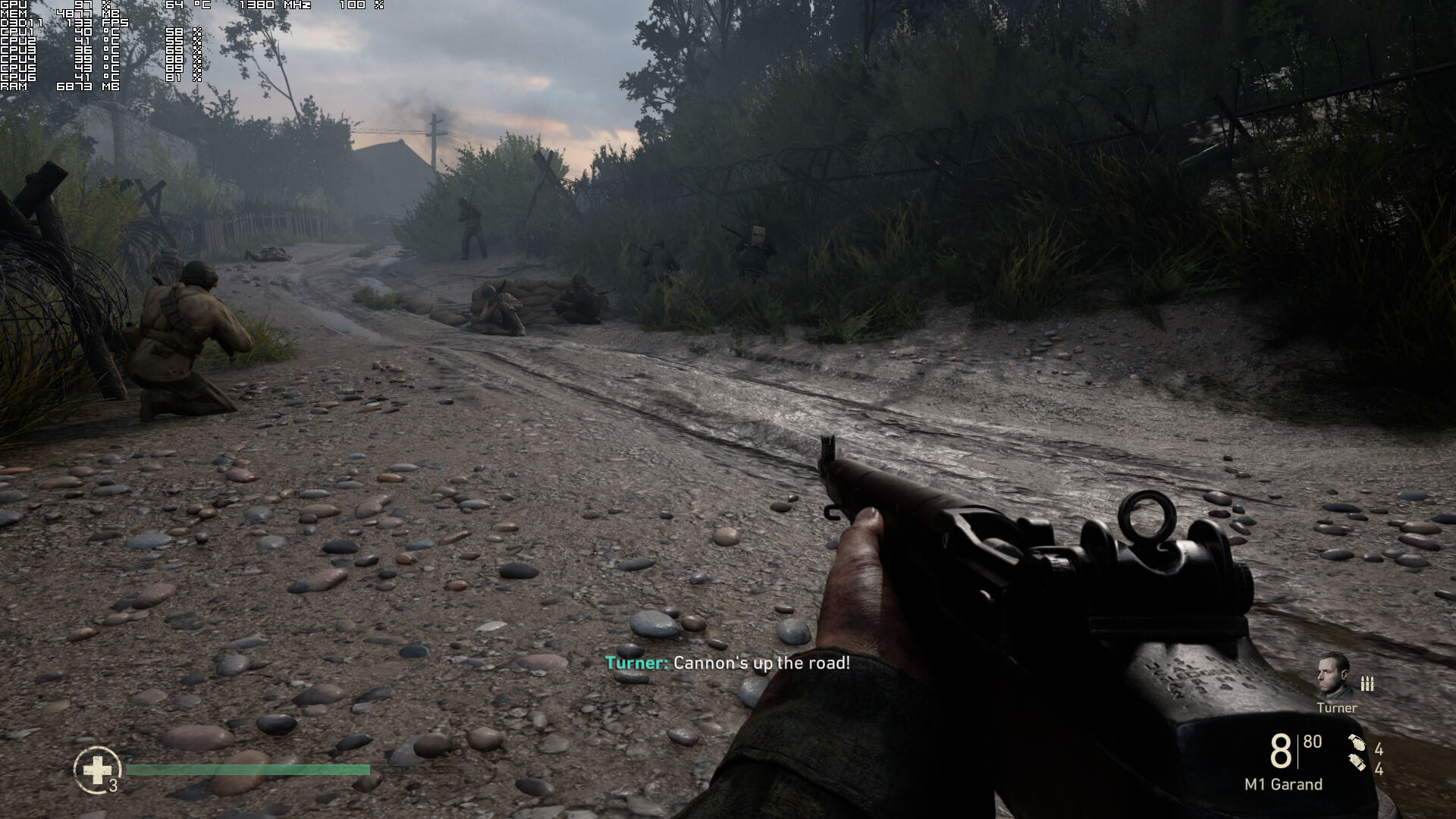
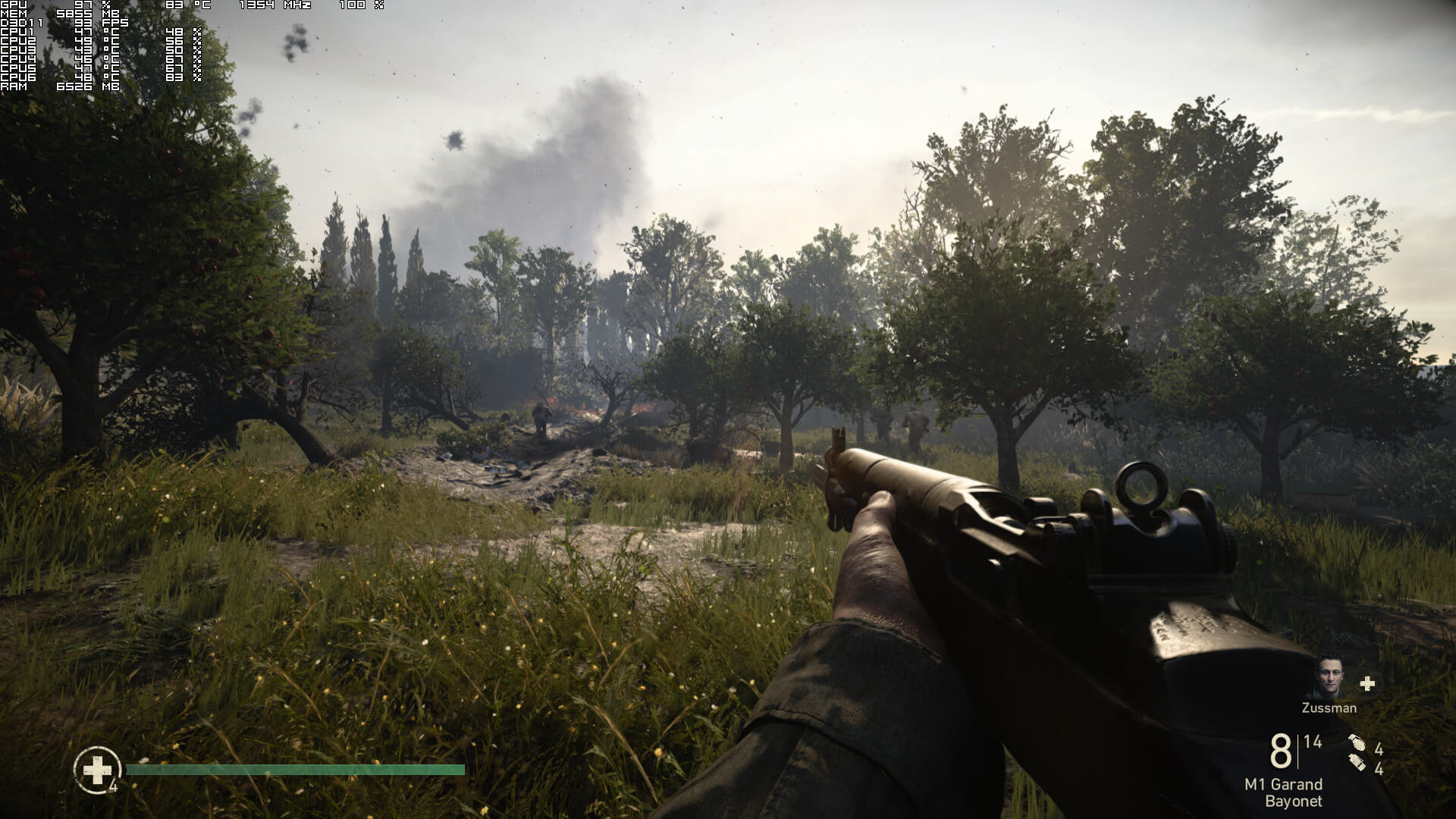
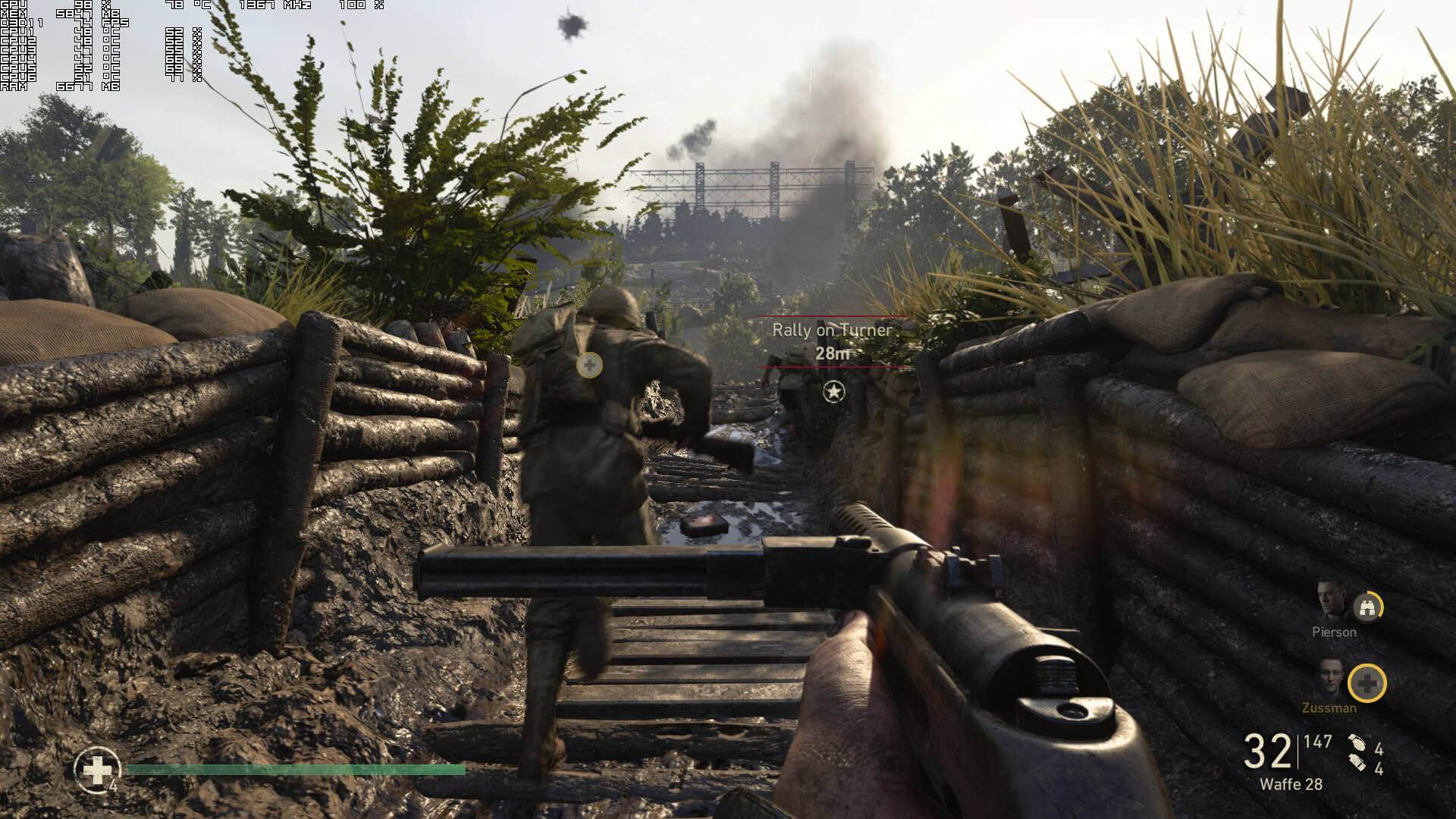
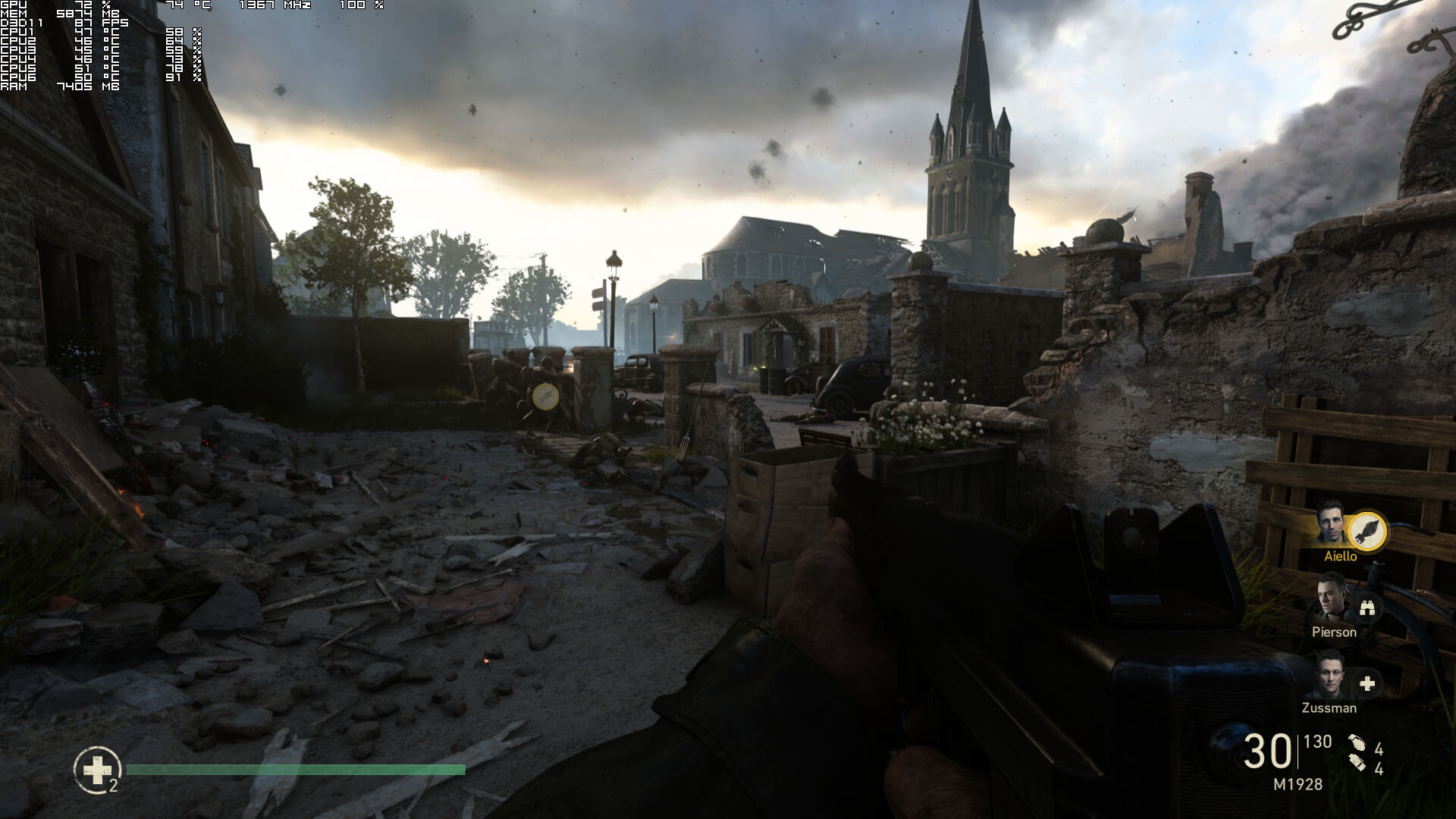
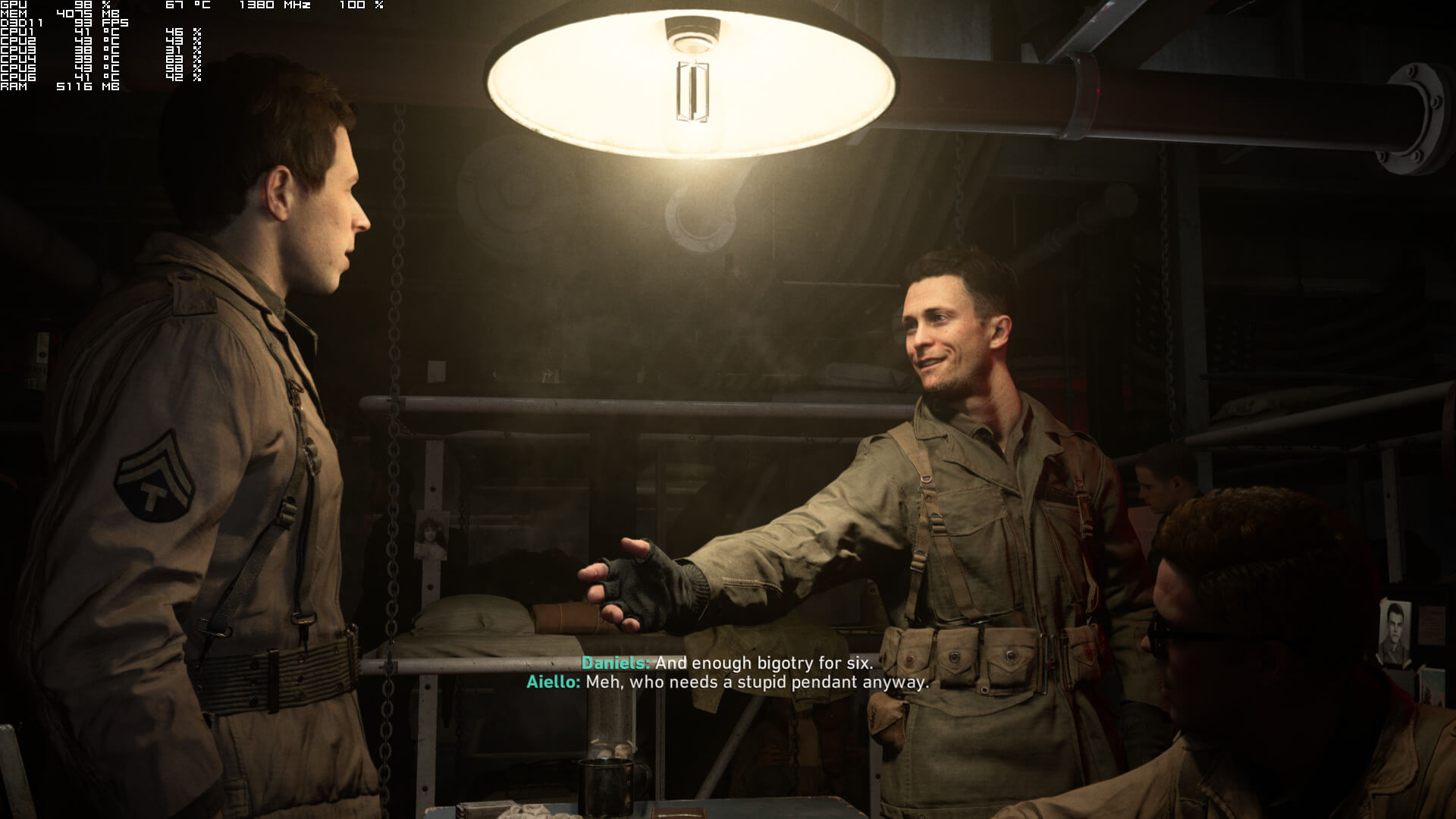
Graphics wise, Call of Duty: WWII looks great. Even though it has been slightly downgraded, it still is a looker. The main character models in particular are among the best we’ve seen. The Call of Duty series always had stunning character models, and WWII is no exception to that. The environments also look great, and there are some really cool modern-day effects. However, you will notice some really low-resolution textures here and there. Not only that, but the game suffers from flickering issues on both AMD’s and NVIDIA’s hardware. Furthermore, the game uses a really aggressive LOD system, even on Extra settings, resulting in atrocious pop-in issues as you explore the environments. The explosions also look underwhelming and average for a 2017 title. We’ve also experienced some hilarious graphical glitches in the first SP mission. So yeah, while the game is overall beautiful, it suffers from these graphical shortcomings.
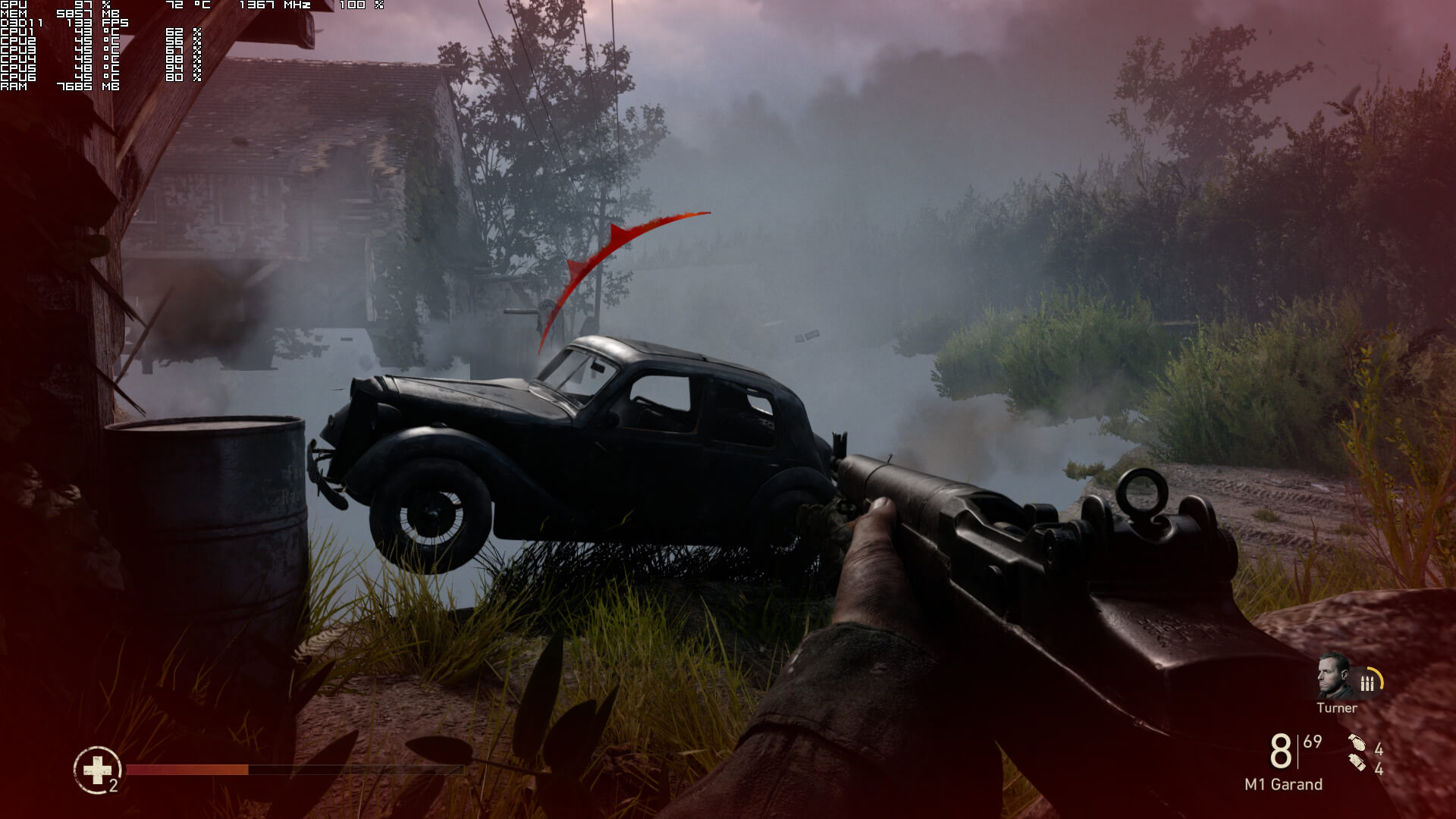
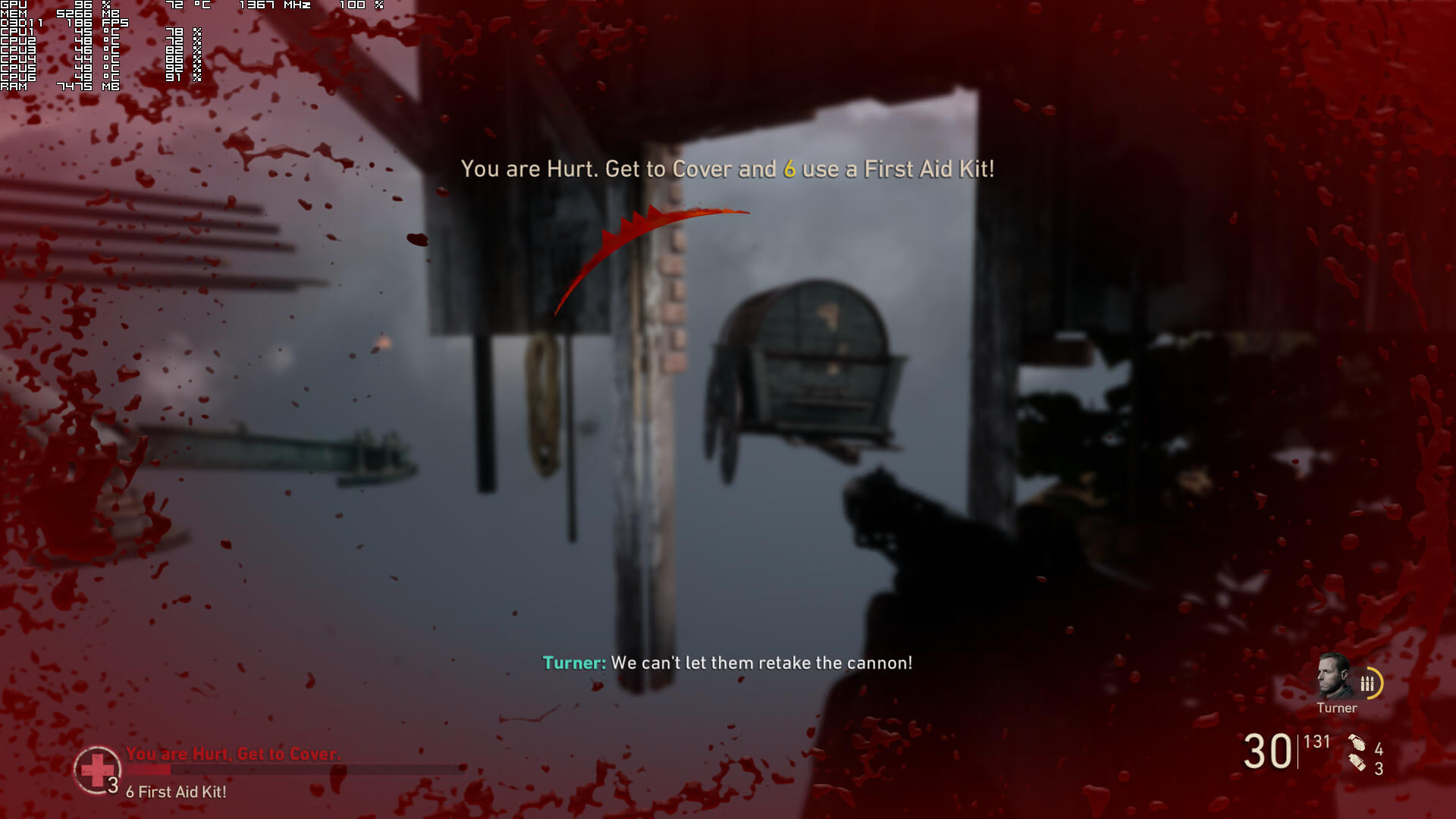
In conclusion, Call of Duty: WWII performs great on NVIDIA’s hardware. Moreover, and contrary to other titles, this one scales well on older graphics cards. However, AMD needs to step up its game with its DX11 drivers as there are numerous optimization issues with it.

Apart from the graphical shortcomings (that shouldn’t be present in the PC version as there was room for visual improvement), we were really disappointed with Call of Duty: WWII’s inability to take advantage of more than four CPU cores. As such, the game becomes CPU limited in some scenes. We’ve also experienced some stuttering issues (that were reduced when we enabled VSync and set our refresh rate to 60Hz). Still, and even with these CPU optimization issues, the game can easily run with constant 60fps on NVIDIA’s hardware. Call of Duty: WWII may not be THE most optimized PC game of 2017, however it looks and runs better than most of its rivals.

Enjoy!
27 thoughts on “Call of Duty: WWII PC Performance Analysis”

    1. CPU is one thing but memory architecture is very different. On PS4 And Xbox One X you have on big memory pool accessible by CPU and GPU. Whole memory have 326 GB/s of bandwidth on Xbox One X. When console want draw something Xbox X need only 11 cpu instructions to create full operation on GPU (draw call) because all memory is accessible by both CPU and GPU.

      On PC memory is divided in two pools. CPU can’t use memory of GPU so you need copy a lot of memory from CPU pool to GPU using PCIE. Bandwidth are also not so great. CPU use slow DDR4 memory (avg 30 GB/s) and need transfer a lot of data by PCIE (16 GB/s). Internal bandwidth on GPU is very different in every GPU. For example GTX 1070 have 250 GB/s. When CPU want to create draw operation then it need to use many different additional libraries such as drivers provided by graphics vendor which translate each command to send data from CPU memory pool to GPU memory pool. Whole process is very complicated. PC need a lot more work to create single draw call on GPU

      https://uploads.disquscdn.com/images/d62ac798d7bcd2c99f5af1cd92656f573c616d196f725fd71c4d58d55b55f598.png

      1. So consoles made some weird architecture and holding back pc preformance cuz 99% games are optmalized for consoles and pc can eat S*it jus like in he last 15 years
        Its just sad that no matter how many cpu cores you have games arent gona yuse them because . . . . Consoles. . . . .

      2. I’ve been aware of the memory bandwidth and resource issue when it came to the current gen consoles. When Xbox & PS4 both dropped w/ those shared memory architectures the majority of main stream PC GPU’s where still at 2gbs.
        It took a bit for GPU makers to ramp up to snuff but I was thinking with the advent of 8GB’s vram on several cards that would mitigate the issues stemming from console shared mem. Like looking at a 1080 having those 8GB’s of vram and a mem bandwidth of 320GBs helps in that regard maybe.

        *Note I get it’s probably due to budgetary concerns but the 8gb’s of system memory DSO used as part of thier benchmarking setup seems a bit on the low side. With the OS and other vital services running it seems they’d really only have 6GB’s ram for the games to use, and now unbelievably I’ve seen games use more than that while running. Possible bottleneck?

        1. To be fair, testing on low end hardware is how one should test for optimization. High end hardware only tells you well money compensates for bad coding. So to me 8GB of ram is a good call. If it runs above 60 on the low end stuff, how it runs on better hardware is basically meaningless.

      3. You do know that isn’t something new even the N64 was UMA. Nothing nnew really.

        CPU in the xbox one x is heavily bringing it down if it was a 1700 things would be different and even i would say the xbox one x is a great design but i will never say it is when they put weak CPU cores inside a console with a 6TFLOP GPU same goes for Sony. Doing that will limit the FPS in to many titles sure it might look pretty but at the cost of frames and the console is already dropping below 30fps.

        You have to understand PC gamers, the PS and Xbox don’t even have as many exclusives as they used too and its mainly FPS which i don’t even care about so really why should we care when we have our own machines that we built ourselves and they can play everything we like at settings we choose?

        See i get Nintendo there is a LOT of exclusives that’s basically all it is but the Xbox and PS market themselves as being heavily 3rd party based which i will always prefer to have a PC copy of the game for one i love keeping the games for years and playing them again for example i bet Mafia 2 just a few months ago at 1440P max i didn’t have to keep a older PC to do it either.

          1. Mark my words the frame drops will continue on the xbox one x just like it has with PS4 Pro and over the SAME reasons weak jaguar based CPU’s directx 12 isn’t going to save it and no i’m not saying it won’t sell well i’m just saying frame rate drops below 30fps will still happen.

            If they put a decent processor in their you could give people options like 60fps 1080P 2AA or 4K 30fps but the weak CPU can’t do that which is why the games are being locked to 30fps and STILL dropping FPS.

            Basically jaguar’s architecture is equivalent to A53 in terms of raw power and they have 8 core A53 cores in 100$ smart phones now.

            Until consoles stop targeting 30fps as their goal i will continue to call them inferior
            I will say its neat how much more power the xbox one x packs with accounting for its size and i like the cooling design as well.

            I have a hobby of making my systems as quiet and cool as possible so i congratulate Microsoft on that if one day they learn how to make a balanced machine even if its not the most powerful i will once again say good job Microsoft heck i like the switch for that reason seems like a balanced design.

            Putting 90% into the GPU and 10% into the CPU with all the love of open world games and smarter game AI is just a bit much for me.

            Anyways you will see one day you keep coming here for a reason you want a beast you just think its in a console it never will be.

          2. Thats true, but in order to unlock this 50% CPU improvement they have to use scorpio dx12 rendering mode, not old xbox one dx11. With older xbox one games CPU will be just 31% faster, not enough to offer 60fps in 30fps games. Scorpio is great machine, but I really feel they could use better CPU

      4. The problem with console unified memory is weak latency characteristics for the CPU, and the more bandwidth you allocate to the CPU, you lose a disproportionate amount for everything else.

        For example if you use 20GB/S for the CPU, you don’t lose exactly that much from the console GPU. You lose a lot more. The more bandwidth you use elsewhere, you end up losing increasingly more for the GPU side.

        This isn’t a problem for PC. PC will always have a lot better CPU performance and a lot more useful memory bandwidth and a lot more useful memory than these consoles.

        When it comes to drawcalls and CPU overhead, DX12/vulkan takes care of a great deal of the overhead that is visible in DX11. This is easily seen on AMD cards which don’t have the best threaded DX11 drivers and suffer compared to Nvidia’s superior DX11 drivers. However using either of those newer APIs the demand for draw calls on the CPU is far better managed.

        This is why it is a fact that no matter the optimisation advantages of these games consoles Xbox One X quickly runs out of CPU performance compared to even a fairly mediocre PC.

        There is a reason why the Rise of the Tomb Raider AND Gears of War 4 X1X code tested struggles terribly to hit 60FPS in 1080p whereas it’s actually very easy for a mid range PC with a half decent quad core CPU.

        They can only make up so much for their weak as a kitten central processors.

    1. Xbox X runs COD WW2 in native 4K? Anyway, no matter what resolution this game use on xboxX, the difference on your picture is big compared to PS4Pro.
      BTW spectro – I have preordered XboxX :), I cant wait to play Halo 5, it looks insane on xbox X, resolution boost makes a huge difference in this game. Also I’m looking forward to play gear of war 4 in HDR :). Digital foundry HDR vs SDR comparison in this game just blow me away, I’m wasnt expecting so HUGE difference, SDR version looks just flat, lighting looks wayyy different, and metal surfaces finally looks like metal should, not like plastic anymore.

      1. 2 more days for me. I can’t wait.

        BTW. If you want see great video go to Gamersyde. Yesterday they add 4K videos from Tomb Raider with very low compression. It looks great. 10x better than any video on YouTube

        1. I have seen Tomb Raider videos uploaded by gamersyde on YT, and what’s interesting even on my phone samsung S8, it’s easy to see resolution differences that each settings makes. On my phone native 4K mode looked the best, because picture was perfectly sharp unlike enriched and 60fps mode.

          1. Ive played the last two Tomb Raider games at real 4k (no checker board or dynamic resolution faux k bullshit) since their release. It’s great that technology has finally trickled down to you guys.

          2. PC version looks great and runs solid on my 1080ti at 4K, but I want to see HDR and some new details that they have added

        2. I have just received my xboxX :), and unlike PS4P I’m really amazed with differences that this console makes. PS4P has offered 2x increase in resolution over standard ps4, xboxX offers 4x and sometimes even 5x! Even games from xbox360 era looks like remasters, gears of war 3 in 4K looks stunning even today.

          BTW- Gamespot have said, gears 4 looks better on xboxX than on high end PC with 1080GTX. Very nice! I have seen their comparison video and I’m surprised xbox X version gets even better textures than PC version, even character models are more detailed (for example these creatures have teeth now), and not to mention HDR support (this feature changes lighting in huge way in this game)

        1. Boy, go to your mom and ask her to buy you better PC like mine, maybe then you will stop spaming because you will be plaing real games, not read about them

  1. Game looks great and performance is amazing on PC, around 100fps in 4K on single 1080ti with 2GHz OC, I would never expected something like that from COD game. BTW. You right John, character models looks superb, IMHO even better than in battlefied 1.

  2. Least they made their engine scale to more cores even if i have little interest in playing FPS multiplayers i think i would enjoy the single player campaign i actually loved world at war and call of duty 3’s campaign which sadly never came to the PC.

    Graphics don’t look terrible either.

Leave a Reply

Your email address will not be published. Required fields are marked *