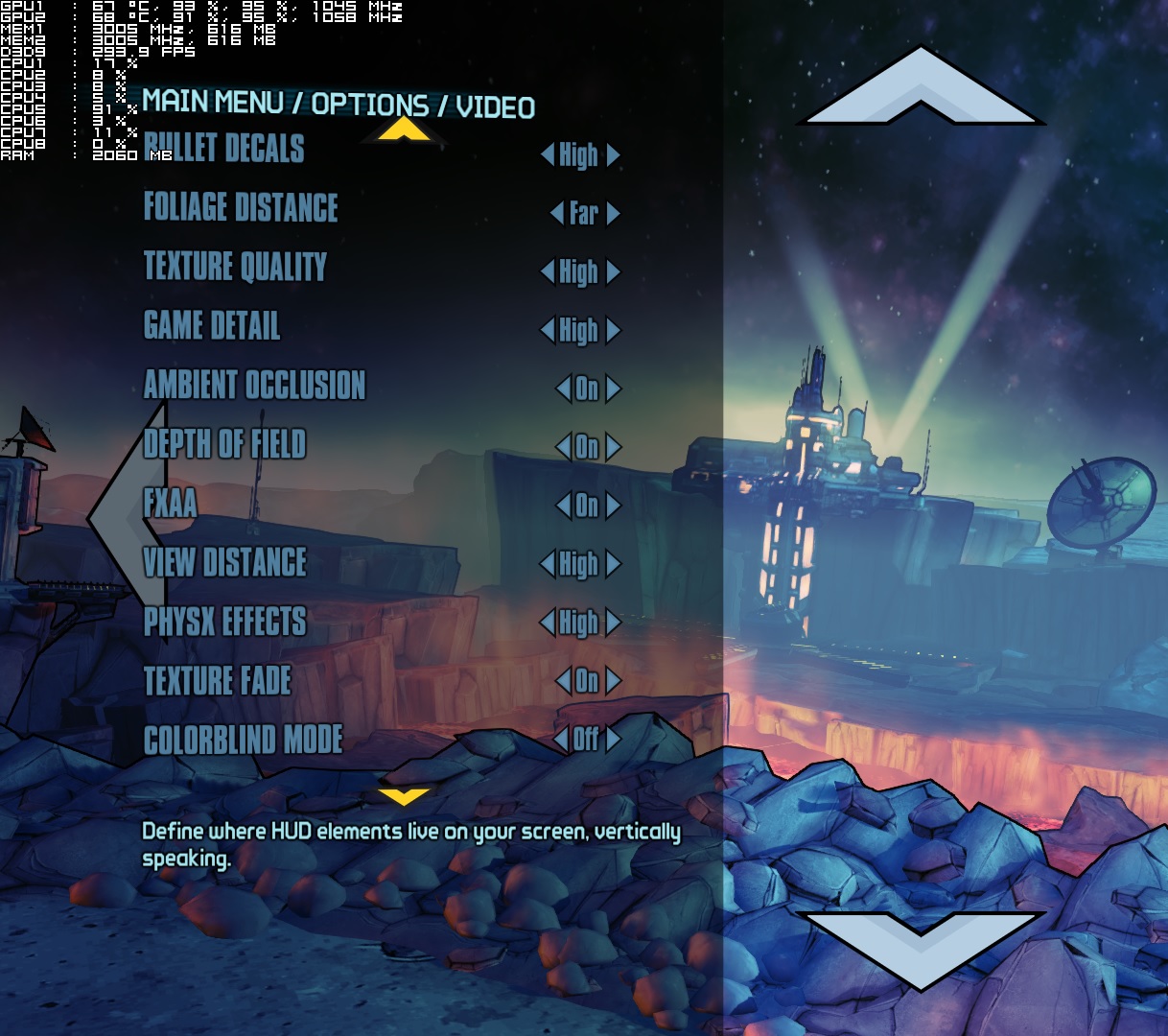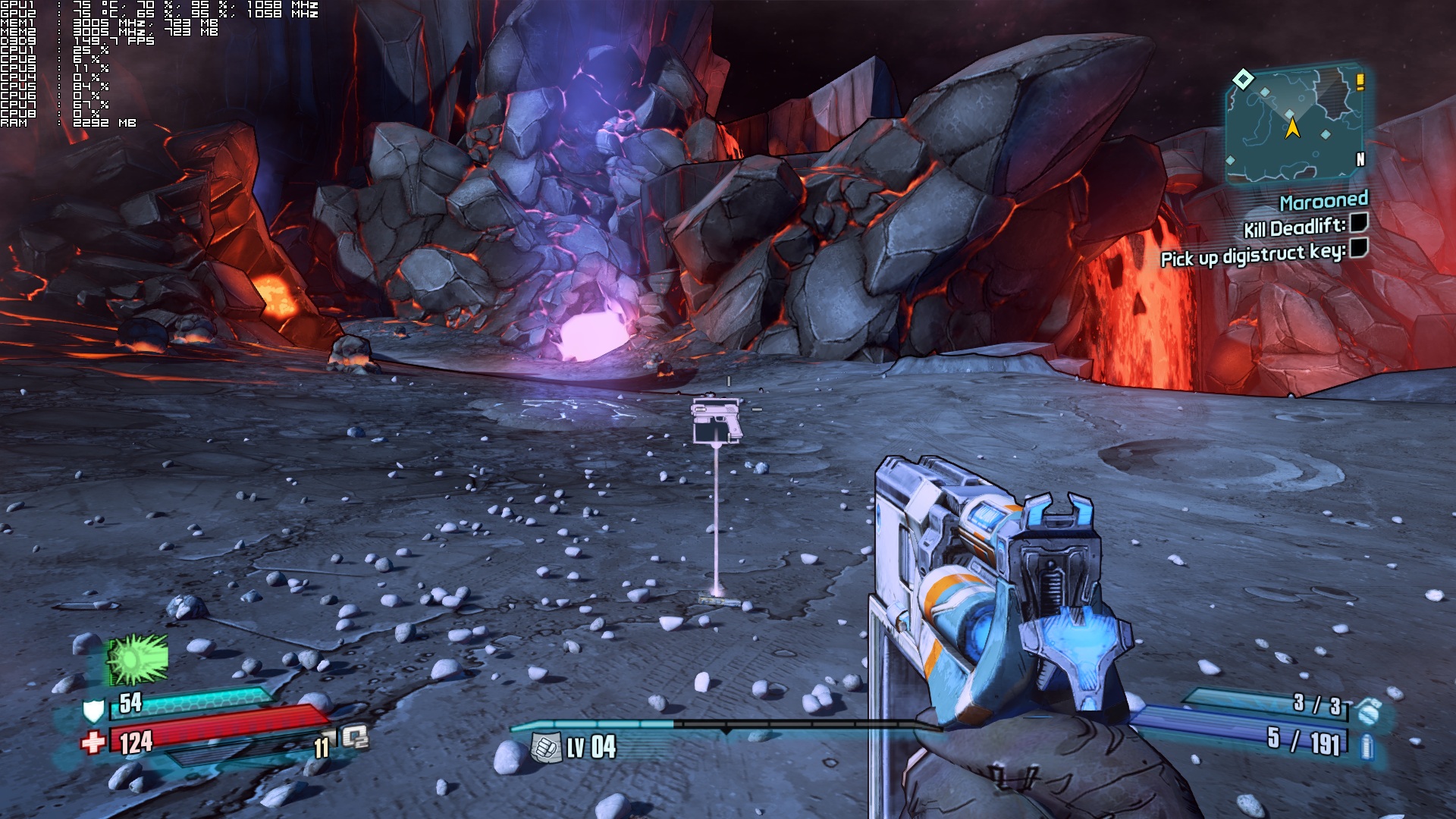
Borderlands: The Pre-Sequel has just been released and it’s time to see how this new title performs on the PC, though we do have to say that we – more or less – already knew what to expect. Deja vu everyone? Well, similarly to F1 2014’s case, Borderlands: The Pre-Sequel performs exactly the same with its predecessor on the PC platform.
As always, we used an Intel i7 4930K with 8GB RAM, NVIDIA’s GTX690, Windows 8.1 64-bit and the latest version of the GeForce drivers. NVIDIA has already included an SLI profile for this title that works great, meaning that you won’t have to mess around with third-party programs like the Nvidia Inspector Tool.
In order to find out whether Borderlands: The Pre-Sequel takes advantage of more than two CPU cores, we simulated a dual-core, a tri-core and a quad-core system. Like most old-gen titles, Borderlands: The Pre-Sequel is optimized for tri-core CPUs. Since there isn’t any benchmark tool, we tested the game’s open areas in which we were fighting all sorts of enemies.
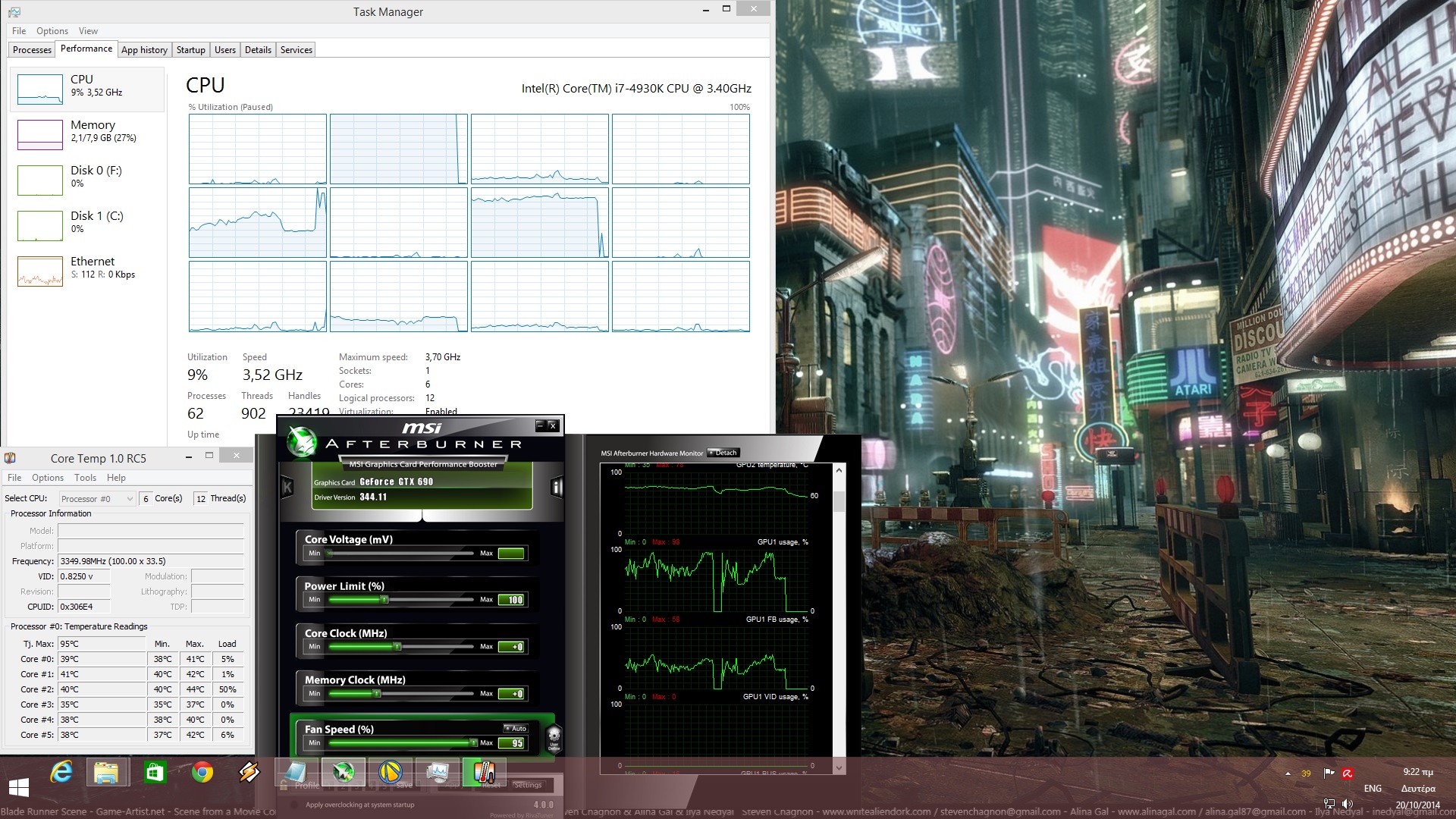
During our fights, we noticed a 13fps difference between a dual-core and a tri-core. Our simulated tri-core, simulated quad-core and our hexa-core systems performed exactly the same during the same scenarios. Not only that, but as we can see the game is not able to even scale on more than 4 CPU cores. Still – and for what is worth – our simulated dual-core system was able to handle the game with constant 60fps at max settings.
Given the fact that the game is unable to take proper advantage of more than three CPU cores, Borderlands: The Pre-Sequel can be considered a CPU-bound title. While i3, i5 and i7 CPUs will not encounter any problem running this game, those with weaker quad-cores will most probably run into performance troubles. The only way to increase performance on those weaker systems is via overclock. By doing this, some may overcome the lack of ideal multi-core CPU support via ‘raw brutal force.’
Regarding its graphics cards requirements, Borderlands: The Pre-Sequel is quite easy on the GPUs. A single GTX680 is more than enough for constant 60fps at 1080p with max settings (and PhysX High enabled). NVIDIA’s SLI profile offers incredible SLI scaling (provided you are not CPU limited). Our GTX690 handled the game with a minimum framerate of 75fps and an average framerate of 110fps. Unfortunately, though, our card was unable to keep a constant 60fps experience at 4K resolutions with all settings enabled (there were lots of drops during our firefights at mid-40s). In addition, Gearbox has provided a lot of graphical options to tweak, something that will definitely please a lot of PC owners with weaker graphics cards.
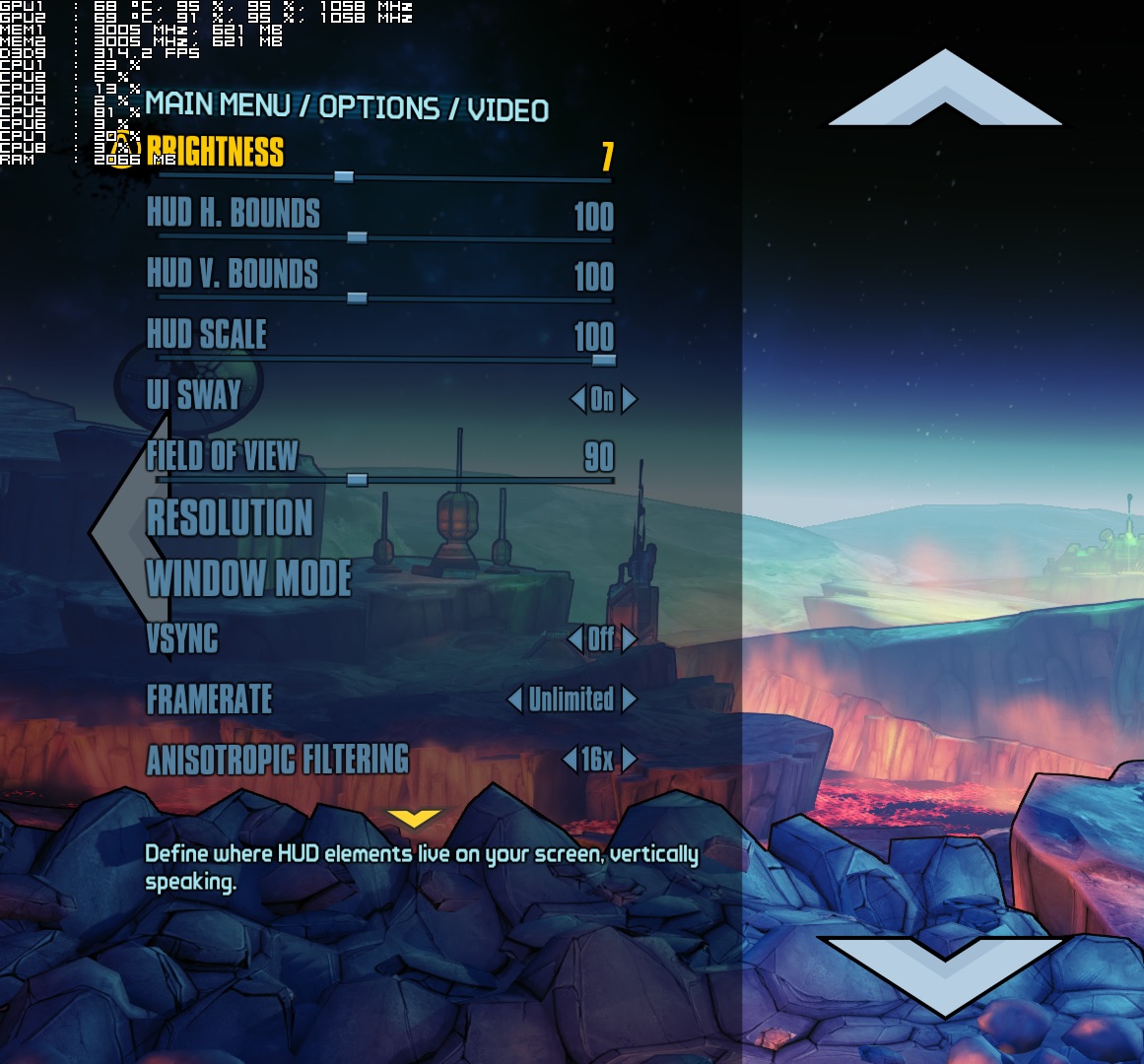
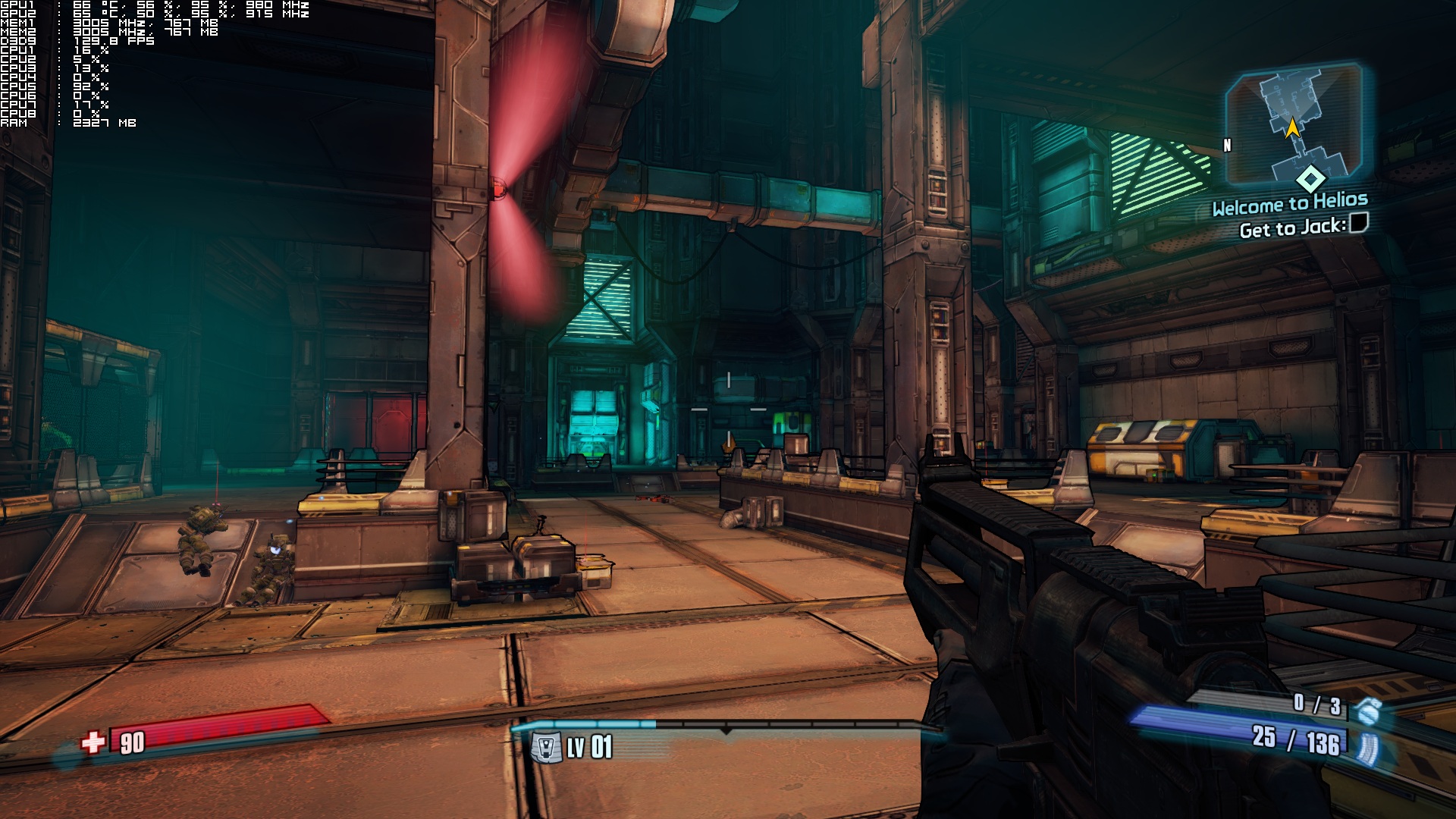
Graphics wise, Borderlands: The Pre-Sequel looks like a reskinned version of Borderlands 2. Gearbox has once again implemented NVIDIA’s PhysX effects that look kind of cool, though they bring additional burden to the CPU (even though they are being calculated by the GPU on NVIDIA’s cards). Light shafts are being supported and ambient occlusion does a pretty good job at offering some ‘fake’ shadows. Still – and given its old-gen nature – the game’s textures look kind of average, there are noticeable LOD shadows issues, environments are indestructible, and the lighting system seems quite dated.
All in all, Borderlands: The Pre-Sequel performs similar to its predecessor. Gearbox has not upgraded, tweaked or enhanced the game’s engine and as a result of that, Borderlands: The Pre-Sequel is unable to even scale on CPUs with more than four CPU cores. Thanks to its unique style, Borderlands: The Pre-Sequel is able to distinguish itself and feel somehow refreshing, though we do have to note that – graphics and tech wise – it looks quite dated.
Enjoy!
Tria poulakia ston aera, mana patera vges!

John is the founder and Editor in Chief at DSOGaming. He is a PC gaming fan and highly supports the modding and indie communities. Before creating DSOGaming, John worked on numerous gaming websites. While he is a die-hard PC gamer, his gaming roots can be found on consoles. John loved – and still does – the 16-bit consoles, and considers SNES to be one of the best consoles. Still, the PC platform won him over consoles. That was mainly due to 3DFX and its iconic dedicated 3D accelerator graphics card, Voodoo 2. John has also written a higher degree thesis on the “The Evolution of PC graphics cards.”
Contact: Email


Loving it. Story not that great as Bordelands 1 but still as in BD2 gameplay, mission and sidemissions are great so far…
As for perf its a Borderlands so its not that demading.
SteamOS version of the game(already released) is getting Physix later…
Steam dayONE FTW!
Unfortunately they still haven’t fixed the performance drop while using PhysX in windows 8. The bug was in Borderlands 2 and now its in this game as well.
tricore?hmm…
tricore of xbox 360 someone?that why consoles and specially xbox drop down all gaming industry.
We buy quad,hexa cores for what?for another game from console industry!!!
Again you done good work here John! 🙂
Why on earth they keep using sh**ty Physx, when there is a Havok? Just look at Half-Life 2, Max Payne 2… What happend to the games? Oh, wait, the consoles happend.
Consoles have nothing to do with PhysX usage. And btw, Havok doesn’t have advanced effects like PhysX. It doesn’t have enough performance to handle 50 000 particle systems like PhysX on Ultra. Sh..ty are comments like yours.
Who needs those particles? When you can’t even move a damn chair? Or barrel. Oh wait, realistically moving flags that eats all of your Vram… Wow, advanced technology.
And you think that PhysX can’t be used to manipulate with objects like chair right? 🙂 You are probably one of those people who think that using physics API is like you include it to a game and everything works according to abilities of this API. Don’t worry about that because you don’t understand how it works. It’s developers decision which object are “physics objects” and which are not. So your question about chair is question for developers (not on PhysX abilities which is in it’s CPU version fully comparable to Havok). GPU PhysX is under this and it is used for advanced physics effects which can’t be achieved on CPU and which allow developers to create physics assets in much more detail if they want to (because of this it’s advanced).
And who needs those particles? You obviously don’t. But I have a feeling according to you comments, that nothing what should PhysX do will satisfy you. Am I right? You are only a hater which has no clue about programming or how objects for games are created. I give you advice. Download one of modern game engines (they are really cheap now) and try it for yourself. Maybe you stop writing sh..ty comments about something you don’t understand.
Actually PhysX uses up very little VRAM. It uses the GPU’s thousand core design to run far more demanding physics that CPU’s simply cannot do as they only have two to eight cores.
https://www.youtube.com/watch?v=y1Lcbo4l_UY
Now what were you saying about PhysX not having hard body physics that allow you to “throw chairs around”?
Havok physics hasn’t evolved very much in years nor can it handle the same amount of detail / complexity as PhysX.
Havok is absolutely sh*t compared to PhysX, GPU PhysX are far more advanced.
Oh and consoles have nothing to do with PhysX as they are completely unable to run GPU PhysX which is a PC only feature.
Havok LOL
John have you try PhysX in Ultra and it’s performance impact?
it souldn’t be a problem on john’s PC. it’s always 60fps on my machine which is weaker than johns. it’s just like broderlands 2 (as john said it in the article), it’s actually borderlands 2 with new DoF and i guess improved physx and some new addition cheap deaths. got it for 15$ on sale in a store near me, played it 6hours and got tired (played 150+ hours borderlands 2).
here are some pics with everything at max + physx with an i5 and a 660ti. only drop i saw was the ICE element, when used it on heavy action scenes (gun with ice element) i saw it dips to 54fps 55fps couple of times. ice is ok but when it turns to fluid it drops some frames with it too, other fluids are ok
Thanks for information. I will get to it during weekend. Until that I have to wait. Patience is not my strong side. 🙂
Problem is that I see a lot of complains on Ultra PhysX because of performance. One guy with 2x Titans had significantly FPS drops under 20. That was the reason I asked John to his experiences. I am planning to play it with GTX 780 + GTX460 (dedicated to PhysX). Maybe I use GTX 780 to PhysX if GTX 460 will be not enough strong.
Why do you guys don’t mention a thing about AMD cards ? the performance impact of PhysX running only on CPU ?
You should know by now mate that if you have a very powerful CPU then you are able to use low PhysX settings on your CPU if you are an AMD GPU user. You won’t be able to use highest PhysX settings though.
If however you have a CPU that just manages to handle the game as it is then adding PhysX will kill your frame rate. The benchmark results show that the game is only capable of using 3 CPU cores so if you have an I7 CPU with hyper -threading acting like an 8 core CPU then you are able to use low PhysX.
Thanks for the answer.
From what I remember Nvidia is constantly trying to improve the performance of CPU PhysX in order to make it a more viable option for consoles and to combat Havok, their recent PhysX SDK 3.x brings huge performance improvements for CPU.
http://physxinfo.com/news/11297/the-evolution-of-physx-sdk-performance-wise/
The reason I am saying this is because Metro Redux is based on their newer PhysX SDK 3.x and as an owner of AMD R9 290 I can turn on advanced PhysX in that game without any significant performance hit, my CPU is i5 4690k running at stock speed.
Previously that feature was a performance killer. That’s why I was interested to see AMD performance in Borderlands.
Yes it has been optimised better for CPU’s now because I remember I tried Mafia2 PhysX benchmark on my GPU and noted how much my CPU was being used. I then ran the PhysX benchmark on the CPU and not only did performance tank but the CPU usage also tanked. Or in other words when I tried to run Mafia2 PhysX on the CPU the CPU usage was actually LOWER than when running PhysX on the GPU. This was an I7 Sandy
It all depends on the amount of PhysX though, Metro LL has much lower PhysX use compared to Borderlands2, there is no way that amount of PhysX could be done on the CPU. The cloth and Apex particle simulation is too intense for CPU usage but destruction PhysX can be ran well on the CPU.
You know how the GPU calculates water and smoke physics right?. It renders thousands of little balls and gives them a kind of magnetised force between them so all those individual particles need the GPU to render them.
Look at this demo mate, the first part of the demo when they throw the box around could be done on a CPU, this is hard body physics.
However watch the water demo and then see how it’s calculated using billions of little balls with each having an attraction to each other, there is no way the CPU could handle that as it only has 2to8 cores while the GPU has thousands of cores. I have linked the demo below mate
https://www.youtube.com/watch?v=y1Lcbo4l_UY
Thank you very much for the detailed reply and explanation. You make a point on intensity of PhysX, I haven’t tried borderlands PhysX so don’t know how intense it is though I was quite happy to use PhysX in Metro Redux and LL on my CPU without much impact on performance.
Thank you for the video as well, it was certainly impressive and informative, certainly there is no way complex calculations and collision detection like water can be calculated on CPU, I wonder does Havok has sophisticated Physics like this or does it mostly deal with solid body physics ?
I hope the amount of PhysX used in upcoming games like The Witcher 3 is not too much so we AMD users can also enjoy it.
I think Havok is like you say solid body physics like collision and such like. I really wished that PhysX was available for all PC gamers even though I have an NVIDIA GPU as it would mean that developers building PC exclusive titles could go nuts with the PhysX making it an integral part of the gameplay.
Either that or a third party physics middleware that works on any GPU would be a great benefit to PC gamers in the long term as the more people that can use it, the more developers will incorporate it.
Did you by any chance play the last Call of Duty on PC?. I know that game uses similar PhysX to The Witcher3 so if it’s capable to run some of it on a CPU then I imagine Witcher3 will be a similar set up?. Might want to look up some Call of Duty AMD PhysX videos on Youtube to see how well it works?. I am sure CD Projekt won’t have the game lop sided were by NVidia users get all the eye candy as they spoke a lot about wanting to give everyone a fair experience regardless of platform
cloth physics is actually not that demanding! havok has that for years.
borderlands games do not use v3. Also most games nvidia supported had 2.8 on PC for obvious reason^^
old physX 2.8 has very limited multithreading capabilities (none if developers wont include it themselves) means you will not be able to use additional 5 threads your CPU offer. 2.8 basically runs on single core! Even when GPU is used 2.8 is still limited by single-thread performance quite a lot.
This is a tech demo, my God. It is not an actual game. Show me a game, where physx used to give game a real physics model… Wait a minute… You can’t, there is not a single game that uses Physx and actually have good physics in it.
Well that is YOUR subjective opinion but I love NVIDIA PhysX , I never said this was an actual game , it’s actually a demonstration of the next iteration of PhysX now that PC GPU’s are advancing.
In any case there is lots of examples of great physics in PC titles…
Lots of examples of great physics in PC titles with Havok , yes, but not with Physx. Old games.