

ARK: Survival Evolved was released back in August, however, and since the game had some PC performance issues, we’ve decided to postpone our PC Performance Analysis. Studio Wildcard had four months in order to improve the game’s performance so it’s time now to see how this survival dino title performs on the PC platform.
For this PC Performance Analysis, we used an Intel i7 4930K (overclocked at 4.2Ghz) with 8GB RAM, AMD’s Radeon RX580, NVIDIA’s GTX980Ti and GTX690, Windows 10 64-bit and the latest version of the GeForce and Catalyst drivers. NVIDIA has already included an SLI profile for ARK: Survival Evolved that offers amazing scaling so those with SLI systems will not have to mess around with third-party programs in order to enable it.
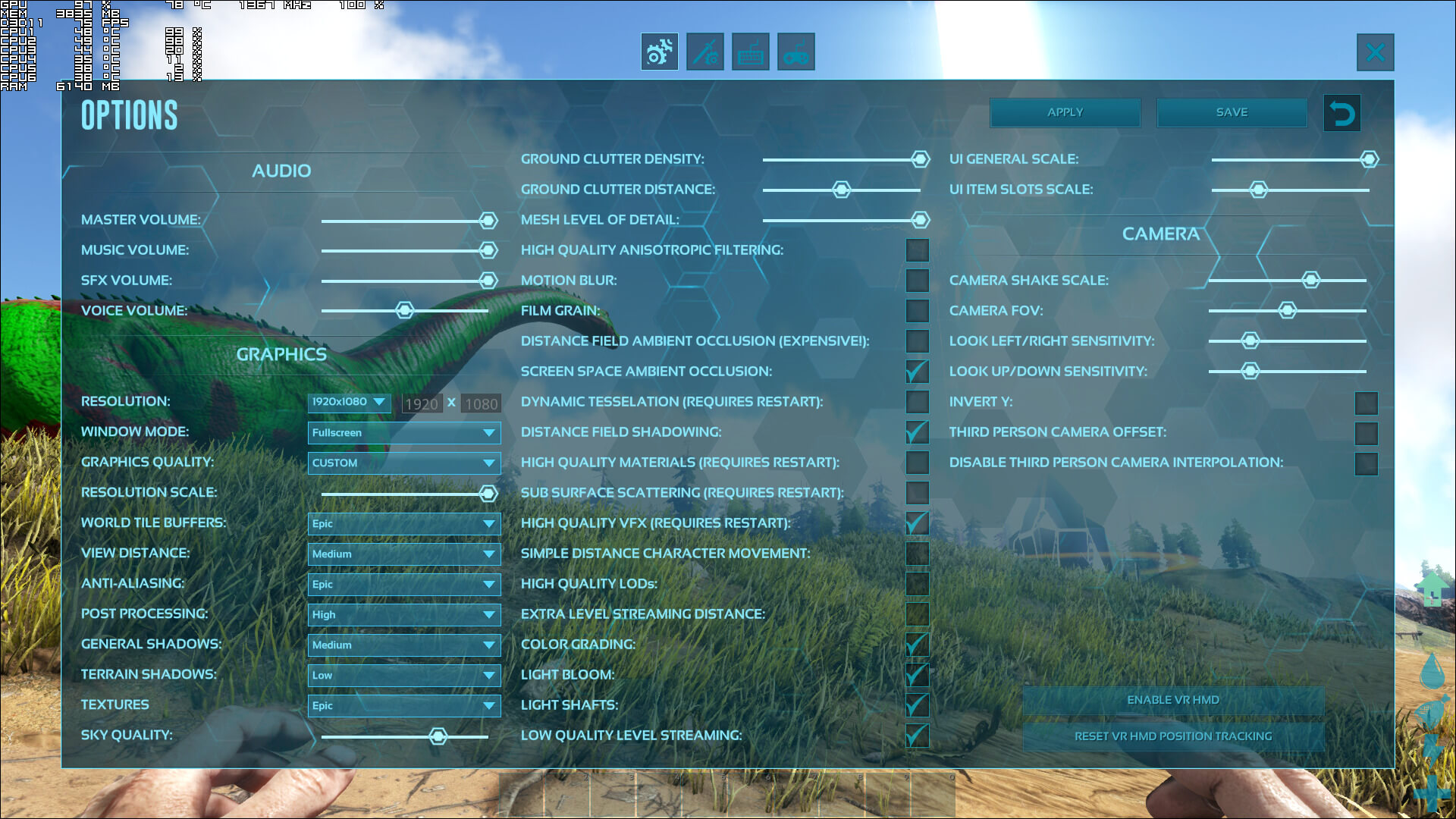
Studio Wildcard has added a huge amount of graphics settings to tweak. PC gamers can adjust pretty much everything; from the quality of terrain shadows and textures to the quality of the Sky and the Mesh level of detail. There is also a resolution scale slider, as well as options for advanced graphical effects like Dynamic Tessellation, Subsurface Scattering, and Screen Space Ambient Occlusion. ARK: Survival Evolved may be the title with the biggest amount of graphics settings to tweak in 2017.
[nextpage title=”GPU, CPU metrics, Graphics & Screenshots”]
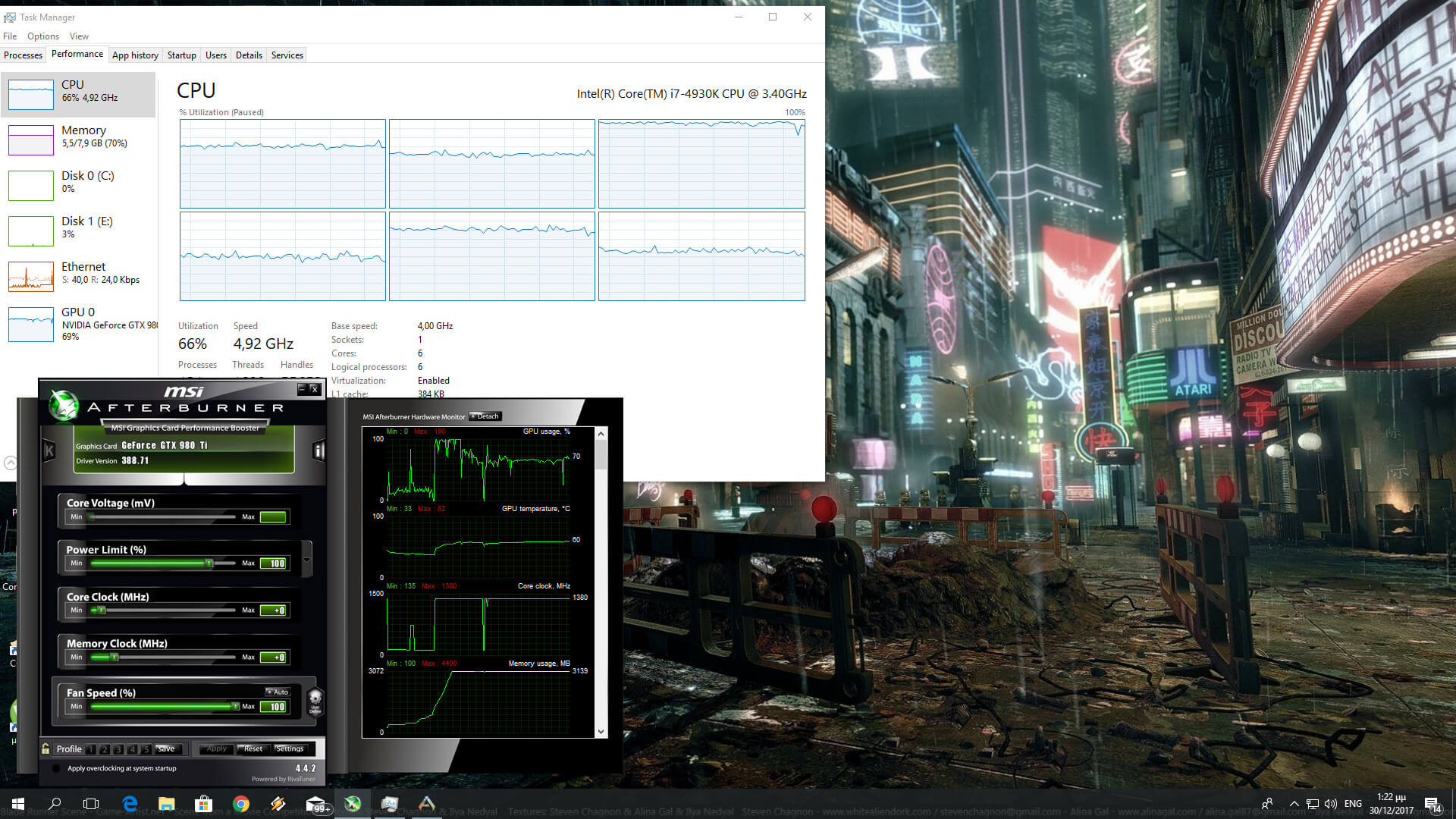
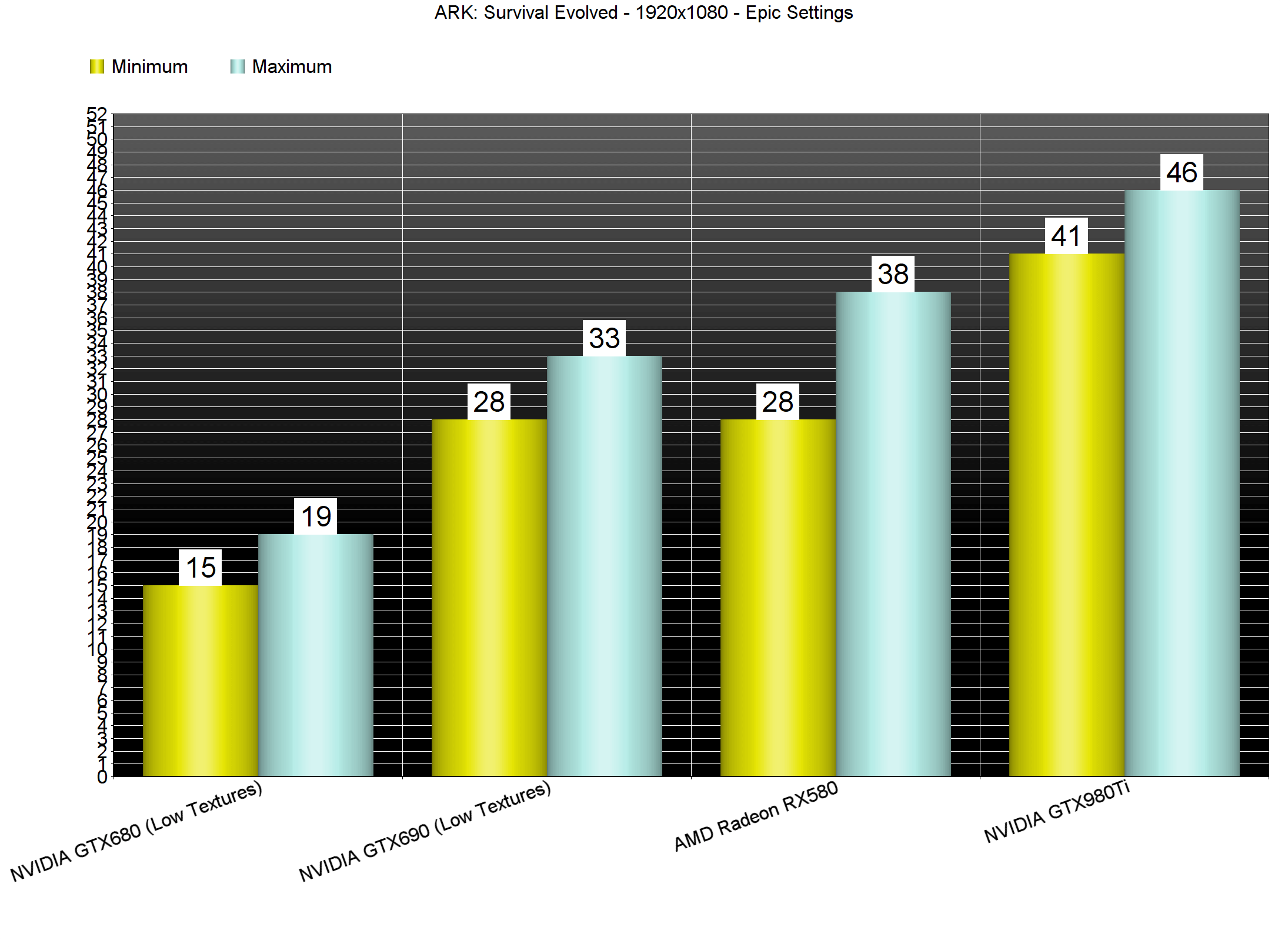
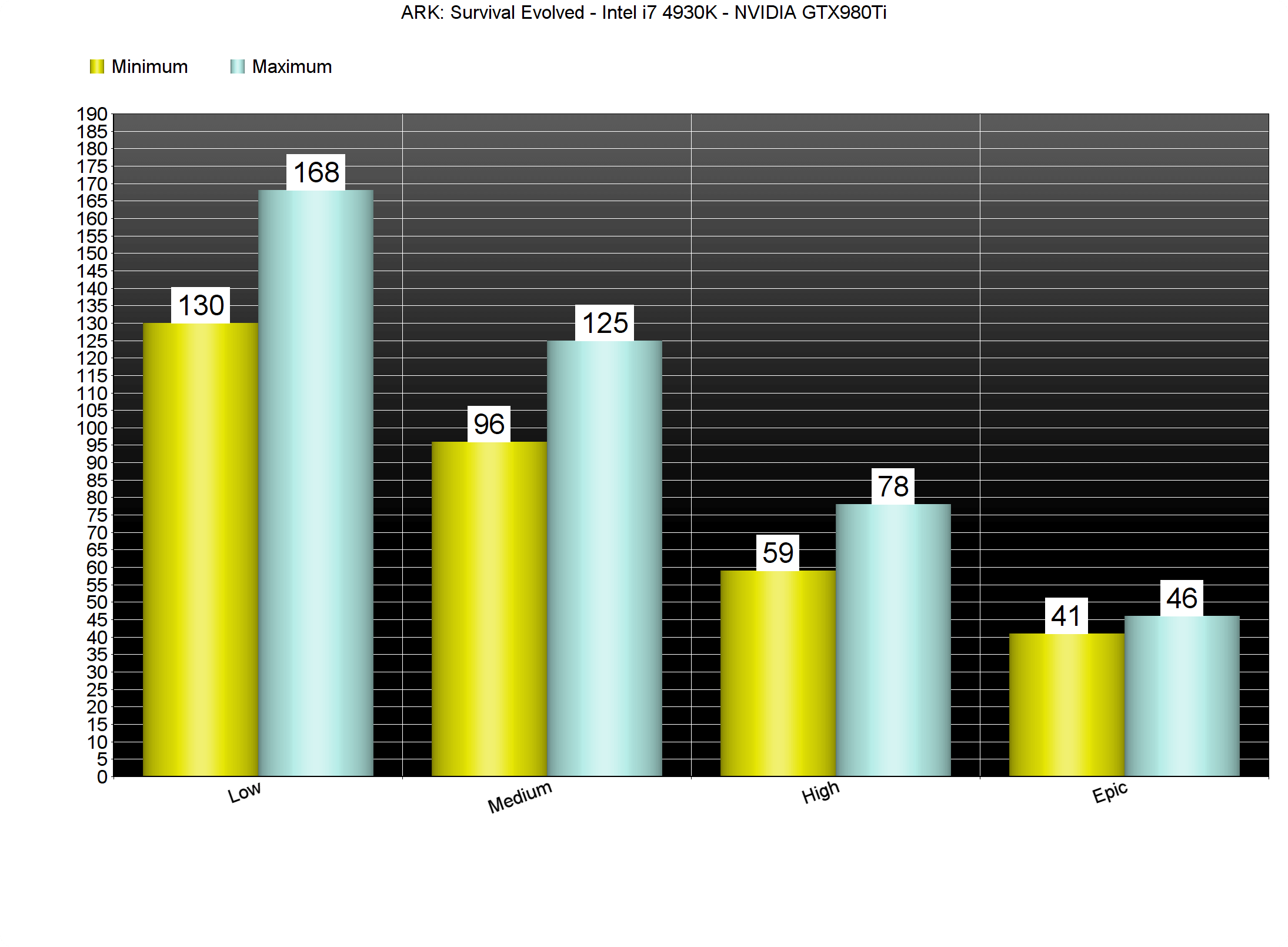
ARK: Survival Evolved is undoubtedly the most demanding PC game we’ve tested in 2017. Our GTX980Ti was simply unable to offer a smooth gaming experience on Epic settings at 1080p. On High settings, our GTX980Ti was able to push a minimum of 59fps and a maximum of 78fps. However, on Epic, High and Medium settings, the resolution scaler is set lower than 100%. When we set the resolution scaler at 100%, our GTX980Ti was, again, unable to offer a smooth experience at 1080p. In order to hit a constant 60fps experience at native 1080p, we had to lower our settings to Medium. Therefore, and for our GPU test, we’ve decided to use the following custom Medium settings (resolution scaler set at 100% and Textures set on Epic).
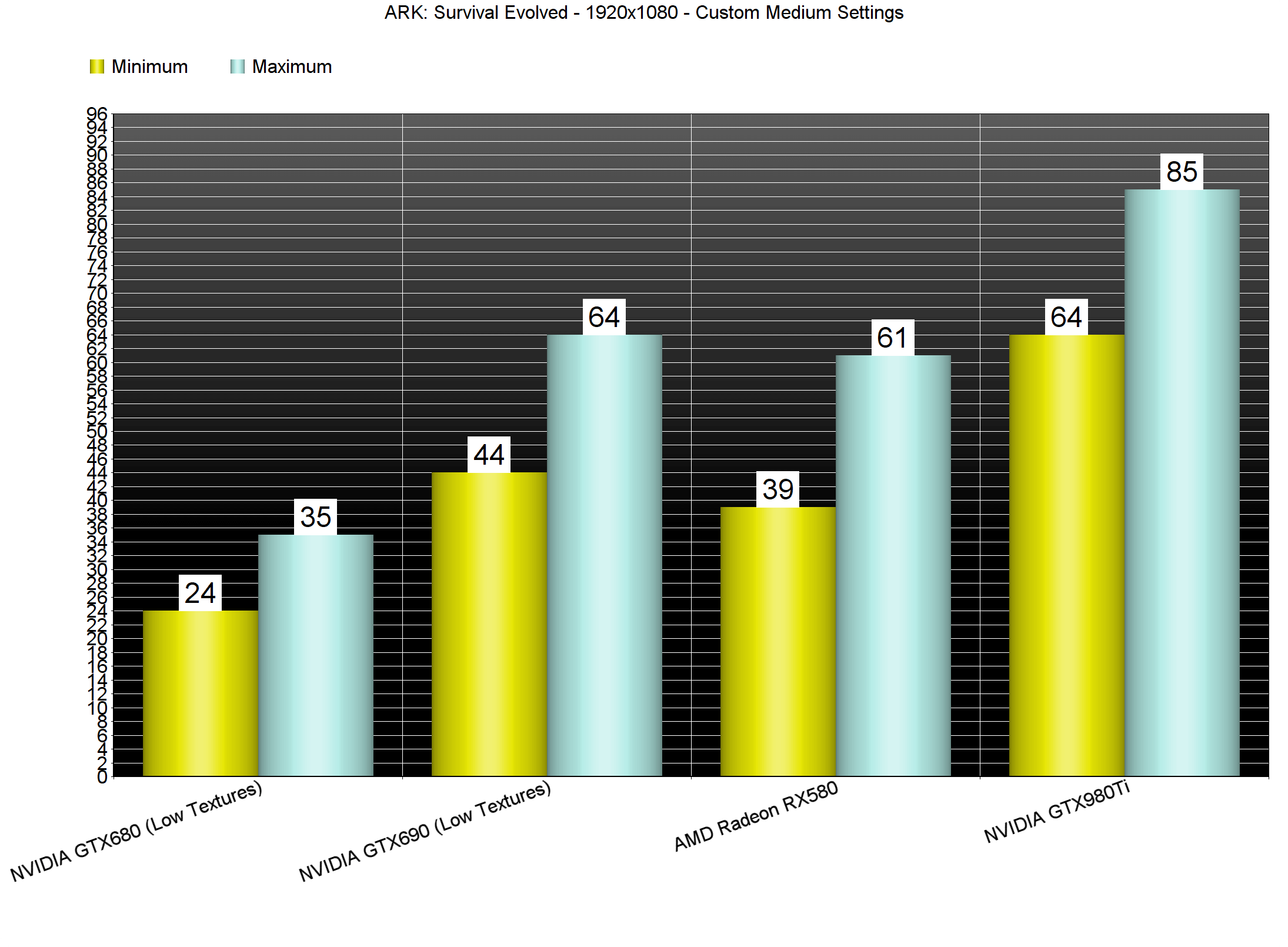
Our AMD Radeon RX580 was unable to offer a smooth a smooth gaming experience on Epic, High or Medium settings at 1080p (with resolution scaler set at 100%). On the other hand, our GTX690 was able to run the game faster than the RX580 on custom Medium settings and lower than AMD’s GPU on Epic settings (though we had to lower our Textures to Low in order to avoid any VRAM limitations). What this basically means is that owners of graphics cards that are less powerful than our GTX980Ti will have to lower their settings even more in order to hit a 60fps experience.
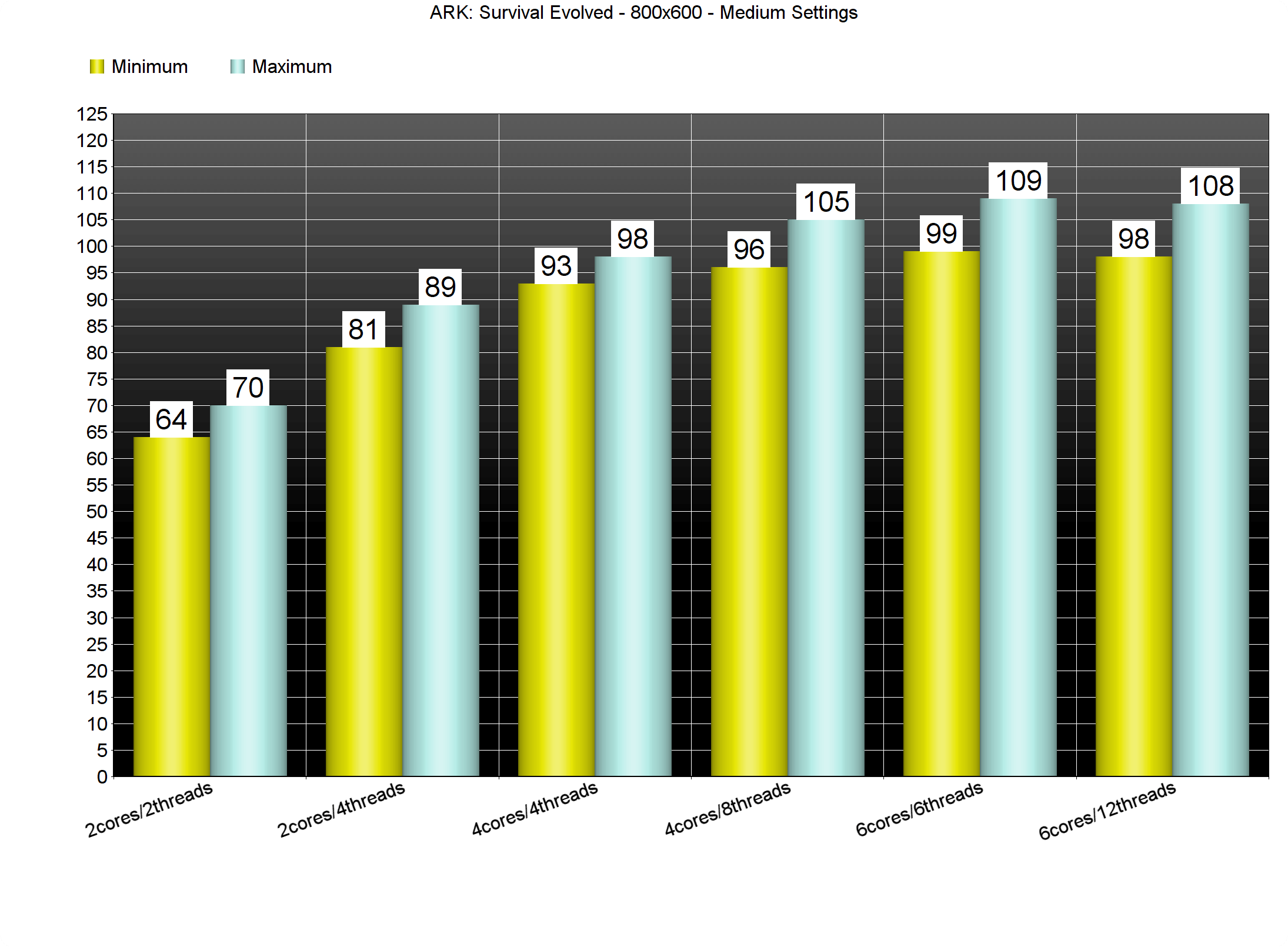
Contrary to its ridiculously high GPU requirements, ARK: Survival Evolved is relatively easy on the CPU side. In order to find out how the game performs on a variety of CPUs, we simulated a dual-core and a quad-core CPU. For our CPU tests, and in order to avoid any GPU limitation, we used the Medium settings, lowered our resolution to 800×600 and lowered – as much as possible – the resolution scaler. And we are happy to report that even our simulated dual-core system, even without Hyper Threading, was able to run the game with more than 60fps.
ARK: Survival Evolved comes with four presets: Low, Medium, High and Epic. The good news is that thanks to the huge amount of graphics settings, PC gamers can adjust them in order to get a smooth experience even on settings that are close to the High preset. On the other hand, the Epic settings are an overkill and we strongly suggest avoiding them, unless you own two top-of-the-line NVIDIA GPUs.
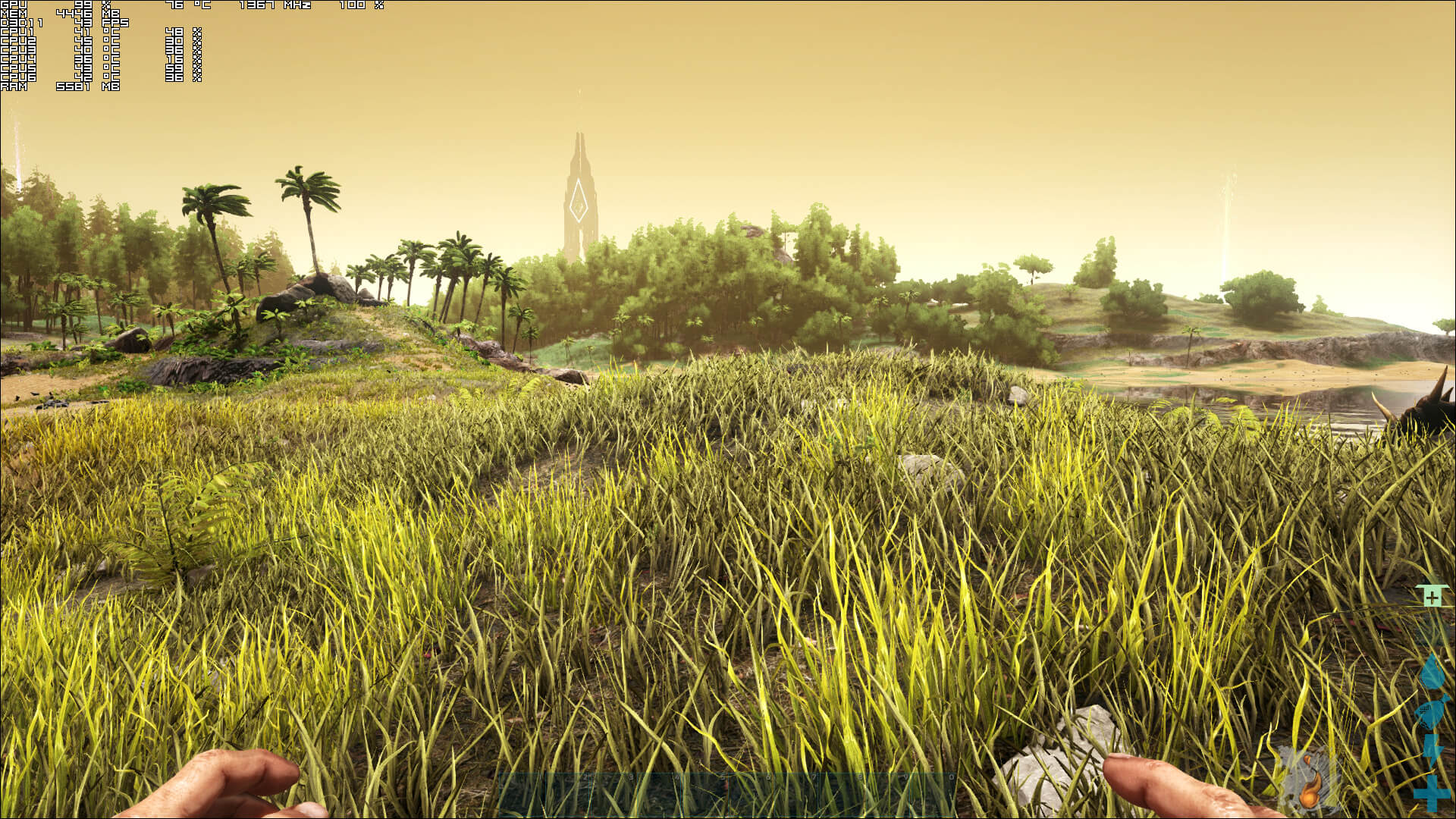
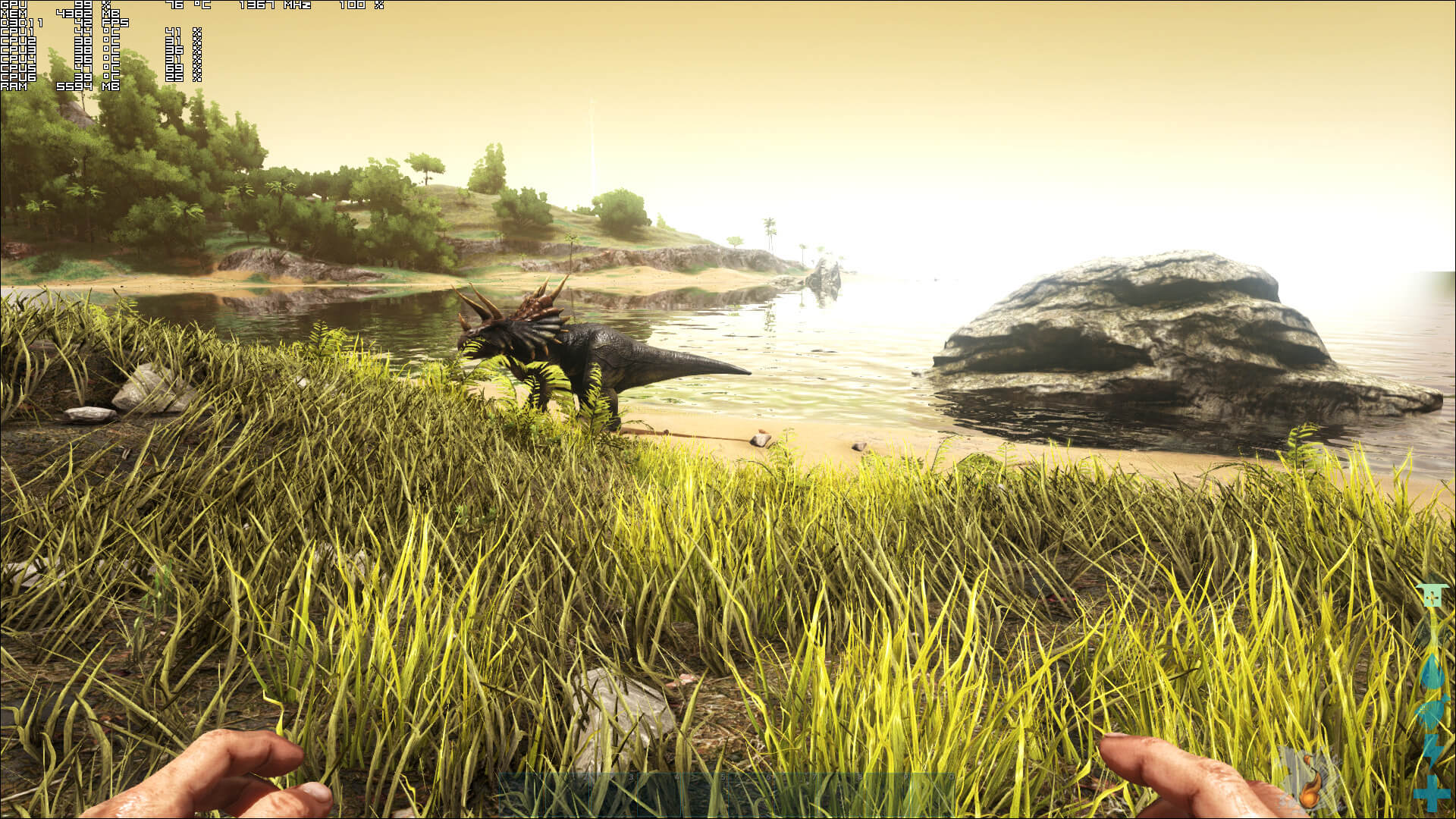
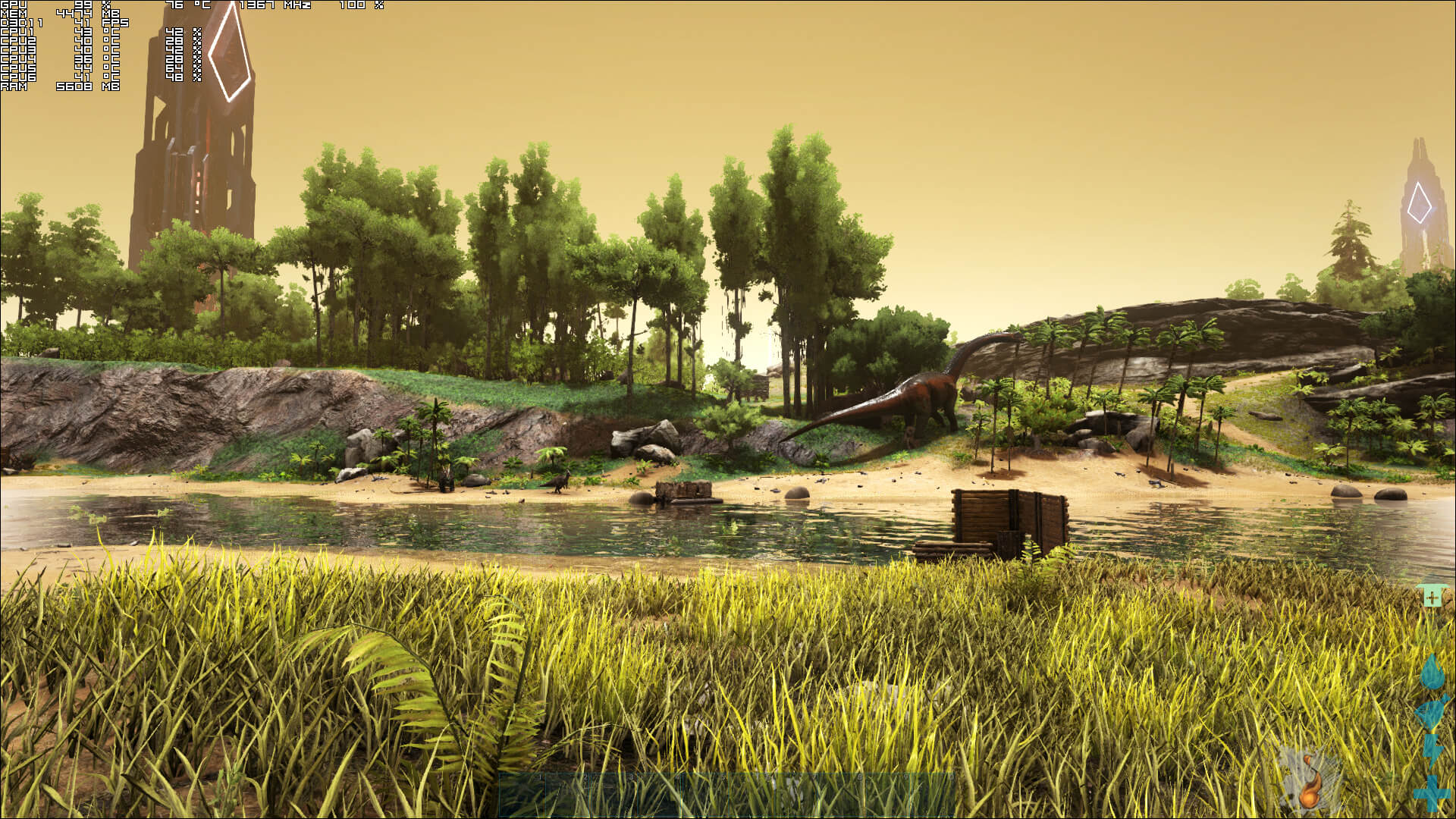
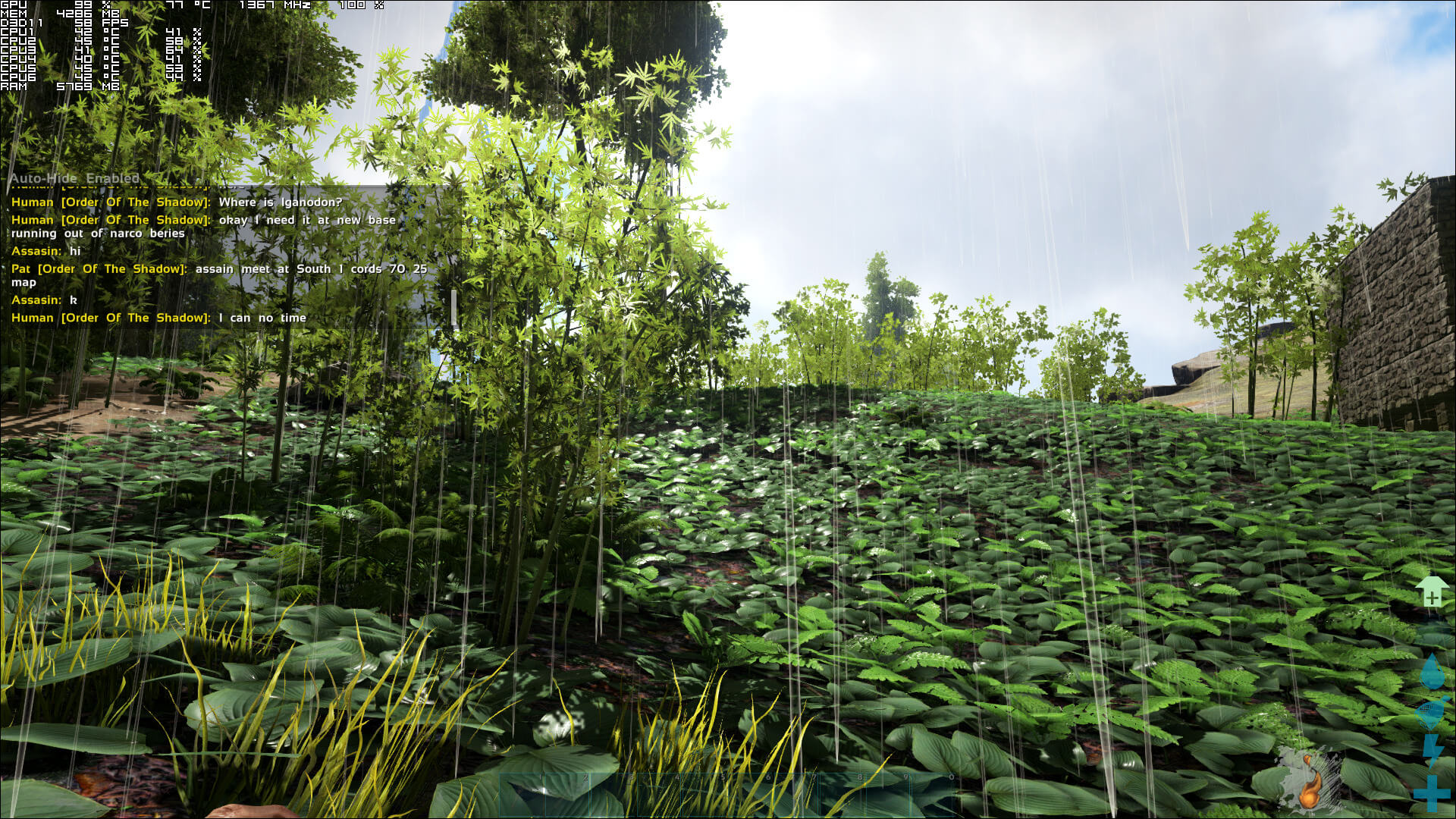
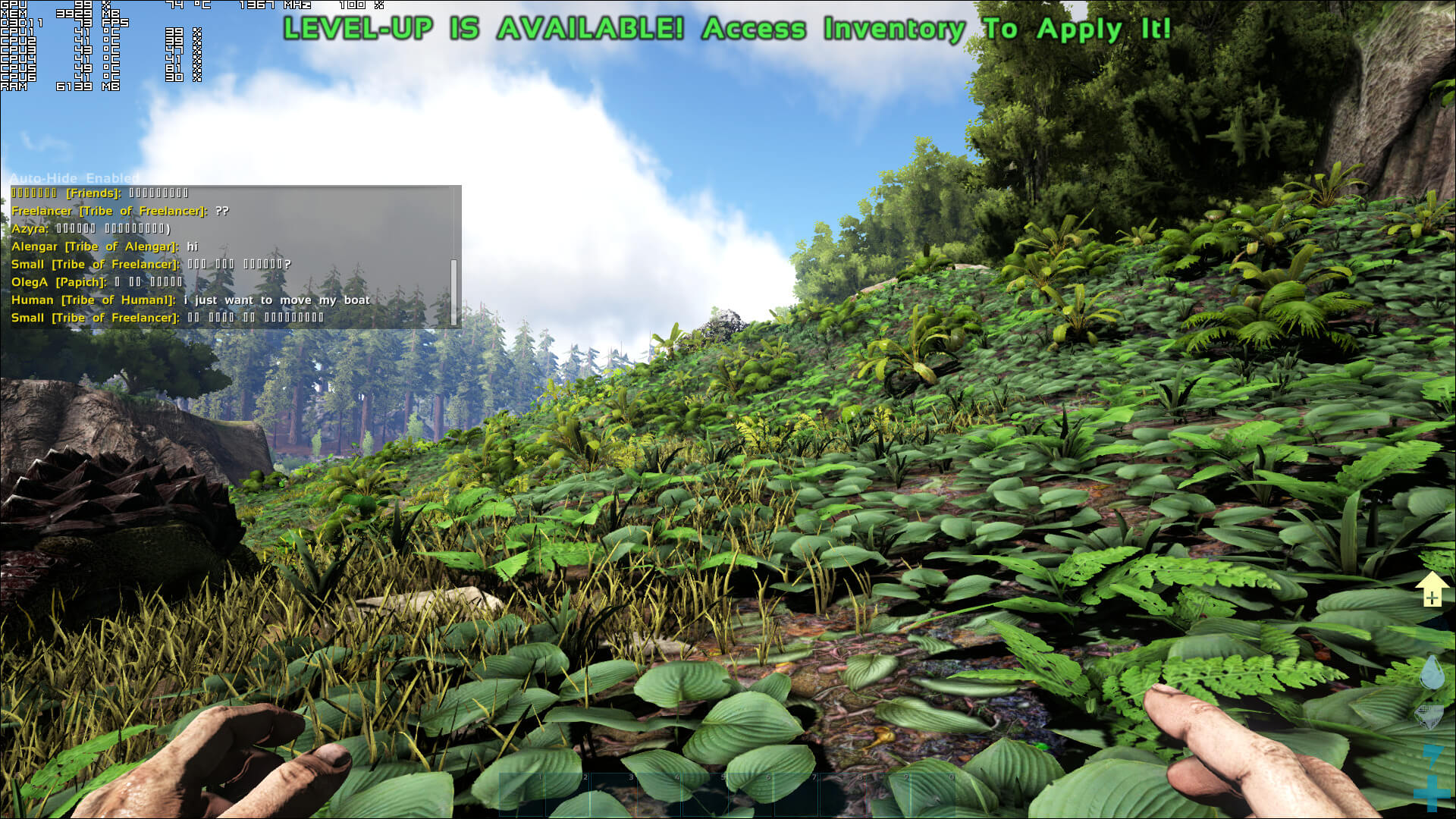
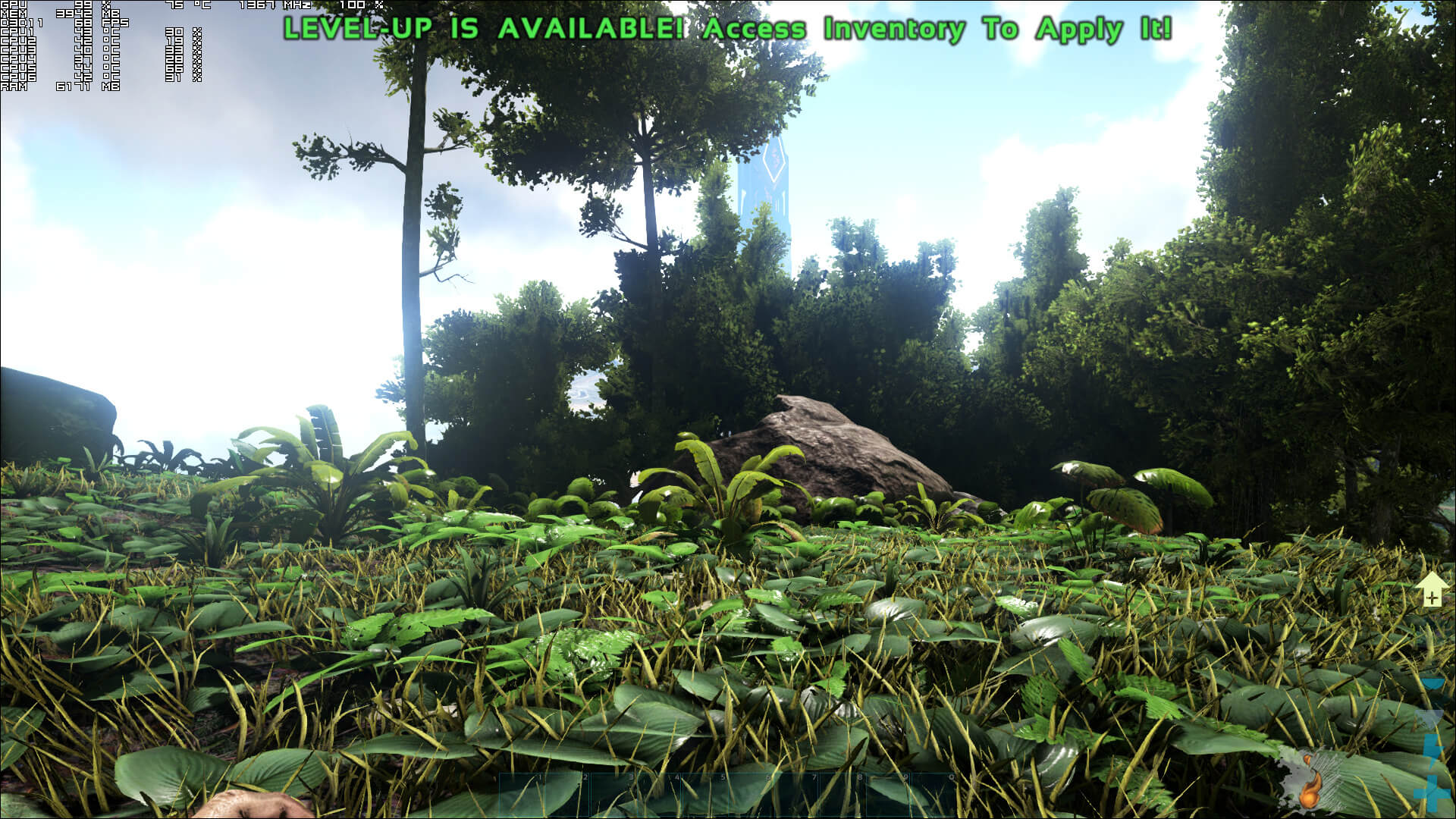
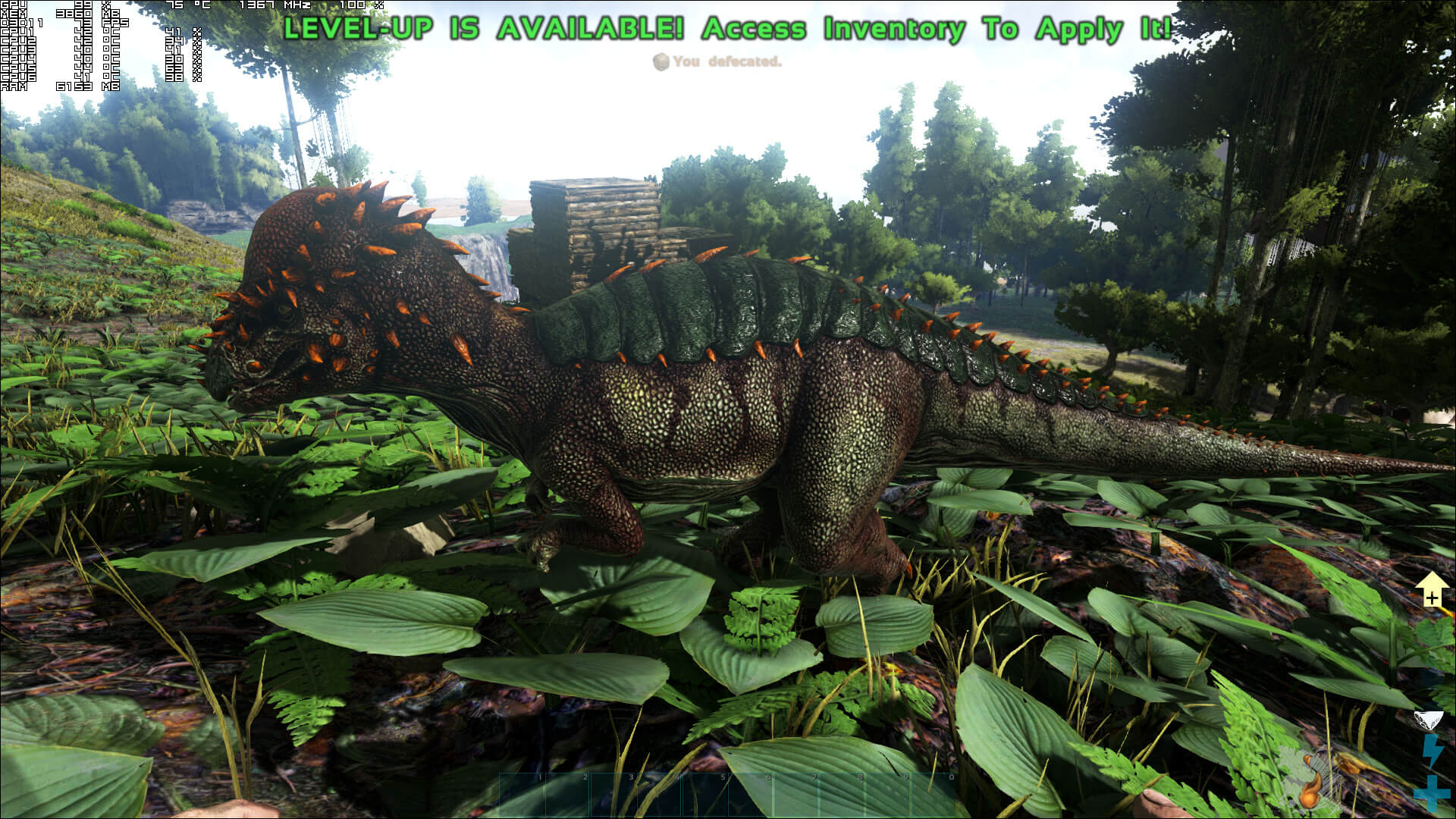
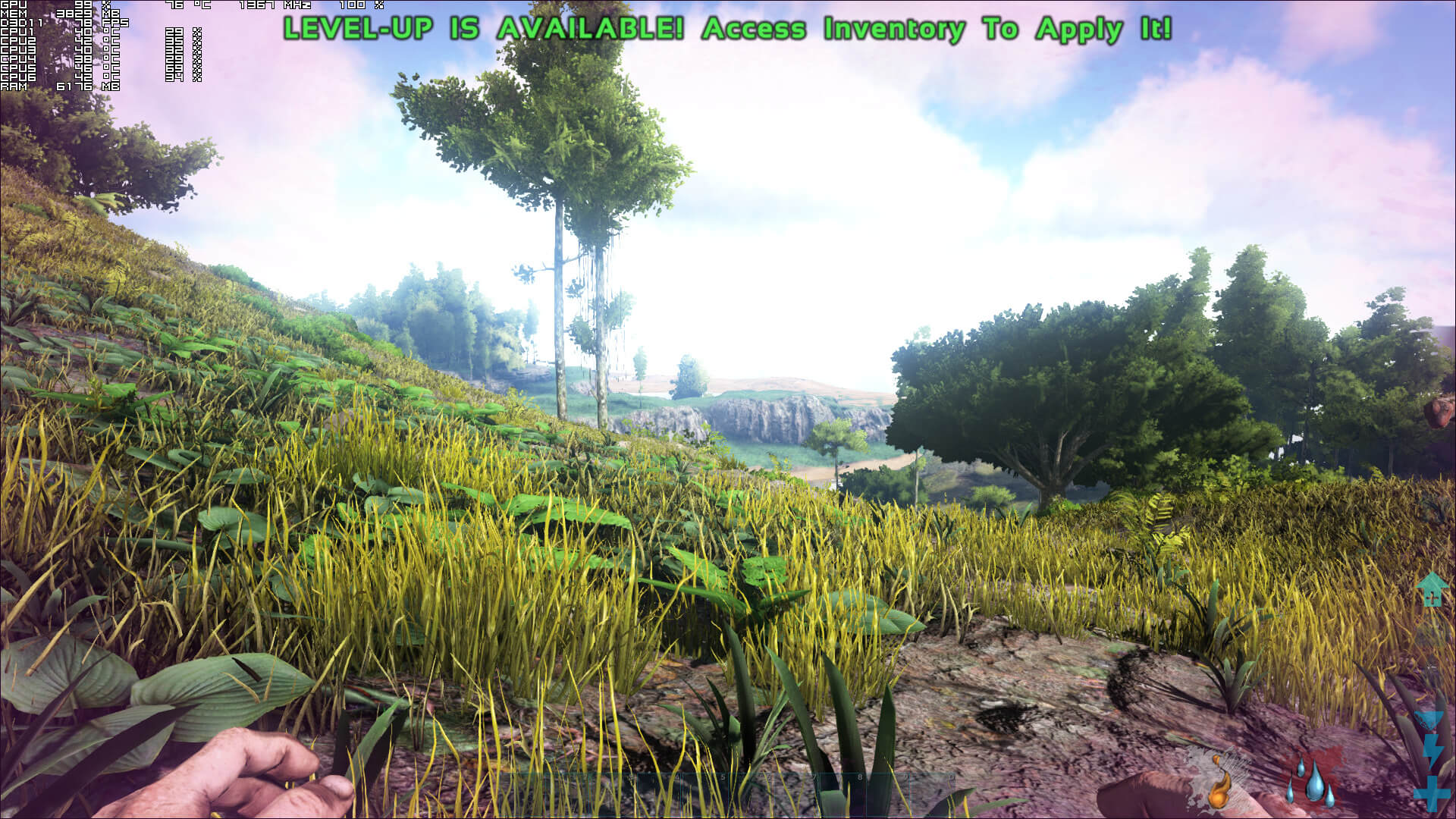
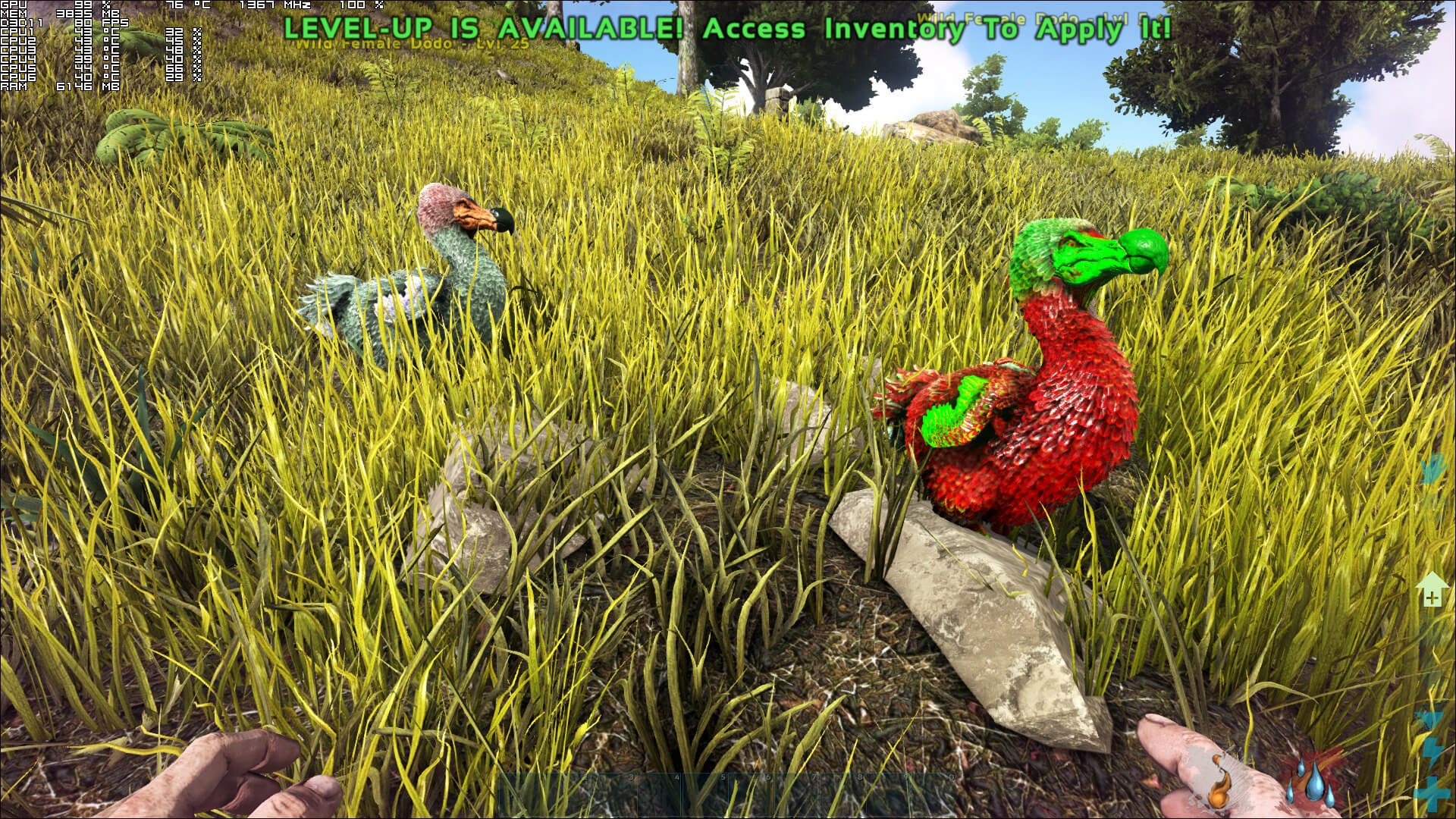
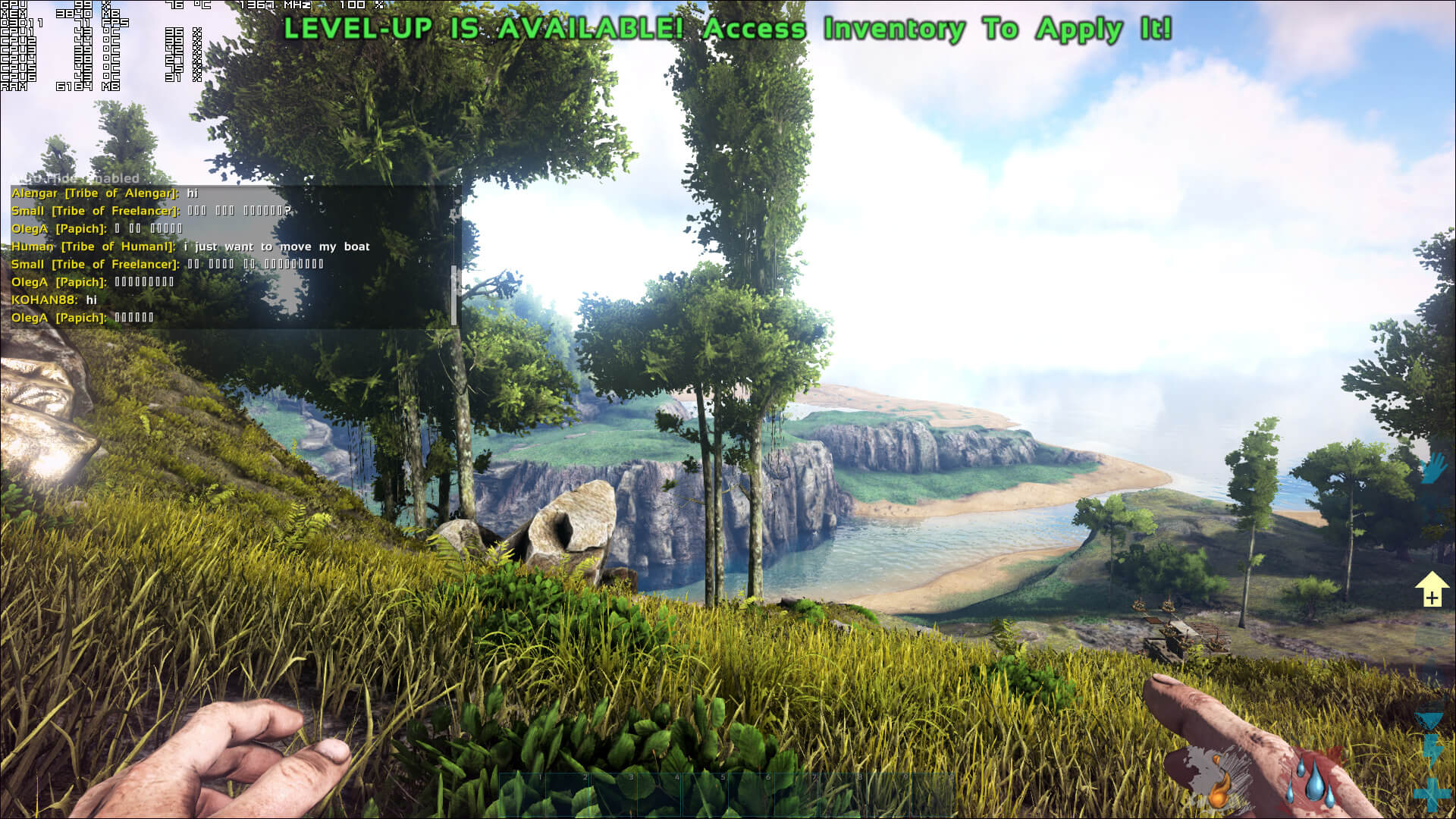
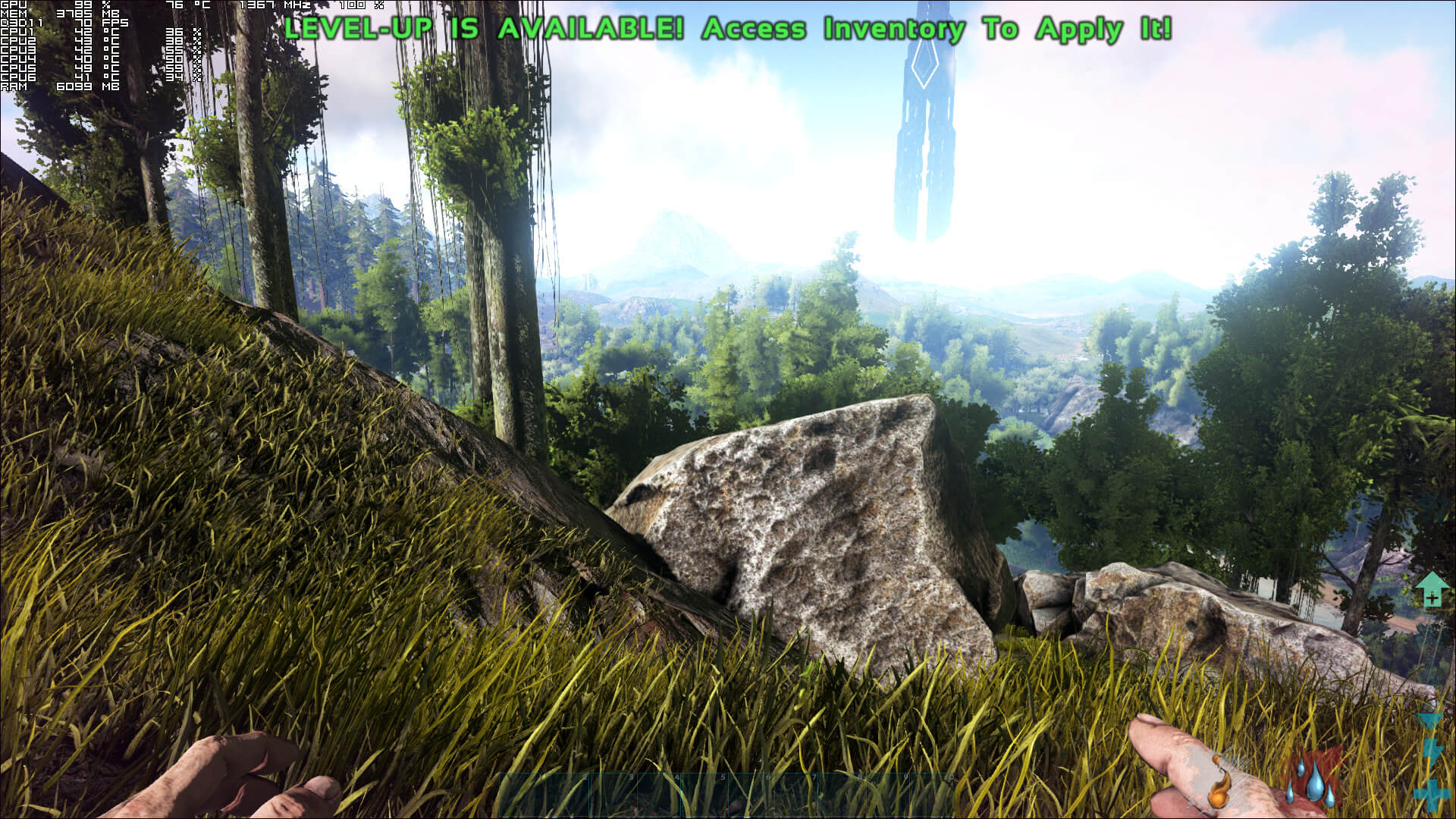
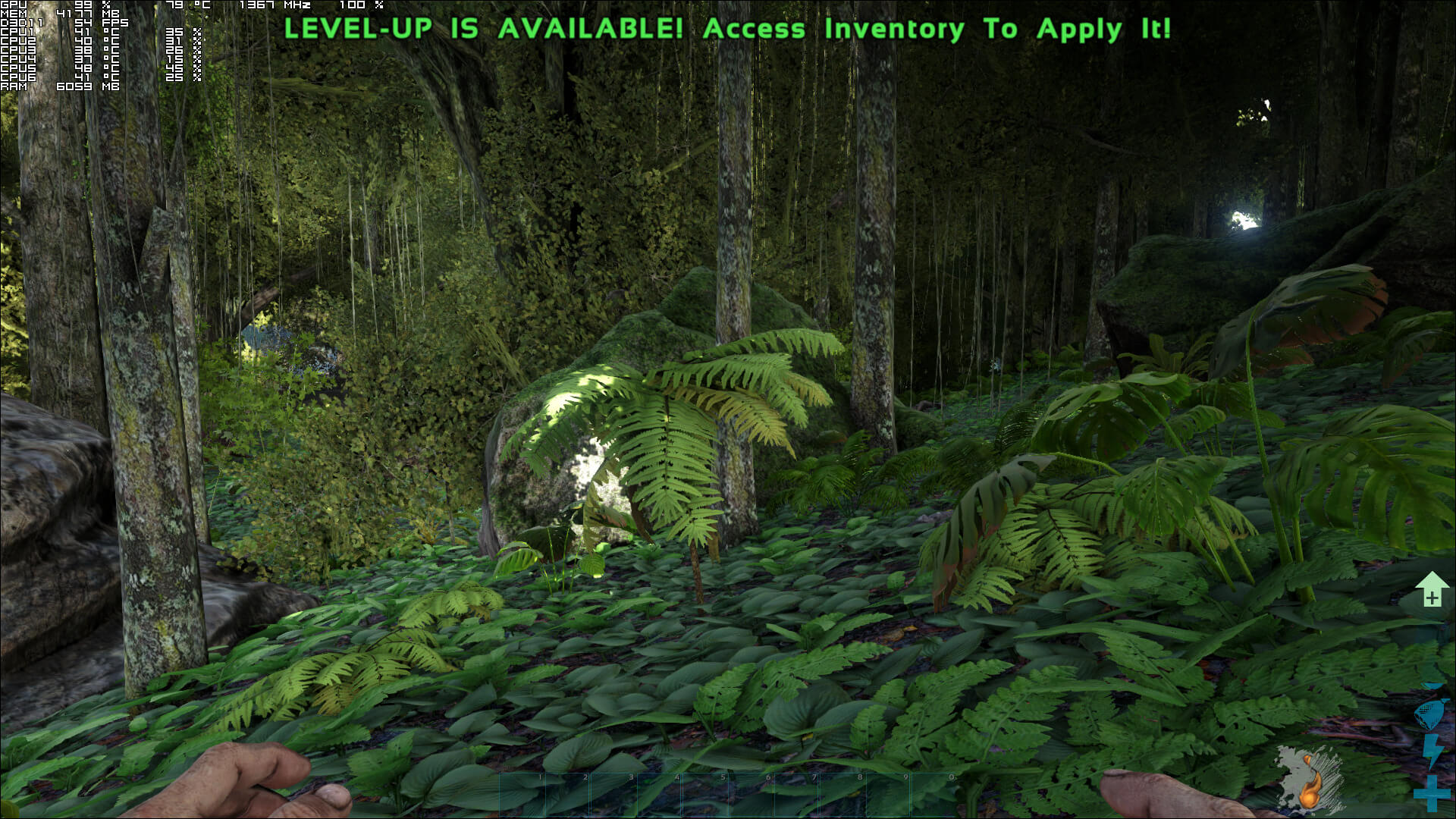
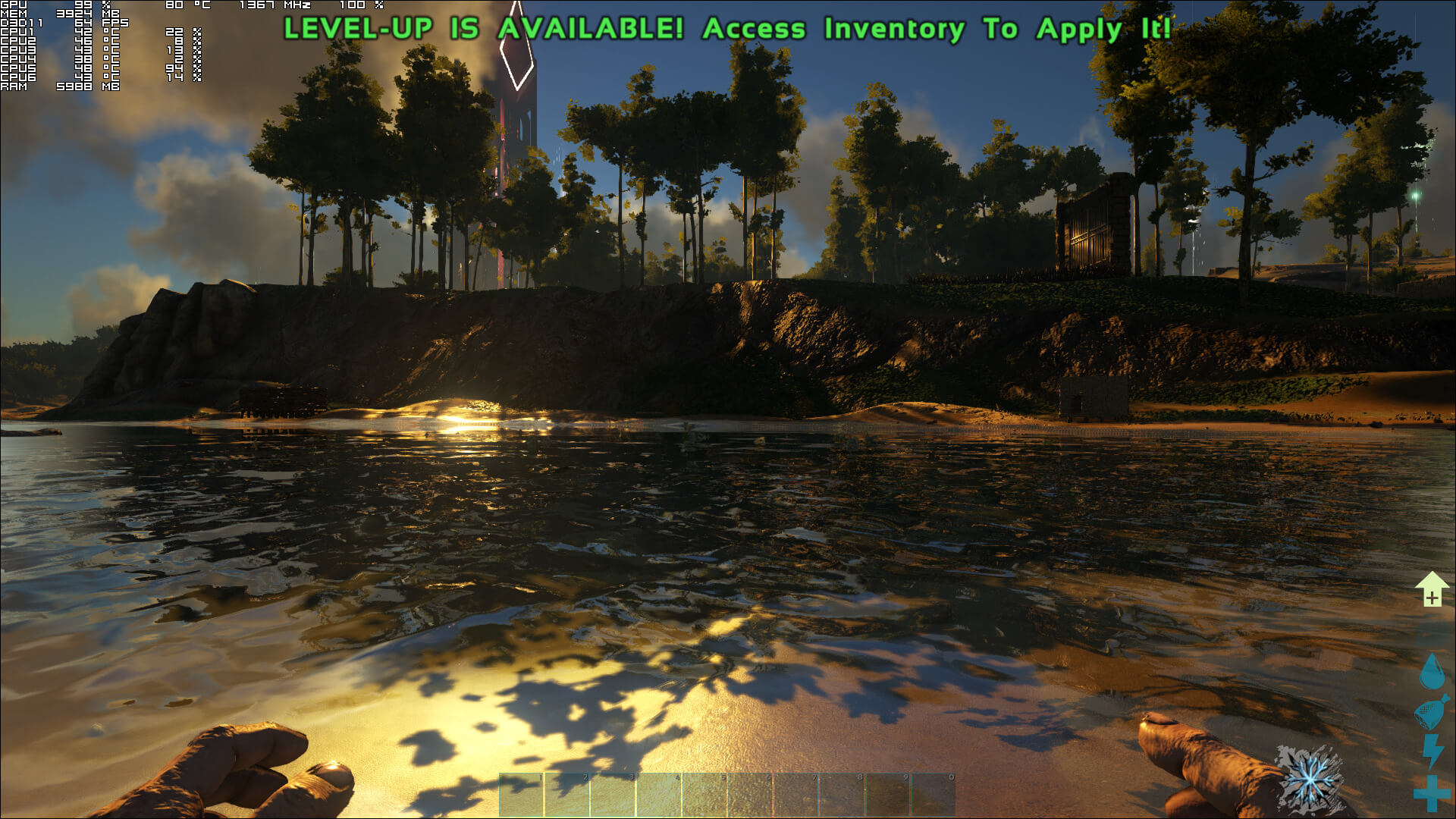
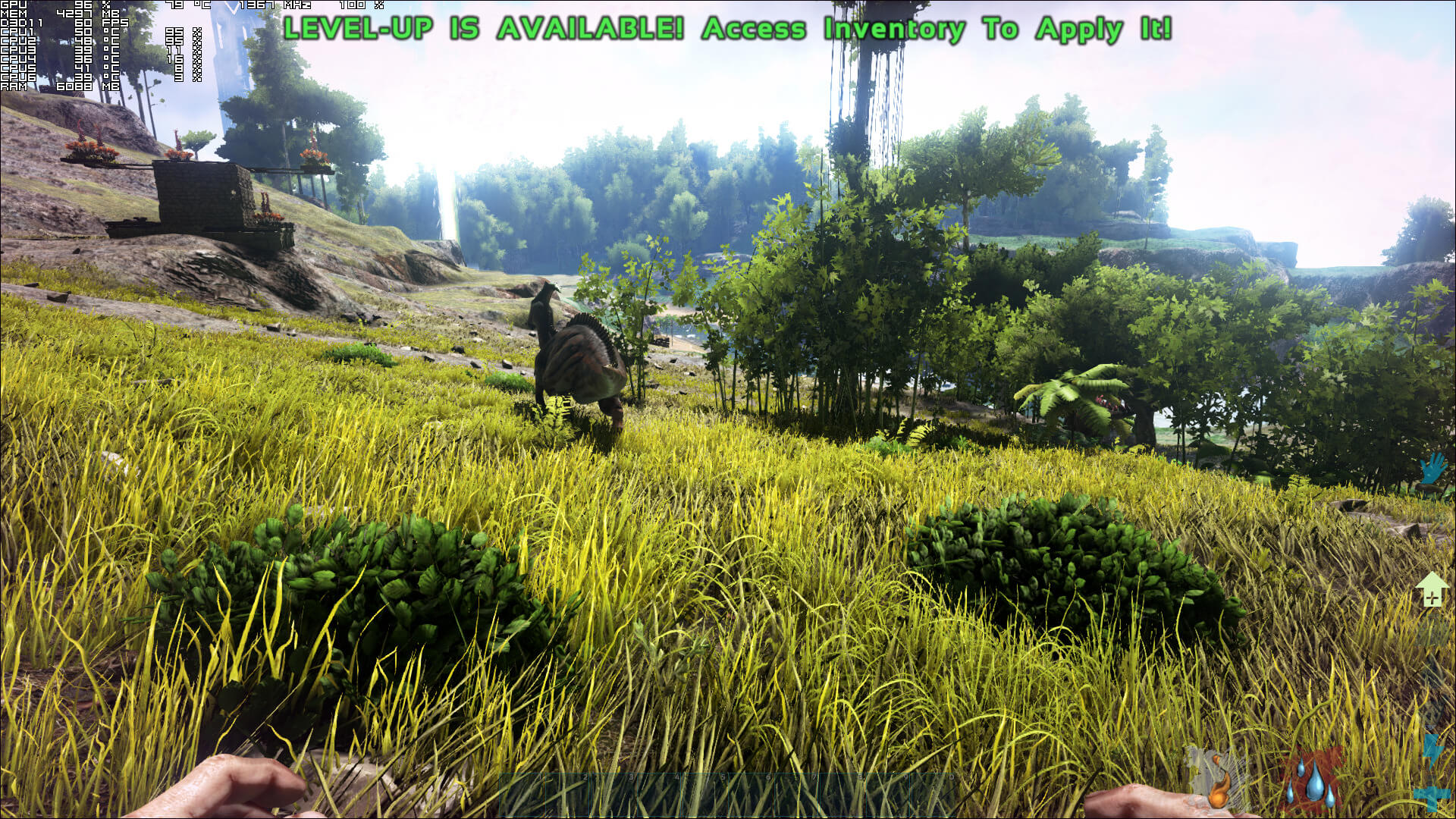
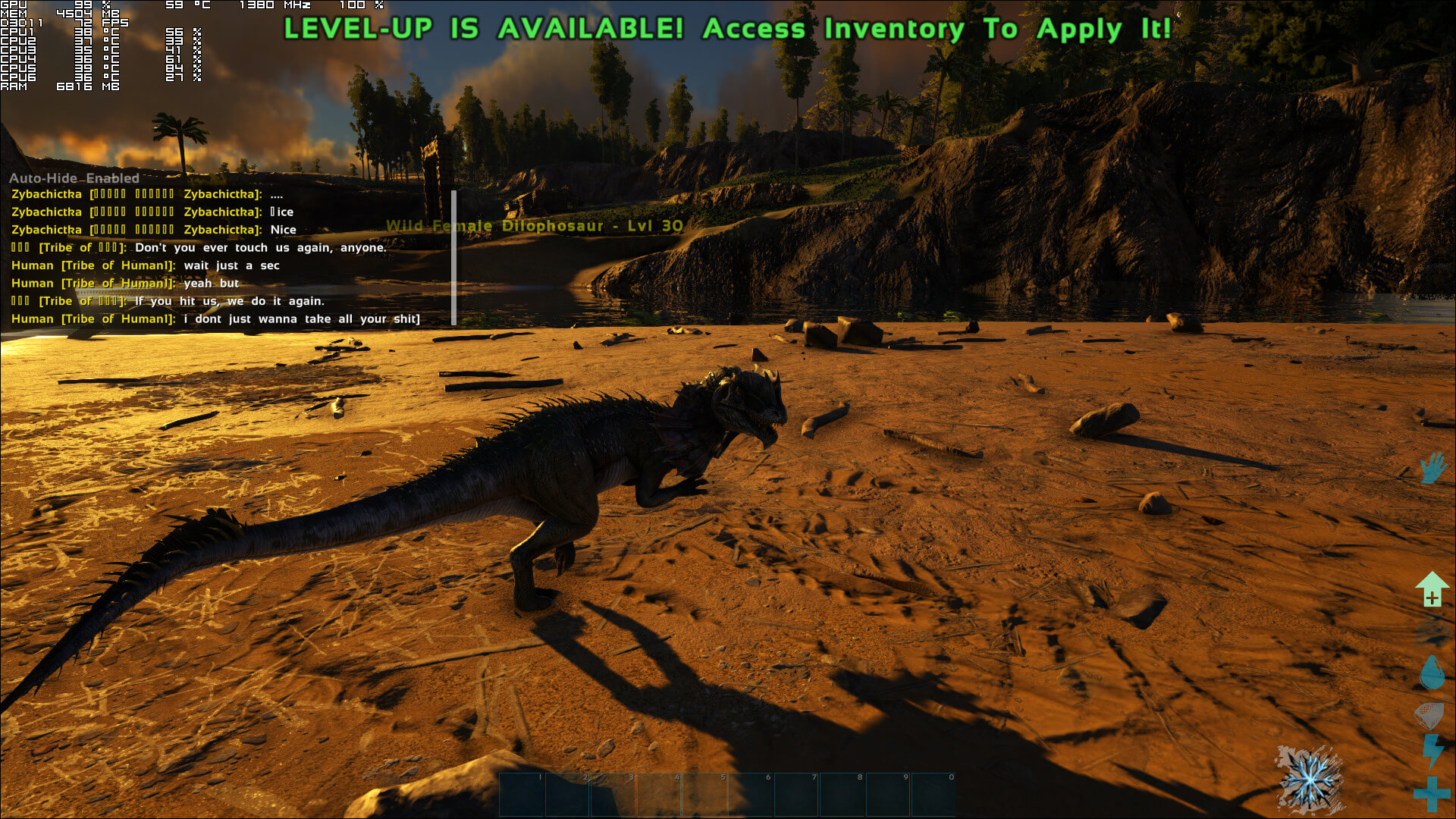
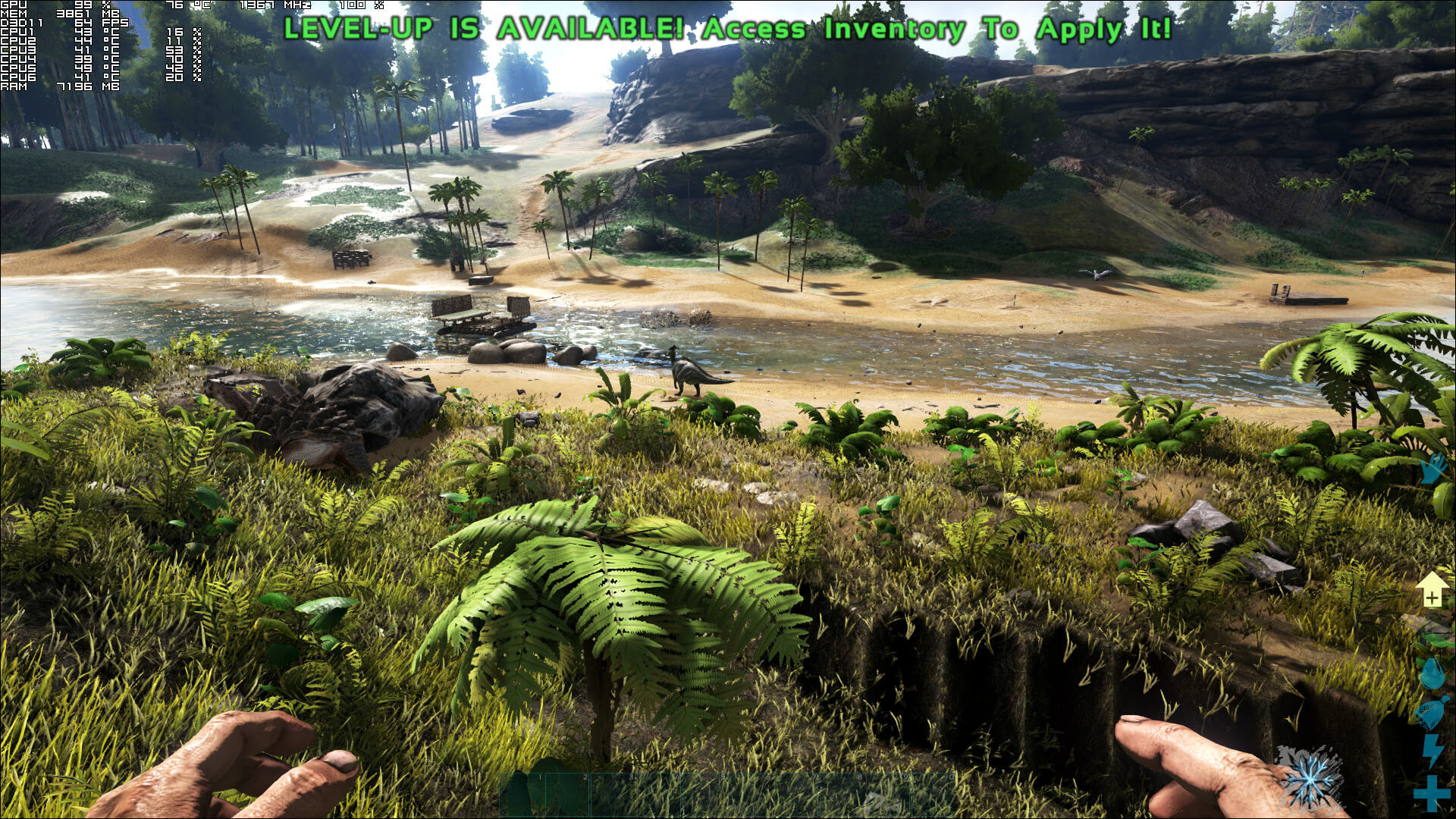
Below you can find a comparison between our custom Medium and the default Epic settings. As you can see, and even though there is a big performance hit, the game does not look that much better on Epic settings.

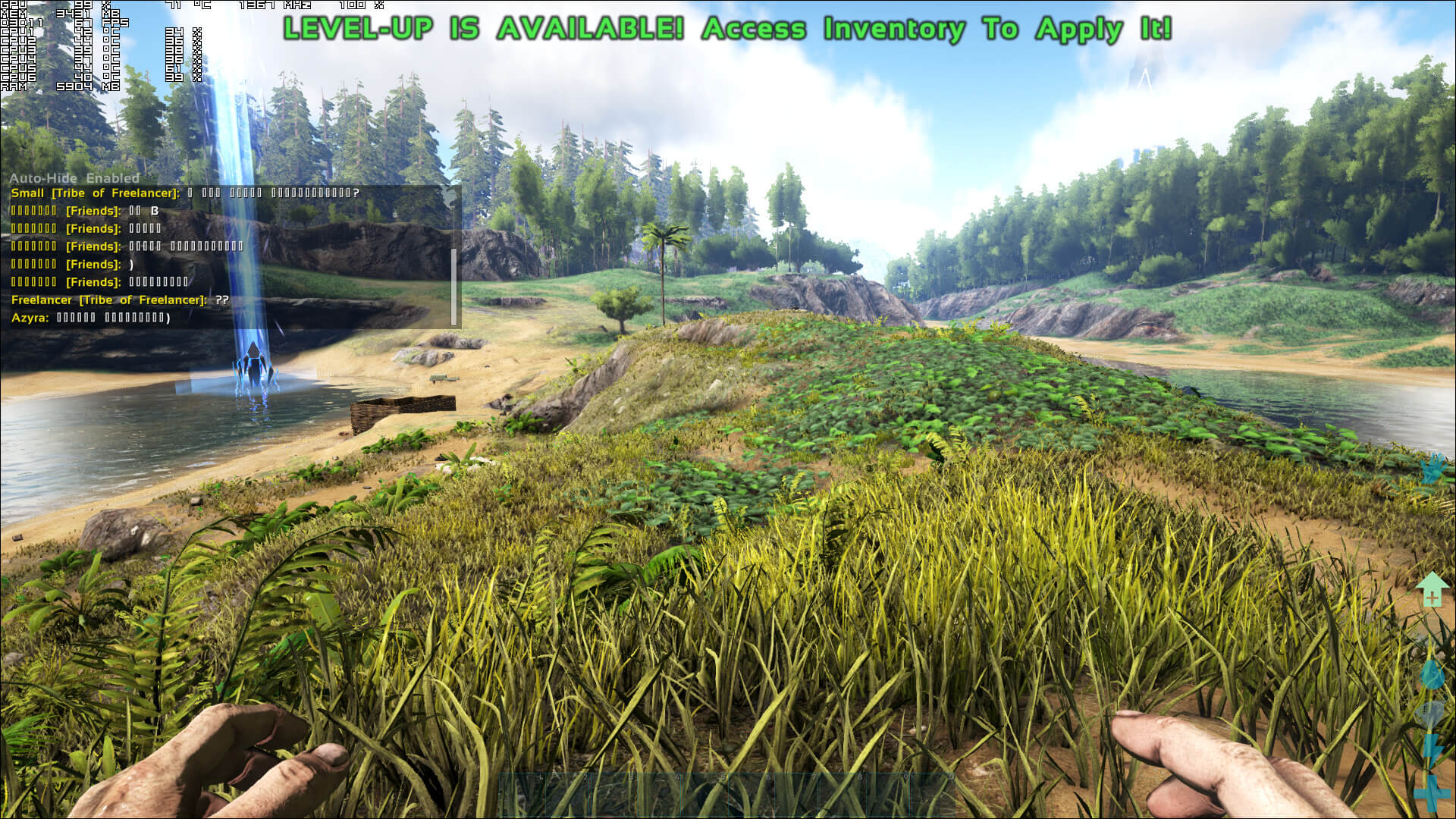
Graphics wise, ARK: Survival Evolved can look beautiful. There are occasions when you get that ‘Skyrim‘ and ‘Oblivion‘ feeling, and that’s something we haven’t experienced in a lot of games. The lighting, at least for the most part, is great though it lacks the complex Global Illumination effects we’ve seen in other triple-A games like Assassin’s Creed Origins. Studio Wildcard has used a lot of high-resolution textures, and players can destroy numerous objects. And while ARK: Survival Evolved does not justify its high GPU requirements on Epic settings, it looks great even on Medium settings. Our biggest gripe with ARK: Survival Evolved, though, is the awful and rough animations. Studio Wildcard will have to improve them as some dinos feel more like robots than leaving creatures. Furthermore, we’ve witnessed numerous glitches and graphical bugs, and there is still no DX12 support (something that the team promised that would be coming in Summer 2017).
All in all, ARK: Survival Evolved is a mixed bag. The game does not require a high-end CPU and can run perfectly fine even on a modern-day dual-core CPU. Moreover, the team has added a wealth amount of graphics settings to tweak, and we did not experience any mouse smoothing or acceleration issues. However, PC gamers will need at least a GTX980Ti in order to enjoy the game with a great performance/visuals ratio. The game would benefit from some additional optimizations, however – and after four months since its full release – we are pretty sure that Studio Wildcard will now focus on other more important things. In conclusion, ARK: Survival Evolved can look great and while it’s not the worst PC game we’ve tested in 2017, it’s far from being described as one of the top optimized PC games of the year!
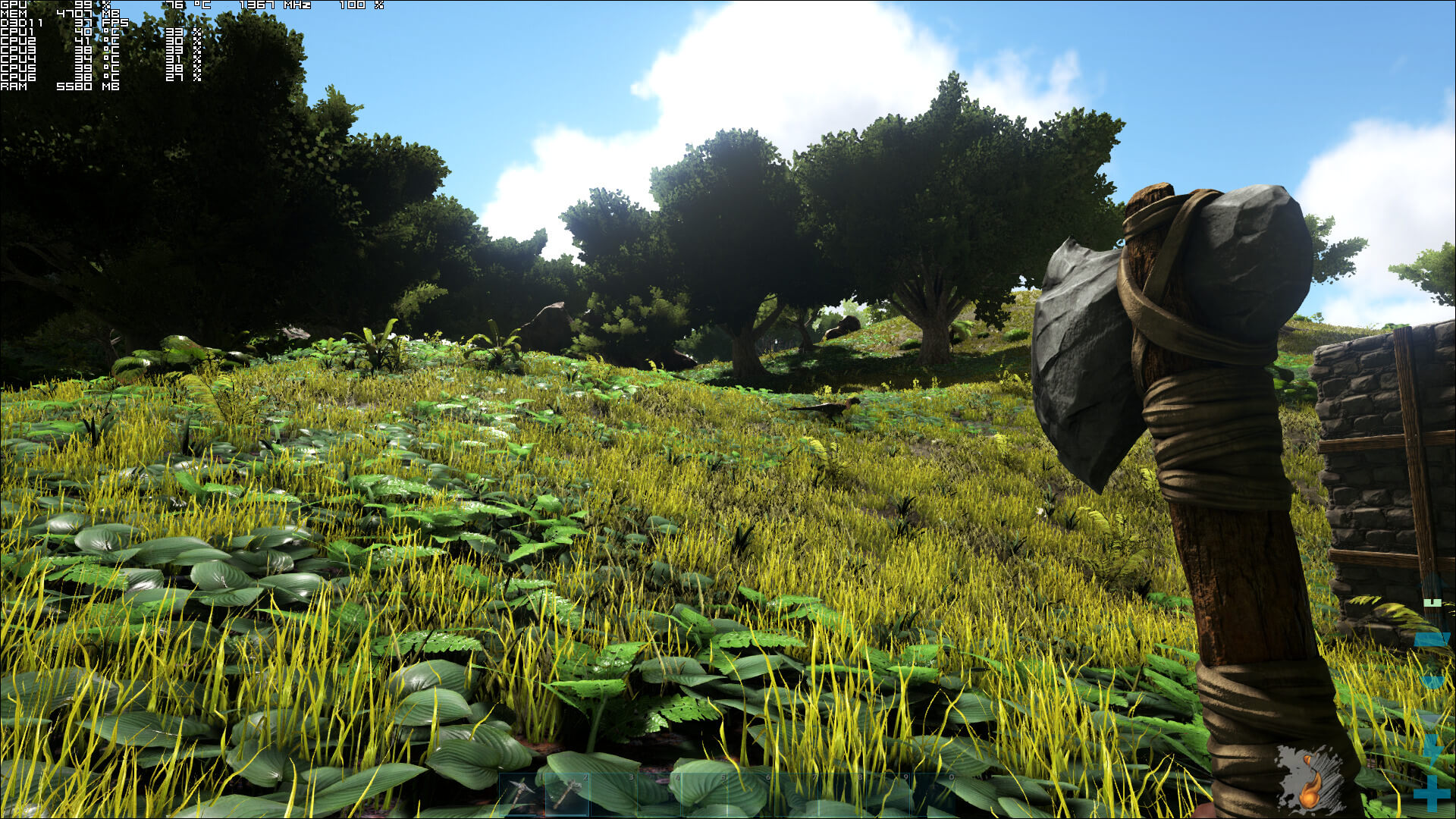
Epic Settings



Custom Medium Settings

John is the founder and Editor in Chief at DSOGaming. He is a PC gaming fan and highly supports the modding and indie communities. Before creating DSOGaming, John worked on numerous gaming websites. While he is a die-hard PC gamer, his gaming roots can be found on consoles. John loved – and still does – the 16-bit consoles, and considers SNES to be one of the best consoles. Still, the PC platform won him over consoles. That was mainly due to 3DFX and its iconic dedicated 3D accelerator graphics card, Voodoo 2. John has also written a higher degree thesis on the “The Evolution of PC graphics cards.”
Contact: Email