

Our reader ‘Oscar Rosendahl’ has shared with us a tool that enables downsampling from really high resolution in games running under DX9, DX10 and DX11. While Nvidia owners have been able to downsample via their control panel, this tool makes it easier to do so, making it pretty much essential to everyone. Also, this method works fine on all AMD cards
As Oscar told us:
“This directX tool consists of one d3d9.dll file and one config file for changing the preferred resolution. Just put the two files where the game executable is, then change to the resolution of your liking in the config and fire up the game. Normally the new resolution would show up in the resolution list in the ingame options menu, but sometimes it doesn’t and then you need to open the games own config/settings file and set the same resolution you’ve chosen there.”
Those interested can download this tool from here (and here is the link for Oscar’s Watch_Dogs settings).
While ENBSeries is compatible with SoftTH, SweetFX is currently not working with it. And while most games are compatible with it, there are a number of games (like Wolfenstein: The New Order and the STALKER series) that are incompatible with it.
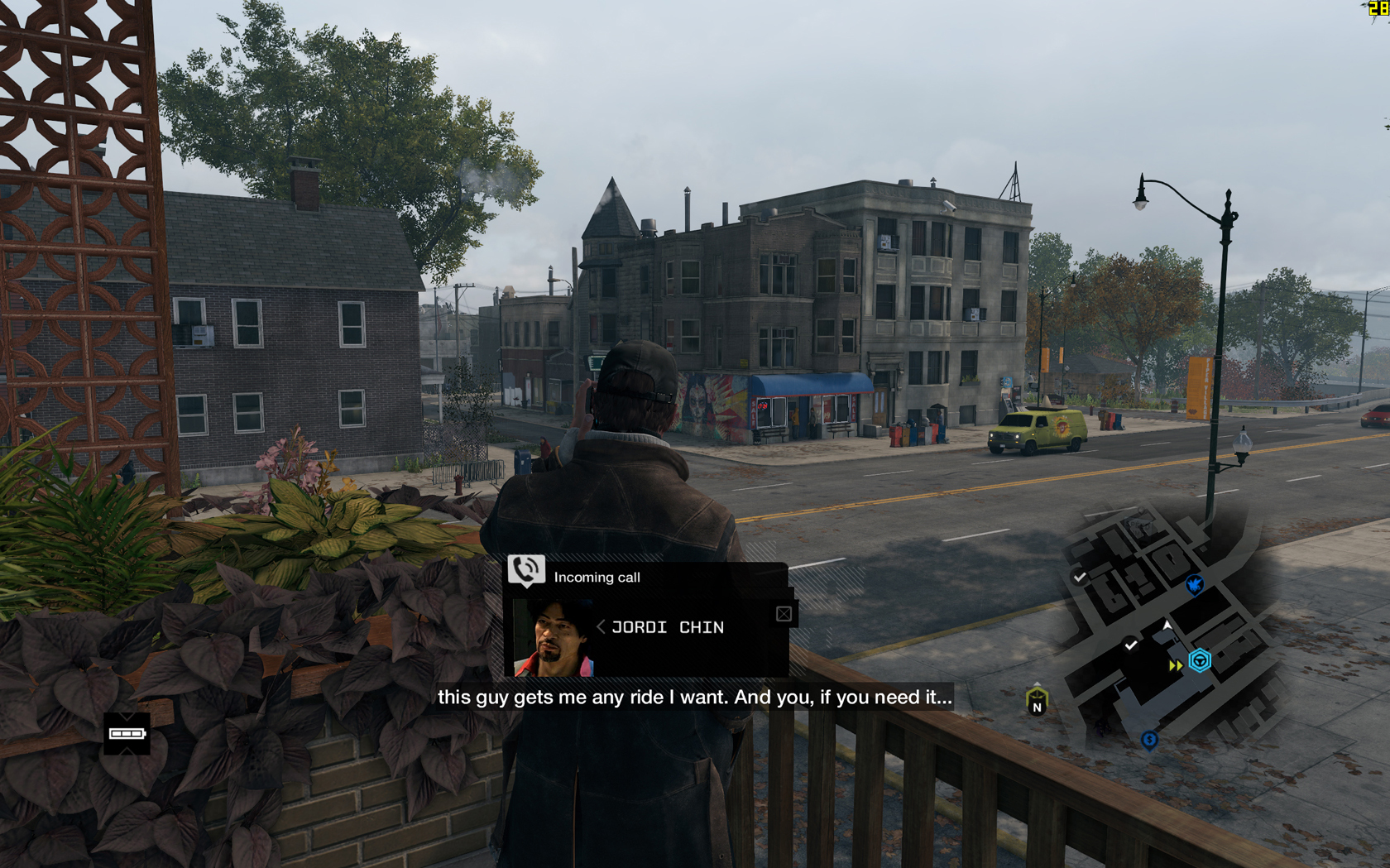
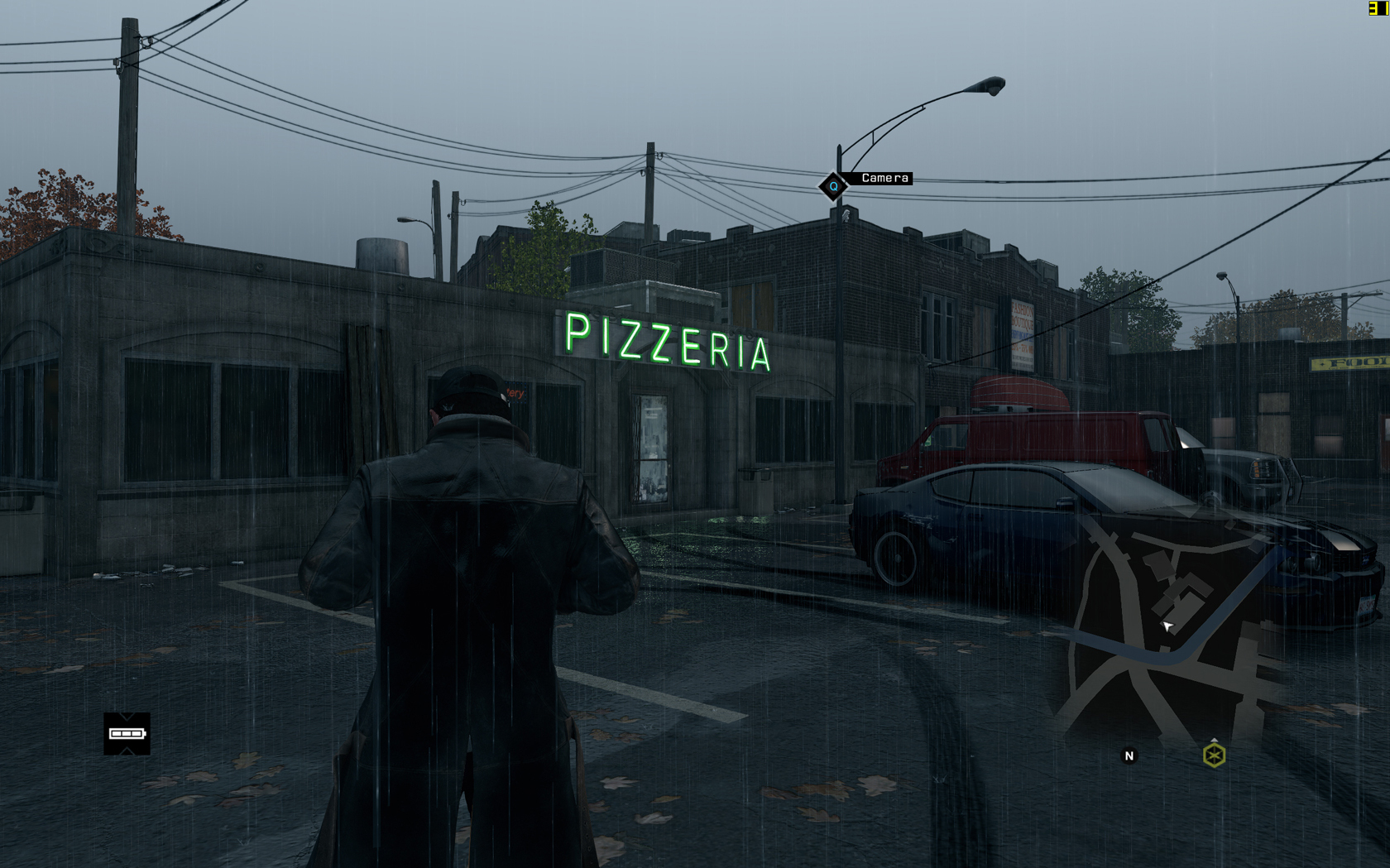
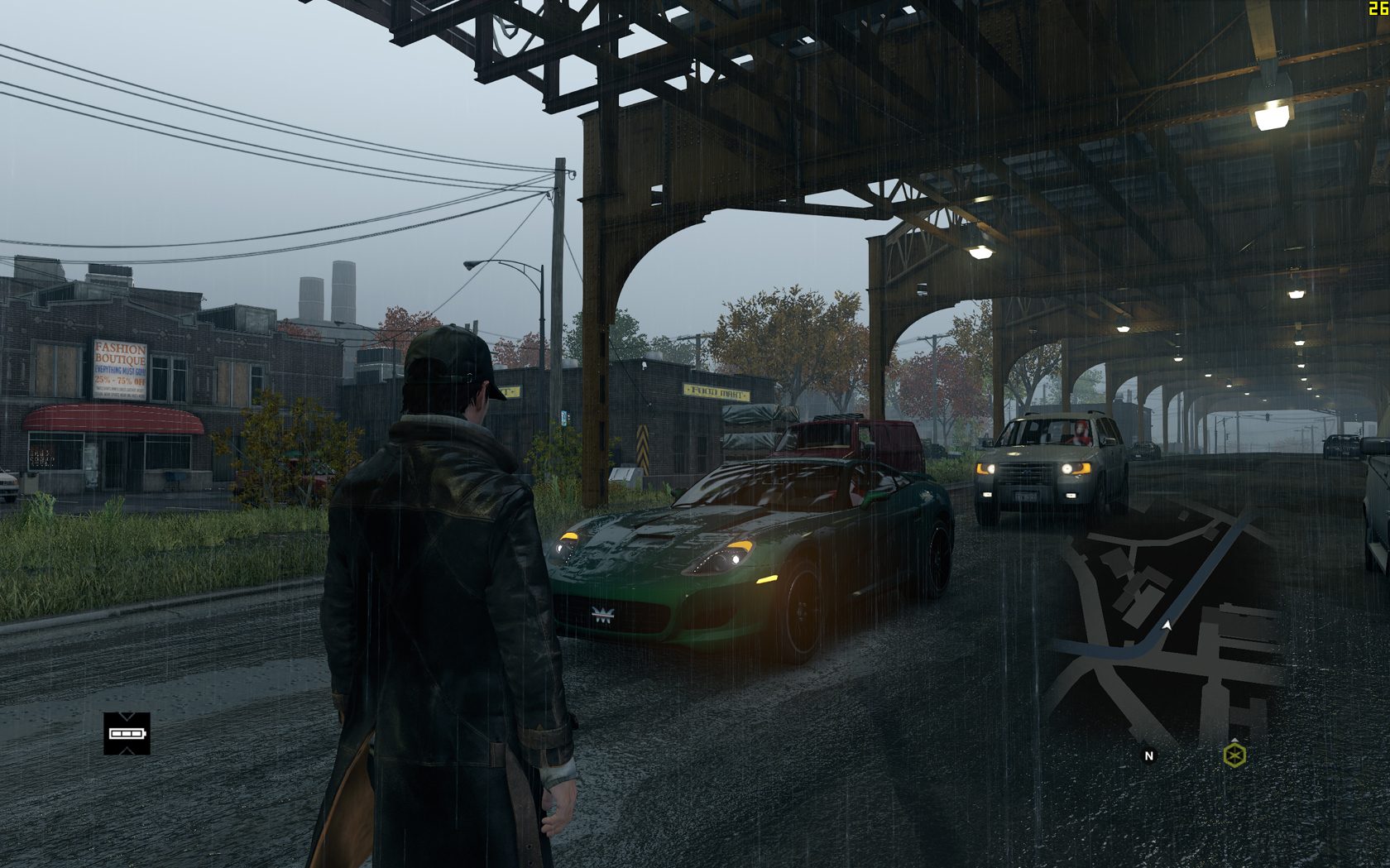
Oscar has provided us with a number of screenshots from this game running at 2520×1575 via this tool. As Oscar noted, players may need to ‘tab out and tab in again to the game once you reach the main menu for the custom resolution to apply.’



John is the founder and Editor in Chief at DSOGaming. He is a PC gaming fan and highly supports the modding and indie communities. Before creating DSOGaming, John worked on numerous gaming websites. While he is a die-hard PC gamer, his gaming roots can be found on consoles. John loved – and still does – the 16-bit consoles, and considers SNES to be one of the best consoles. Still, the PC platform won him over consoles. That was mainly due to 3DFX and its iconic dedicated 3D accelerator graphics card, Voodoo 2. John has also written a higher degree thesis on the “The Evolution of PC graphics cards.”
Contact: Email