

All hail modders. As you may already know, Kaldaien has released an amazing mod that addresses the NieR: Automata’s fullscreen issues and is packed with DrDaxxy’s Global Illumination performance tweaks. However, the game still suffered from some annoying stuttering issues during the cut-scenes. Well, good news everyone as the latest version of the FAR mod addresses these issues.
In order to fix these issues, Kaldaien has switched the framerate limiter from Sleep to spinlock. As the modder claimed:
“I really get the impression that console developers don’t know the first thing about multi-tasking operating systems :-\ Don’t use Sleep in the render thread! =P”
You can download the new version of Kaldaien’s mod from here.
On the other hand, Durante is currently working on improving the game’s God Rays and Bloom effects. According to Durante these effects are 800×450 by default. Durante has increased their resolution to 1280×720, and provided a comparison screenshot that can be found below.
“As you can see, having the correct ratio is sufficient to get a massively better end result — and the performance cost is negligible.”
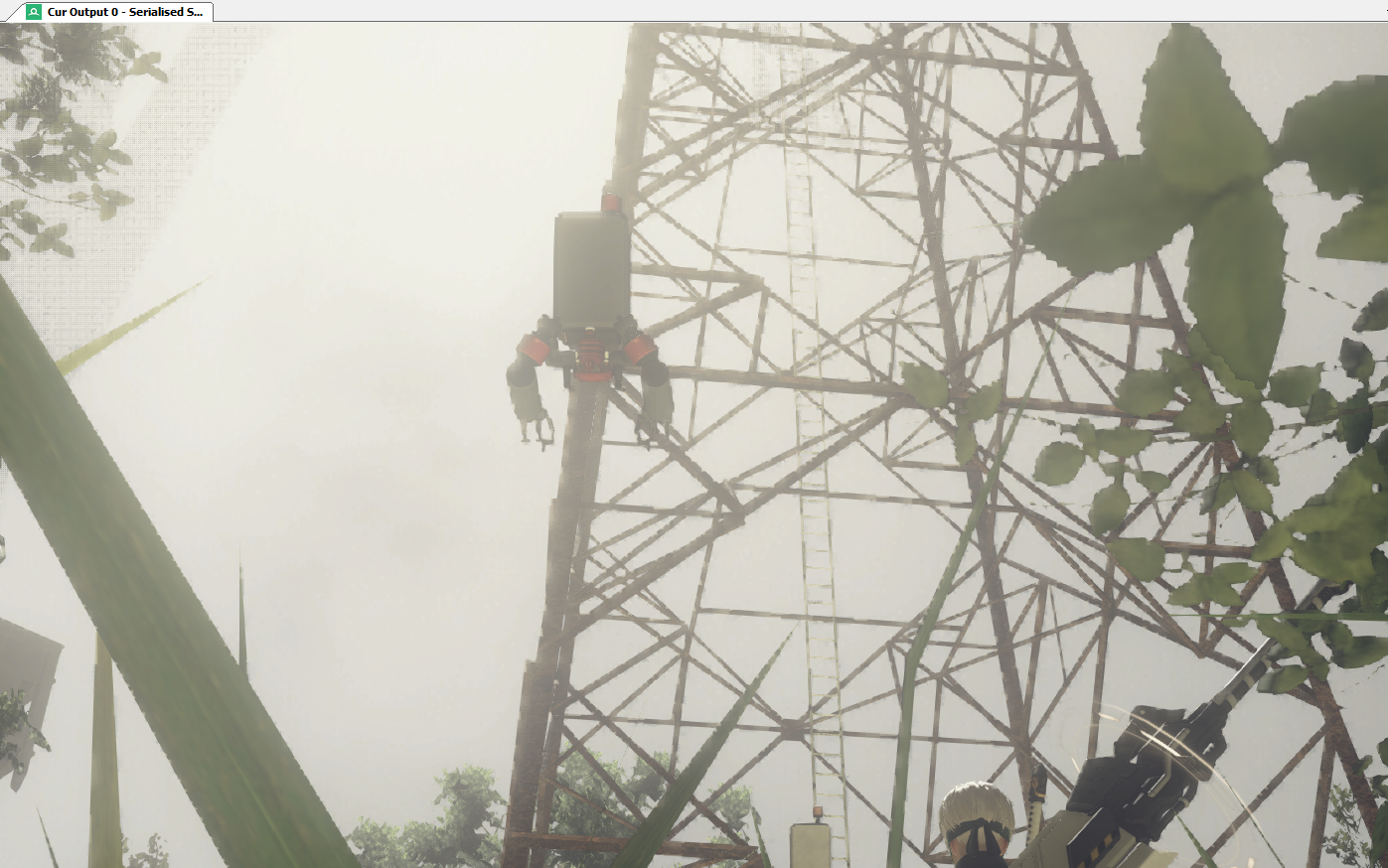
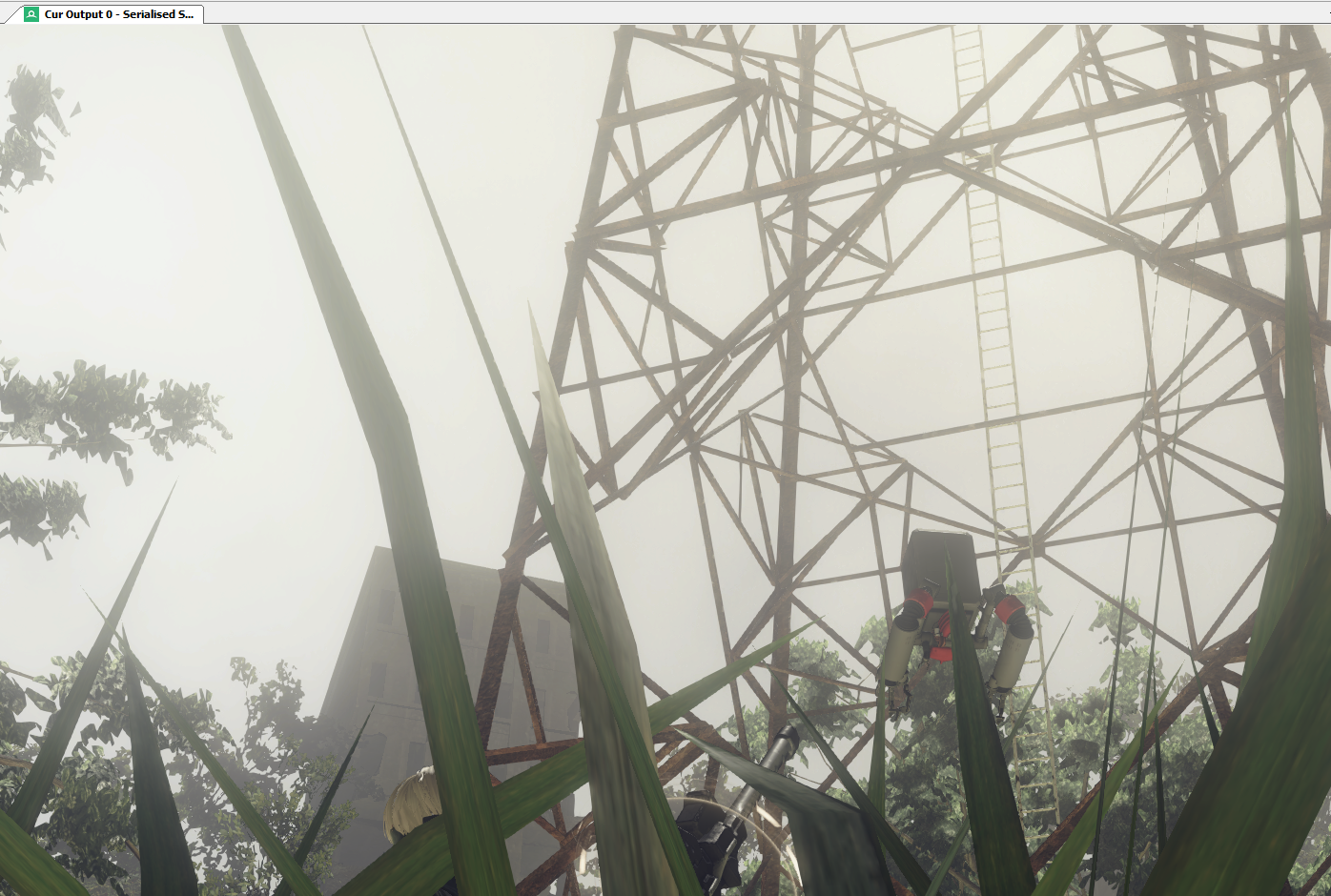
Durante has not released his fix/mod yet, however we’ll be sure to keep you posted!

John is the founder and Editor in Chief at DSOGaming. He is a PC gaming fan and highly supports the modding and indie communities. Before creating DSOGaming, John worked on numerous gaming websites. While he is a die-hard PC gamer, his gaming roots can be found on consoles. John loved – and still does – the 16-bit consoles, and considers SNES to be one of the best consoles. Still, the PC platform won him over consoles. That was mainly due to 3DFX and its iconic dedicated 3D accelerator graphics card, Voodoo 2. John has also written a higher degree thesis on the “The Evolution of PC graphics cards.”
Contact: Email