
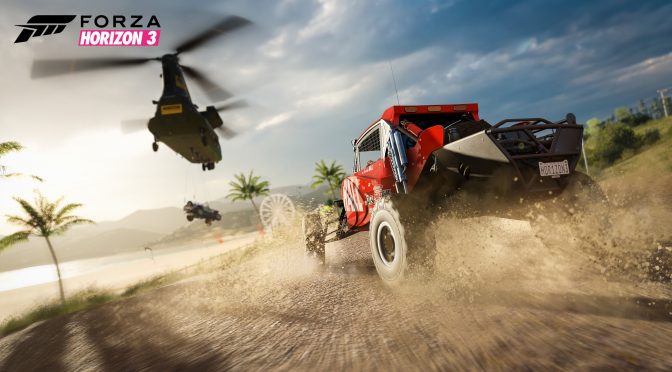
Playground Games has released a new update for the PC version of Forza Horizon 3. According to the company, this new update aims to improve performance & stability on the PC, and comes with some new tuning options for Force Feedback Wheels.
In addition, this brand new version of Forza Horizon 3 requires NVIDIA’s 376.09 driver as a minimum driver requirement. As such, PC gamers will need to download this driver (or a newer version) in order to play the game.
Furthermore, this update addresses an issue where tuning values could persist after removing race parts.
Here are the Force Feedback Wheels improvements that have been added to Forza Horizon 3 via this latest update.
- The new Force Feedback Understeer slider allows players to control the FFB torque resistance when tire peak grip is exceeded and it starts to slide. The player can either increase or decrease this effect by moving the slider; the default profile value for this is equal to what it is currently already in game.
- The new Force Feedback Minimum Force slider allows players to control the FFB torque resistance when the tire peak grip has not yet been reached. Players can control the FFB resistance and make it tighter or looser near the steering wheel’s center point. The default profile value for this is equal to what is currently in game.

John is the founder and Editor in Chief at DSOGaming. He is a PC gaming fan and highly supports the modding and indie communities. Before creating DSOGaming, John worked on numerous gaming websites. While he is a die-hard PC gamer, his gaming roots can be found on consoles. John loved – and still does – the 16-bit consoles, and considers SNES to be one of the best consoles. Still, the PC platform won him over consoles. That was mainly due to 3DFX and its iconic dedicated 3D accelerator graphics card, Voodoo 2. John has also written a higher degree thesis on the “The Evolution of PC graphics cards.”
Contact: Email