

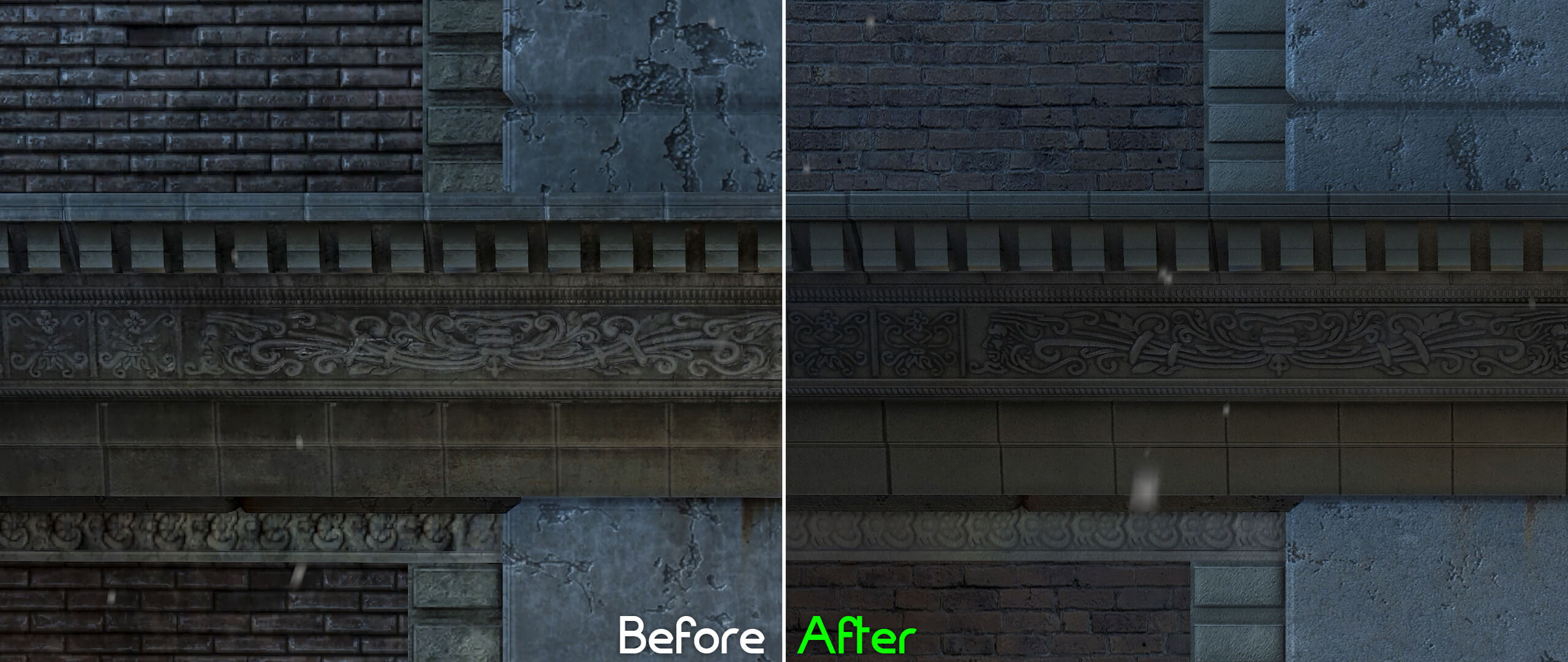
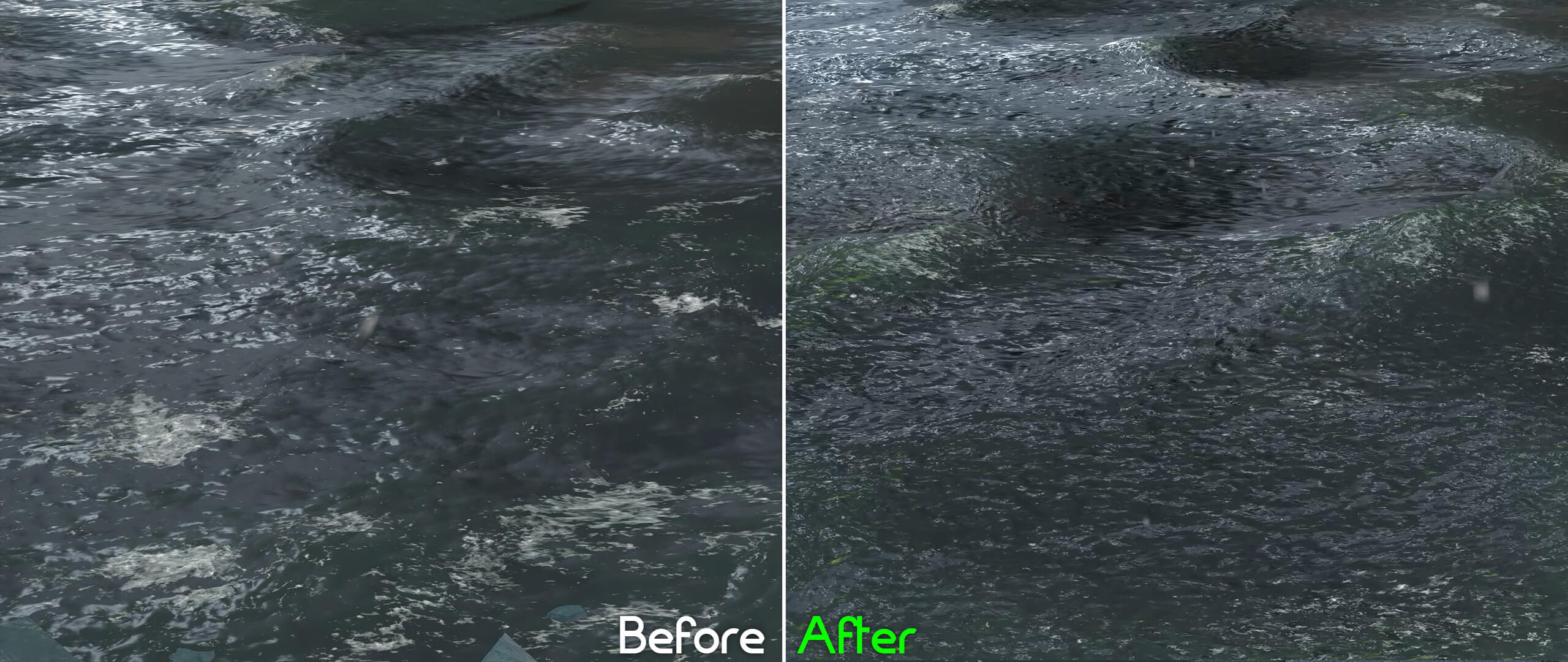
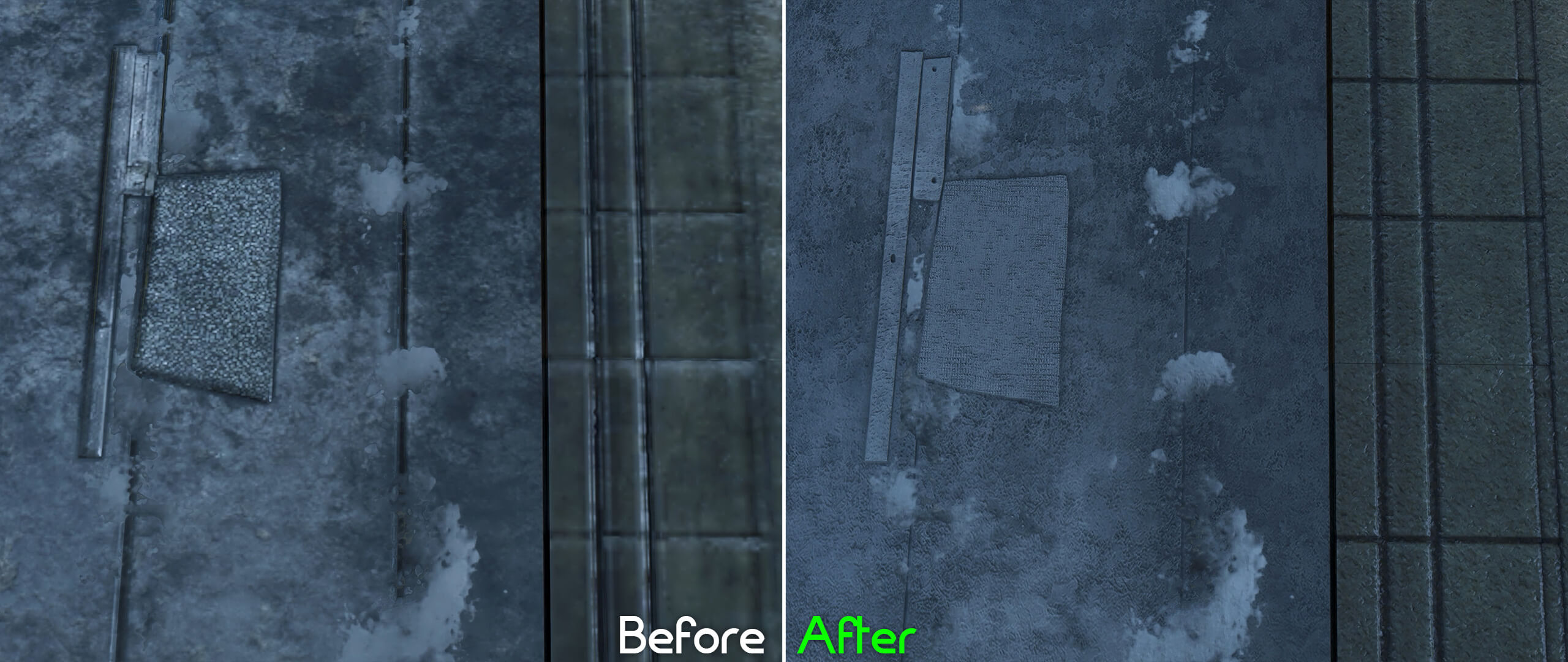
Back in October, we informed you about a fan Texture Pack for Batman: Arkham Asylum. Created by GPUnity, this pack improved a lot of the game’s textures. However, GPUnity has been also working on a texture pack for Arkham City. And yesterday, the modder released a brand new version of it.
According to the modder, the ‘Extreme’ detail setting is nescessary for this Texture Pack. Moreover, Directx11 settings and MSAA should be disabled. Players should also edit the BmEngine.ini configuration file so they can run this Texture Pack.
- Go to —> C:\Users\(You)\Documents\WB Games\Batman Arkham City GOTY\BmGame\Config\
- Make a backup copy of BmEngine.ini before editing it:
- Open it and press Ctrl+F and search for ‘poolsize’ <— will be underneath [texturestreaming]
- Change the value of 512 to your graphics card memory amount:
2gb = 2048, 3gb = 3072, 4gb = 4096 etc - Save the changes, and set the file to ‘read-only’.
Texmod, which is included in the package, is also required in order to install and run this Texture Pack. Players will have to open Texmod and run the application and select package mode. Then, they can select BatmanAC.exe as the target application. Afterwards, they can go to the smaller folder icon and use it to find the downloaded texture files. Once these steps are done, players can run the game with the selected texture(s). Do note that you should always run the game via Texmod in order to use these new textures.
Those interested can download this HD Texture Pack for Batman: Arkham City from here.
Below you can find some comparison screenshots between the vanilla and the new HD textures.




John is the founder and Editor in Chief at DSOGaming. He is a PC gaming fan and highly supports the modding and indie communities. Before creating DSOGaming, John worked on numerous gaming websites. While he is a die-hard PC gamer, his gaming roots can be found on consoles. John loved – and still does – the 16-bit consoles, and considers SNES to be one of the best consoles. Still, the PC platform won him over consoles. That was mainly due to 3DFX and its iconic dedicated 3D accelerator graphics card, Voodoo 2. John has also written a higher degree thesis on the “The Evolution of PC graphics cards.”
Contact: Email