
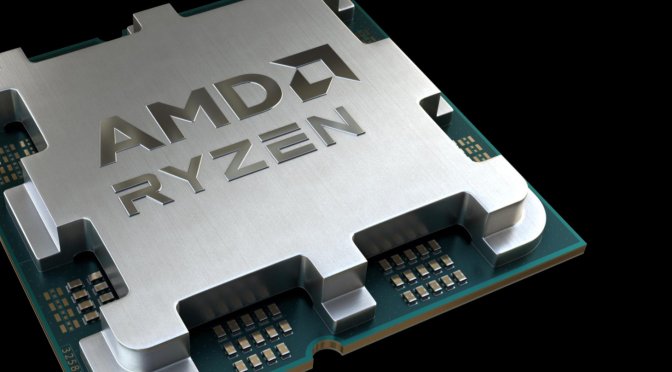
Last week, a report surfaced claiming that current AM5 motherboards could burn out the latest Ryzen 7000 series CPUs. According to the report, some AM5 motherboards could accidentally raise the SOC voltage to high levels which could damage the latest AMD CPUs. And thankfully, AMD was able to replicate and resolve this issue.
As AMD stated:
“We have root caused the issue and have already distributed a new AGESA that puts measures in place on certain power rails on AM5 motherboards to prevent the CPU from operating beyond its specification limits, including a cap on SOC voltage at 1.3V. None of these changes affect the ability of our Ryzen 7000 Series processors to overclock memory using EXPO or XMP kits or boost performance using PBO technology.
We expect all of our ODM partners to release new BIOS for their AM5 boards over the next few days. We recommend all users to check their motherboard manufacturers website and update their BIOS to ensure their system has the most up to date software for their processor.”
For those wondering, the AM5 motherboards that were mainly causing these burnout issues were the ones from ASUS. Or at least that’s what’s been reported online.
ASUS and Gigabyte have already released new BIOSes for their motherboards. And although we never encountered any such issues, we went ahead and upgraded our Gigabyte Aorus Master X670E to its latest BIOS. As they say, better be safe than sorry. The latest BIOS is version F10c and you can download it from here.
We can also confirm that EXPO works perfectly fine on this latest BIOS version. Our G.Skill Trident Z5 Neo 32GB 6000Mhz CL30 runs ideally (at least for now) with its EXPO profile. Moreover, we did not notice any performance decrease in the games we tested.

John is the founder and Editor in Chief at DSOGaming. He is a PC gaming fan and highly supports the modding and indie communities. Before creating DSOGaming, John worked on numerous gaming websites. While he is a die-hard PC gamer, his gaming roots can be found on consoles. John loved – and still does – the 16-bit consoles, and considers SNES to be one of the best consoles. Still, the PC platform won him over consoles. That was mainly due to 3DFX and its iconic dedicated 3D accelerator graphics card, Voodoo 2. John has also written a higher degree thesis on the “The Evolution of PC graphics cards.”
Contact: Email