
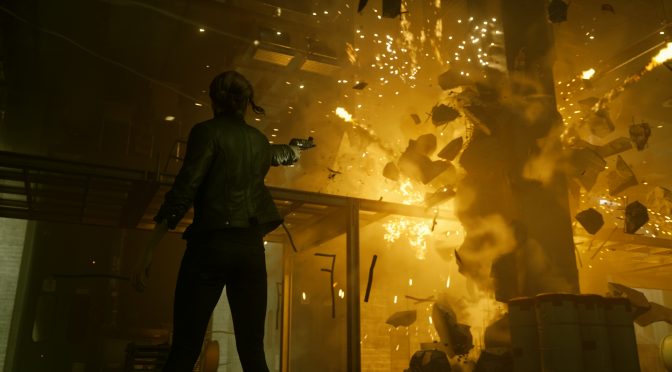
Filippo Tarpini has released a new mod for CONTROL that adds native HDR and Ultrawide support to it. This is a must-have mod for everyone that has an HDR monitor, and we highly recommend downloading it.
Furthermore, this mod adds a new “Max” texture settings to improve the slow texture streaming. By using it, players can eliminate (or at least minimize) the low-resolution textures that can appear in the game. Not only that but the mod fixes a launcher issue that affected Intel Arc GPUs.
You can download this HDR Mod from here. Below you can also find its complete changelog.
CONTROL HDR Mod Release Notes
- Native HDR (improves color accuracy/banding, allows greater contrast and brighter highlights).
- Upgraded DLSS to 2.5.1 and improve its implementation (people reported this is compatible with FSR 2.1 injection)
- Added a new “Max” texture setting to improve the slow texture streaming.
- Full UltraWide support: unlock any resolution and aspect ratio, including 32:9+.
- Fixed UI issues at non 16:9 aspect ratios (e.g. enemies health bars were displaced).
- Some FOV and LOD fixes for UW.
- Improved window+borderless+fullscreen management.
- Fixed the launcher (and game) failing to find your DX12 card if it wasn’t Nvidia or AMD (e.g. Intel Arc GPUs).
- Minor fixes and feature

John is the founder and Editor in Chief at DSOGaming. He is a PC gaming fan and highly supports the modding and indie communities. Before creating DSOGaming, John worked on numerous gaming websites. While he is a die-hard PC gamer, his gaming roots can be found on consoles. John loved – and still does – the 16-bit consoles, and considers SNES to be one of the best consoles. Still, the PC platform won him over consoles. That was mainly due to 3DFX and its iconic dedicated 3D accelerator graphics card, Voodoo 2. John has also written a higher degree thesis on the “The Evolution of PC graphics cards.”
Contact: Email