Capcom surprised everyone back in December 2016 when it released a PC demo for Resident Evil 7. That demo ran incredibly well on the PC, so we were really curious to see whether the final version of the game would be as polished as that demo. Capcom declined sending us a review code, which is why our PC Performance Analysis was slightly delayed. But anyway, let’s see how Resident Evil 7 runs on the PC platform.
For this PC Performance Analysis, we used an Intel i7 4930K (turbo boosted at 4.2Ghz) with 8GB RAM, NVIDIA’s GTX980Ti and GTX690, Windows 10 64-bit and the latest WHQL version of the GeForce drivers.
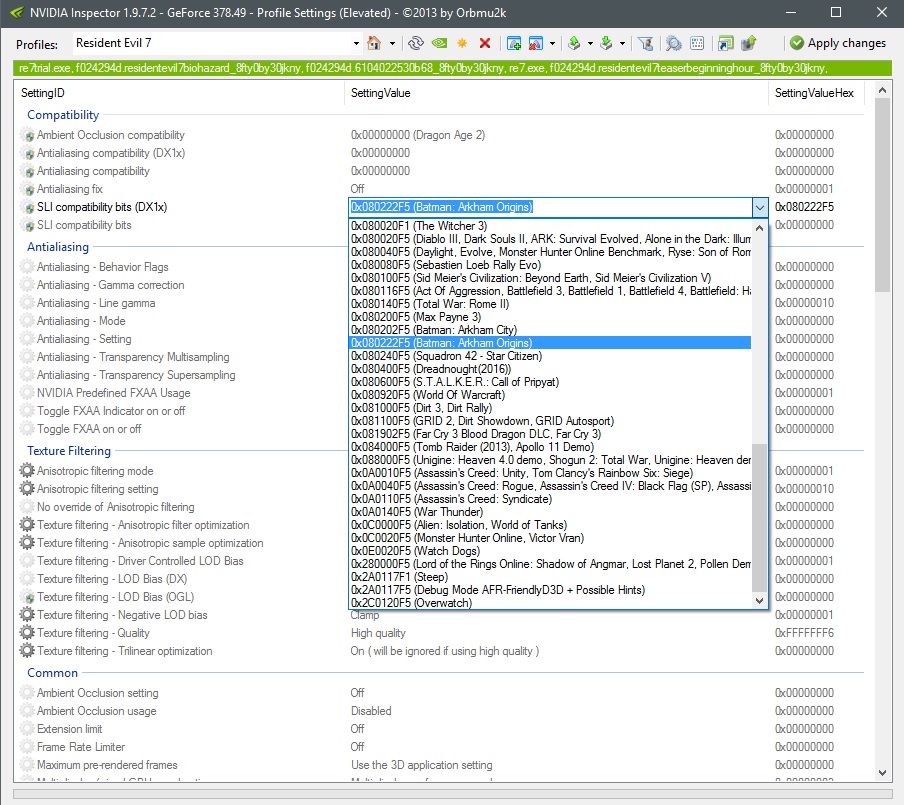
NVIDIA has not included any SLI profile for this game yet, however you can enable SLI by using the SLI compatibility bits of Batman: Arkham Origins (0x080222F5 (Batman: Arkham Origins)). You can either copy-paste it from above to Resident Evil 7’s profile, or you can drop-down at the top, scroll through and look for the Batman: Arkham Origins bits.
[nextpage title=”GPU, CPU & Graphics”]
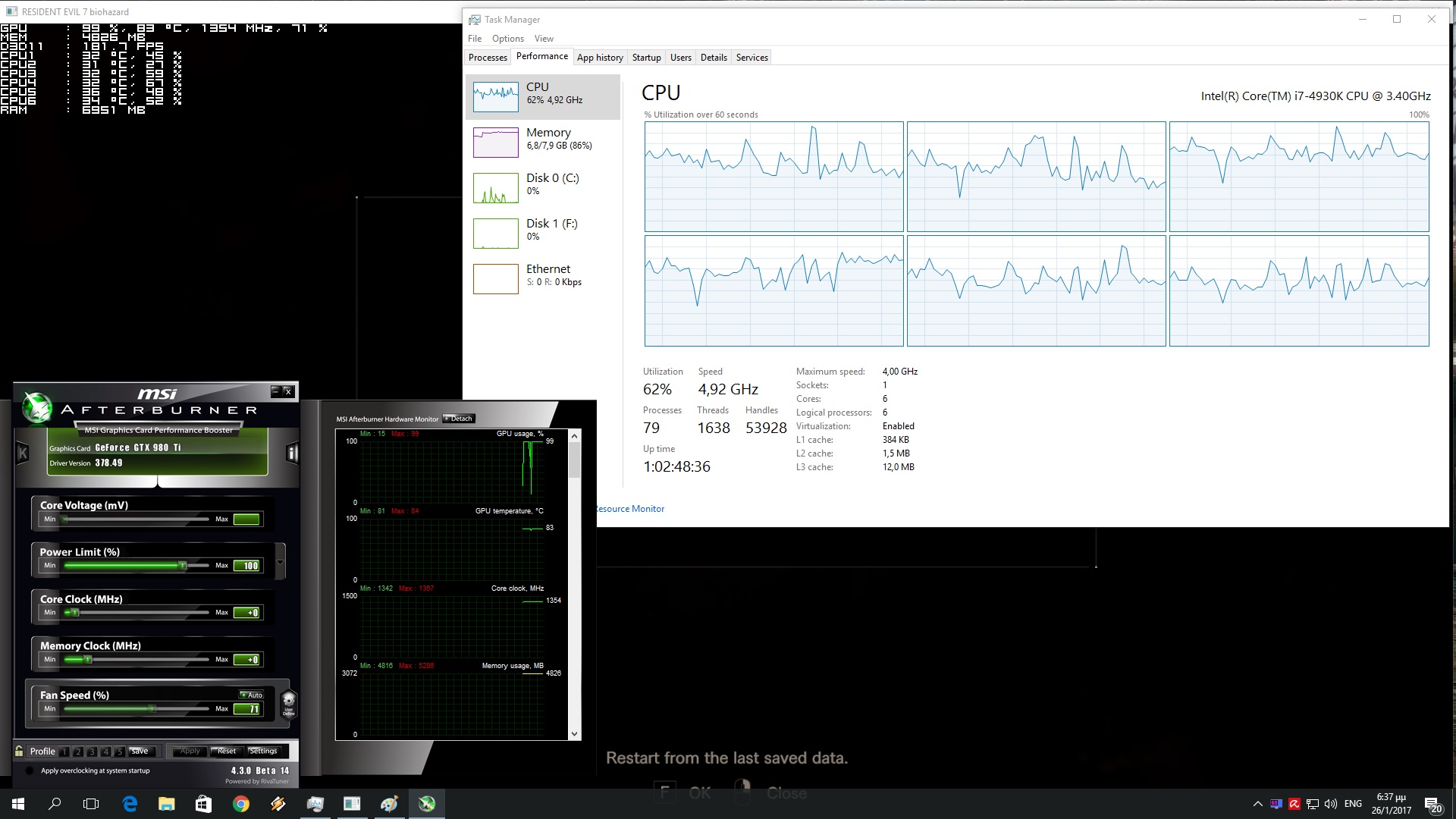
Thanks to this workaround, we were able to run Resident Evil 7 with constant 60fps on our GTX690 on almost Max settings (we had to lower the Textures to High due to VRAM limitations). On the other hand, our GTX980Ti did not struggle at all with this title as it was able to push constant 105fps in 1080p and on Max settings.
Resident Evil 7 is mostly a GPU-bound title. In order to find out how the game performs on a variety of CPUs, we simulated a dual-core and a quad-core CPU. And we are happy to report that even our simulated dual-core system was able to deliver a constant 90fps experience on our GTX980Ti in 1080p with Max settings. Moreover, RE Engine seems to scale well on multiple CPU cores/threads. As we can see, the game scaled on all of our six cores.
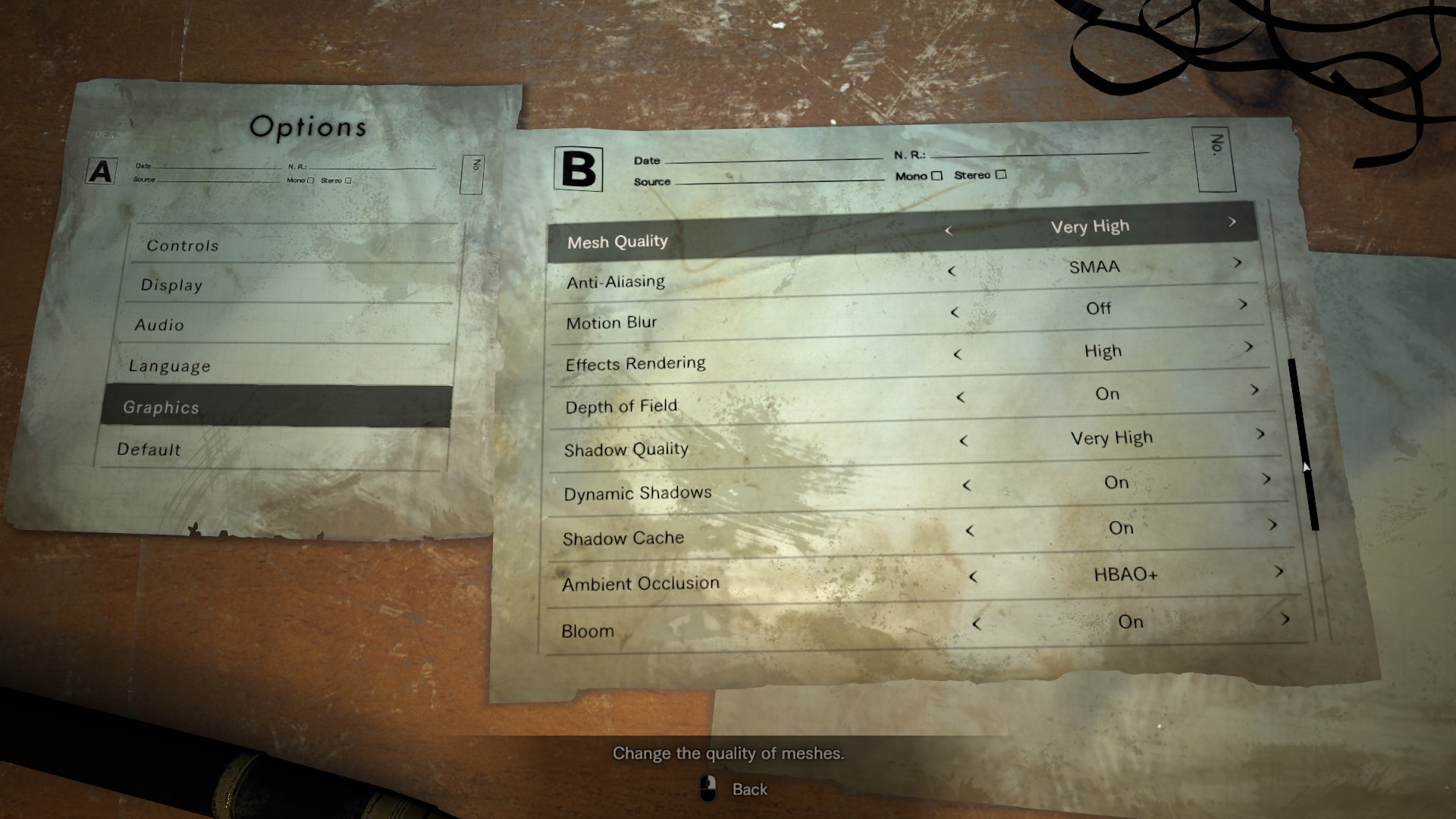
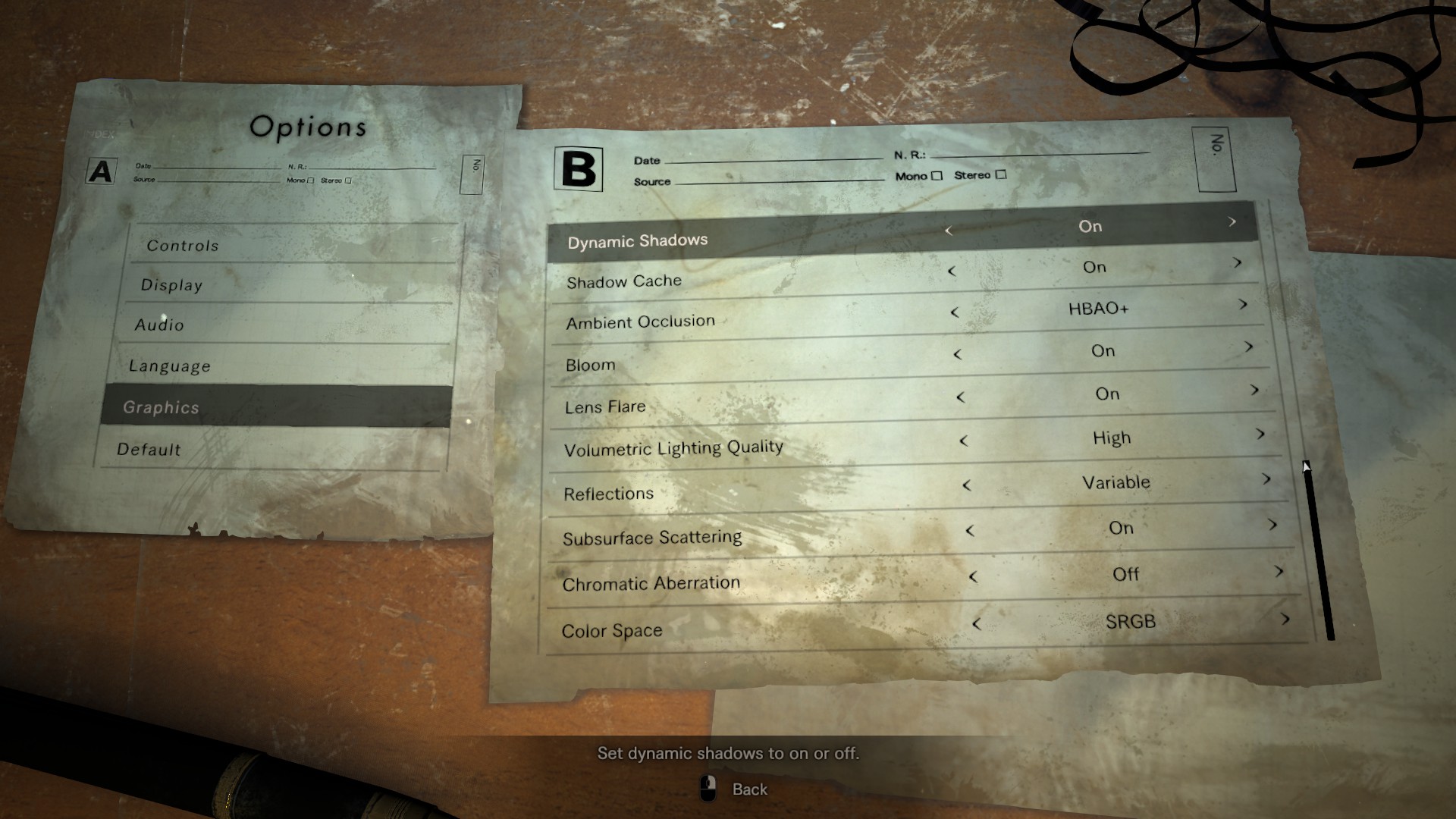
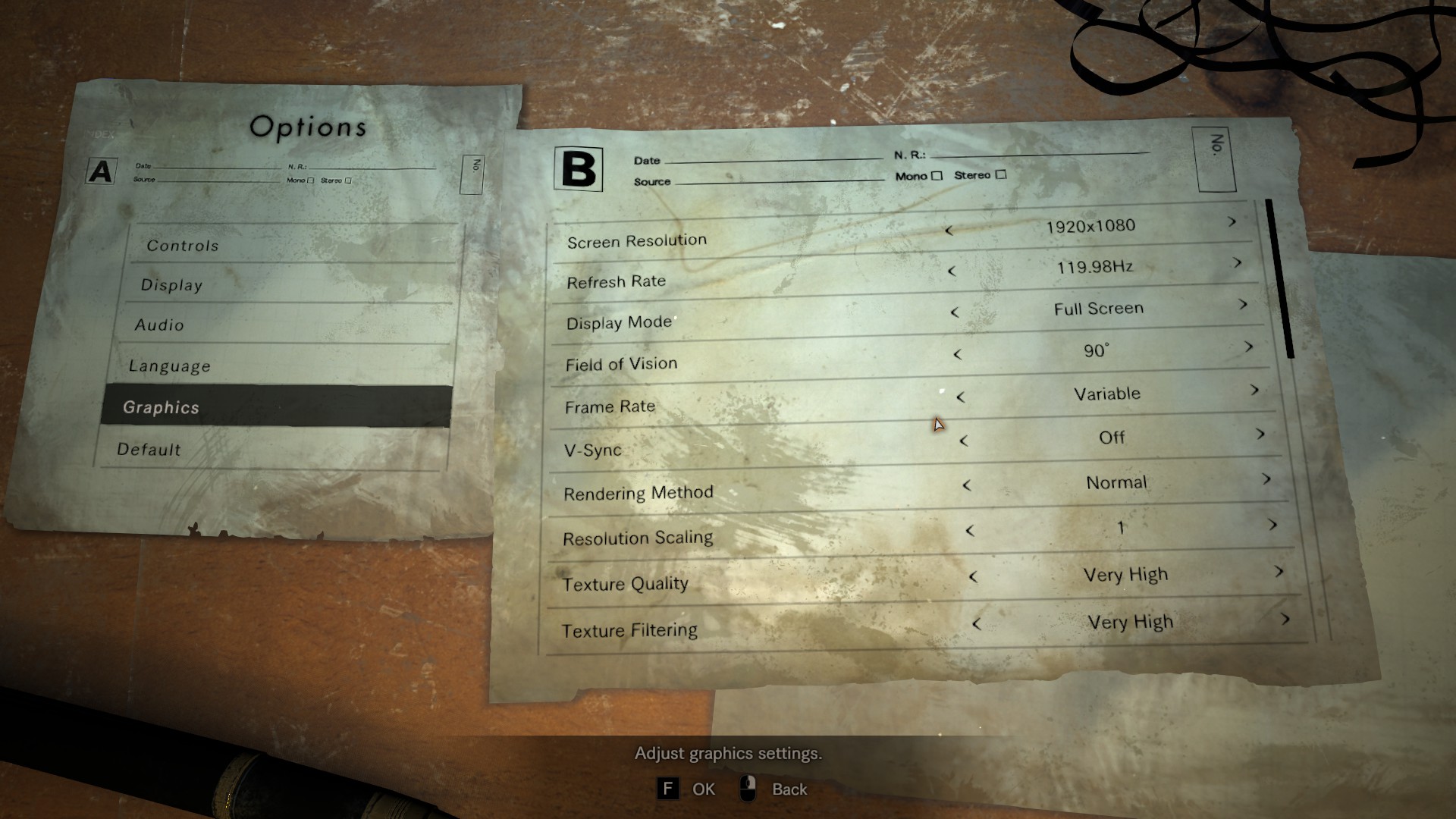
Capcom has provided a nice amount of graphics options to tweak. PC gamers can choose their resolution, adjust the game’s FOV, select their framerate (30fps, 60fps or variable), choose the Rendering Method (alternative is basically a reconstruction and should be avoided unless your PC is unable to run the game with the Normal method), Resolution Scaling, and adjust the quality of Textures, Texture Filtering, Mesh, Effects Rendering, Shadows, Ambient Occlusion, Volumetric Lighting and Reflections (we suggest using Variable as there can be artifacts when this setting is set to On). PC gamers can also choose their Anti-Aliasing solution, and enable/disable Motion Blur, Depth of Field, Dynamic Shadows, Shadow Cache, Bloom, Lens Flares, Subsurface Scattering and Chromatic Aberration.
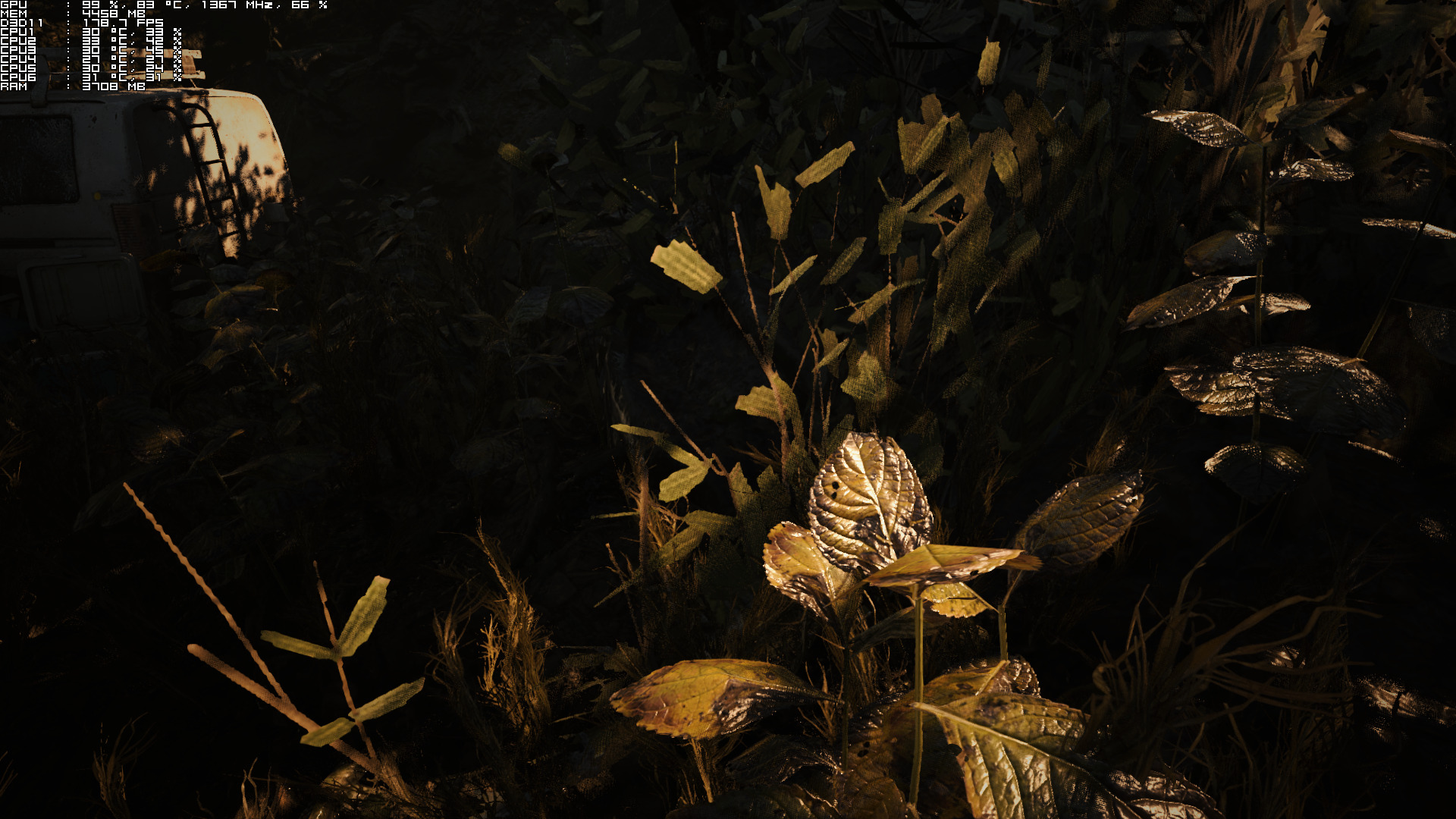
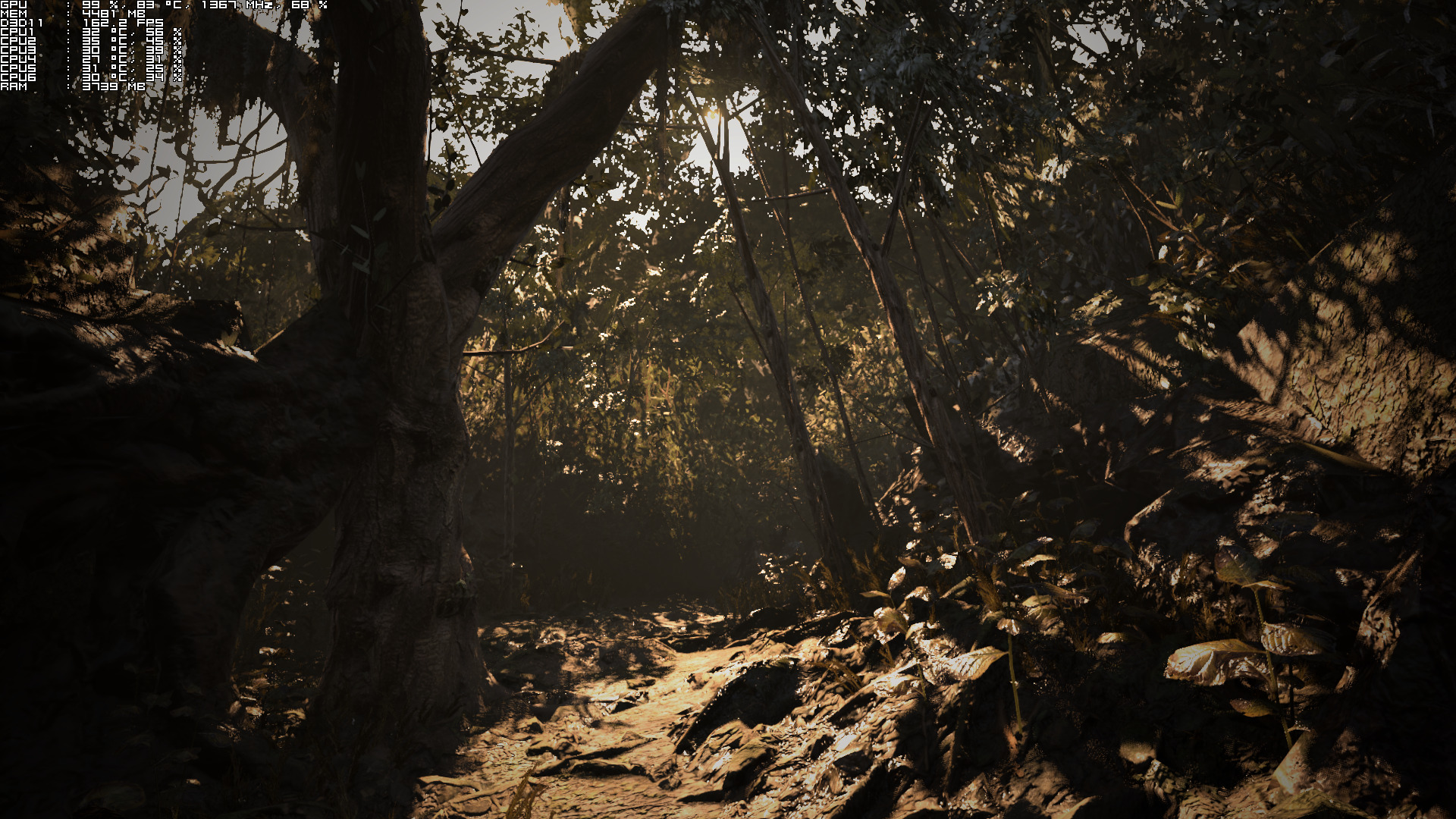
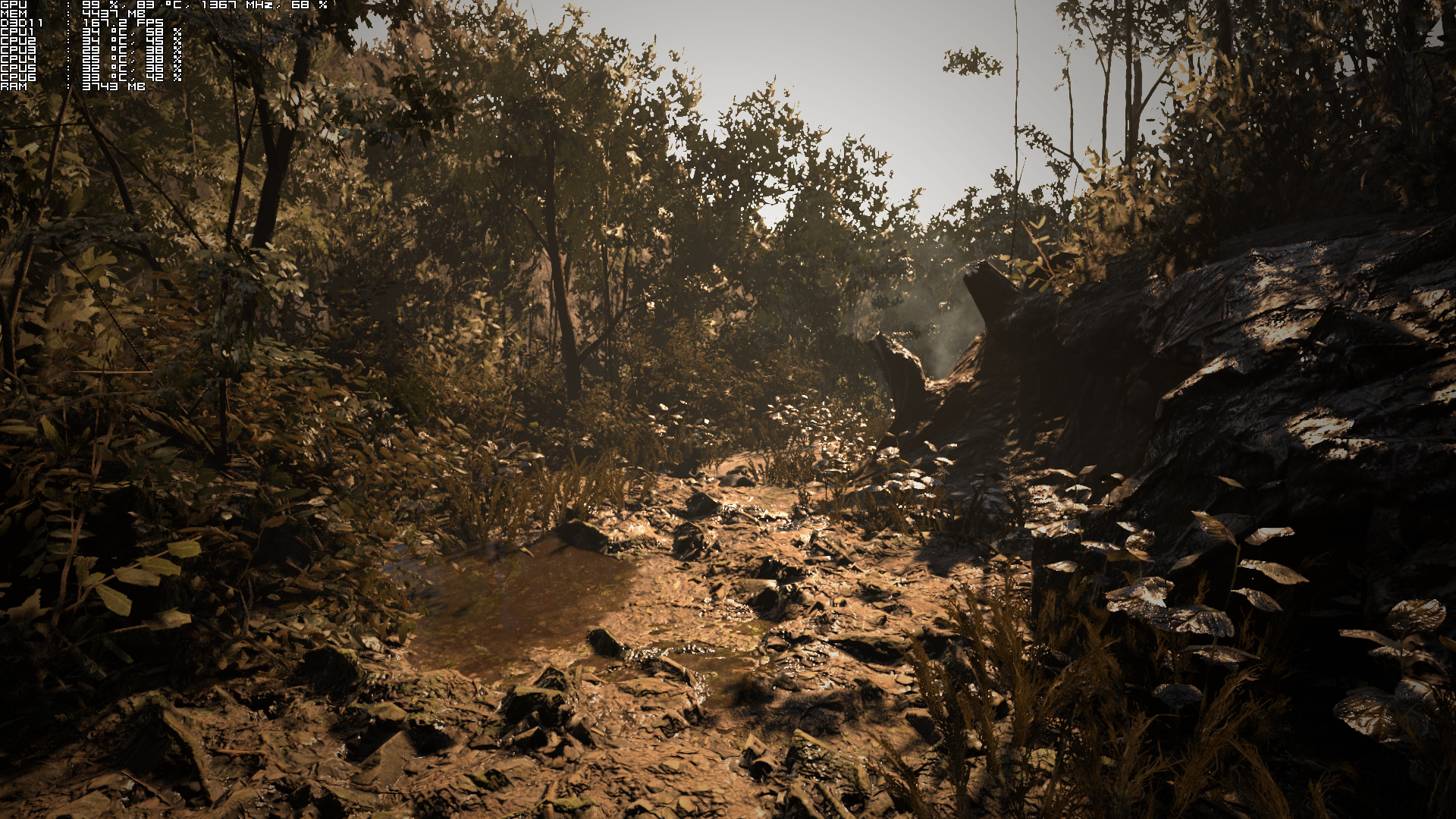
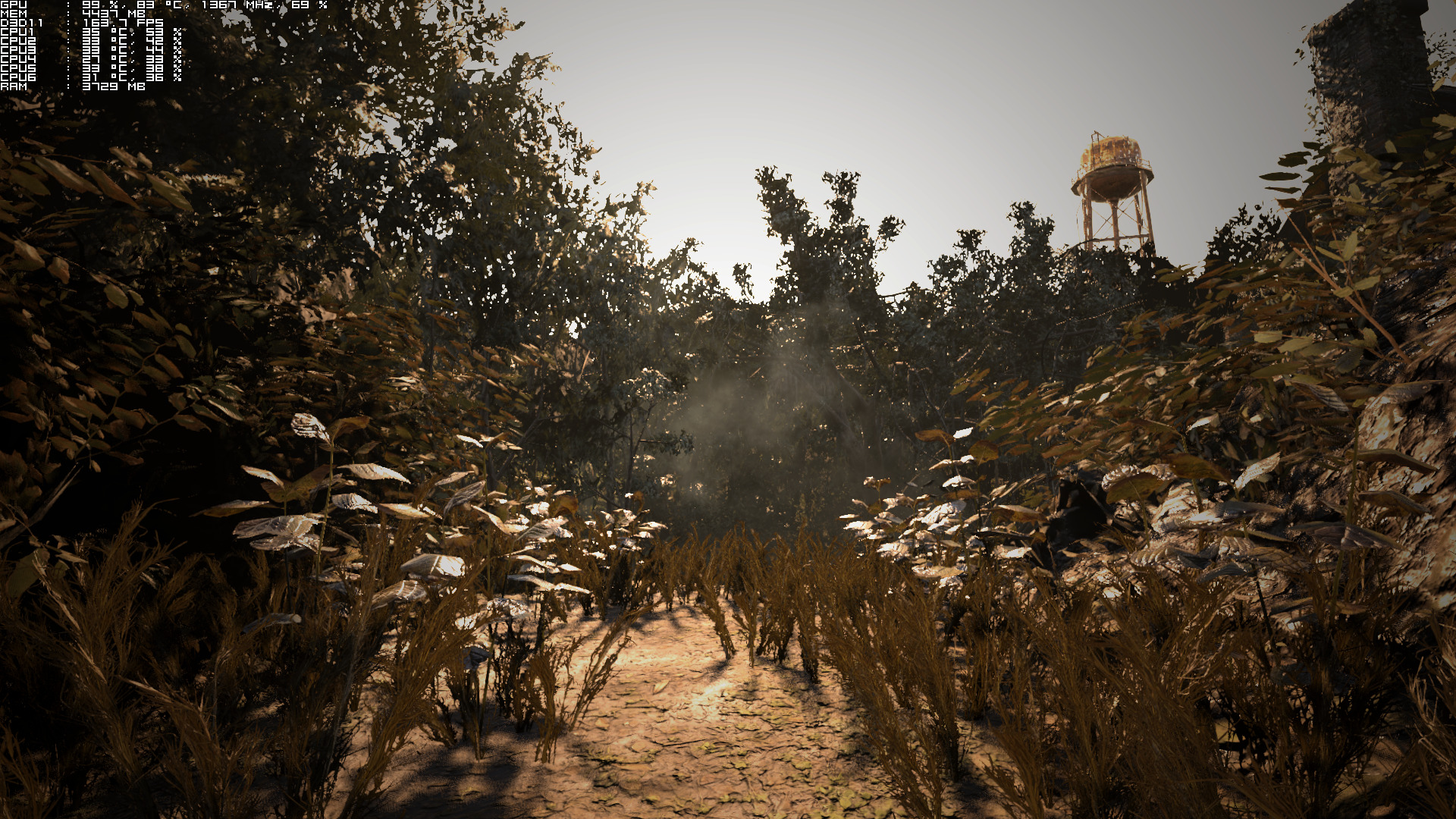
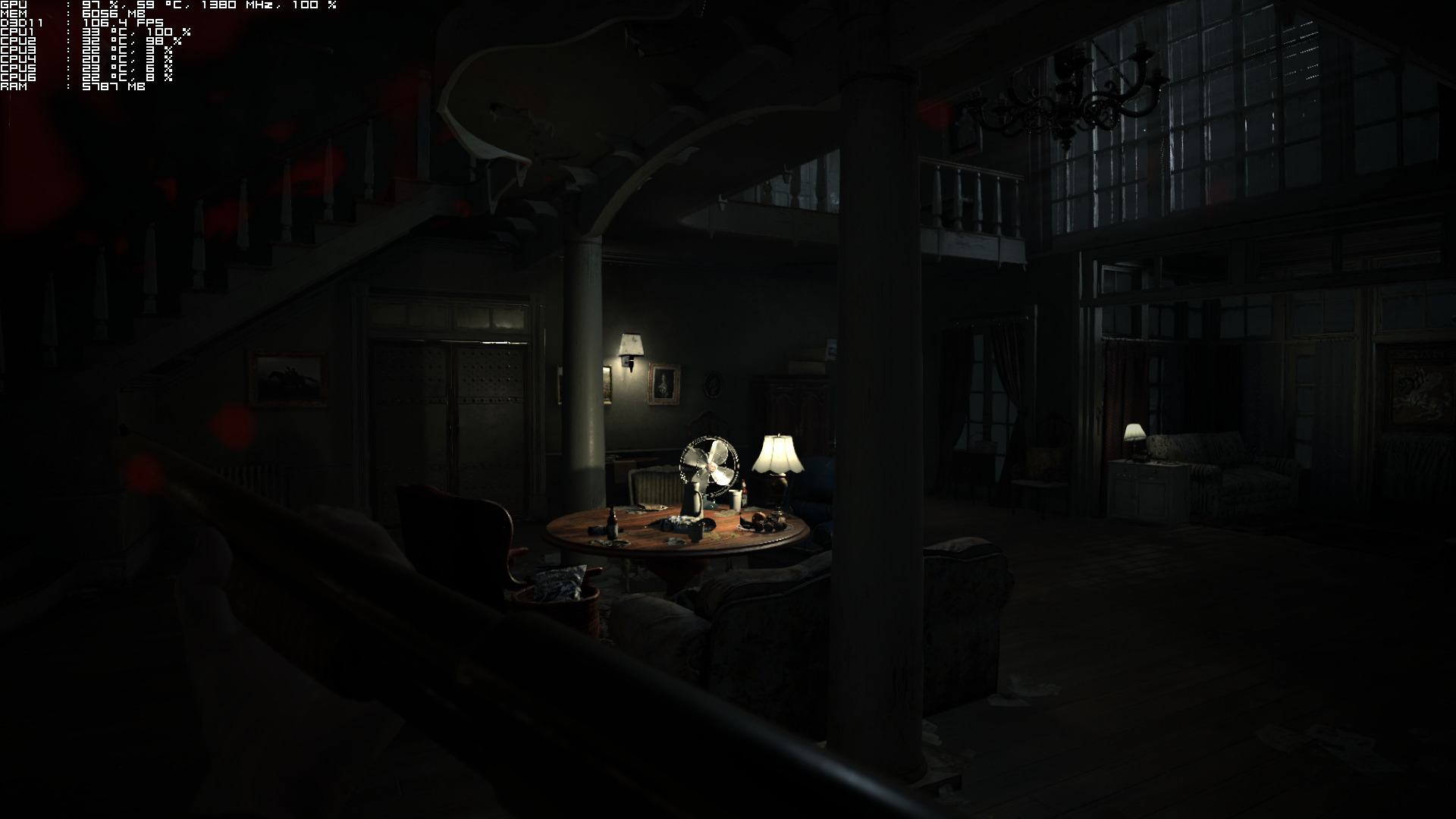
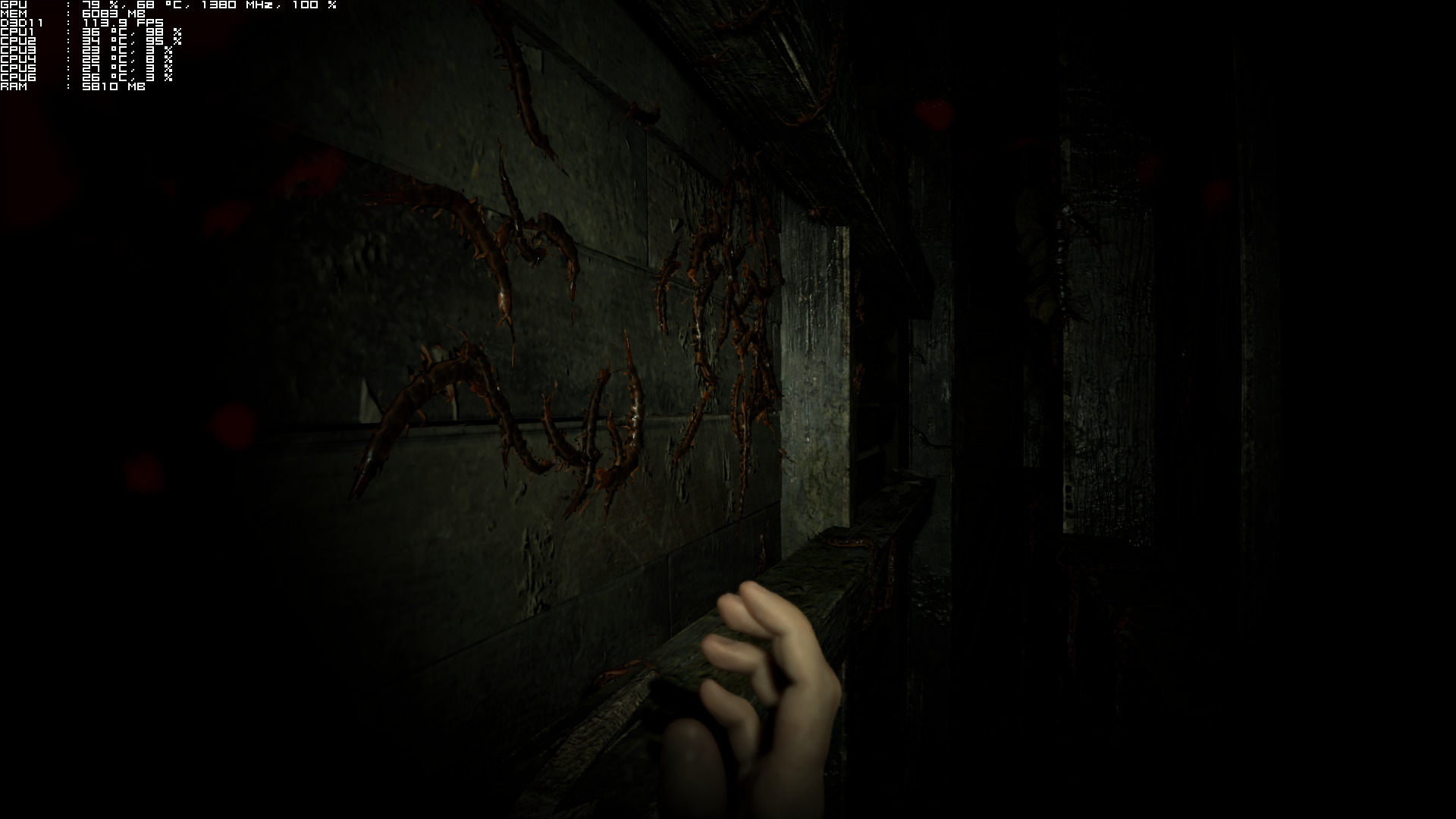
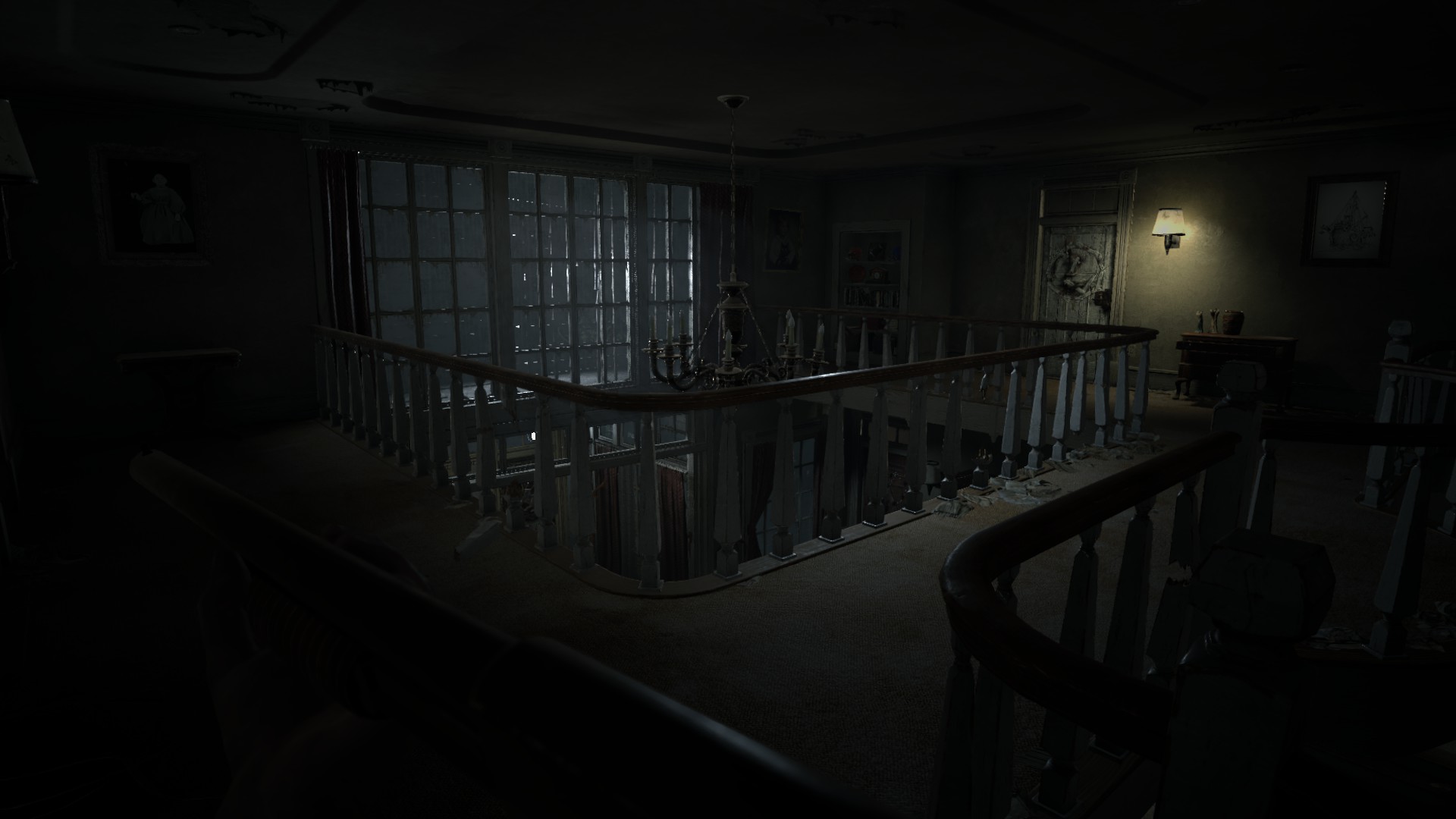
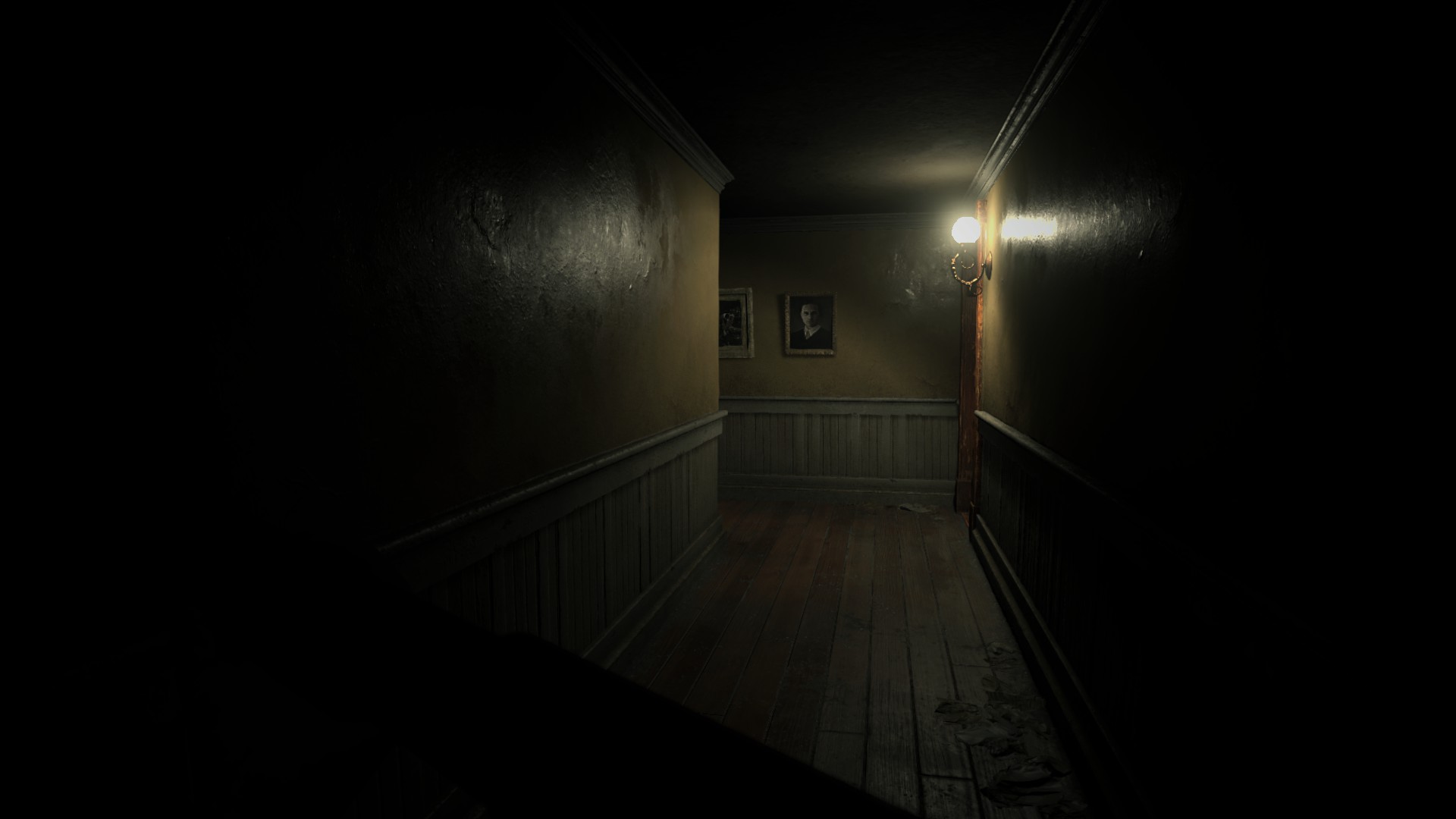
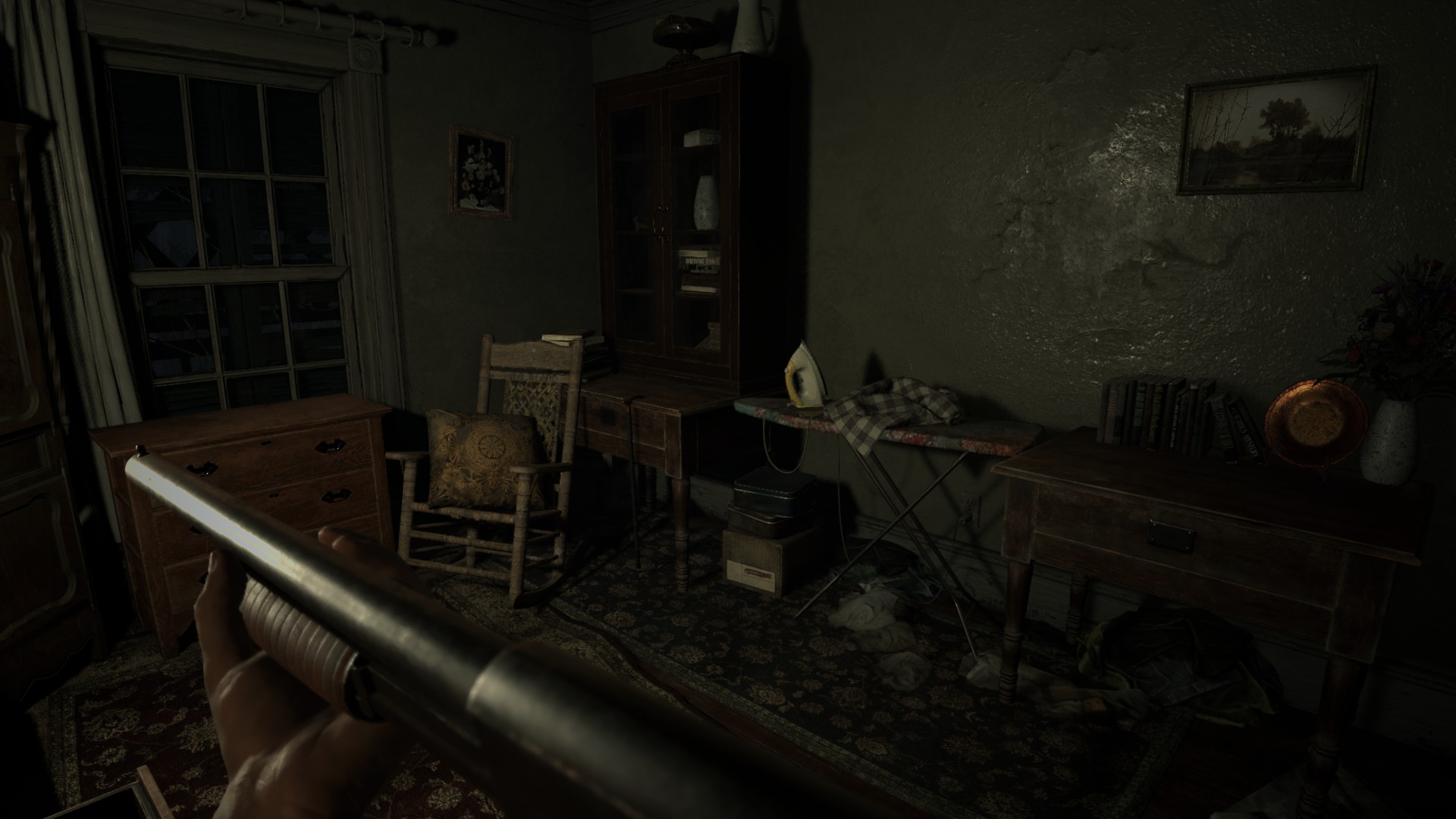
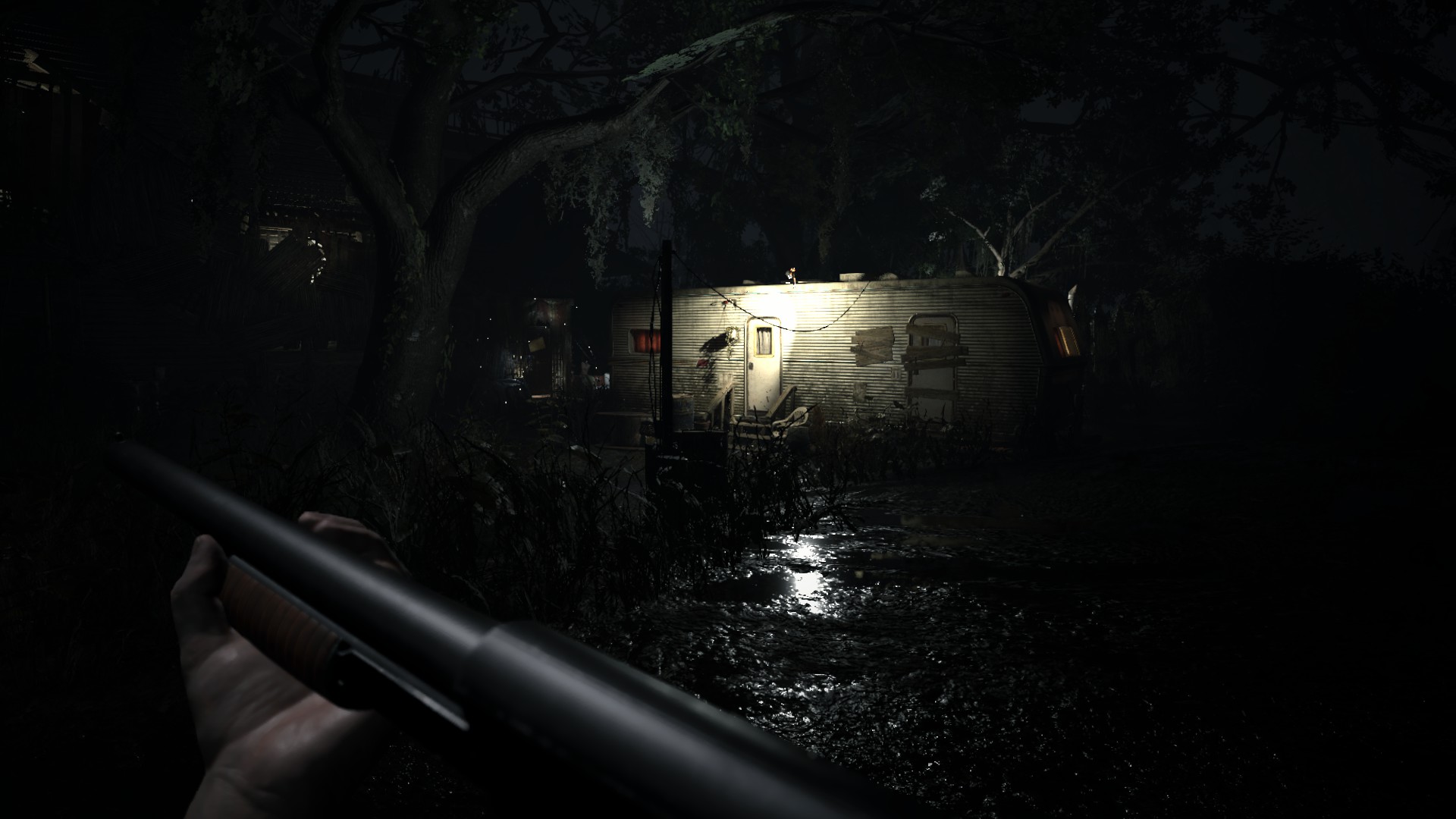
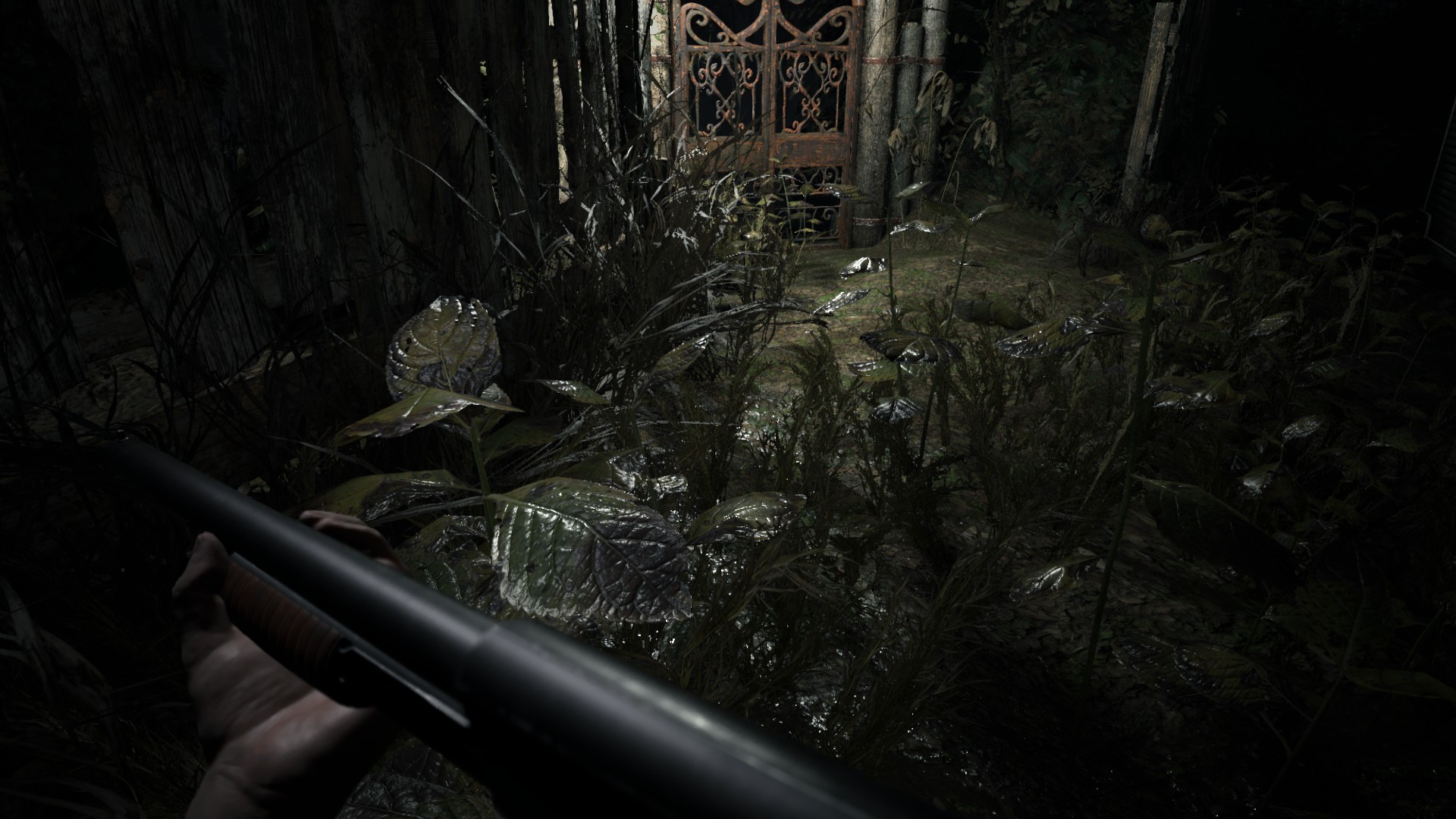
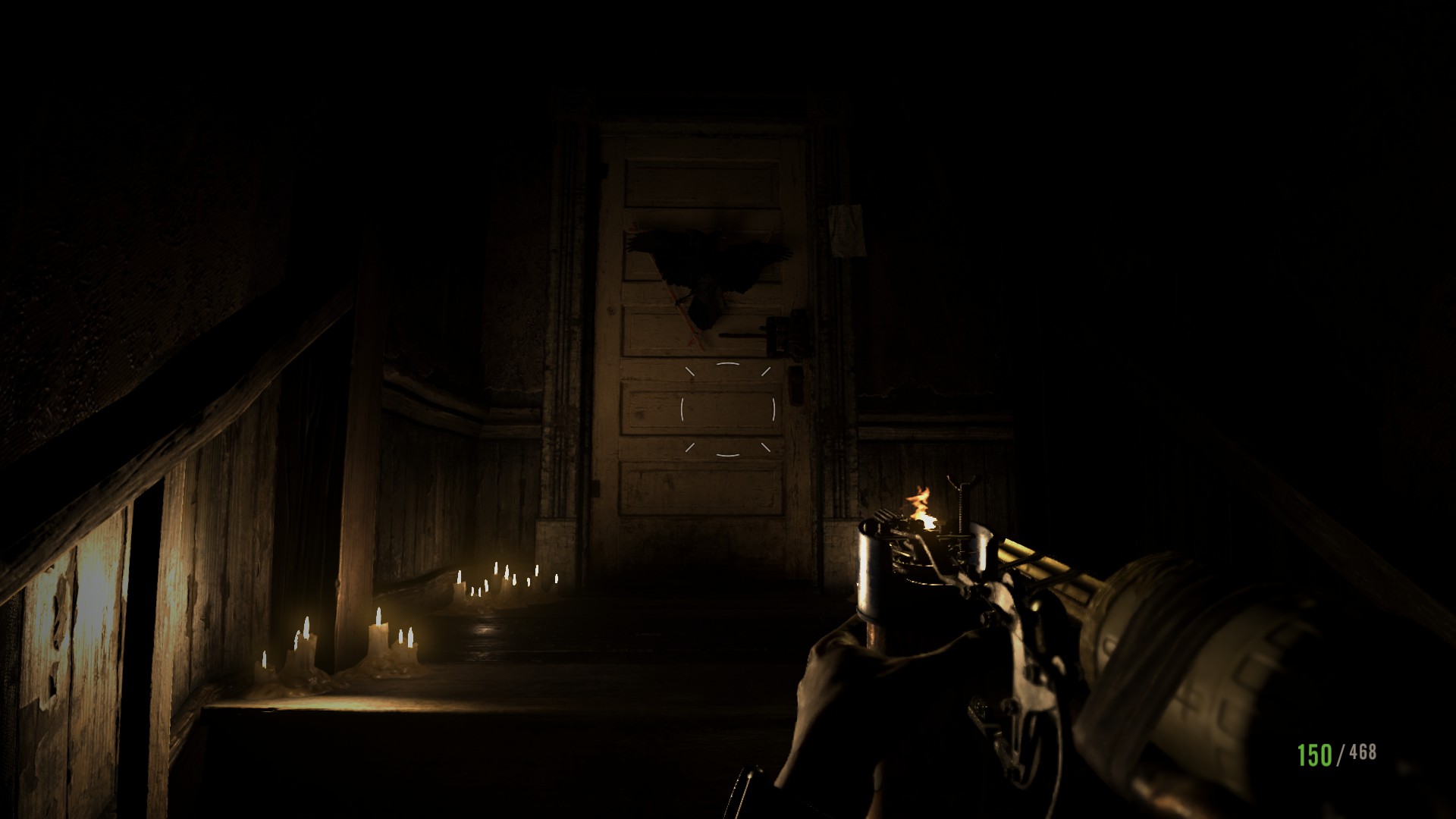
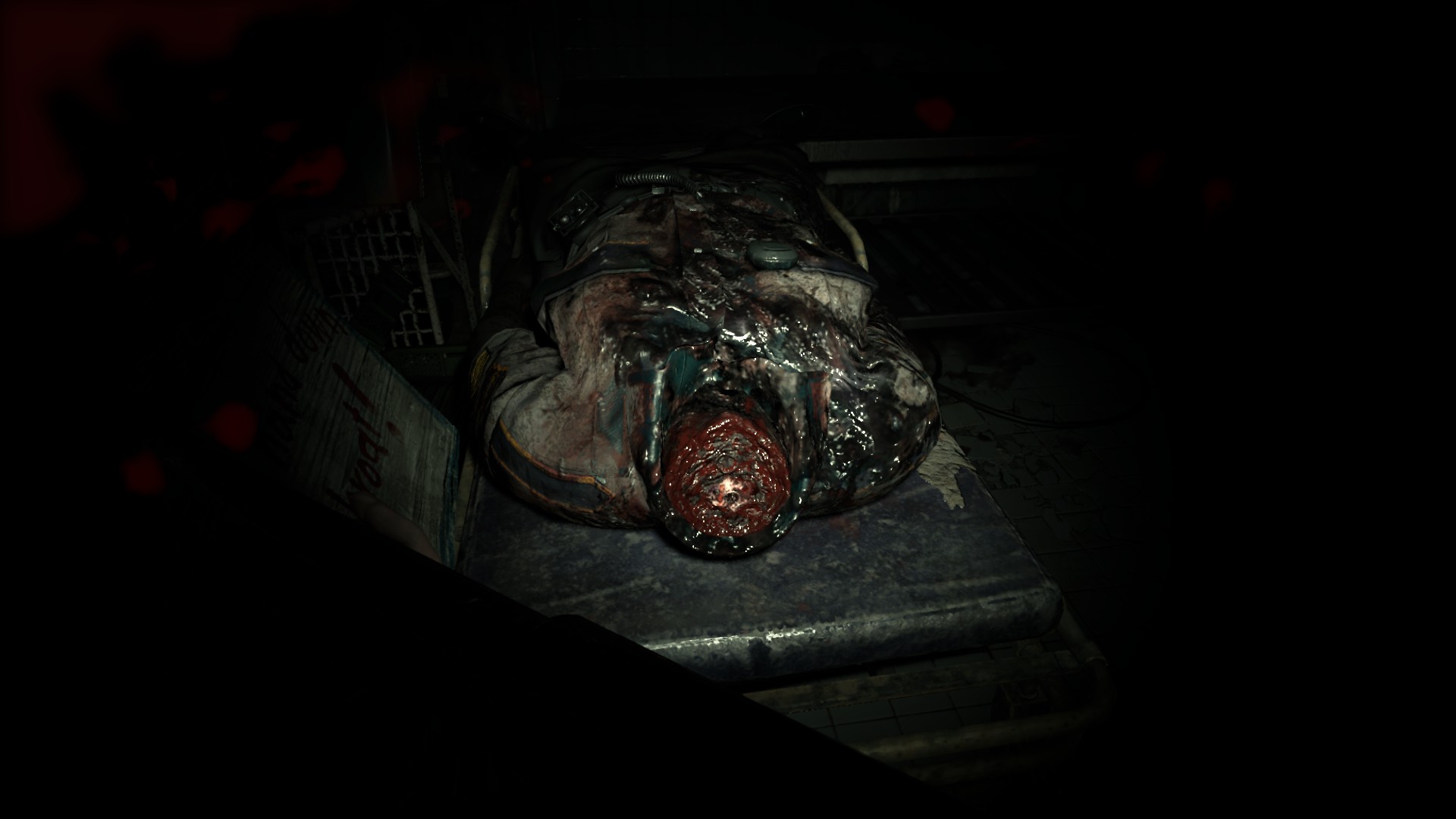
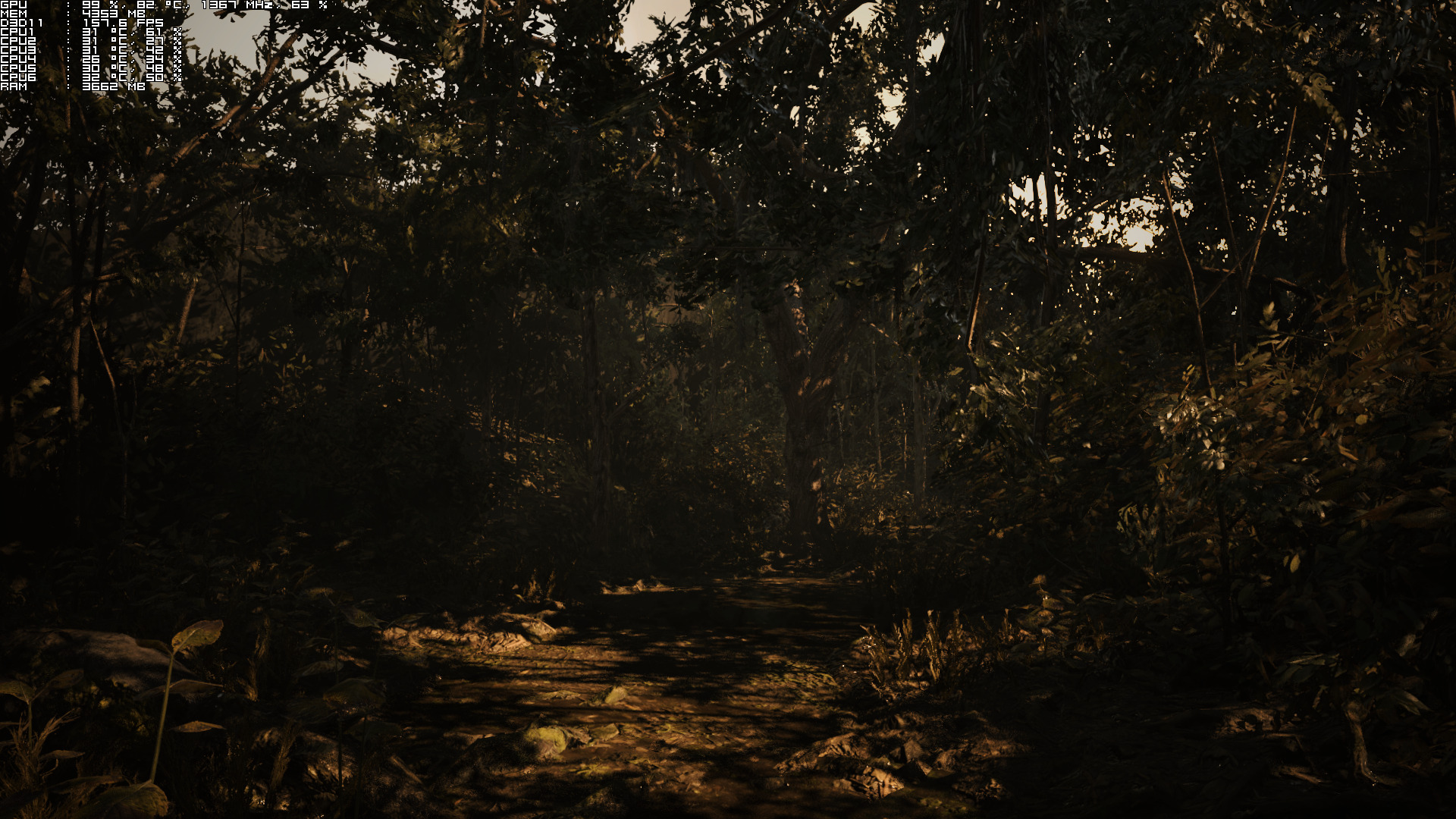
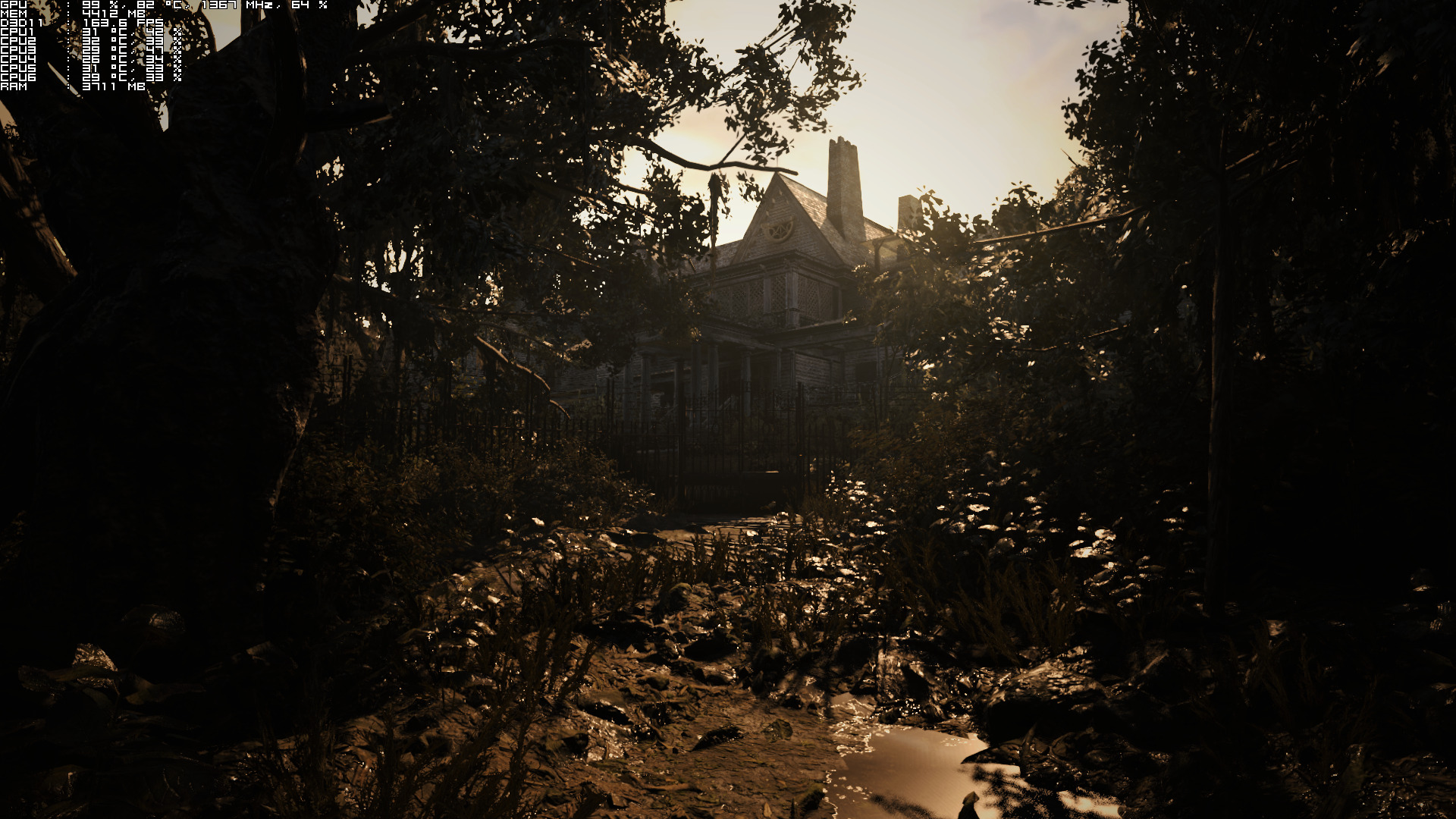
Graphics wise, Resident Evil 7 is a beautiful game. While there are some shortcomings (like some really low-res textures and low-res grass sprites, as well as noticeable pop-ins of shadows), Resident Evil 7 looks – for the most part – great. All of the game’s characters are highly detailed thanks to photogrammetry, and Capcom has nailed the game’s atmosphere. Resident Evil 7 is one of the most atmospheric FPS games we’ve seen in the past couple of years. It’s also worth noting that players can bend grass and plants, and interact with various objects. Resident Evil 7 also features some outdoor environments, though these environments are really restricted with a lot of invisible walls.
[nextpage title=”Conclusion & Screenshots”]
All in all, Resident Evil 7 runs great on the PC platform, though we did notice some stutters while loading new areas. These stutters can be annoying, so here is hoping that Capcom will fix them via a future patch. Resident Evil 7 is powered by the new RE Engine and from the looks of it, this engine was designed specifically for this type of games. Resident Evil 7 does not suffer from mouse acceleration issues, there are proper on-screen keyboard indicators, supports resolutions up to 4K, comes with lots of graphics settings to tweak, and runs great on a variety of PC systems.
Enjoy!
John is the founder and Editor in Chief at DSOGaming. He is a PC gaming fan and highly supports the modding and indie communities. Before creating DSOGaming, John worked on numerous gaming websites. While he is a die-hard PC gamer, his gaming roots can be found on consoles. John loved – and still does – the 16-bit consoles, and considers SNES to be one of the best consoles. Still, the PC platform won him over consoles. That was mainly due to 3DFX and its iconic dedicated 3D accelerator graphics card, Voodoo 2. John has also written a higher degree thesis on the “The Evolution of PC graphics cards.”
Contact: Email


I’m roughly 6+ hours into the game at the moment. This is seriously one of the most enjoyable gaming experiences I’ve had in a long time. The game is fantastic. I’ve had some parts of the game completely catch me off guard. I’m running it on a full Ultra settings at 1440p on my GTX 1080, and it looks beautiful in action. Props to Capcom.
I’ll be buying it soon. Have you been a fan of the resident evil titles before 4?
Just based on the reviews, comments and demo I can’t wait to get this. I’ve played just about every RE there is. I remember waiting for RE 1 on PSX lol
The demo was fun, though I did like the Outlast 2 demo more. Can’t wait to pick this game up. Good to know it will run at 1440p on a 1080, guess I need a 1440p monitor now (not sure why they don’t make 3k, 1620p monitors) since Nvidia DSR is only good at 4k.
In regards to how the game runs, I have to say that is good to hear. I played an early version of the beta, and maxing the the game at 1440p (Gtx 1070 in my case) wasn’t running to great. The beta must have been patched at some point because its now running at a solid 60fps.
Saw some gameplay videos earlier and it seemed to me like your character was in his seventies, carrying a 70-pound back-pack and suffering from asthma and arthritis.
So me on a regular basis?
this is not a PC Performance Analysis, it’s Nvidia Performance Analysis
Agreed.
feel free to donate a radeon GPU
such a retarded argument. If this site can’t fund a basic RX480 then I say forget about it!
For thos of you who want to play the game on it’s highest settings and are having issues with a 4GB or a 3.5GB / 500meg 970 turn off the shader cache. You will go from 12 fps to around a avg of 80 at 1080P. https://uploads.disquscdn.com/images/02b4434af06643f8eb74658025f1aa85f625eb83c38c94598718a621847b240c.png https://uploads.disquscdn.com/images/2c087f21326db3c7cede30e67ba2d21f6539c0a7aff55d097fdc8e914437fa9f.png
Interesting. Don’t think my 1080 will struggle, but still a good find.
Well yeah that’s why I said 4GB GPU’s…
Runs great at 1440p on my GTX 1080, Finished the game yesterday and didn’t encounter any problems whatsoever, Very smooth experience from start to finish.
Good to hear! Campaign is what 6/7 hours ?
I finished the game at around 8 hours, and I didn’t bother looking for secrets and files. If you are a completionist, you’re probably gonna clock at 10 hours or more.
Yeah it would probably take over 20+ hours to get all the achievements, definitely need 3 playthroughs or so.
I’m currently playing the madhouse difficulty, and, oh boy, is it hard. Item placement is different and it’s messing with me, hard lol.
Just over 10 hours on my first playthrough, Got a majority of achievements done on normal. I’m now on my second playthrough to get the second ending and while playing madhouse difficultly.
Not a word on 4K performance? I’m curious since the demo ran crap on my 980ti in 4K on Ultra settings, were talking 16-24 fps.
What about 4K performance?
I have a 1080, and my performance at 4K was pretty solid after some graphical tweaking. Was running at a solid 60fps for the majority, with only minor issues.
Some screenshots:
http://images.akamai.steamusercontent.com/ugc/171536200074770105/D9A937BC4D76A92DC41A0D7381B2D01DC132FD70/?interpolation=lanczos-none&output-format=jpeg&output-quality=95&fit=inside|2048:1152&composite-to%3D%2A%2C%2A%7C2048%3A1152&background-color=black
http://images.akamai.steamusercontent.com/ugc/171536200075473715/D41CE519DCF61119CAA717D730E016F4A7C6C0FE/?interpolation=lanczos-none&output-format=jpeg&output-quality=95&fit=inside|2048:1152&composite-to%3D%2A%2C%2A%7C2048%3A1152&background-color=black
Thanks for the headsup. Though obviously the 1080 is stronger than my card. I might wanna tune down settings, but I don’t wanna do that either.
What CPU are you using, could k4 use more than 6gb on your ti, I’m planing on playing this ultra locked at 30hz 2160p on my gtx 1080 and 49″ samsung suhd.
I’ve got the 6800K @ 4.3Ghz. I doubt RE7 uses more than 6GB of VRAM. I didn’t in the demo anyway.
JOHN!!!
This new way to write articles with pages, ITS WAYYYYYYYY better!!!
I have to disagree.
I find the single page format to be the best, so much so, that I prefer extensions that give me single page layouts when the site won’t.
That’s just me though.
Why the need to load more pages?
So i can jump to the juicy part and no need to lose my time scramblinng through the 1 page edition jsut to find the part im looking for 😉
Pretty sure most 1 page articles typically have chapter links somewhere.
Or maybe I’ve just lost my mind.
Did dsog have that ?
https://uploads.disquscdn.com/images/ea7ca61d23ae9d7a2b73168a703866311162d20744664a862940b74f5ad68048.jpg
this is one genre that i dont really play.. well not that they are bad.. i feel stressed playing them. i have enough stress in real life.. i dont need to ad more to it 😀
That’s how I felt about soma, and alien isolation, but I still must play this new re game.
For those who have low-end GPU ! on GTX 560 and I7 2600K (1080p, medium settings) avg 46fps and for GTX 570, Phenom 2 965 (1080p medium) 60fps all the time.