Rise of the Tomb Raider – PC Performance Analysis

Rise of the Tomb Raider is a highly anticipated game that a lot of PC gamers were looking forward to. Originally released for Xbox One, this game found its way to the PC after a few months. Rise of the Tomb Raider officially releases tomorrow and since NVIDIA has released its Game-Ready drivers for it, it’s time now to see how the game performs on the PC platform.

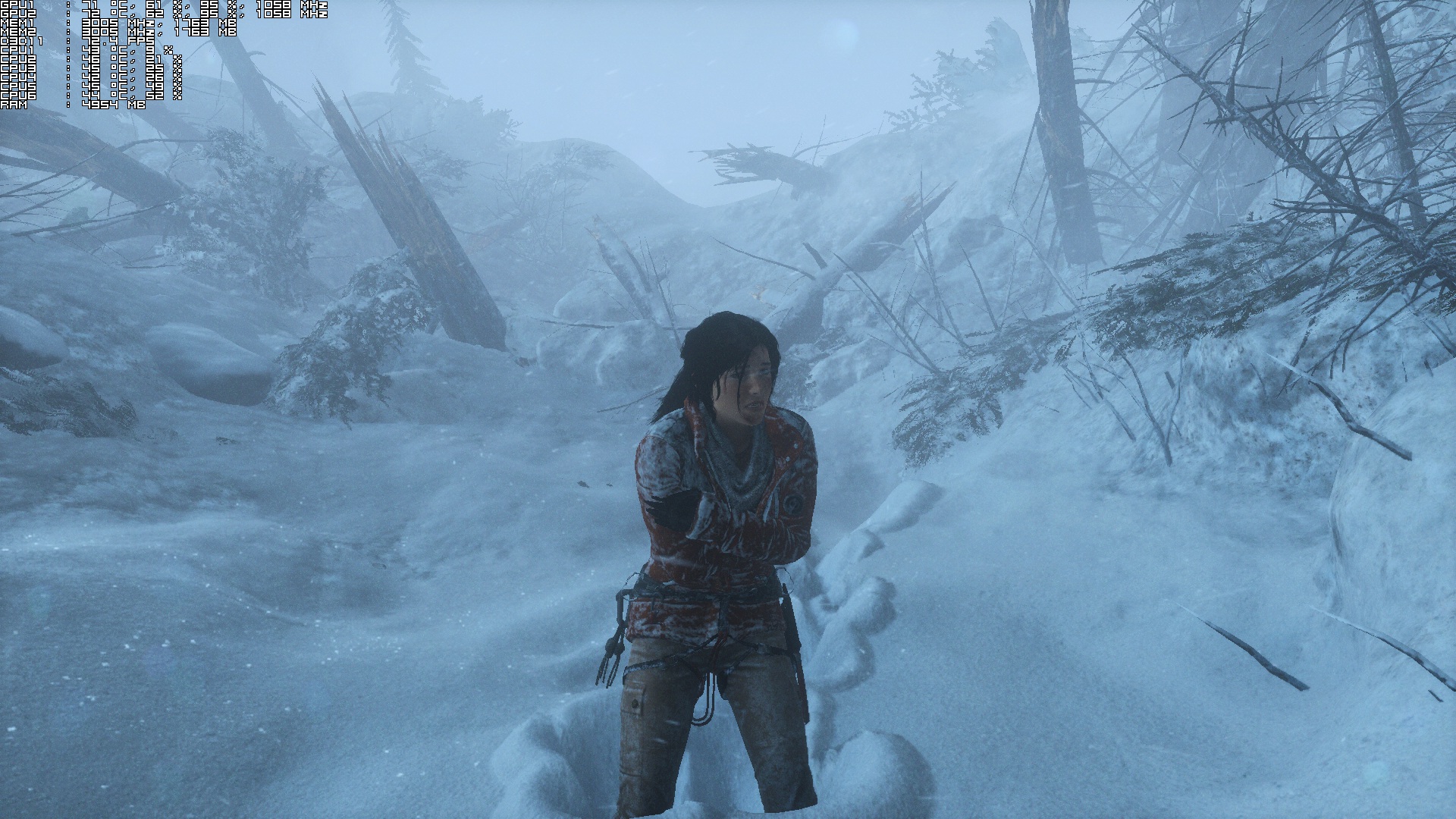
As always, we used an Intel i7 4930K (turbo boosted at 4.0Ghz) with 8GB RAM, NVIDIA’s GTX690, Windows 8.1 64-bit and the latest WHQL version of the GeForce drivers. And while NVIDIA has introduced an SLI profile for Rise of the Tomb Raider, the SLI scaling is all over the place. This makes the game unpleasant in pretty much all SLI systems. Not only that, but there is annoying flickering issues during the snowstorm in the prologue level and the water flooding at the end of the second level.

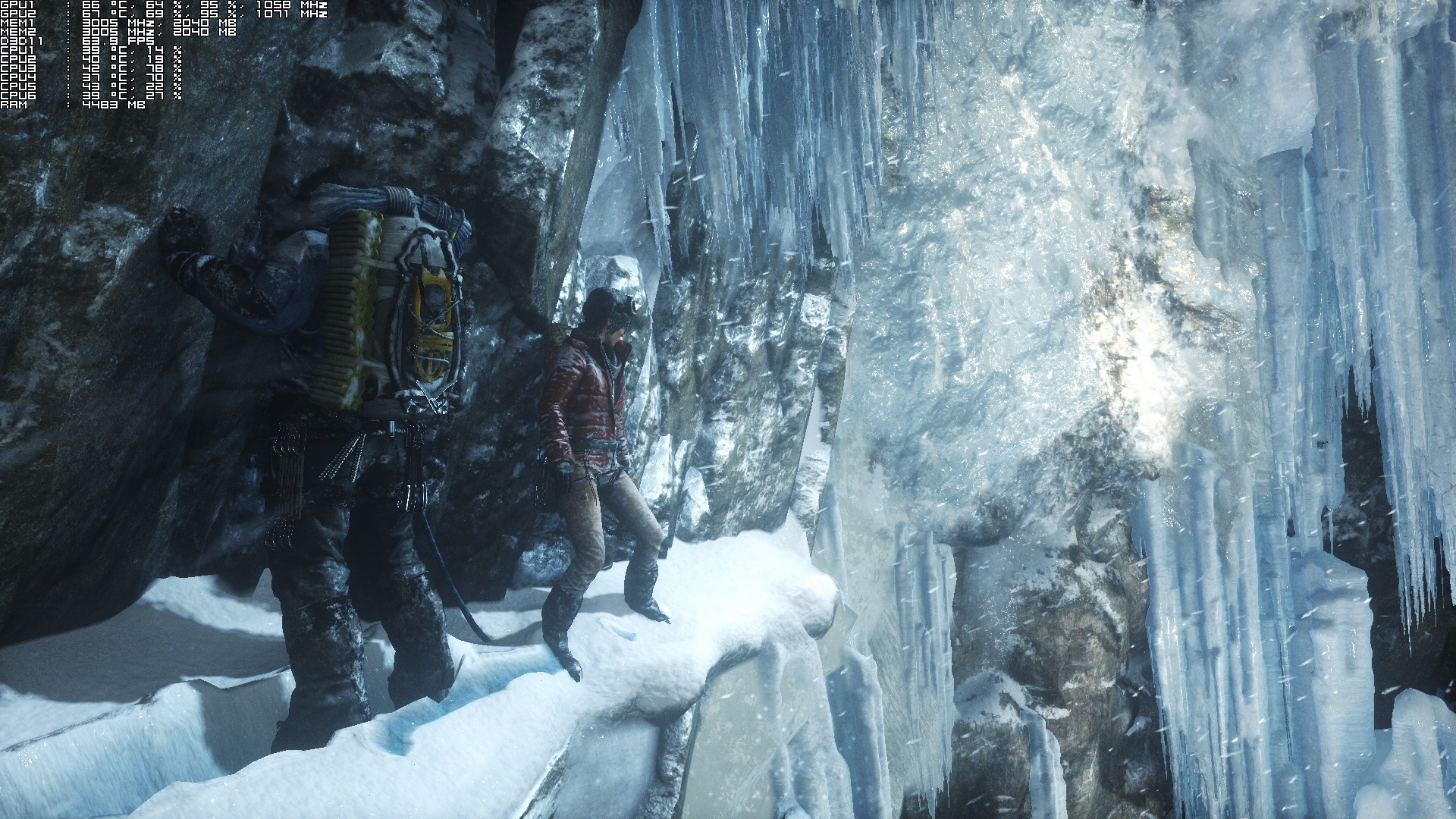
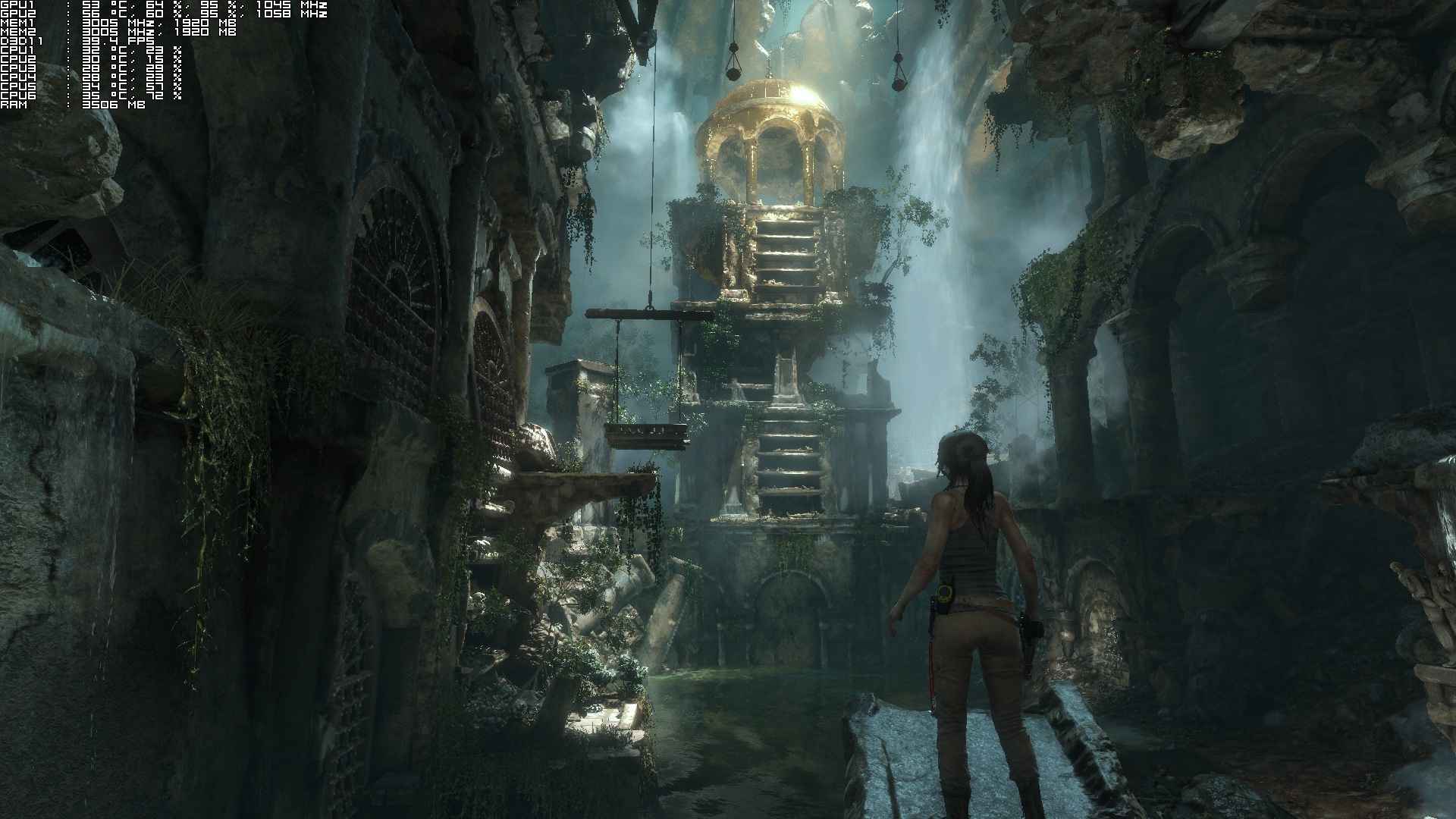
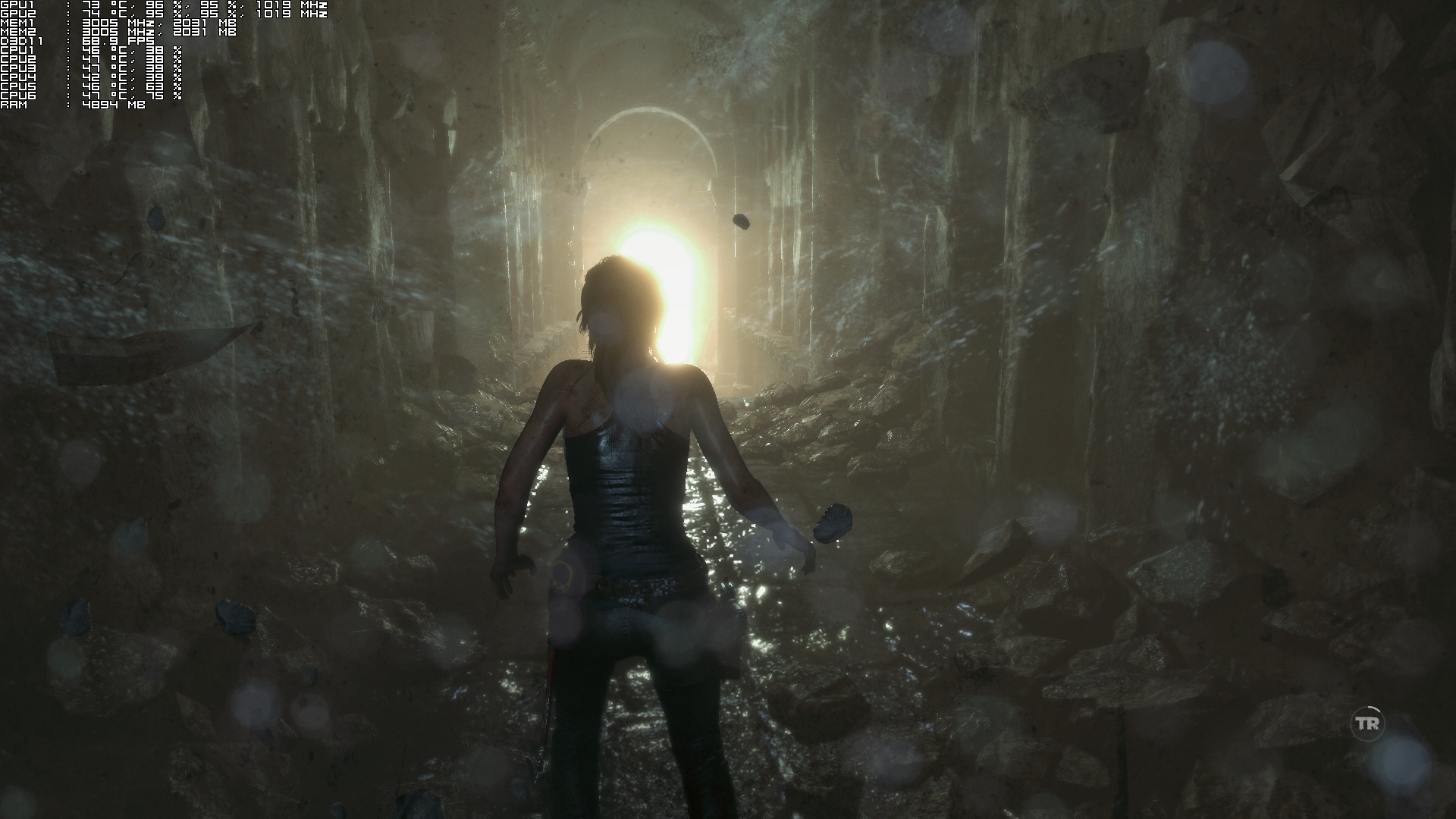
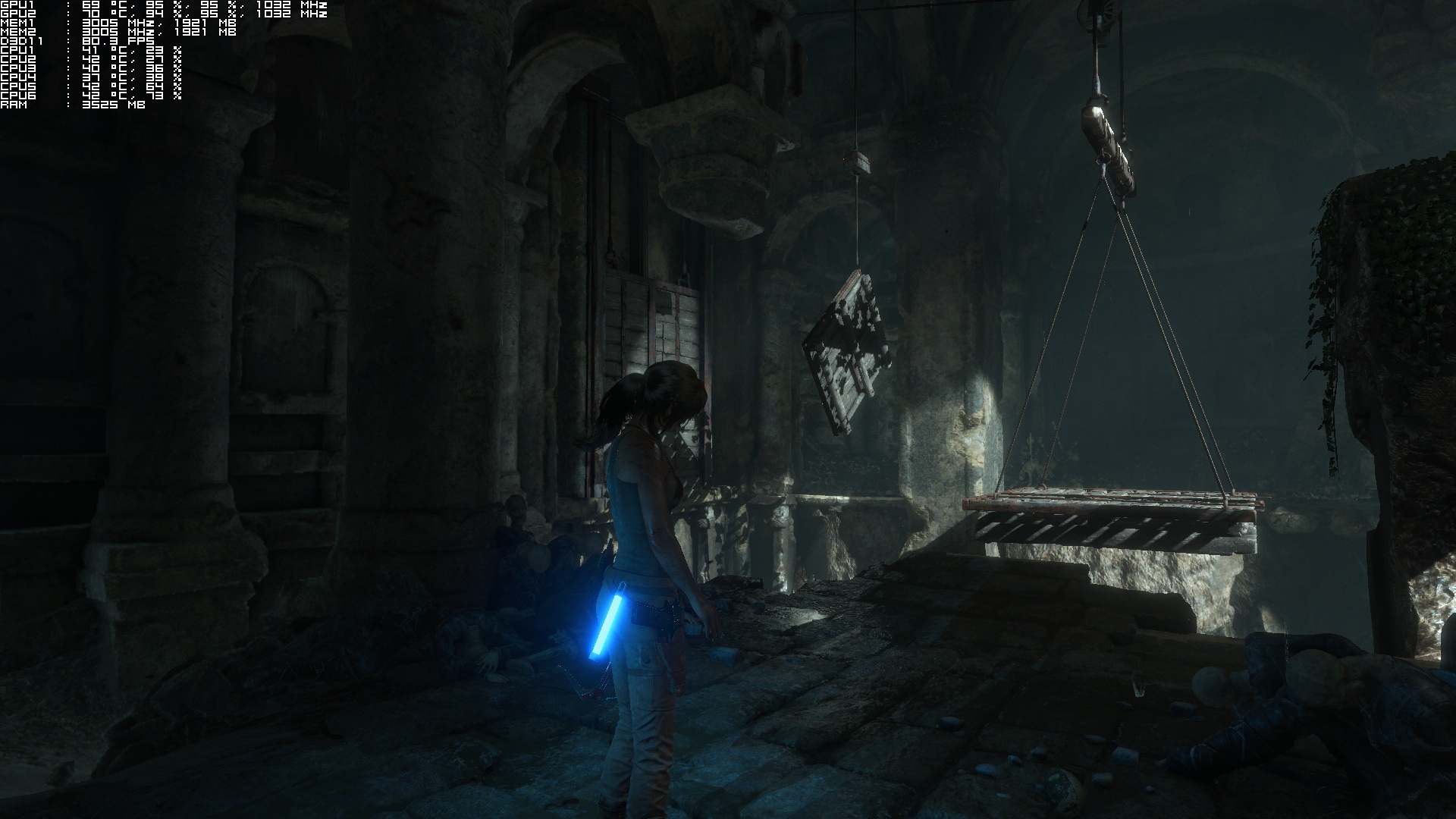
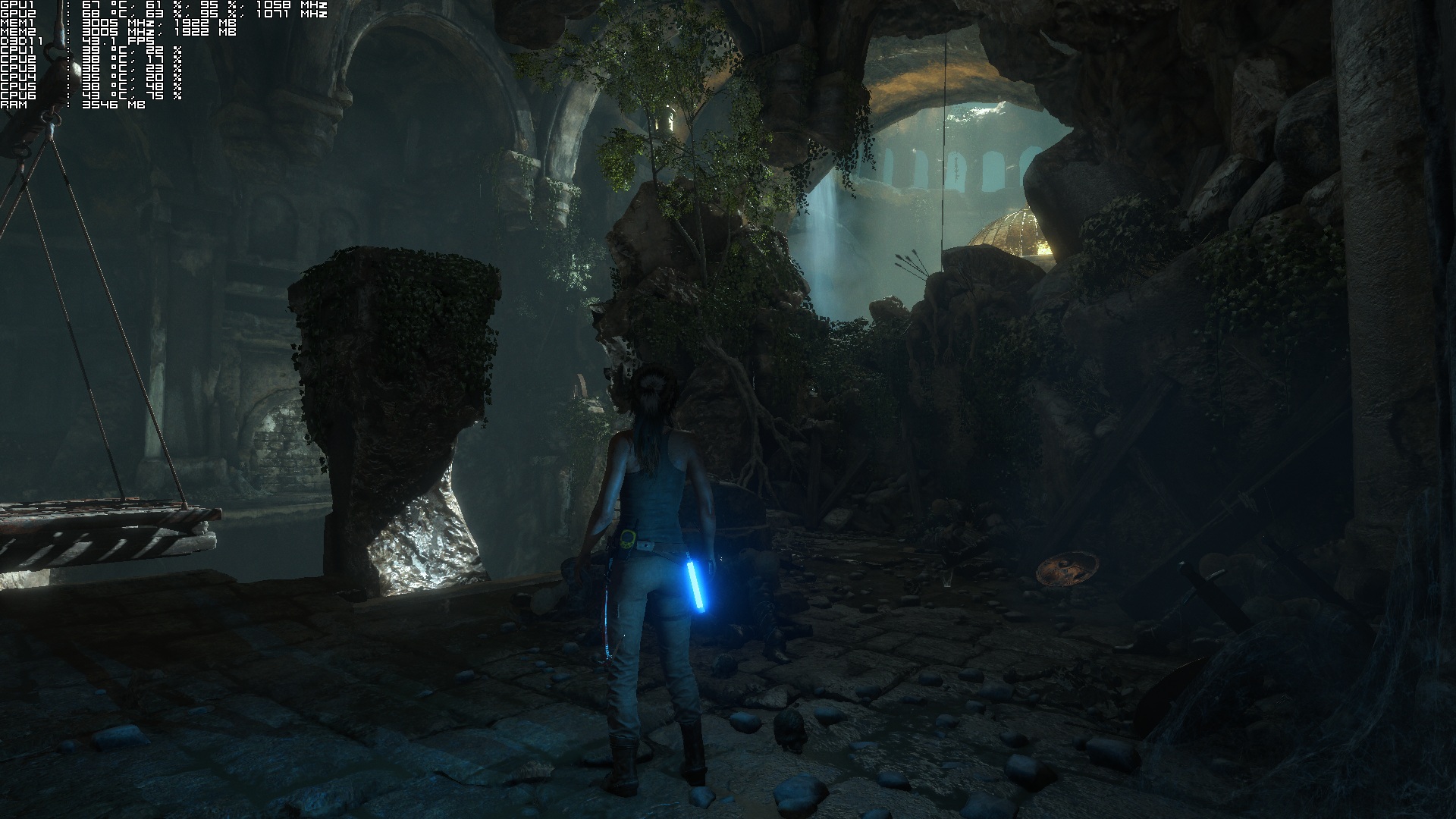
Take for example the following screenshots. A simple change of the camera can result in awful SLI usage. As you can see, on the left we have amazing SLI scaling. As soon as we slightly change the camera viewpoint, SLI scaling drops at around 60%. This is a big disappointment, especially since both NVIDIA and Square Enix claimed that the game would support multi-GPUs from the get-go. Here is hoping that NVIDIA will fix the game’s SLI flickering issues and its disappointing SLI scaling in a future driver.
ROTTR_2016_01_27_20_21_48_983ROTTR_2016_01_27_20_21_54_042

Since SLI is seriously messed up, we ran the game in single GPU and unfortunately the results were mixed. At 1080p with Very High settings, Rise of the Tomb Raider ran with a minimum of 32fps on an NVIDIA GTX680 (in single GPU mode, our NVIDIA GTX690 behaves like an NVIDIA GTX680). This basically means that the game runs better with greater visuals on the GTX680 than on Xbox One. However, we were unable to hit a constant 60fps on the GTX680 at 1080p, even when using the Lowest available options. On High settings, the game ran with a minimum of 35fps, on Medium settings we got a minimum of 39fps and on the Lowest settings we got a minimum of 47fps. This means that those with weaker GPUs should kiss 60fps gaming goodbye, unless of course they are willing to lower their resolution.

Regarding its CPU requirements, Rise of the Tomb Raider does not require a high-end CPU to shine. In order to find out whether an old CPU was able to offer an ideal gaming experience, we simulated a dual-core CPU with and without Hyper Threading. For this particular test, we lowered our resolution to 800×600 (in order to avoid any possible GPU limitation). Our simulated dual-core system was able to run the game with 60fps but with noticeable stuttering when Hyper Threading was disabled, and with constant 60fps without stuttering when Hyper Threading was enabled.

What also surprised us with Rise of the Tomb Raider was its RAM usage. The game uses up to 4.5GB of RAM when Very High textures are enabled. As a result of that, PC systems with 8GB of RAM may experience various stutters (especially if there are programs running in the background). By lowering the Textures to High, our RAM usage dropped to 2.5GB.
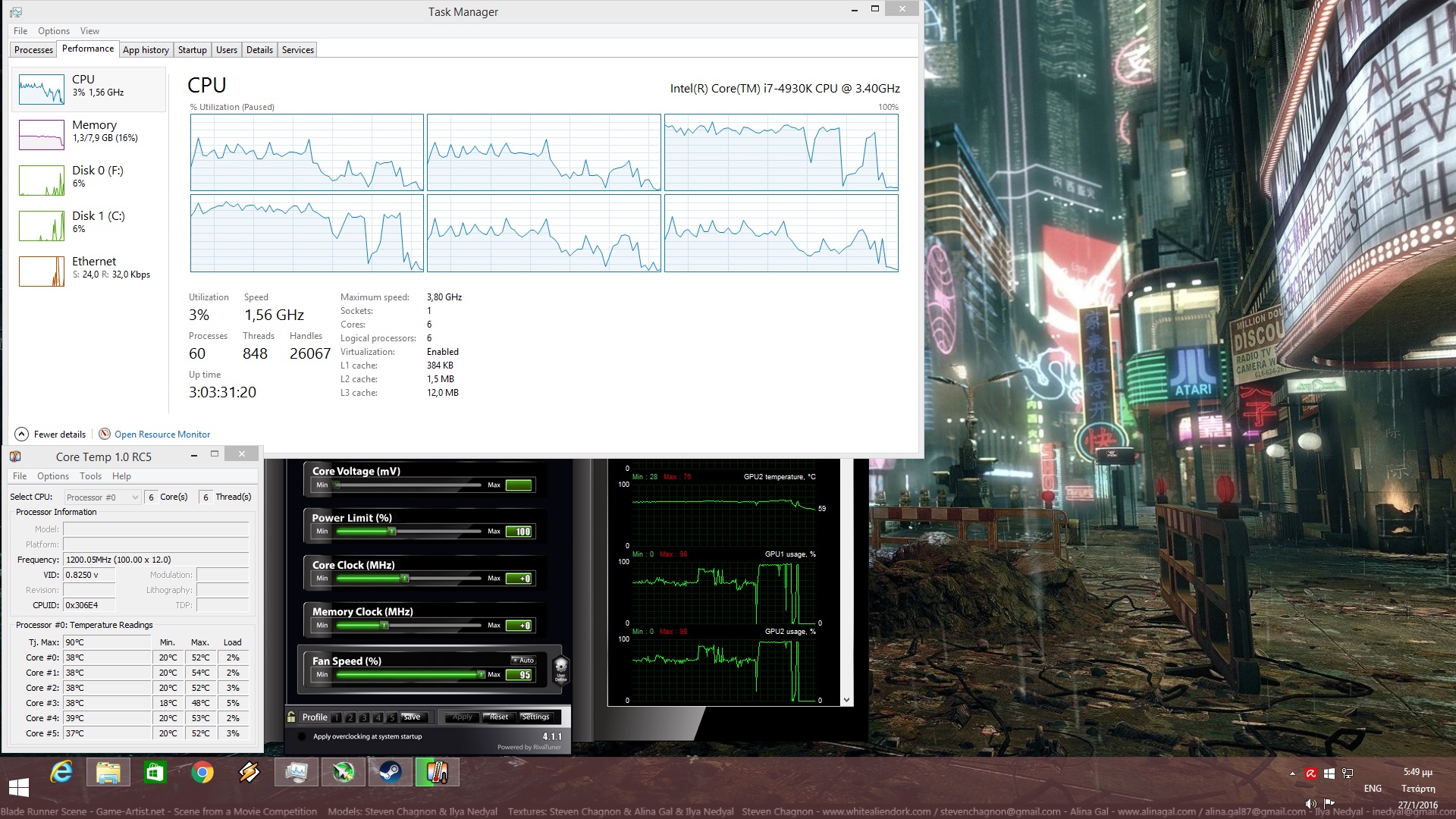
Rise of the Tomb Raider CPU Graph

At this point, we should also note that the game’s Very High textures require GPUs with at least 3GB of VRAM. While enabling them, we noticed minor stutters. By dropping their quality to High, we were able to enjoy the game without any stutters at all. This means that owners of GPUs that are equipped with 2GB of VRAM should avoid the game’s Very High textures.

What is made crystal clear so far is that Rise of the Tomb Raider is a GPU-bound title. Crystal Dynamics and Nixxes have included a respectable amount of graphics options to tweak. Furthermore, some special options that have been included (like the ability to feature different subtitles for different characters) is a nice welcome.

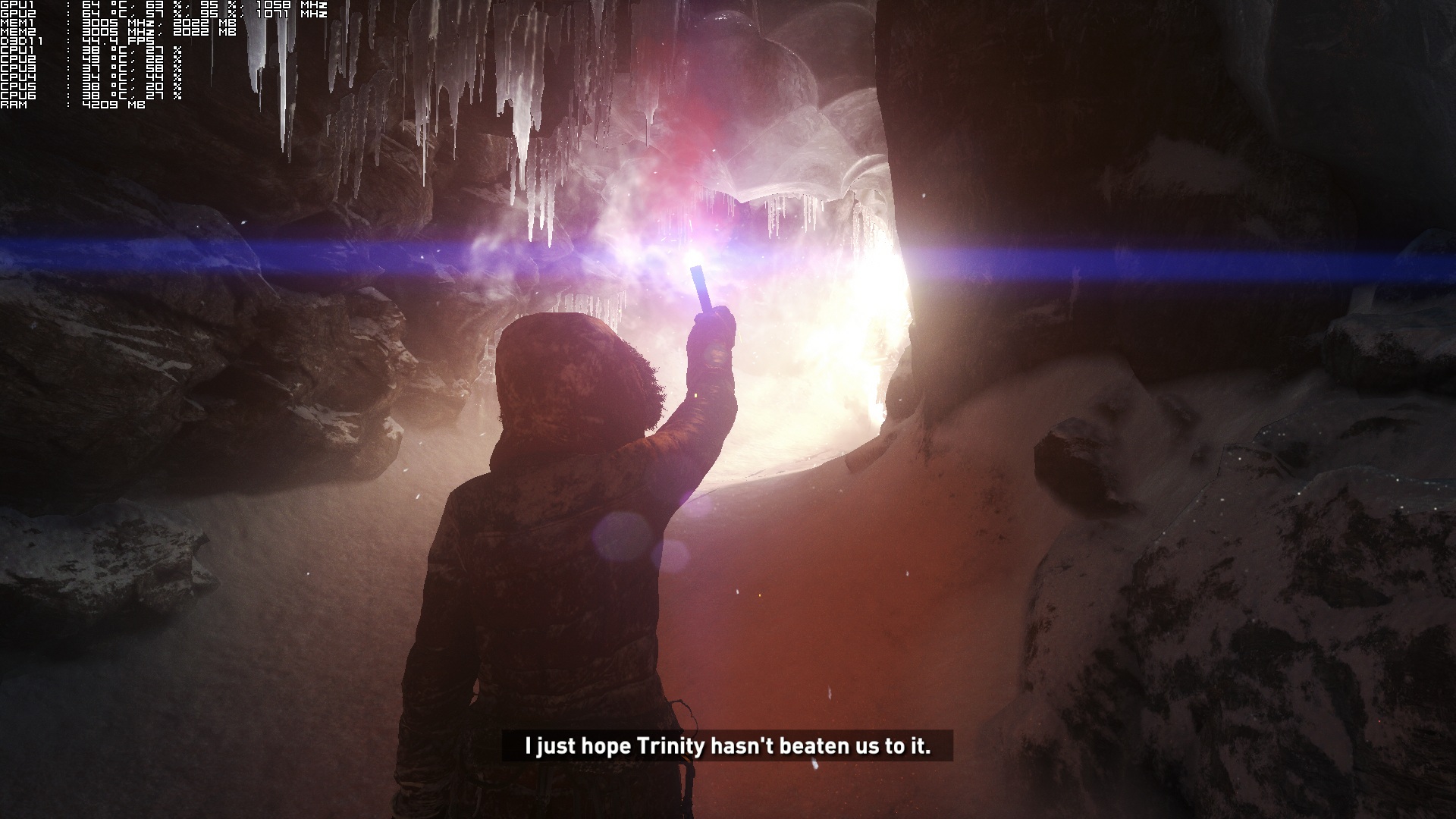
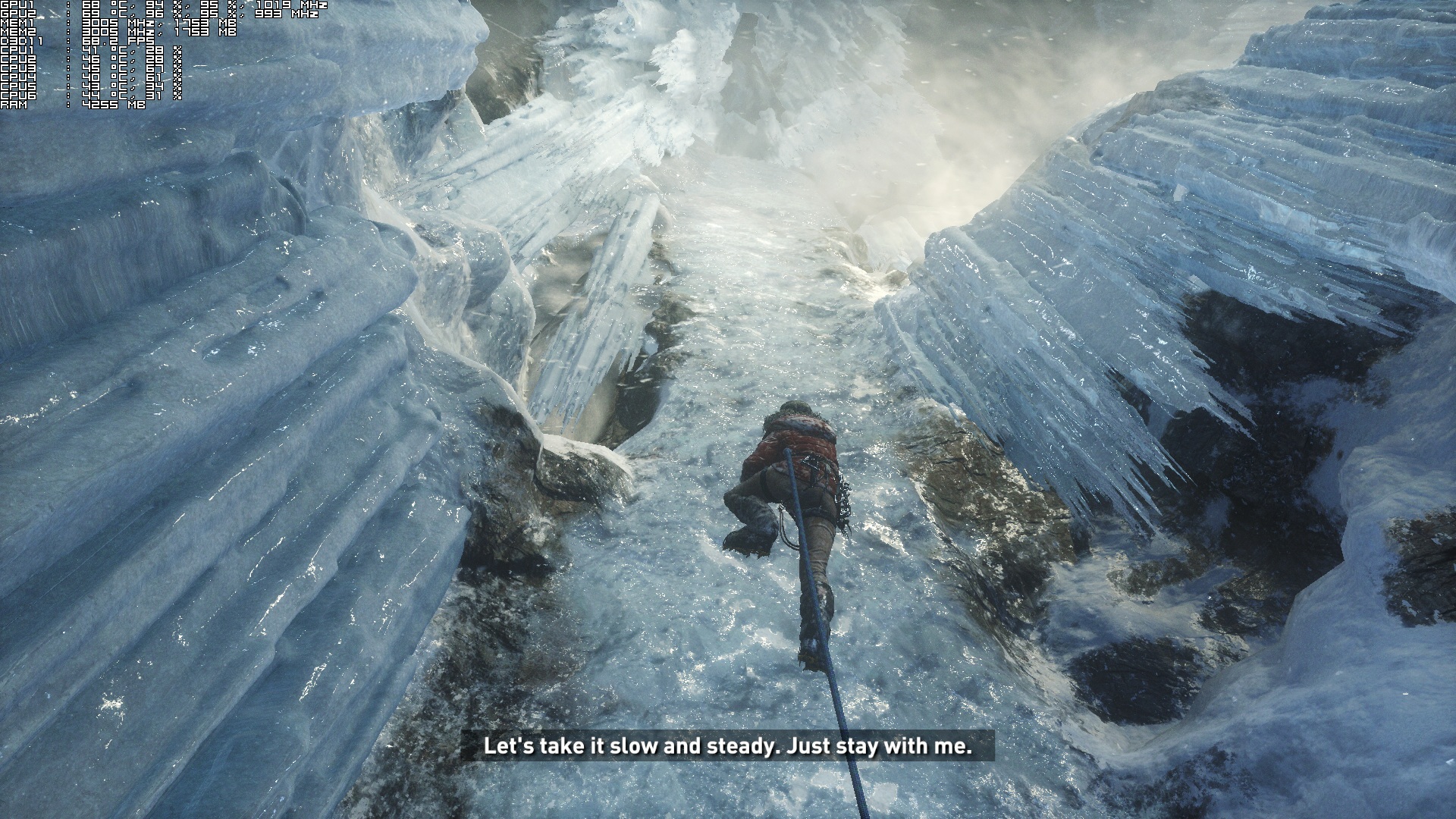
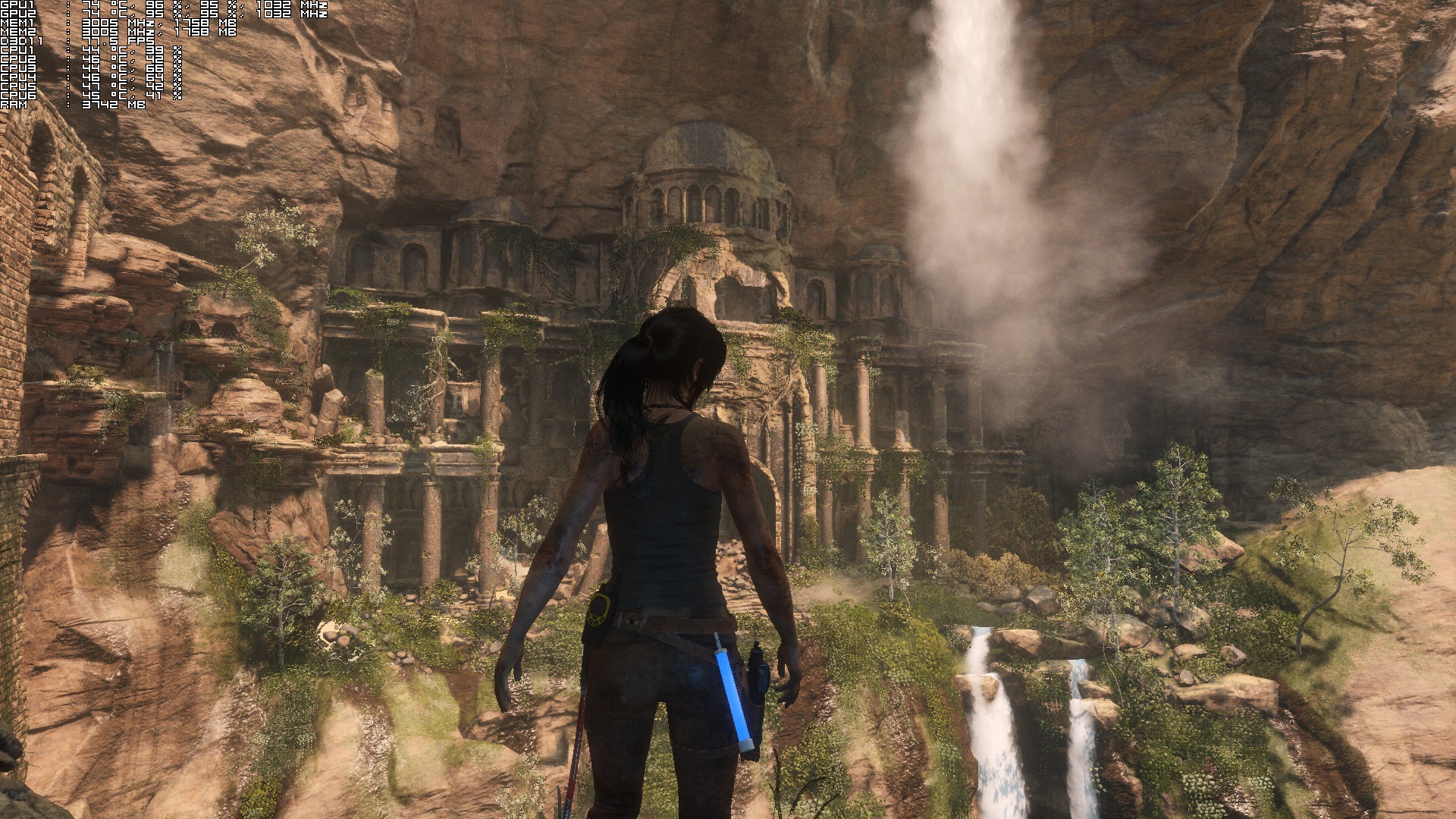
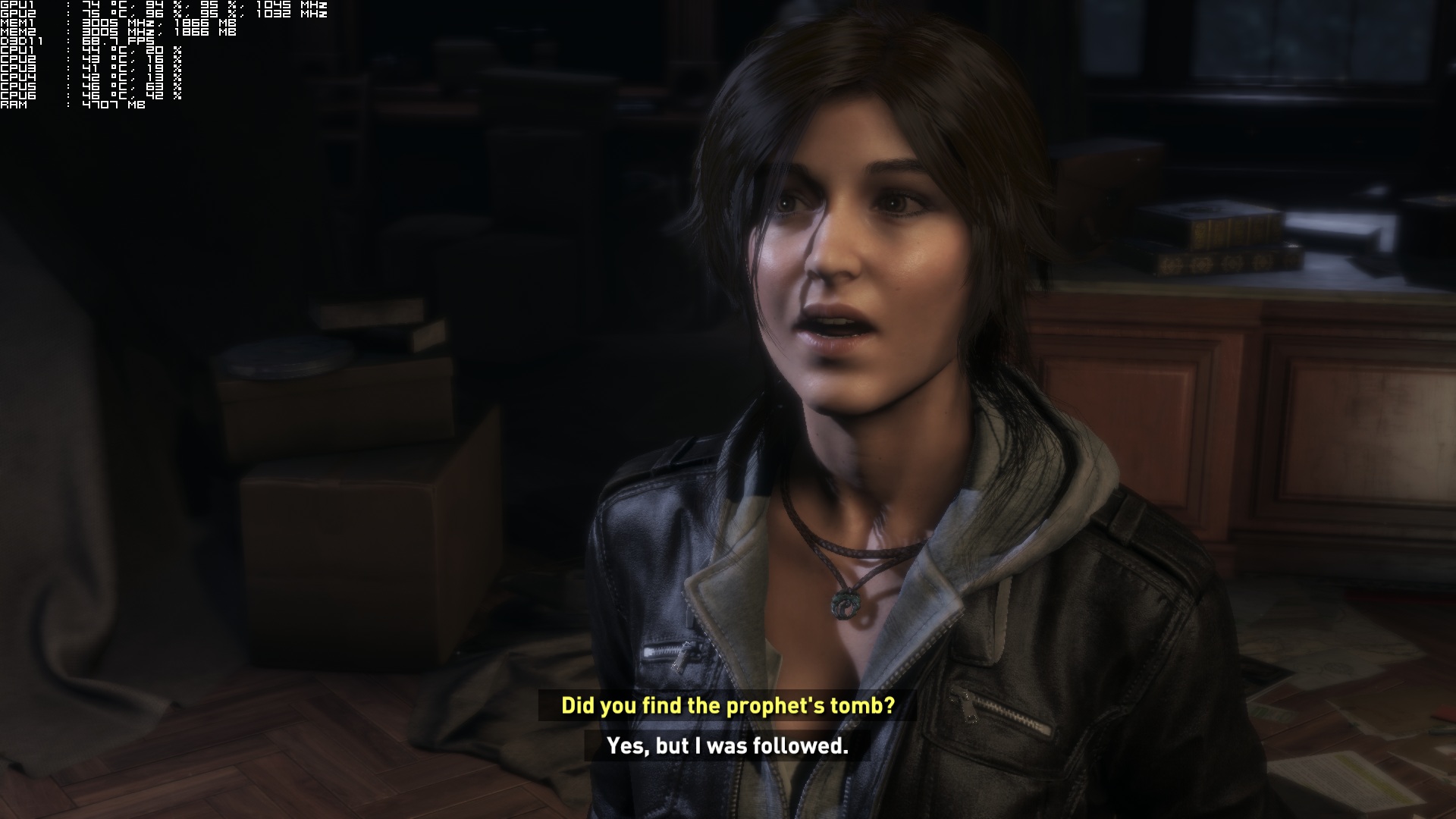
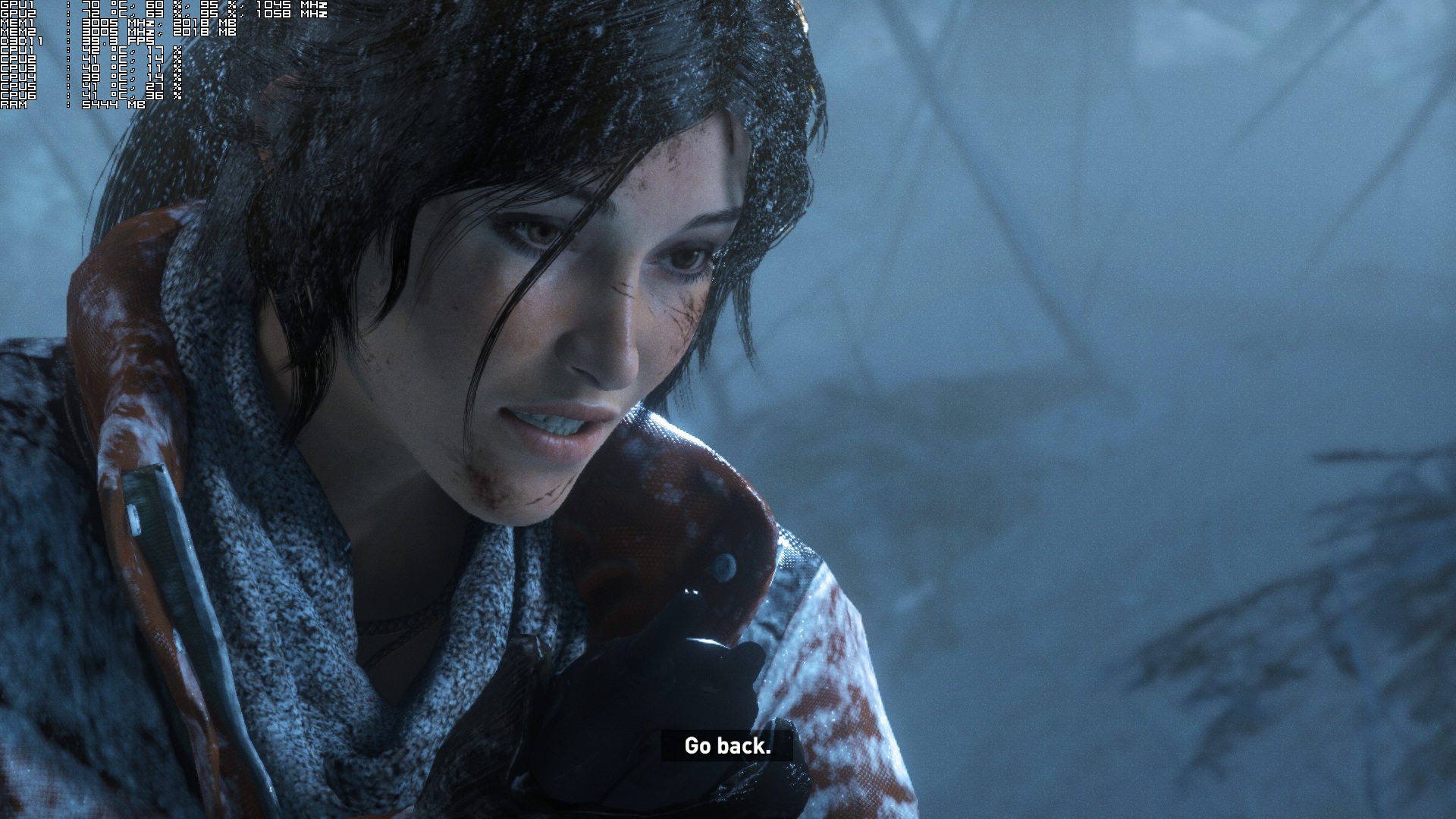
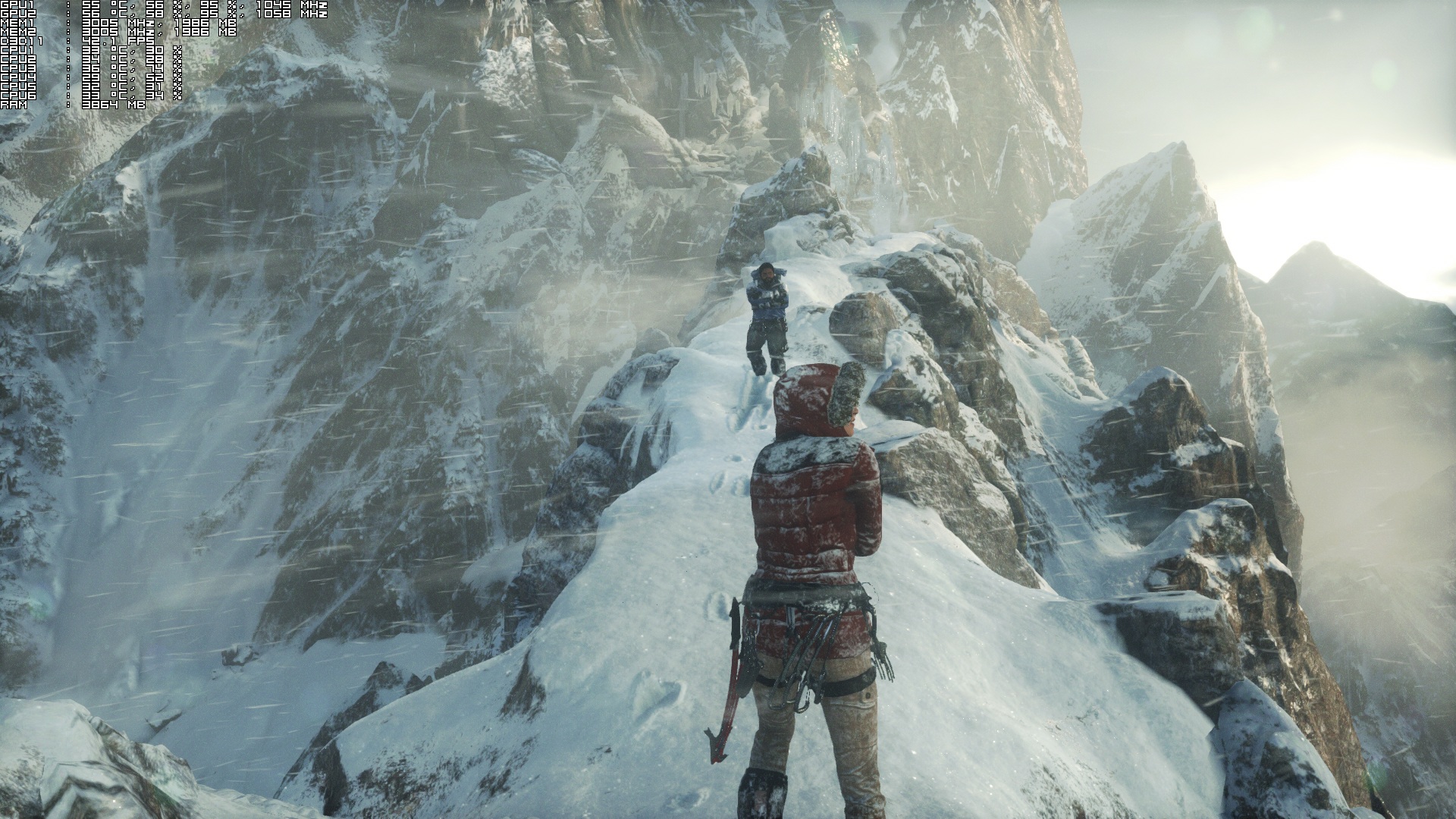
Graphics wise, Rise of the Tomb Raider is a really beautiful game. Most of the game’s textures are of high quality (higher quality than those found on Xbox One), and NVIDIA’s HBAO+ solution does wonders on the game’s scenes. The environmental effects are amazing, and AMD’s TressFX tech (named as PureHair in Rise of the Tomb Raider) is awesome (though not flawless as you will notice various clipping issues). The lip syncing of most characters – and especially Lara’s – is among the best we’ve seen, and all the 3D models (be it animals or characters) are highly detailed. The game also sports scripted environmental destruction, as well as proper foliage physics and tessellation on surfaces in order to make them more detailed than ever.
ROTTR_2016_01_27_17_22_27_478

All in all, Rise of the Tomb Raider performs very good on the PC, provided you are equipped with a high-end single GPU. Rise of the Tomb Raider is a GPU-bound title, and can run without performance problems on a modern-day dual-core Intel CPU. The game needs a modern-day GPU in order to be enjoyed, however it can run with more than 30fps on older GPUs like the NVIDIA GTX680. By also lowering their in-game resolution, owners of weaker systems can hit a constant 60fps at the cost of the overall image quality. We are also happy to report that we did not notice any mouse acceleration or smoothing issues, and that Crystal Dynamic and Nixxes have included a lot of options to tweak. The only downside here is that the game’s SLI support is currently messed up, something that will disappoint a lot of NVIDIA owners, and that its Very High textures will introduce performance issues on systems with less than 8GB of RAM.

Enjoy!
ROTTR_2016_01_27_17_23_59_972ROTTR_2016_01_27_17_26_35_317ROTTR_2016_01_27_17_27_40_518ROTTR_2016_01_27_17_28_05_030ROTTR_2016_01_27_17_48_25_094ROTTR_2016_01_27_20_17_32_731ROTTR_2016_01_27_20_27_22_139ROTTR_2016_01_27_20_28_26_701ROTTR_2016_01_27_20_32_46_723ROTTR_2016_01_27_20_33_36_736

96 thoughts on “Rise of the Tomb Raider – PC Performance Analysis”

  1. Well good to see that it uses more the GPU but sad to see that SLI works bad for SLI owners.

    I know I won’t have problems with my PC to max it out and after watching a couple of videos from the PC version, a lovely looking game sure is waiting for me!

  2. So its bad optimized?
    anyway they will fix it in few patches at least the HBAO+ and hair effects(NVIDIA lol) performance hit

      1. it dosen’t matter how old it is!
        matters how good it is!
        and i have my sweet GTX 970 Matrix 1550Mhz +My GTX 680 DC2TOP for PhysX

          1. with 30% fan speed also deadly silent !
            max temp in full load 69c
            while gaming 62-66c …for hours!
            stable in every game,benchmark
            easy just link everything to temp set power limit to max and just increase the clocks
            i will do a tutorial for those who got this limited edition of this by far the best GTX 970 on the market!

  3. For F*CKS sake John. You have one of the best pc sites on the net. But you have one of the oldest gpu’s available. Get a real GPU mate. This old 680 crap wont cut it 😉

    Besides that, awesome read, well done!
    I know it’s a 690, but anyway, its a joke and you know it mate 😉

        1. DSO’s been blacklisted by most Publishers because they provide honest reviews/performance analysis, instead of just automatically promoting a product because they got a free sample regardless of its actual quality like most sites do, so they don’t get free samples for most of the popular AAA Games anymore.

          Because of this they have to buy 90% of the Games themselves, hence a lot of their extra income (post-Server/Website fees income) goes to Software, instead of Hardware.

          1. They have a deal with GMG now, remember? That has kinda helped them out since they’ve been receiving codes frequently of late.

          2. It was in one of their Editorials, wasn’t it? The DSO Past, Present, Future Series maybe? Maybe not. Don’t remember the specific Source, but it was in an article somewhere. Or a comment……

            Anyone? 😀

          3. Really?!? Thats so ridiculous! I love this site! I am only a recent (last three months) visitor but i am quite surprised that that is the case ( not saying i don’t believe you! ). Wow… that’s a shame.

      1. LOL..
        Great mate, cant wait 😉

        Keep up the good work, and continue the good fight, no console crap over here 😉

        You are doing an awesome job 🙂

      2. I am too looking forward to my next upgrade, I am finally saving for a GTX 1080 or whatever is Titan X+ performance from Nvidia. My GTX 680 SLI and 4.4ghz 3770k turned in disappointing performance at 1080p in the Witcher 3. Doom 4 this game and Deus Ex Mankind Divided probably won’t fare better. 🙁

    1. To be honest i’d rather have them have a modest rig i mean who cares if it can be played on a 2000$ system what 5% of PC gamers will be happy. I own a 970/4790K myself but i would like to know how it would run on 400$ hardware to(750Ti, I3)

        1. That is a quite high core clock OC (most top out at around 1475-1550). If its game stable that is nice, however mine needs 1490 to be 100% game stable.

          1. its stable also the fans never goes above 30% and temps are 68-69 full load furmark 1h in games is like 59c -66 stable

      1. Ya thats fine… for you. What about me or anyone else who has a much better, or worse rig? That is what PC Performance Analysis is. Otherwise it’s GTX690 Performance Analysis. And btw… the GTX690 is not a “modest” card. It is an Ultra Enthusiast card that time has simply past by.

    2. Agreed. He should his GPU and also include and AMD GPU if it’s not too much, PC performance analysis should be done across the board for all users.

  4. I am sorry to say this but the 4 year old GTX 690 has to go if we are to continue to take your performance analysis seriously in 2016.

          1. We are currently in 2016 and the games we need a performance analysis done on in 2016 will all be using the latest tech from 2015-2016 and cards from 2012 will just not cut it anymore.

          2. Cards from 2015 only have better energy consumption :^). I keed, but i have an gtx 670 and can play 2015 games at max settings so why bother?

    1. I think a 680 is fine, but why not throw in a 980/970 for comparison. Or hold out for the new gpus this year.

  5. My Asus GTX 970 ROG Matrix ed(best GTX 970 on the market oc,noise,temps) its ready to eat this game up <3
    its hungry

    1. As*hole? I was asking you without any ill intent and I’m suddenly an as*hole? Well, FUC* YOU too sir, FUC* … YOU too 🙂 <– see this? it's a smiley face 🙂

    1. “it would have been decent of ’em to have used it to showcase OGL 4.5, since they’re still pushing that despite the advent of Vulkan”

      From where did you get this. Vulkan wasn’t even released yet and NVIDIA already have preliminary support for this API in drivers.

  6. Dont listen to all of the haters about a 680/690. Many of us out there are still rocking this card! IMO, upgrades arent worth it until the 14/16nm cards come rolling out this year

    1. Yeah there are a few regulars here who are still using GTX 680 including myself. Also I like John’s analysis because my rig almost runs the same.

    1. Because MS locked it to Windows 10 and LOTS of people are still running 7 and 8? Same reason we had no DX 11.2 games and ONE DX 11.1 game due to Windows 8.

      Hopefully the industry gives MS the middle finger as soon as Vulkan releases. 100 percent adoption out of the gate.

      Why would I upgrade to Windows 10 when updates have broke peoples games, modding tools etc and when MS PAYS for companies like Remedy to not release Quantum Break on PC or or delay it, when PC Gamers are who saved Alan Wake.

      MS wants me to do them a favor and adopt an OS that is like 10 percent or less market share on non gamers (PC Gamers are carrying adoption atm when no games even use DX 12), while refusing to reverse idiotic update policies and their bat@$#% crazy EULA? Yeah right.

  7. FIRE UP THE 980 TI’s baby, this is why I bought them, so I don’t have to worry about this rubbish and spend months crying in forums about it.

  8. Nvidia’s frametime tests were done on a test rig with 6 GB system RAM. The ultra textures in this game are said to use 3.9 GB of VRAM from sites I have looked at on the internet.

    Because your GPU did not have that VRAM, system ram was probably inflated. A 3GB VRAM GPU simply is not going to run this game at ultra textures without stutter much like GPU’s stuttered with the Shadows of Mordor ultra pack installed when they had too little VRAM . System RAM and the HD do not = VRAM in peformance. With lots of RAM and a SSD you might stutter less, but you are still going to stutter.

    970 will probably be “ok” after a driver so that the last 500 megs of ram is not an issue. 980 should run the ultra pack fine. 780, I would not touch it (ultra textures) and Digital Foundry said a 780 stuttered like crazy with the ultra textures. At high it was maxed out around 3. So a 2GB VRAM GPU might not even do high textures well. This is why no one should have bought one recently if they want to use higher textures than the consoles. The one thing consoles can do is allocate memory from a huge memory pool. They have used as much as 2.5 in games already for textures.

    Textures mean more than all this other dumb @$## like soft lighting. VRAM is important.

  9. Set game to 30 fps locked, Pre-rendering frame to 1 , disable triple buffer, and activate Supersampling 2x. i bet the game will play more stable. i hate people complaining about 60 fps. try working in game dev and make 60 fps games i bet you will get fired in day 1 like kojima because overspending.

    1. Better idea. Match Xbone settings except for Textures (if you have the VRAM) and AF (16 instead of like 4) which matter more than all these other stupid settings. Inject SMAA with reshade/sweetfx 2.0 which will slaughter the FXAA which BLURS the higher textures you just selected. Disable FXAA. 2 FPS to blur the screen is not a good deal.

      Xbone settings. Tessellation off because the only tessellation on XB1 is for the snow which is on by default, turn off Sun soft shadows because soft shadows BLUR shadows and it is the stupidest performance hit in the history of video games, shadow quality at high like XB1, use regular AO. Dynamic foliage setting is medium on Xbone. Use the lower setting for purehair (XB1) cus it is getting SMAA anyways.

      Enjoy 60 FPS on a 970 at 1080p that will look better than 1440p with trash FXAA and dumb effects. Enjoy 1440p 60 FPS on a 980ti. Oh and you can prob fit in render distance higher than XB1 as well. Next if you can fit in the budget would be foilage at a higher setting. Turn off blurs because that is for suckers that play under 60 FPS.

      Laugh at the idiots playing at 40 FPS with jaggies all over the screen and all their textures blurred on the same GPU you are playing on. Tessellation might be “ok” on Nvidia cards cus they are better at it.

      1. Can’t wait for the GimpWorks edition aka 960 users to realize what an idiotic decision it was to go with NVidia in the 200-250 dollar segment, because that thing is going to choke left and right, it’s only 2x slower than the 980 I have in my system currently…

  10. not a bad port, not good either. 750ti with the same settings as xbone drops to 18fps and 360 drops to single digit. a 970 can’t runt it at 60fps, avrage of 48~.

      1. Nope, and no DX12 Async compute support for the PC version either. The XB1 uses Async Compute for the volumetric lighting. BTW, the shadow quality in this game is awful, you can see the cut backs but that’s what the very high option is for on the PC version.

  11. Russian Siberia, Syria ?! Cold war propaganda much ? Rihanna Pratchett messed with the wrong guy when she messed with Russian President Vladimir Putin and King of Europe. I bet he will fix this as he fixed pu55y riot a western CIA sponsored fake punk group! Have a nice life Rihanna!

  12. i don’t know.. Digital Foundry stated that you would need 1.5 GB VRAM for low textures, 2 for medium , 3 for high and 4 for very high. I hope this is not the case since I have a GTX 760 2 GB.
    I hope I could play this game at 1080p – FXAA – High settings and 30 FPS – with the NVIDIA bloatware turned on. I mean, this game runs and looks greattt on a 7790 and a tablet CPU FFS! My rig while old is significantly more powerful than Xbox one and PS4. I’d hate having to go with medium textures for having a 2 VRAM buffer. What happened with proper texture streaming?

  13. Time to upgrade man. Im pretty sure you have the money. Your GTX690 doesnt mean sht these days with 2Gb of useable RAM. It was a great card for it’s time.

    Or you could simply change the title to : ROTTR on GTX 690 Test. OR Let’s See How Well GTX 690 Aged.

  14. If the SLI works in a game, at 1080p the 690gtx still runs pretty well(60FPS). People need to look at benchmarks vs 970, 980 and see for themselfs. But because of the 2Gb Vram/Gpu at higher resolutions than 1080p it will stutter. Plus, you can OC the card 🙂

  15. Digital Foundry went straight for the 30fps lock before anything else, so discount that port report as a irrelevant joke in PC gaming land.

    Totalbiscuit was getting 65-85fps with his 2x Titan X’s and Hexacore Intel and professed no problems at least for him, so discount that as unrealistic for the other 99.9% of PC gamers.

    Destructoids port report using a i7 4790k & GTX980 is more indicative for most of us.

    “At some points, I was able to enjoy a solid, smooth, and stutter-free 60FPS, but then only a minute later my game would be dragged down to a low of 20FPS for seemingly no reason.

    For example, a very chaotic set-piece with lots of explosions, snow, and flying debris had a totally stable 60FP, but then I was lucky to get 25 in the small, dark, undetailed cave that immediately followed it. I’ve even gone to an area running at 60FPS, briefly ducked into a cave, only to come back out in the exact same place and find the game was now running at 40FPS instead.”

  16. That’s not an accurate representation of the GPU. It still kicks a** in many games, but those with sli issues and vram limitations are obviously affected.

  17. You can’t really call this a “PC Performance Analysis” when you only test one set of hardware. You need to put a call out to the hardware vendors to send you their latest stuff so you can do your job properly. I would think your site has enough credibility to warrant both Nvidia and AMD to send you their stuff. It is a little disappointing to see you only have a video card that is three generations old (first gen Keplar = 6xx, 2nd gen Keplar = 7xx and then Maxwell = 9xx…) for testing! Who’s to say that this game isn’t much better (Performance wise) on Maxwell? Yet you are stating that “PC” performance is all over the place… yes… on your very specific system it is. You see what I’m getting at here? I love your site but you need to step it up if you are going to publish “PC Performance Analysis” articles…. and be taken seriously.

    1. Then go to a proper PC hardware testing site, there are plenty, this site is primary about PC games not hardware testing.

      1. Fair enough. I see your point. It’s fair to say that my point is still valid however. I was reading further down and it seems there has been some unfair persecution towards DSO Gaming. I’m sure that puts him in quite a tough spot. Anyway i won’t take your advice and stop coming here however. I like this site very much. I never intended my critique to be mean spirited by any means. I just made a valid point, hoping to be seen as trying to make the site better.

        1. All I’m saying is if you want proper tests of hardware there are better sites dedicated to that, people always post images of benchmarks from those sites and also youtube videos. His system is more than powerful enough to surpass most modern single cards because it’s basically a GTX 680 SLI. Like all benchmarks though, you should take them with a grain of salt, it won’t always reflect what you get on your setup anyway.

          1. True. I actually did what you recommended and googled RotTR Benchmarks. It is looking like Nvidia may have the upper hand with this title. I run dual GTX980’s with a 4790k@4.8GHz and 16GB@2400Mhz, so I have yet to see the results of that setup. I may have to find out for myself! lol…

    2. You’ll be surprised with what is going in the background (regarding vendors).

      Now if it was entirely up to me, we wouldn’t even move to the i7 4930K. We would be still using the Q9550K. Why? Because that particular CPU would give us a better idea of whether a game engine uses two, three or four CPU cores. Believe it or not, most engines – while they do scale on a lot of threads – are still created for three/four CPU cores.

      Not only that, but that CPU can also exploit graphics effects that were being calculated by the CPU. Shadow Warrior’s reflections (something that Flying Wild Hog admitted after the game’s release) and Hitman: Absolution’s reflections are two big examples of this.

      So, what did this article basically told you? That SLI is currently messed up (true), that 2GB are not enough for Very High textures (true. Keep also in mind that some games allocate the entire VRAM, even when they don’t need it. Before saying “that is to be expected”, The Witcher 3 ran wonderfully with 2GB of VRAM and featured better textures. Same goes for The Vanishing of Ethan Carter and Star Wars: Battlefront), and that the game is GPU-bound (true). And that, based on when SLI scales at 95%, a GPU equivalent to the GTX690 (that is slightly more powerful than the GTX970) can run the game with 60fps.

      In short, the purpose of our PC Performance Analysis is not to say “Hey guys, here, we are throwing the game at the best GPU so we can see if it’s running with 60fps.” Because that’s basically overcoming optimization issues via brute force. Our analyses are about what is actually going on with the games.

      The only thing that we totally agree with everyone; we need to get an AMD GPU. Fair point.

  18. Interesting dsog claim sli broken, as some people one come across claim it works fine with day one drivers.

    For myself, this runs worse than any of Ubisoft games and I had to drop resolution from 4k to 1600p and sit back a bit, as cut scenes were dropping below 30fps regularly and had couple drops below 30fps in game.

    Still can’t get over how the 750ti i3 combination performs that’s shocking.

    Game looks stunning though

  19. Damn it! Having just bought an Acer Predator 21:9 screen I NEED SLI TO WORK! Very annoyed to have to wait. Oh well back to Witcher 3 NG+

  20. A note to the VR fan boys dropping big bucks on headsets…

    SLI is now mature technology and been around for donkeys years with a very large install base. The opposite of VR.

    Yet support for it is absolute garbage. Very rarely does a game work properly at launch, many times you have to disable SLI because it runs worse and often it is never fixed.

    How much use do you think you will be getting out of your headsets…. You think devs are going to give you better treatment than SLI users…

  21. there’s some incorrect info in the article. a 4gb gpu is not enough for very high textures even at 1680×1050 in later scenes.

    cpu usage is also very high later on. a 4.6ghz i5 4670k is almost maxed out, and becomes a bottleneck, preventing the gpu usage from reaching 99% in bigger scenes, and preventing constant 60fps, with 2-5fps drops.

  22. At least the game is better than 2013 version, it feels more like the older Tomb Raider with more tomb raiding but tombs still come up “optional”. The game is still dumbed down, you can’t actually swim under water, it’s just right click goes under water in places, you simply don’t have the freedom to swim like the older Tomb Raider games. It’s still too cinematic as well ,the first 30 minutes or so is on the rail gameplay.

Leave a Reply

Your email address will not be published. Required fields are marked *