
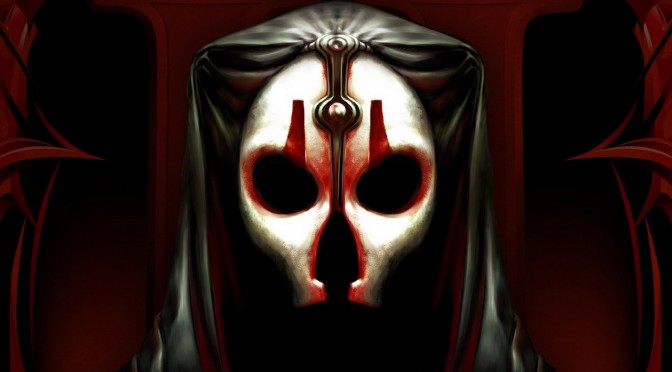
Now here is a nice surprise. A new update for Star War: Knights of the Old Republic II has been released that adds Steam achievements, Steam Cloud saves, native widescreen resolution support, as well as support for Controllers and 5K Resolutions. This update will be auto-downloaded from Steam, and you can view its complete changelog below.
Star War: Knights of the Old Republic II – New Update Changelog:
- Steam Workshop support! We’ve proudly teamed up with the Restored Content Mod team and TSLRCM will be available on day 1!
- Achievements can now be earned through gameplay
- Controller support
- Native widescreen resolution support
- Support for up to 5K monitors
- Steam Cloud saves

John is the founder and Editor in Chief at DSOGaming. He is a PC gaming fan and highly supports the modding and indie communities. Before creating DSOGaming, John worked on numerous gaming websites. While he is a die-hard PC gamer, his gaming roots can be found on consoles. John loved – and still does – the 16-bit consoles, and considers SNES to be one of the best consoles. Still, the PC platform won him over consoles. That was mainly due to 3DFX and its iconic dedicated 3D accelerator graphics card, Voodoo 2. John has also written a higher degree thesis on the “The Evolution of PC graphics cards.”
Contact: Email