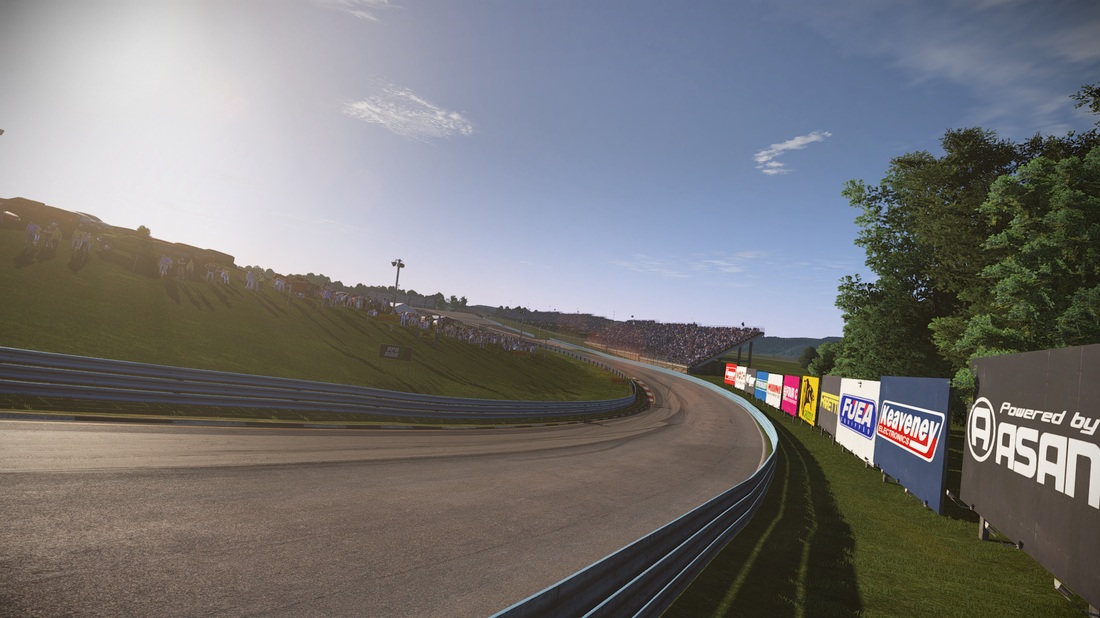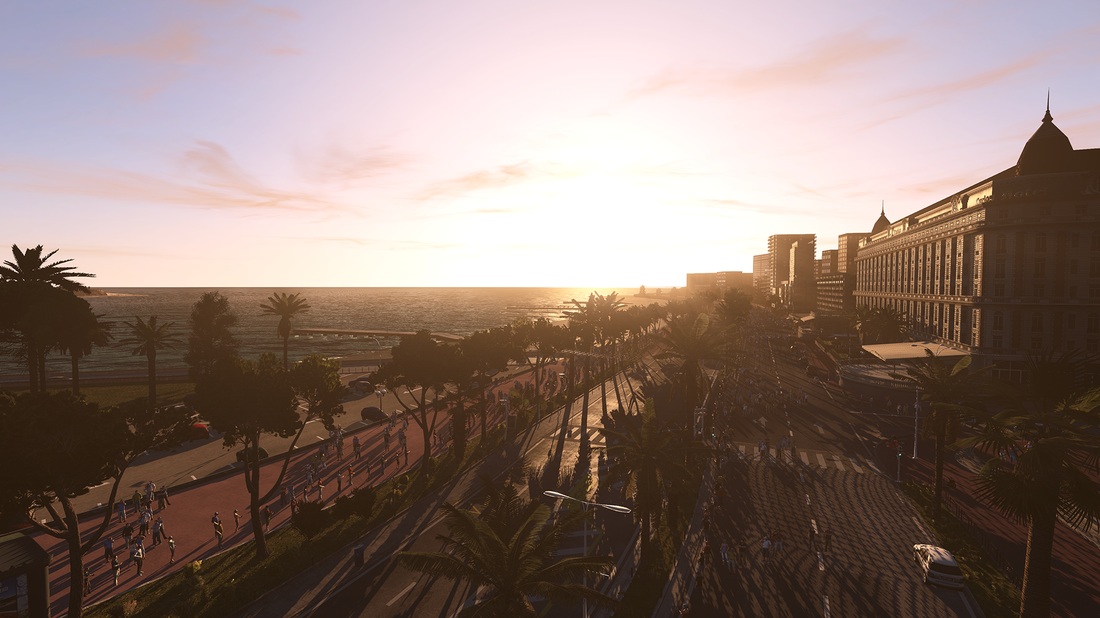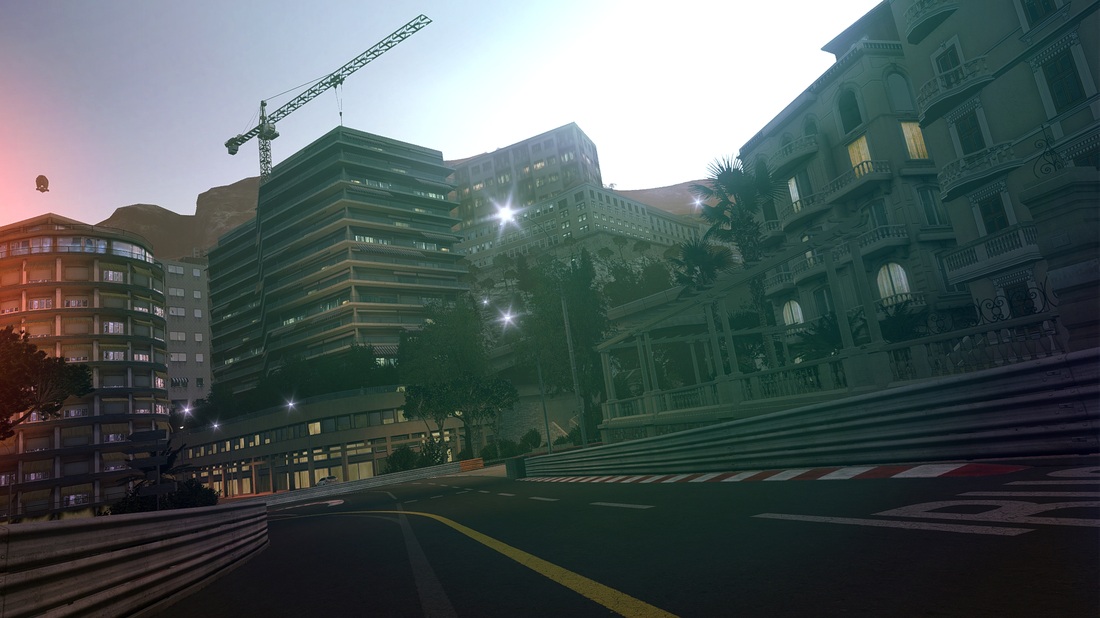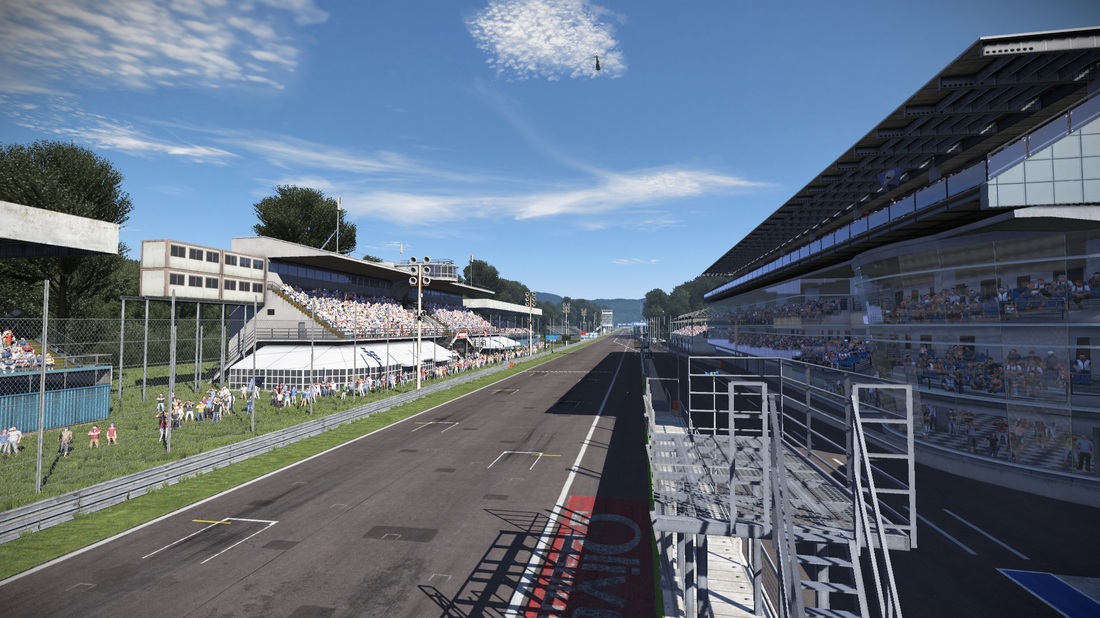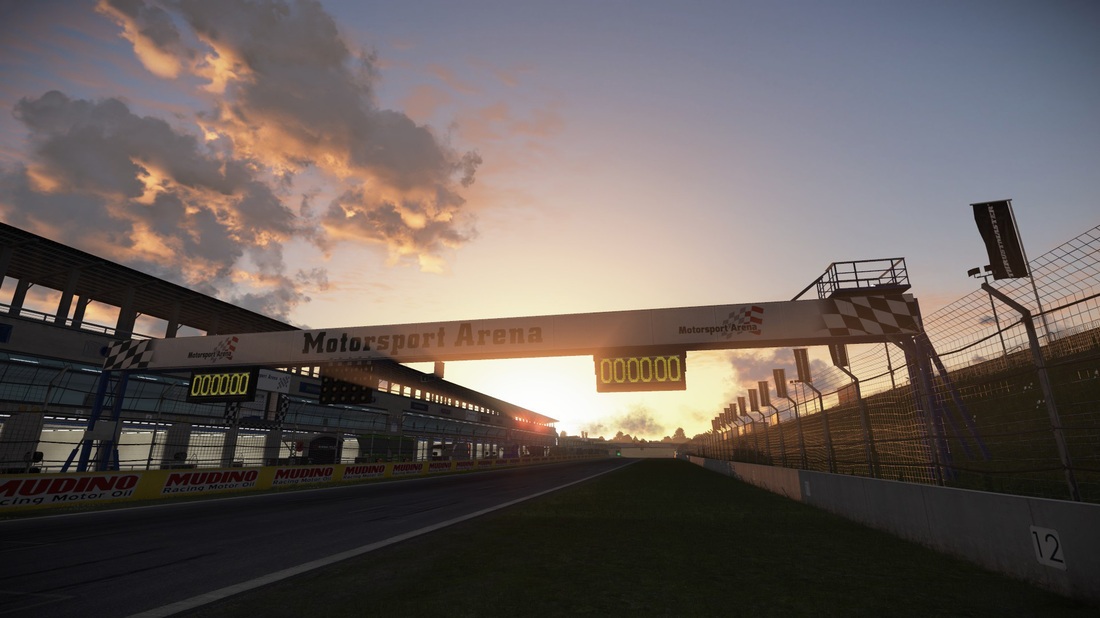
Project CARS – New Screenshots Focusing On Environments

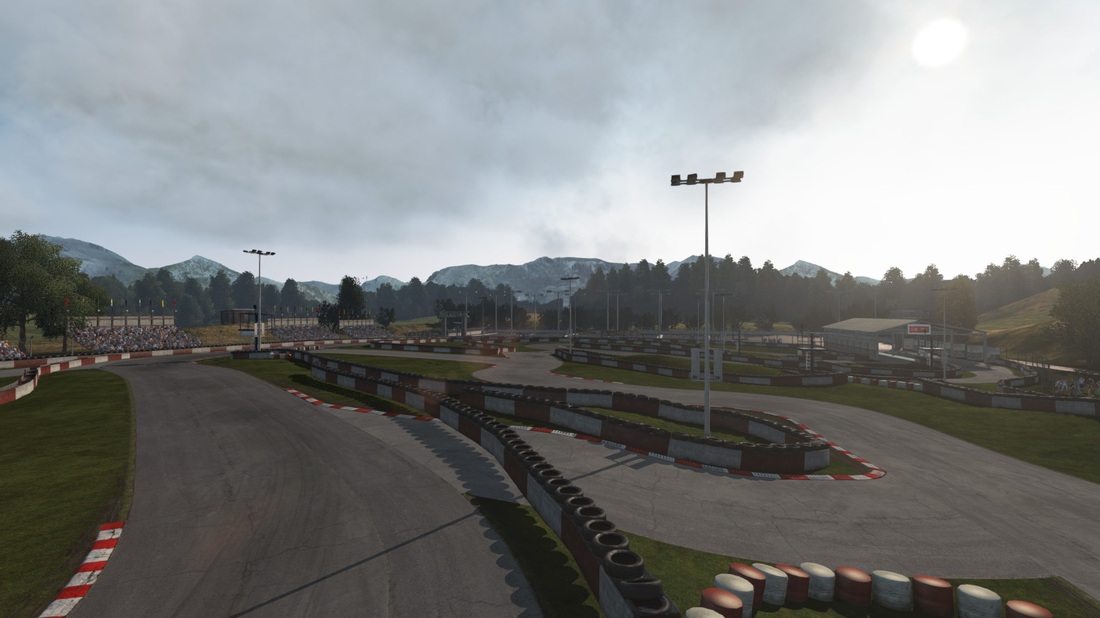
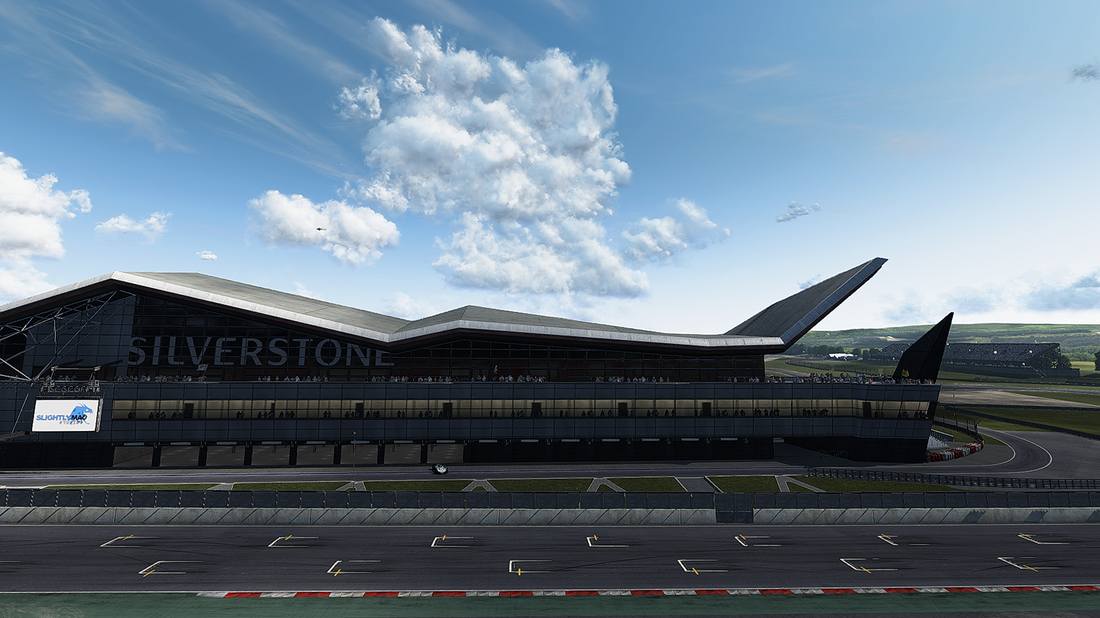
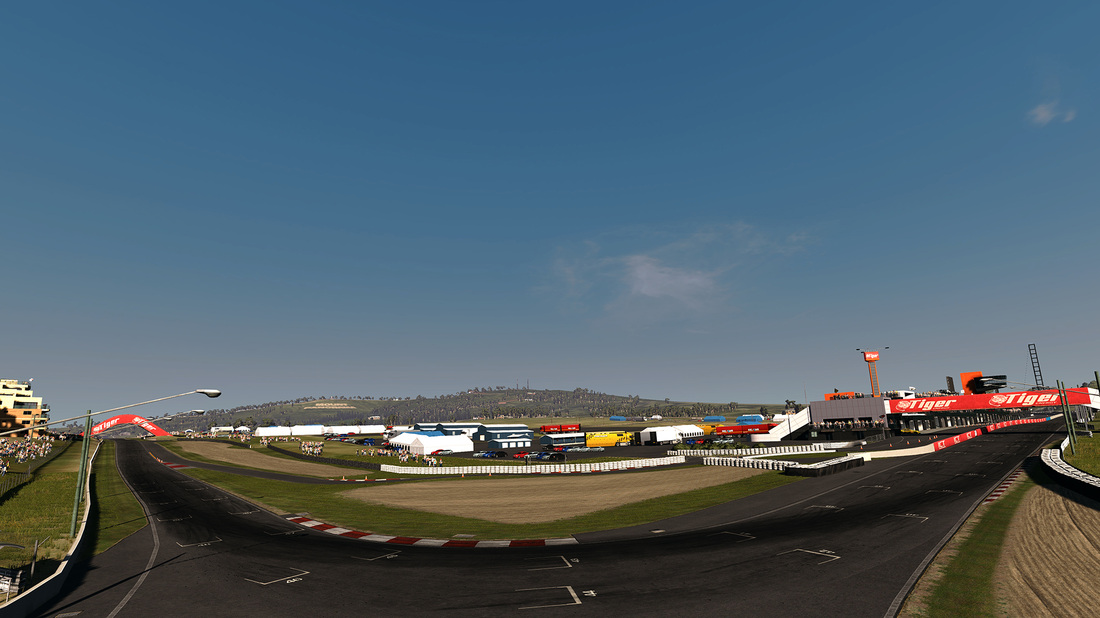
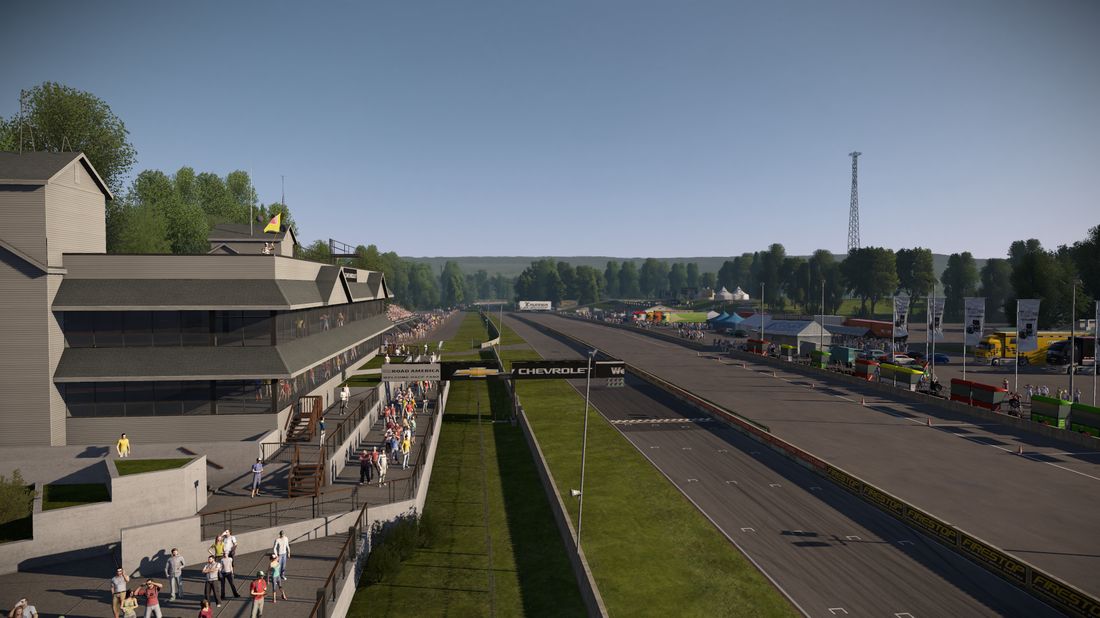
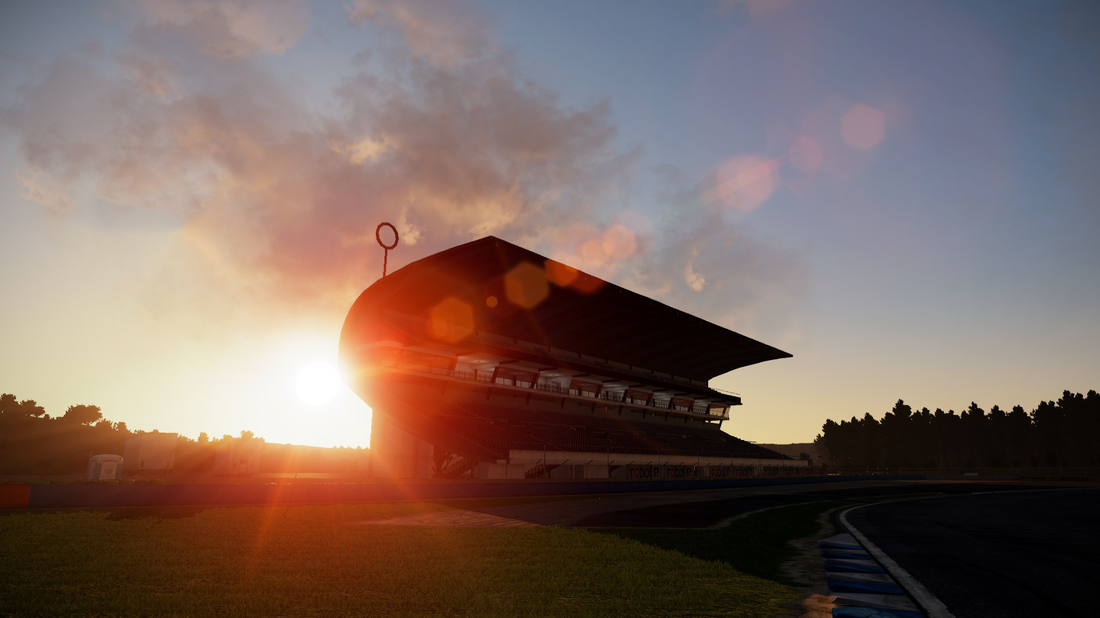
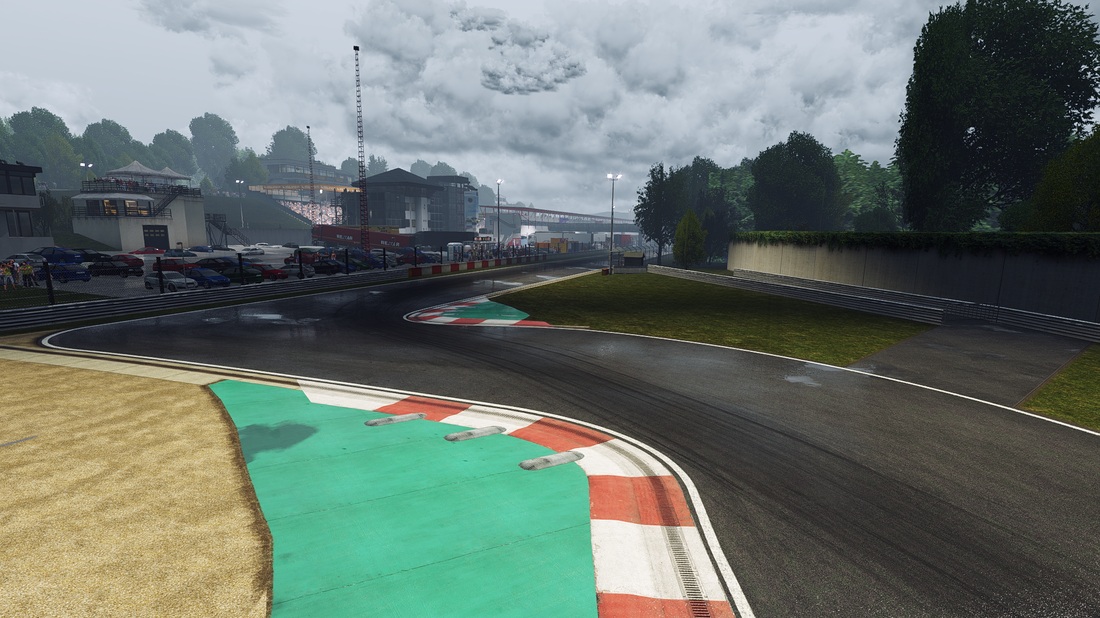
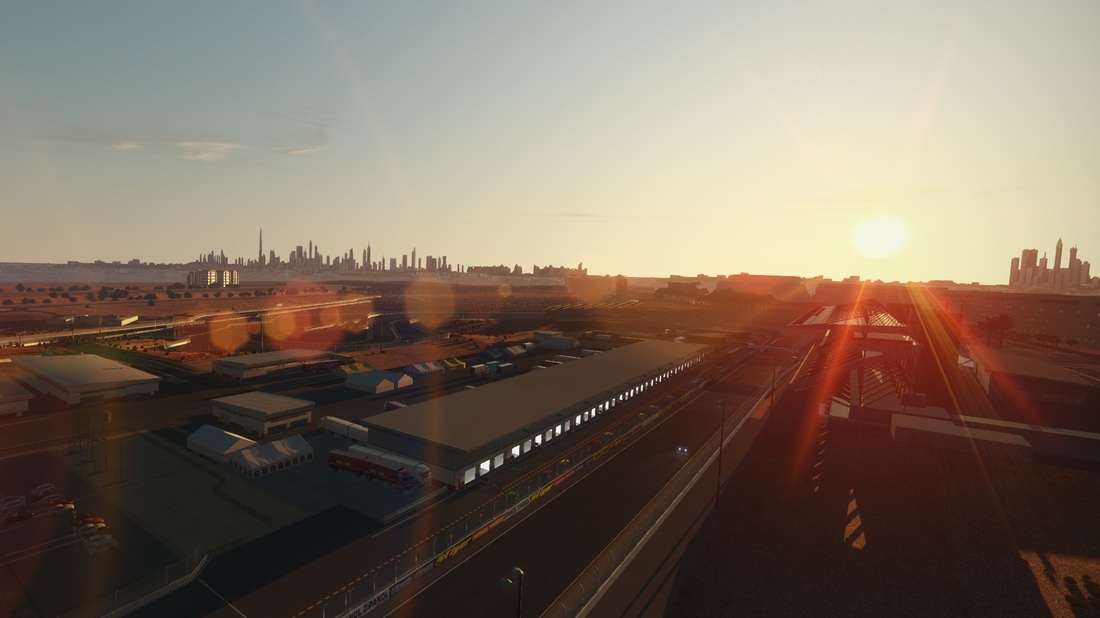
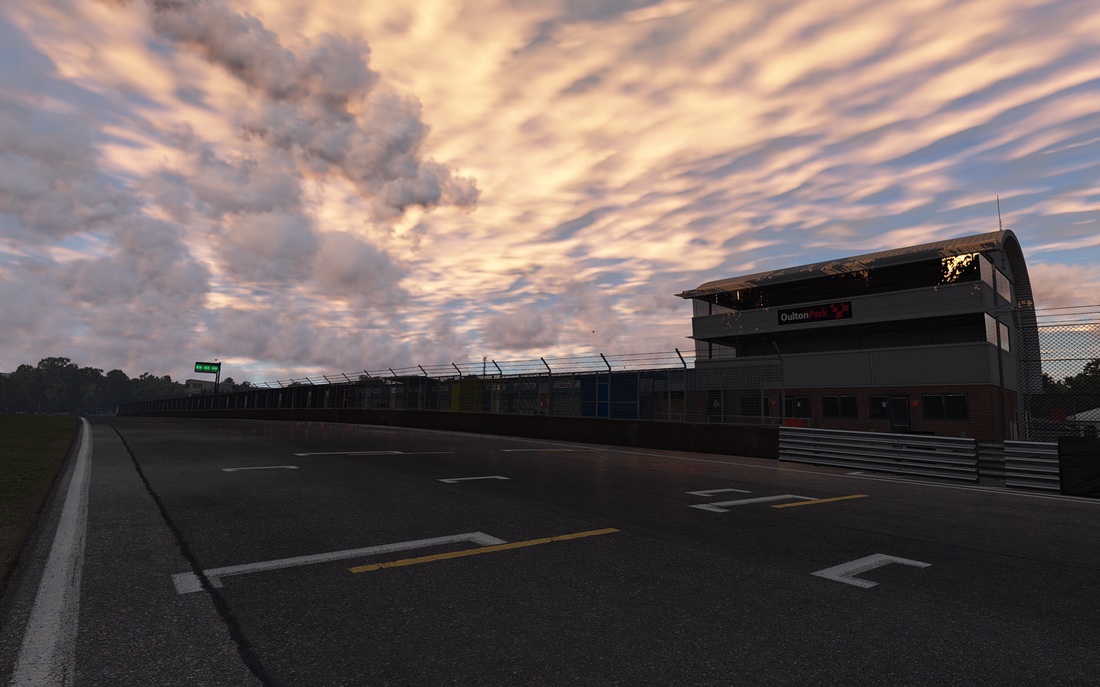
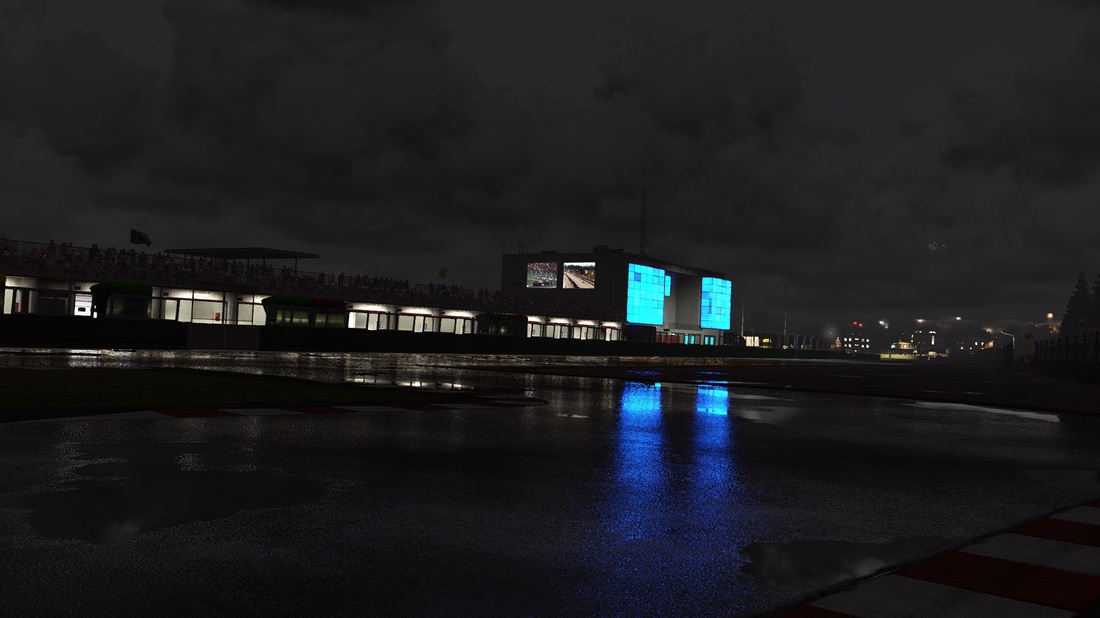
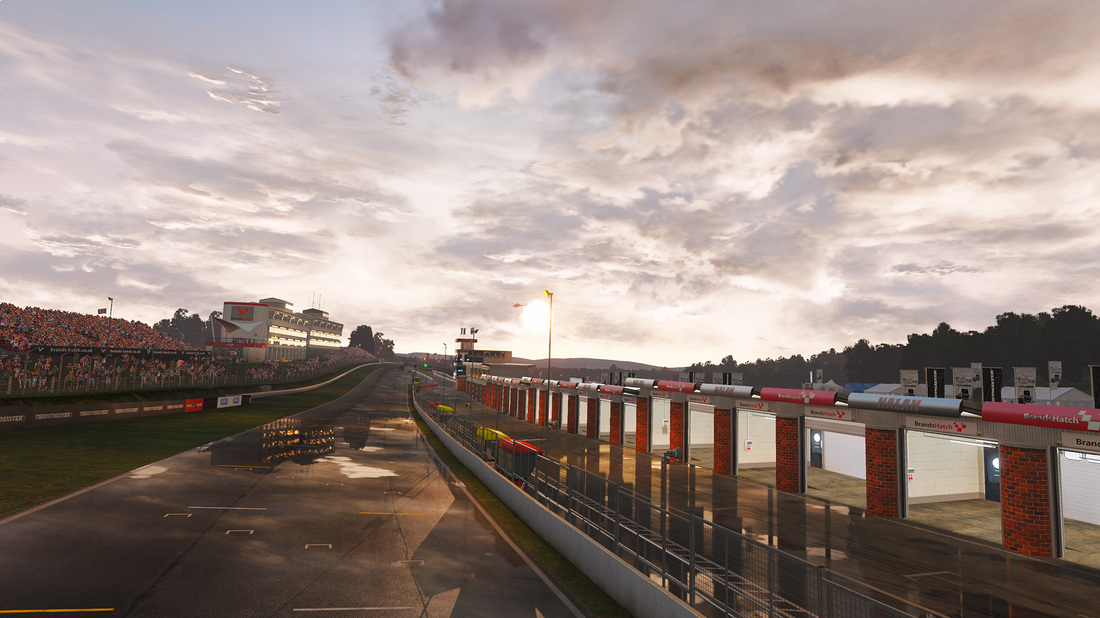
Slightly Mad Studios has released a new set of screenshots for its upcoming racer, Project CARS. These new screenshots focus on the game’s environments and show the game’s environments. Project CARS is currently scheduled for a November release on PC. Enjoy!
3828_orig1294475_orig1564065_orig1726198_orig1942908_orig2762007_orig3646388_orig4431297_orig4621705_orig5804424_orig7145897_orig7844941_orig8265360_orig8328462_orig8782023_orig9136500_orig

7 thoughts on “Project CARS – New Screenshots Focusing On Environments”

    1. it’s coming in november. 6 or 8GB vram is so september, it needs 64GB vram 😀 + 10core 20 thread cpu at least – games these days

    2. I have the game (since the project started back in October 2011) and with a GTX560Ti OC 1GB, FX8350 CPU and 8GB RAM 1866mhz, I run the game with almost everything maxed (cars in Ultra, track details High, SMAA, etc) at 1080p 50/60FPS with 20 cars on track at every circuit including Nürburgring which is one of the most demanding graphically speaking.

      And yes it looks like that, so no need to worry about RAM. With a newer and more powerful card than mine you won’t find problems to run this game. Though you need a good CPU that’s for sure. 😉

      1. It’s hard to belive, because “gamegpu” site benchmarked beta verison not so long time ago, and your 560ti scored only 20fps in their benchmark (1080p, and without MSAA)

        1. With which CPU and RAM in that case because I’m telling what I’m getting.
          I’m not playing in Ultra, just MSAA, AF X8, SMAA low, cars in Ultra, Track and textures in High, reflections=complete, shadows high. Let’s say I’m playing in “High/mid”.

          I upgraded my CPU (FX8350), mobo (ASRock 990FX Extreme 3) and RAM (Kingston Hyper X Fury 1866mhz) almost two weeks ago, installed a clean Windows 7 SP1 64bit and such.
          The game runs quite smooth and maybe it has some slow downs when I’m at the back of the grid to 40FPS…but never below with my settings.
          More or less AA affect the performance since I was making some tests before coming here to write this comment.
          If I put everything at Ultra the game goes down to 25/30FPS of course but still quite stable thanks to the CPU.

          Just to point something more…with my previous dual core at 3.0Ghz and 4GB RAM 667 I got 5/10FPS and massive micro-stuttering with the very same GPU no matter the settings.

          Hardware and software never works the same with all PC configurations. And even with the very same stuff you don’t get the very same frame rates sometimes.

          Contrary to what people may say on the internet…I never lie about anything and less about something that I really care about like gaming. 😉

          PS: I’ll put my exact settings with these pictures though I had SMAA turned off there when I was making tests (yes, it is in Spanish):

          http://i.imgur.com/daQQDEn.jpg

          http://i.imgur.com/HBlb21S.jpg

          The only thing noticeable is that I don’t have the detailed grass activated, optical illusions, and FXAA as I said.

Leave a Reply

Your email address will not be published. Required fields are marked *