
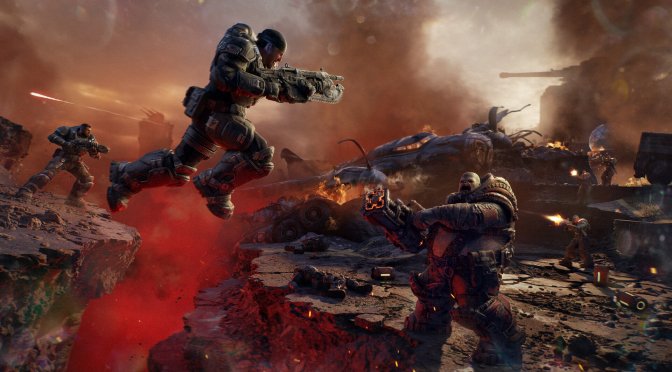
Last week, Microsoft released Gears of War: E-Day on PC. Powered by Unreal Engine 5.6.1, it’s time to benchmark it and examine its performance on PC.
For our benchmarks, I used an AMD Ryzen 9 7950X3D, 32GB of DDR5 at 6000Mhz, AMD’s Radeon RX 6900XT, RX 7900XTX, RX 9070XT, as well as NVIDIA’s RTX 2080Ti, RTX 3080, RTX 4090, RTX 5080, and RTX 5090. I also used Windows 10 64-bit, as well as the GeForce 617.14 and the Radeon Adrenalin Edition 26.9.2 drivers.
The Coalition has added a lot of graphics settings to tweak. PC gamers can adjust the quality of Textures, Effects, Geometry, Shadows, Destruction, and more. The game also supports NVIDIA DLSS 4.5, AMD FSR 4, and Intel XeSS 3.0t.
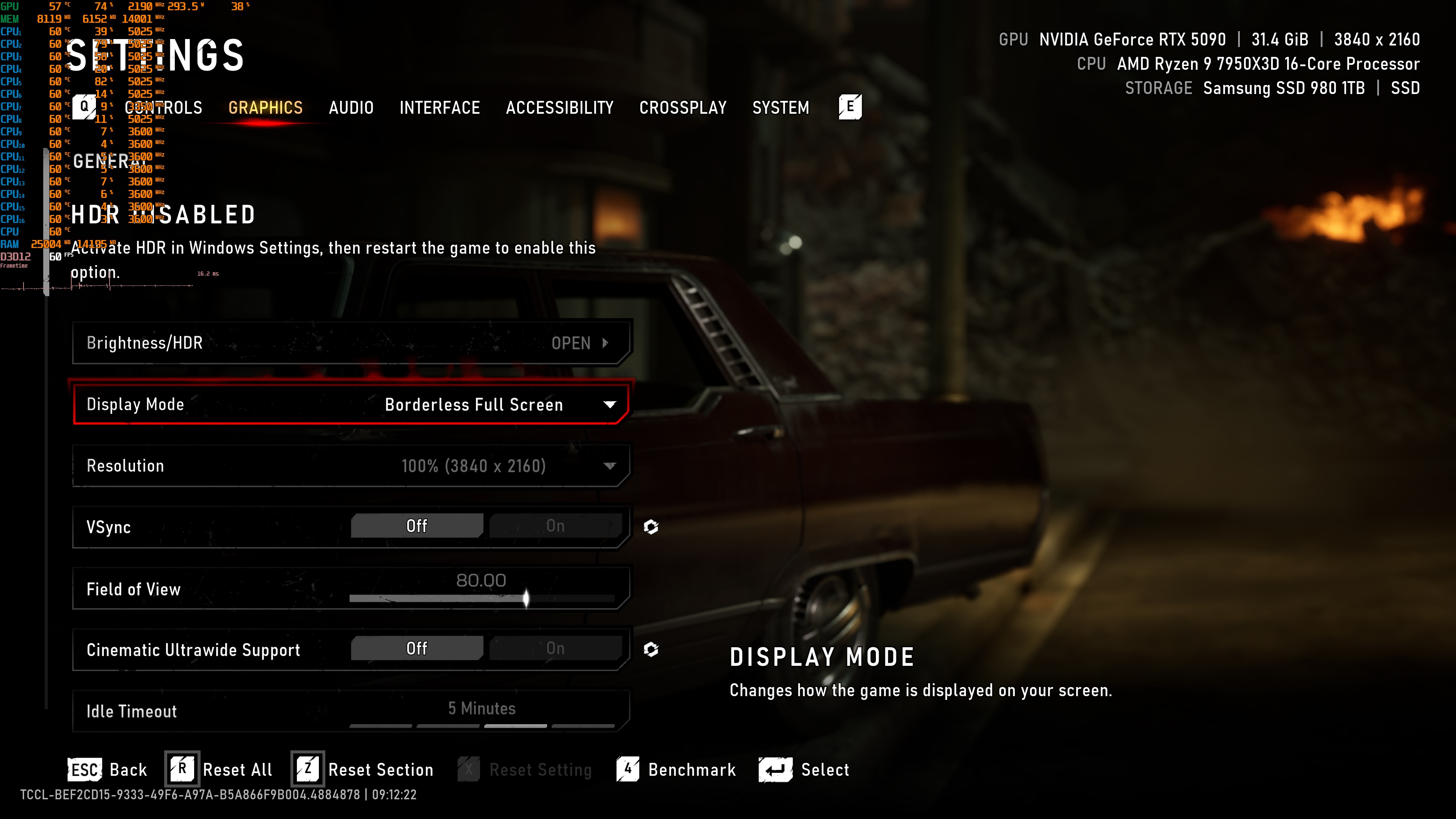
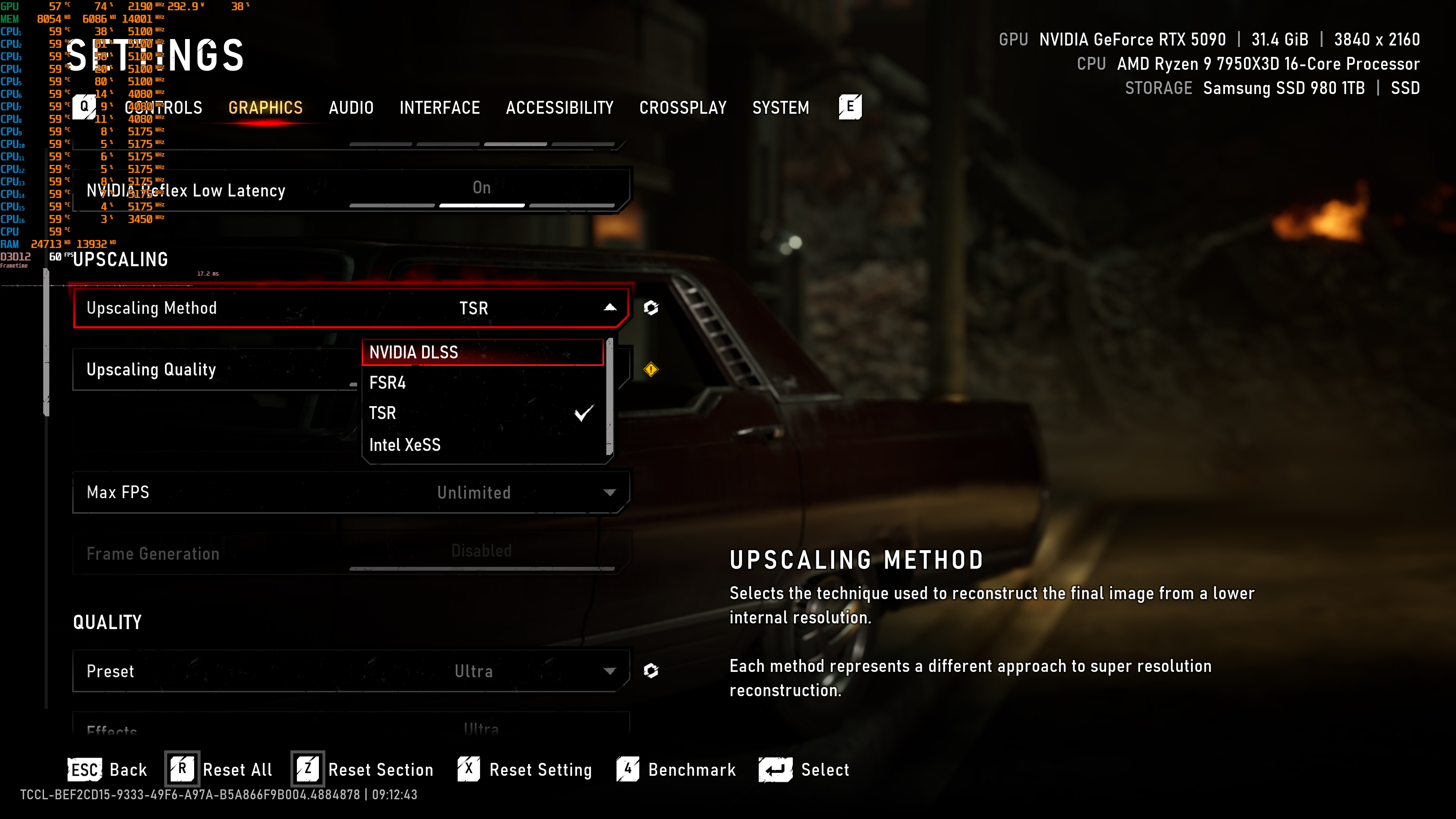
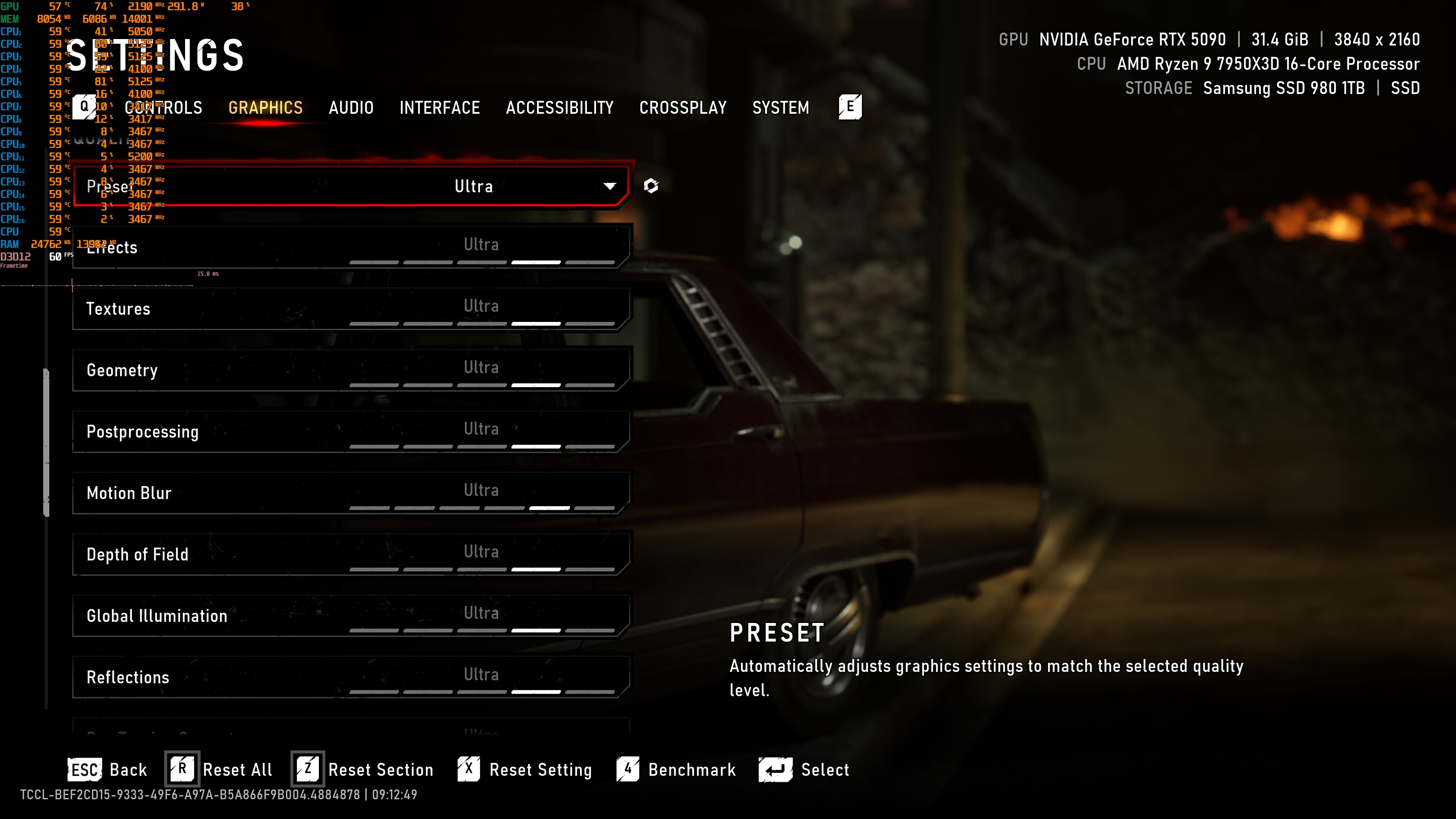
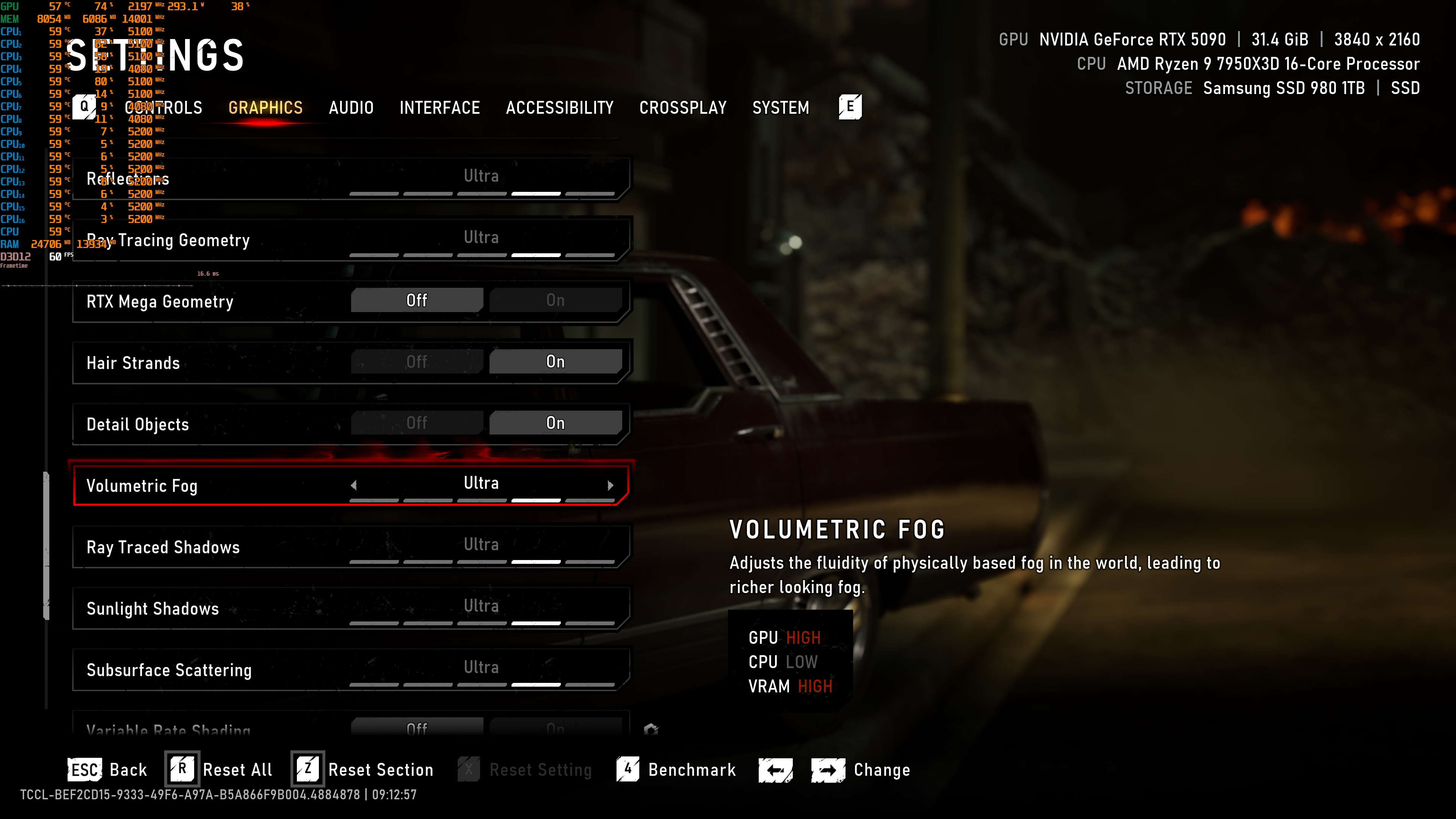
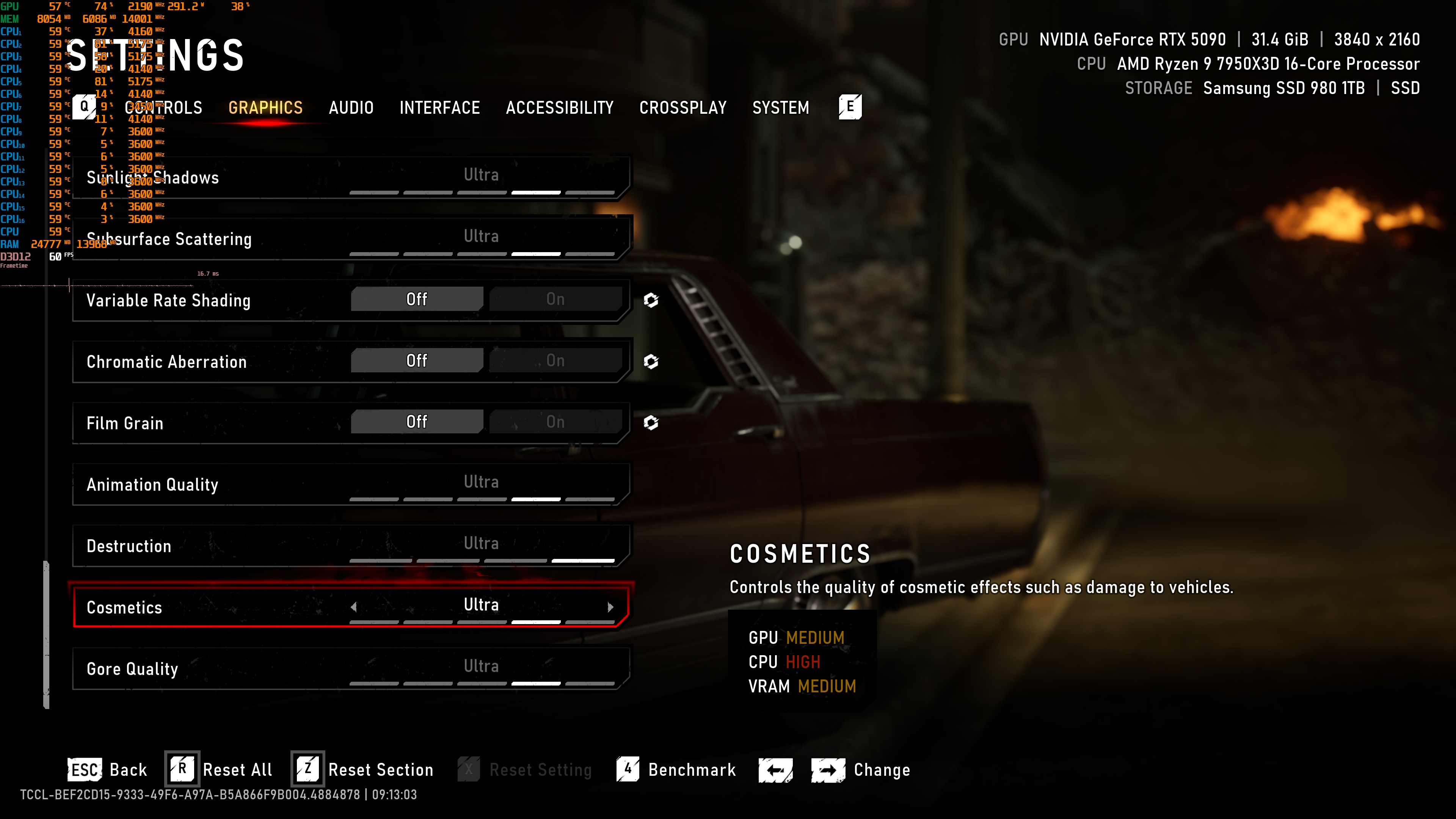
I also used the game’s Ultra settings, and I turned off RTX Mega Geometry. This feature is only supported by NVIDIA RTX GPUs right now. So, to have a fair and direct comparison between AMD’s and NVIDIA’s GPUs, I’ve decided to disable it.
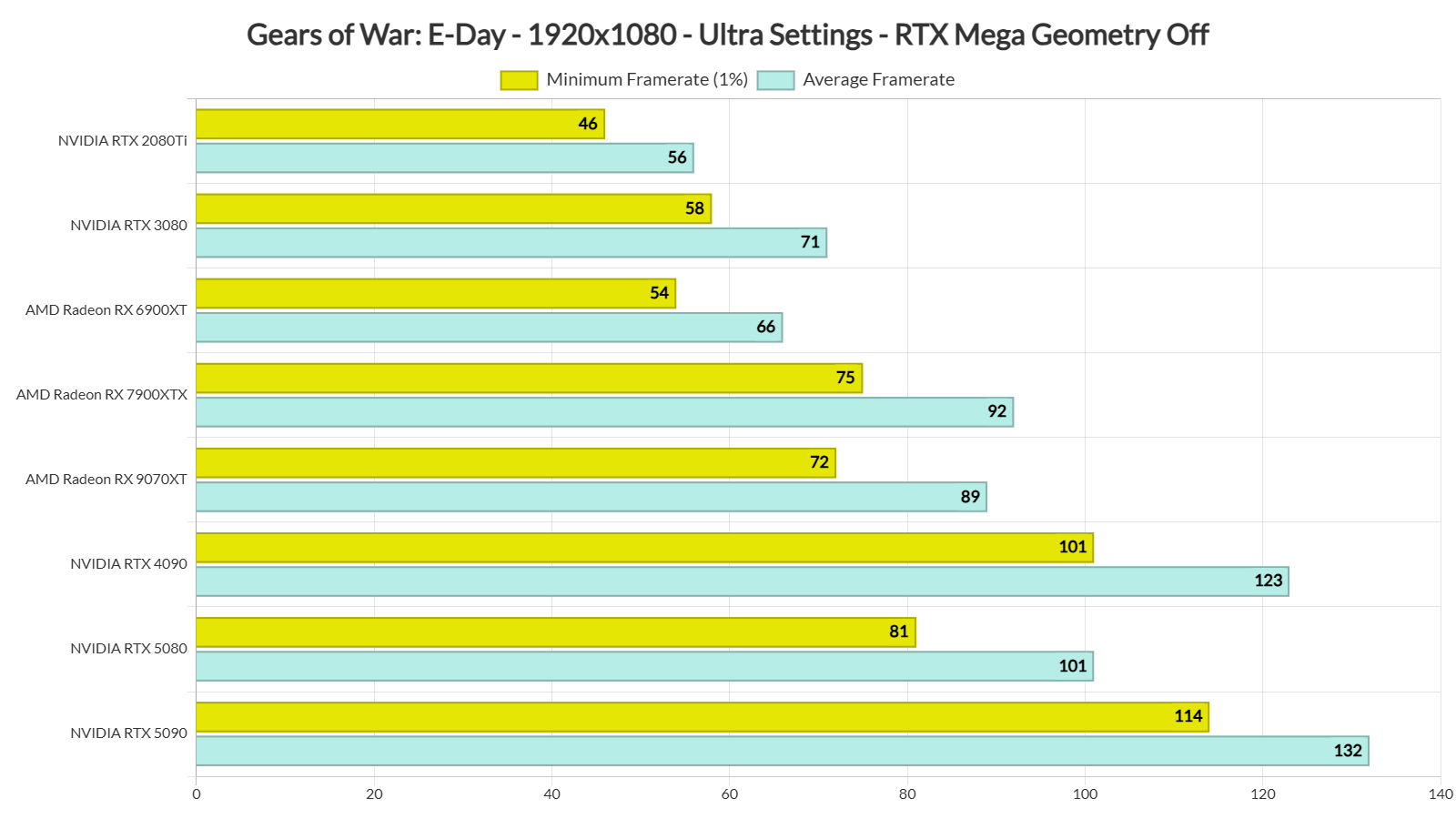
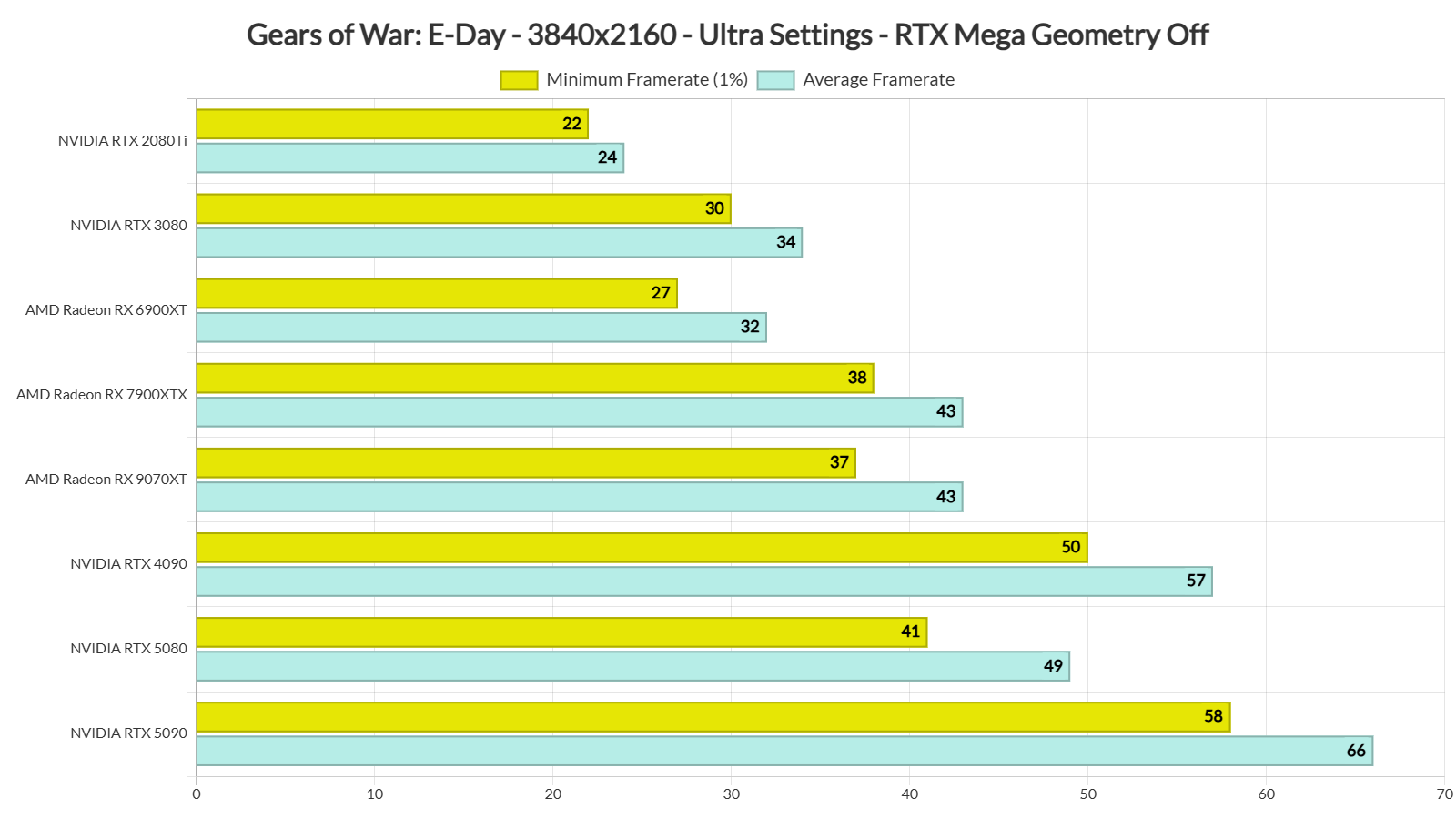
All GPUs except the NVIDIA RTX 2080 Ti ran the game well at 1080p with Ultra settings. If you have an AMD Radeon RX 6900 XT or NVIDIA RTX 3080, you’ll need a FreeSync or G-Sync monitor. Everyone else should have no issues, even on a standard 60Hz monitor.
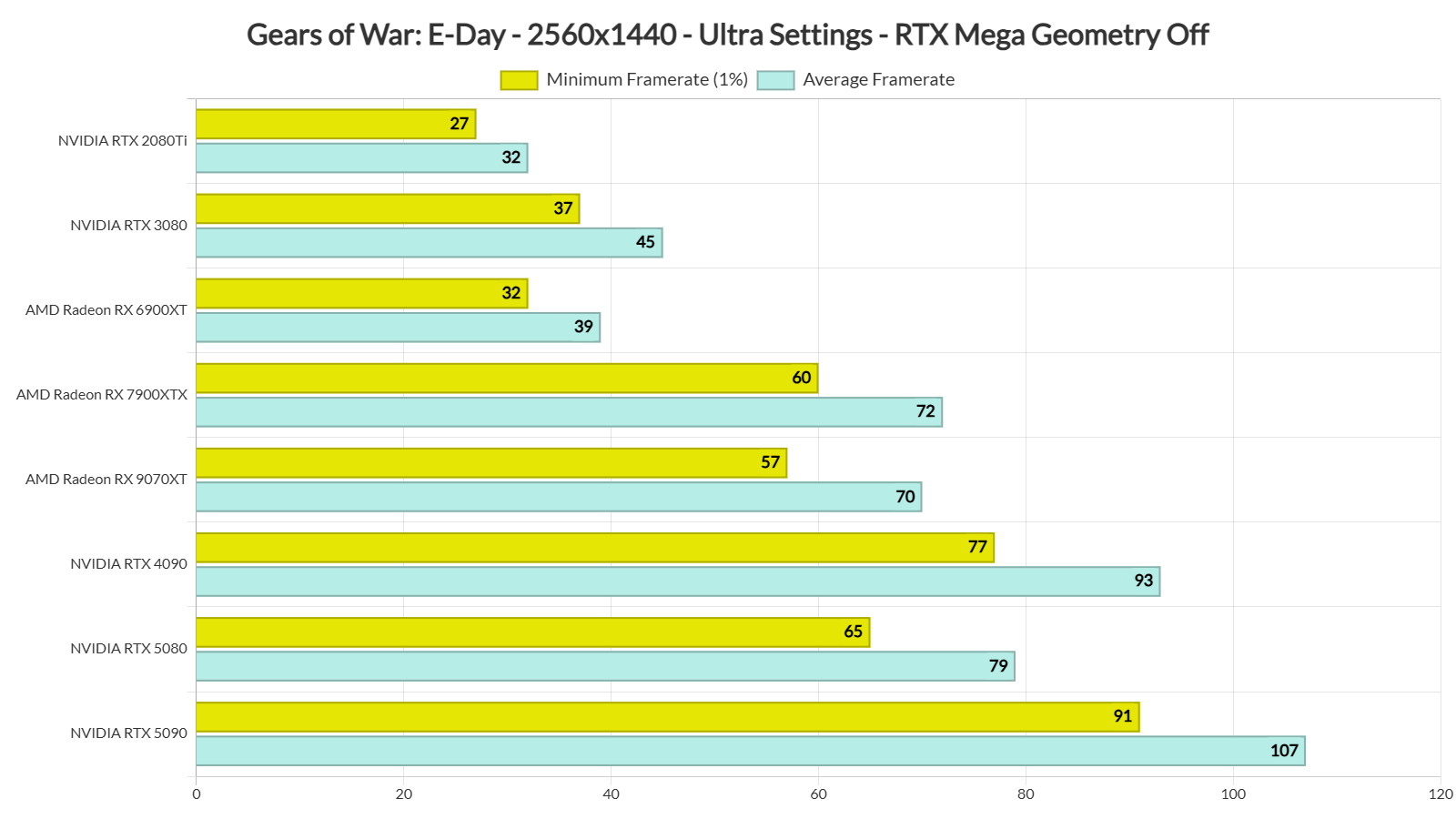
Our top five GPUs were able to provide a smooth gaming experience at 1440p/Ultra Settings. The AMD Radeon RX 9070XT was slightly slower than the AMD Radeon RX 7900XTX and had some drops to 57FPS. So, ideally, you’d want to use a FreeSync monitor. With a FreeSync monitor, these drops will not be noticeable.
Finally, at Native 4K/Ultra Settings, you’ll need an NVIDIA RTX 5090 to get a smooth gaming experience. The NVIDIA RTX 4090, the second most powerful GPU, cannot hit 60FPS. So, if you don’t want to use an upscaler, you’ll need an NVIDIA RTX 5090 and a G-Sync monitor to enjoy it.
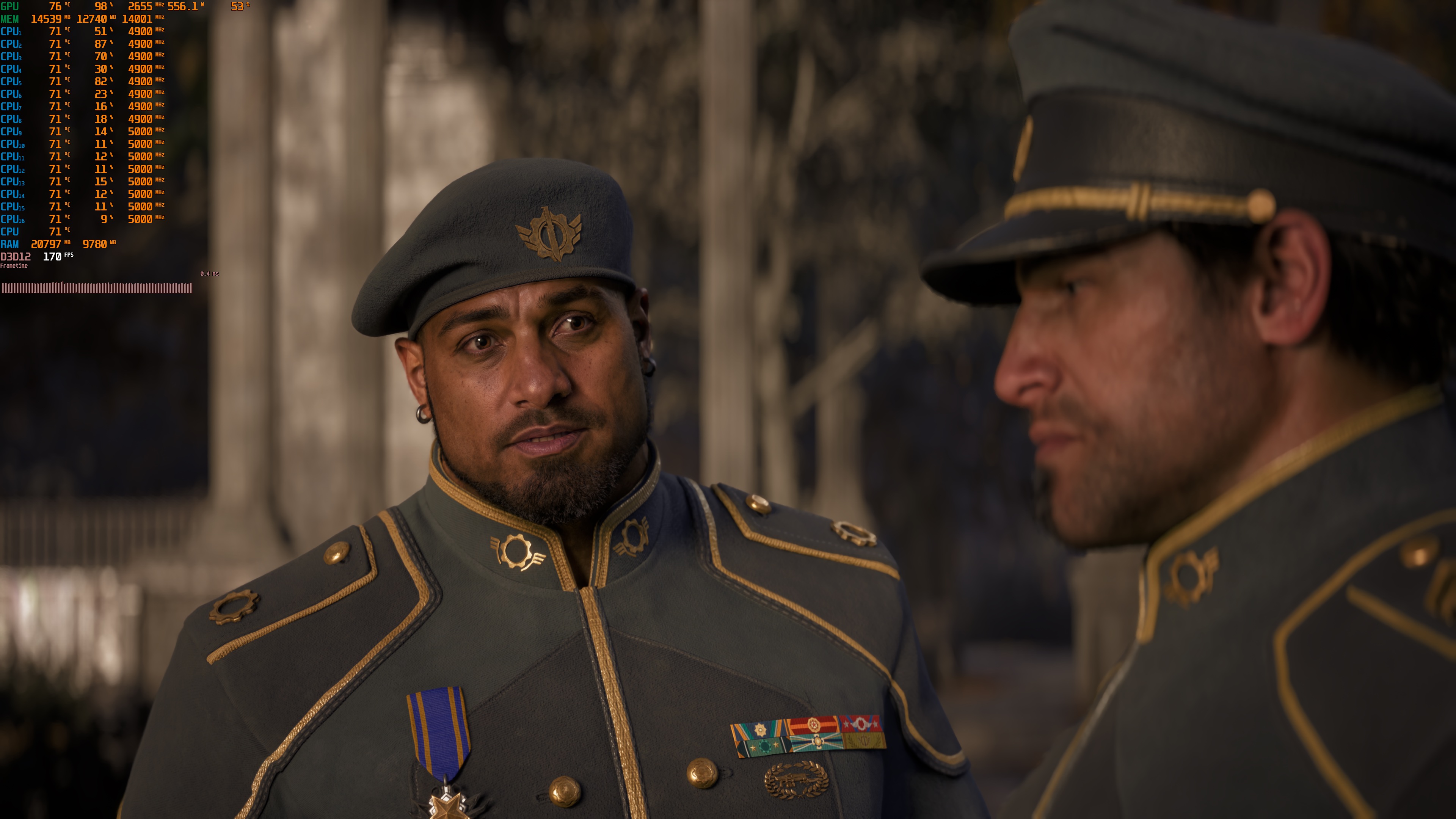
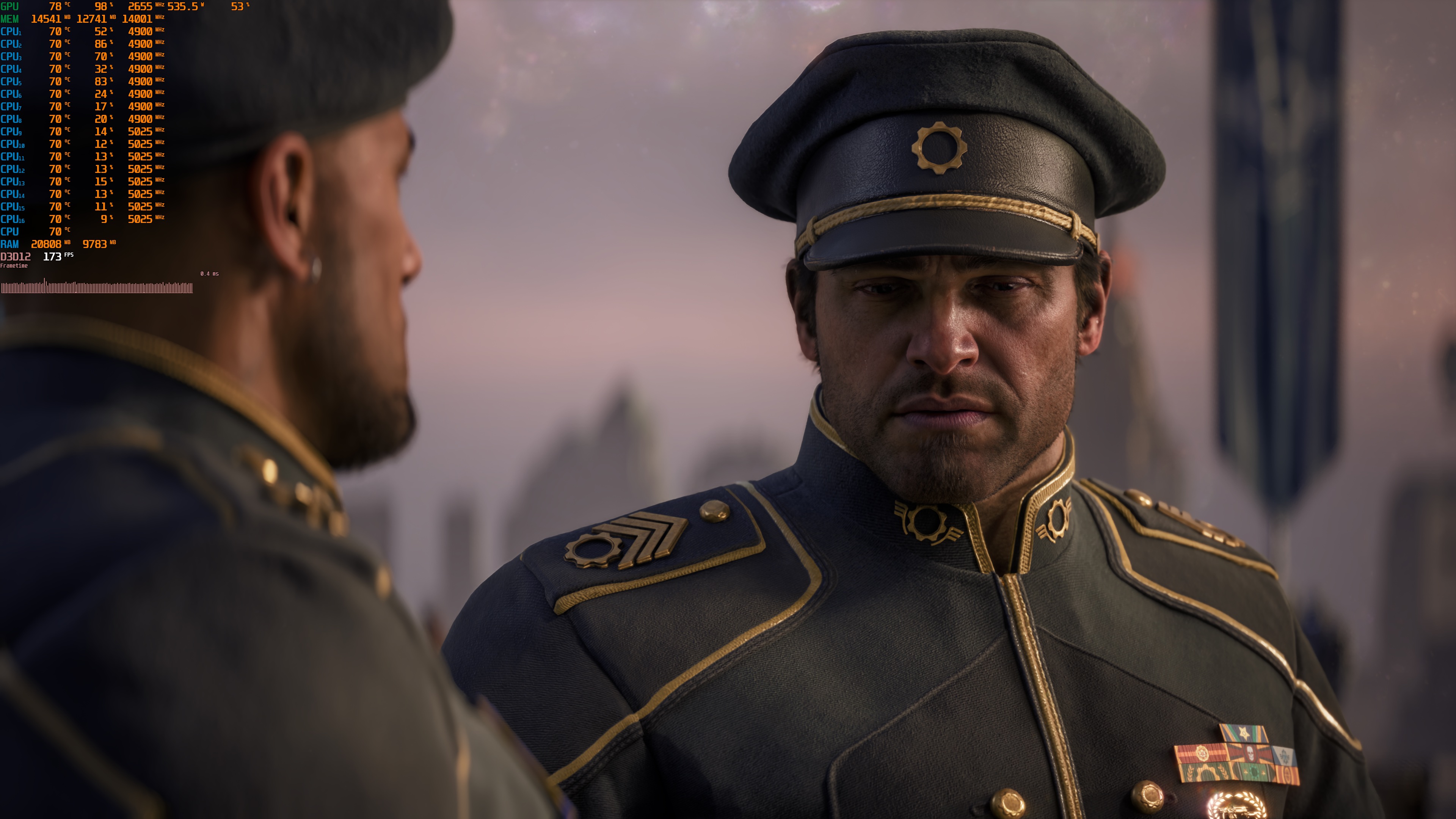
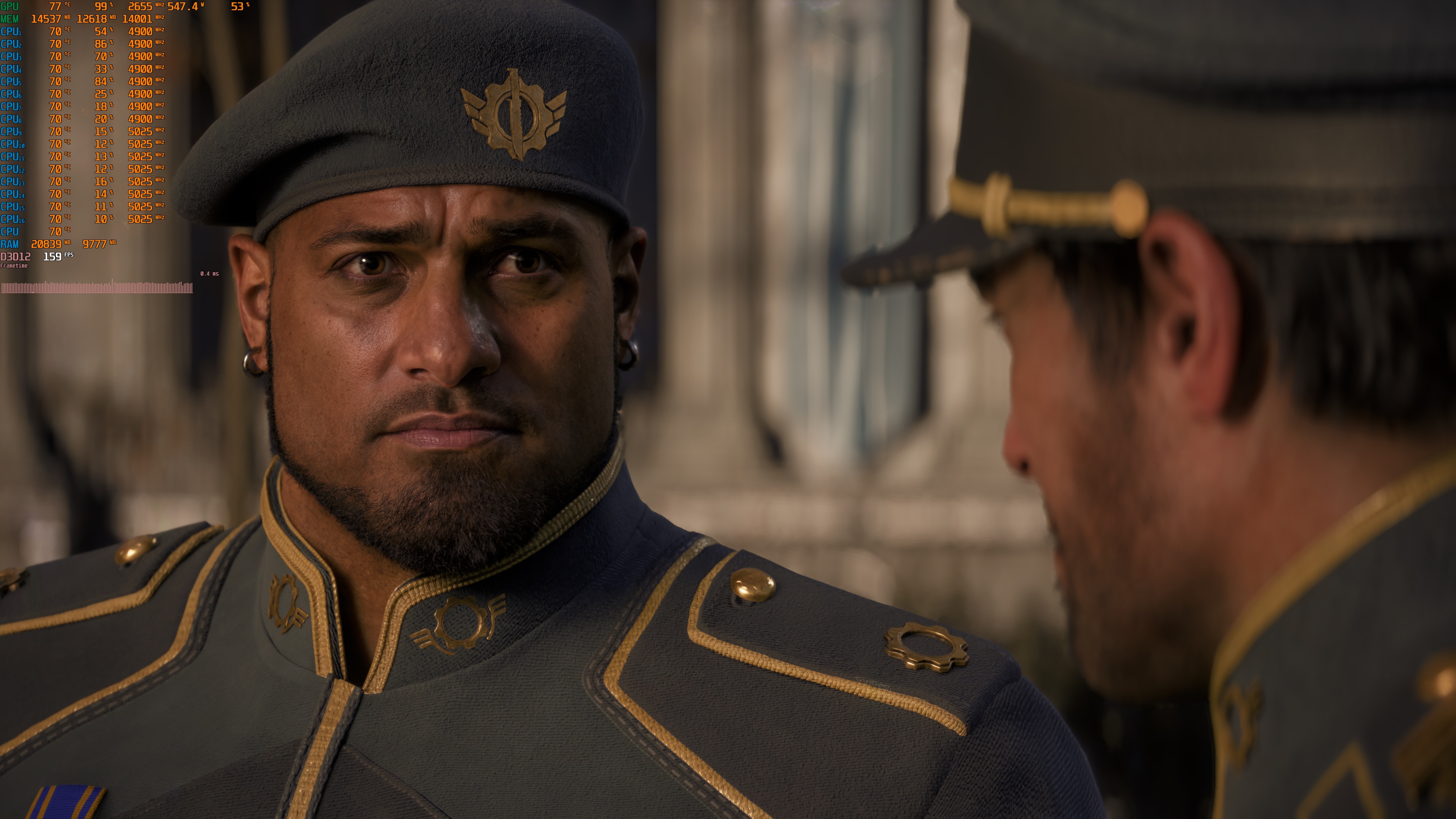
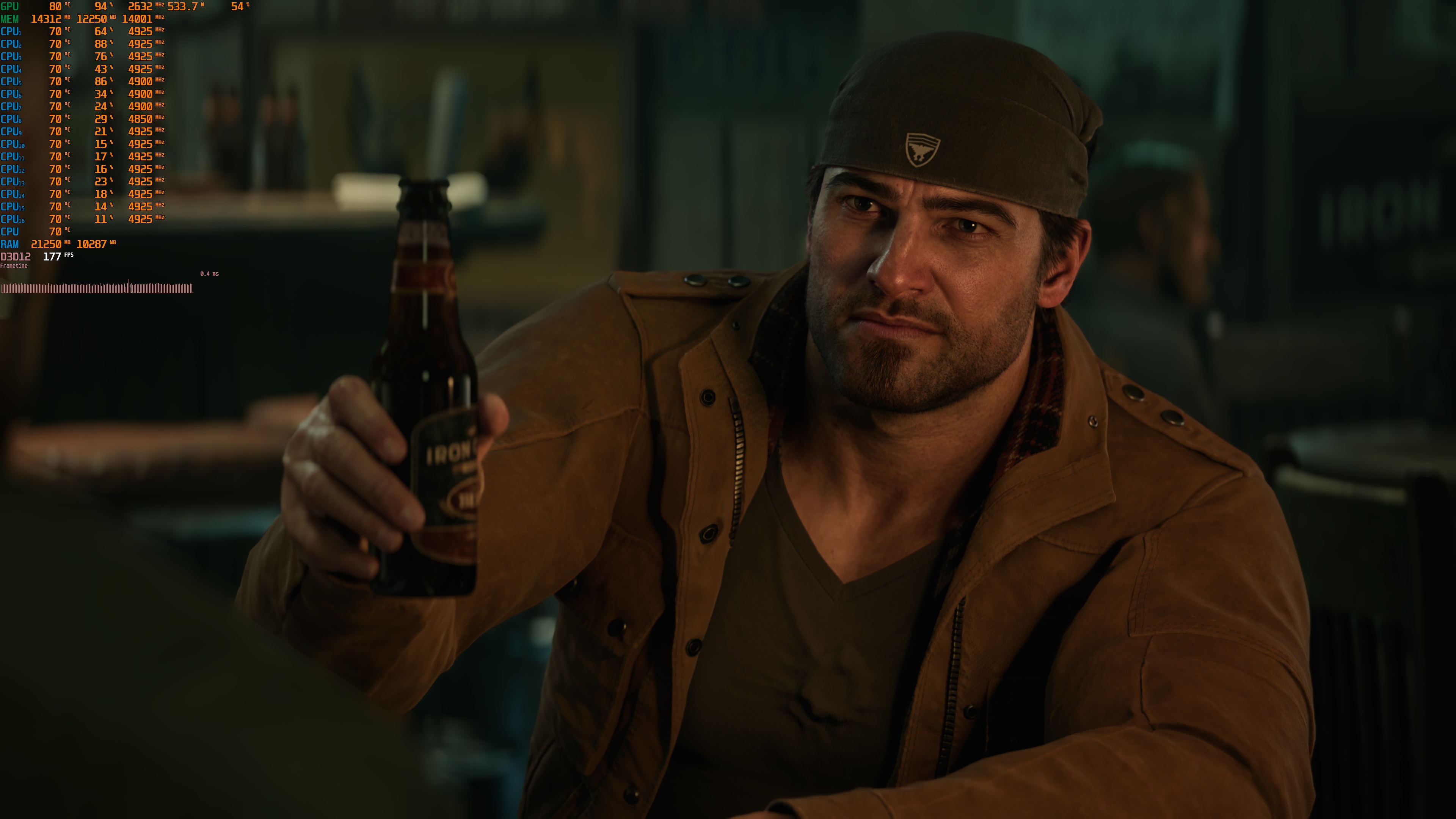
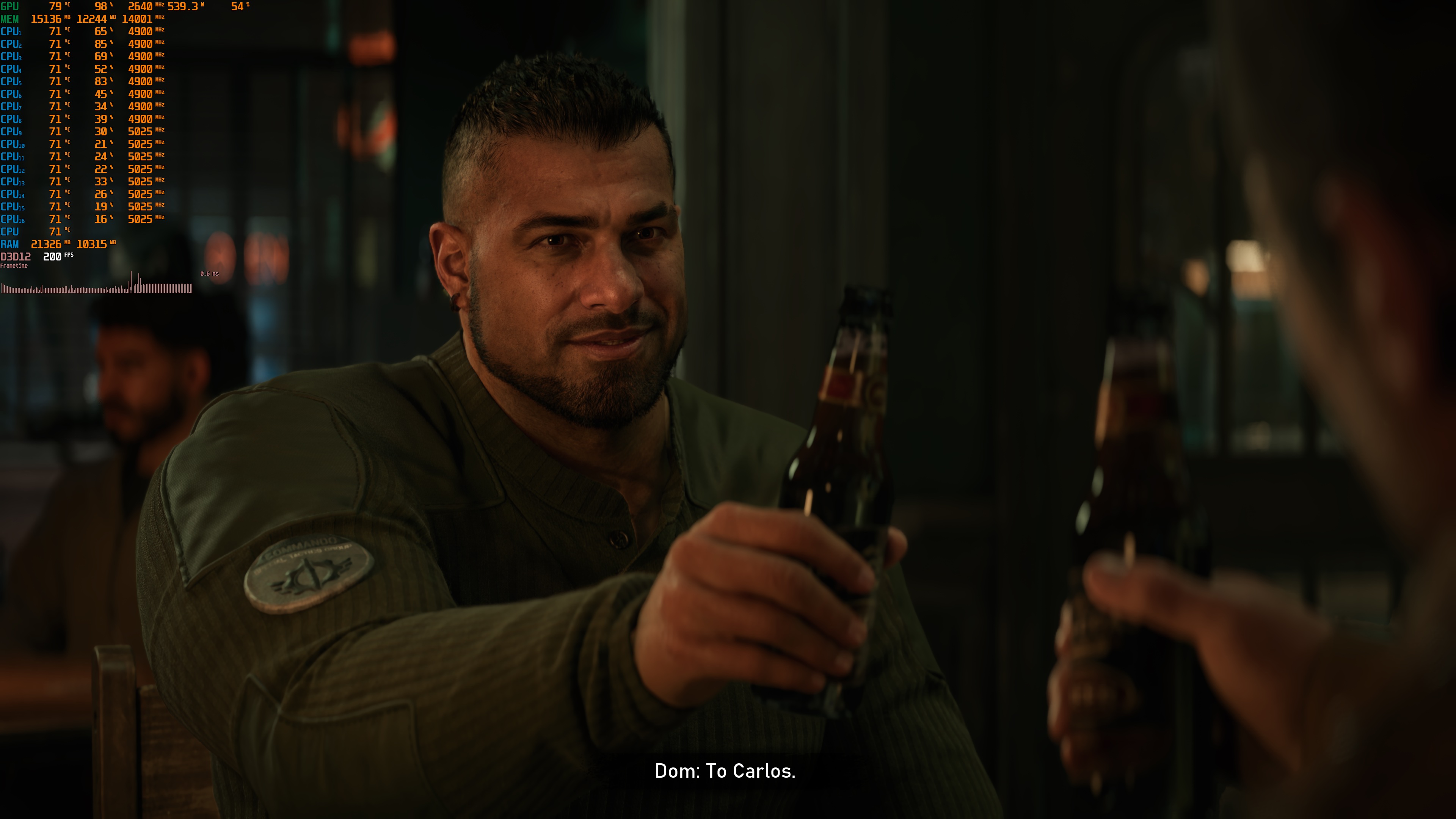
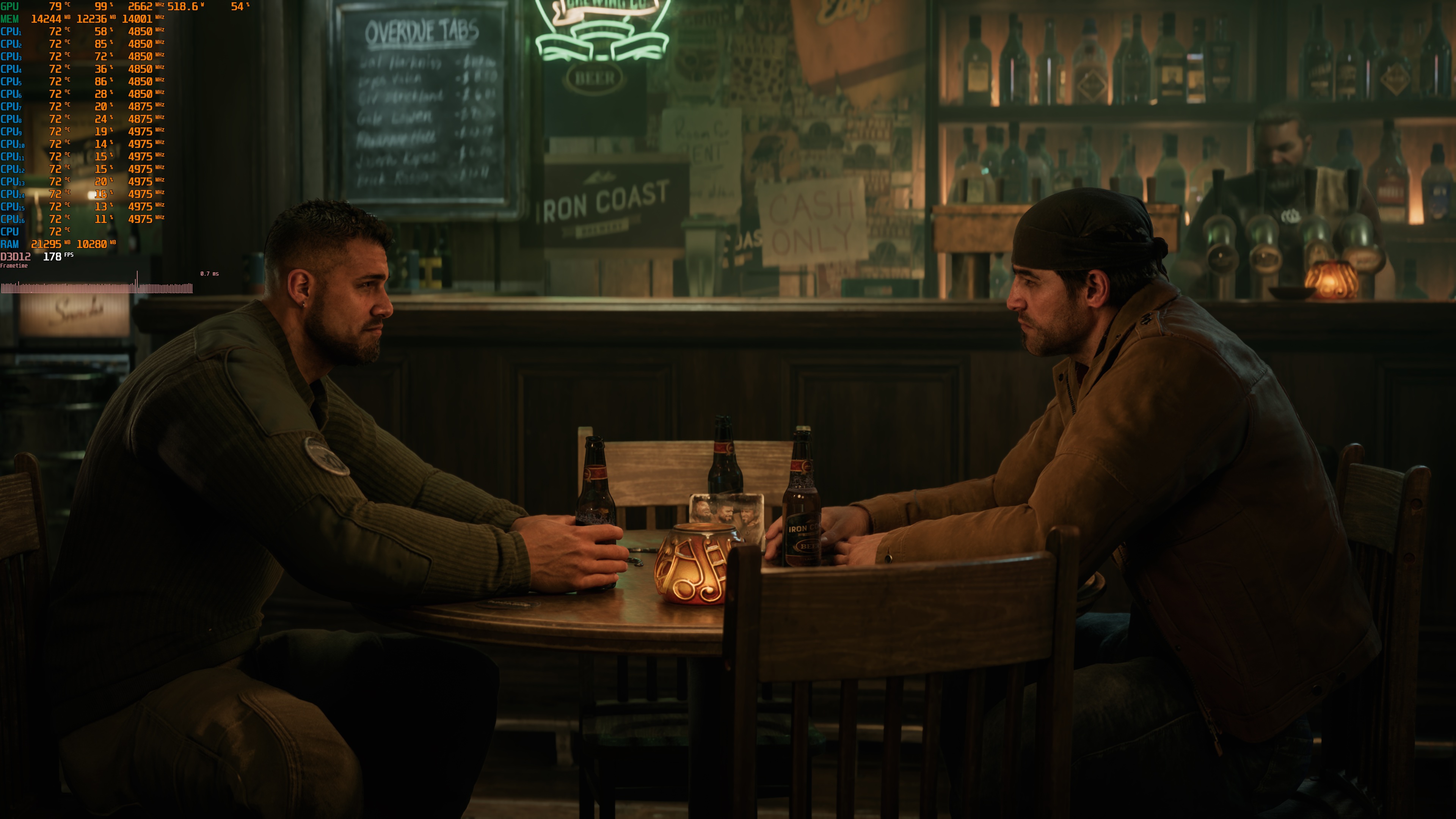
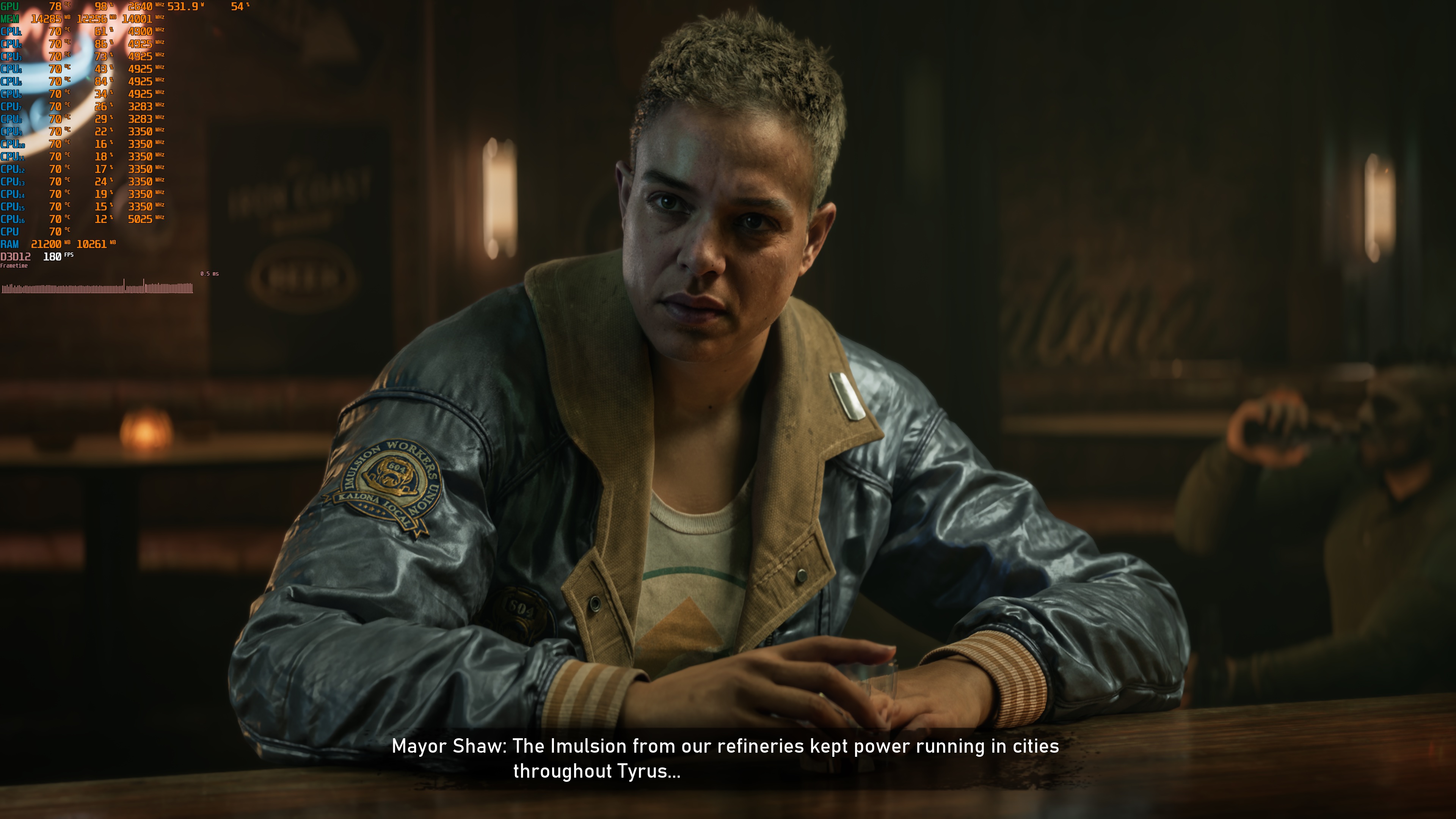
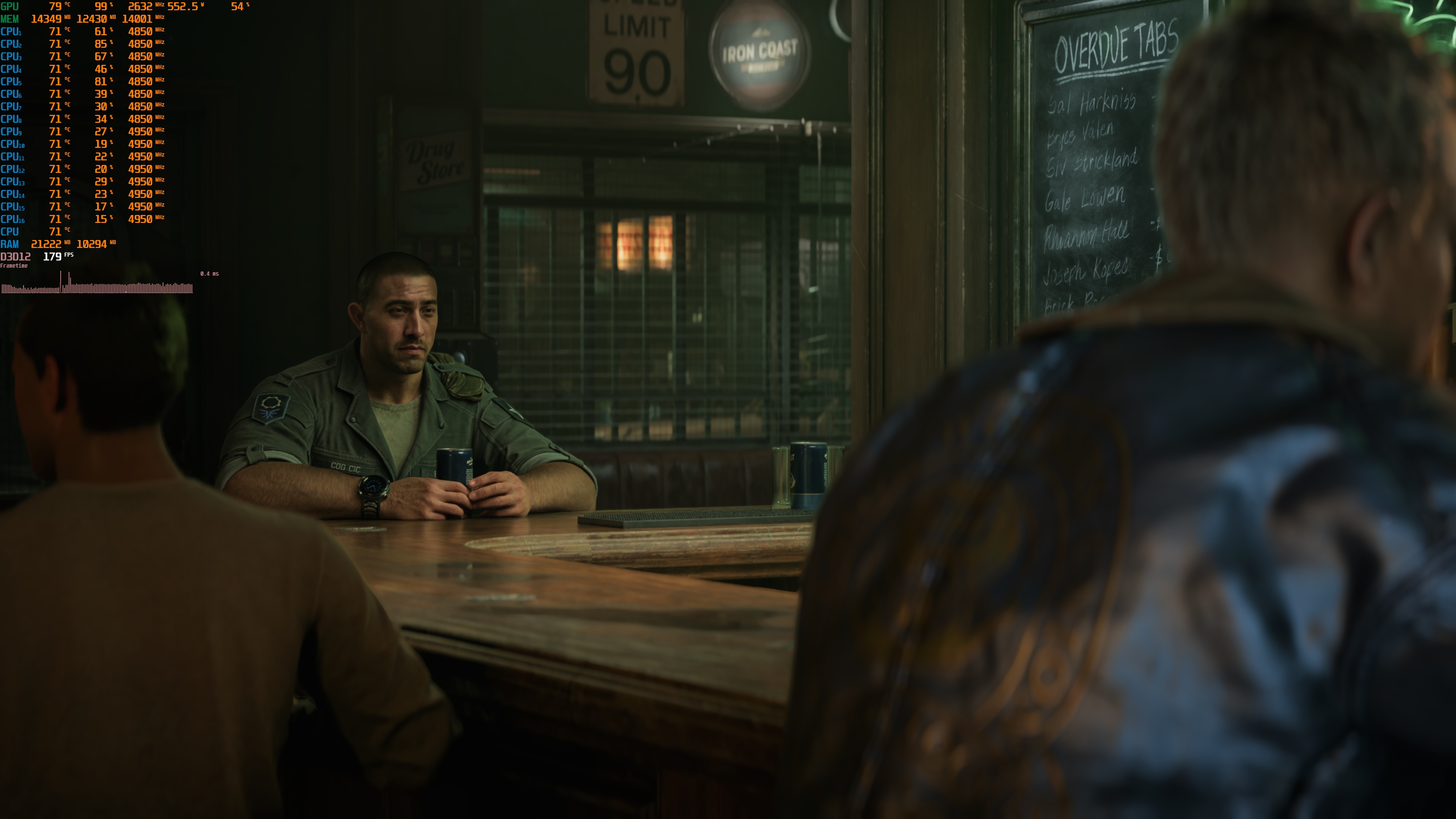
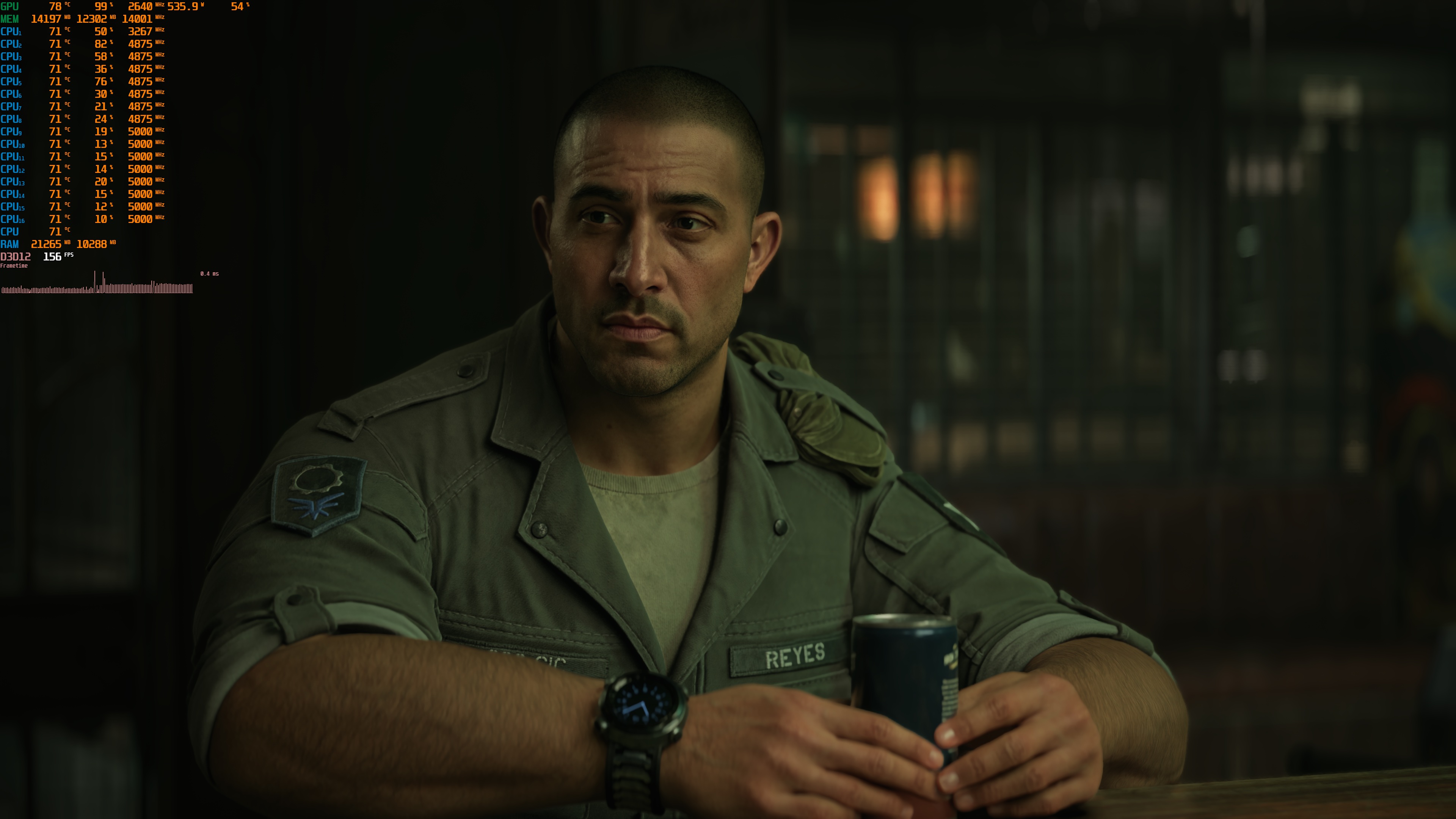
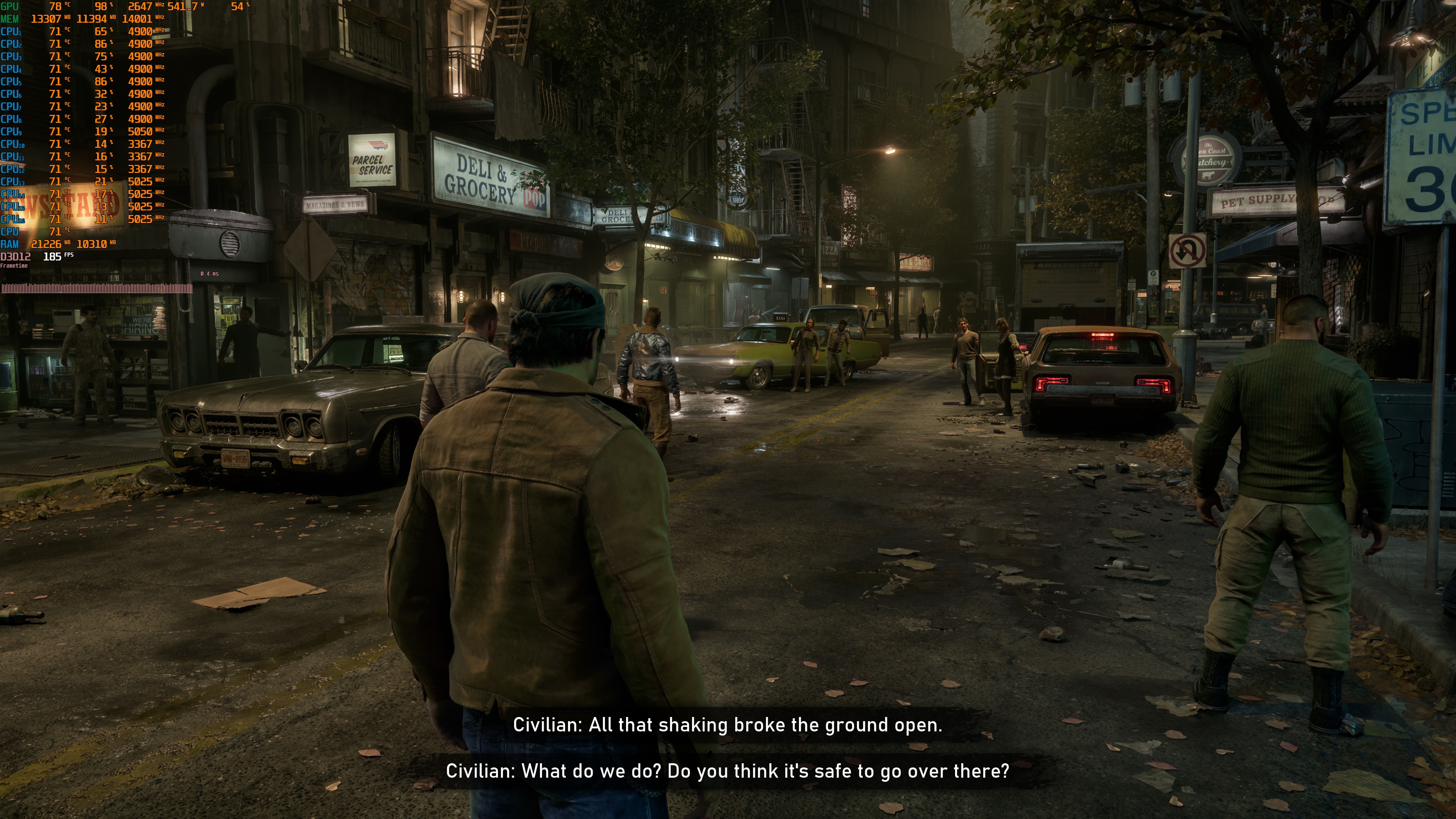
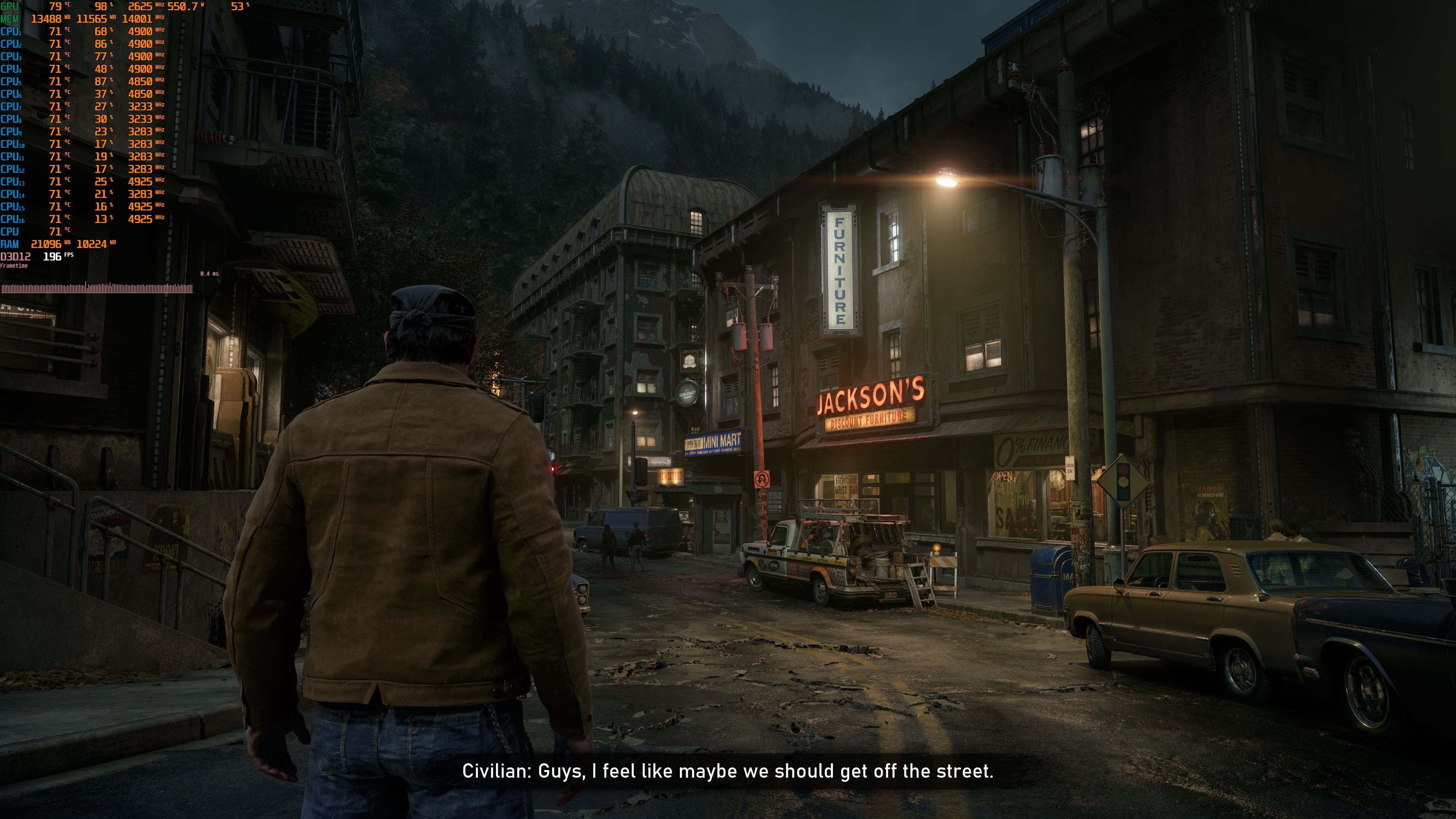
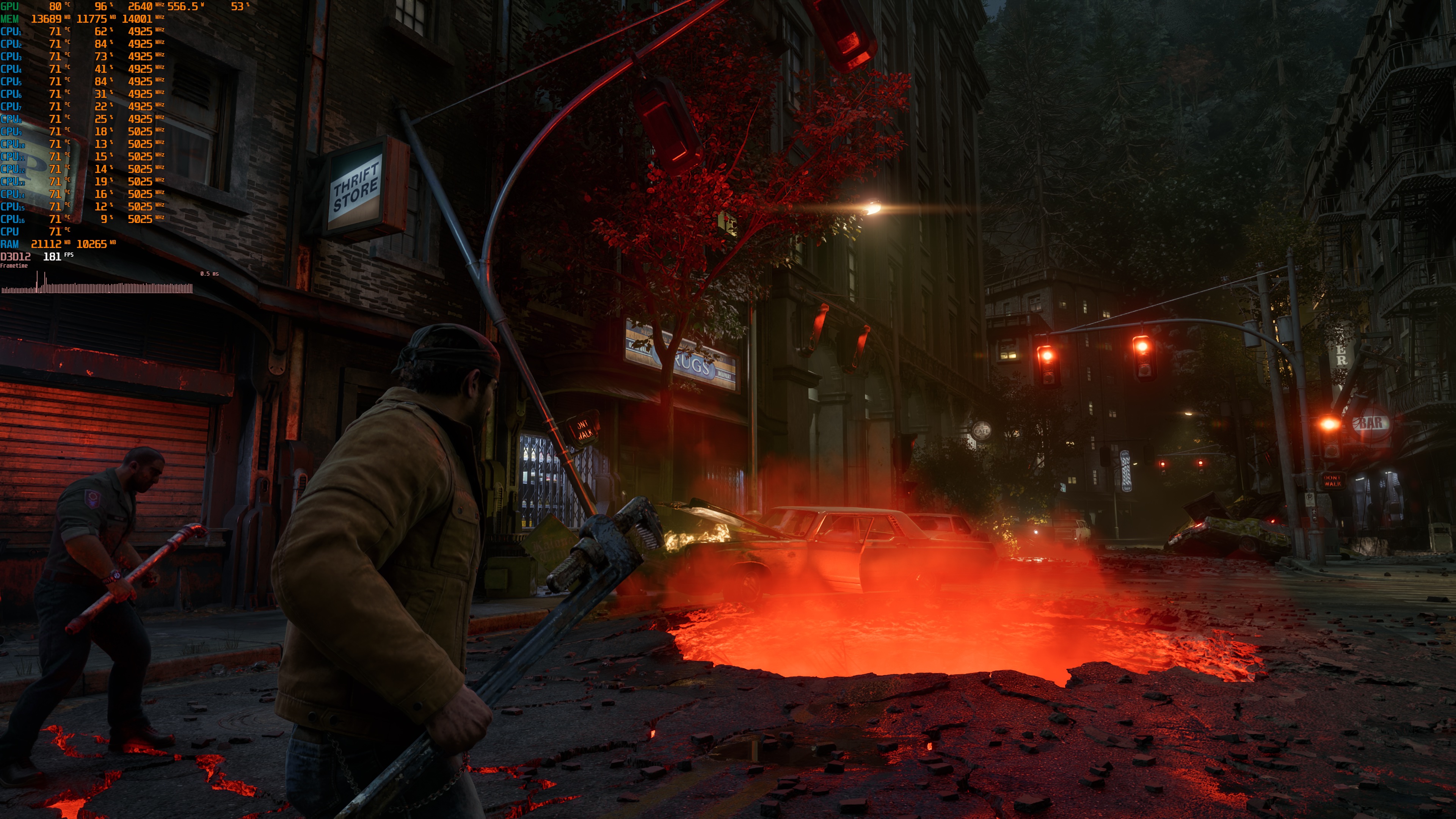
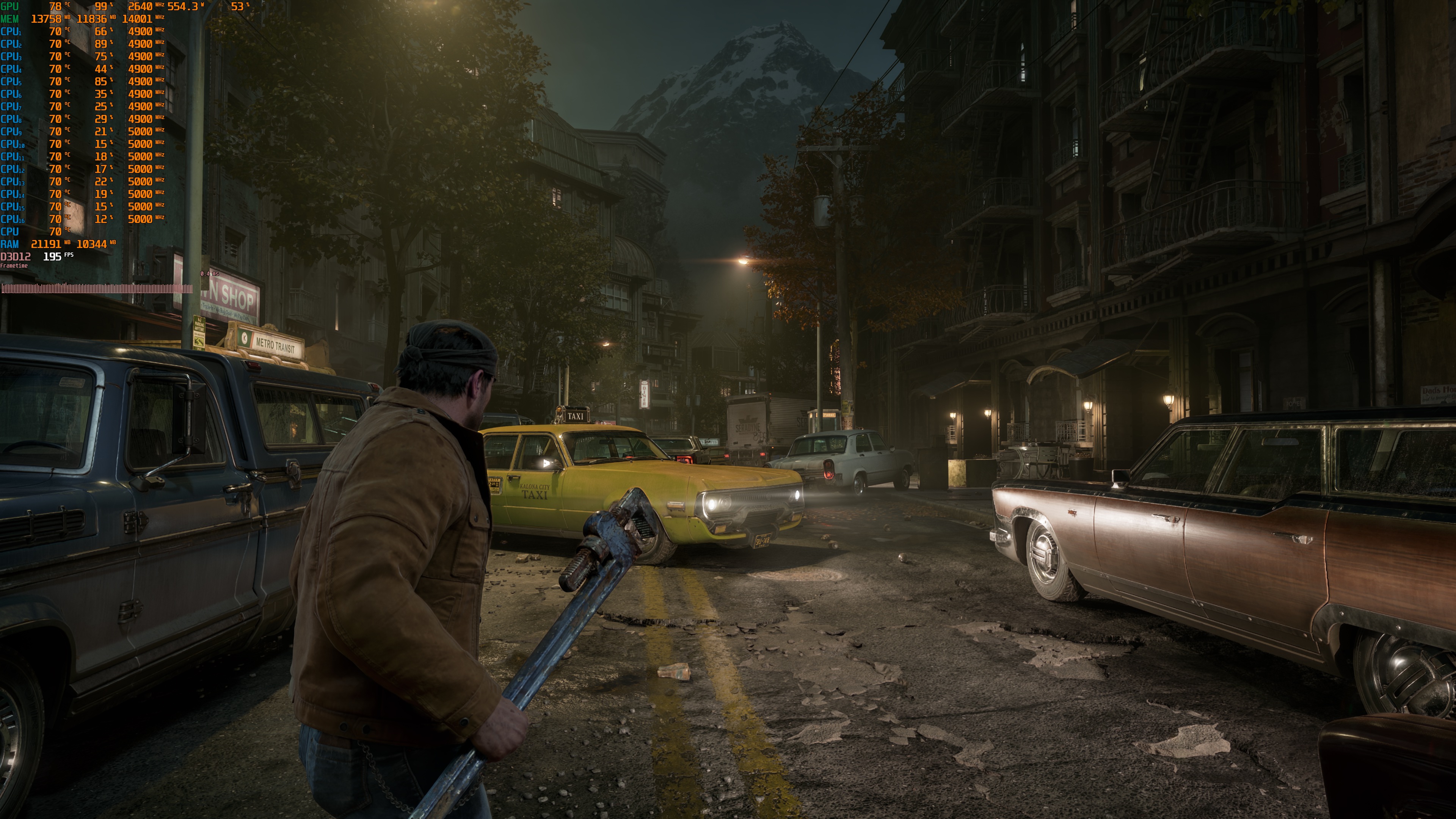
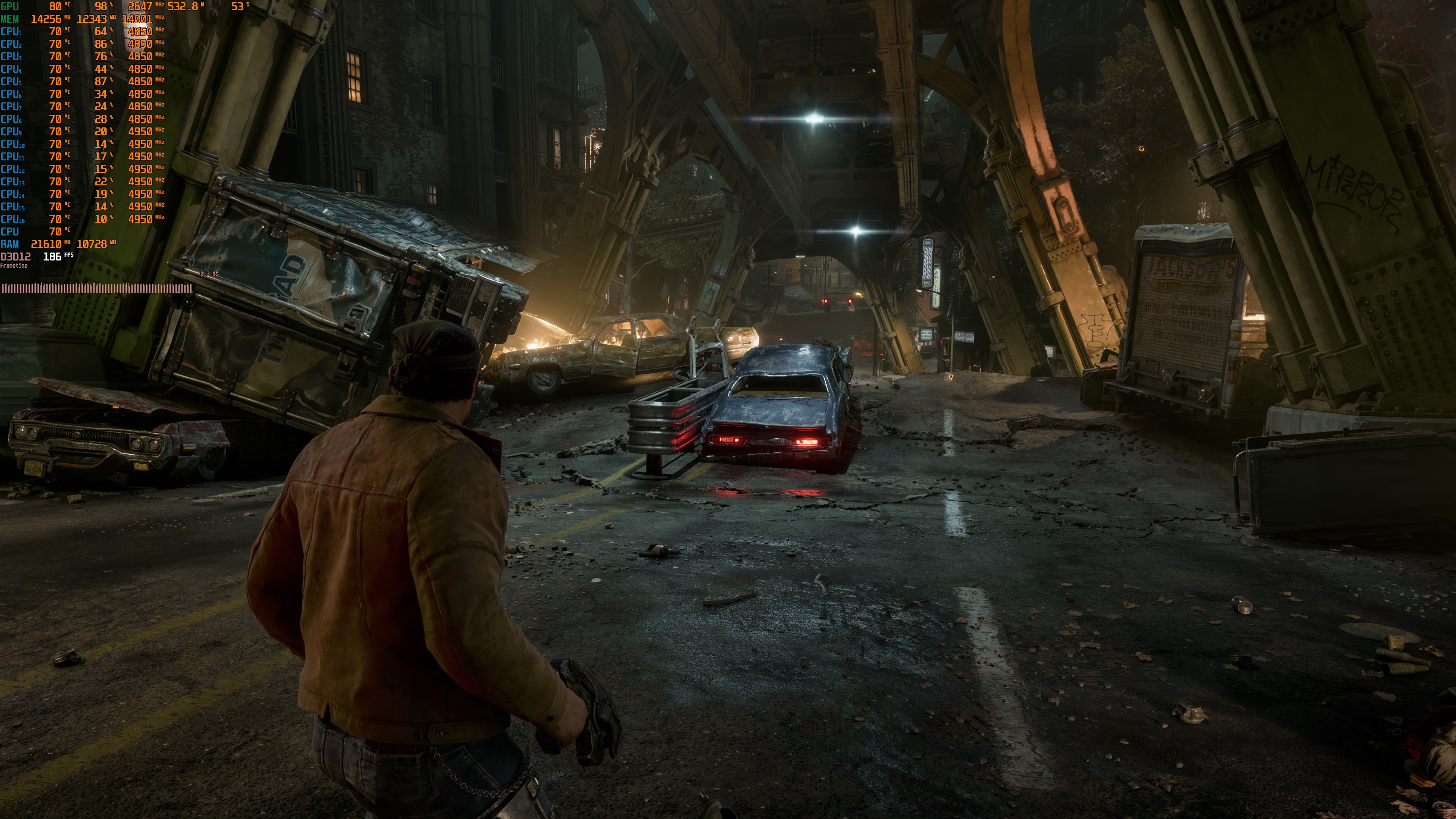
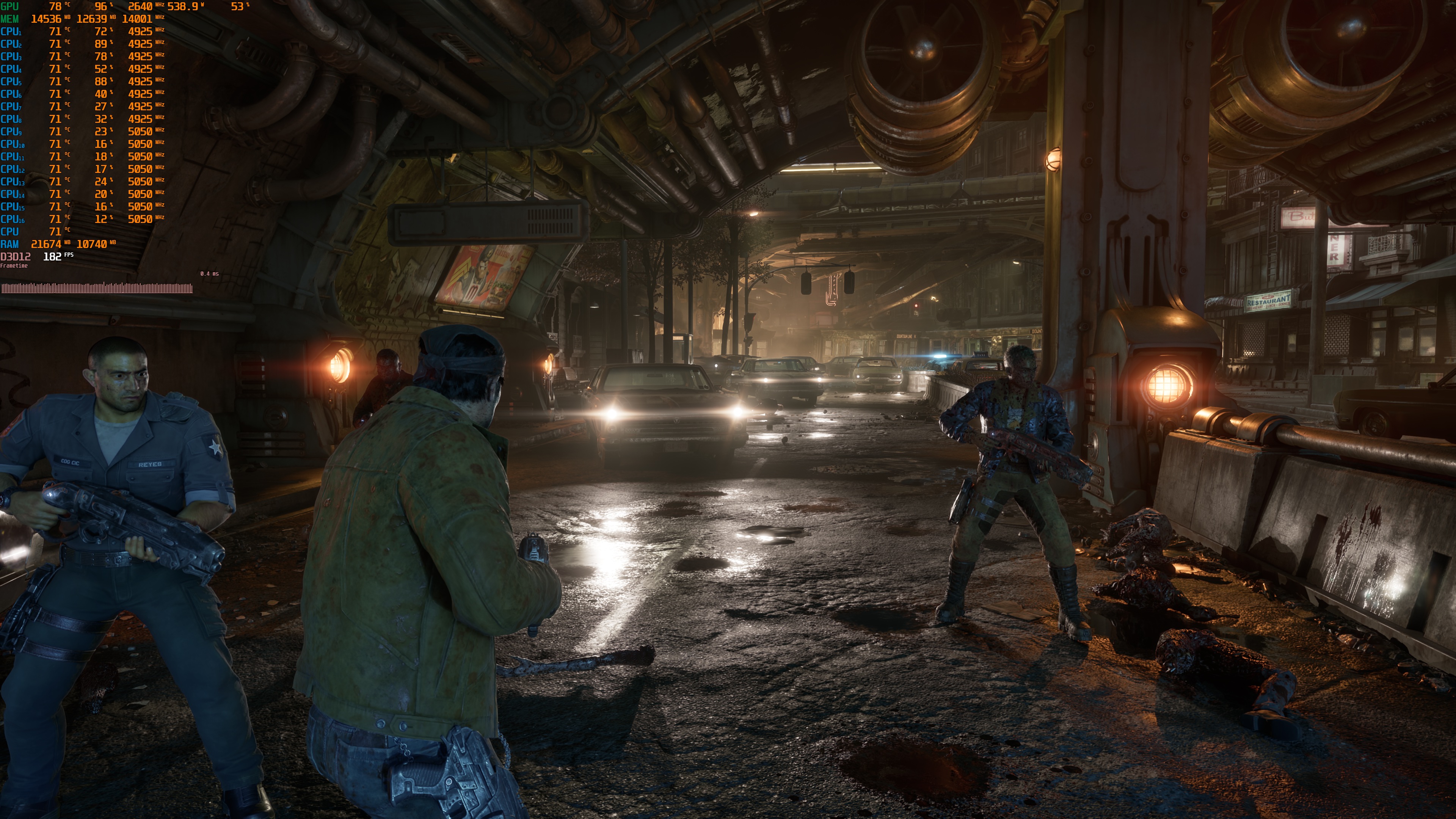
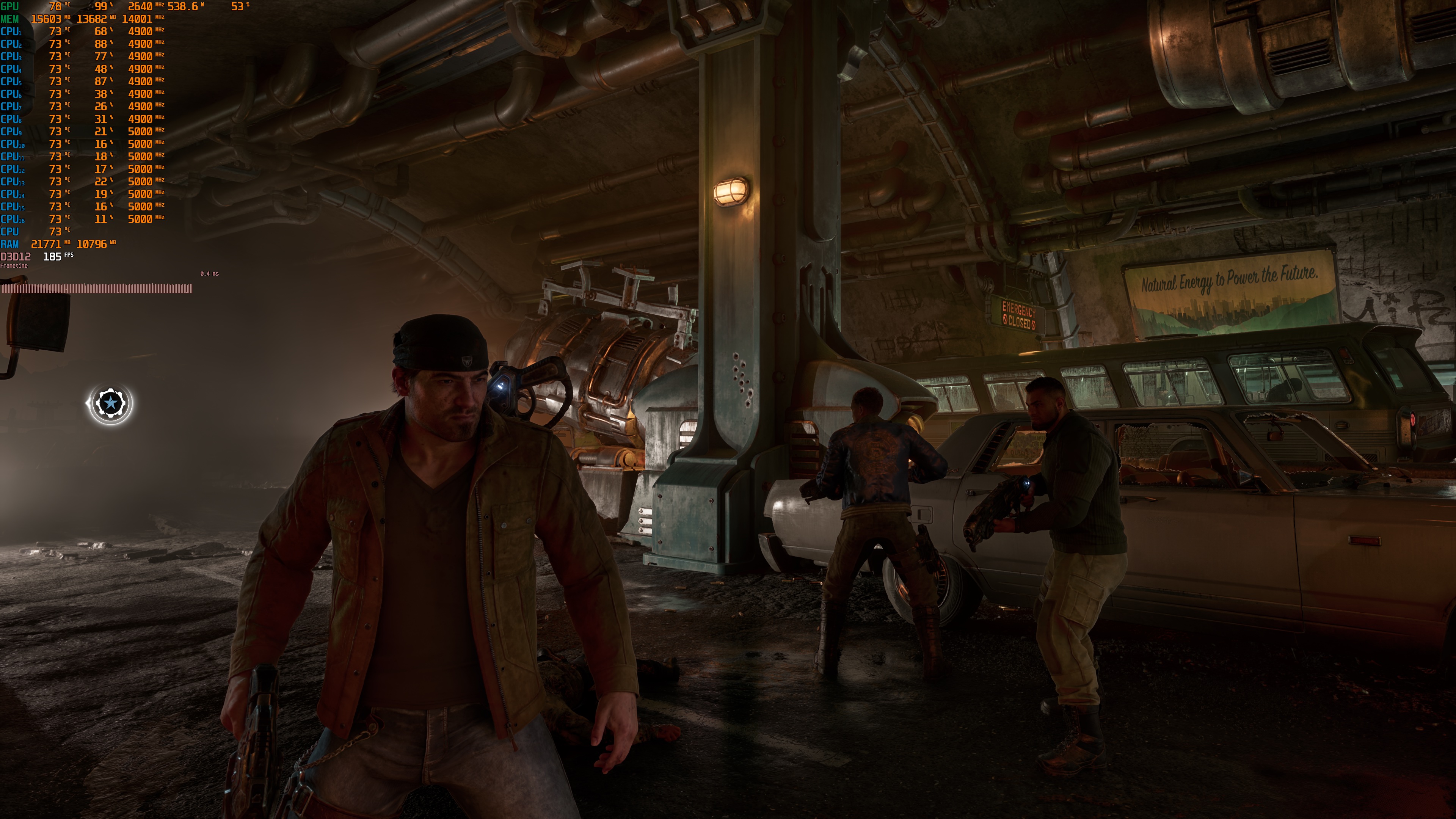
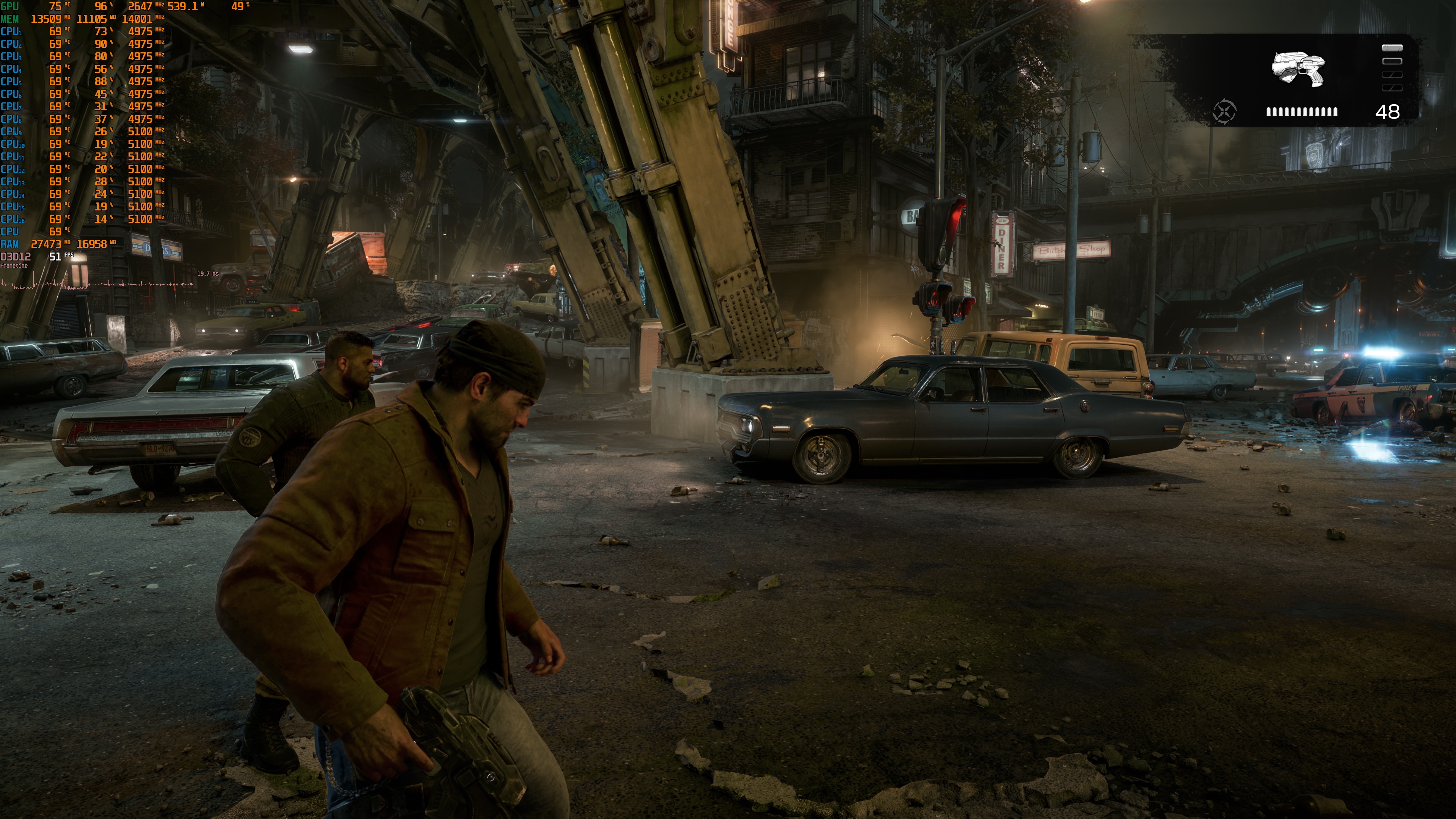
Graphics-wise, Gears of War: E-Day looks great. This is one of the first games that use both UE5’s Megalights and RTX Mega Geometry. All characters look great, and the environments are full of details. However, I’ll have to be honest here. I’ve been spoiled by what DLSS 5 can achieve in this title. With DLSS 5, Gears of War: E-Day looks spectacular. So, if you have a GPU that can handle it, I highly recommend using it.
Before I wrap up, I should note that the keyboard and mouse controls felt great. I also did not see a lot of stuttering. The game pre-compiles its shaders when you first launch it. So, I did not have any shader compilation stutters. That is a good sign for the rest of the game. However, there are a few traversal stutters. It’s a bummer as the previous GoW game, Gears 5, did not have any traversal stutters.
All in all, Gears of War: E-Day runs well on a wide range of PCs. You do not need a top-end GPU to play at 1080p with Ultra settings. For 1440p, you will need a mid-range GPU. For 4K, you will need a high-end GPU. At 4K, I would also suggest using DLSS or FSR. Of course, that is up to you. My only complaint was the traversal stuttering. Thankfully, though, it is not as bad as what we saw in Oblivion Remastered.
Enjoy!

John is the founder and Editor in Chief at DSOGaming. He is a PC gaming fan and highly supports the modding and indie communities. Before creating DSOGaming, John worked on numerous gaming websites. While he is a die-hard PC gamer, his gaming roots can be found on consoles. John loved – and still does – the 16-bit consoles, and considers SNES to be one of the best consoles. Still, the PC platform won him over consoles. That was mainly due to 3DFX and its iconic dedicated 3D accelerator graphics card, Voodoo 2. John has also written a higher degree thesis on the “The Evolution of PC graphics cards.”
Contact: Email