
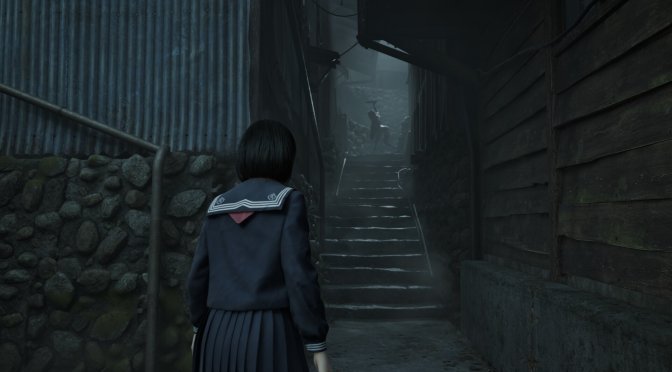
Silent Hill f has just been released, and a lot of NVIDIA users have major crash issues with it. So, if you’ve been unable to play the game due to some UE5 GPU crashes, you can use this workaround in order to bypass them.
Silent Hill f uses Unreal Engine 5, and it suffers from the same crash issues that were present in Borderlands 4. The solution is similar to that game.
These crash issues occur only on NVIDIA’s GPUs. And, from what I’ve seen, they are mainly related to the drivers. This isn’t a game issue. So, how can you fix these crashes?
The solution is simple. If the game crashes at startup or when you load a save, you’ll simply have to reinstall your driver. Once you do this, you will be able to play the game. However, after two or three reboots, the crashes will come back. When this happens, you’ll have to, once again, reinstall the drivers.
I was able to replicate this multiple times. I don’t know what’s going on with both Borderlands 4 and Silent Hill f. However, this workaround is the only way I can currently use to play them.
Some suggest disabling Hardware-accelerated GPU scheduling from Windows. However, I’m against doing such a thing. You see, DLSS Frame Gen requires Hardware-accelerated GPU scheduling. So, if you disable it, you won’t be able to use DLSS Frame Gen in any other game.
When you disable Hardware-accelerated GPU scheduling, you’ll have to restart your PC. And, honestly, it’s quicker to just reinstall your drivers. You won’t even have to restart your PC. Once you reinstall the drivers, you can launch and play the game.
I’ve already informed NVIDIA about these crashes, and they’re looking into the issue. There’s currently no ETA for a fix. Since these crashes happen in two different games, it’s clearly a driver issue that affects Unreal Engine 5. This means that future UE5 games may also suffer from the same problem unless NVIDIA fixes it with a new driver.
I also hope that NVIDIA will be able to fix the visual artifacts that occur in other UE5 games. Mafia: The Old Country and Metal Gear Solid Delta: Snake Eater suffer from major artifacts with the latest drivers. The solution to that specific issue was to roll back the drivers to version 580.88. I don’t know what’s going on lately with these buggy NVIDIA drivers. So, I hope that NVIDIA will do something about them.
Stay tuned for more!

John is the founder and Editor in Chief at DSOGaming. He is a PC gaming fan and highly supports the modding and indie communities. Before creating DSOGaming, John worked on numerous gaming websites. While he is a die-hard PC gamer, his gaming roots can be found on consoles. John loved – and still does – the 16-bit consoles, and considers SNES to be one of the best consoles. Still, the PC platform won him over consoles. That was mainly due to 3DFX and its iconic dedicated 3D accelerator graphics card, Voodoo 2. John has also written a higher degree thesis on the “The Evolution of PC graphics cards.”
Contact: Email