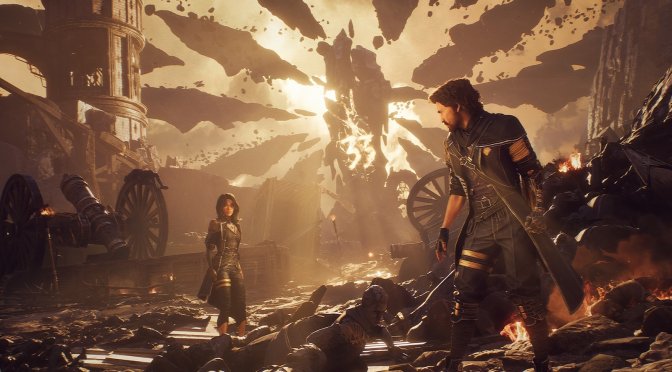
Kepler Interactive has just released Clair Obscur: Expedition 33 on PC. The game is powered by Unreal Engine 5 and, surprisingly enough, its cut-scenes are locked at 30FPS, even on PC. Thankfully, though, a mod has just been released that removes this ridiculous 30FPS cap.
This is a must-have mod that everyone needs to use. I really don’t know why the devs have locked the cut-scenes at 30FPS. However, in just a matter of hours, PC gamers can enjoy the cut-scenes with an unlocked framerate.
You can download the mod from this link. Once you’ve downloaded it, you’ll have to extract its contents into the game folder. And that’s it.
As I’ve reported, Clair Obscur: Expedition 33 appears to be running great at Native 4K/Epic Settings on the NVIDIA RTX 5090. However, for some weird reason, the game’s image looks kind of bad. In a way, it feels like that it’s being rendered at a lower resolution with a sharpening filter.
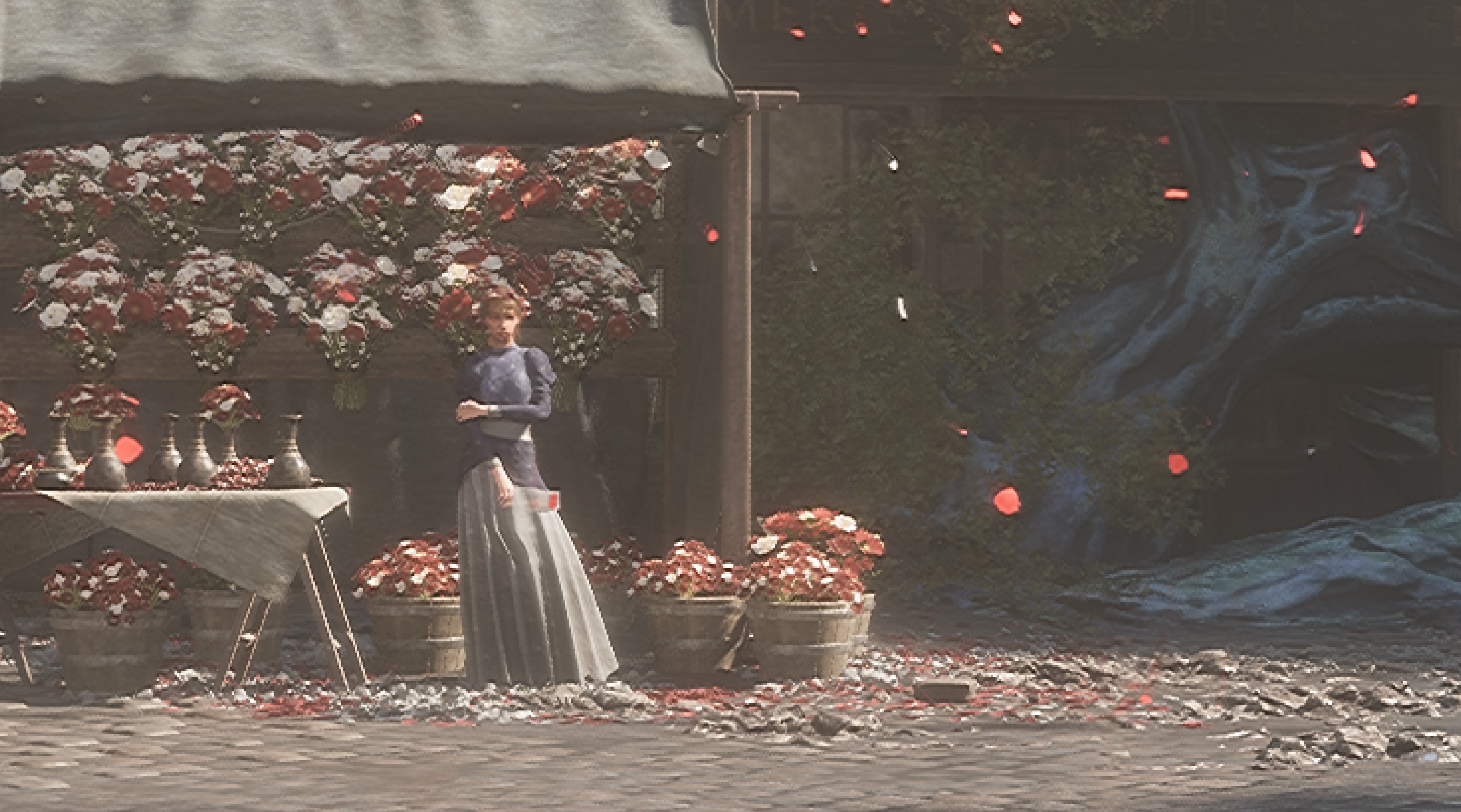
Also, it appears that DLAA is completely broken. Here are two screenshots, one with DLAA (left) and one with DLSS Quality Mode (right). As you can see, the game looks sharper with DLSS Quality Mode. For instance, you can see the mouth of this NPC with DLSS Quality. With DLAA, it looks like a plastic doll. Or how about her hand? With DLSS Quality, you can see her individual fingers. With DLAA, her hand appears like a plastic glove.
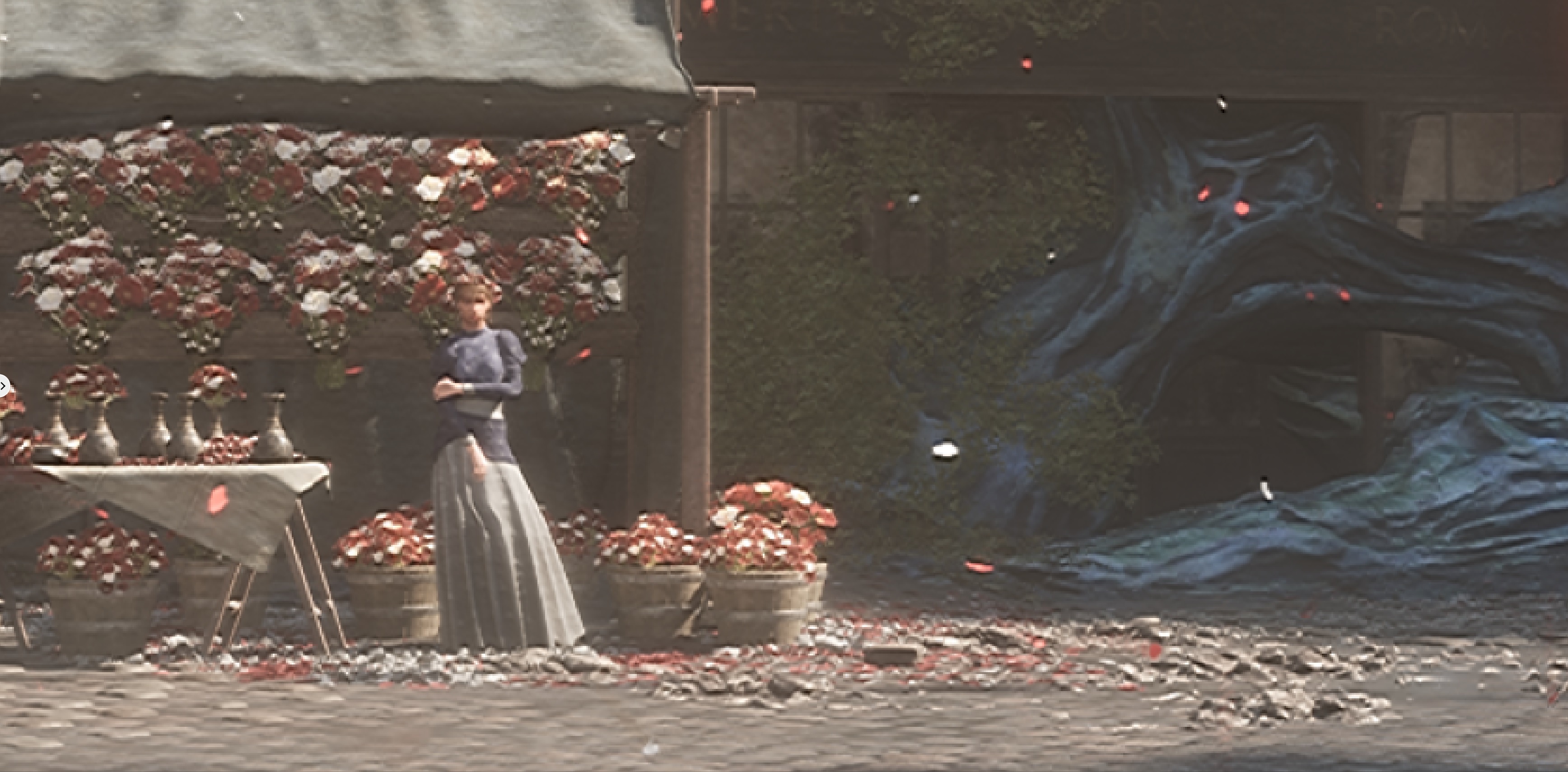
I don’t really know what’s going on here, but the devs will have to fix this issue as soon as possible. Until then, I suggest staying away from DLAA. Just use DLSS Quality Mode (if you own an NVIDIA RTX GPU). AMD owners will have to rely on Intel XeSS as the game does not support AMD FSR.
Our PC Performance Analysis for this game will go live later this weekend. So, stay tuned for more!

John is the founder and Editor in Chief at DSOGaming. He is a PC gaming fan and highly supports the modding and indie communities. Before creating DSOGaming, John worked on numerous gaming websites. While he is a die-hard PC gamer, his gaming roots can be found on consoles. John loved – and still does – the 16-bit consoles, and considers SNES to be one of the best consoles. Still, the PC platform won him over consoles. That was mainly due to 3DFX and its iconic dedicated 3D accelerator graphics card, Voodoo 2. John has also written a higher degree thesis on the “The Evolution of PC graphics cards.”
Contact: Email


Heard good stuff about this game, where is the catch?
We won't know for sure until one of our guys plays through all of it.
graphics so so even if unreal 5, but i cannot tell the difference from low budget unreal 4 project
But the atmosphere and story so far are really captivating
get eyes for christmas.
hope better than yours, moron
you won’t get any presents with your behavior :/
You must have a fetish for santa claus outfits
better than little schoolgirl like your daughter
I see, at least you are no pedophile anymore
hope better than yours, moron
No catch. Amazing game NOT for 70$, and done by 30 people.
Amazing yes
Very few things piss me off more in gaming today than this. Thanks for the heads up.
The fix also removes the forced sharpening
Seriously? It's 2025 and devs still insists on 30fps cutscenes?
I could kinda understand that for the previous console generation when we didn't have any 60fps performance mode, at least not one that works as well as it does now for current gen.
But nowadays I just really find that unacceptable, especially on the PC ports that normally has uncapped frame rates. That should count for the in-game cutscenes too, if not at least cap it to 60fps which still looks smoother than 30.
The hair rendering makes me want to gouge my eyes out. Thank God lossless scaling's adaptive framegen works well with this game. 4K DLAA + Adaptive FG to 160fps seems to be a good level with no perceptible input latency even when using a mouse.
i using DSR at 2.25x, sharpening to 0% and dlss quality, internal res are 2162P with this setting, upscaled to 3240P.
it's playable on 4090 and hairs are beautiful.
enjoy this for a perfect visual since they fix DLAA to 2160P internal res.
4K with 2.25x DLDSR and DLSS Quality drops FPS a bit too much even on a 5090. I guess it depends what kind of frame rate you’re comfortable with.
i've more than 40fps most of the time, it's more about the picture/hair quality, i can't play a pixelated game.
atm the 1711P dlaa (4K settings) are ugly af
you should have at least 50 fps on 5090.
for an animation movie quality in real time, it's pretty fine.
i've more than 40fps most of the time, it's more about the picture/hair quality, i can't play a pixelated game.
atm the 1711P dlaa (4K settings) are ugly af
you should have at least 50 fps on 5090.
for an animation movie quality in real time, it's pretty fine.
i've more than 40fps most of the time (my 3ghz OC help a bit but not that much, my 4090 is on custom loop with 1080 and 280 push pull rad), it's more about the picture/hair quality, i can't play a pixelated game.
atm the 1711P dlaa (4K settings) are ugly af
you should have at least 50 fps on 5090.
with 2.25x dsr medium dlss is still higher in base internal resolution than "dlaa" in this game
for an animation movie quality in real time, it's pretty fine.
5090 has no issue staying over 3GHz but I wouldn’t really be down to play at 60fps. Even when using a controller I’ve found I need 70-80fps depending on the game to not be bothered by the camera panning on OLED. And then adding adaptive frame gen over that will reduce base fps by about 20-25%.
Really considering running a second GPU just to be able to do frame gen with no performance impact. Haha. Taking 60fps base to 120fps would be a pretty good experience for a game like this.
ok , i don’t know oled have those issue.
framegen atm without ingame solution is terrible in quality, hope they add this on a update.
Have you tried Lossless Scaling’s adaptive framegen? It does a great job of going from 60-70fps to 160fps without much input lag. I tried the Optiscaler mod but didn’t like it. Adaptive framegen is working a treat. Only downside is it drops your base frame rate a little like all frame gen. Which is why I mentioned using a second GPU. You can render the game on your 4090 but then have the output from a 3060 that exclusively handles the frame generation portion with lossless scaling. So you don’t get a drop in your base frame rate anymore. Kinda like ghetto-sli. 😛
frame gen artifact of looseless scaling are too heavy for me , only built in game framegen are ok to me.
like in cyberpunk.
but i don't try the framegen with the fake DLAA.
more source images, less artifacts
this game is awesome but the DLAA issue is caused of 1711P internal res.
it apply DLAA to 1711P rather 2160P.
i guess it's for performance but it actually look bad, i'll prefere play at 30fps but with true DLAA (on a 4090).
and hope for a FG + reflex feature.