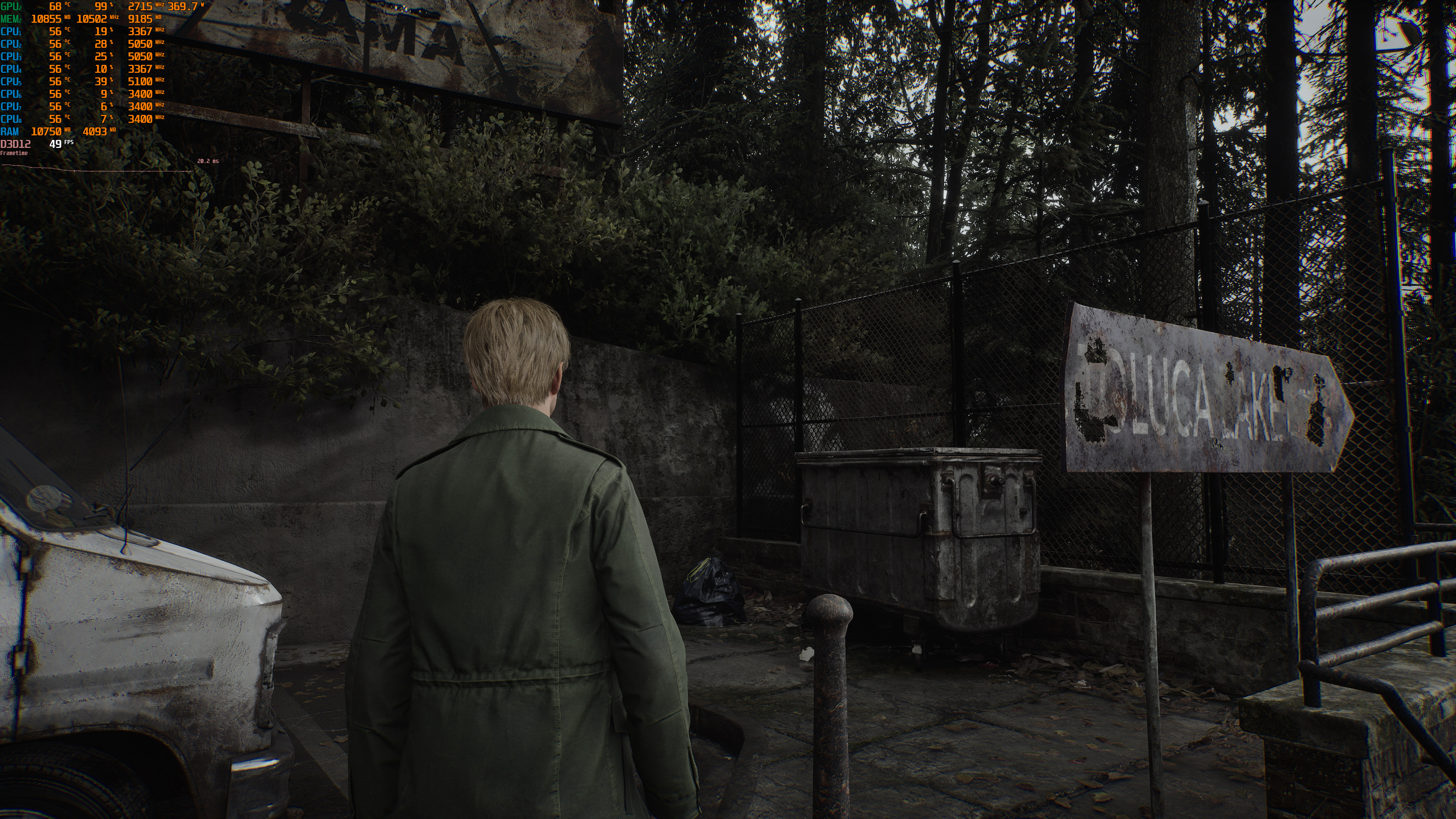
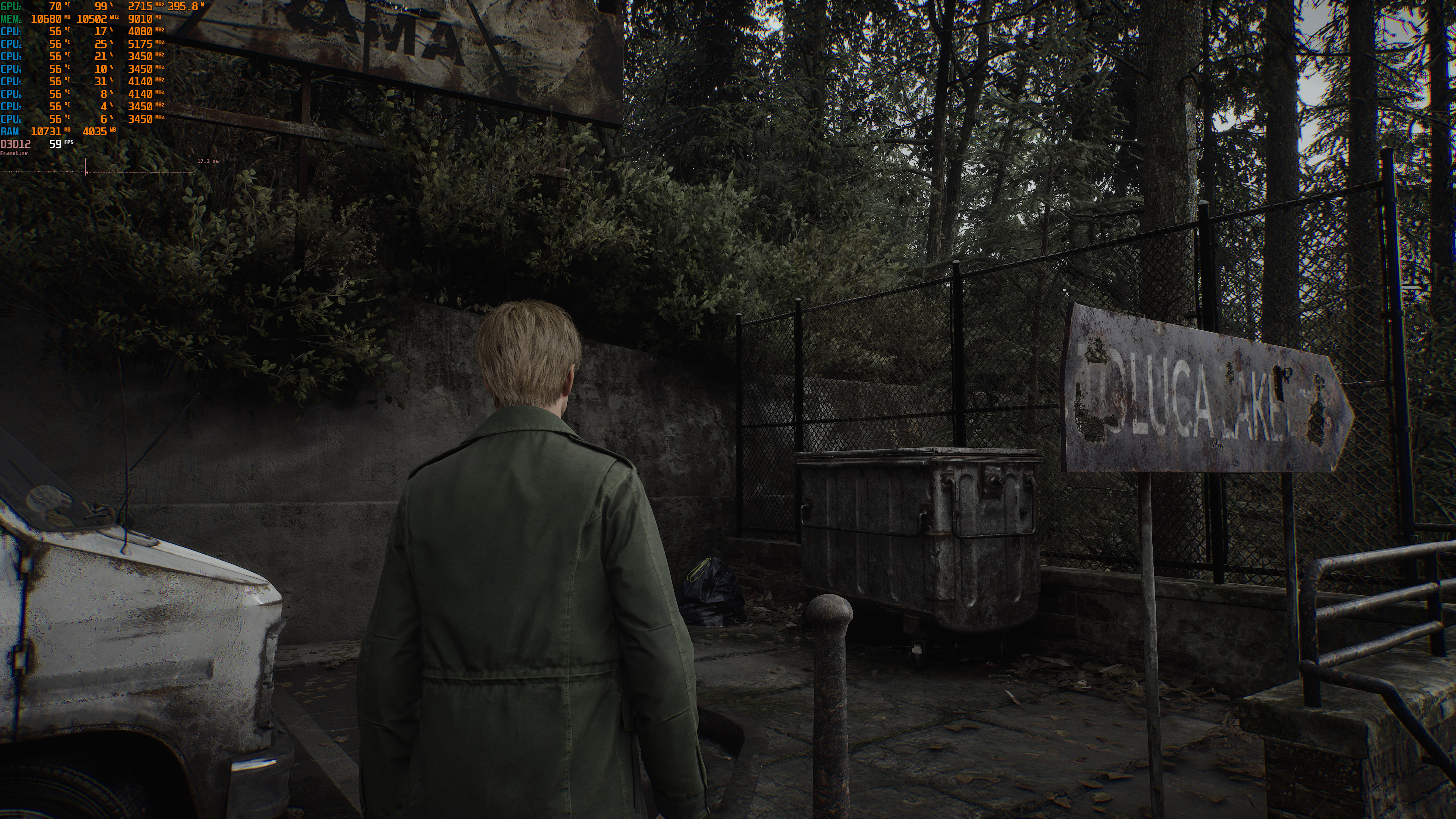
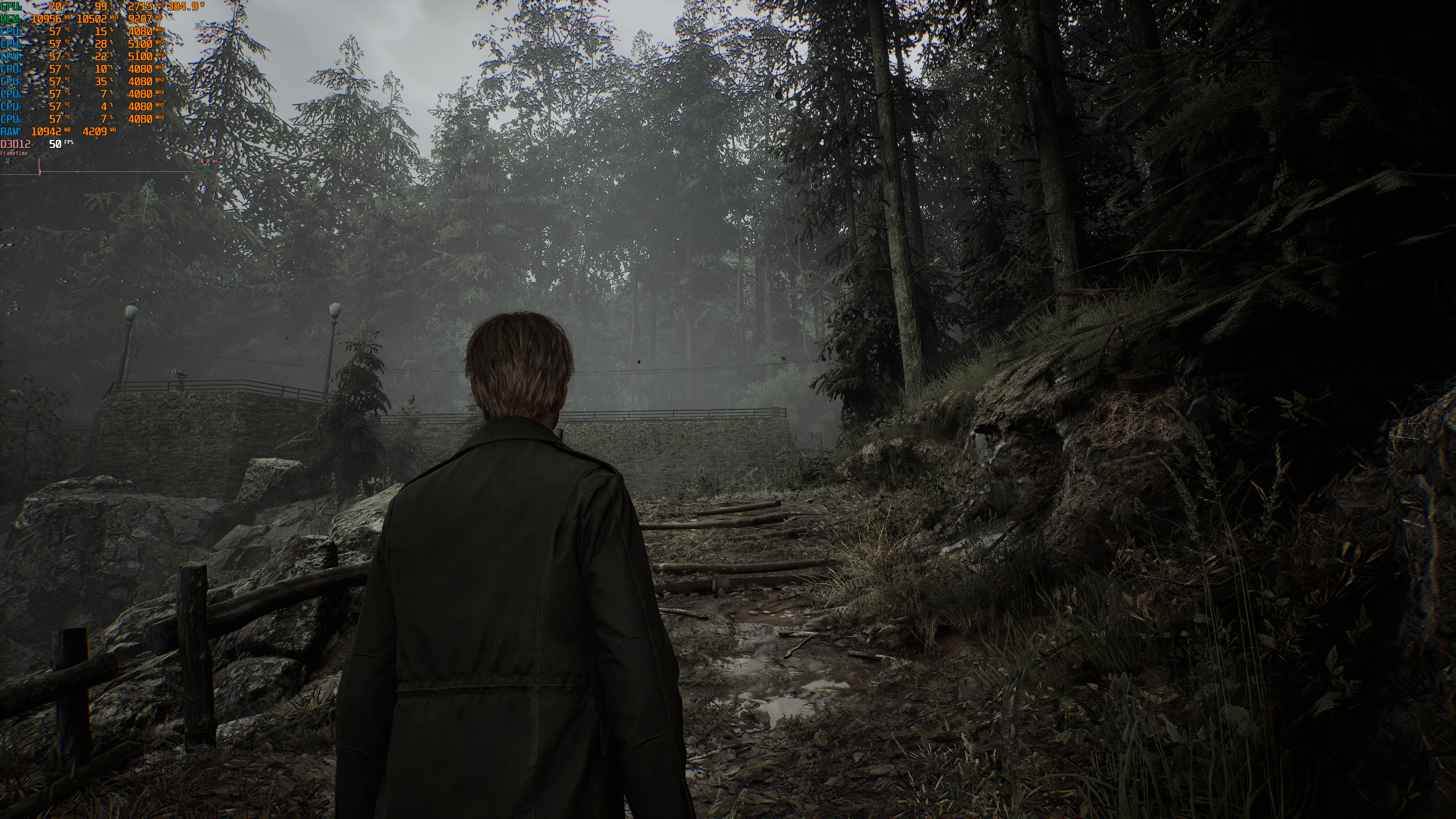
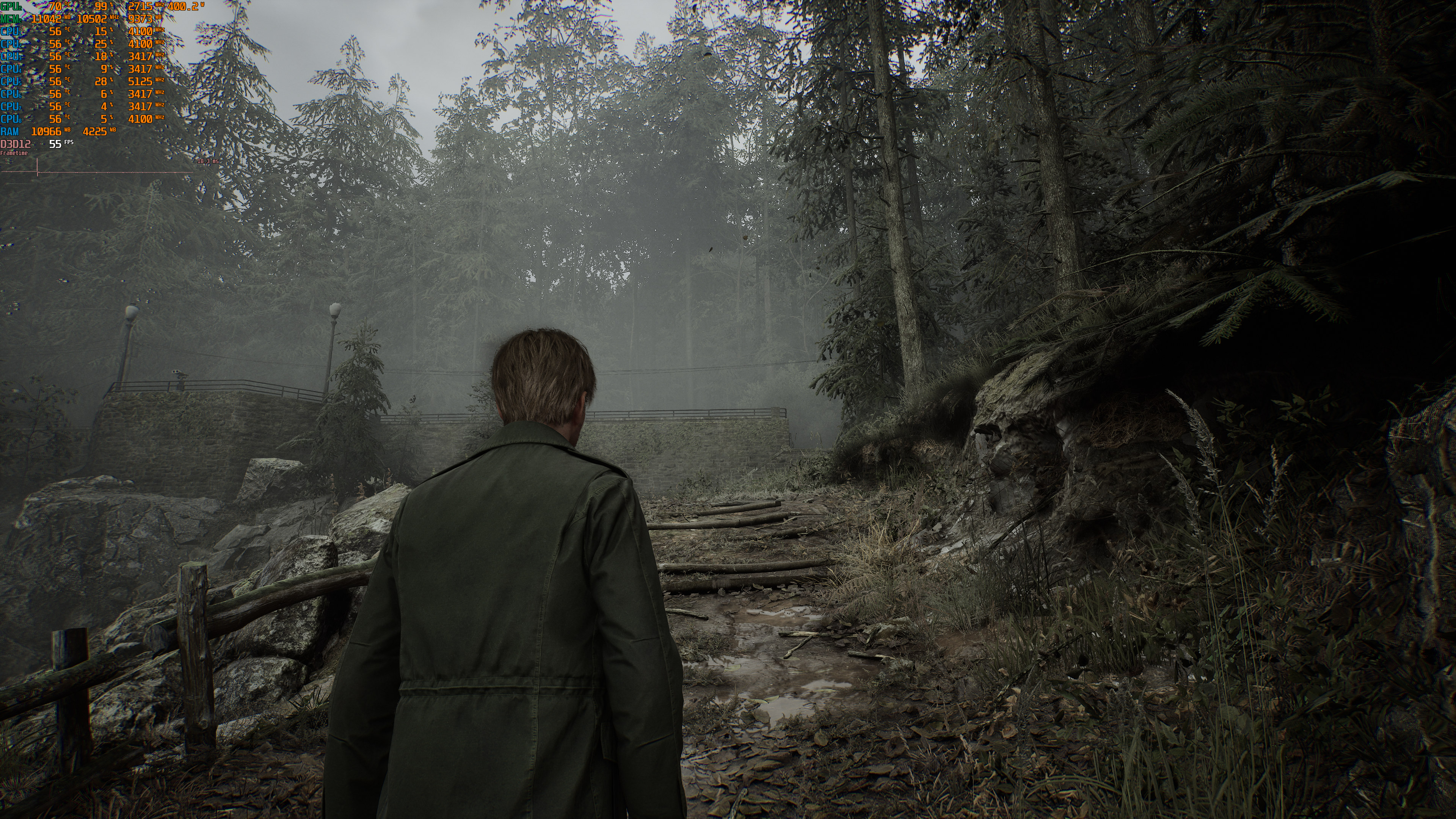
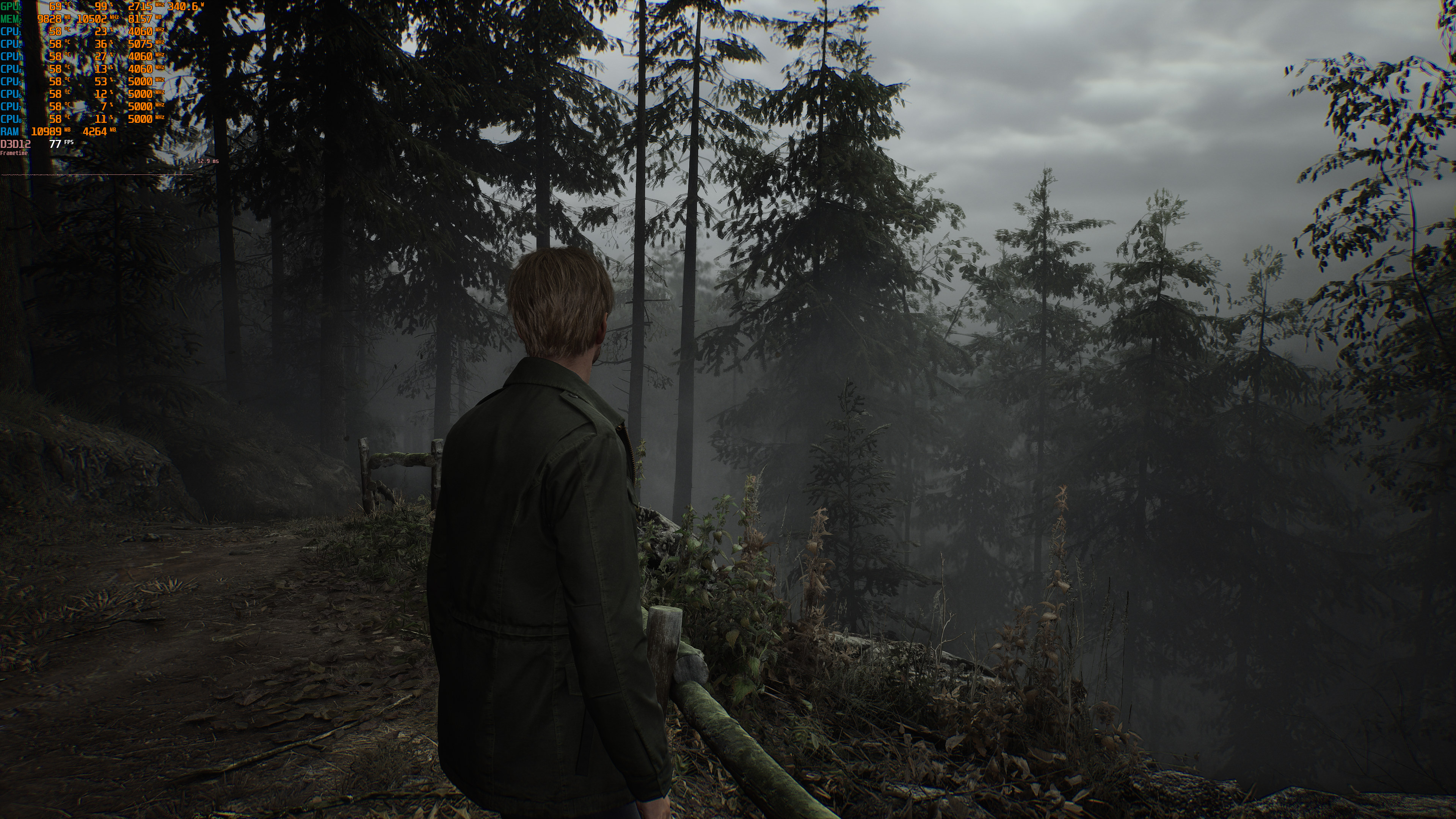
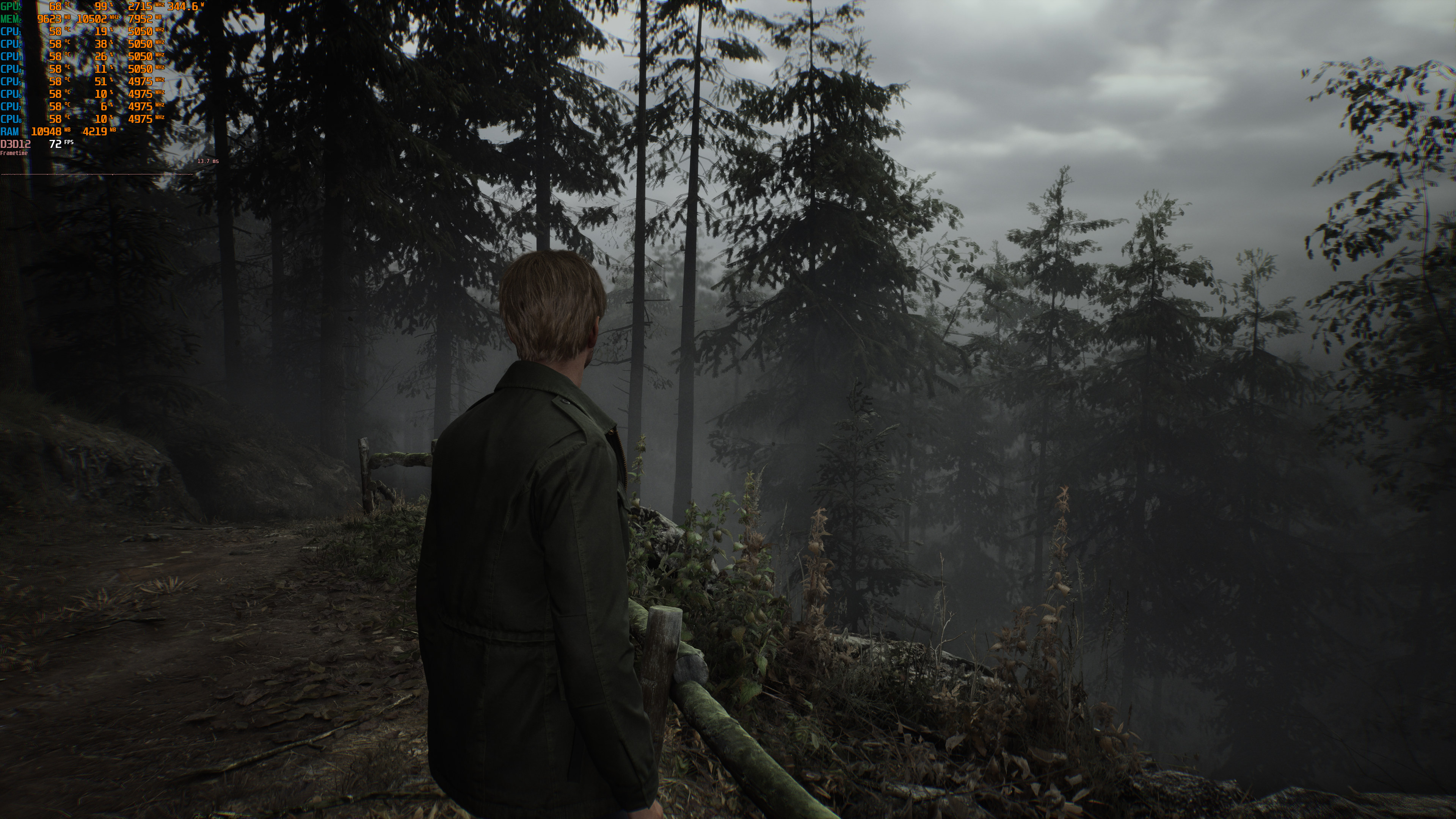
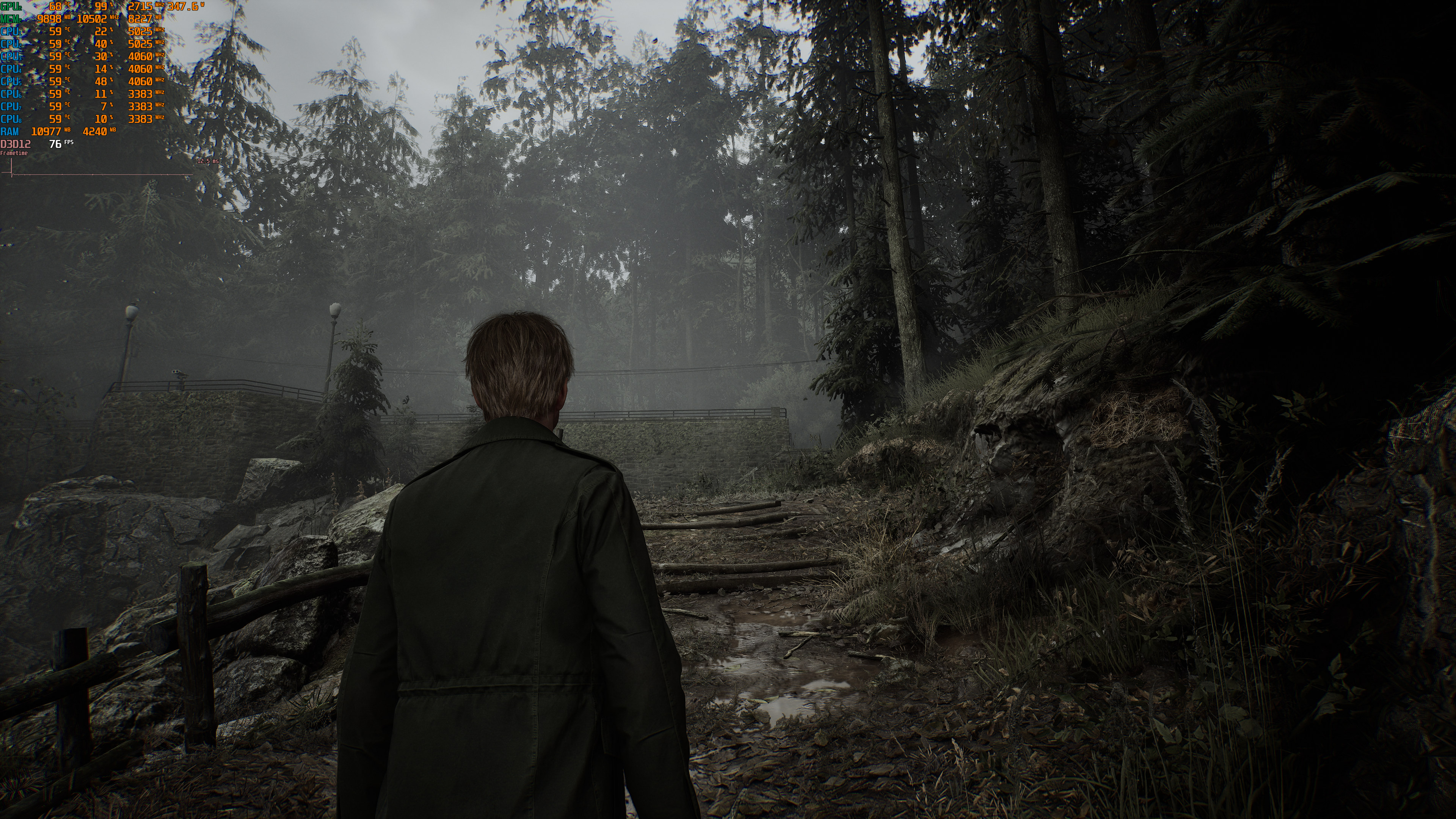
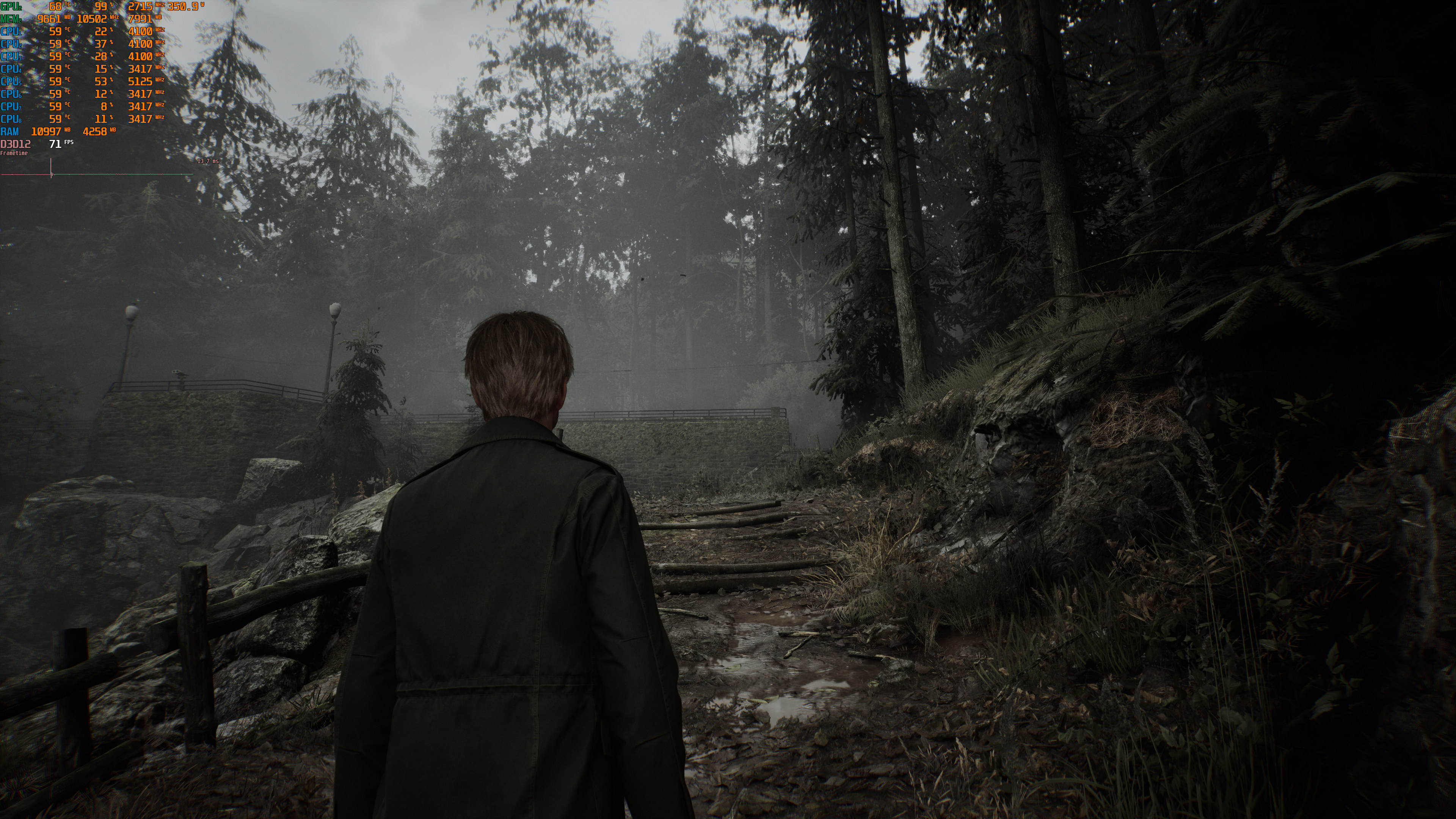
Silent Hill 2 Remake official screenshots-2

Silent Hill 2 Remake – Ray Tracing, NVIDIA DLSS 3 & AMD FSR 3.0 Benchmarks

Silent Hill 2 Remake will be released officially tomorrow. The game is powered by Unreal Engine 5, and has support for Ray Tracing, NVIDIA DLSS 3, AMD FSR 3.0 and Intel XeSS. As such, we’ve decided to benchmark these techs first and share our initial thoughts.

For these first benchmarks, we used an AMD Ryzen 9 7950X3D, 32GB of DDR5 at 6000Mhz, and NVIDIA’s RTX 4090. We also used Windows 10 64-bit, and the GeForce 561.09 driver. Moreover, we’ve disabled the second CCD on our 7950X3D.

Bloober Team has used Ray Tracing to enhance the game’s reflections and ambient occlusion. And RTAO makes a HUGE difference in this title. Below you can find some comparison screenshots. RT On is on the left whereas RT Off is on the right. You will immediately notice how much better the image looks with RT, especially in the final comparison.
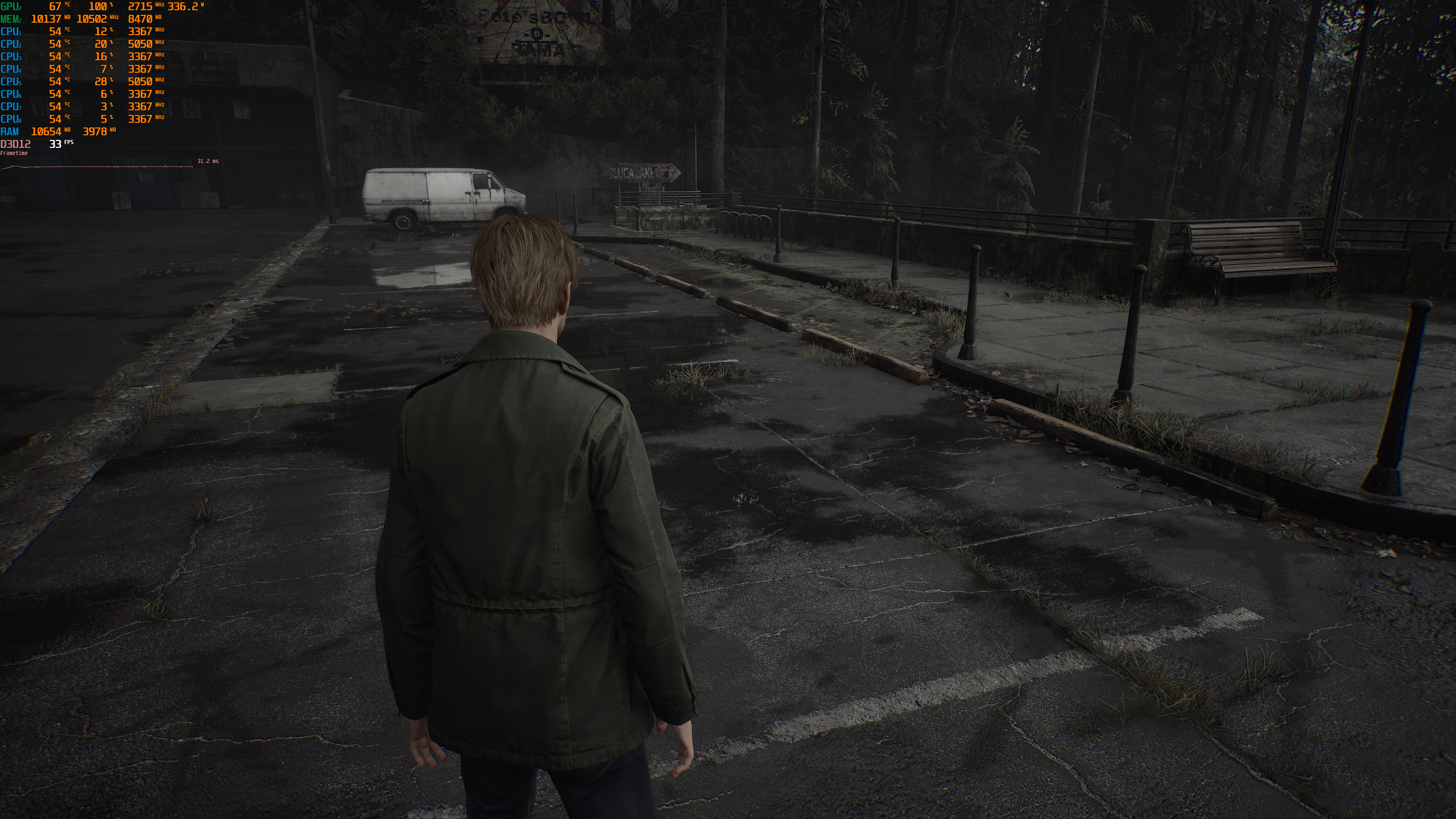
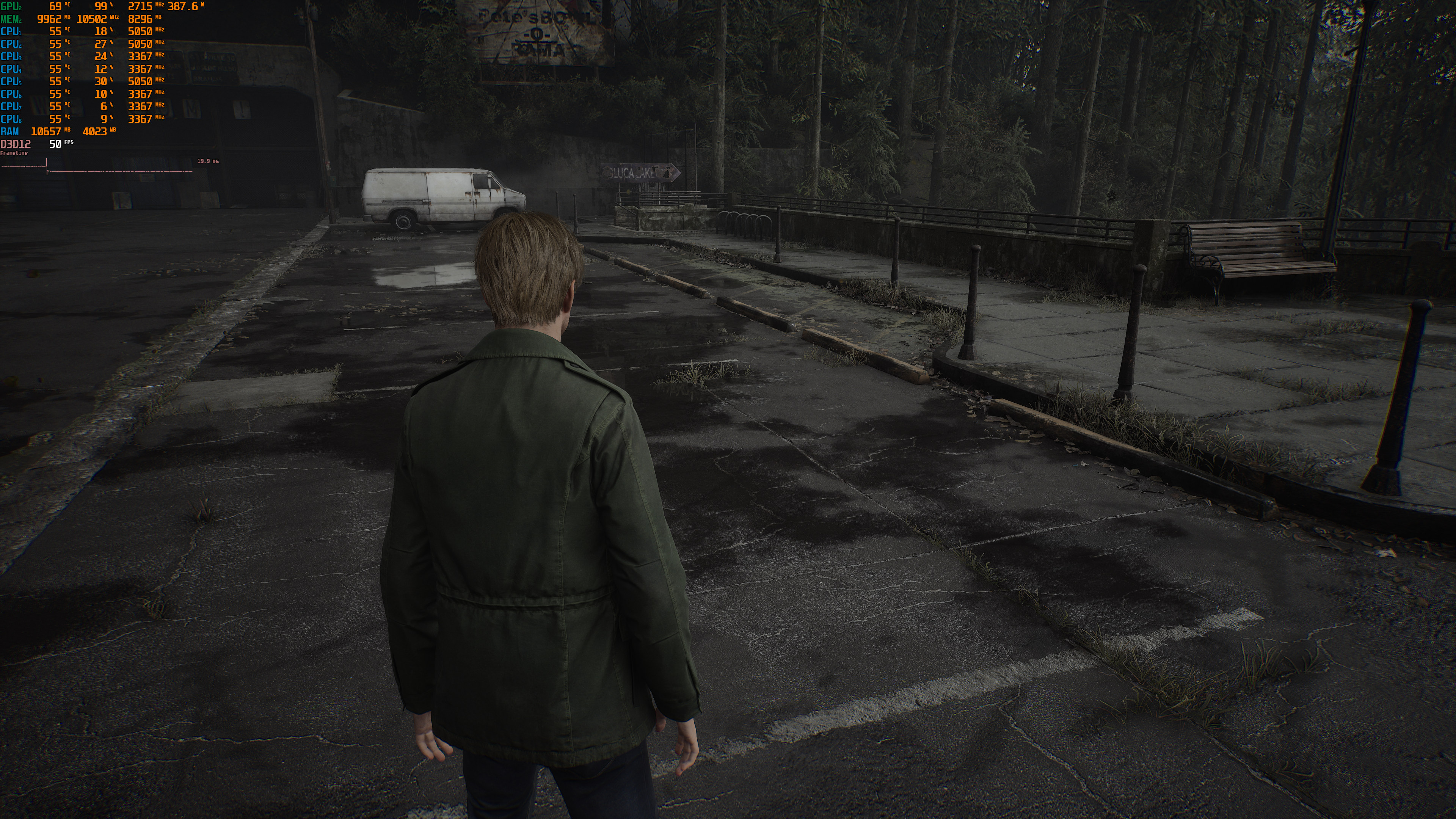
Ray Tracing On-1Ray Tracing Off-1 Ray Tracing On-2Ray Tracing Off-2 Ray Tracing On-3Ray Tracing Off-3

Silent Hill 2 Remake supports NVIDIA DLSS 3, AMD FSR 3.0 and Intel XeSS. Sadly, though, there is no support for Frame Generation. I don’t know why Bloober Team didn’t add support for it as the game could greatly benefit from Frame Generation. So, let’s hope that the devs will add support for it via a post-launch update.

What’s really ironic here is that you can force AMD FSR 3.0 Frame Generation via the game’s Engine.ini file. All you have to do is follow this guide. And in case you’re wondering, yes. This does work.

  • Open Engine.ini
  • Add [SystemSettings] to the bottom of the file, if that section doesn’t already exist.
  • Add r.FidelityFX.FI.Enabled=1.
  • Save the file.
  • Launch the game and enable FSR 3.0 from the settings. FSR 3.0 Frame Generation will be applied automatically and it will work alongside FSR 3.0 Super Resolution.

Now while you can enable AMD FSR 3.0 FG via the above guide, the quality of AMD FSR 3.0 Super Resolution is worse than NVIDIA DLSS 3. NVIDIA DLSS 3 looks sharper and can eliminate aliasing on distant objects. Yes, you’ll have to zoom in to see these differences. However, on a big screen, DLSS 3 looks immediately better than FSR 3.0.

Below you can find some comparison screenshots. NVIDIA DLSS 3 is on the left, whereas AMD FSR 3.0 is on the right. In the second comparison, you can easily see how much blurrier the distant trees look with FSR 3.0. And in the final comparison, the distant cable lines have more aliasing with FSR 3.0.
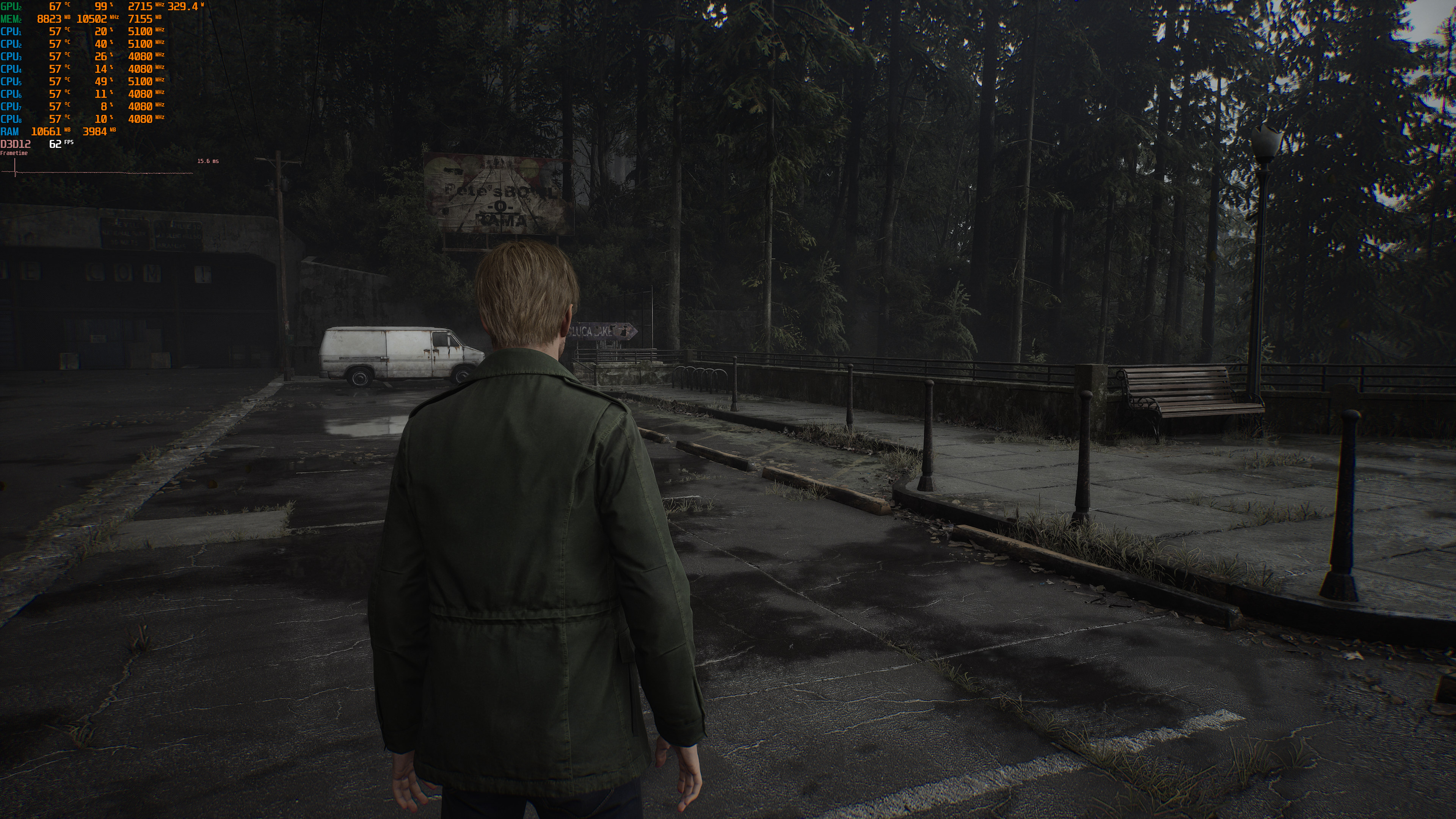
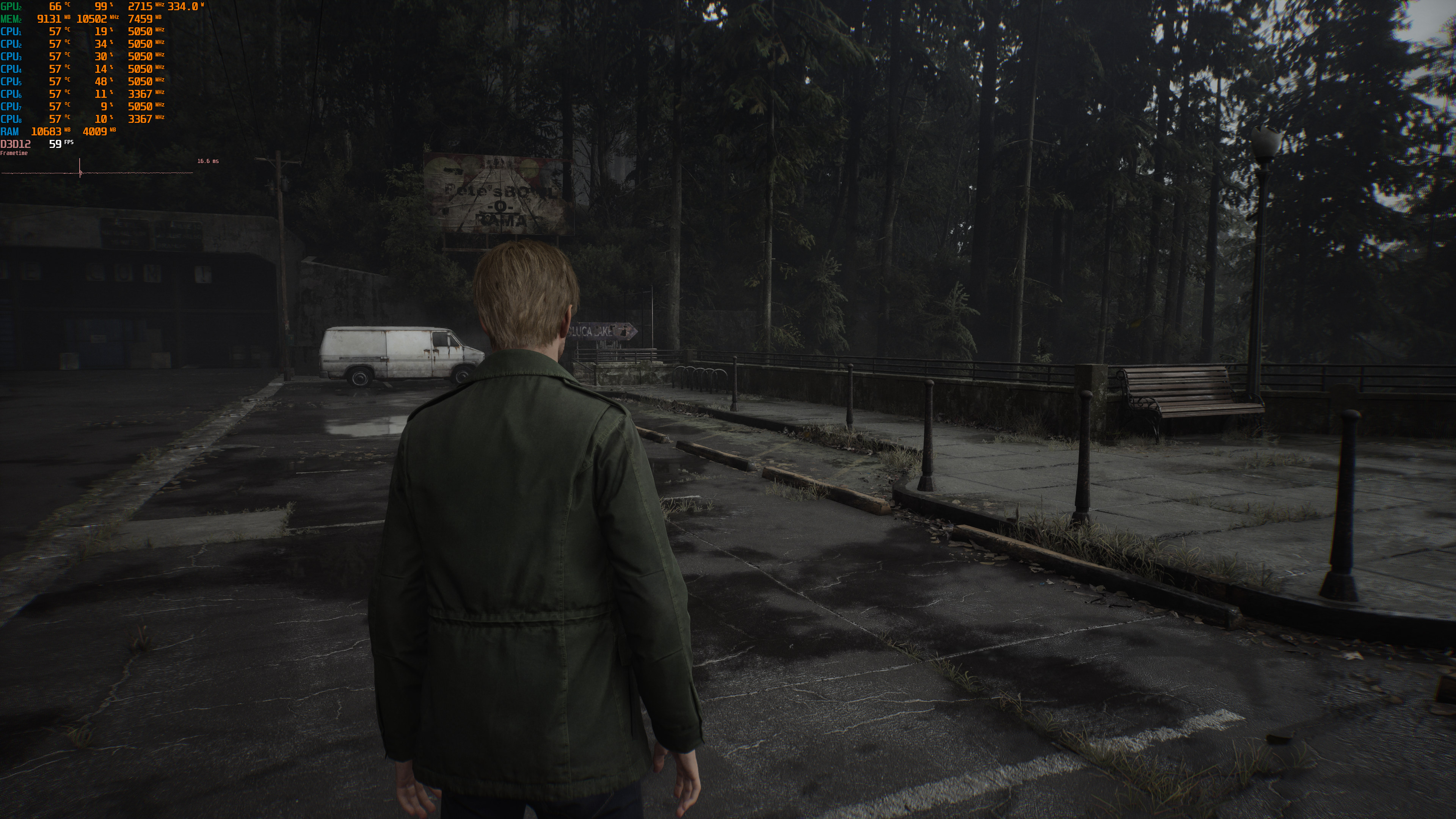
DLSS 3 Quality-1FSR 3.0 Quality-1 DLSS 3 Quality-2FSR 3.0 Quality-2 DLSS 3 Quality-3FSR 3.0 Quality-3

Performance-wise, Silent Hill 2 Remake is quite demanding at 4K on Epic Settings, with or without Ray Tracing. Even without Ray Tracing, our NVIDIA RTX 4090 could not come close to 60fps. With Ray Tracing, NVIDIA’s most powerful GPU was pushing an average of 37fps with drops to 24fps. Again, these results are in one of the most demanding areas. Not only that but SH2 uses Lumen, which is a form of Ray Tracing. So, these performance figures fall in line with what we were expecting. Also, the city area runs noticeably faster. So, make sure to keep that in mind.
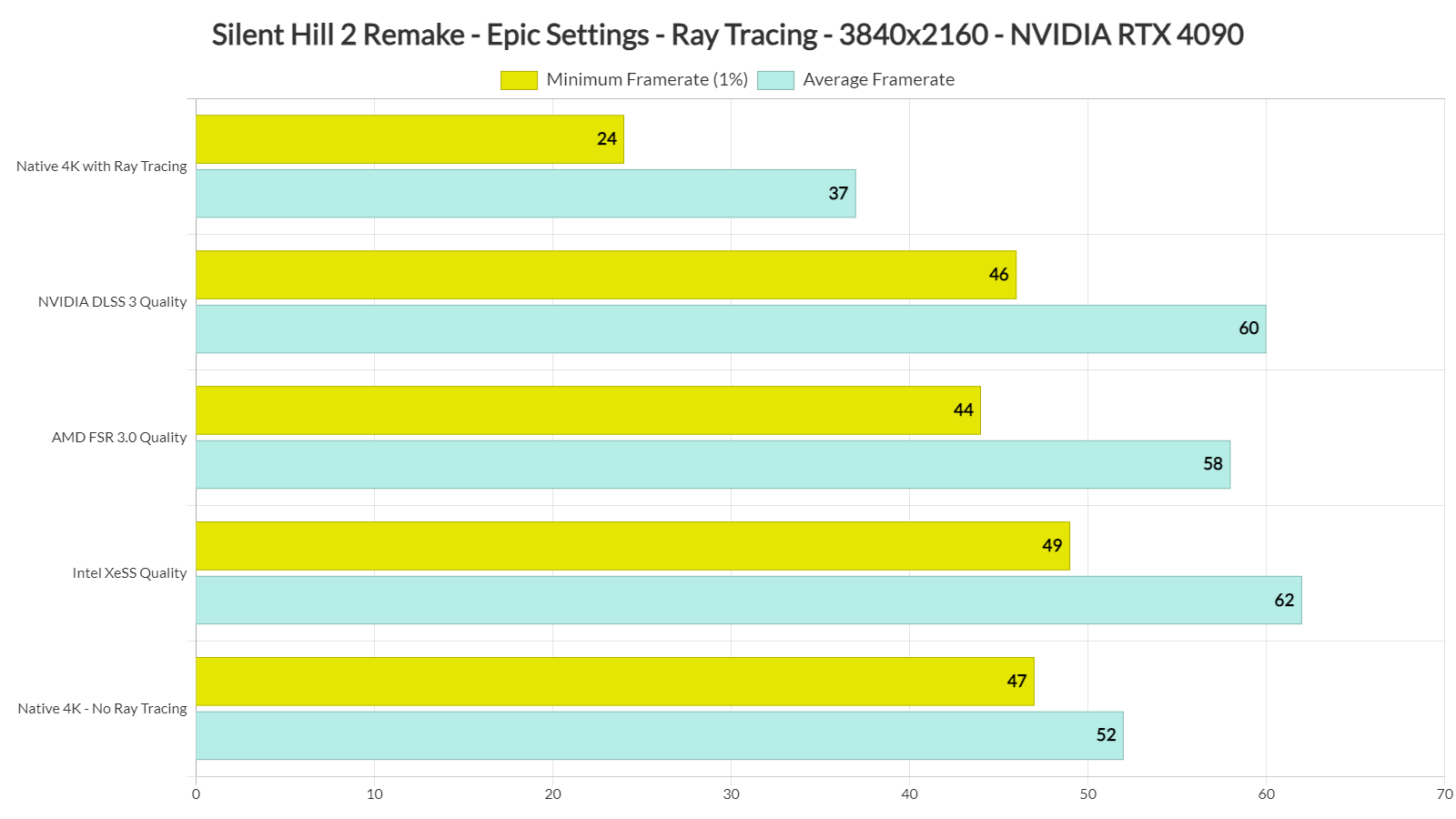
Silent Hill 2 Remake - Ray Tracing, DLSS 3, FSR 3.0 & XeSS benchmarks

With DLSS 3 Quality, we were able to get an average of 60fps, though there were drops to 46fps. AMD FSR 3.0 Quality was a bit slower, whereas Intel XeSS Quality was a bit faster.

As said, the game would benefit from DLSS 3 Frame Generation. With DLSS 3 Quality FG, we’d be getting 100fps at 4K. So, again, I don’t know why Bloober Team has skipped it. Since AMD FSR 3.0 Frame Generation works, though, I highly recommend enabling it via the guide above. That, or you can use Lossless Scaling.

Before closing, it’s worth noting that the game does not support NVIDIA’s Ray Reconstruction. However, there is a way to enable it via the Engine.ini file. Again, I don’t know why there isn’t any in-game setting for it. Not only that but from the looks of it, NVIDIA RR can significantly improve the game’s visuals when using Ray Tracing as you can see here. So, if you have an RTX GPU, I highly recommend enabling it.

  • Open Engine.ini file
  • Add [SystemSettings] to the bottom of the file, if that section doesn’t already exist.
  • Add the following code:
    r.NGX.DLSS.denoisermode=1
    r.Lumen.Reflections.BilateralFilter=0
    r.Lumen.Reflections.ScreenSpaceReconstruction=0
    r.lumen.Reflections.Temporal=0
    r.Shadow.Denoiser=0
    r.SceneColorFringeQuality=0
  • Save File
  • Launch the game

Our PC Performance Analysis for Silent Hill 2 Remake will go live later this week.

Enjoy and stay tuned for more!

Silent Hill 2 Remake - Ray Tracing/Epic Settings - 4K vs DLSS 3 vs FSR 3.0 - NVIDIA RTX 4090

30 thoughts on “Silent Hill 2 Remake – Ray Tracing, NVIDIA DLSS 3 & AMD FSR 3.0 Benchmarks”

    1. Only if you run the game in native 4K. With the help of the AI (DLSS balance) I get a 4K-like image and around 80fps on average with RT. Without RT, I get well over 60 fps in 4K DLSS quality.

      I have no idea why some people consider PC games to be unplayable if they cannot be run at max settings and an insanely high resolution. Console gamers play games at much lower quality, yet they are still happy with the experience. Even 4K DLSS performance looks way better than quality mode on the PS5.

        1. Are you saying TAA image doesnt look as blurry mess? If you hate DLSS, then you must be using TAA, and no other AA look more blurry than TAA. The DLSS image often look more detailed and do not blur motion as much. When using "DLSS balance" simultaneously with DLDSR, you always get a sharper and more detailed image compared to native TAA without performance penalty. In fact if DLSS implementation is very good, you can use even DLSS performance + DLDSR and still get sharper and more detailed image and the game will run 50-70% faster at these settings compared to the native TAA.

          In the Silent Hill 2 remake, even "DLSS performance" without any downsampling can pass for a 4K-like image and looks much better even compared to console version running in quality mode.

      1. Sorry I meant for future hardware *if you want to witness it in all its glorry*. Of course you can play it on PC with better than PS5 fidelity

  1. The game looks absolutely amazing. The amount of detail on every level is outstanding. I'm really enjoying it so far.

    1. What are your specs? Might be a vram issue if you have less than 16gb video card as it was running flawlessly for me on my i7 13700kf 4080 setup but have to set DLSS to performance to get steady 60fps with everything maxed at 4k with ray reconstruction on. Though once digital foundry does their analysis, I'm sure there's optimized settings could get more fps with not much visual downgrade.

        1. Damn this guy is so dramatic for something I honestly can't notice as I play with a controller and have G-sync enabled. Also, I installed the mod that unlocks the FPS in cutscenes so those don't experience the issues he points out now.

      1. On my PC (Ryzen 7800X3D, 4080S, 32GB DDR5 6000MHz, NVMe 7000MB/s) I see stuttering from time to time. At 4K DLSS balance with RT I saw 50-60fps dips on the opening scene but later areas runs at around 70-80fps. Without RT and with DLSS quality I never saw dips below 60 fps, but I prefer to play with RT because it makes a difference in this game. In some darker areas, there's significantly more light with RT.

      2. Nope. I can vouch for him. I use an i7 13700KF (all E-cores disabled) clocking all the 16 threads at 5.4GHz but capping the game at 30 fps doesn't help at all. Especially when you use dynamic resolution target, it is even worse. And I have tested it on 1080p as well but no help.

  2. Seems like were back to the "crysis" days were nothing on the market can run at decent levels…. I'm a image quality nerd and cant do upscalers. Thus im waiting for 6000 series to touch Ue5 games

  3. I don't know why 4K is constantly the baseline standard for performance benchmarks. It's understood that even with a 4090, you can't expect 60 FPS at 4K WITH raytracing and max settings. RT is demanding enough even at 1080P. Most people still game at 1080P and 1440P. I consider 4K a "bonus".

    At least from my perspective, performance should be judged at max settings with RT at 1080P, and then move up from there and show how much more demanding it is when at higher resolution. Also, Frame Generation IS fake frames. I don't consider it a "true benchmark" of performance to see whether a game is demanding or requires better specs. Use it for the "free frames", sure, but it really shouldn't be used as a benchmark of performance, as not everyone has a 40xx card. And not everyone plays with FG anyway.

  4. Awesome. Thanks John!

    Yep totaly crazy difference with RTAO. Will be a must for me!

    Looking forward to the performance analyses!

  5. It does look great but that's just par now really, and typical UE5 issues abound here too. But overall so far it's a good remake, new stuff, more places to go in town, some new puzzles. One thing about UE is the generic assets you'll see all over the place which give a not so hand made quality to the whole game, this was similar to Stray in UE4, the terrible little round prompts you have to jockey around to be able to activate, stutters, overuse of equipment not scalable too well like some hot mess indy game, etc etc.

    I def still like the DC with the Enhanced total mod better but this is a nice retelling and tweaking. I'd hope Konami is smart enough to at least copy Capcoms RE remakes and go for 3-4 at some point.

    PS they make it a little hard to find where to do most of the graphics adjustments, you need custom render then you can get to things like shadows, ssr, sharpening and other things. Once I went into that it looks a lot more crisp instead of the filters they force on you and runs not that much better but somewhat. I'm doing 1080p dlss2 potato laptop 2060m and get mostly 45-to60 looks great. They should have used UE4 but likely epig makes it even better deal to use 5 for these first few years.

  6. This one deserves our money, lads!
    Played the free one for a while and didn't think twice about buying it!
    Worth every shilling!

  7. This consultant (Jacob Geller) for the game is from Hit Detection which is another Sweet Baby Inc like subversion front. I love it when they go full mask off and admit they subvert for religious reasons, while also outright calling for extermination. Wonder if he's related to the guy who wrote "Germany Must Perish" before World War 2..
    https://uploads.disquscdn.com/images/b69c1d29bf94f6b7fb3721ff84f141a0306da5be5a022bc0f55337b0caf51ead.png https://uploads.disquscdn.com/images/5bca9d138485ce5e87c944851f6a006a21a2145965f200a6aff037f913bbae4a.jpg

  8. Imo the games should be bench marked as base 1:1 and perhaps frame generation when for instance deeper raytracing effects is utilized. The lazy easy-does it dev's have already started to use dlss/fsr as an excuse not to optimize and its a steady slope downward – Don't encourage more lazy devs to become even worse!

    Bench base without and perhaps a complementary graph with it but then judge the playability ONLY with 1:1 w/o frame generation.

Leave a Reply

Your email address will not be published. Required fields are marked *