
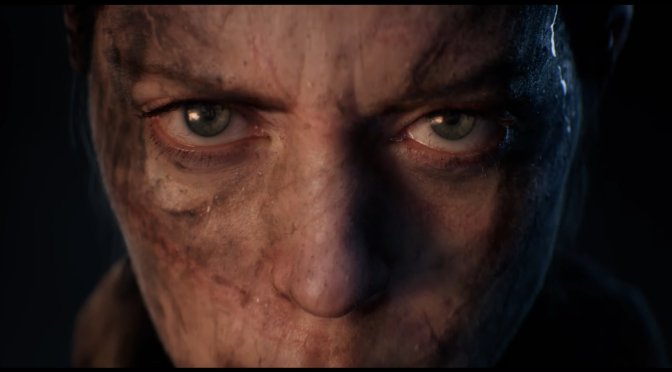
Microsoft has just released Senua’s Saga: Hellblade 2 on PC. The game is powered by Unreal Engine 5 and it’s locked at 30fps on consoles. So, what kind of PC do you need to run it at 60fps? And can an NVIDIA GeForce RTX 4090 push high framerates at Native 4K/Max Settings? Let’s find out.
For these early benchmarks, we used an AMD Ryzen 9 7950X3D, 32GB of DDR5 at 6000Mhz, and NVIDIA’s GeForce RTX 4090. I also used Windows 10 64-bit, and the GeForce 552.44 driver. Moreover, I’ve disabled the second CCD on our 7950X3D.
According to its executable file, Hellblade 2 uses Unreal Engine 5.3.2.0. However, it does not take full advantage of what Epic Games introduced in that version. And while the game uses both Lumen and Nanite, there are noticeable pop-in issues with the grass and some smaller objects. In short, Nanite is not applied to everything in the game.
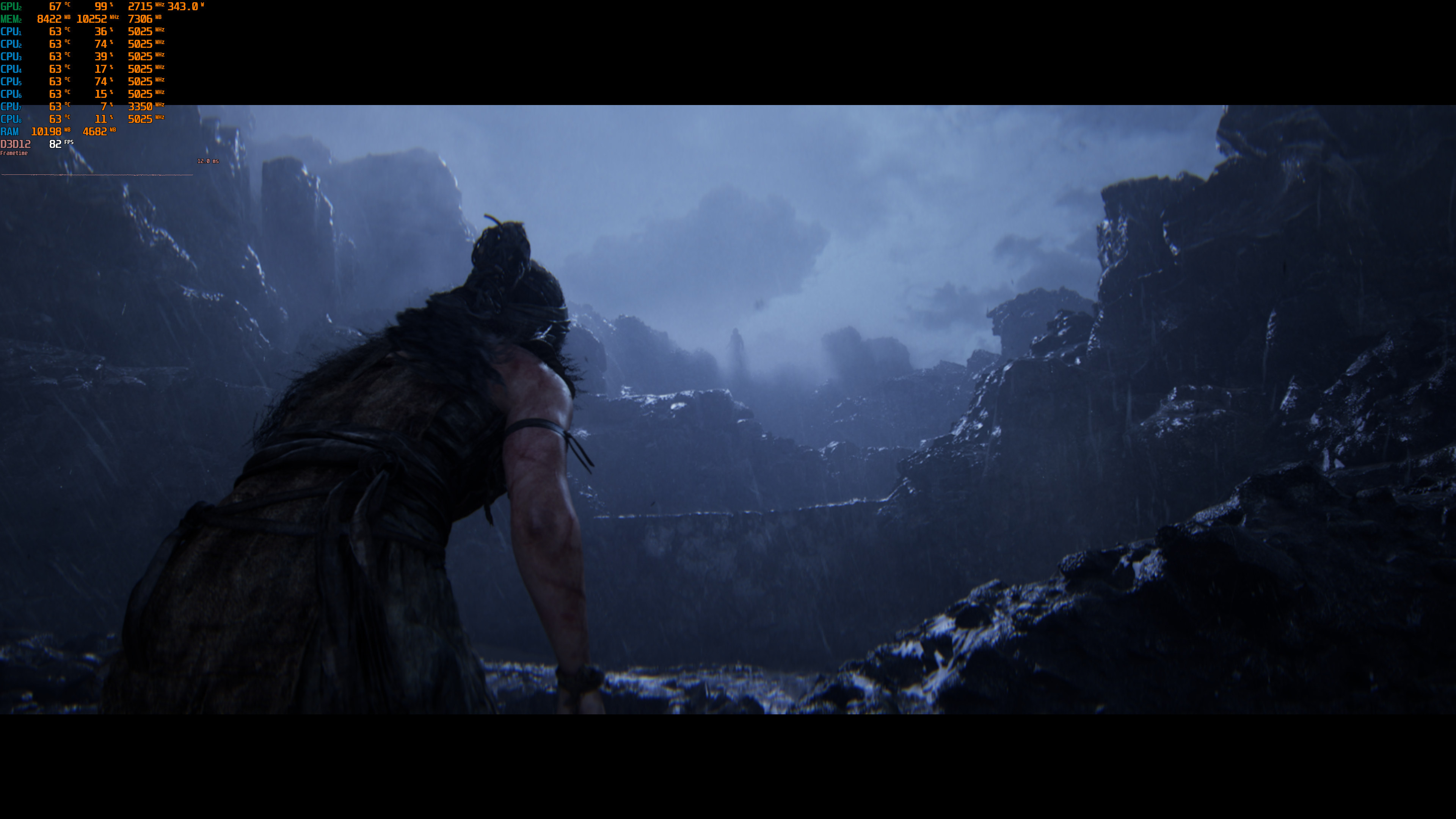
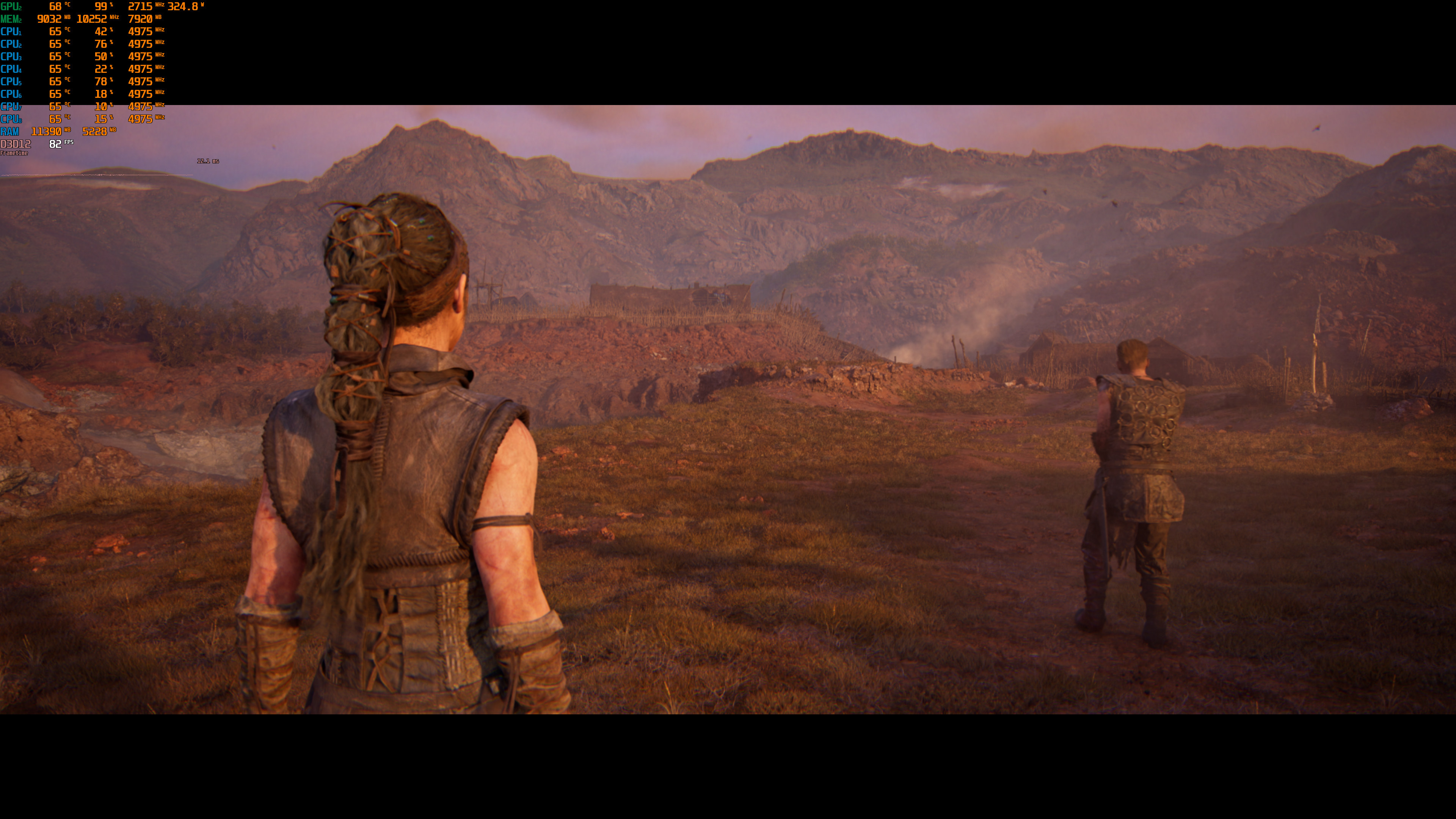
Now the good news here is that Hellblade 2 can run with over 60fps at all times at 1440p on Max Settings. I’ve tested the entire first chapter/prologue and the framerate never dropped below 65fps. That drop was during demanding scenes. During gameplay, the lowest I saw was 75fps, with an average framerate around 85fps.
At Native 4K/Max Settings, the NVIDIA RTX 4090 can push a minimum of 45fps and an average of 52fps. To get framerates over 60fps at 4K, we had to enable DLSS 3 Frame Generation. With DLSS 3 Frame Generation and DLAA, the NVIDIA RTX 4090 pushed around 80-95fps. Then, by also enabling DLSS 3 Super Resolution Quality, we got to 120fps.

To be honest, I’m not that surprised by this. After all, Lumen is a form of Ray Tracing. So, you can’t expect to be running it at Native 4K with 60fps, even on an RTX 4090. And while there is support for AMD FSR 3.0 Super Resolution, there is no support for FSR 3.0 Frame Generation. That’s kind of a bummer for everyone who doesn’t own an RTX40 series GPU. Still, I’m pretty sure we’ll soon see a mod that will enable AMD FSR 3.0 Frame Generation. Oh, and there is also support for Intel XeSS 1.3.
In my opinion, the best way to experience Hellblade 2 on an NVIDIA RTX 4090 is with DLSS 3 FG and DLAA. This combo gives the best AA solution with high framerates, even at 4K.
Another interesting thing is that there aren’t any shader compilation stutters. However, I did notice some traversal stutters here and there. Thankfully, though, they are not as bad as those we saw in Star Wars: Jedi Survivor or Dead Space Remake.
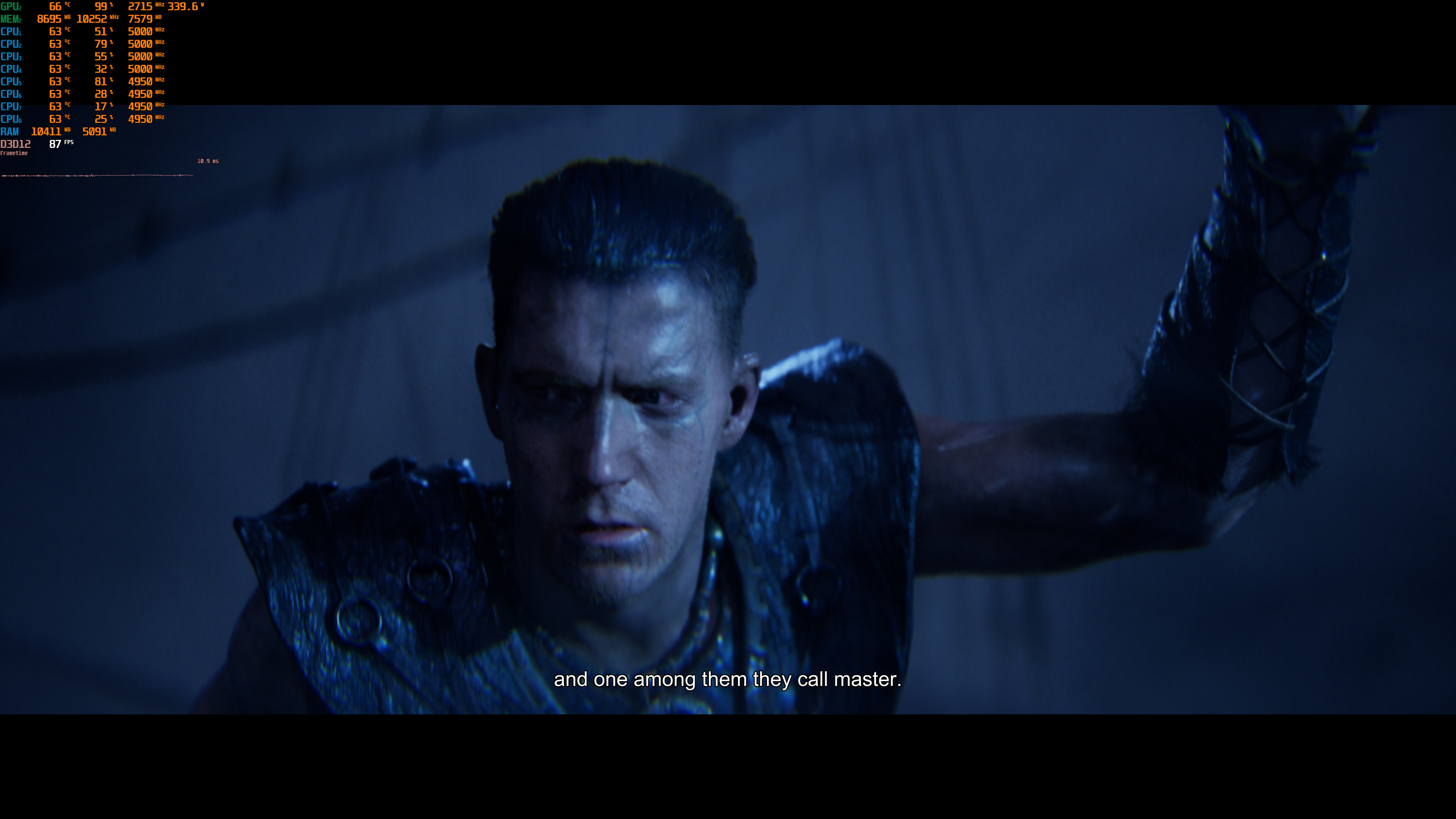
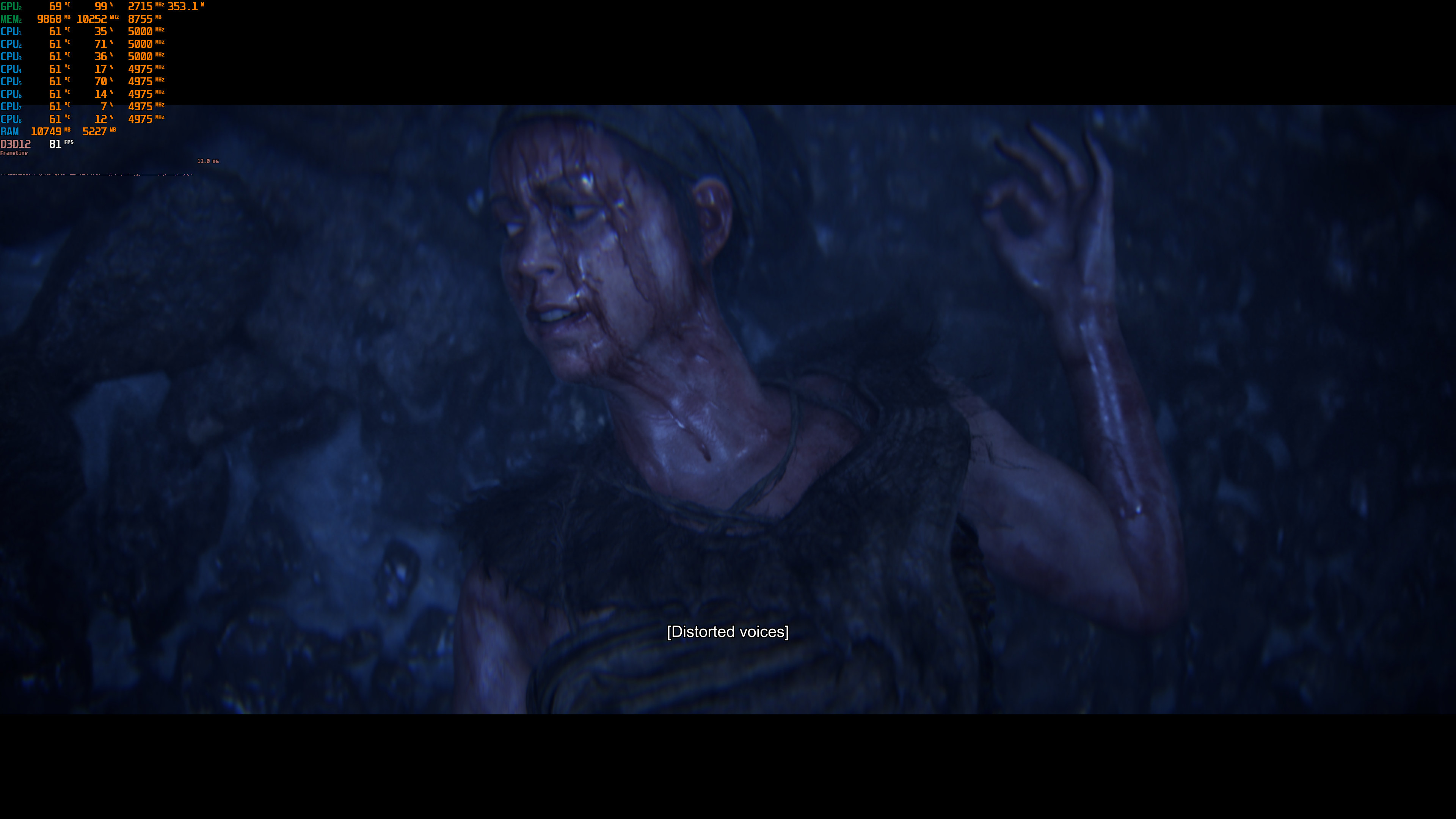
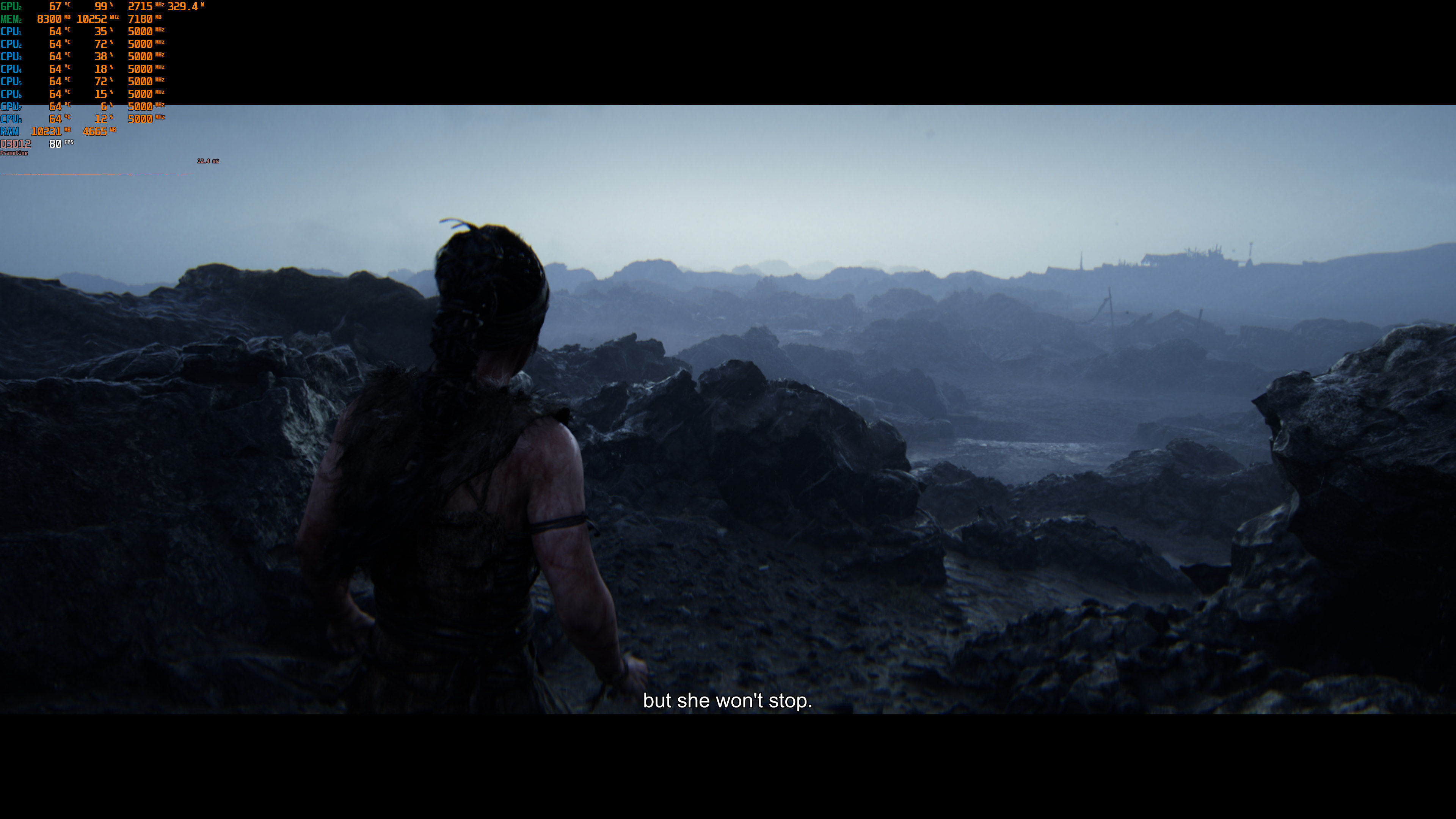
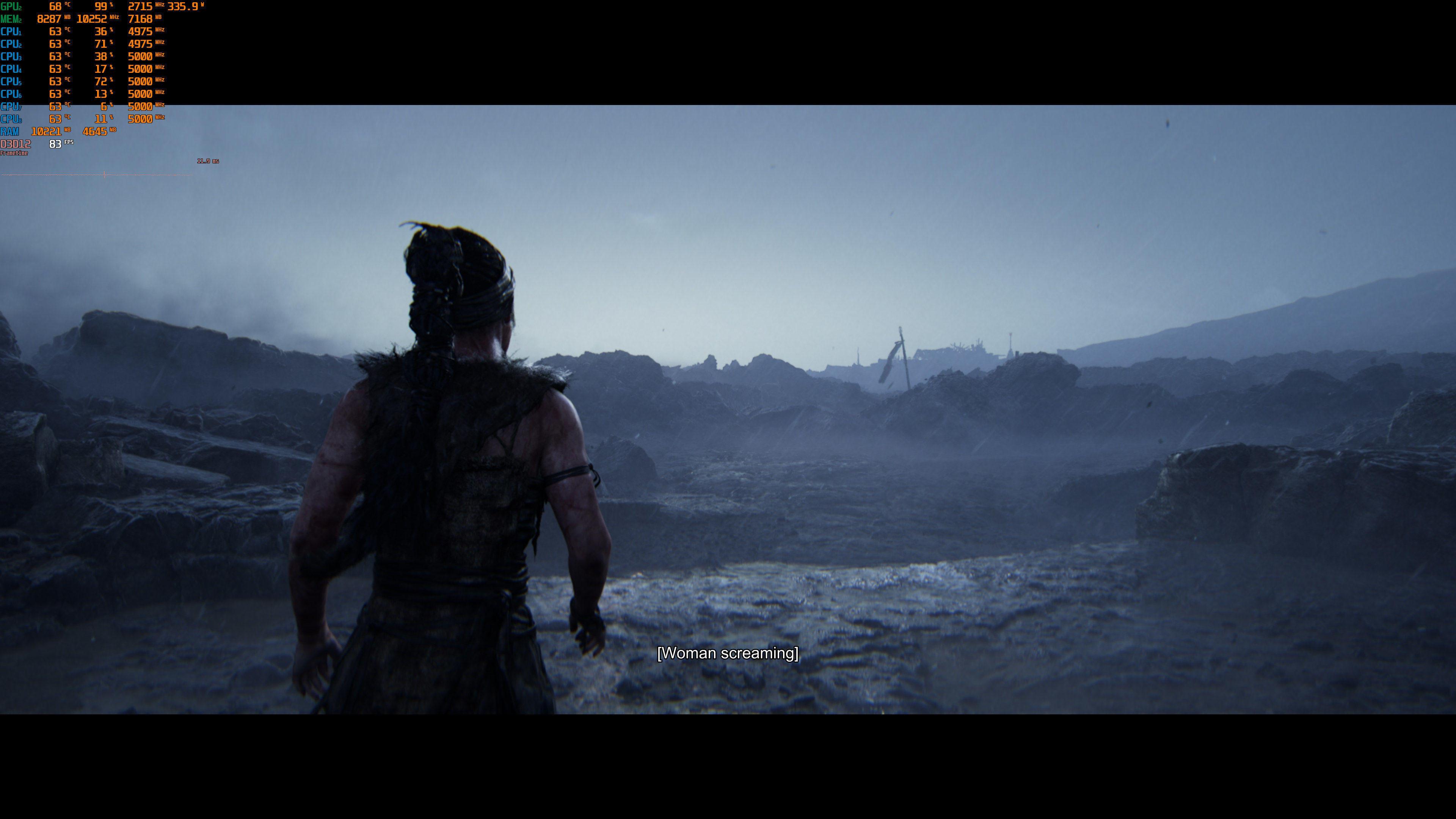
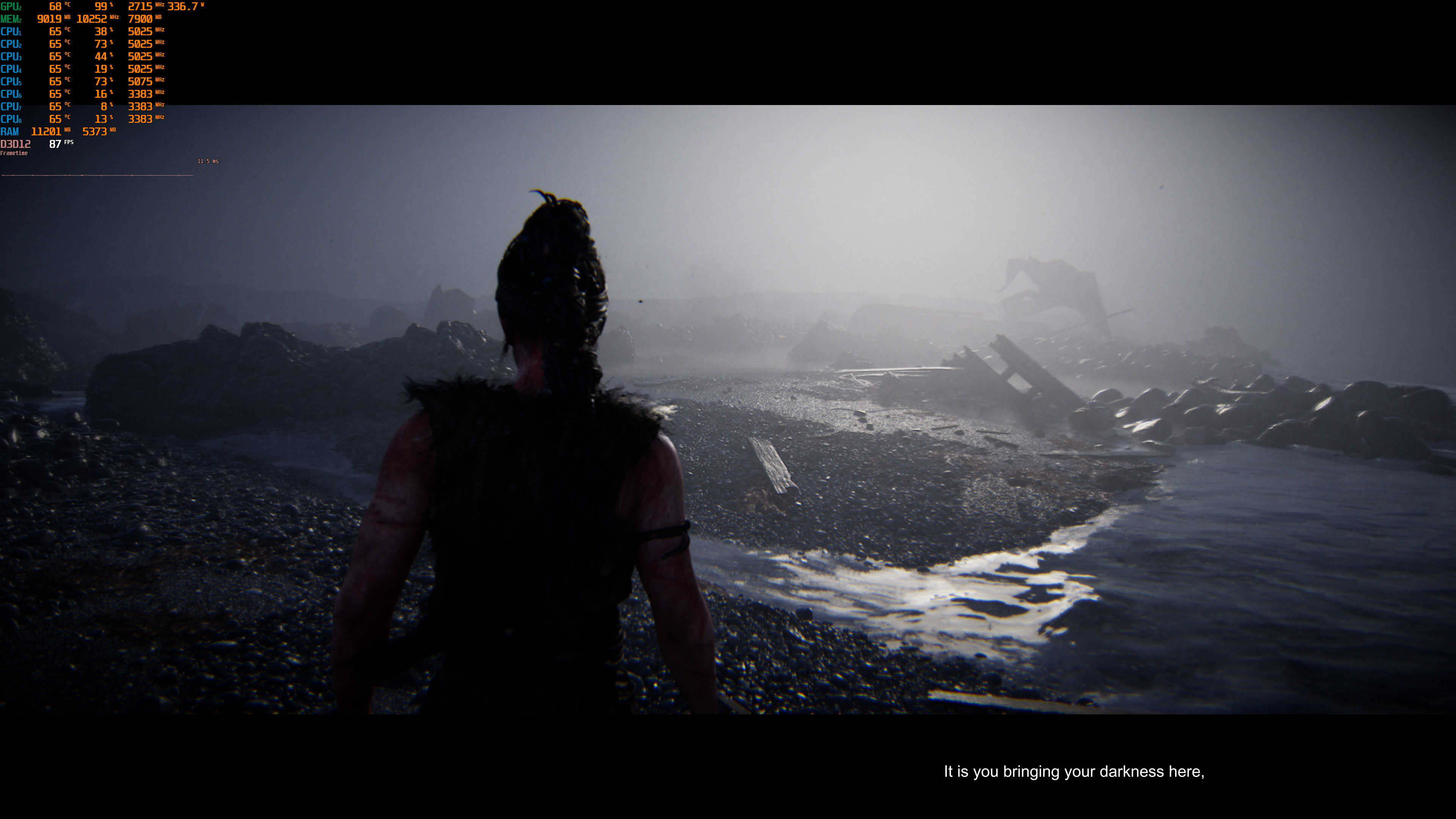
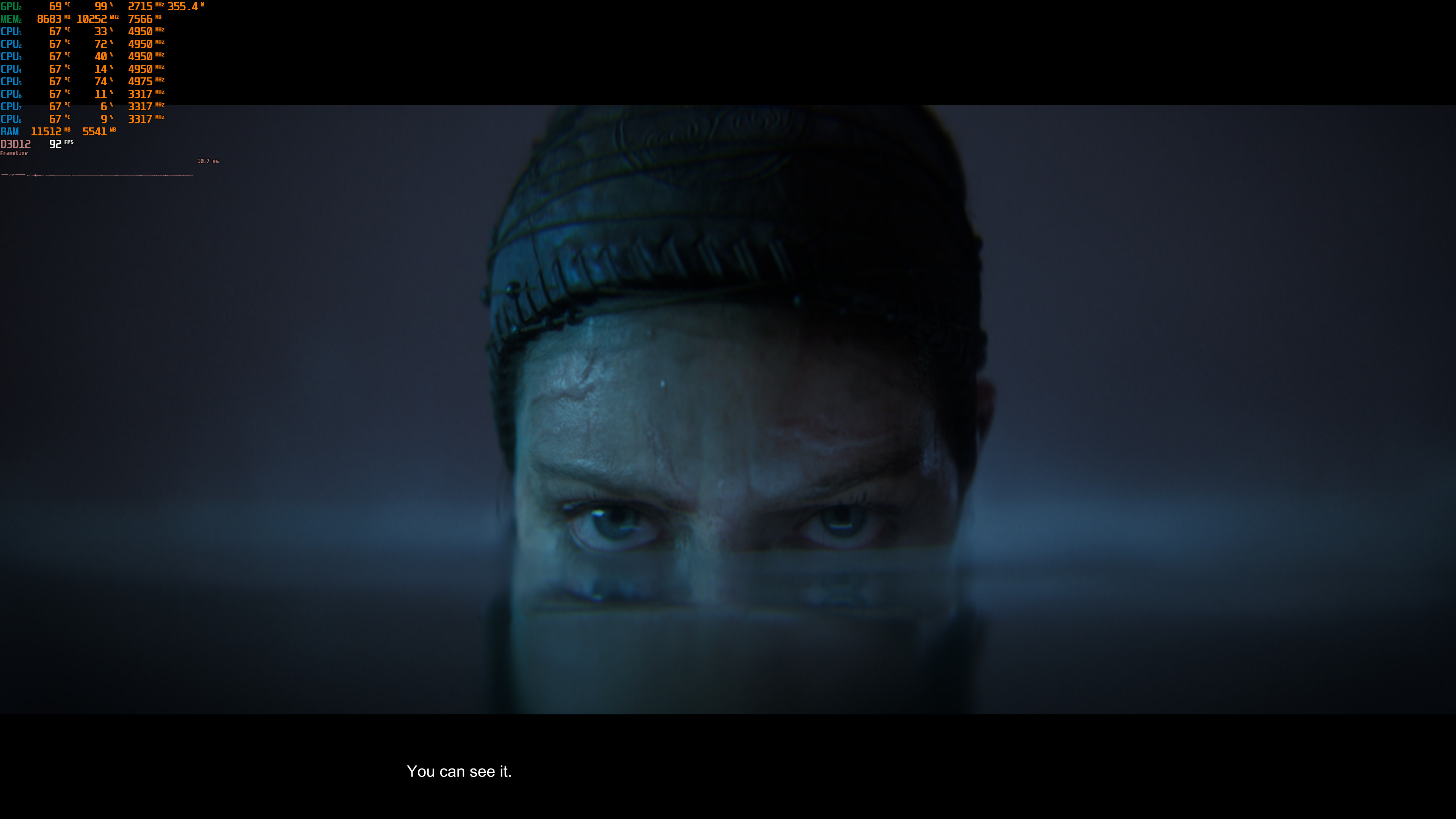
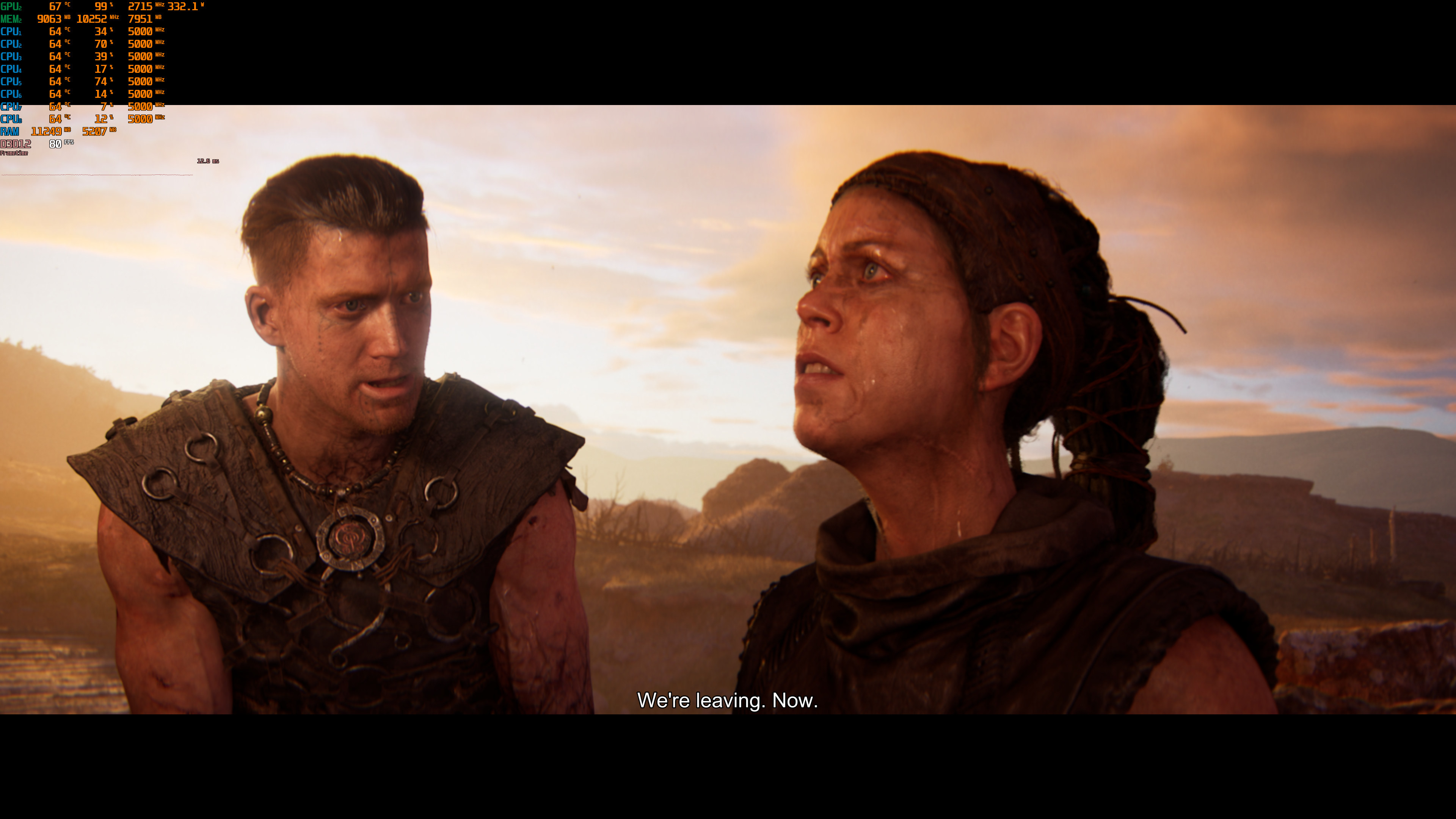
Before closing, I should note that there is no Field of View slider, and there is no way to disable the black bars. From what I could see, Hellblade 2 is designed with those black bars in mind. For instance, the subtitles are placed in the bottom black bar. So, I don’t really know whether a mod will be able to fix this.
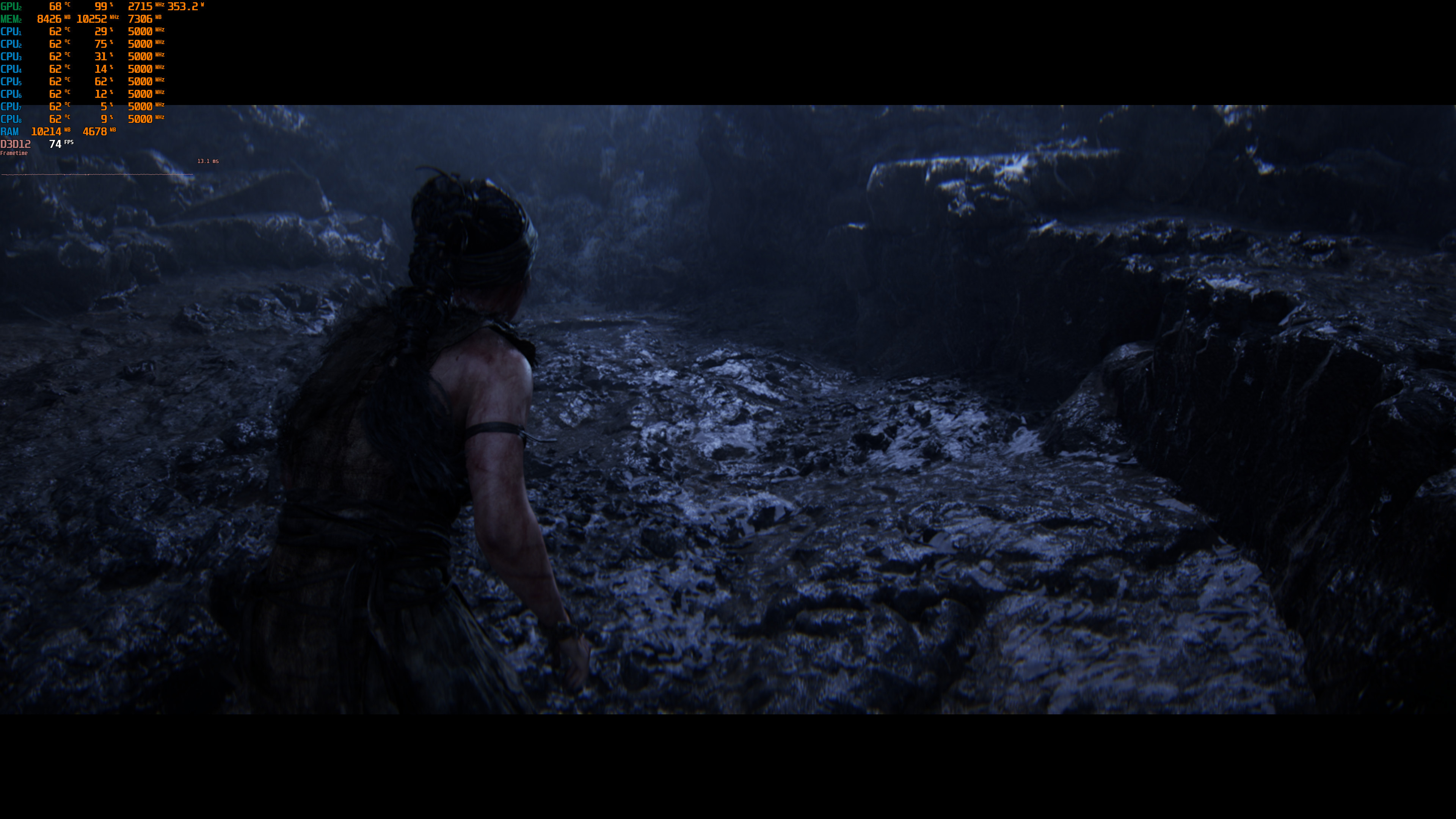
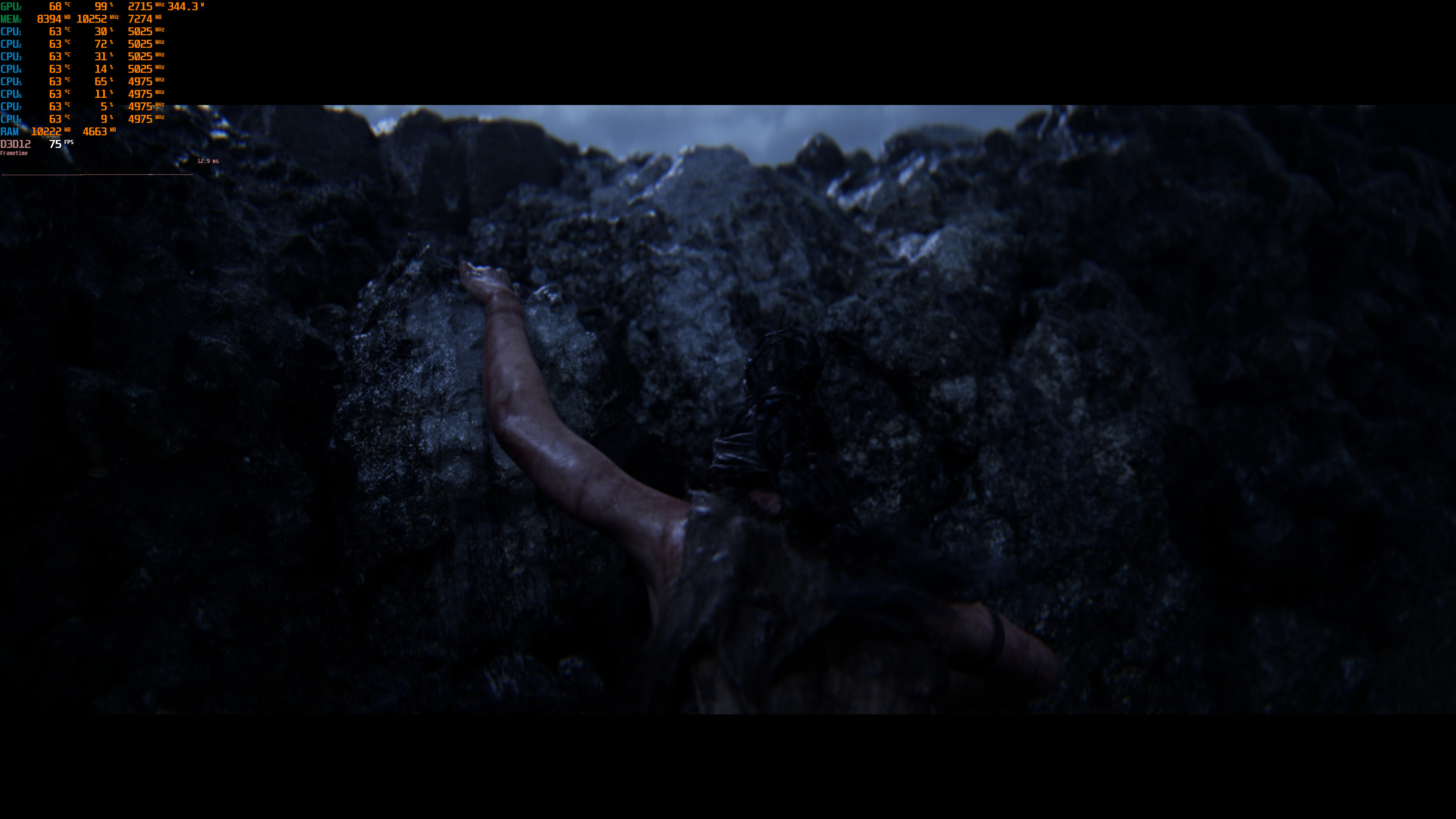
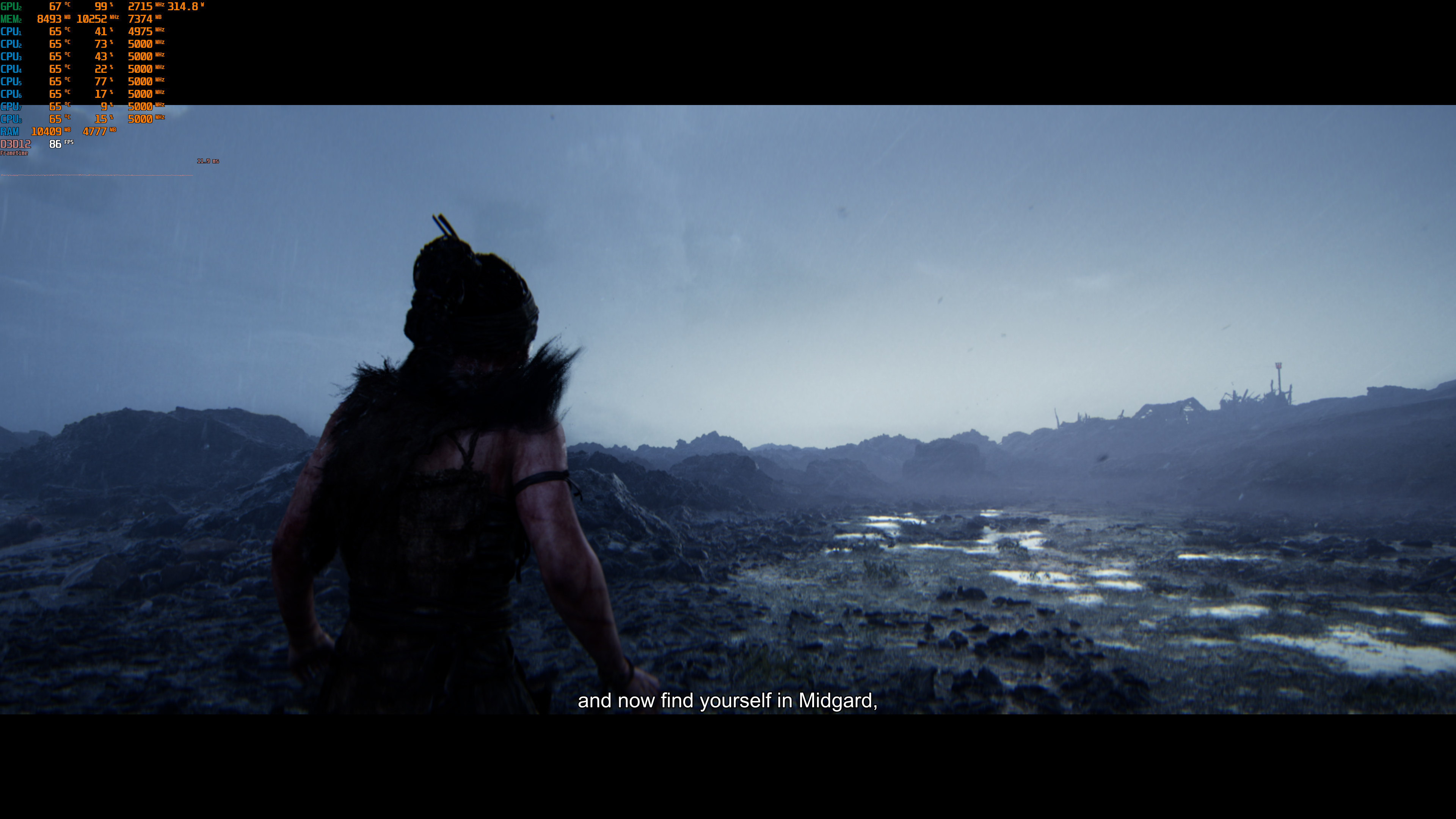
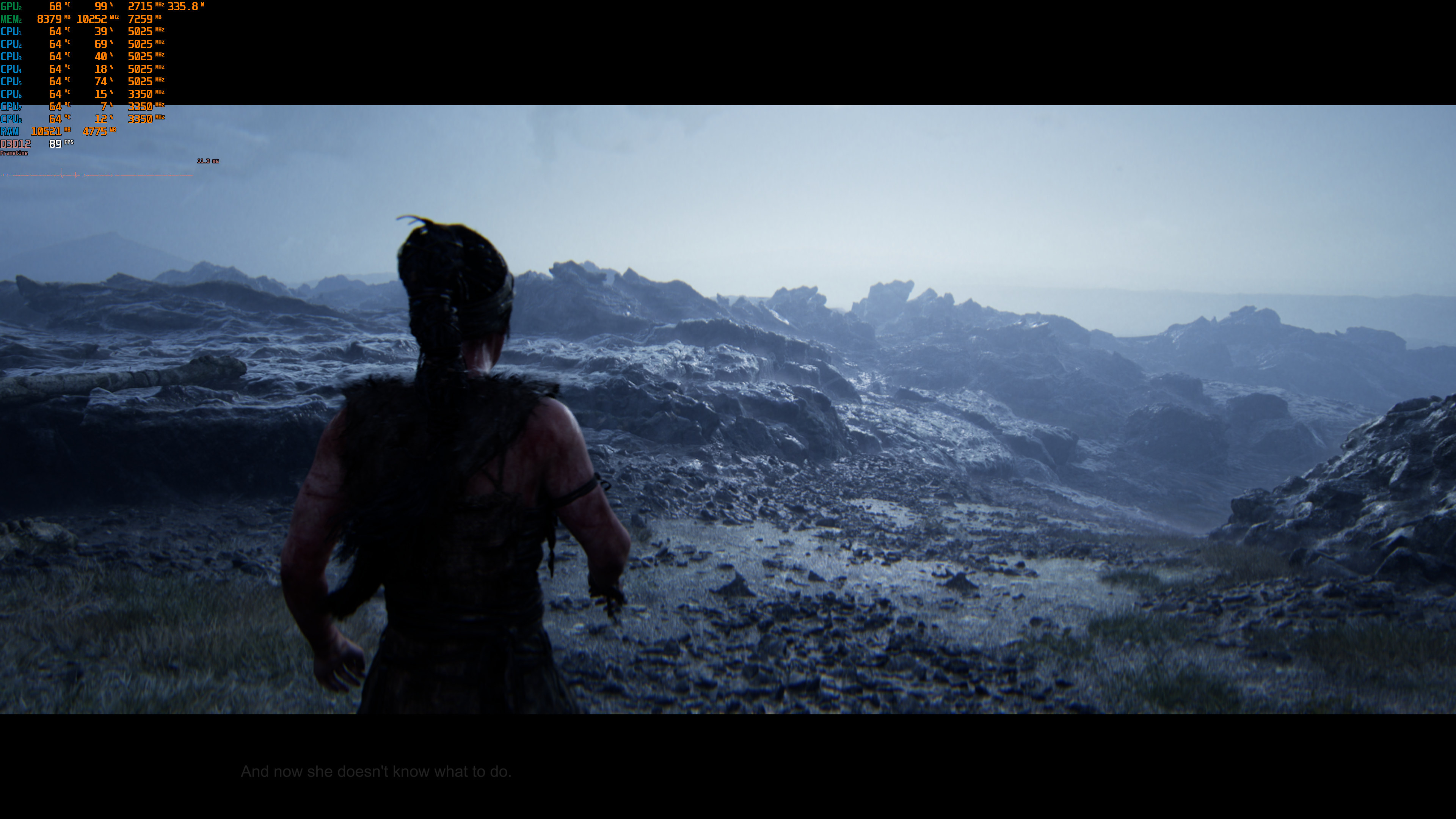
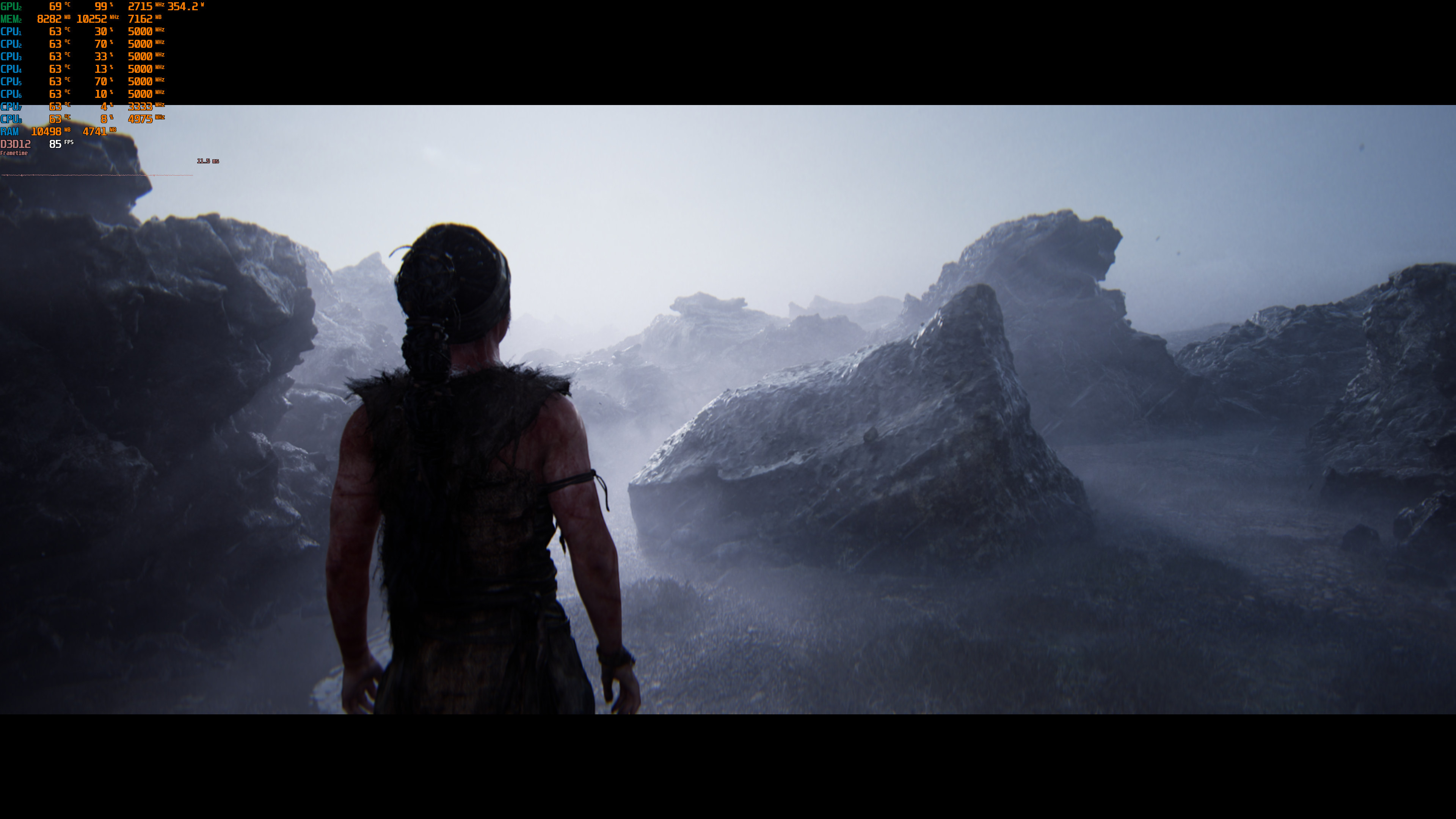
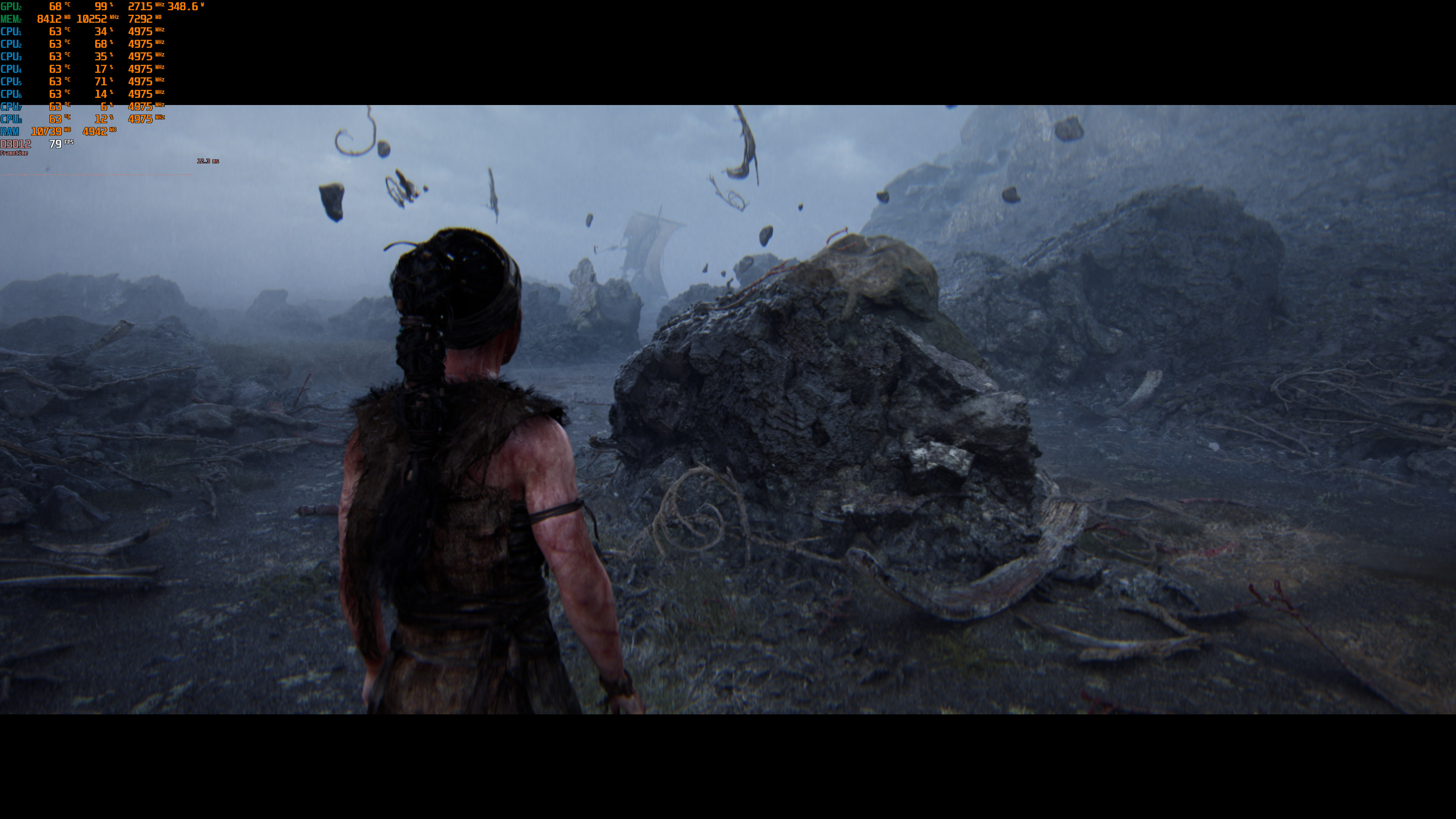
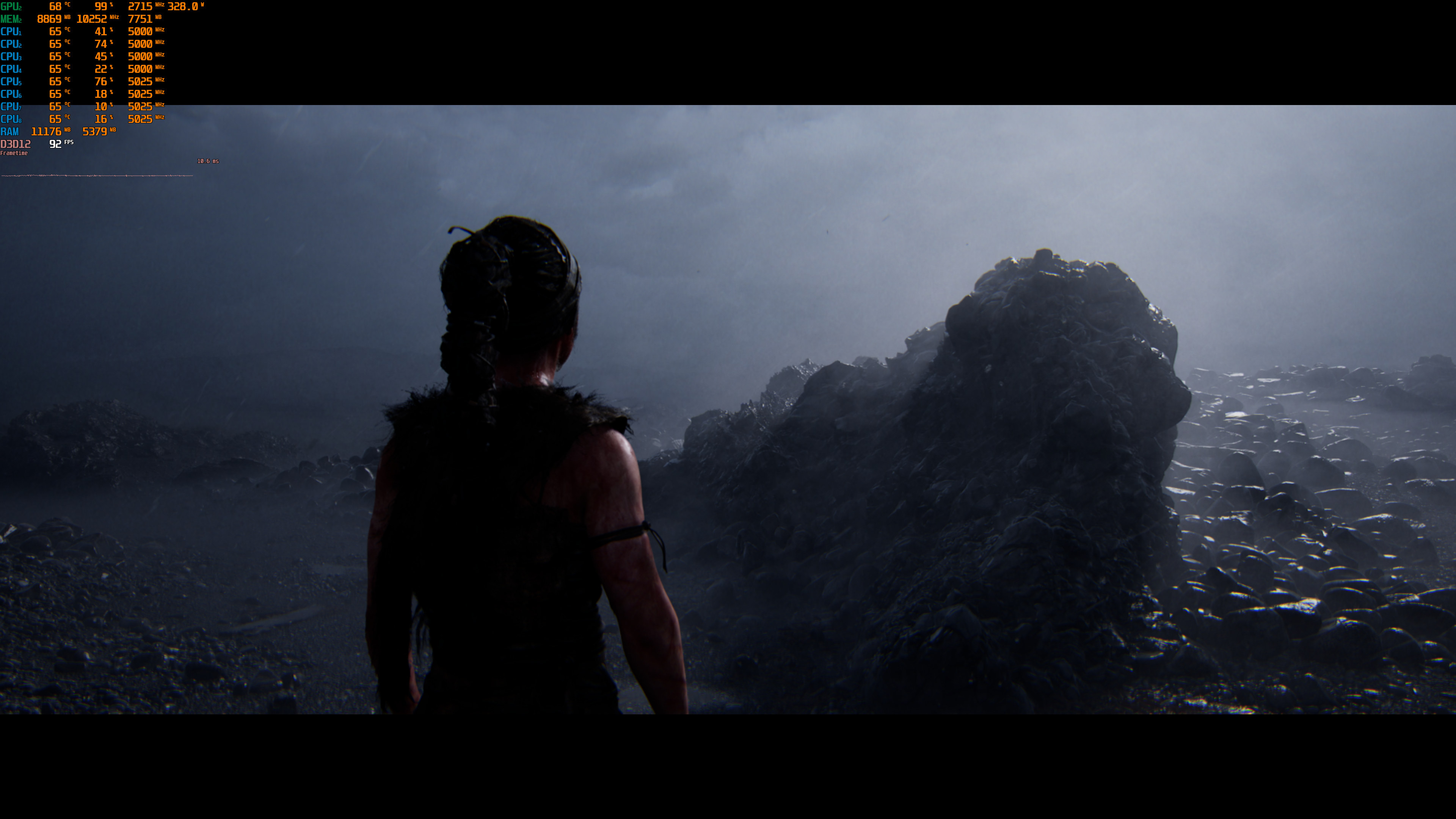
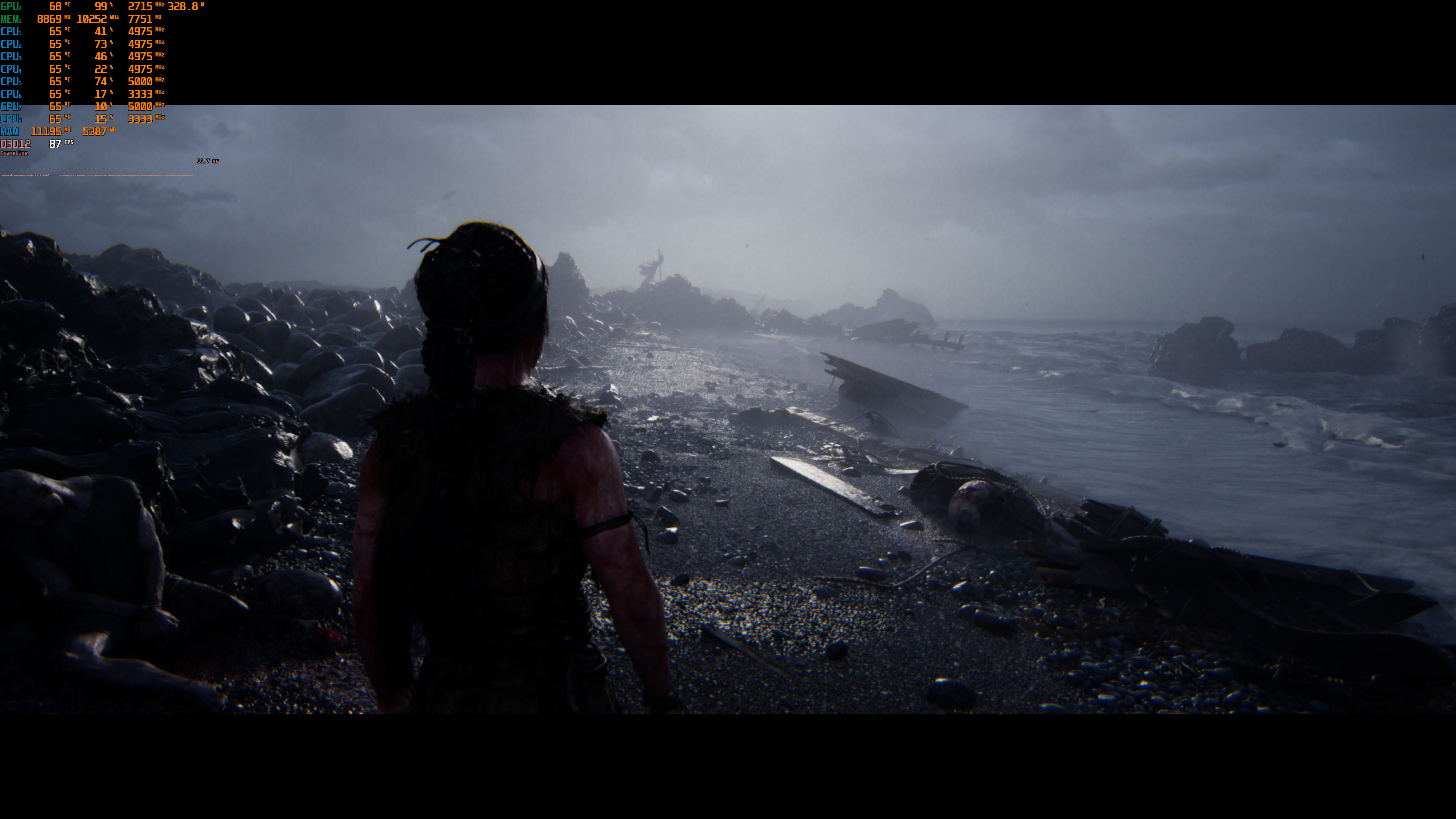
All in all, Hellblade 2 seems to be in a pretty great state. At least on high-end PC hardware. So that’s a relief for those interested in it. Our detailed PC Performance Analysis will go live later this week. Until then, enjoy the following screenshots!

John is the founder and Editor in Chief at DSOGaming. He is a PC gaming fan and highly supports the modding and indie communities. Before creating DSOGaming, John worked on numerous gaming websites. While he is a die-hard PC gamer, his gaming roots can be found on consoles. John loved – and still does – the 16-bit consoles, and considers SNES to be one of the best consoles. Still, the PC platform won him over consoles. That was mainly due to 3DFX and its iconic dedicated 3D accelerator graphics card, Voodoo 2. John has also written a higher degree thesis on the “The Evolution of PC graphics cards.”
Contact: Email