
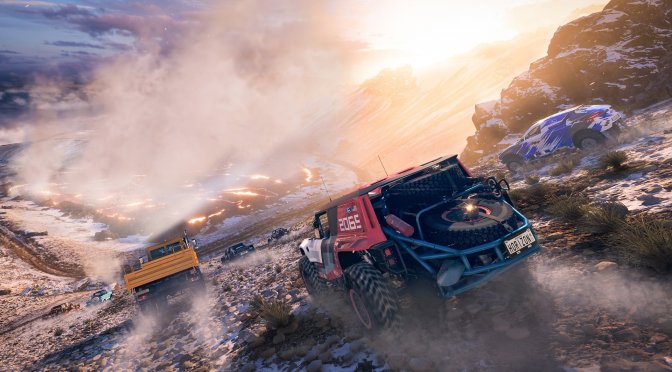
Last week, Playground Games released an update for Forza Horizon 5 that added support for Ray Tracing, NVIDIA’s DLSS 2 and AMD’s FSR 2.2. As such, we’ve decided to benchmark them and compare them.
For these benchmarks and comparison screenshots, we used an Intel i9 9900K with 16GB of DDR4 at 3800Mhz and NVIDIA’s RTX 4090 Founders Edition. We also used Windows 10 64-bit, and the GeForce 526.47 driver.
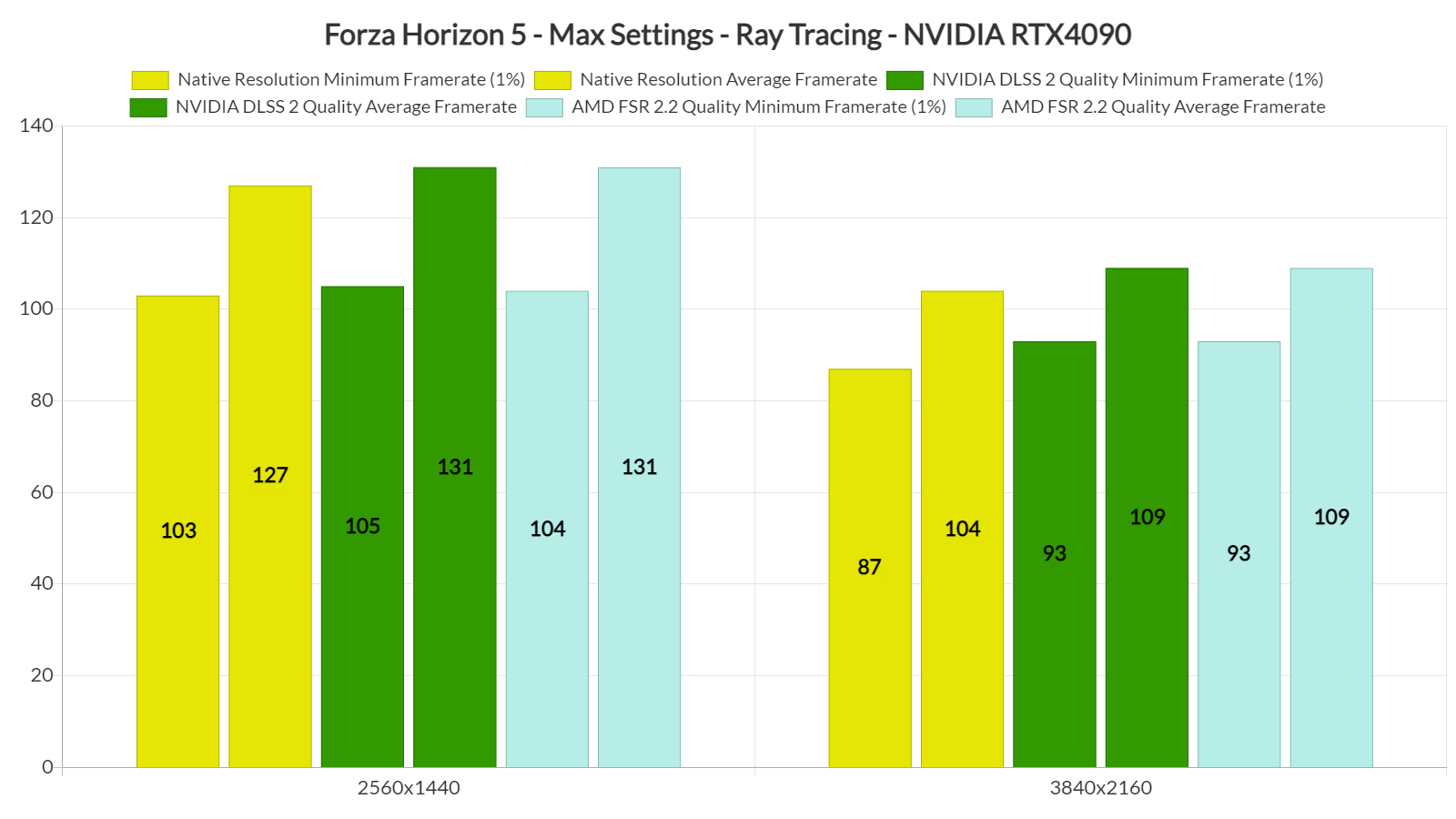
At 4K/Max Settings without Ray Tracing, our NVIDIA RTX 4090 was able to push a minimum of 96fps and an average of 116fps. With Ray Tracing, we got a minimum of 87fps and an average of 104fps. By enabling DLSS 2 and FSR 2.2, we got a minor performance uplift.
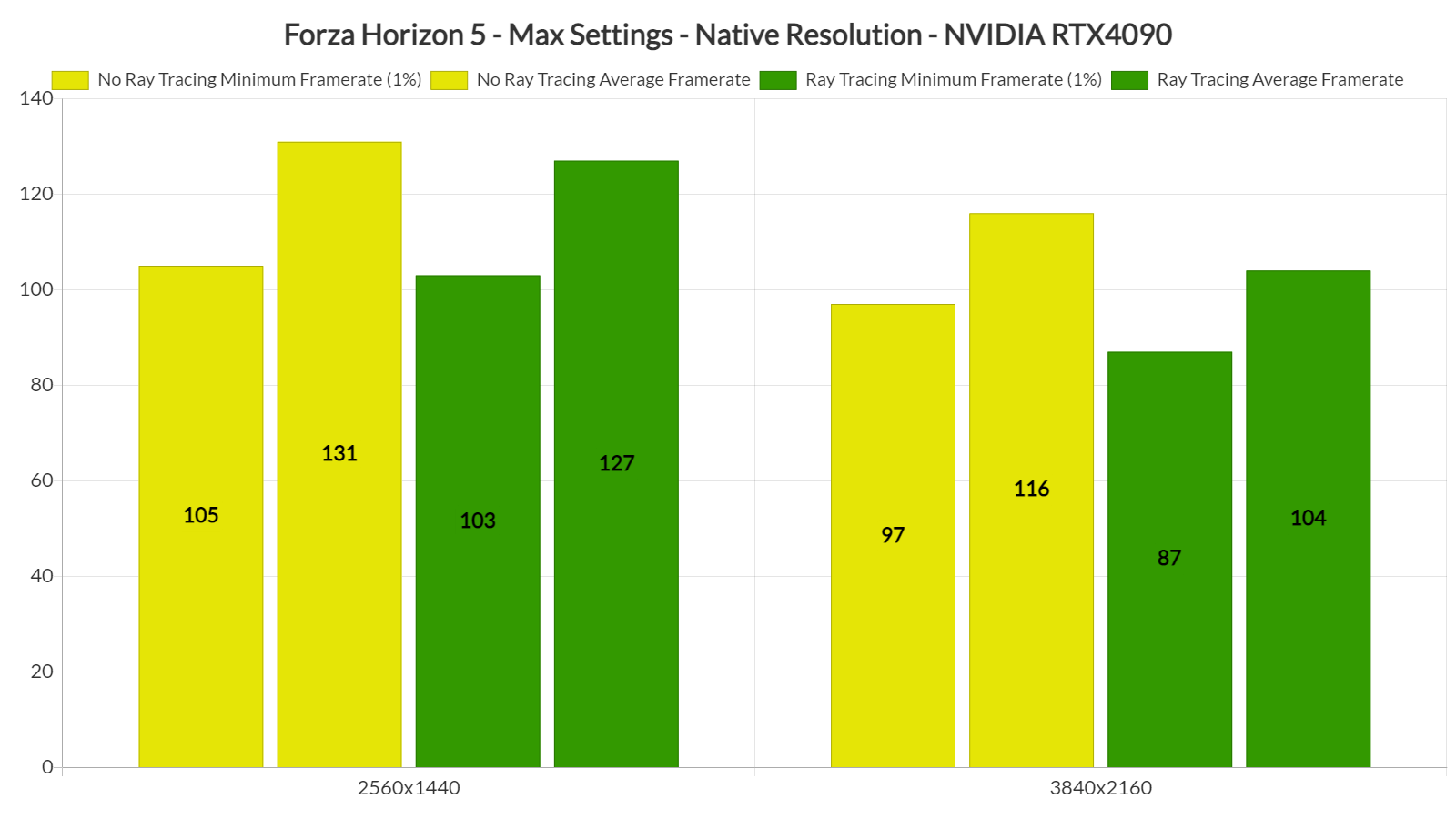
These results indicate a CPU limitation. However, when we dropped our resolution to 1440p, we saw a 10fps performance boost on minimum framerates, as well as a 15fps performance increase on average framerates. If we were CPU-limited, we wouldn’t be getting better framerates at 1440p. We don’t really know why the game behaves this way. However, these were the results on our PC test system.
Unfortunately, the game’s Ray Tracing effects are as underwhelming as they can possibly get. Below you can find a comparison between RT On (left) and RT Off (right). As can will see, the visual differences are minimal.
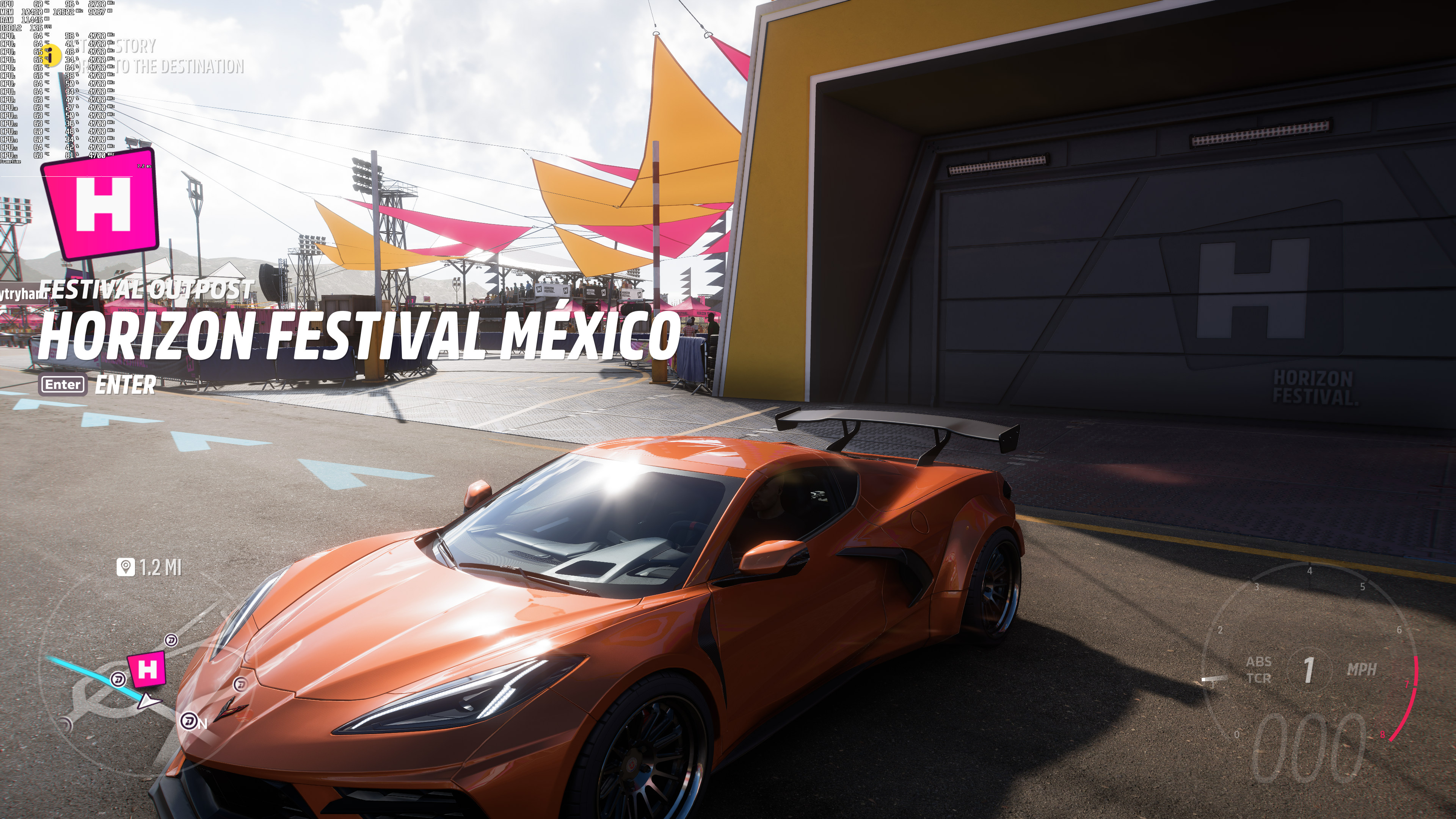
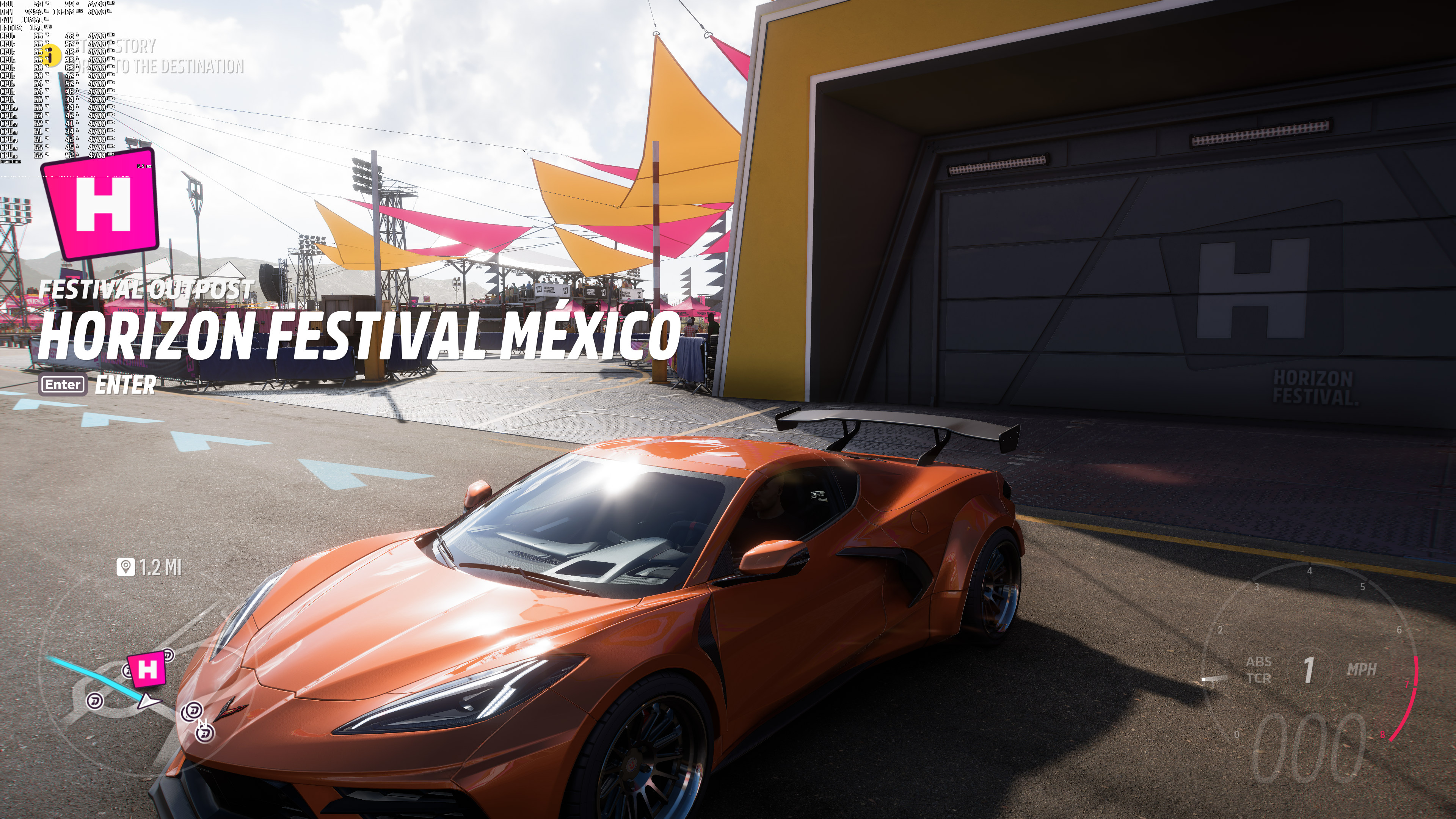
At 4K, NVIDIA DLSS 2 Quality offered the best visual quality. NVIDIA’s AI upscaling technique was able to better smooth out cable lines, and better reconstruct distant objects. AMD FSR 2.2 Quality came in second place, and native 4K TAA was in third place. While AMD FSR 2.2 did not look as sharp as 4K TAA, it was able to offer a less aliased image. Some users have also reported ghosting issues with FSR 2.2. However, in 4K and with FSR 2.2 Quality we could not really spot them. Below you can find some comparison screenshots. Native 4K with TAA is on the left, NVIDIA DLSS 2 Quality is in the middle and AMD FSR 2.2 is on the right.
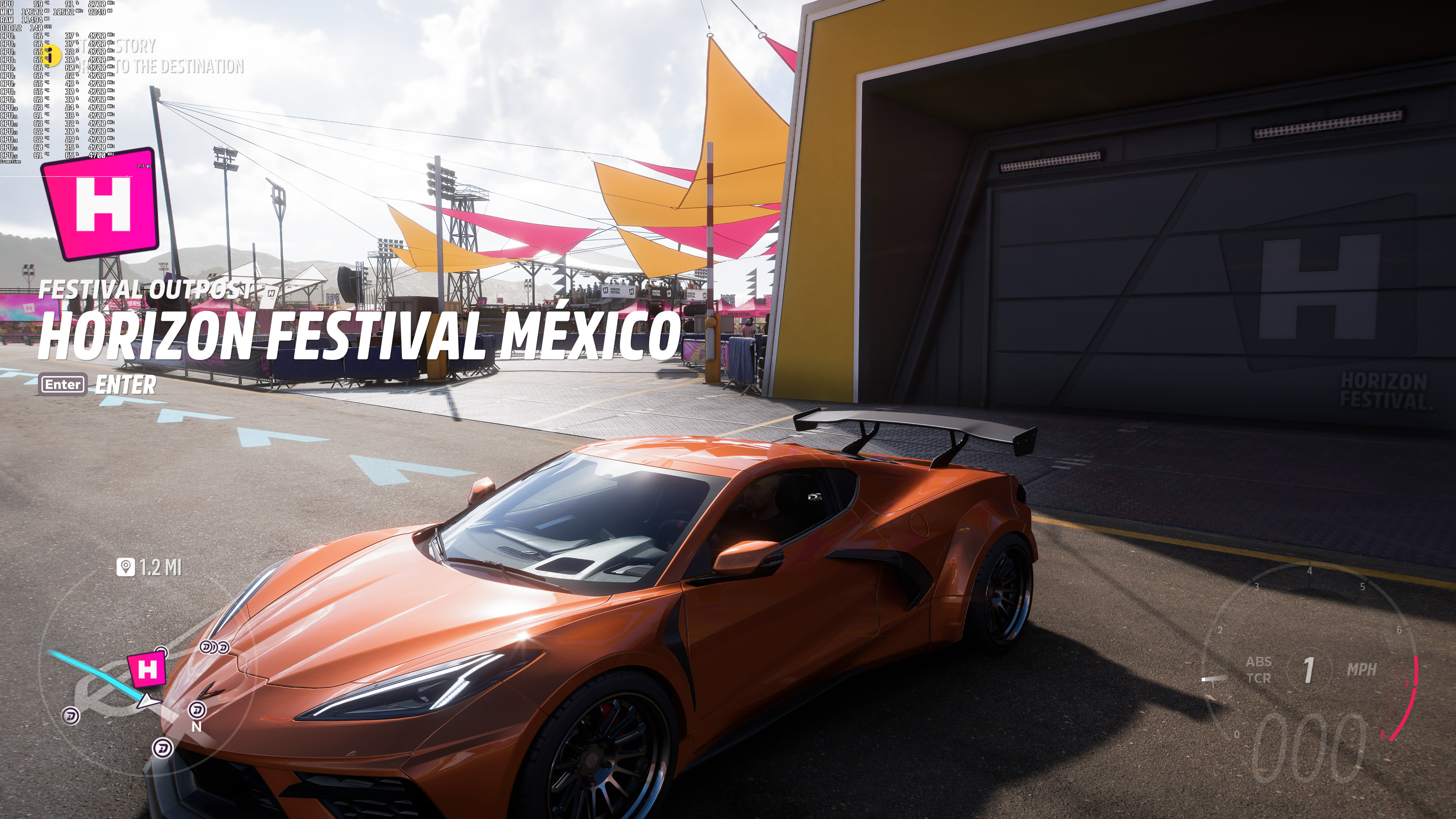
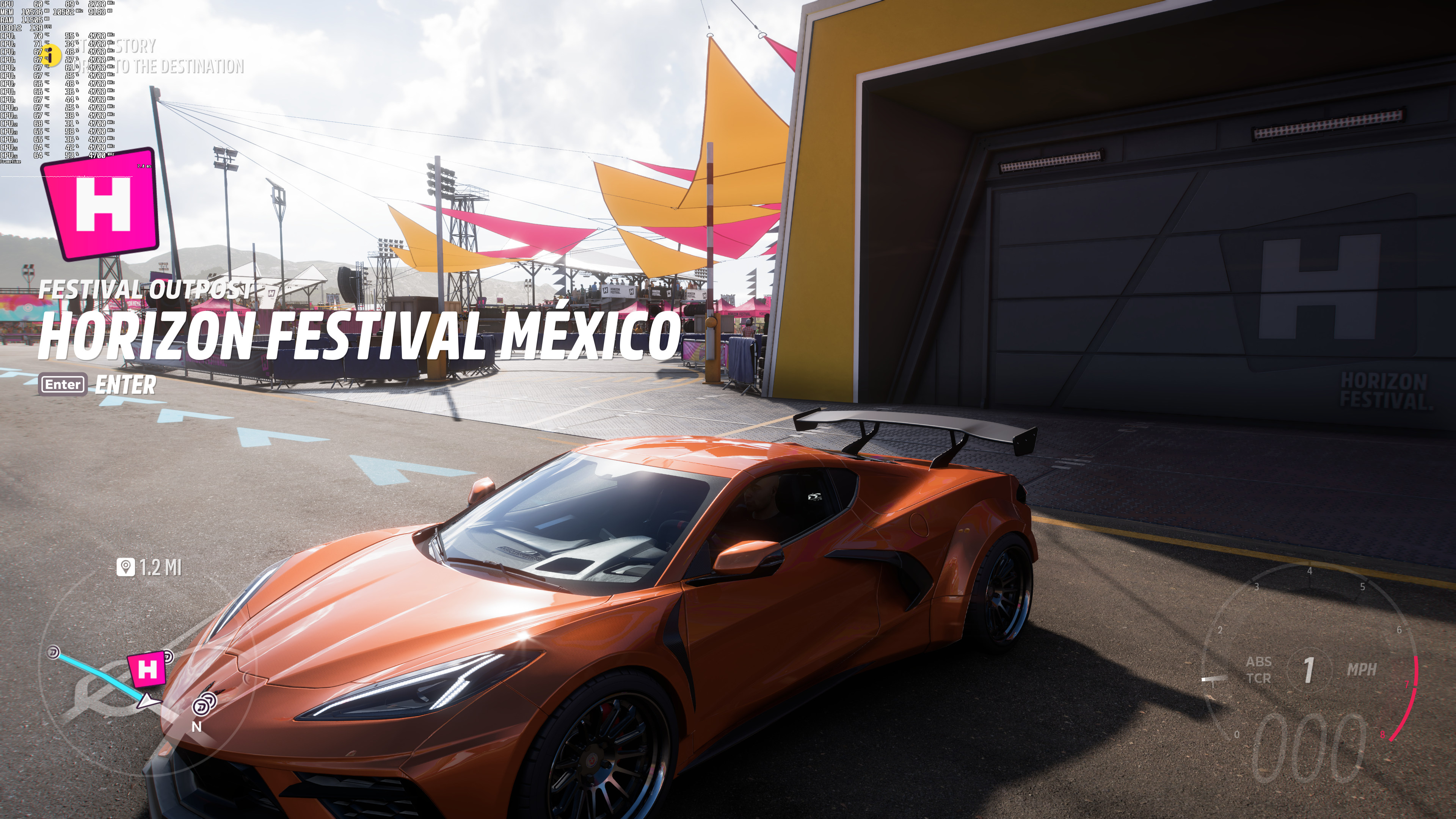
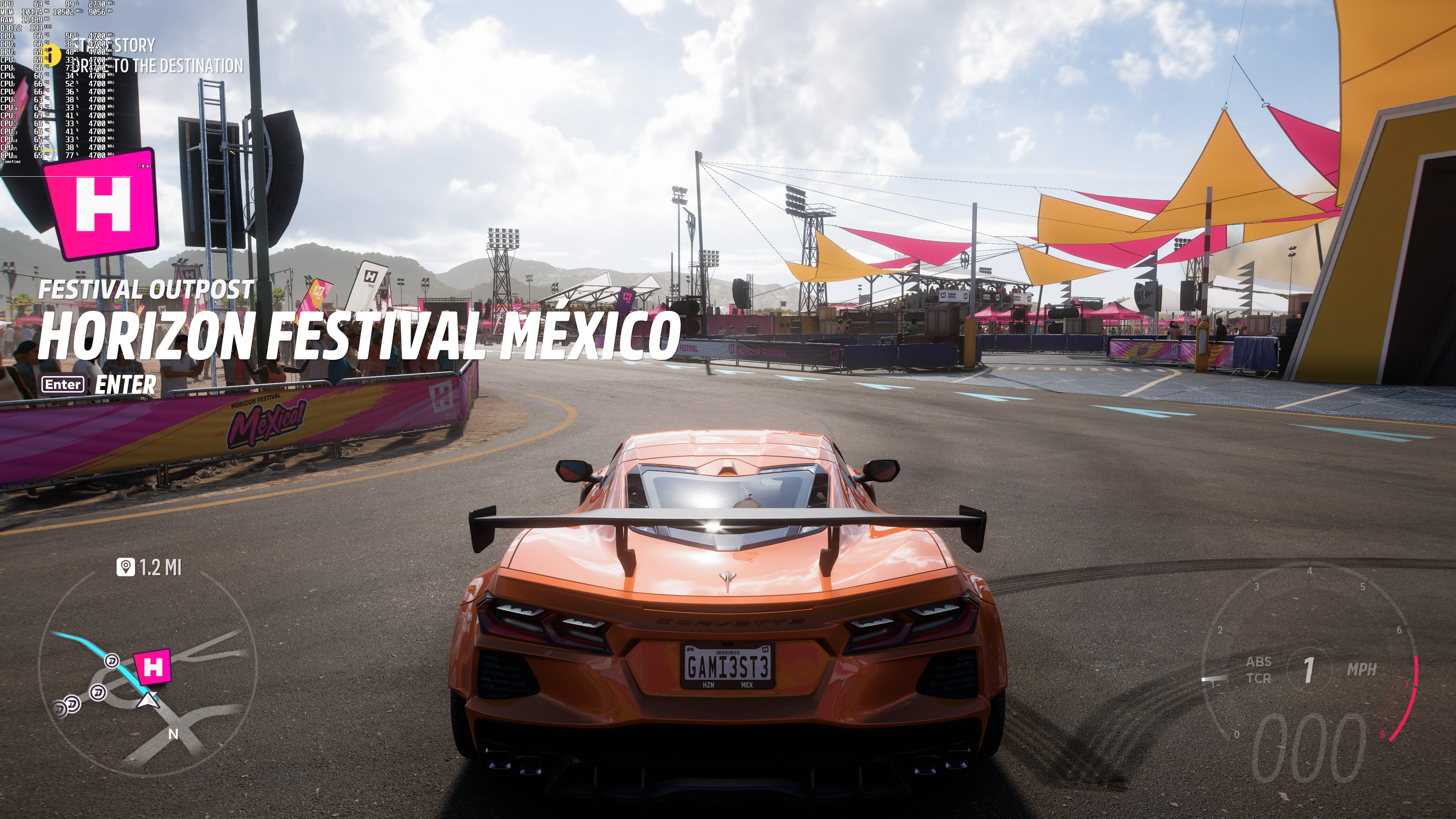
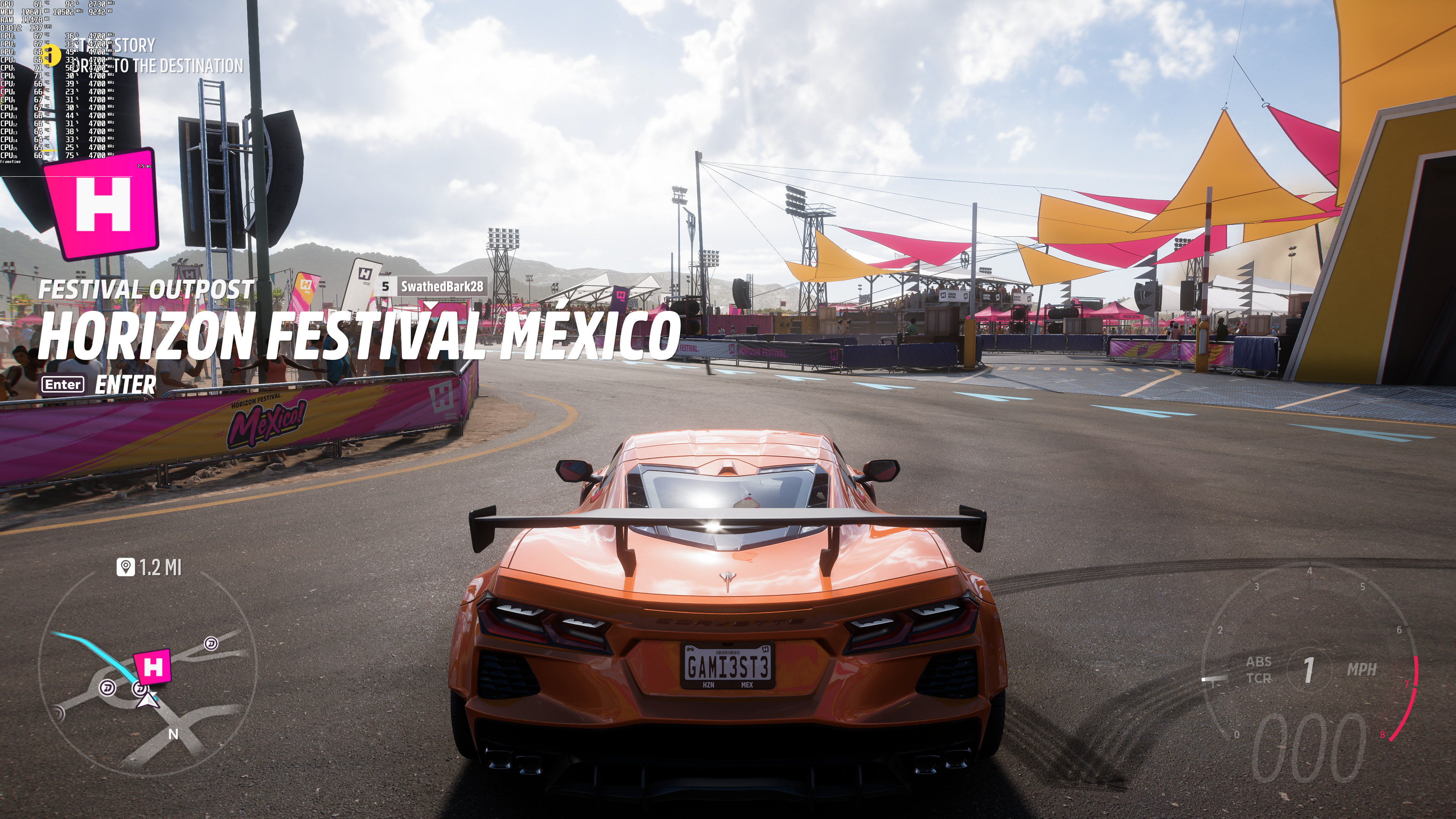
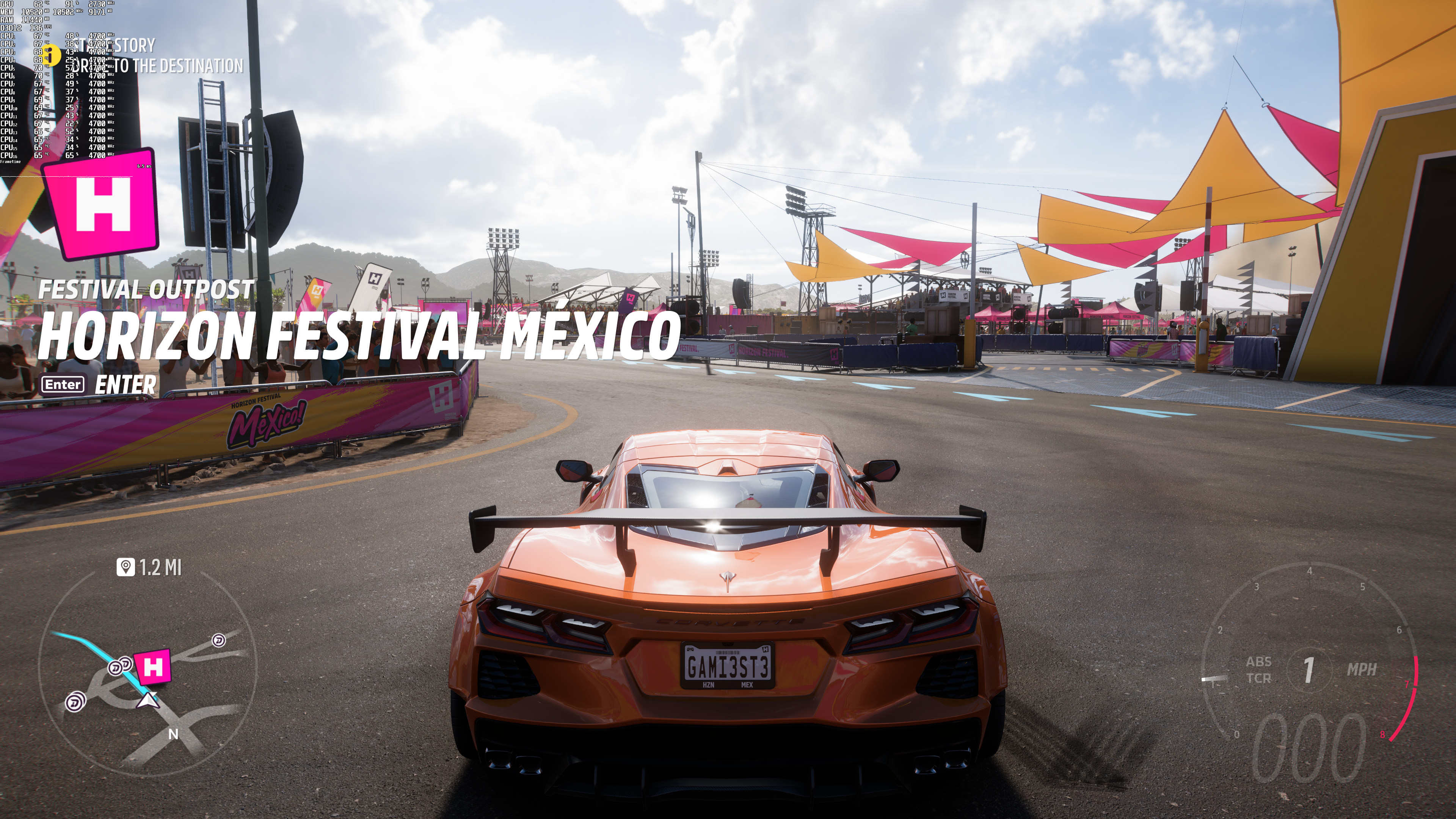
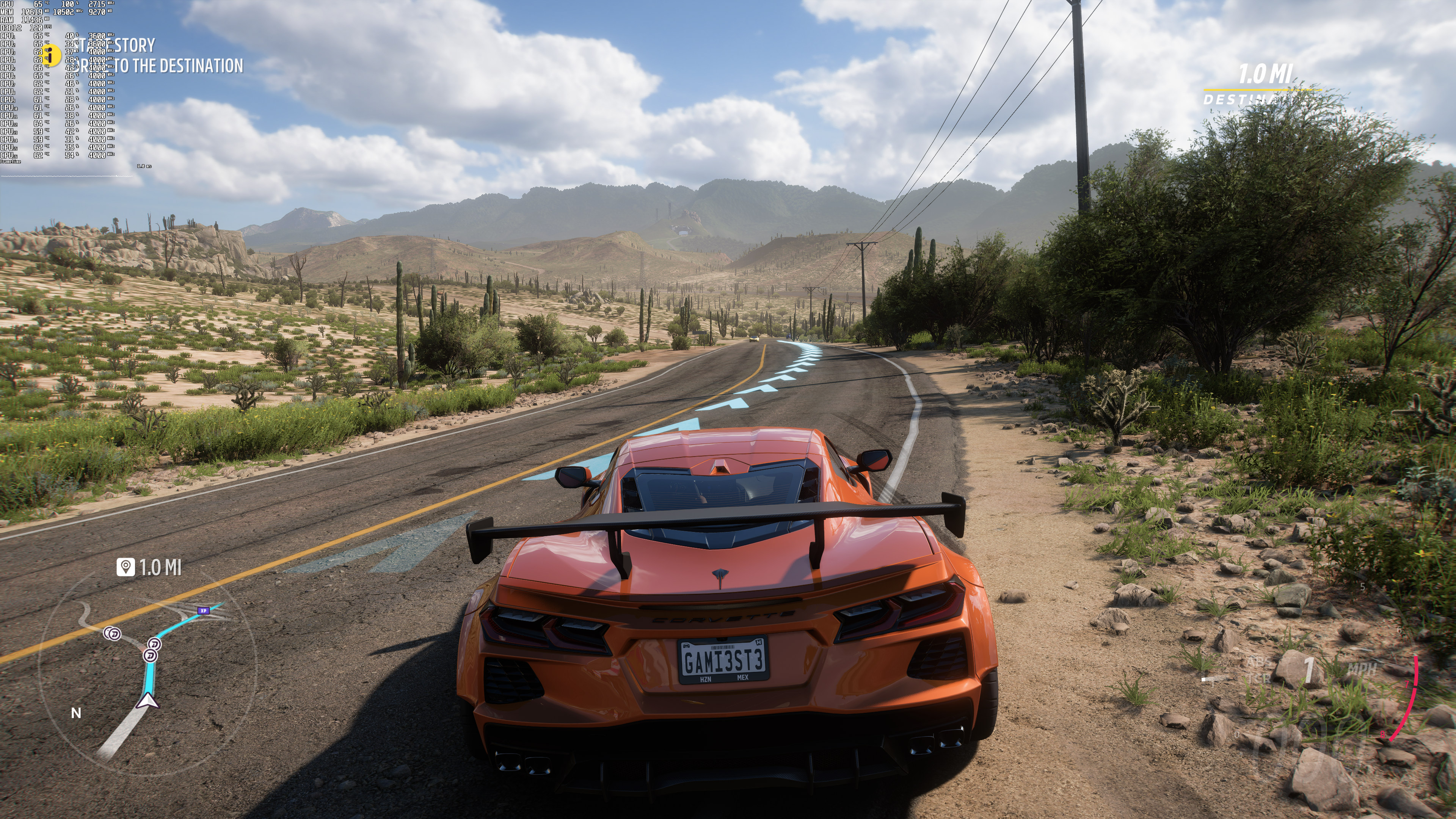
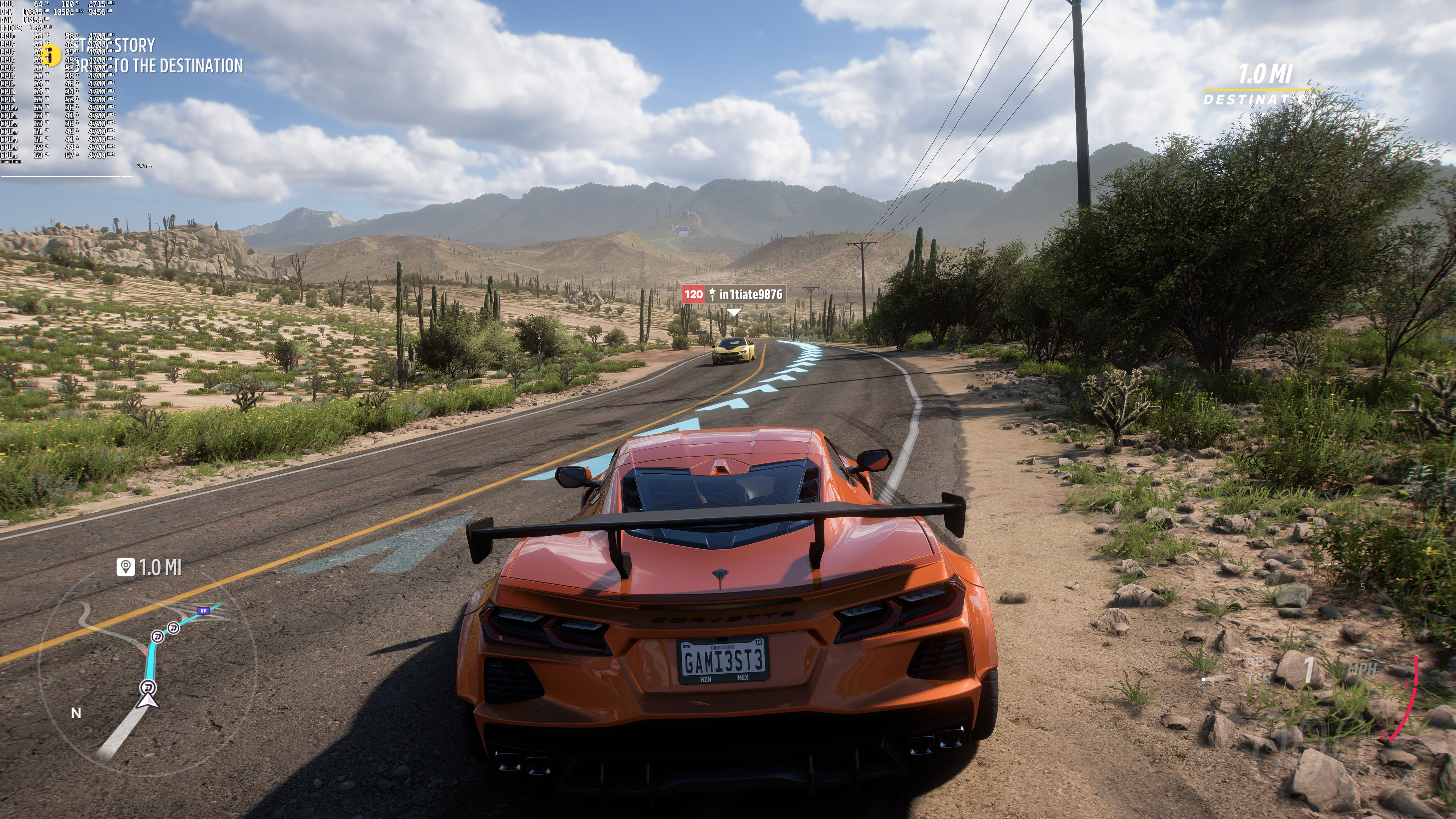
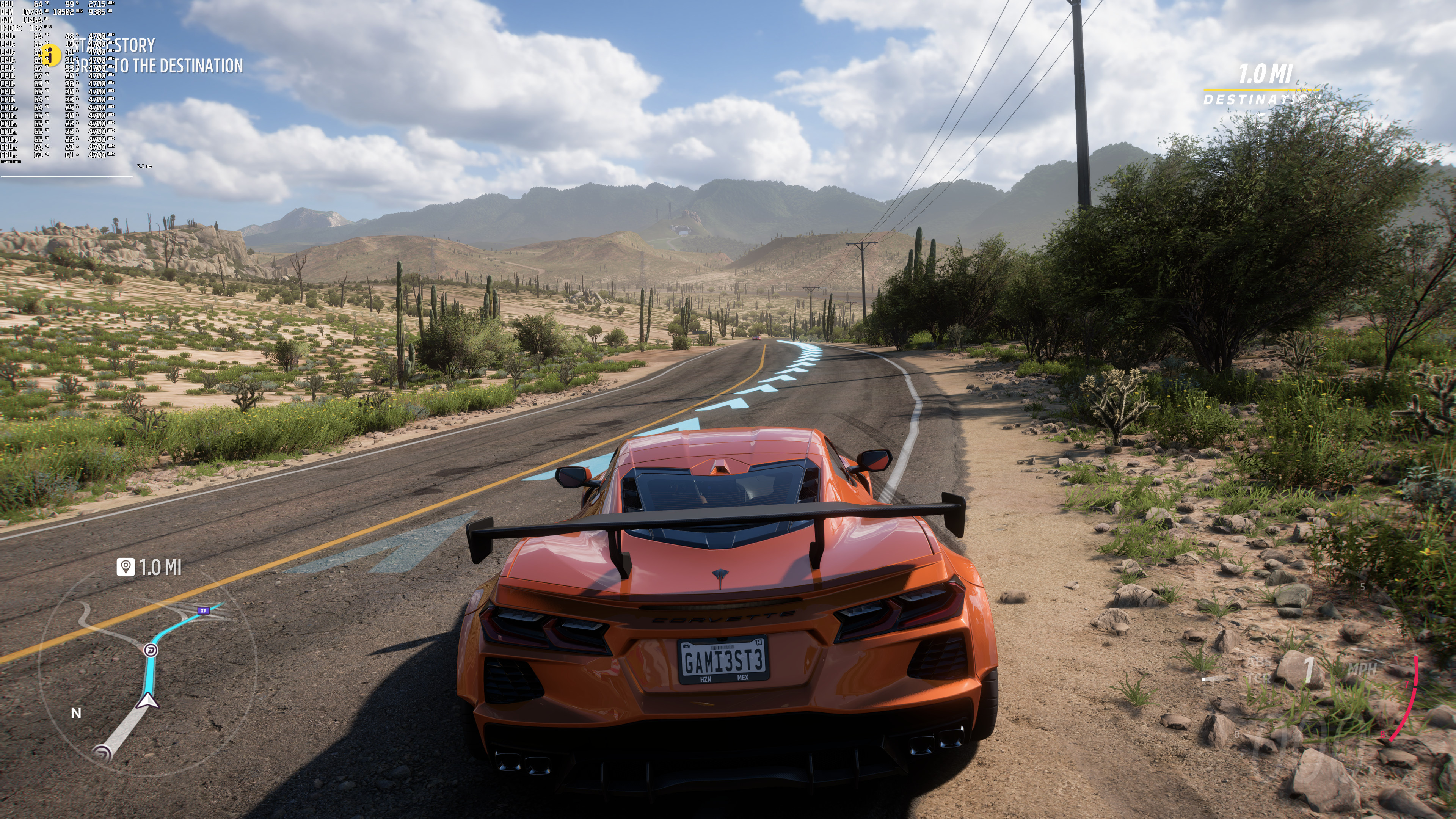
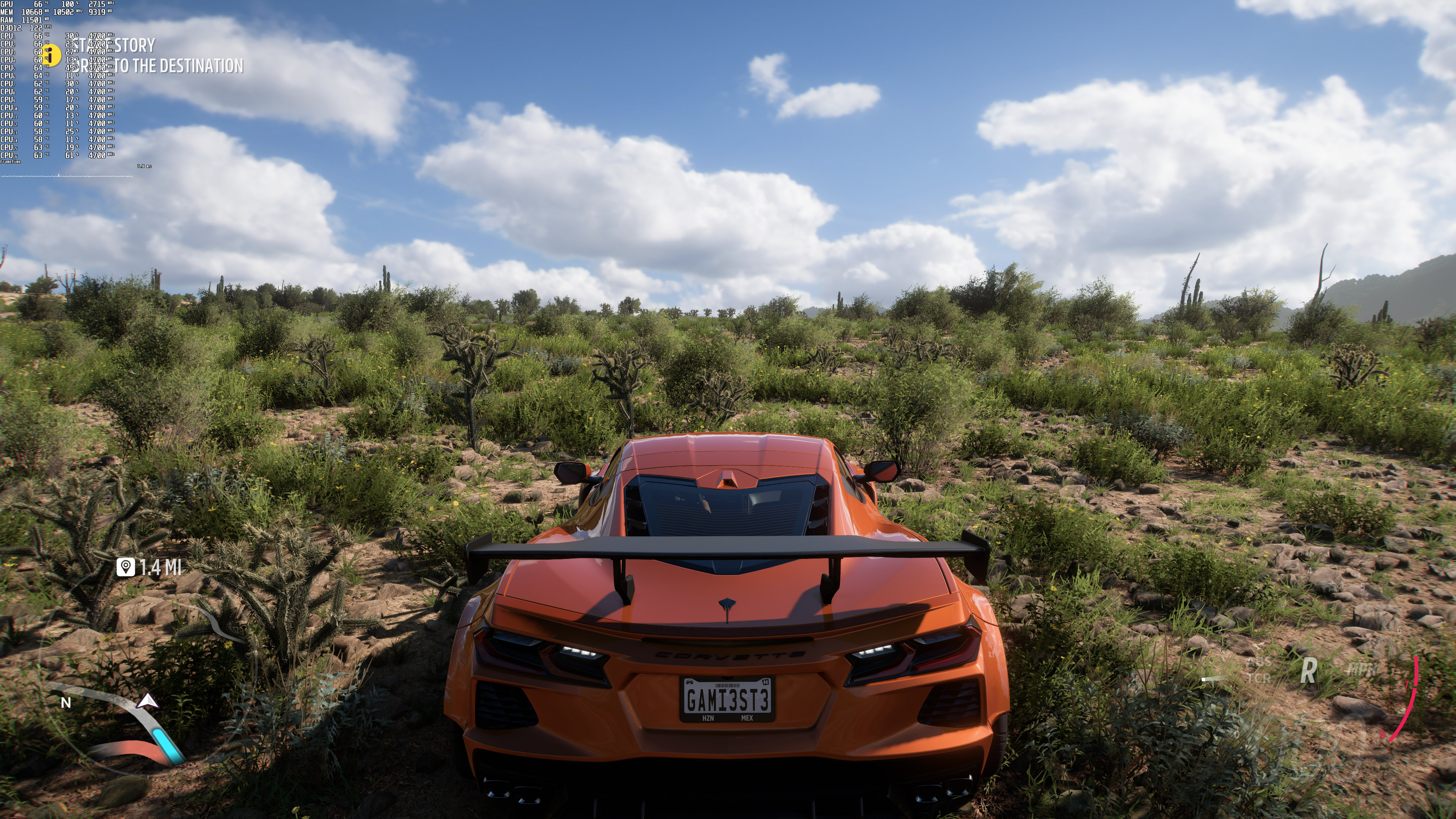
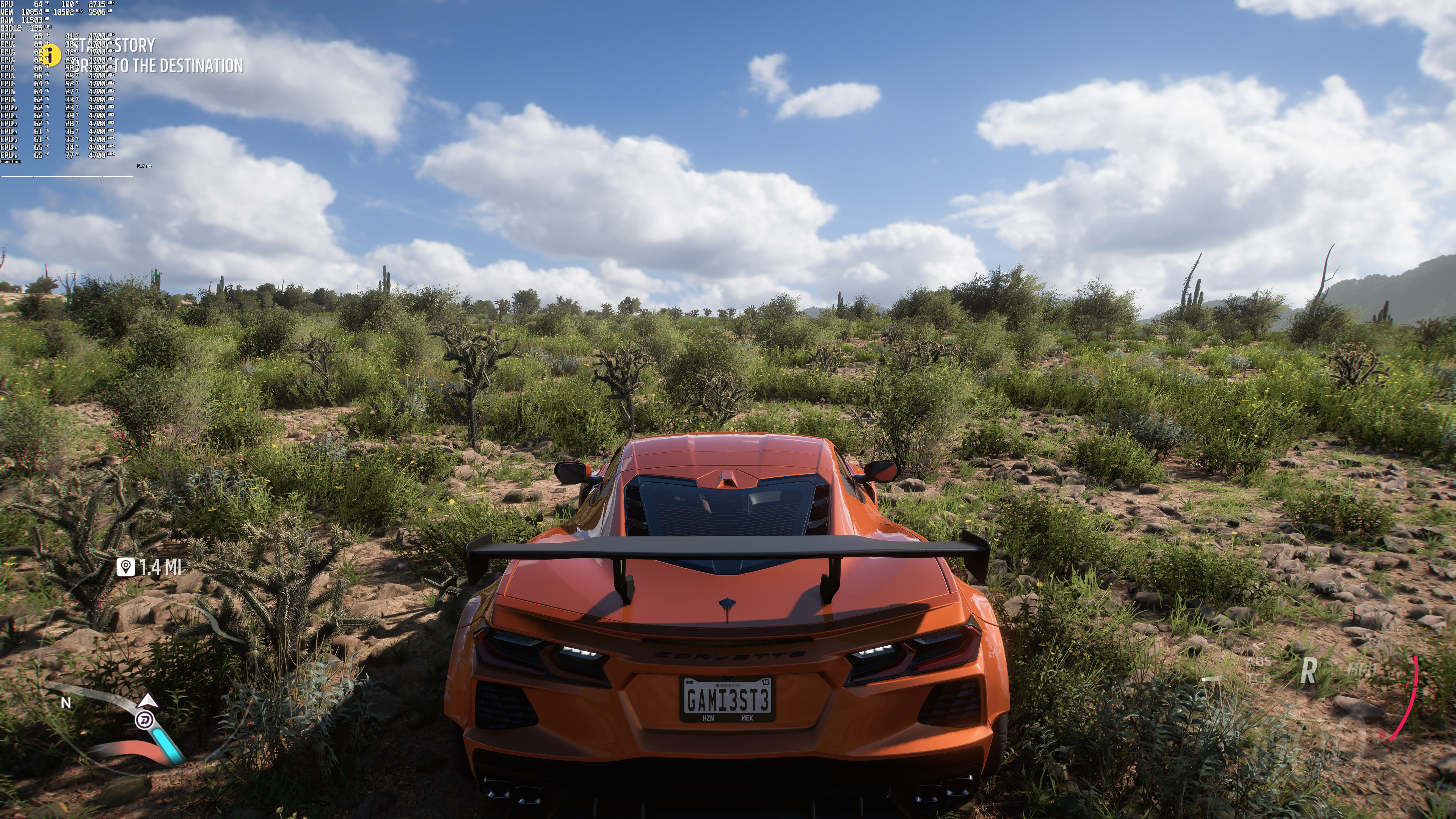
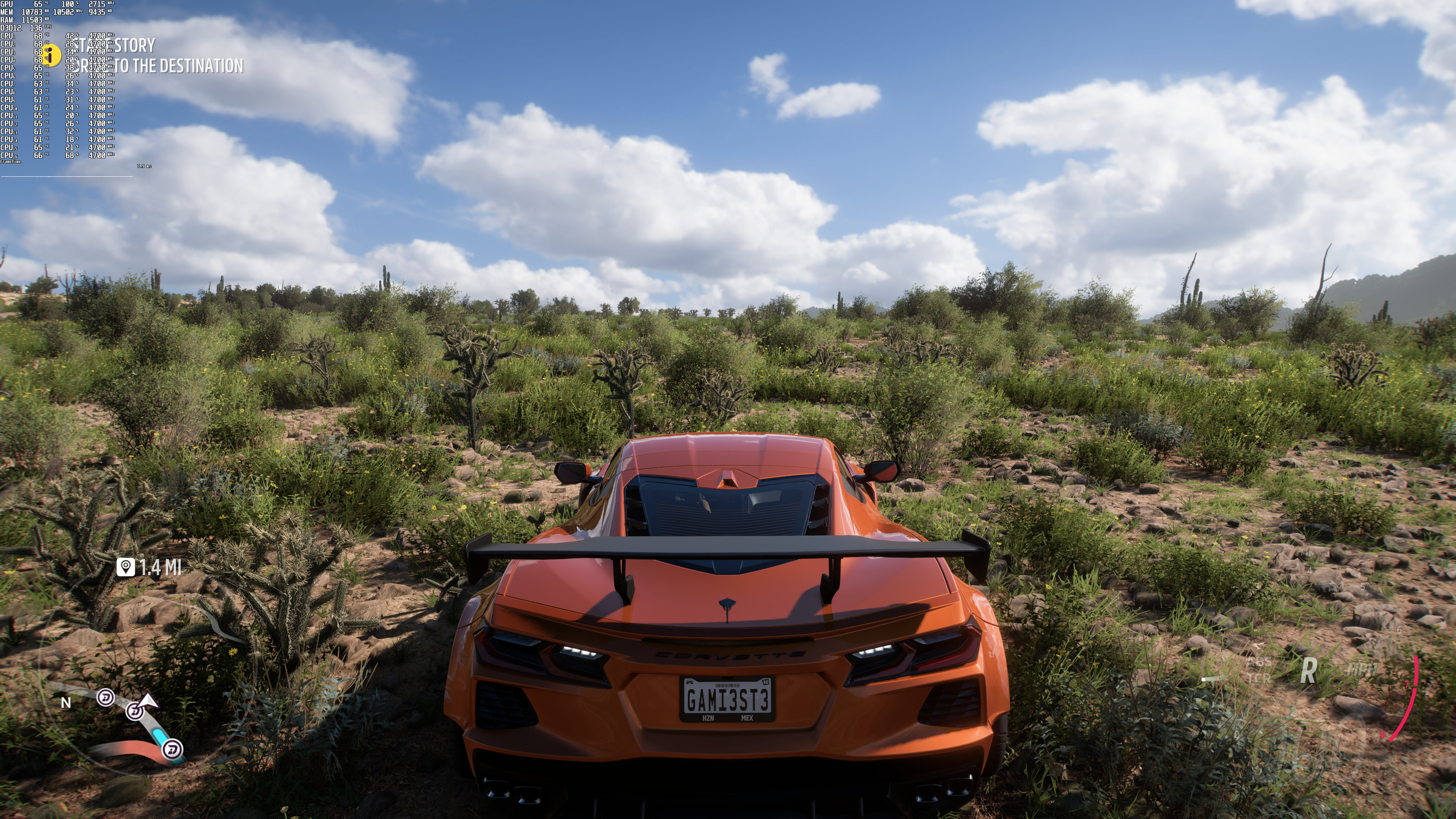
All in all, the game’s Ray Tracing effects are a joke. Thankfully, and since the game already runs extremely well on PC, most gamers will be able to enable them. NVIDIA RTX owners should also enable DLSS (or even DLAA) as it can provide better performance and image than native 4K TAA. Unfortunately, the performance boost of both DLSS 2 and FSR 2.2 wasn’t that big. Even at extremely high resolutions like 8K, we’re only getting a 10fps performance increase.
Enjoy!


John is the founder and Editor in Chief at DSOGaming. He is a PC gaming fan and highly supports the modding and indie communities. Before creating DSOGaming, John worked on numerous gaming websites. While he is a die-hard PC gamer, his gaming roots can be found on consoles. John loved – and still does – the 16-bit consoles, and considers SNES to be one of the best consoles. Still, the PC platform won him over consoles. That was mainly due to 3DFX and its iconic dedicated 3D accelerator graphics card, Voodoo 2. John has also written a higher degree thesis on the “The Evolution of PC graphics cards.”
Contact: Email