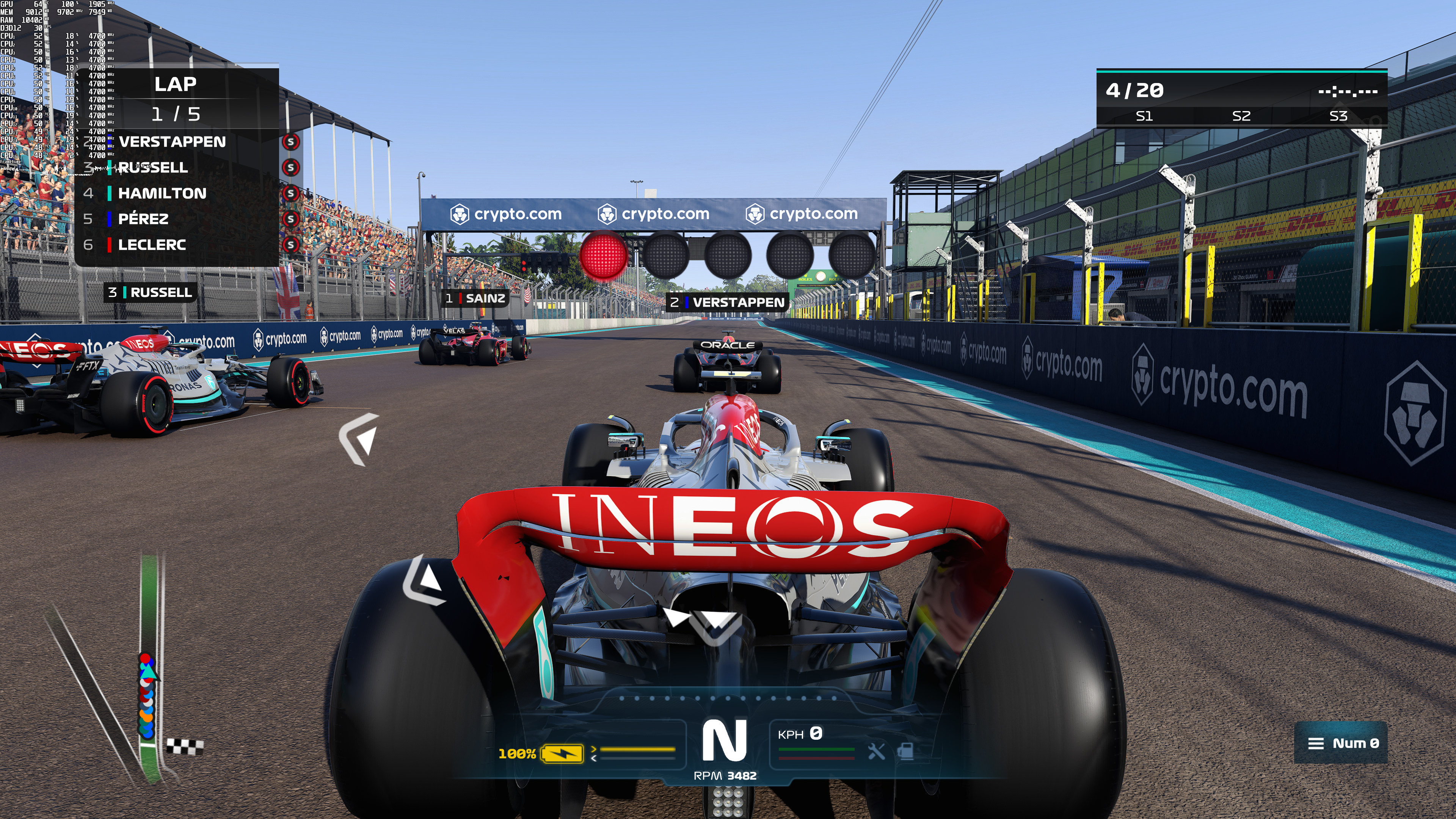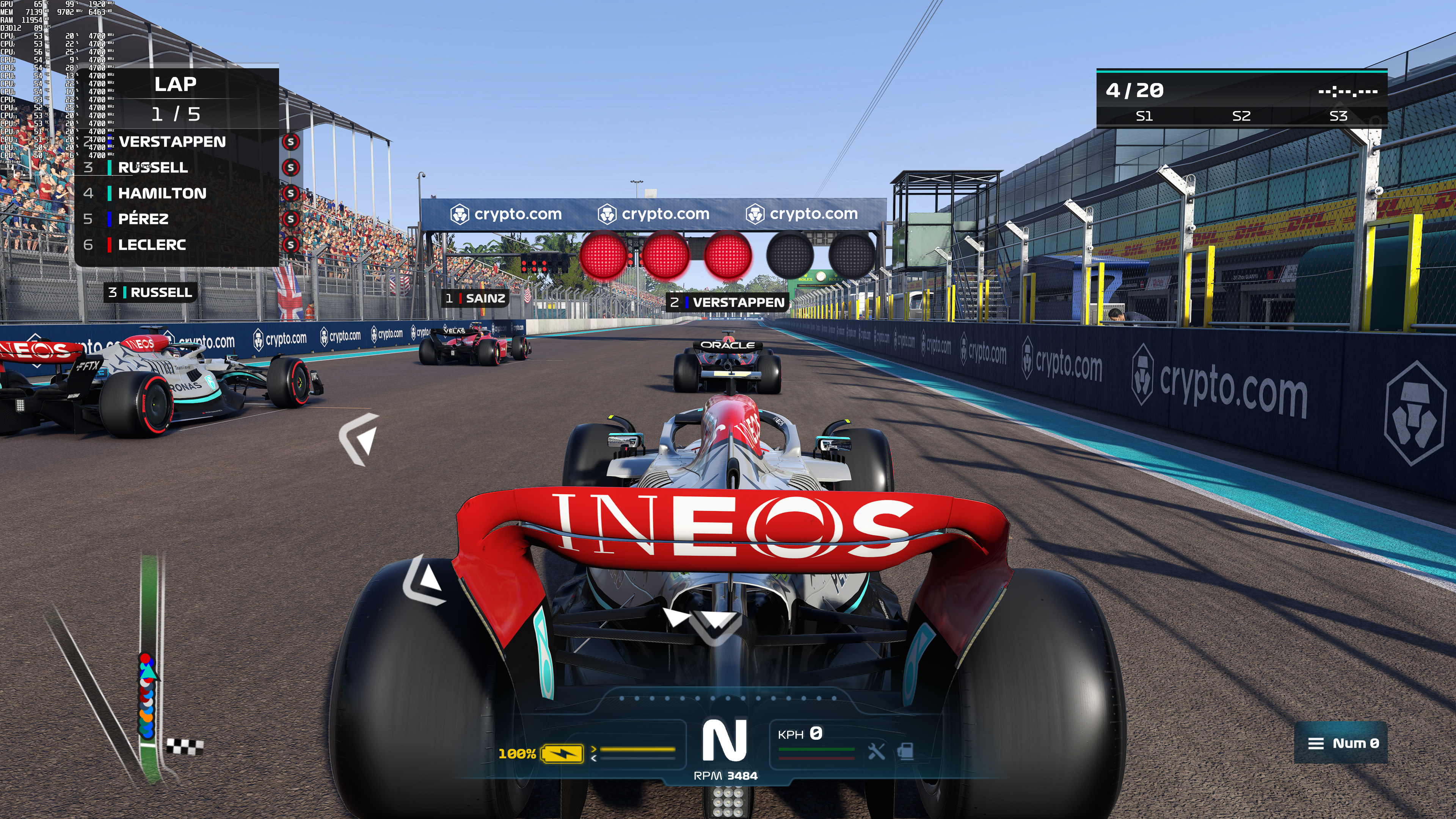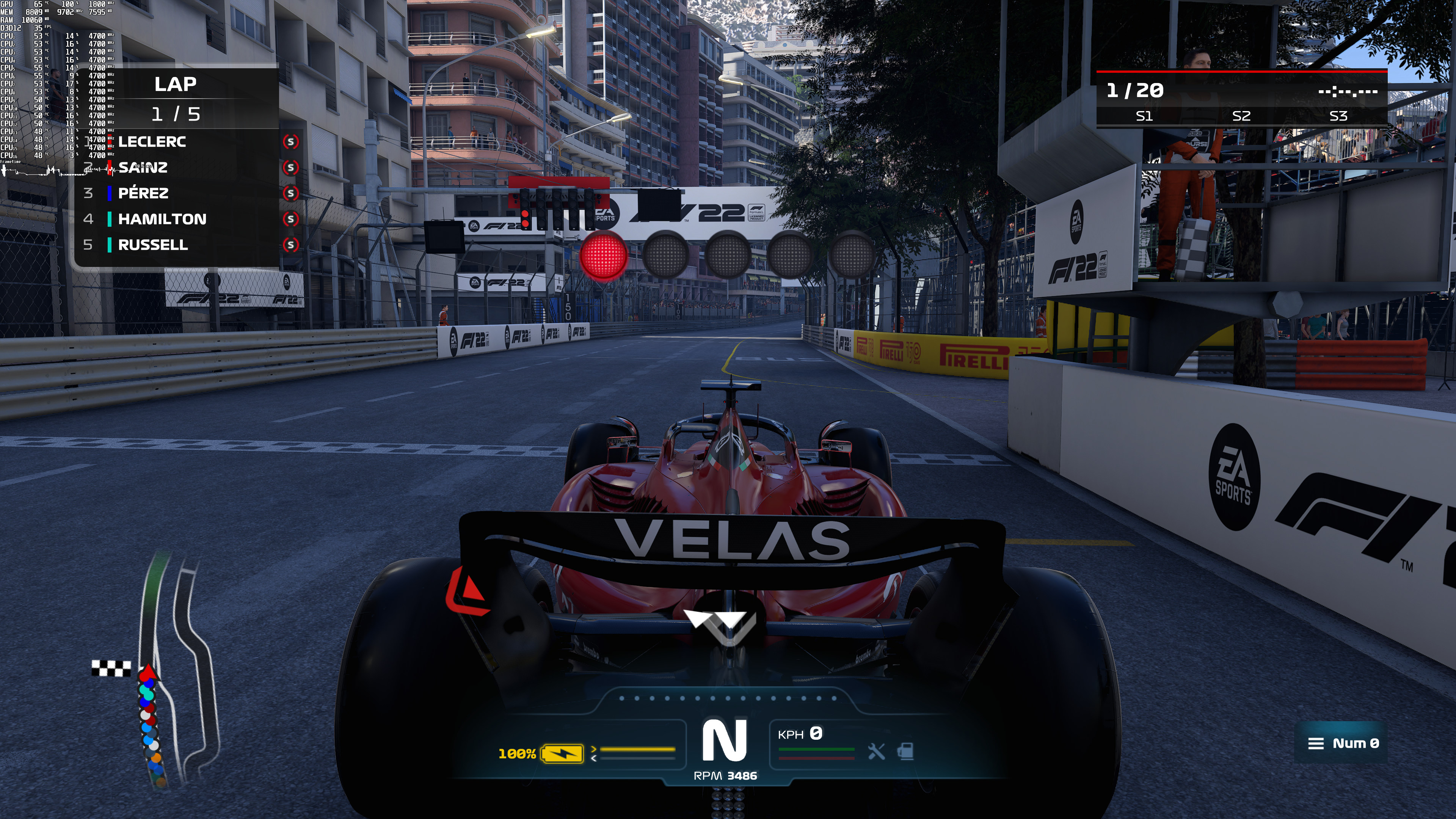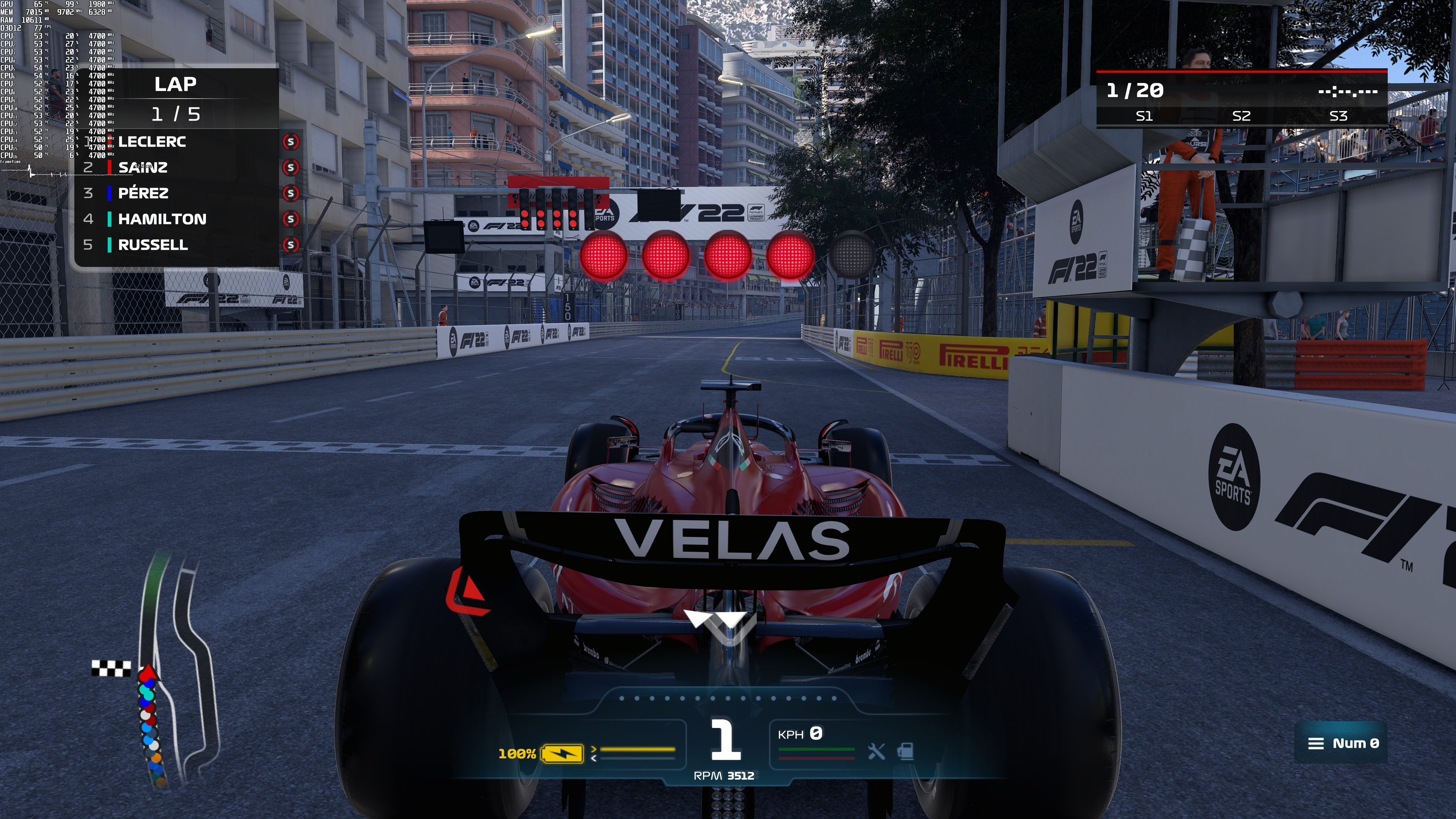
F1 22 feature

F1 22 – Ray Tracing, NVIDIA DLSS & AMD FSR Benchmarks

Electronic Arts has released the latest part in Codemasters’ F1 racing video-game series, F1 22. Powered by the latest version of the EGO Engine, the game supports Ray Tracing, NVIDIA’s DLSS and AMD’s FSR 1.0. As such, and before publishing our PC Performance Analysis, we’ve decided to benchmark and compare these features.

For these benchmarks and comparison screenshots, we used an Intel i9 9900K with 16GB of DDR4 at 3800Mhz and NVIDIA’s RTX 3080. We also used Windows 10 64-bit, and the GeForce 516.59 driver.

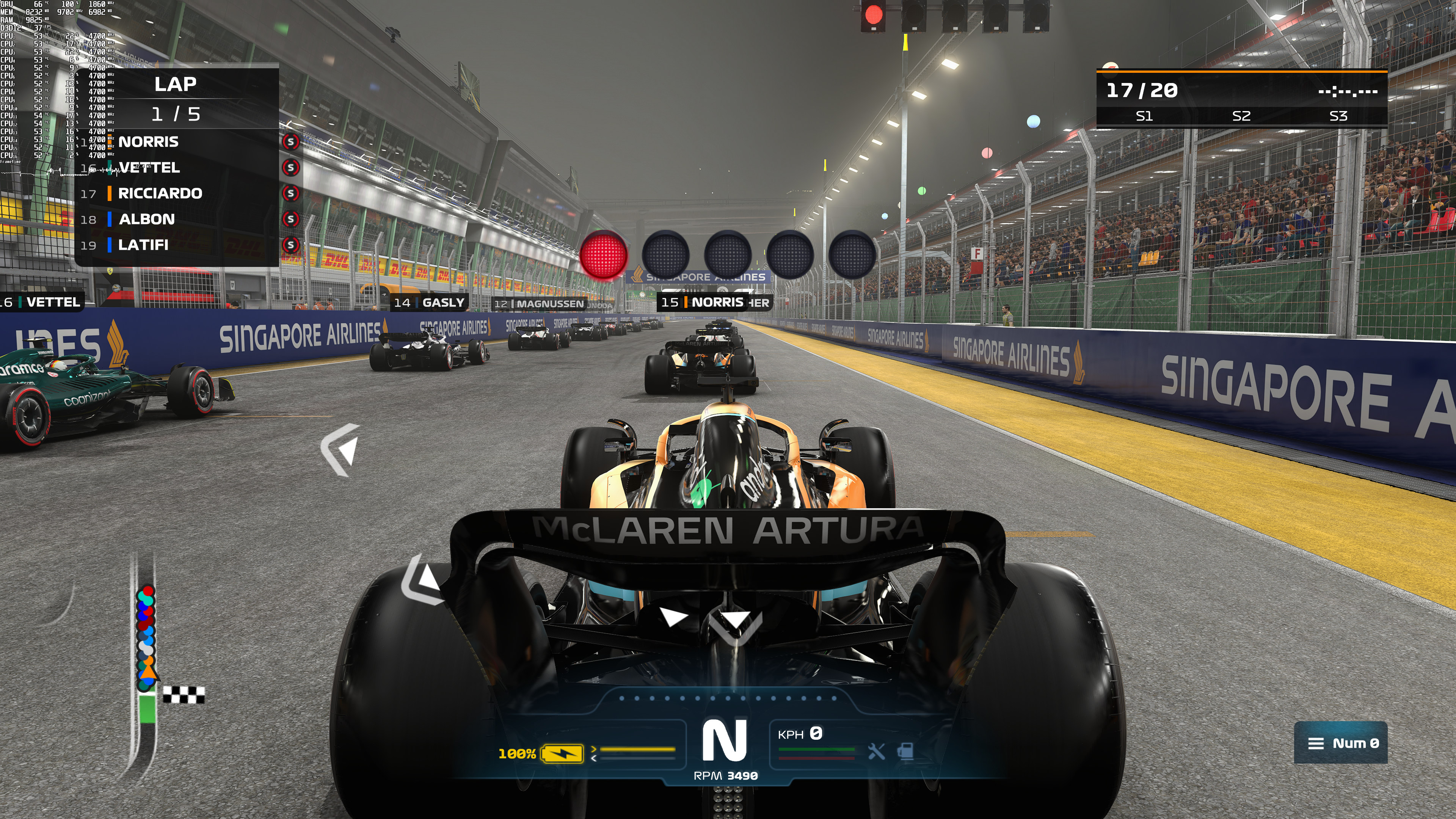
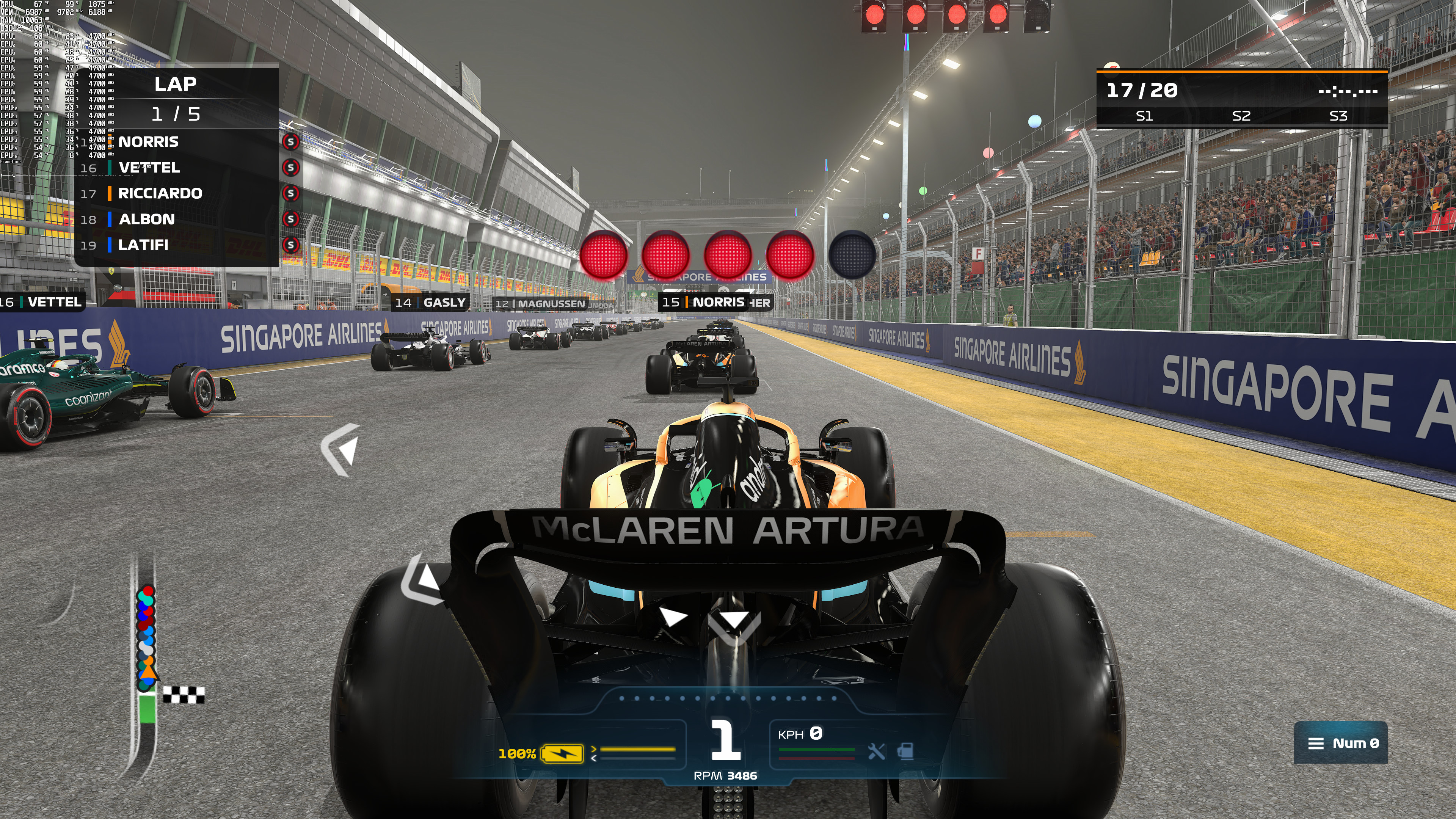
F1 22 has a built-in benchmark tool. As such, we’ve decided to use that one for our benchmarks. From what we could tell, the most demanding stage was Singapore during rainy conditions (which is what we’ve used).
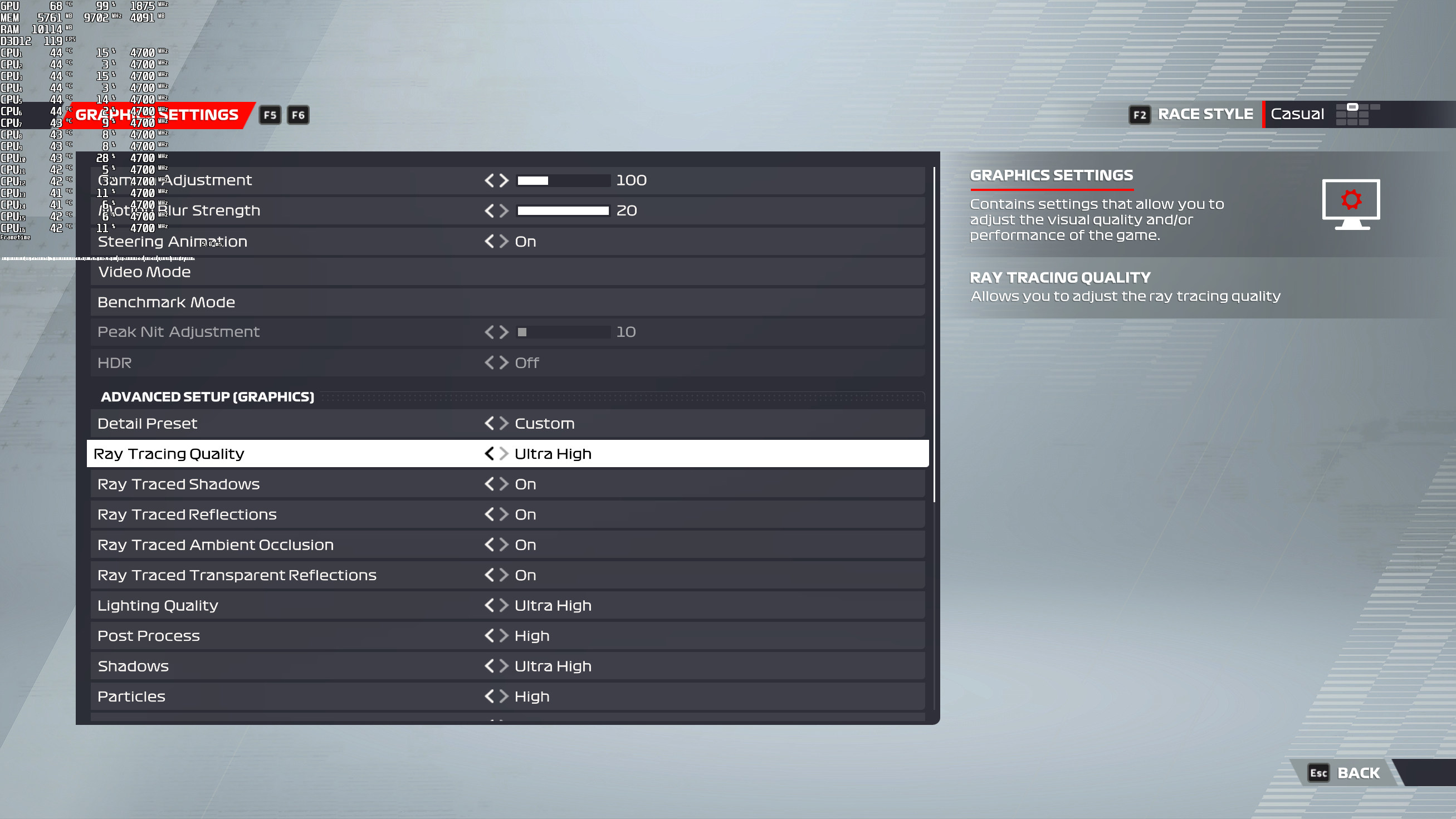
F1 22 Ray Tracing settings

F1 22 supports Ray Tracing Ambient Occlusion, Ray Tracing Shadows, Ray Tracing Reflections and Ray Tracing Transparencies. And below you can find some comparison screenshots between RT On (left) and RT Off (right). As you can clearly see, the RT screenshots look better and more realistic, especially in shadowy places.
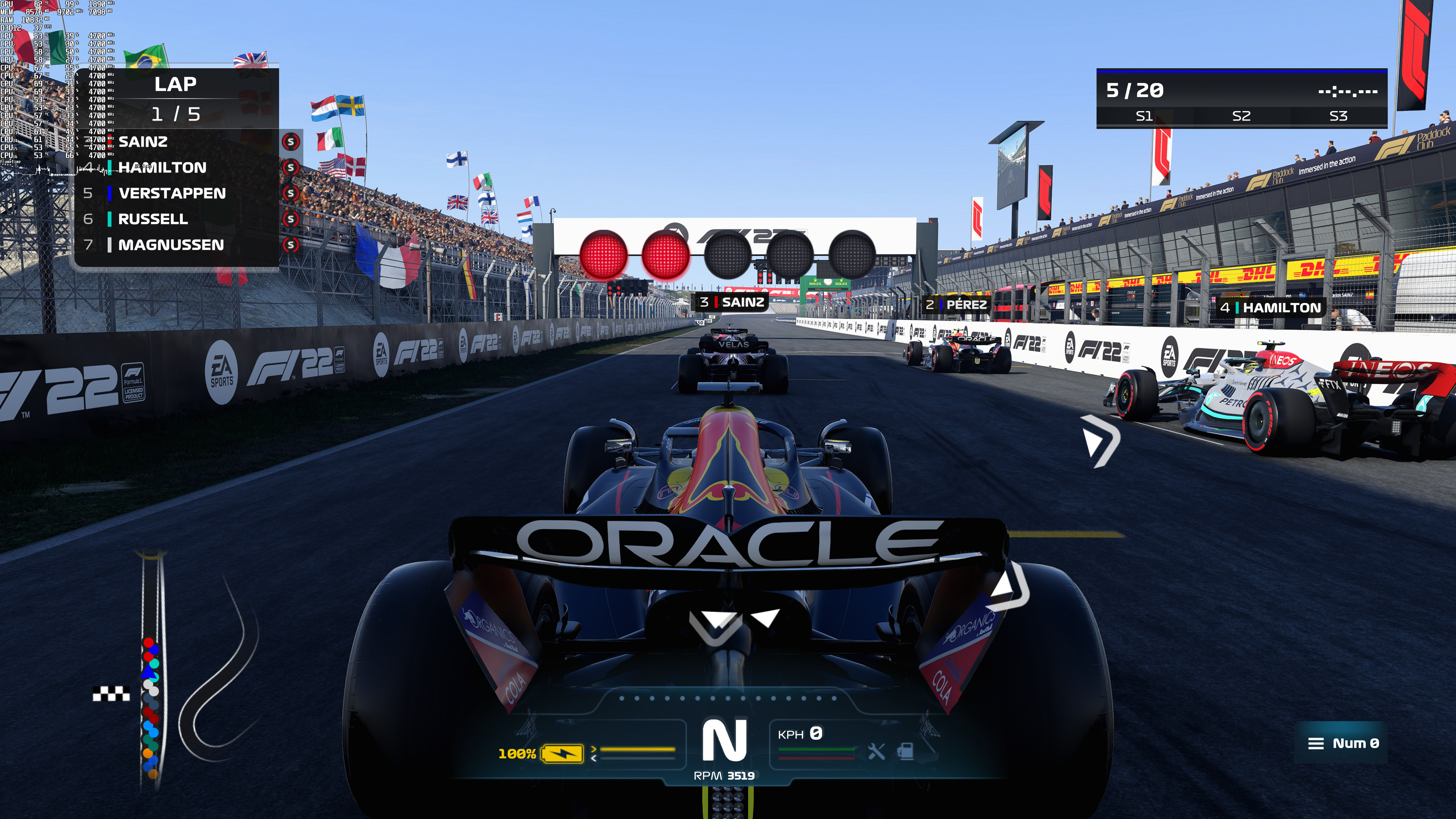
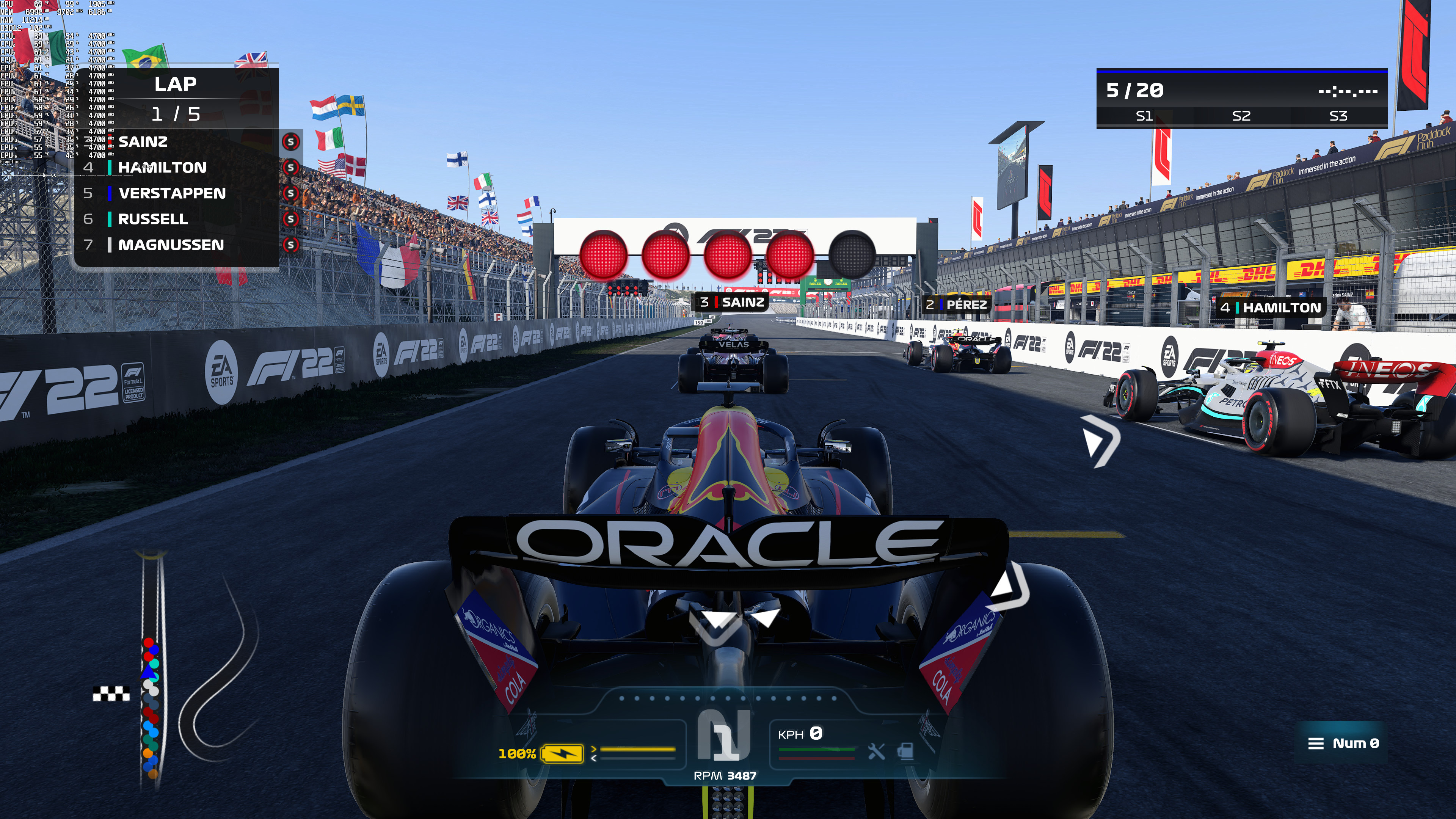
F1 22 Ray Tracing On-1F1 22 Ray Tracing Off-1 F1 22 Ray Tracing On-2F1 22 Ray Tracing Off-2 F1 22 Ray Tracing On-3F1 22 Ray Tracing Off-3 F1 22 Ray Tracing On-4F1 22 Ray Tracing Off-4 F1 22 Ray Tracing On-5F1 22 Ray Tracing Off-5

However, there is a downside when using Ray Tracing. Even on its Ultra High settings, there are noticeable flickering issues when enabling Ray Tracing Shadows and Ambient Occlusion. My guess is that this flickering is caused by the limited number of rays that the game uses. So while the game looks better with Ray Tracing, it can cause some visual headaches to some.

These Ray Tracing effects can have a costly impact on performance. As we can see, our RTX3080 was only able to push a 30fps experience in native 4K with RT Ultra High. For comparison purposes, the non-RT version runs with 89fps in 4K/Ultra on NVIDIA’s GPU.
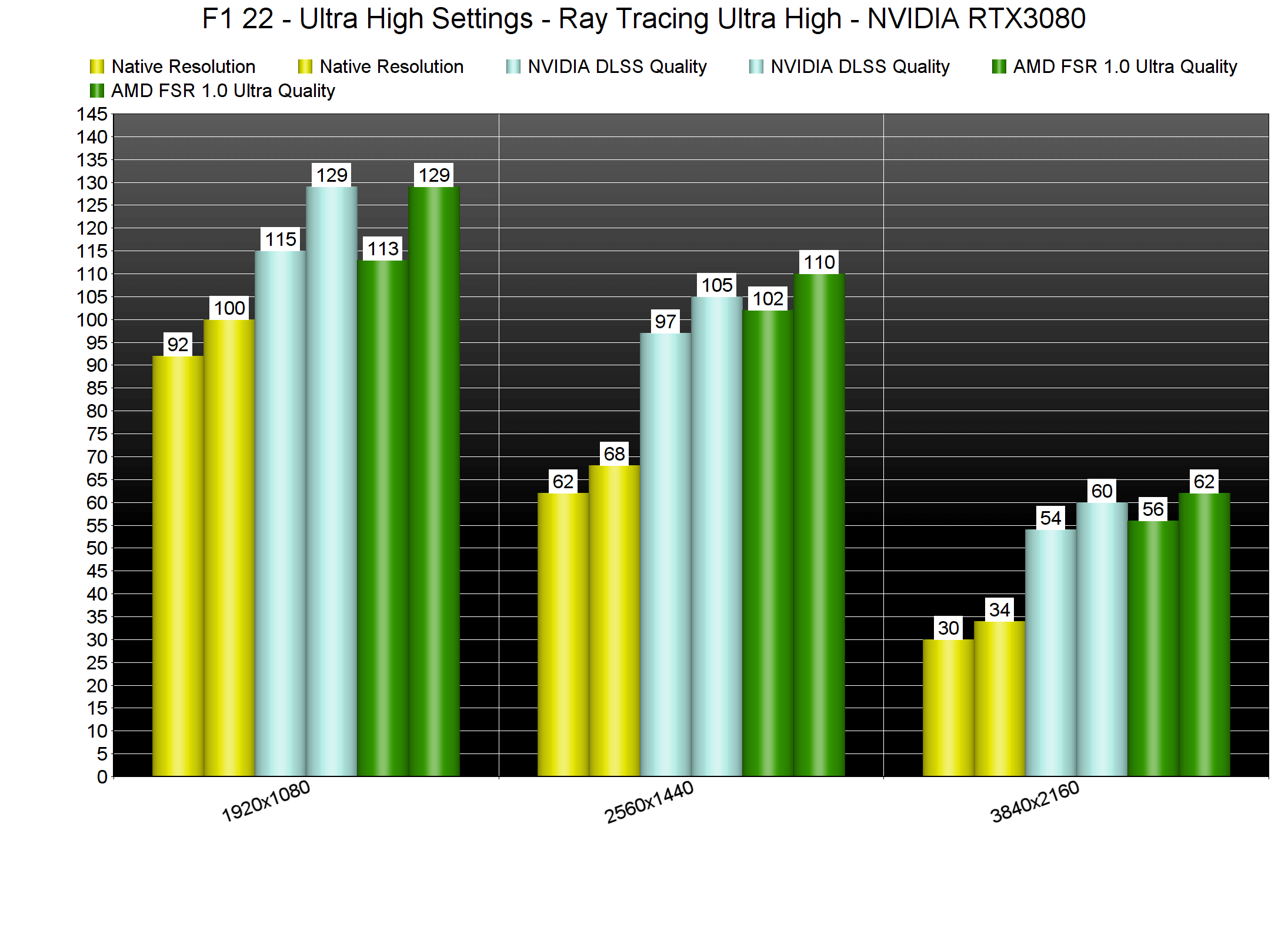
F1 22 Ray Tracing Benchmarks

And, as you may have guessed, this is where DLSS comes to the rescue. With DLSS Quality, you can get close to a 60fps experience in 4K with RT Ultra High. Then, by simply dropping its quality to Balanced Mode, you can get constant 60fps at all times.

As said, F1 22 supports both NVIDIA’s DLSS and AMD’s FSR 1.0. And, at first glance, both of them may look similar. By zooming in, though, we can clearly see that DLSS does a better job at eliminating jaggies. This is to be expected as the game does not use AMD’s latest FSR 2.0 tech. Interestingly enough, DLSS offers better AA than even native 4K. However, native 4K looks sharper than both DLSS and FSR 1.0. Thankfully, Codemasters has added Sharpening sliders to both DLSS and FSR so that PC gamers can adjust them and reduce these blurry side-effects.
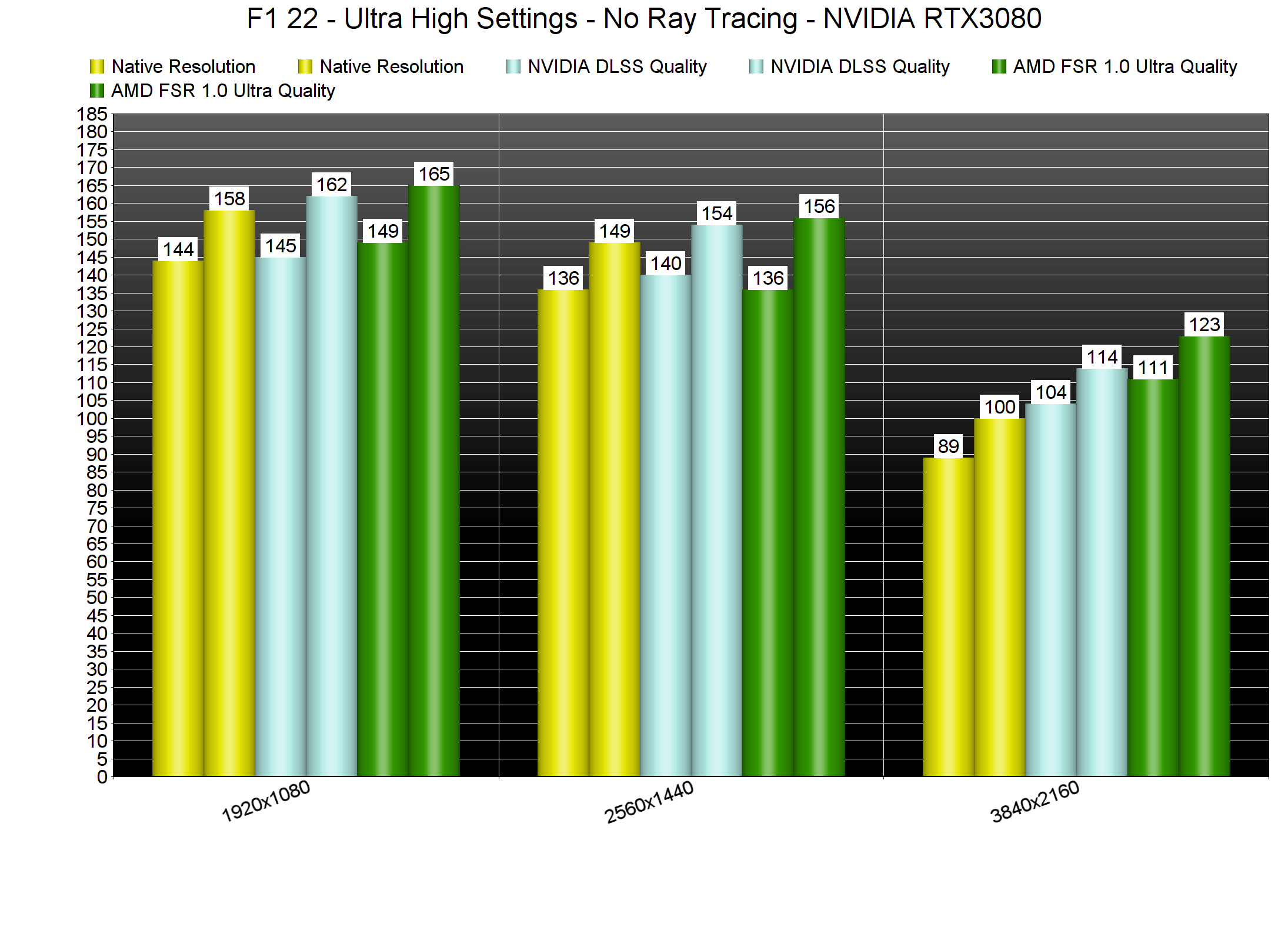
F1 22 DLSS & FSR Benchmarks

As always, RTX owners should stick with DLSS and don’t bother at all with FSR. For everyone else, though, FSR can be great for improving overall performance. Below you can find some comparison screenshots between DLSS (left), FSR (middle) and native 4K (right).
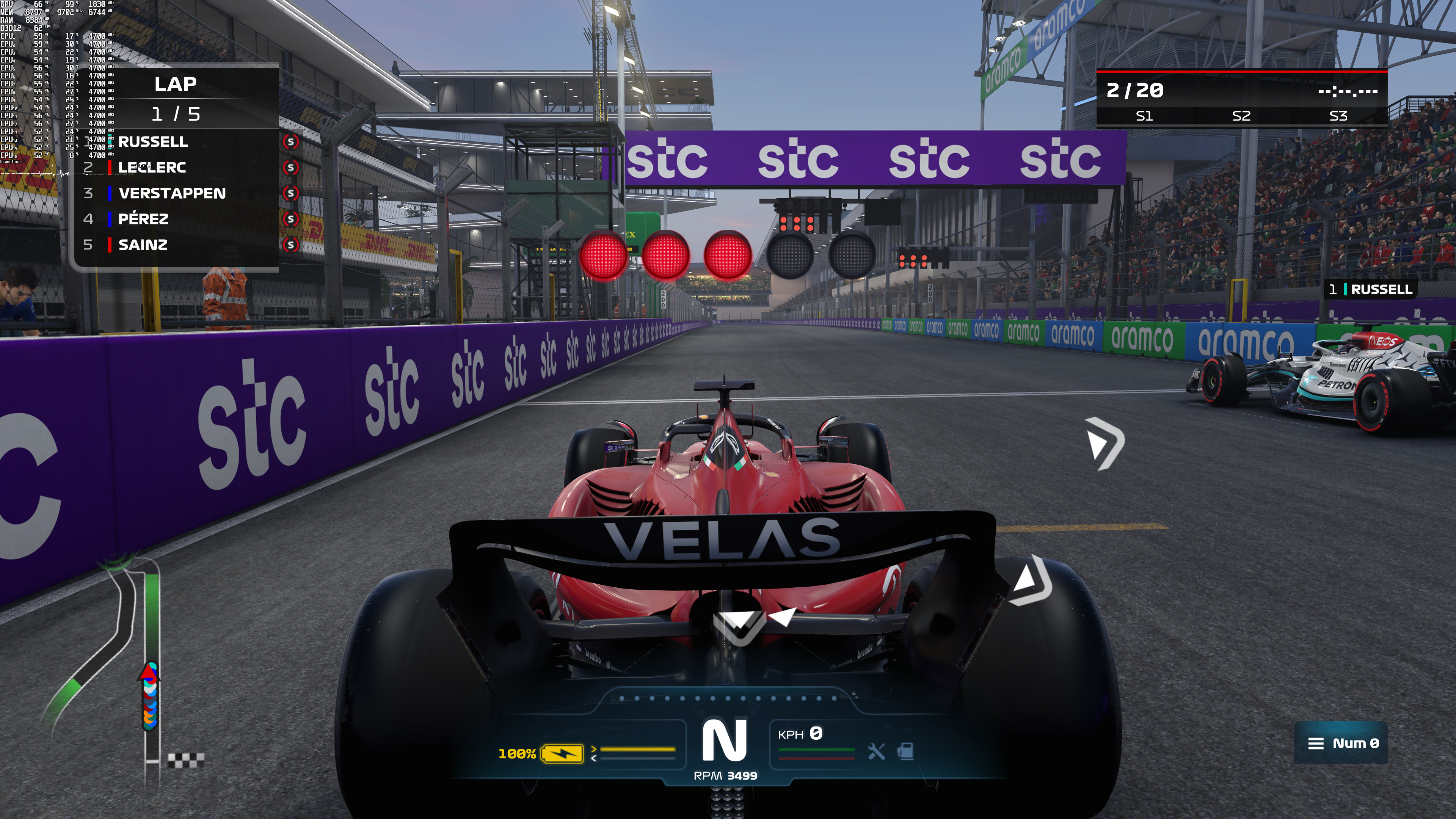
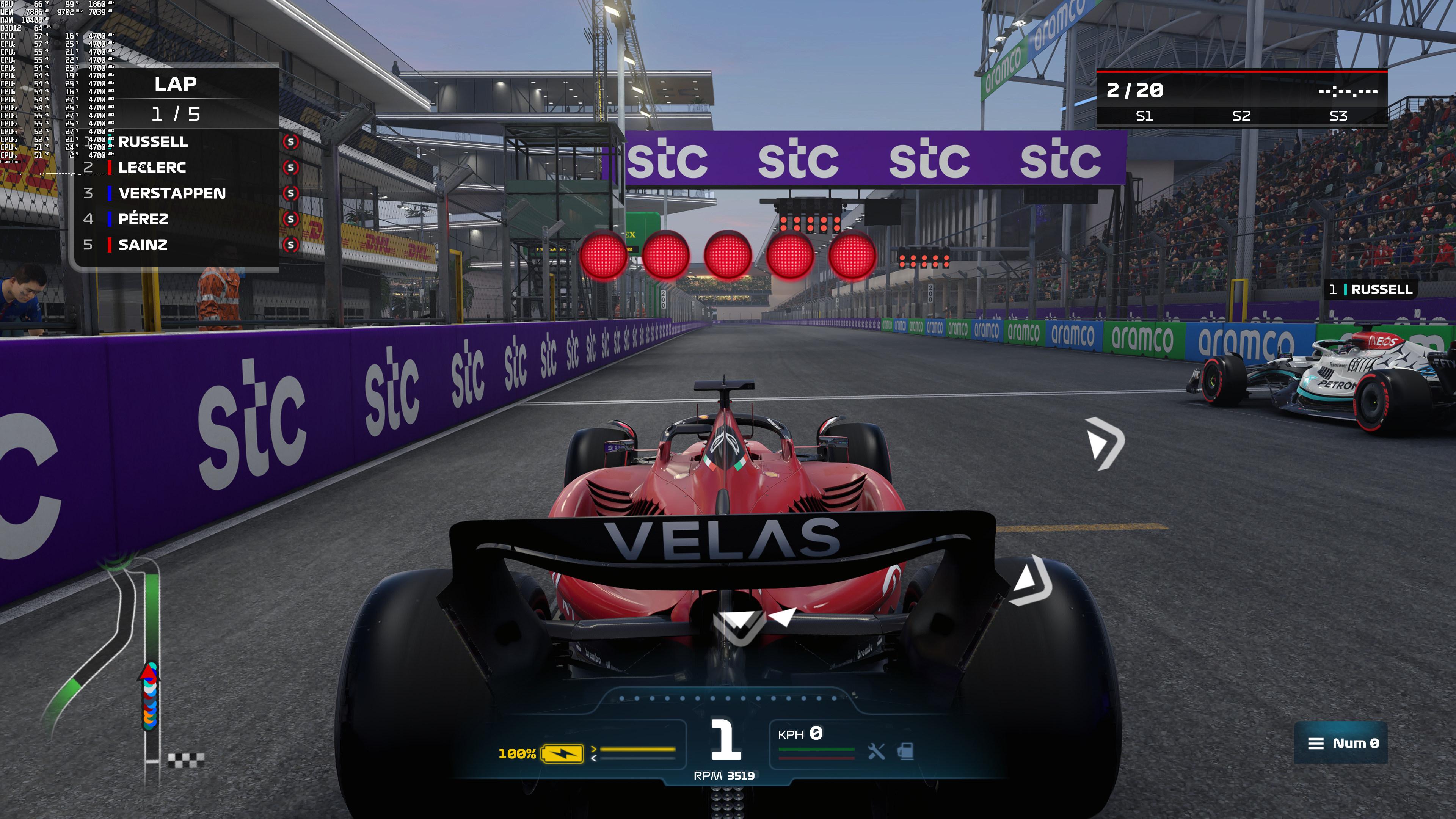
F1 22 DLSS-1F1 22 FSR-1F1 22 native 4K-1 F1 22 DLSS-2F1 22 FSR-2F1 22 native 4K-2 F1 22 DLSS-3F1 22 FSR-3F1 22 native 4K-3

All in all, F1 22 can run great on high-end PC systems with Ray Tracing, provided you use NVIDIA’s DLSS. By using both of them, you can get smooth framerates on high-end GPUs, even at 4K. That’s great news as a lot of other RT games cannot run with 60fps in 4K, even when using NVIDIA’s DLSS. As said, there are some visual artifacts with RT so let’s hope that Codemasters will fix them (doubtful but hey, let’s be positive). And lastly, the implementation of NVIDIA DLSS in this game is great.

Stay tuned for our PC Performance Analysis!

6 thoughts on “F1 22 – Ray Tracing, NVIDIA DLSS & AMD FSR Benchmarks”

  1. Imo currently this is a pathetic selling gimmick. You really need to implement it in such way that it’s clearly noticeable and useful. Forza’s cubemaps and PBR shats on rt any time of day.

    1. I have to disagree, at least in some cases because yes, there are in fact bad RT implementations, however.. you can compare RT reflections vs cube maps on PC in Forza Horizon 5 right now. It’s simple.

      Open the game (offline mode to be safe) and run a scan in cheat engine in Forza Vista with RT enabled. Then scan again in free roam and flip the bit that changed from 1 to 0. Cheat engine is simple and a basic tutorial is enough to allow you to make this cheat.

      Then flip the bit back and forth between 0 & 1. This will switch reflections on the car body (not the glass) between ray traced and cube maps.

      The RT reflections are significantly better with way more detail. I’ll agree without being able to flip them back and forth it’s not easy to tell but Forza has exceptionally well done reflections and always has. Their Global GI is also absolutely top notch considering the engine was made for the 360 and has been updated over time but we haven’t seen a completely new from the ground up Forza Engine since FM4 which they have used ever since with upgraded systems across the board but a new engine like we are getting with Motorsport 8 is going to be a game changer (no pun intended).

      So FH5 isn’t a fair comparison against RT because it’s top notch quality for the older methods of lighting and reflections vs what could be average or sub par RT.. I don’t know what you play but I’m serious about loading Forza Horizon 5 right now and checking great RT reflections vs absolutely amazing cube maps. Also the RT is YOUR car only. Other drivers cars won’t have RT because just putting reflections that good on 1 car eats up about 20 fps on an nVidia 3000 series.

      That being said… A fully and I mean fully ray traced lighting engine still hasn’t really been done yet. Even Metro Exodus’s enhanced edition and Control have fallbacks and RT is used to enhance those fallbacks.

      The reason for this is hardware power. Even with DLSS 2.x & FSR 2.x a game running at output 4k (let’s say rendering at 1080p or balanced mode) still kicks the crap out of current hardware. I have an 3080ti FTW3 Ultra Gaming that’s running at a near constant 2220 core clock and 20Gbps of memory bandwidth but I still need DLSS to run Control (rendered at 1080p) at max settings and all RT enabled to get a locked 60… Except in 1 hallway where it drops to like 36fps lol.

      Now between the 2 new GPU architecture’s coming this year AND new engines running dx12 or Vulkan and I don’t mean 99% of the crap we have had which is really dx11 with some dx12 or Vulkan function calls thrown in to speed certain things up… I mean modern dx12u or VK engines that use no legacy dx11 code. That alone should give a significant boost to visuals and performance but really just as important will be that hardware I mentioned and even then we will still need ML based upscaling when using RT unless you buy a 4090/7950xt or whatever and run your games at 1080p native & output.

      Ray tracing is massive amounts of complex math, especially if you want quality. We have a couple rays with a couple bounces and it’s bringing hardware to it’s knee’s… Hopefully UE5 and other new engines along with improvement’s to RT algorithms and the hardware itself will make this the first PC GPU generation where the difference is so in your face that you won’t be able to miss it… But honestly there are already games like that.

      Control is stunning as is Metro and those games are old both with 2nd enhanced releases. If you can’t tell the difference between regular GI & RTGI in Metro then wow…. You have an absolute horrid display.

      If you can’t see the huge difference in reflection qualities in Control then wow… Something’s wrong with those eye’s and it’s time to get them checked.

      Lastly screenshots and YouTube videos don’t do RT justice. You need to see it on a quality display at a min of 60fps at 4k output (no lower than balanced DLSS but quality or higher is ideal) and then if you still can’t see a difference… Even in Forza Horizon 5 ‘s reflections.. well then you’re just in denial at that point.

  2. What kind of barbaric plays such games in third person view?
    This isn’t NFS, John, so do it properly with the onboard camera, pls. I know you wanna show the car to see the rAy TrAcInG, though. But it’s ridiculous. Cheers!

    1. I do depending on the racing game, or race type. Sim… I’m using the interior or hood cam… FH5? I switch between high chase and interior because unlike a track sometimes it’s just easier to see in 3rd person.

      I play F1 games (this series anyway) about 50/50 cockpit/chase. I like to look at my car but seriously it depends whether I’m playing in my rig with a wheel/pedals etc or on the couch with a controller & even then (on the couch) I’ll go between the views.

      If it’s full arcade like… NFS then I’ll probably always be in high chase or burnout 3 (dangerous driving 2 hurry up!) Or at least almost always.

      You gotta live a little ?

Leave a Reply

Your email address will not be published. Required fields are marked *