
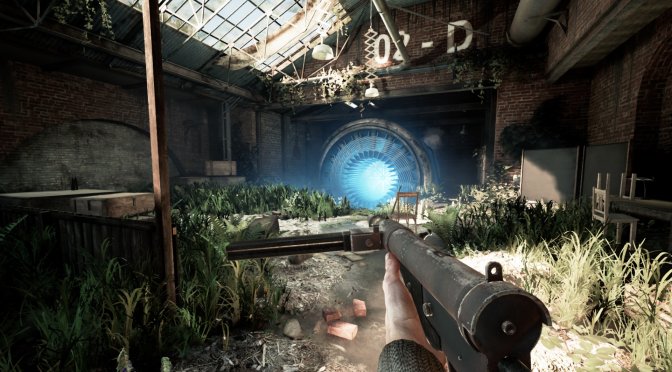
INDUSTRIA is a new surreal narrative first-person shooter by Bleakmill. Powered by Unreal Engine 4 and supporting both Ray Tracing and DLSS, it’s time to benchmark it and see how it performs on the PC platform.
For this PC Performance Analysis, we used an Intel i9 9900K with 16GB of DDR4 at 3600Mhz, AMD’s Radeon RX580, RX Vega 64, RX 6900XT, NVIDIA’s GTX980Ti, RTX 2080Ti and RTX 3080. We also used Windows 10 64-bit, the GeForce 472.12 and the Radeon Software Adrenalin 2020 Edition 21.10.1 drivers.
Bleakmill has added very few graphics settings to tweak. PC gamers can adjust the quality of Anti-aliasing, Shadows, Textures, Effects and Post-Process. The game also uses Ray Tracing in order to enhance its Shadows, Reflections and Ambient Occlusion.
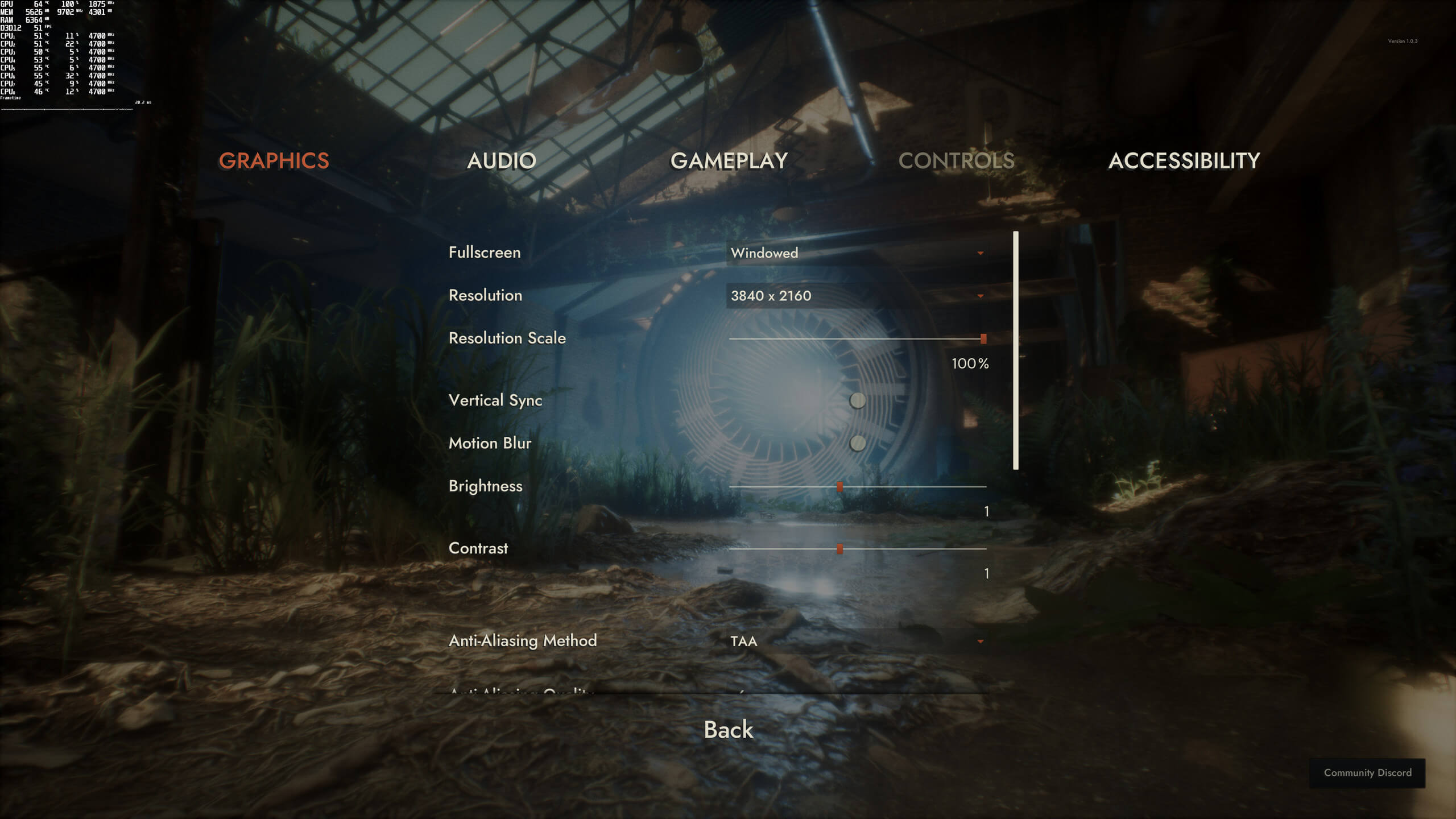
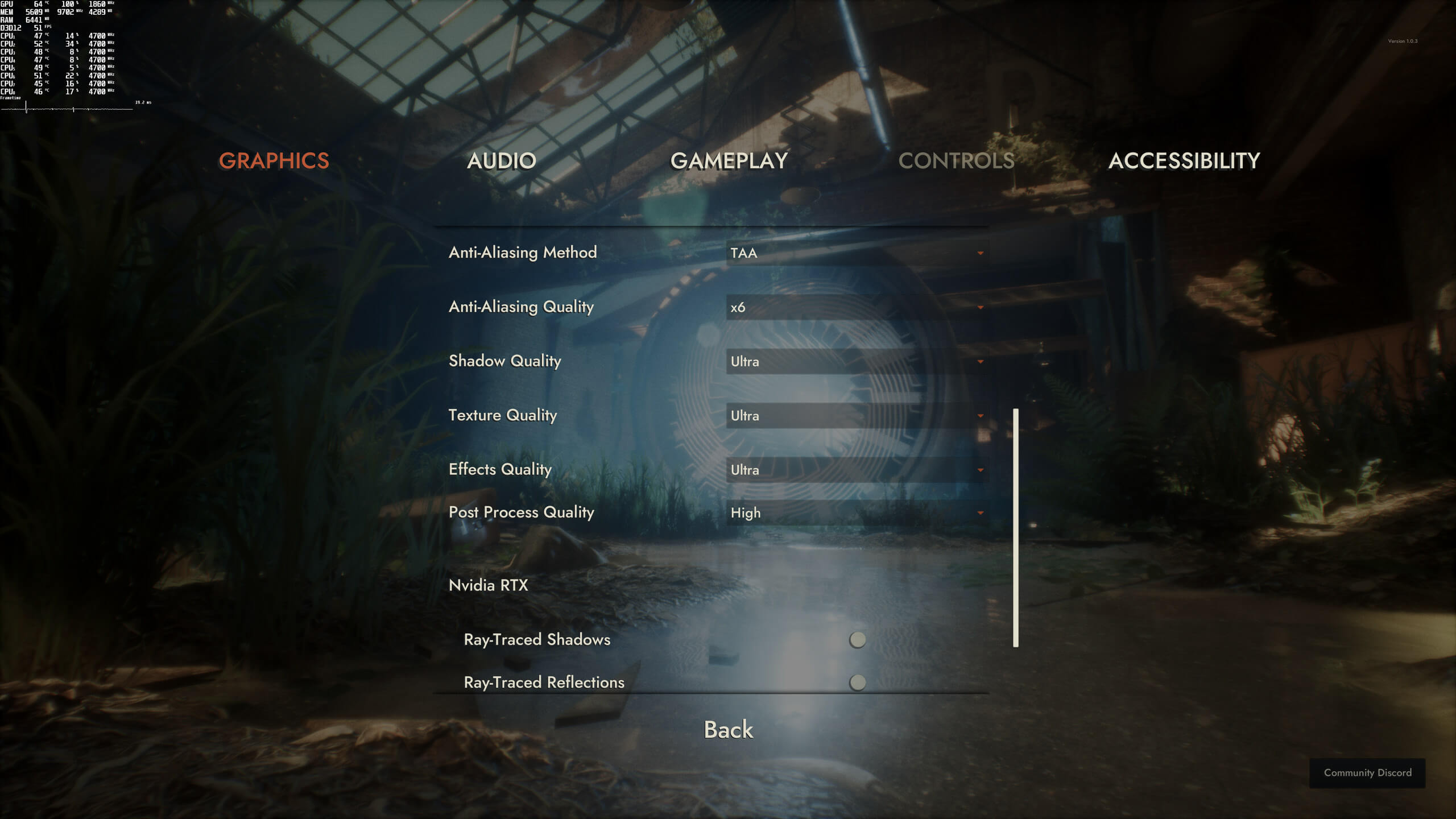
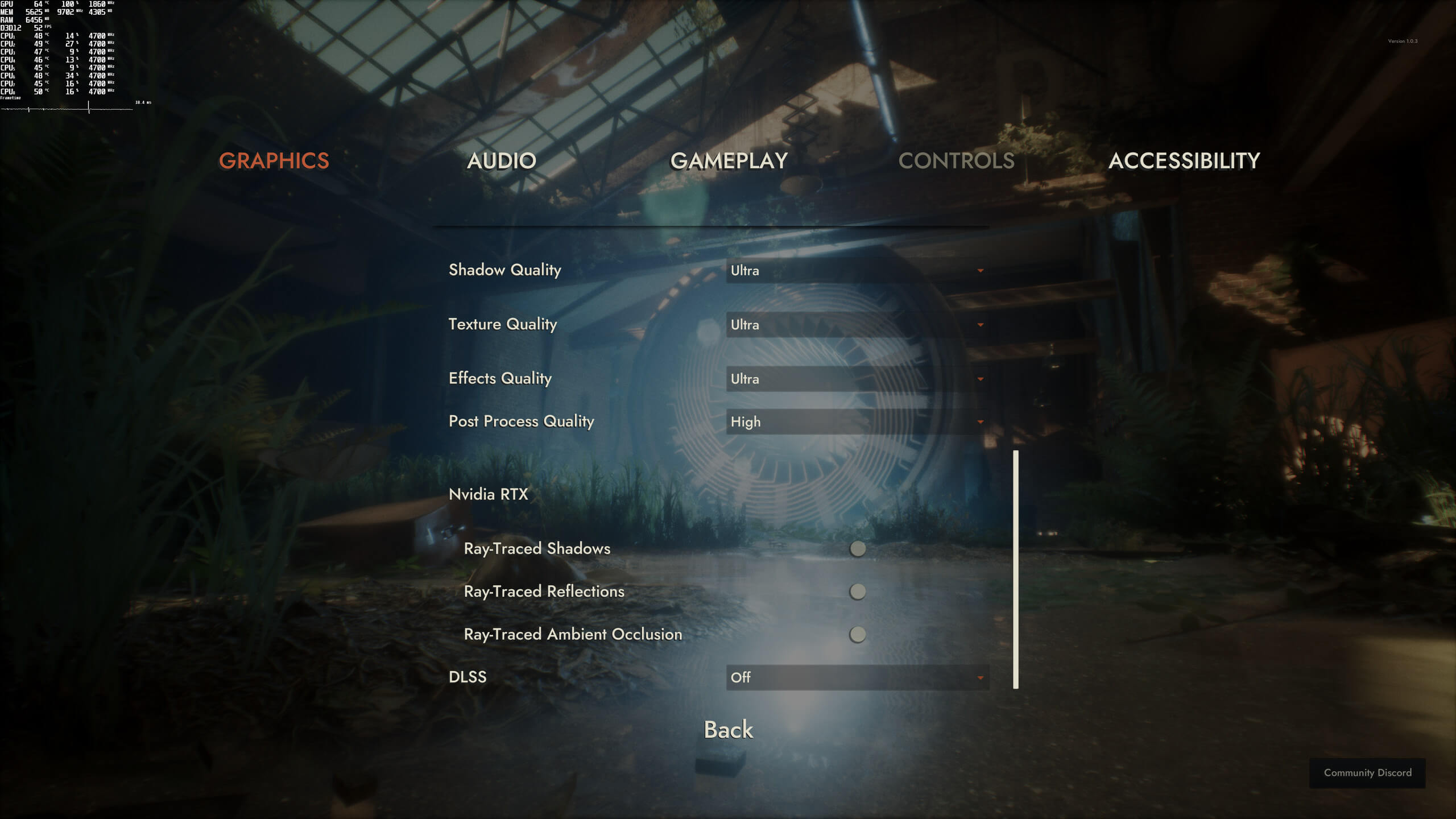
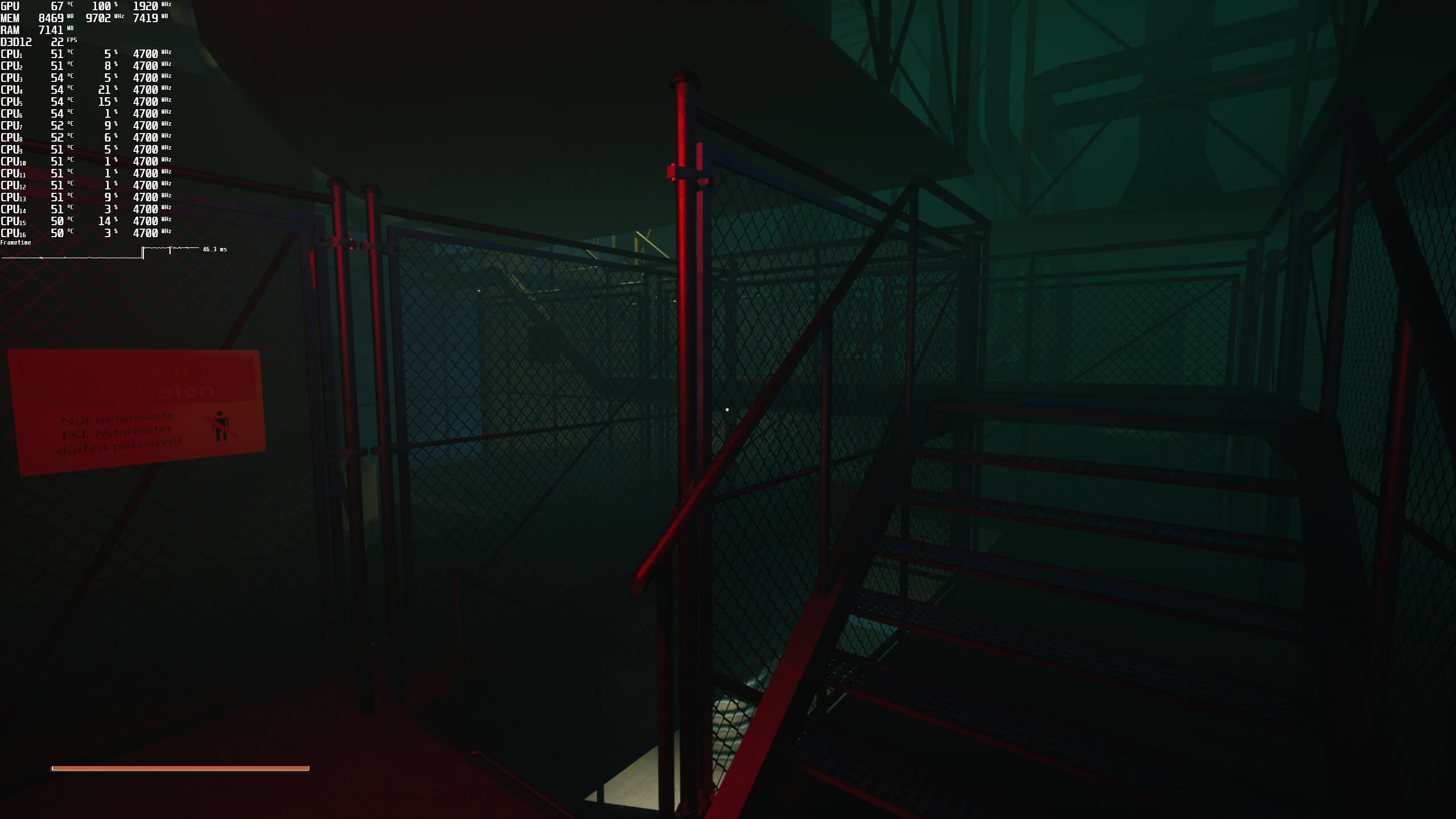
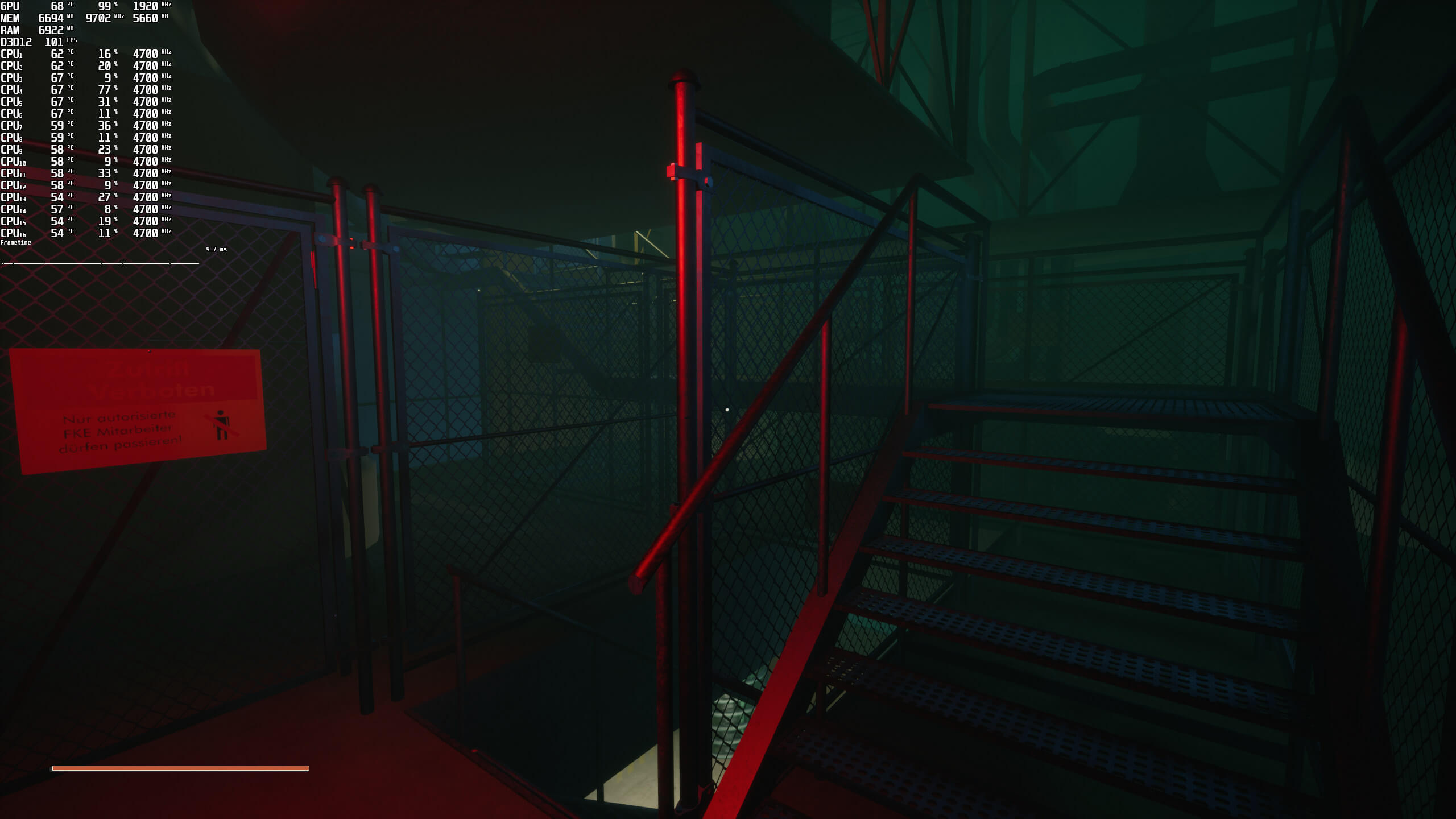
INDUSTRIA is a GPU-bound game. Even at 1080p, we were limited by our GPU. Since the game did not really stress our Intel Core i9 9900K, there was no point to simulate older CPU models. From our testings, we can safely say that any modern-day quad-core CPU will be able to run it. Moreover, the game does not come with any built-in benchmark tool. As such, we’ve decided to benchmark one of the most demanding areas of the prologue. Since this is a really demanding area, you should consider our benchmarks as stress tests. Still, and if the main menu scene is anything to go by, later areas can be as taxing as our benchmark scene.
INDUSTRIA uses DLSS 2.1.50.0 and the results are quite great. Below you can find some comparison screenshots and as you can see, DLSS Quality looks as good as native resolution. Not only that, but DLSS increases performance by up to 160%. INDUSTRIA is another game in which we highly recommend using DLSS as it can significantly improve performance without any noticeable image losses.

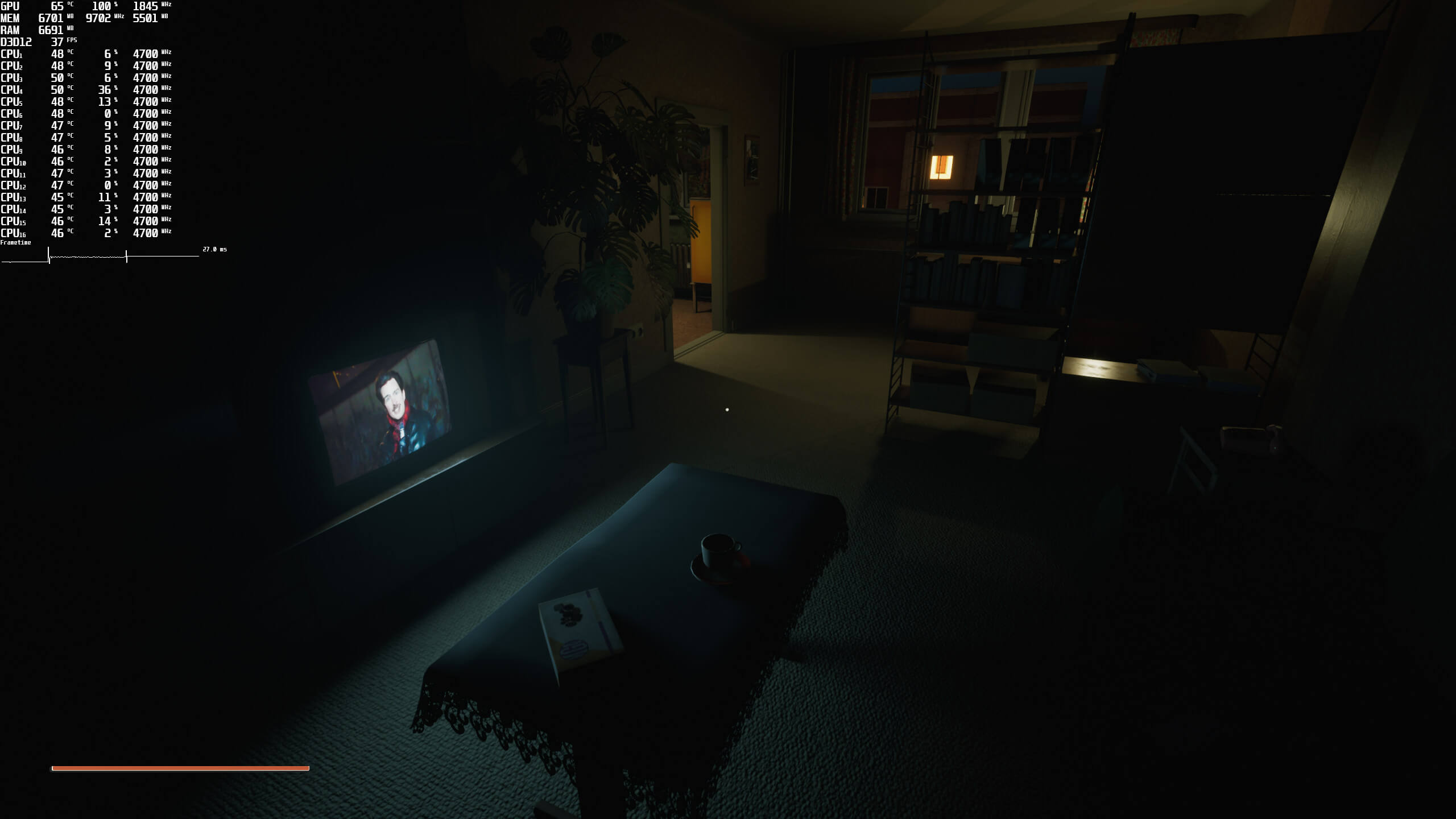
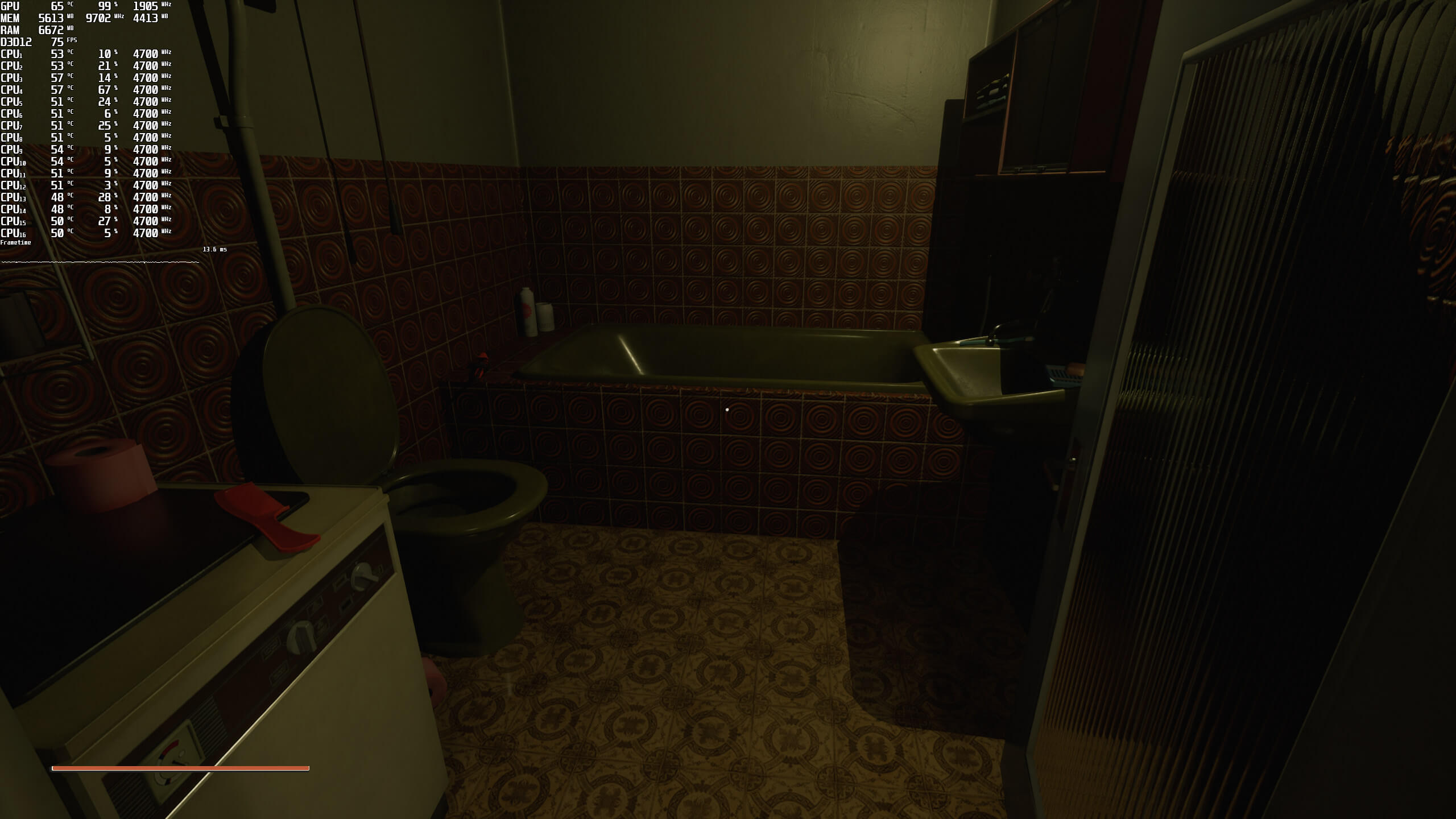
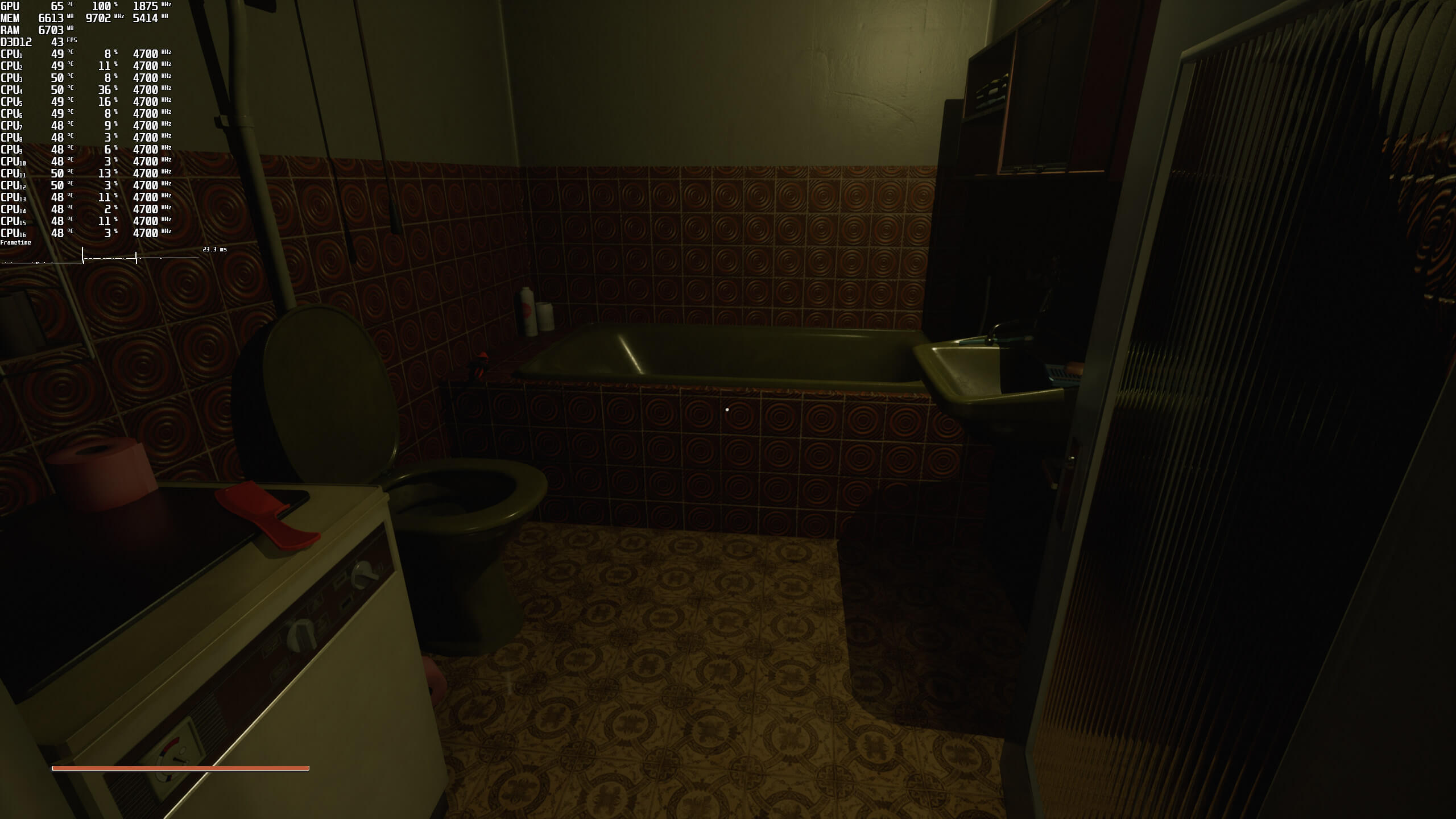
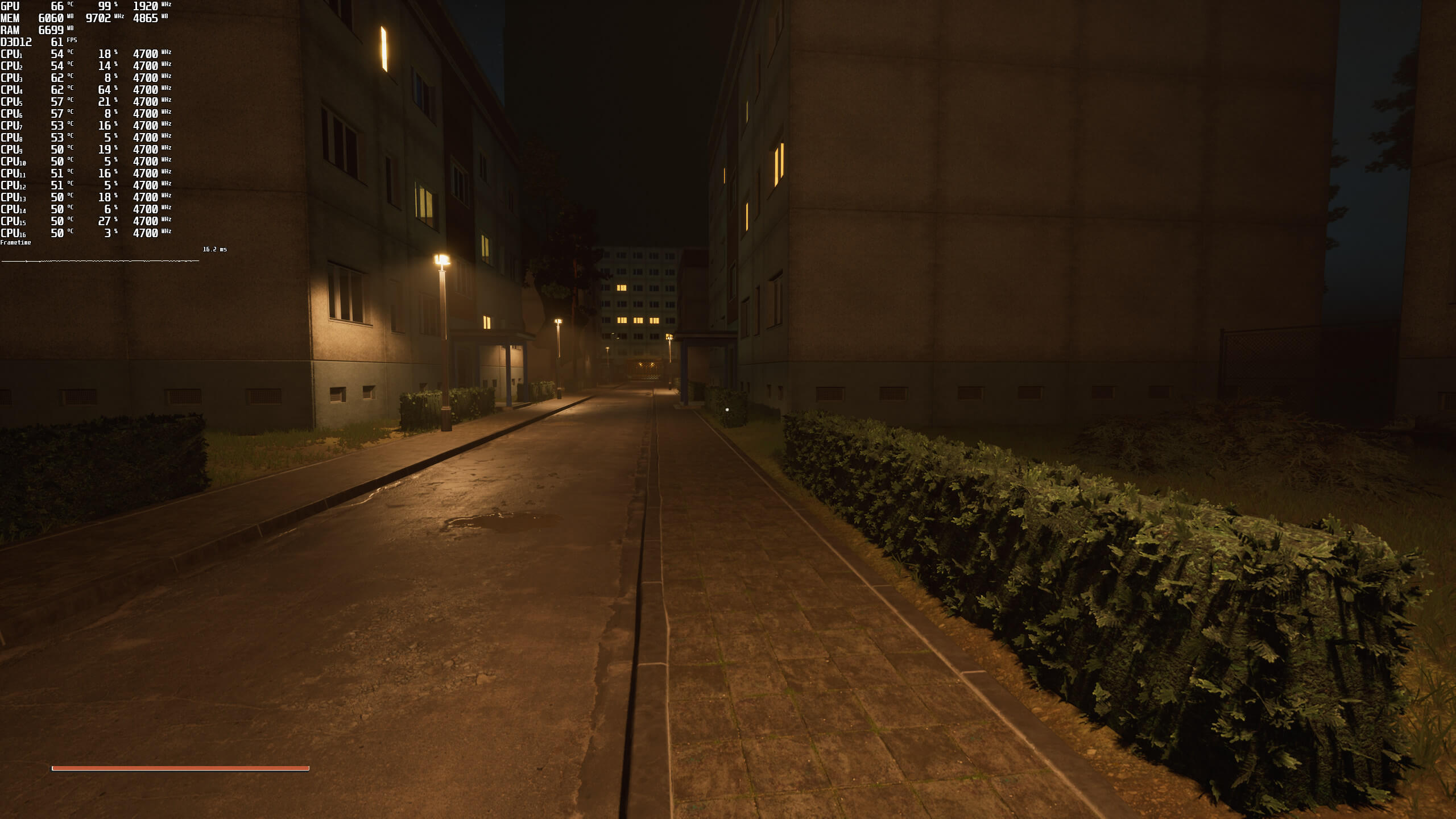
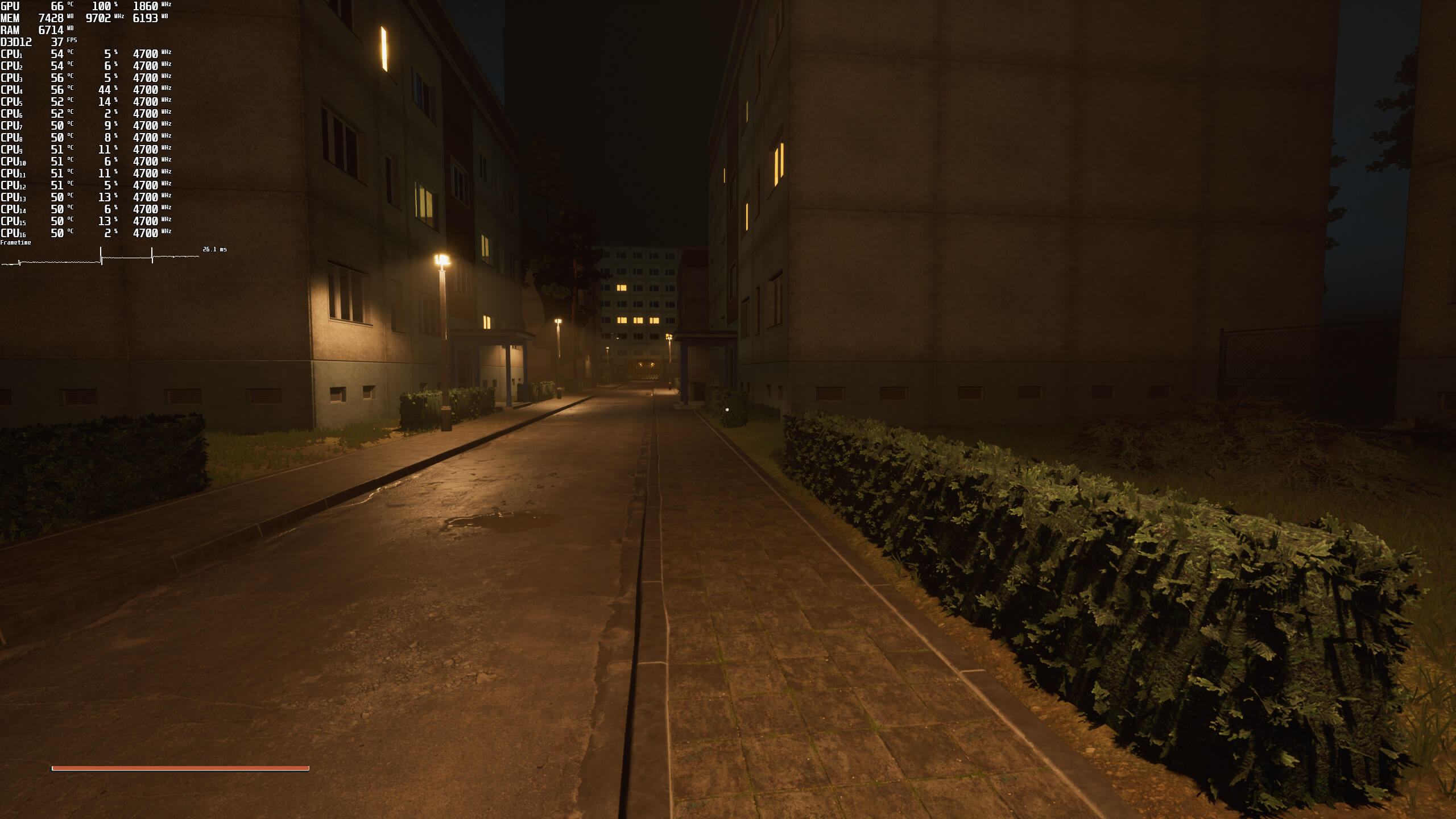
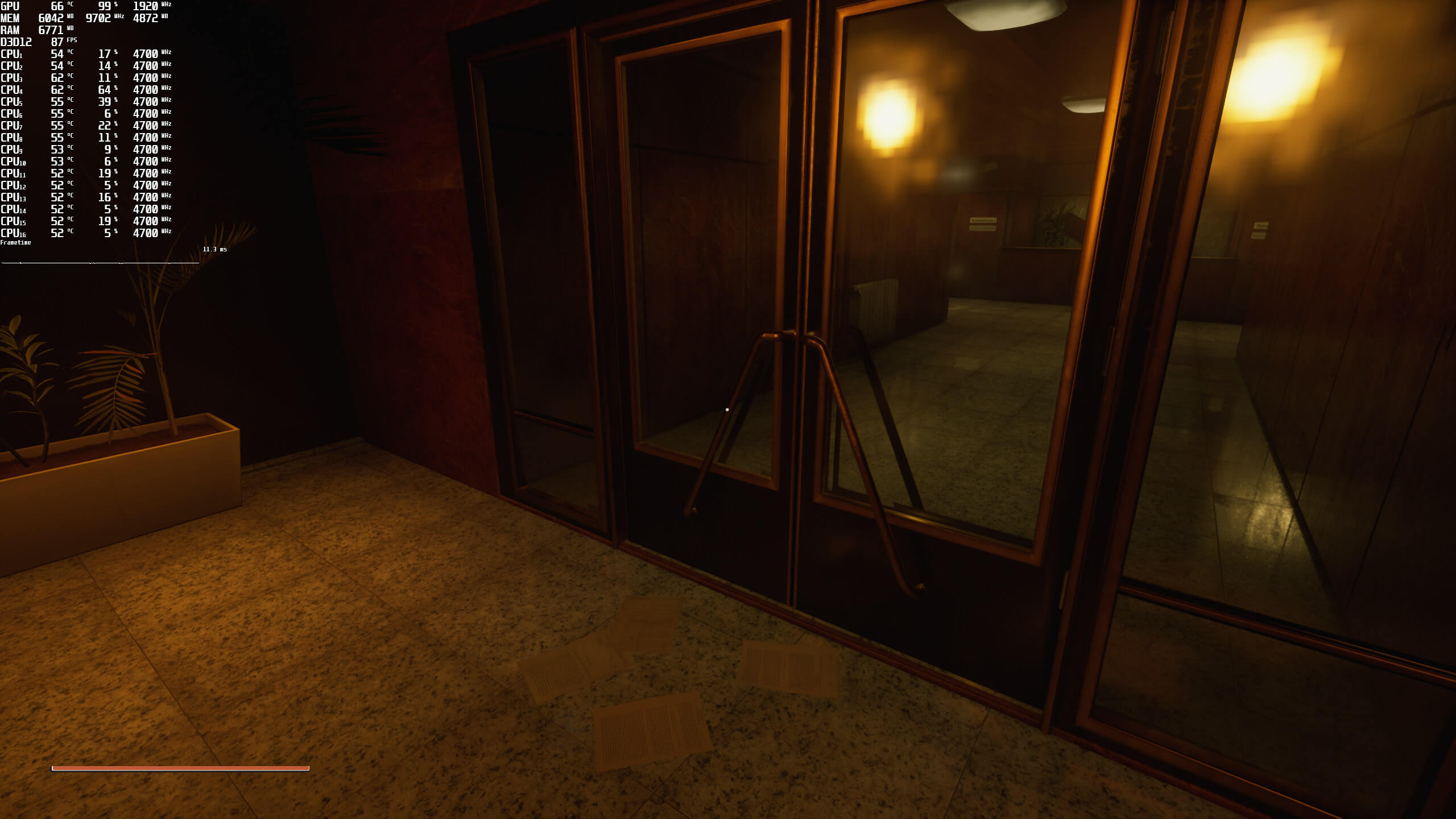
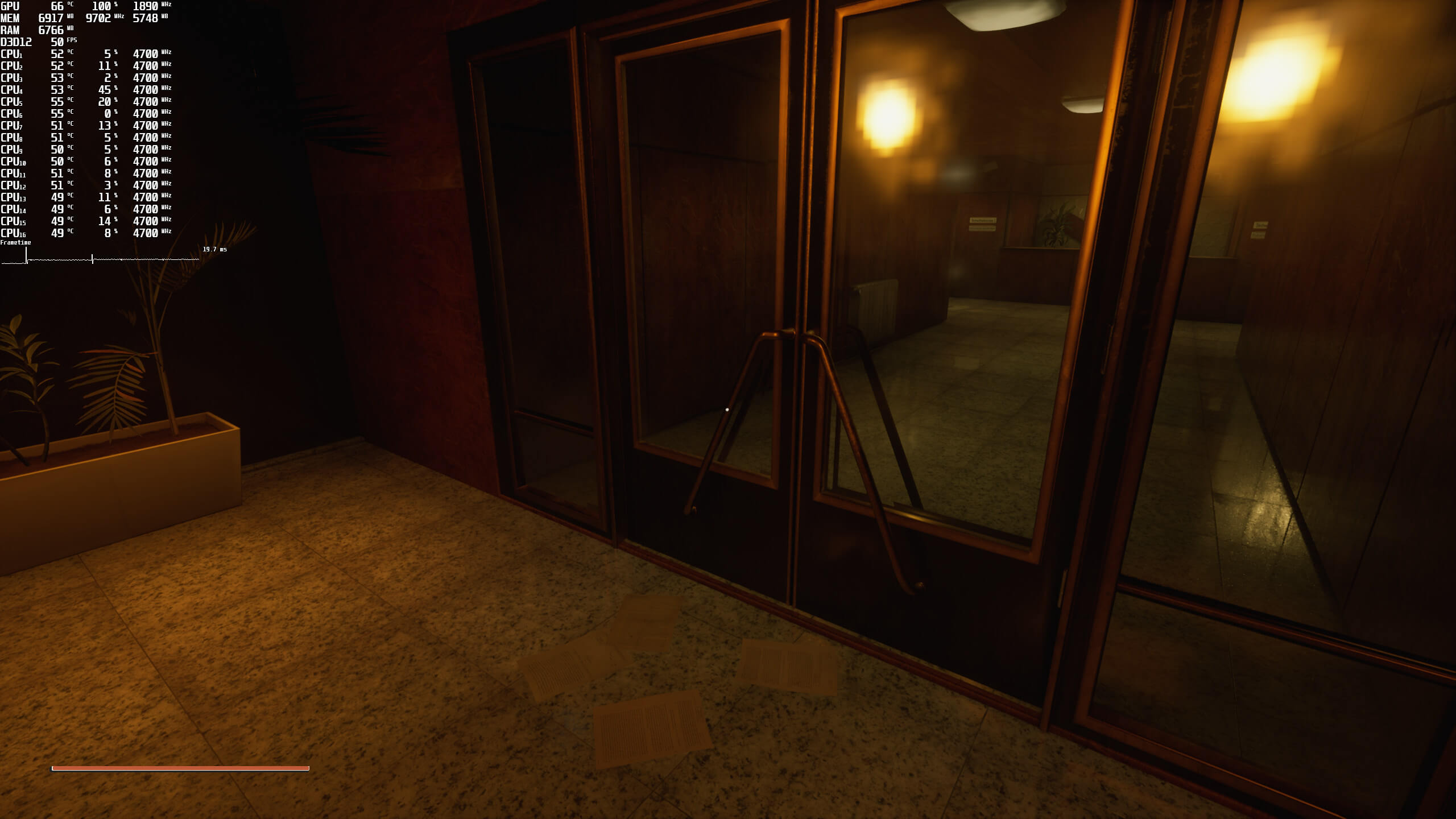

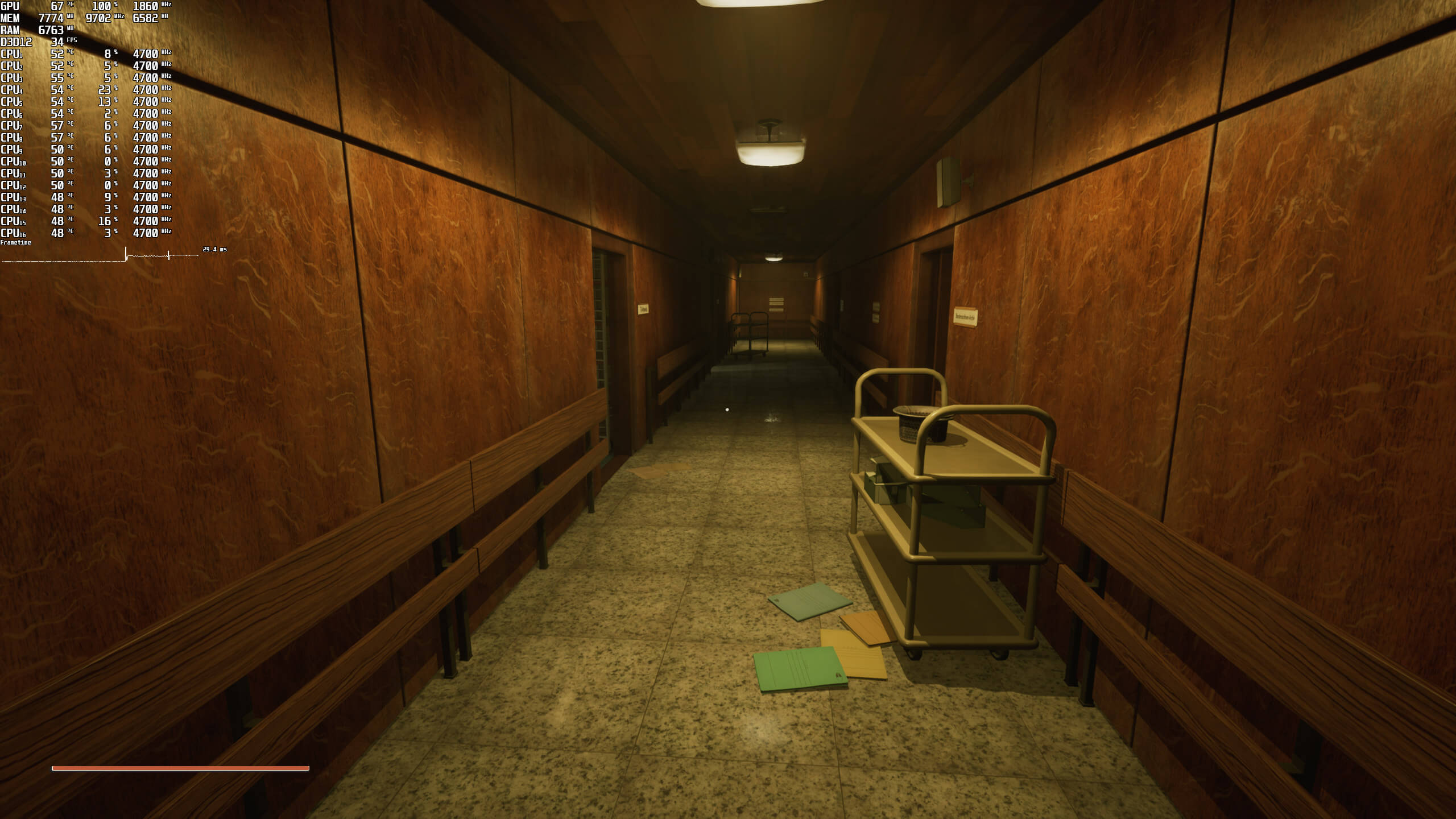
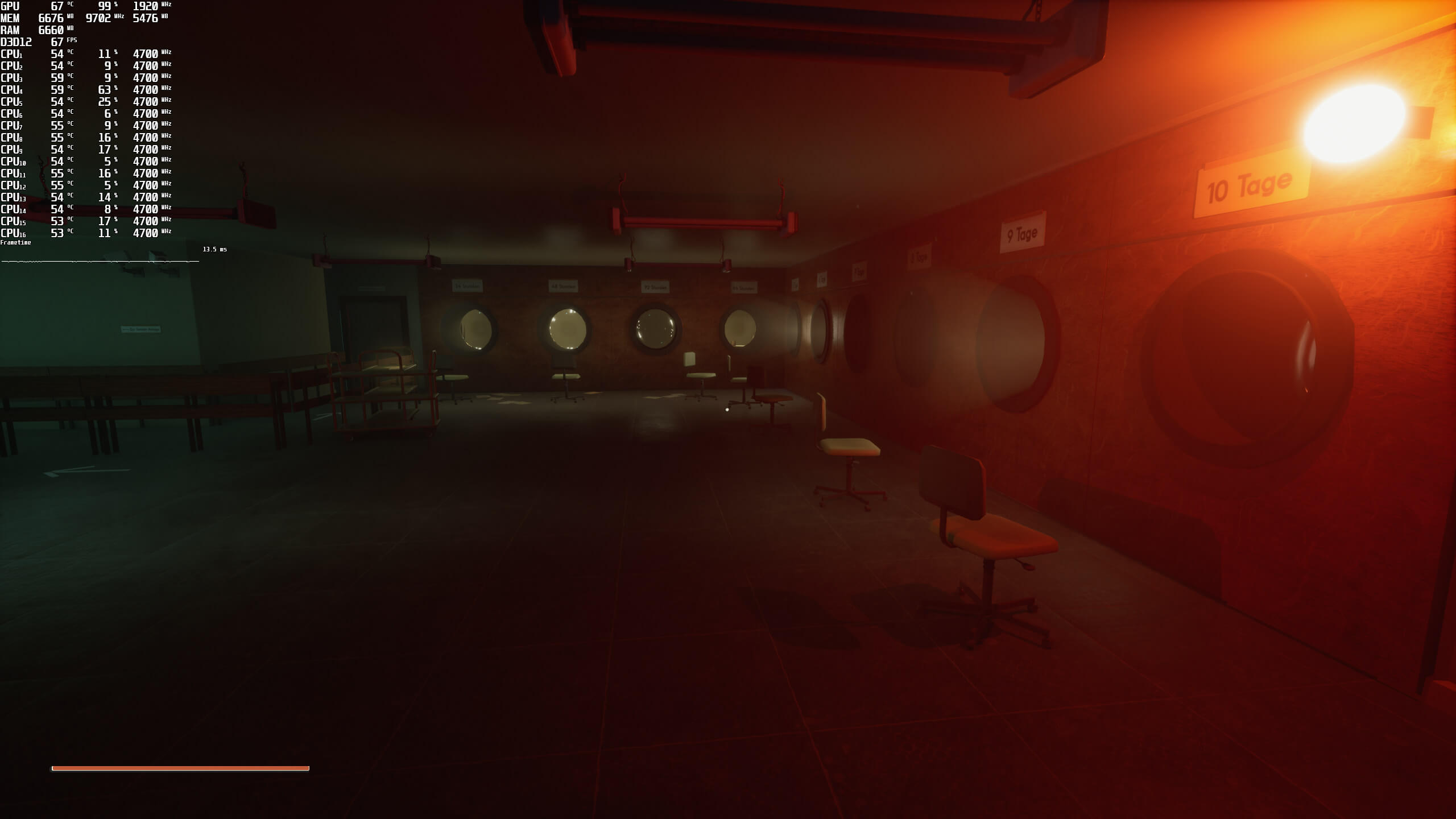
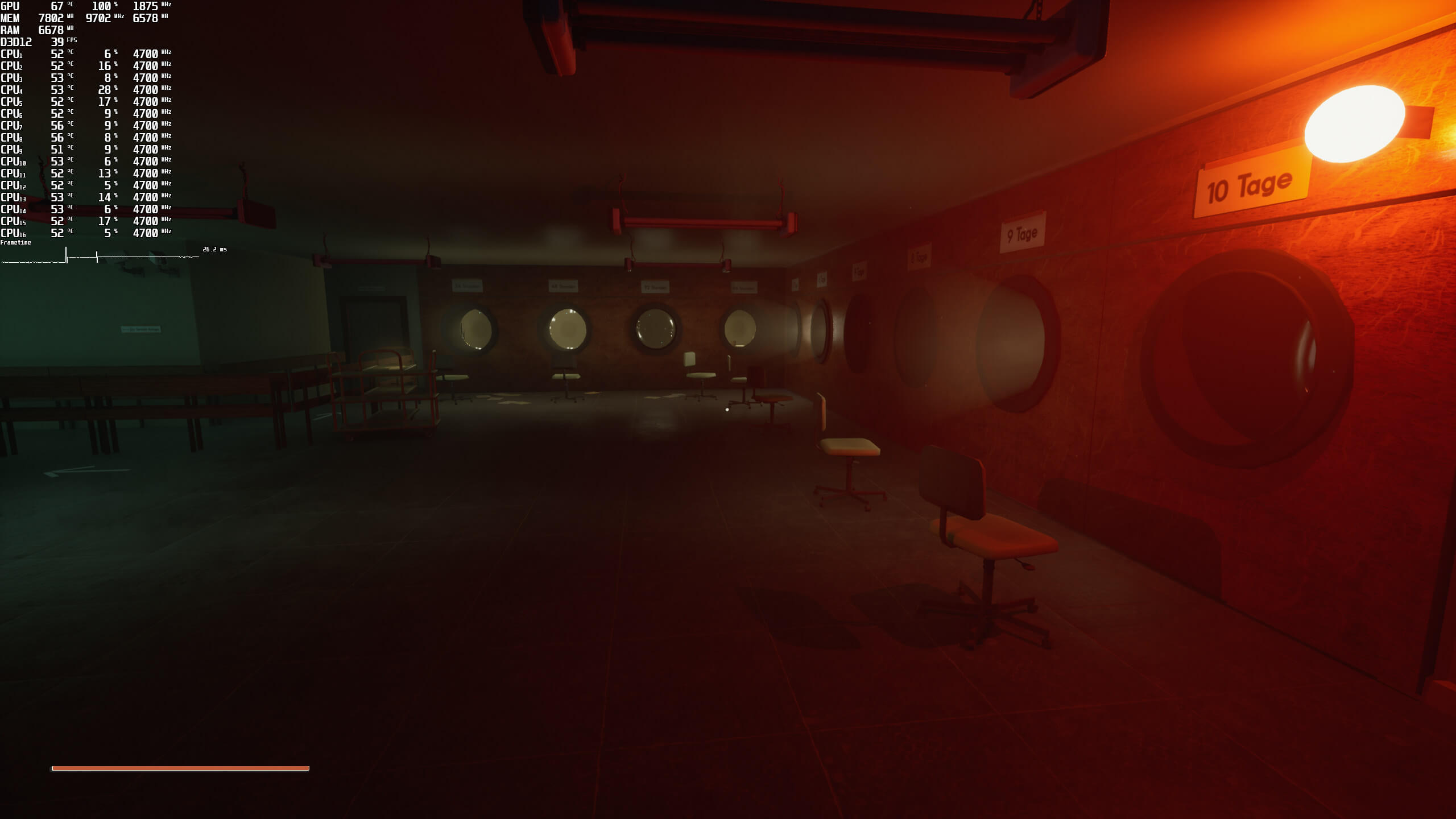
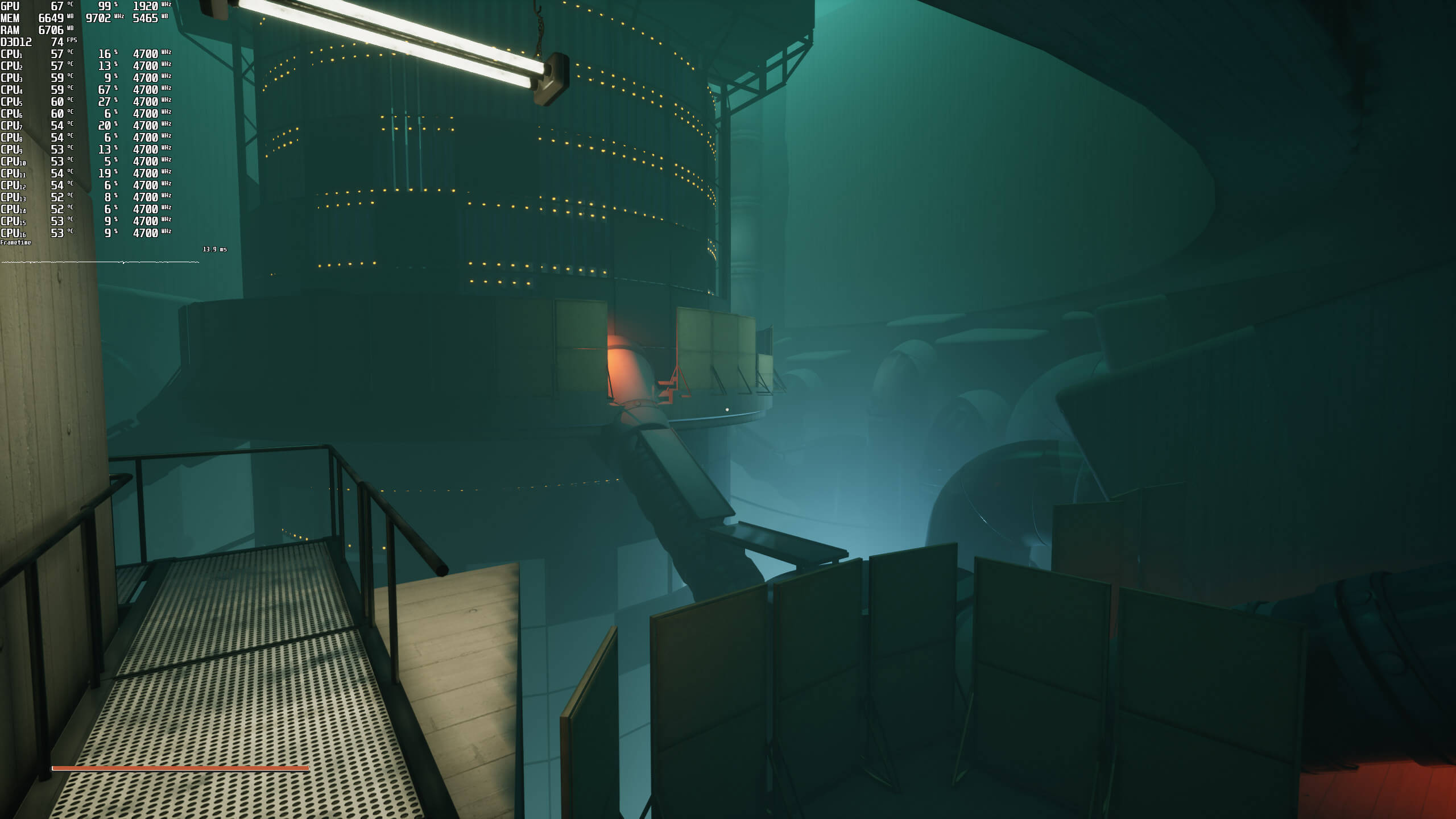


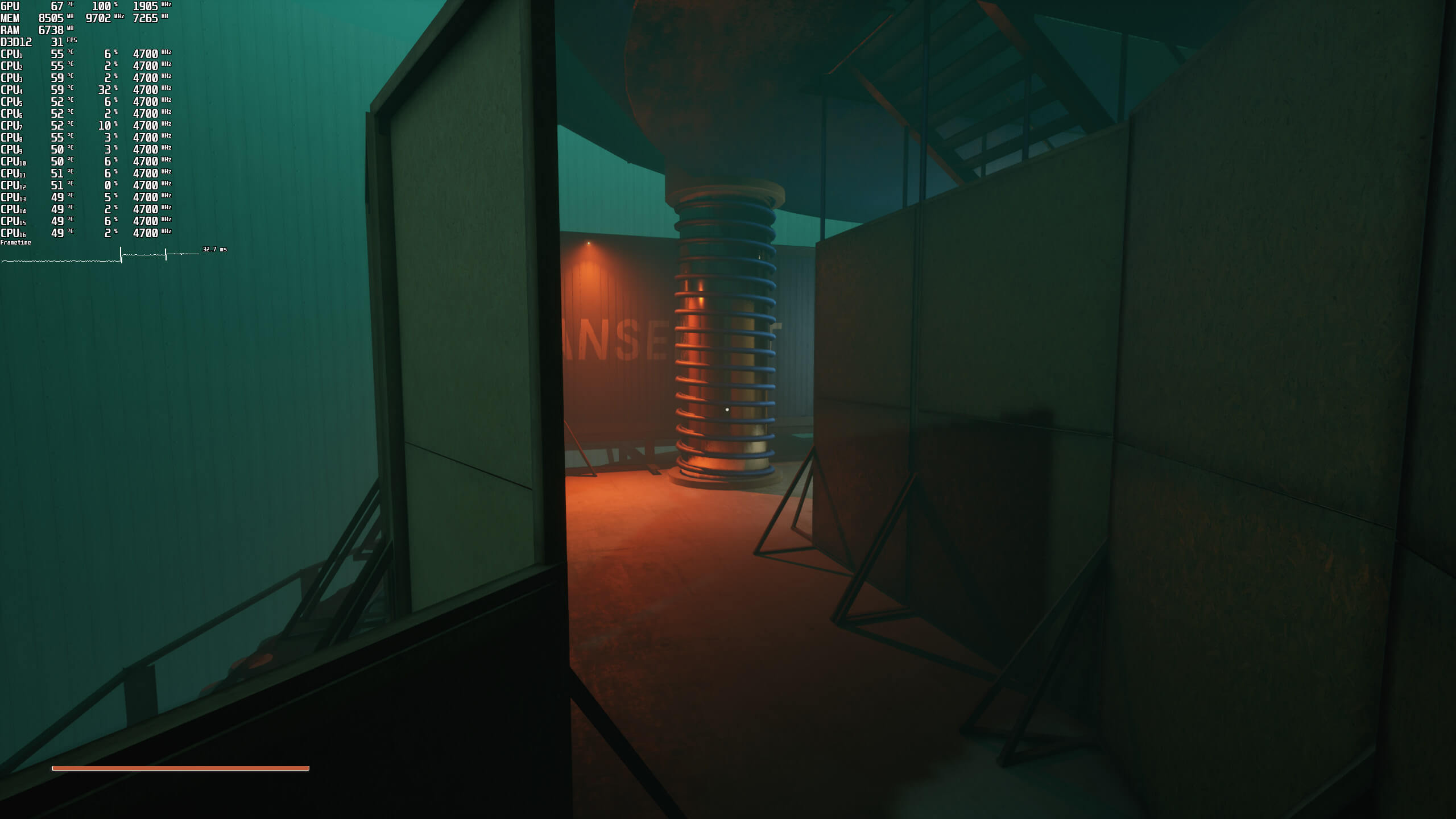

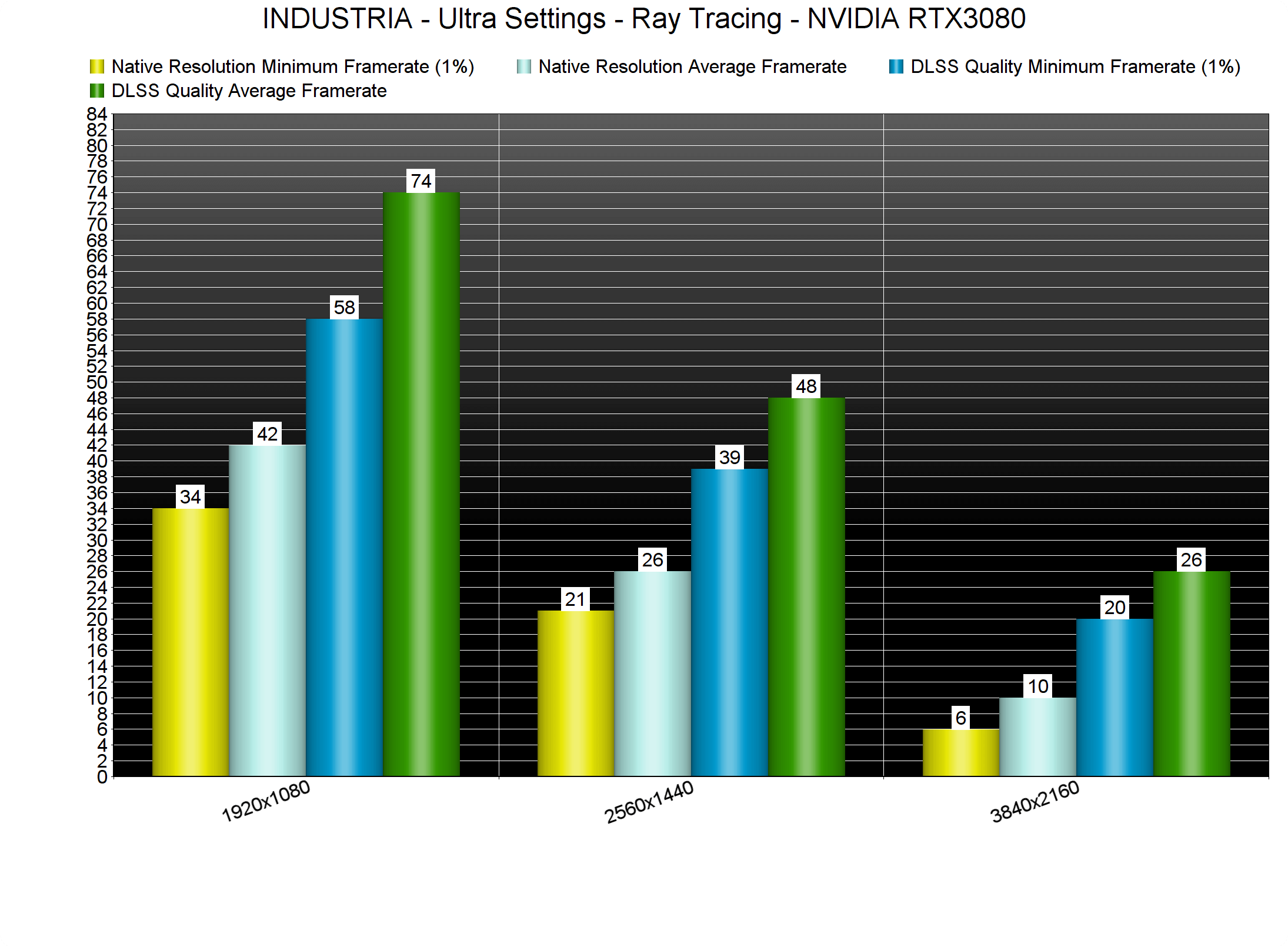
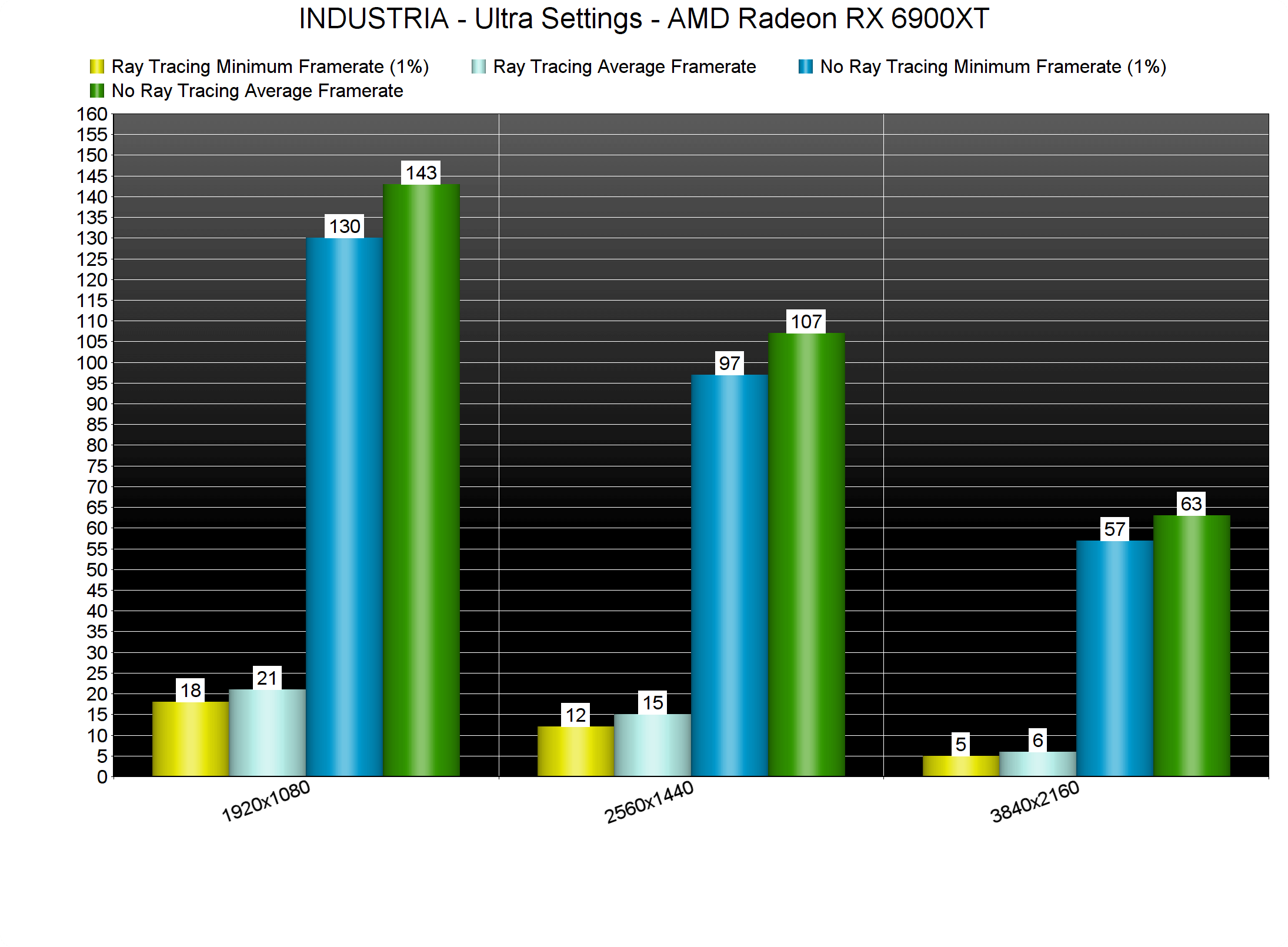
As we’ve already said, the game uses Ray Tracing in order to enhance its Shadows, Reflections and Ambient Occlusion. And although there is a noticeable image improvement, the performance hit of these RT effects is huge. In some cases, we are looking at an 89% decrease. Let this sink in; 89% performance hit. And, to be honest, these visual improvements do not justify this huge performance decrease. Not only that, but the game does not support FSR. As such, AMD’s GPUs cannot handle them, even at 1080p. Our AMD Radeon RX 6900XT, the most powerful GPU that AMD currently offers, was pushing a minimum of 18fps and an average of 21fps. So yeah, forget these RT effects if you don’t own an RTX GPU. Below you can also find some comparison screenshots between the ray-traced and the rasterized versions.
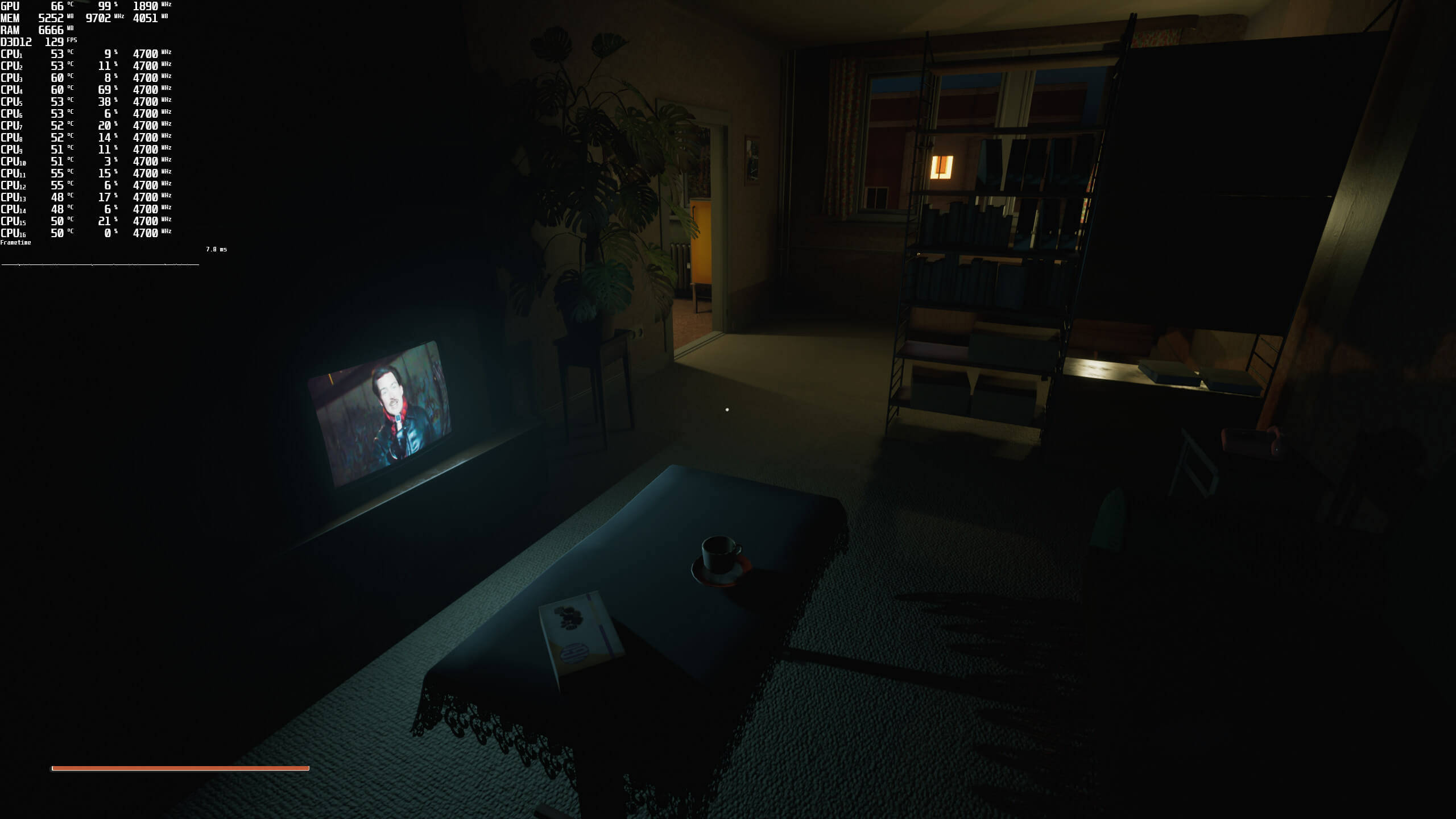
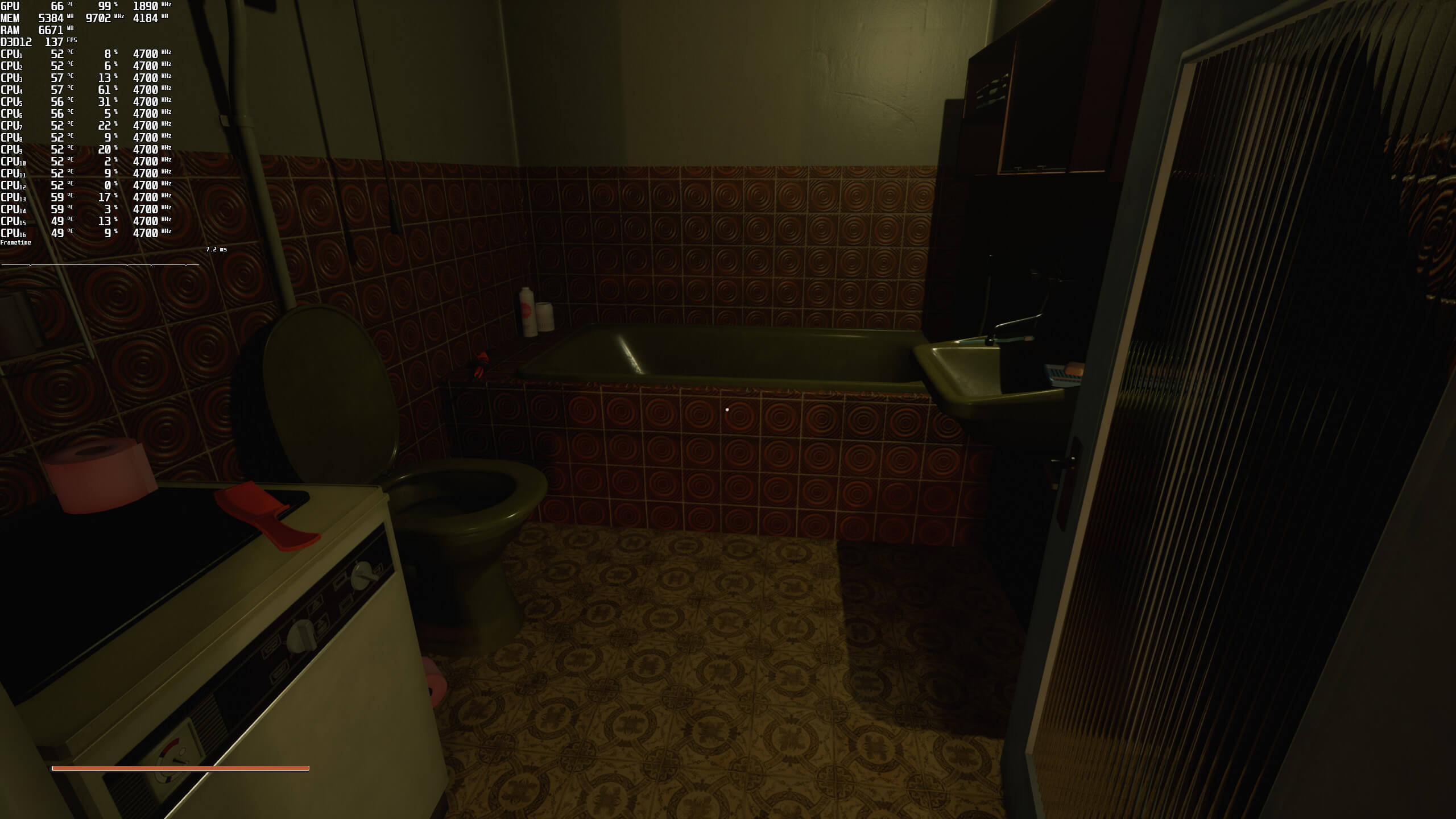
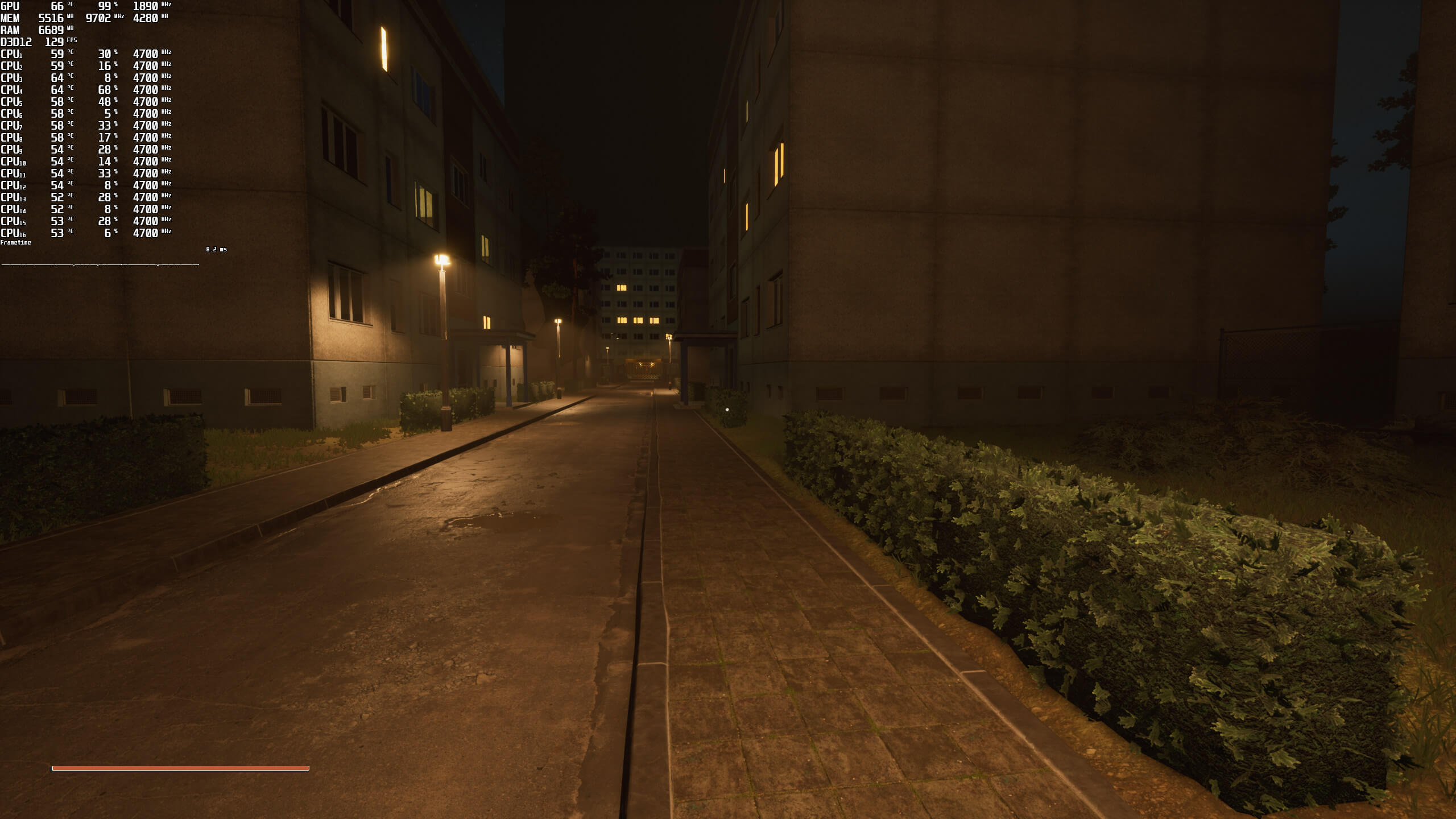

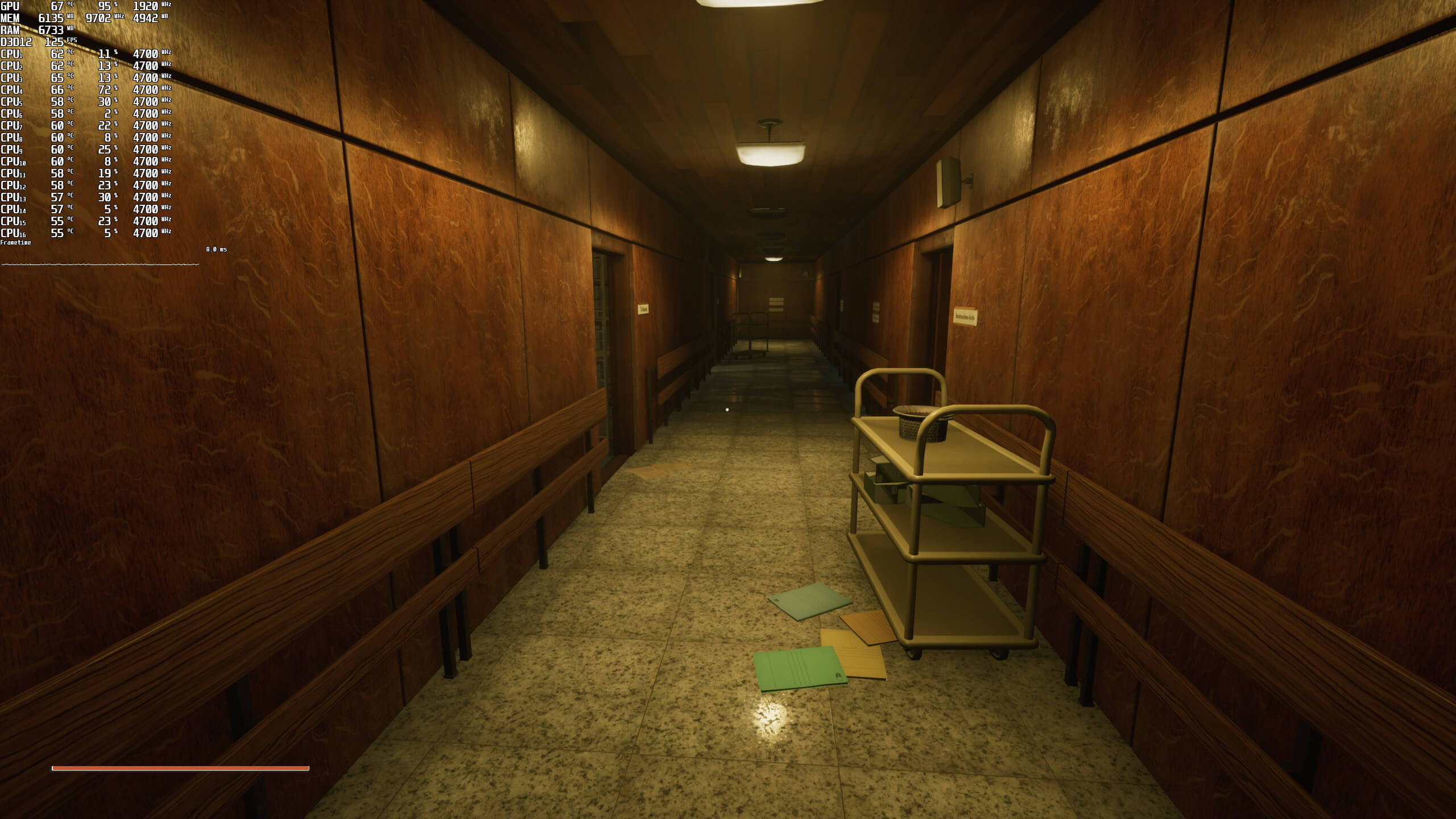

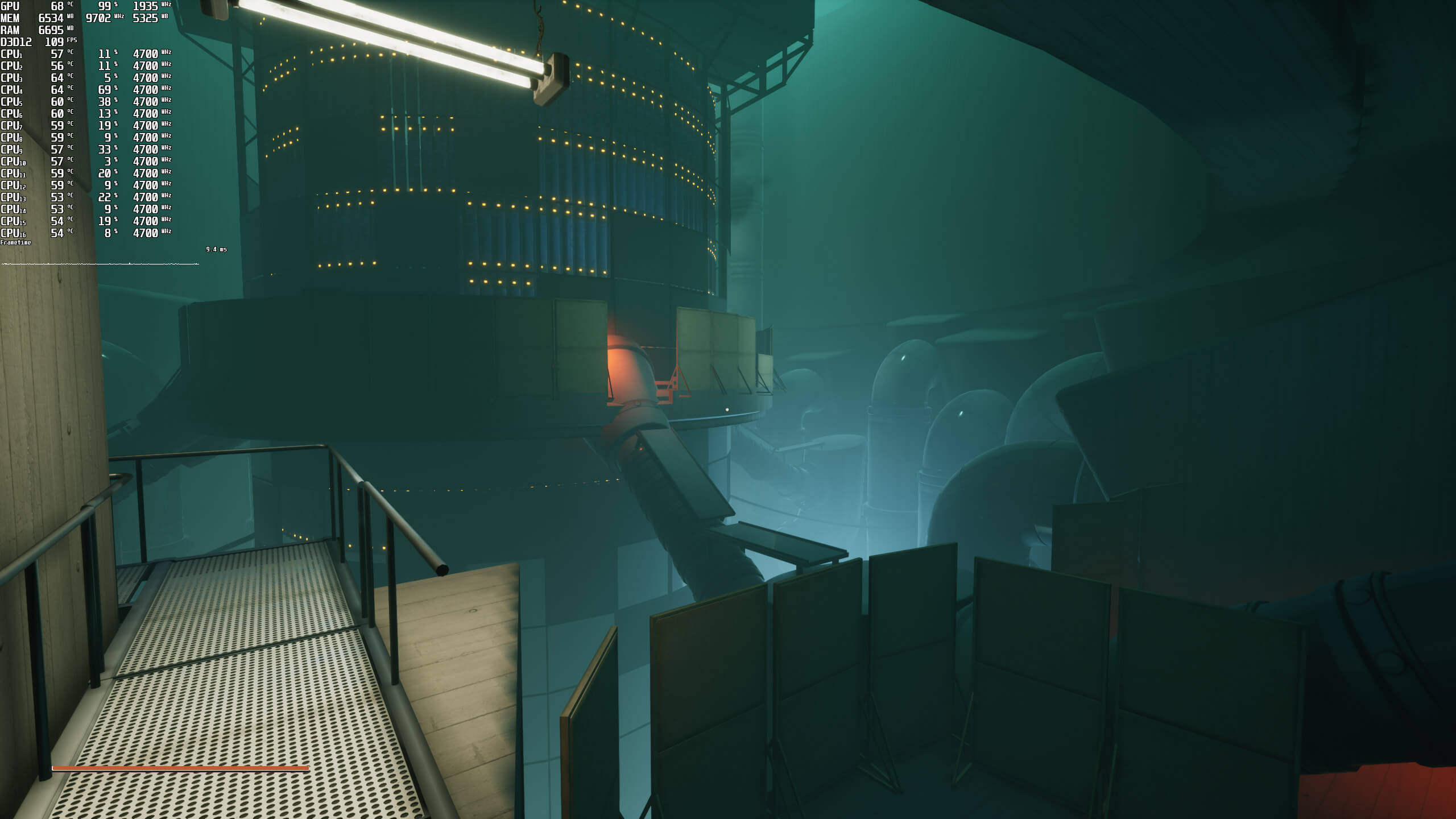
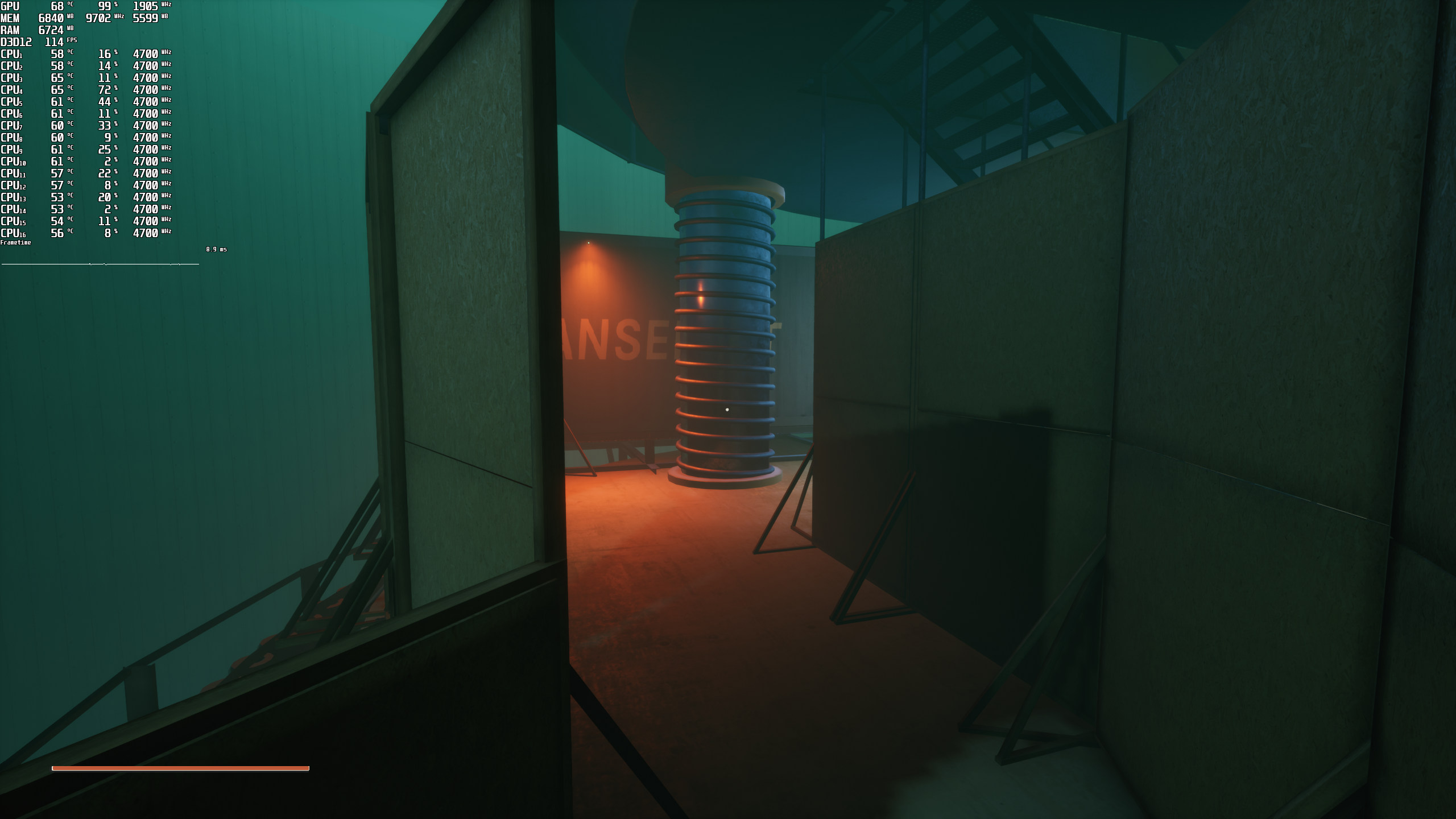

Even without its Ray Tracing effects, INDUSTRIA is a really demanding game on Ultra settings. At 1080p, our AMD Radeon RX580 was able to provide a “console-like” experience and our GTX980Ti was nowhere close to a 60fps experience. Hell, even our AMD Radeon RX Vega 64 was dropping below 60fps.
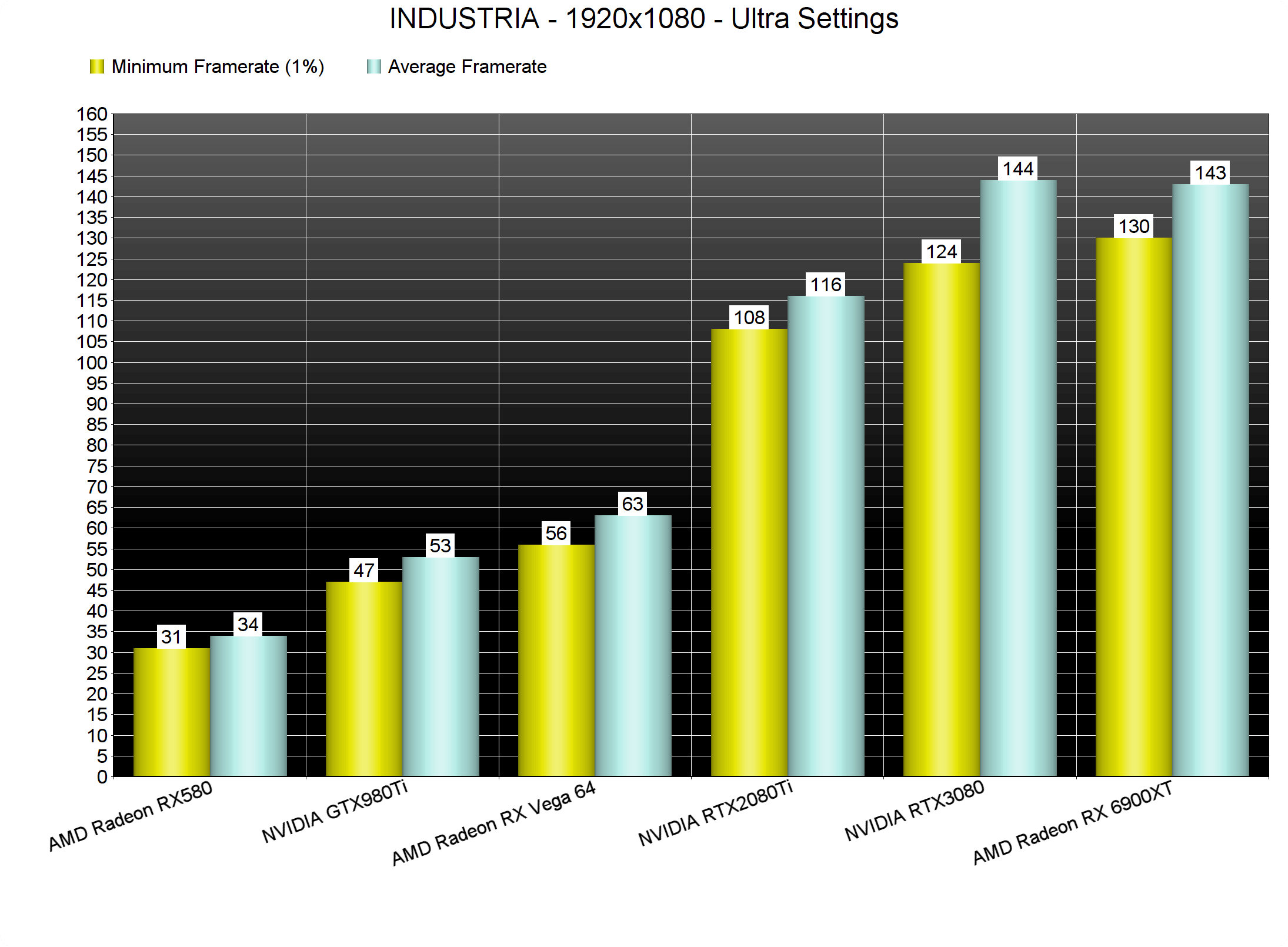
At 1440p/Ultra settings, our top three GPUs were able to provide a smooth gaming experience. As for 4K/Ultra, there wasn’t any GPU that could provide a constant 60fps experience. Again, our benchmark scene is a stress test. Still, and as we’ve already said, later areas may be as demanding as our benchmark scene.
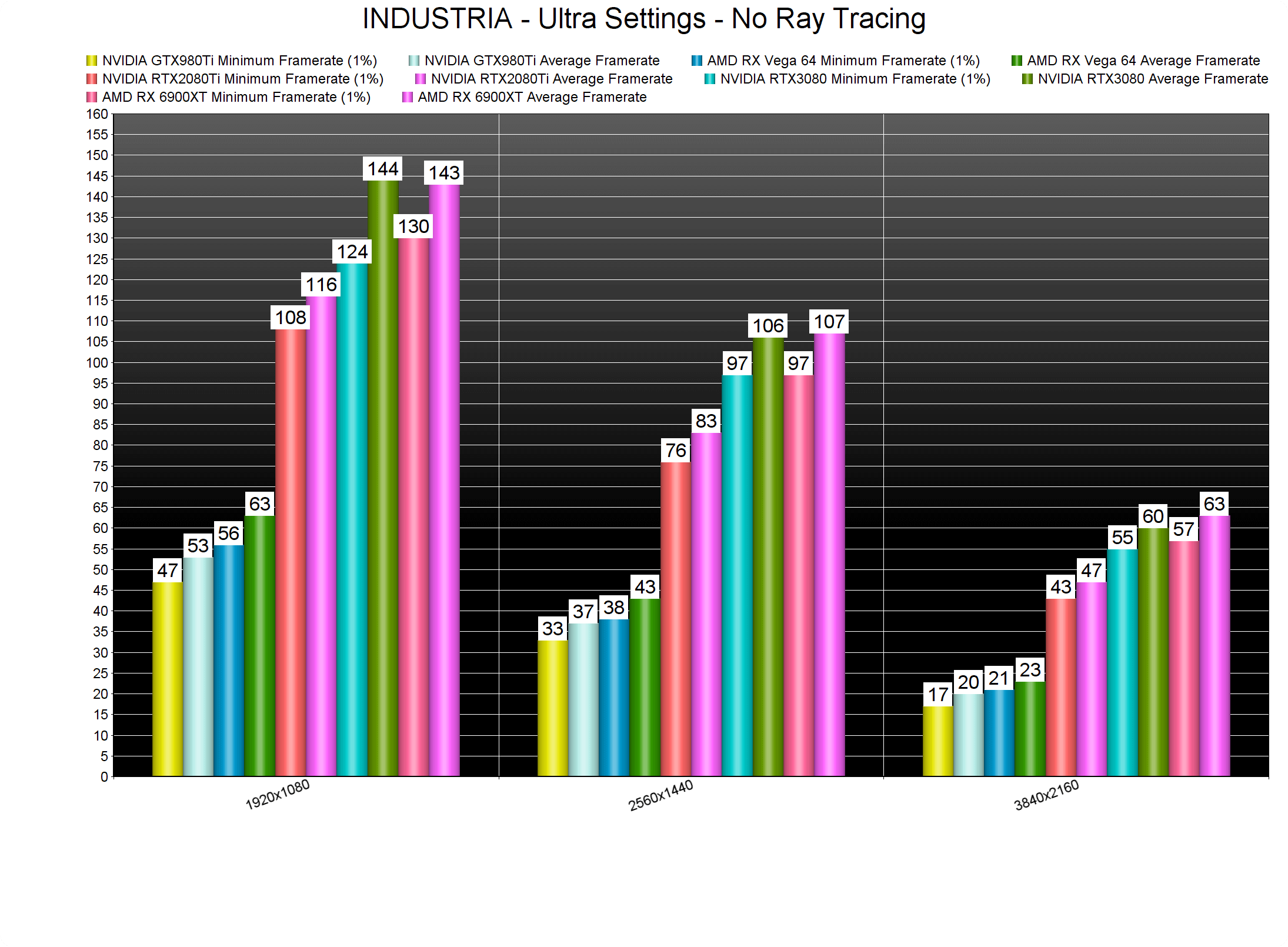
Thankfully, and by lowering the settings, the game can scale on older GPUs. By simply dropping our settings to High, we were able to get a constant 70fps in 4K on our RTX3080.

Graphics-wise, INDUSTRIA does not look particularly impressive. The game suffers from a lot of pop-in issues, and there are annoying stuttering issues when loading new areas. Additionally, there are a lot of polygonal objects (for instance, all the cars look like what we’d expect to find in a PS3 game). Yes, this is a game from a really small studio. However, the game performs horribly for what it presents on screen. At least, and unlike a lot of triple-A games, you can interact with a lot of objects.
All in all, INDUSTRIA does not justify its GPU requirements. Not only that, but its Ray Tracing effects come with a huge performance hit. Thankfully, PC gamers can improve performance by lowering its graphics settings. Still, and for what is being displayed here, this game should be running way, way, WAY better than it currently does!

John is the founder and Editor in Chief at DSOGaming. He is a PC gaming fan and highly supports the modding and indie communities. Before creating DSOGaming, John worked on numerous gaming websites. While he is a die-hard PC gamer, his gaming roots can be found on consoles. John loved – and still does – the 16-bit consoles, and considers SNES to be one of the best consoles. Still, the PC platform won him over consoles. That was mainly due to 3DFX and its iconic dedicated 3D accelerator graphics card, Voodoo 2. John has also written a higher degree thesis on the “The Evolution of PC graphics cards.”
Contact: Email