
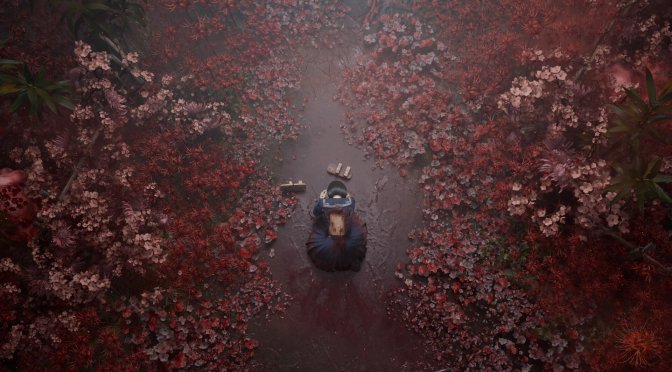
One of my biggest gripes with Silent Hill f is the ridiculous 30fps cap of the cut-scenes. For whatever reason, NeoBards Entertainment decided to lock the cut-scenes at 30FPS. While this may make sense on consoles, it does not on PC. And, thankfully, modder Lyall has released a mod that removes it.
Going into more details, the mod lets you skip intro logos and warnings. It also removes the 30fps cap in cutscenes, and it enables the console. Moreover, it adds support for narrower than 16:10 resolutions. On top of that, it disables the letterboxing/pillarboxing in cutscenes, and it fixes the cropped FOV.
In short, this is a must-have mod for everyone who plans to play this new Silent Hill game. So, make sure to get it from this link.
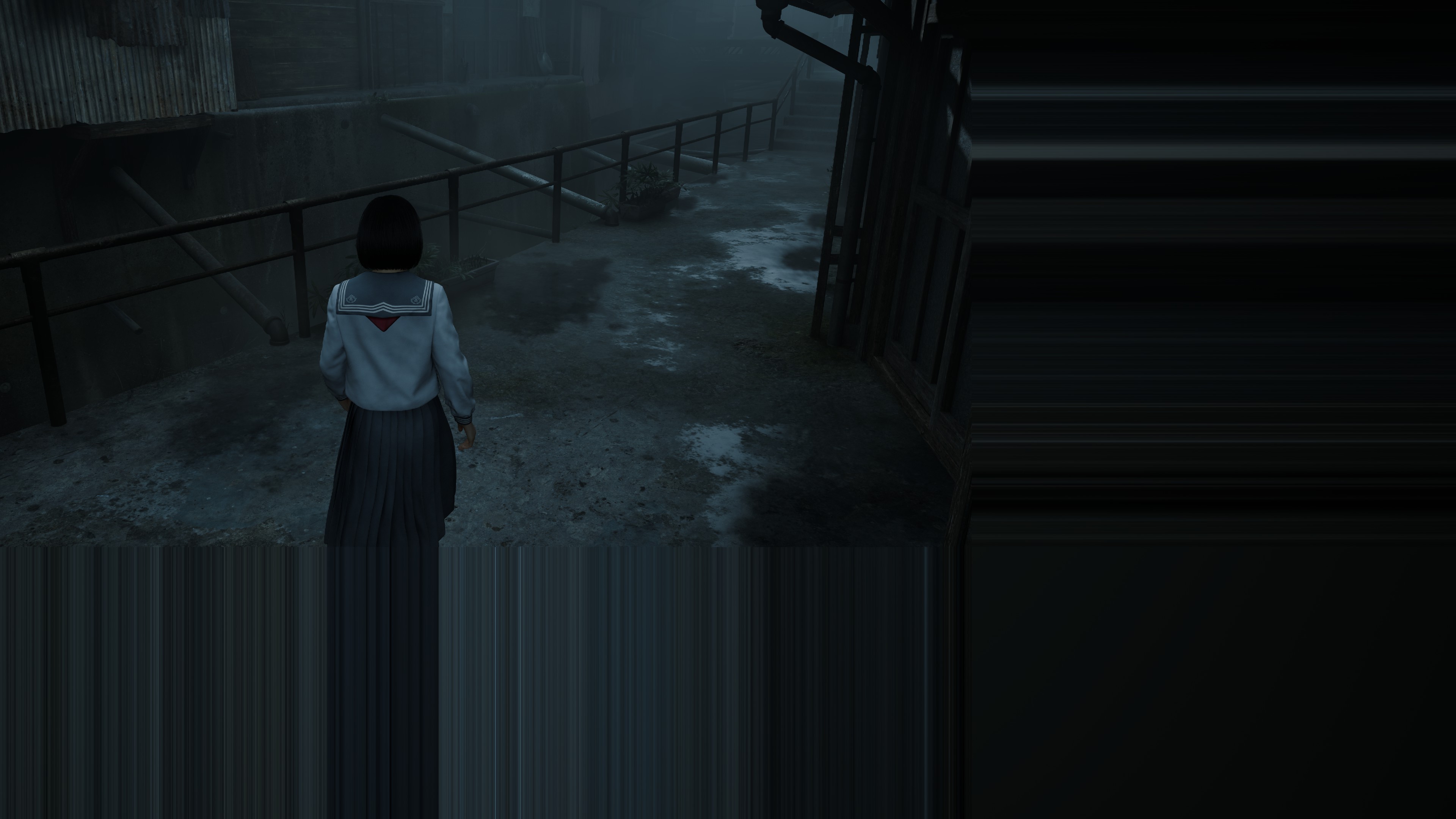
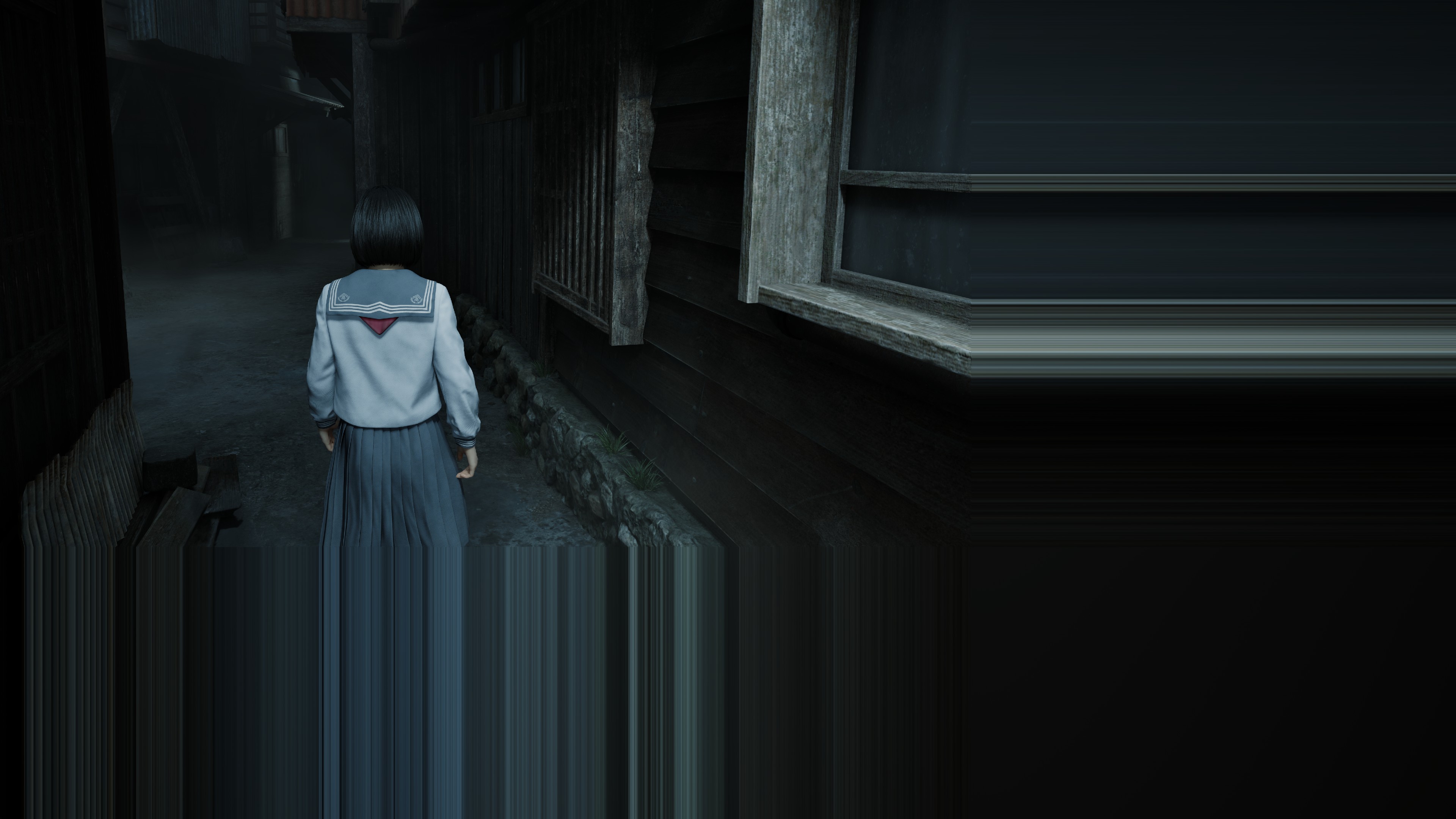
Before continuing, I need to mention some annoying problems I had with the NVIDIA RTX 5090. Just like in Borderlands 4, Silent Hill f has major crashes. You can fix them for a while by reinstalling the driver, but after two or three reboots, the crashes come back. Not only that, but the game suffers from MAJOR visual artifacts. Just look at the following screenshots. The good news is that you fix these specific artifacts by using TSR. From the looks of it, these visual issues are caused by DLSS. NVIDIA needs to step up its game, as this is inexcusable. A lot of games right now use UE5, and the recent NVIDIA GPUs have major issues with that engine.
I can also confirm that Silent Hill f suffers from major PSO stutters. There are also a few traversal stutters. So, while the game’s overall performance is great, your experience will be quite bad due to these stutters. This is something that the devs need to fix. It’s inexcusable for a game to suffer from shader compilation stutters in 2025.
Our PC Performance Analysis will go live later this week, so stay tuned for more!

John is the founder and Editor in Chief at DSOGaming. He is a PC gaming fan and highly supports the modding and indie communities. Before creating DSOGaming, John worked on numerous gaming websites. While he is a die-hard PC gamer, his gaming roots can be found on consoles. John loved – and still does – the 16-bit consoles, and considers SNES to be one of the best consoles. Still, the PC platform won him over consoles. That was mainly due to 3DFX and its iconic dedicated 3D accelerator graphics card, Voodoo 2. John has also written a higher degree thesis on the “The Evolution of PC graphics cards.”
Contact: Email