

Milestone has lifted the review embargo for its new arcade racing game, Screamer. Powered by Unreal Engine 5, it’s time now to benchmark it and examine its performance on PC.
For our benchmarks, I used an AMD Ryzen 9 7950X3D, 32GB of DDR5 at 6000Mhz, AMD’s Radeon RX 6900XT, RX 7900XTX, RX 9070XT, as well as NVIDIA’s RTX 2080Ti, RTX 3080, RTX 4090, RTX 5080, and RTX 5090. I also used Windows 10 64-bit, the GeForce 595.76, and the Radeon Adrenalin Edition 26.3.1 drivers.
Milestone has added a few graphics settings to tweak. PC gamers can adjust the quality of Effects, Shadows, Global Illumination, Textures, and more. Screamer also supports NVIDIA DLSS 4 (with Multi-Frame Gen) and AMD FSR 4.0. However, there is no support for Intel XeSS 2.0.
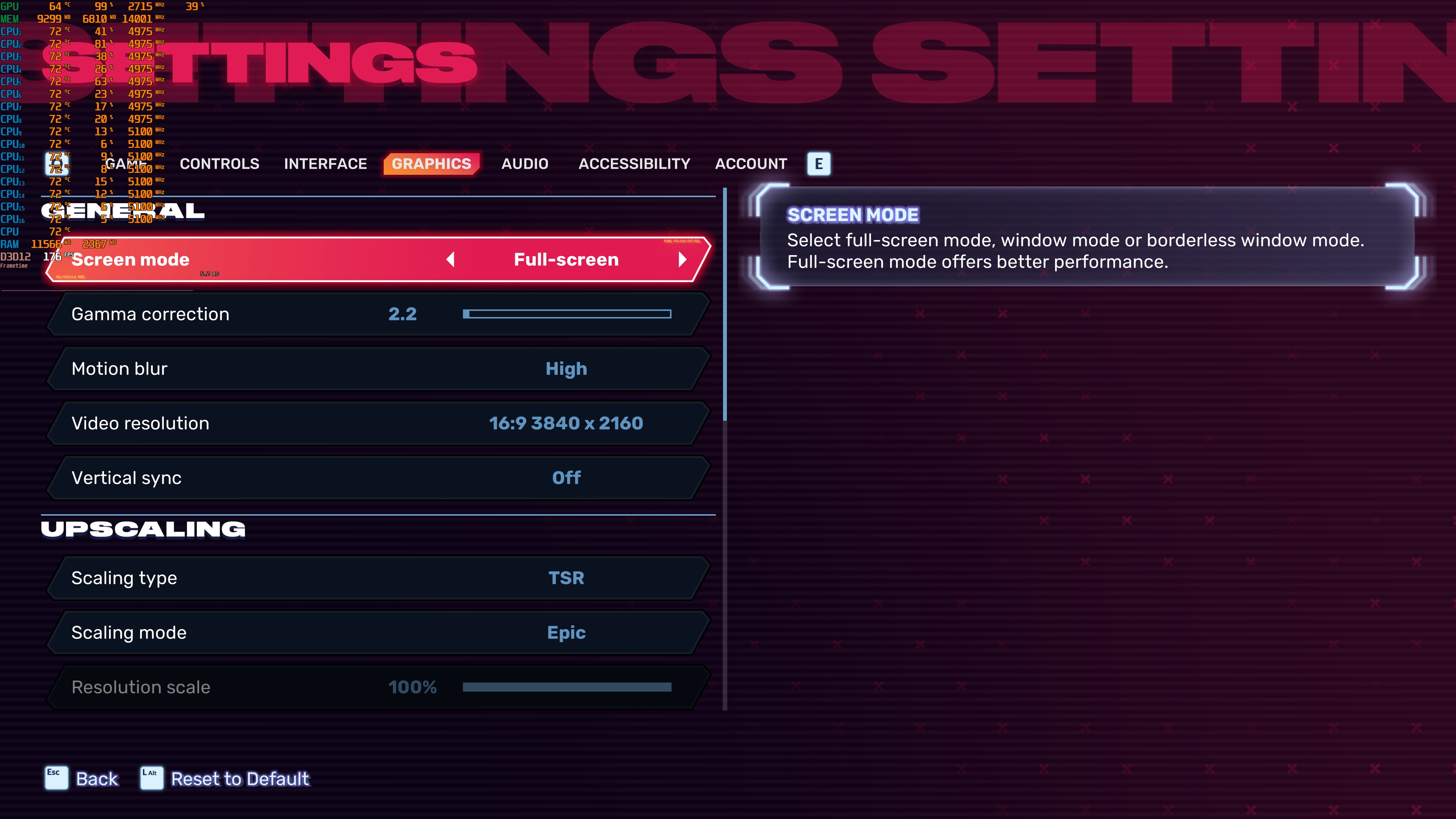
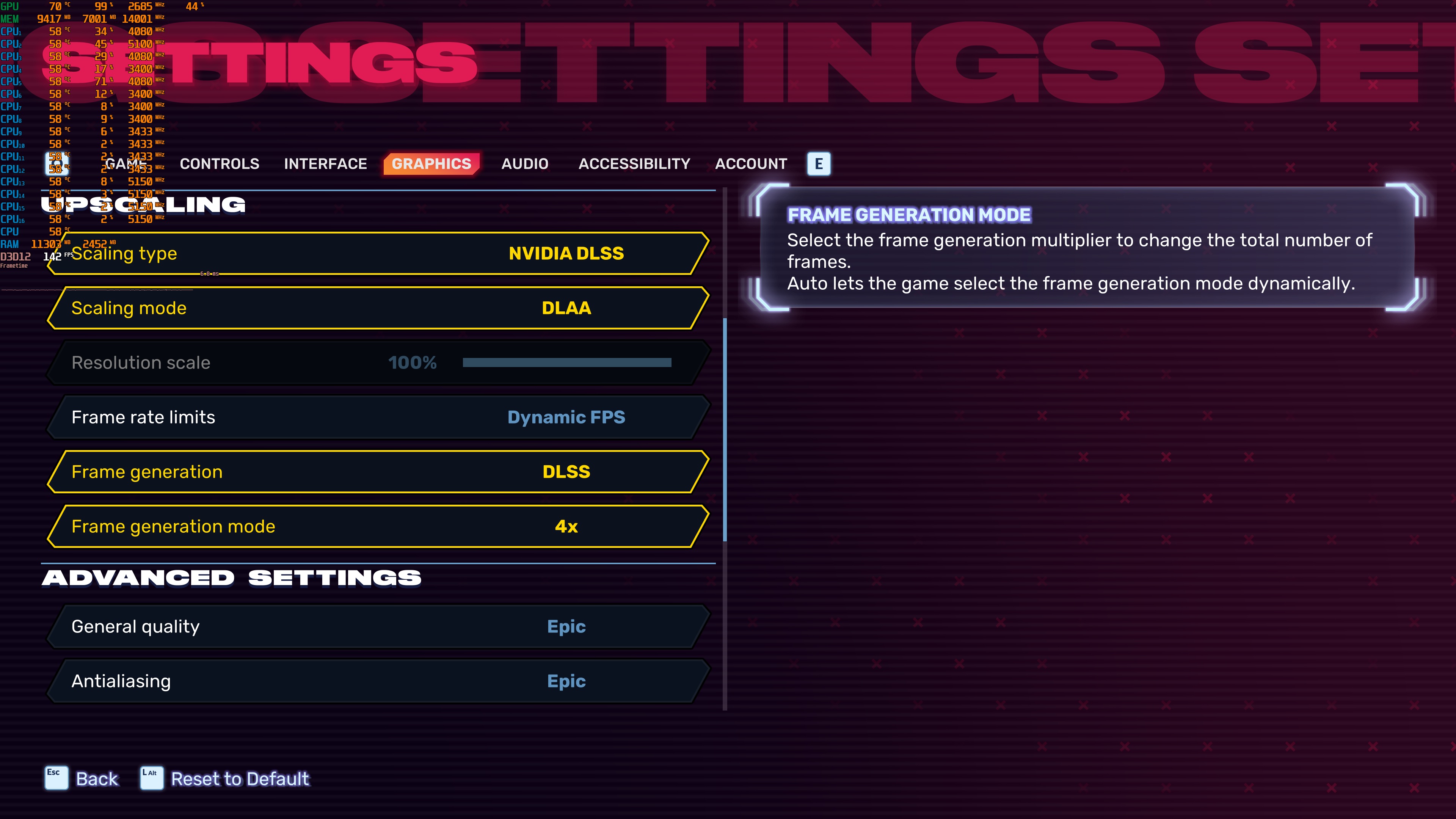
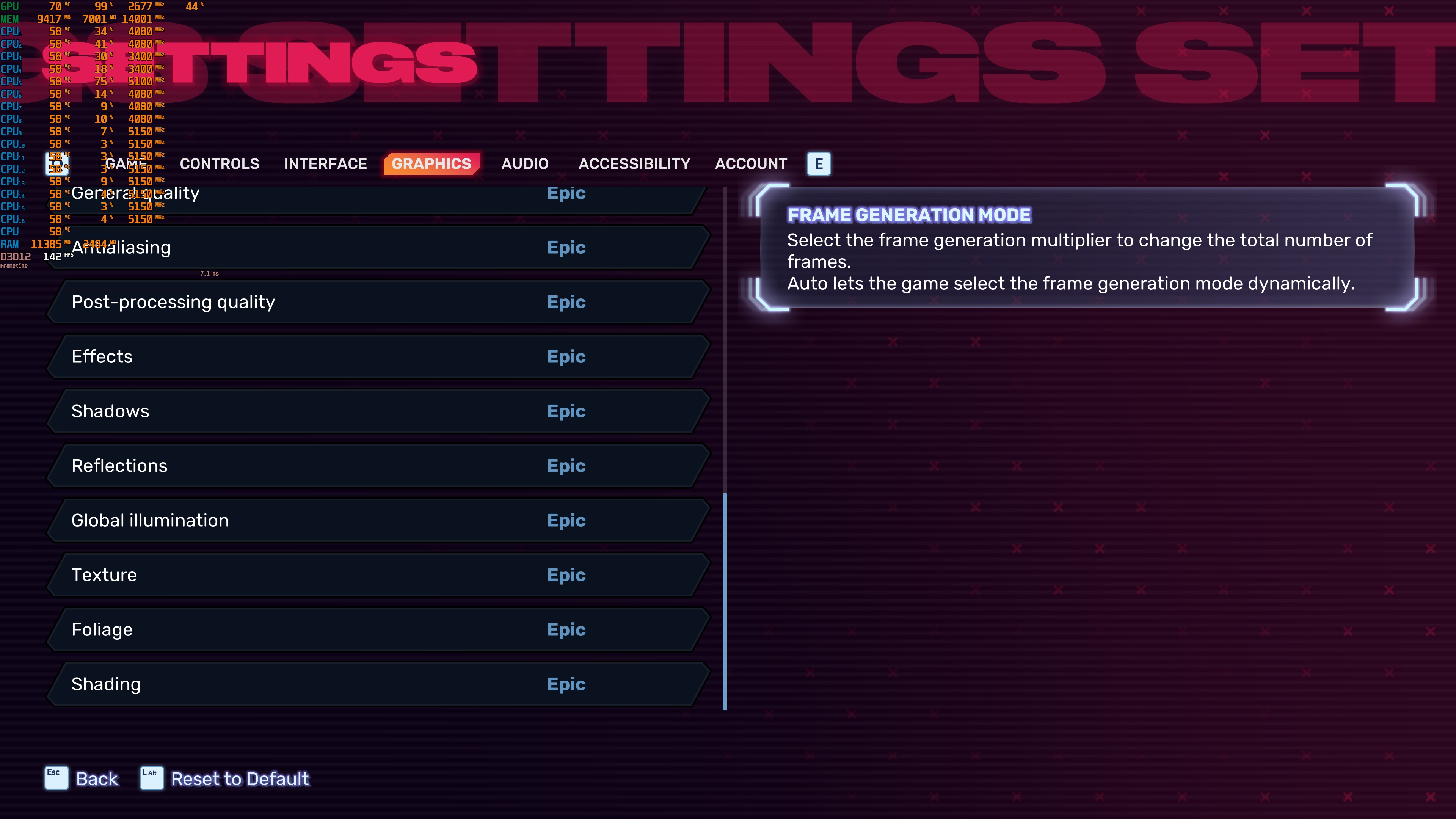
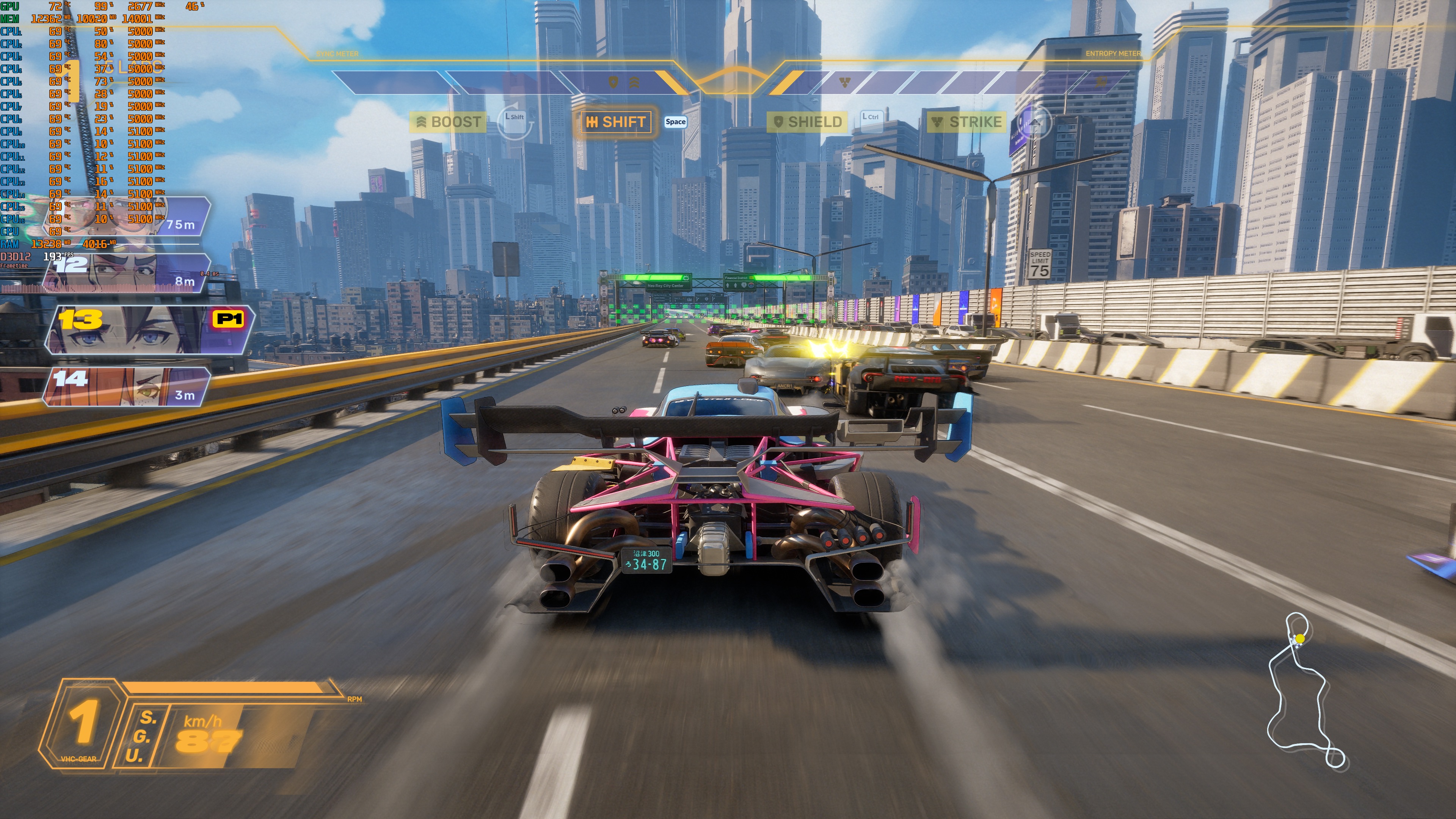
Screamer does not feature a built-in benchmark tool. So, for our tests, I used the Stadium Olympus arcade stage. From what I could see, this was a demanding one (when racing with all cars). As such, it should give us a pretty good idea of how the rest of it runs.
At 1080p/Epic Settings, our top five GPUs were able to provide framerates over 60FPS at all times. The AMD Radeon RX 6900XT was also able to provide a smooth gaming experience, provided you use a FreeSync monitor.
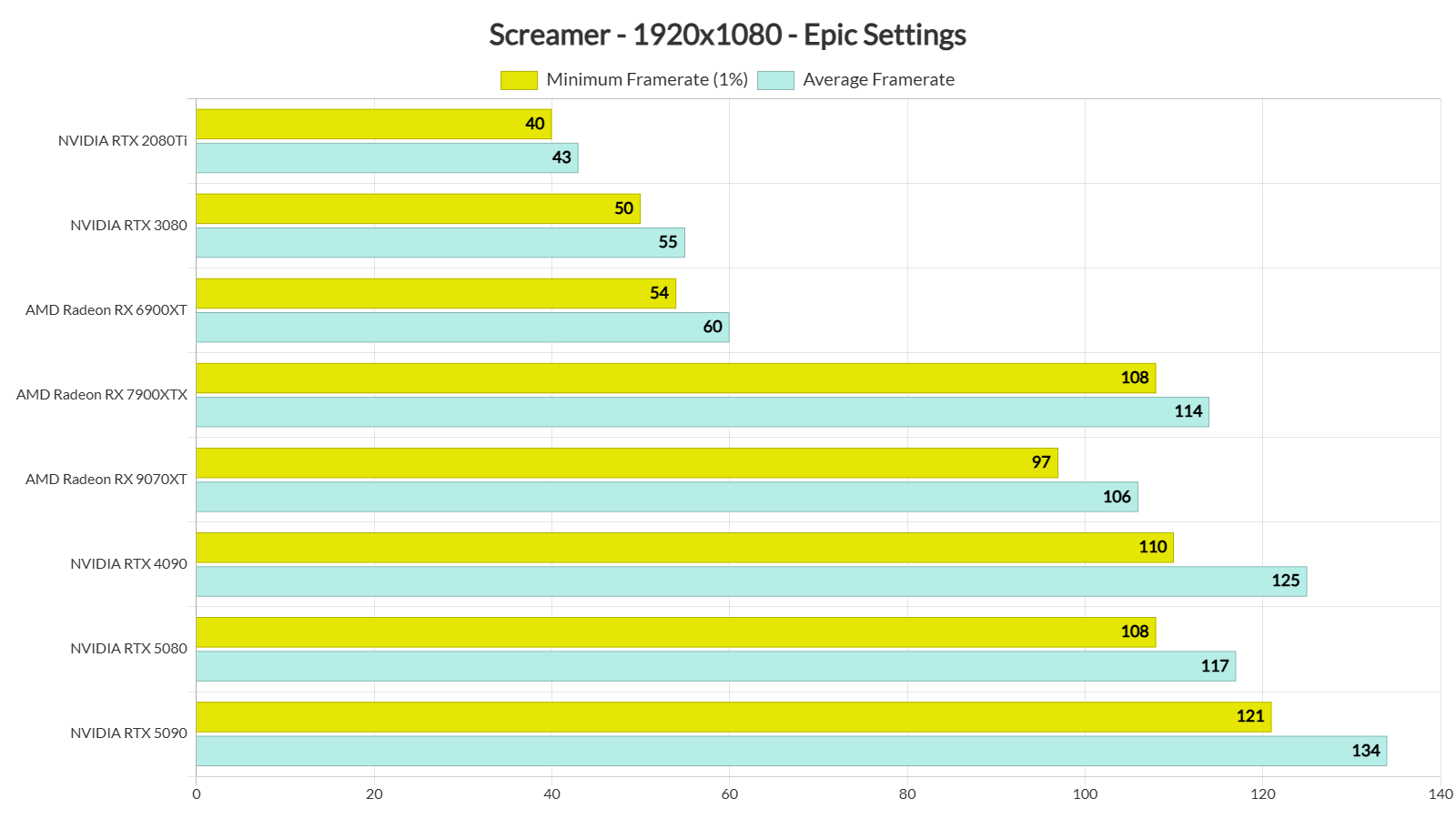
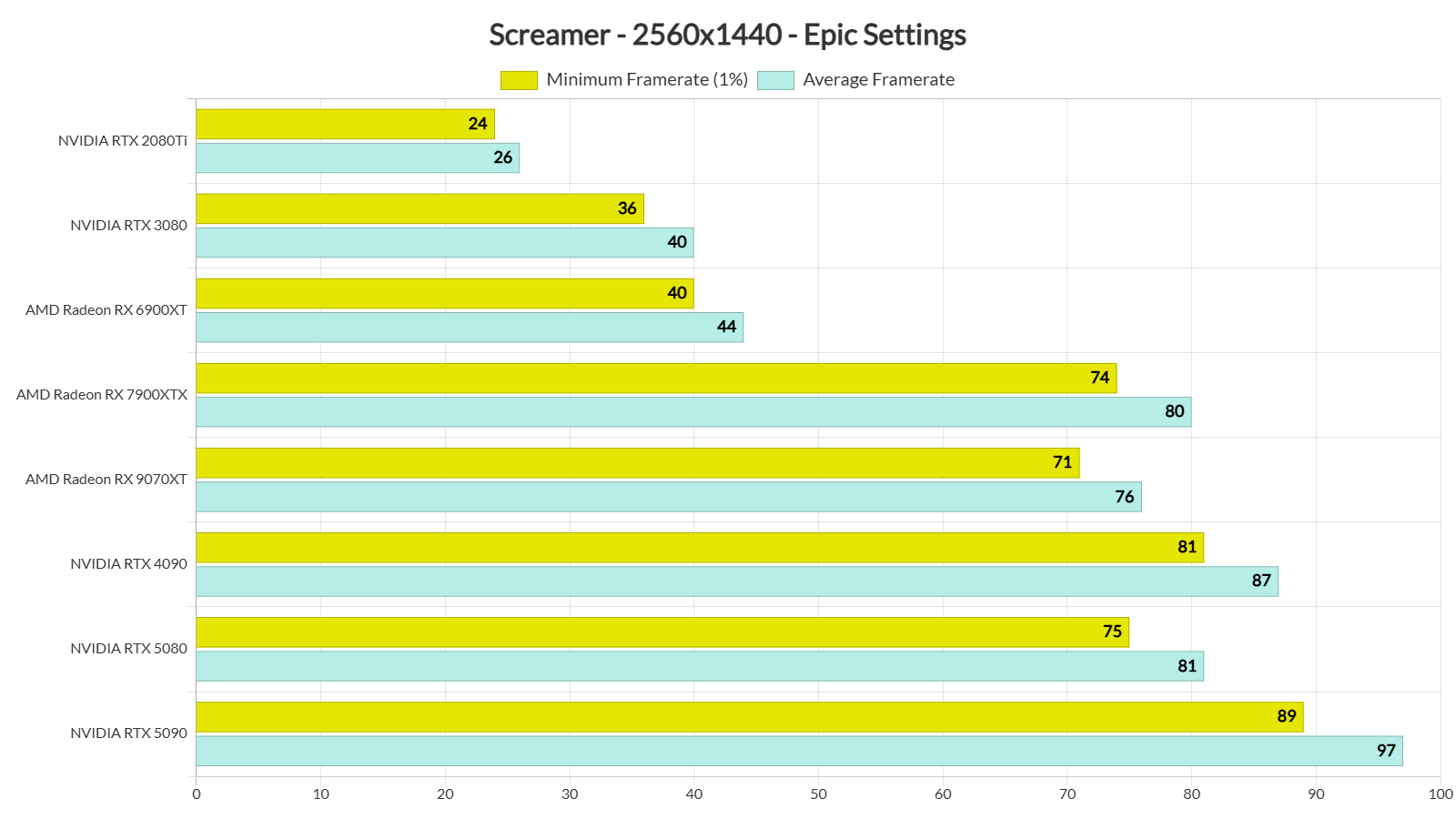
Our top five GPUs had no trouble at all running the game at 1440p/Epic Settings. It’s worth noting that the AMD Radeon RX 7900XTX is able to match the performance of the NVIDIA RTX 5080 at both 1080p and 1440p. The AMD Radeon RX 9070XT is also really close to the NVIDIA RTX 5080. So, from what we can see, this game loves AMD’s hardware.
Finally, at Native 4K with Epic Settings, there isn’t any GPU that can provide a 60FPS experience. The NVIDIA GeForce RTX 5090 pushes a minimum of 52FPS and an average of 56FPS.
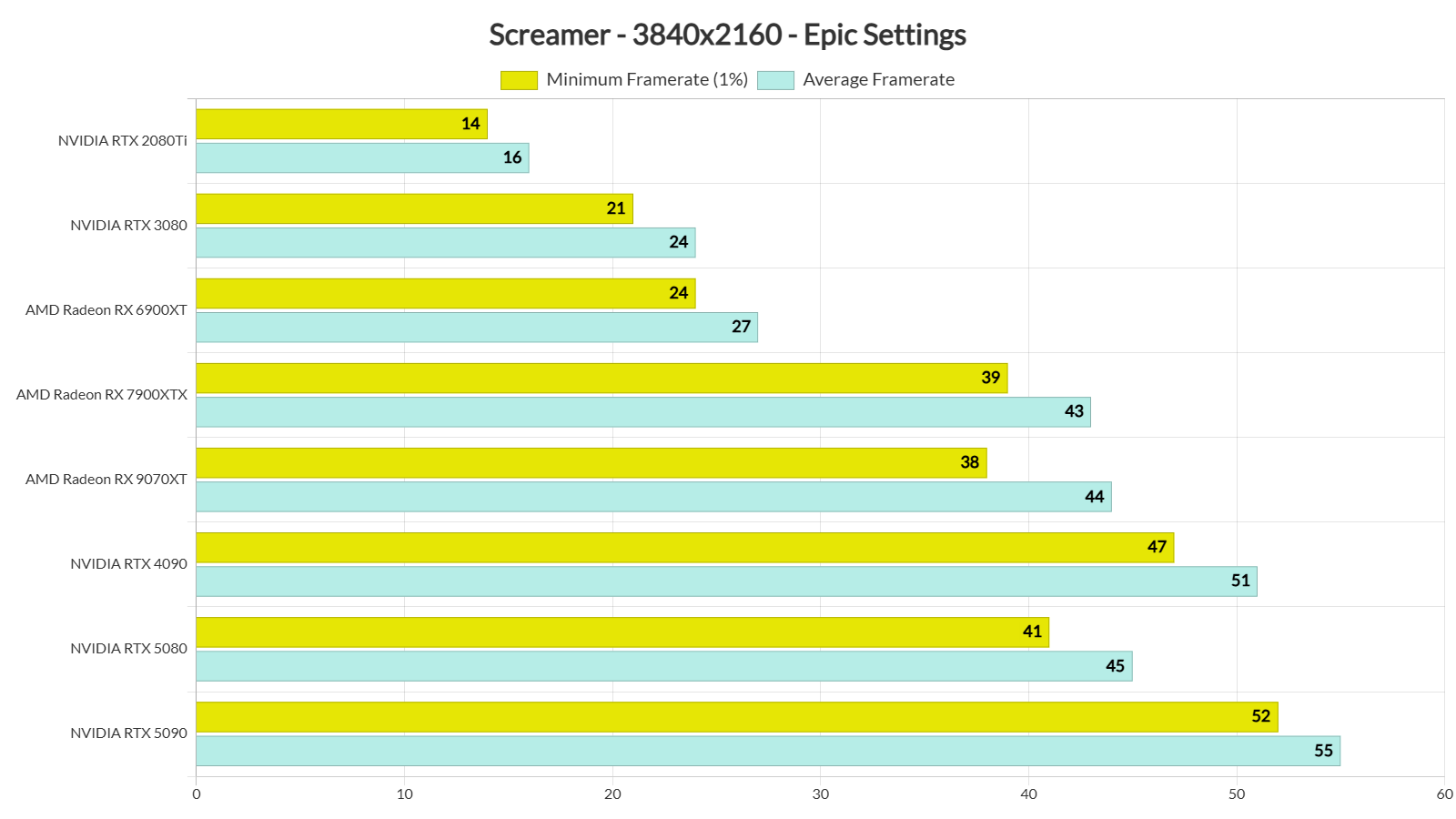
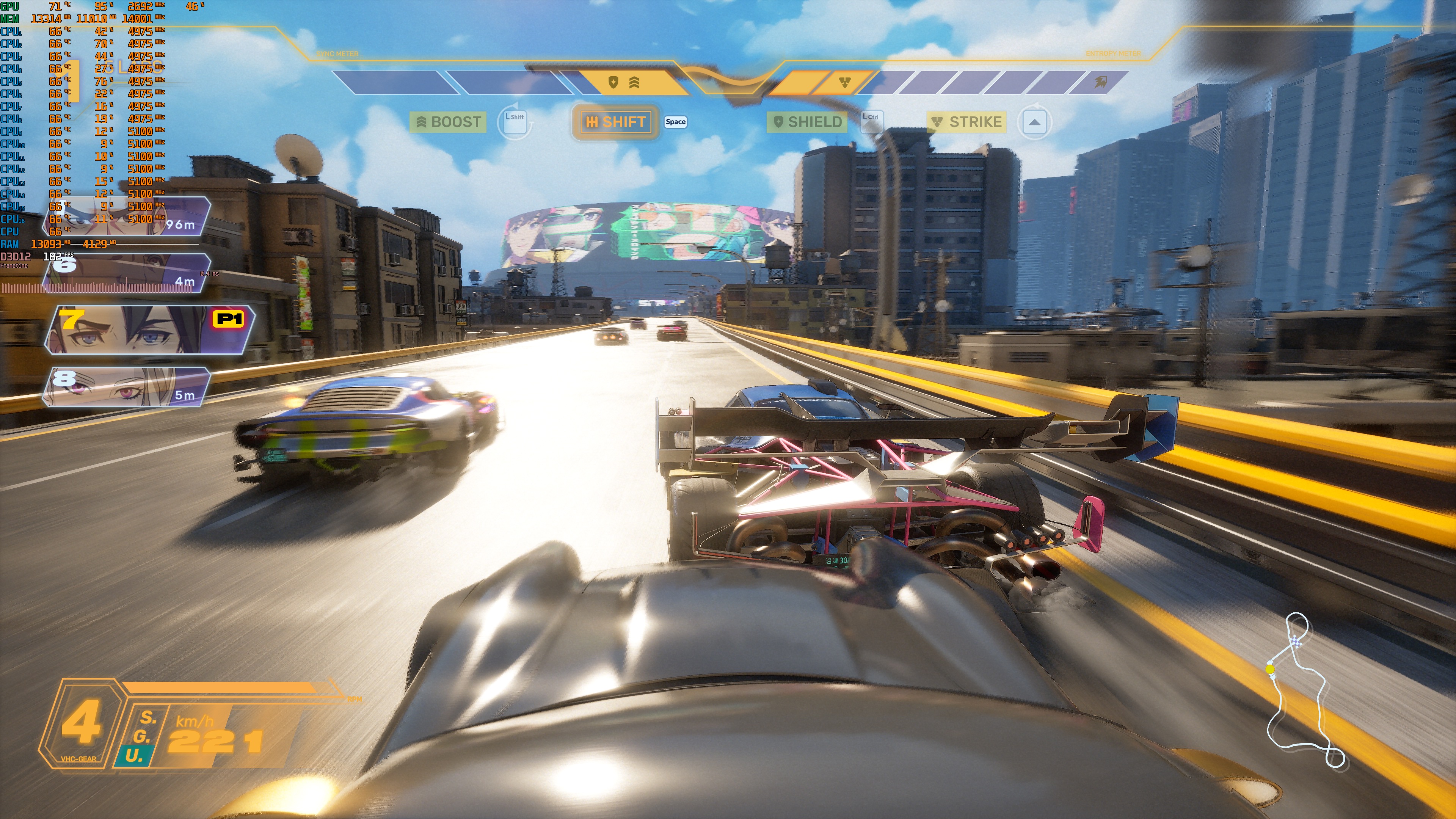
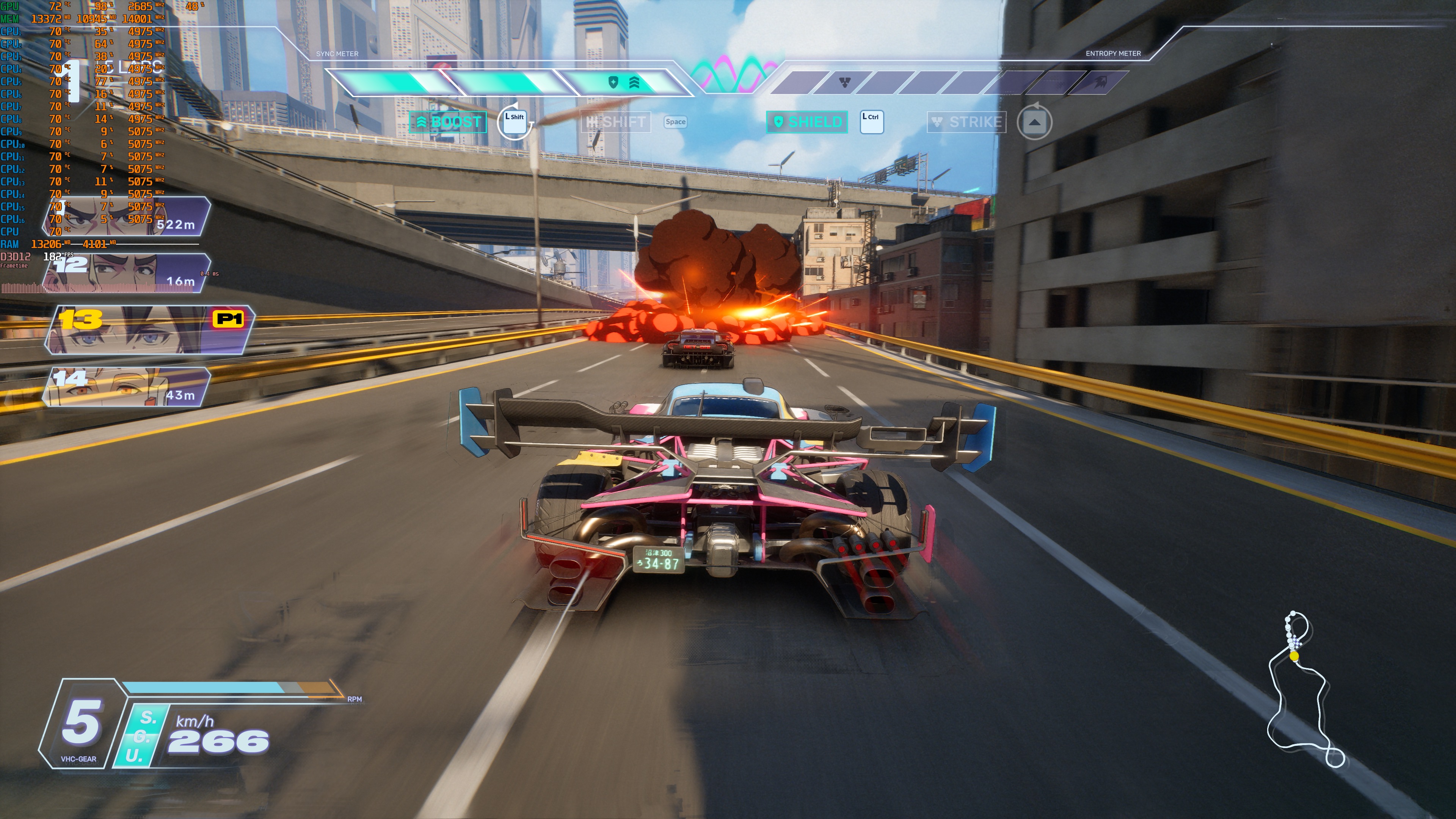
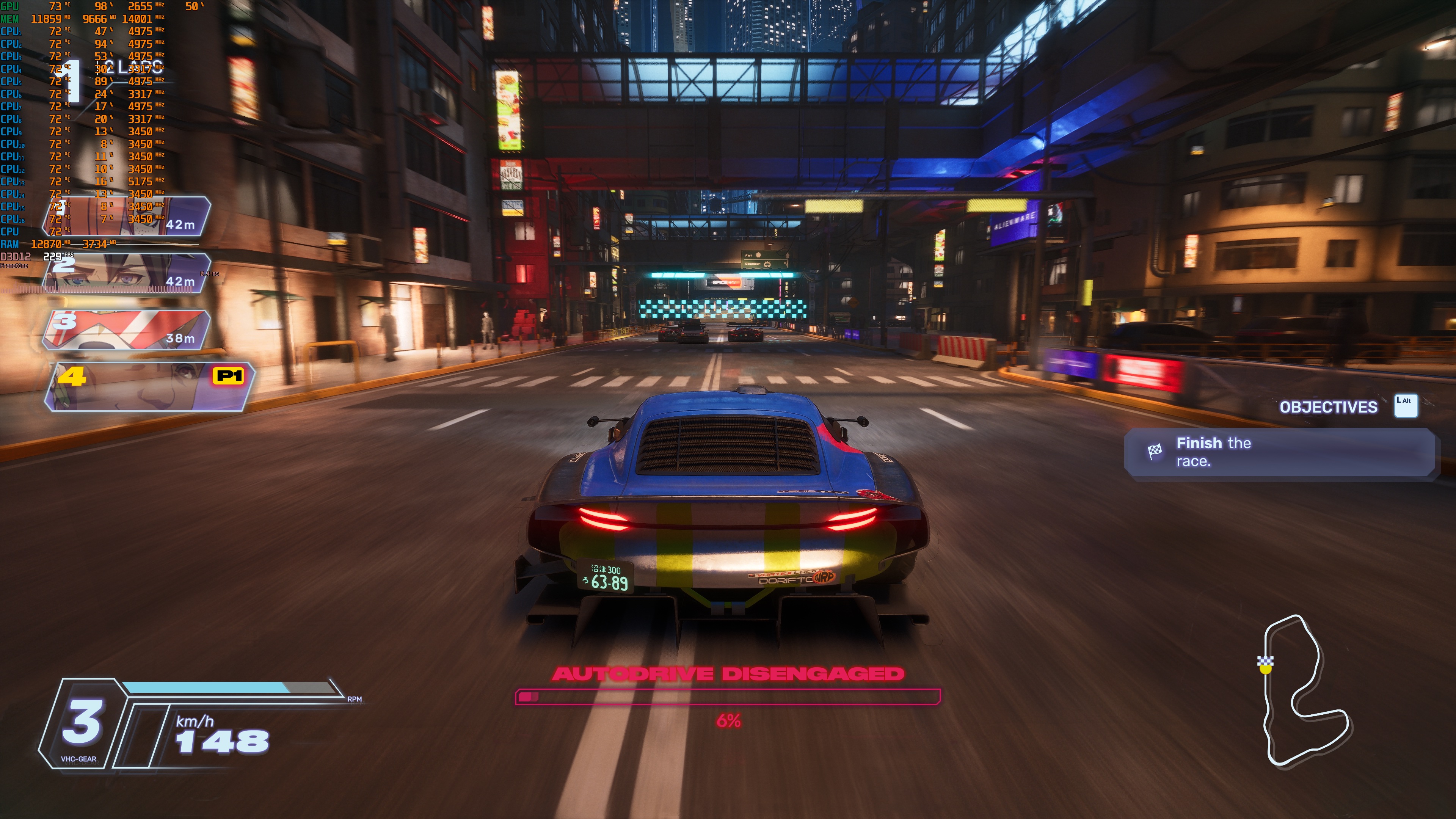
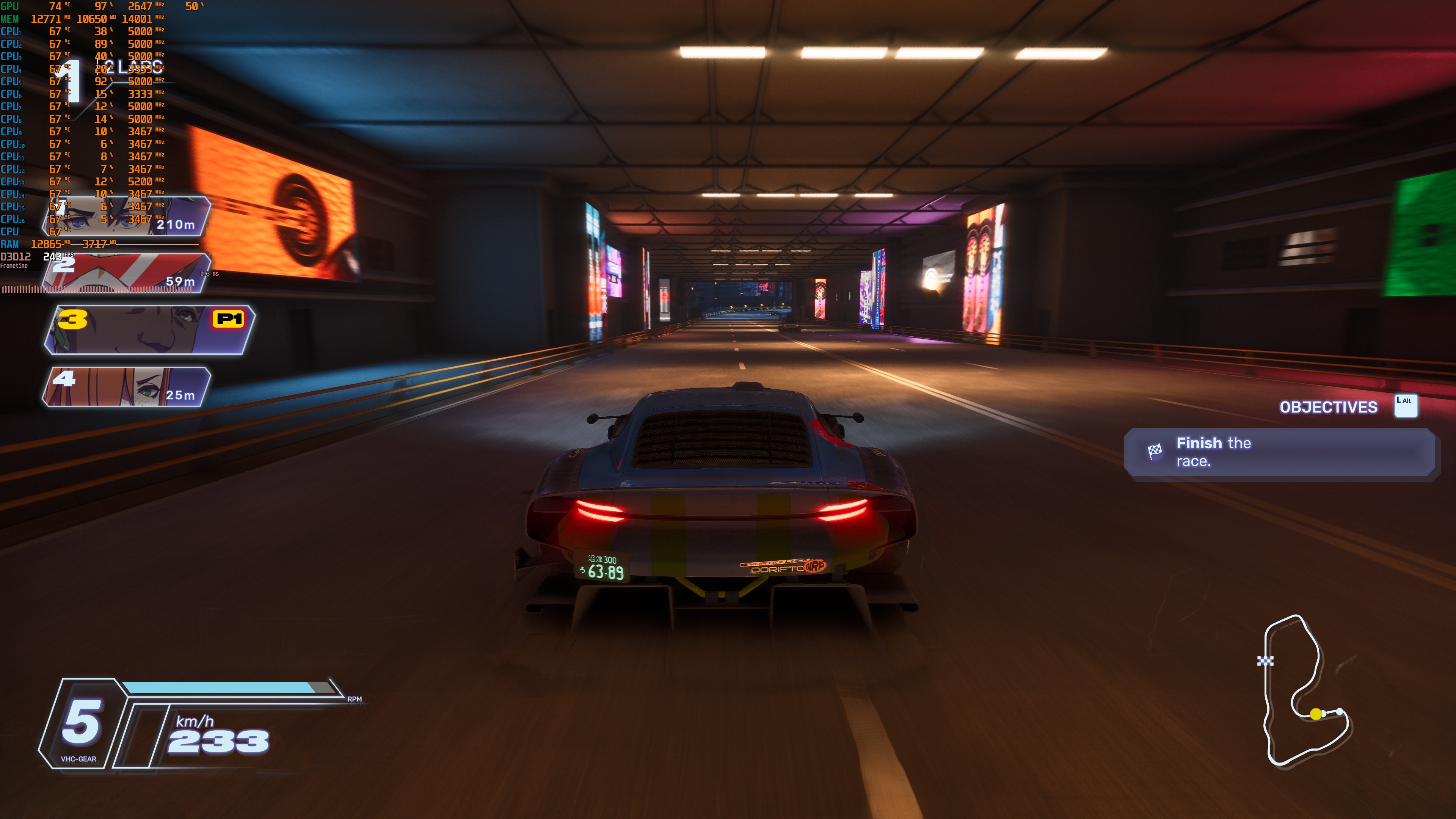
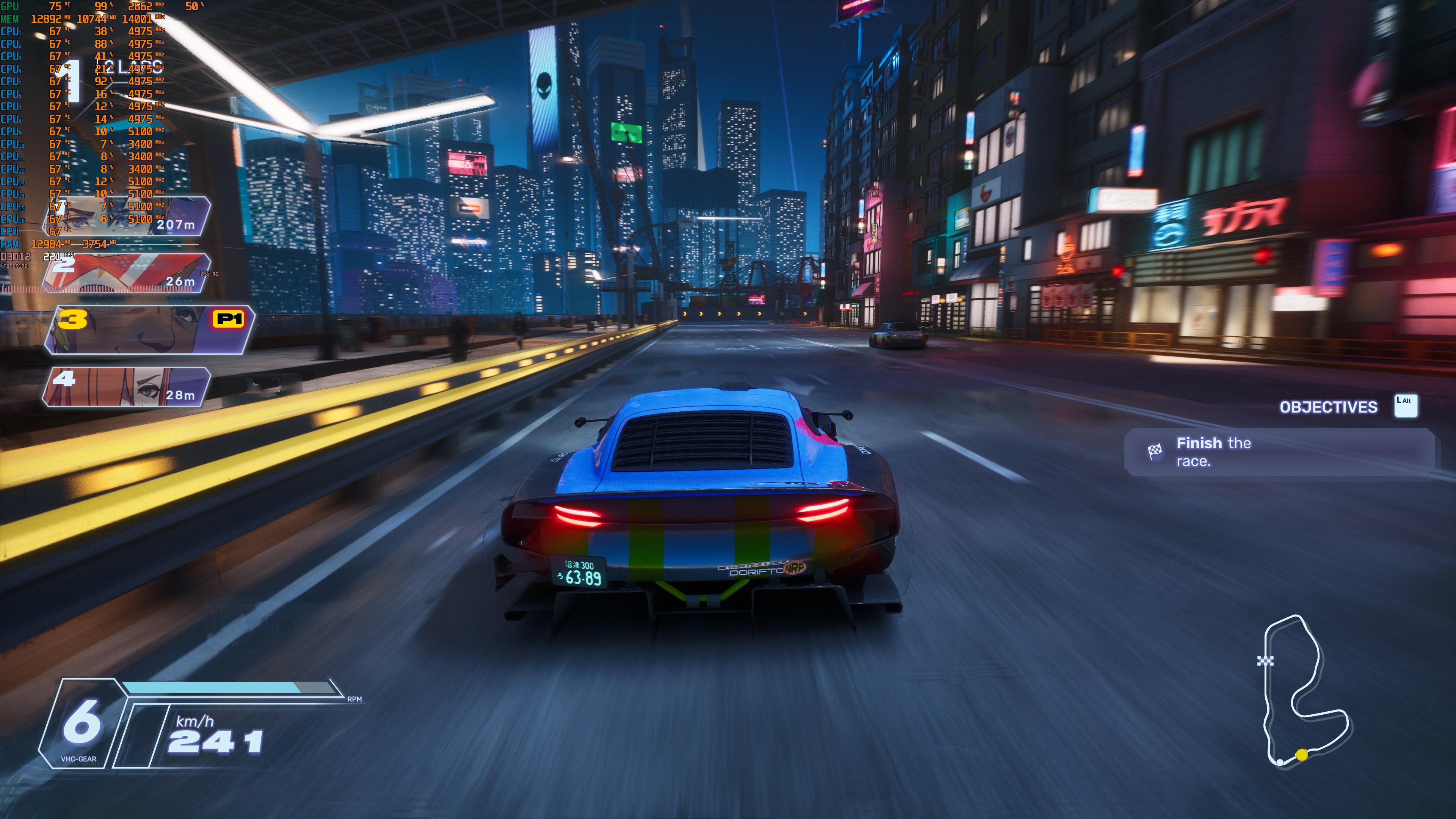
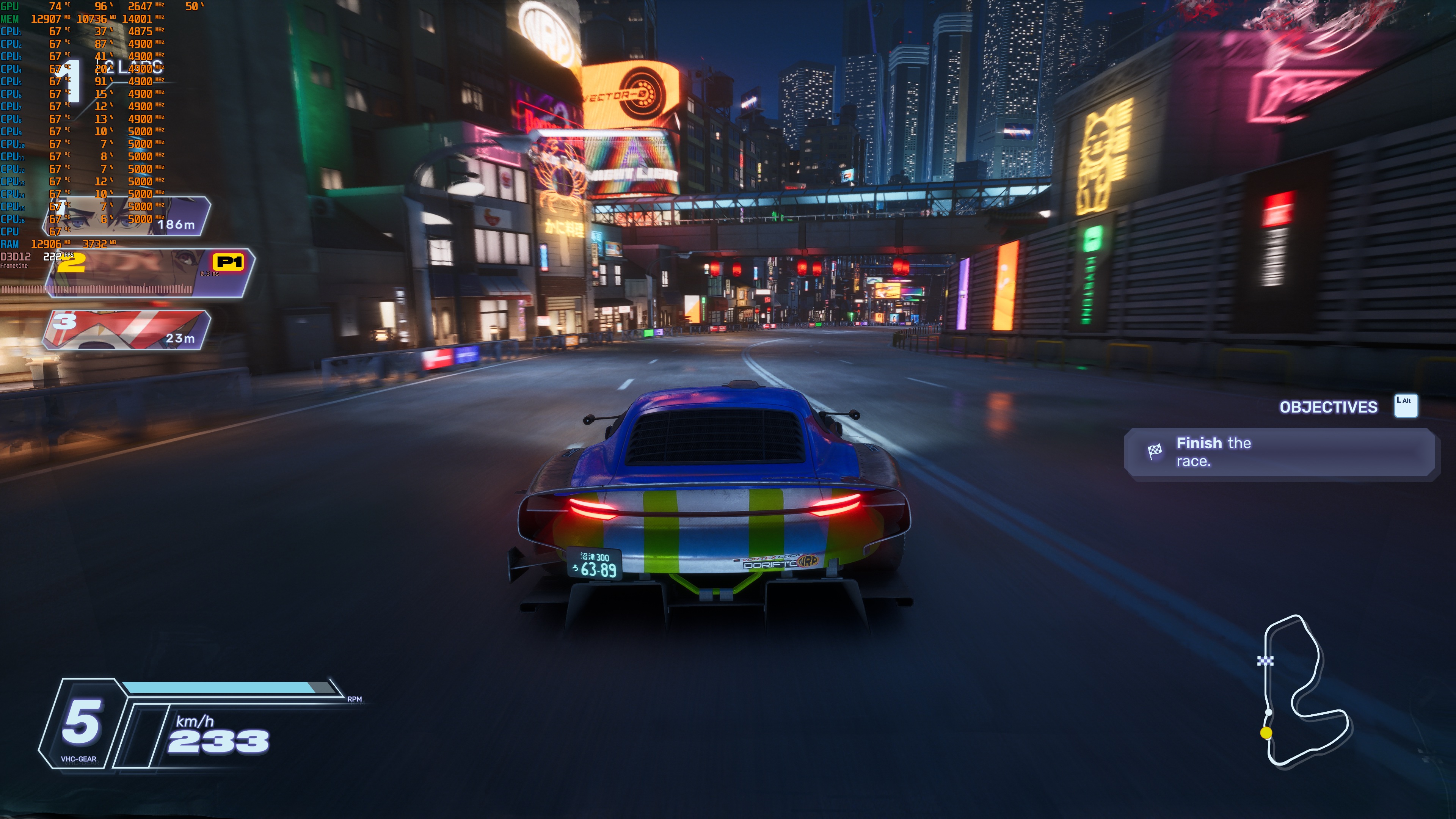
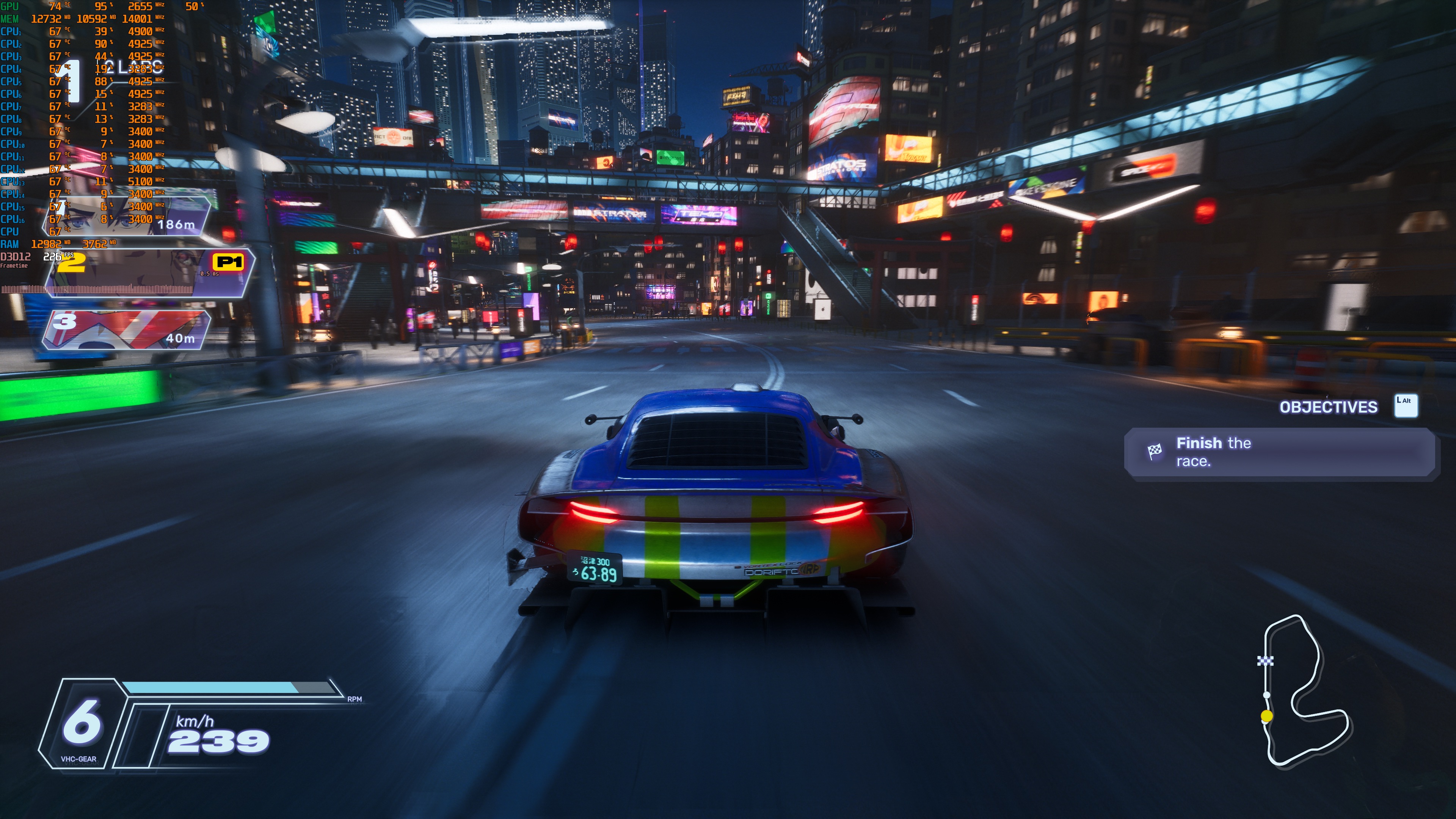
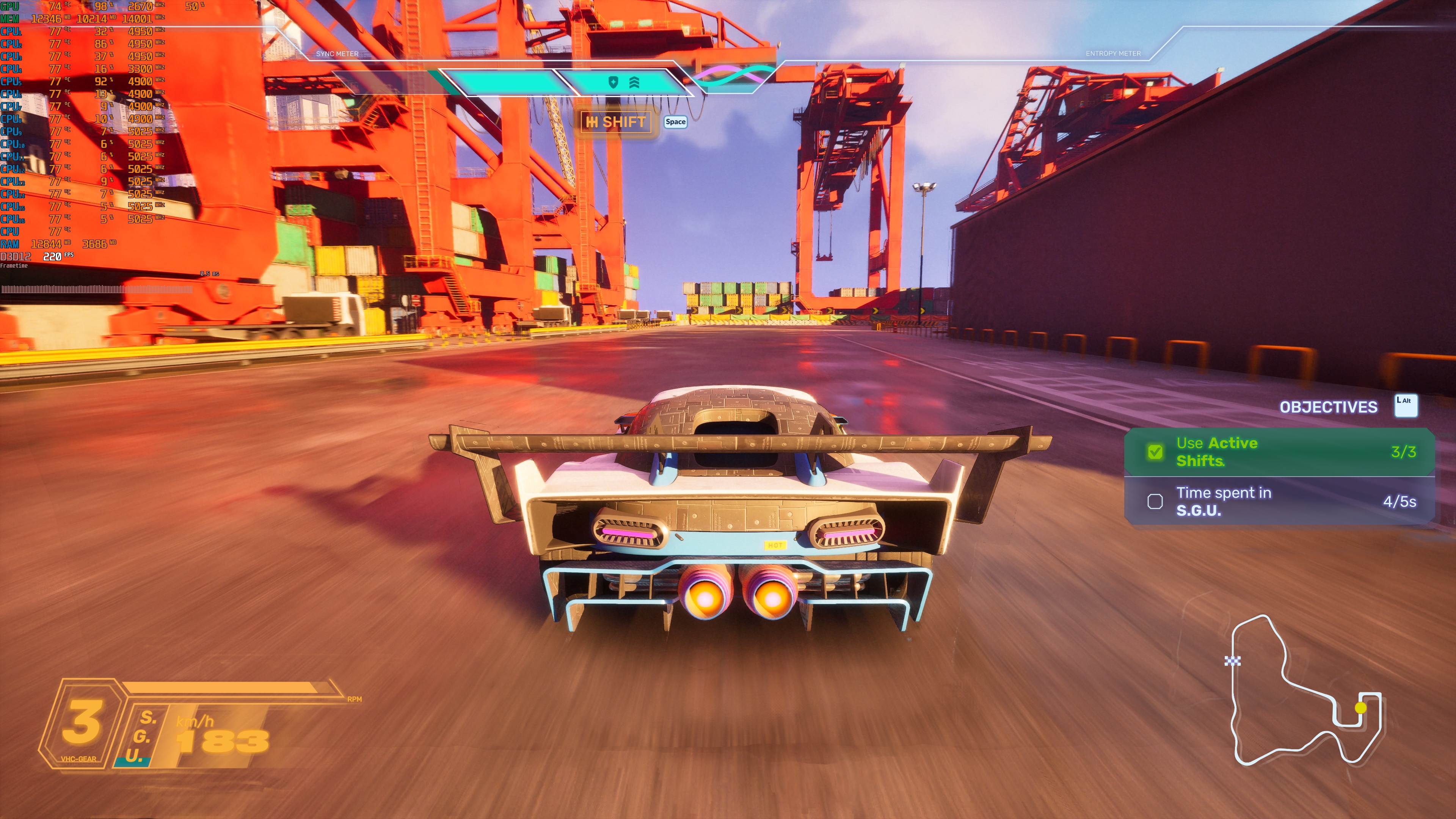
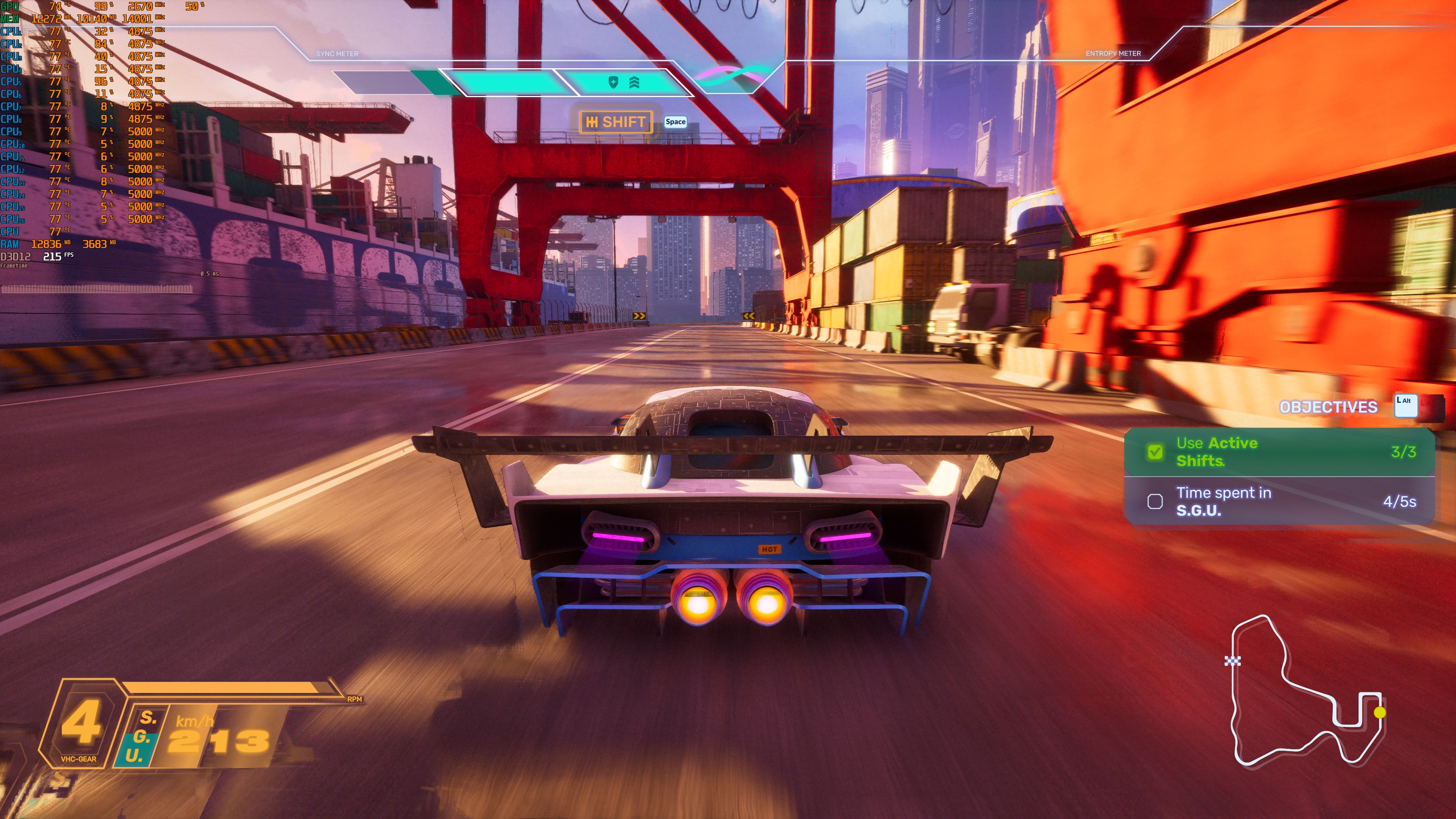
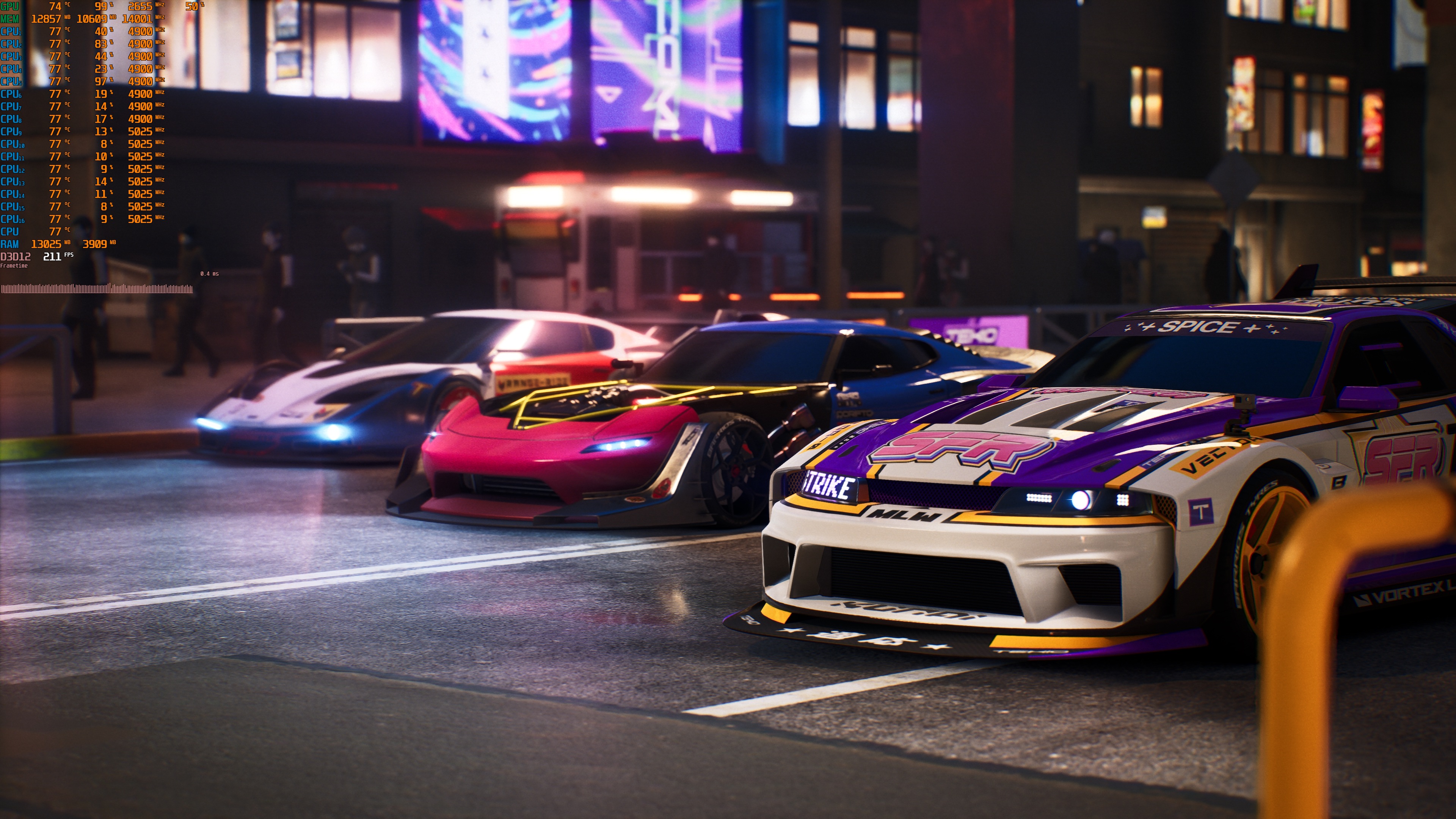
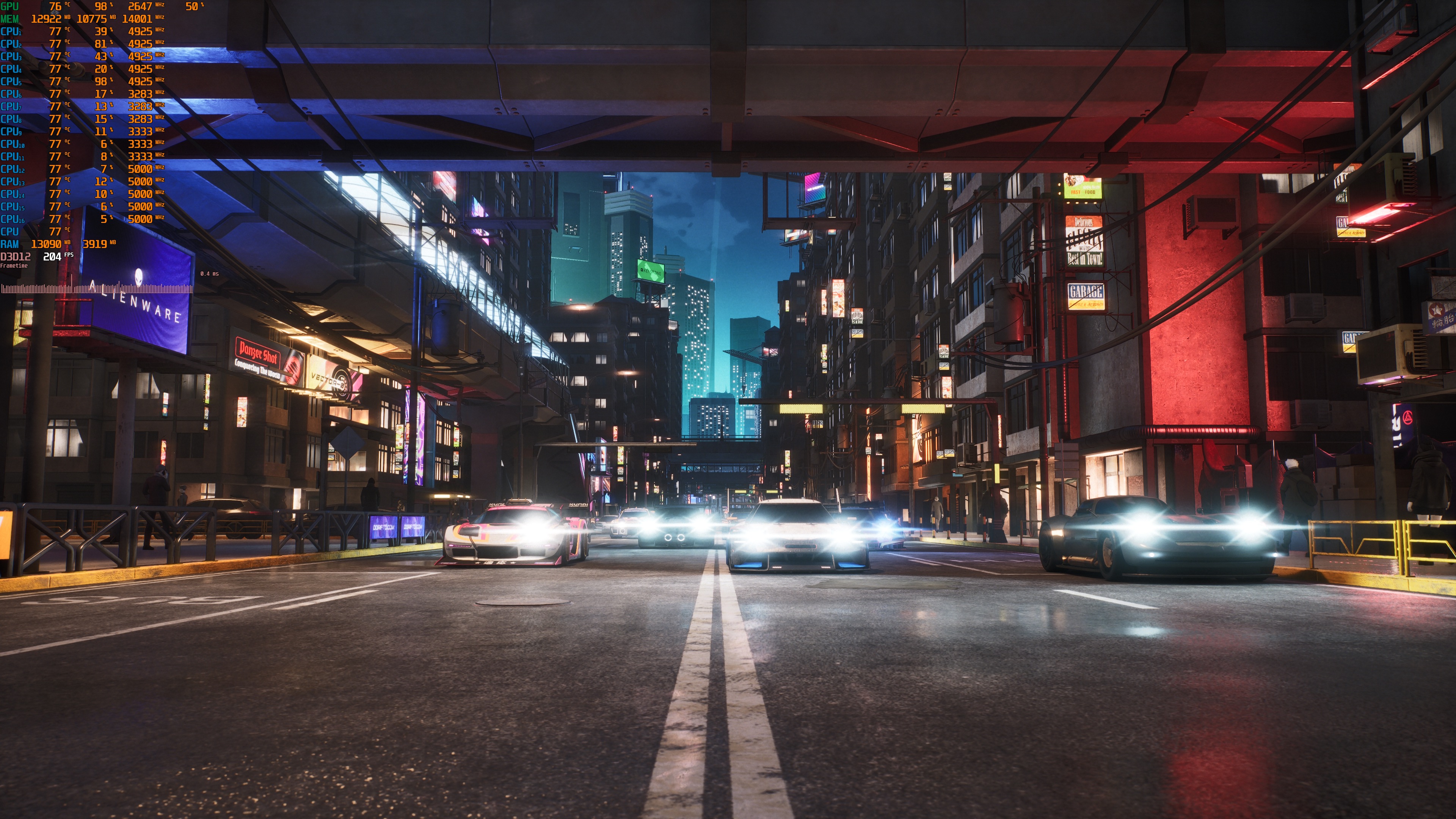
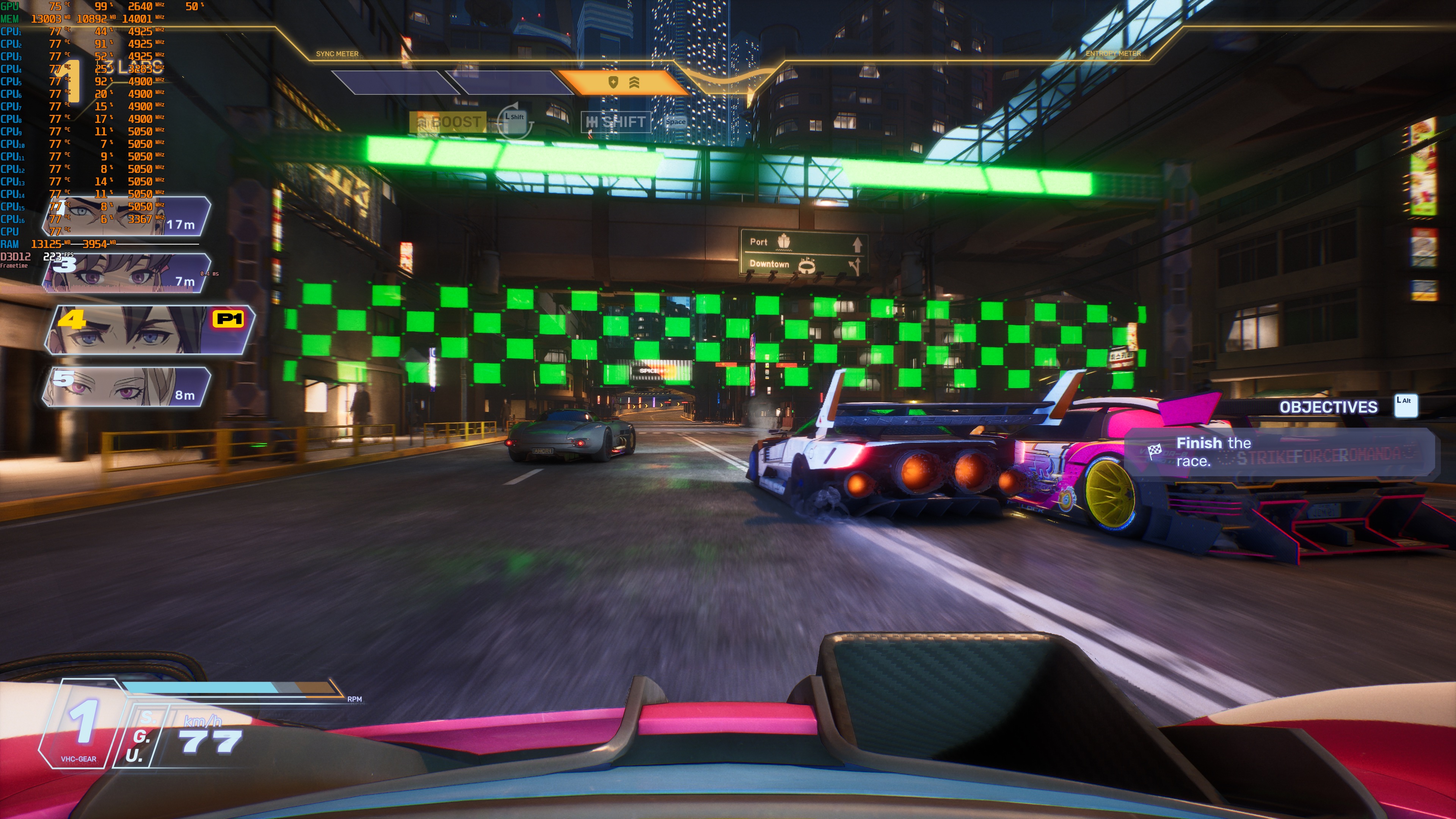
Screamer uses both Nanite and Lumen. So, these 4K performance numbers do not really surprise me. The good news is that you can use either DLSS or FSR to boost your gaming performance. From what I could see, the DLSS 4 MFG implementation is great. The screenshots that accompany this article are at 4K/Epic Settings with DLAA and MFG X4. And, as you can see, there are very minimal visual artifacts. During normal gameplay, you won’t notice them. In freeze frames, you will be able to spot them.
Graphics-wise, Screamer looks great for a double-A racing game. Since this is an indie title, you should not expect it to push the graphical boundaries of racing games. This isn’t the “Driveclub” of PC (in terms of graphics). Still, it’s at least pleasing to the eye.
All in all, Screamer runs like most Unreal Engine 5 games. At 1080p and 1440p, you will be able to run it at native resolution with various GPUs. At 4K, you will need an upscaler. That is on Epic Settings. You can also lower the settings to get higher framerates. At Native 4K/High Settings, the NVIDIA RTX 5090 can push over 85FPS at all times (with an average of 95-100FPS). I also did not experience any stutters while playing. So, overall, the game can run great even on mid-tier GPUs if you avoid the Epic Settings and lower them to High!

John is the founder and Editor in Chief at DSOGaming. He is a PC gaming fan and highly supports the modding and indie communities. Before creating DSOGaming, John worked on numerous gaming websites. While he is a die-hard PC gamer, his gaming roots can be found on consoles. John loved – and still does – the 16-bit consoles, and considers SNES to be one of the best consoles. Still, the PC platform won him over consoles. That was mainly due to 3DFX and its iconic dedicated 3D accelerator graphics card, Voodoo 2. John has also written a higher degree thesis on the “The Evolution of PC graphics cards.”
Contact: Email