
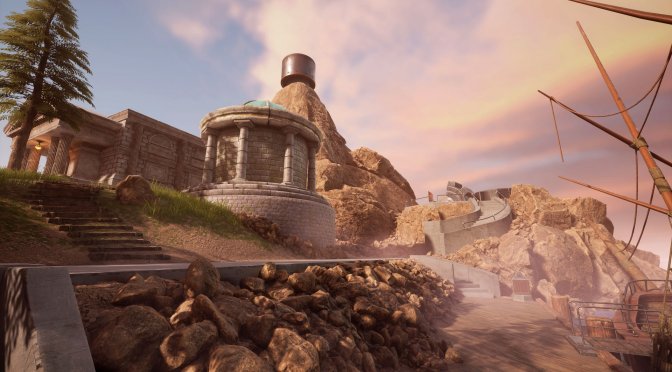
Cyan has released an official remake of the classic adventure game, Myst. Myst Remake uses Unreal Engine 4, supports both NVIDIA DLSS and AMD FSR, and features ray-traced reflections. So, time to benchmark them and see how this new ray-traced version of this adventure game runs on PC.
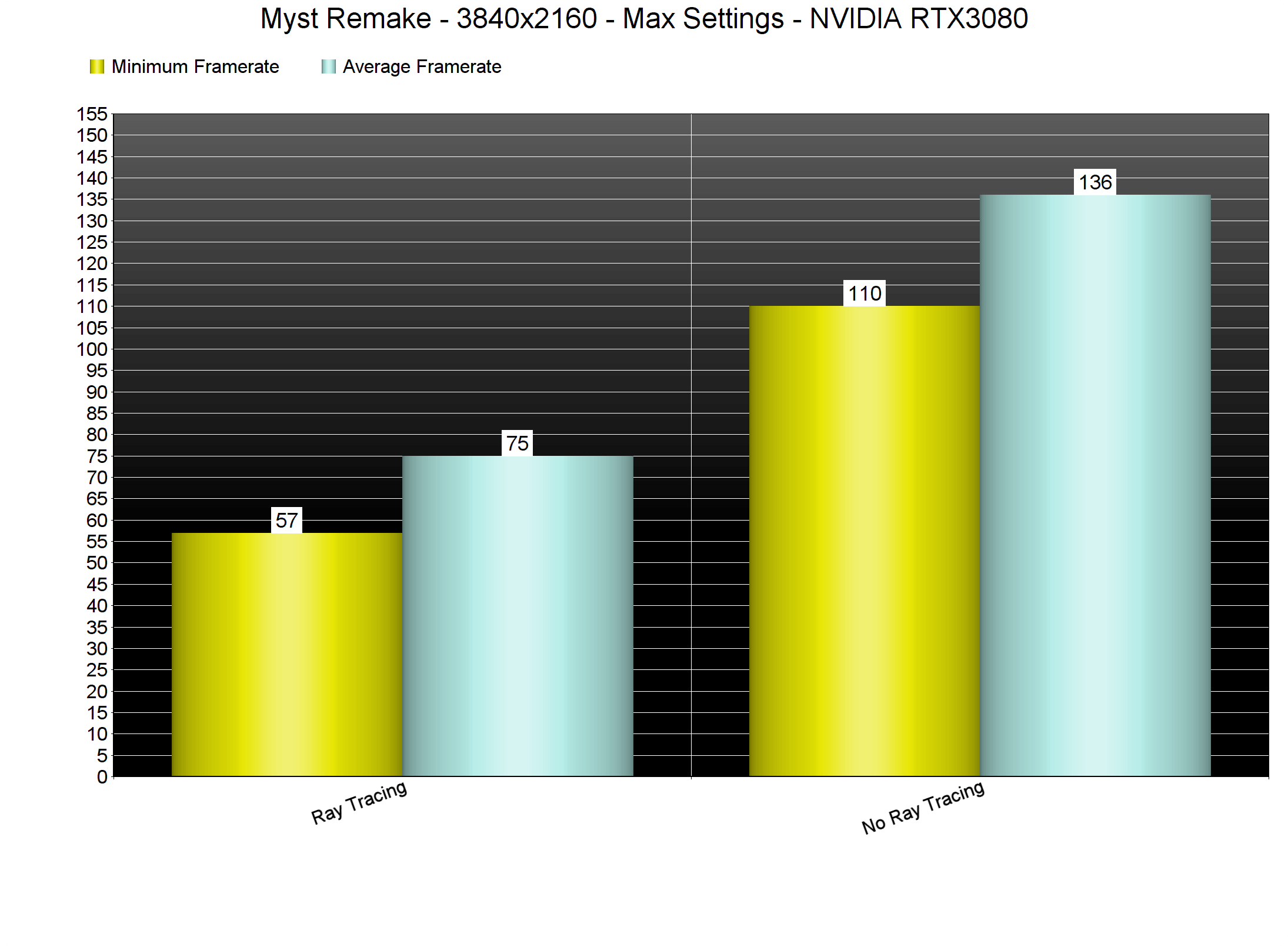
For these benchmarks, we used an Intel i9 9900K with 16GB of DDR4 at 3600Mhz, and NVIDIA’s RTX 3080. We also used Windows 10 64-bit and the GeForce 471.68 driver.
Without its Ray Tracing effects, Myst does not really require a high-end GPU. At native 4K, our RTX3080 was able to push a minimum of 110fps and an average of 140fps. We’ve also tested an AMD Radeon RX580 at 1080p/Max Settings, and we were able to get a constant 60fps experience. So yeah, rest assured that the game’s non-ray-traced version can run on a wide range of PC systems.
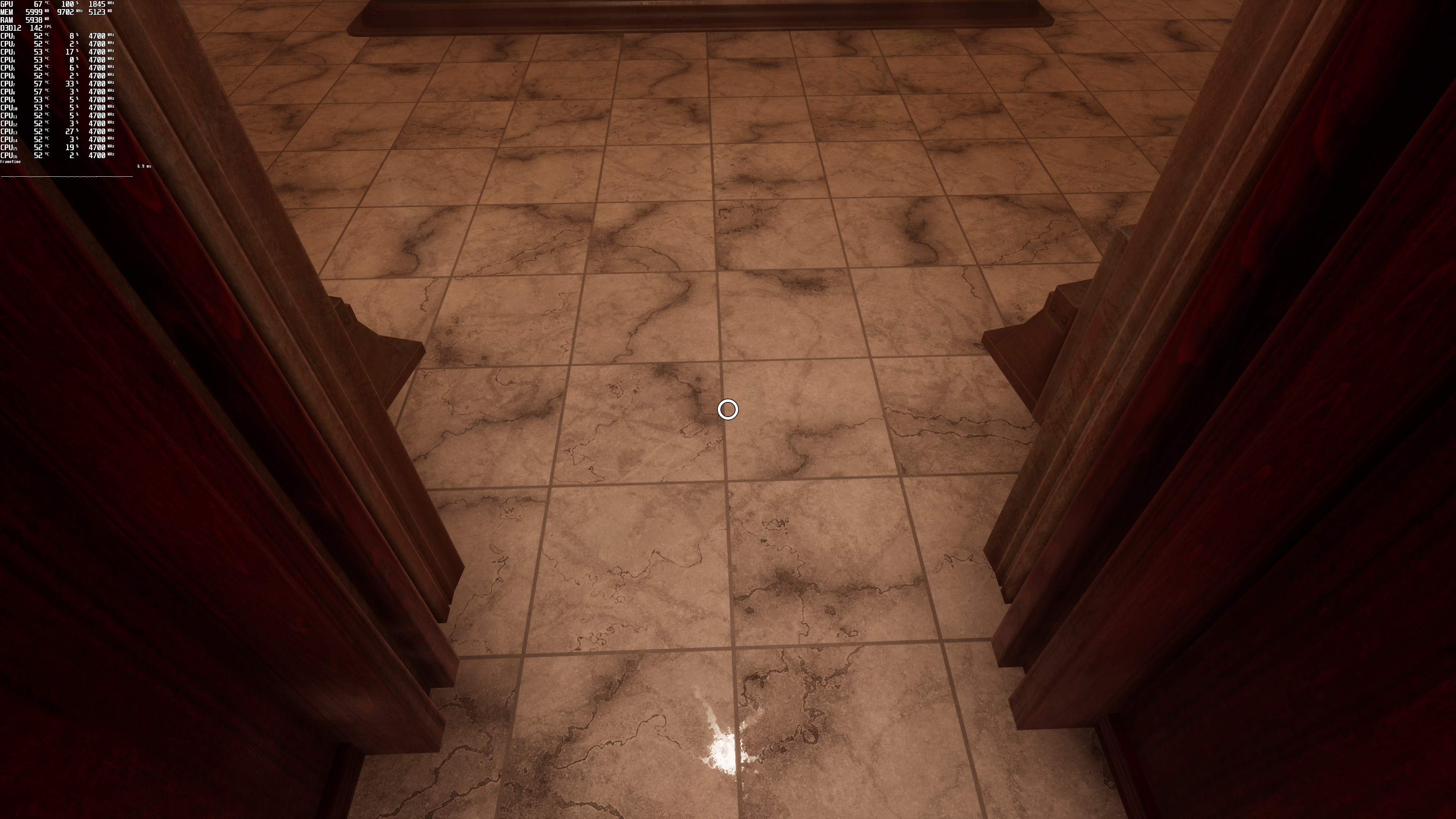
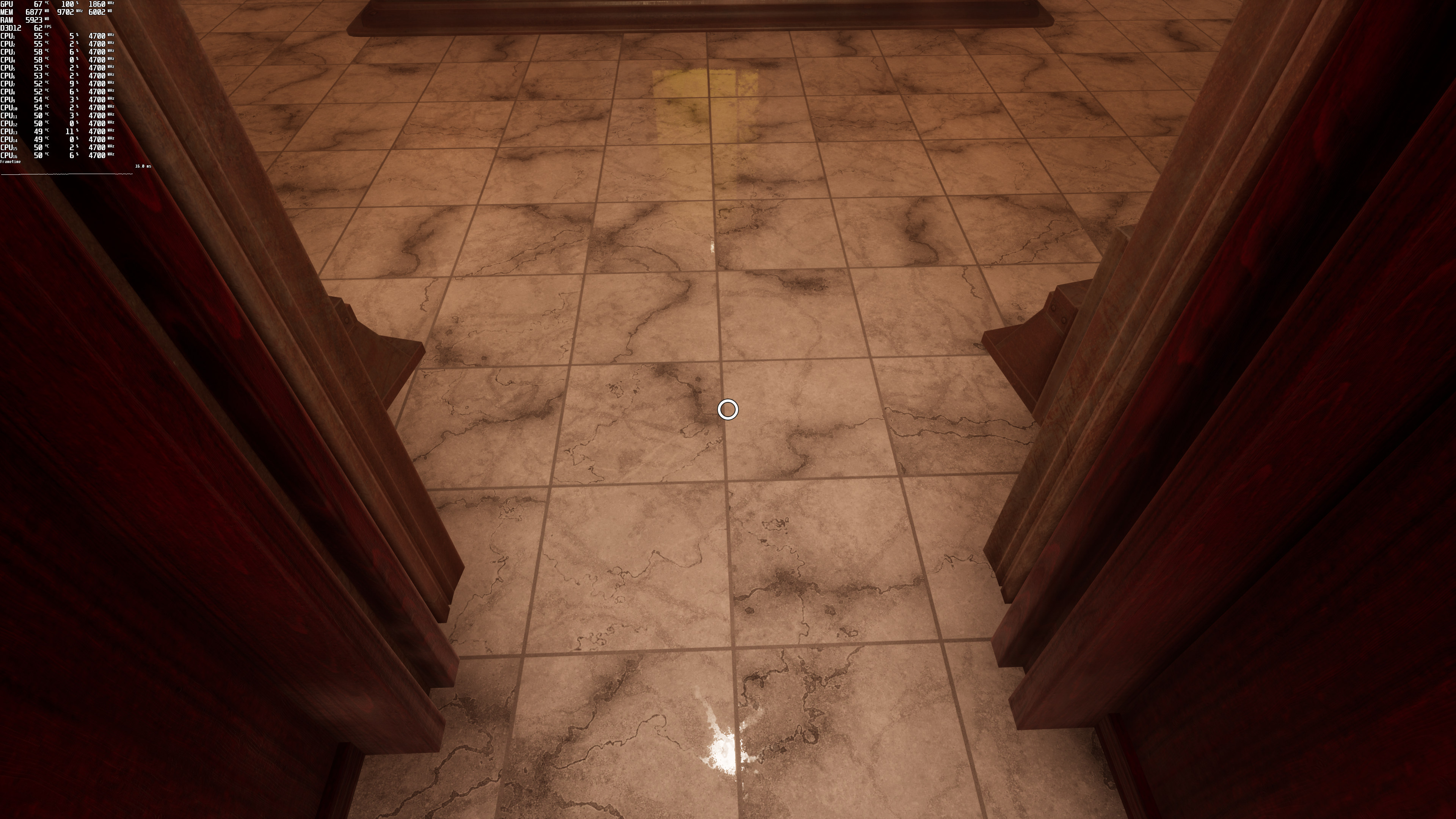
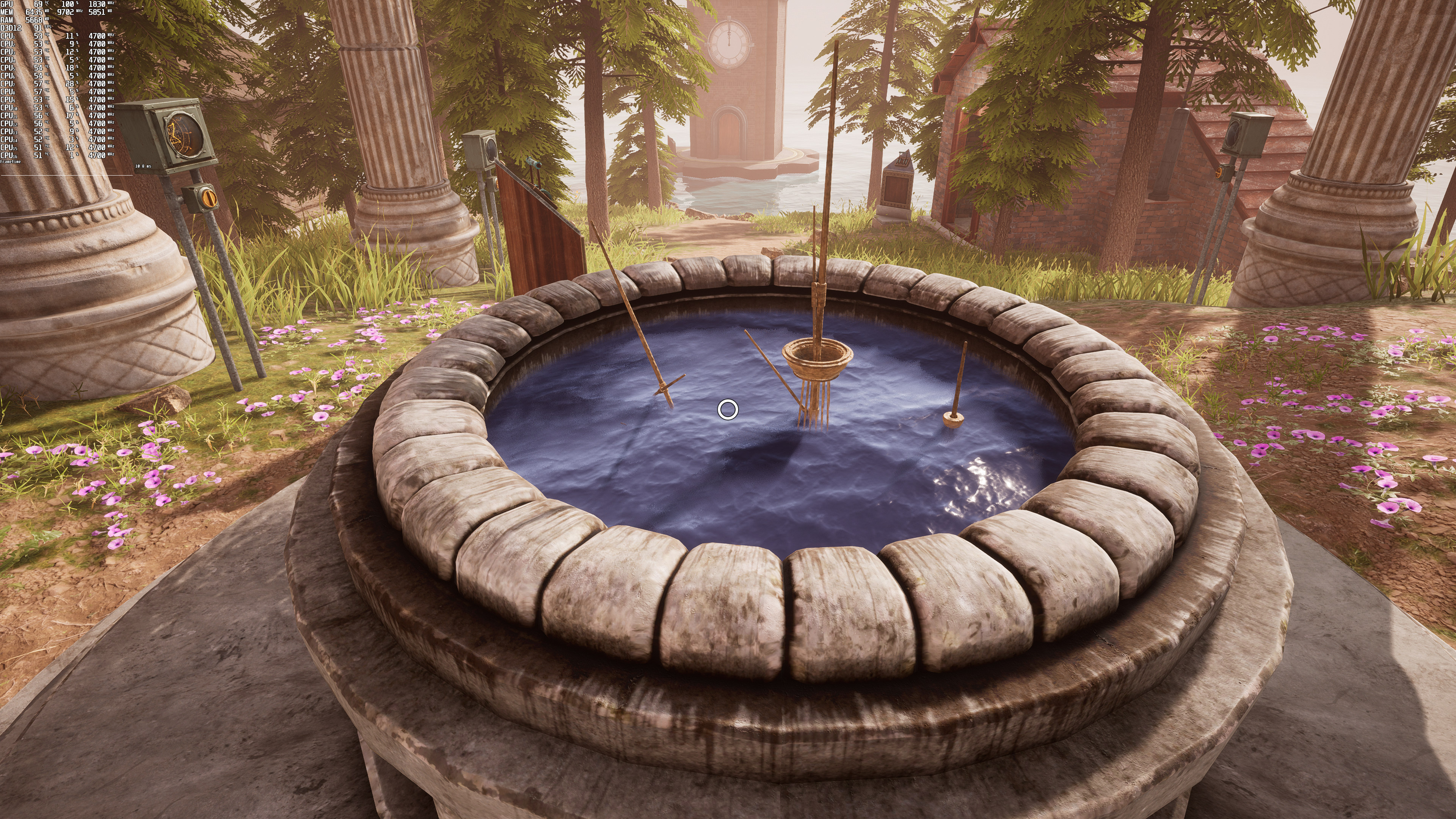
As said, Myst Remake uses Ray Tracing for its reflections. And, to be honest, we were not really impressed by them. Don’t get me wrong, there is a noticeable visual improvement in water or other reflective surfaces. However, there is also a HUGE performance hit. We’re talking about a 50-60% performance decrease in most cases which is… a lot.
Below you can find some comparison screenshots between the non-ray-traced (left) and the ray-traced (right) versions of Myst. We’ve also included MSI Afterburner so that you can get a better idea of the performance hit.
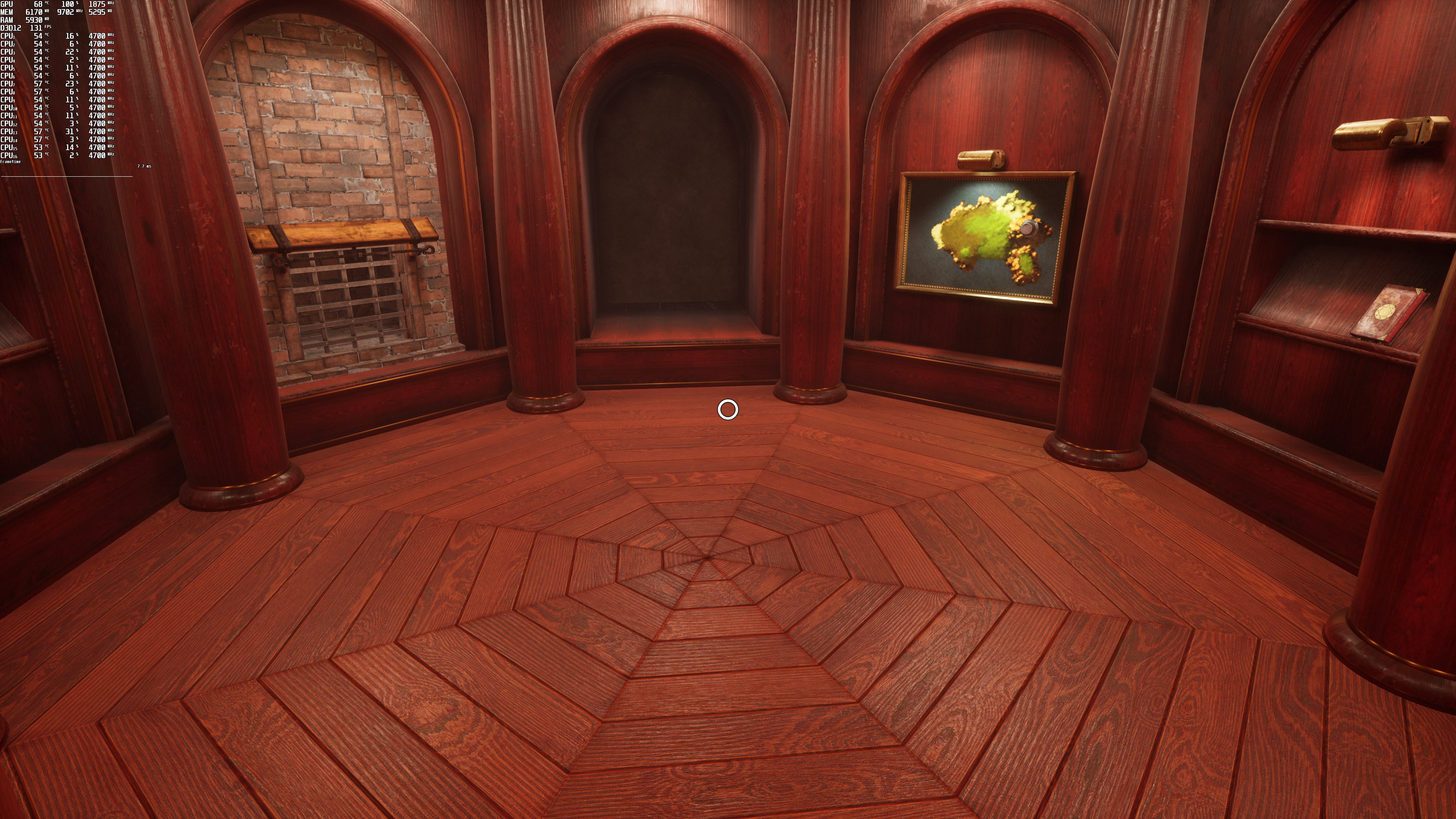

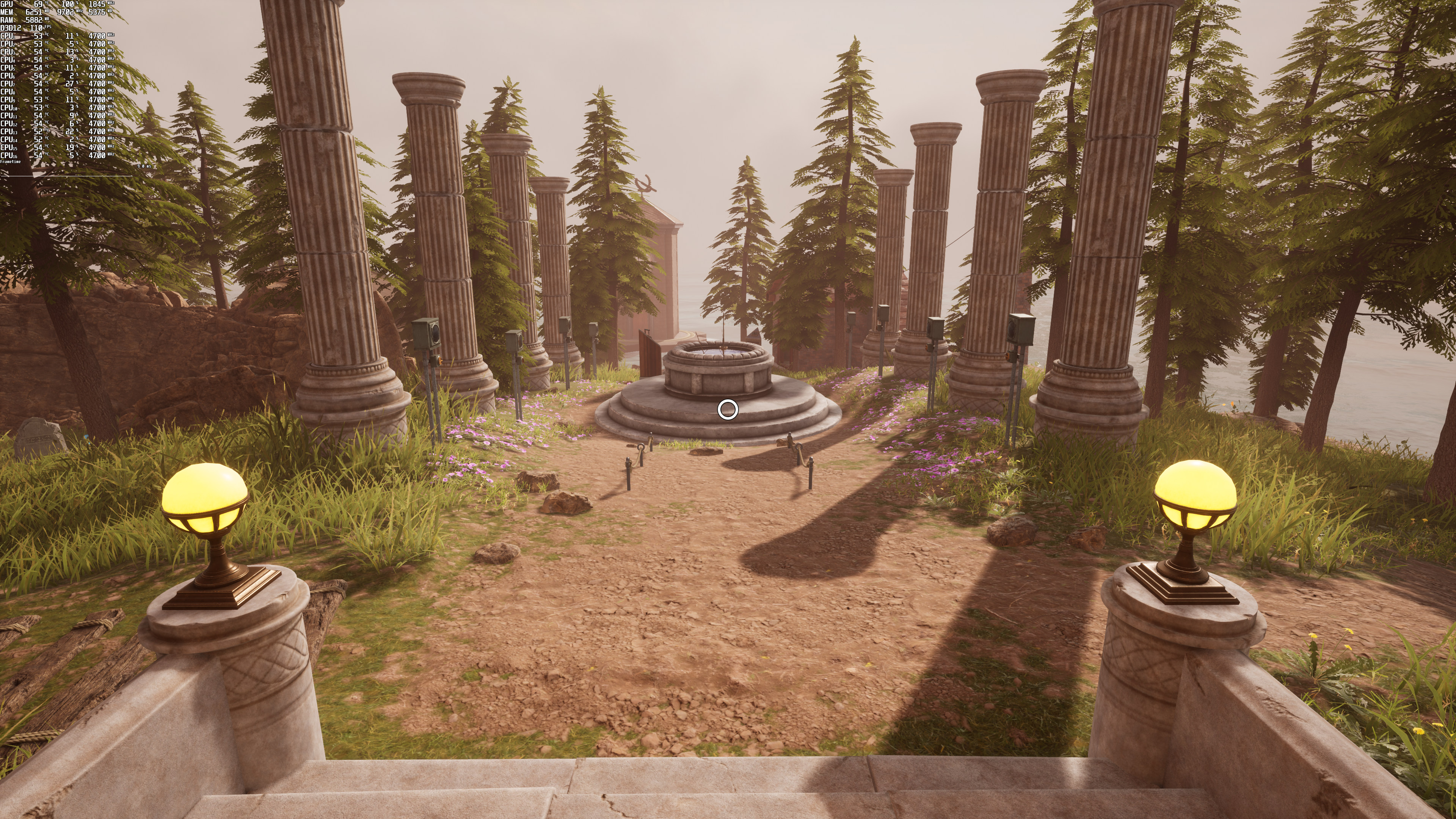
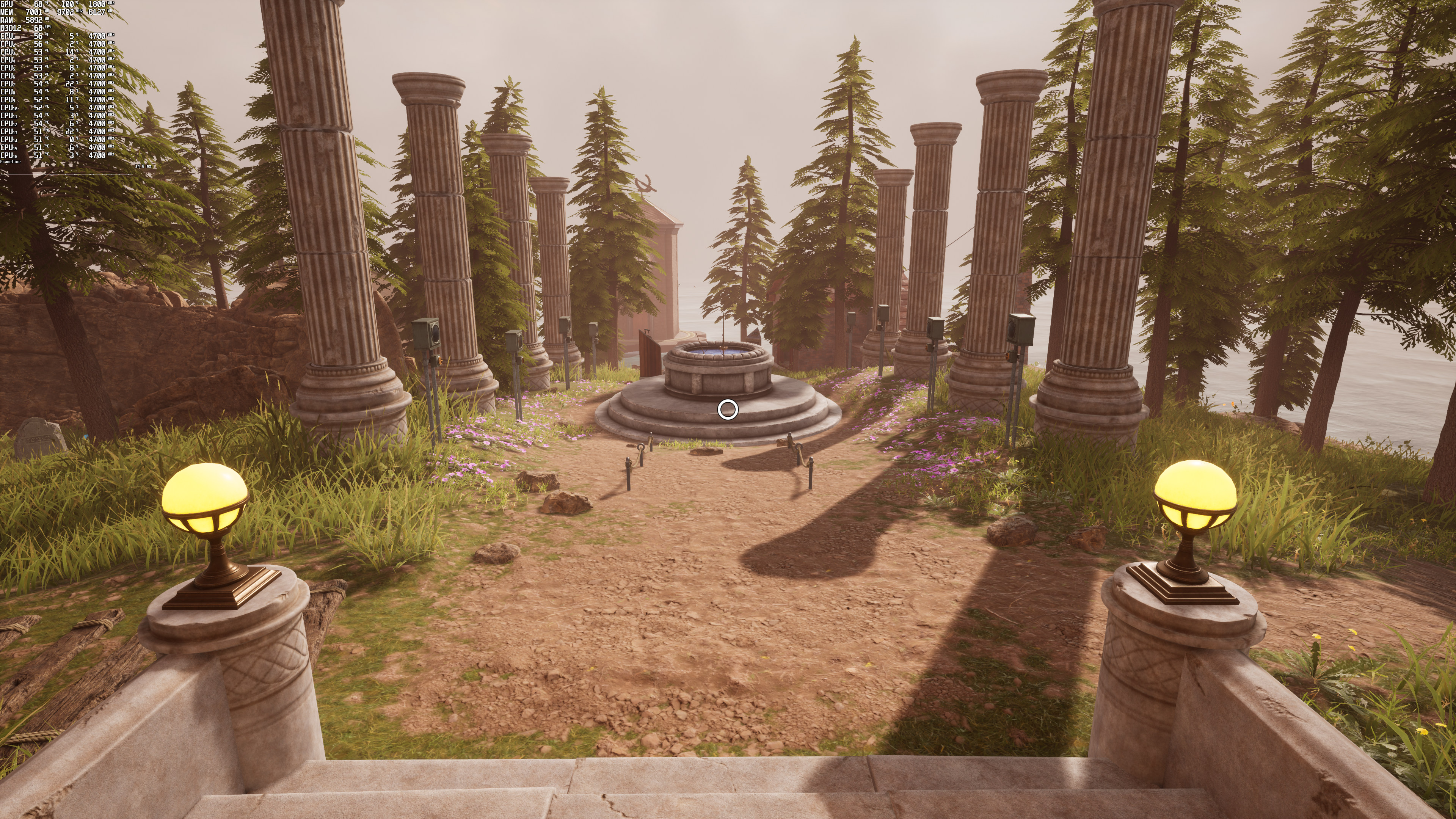
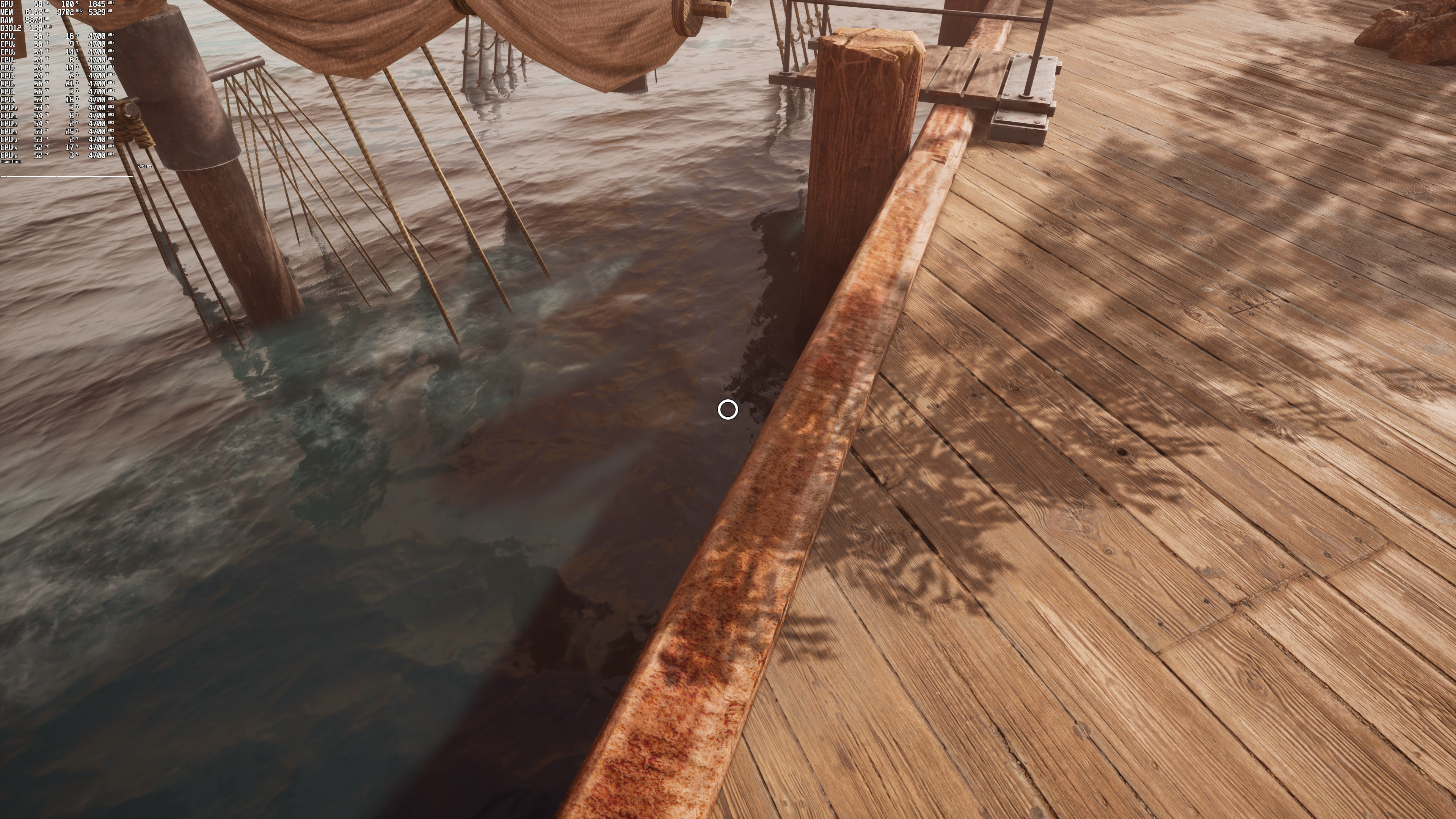

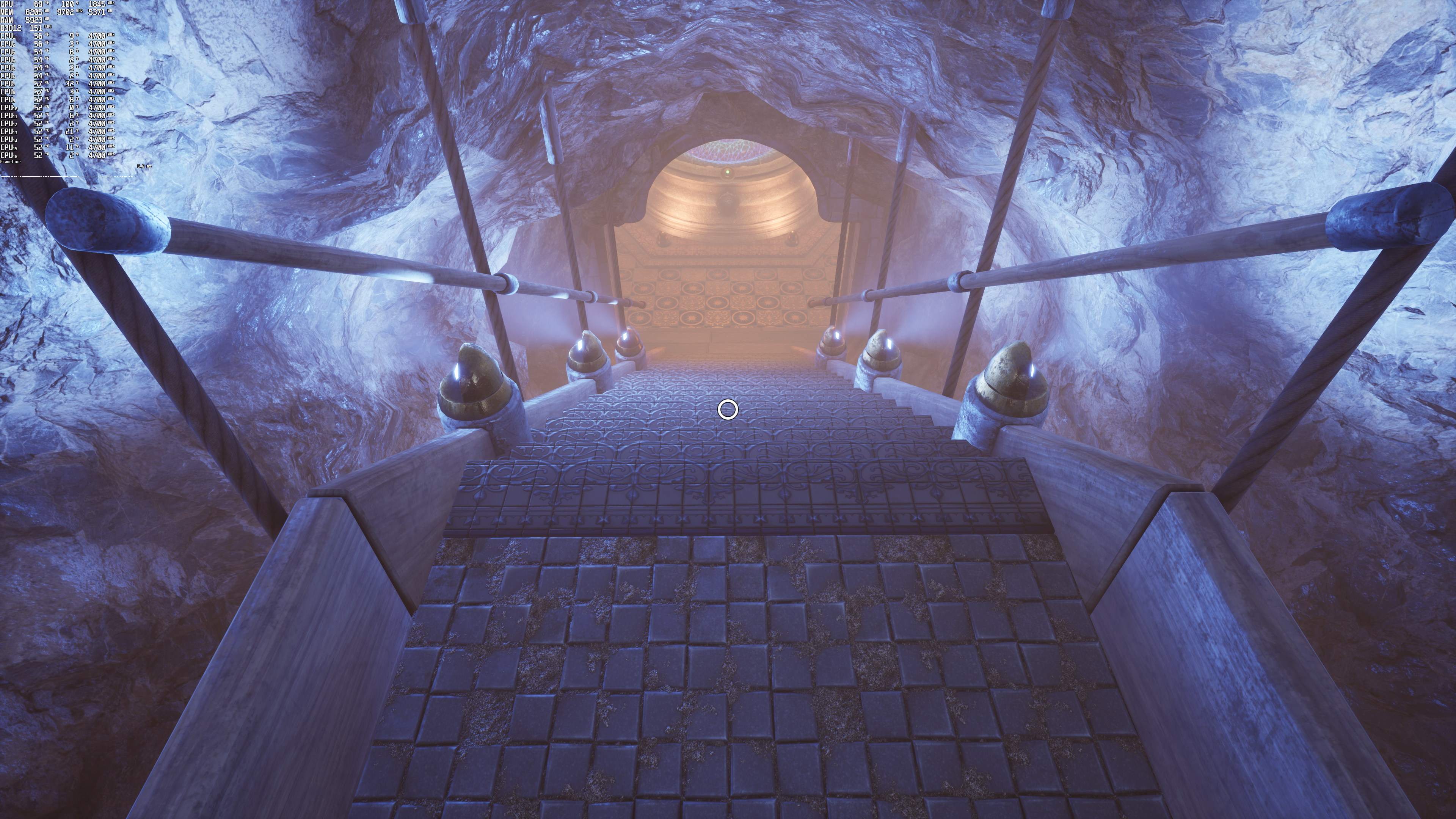
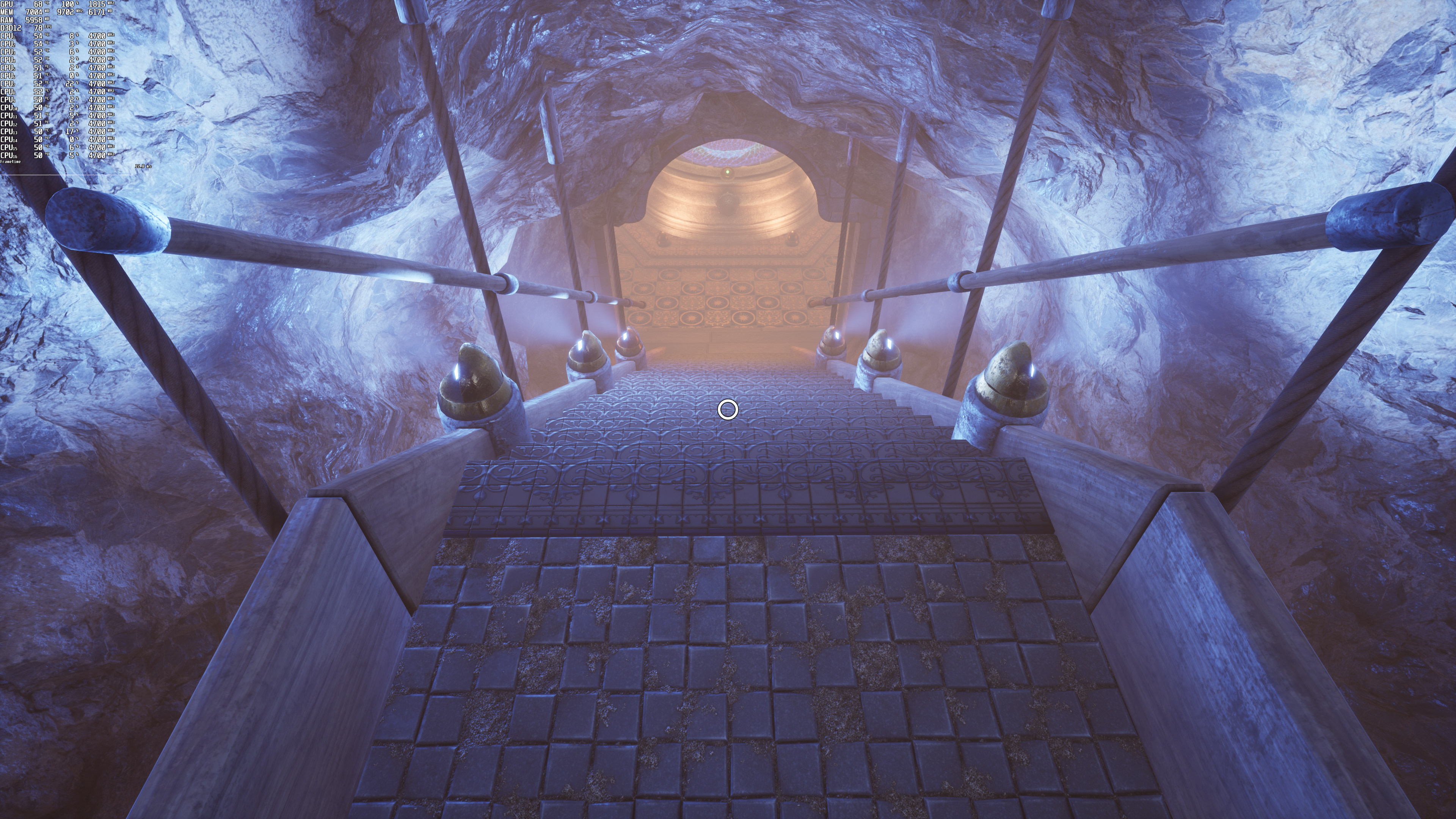
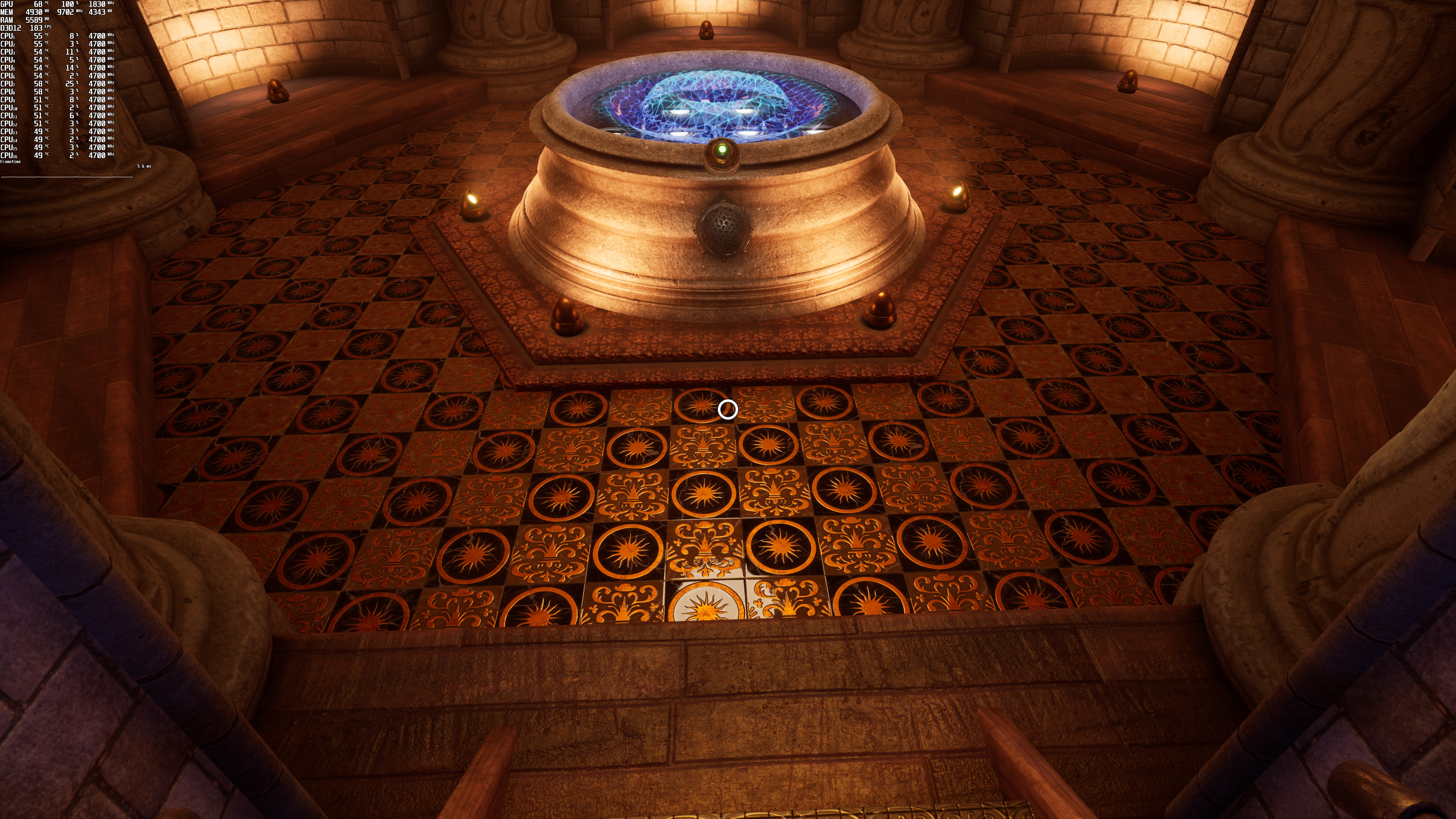
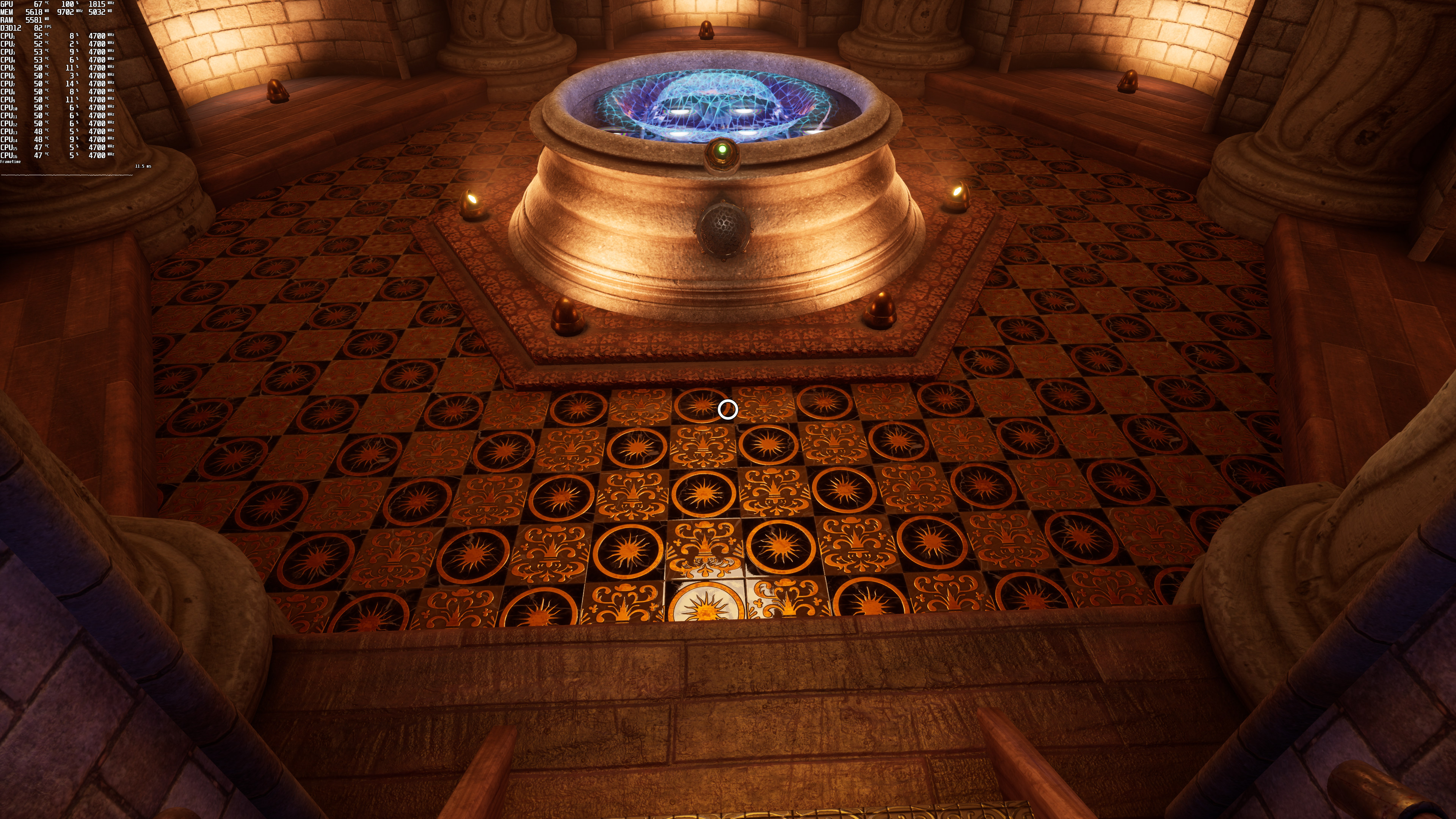
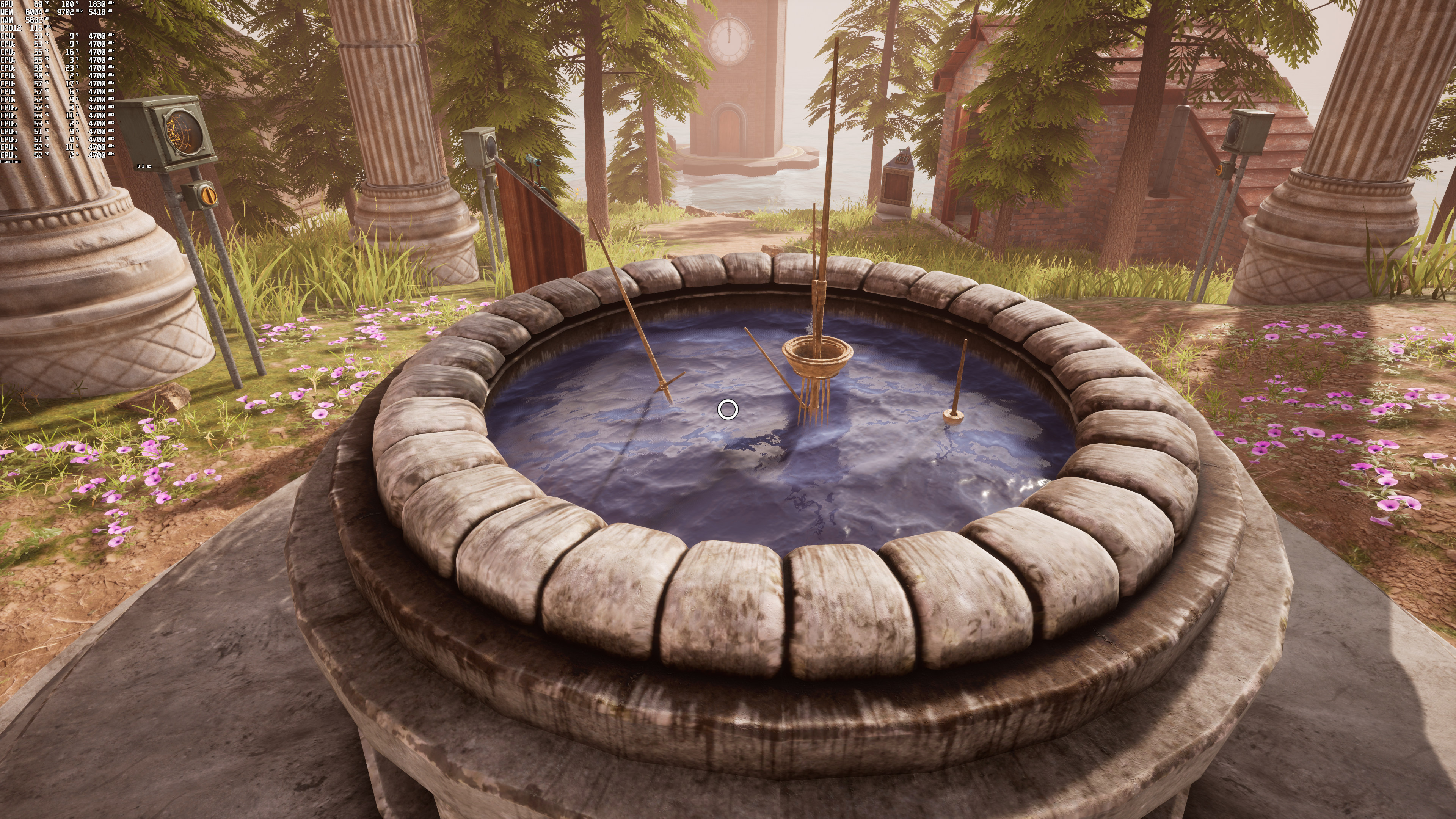
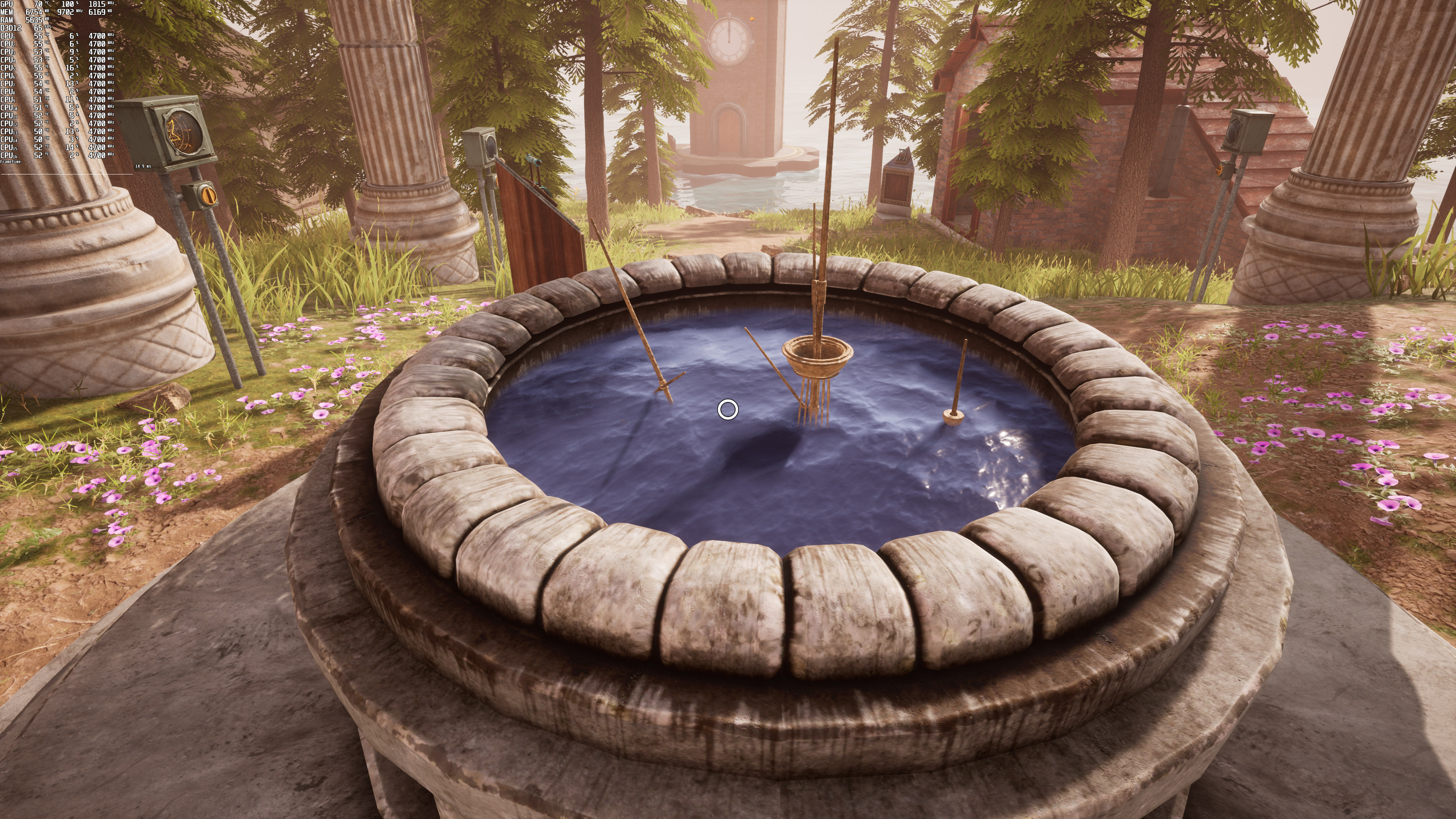
Now the good news here is that Myst supports both NVIDIA DLSS and AMD FSR. The game uses DLSS Version 2.2.11.0, so there is no reason at all to replace its DLL file.
Below you can find some comparison screenshots between native 4K (left), DLSS (middle) and FSR (right).
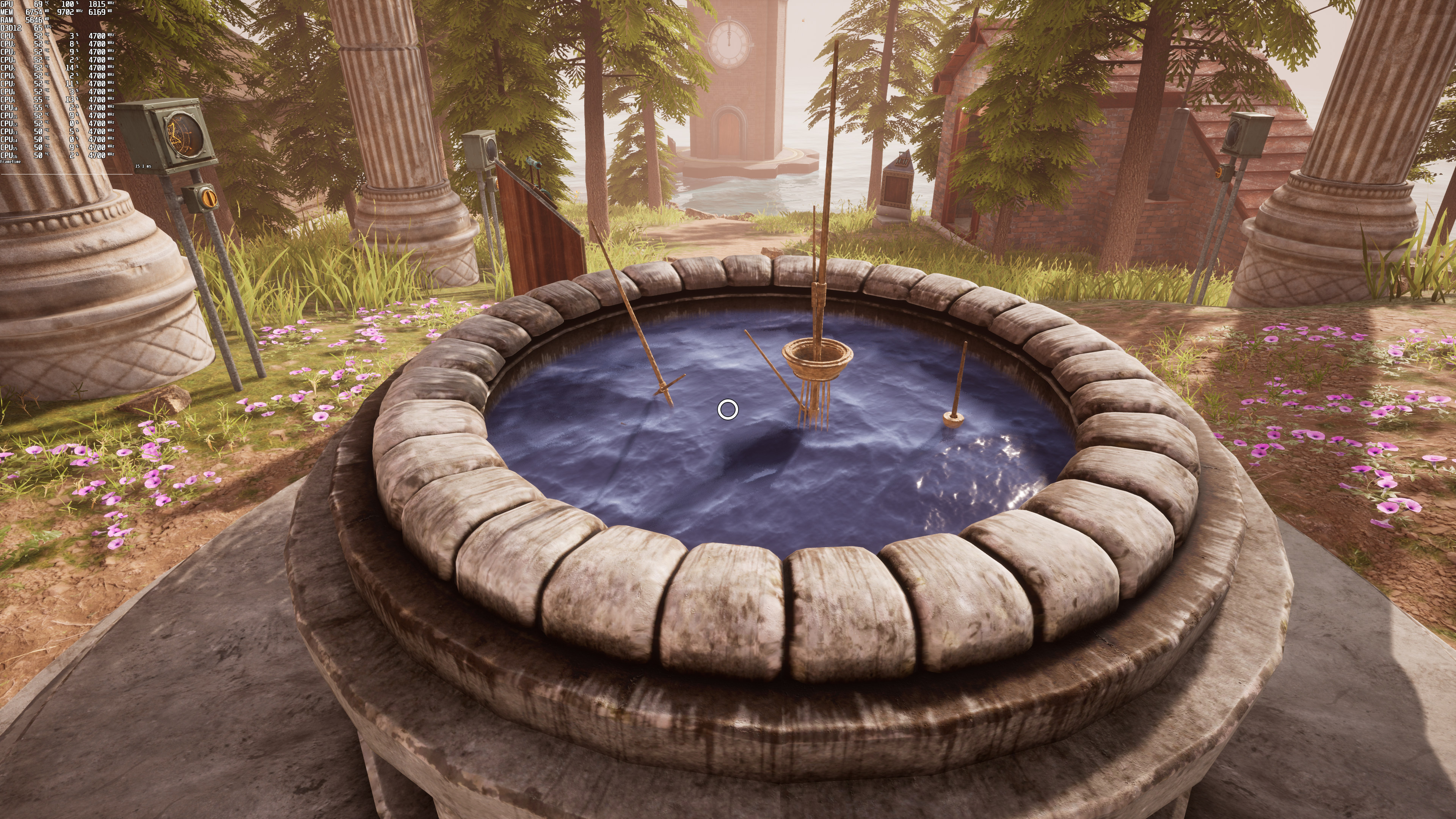
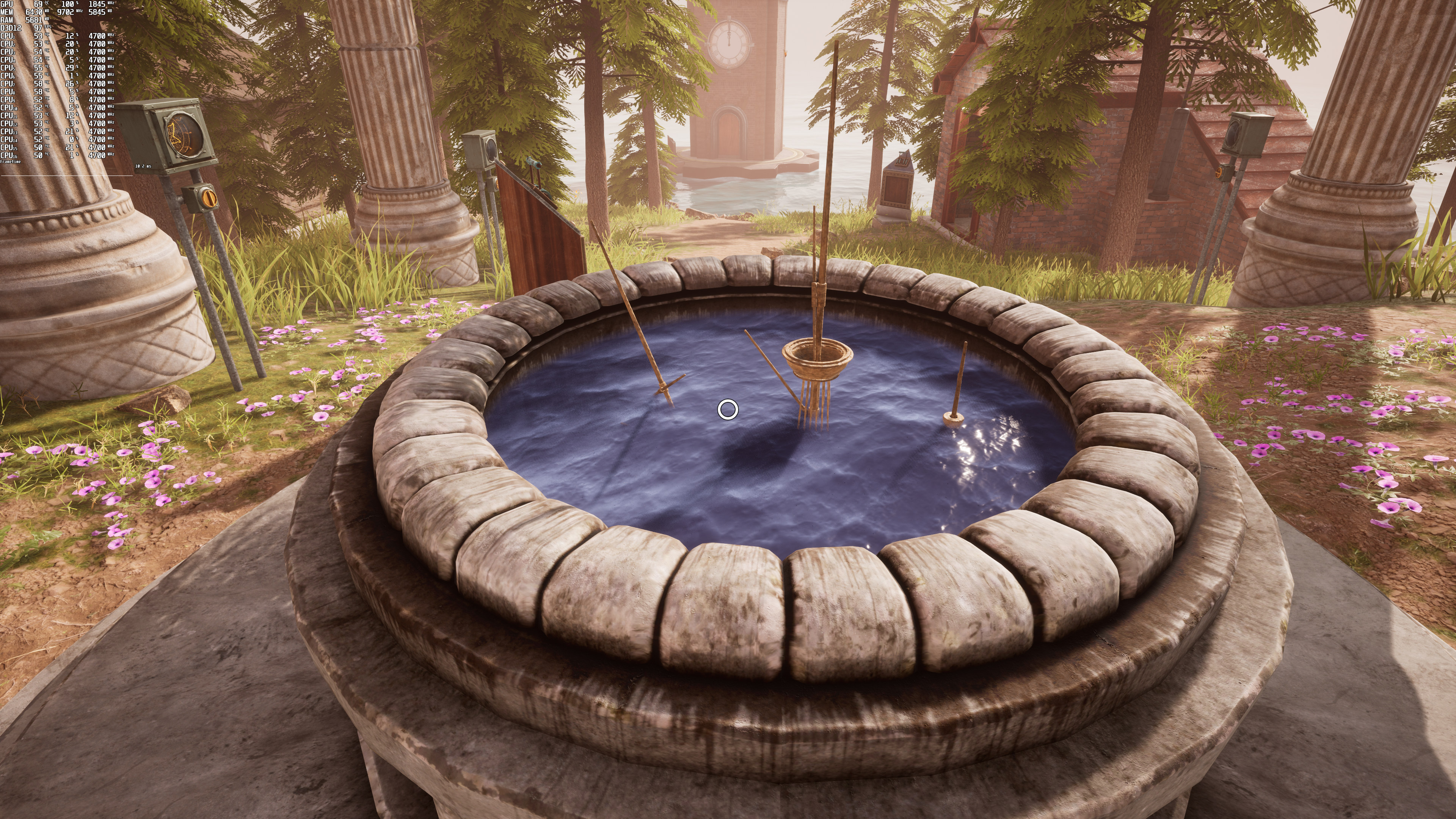
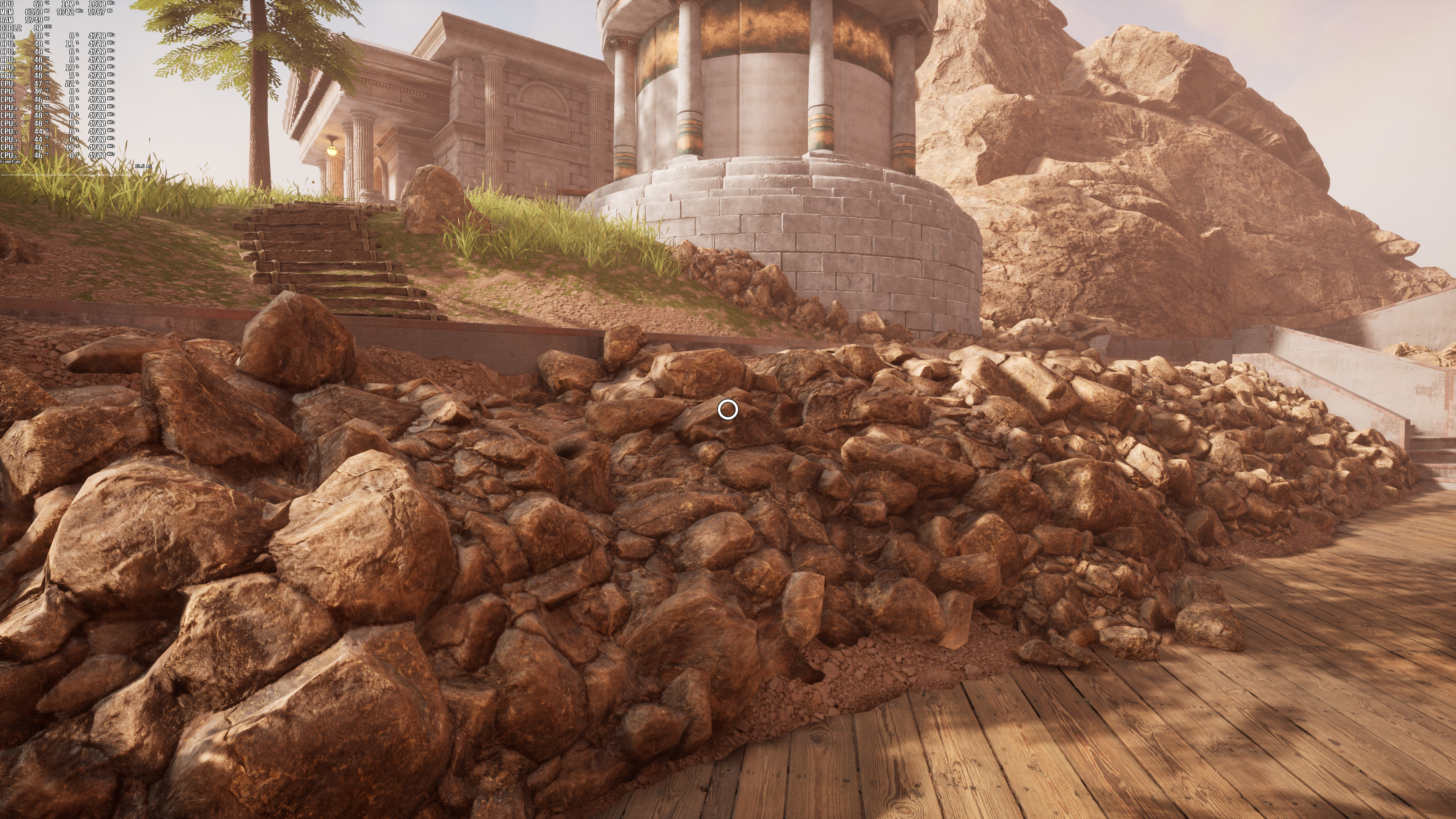
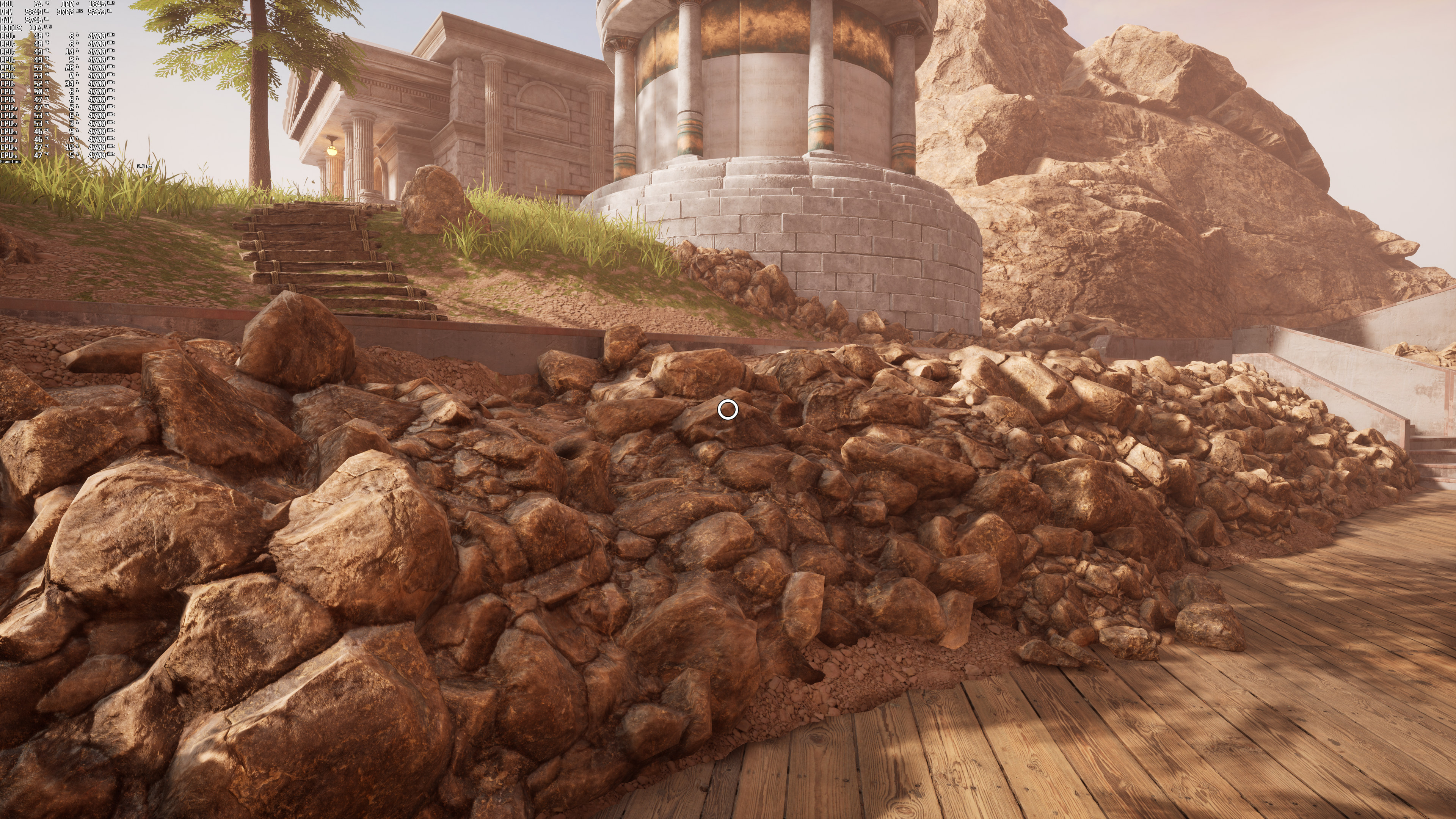
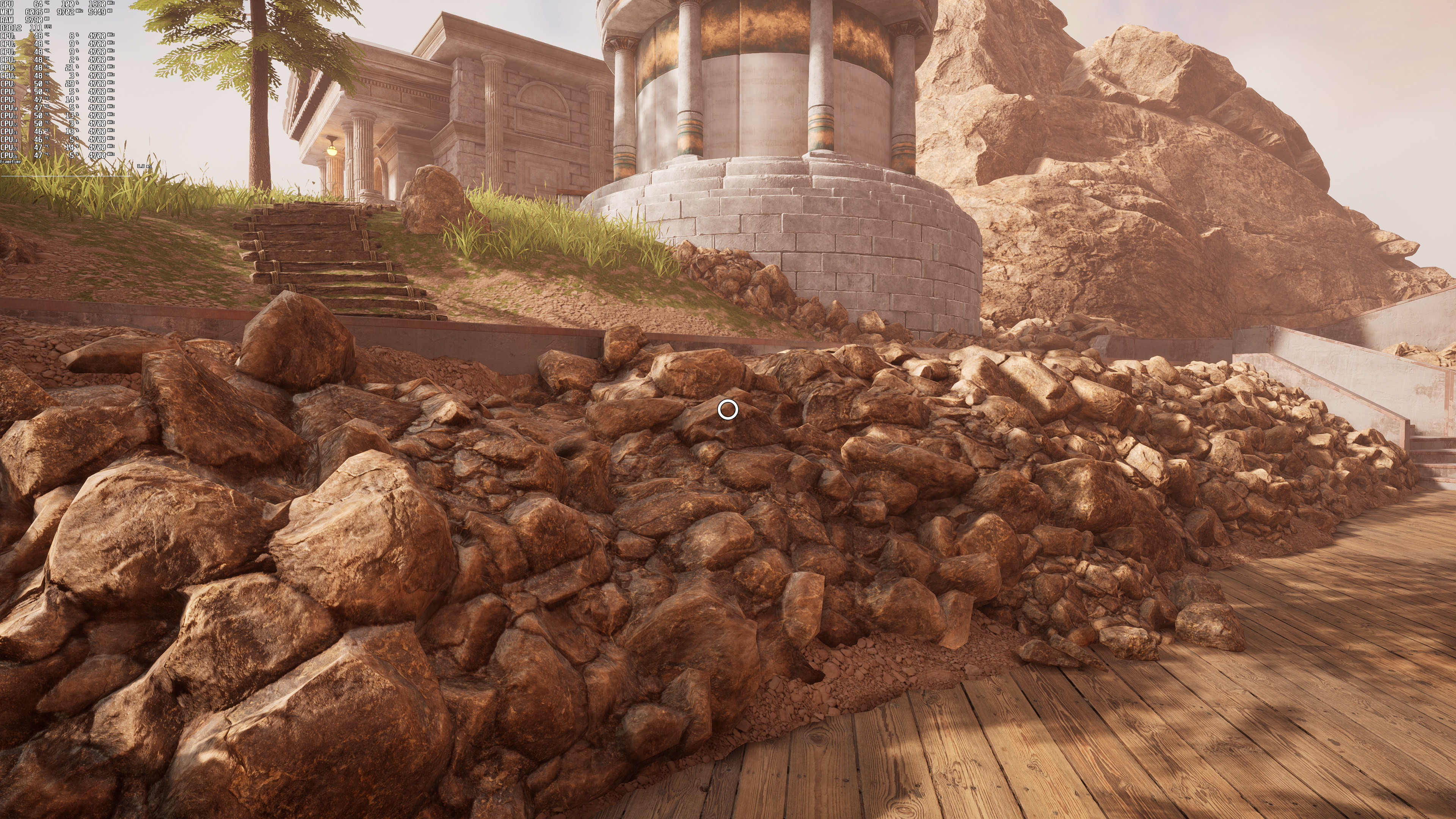
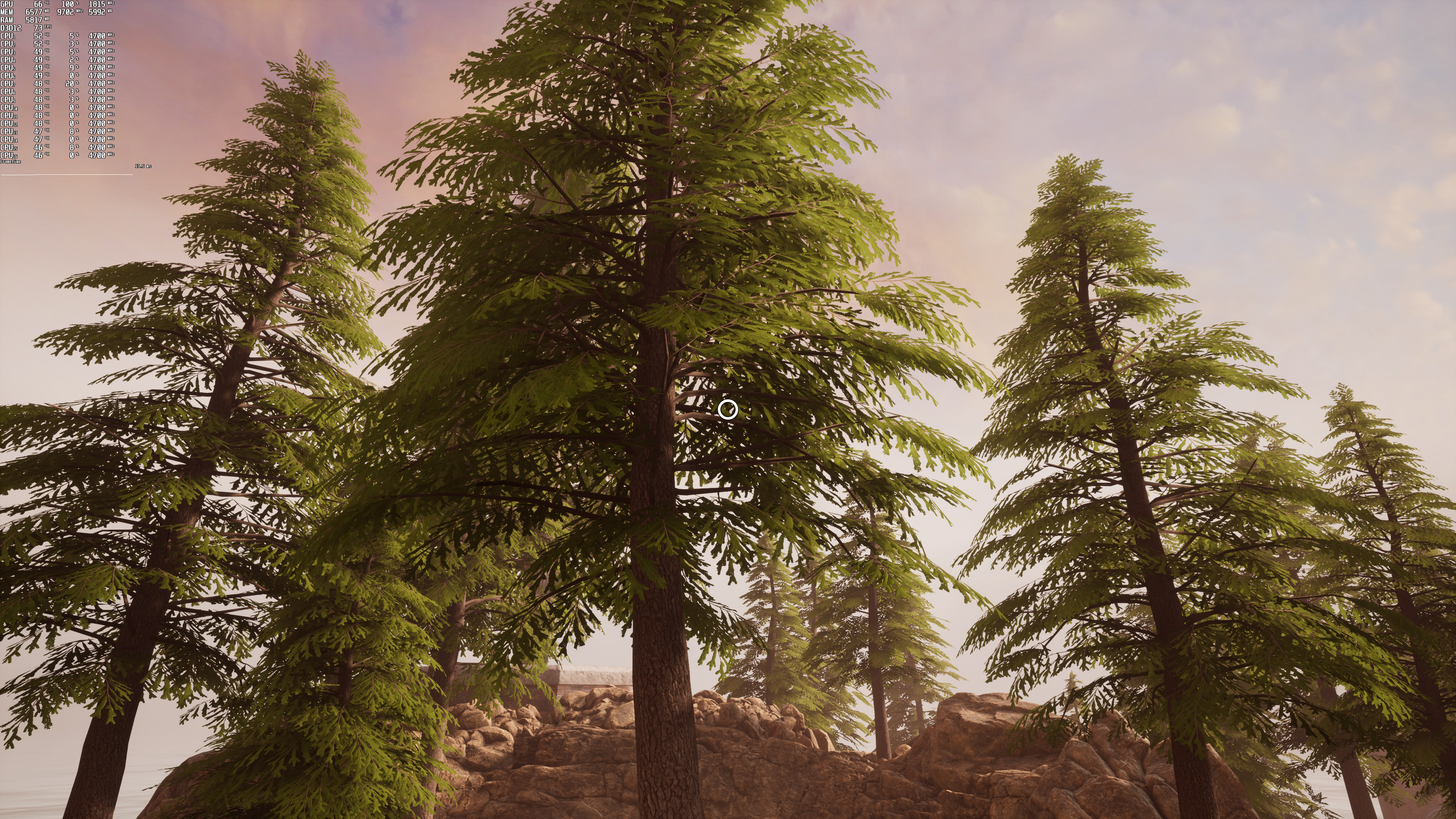
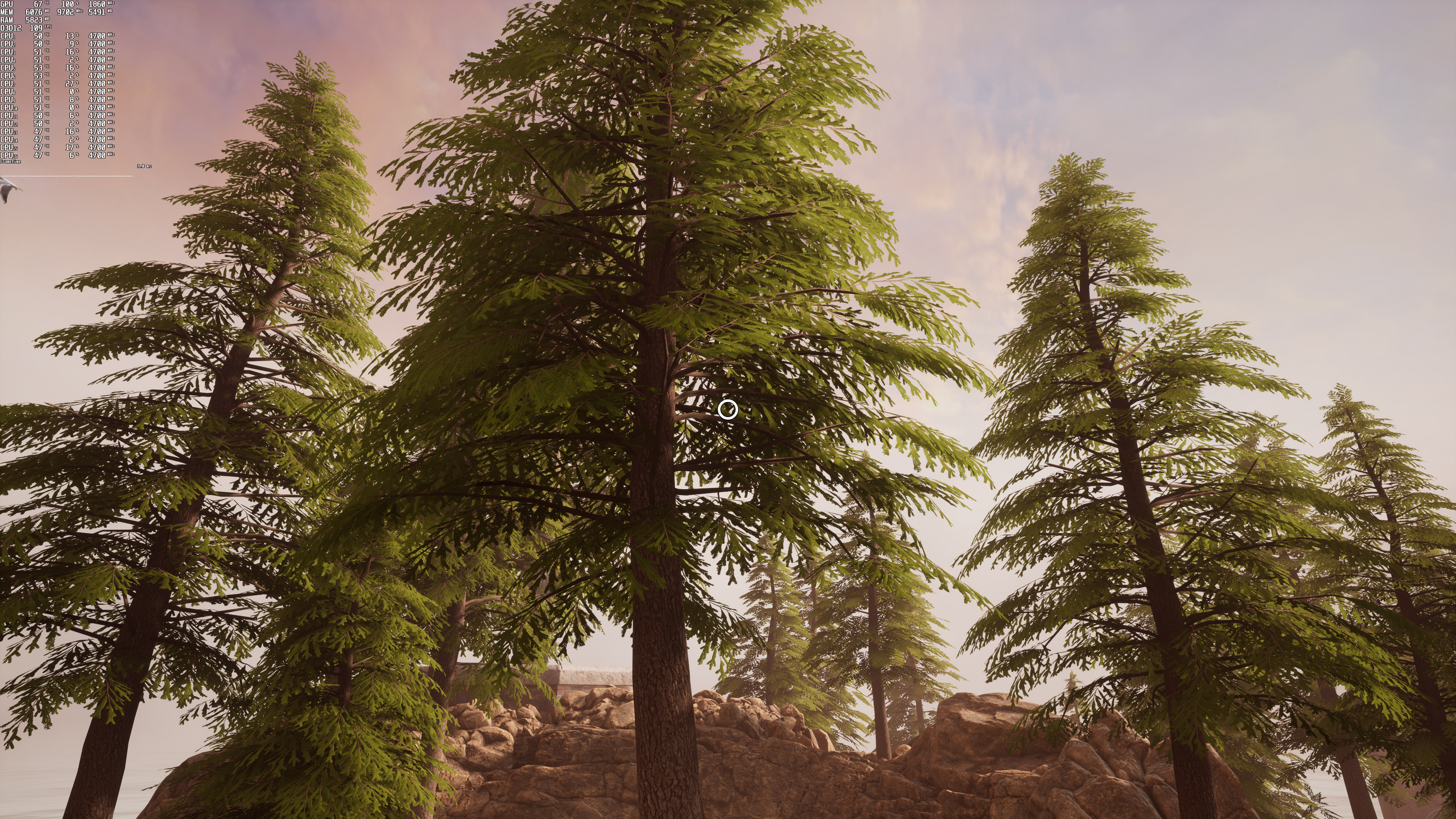
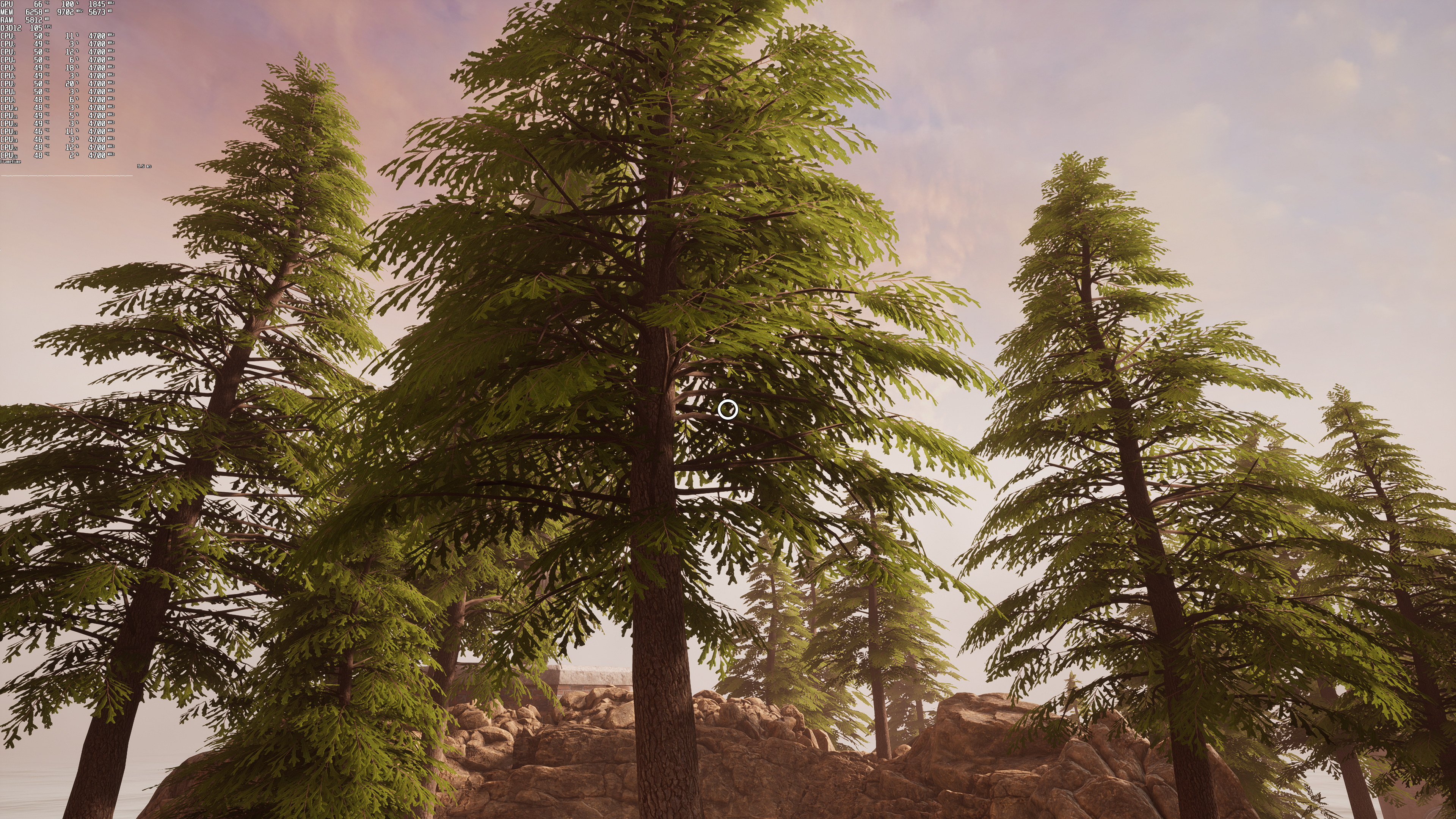
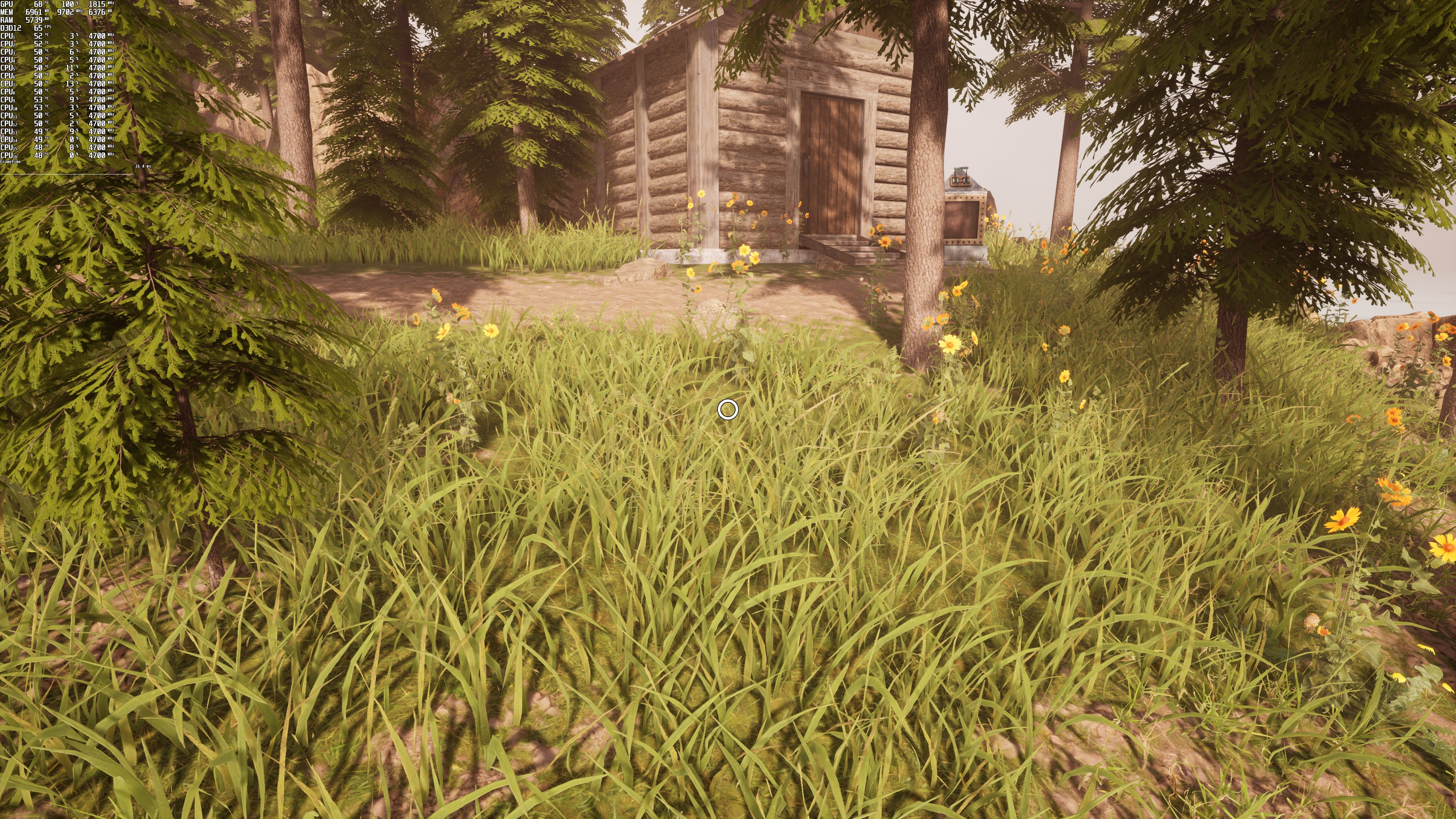
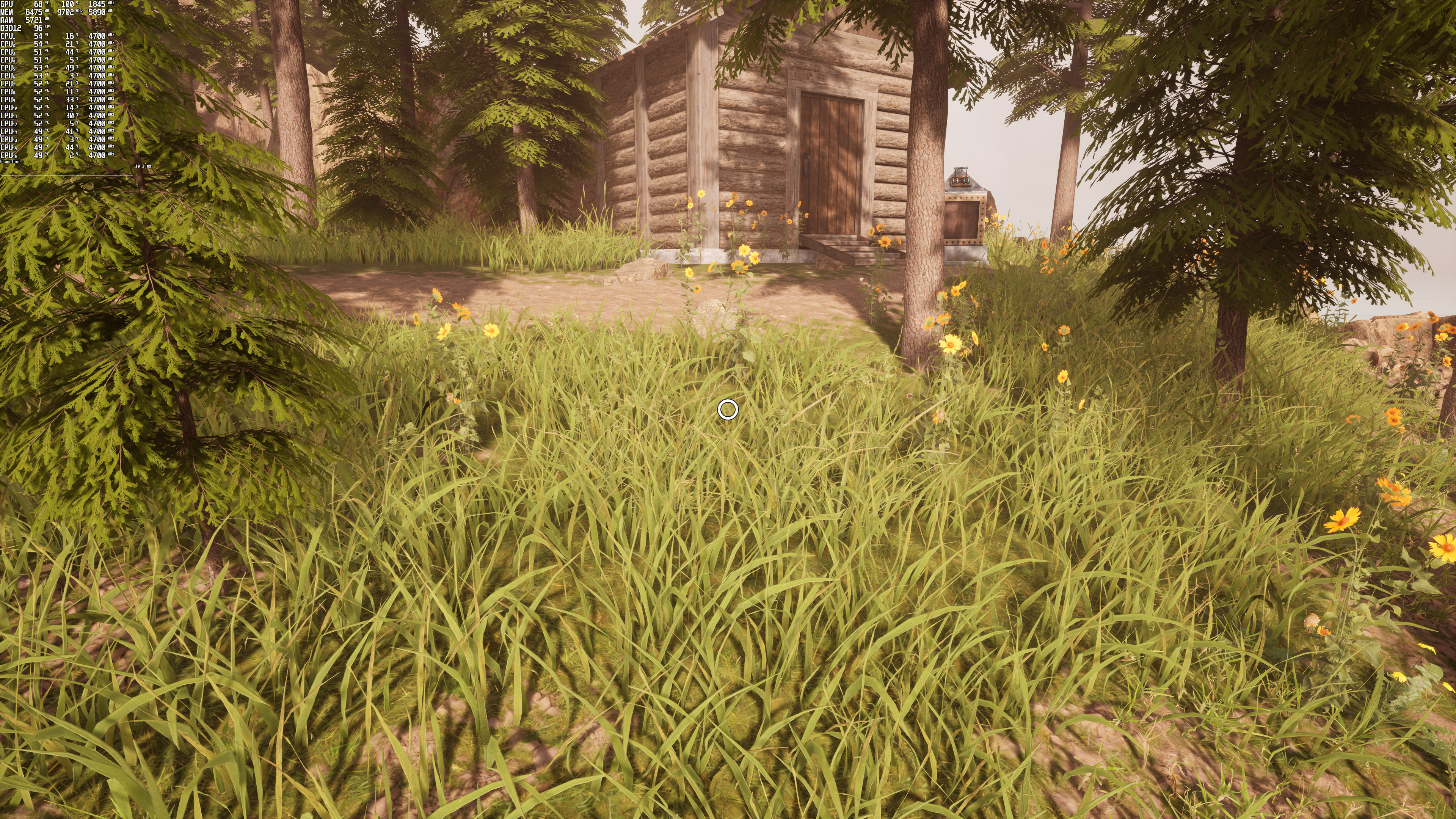
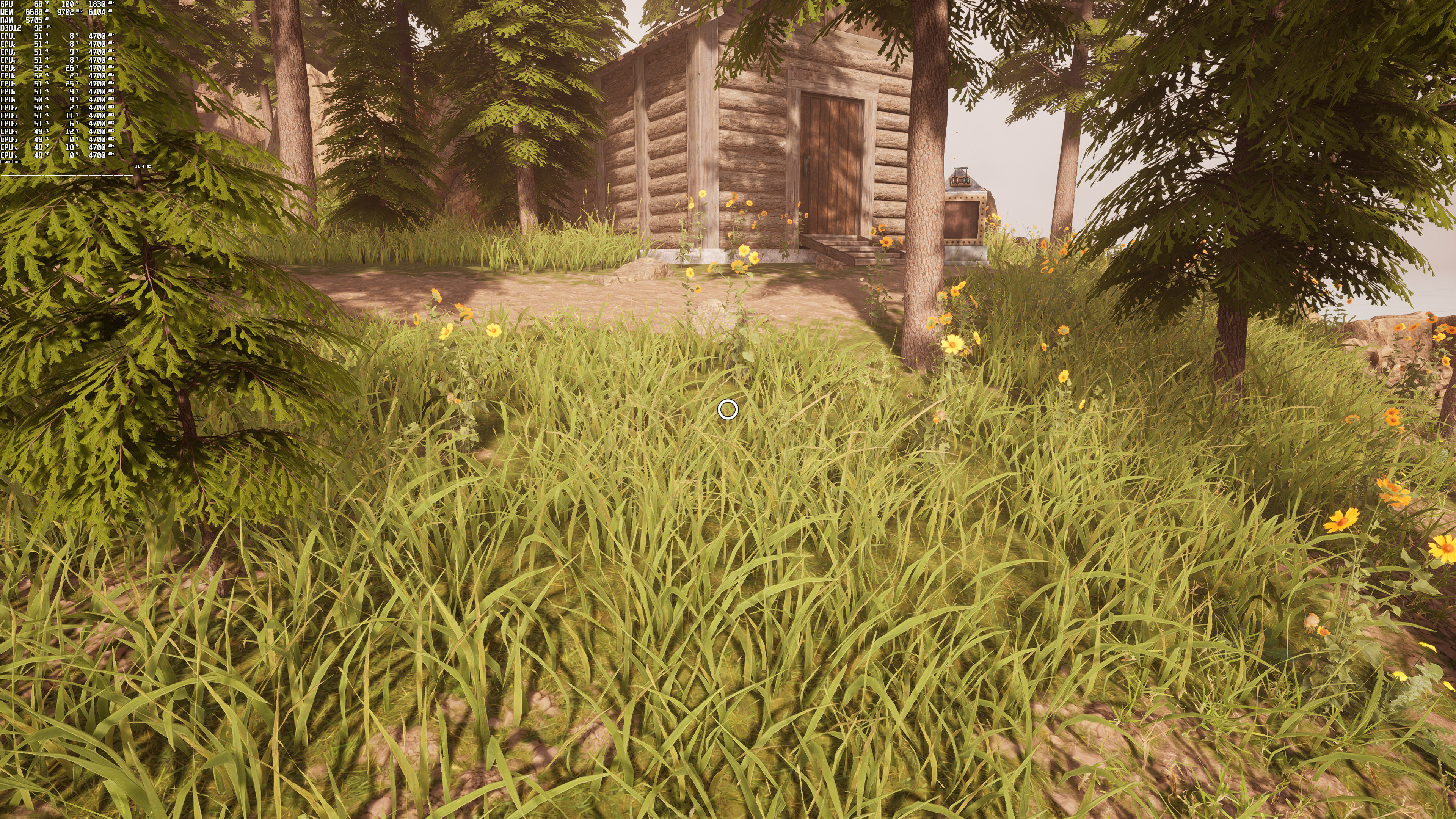
As we can see, DLSS does an excellent job at eliminating jaggies. In fact, it can beat native resolution in most cases. Not only that, but it runs noticeably faster than both native 4K and AMD FSR. However, and similarly to native 4K, DLSS looks a bit soft. To its credit, DLSS manages to maintain the softness of native 4K. However, I believe that the game would greatly benefit from an extra layer of sharpness. My guess is that Cyan did not properly adjust the DLSS sharpness. On the other hand, AMD FSR looks sharper than both native 4K and NVIDIA DLSS. However, there is way more aliasing with AMD FSR.
So yeah, DLSS and FSR have pros and cons here. Those that want to avoid jaggies should use DLSS and those that want a sharper image should use FSR. In my opinion, the best solution would be a hybrid between AMD FSR’s sharpness and NVIDIA DLSS’ better aliasing/performance.
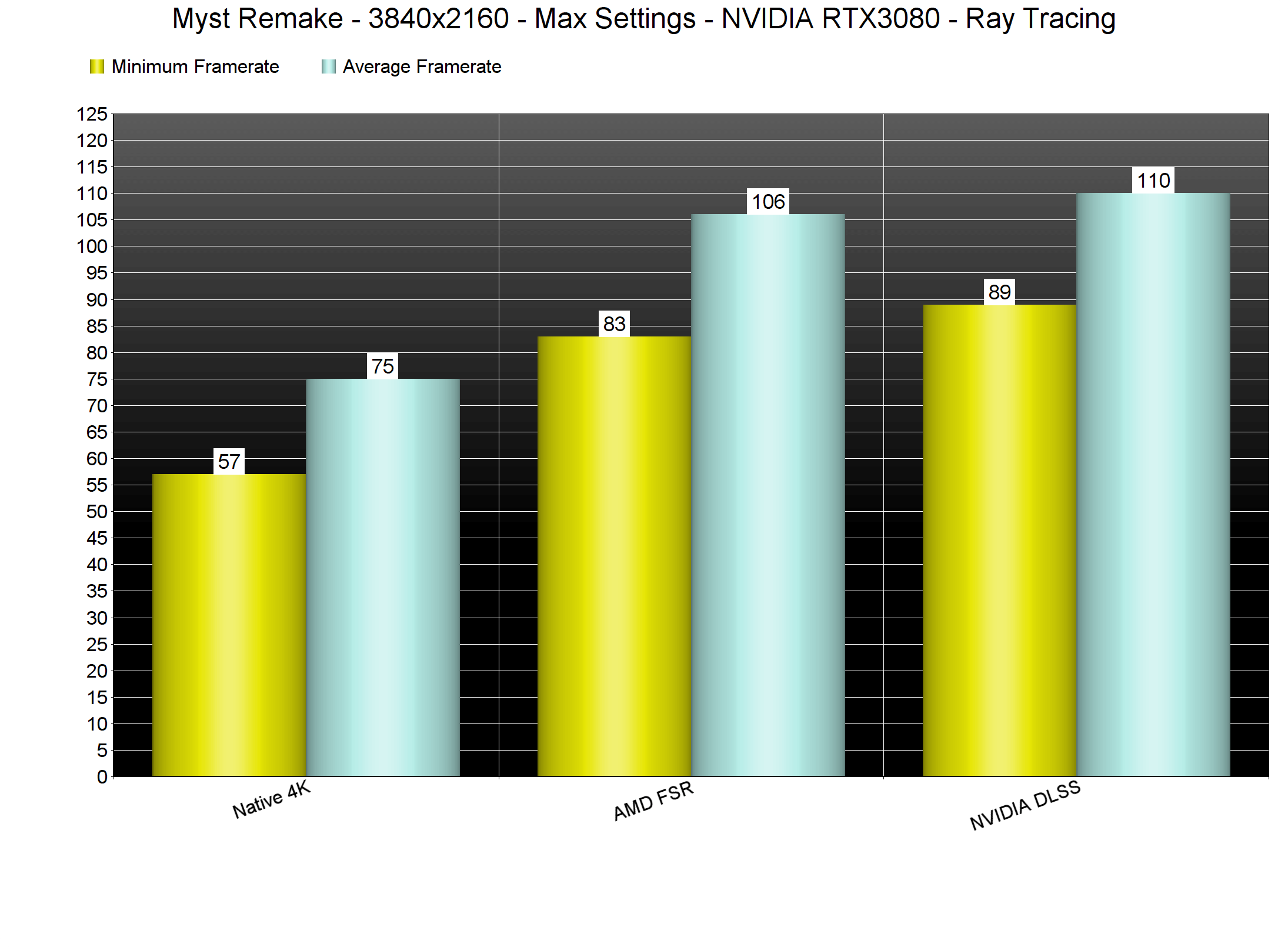
All in all, Myst can run great on a wide range of PC configurations without its Ray Tracing reflections. And while these ray-traced reflections require a lot of GPU power, PC gamers can either enable DLSS or FSR in order to improve performance. By using these techniques, you can run the game with more than 90fps in 4K/Max Settings with Ray Tracing on an RTX3080.

John is the founder and Editor in Chief at DSOGaming. He is a PC gaming fan and highly supports the modding and indie communities. Before creating DSOGaming, John worked on numerous gaming websites. While he is a die-hard PC gamer, his gaming roots can be found on consoles. John loved – and still does – the 16-bit consoles, and considers SNES to be one of the best consoles. Still, the PC platform won him over consoles. That was mainly due to 3DFX and its iconic dedicated 3D accelerator graphics card, Voodoo 2. John has also written a higher degree thesis on the “The Evolution of PC graphics cards.”
Contact: Email